KitGuru KitGuru.net – Tech News | Hardware News | Hardware Reviews | IOS | Mobile | Gaming | Graphics Cards


The Geekom GeekBook M16 enters the market as a larger, budget-focused 16-inch companion to the X14 Pro we reviewed earlier this year. Sitting roughly $200 cheaper, it retains the powerful 16-core Intel Core Ultra 9 185H processor but makes significant cuts to the display, memory, and storage to hit its price point. On paper, it looks like a calculated compromise for those wanting top-tier CPU power on a tighter budget. But do these cost-saving measures result in a cohesive, balanced machine, or is the M16 crippled by its own spec sheet?
Timestamps:
00:00 Intro
00:52 M16 vs X14 Pro
02:02 The screen
03:08 Battery life
05:03 RAM + Storage situation
07:24 Keyboard + trackpad (need improvement)
09:50 Other design elements
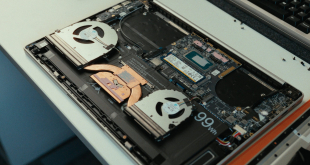
12:33 The thermal paste issue…
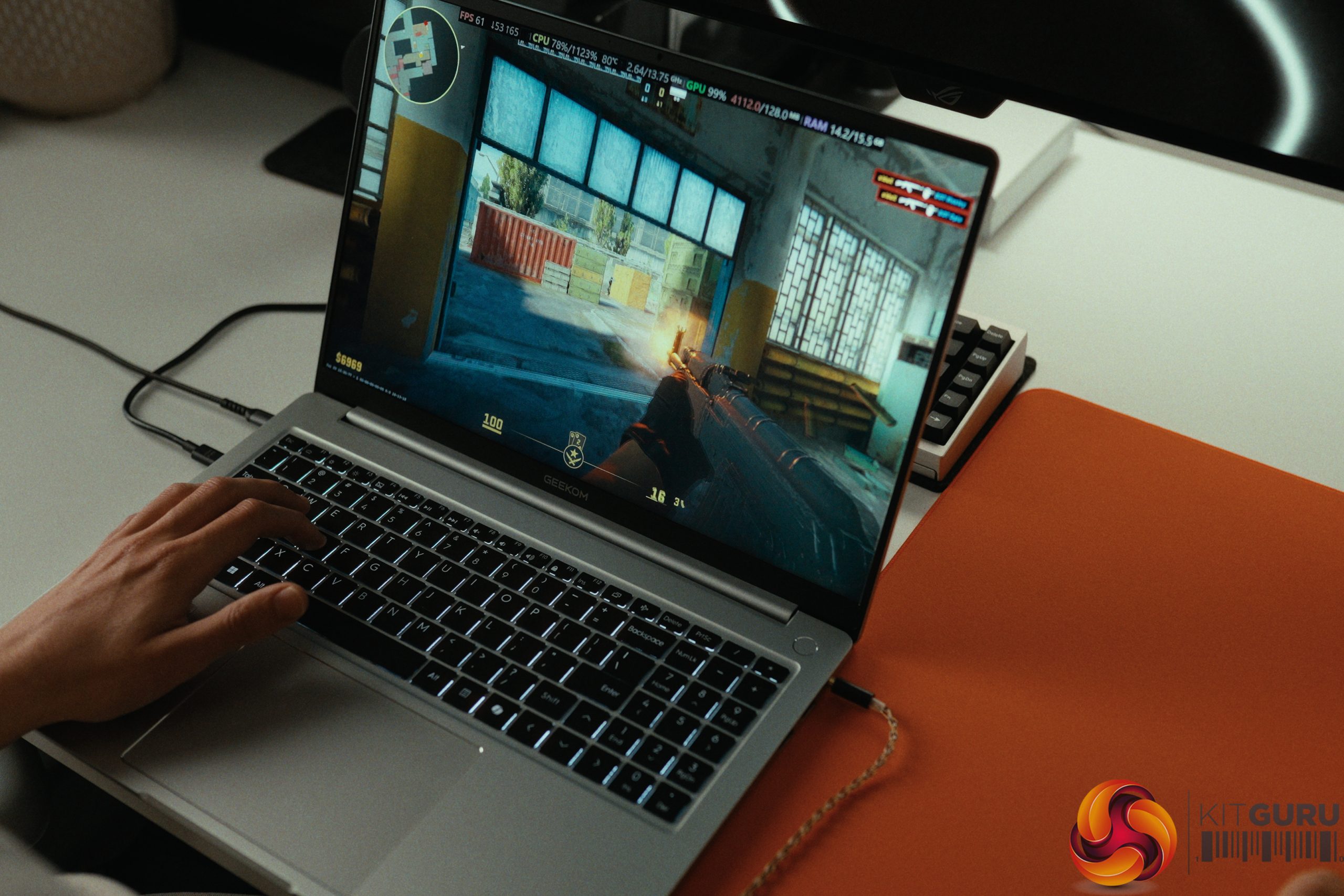
15:04 Gaming performance
16:21 Closing thoughts
Specifications:
- Processor: Intel Core Ultra 9 185H (16 Cores, 22 Threads, 45W limit).
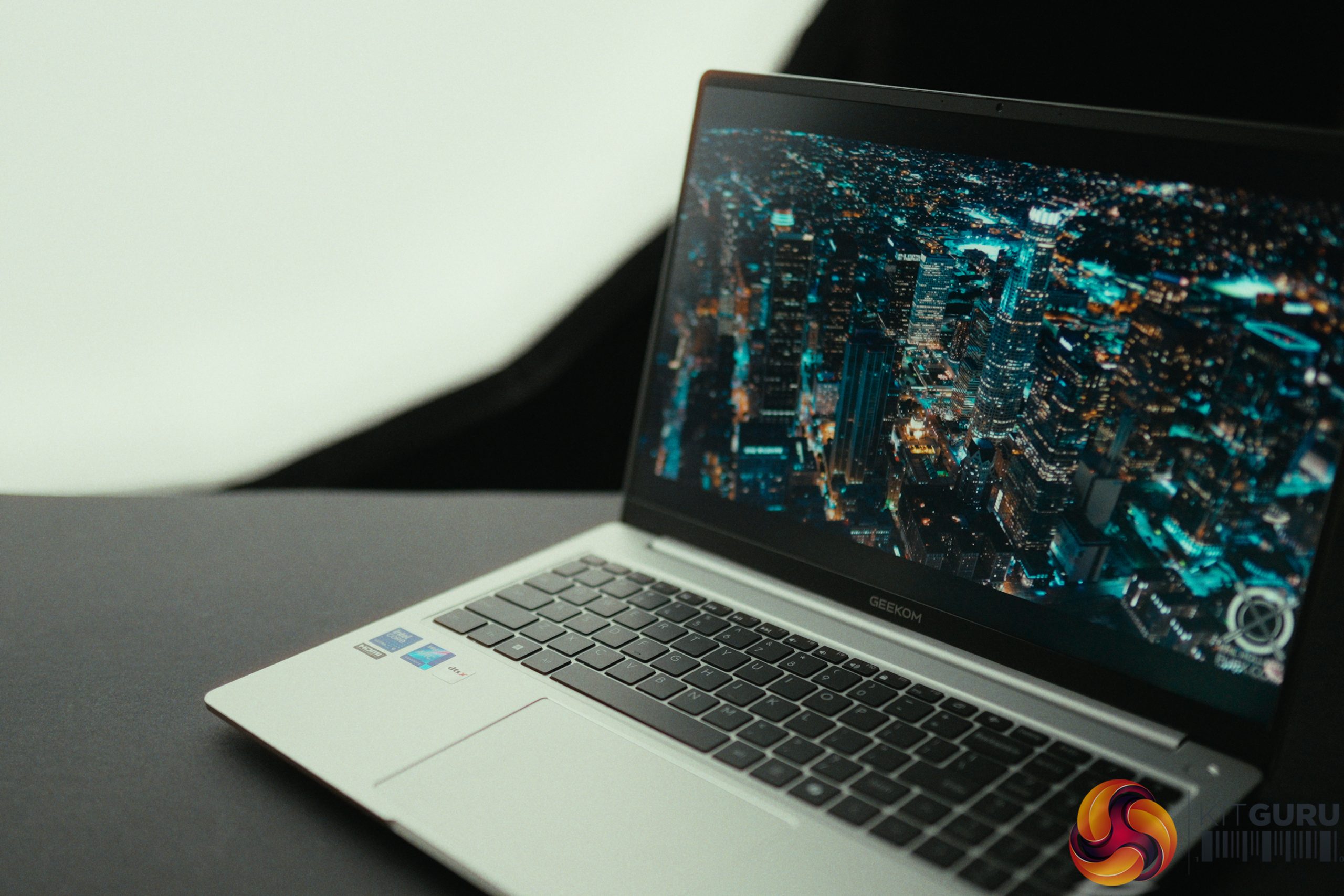
- Display: 16-inch IPS, 1920×1200, 60Hz, 318 nits (No VRR).
- Memory: 16GB LPDDR5 6400MHz (Soldered).
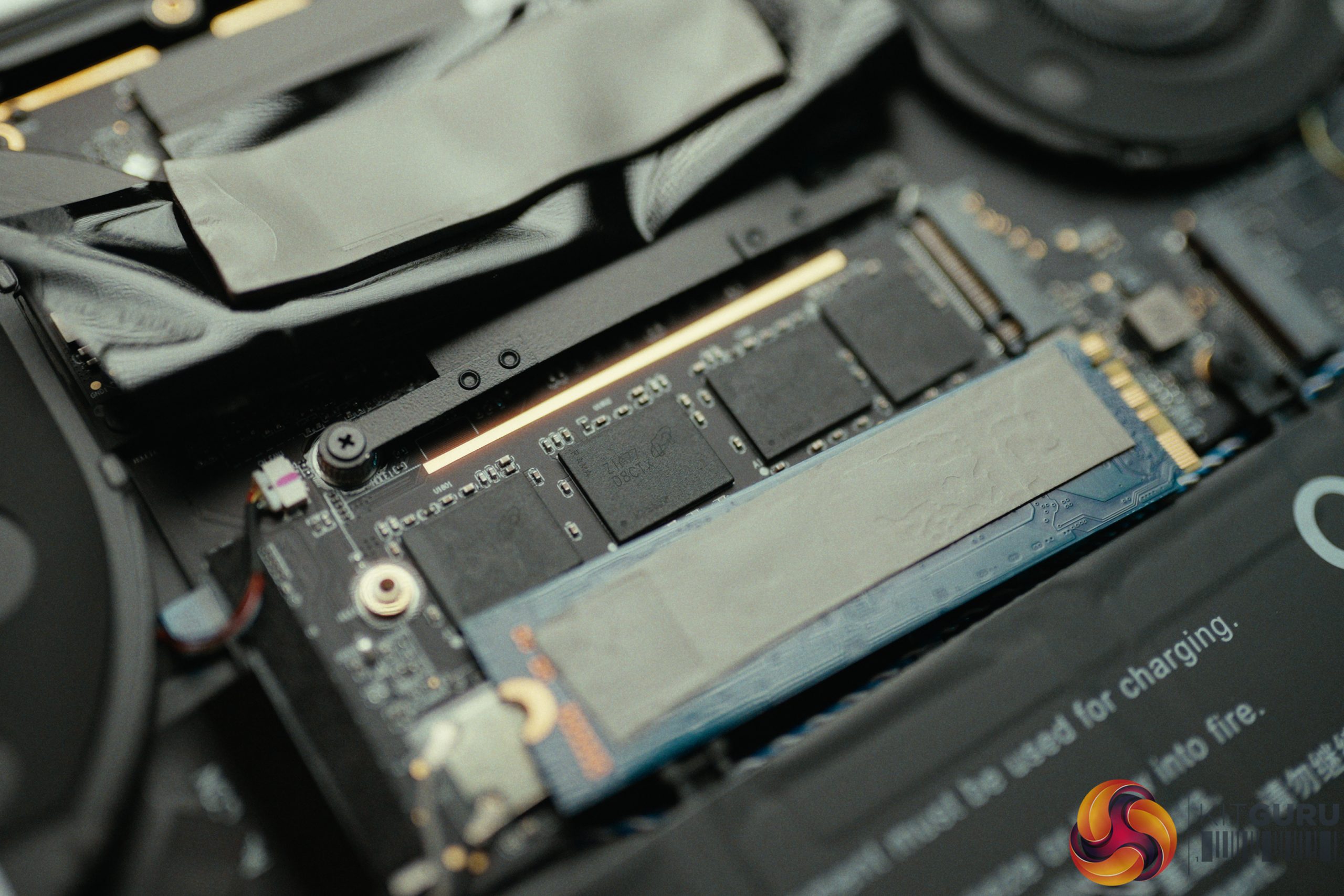
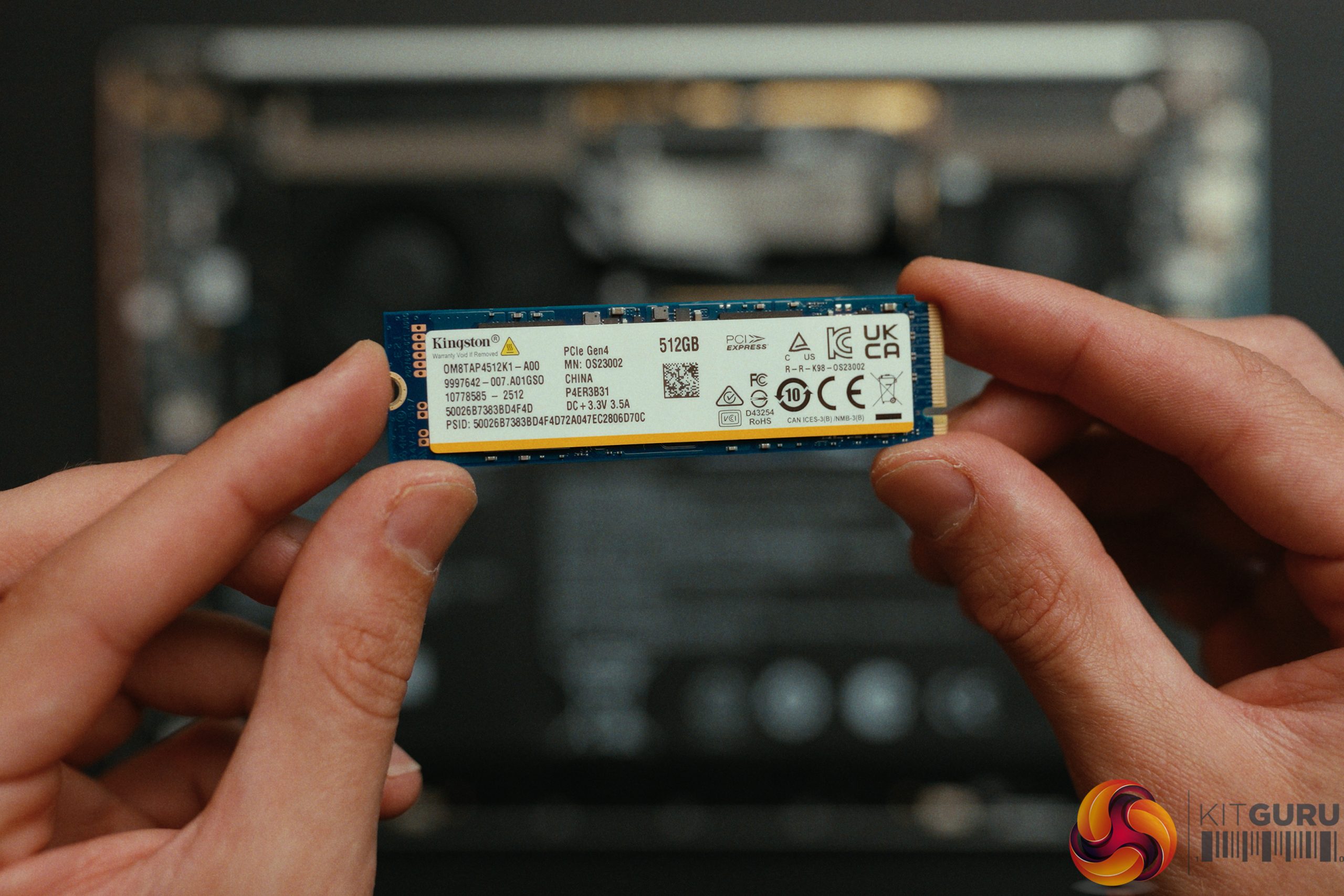
- Storage: 512GB Kingston QLC PCIe SSD (No DRAM cache).
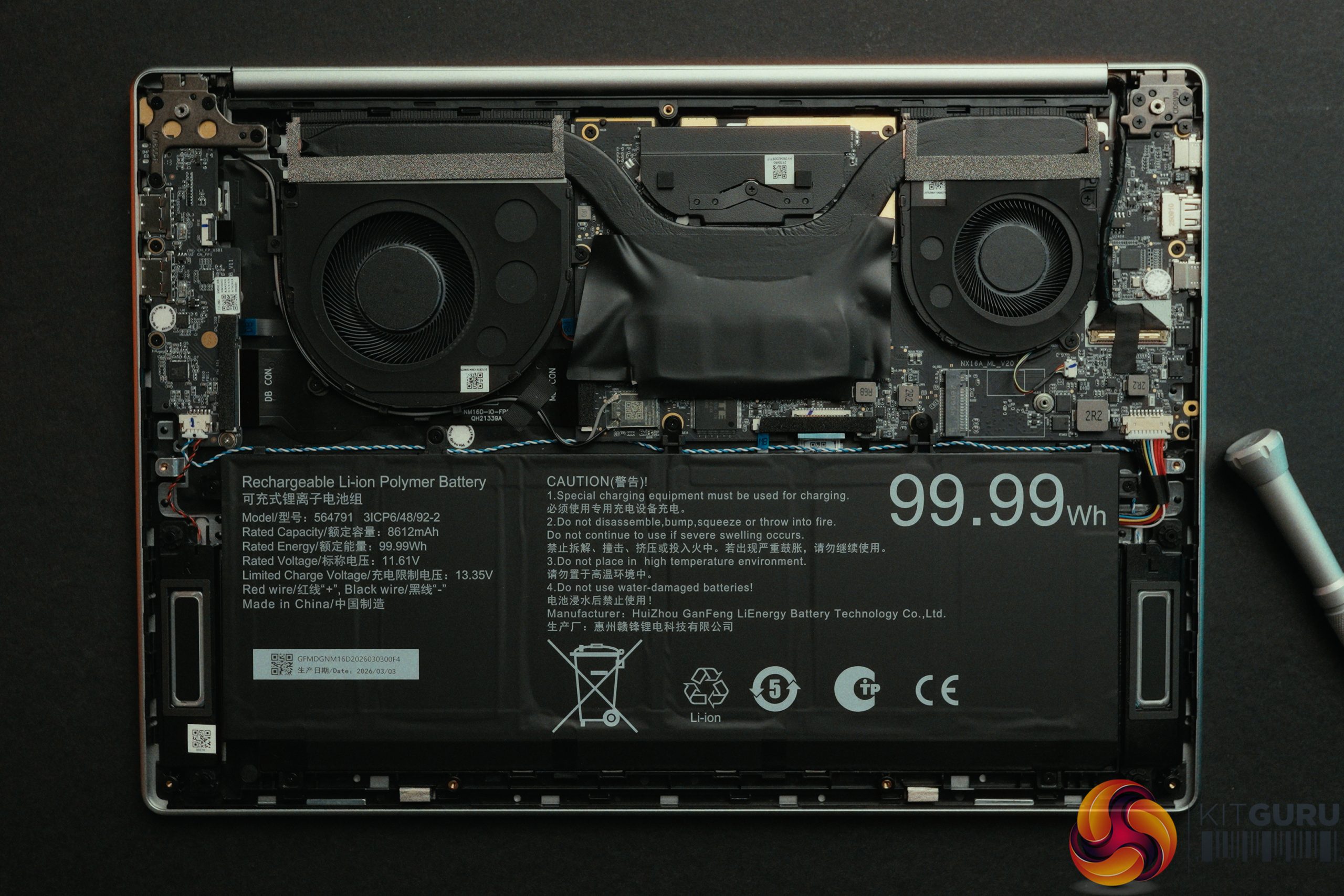
- Battery: 99.99Wh with 100W USB-C Charging.
- Dimensions: 16-inch Aluminum Chassis.
Closing Thoughts
The Geekom M16 is a somewhat unbalanced machine. By dropping the price $200 below the X14 Pro, Geekom had to make compromises, but they arguably made the wrong ones. The gorgeous OLED screen is gone, replaced by a dim, blue-tinted 60Hz IPS panel that lacks VRR, resulting in screen tearing during games. More alarmingly, the 512GB Kingston QLC SSD is so slow that it actively bottlenecks basic Steam game downloads on a Gigabit connection, and in our usage, its health degraded rapidly due to the system heavily relying on the page file to compensate for the soldered 16GB of RAM.
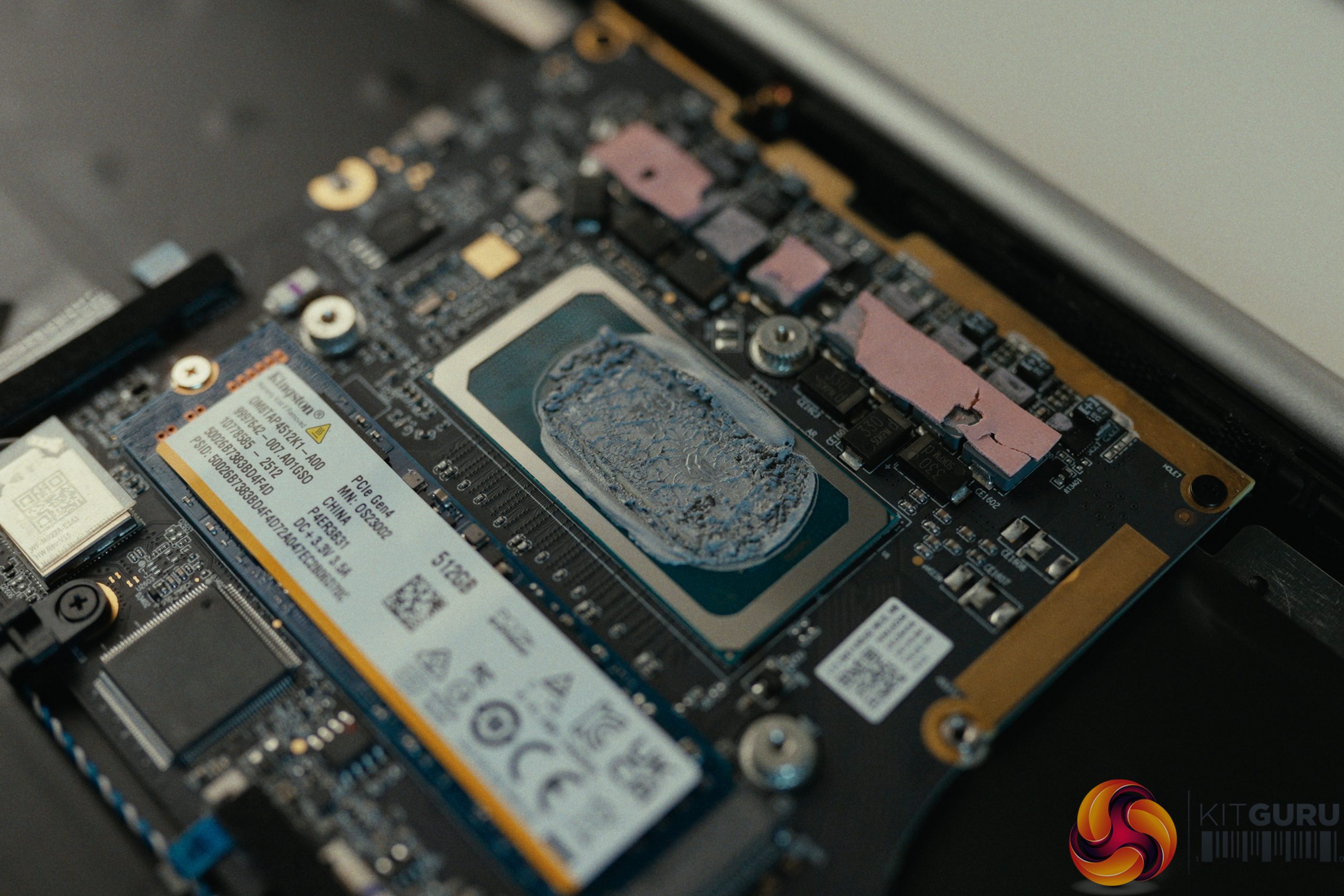
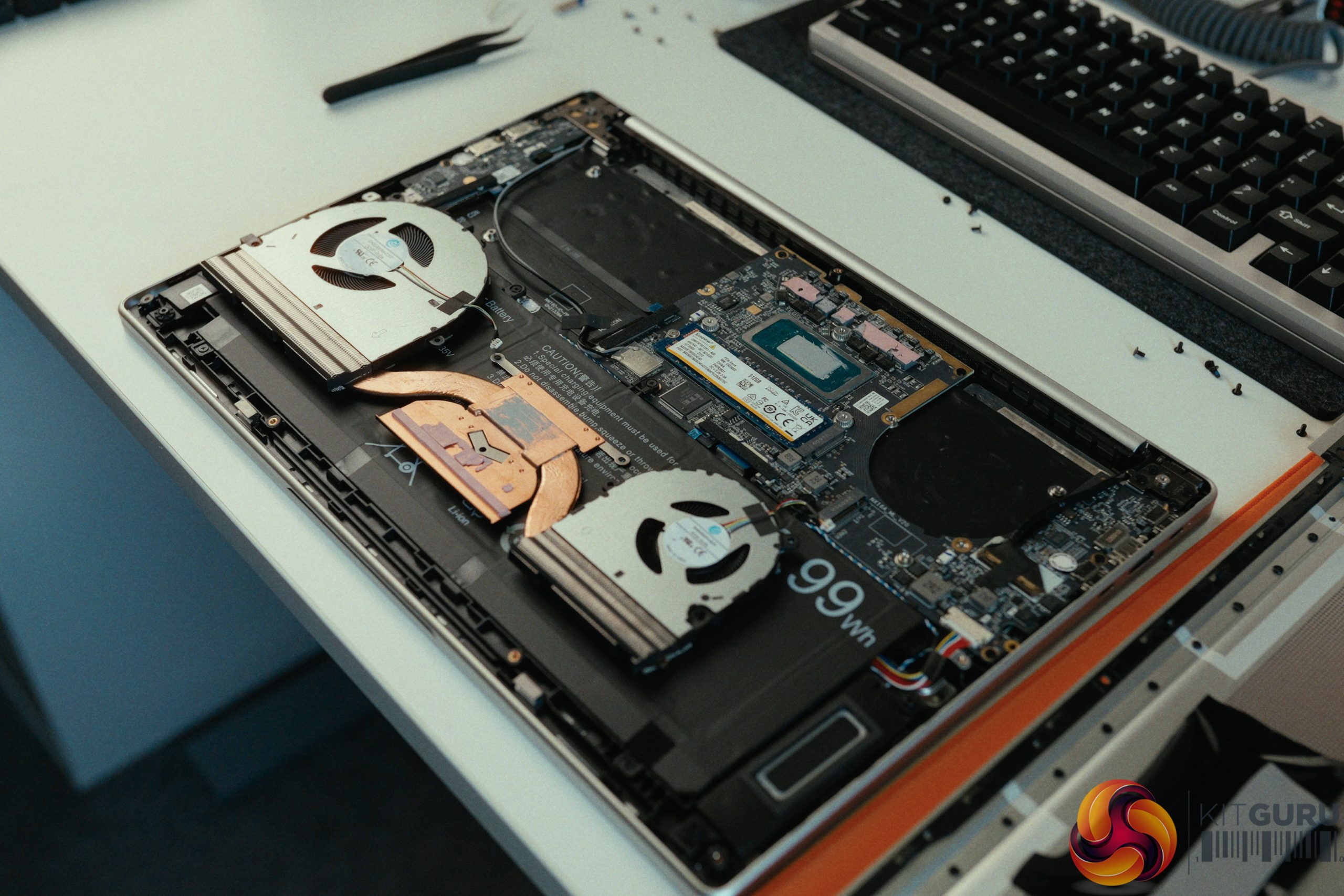
There's other areas that still need to be improved, too. The trackpad remains jumpy and inconsistent, and the stock thermal paste application remains clearly sub-optimal. Out of the box, the M16's 45W CPU barely outperformed the 35W X14 Pro. It wasn't until we manually opened the laptop and repasted the CPU that we unlocked a massive 29.7% performance jump in Cinebench. The hardware is physically capable, but trapped behind this poor thermal goop.
Ultimately, the M16 just doesn't feel like a balanced laptop. It pairs a power-hungry, high-end 16-core processor with bottom-of-the-barrel storage and a mediocre screen. It isn't good for video editors, it certainly isn't good for gamers, and we'd argue average users would be better served by a laptop with a weaker, more efficient CPU paired with significantly better RAM and storage.
Geekom sent over the following discount code and retail links for our readers, but please note these are NOT affiliate links and we do not get a kickback from any purchases:
- 12% OFF Coupon Code: KITGBOOKM16
- Amazon (US)
- Official Store (US)
Pros:
- Massive 99.99Wh battery provides solid uptime (around 8 hours of 4K video playback).
- Upgraded 100W charger is included in the box.
- Redesigned bottom speaker grille eliminates the chassis vibration issues found on the X14 Pro.
- Massive performance headroom (nearly 30%) if you are willing to manually repaste the CPU.
Cons:
- Poor out-of-the-box thermal paste causes significant CPU bottlenecking.
- Slow QLC SSD bottlenecks Gigabit internet downloads and degraded quickly in our testing.
- Mediocre 60Hz IPS screen with poor colour accuracy (Delta E of 14) and no VRR.
- Jumpy, last-gen trackpad and an annoying keyboard layout (Airplane mode next to Backspace).
KitGuru says: The Geekom M16 pairs a high-end processor with bottom-tier storage and a mediocre screen, resulting in a frustratingly unbalanced laptop.