KitGuru KitGuru.net – Tech News | Hardware News | Hardware Reviews | IOS | Mobile | Gaming | Graphics Cards


In our previous video we looked at a final engineering sample of the Thermal Grizzly DeltaMate water block for the ROG Astral RTX 5090. This time around, it’s all about performance. We’re putting up the final retail version against three competing GPU blocks, from Corsair HydroX, Alphacool and EK, testing under identical conditions, to see how it stacks up for temperatures, overall performance and value. So let's dive straight into it…
Timestamps:
00:00 Thermal Grizzly DeltaMate
00:49 Final retail version / pricing against others
02:06 Unboxing
05:14 Install process
06:49 Block is installed -a closer look
08:29 Test Methodology
08:50 Temperatures
09:20 Core Frequency
09:42 Power Draw
10:01 Benchmark Performance
10:23 Results?
11:00 Installation thoughts and accessories
12:38 The Overall Experience
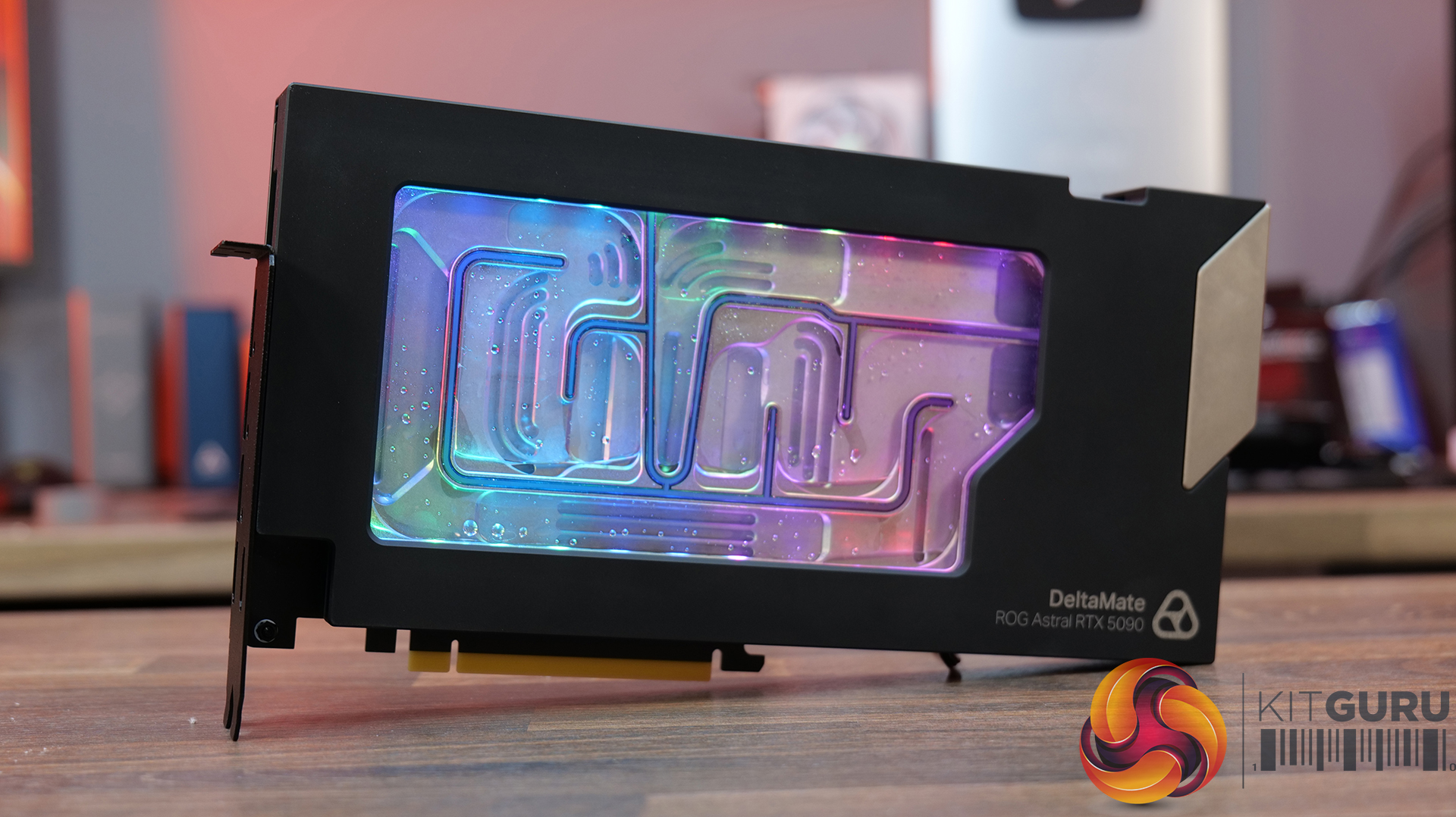
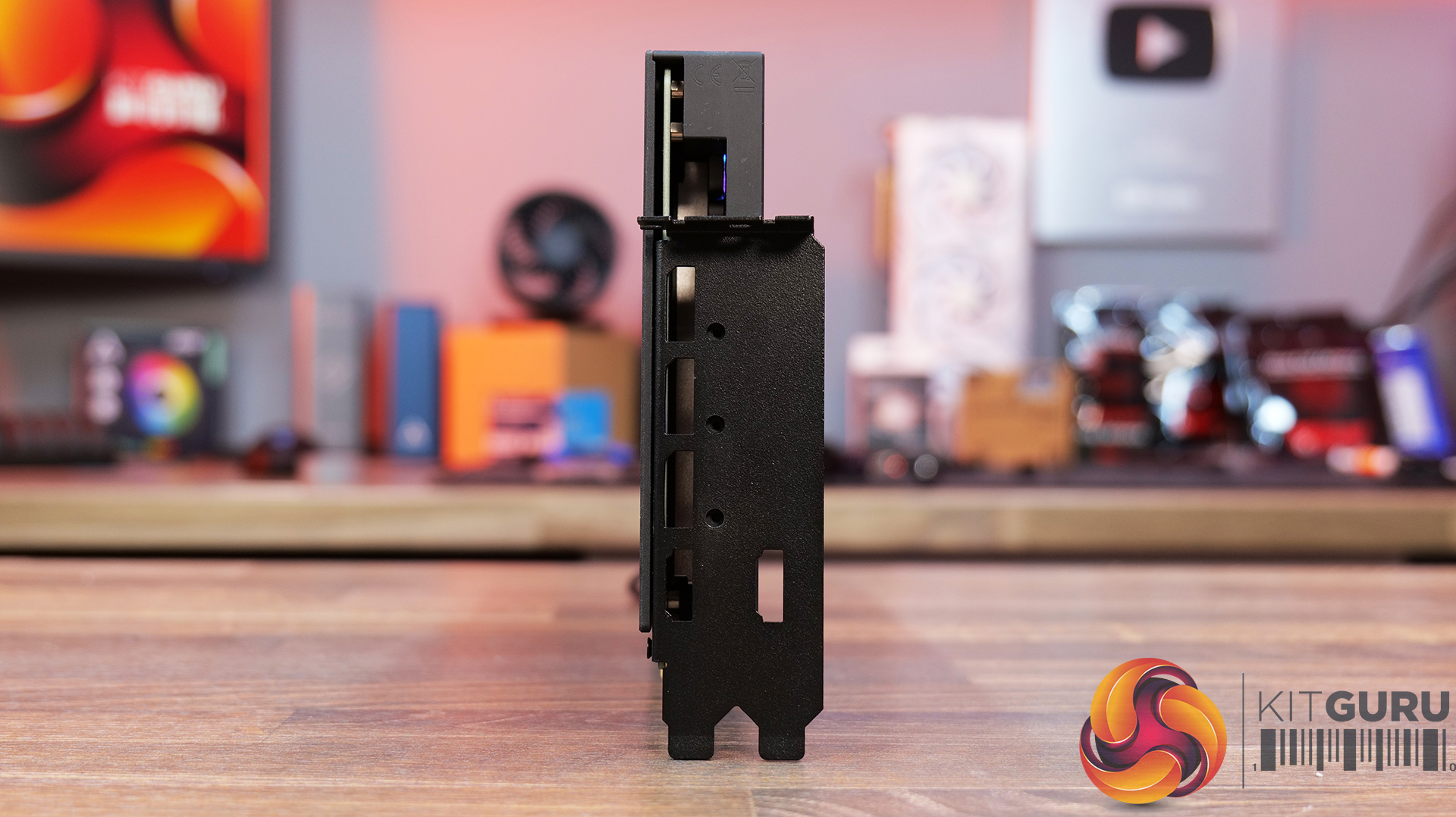
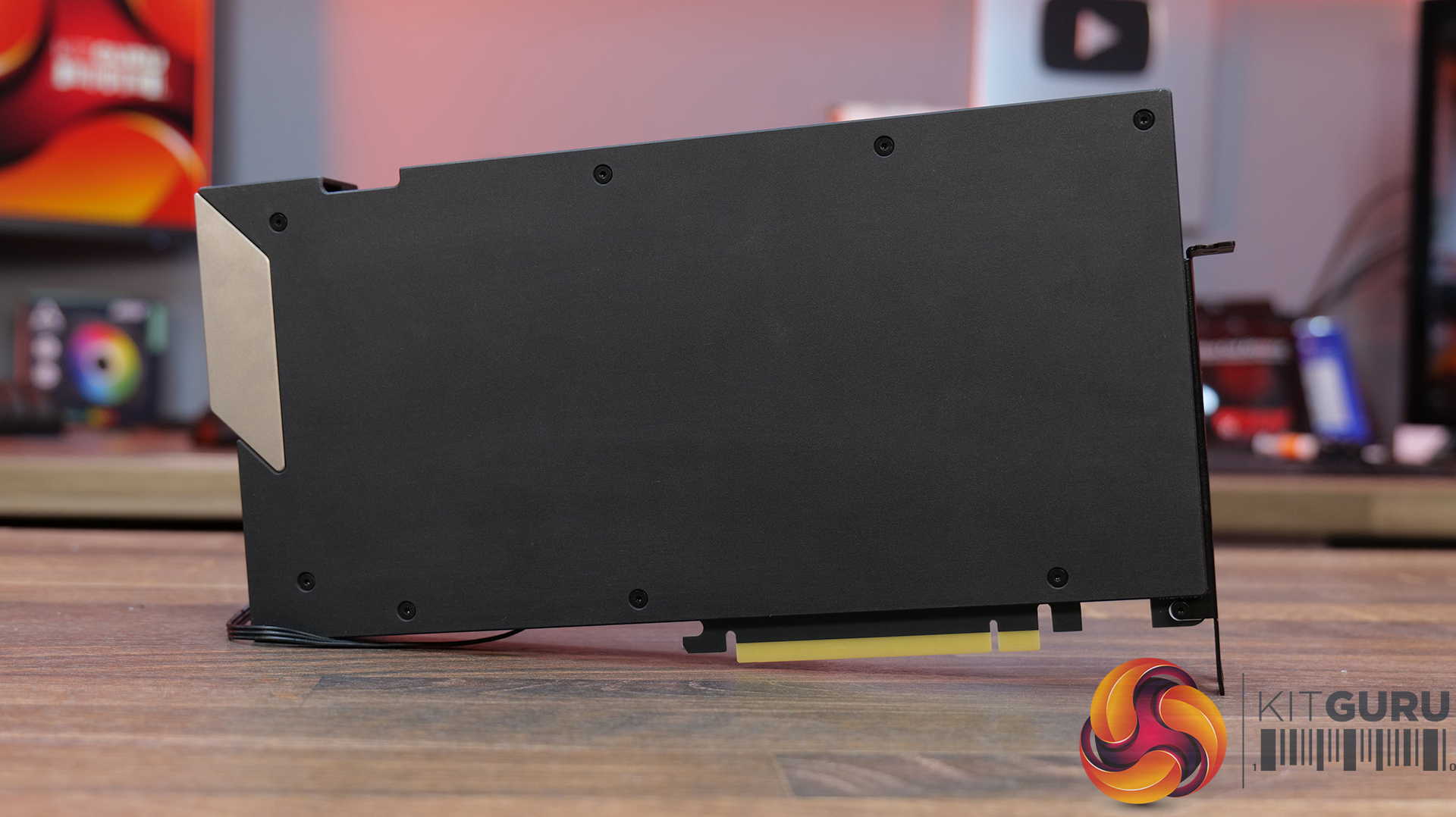
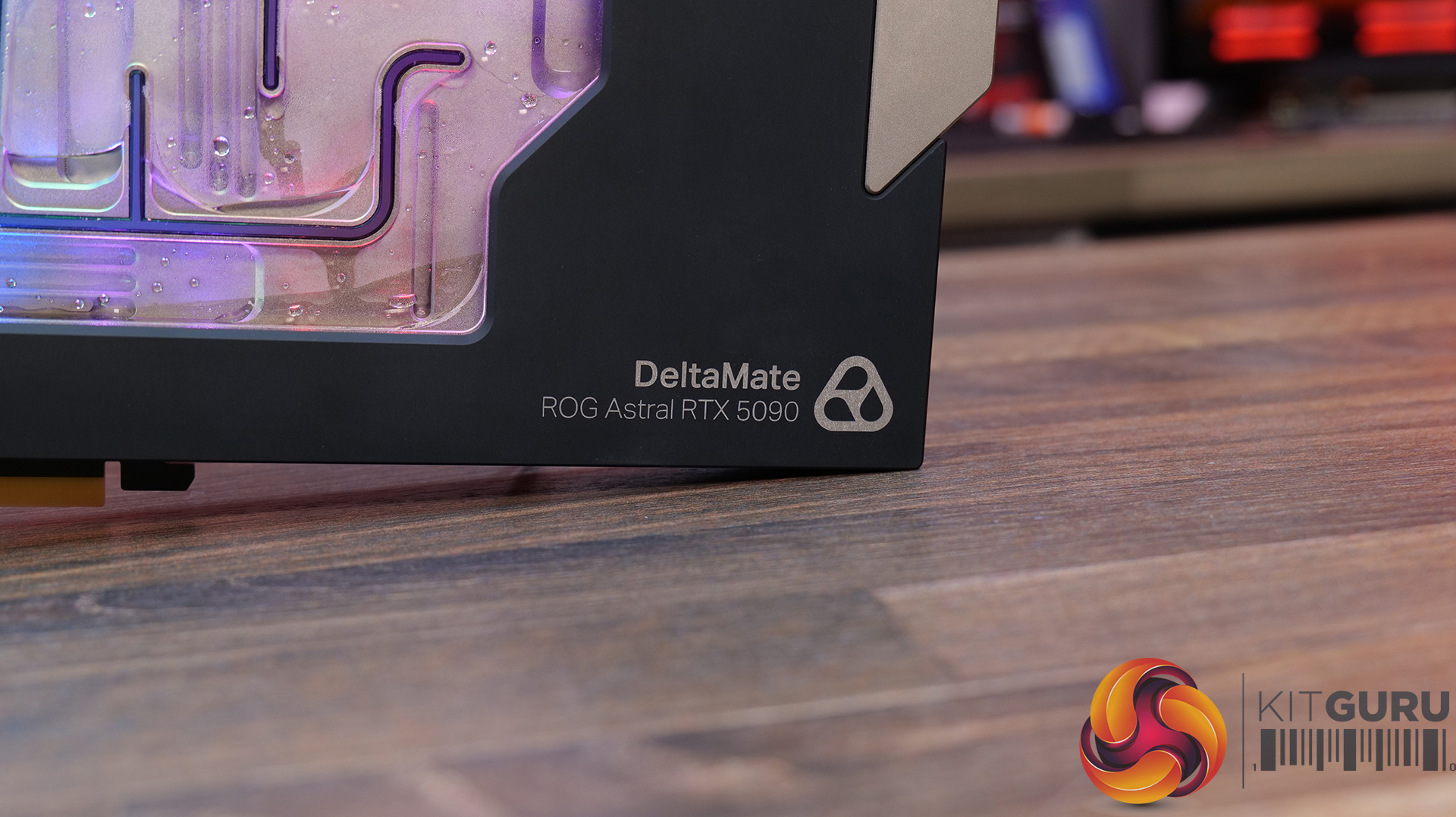
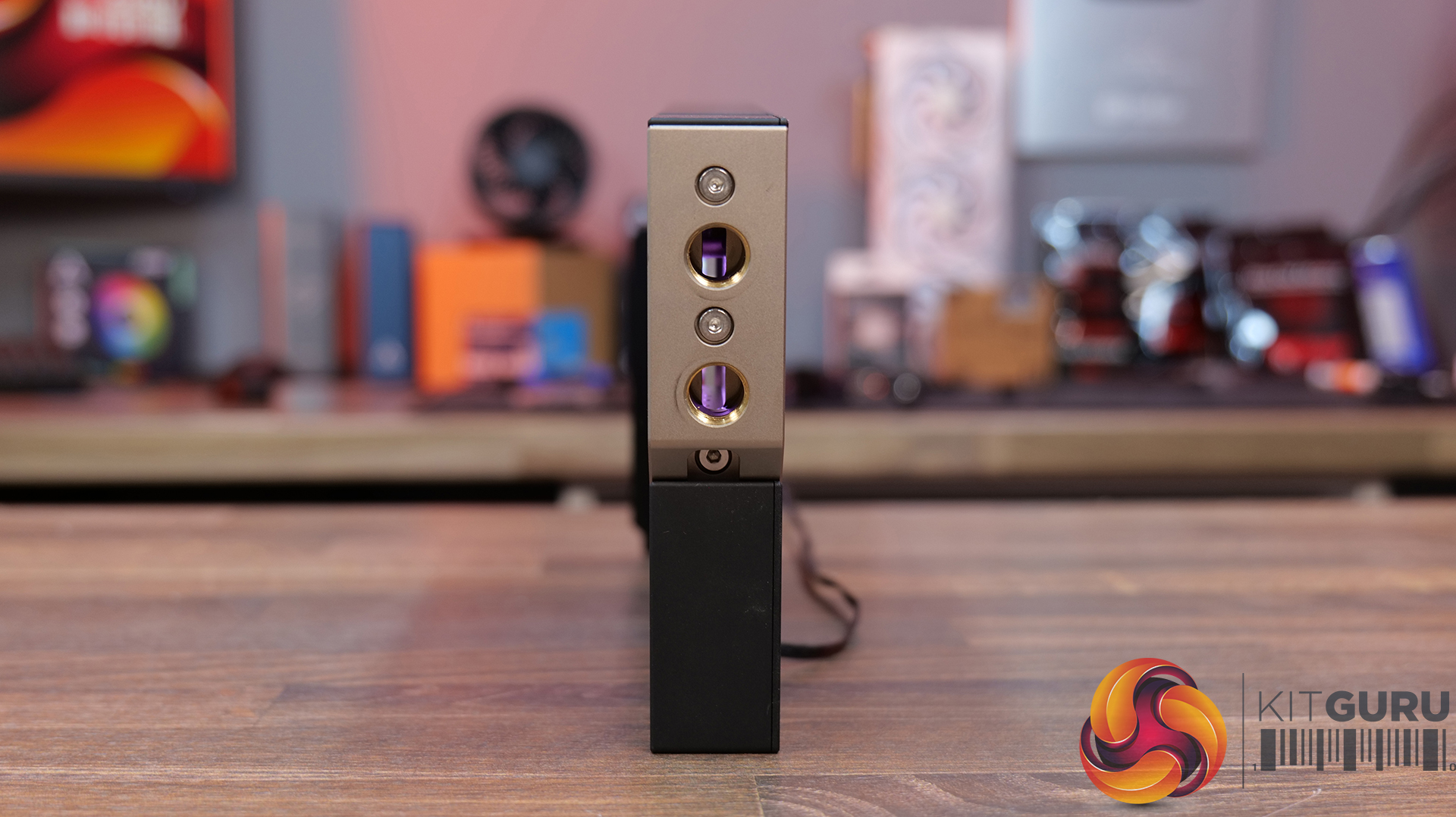
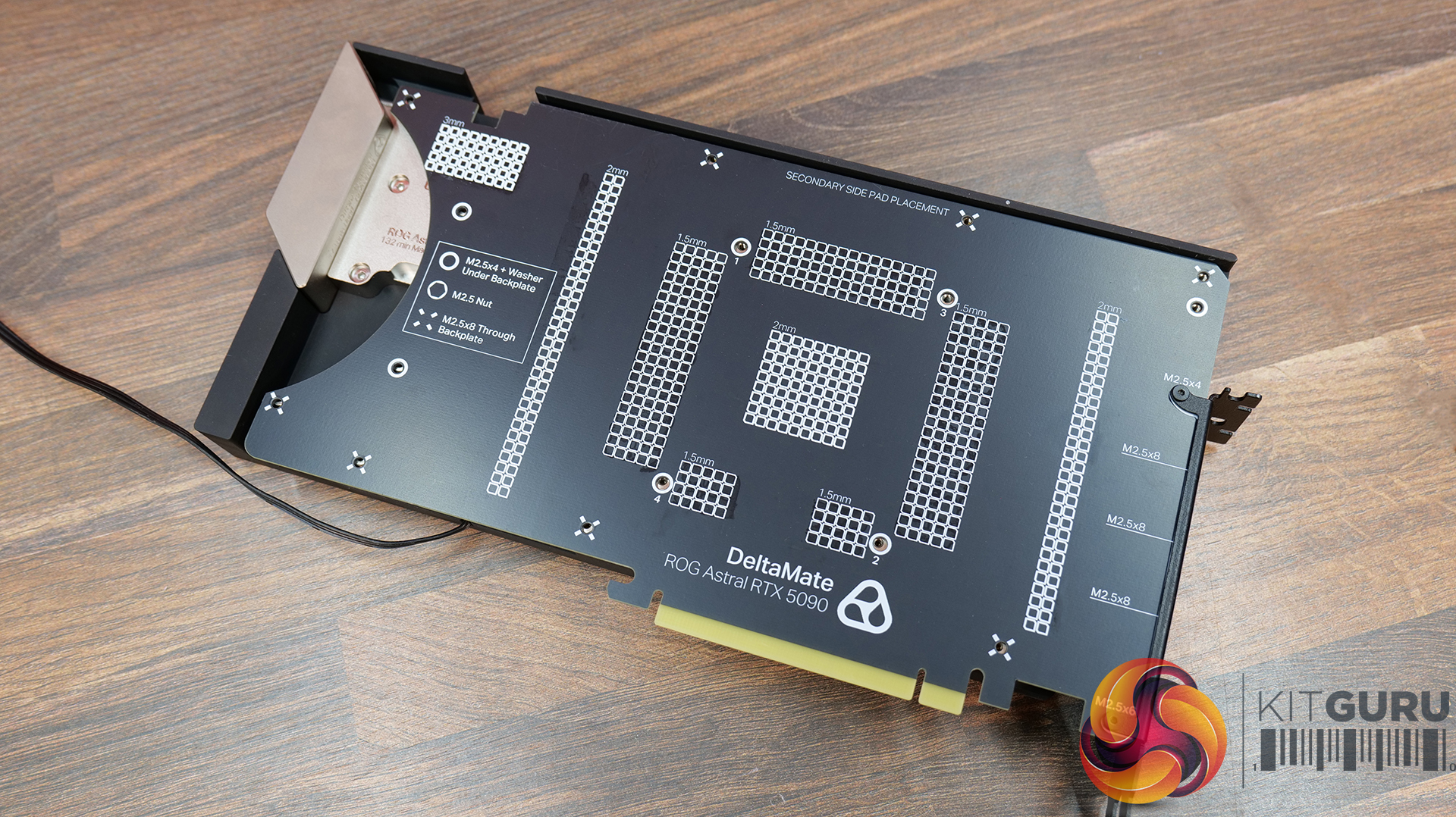
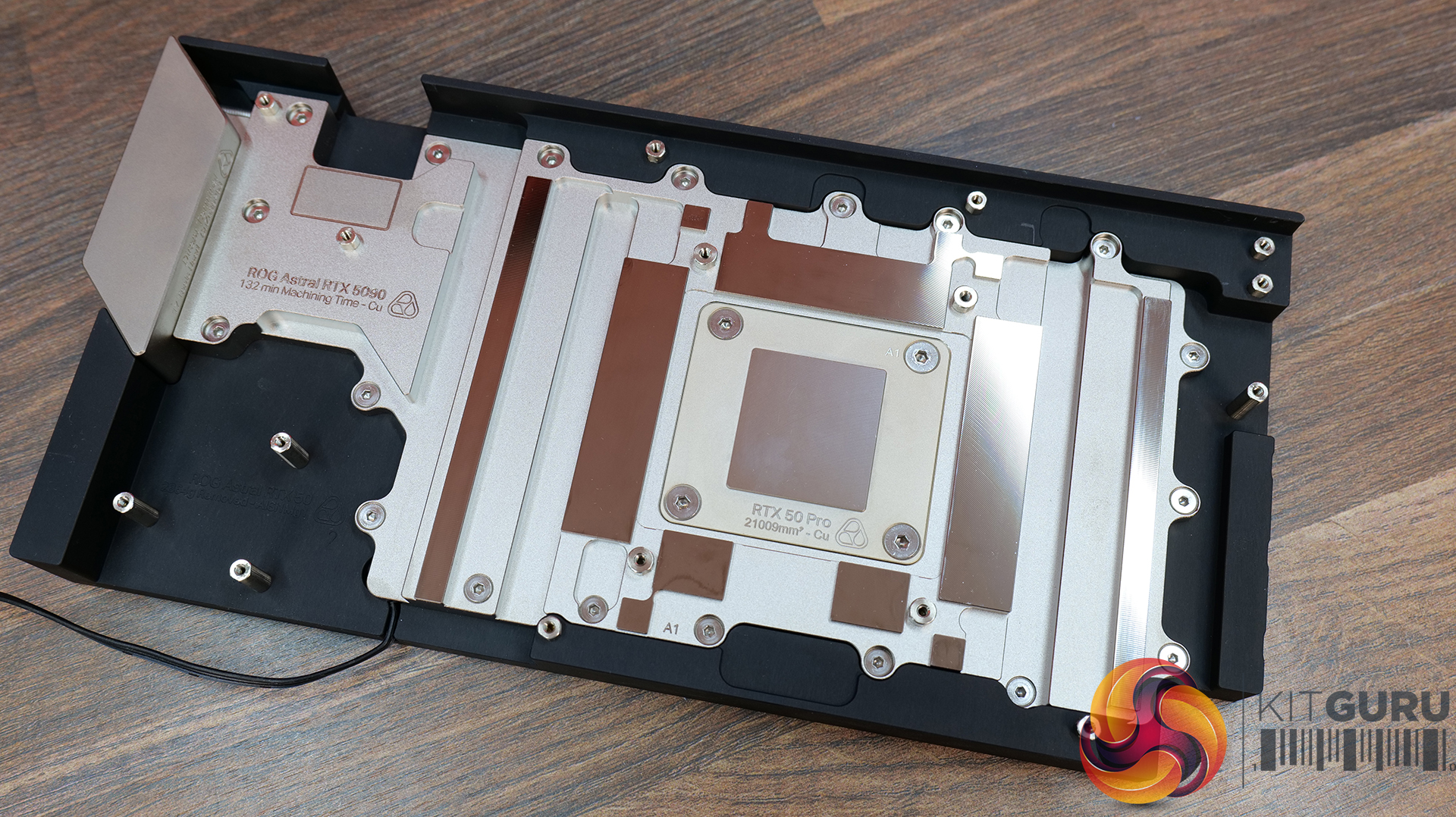
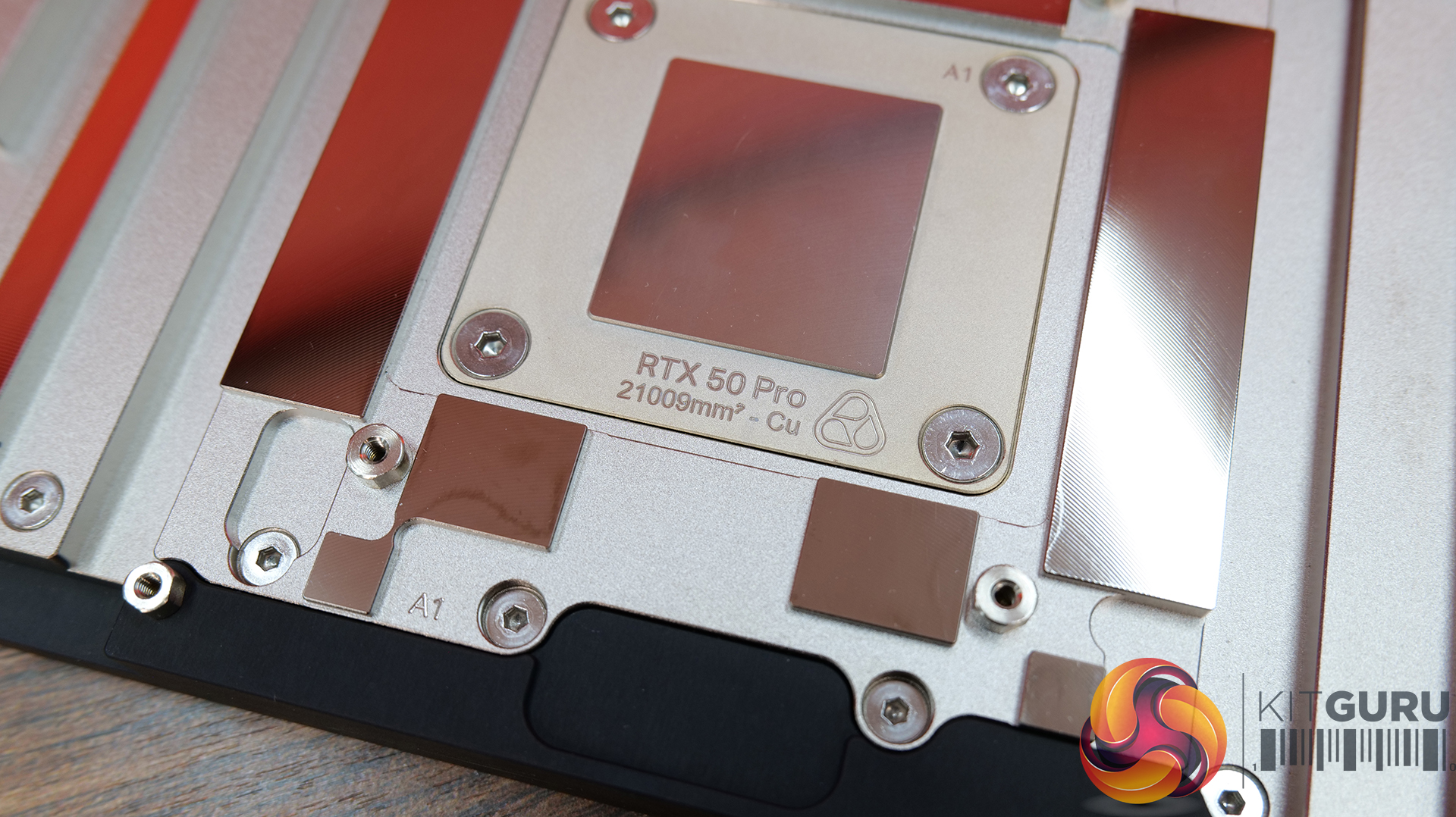
Thermal Grizzly DeltaMate ROG Astral RTX 5090 Features:
High-density microfin coldplate design – DeltaMate uses a 0.20 mm microfin array over the GPU core for maximum cooling surface area and optimal heat transfer efficiency.
Full-cover cooling for memory and VRM – Integrated dedicated nickel-plated copper contact surfaces for the VRAM and power delivery components, ensuring comprehensive thermal management across the PCB.
Robust metal construction with configurable terminal options – The block features a full metal housing for rigidity, an acrylic RGB illuminated window and a choice of 2 terminal configurations (pass-through sold separately), offering loop layout flexibility.
Specifications:
- Colour: black, nickel plated, transparent
- Connector type: 3-pin
- GPU manufacturer: NVIDIA
- GPU model: RTX 5090
- Lighting: digital aRGB LEDs
- Material: Aluminium, EPDM rubber, PMMA, acrylic, nickel-plated brass, nickel-plated copper
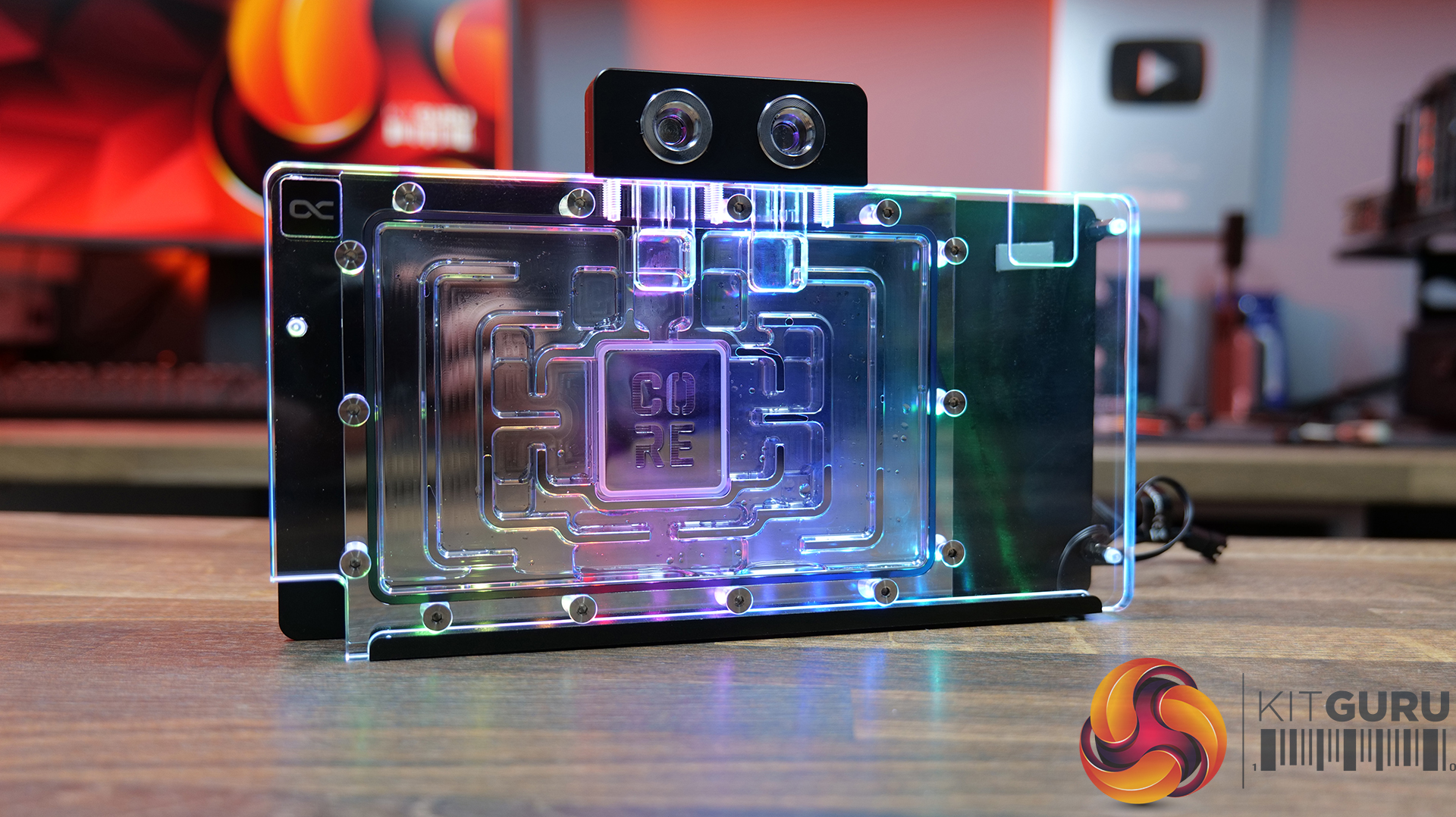
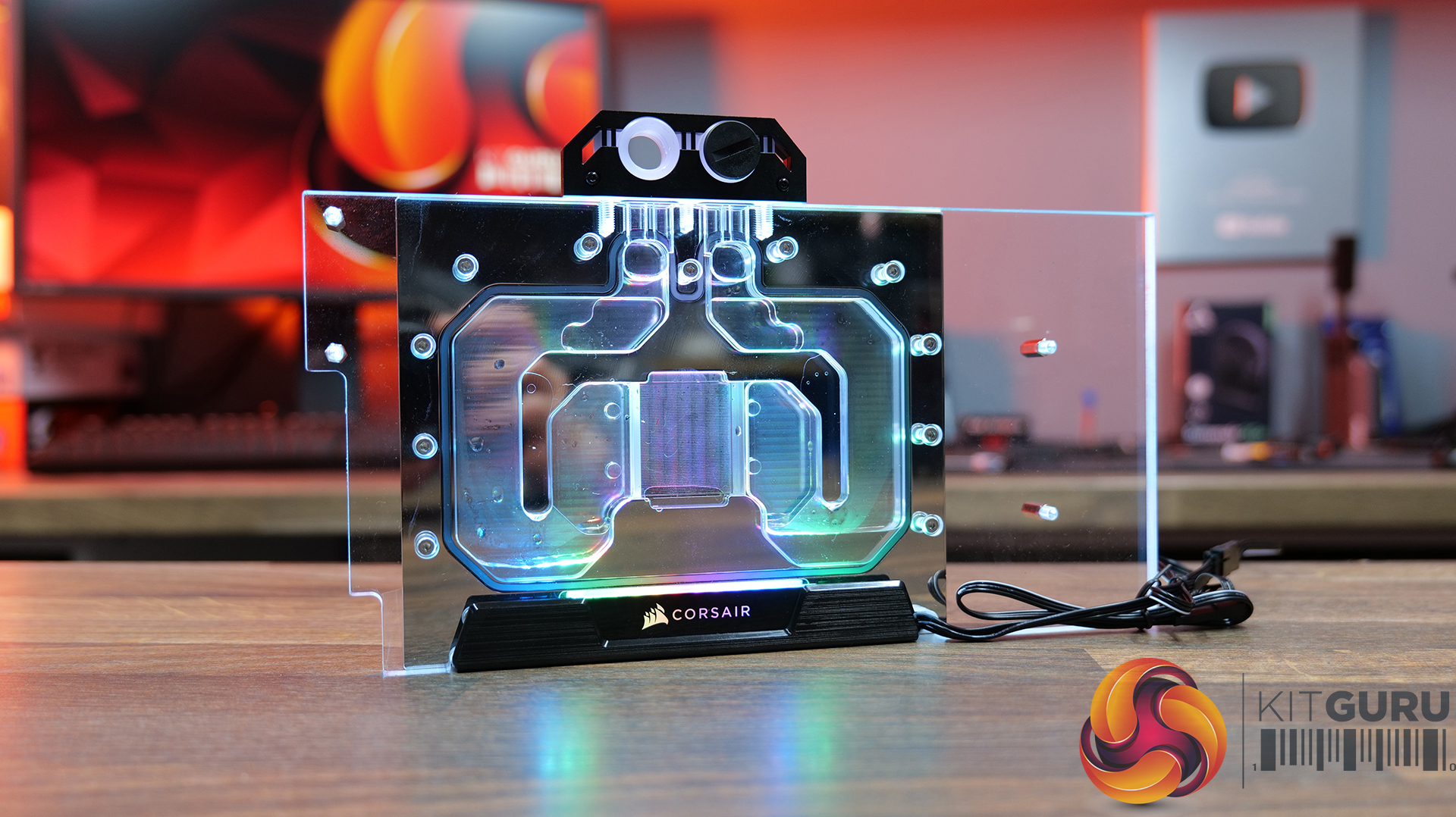
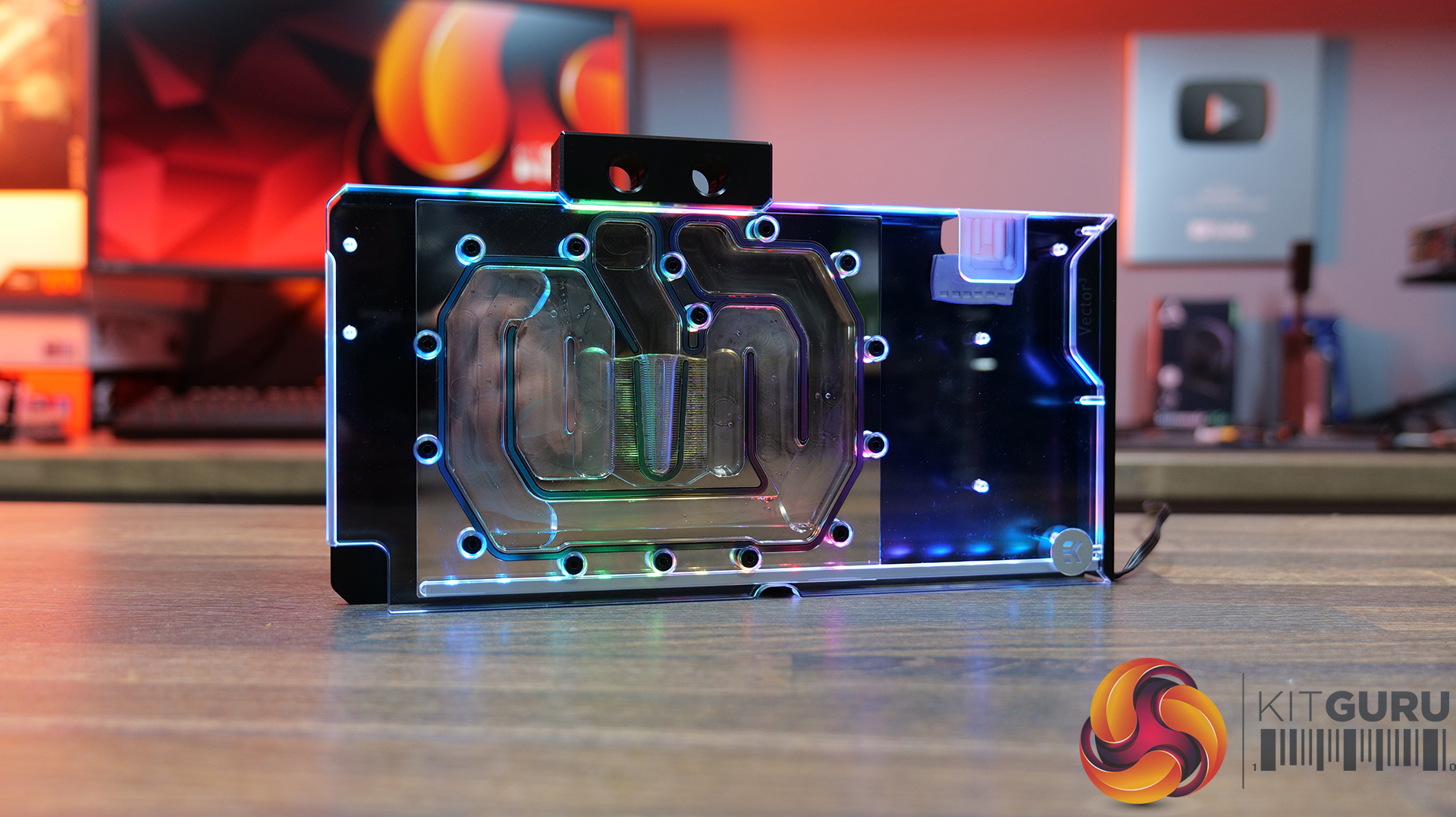
The Alternatives:
Alphacool Core Geforce RTX 5090 ROG Astral – £199.99 Scan
Corsair Hydro X XG5 RGB Asus 5090 Astral – £299.99 Scan
EKWB Quantum Vector³ Astral RTX 5090 – £253.99 Scan
Test Results:
To measure the thermal performance, GPU core frequency and power draw of the ROG Astral RTX 5090, we run a 30-minute 3Dmark Speed Way stress test. An additional 3Dmark Speed Way Benchmark is performed with each water block installed to measure potential gaming performance.
- The test data is logged using HWINFO and the final 10 minutes of the data is calculated to find the average GPU core / VRAM temperature, GPU core frequency and power draw. Plus a 3Dmark Speed Way benchmark run to measure gaming performance.
- For testing, we use a 30-minute looped run of 3Dmark Speed Way and record the steady-state values at the end of the test. This ensures that the GPU has had ample time to warm up and reach a steady state under all of the coolers.
- The ambient is maintained at 19-20 degrees Celsius. Where there is variation beyond this temperature range, we add extra repeated tests to ensure consistency. However, this is well controlled now with A/C.
- Ambient temperature and humidity are controlled via a mini split air conditioning system inside the test room. Ambient temperature is maintained between 19-20°C, Temperature delta figures are shown in the charts (ambient temperature is deducted from the measured component temperature).
Test System Specifications:
- CPU – AMD Ryzen 9 9800X3D
- Motherboard – MSI MEG X870E Godlike X Edition
- Graphics Card – Asus ROG Astral RTX 5090
- Graphics Card Radiators – 2 X Thermal Grizzly DeltaMate HC420
- Radiator Fans – be quiet! Silent Wings Pro 4 PWM 140mm
- Memory – 32GB (2 x 16GB modules) G.Skill Trident Z Neo RGB DDR5-6000
- Storage – 1 TB Corsair MP600 Elite PCIe Gen4 NVMe M.2 SSD
- CPU Cooler – Arctic Liquid Freezer III Pro 420 A-RGB
- Power Supply – Seasonic Prime TX1600
- Chassis – Open Test Bench
- Operating System – Windows 11
Thermal Performance: GPU Core / VRAM
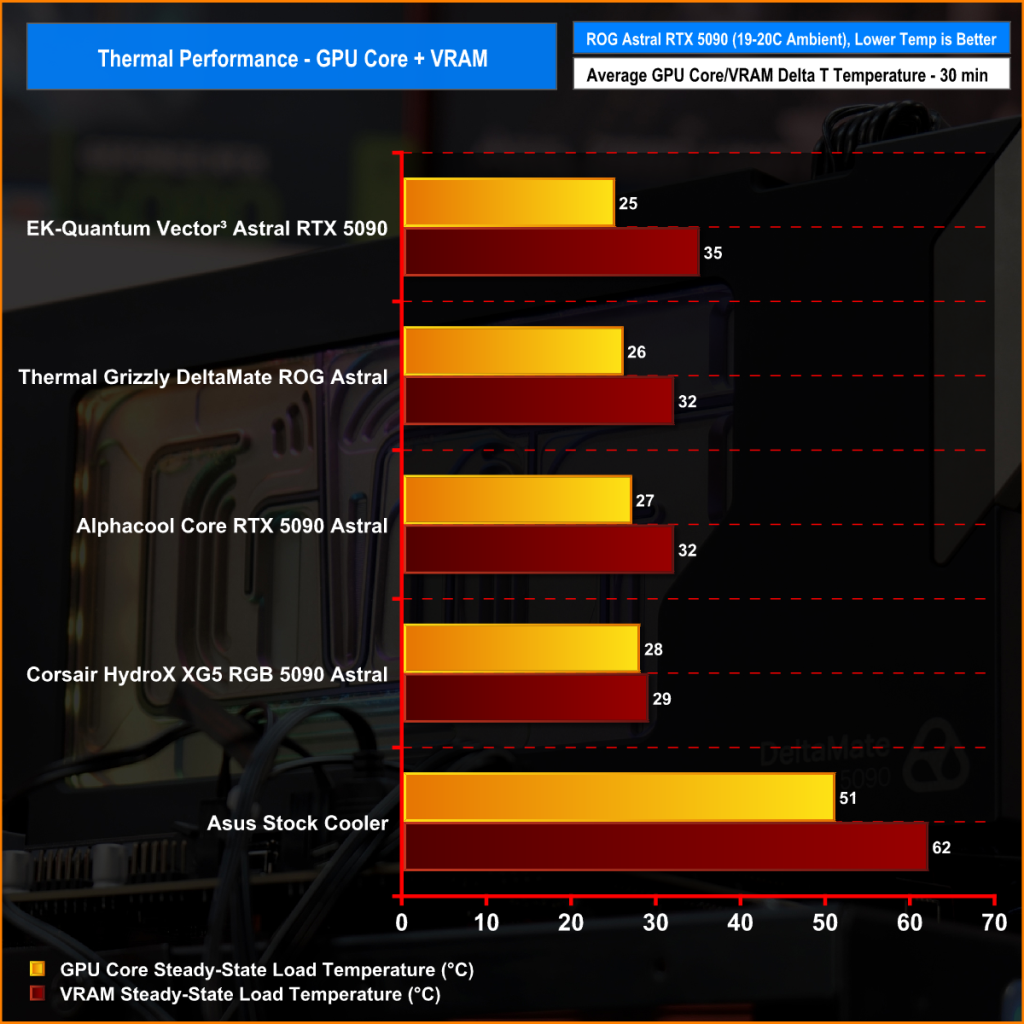
If we look at the temperature first we can see that compared with the stock ASUS cooler, there's a huge drop in GPU core and VRAM temperature, from mid-50s over ambient on the GPU core using the stock cooler, down to mid 20s on all GPU blocks, but there's virtually nothing in terms of GPU core and VRAM temperature between all of the custom blocks, just 3 degrees Celsius between the best and worst. However, the Corsair block produces the best VRAM temperature.
GPU Core Frequency
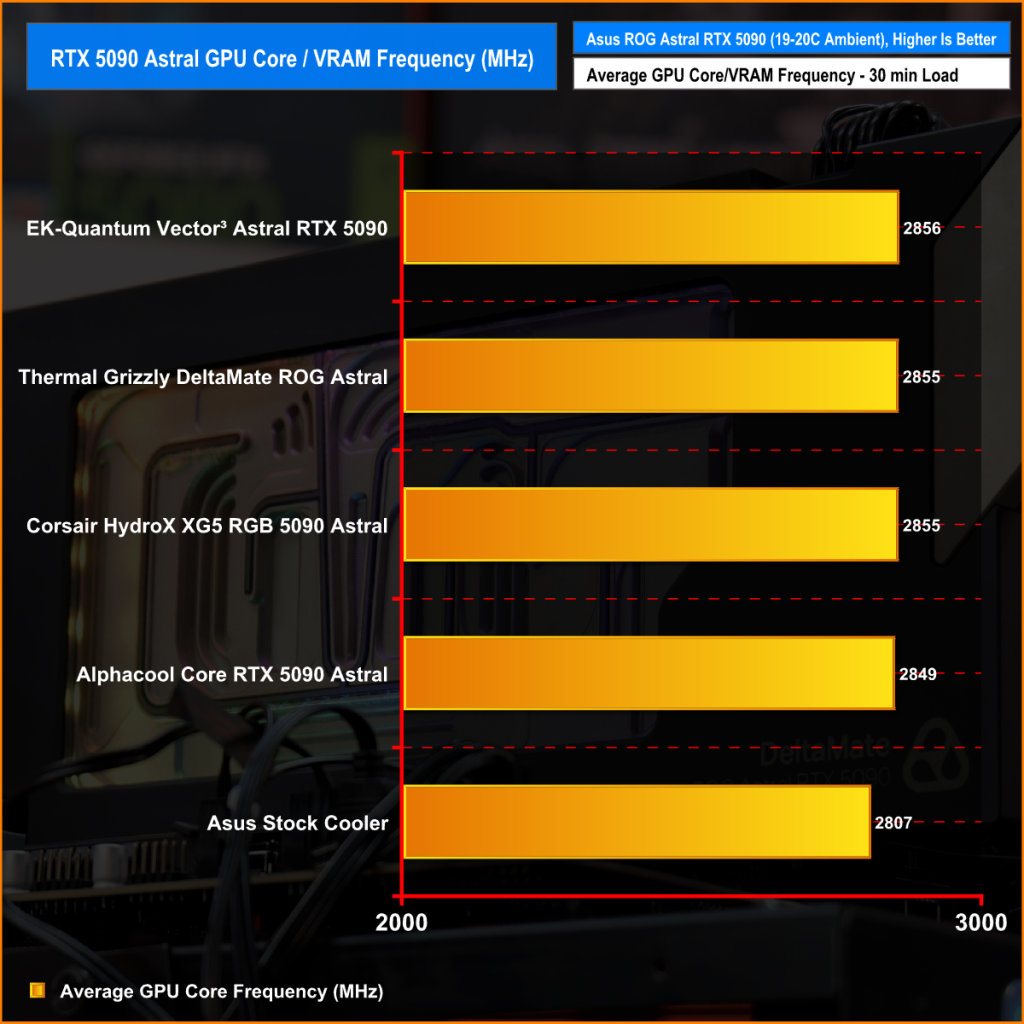
Looking at core frequency, the drop in temperature with the custom blocks also gives us a modest improvement in GPU core temperature when the GPU is allowed to boost automatically. Installing the custom water blocks gives an extra 50 MHz GPU frequency, but again there's not much at all to separate the performance of the custom water blocks.
Power Draw
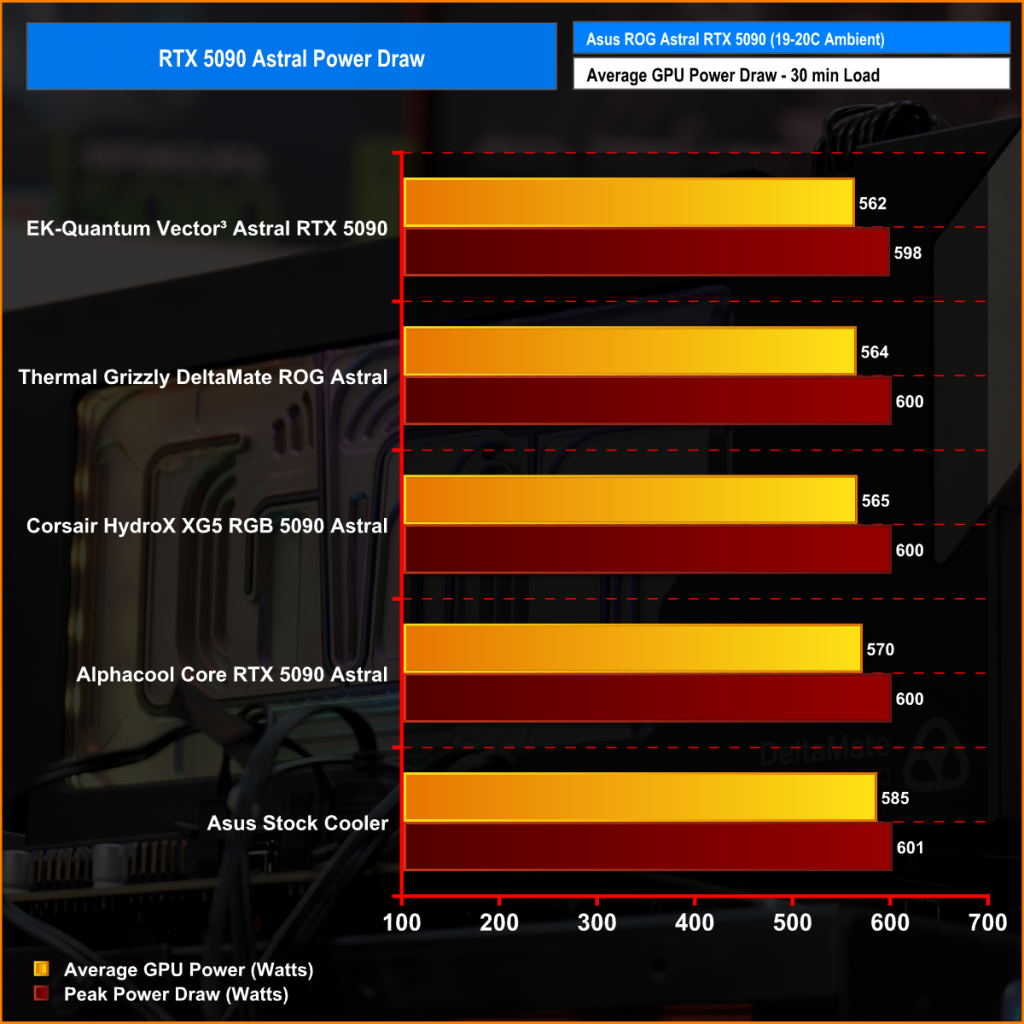
Average power draw follows a similar pattern, but in all scenarios, the peak power draw is 600 watts, even with the stock cooler. There is some slight variation between the custom water blocks, with the EK block achieving the lowest average power draw and the Alphacool block the highest, but only 8 watts separate them.
3DMark Speed Way Benchmark
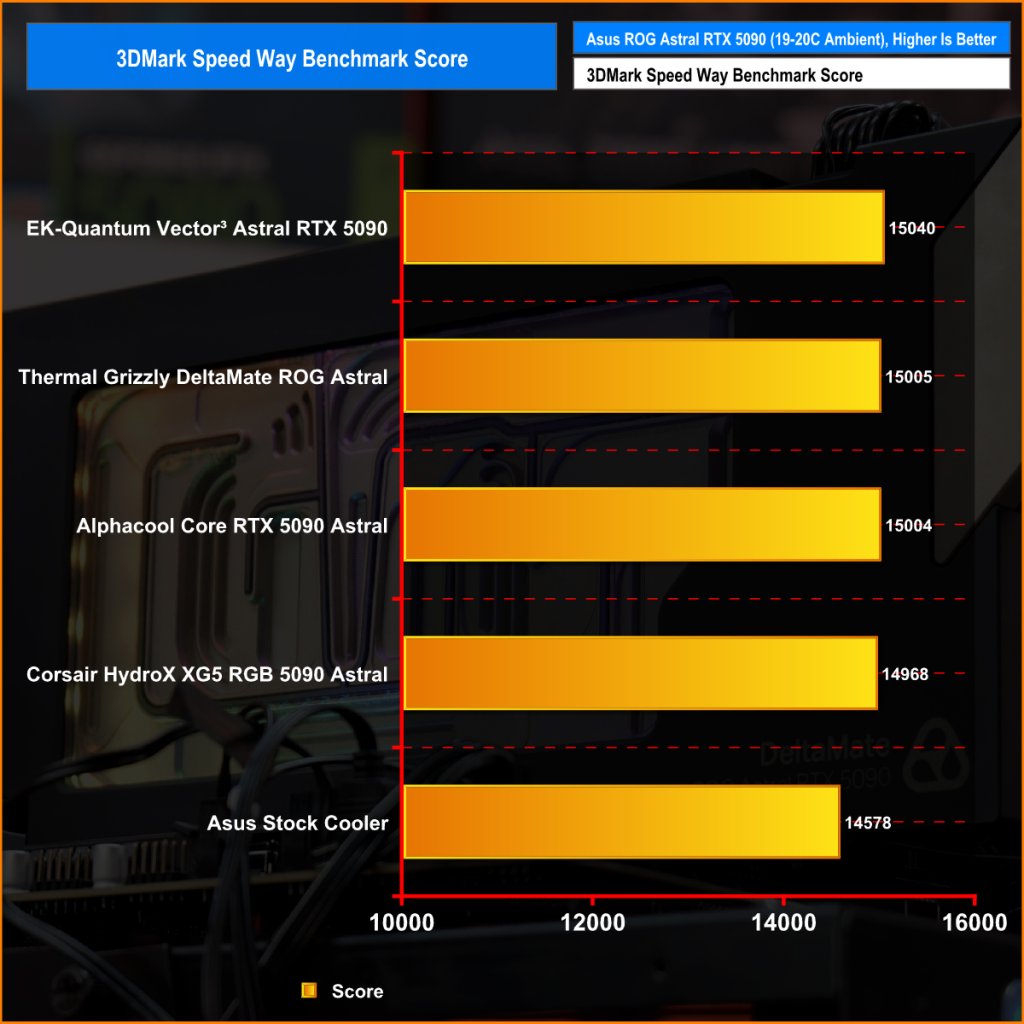
Then finally benchmark performance. As we have seen with the other tests, there is a noticeable improvement in 3DMARK Speed Way benchmark performance with the custom blocks installed. Speed Way performance increases by 400 plus points using the custom water blocks with Thermal Grizzly DeltaMate, EK and Alphacool blocks, all very close at around 15000 points.
Closing Thoughts
Since thermal performance, GPU core frequency benchmark performance is very close between all of the GPU blocks tested, it all comes down to build quality, the installation process, looks and the overall experience of using the block which will determine the one you choose. There's no denying that installing a water block to the Asus ROG Astral RTX 5090 will give you a significant improvement in thermal headroom, so if you want to overclock the card this will be the path you need to take.
If budget is no worry and you want a water block that feels special, then the Thermal Grizzly block wins hands down. The build quality and attention to detail with the GPU water block are top-tier. There are quality-of-life features included with the DeltaMate that you don’t get with the others, like the dummy PCB, which is a great accessory for helping cut thermal pads to the correct size and laying out the placement of them, but also the user can install the block into their system and build the loop using the dummy PCB before installing the actual graphics card.
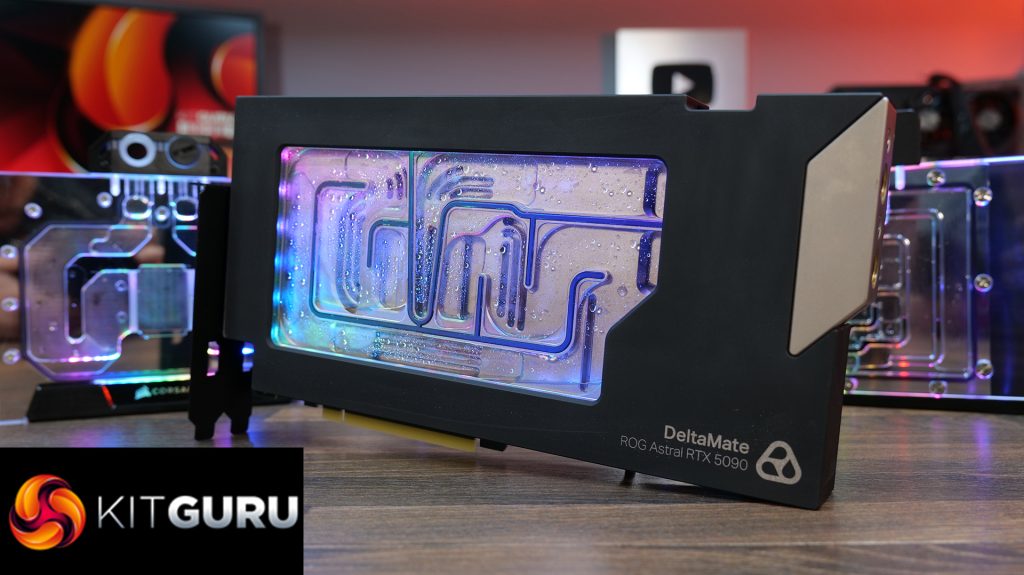
Thermal Grizzly also includes thermal putty with the DeltaMate block, so if you want to use putty or thermal pads you have the choice. Putty may offer some thermal benefit, but it can be messy which is why Thermal Grizzly includes both, which the others don’t do. However, you are paying a high premium for these options since the DeltaMate block is almost twice the cost of the EK block and more than double the cost of the Alphacool.
But when you are splashing out over £2500 on a graphics card, you will no doubt want the very best GPU block when it comes to water cooling so for most, it might be a price worth paying. Plus the attention to detail in terms of the engineering that has gone into making the DeltaMate block is second to none – it truly is the very highest of high-end and makes the other blocks look like budget lower quality budget models, even if they are not.
The Thermal Grizzly DeltaMate ROG Astral RTX 5090 is available to purchase now directly from Thermal Grizzly priced at €499.90 HERE.
Pros:
- Superb engineering attention to detail.
- Included dummy PCB is a great idea.
- Great thermal performance improvement over the stock cooling solution.
Cons:
- Expensive compared to some alternatives.

KitGuru says: If you have an Asus ROG Astral RTX 5090 and want to water cool it, this is the option to go for if you have change left over from your £3000+ graphics card purchase.