KitGuru KitGuru.net – Tech News | Hardware News | Hardware Reviews | IOS | Mobile | Gaming | Graphics Cards


Our test system uses an ASRock Phantom Gaming X870E Nova WiFi motherboard and AMD Ryzen 9 9950X CPU, so I'll quickly run you through the installation process on AM5. The installation process for AM4 will be the same. Intel installation is slightly different as it requires a backplate to be installed; however, the process is simple on either platform since the cooler uses a universal upper mount.
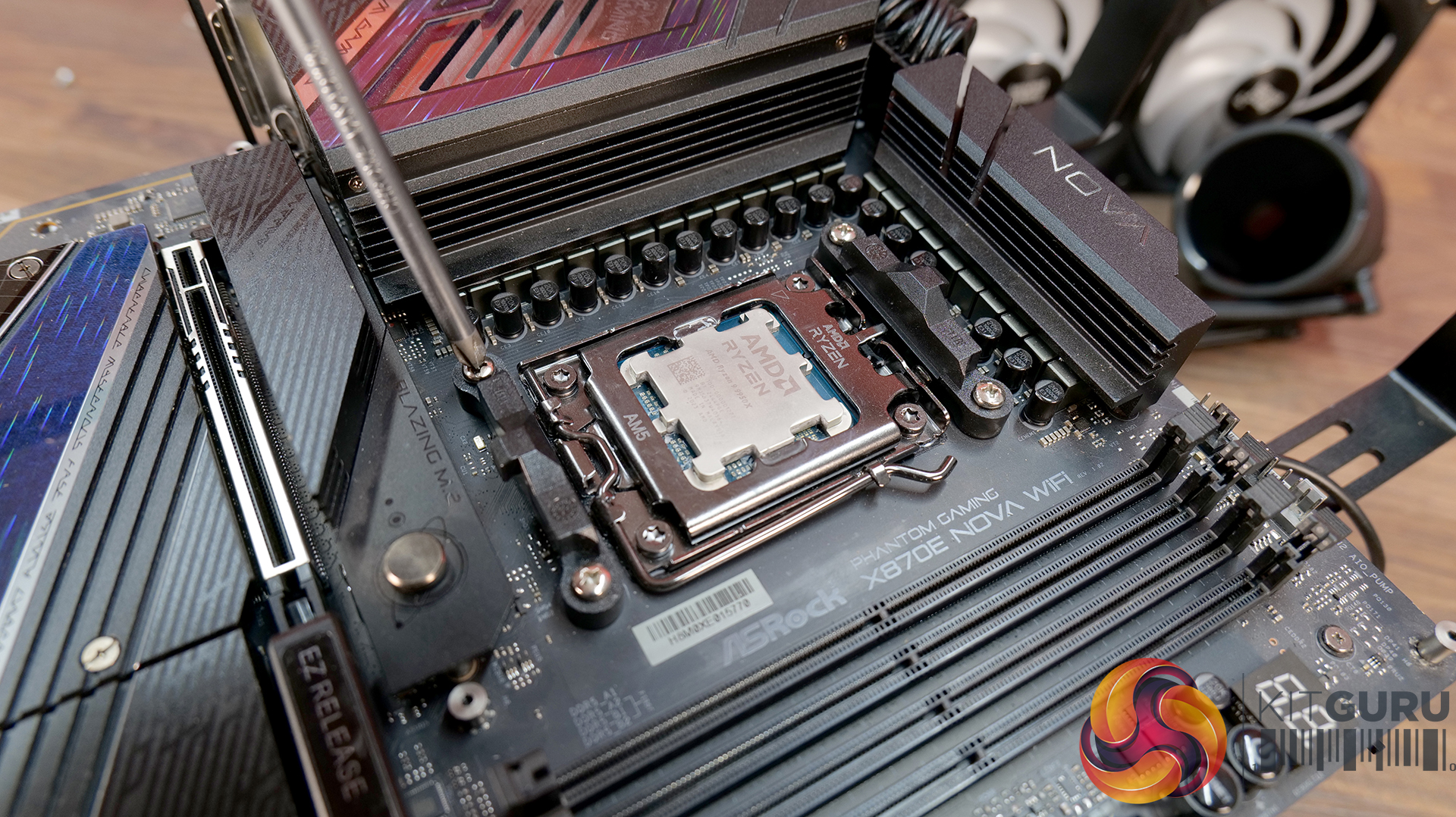
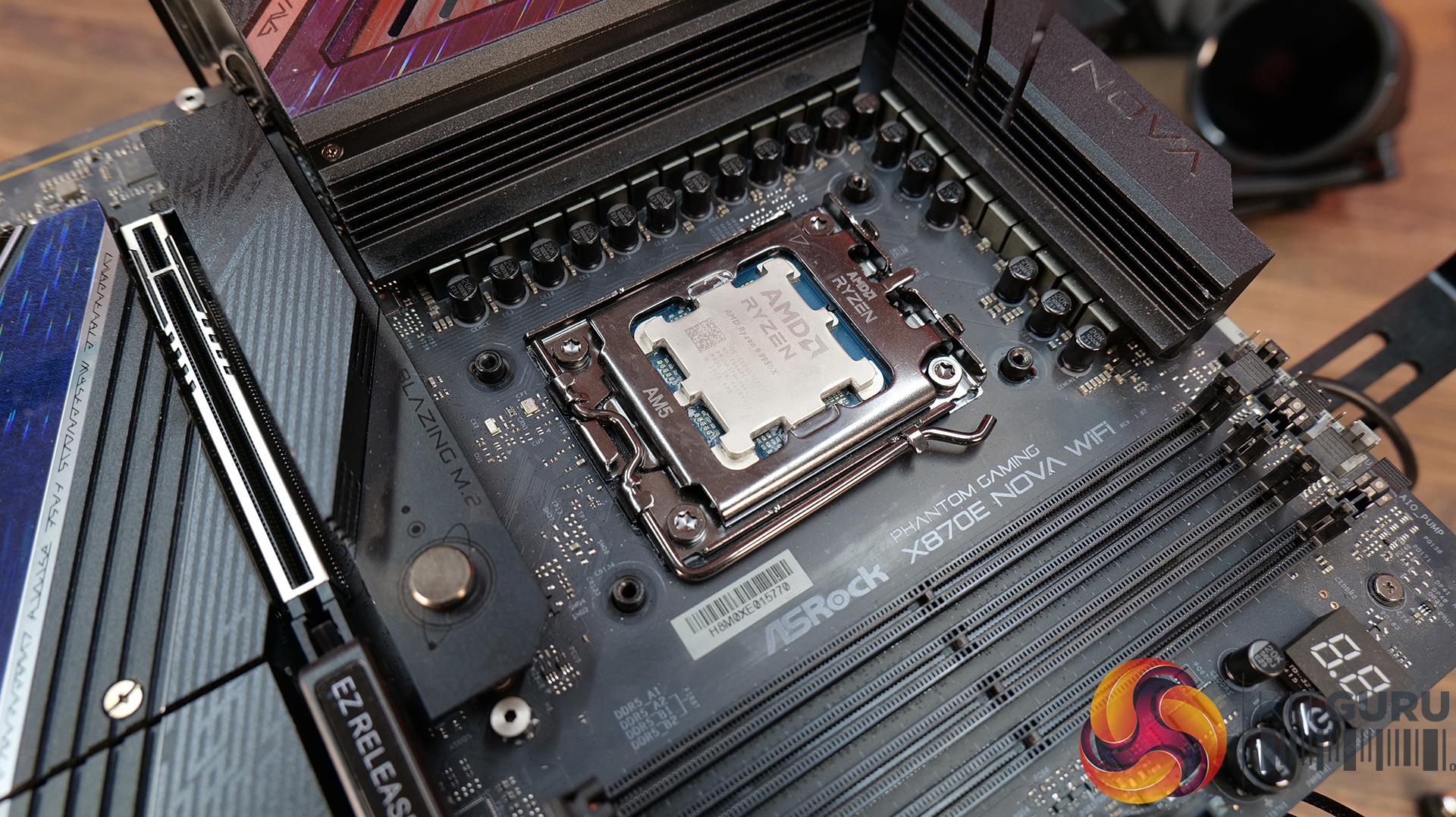
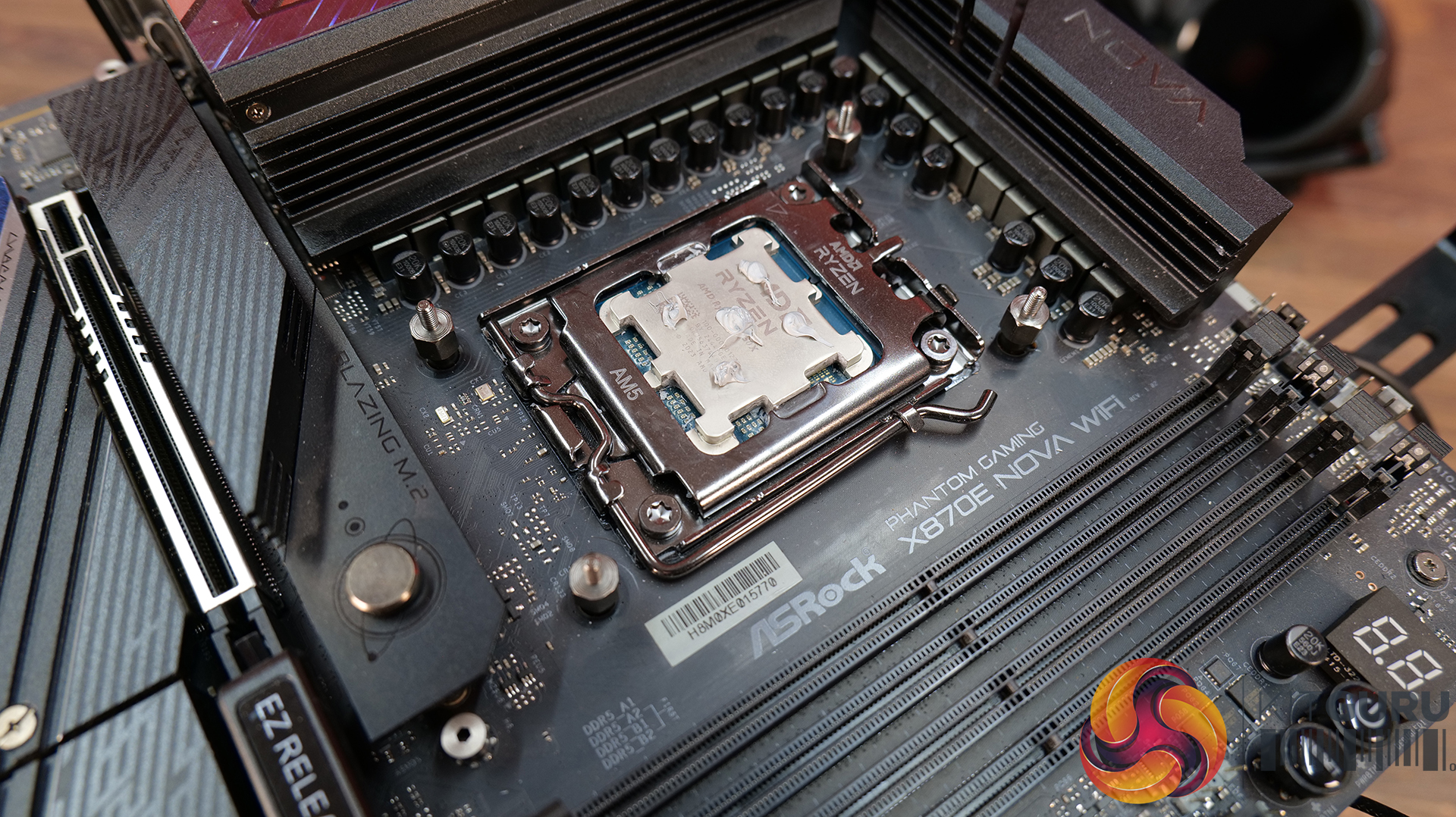
Installation on AMD AM5 motherboards requires the stock plastic upper retaining brackets to be removed. The included AM5-specific Levelplay CPU block standoffs must be fitted to the motherboard and thermal compound needs to be manually applied to the CPU heat spreader, as there isn’t any thermal compound pre-applied to the base of the CPU block.
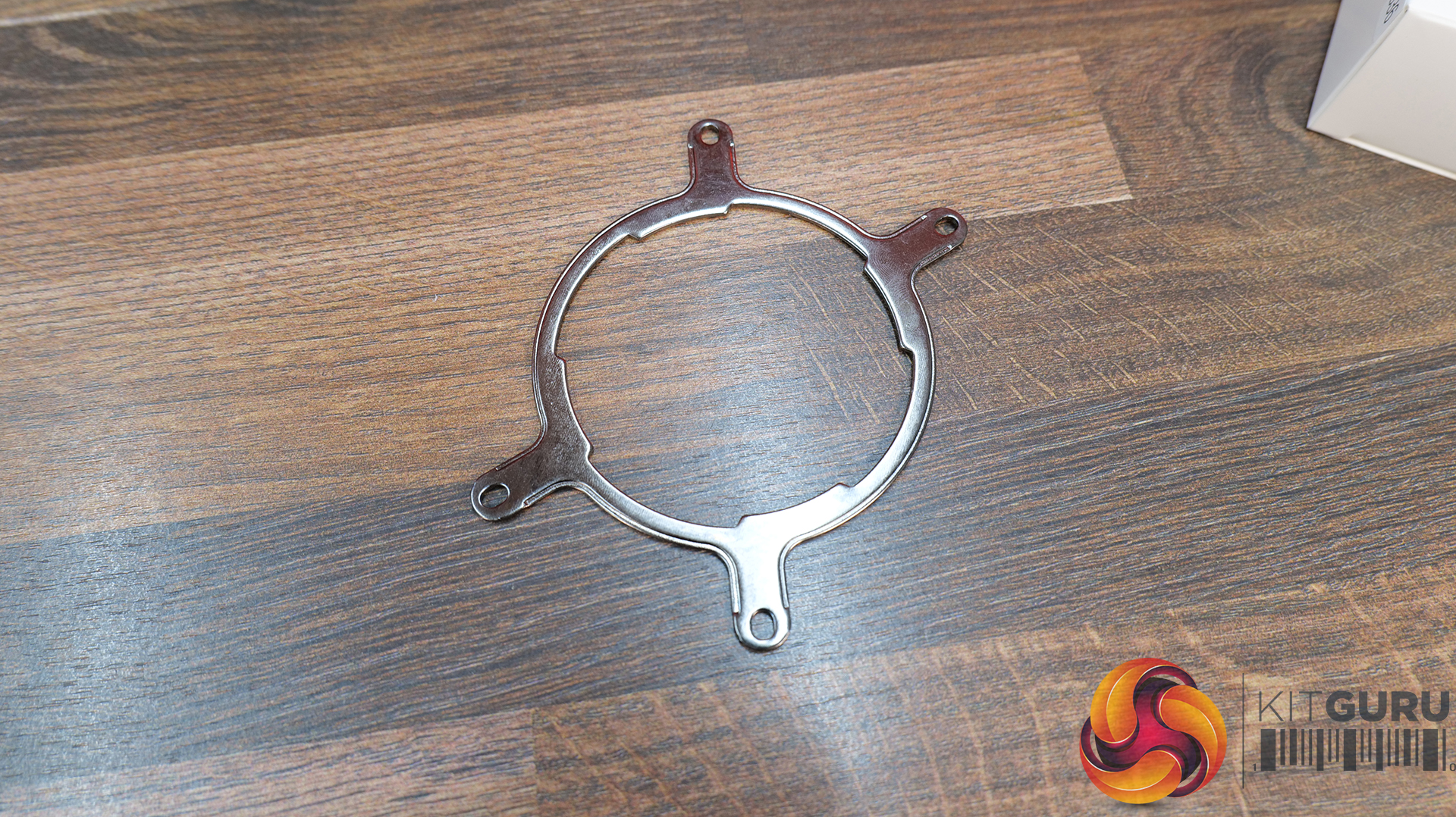
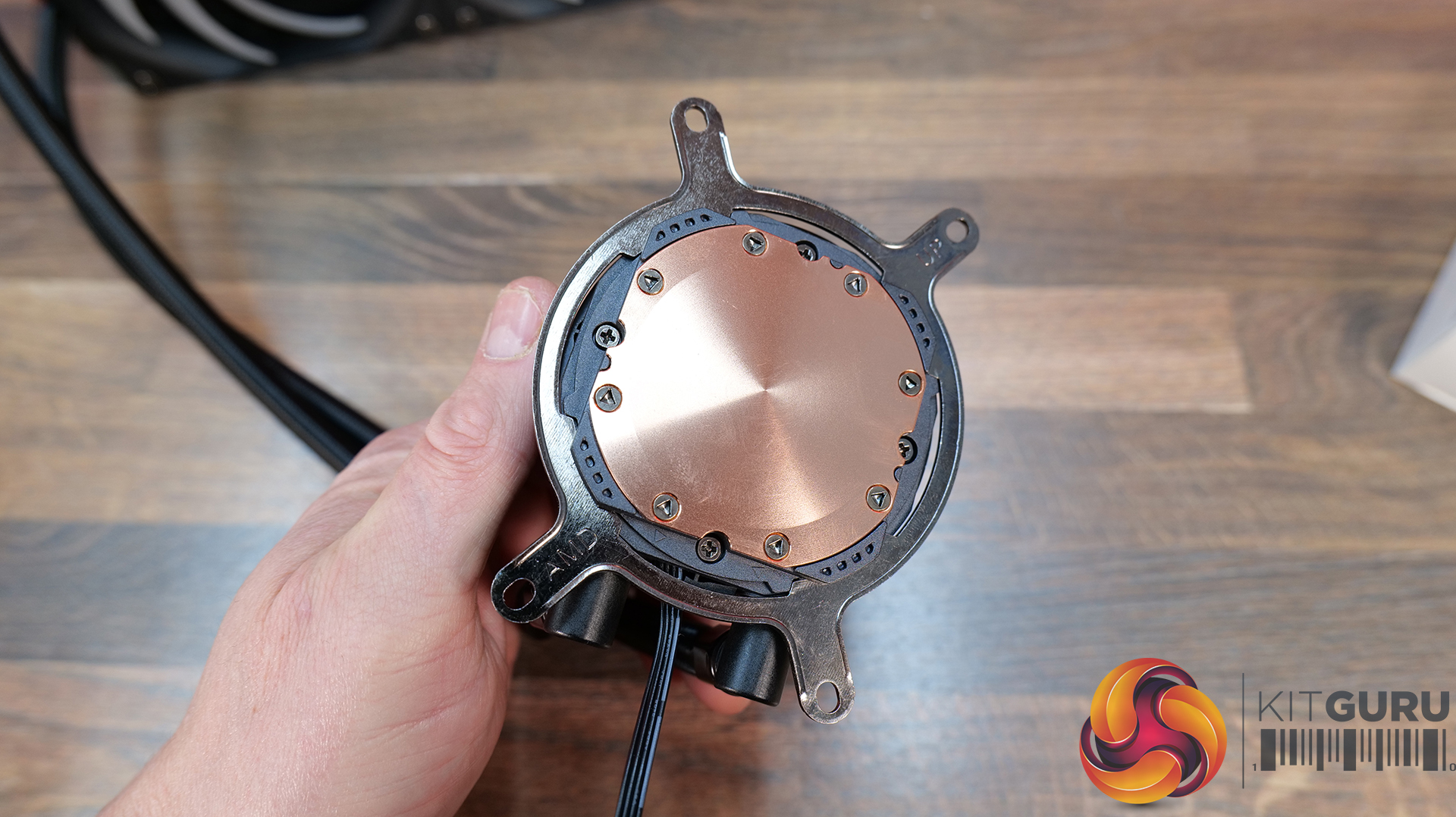
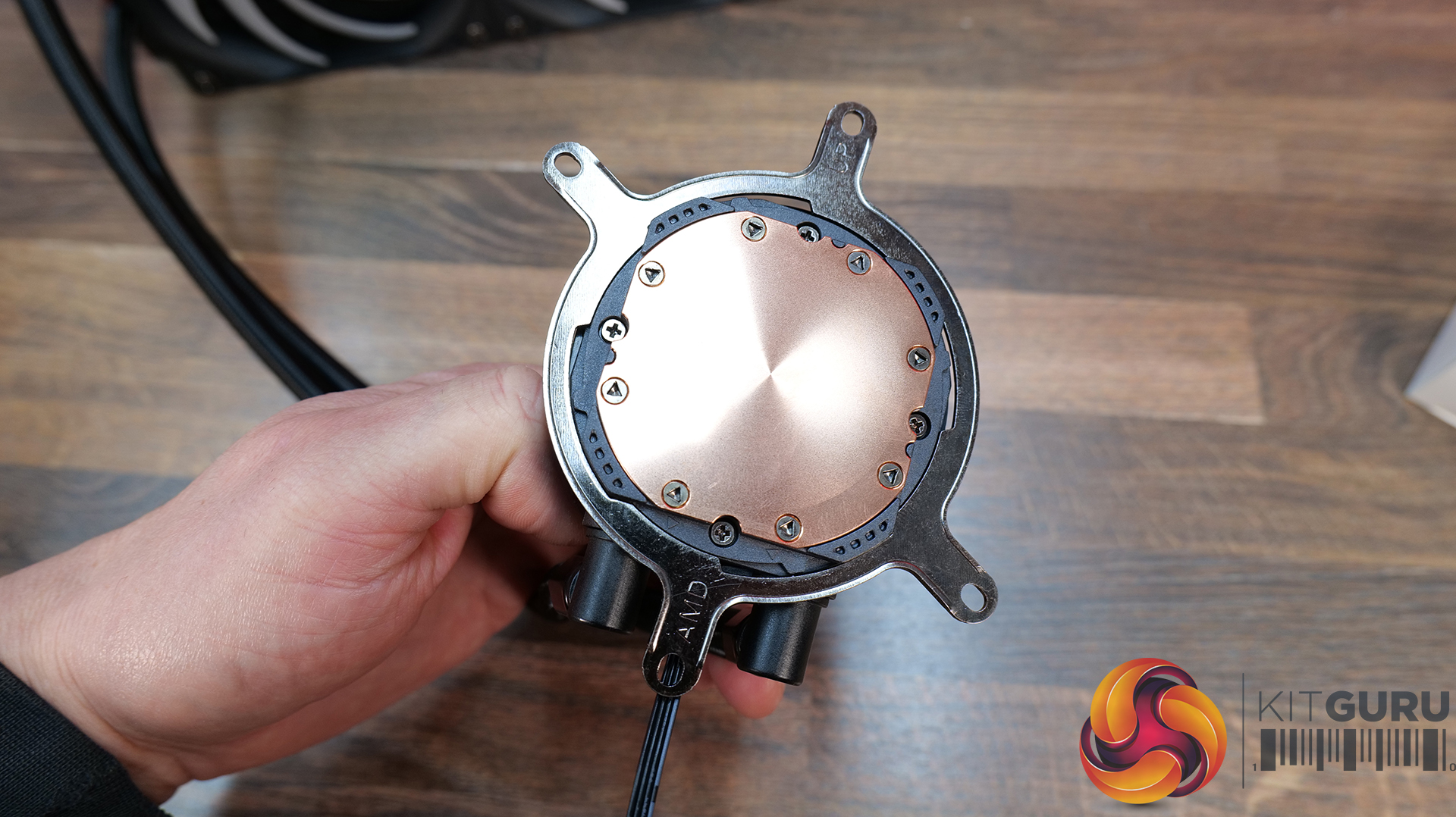
Select the correct upper CPU block mounting brackets for your hardware, ours is AMD. Fit the upper bracket to the CPU block housing; it is attached in a twist-to-lock motion similar to a bayonet-type fitting.
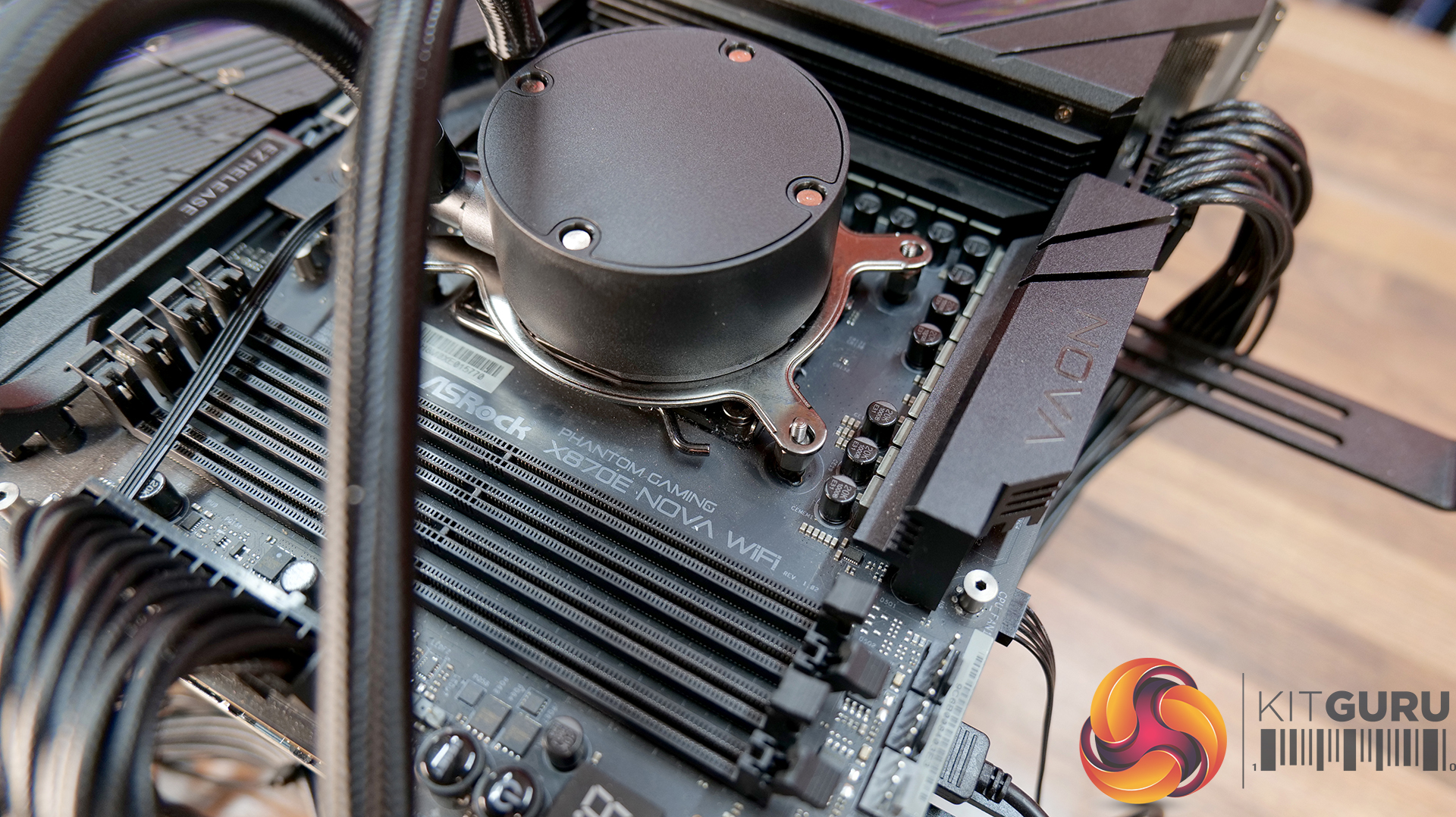
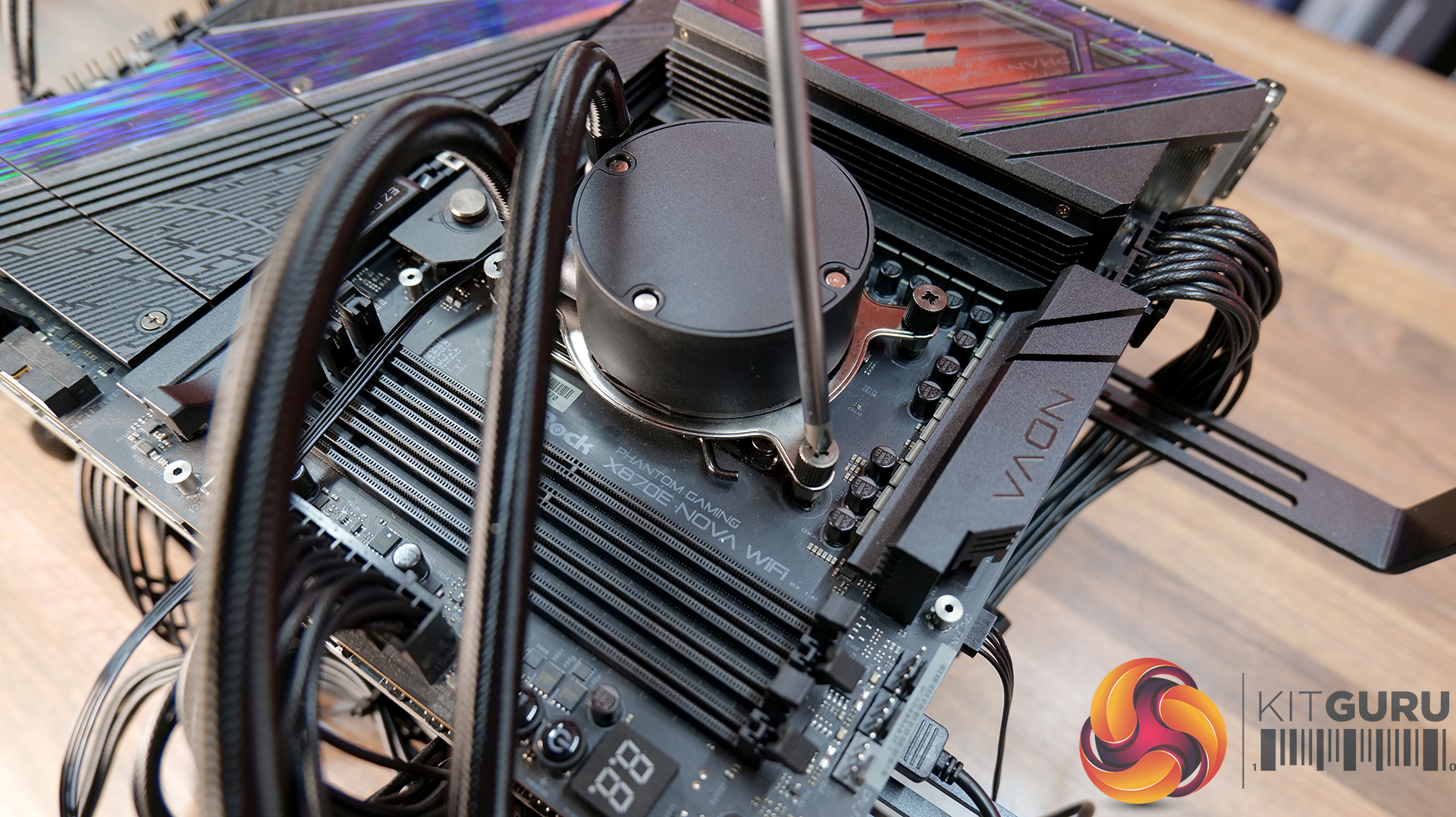
Next, lower the CPU block in position aligned with the motherboard standoffs and secure in place using the four thumbscrews. For even contact between the CPU block and the CPU heat spreader, tighten the screws evenly and progressively, a little at a time, in a cross pattern.
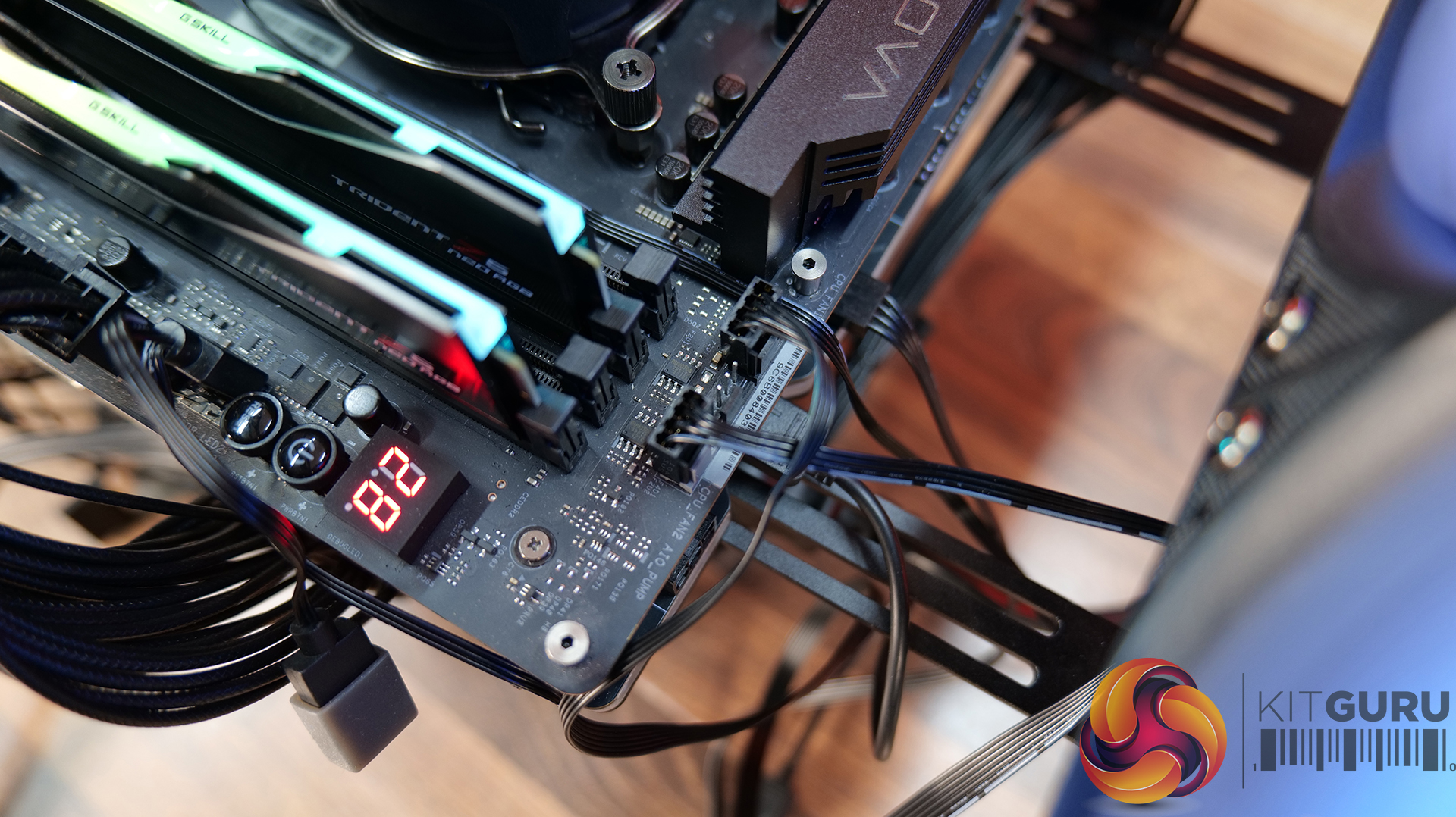
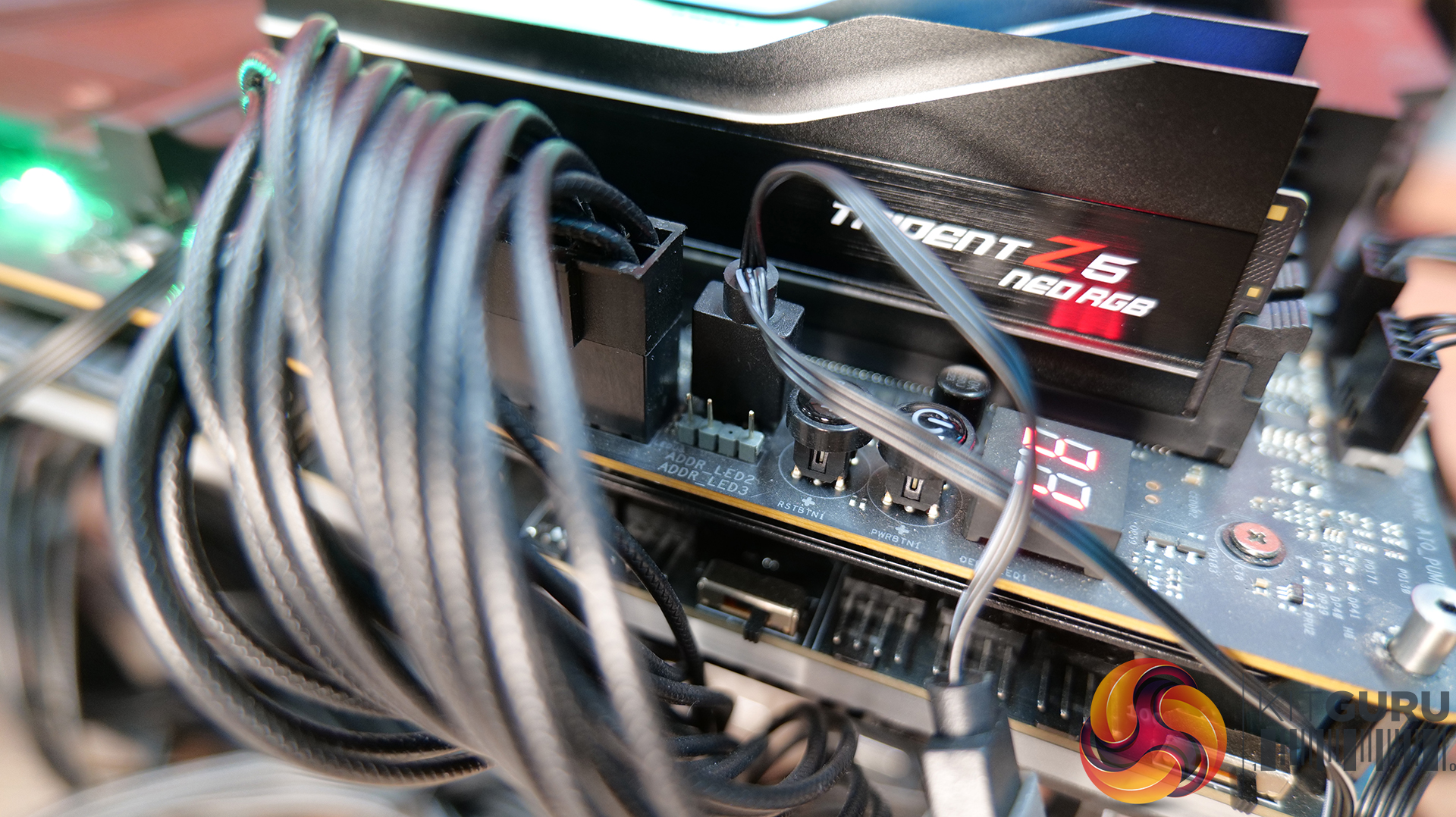
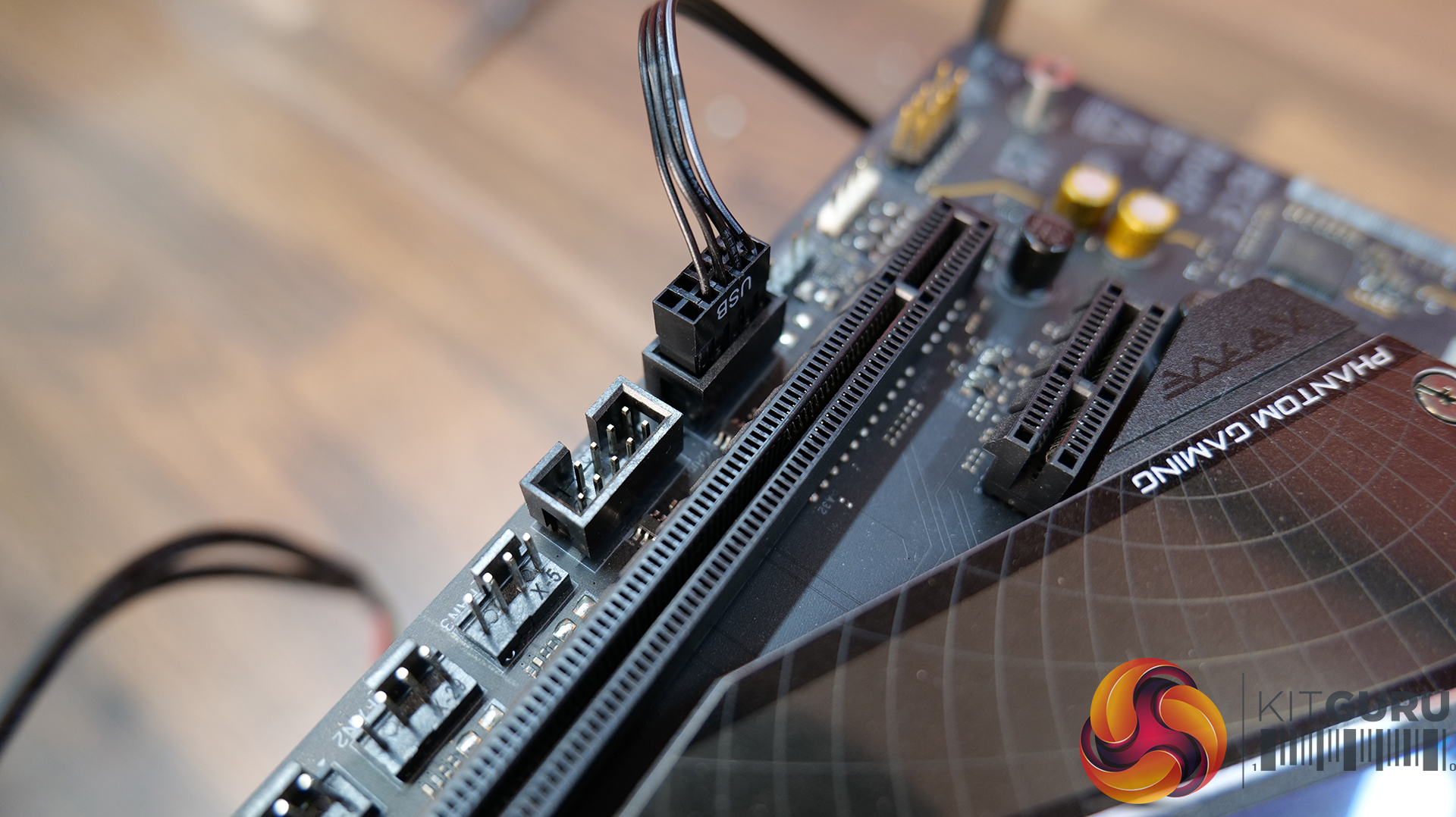
For the wiring, connect the 4-pin PWM fan cable and the 4-pin PWM pump cables to the motherboard PWM headers, usually labelled CPU_FAN for fans and CPU_OPT or AIO_PUMP for the pump power cable. The RGB cable is connected to a motherboard 3-pin 5V ARGB header. You will also need to connect the 9-pin USB cable from the CPU block LCD to a motherboard USB 2.0 Header.
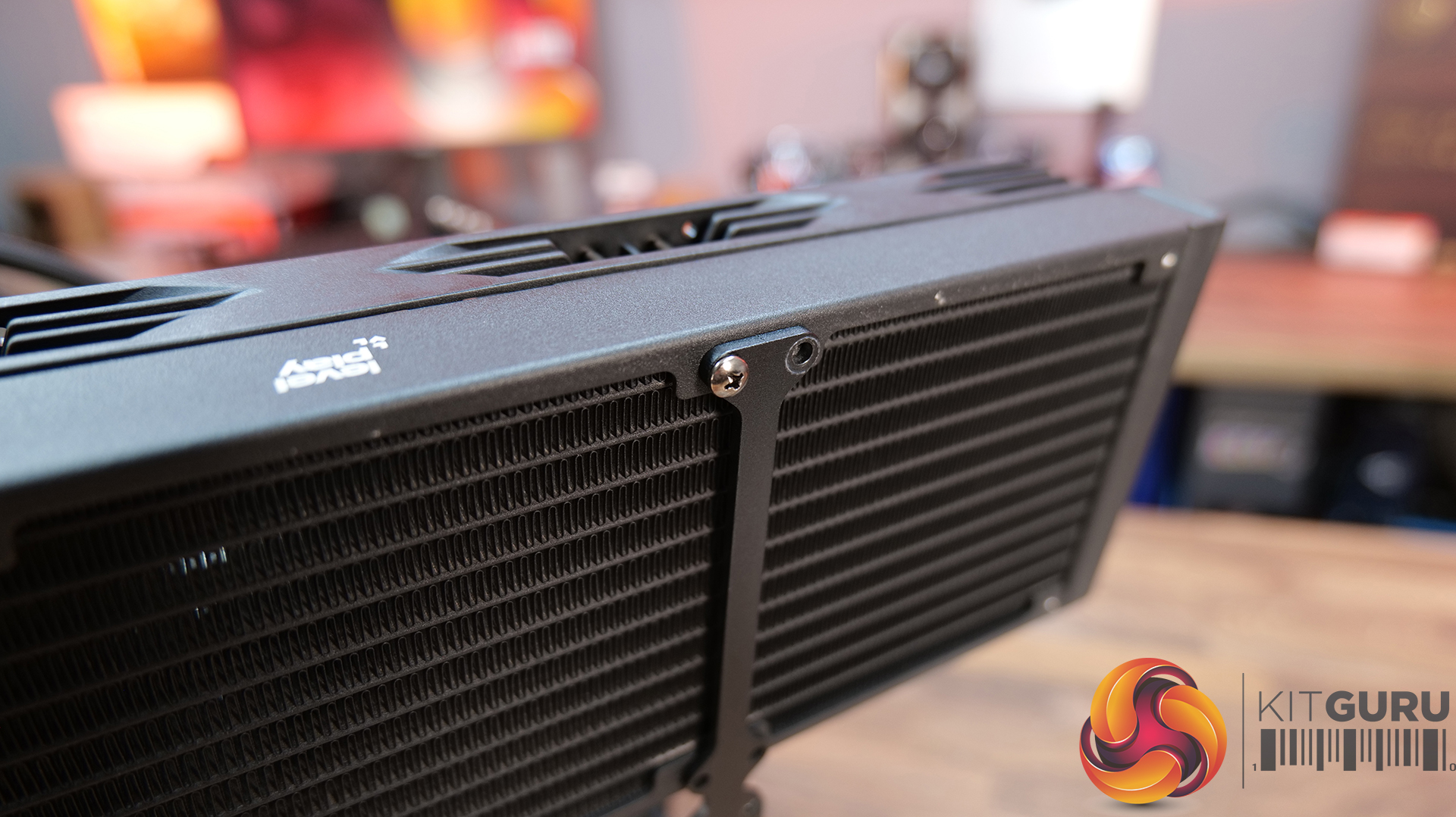
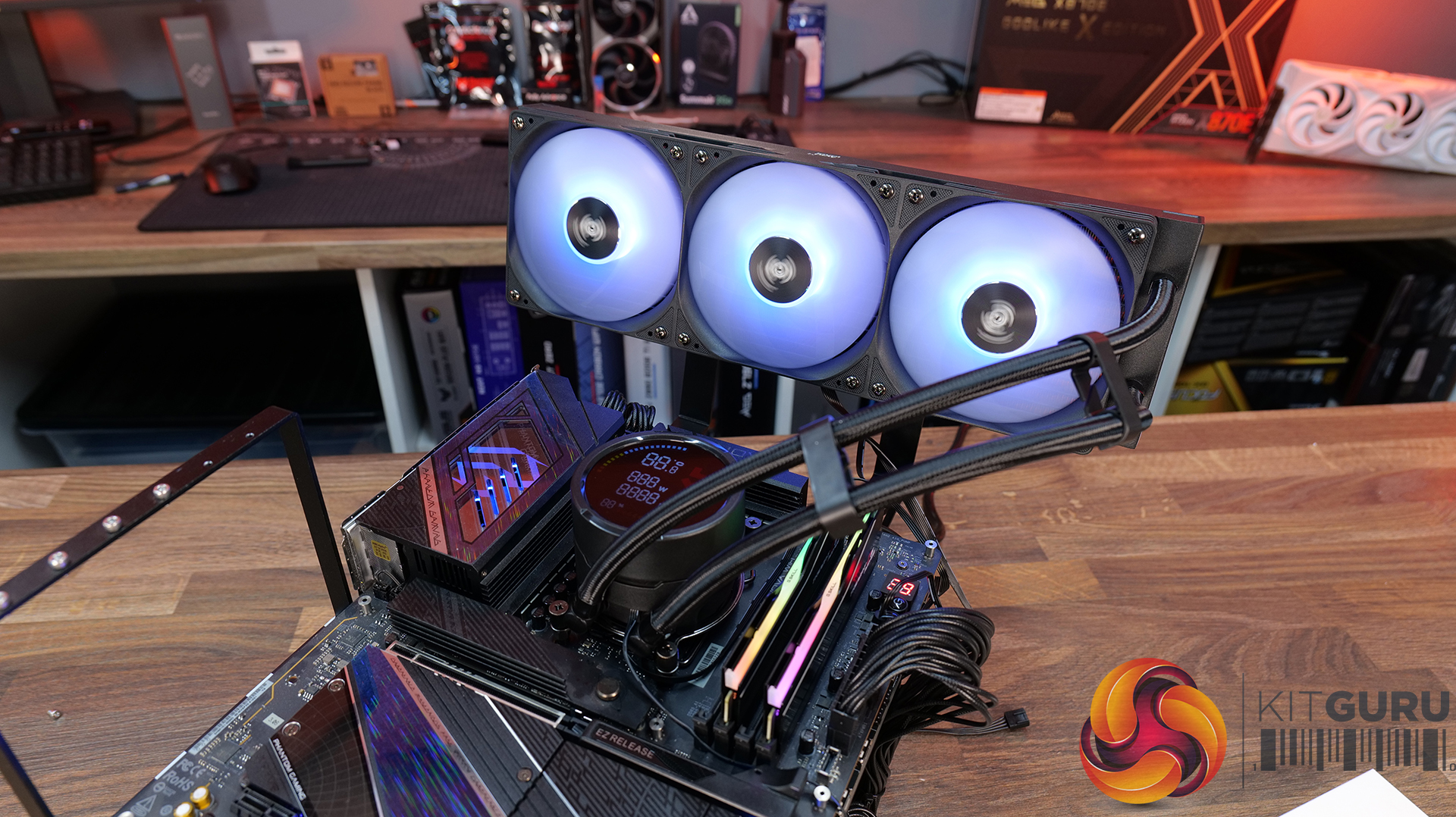
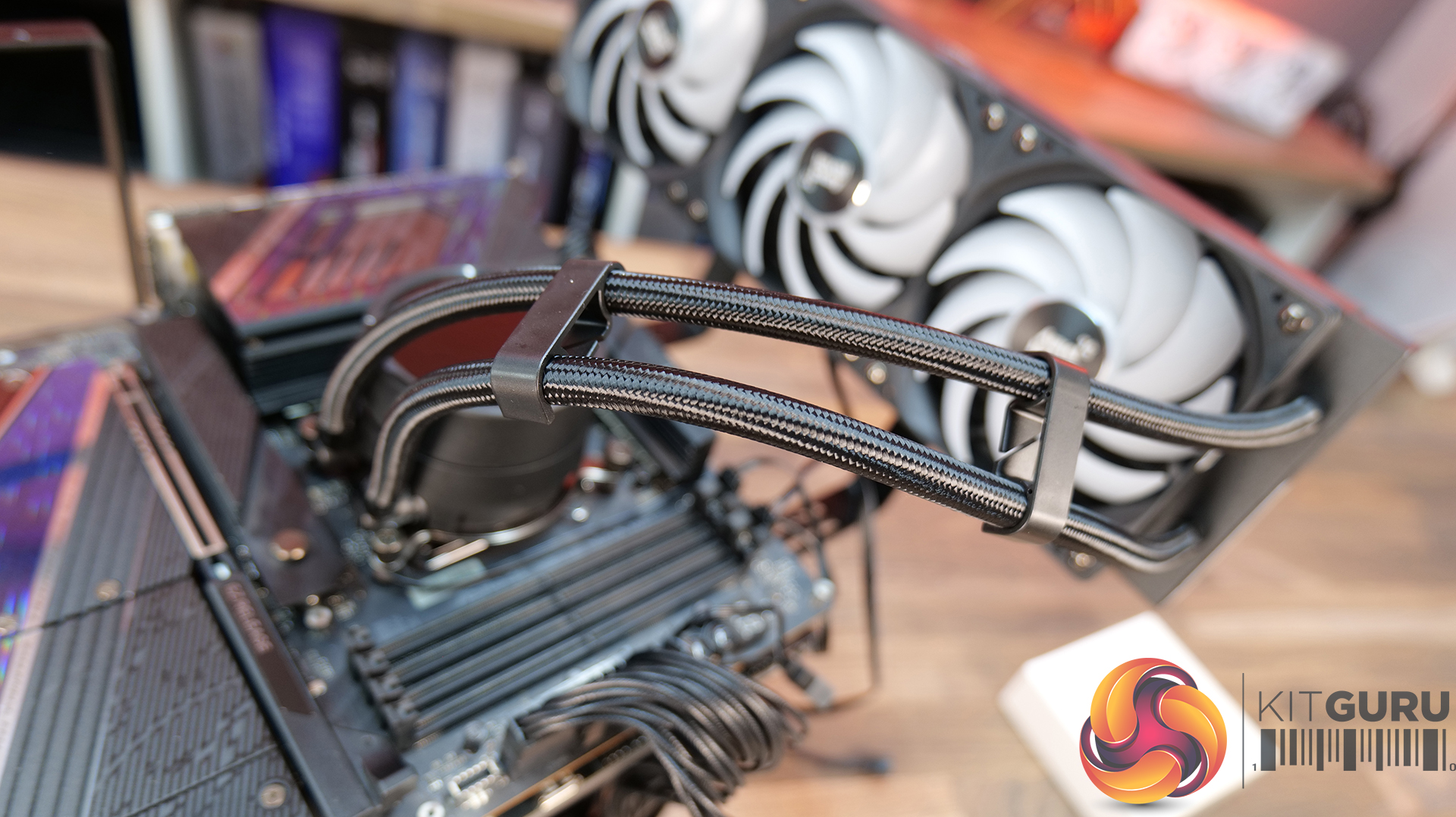
The Levelplay Combat 360 HUD uses all standard motherboard header connections, so no additional hub is required for the cooler to fully function. The radiator is mounted into the case or chassis using the provided short Philips head screws and the CPU block top cover with LCD screen can be orientated so that its display reads the correct way up. You can install the tubing clips to organise the tubing if needed.
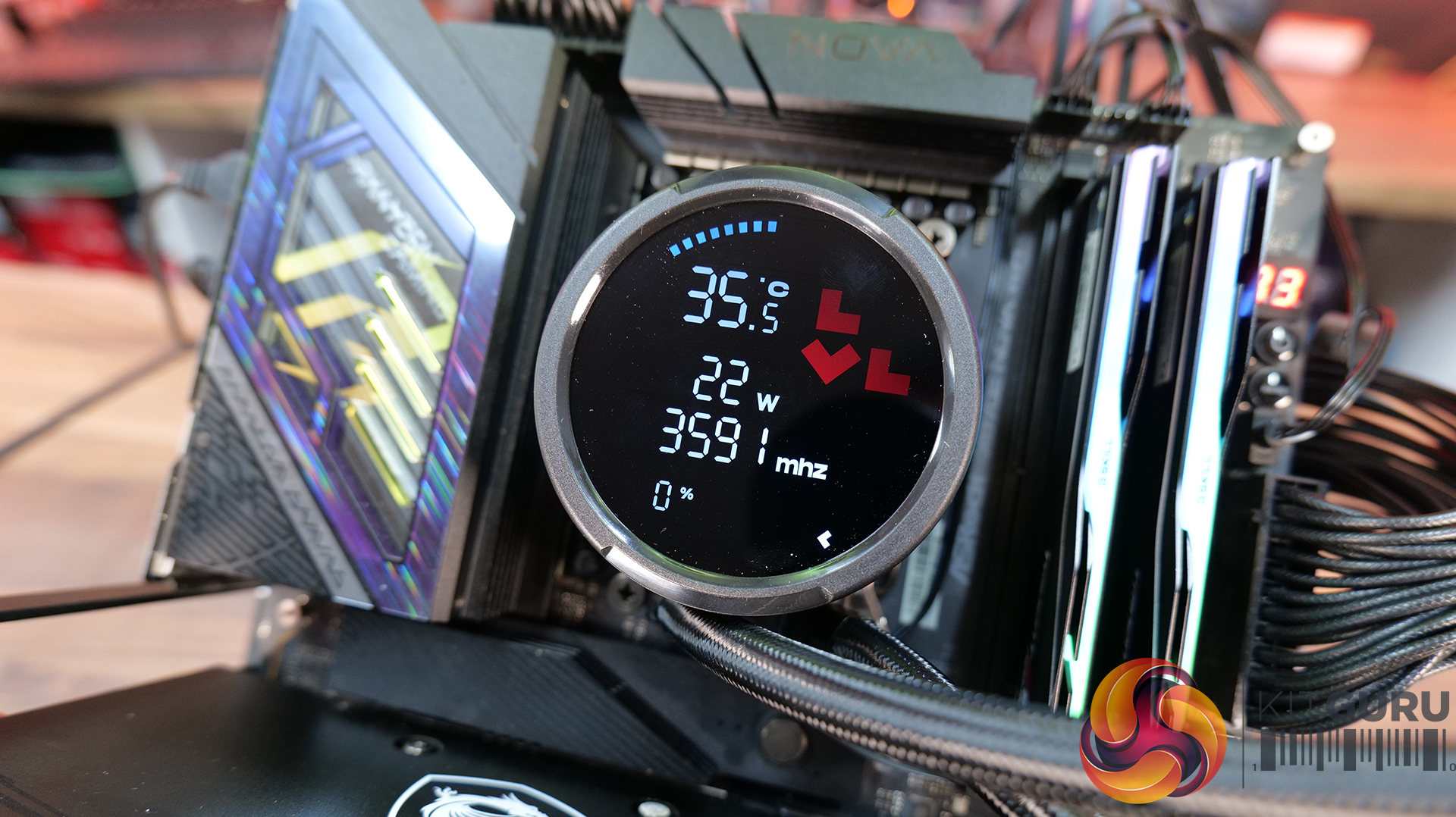
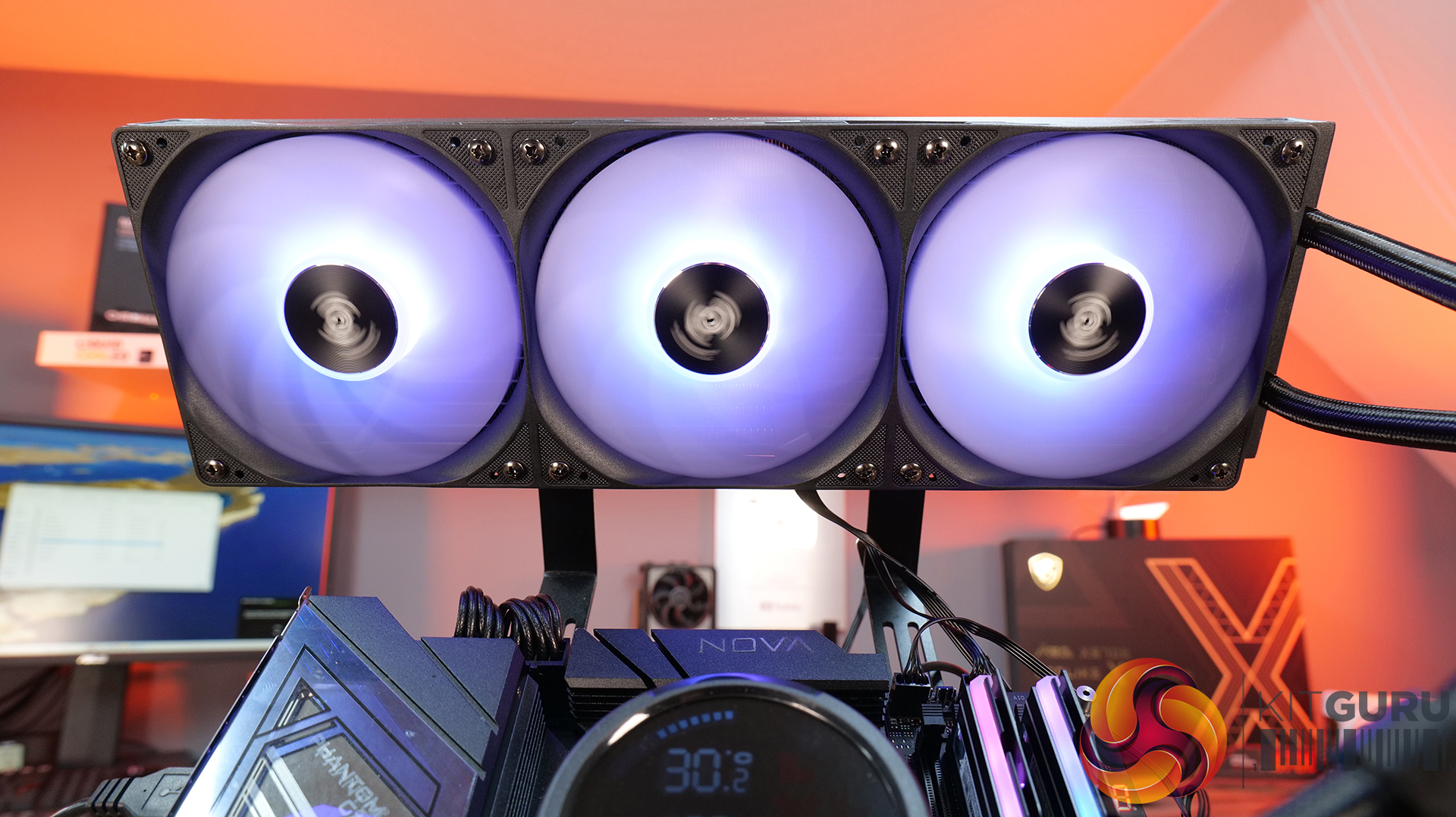
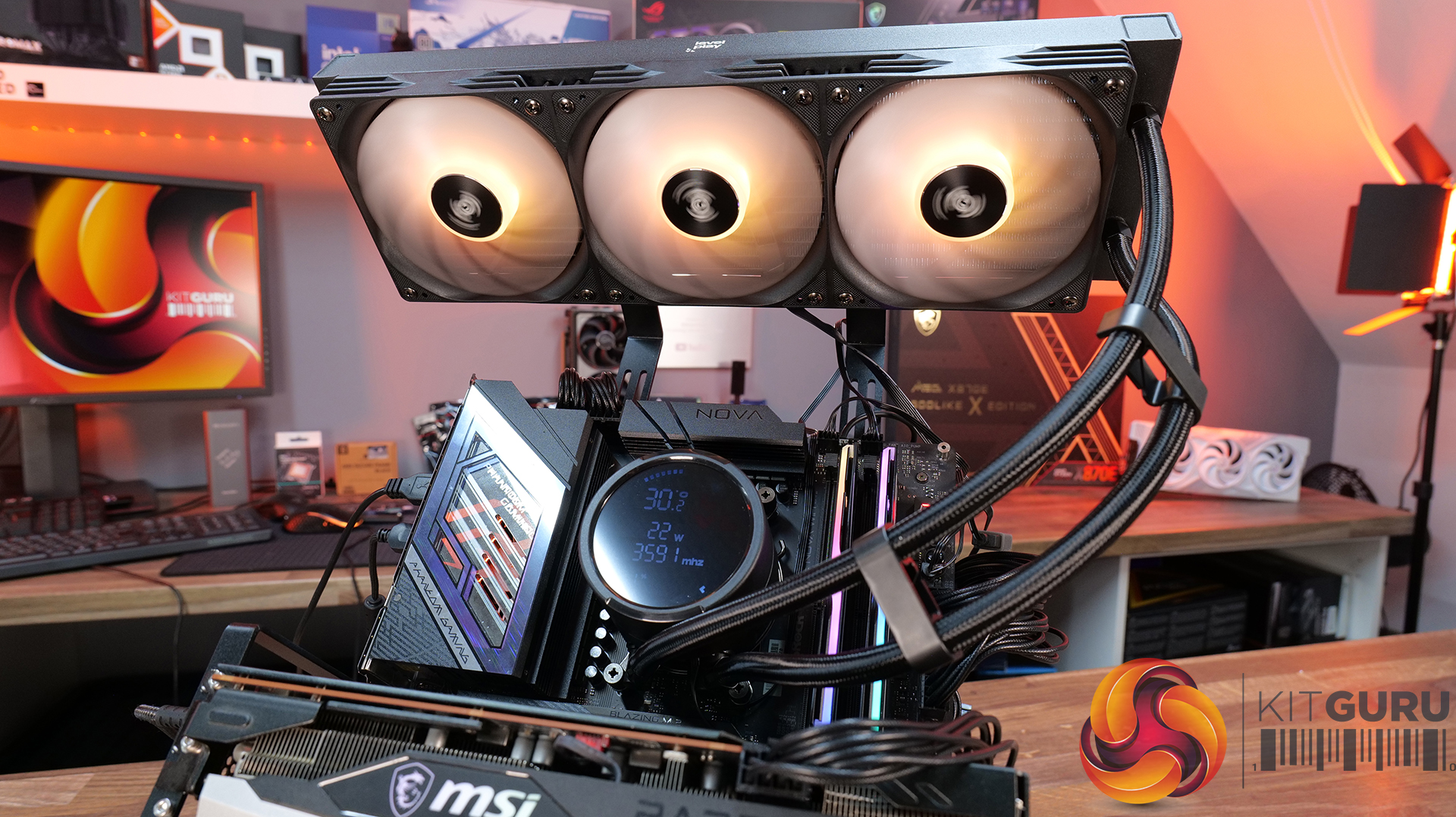
There is a driver that needs to be installed, which can be downloaded from the Levelplay website HERE. This is required for the cooler's LCD to correctly display system information, but it doesn't feel like unnecessary bloat software and has no front-end or customisation of the information on the display. The installation process is simple and it looks neat when completed.