KitGuru KitGuru.net – Tech News | Hardware News | Hardware Reviews | IOS | Mobile | Gaming | Graphics Cards


Earlier this year, Nvidia rolled out the Nvidia App, a new homebase for GeForce graphics card users to update drivers, system and display settings, as well as other features. The app has been in public beta testing for months but as of today, it is now officially out of beta with the latest update.
The latest version of the Nvidia App brings it out of beta and into full release. The app has had several updates since its debut, bringing over more advanced settings from the painfully old Nvidia Control Panel. The new Nvidia App also acts as a hub for other Nvidia services, so you can quickly load up GeForce Now, or Chat RTX, RTX Broadcast, Frame View and other tools.
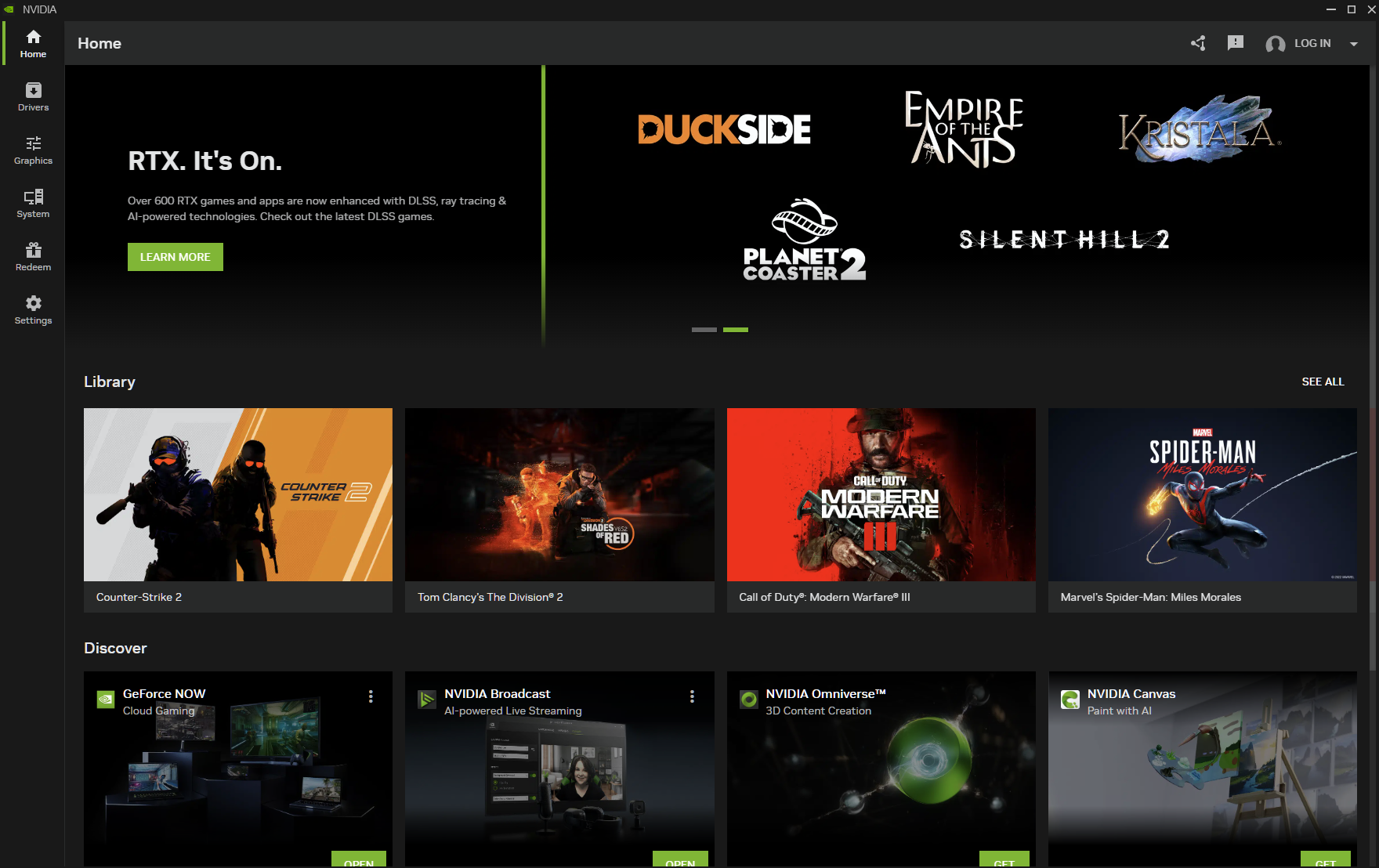
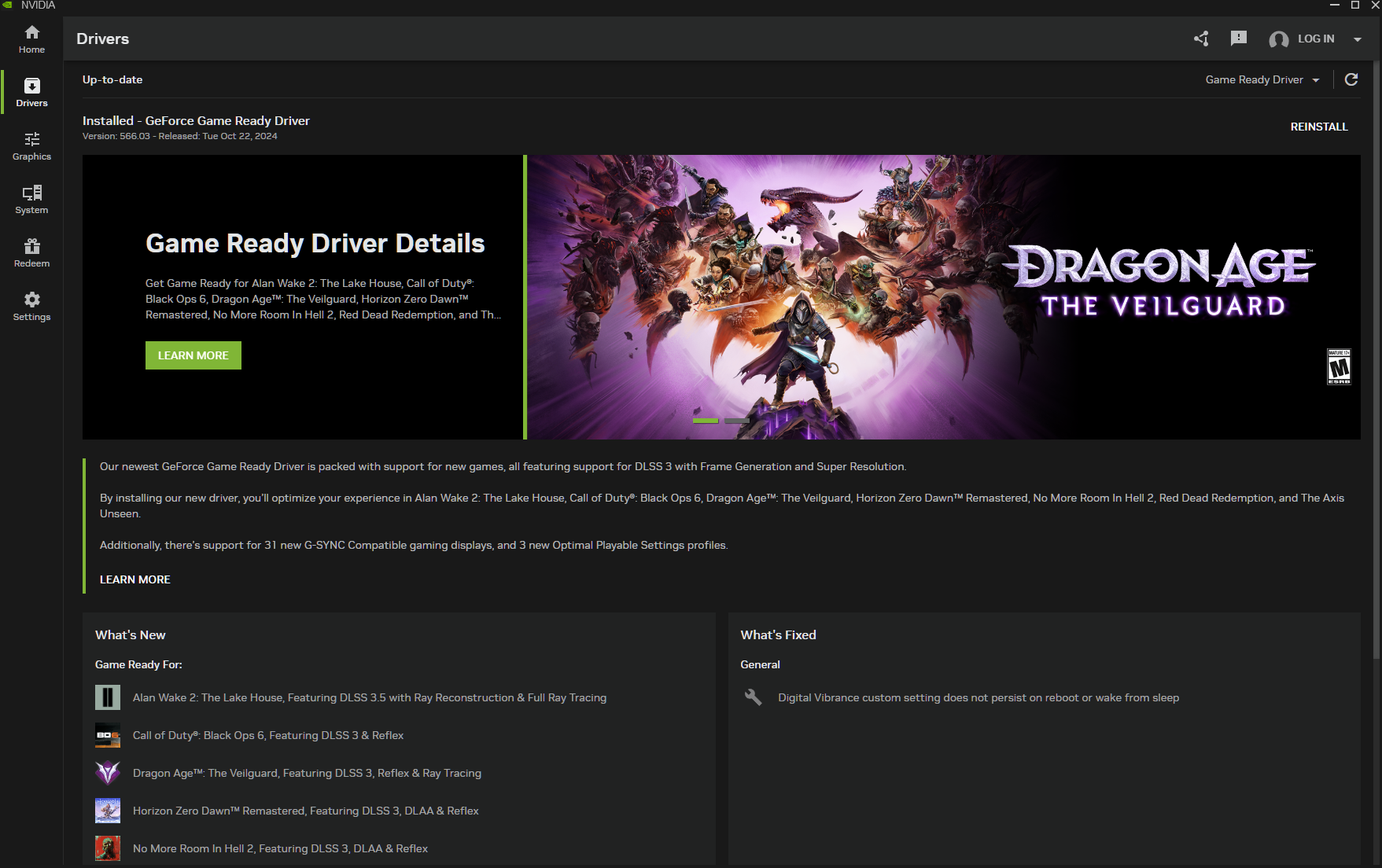
The first tabs of the Nvidia app are simple and already well known to those who have previously used the GeForce Experience software. The home page shows your recently played games, as well as a banner with the latest driver update, and a section for all of Nvidia's additional applications. The drivers tab is where you go to find the latest Game Ready drivers. If you load up the Nvidia app today, you should have a new driver release ready and waiting for you.
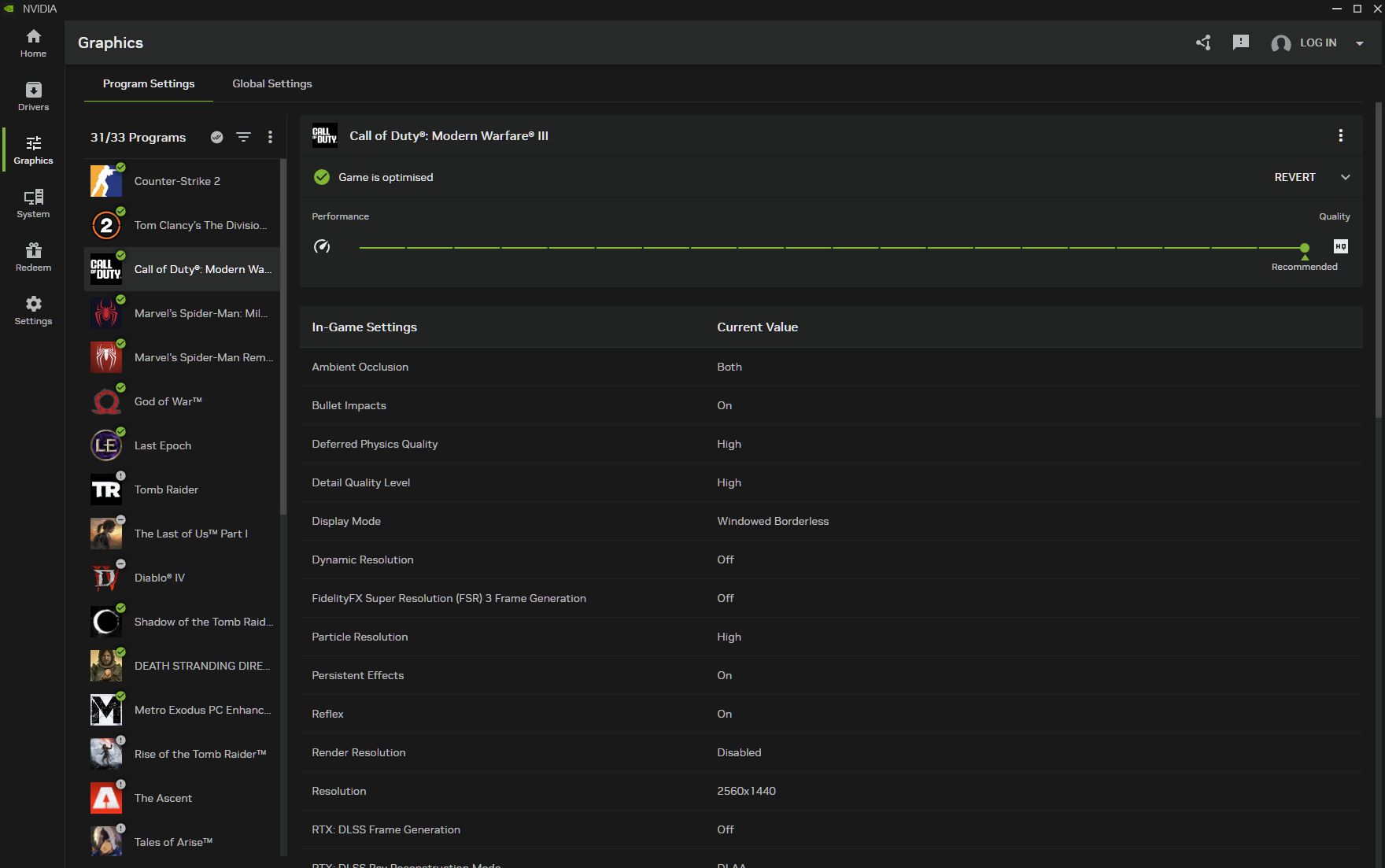
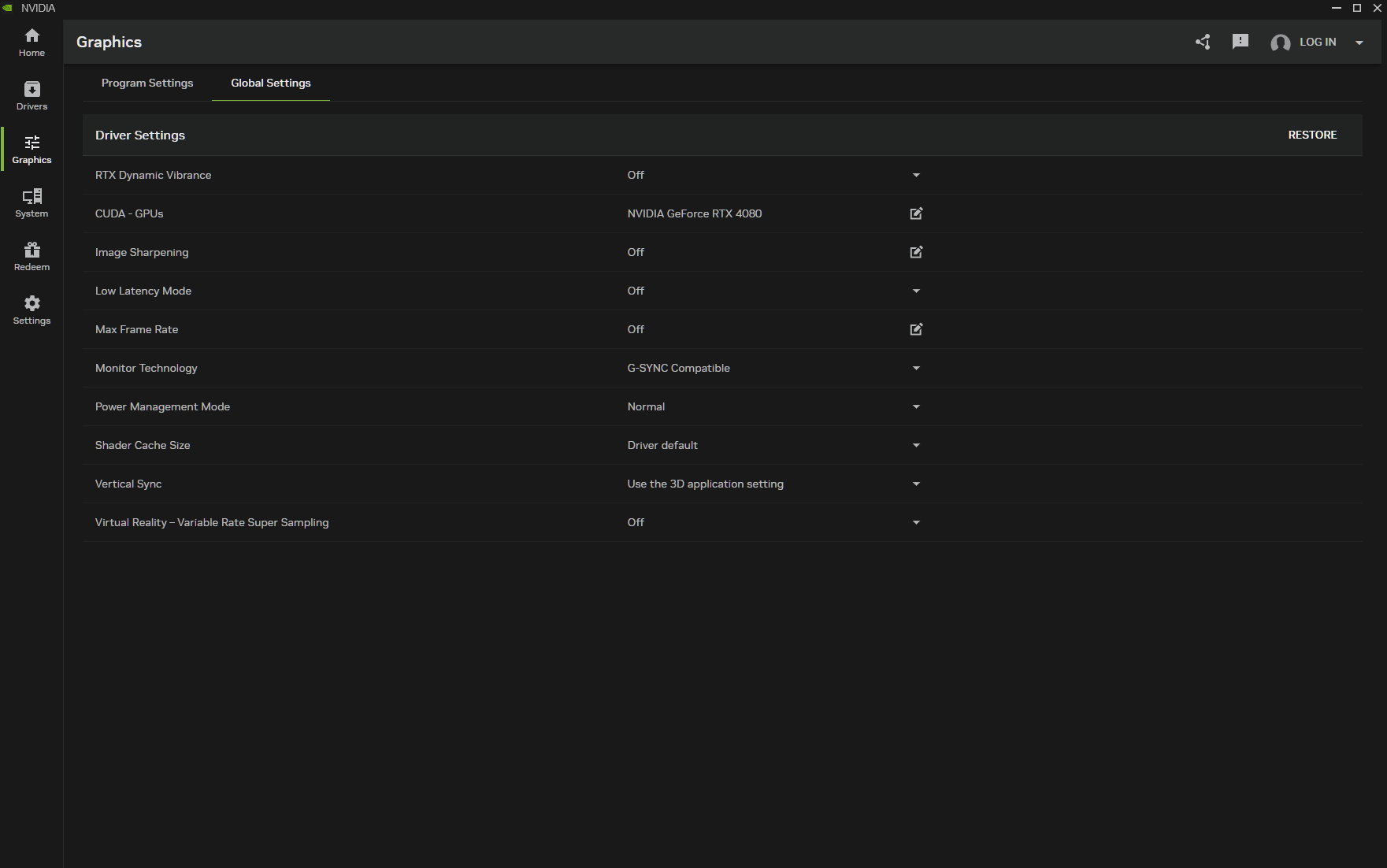
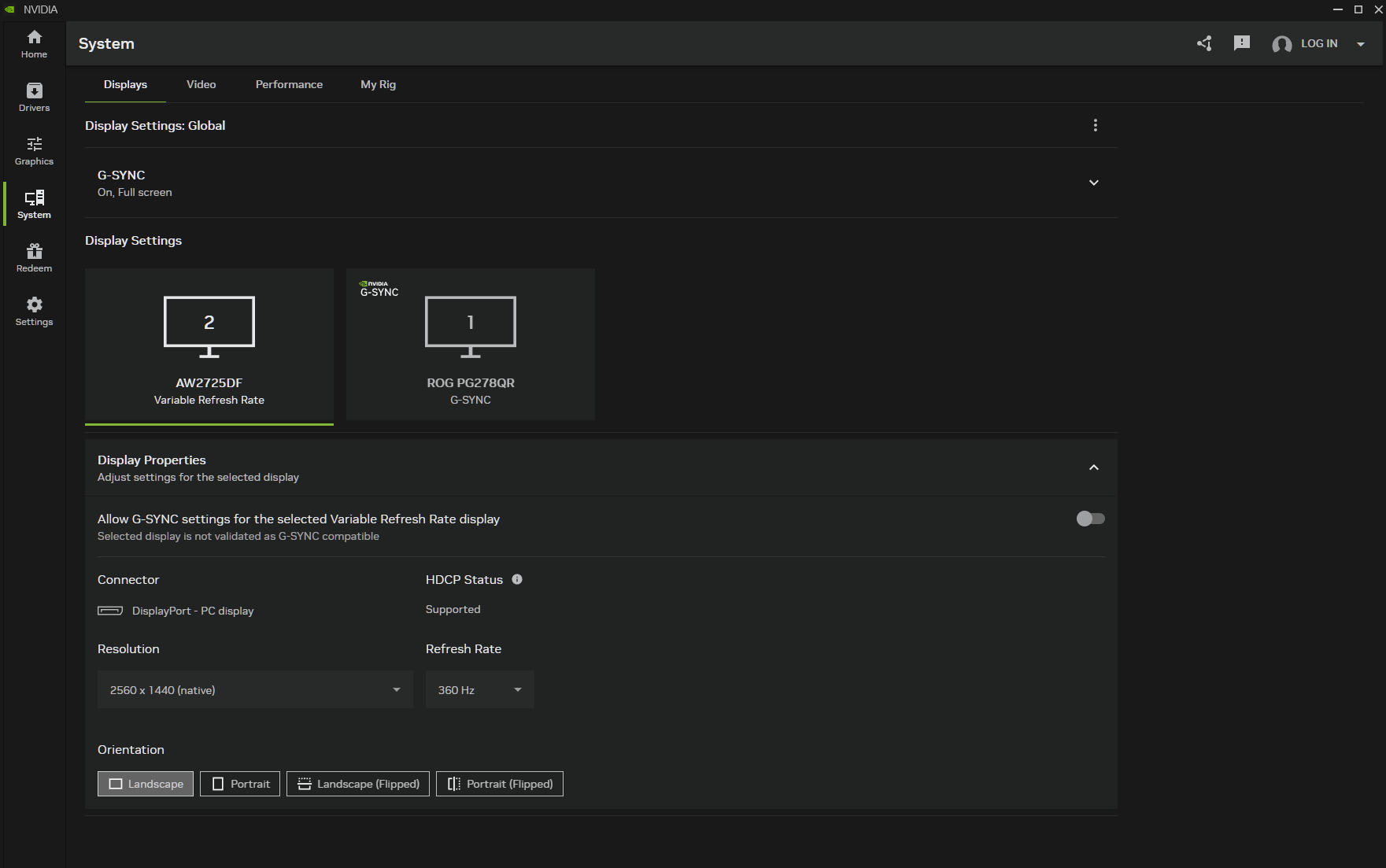
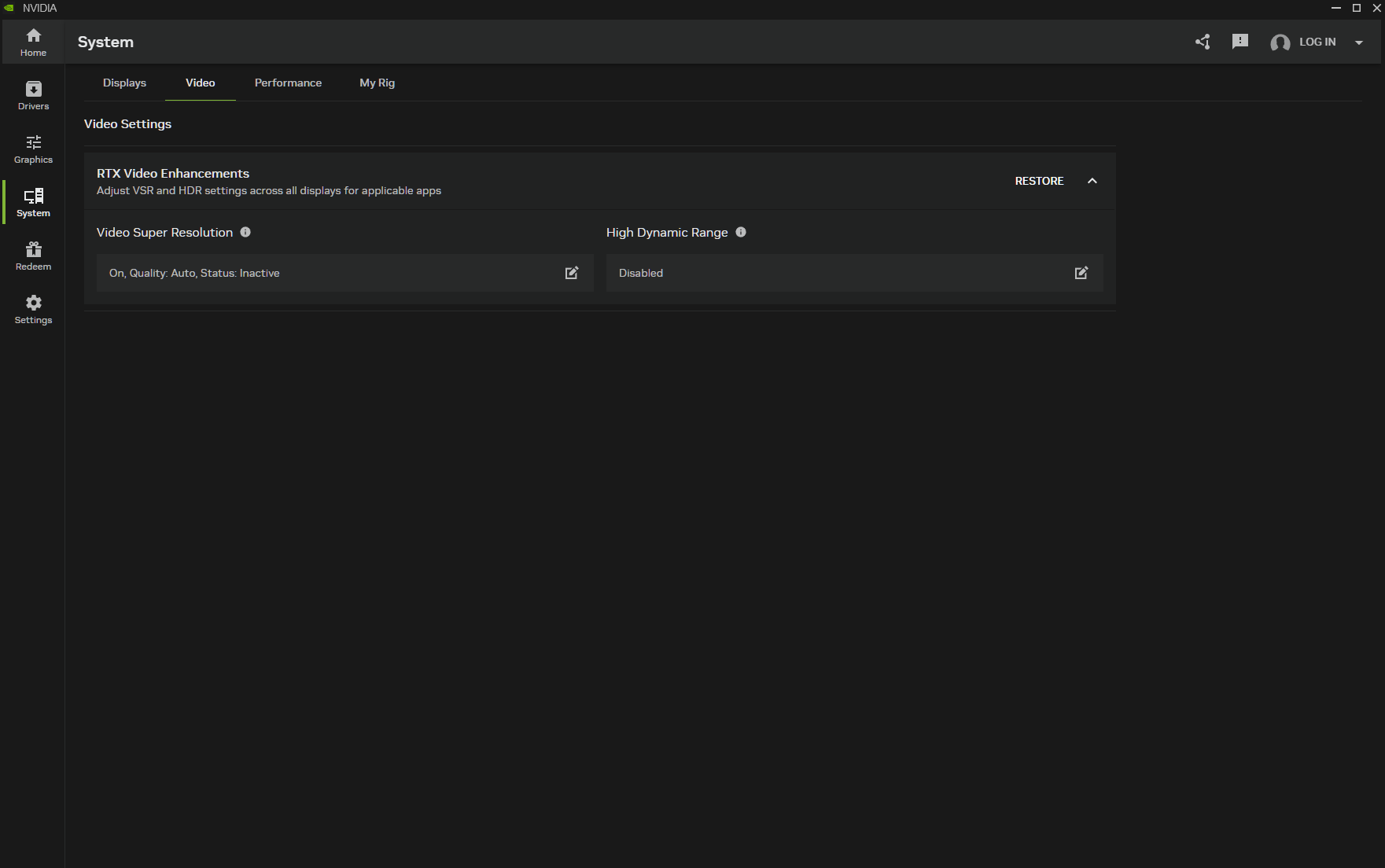
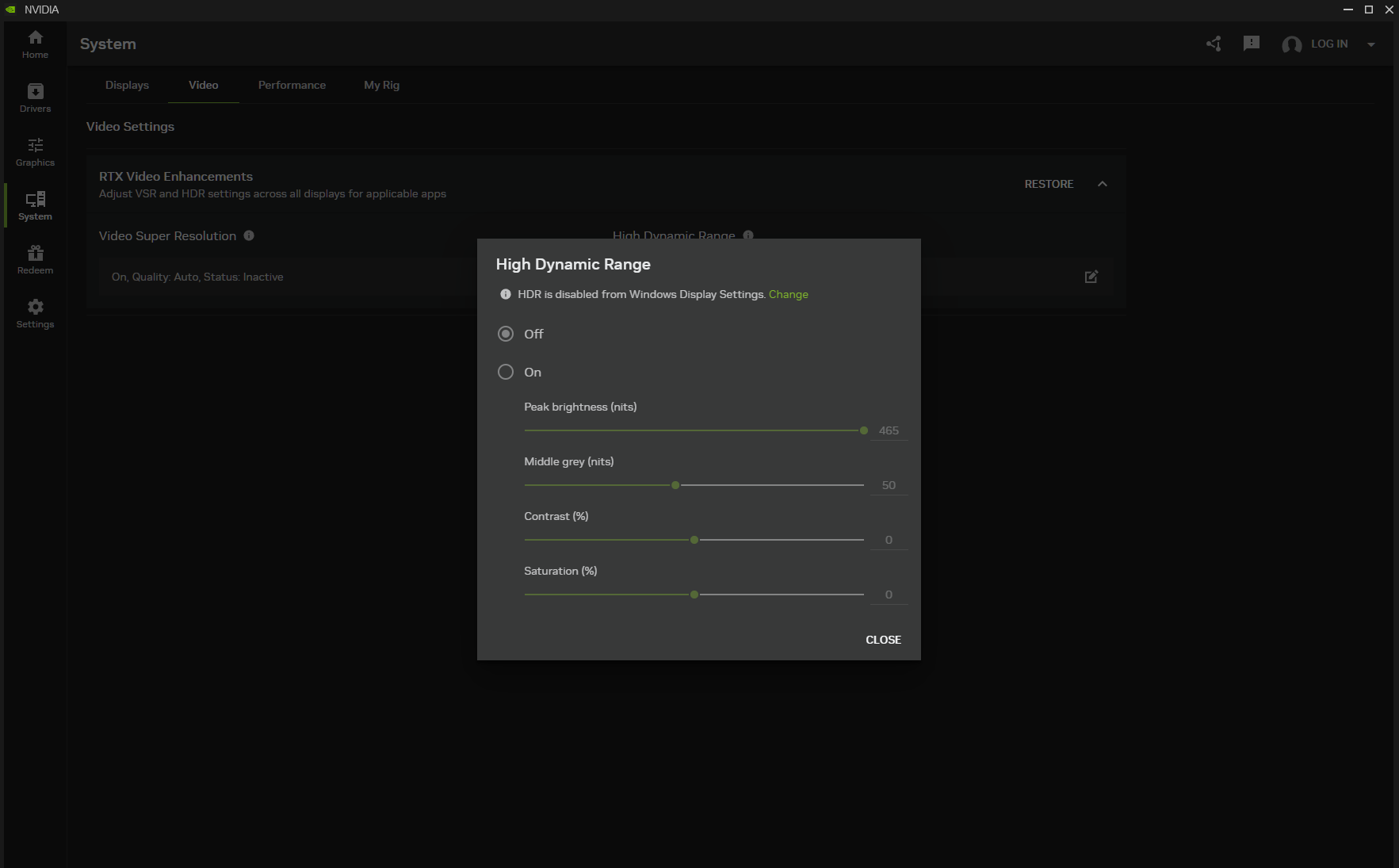
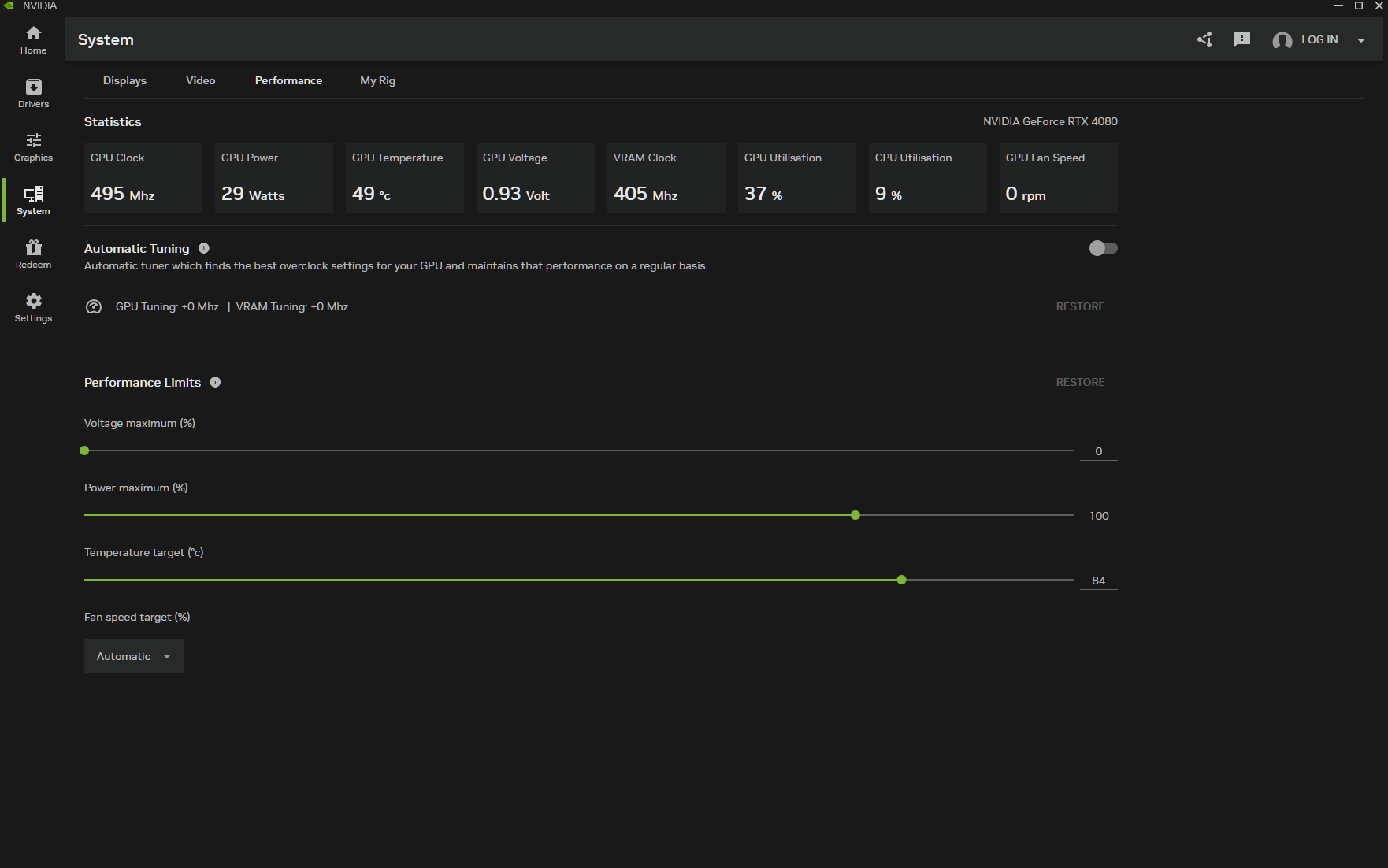
The graphics tab has two main windows. One for one-click optimal settings for supported games, and another for global settings. The global settings tab comes over directly from the old Control Panel, allowing you to set global preferences for low latency, frame rate, G-Sync, V-Sync, image sharpening and more, without having to load up the old and slow Control Panel UI.
The System tab lets you adjust display settings, including access to HDR and Video Super Resolution tools, a full breakdown of your PC hardware, and a performance tab that lets you automatically overclock your graphics card for higher performance in games.
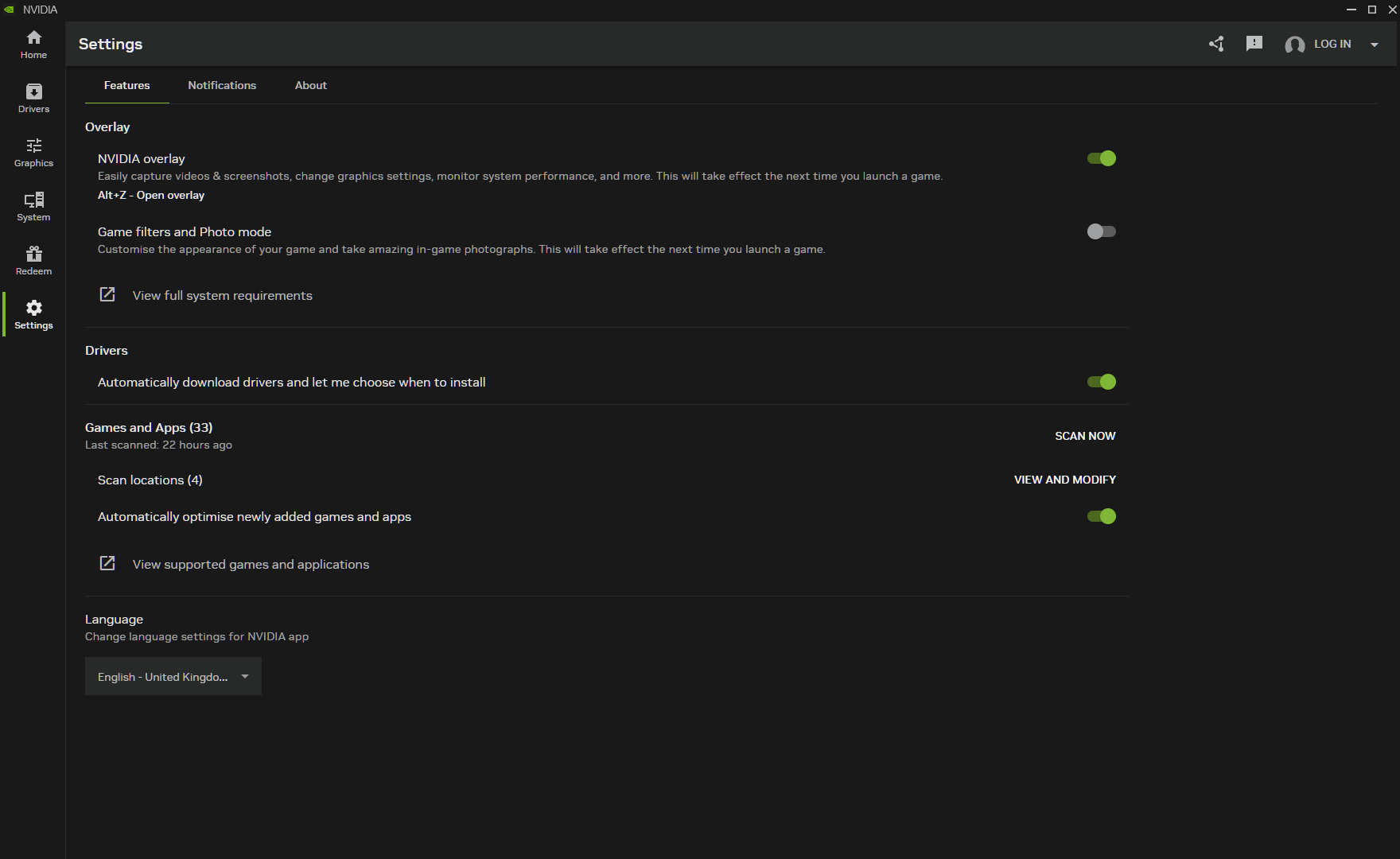
The settings tab lets you set up a shortcut for the Nvidia Overlay, or switch it off entirely. The overlay can be used to access performance tuning features, broadcast and recording features, game filters and other handy tools. You can also disable filters and photo mode entirely from the settings. You can also set preferences for driver notifications and game install locations.
Overall, the Nvidia App has shaped up to become a fine replacement for the Control Panel and GeForce Experience apps, with a much cleaner UI. With that said, there are still some features that have not yet migrated over from the Control Panel, which advanced users may miss, like the option to force a specific type of anti-aliasing or ambient occlusion, and anisotropic filtering. Personally though, I've never been one to dive into the global 3D settings and force a method of anti-aliasing or ambient occlusion. The Surround and PhysX options are also still only available through the Control Panel.
If you ever need to access one of these settings, however, then you can still open up the classic control panel by right-clicking your desktop, or by going through the shortcut found in the Nvidia App.
You can download the full release version of the Nvidia App HERE.
Discuss on our Facebook page, HERE.
KitGuru Says: Have you been using the Nvidia App in recent months? What has your experience with it been like?