 KitGuru KitGuru.net – Tech News | Hardware News | Hardware Reviews | IOS | Mobile | Gaming | Graphics Cards


When you sign up for broadband, you usually get a standard WiFi router included. So why would you want to pay £200-400 more for a premium upgrade? Will it really deliver a significantly better experience? Now that even regular broadband is delivering 60-80Mbits/sec of bandwidth, though, you could be limiting how much benefit you get from your Internet connection. We thought we would test just how much extra performance is available from the latest WiFi 6 and 6E routers against the kind of device that might have come with your broadband a few years ago.
The primary upgrade router we chose for testing was the MSI RadiX AXE6600, which we recently reviewed on its own. This promises an aggregated throughput across all its radios of 6,600Mbits/sec. Thanks to support for the latest WiFi 6E extension, it can operate at 5GHz, 2.4GHz, and the latest 6GHz frequencies. At 2.4GHz, the router delivers up to 573.5Mbits/sec, but this more than doubles to 1,200Mbits/sec at 5GHz. The 6GHz waveband offers 4,800Mbits/sec.
The broadband service-supplied router we have chosen to test the RadiX against is the original BT Smart Hub. This has been superseded by the BT Smart Hub 2, but represents the kind of device that would have come with a BT Internet service if you signed up for it a few years ago, and are now considering whether it needs an update. BT has never stated the performance specifications of the Smart Hub, except that it is dual-band, with a 3×3 antenna configuration for 2.4GHz and 4×4 for 5GHz. It also only supports 802.11ac (WiFi 5).
MSI also offers a router called the RadiX AX6600, which is essentially the AXE6600 but without support for WiFi 6E's 6GHz waveband, and minus a couple of other nice but not essential features. While the AXE6600 costs around £320 inc VAT, the AX6600 is under £240. Since we originally tested the AXE6600, we still haven't seen a significant upswing in 6GHz-capable end user devices. Your choices still currently only extend to a few Apple products, and a selection of notebooks. So the AX6600 is a valid choice for today's devices, if not future ones.
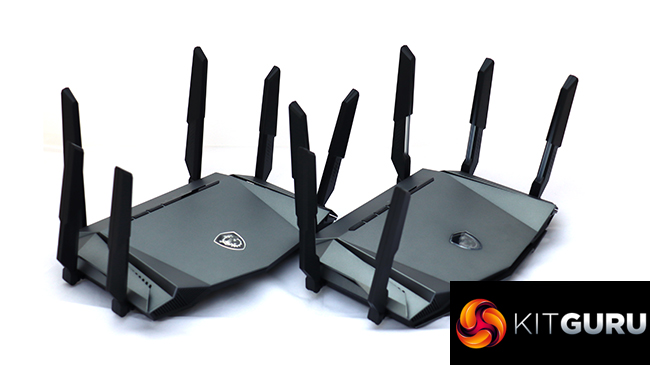
Both MSI routers offer the same fairly typical set of physical ports. These include four Gigabit Ethernet connections for wired client devices, but the broadband WAN port supports 2.5Gbit Ethernet. There's a USB 3.0 port for attaching storage to share across the network.
The BT Smart Hub also offers four Gigabit Ethernet ports for wired client devices, but has an ADSL modem built in so doesn't have a fifth port for WAN connections. There's a USB 3.0 connection as well.
So, if your broadband came with a BT Smart Hub – or equivalent – is a state-of-the-art upgrade like the MSI RadiX routers worth the additional expense? Read on to find out.
- The MSI RadiX AXE6600 is available from Amazon for £319.98 inc VAT.
- The MSI RadiX AX6600 is available from Amazon for £237.15 inc VAT.
- The BT SmartHub is no longer available to purchase new.
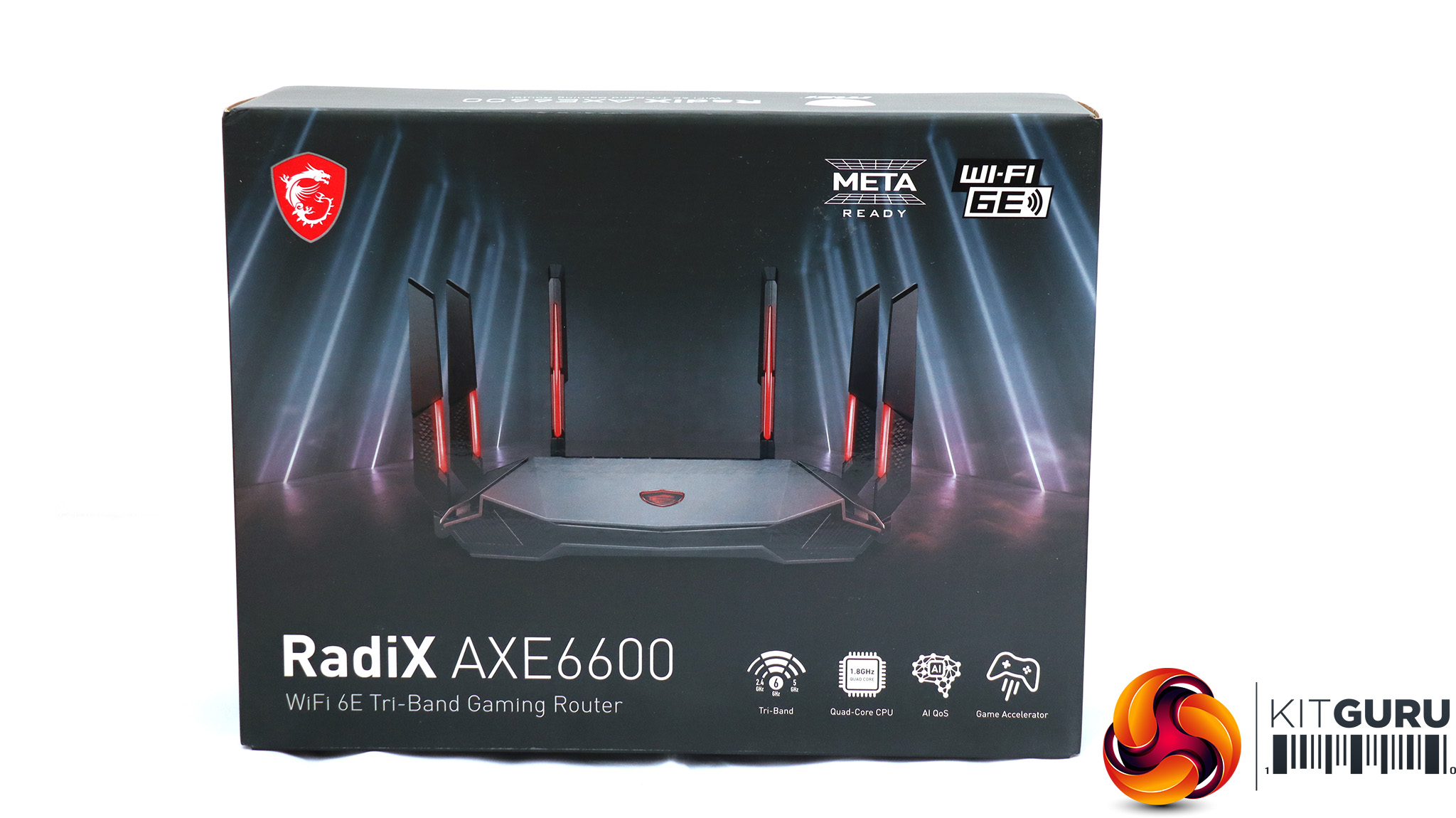
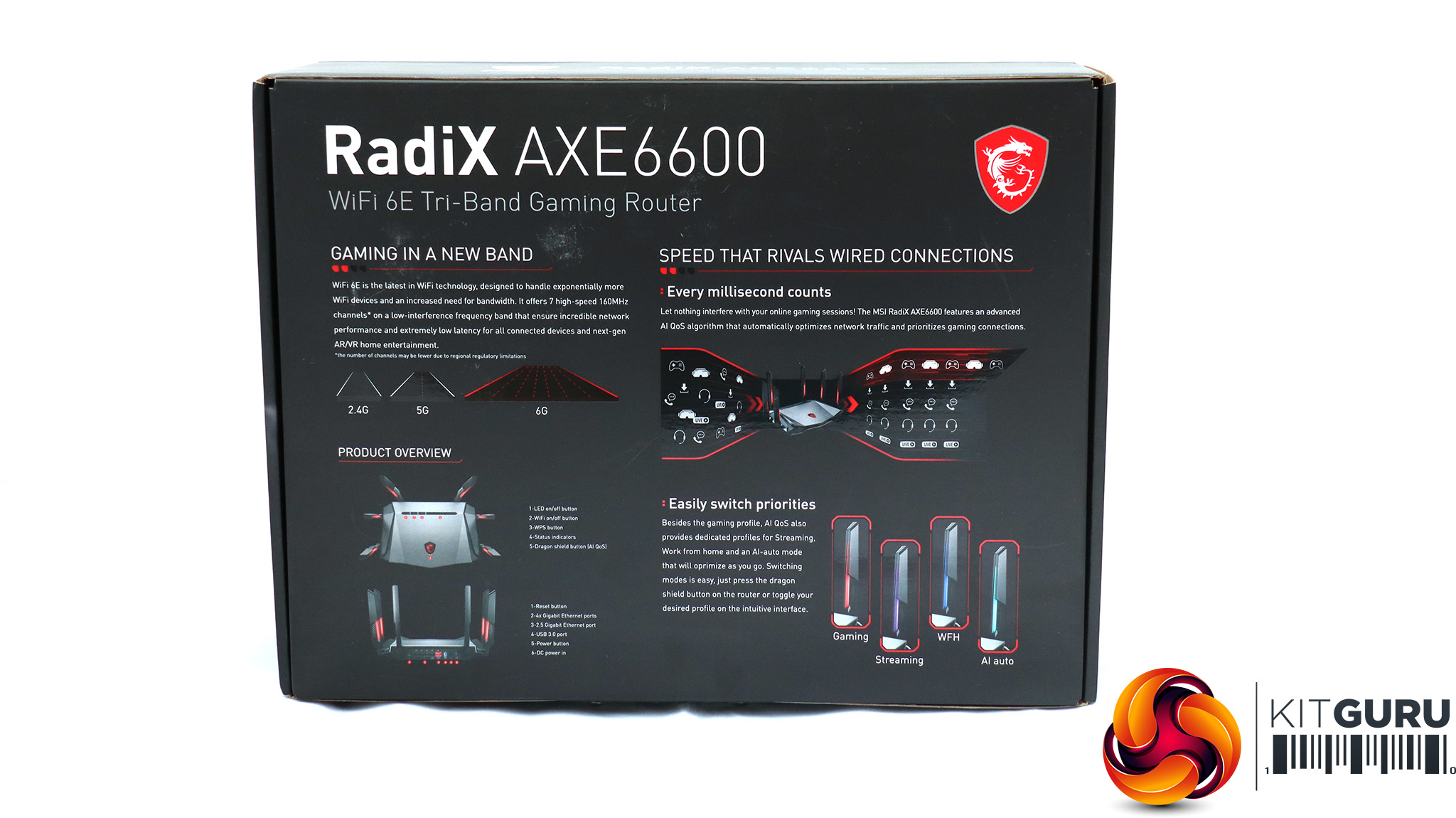
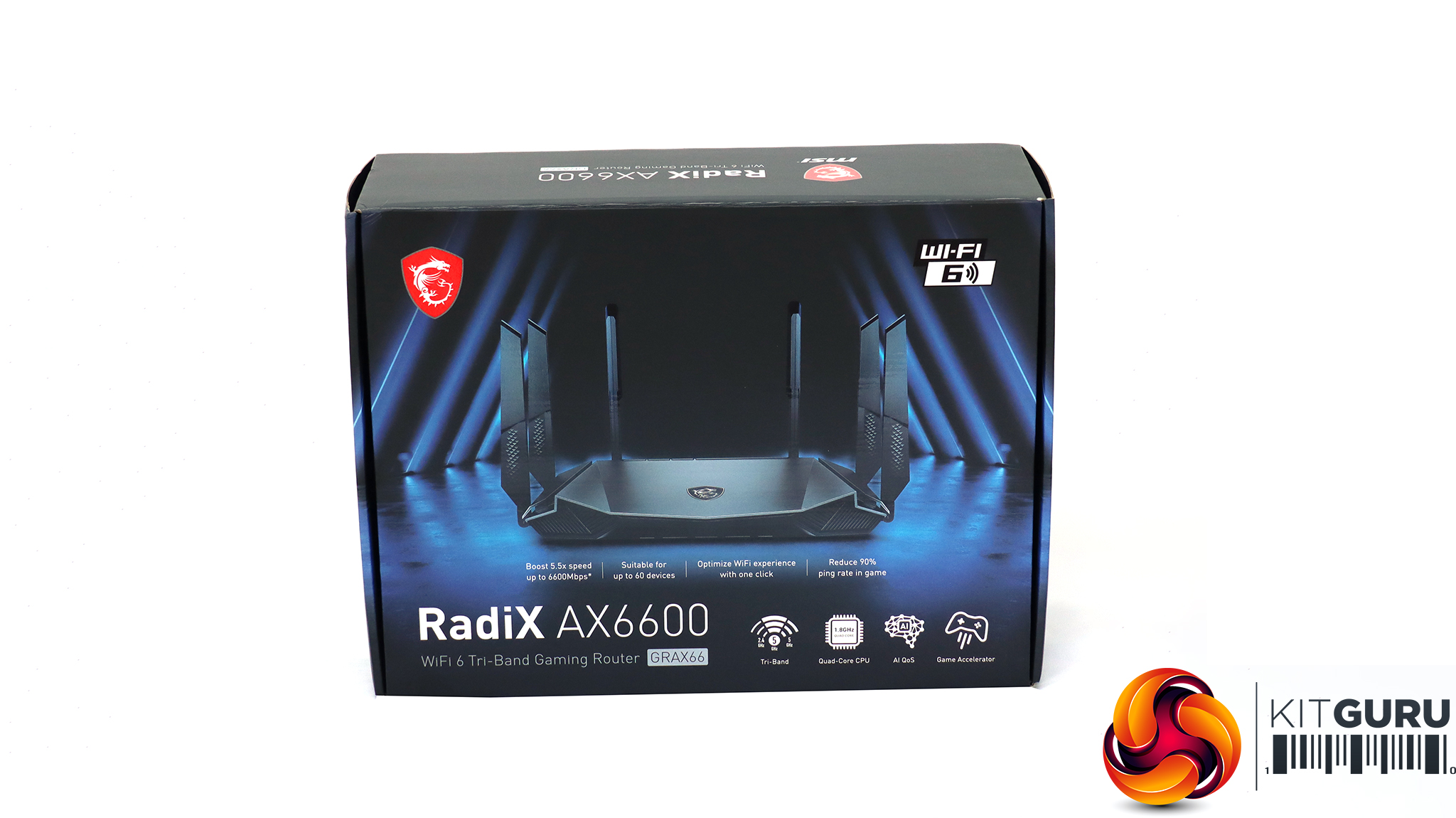
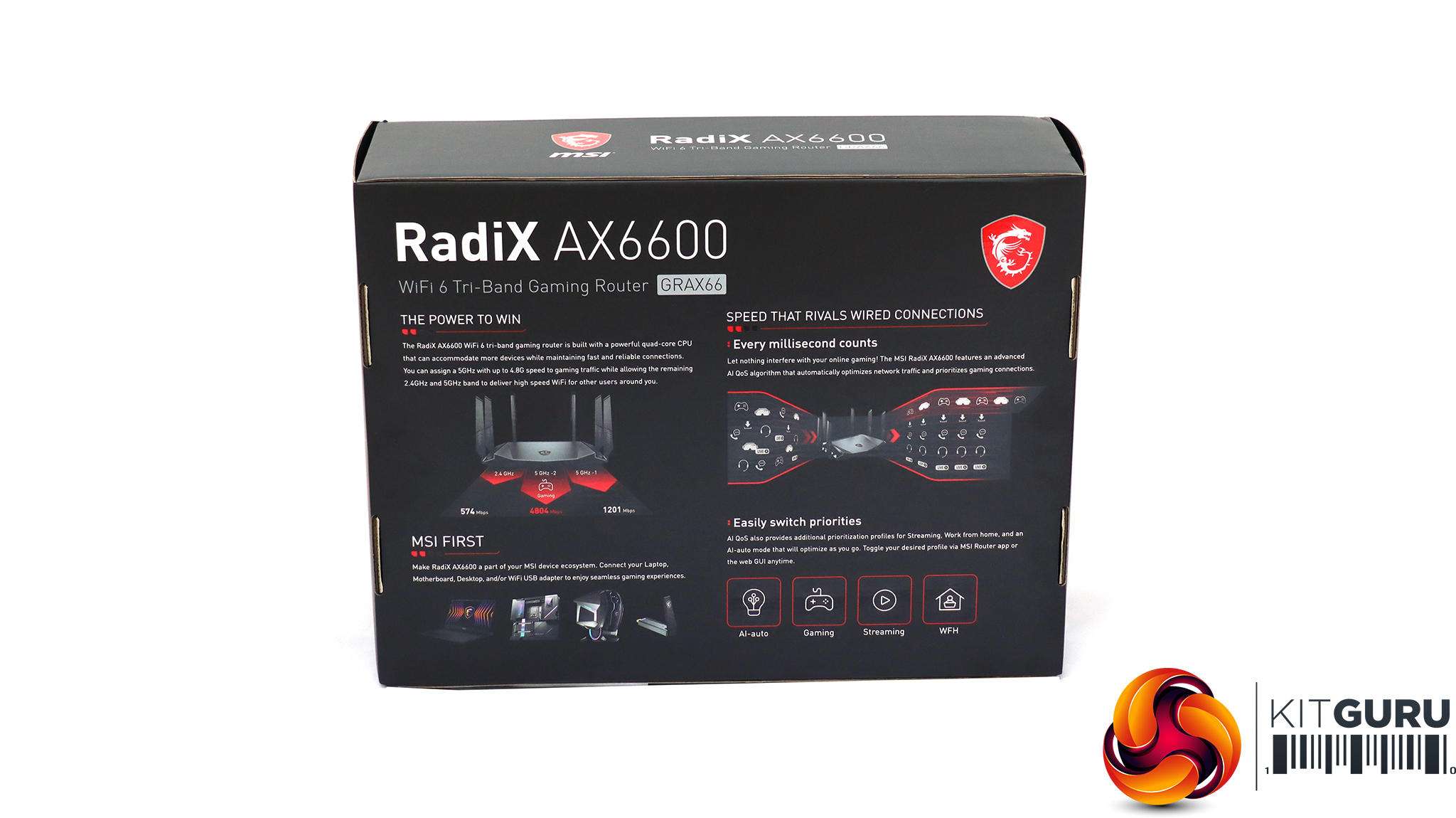
The RadiX boxes are quite similar from the front, although the information on the rear is a bit different.
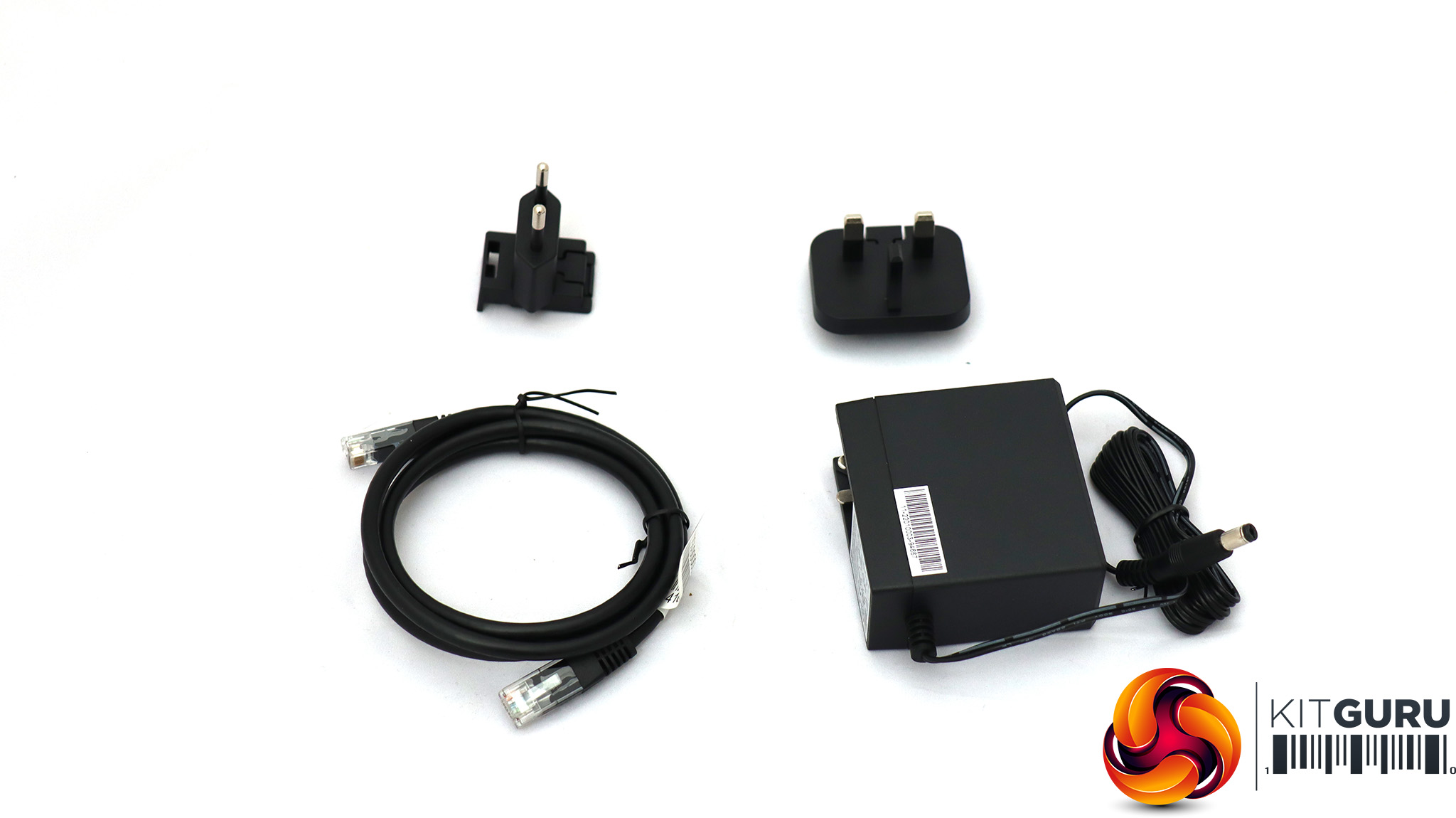
Apart from the router, the contents are the same. This includes a power supply with European and UK plug pin options, and a Cat 5 Ethernet cable, intended for use with the broadband modem.
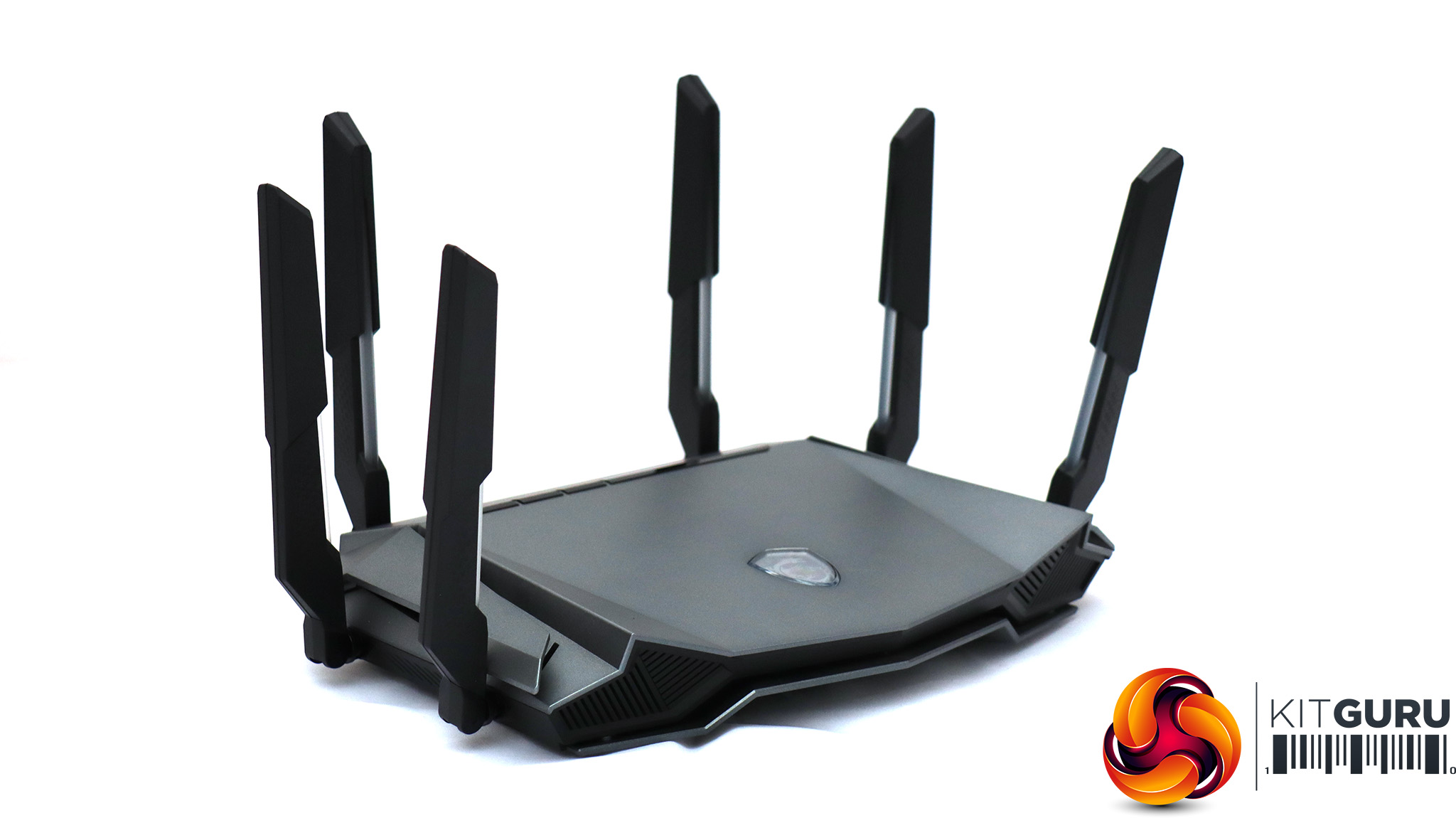
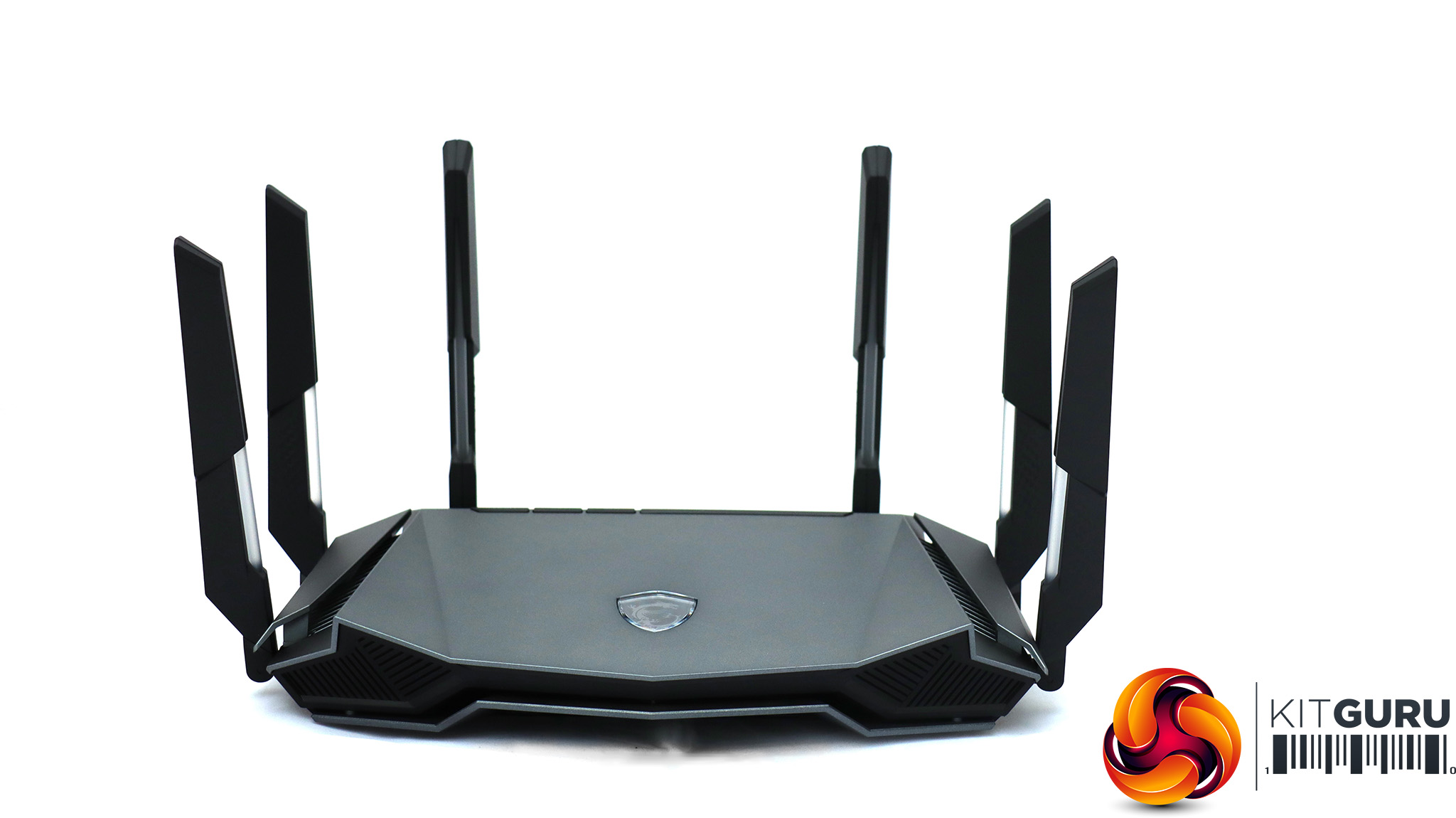
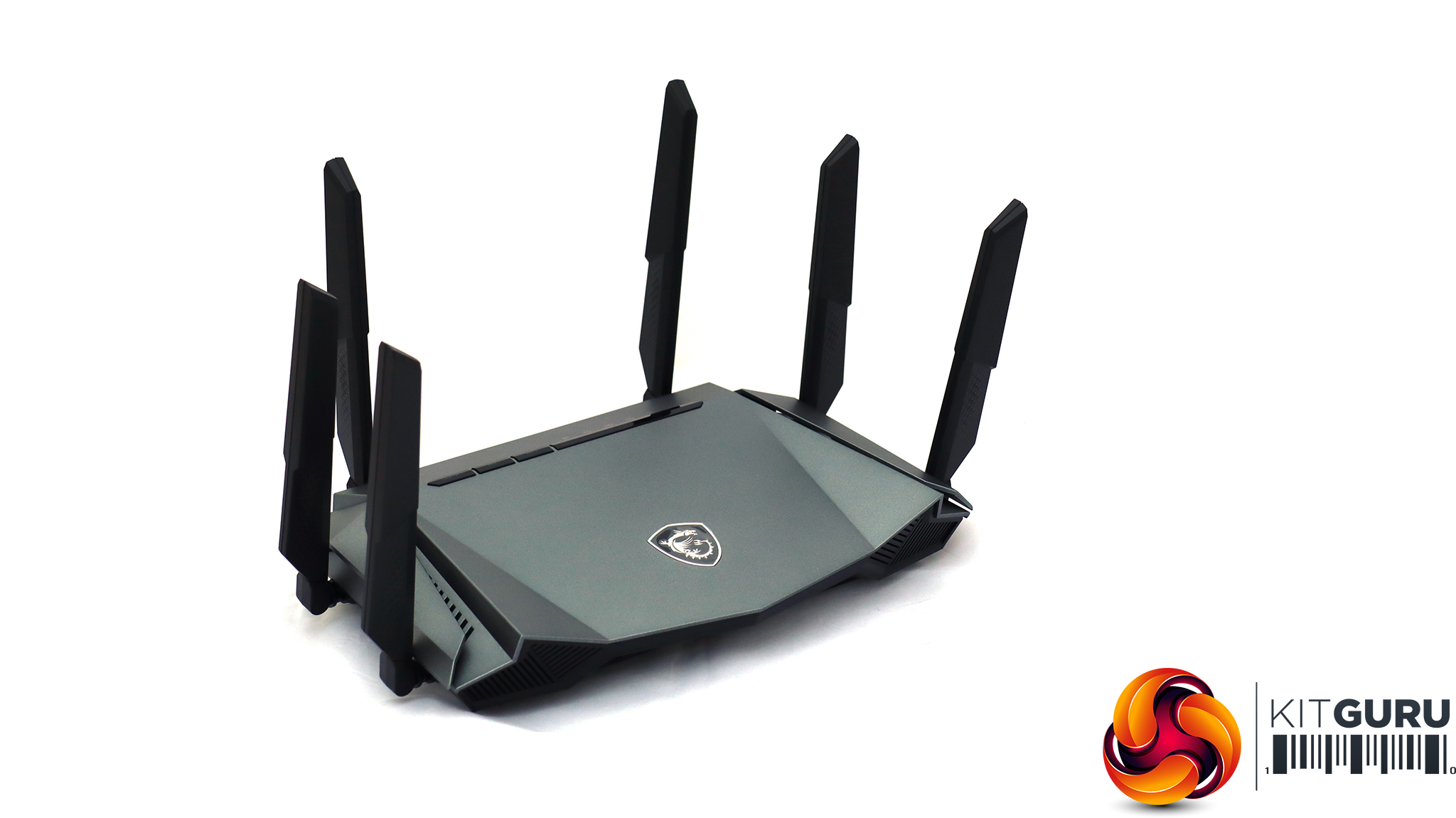
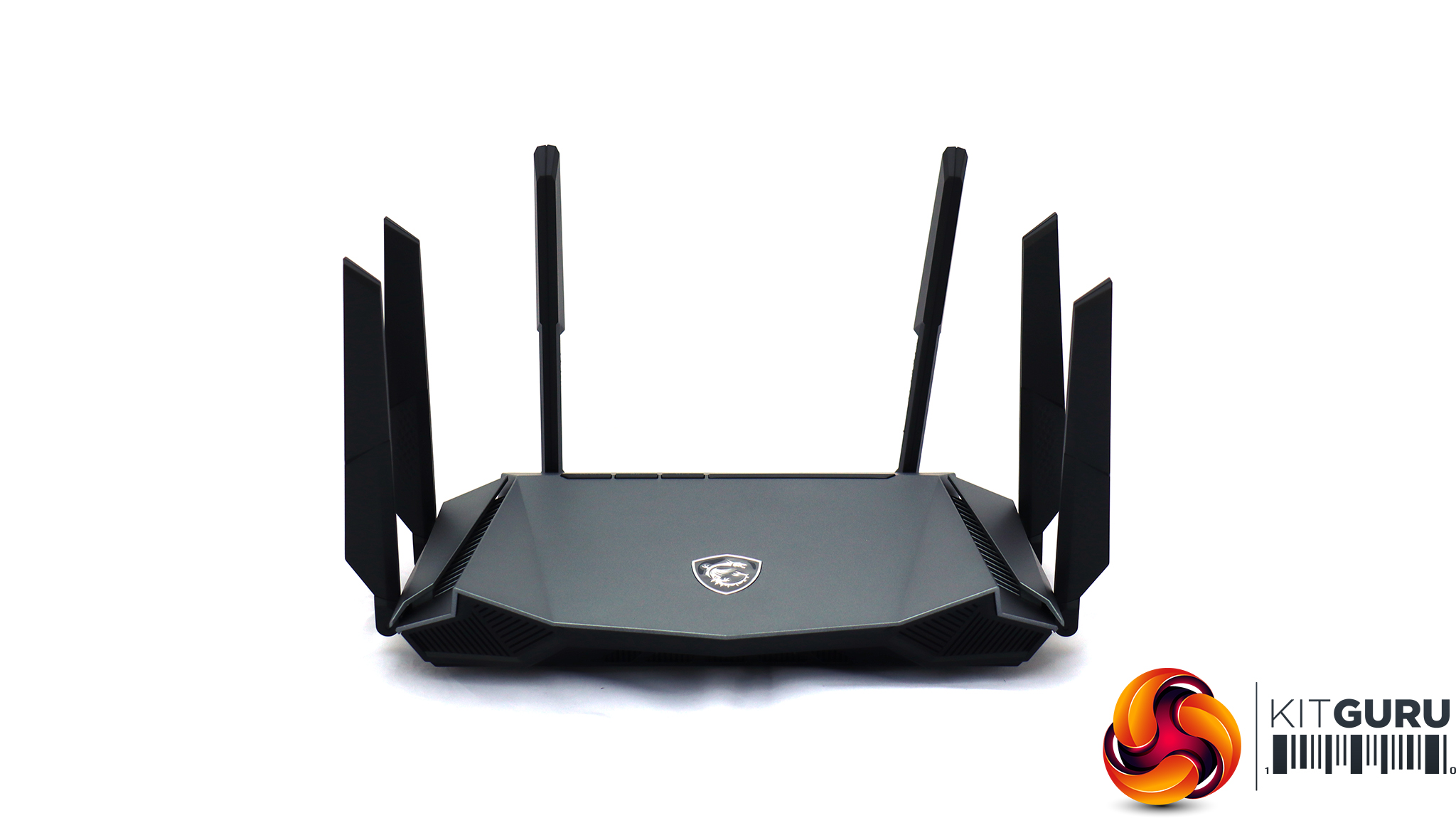
There is a lot of physical similarity between the AXE6600 (top) and AX6600 (bottom). The two main differences are the lower lip on the AXE6600, and the lighting on its permanently attached antennas. This is coloured to indicate the router mode you choose on the AXE6600.
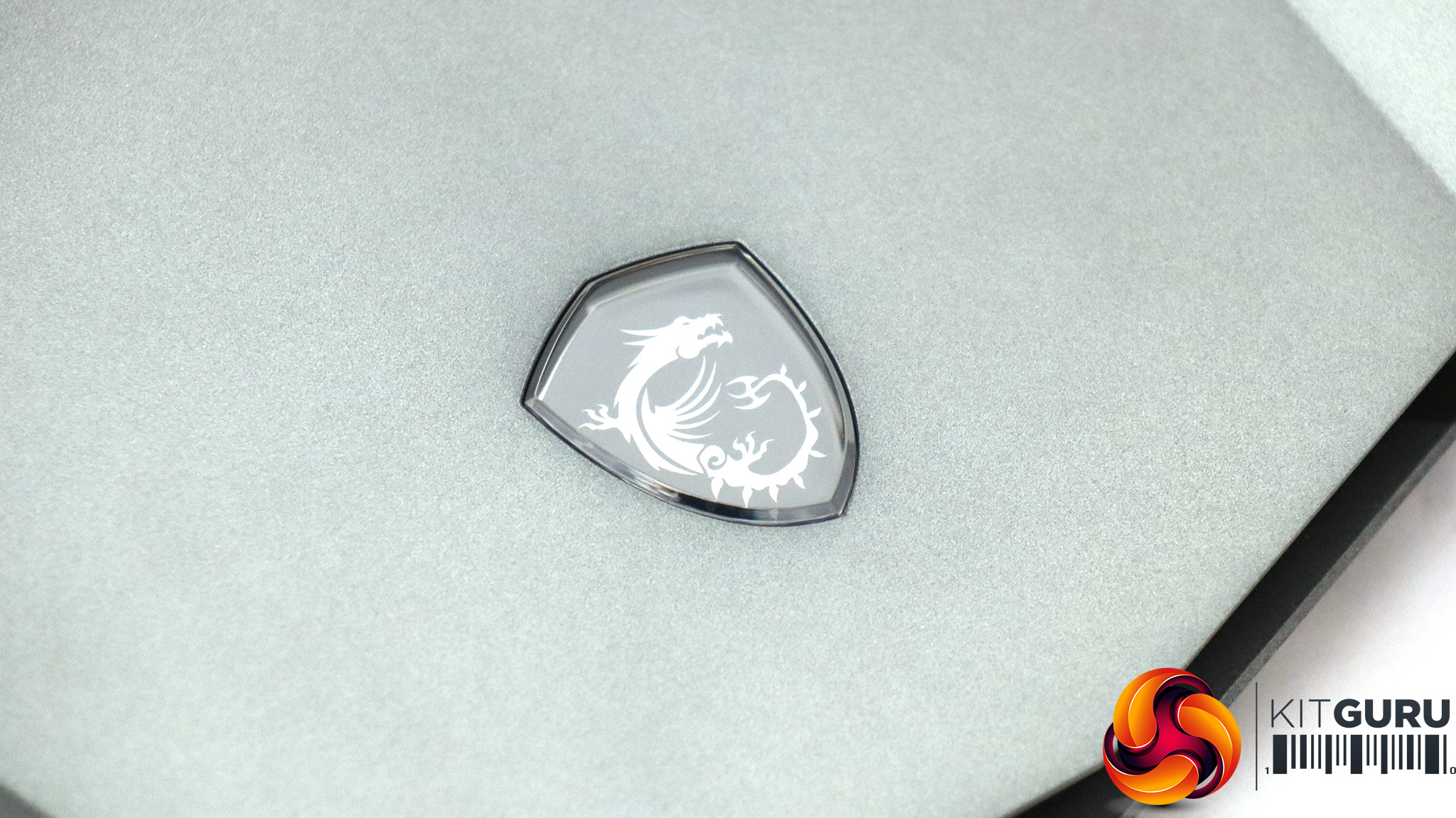
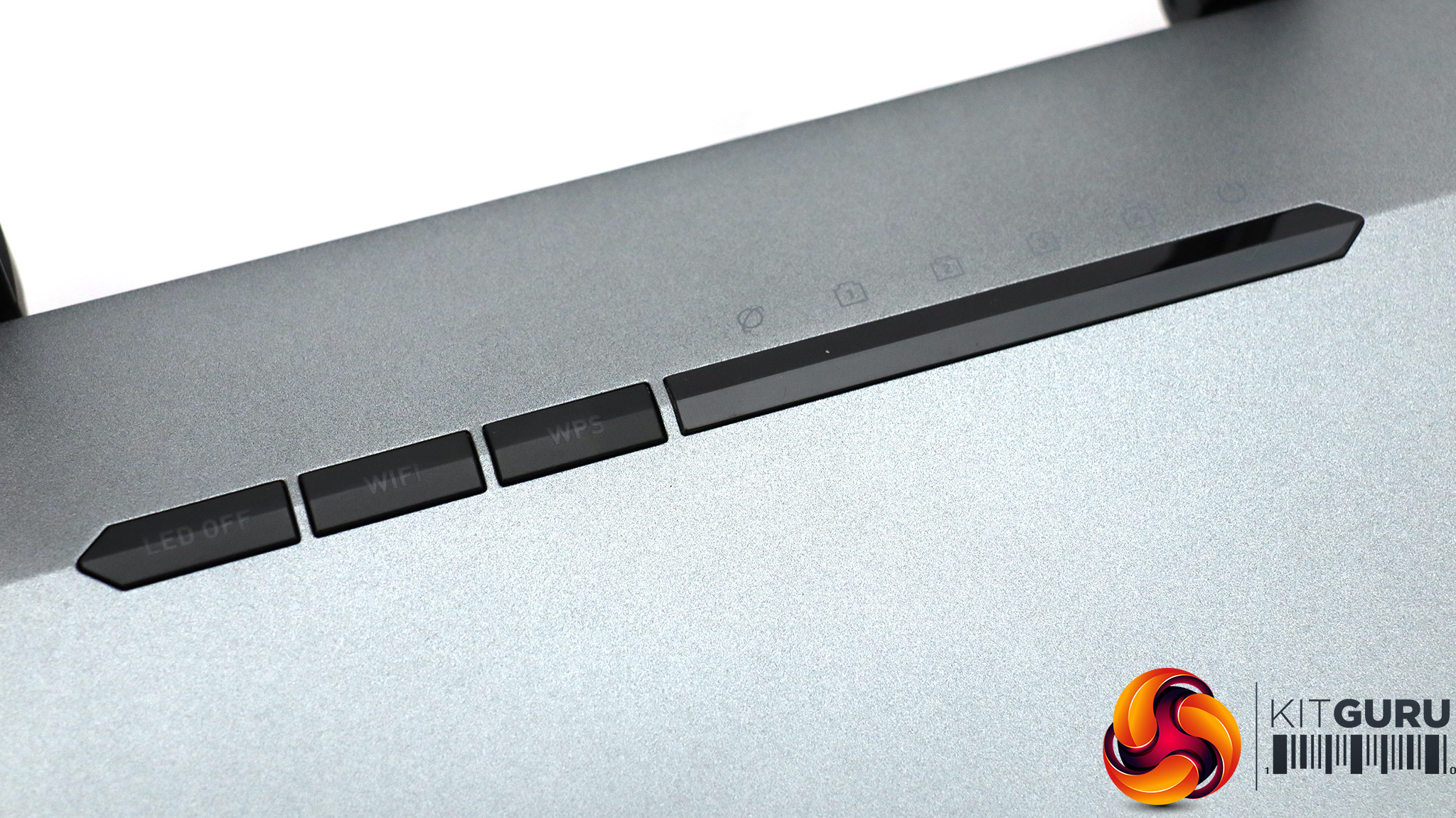
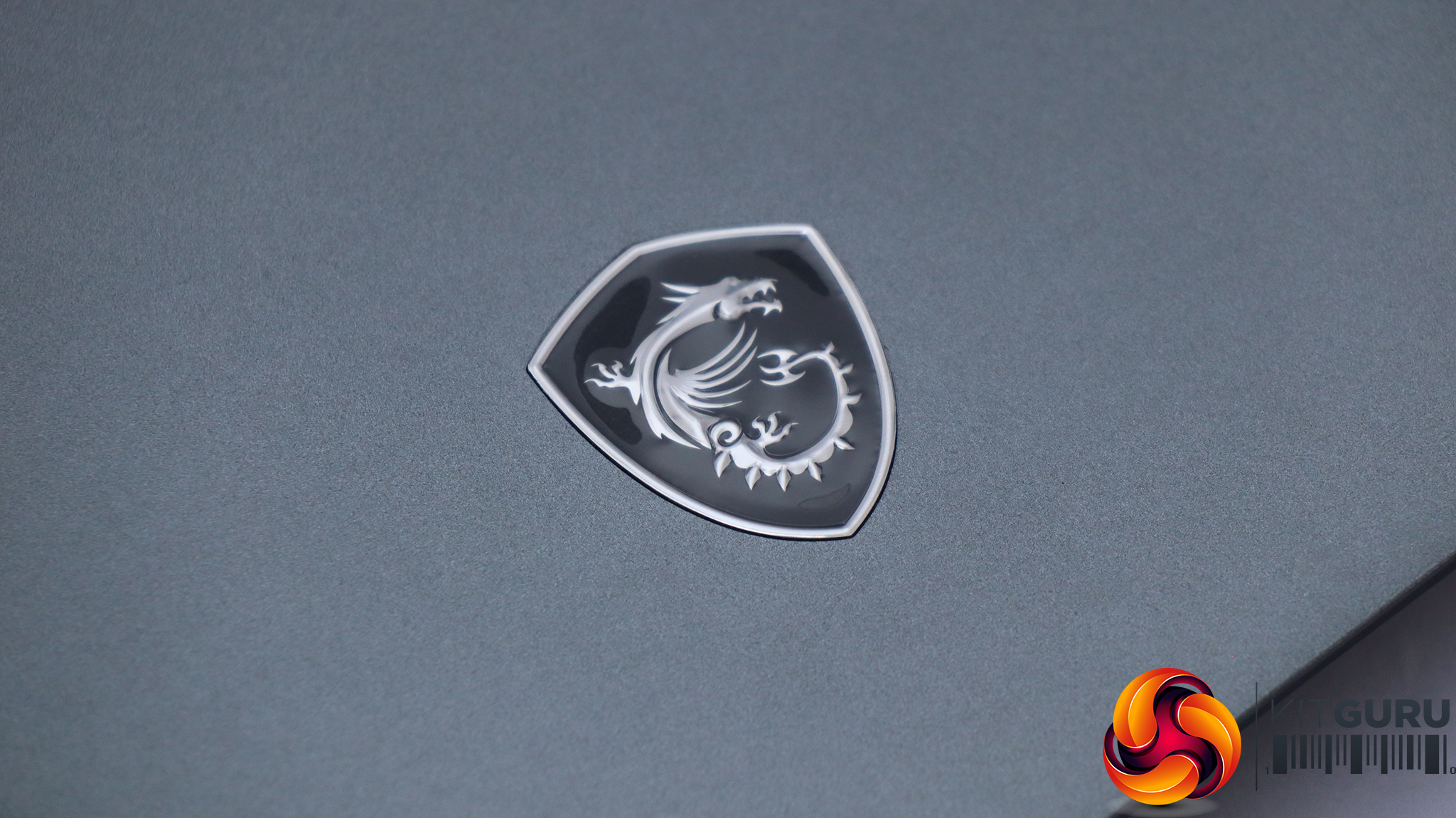
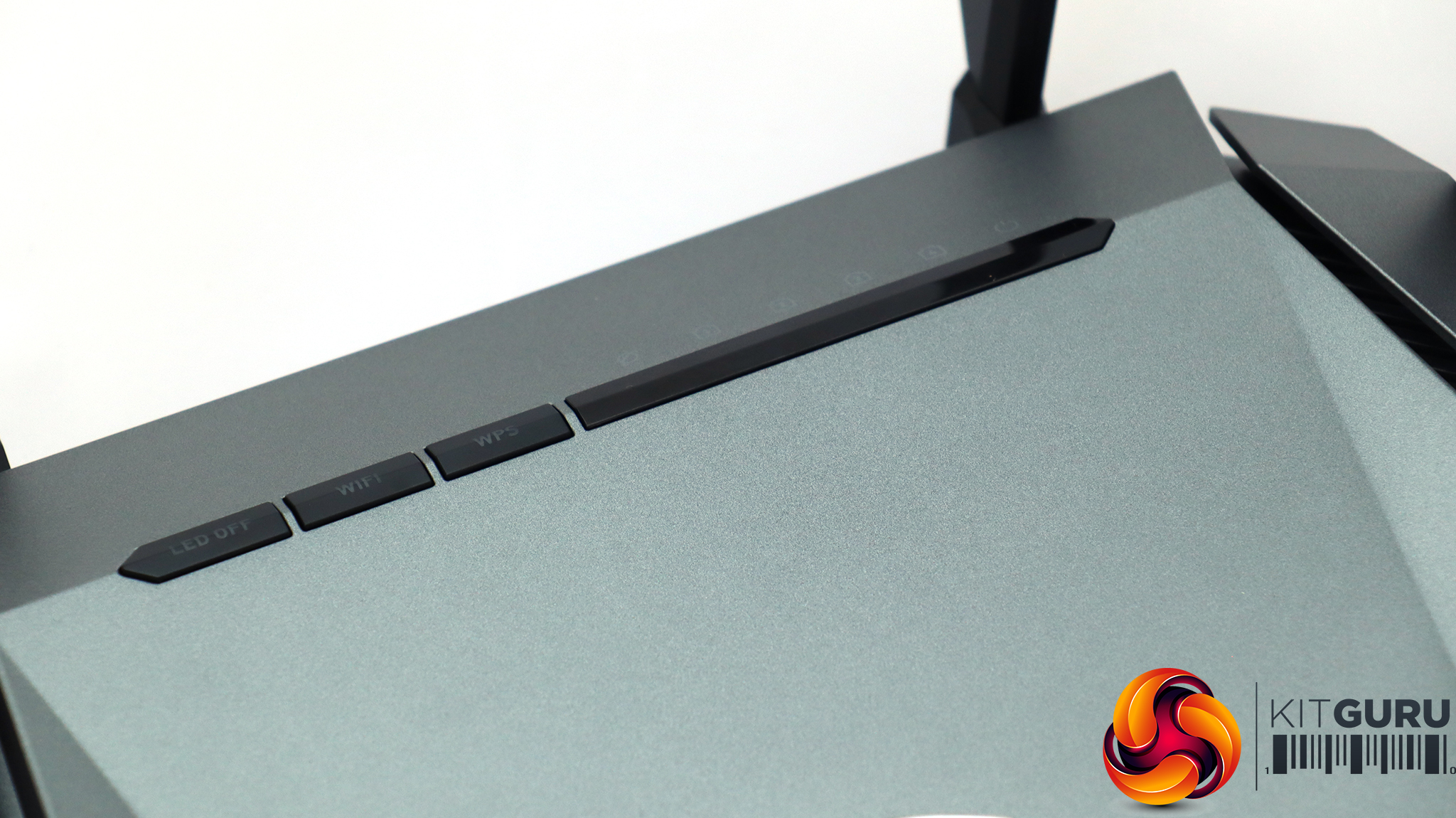
The MSI logo on the top of the AXE6600 (top images) is actually a button, which lets you quickly change between router modes. On the AX6600 (bottom images), it's just a logo. The buttons and LEDs on the back are identical for both routers. The lights indicate status for the four LAN and single broadband WAN ports. From left to right, the buttons turn the LED lighting off and on, enable or disable the WiFi radios, and call up the WPS automated setup function.
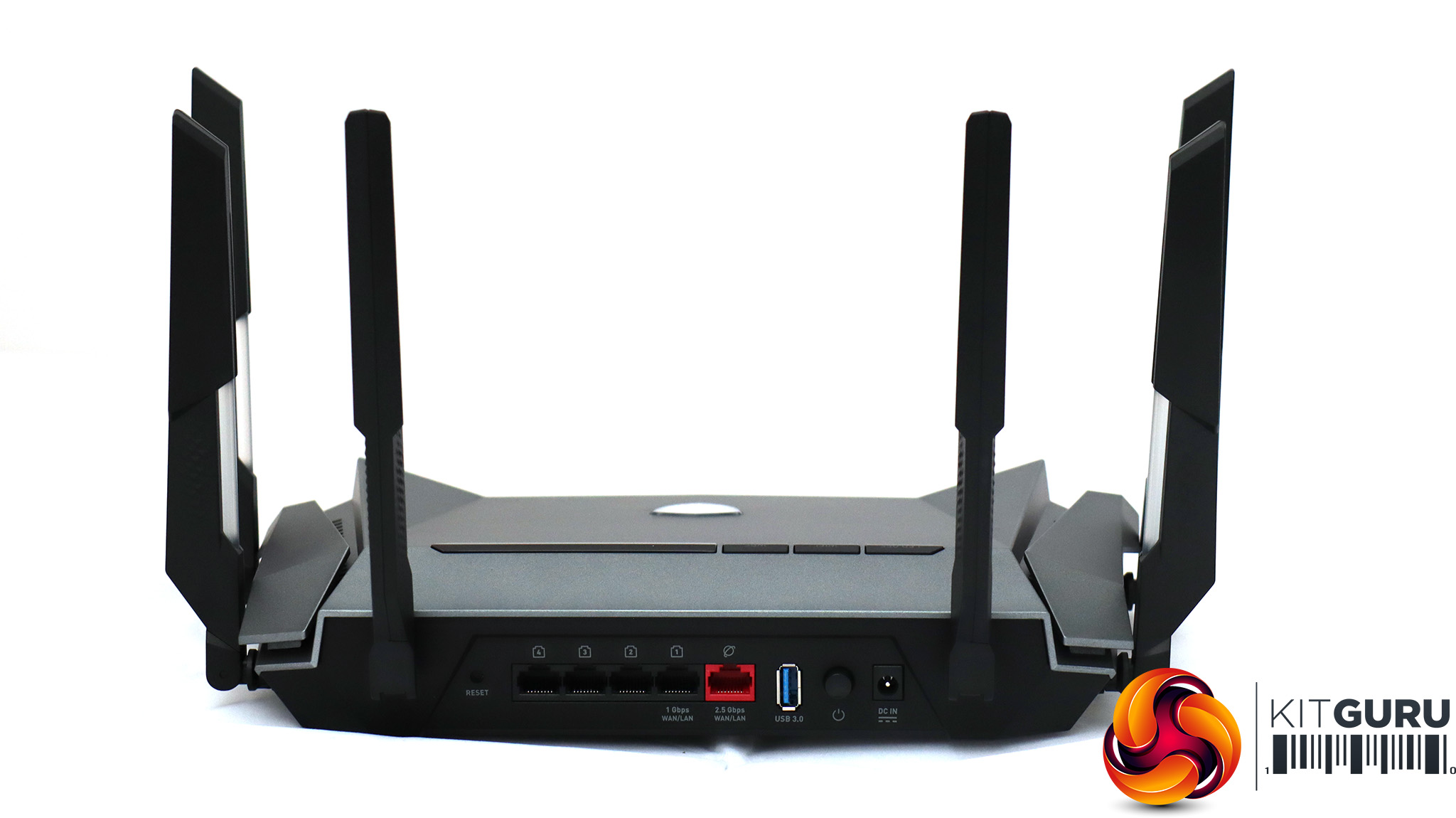
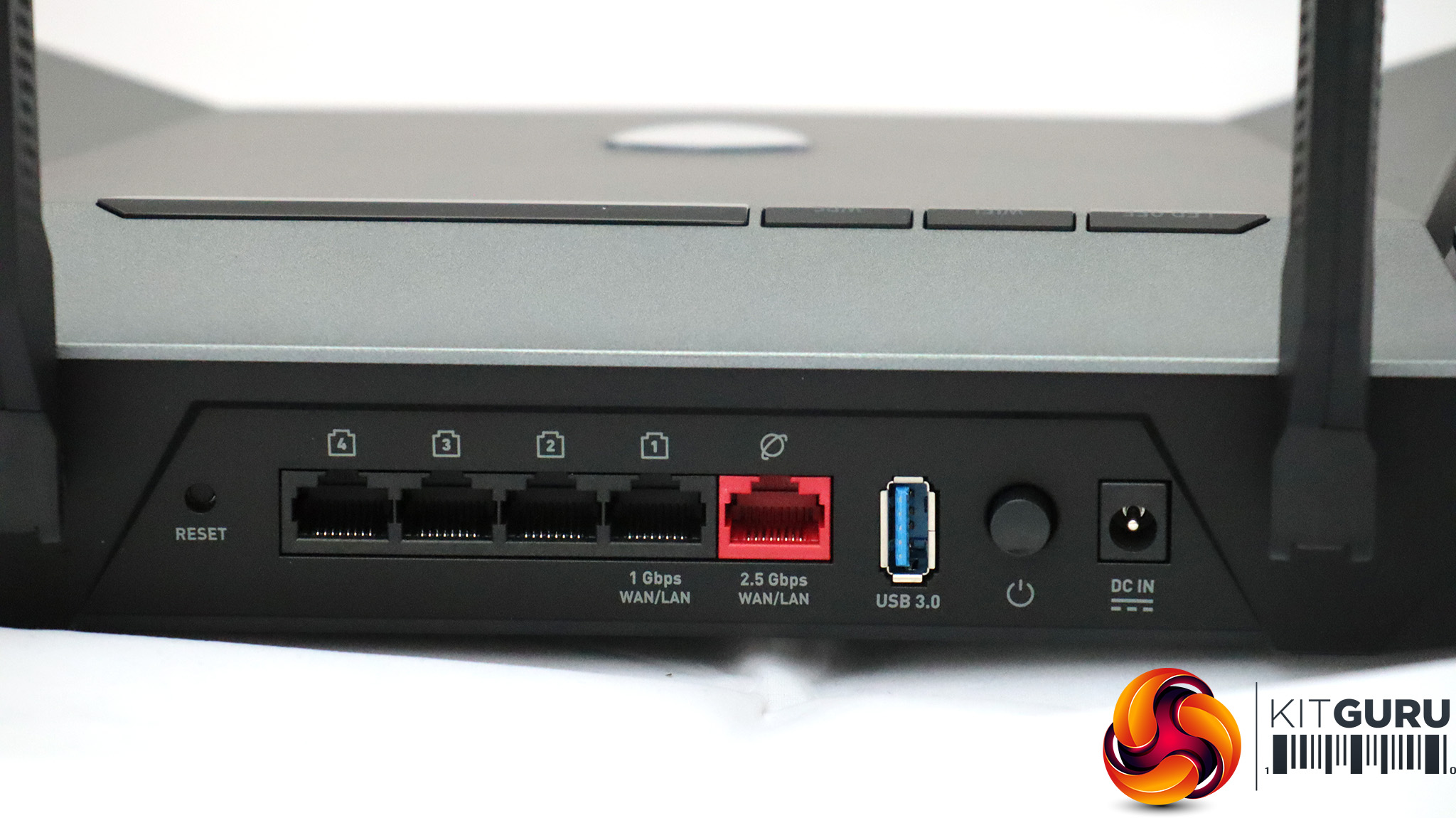
The rear ports on both routers are identical, so we're just showing you the AXE6600 here. On the far left is a reset button, followed by four Gigabit Ethernet LAN ports and the 2.5Gbit Ethernet WAN port. However, as the visible markings show, you can also use LAN Port 1 for the WAN, freeing up the 2.5Gbit for connecting a high-bandwidth networked device such as a NAS drive or uplink to another networking switch.
Next is the USB port, which is labelled 3.0, but is now known as USB 3.2 Gen 1. This delivers a theoretical 5Gbits/sec bandwidth. The USB port can be used for sharing storage but not a printer. Next along is a physical on/off switch and the power connection.
Overall, the physical characteristics of the RadiX AXE6600 and AX6600 are solid but not significantly ahead of the BT Smart Hub, apart from the flexibility of the 2.5Gbits/sec WAN port.
Specification:
- Wireless protocols: MU-MIMO with 802.11b/g/n 2.4GHz, 802.11a/n/ac/ax 5GHz (plus 6GHz for AXE6600)
- Performance: AXE6600 / AX6600 (4,800 + 1,200 + 600 Mbits/sec)
- Antenna Configuration: 6×6 external antennas
- Ports: 4 x Gigabit Ethernet, 1 x 2.5Gigabit Ethernet WAN, 1 x USB USB 3.0
- Modem Support: VDSL/ADSL 2+ or cable
BT routers can be found in millions of homes across the UK, and have been through numerous iterations. The BT Home Hubs went up to version 5, and then the Smart Hubs superseded them. The original Smart Hub we have here began shipping around 2017, and the second version arrived a couple of years later.
In other words, if you signed up for BT Internet around five years ago or more, there's a good chance it came with this device. The BT Smart Hub is the company's sixth generation router, and arrived with the claim that it could cover an entire house like none of its competitors at the time.
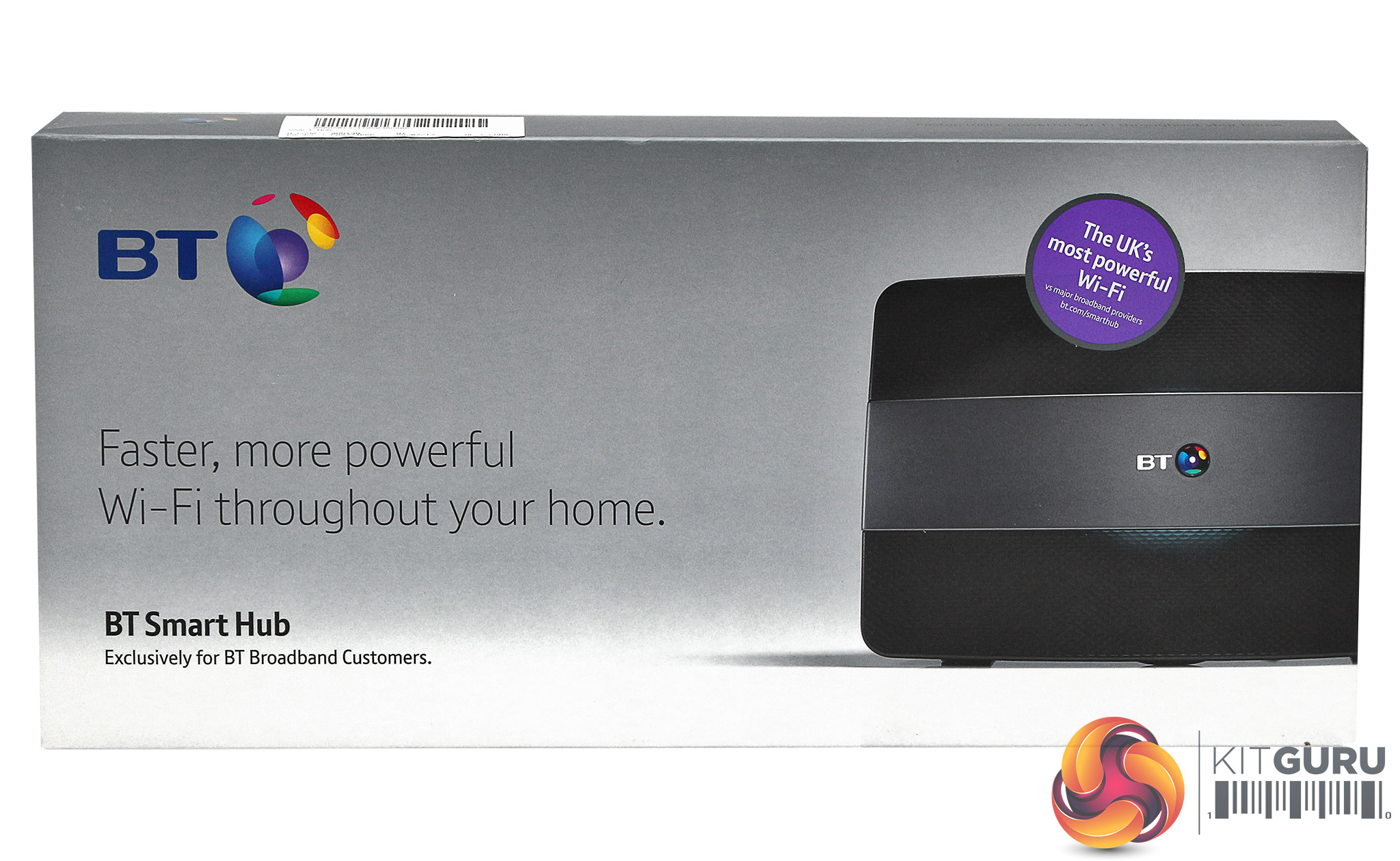
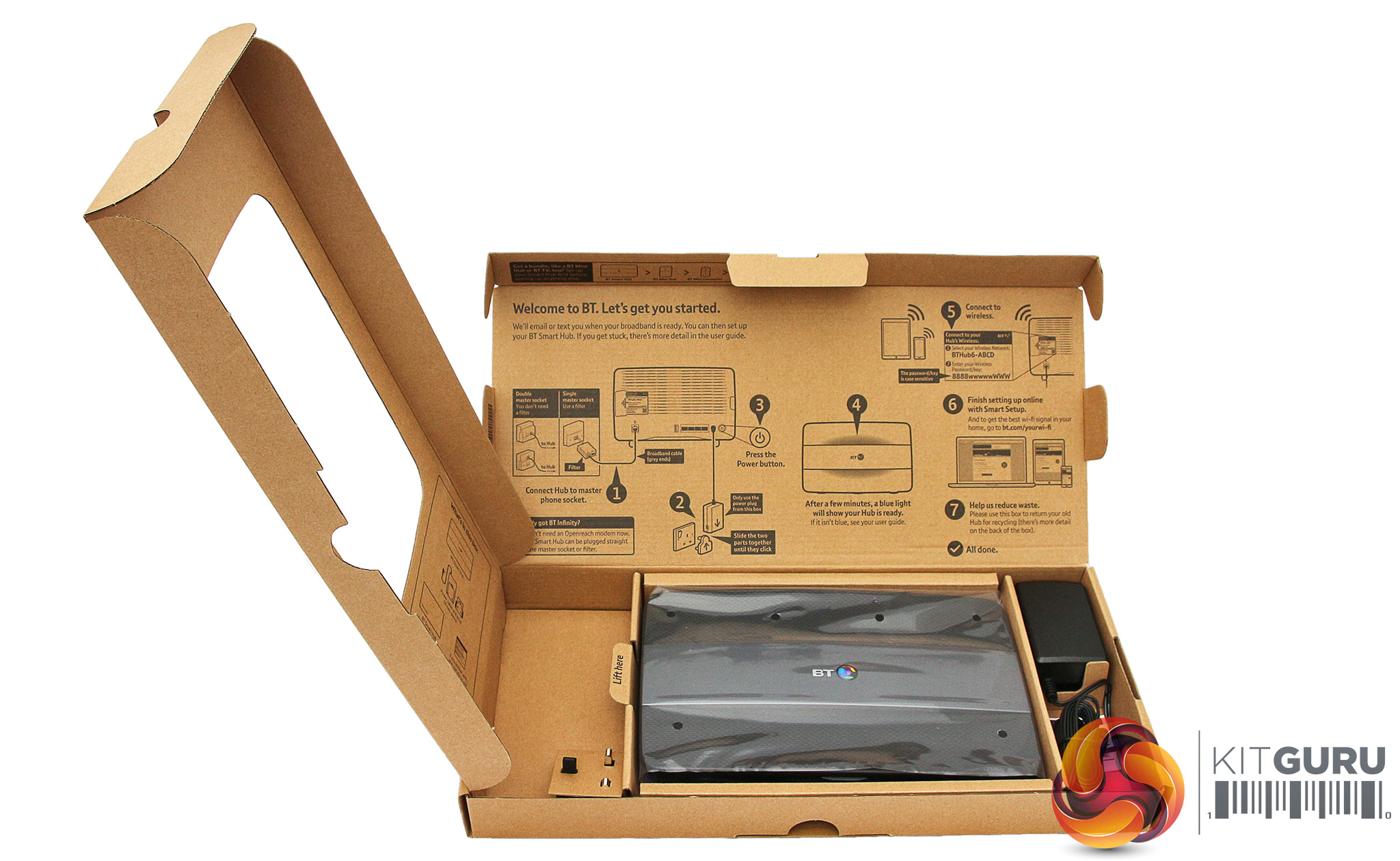
The BT Smart Hub's box is very thin, and so is the router inside. It's designed to fit through a letter box so you don't have to be in when it's delivered in the mail. Apart from the device itself and its external power supply, plus some documentation, there's nothing else included. So you will need to add your own Ethernet cable to hook up any wired LAN devices. However, you don't need a LAN cable for broadband, as the ADSL modem is built into this router.
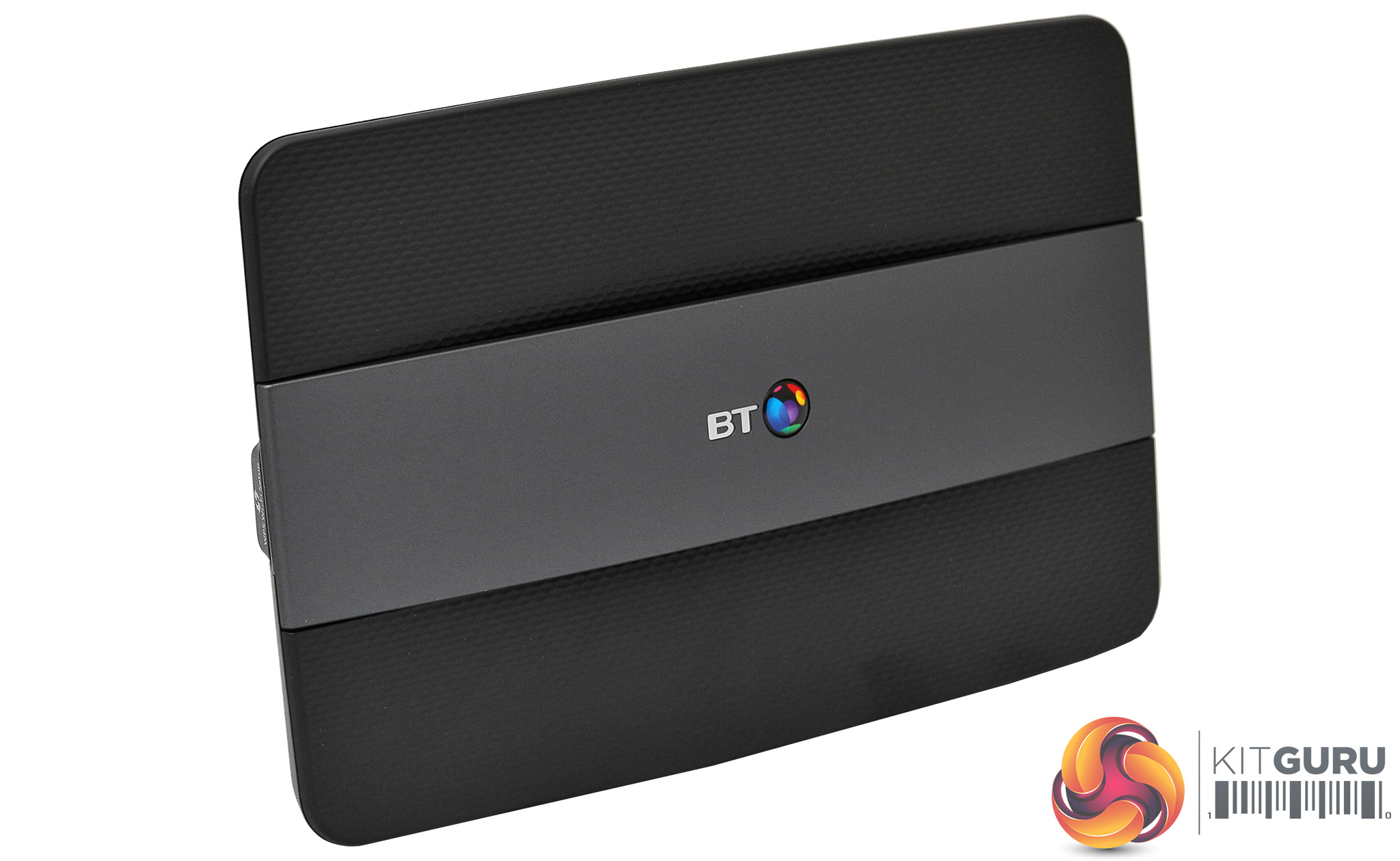
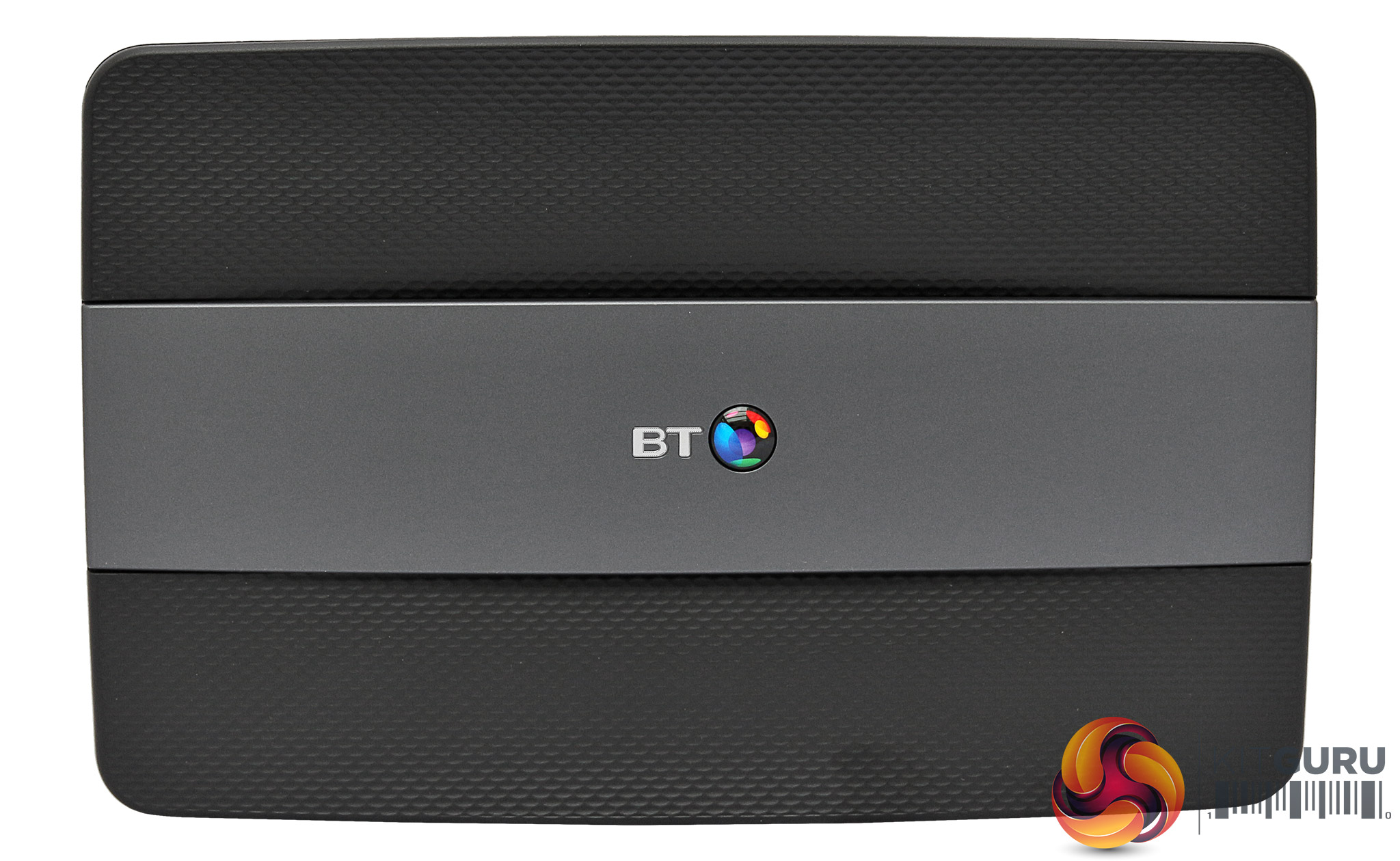
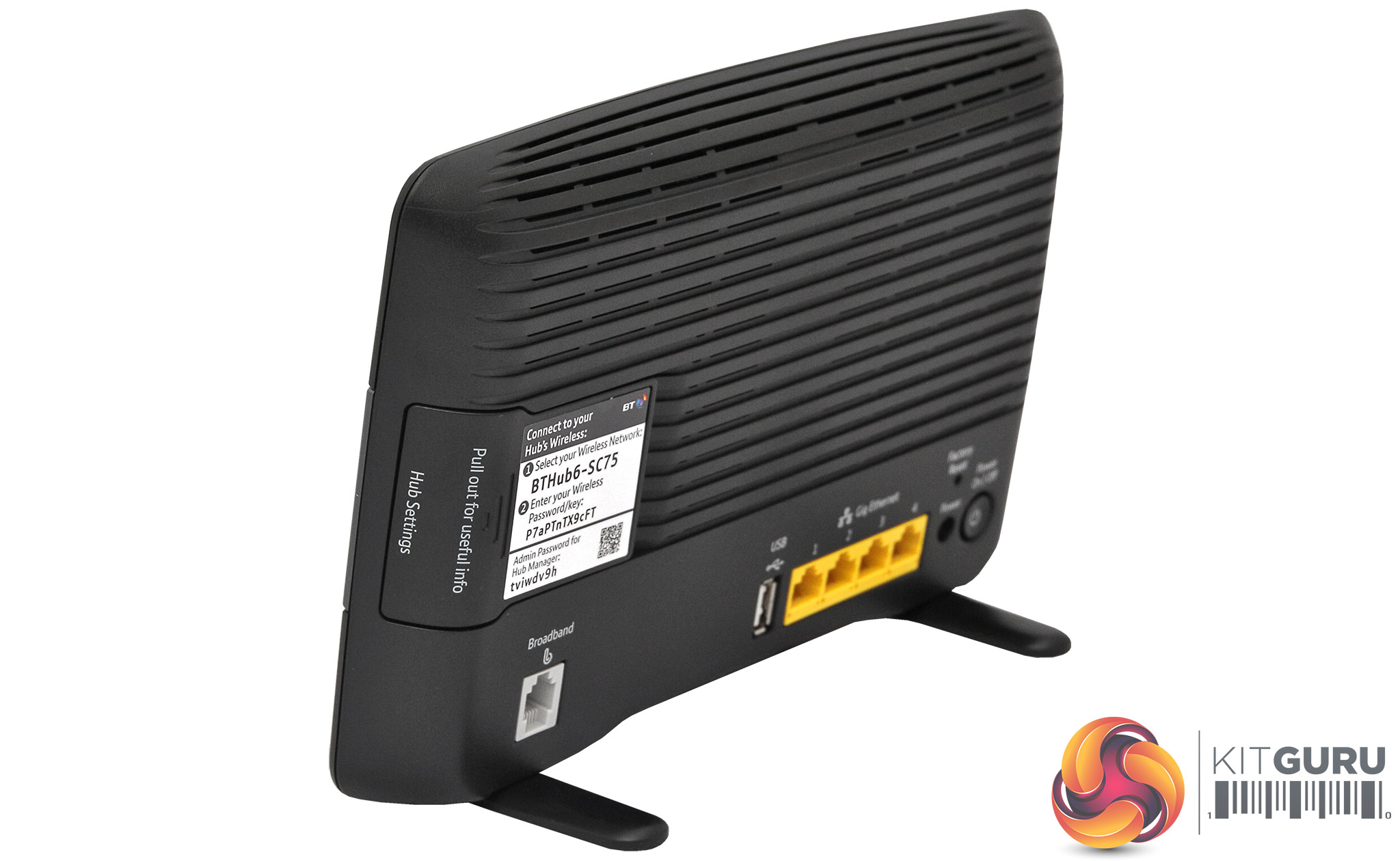
The router is designed to sit upright. Two feet pop out on springs as soon as you take it out of the box. But this is still a relatively unobtrusive device.
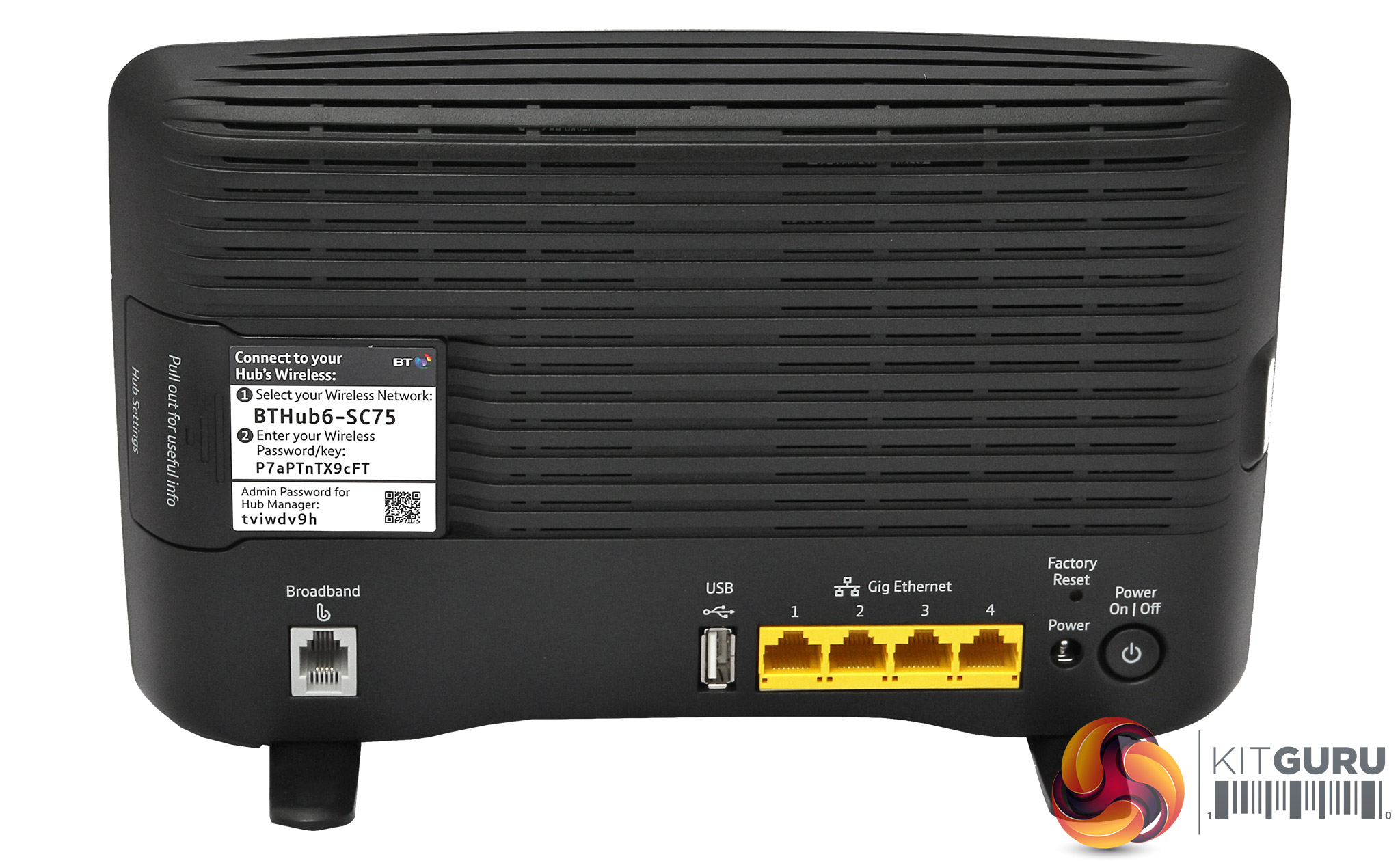
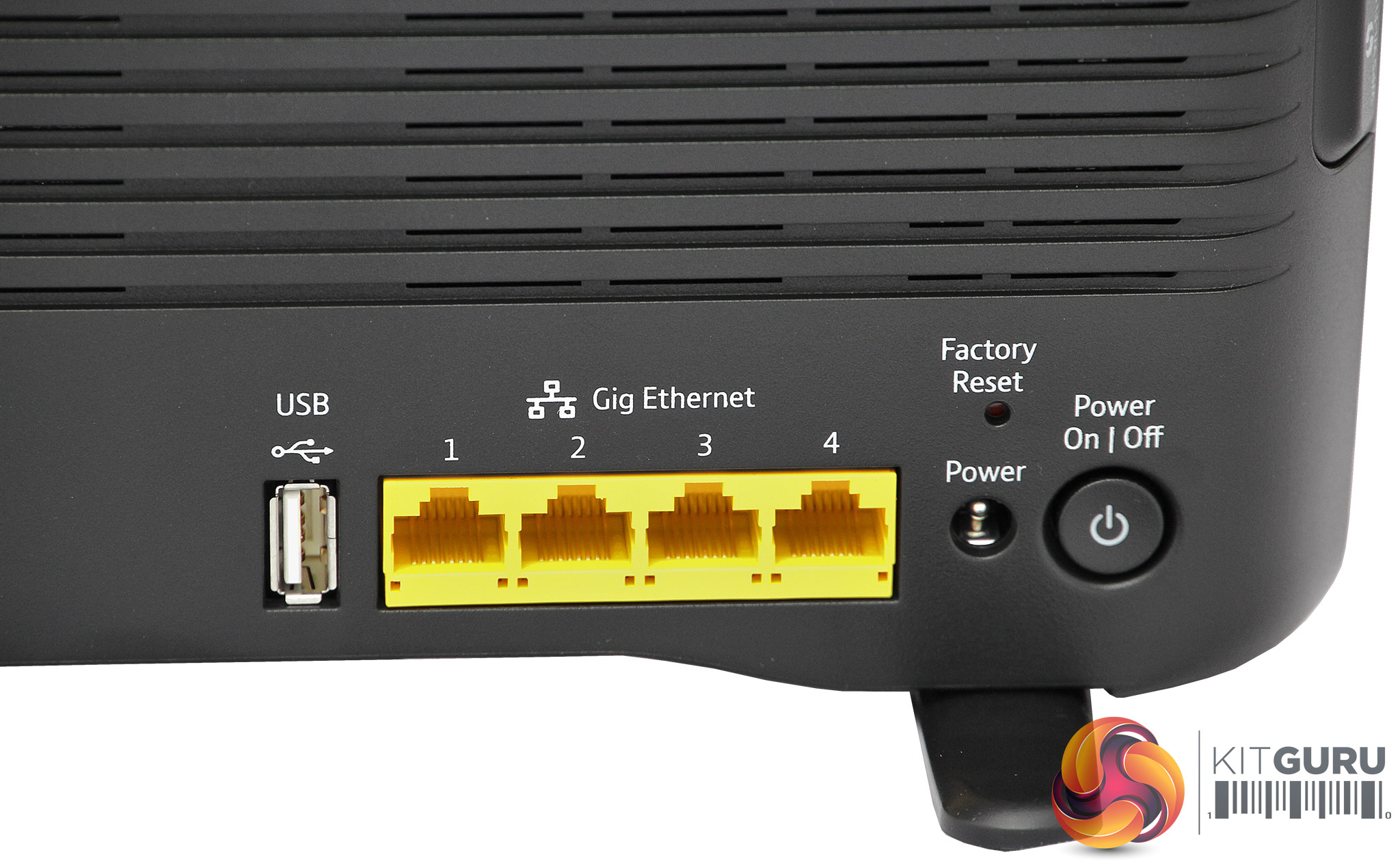
The BT Smart Hub is meant to work with BT Broadband only, so its built-in ADSL modem connects directly to your phone line via RJ-11 rather than having any kind of separate modem in between with an Ethernet connection. It therefore won't work with cable broadband.
Otherwise, it has four Gigabit Ethernet ports and a USB 3.0 connection. So you can connect the same number of wired Ethernet and USB devices as the MSI RadiX routers.
Specification:
Wireless protocols: MU-MIMO with 802.11b/g/n 2.4GHz and 802.11a/n/ac 5GHz
Performance: Not stated
Antenna Configuration: 4×4 plus 3×3 Internal Antennas
Ports: 4 x Gigabit Ethernet, USB 3.0, RJ-11
Modem Support: VDSL/ADSL 2+ built in
MSI RadiX
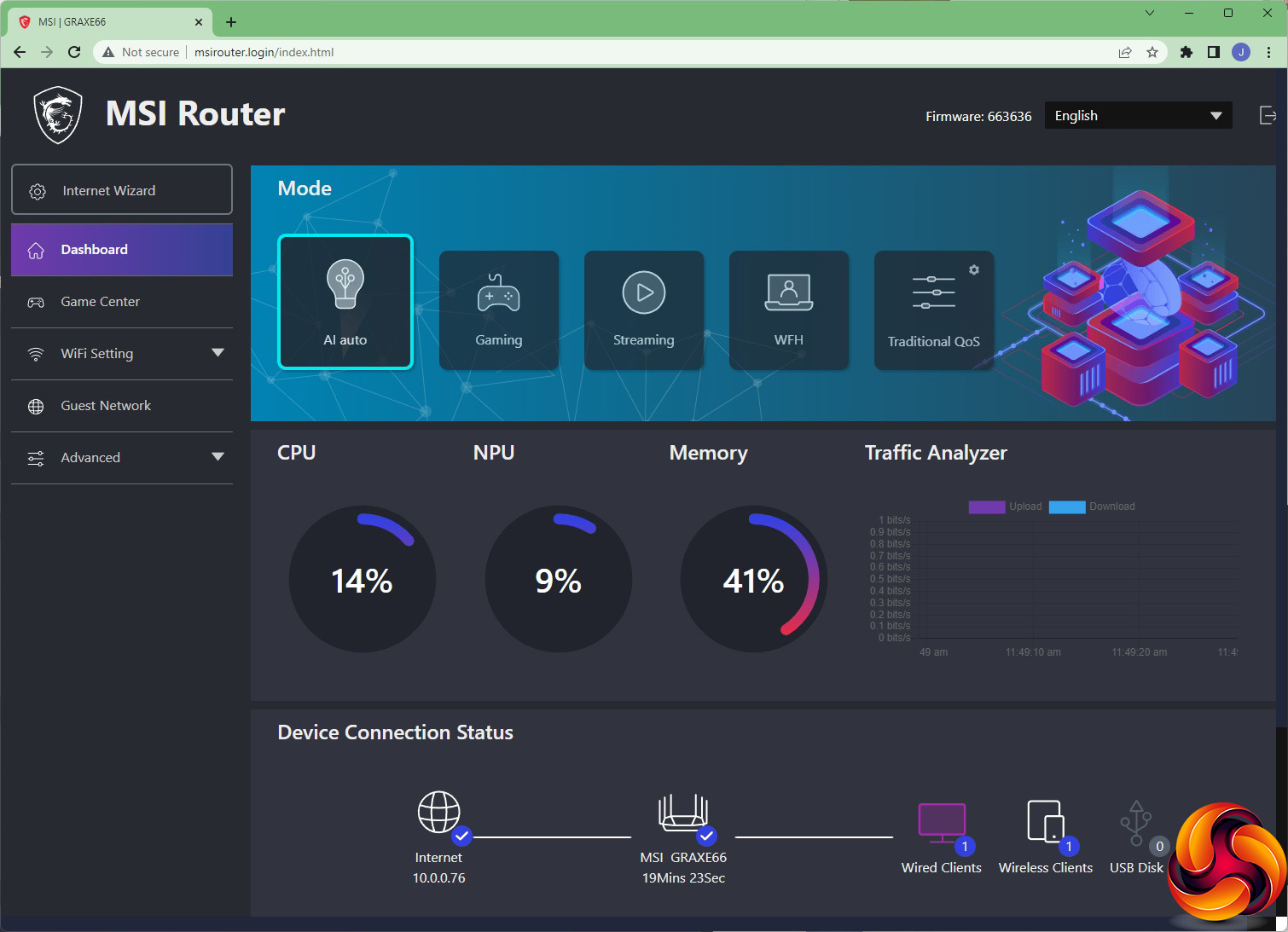
The RadiX's Web interface looks incredibly simple, but the initial screen focuses on what is MSI's proudest feature – the Modes. On the AXE6600, you can also switch between these using the physical button disguised as a logo on the device itself. On the AX6600 you must use the software interface.
The modes are preset Quality of Service (QoS) configurations that will prioritise different types of traffic. Each one comes with a colour scheme that on the AXE6600 is reflected in the colouring of the antennae lighting and MSI logo button.
The default AI auto mode optimises the router for a balance of usage types. Gaming optimises for gaming, and Streaming for streaming video such as Netflix. WFH optimises for online meetings and conference calls. The Traditional QoS options let you preset your own values and limits so no client device or application hogs all the bandwidth.
Beneath these preset modes is a wealth of configuration. For a more detailed overview of the MSI RadiX AXE6600 and AX6600's software capabilities, read our full review of the AXE6600.
The RadiX routers can also be managed via a smartphone app.
BT Smart Hub
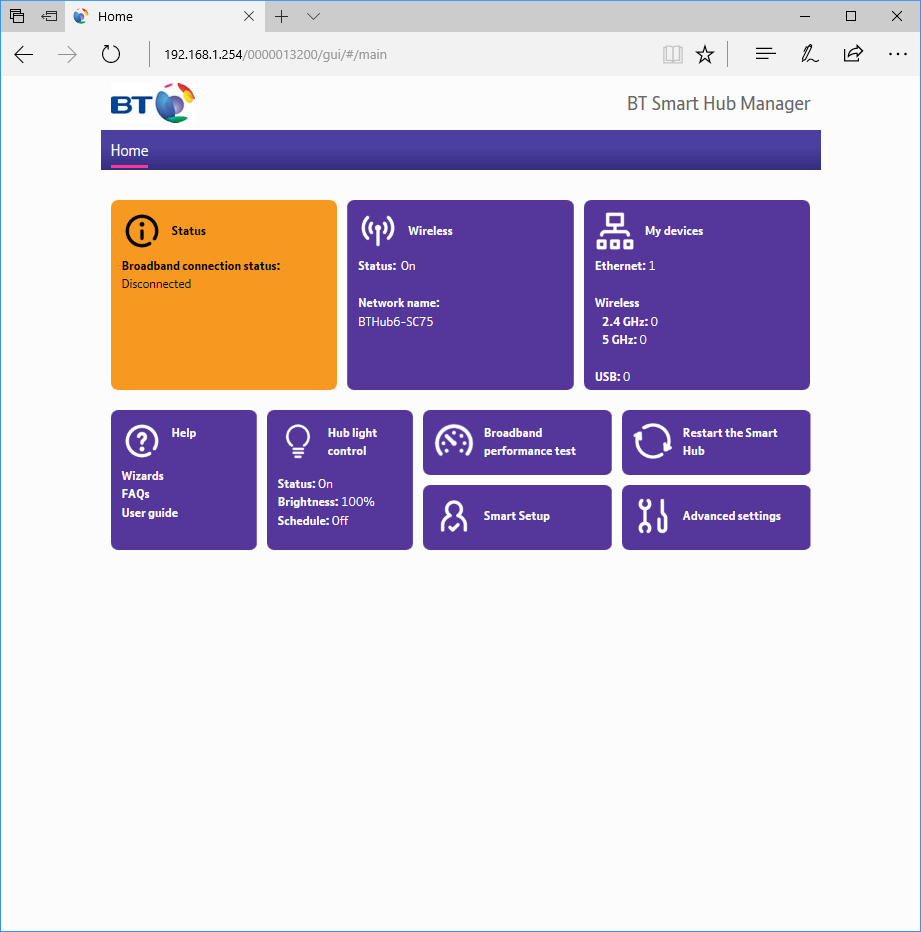
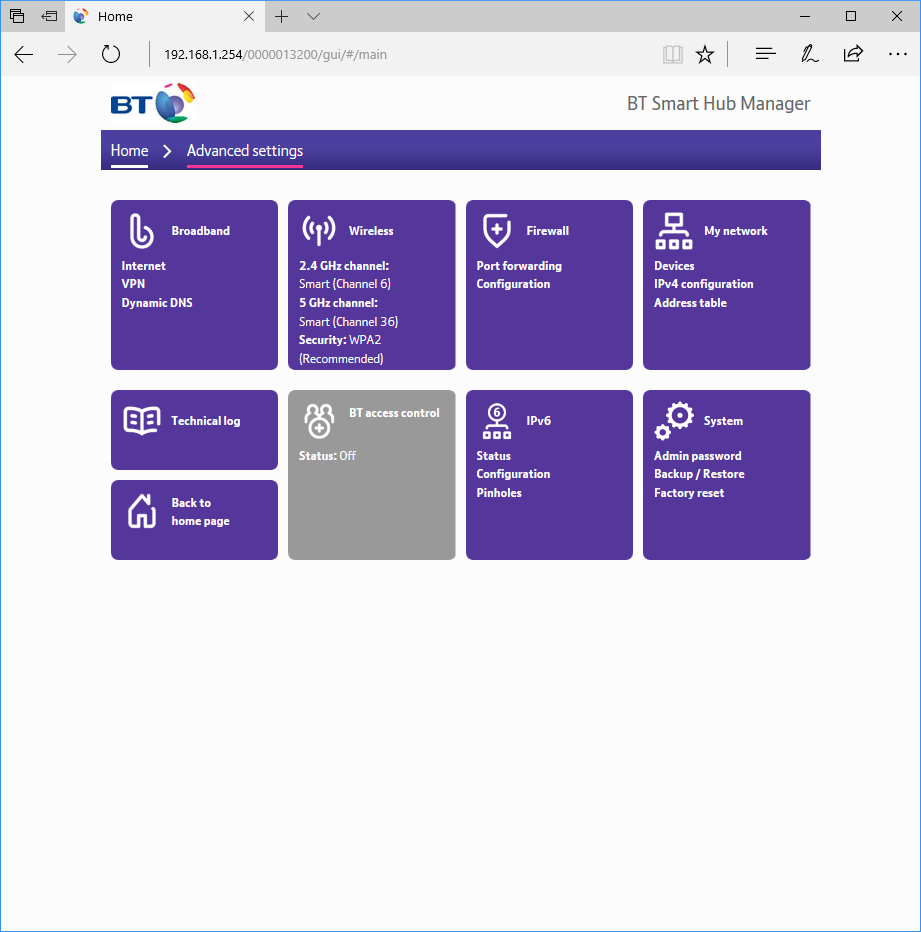
You don't really need to do anything to the Smart Hub to set it up – just plug it into your BT broadband and wired devices. A wizard will confirm Internet connectivity, but then you're ready to go. It will also work just fine as a local router without Internet connectivity.
There's a much more attractive menu presented by the admin interface than some previous BT Home Hubs. This is a fully fledged router, so there are advanced options for firewall, access control, and so on. But the extent of its features is far behind those of the MSI RadiX devices, and there are no QoS presets or custom options. There is also no smartphone router management app for the BT Smart Hub.
We primarily tested the raw throughput of the MSI RadiX AXE6600 against the BT Smart Hub. The AX6600 will deliver broadly similar results, except it doesn't support 6GHz. Both MSI routers support the three different WiFi standards – 802.11ax, 802.11ac and 802.11n. We also tested 802.11ax at 6GHz with the AXE6600. The BT Smart Hub only supports 802.11ac at 5GHz and 802.11n at 2.4GHz, but we have compared its 802.11ac results with the RadiX's 802.11ax results, so you can see the upgraded speed you might expect with a WiFi 6 or 6E device.
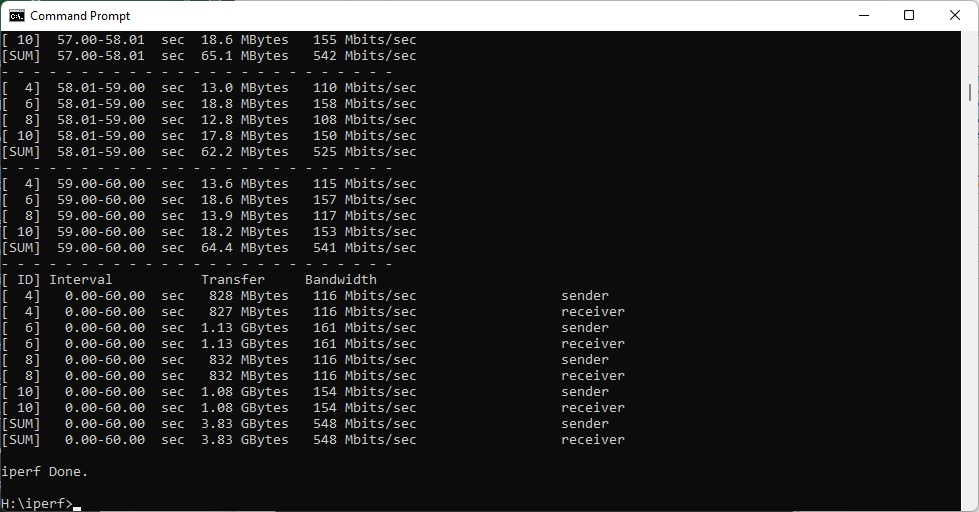
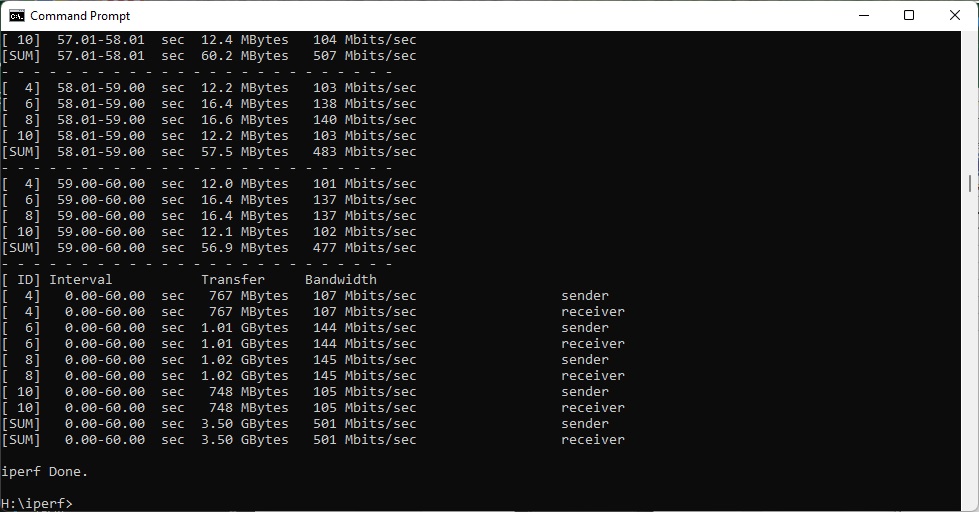
We used the open-source iPerf 3.1.3 software for testing, which can simulate multiple clients streaming at once. Four Windows systems were used. One was an Armari 32-core AMD Ryzen Threadripper workstation running Windows 11, another a Dell XPS 17 notebook (with WiFi 6), a third was an MSI WS63-7RK (802.11ac) notebook, and finally an HP Folio 3 notebook (802.11n only – to show performance with legacy devices). The Dell notebook and Armari workstation were running Windows 11 but the other two notebooks were Windows 10-powered.
For all but one set of tests, the Armari workstation was connected to one of the AXE6600's or BT Smart Hub's Gigabit Ethernet ports, and the notebooks via various WiFi connections (802.11ax for the Dell, 802.11ac for the MSI, 802.11n for the HP). The notebooks were then placed in four different locations – within 1m of the router, approximately 5m away with a wall in between, 10m away and on a lower floor (with multiple walls and a floor in between), and then 15m away on the same lower floor. We tested all four distances with the four WiFi standards.
However, we only had a desktop client adapter for WiFi 6E 6GHz, so we installed that in the Armari workstation and moved the router to the different test locations (1m, 5m, 10m, 15m) instead.
With each WiFi standard and distance, we took 60 readings of throughput at one second intervals and calculated the average (iPerf does this automatically).
802.11ax 5GHz (WiFi 6)

The most important test is WiFi 6. If you've purchased a recent phone or notebook, it's almost certain to support this standard, which the BT Smart Hub doesn't. So how much extra performance could you be missing out on without the upgrade?
As a control for all our testing, we attached the MSI notebook to one of the wired LAN connections on both the RadiX and the BT Smart Hub. The desktop was only attached via Gigabit Ethernet, but you can see that you are getting close to wire speed with either router, hitting 937Mbits/sec on the RadiX and 920Mbits/sec with the Smart Hub.
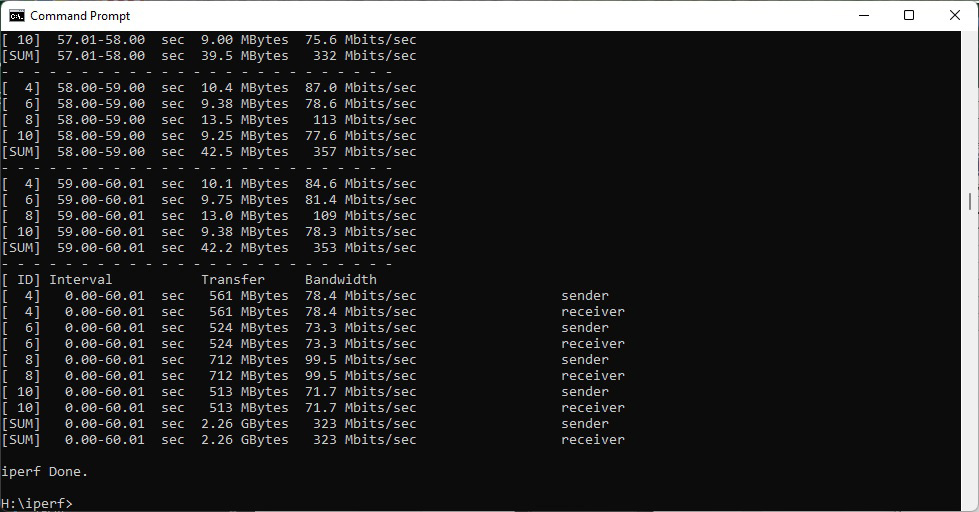
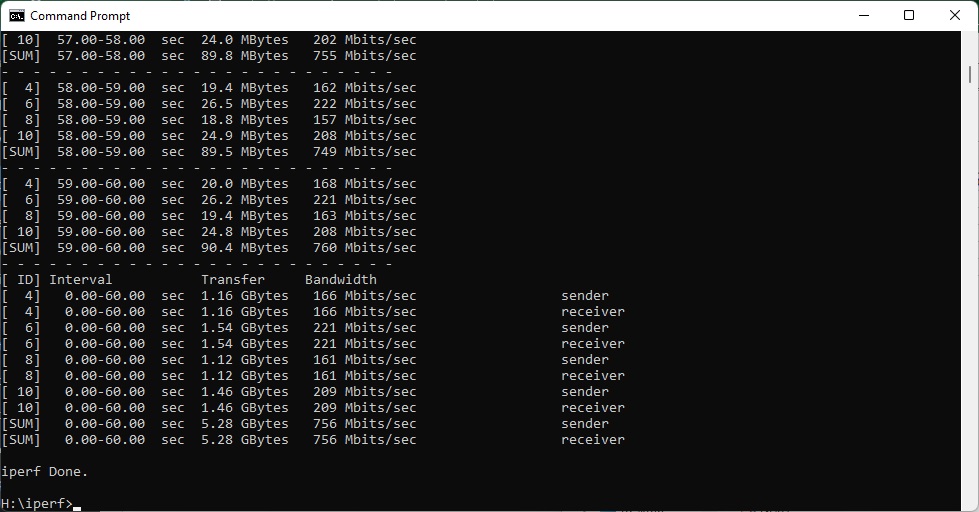
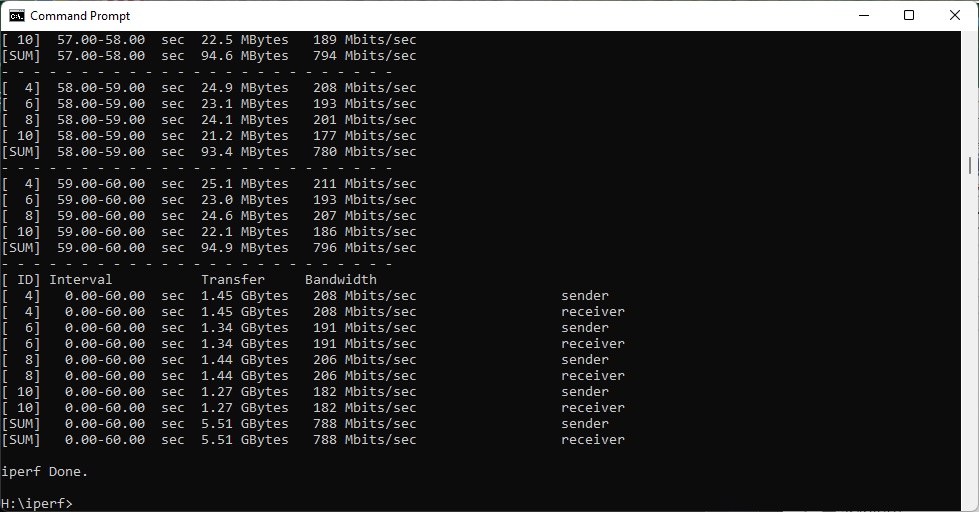
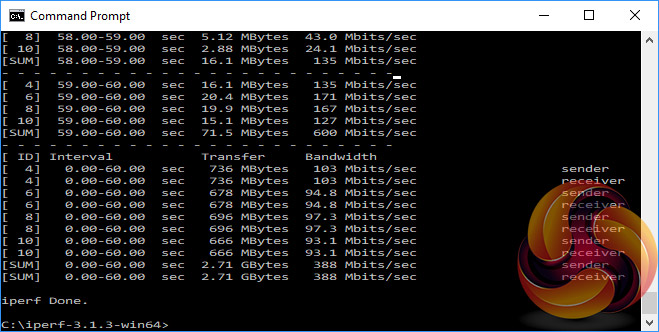
WiFi 6 performance at close range is where WiFi 6 absolutely trounces the BT Smart Hub's WiFi 5. The RadiX delivers 756Mbits/sec, compared to 388Mbits/sec for the Smart Hub – around half as much.
At 5m, the RadiX has dropped noticeably to 548Mbits/sec but is still 42 per cent faster than the BT Smart Hub's 385Mbits/sec.
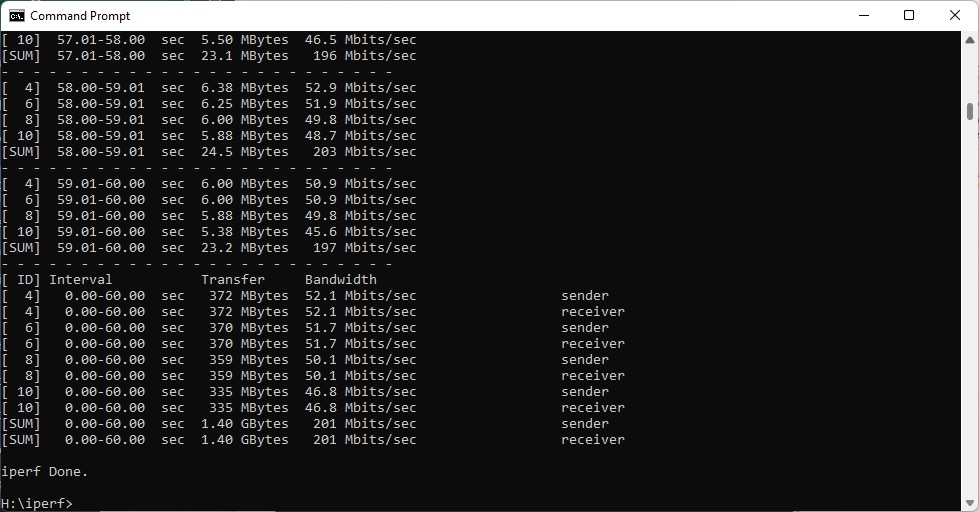
The RadiX continues to deliver a very competent 201Mbits/sec at 10m, but that's only 11 per cent faster than the BT router.
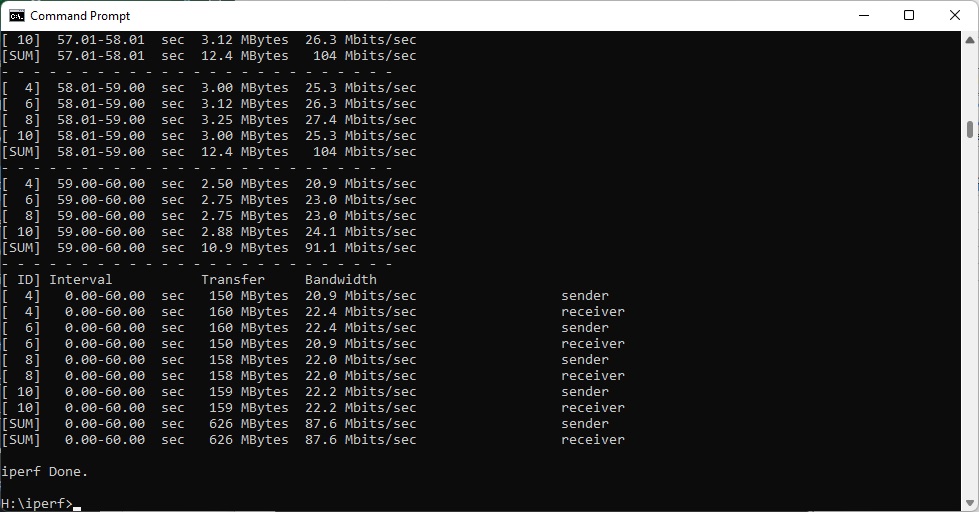
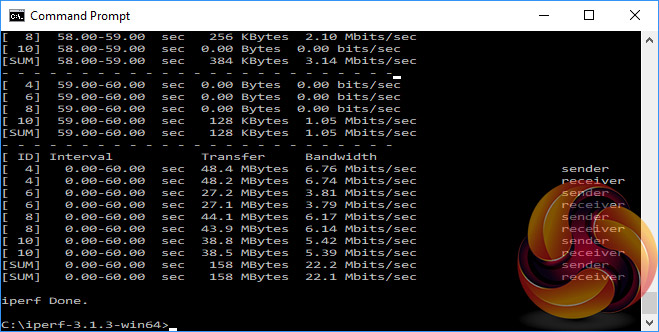
However, at 15m, the RadiX continues to deliver 87.6Mbits/sec, over four times faster than the BT Smart Hub's 22.1Mbits/sec.
Overall, the RadiX shows exactly what you gain with a good WiFi 6 router and client device – much faster bandwidth closer up and at range.
802.11ax 6GHz (WiFi 6E)

You will only have access to 6GHz WiFi 6E if you have the MSI RadiX AXE6600 and a compatible device. But buying the AXE6600 will keep your home WiFi future proofed, at least until WiFi 7 arrives.
We've compared 6Hz to 5GHz WiFi 6, and against the BT Smart Hub running 5GHz 802.11ac.
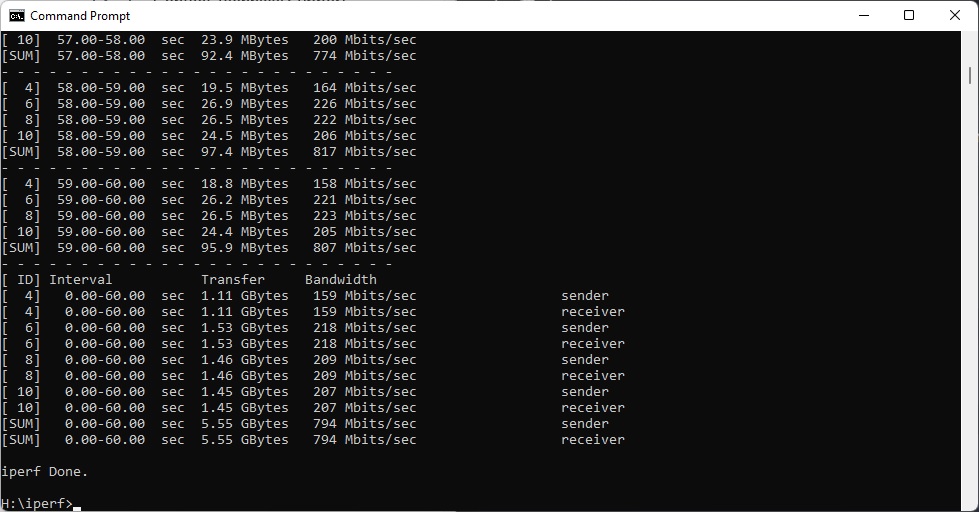
In close proximity, 6GHz is a bit faster than 5GHz – 794Mbits/sec versus 756Mbits/sec. This is more than twice as fast as the BT Smart Hub.
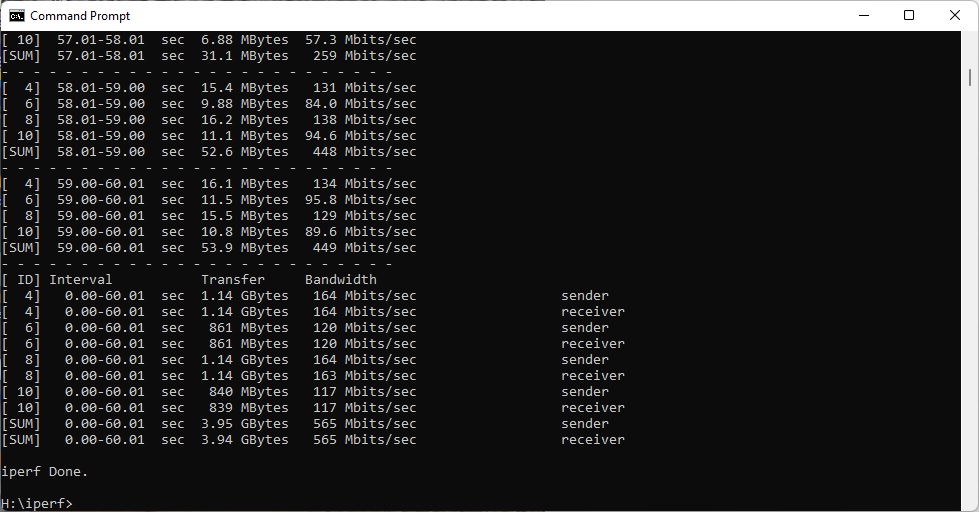
There is also a small performance boost over 5GHz at 5m, with 565Mbits/sec versus 548Mbits/sec. This is 47 per cent faster than the BT Smart Hub
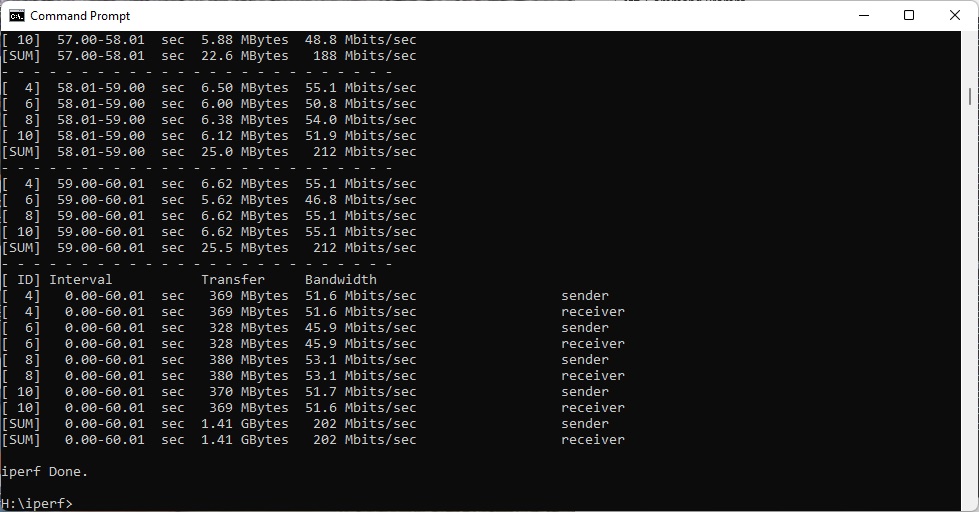
However, at 10m the benefit of 6GHz is negligible – 202Mbits/sec instead of 201Mbits/sec – but it's enough to increase benefit over a BT Smart Hub to 12 per cent.
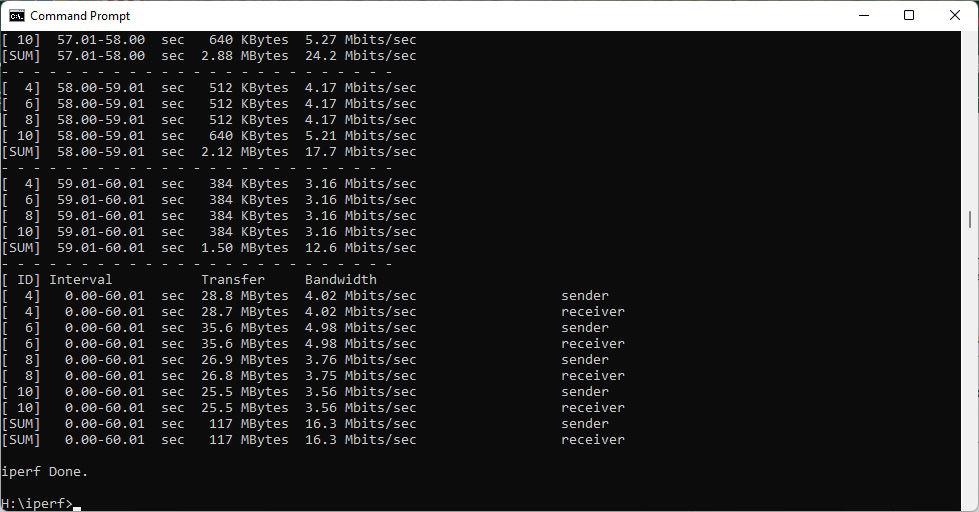
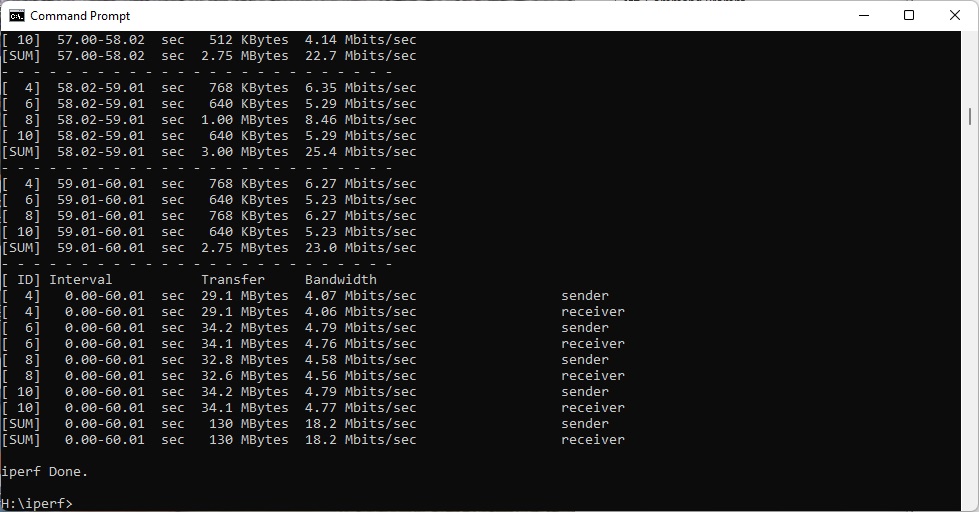
At 15m the 6GHz signal appears to be a lot weaker, so we only saw 18.2Mbits/sec versus 87.6Mbits/sec. This is still usable, but the BT Smart Hub is actually a bit quicker.
Overall, as we noted in our full RadiX AXE6600 review, 6GHz is only slightly about bandwidth in close proximity. The bigger benefit is that few other WiFi routers and devices in your area will be operating at 6GHz. This means you can prioritise this waveband for preferred devices such as your gaming notebook or 4K streaming video to your TV.
802.11ac 5GHz

When the BT Smart Hub came out, 802.11ac / WiFi 5 was state of the art, and this is what the router was optimised to deliver. It does a good job too.
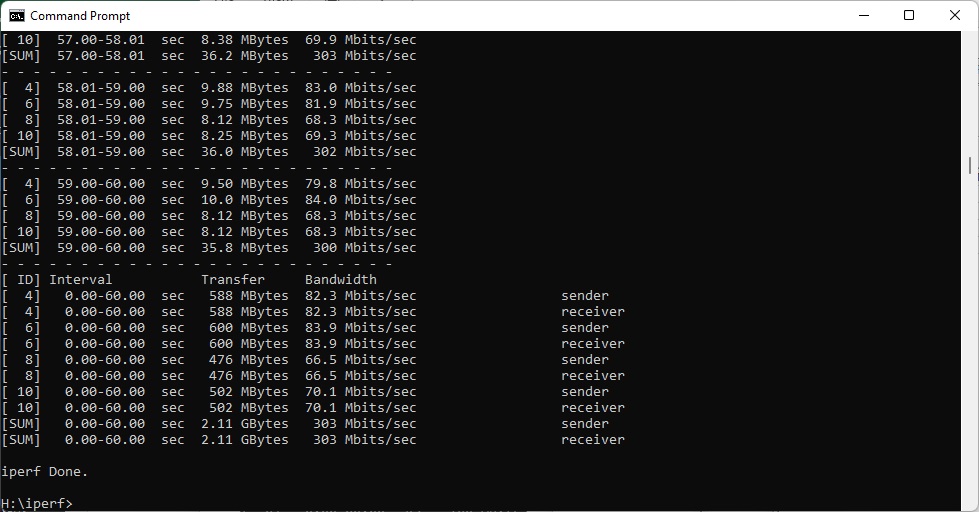
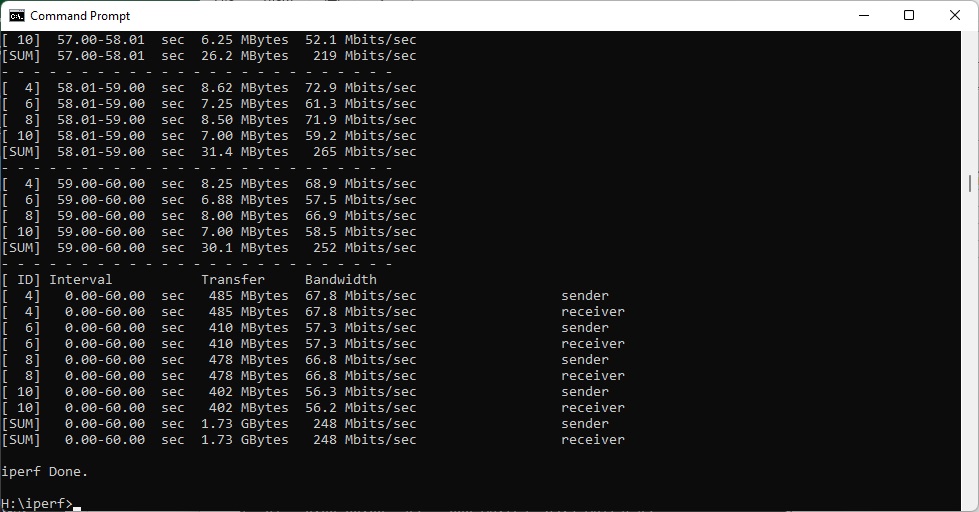
In close proximity, the RadiX only manages 303Mbits/sec, compared to 388Mbits/sec for the Smart Hub.
At 5m, the results are similarly in the Smart Hub's favour, with an acceptable but not outstanding 248Mbits/sec for MSI, compared to 385Mbits/sec for BT.
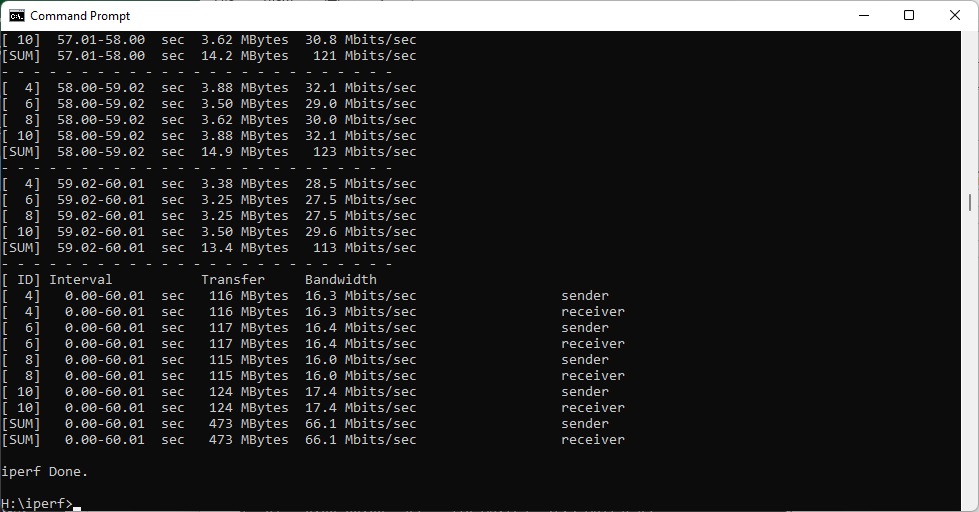
At 10m, BT's prior claim of good coverage from the Smart Hub is evident. While the RadiX is delivering a decent bandwidth of 66.1Mbits/sec, the Smart Hub is still hitting 181Mbits/sec.
The BT router continues to provide a usable 22.1Mbits/sec at 15m, while the RadiX couldn't make a reliable connection. In other words, if you're using WiFi 5 only, the RadiX is not an upgrade over the Smart Hub.


802.11n 2.4GHz – Legacy

The old 802.11n 2.4GHz standard is fast becoming irrelevant, unless you have client devices that are over 10 years old or low-power Internet of Things modules that don't require much bandwidth and operate using this frequency. We test this with an HP Folio 13 from a decade ago.
But you might still need this legacy WiFi support, which is why we still include results to show backwards compatibility. Although more modern notebooks also offer 802.11n, they will only employ it when only 2.4GHz is available. It can sometimes provide better very long distance range.
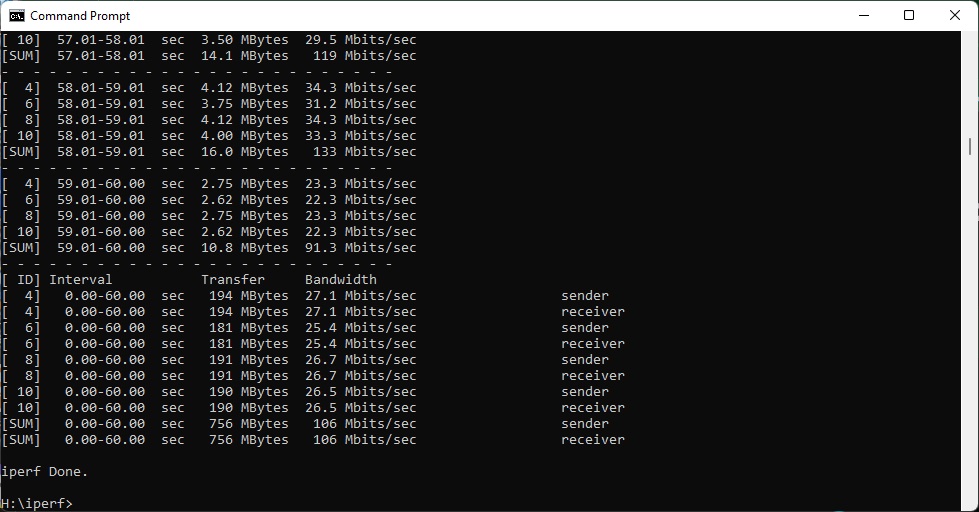
The RadiX does well at close proximity. The result of 74.8Mbits/sec is significantly ahead of the Smart Hub's 61.4Mbits/sec. However, the tables are turned at 5m, with the MSI router delivering 61.7Mbits/sec compared to the BT one's 73.3Mbits/sec.
This is further accentuated at 10m, where the RadiX's bandwidth drops to just 8.54Mbits/sec, which is only just usable, whereas the Smart Hub is still going strong at 40.5Mbits/sec.
At 15m, although there is still a signal, the RadiX's bandwidth of 3.37Mbits/sec will mean checking your email is probably the only thing you will want to do. But the Smart Hub offers a very usable 17.6Mbits/sec.
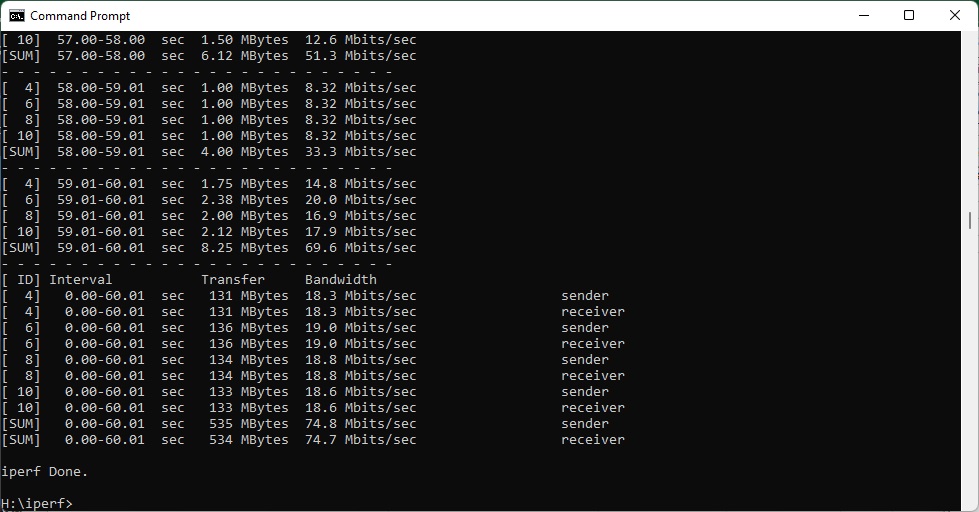
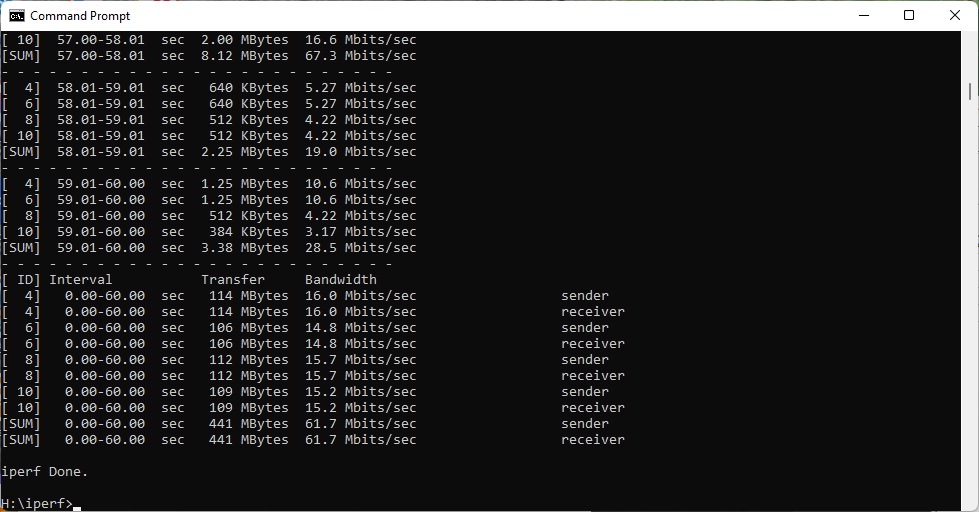
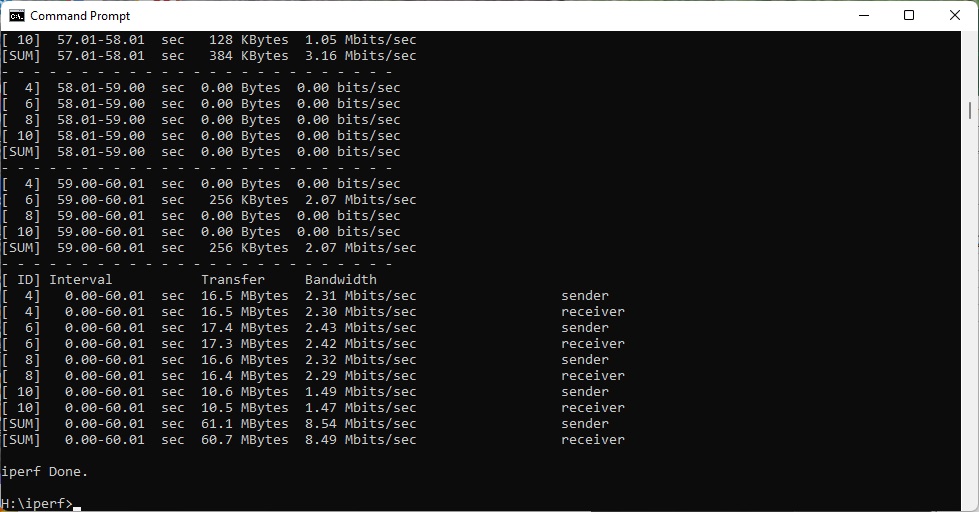
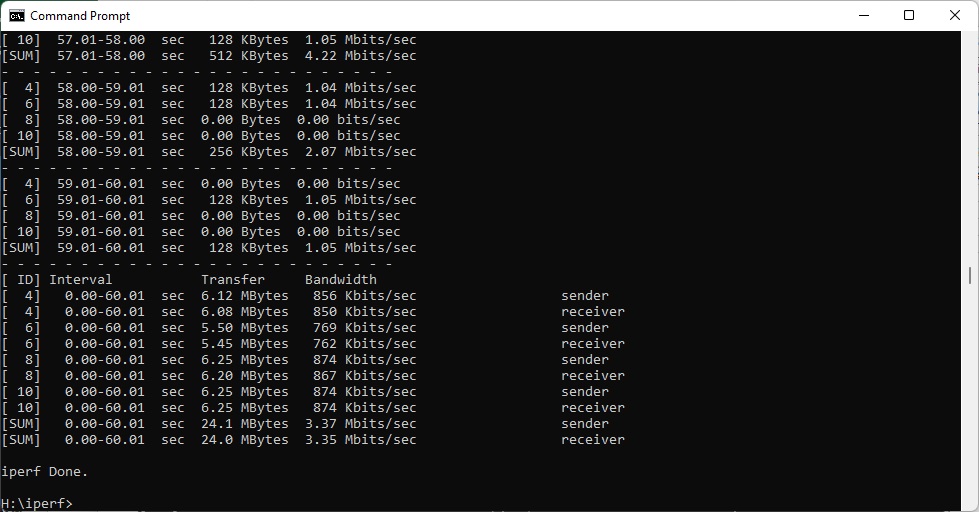

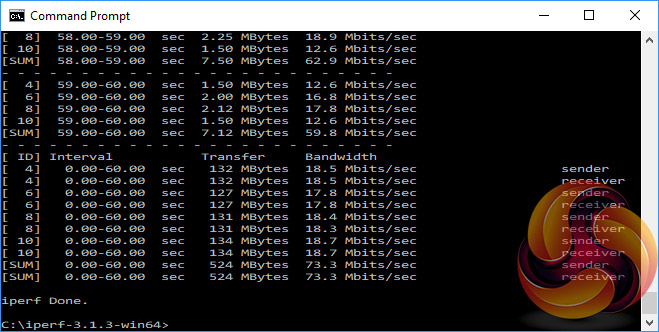
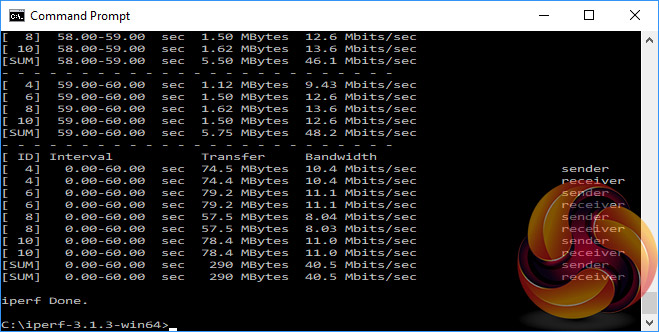

Overall, the performance results paint a clear picture. If you want the best out of devices with the latest WiFi 6 and 6E capabilities, the RadiX AXE6600 and AX6600 deliver a significant bandwidth upgrade over a BT Smart Hub. But with WiFi 5 and legacy 802.11n, the BT Smart Hub actually remains very competitive.
Upgrading to a new router such as the MSI RadiX AXE6600 or MSI RadiX AX6600 isn't just about performance. Although you physically have the same number of wired Gigabit Ethernet ports and USB 3.0 on a BT Smart Hub, the MSI administration software has a wealth of additional features and optimisations for different use case scenarios compared to a broadband service-supplied router. This is likely to be the case with every router supplied alongside a broadband subscription.
But the performance benefits are clear – if you have the latest WiFi 6 or 6E client devices. Assuming you do, you can enjoy up to twice the bandwidth in close proximity and even more at long distance. On the other hand, if you mostly have legacy 802.11ac (WiFi 5) or 802.11n devices, the upgrade will only deliver improved software features.
You might consider that worthwhile, but probably not to the tune of £200 or more. You are highly likely to have WiFi 6 devices now, though, and with such clear bandwidth benefits, spending at least £240 for a router such as the MSI RadiX AX6600 will be worth it. Should you have a clear route towards WiFi 6E, £320 for the AXE6600 could be sensible too.
The MSI RadiX AXE6600 is available from Amazon for £319.98 inc VAT.
The MSI RadiX AX6600 is available from Amazon for £237.15 inc VAT.
Discuss on our Facebook page HERE.
Pros:
- WiFi 6E 6GHz support will be useful if you have compatible devices.
- WiFi 6 5GHz is a significant performance upgrade over 802.11ac WiFi 5.
- 2.5G WAN or LAN port.
- USB 3.0 for storage sharing.
- Improved administration and management features.
- Well featured smartphone app.
Cons:
- Mediocre performance with WiFi 5 / 802.11ac.
- Average legacy 802.11n performance.
- Probably not worth upgrading if you don't have any WiFi 6 devices.
KitGuru says: The MSI RadiX AXE6600 and AX6600 show how much extra bandwidth you can gain from upgrading to WiFi 6 or 6E, with added software features as well. However, legacy devices don't see any benefit, so the router upgrade must coincide with having plenty of WiFi 6 devices to take advantage of it.
