KitGuru KitGuru.net – Tech News | Hardware News | Hardware Reviews | IOS | Mobile | Gaming | Graphics Cards


Today we take a look at the new Sharkoon DarkGlider Gaming Mouse. This one is more expensive than the Shark Zone M20 we recently reviewed, so what do you get for the extra dosh? Lets dive in and find out…
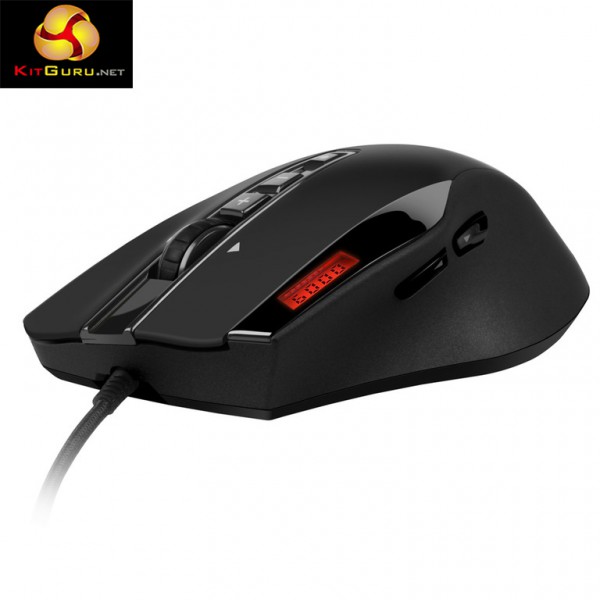
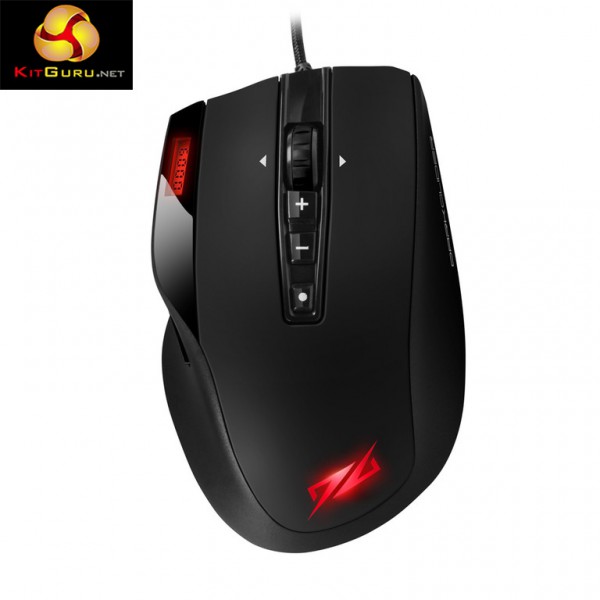
At first glance, the Sharkoon DarkGlider is a very stylish mouse, it has a little screen to tell you what level the DPI is set to, it has an adjustable weight system and pads on the bottom to help it glide. Sharkoon also pairs the mouse up with a cloth mouse pad, which has stitching along the edges to help stop the material from fraying over time.
Features and Specifications:
- Up to 6000 DPI.
- Adjustable weight.
- Braided cable.
- Avago 9500 V2 Laser Sensor.
- Omron Switches.
- LCD Display.
- Mouse Weight: 158 g.
- Ergonomic design.
- Ten programmable buttons.
- Ceramic Slide Pads.
- 256KB memory for profiles.
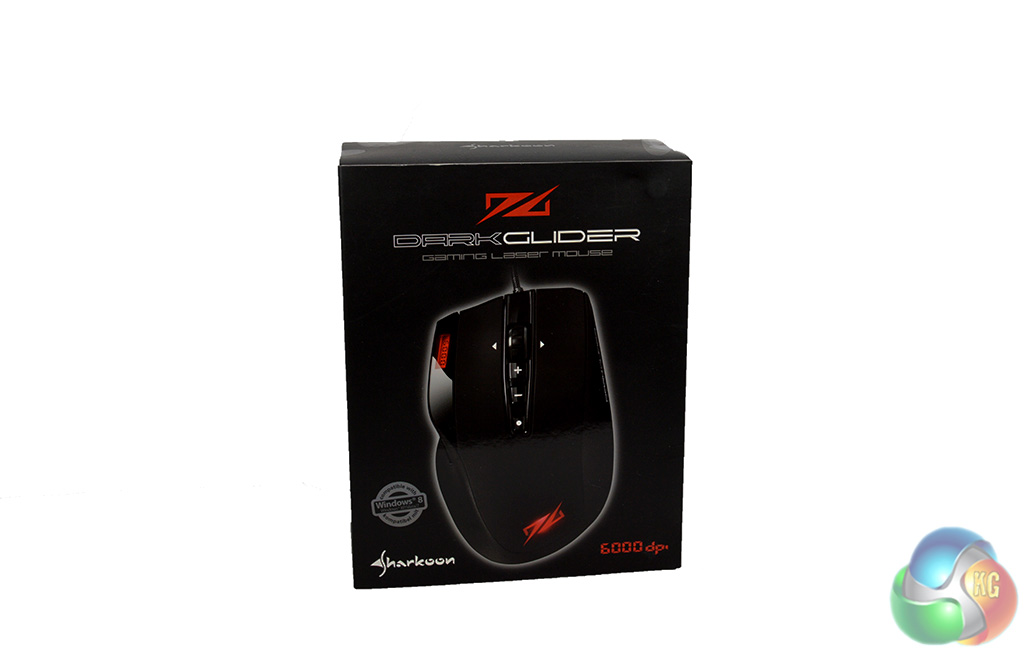
The Sharkoon DarkGlider ships in a fairly large box with a magnetic flap on the front, giving you a look at the mouse before opening up the box completely.
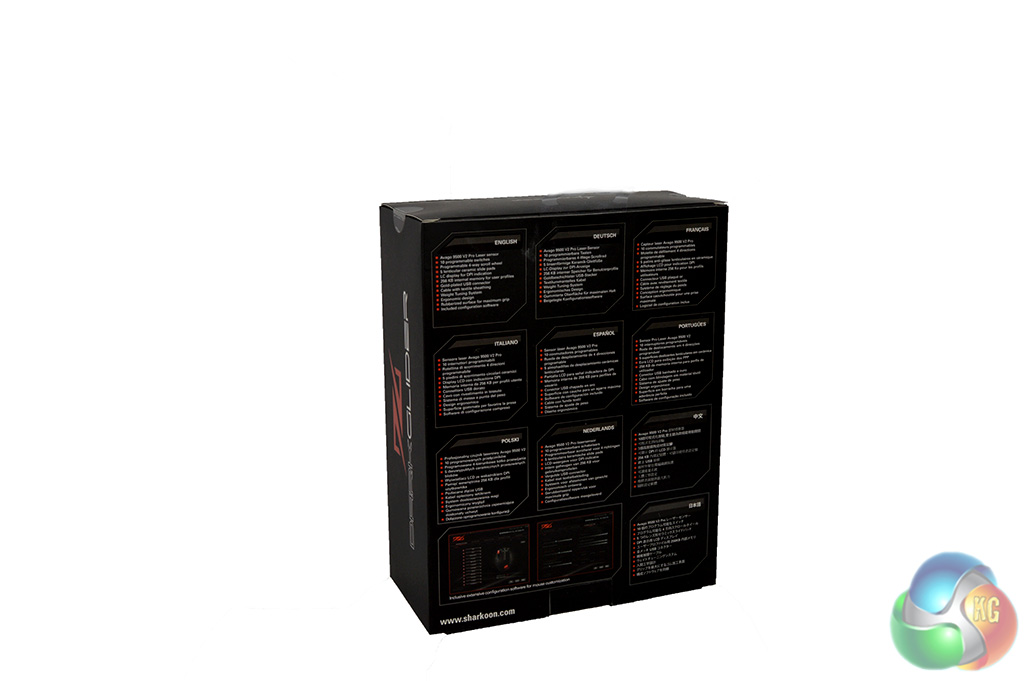
The back of the box lists several key features, including the Avago 9500 V2 laser sensor, the ceramic slide pads and the weight tuning system.
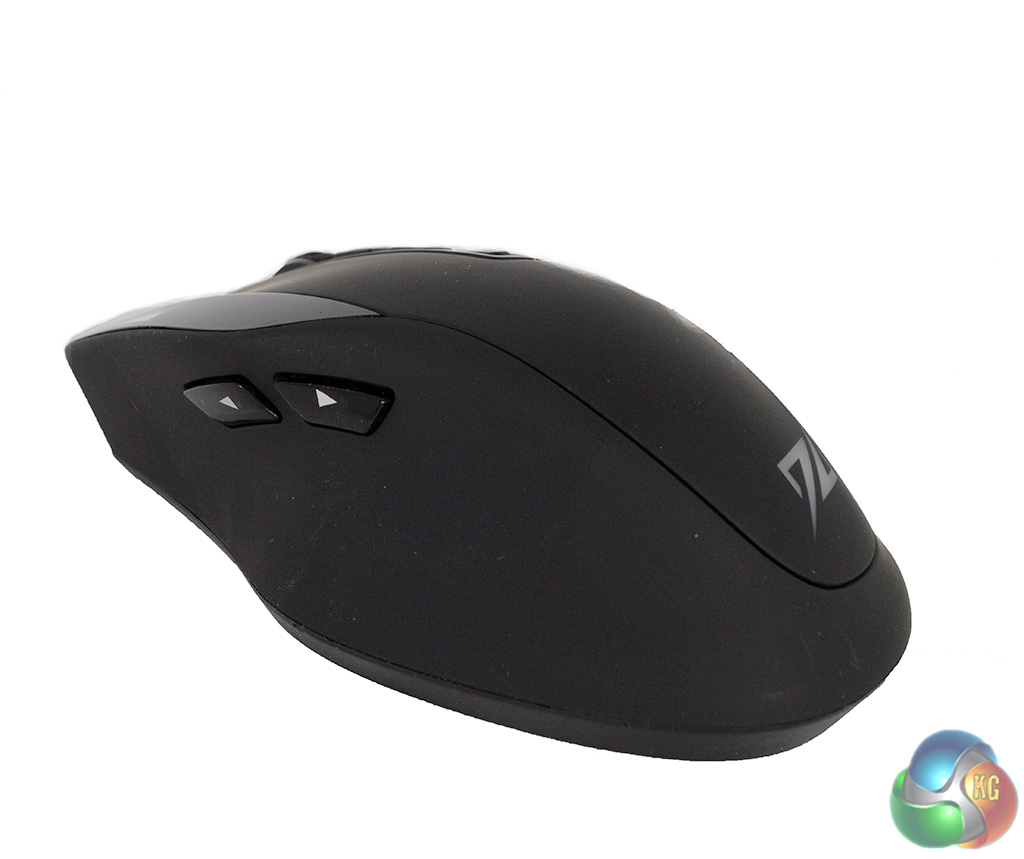
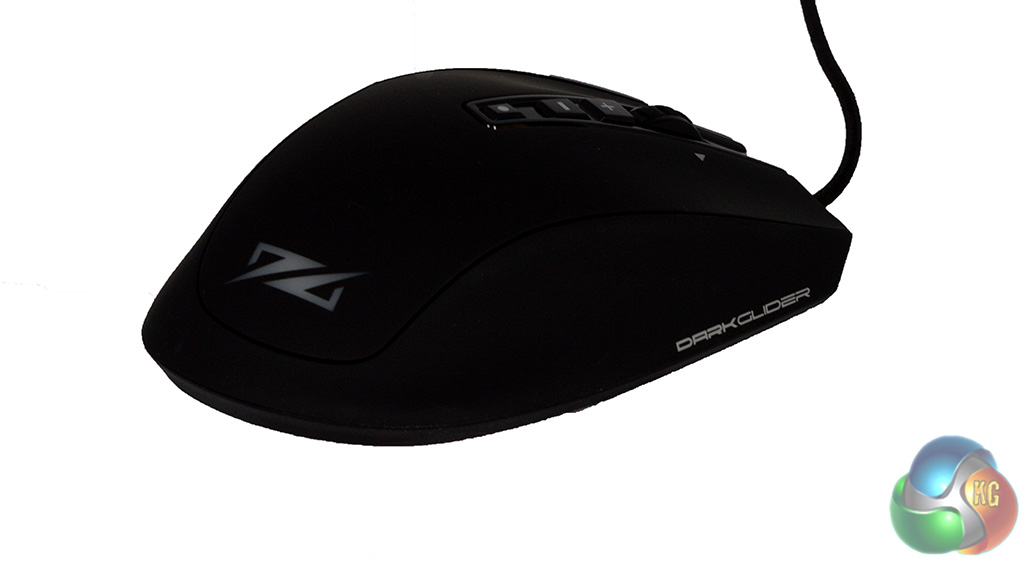
The DarkGlider features an ergonomic design that feels ideal for palm grip users. However, it is quite a bit wider than similarly shaped mice.
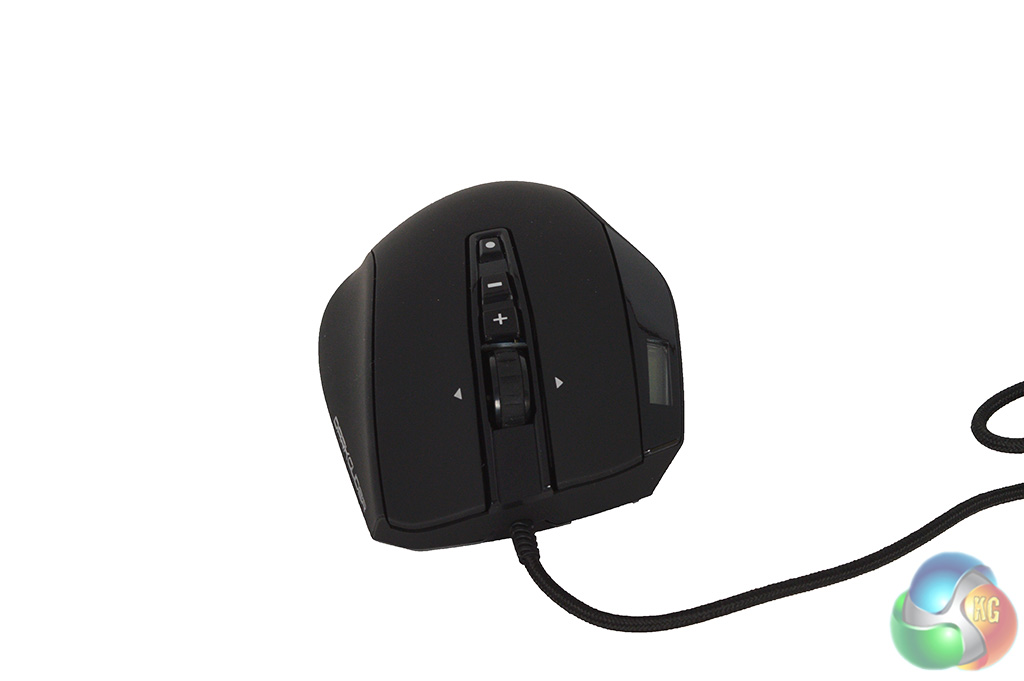
On top we have three buttons while there are an extra two on the side above the thumb groove. There is also a little screen, which when active will tell you what level the DPI is set at.
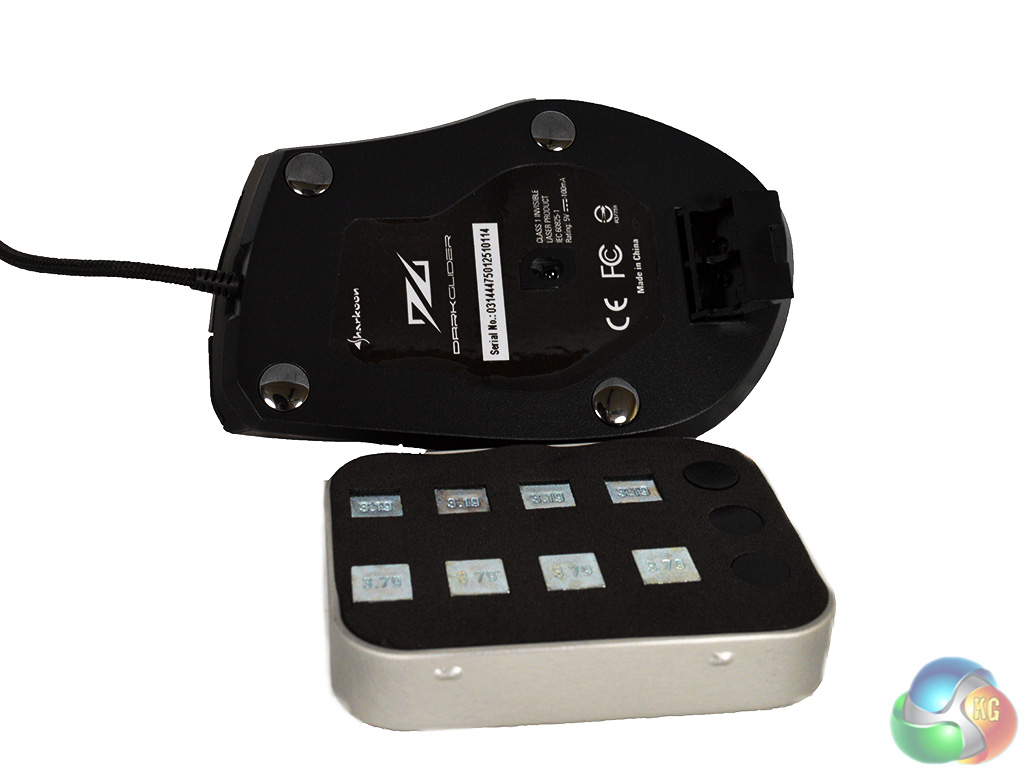
The DarkGlider ships in a little tin which contain a bunch of weights and some spare mouse feet. The weight adjustment tray slots in to the bottom of the mouse, with enough room for four extra weights.
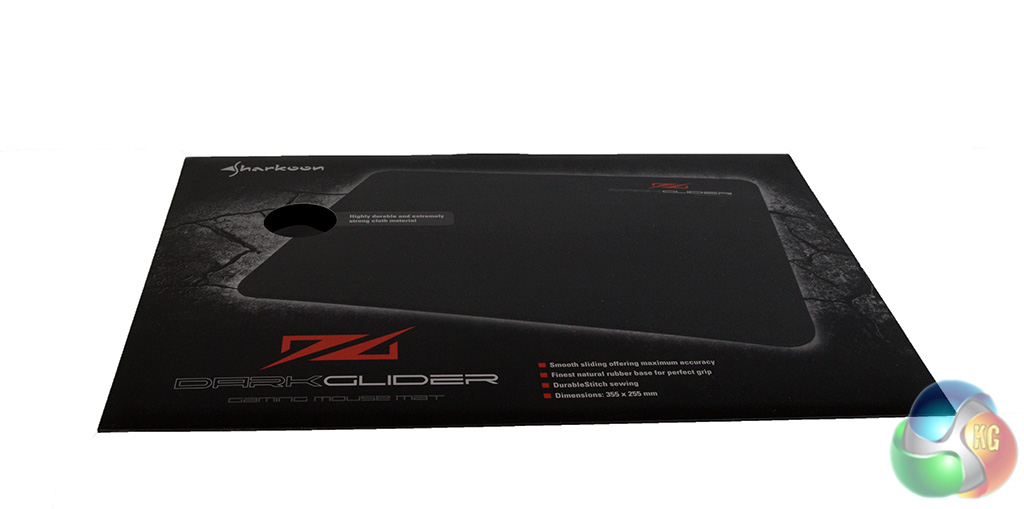
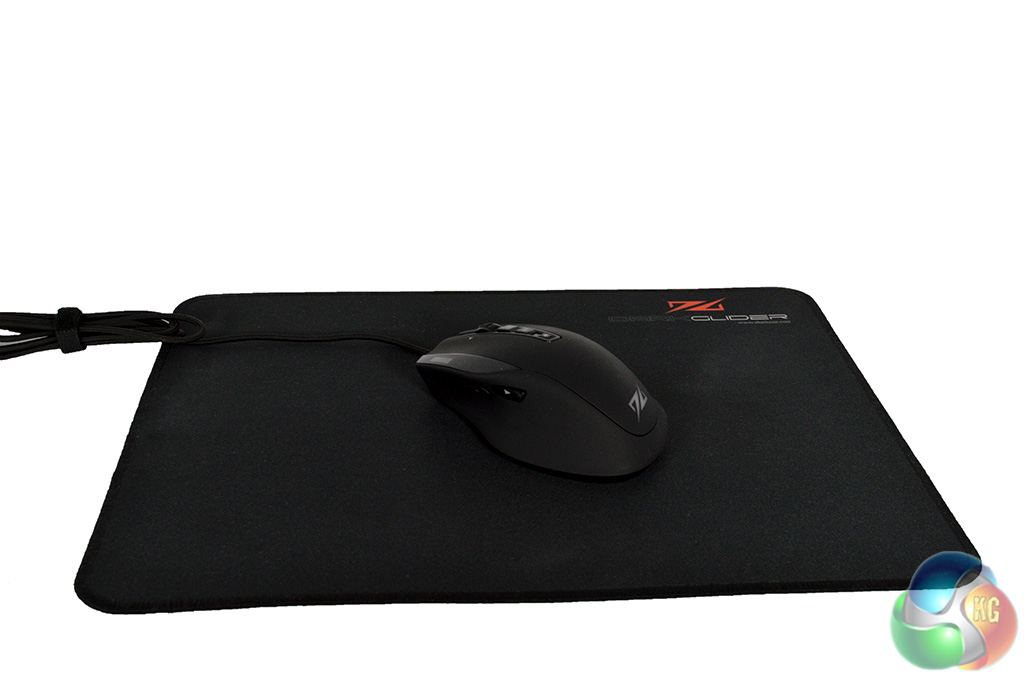
The DarkGlider mouse mat is made of cloth with a rubber base for grip on the desk. The edge of the mouse mat is embroidered to stop it from fraying over time.
To test the DarkGlider, I followed the exact same procedure as when I reviewed the Shark Zone M20 Gaming Mouse recently. The DarkGlider became my main mouse for all PC use for a number of days, using it for everything from editing photos to playing games.
To kick things off, lets take a look at the software driver that comes included with the DarkGlider:
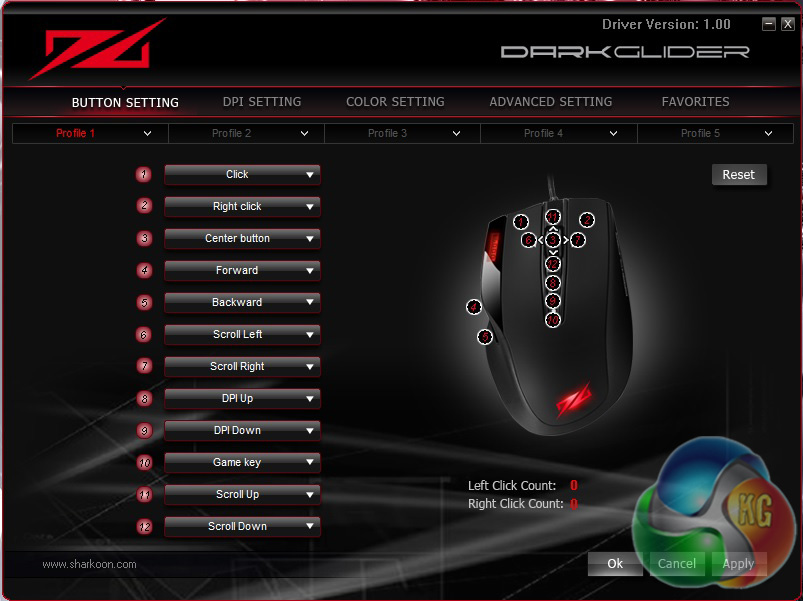
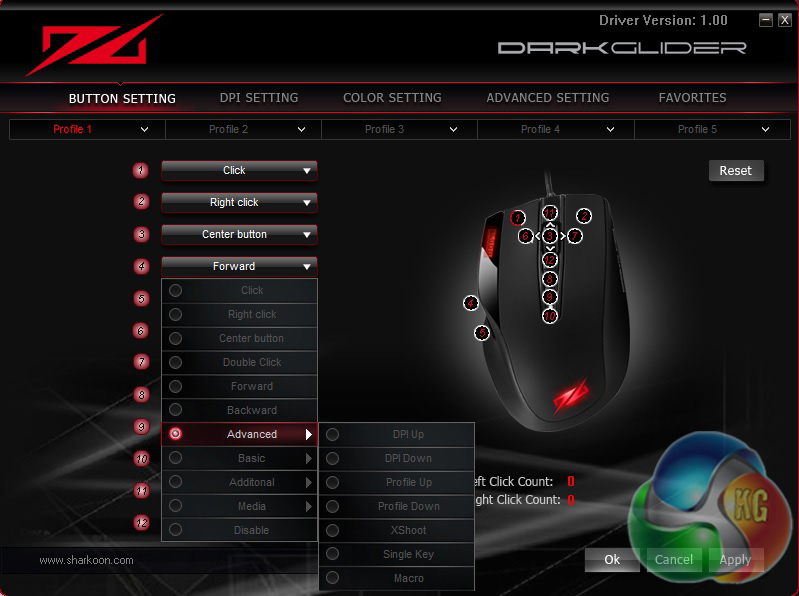
Upon opening up the driver, we are immediately greeted with the above window, which allows us to change the functions of every button on the mouse. There are some advanced settings, including a macro recorder for more complicated commands.
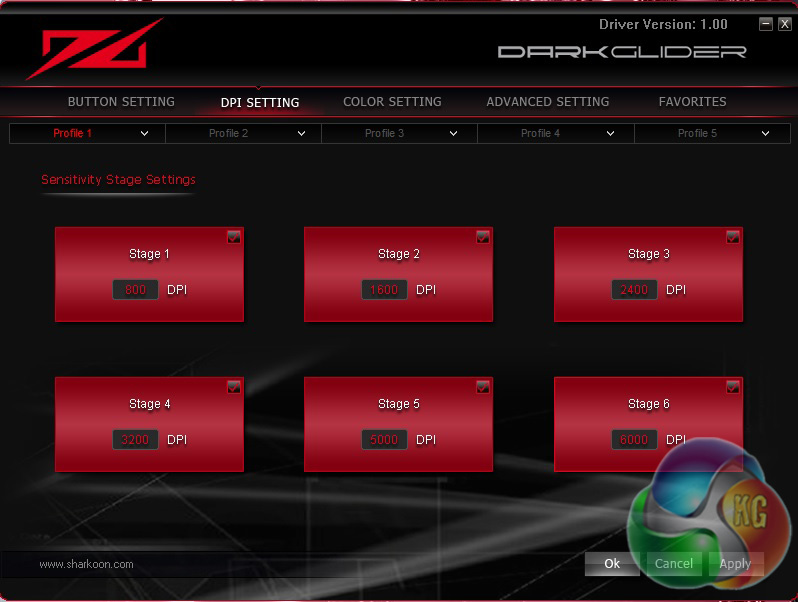
If you read the review of the Shark Zone M20, then you will know that my only real problem with that mouse was the lack of flexibility when selecting DPI settings. Well you still can't select your own exact values, but the gaps are bridged a bit better this time around.
You can select from 800, 1600, 2400, 3200, 5000 and 6000 DPI with the DarkGlider. For me, 2400 DPI is the sweet spot but some people may like their sensitivity to be higher or lower.
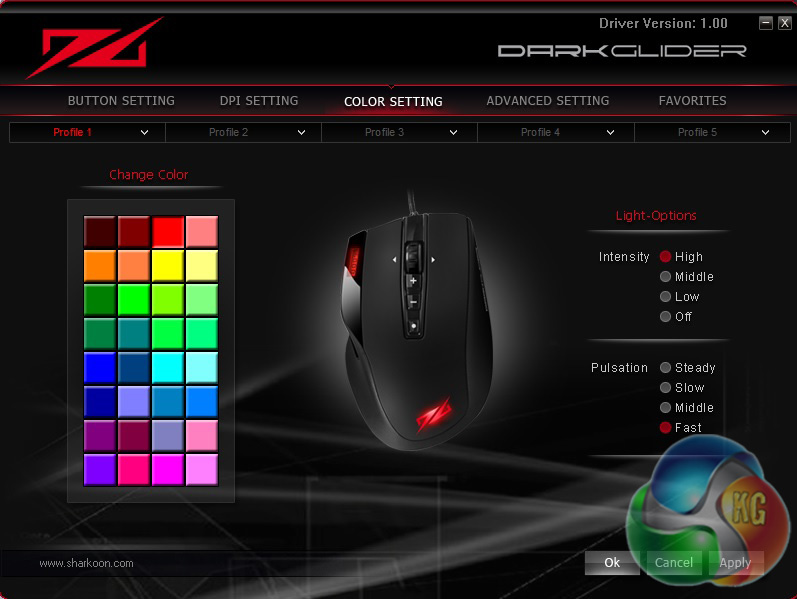
There is a touch of lighting to be found on the DarkGlider and it works well enough. It isn't quite on the same level as the LEDs you will find in higher end mice but your basic red, blue and green colors work well.
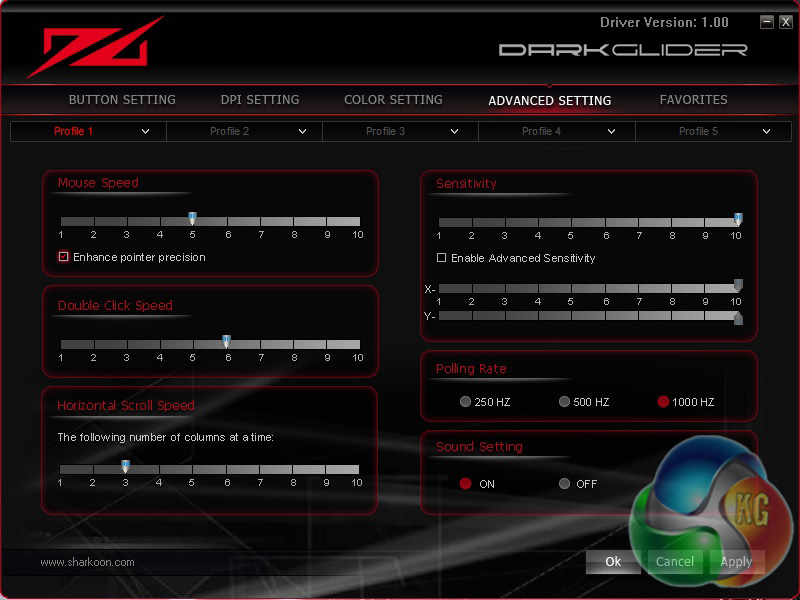
The advanced settings menu is where things start to get a bit more intricate. You can set up multiple profiles for mouse pointer speed, double-click speed, horizontal scroll speed and overall sensitivity. The polling rate can also be adjusted.
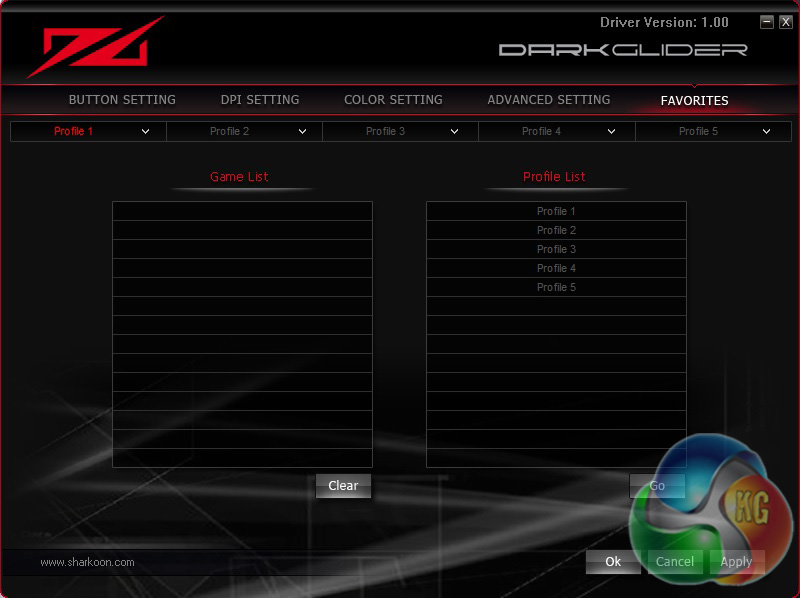
The final software menu is known as the ‘Favorites Menu'. This is where you can select your favorite programs and profiles. It doesn't really add anything to the functionality of the mouse.
Overall, the DarkGlider software driver is easy enough to work with. I had no problems with performance, nor did I have any troubles finding my way around as everything is laid out nicely. There are plenty of options to keep most happy.
That said though, I would still like to see a bit more freedom in the DPI settings. While the 2400 DPI setting was perfect for me personally, others might like to set theirs at 1800, 2600, 3400 or any other variation of numbers and right now, there is no support for that.
Now that the software is out-of-the-way, lets talk about comfort and usability. I had almost nothing but praise for the Shark Zone M20, in terms of design, it was basically perfect. However, the DarkGlider is quite different indeed. This mouse is wider than many other similarly shaped mice, making it feel much larger in the hand.
Personally, I found the DarkGlider to be a bit too large for my hands. That said, it was not uncomfortable to use. Unfortunately, the DarkGlider also feels quite hollow and light, this coupled with the mushy buttons, makes for a cheap feeling device overall.
The two side buttons feel especially troublesome, almost as if they are one bad press away from caving in and no longer working properly.
However, aside from the cheap feeling build, the rest of the mouse performs well. The ‘Omron switches' used for the main left and right mouse clickers are as good as they were on the Shark Zone M20. Tracking performance was also up to standard.
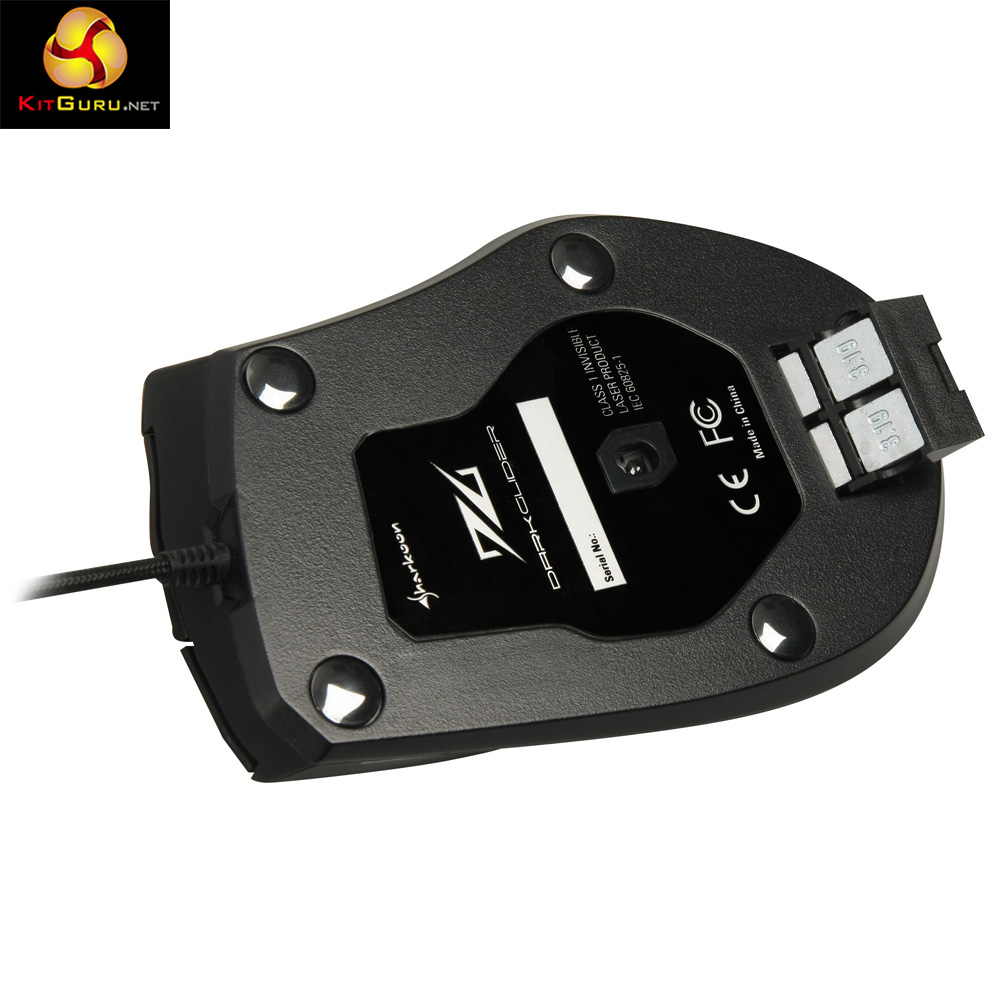
The mouse really does live up to its name, it glides along the mouse mat much easier than most mice I have tested. This is down to the convex mouse feet dotted around the edge, raising the mouse slightly higher than rubber feet would while also removing friction.
Tracking performance while gaming was as good as you could expect from a mouse. The DarkGlider also takes care of the one issue I had with the Shark Zone M20, allowing me to use a more suitable 2400 DPI setting, rather than being limited to 1600 or 3200.
The sensor itself is capable of going all the way up to 6000 DPI, although you are limited to preset options, which you can see above. In all, the mouse performs perfectly fine but it is let down a bit by its cheap feeling build.
Sharkoon was on to a real winner with the Shark Zone M20, which I personally feel is the best mouse you can buy for around £20. Unfortunately, the DarkGlider is a bit of a let down in comparison. Despite being twice the price of the M20 (coming in at around £40), the mouse feels very cheap thanks to its hollow body and poor buttons.
Additionally, the mouse was a little too wide for my liking, making it overly large, especially when compared to other mice of a similar shape, such as the Shark Zone M20 or the Roccat Tyon.
That said though, I did not encounter any performance issues. Tracking was solid in all scenarios and the additional weight adjustment system is always a nice touch. Software options were also improved, allowing me greater freedom when selecting a DPI setting for the mouse, although not to the extent that I would consider ideal.
In the end, it all comes down to price. Many could probably forgive cheap build quality if it was reflected in the price. Unfortunately, this isn't the case with the DarkGlider, which currently costs £40 on Amazon UK. If you are looking to spend that amount of money on a mouse, then the cheaper Shark Zone M20 will serve you better.
If you are in need of a new mouse mat then I would recommend the DarkGlider offering, which you can grab on Amazon for £9.99 with PRIME shipping. It offers a decent amount of grip, allowing for more precise mouse movements. Although, it does get quite dirty fairly quickly, as is usually the case with cloth mouse pads.
Pros:
- Greater freedom within software.
- Decent tracking performance.
- 6000 DPI sensor.
- Braided USB cable.
Cons:
- Feels cheap.
- Poor buttons.
- The Shark Zone M20 is better overall.
KitGuru Says: It would be easier to overlook some of the Sharkoon DarkGlider's flaws if the price was lower. Unfortunately, Sharkoon has a much better mouse available at half the price in the form of the Shark Zone M20, which we would recommend over this.