KitGuru KitGuru.net – Tech News | Hardware News | Hardware Reviews | IOS | Mobile | Gaming | Graphics Cards


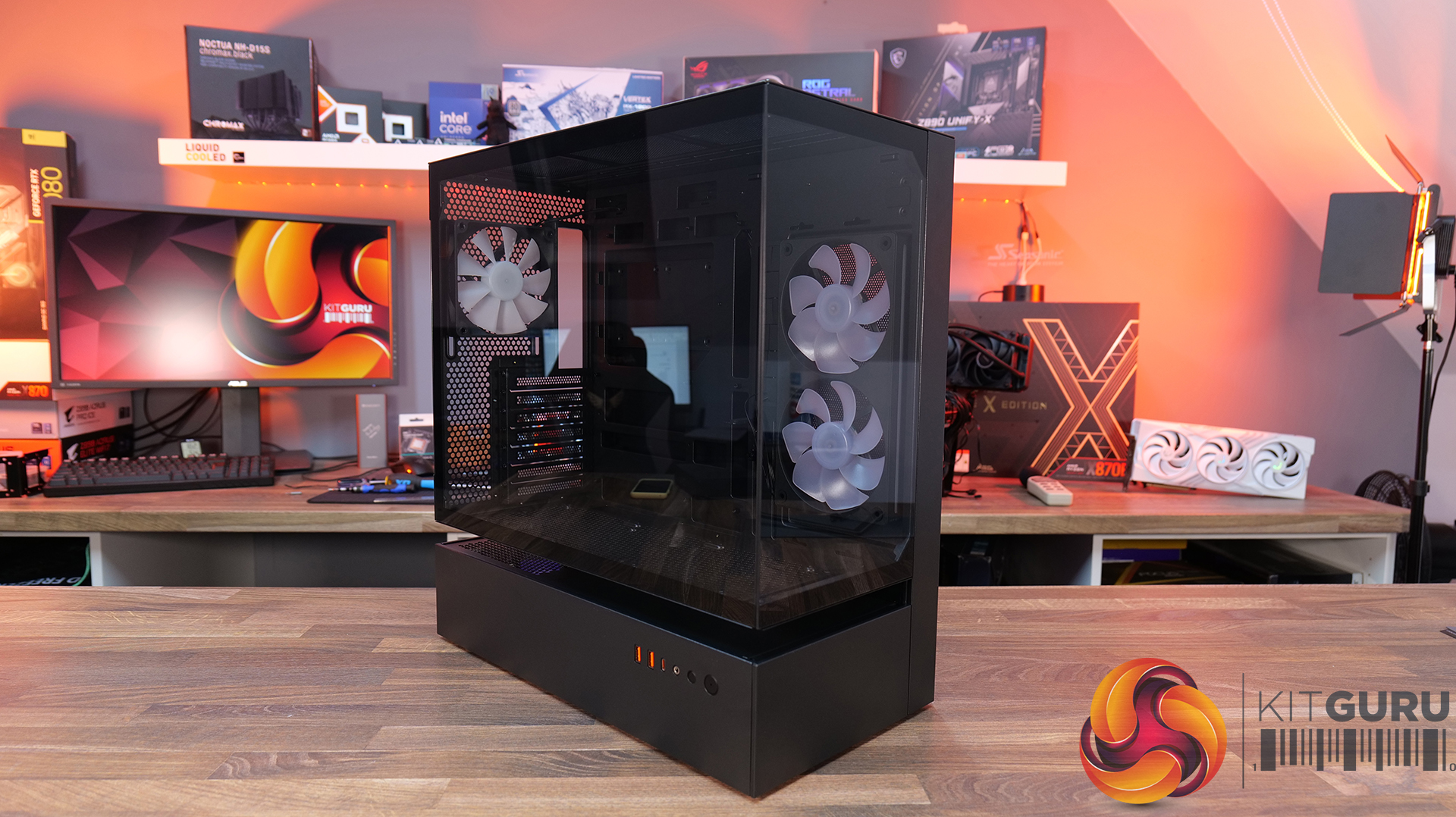
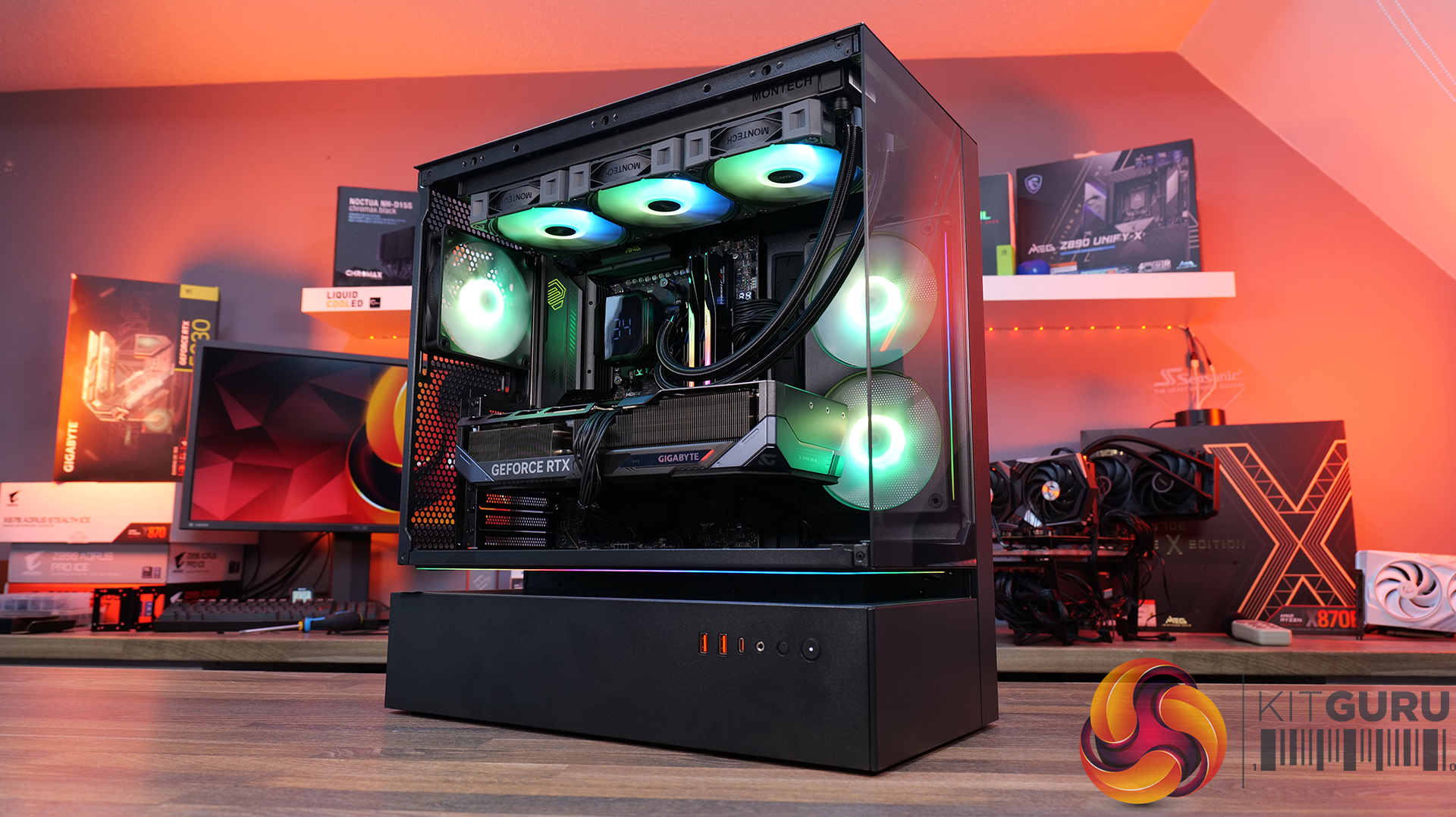
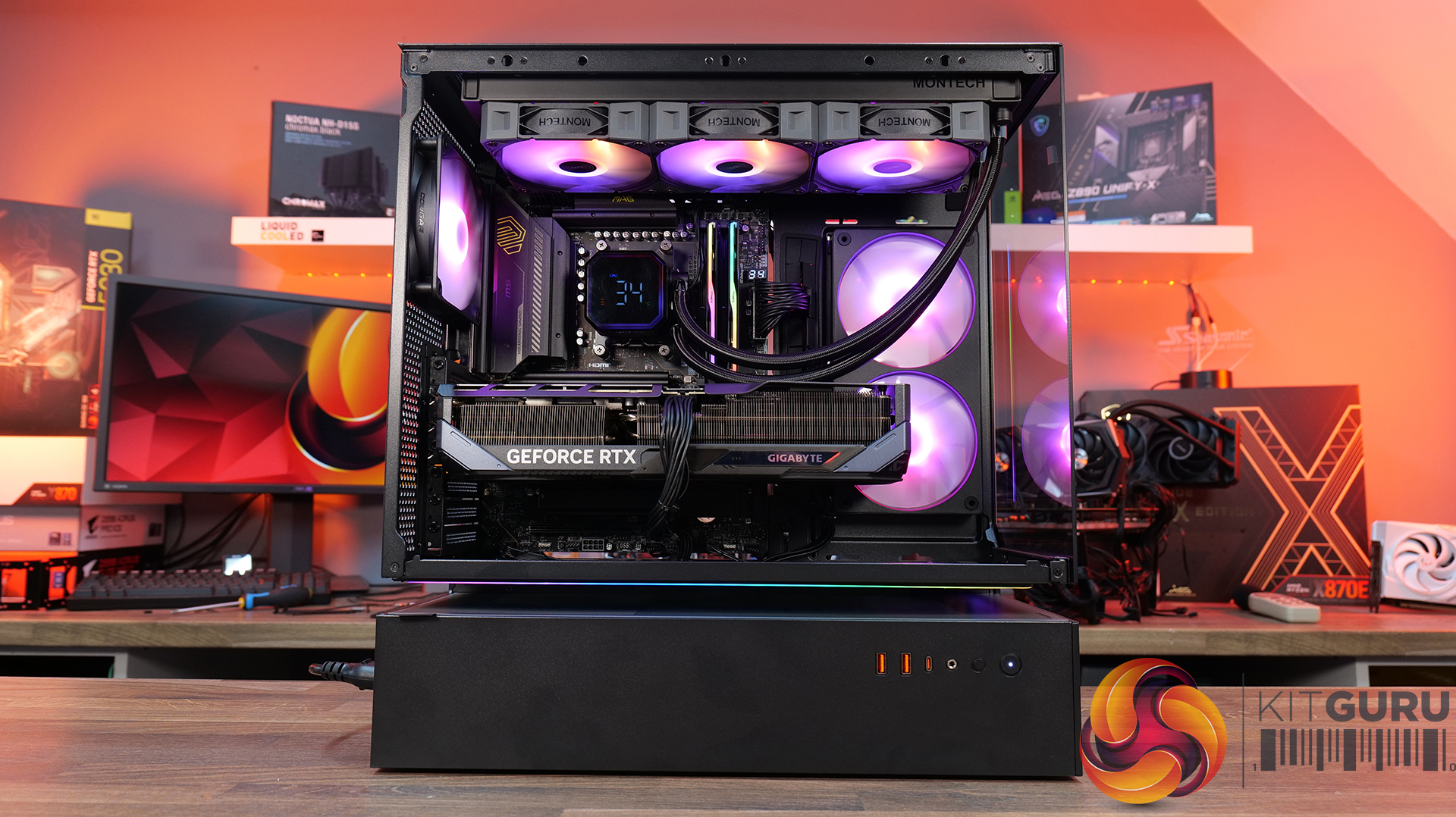
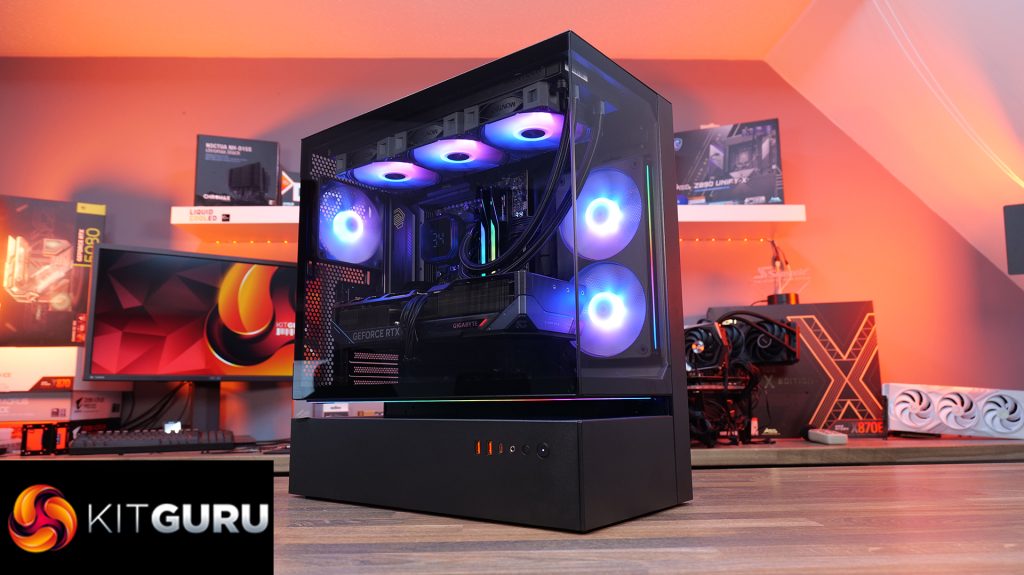
Today we’re taking a look at the Cougar CFV235 mid-tower chassis. It features Cougar’s Central Floating Ventilation design, support for up to EATX motherboards, including back connect, and comes with pre-installed ARGB PWM fans straight out of the box. On paper, there’s plenty of cooling potential too with support for up to nine fans and 360mm radiators, along with clearance for graphics cards up to 430mm long. As always, we’ll be checking out build quality, ease of installation, thermal performance, and overall value to see if the CFV235 is worth considering for your next build.
Timestamps:
00:00 Intro
00:45 Pricing + key info
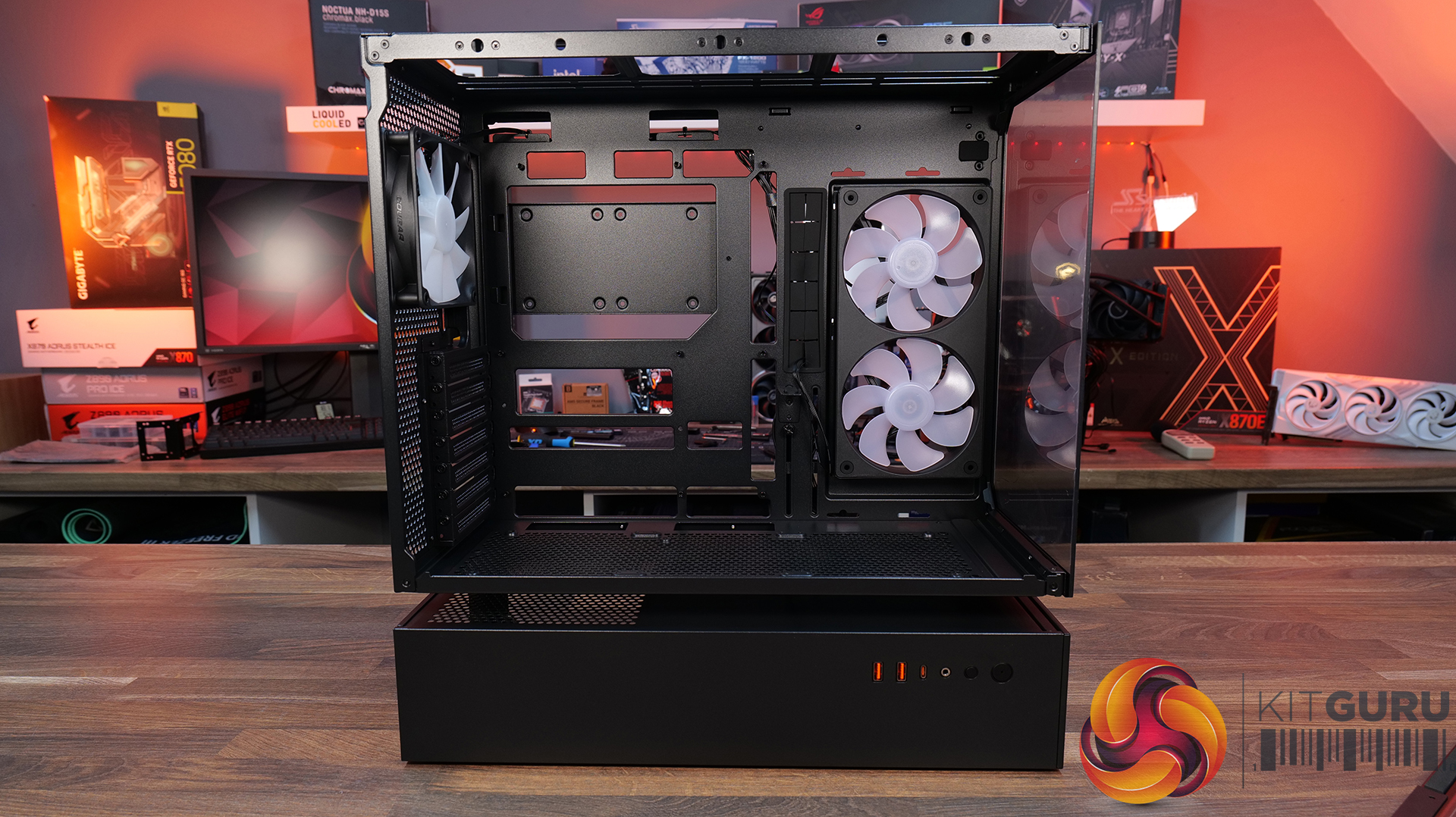
02:38 Getting inside
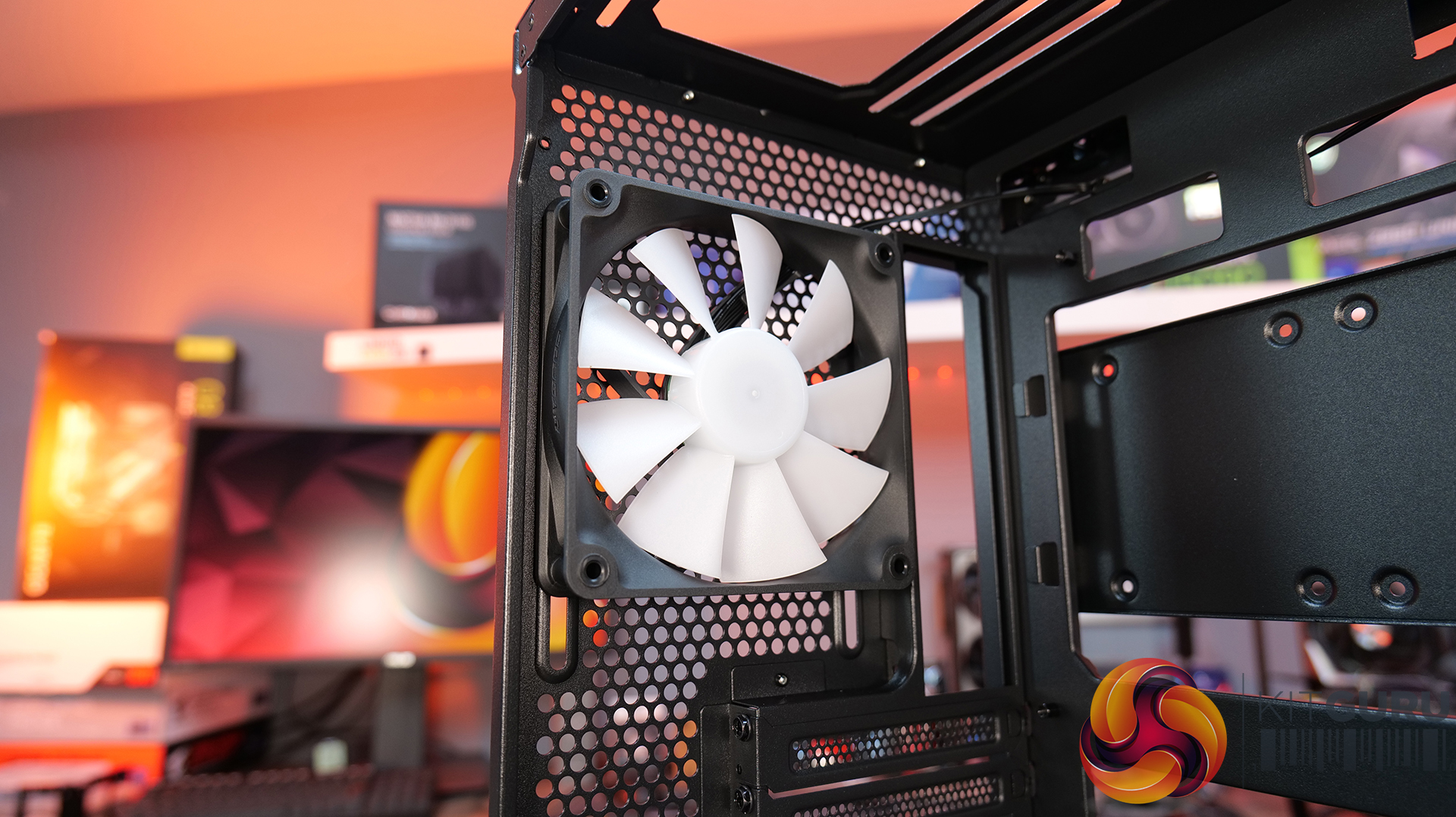
04:10 Cooling support, pre-installed fans
05:55 CPU and GPU compatibility
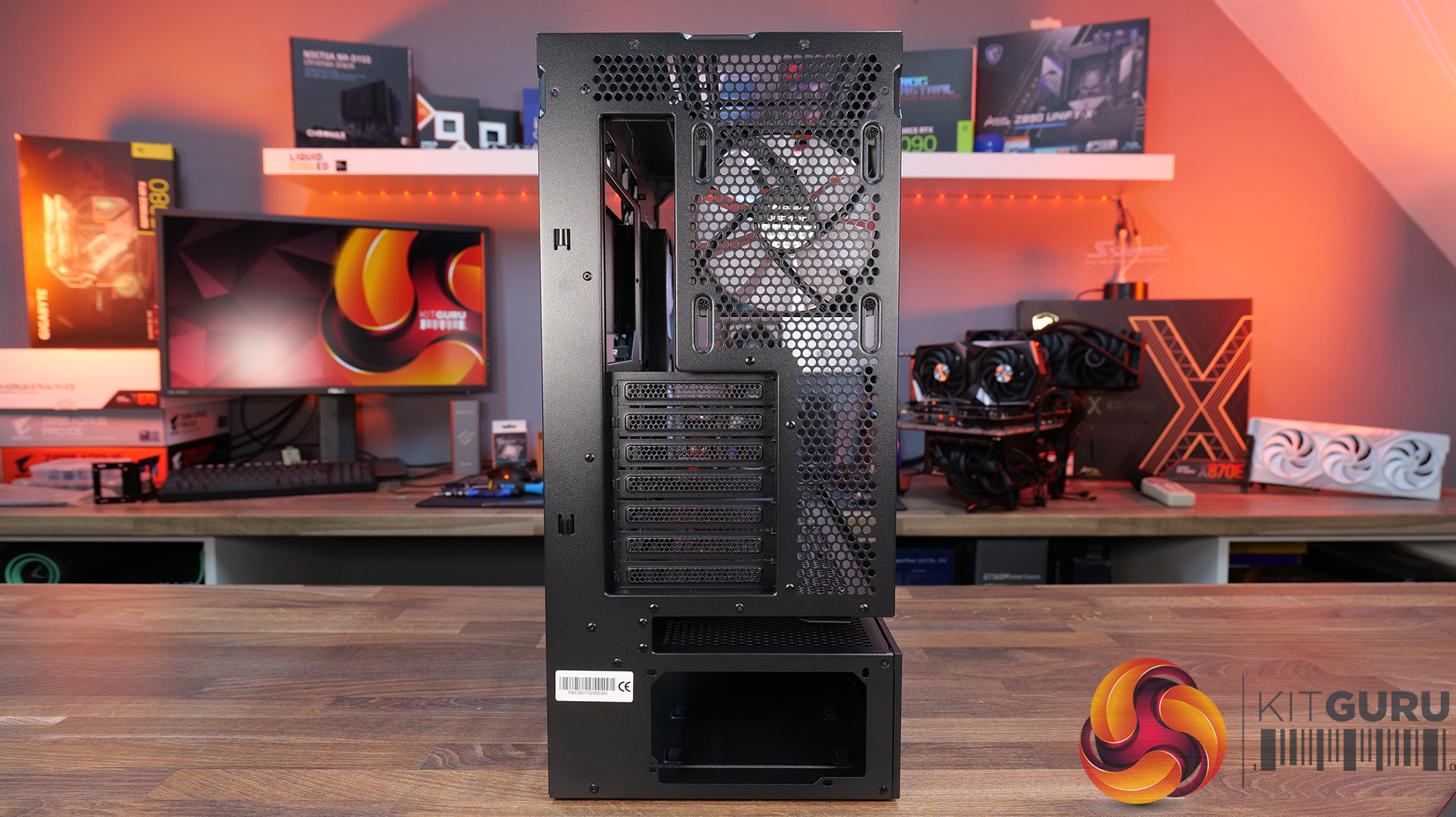
06:52 Looking at the rear
07:18 Area behind the mobo tray
09:32 Storage support
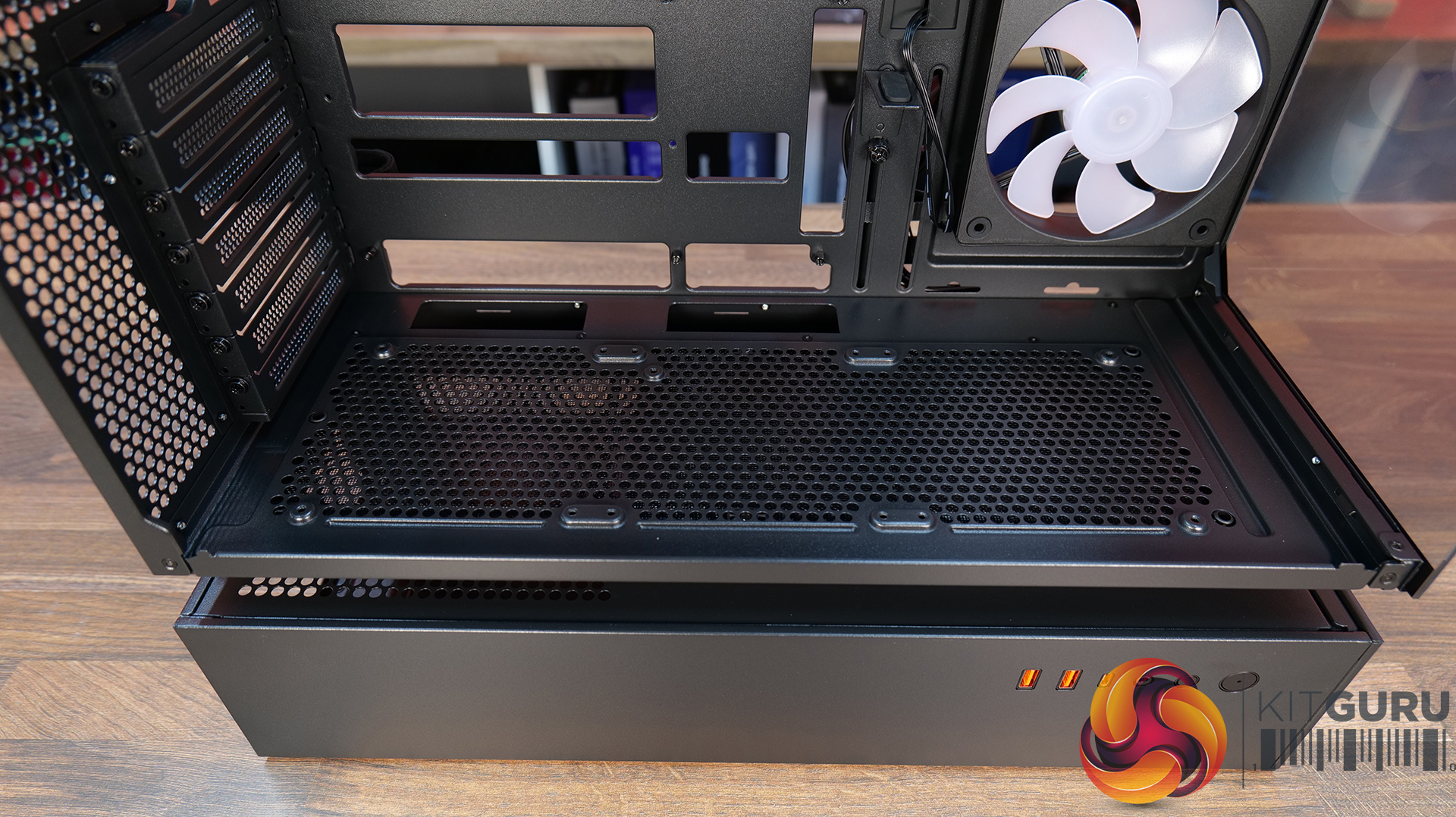
10:21 Floor of the case
11:17 Accessories
12:14 Thermal tests + noise
13:49 James’ experience so far
15:19 Closing thoughts
Features:
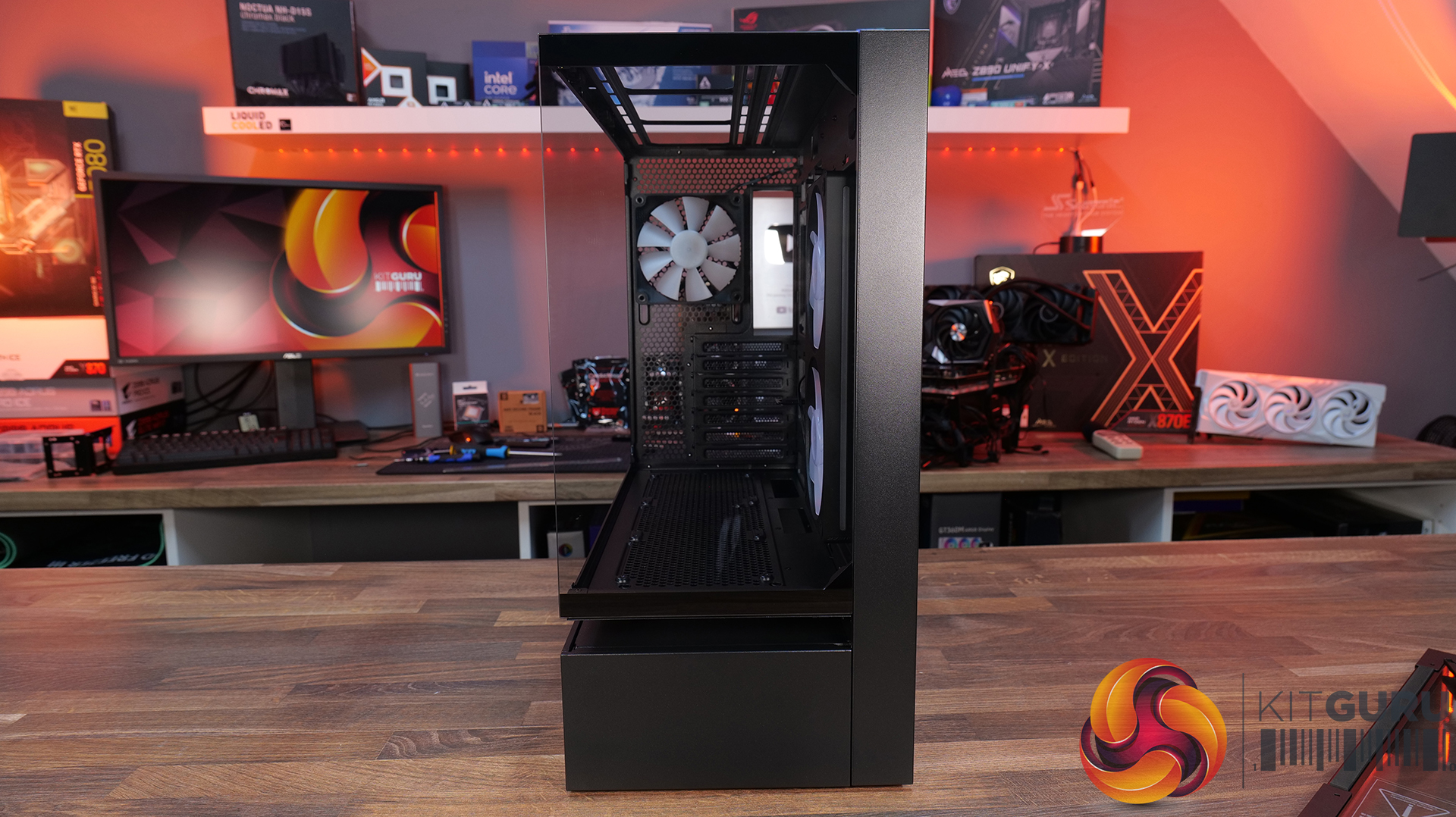
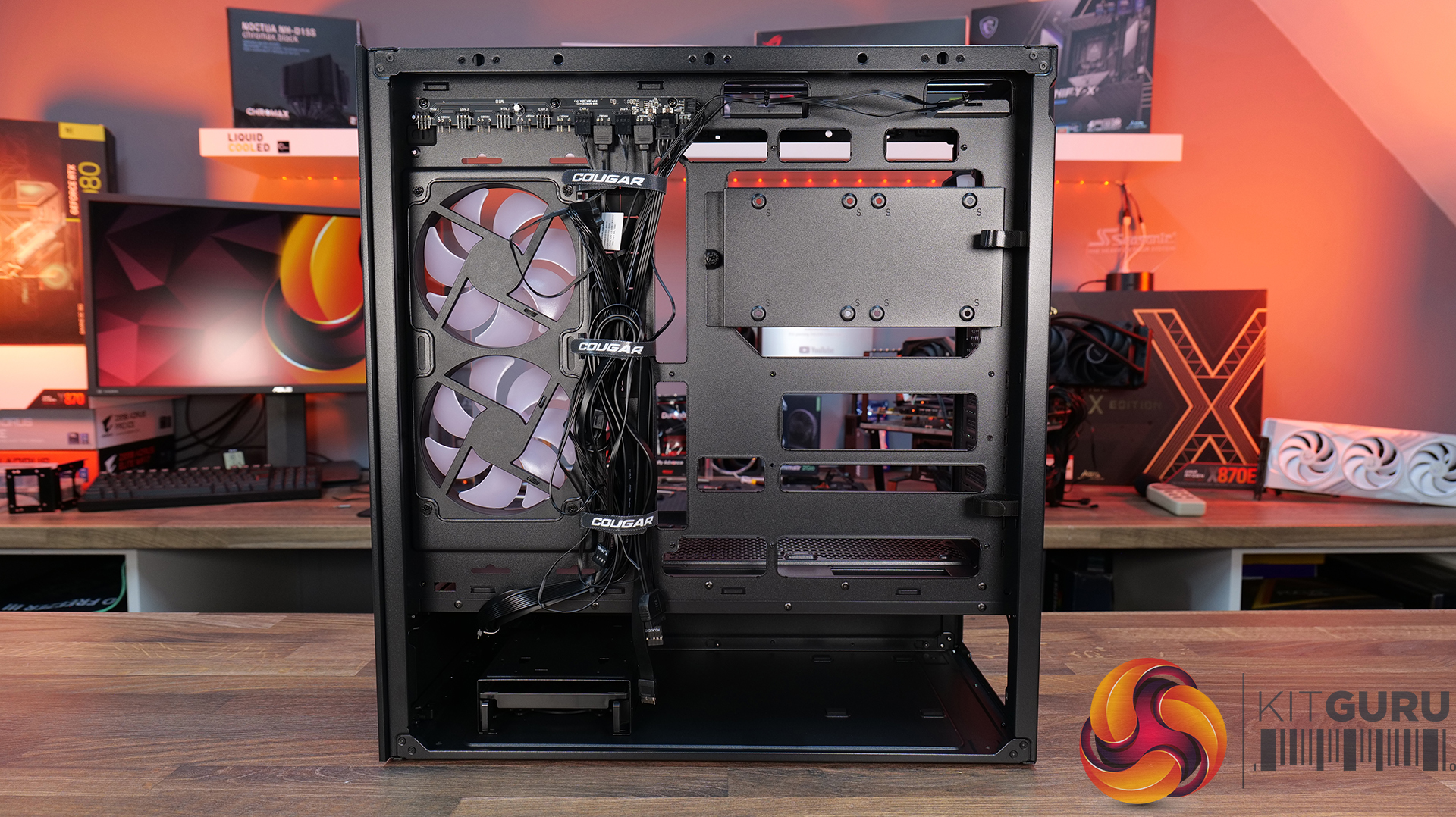
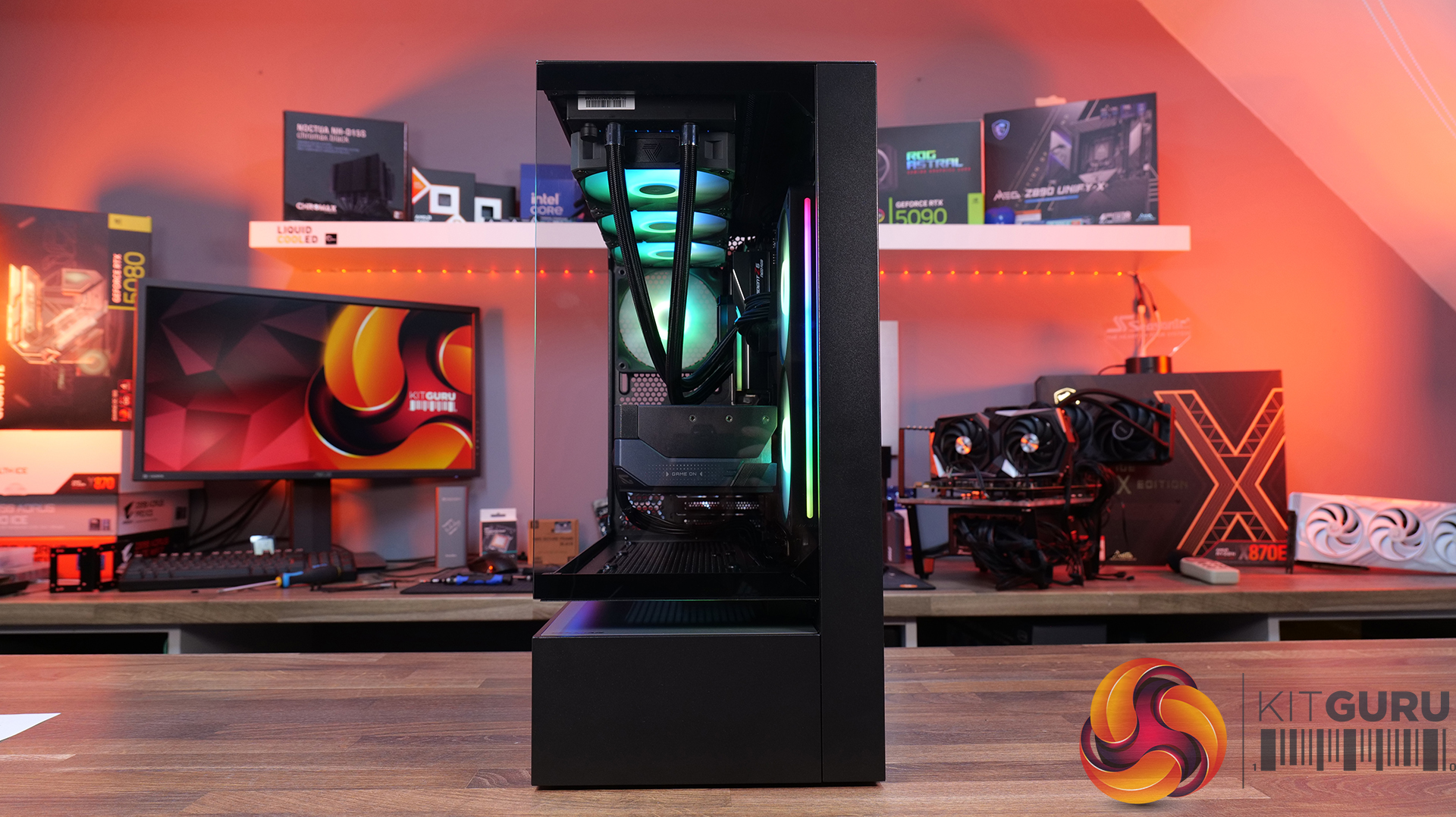
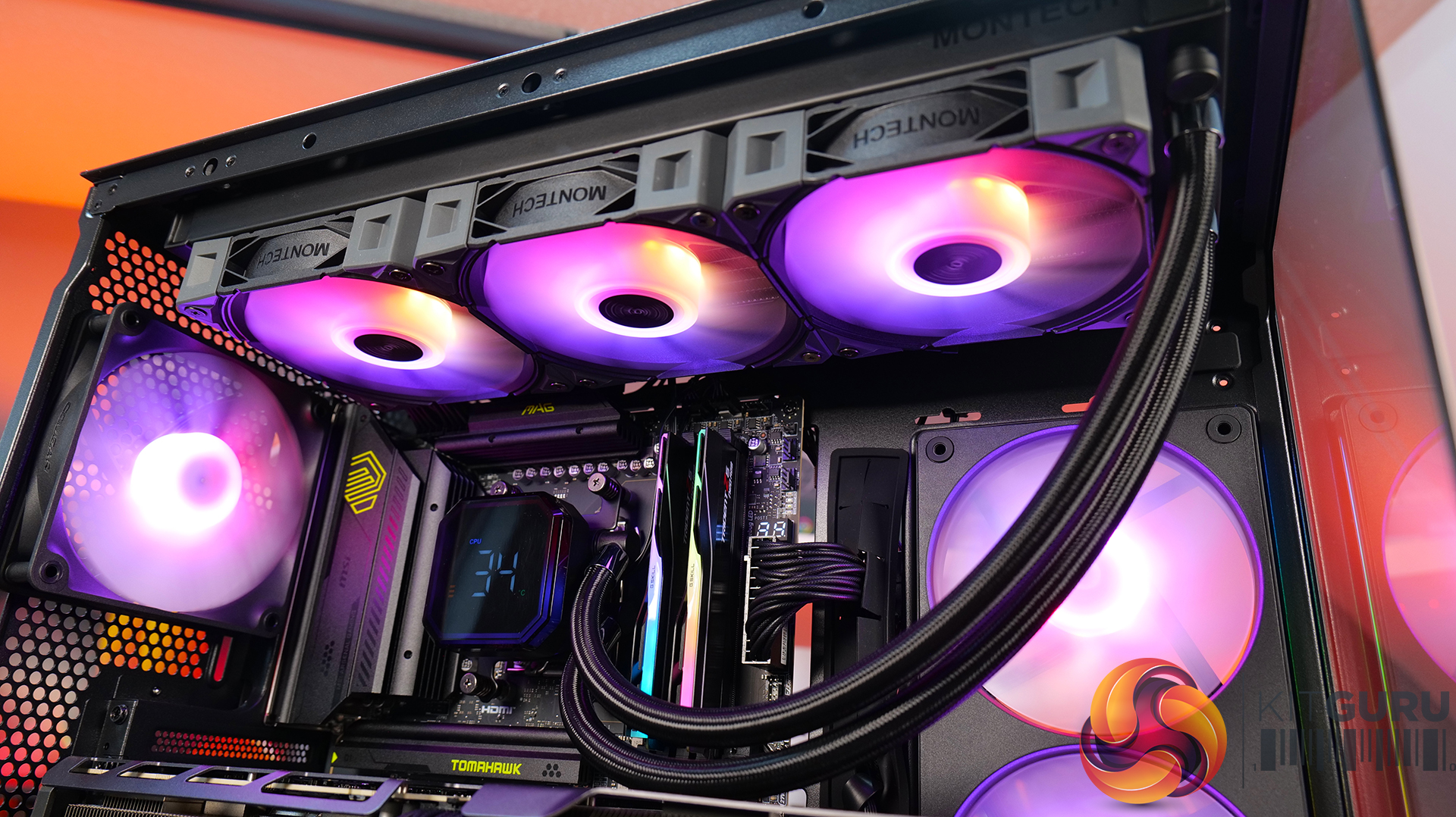
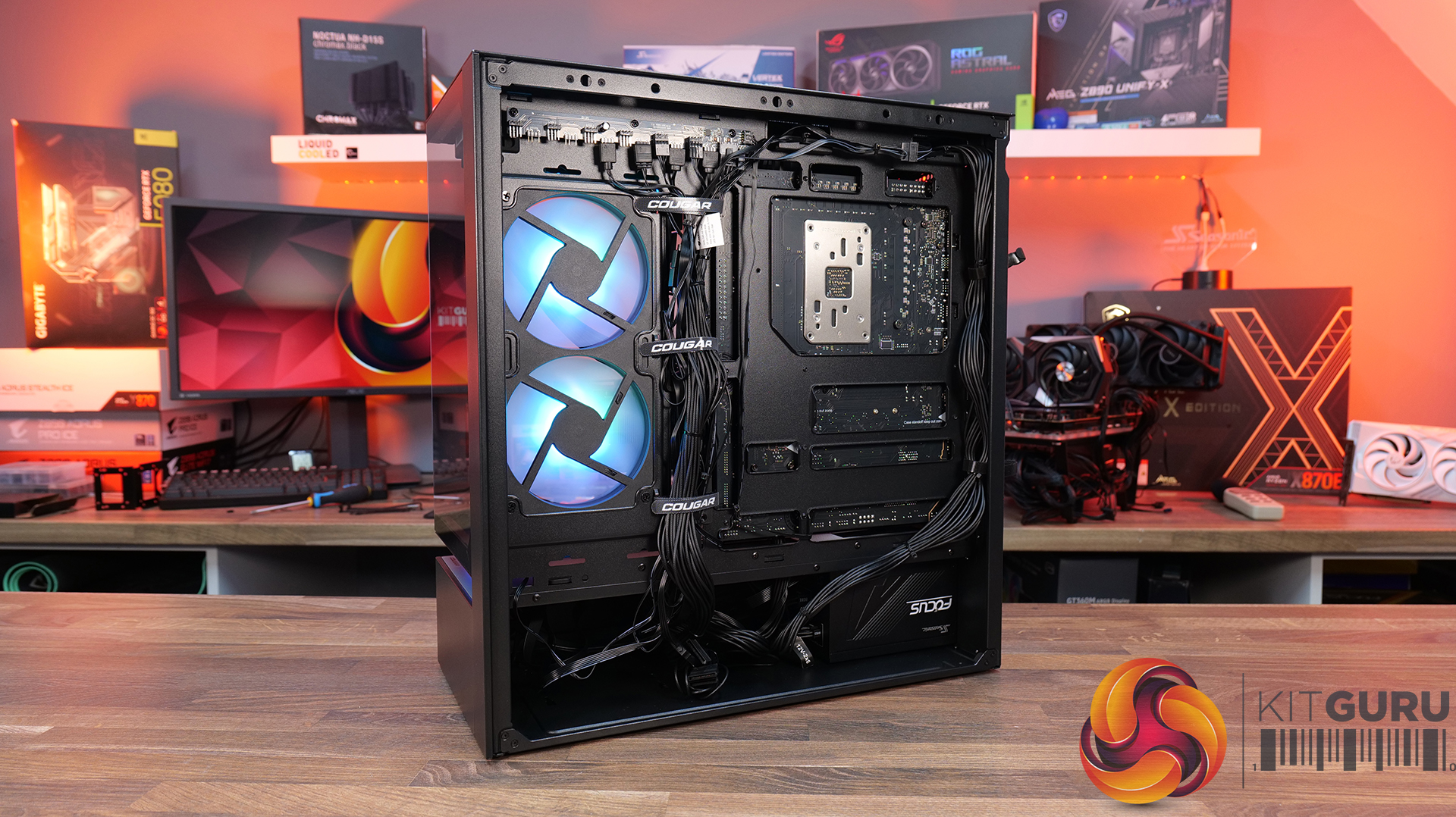
- Central Floating Ventilation (CFV) structure: A unique floating chamber design that creates separation between the PSU cabin and main chamber to enhance airflow and gives the case its distinctive look.
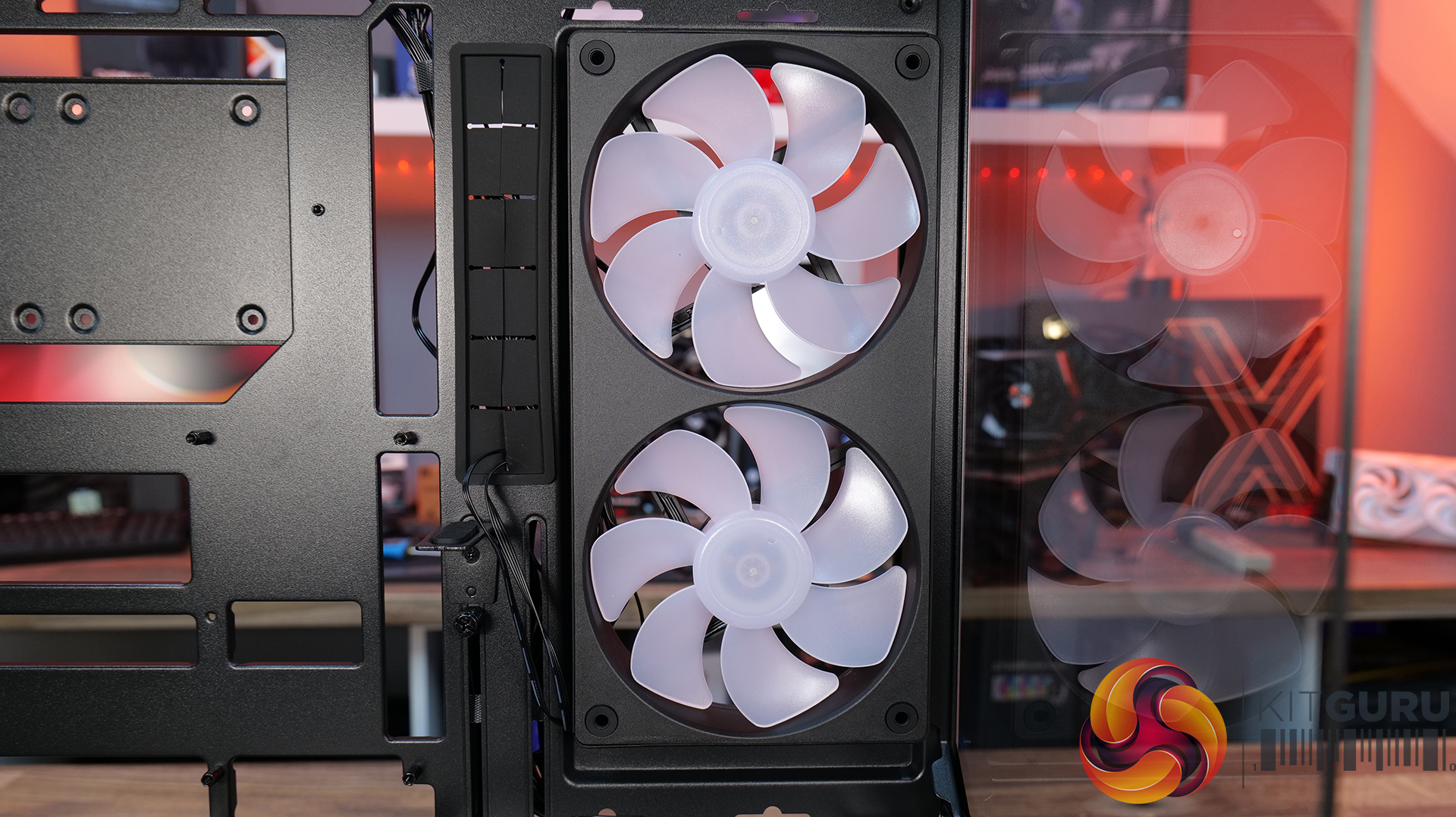
- Pre-installed Unity 240 ARGB PWM reverse-blade fan & Aurora RGB lighting: Included is a Cougar Unity 240 single-frame ARGB fan and an integrated Aurora RGB lighting strip for enhanced cooling and aesthetics.
- Versatile hardware support: CFV235 is compatible with motherboards up to E-ATX size, including back connect, 360mm radiators, 175mm tall air coolers and supports GPUs up to 430 mm in length.
Specifications:
- Case Type: Mid Tower
- Dimensions (LxWxH): 235 × 493 × 460 mm
- Materials: Steel, Plastic, Glass
- Motherboard Support: Mini ITX / Micro ATX / ATX / CEB
- Back-connect motherboard support: Yes
- Expansion Slots: 7
- Storage bays: 5″ ×2, 2.5″ ×2 + 2 (converted from 3.5″ bays)
- Max GPU Length: 430mm
- Max CPU Cooler Height: 175mm
- PSU Type: ATX up to 200mm
- Pre-installed Fans: Unity 240 ARGB PWM Reversed Fan × 1 (Side) 120mm ARGB PWM Fan × 1 (Rear)
- Fan Support: 120mm × 3 / 140mm × 3 (Top), 120mm ×2 (Side), 120mm x 3 (Bottom), 120mm x 1 (Rear)
- Radiator Support: 360mm / 280mm / 240mm / 140mm / 120mm (Top), 120mm (Rear)
- Dust Filters: Bottom
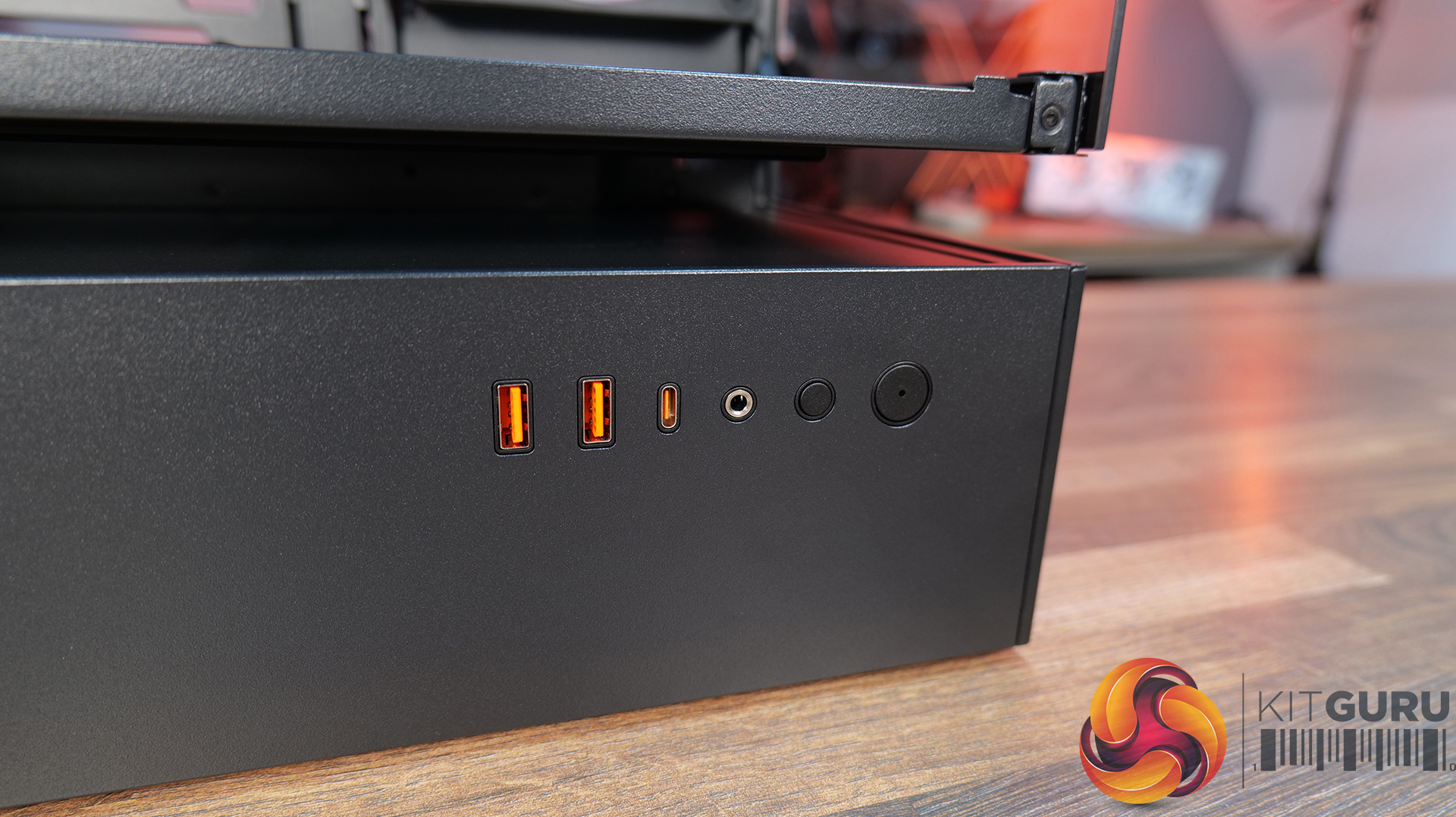
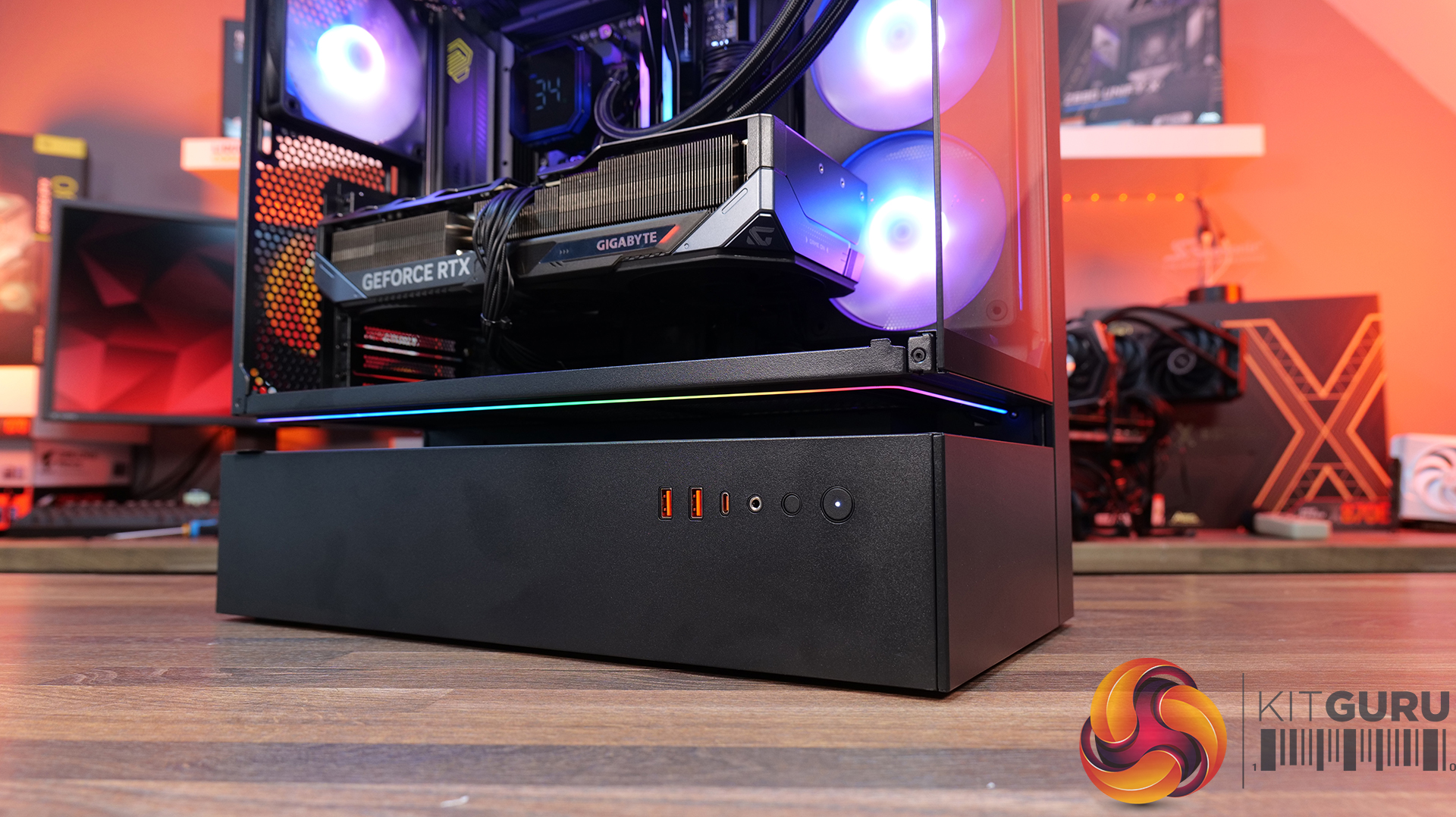
- Front I/O: USB 3.2 Gen 2×2 Type-C ×1, USB 3.0 Type-A ×2, 4-Pole Headset Audio Jack ×1, RGB Button
- LCD Screen: N/A
Thermal Performance Testing
To simulate thermal demand, we run the Cinebench R23 multi-thread benchmark and 3DMark Speed Way stress test simultaneously in a loop for 30 minutes to load the system fully. This gives the CPU and GPU enough time to reach constant steady-state temperature. With this data, we can compare how the system handles the thermal demand and measure peak noise levels.
Thermal performance is measured with the case in various configurations, such as the default, with the tempered glass left-hand side panel removed and with the front panel removed to see how these configurations affect the CPU and GPU temperature. During testing, only stock case fans are used unless otherwise specified. All water pumps are set to maximum RPM and fans are set to a custom RPM curve by the Motherboard software/BIOS.
All temperature measurements are presented as Deltas – meaning the ambient temperature has been deducted from the CPU temperature, giving us a Delta. Data shown in the charts represents the average component temperature over the length of the test as measured by HWiNFO, and then the last 15 minutes of the data are calculated to get the average. The ambient temperature during thermal tests is between 19-20⁰C.
Test System Specification:
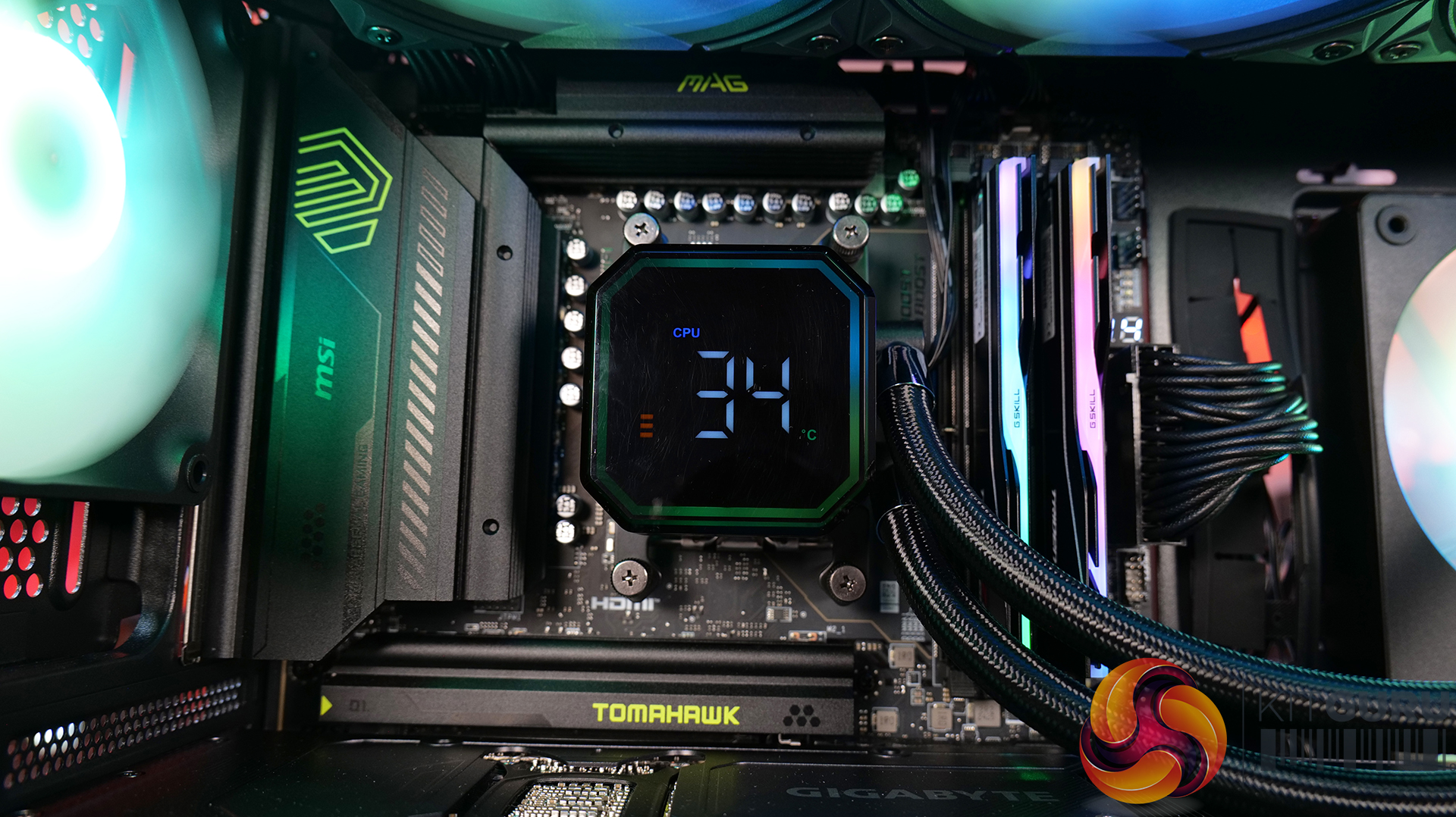
- CPU – AMD Ryzen 7 9800X3D
- Motherboard – MSI MAG X870 Tomahawk WiFi
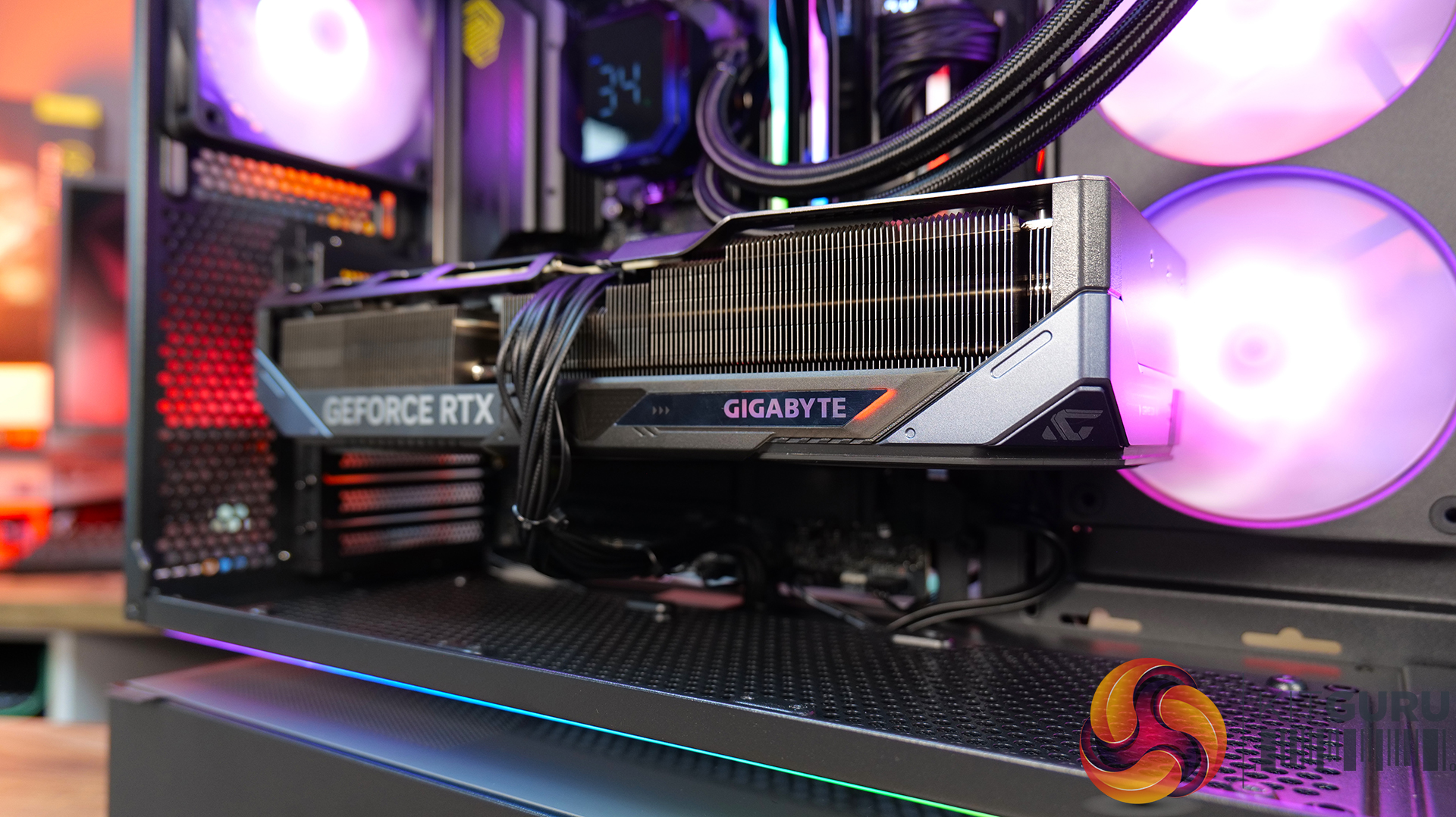
- Graphics Card – Gigabyte RTX 5080 Gaming OC
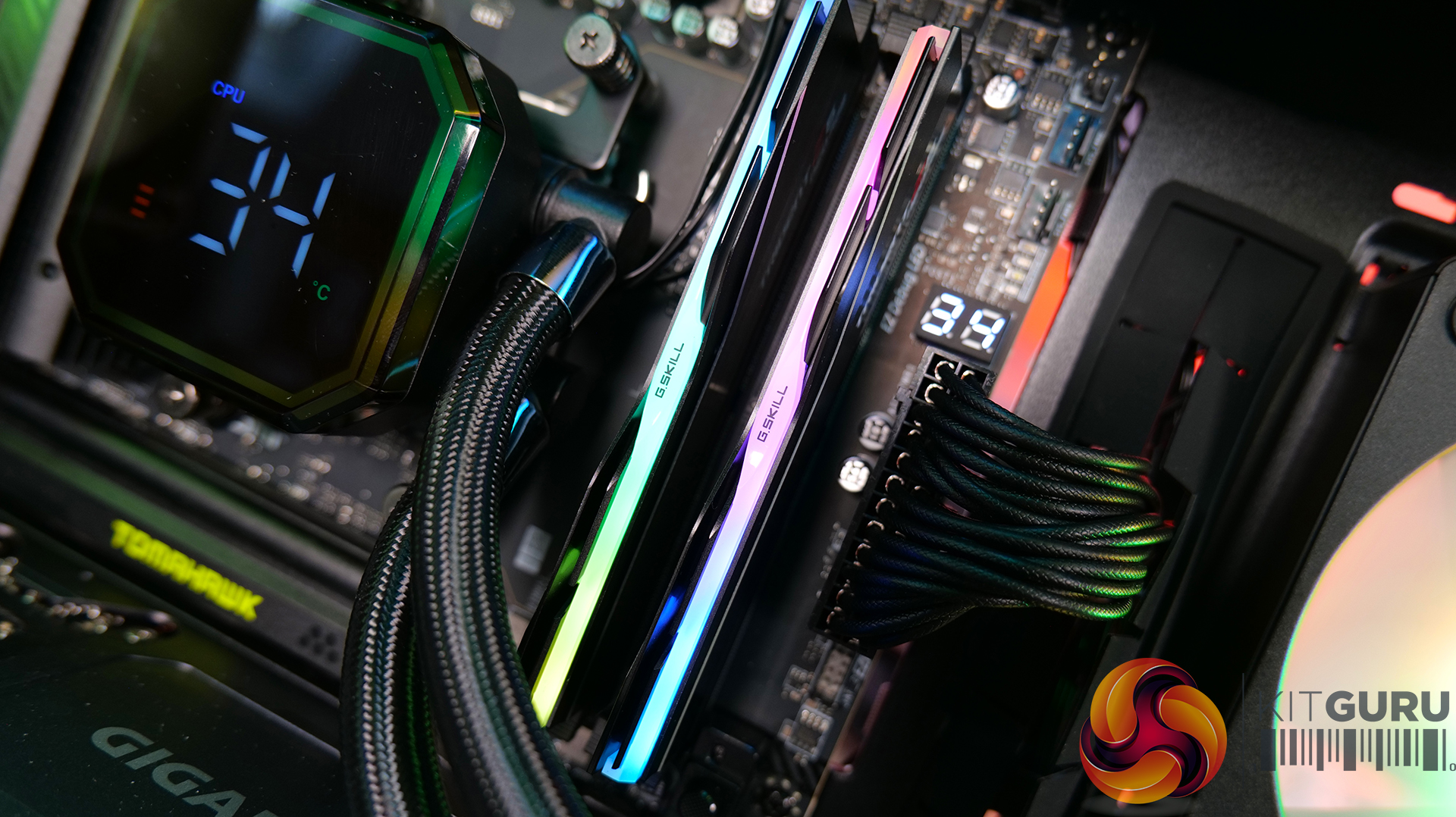
- Memory – 32GB (2 x 16GB Modules) G.SKILL Trident Z5 Neo RGB DDR5-6000
- Storage – 1TB Corsair MP600 Elite PCIE Gen4 NVMe M.2 SSD
- CPU Cooler – Montech HyperFlow Digital 360
- Power Supply – Seasonic Focus GX-1000 ATX 3
- Case fans – Stock
- Chassis – Cougar CFV235
- Operating System – Windows 11 24H2
Thermal Performance Overview
We tested the case thermals with a 360mm AIO as the exhaust at the top and in several different configurations. The default configuration shown in the charts is with the 360mm AIO at the top, Cougar Unity 240 intake side fan, 1 x 120mm rear exhaust and with all panels installed.
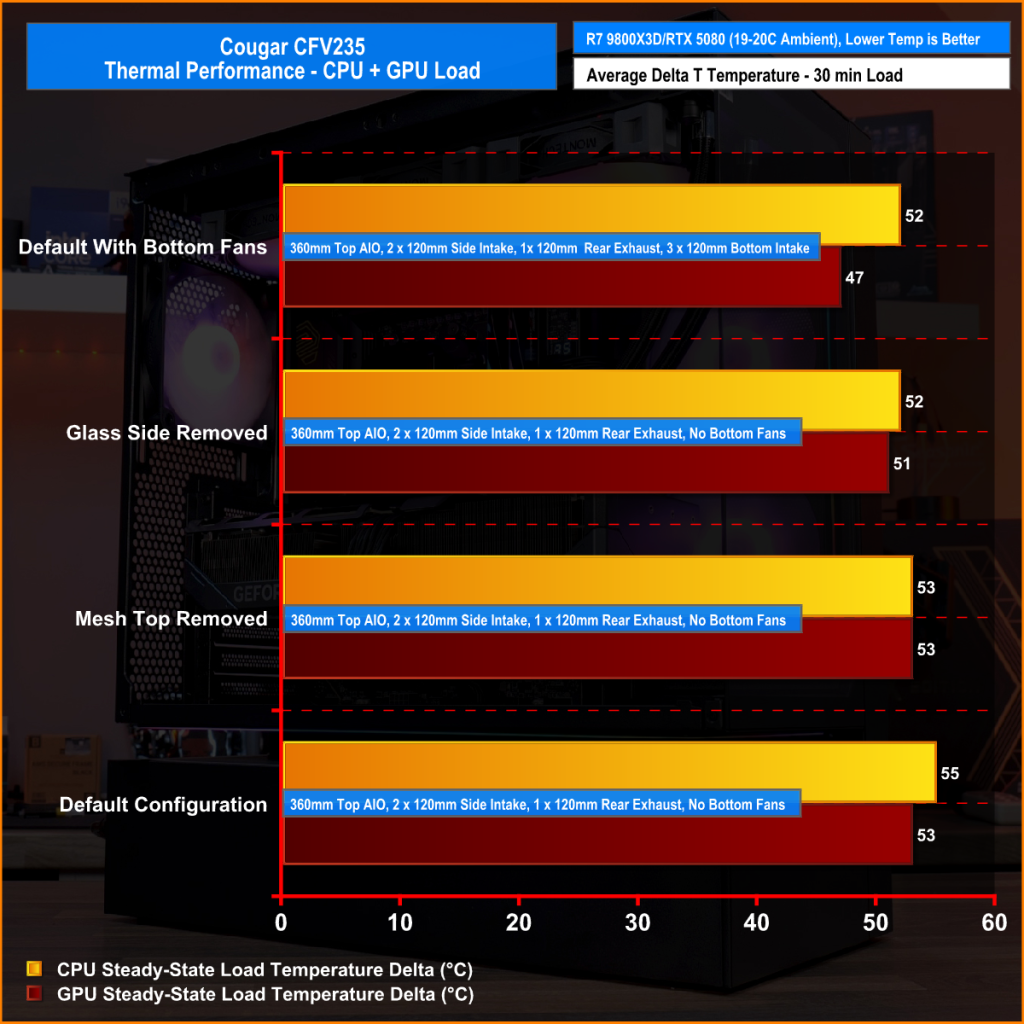
In our thermal testing the Cougar CFV235 delivered fairly consistent thermal results across different configurations. With the default setup, the system recorded 53°C over ambient on the CPU and 49°C on the GPU. Taking off the mesh top panel produced similar behaviour, with the CPU reaching 53°C and the GPU 49°C. So the mesh isn’t too restrictive.
Removing the glass side panel had little effect on CPU or GPU thermals at 52°C and 48°C, respectively. But adding bottom intake fans reduced GPU temperature further to 46°C over ambient, while CPU temperature remained the same at 52°C. Overall, the results suggest the case’s stock airflow configuration is reasonably well balanced, but there are minor GPU thermal gains to be had from adding bottom intake airflow.
Noise Output
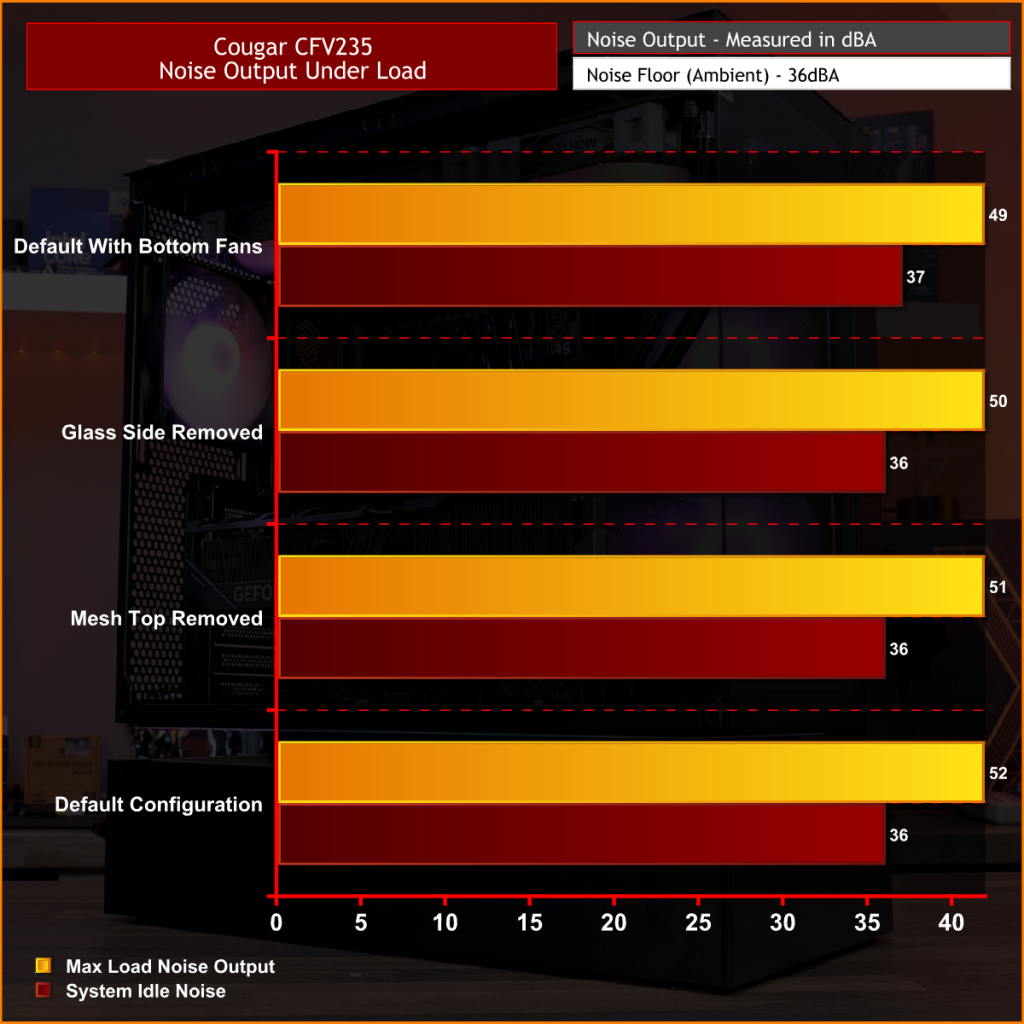
As with thermals, the noise testing shows only a minor difference between configurations under load. In the default configuration, the maximum load noise measures 52 dBA, which drops to 49 dBA when bottom intake fans are installed – showing the cooler GPU temperature helped reduce fan speed.
At idle, the system remained consistent across all configurations at around 36–37 dBA. Overall, our testing would suggest the additional bottom fans help reduce system noise slightly under load, while panel removal has a minor impact on acoustics.
Closing Thoughts
First impressions of the Cougar CFV235 are good thanks to its distinctive design. Cougar’s Central Floating Ventilation layout gives the chassis a unique look that stands out from more conventional mid-tower designs, while the overall construction feels surprisingly solid and well put together. Panel fitment is good, materials feel sturdy, and the case generally gives the impression of a well-built product.
Thermal performance is decent rather than class-leading. The stock configuration delivers stable temperatures in our testing, but it doesn’t quite extract the maximum possible cooling potential straight out of the box. That said, adding bottom intake fans provides a small but noticeable improvement in GPU temperature and noise, suggesting the airflow design benefits from a little extra intake to help feed the GPU and main chamber. Based on that, it does seem odd that Cougar doesn’t include bottom intake fans as the default.
There are a couple of minor usability issues worth mentioning, such as the lack of removable radiator brackets, meaning that it's difficult to connect cables at the top of the motherboard with an AIO installed. This is a feature I like to see at this price point. Additionally, the side cable cut-out grommet can be easily dislodged during cable routing, which may prove to be a little frustrating during the build process.
Even with those small drawbacks, the CFV235 still offers a well-rounded package with strong build quality, extensive hardware compatibility, including back-connect motherboards, big graphics cards, plenty of cooling potential, and a distinctive aesthetic that all work in its favour. Thermal performance is also perfectly respectable once airflow is optimised with bottom intake fans. For builders looking for something a little different visually without sacrificing practicality or build quality, the Cougar CFV235 is a solid option.
UK availability is scarce but we found it listed on Amazon HERE.
Pros:
- Unique look with the free-floating top chamber.
- No adverse chassis flex due to the 1.5mm thick steel frame.
- Good hardware support, with up to EATX motherboards, including back connect, and big graphics cards.
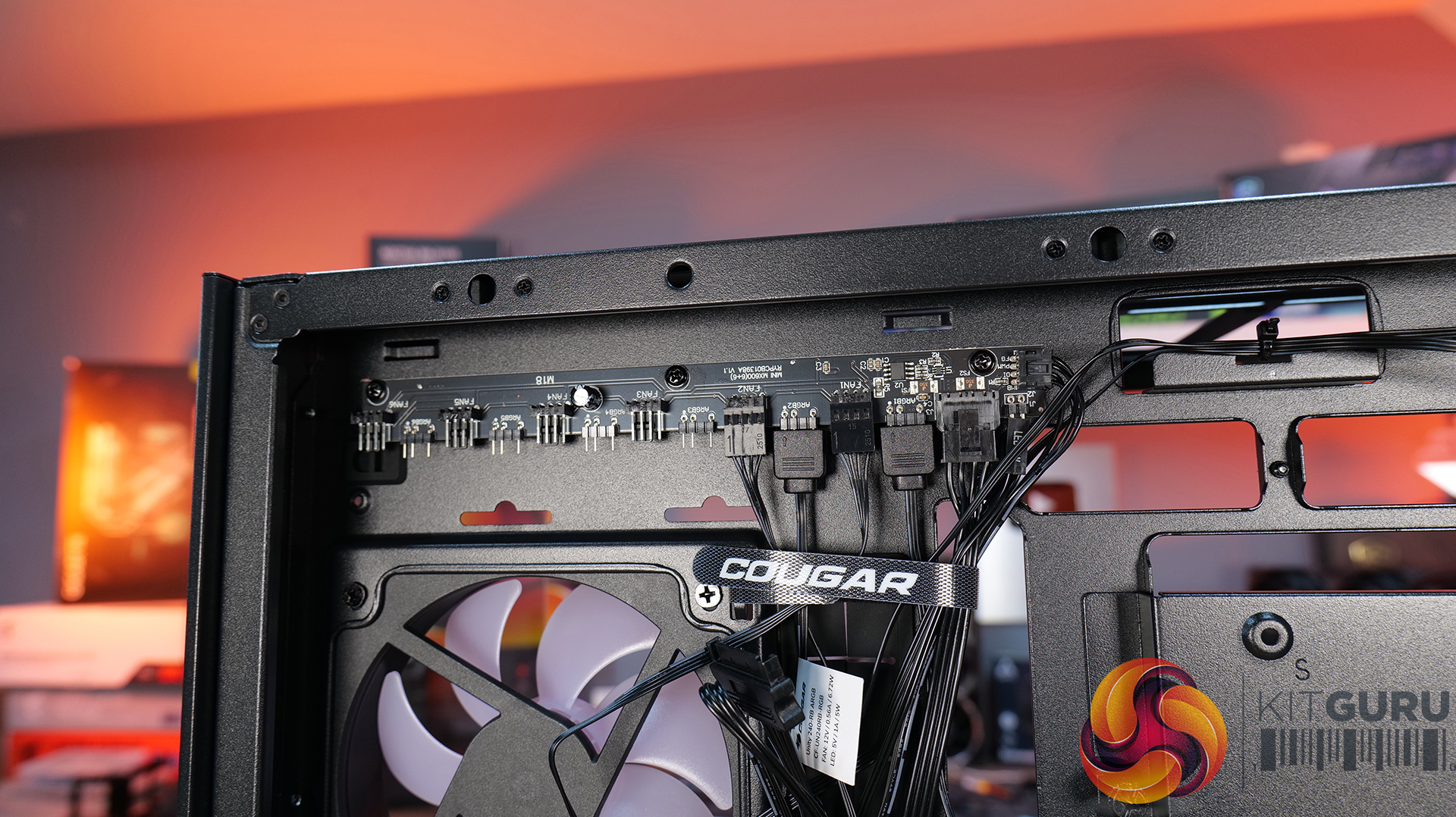
- Included six-port PWM ARGB hub.
Cons:
- Thermal performance is a little limited out of the box.
- Non-removable top radiator bracket.
- Side cable grommet is easily dislodged.
KitGuru says: If you want a case that has a distinctive look but doesn't sacrifice build quality or practicality, the Cougar CFV235 is worth a look.