KitGuru KitGuru.net – Tech News | Hardware News | Hardware Reviews | IOS | Mobile | Gaming | Graphics Cards


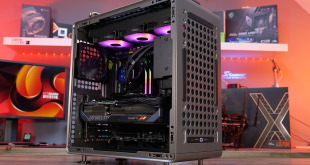
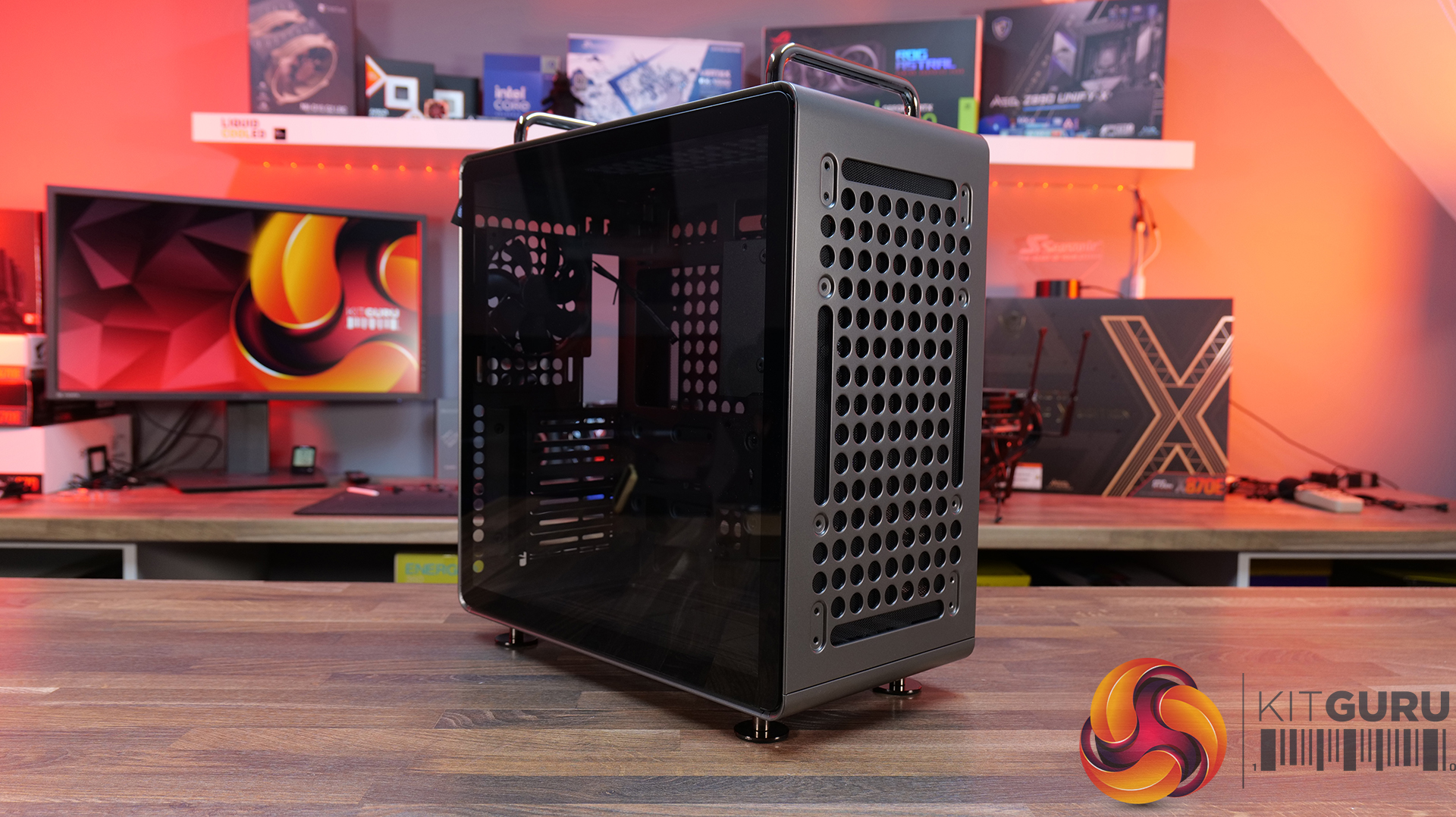
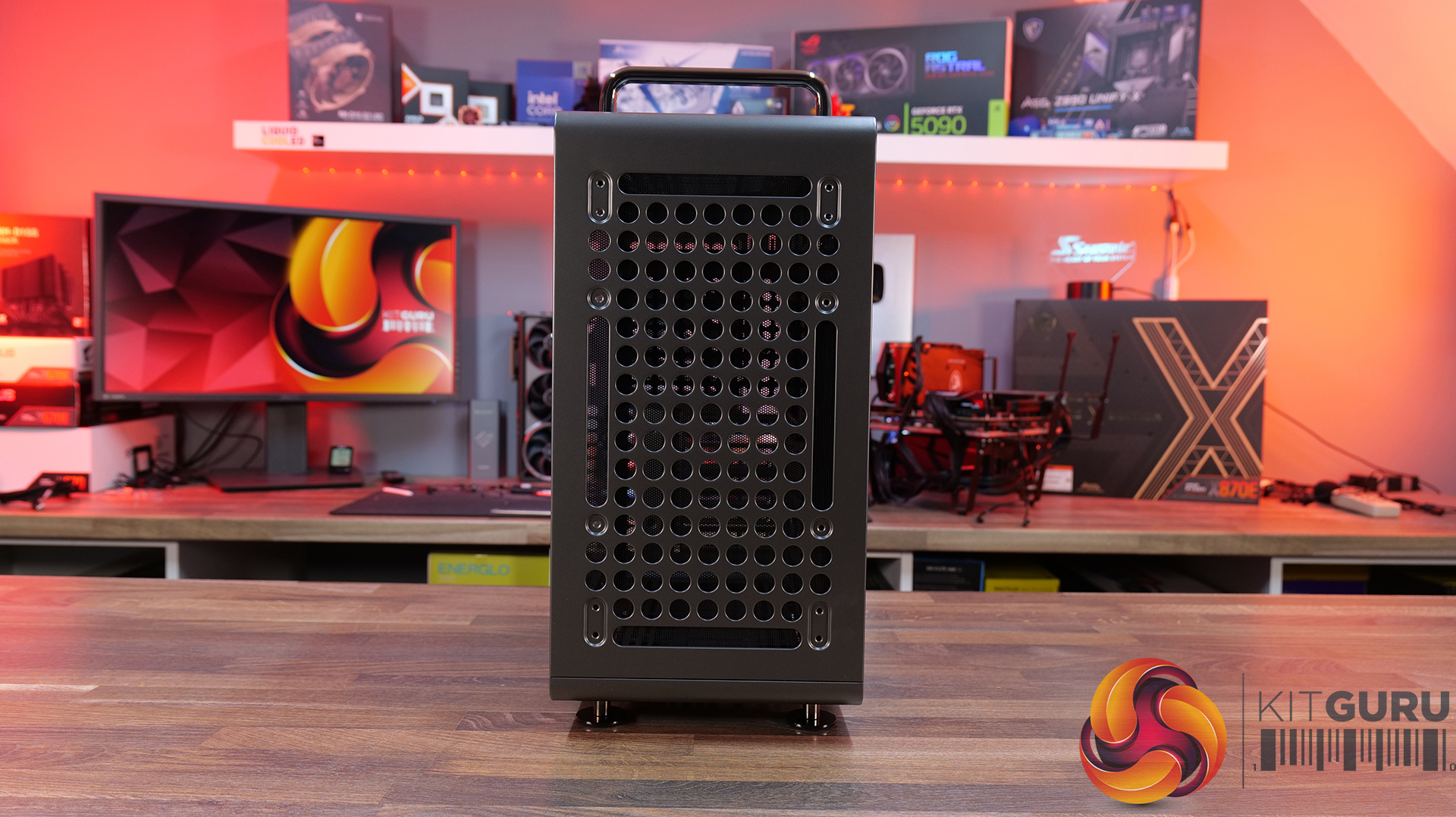
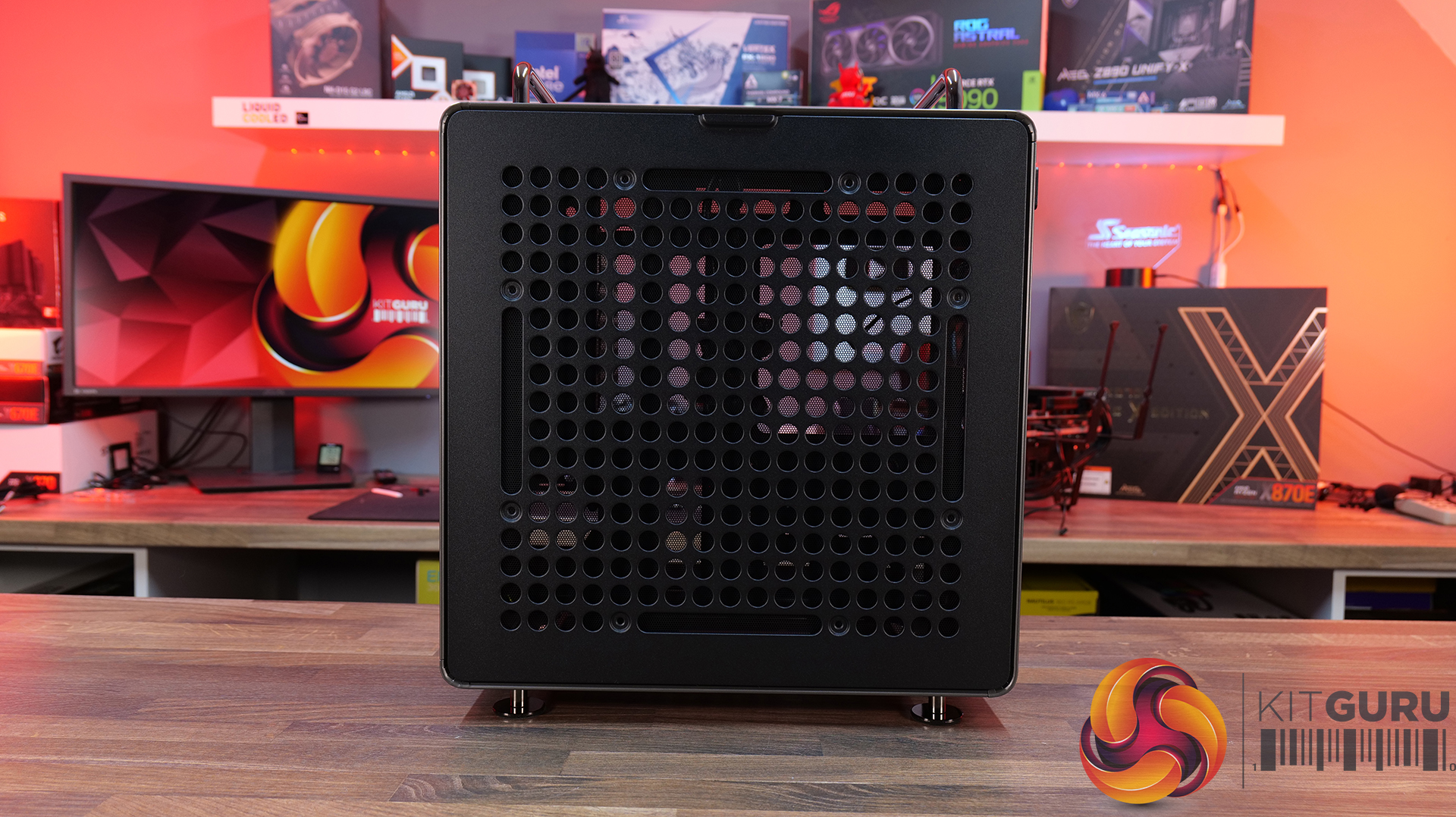
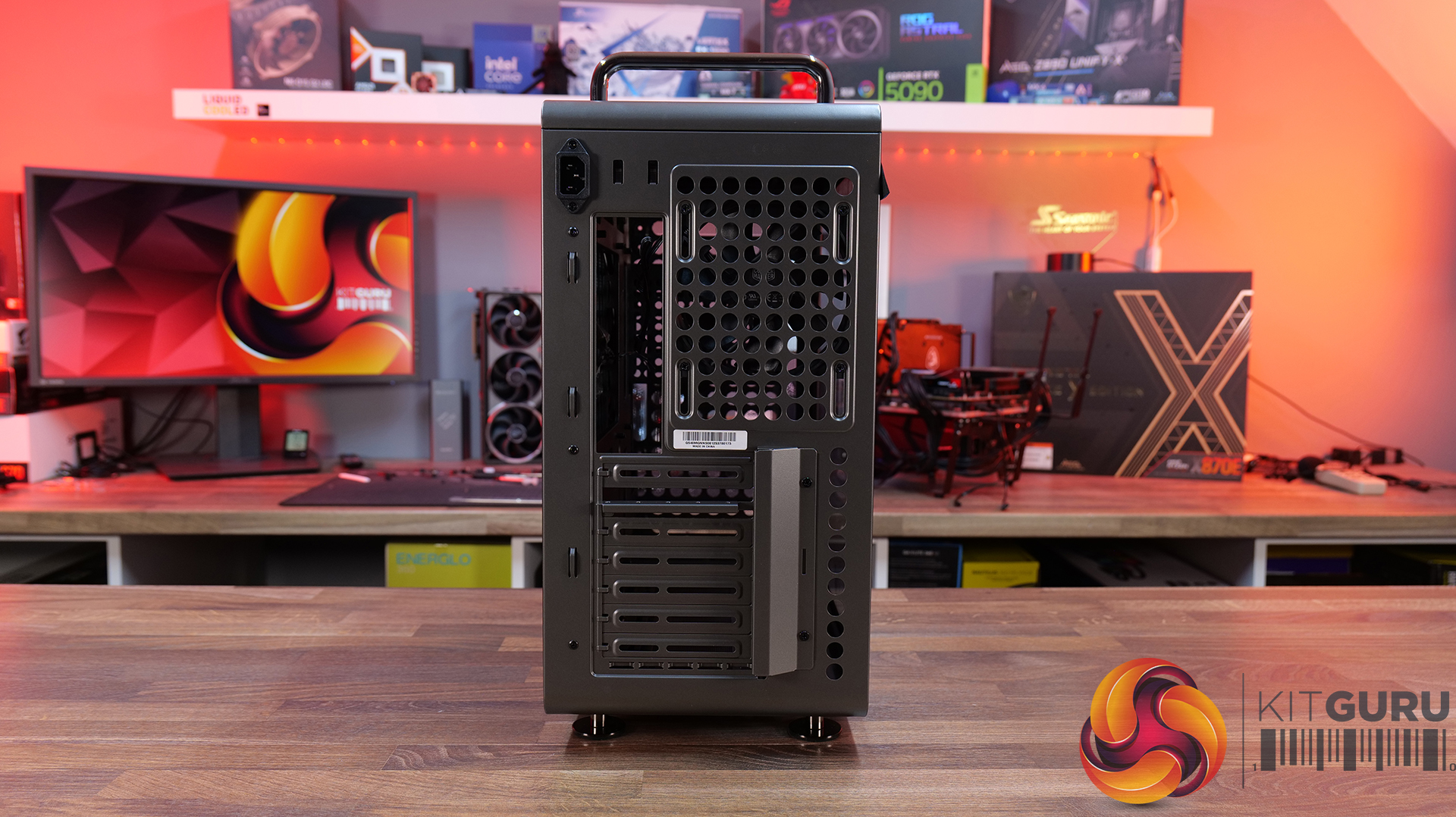
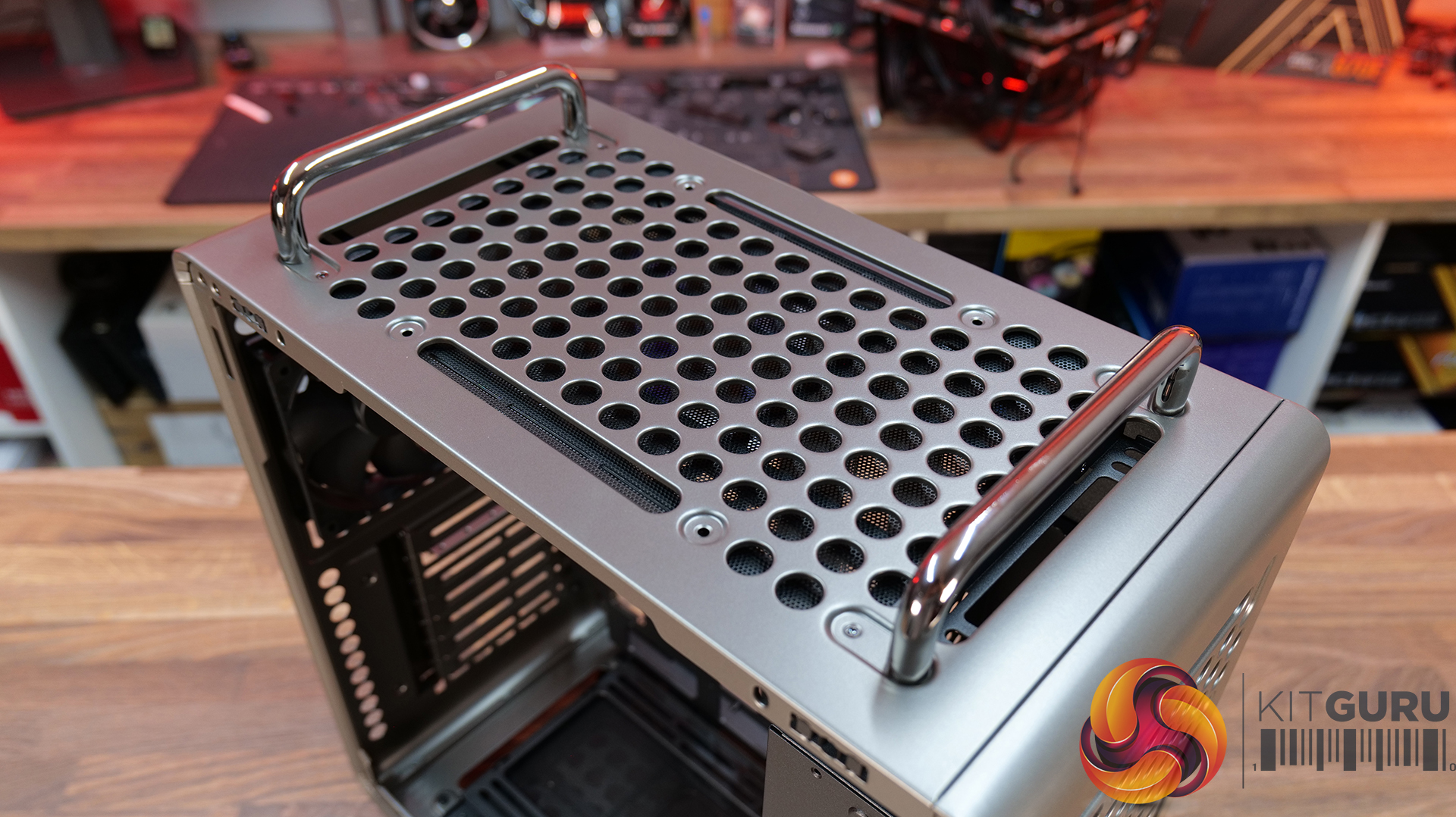
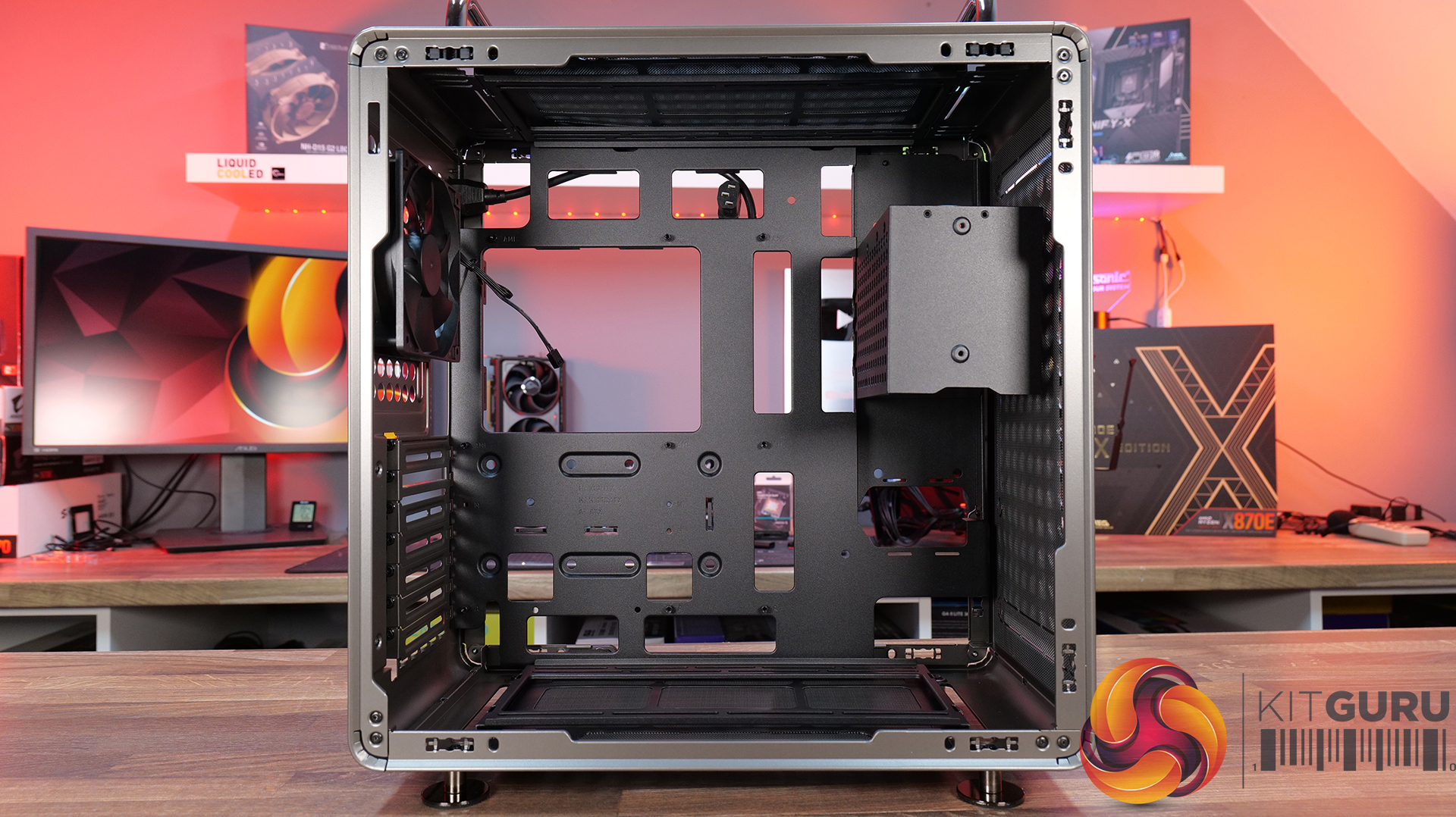
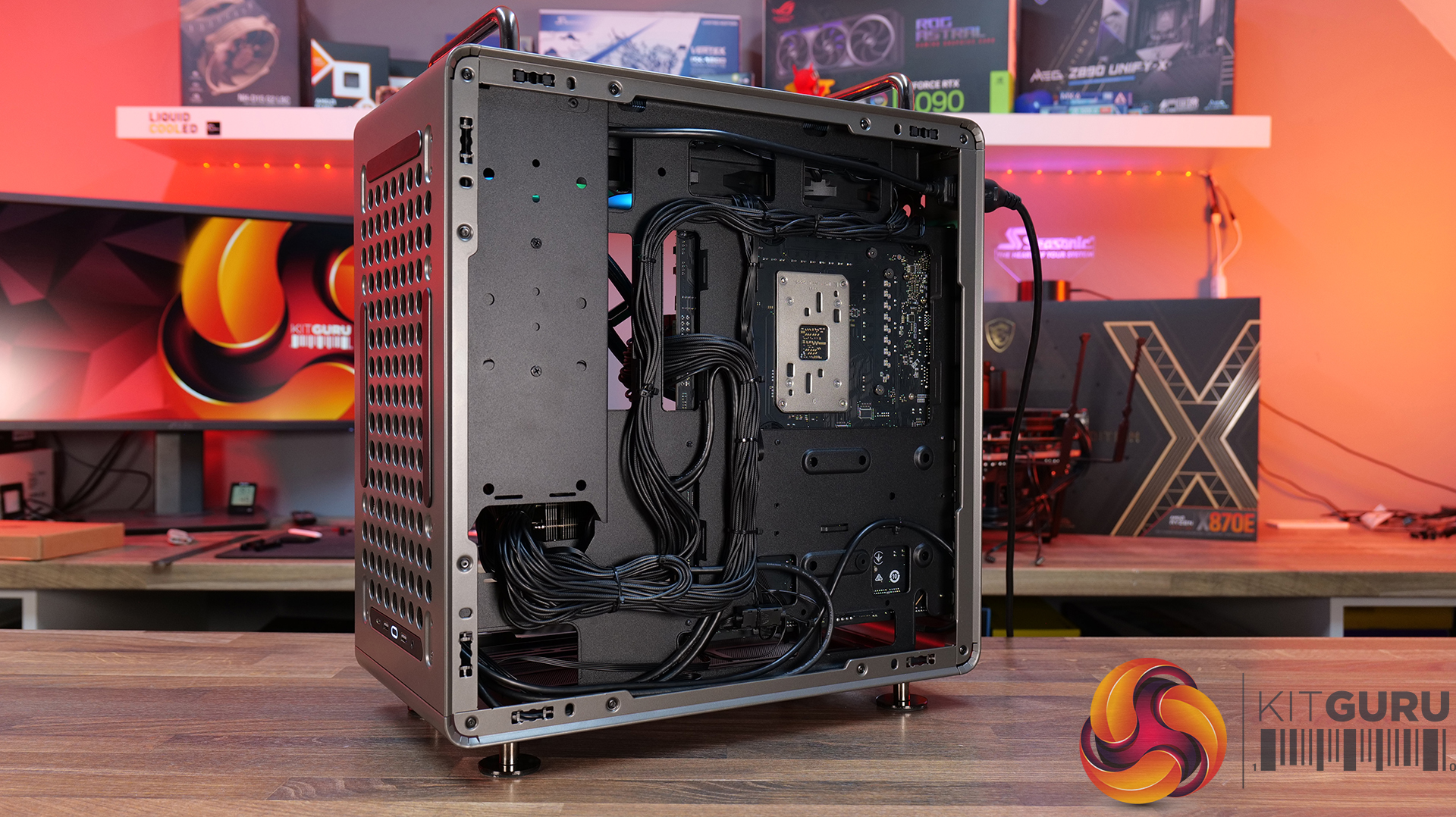
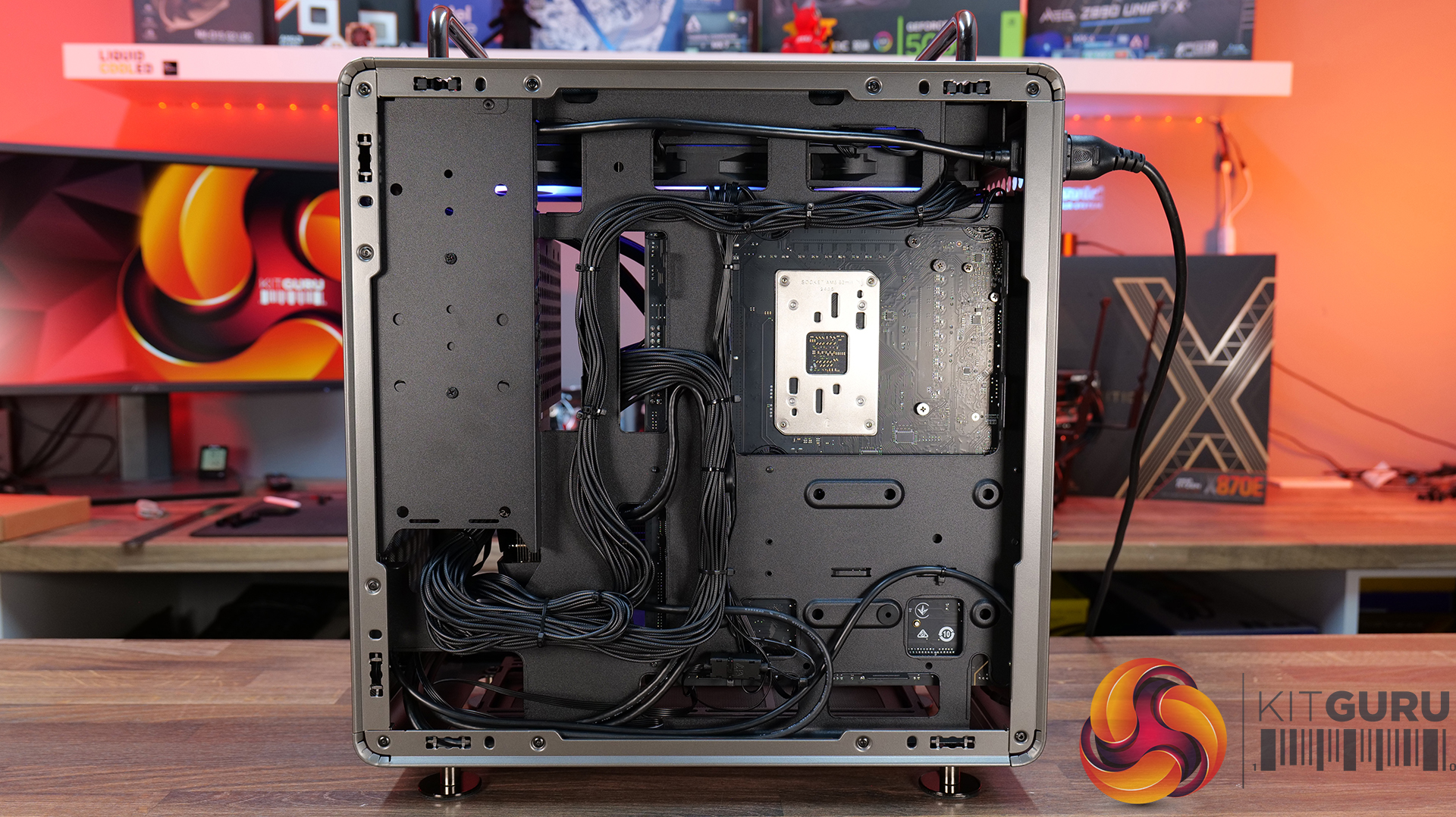
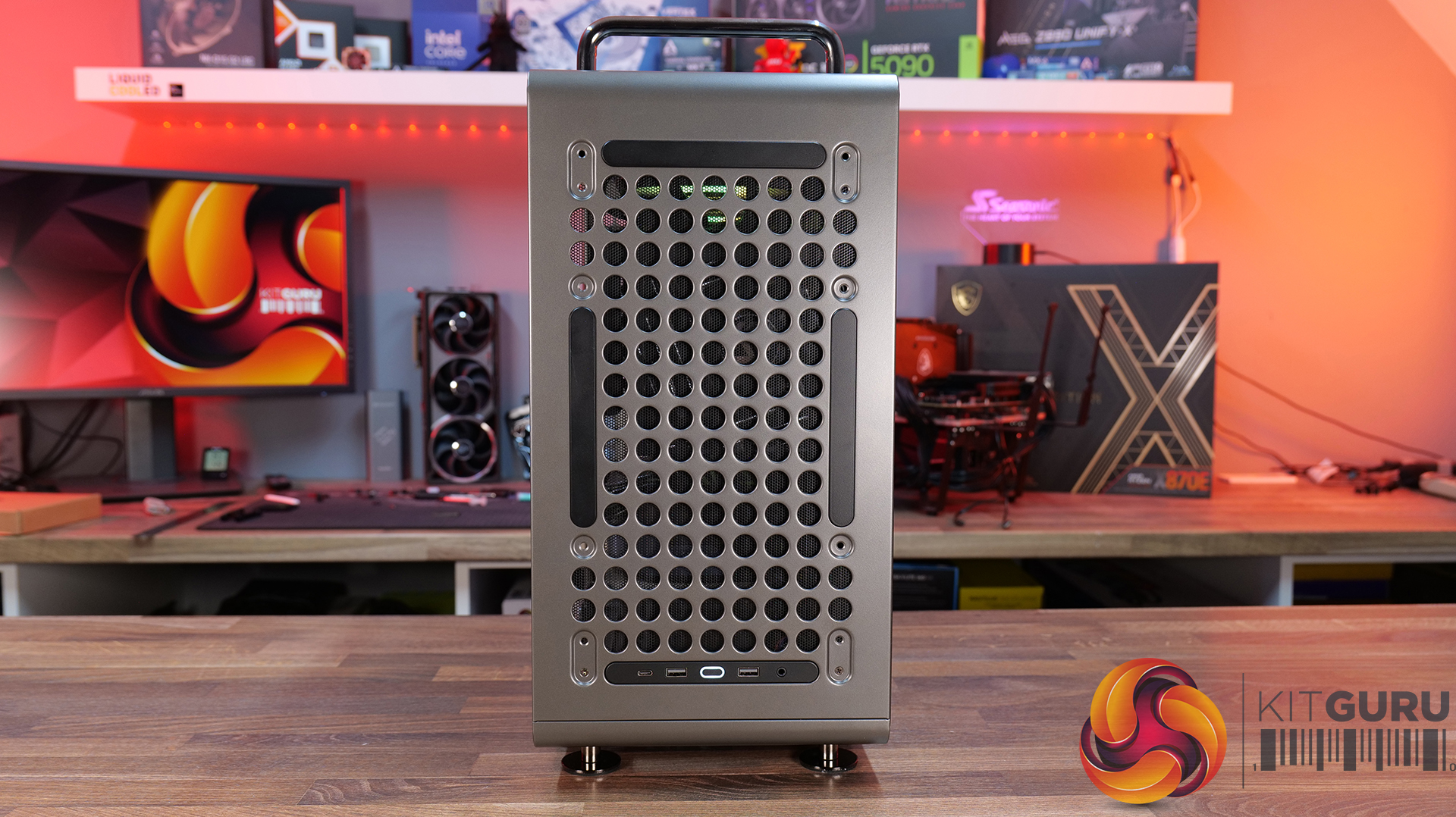
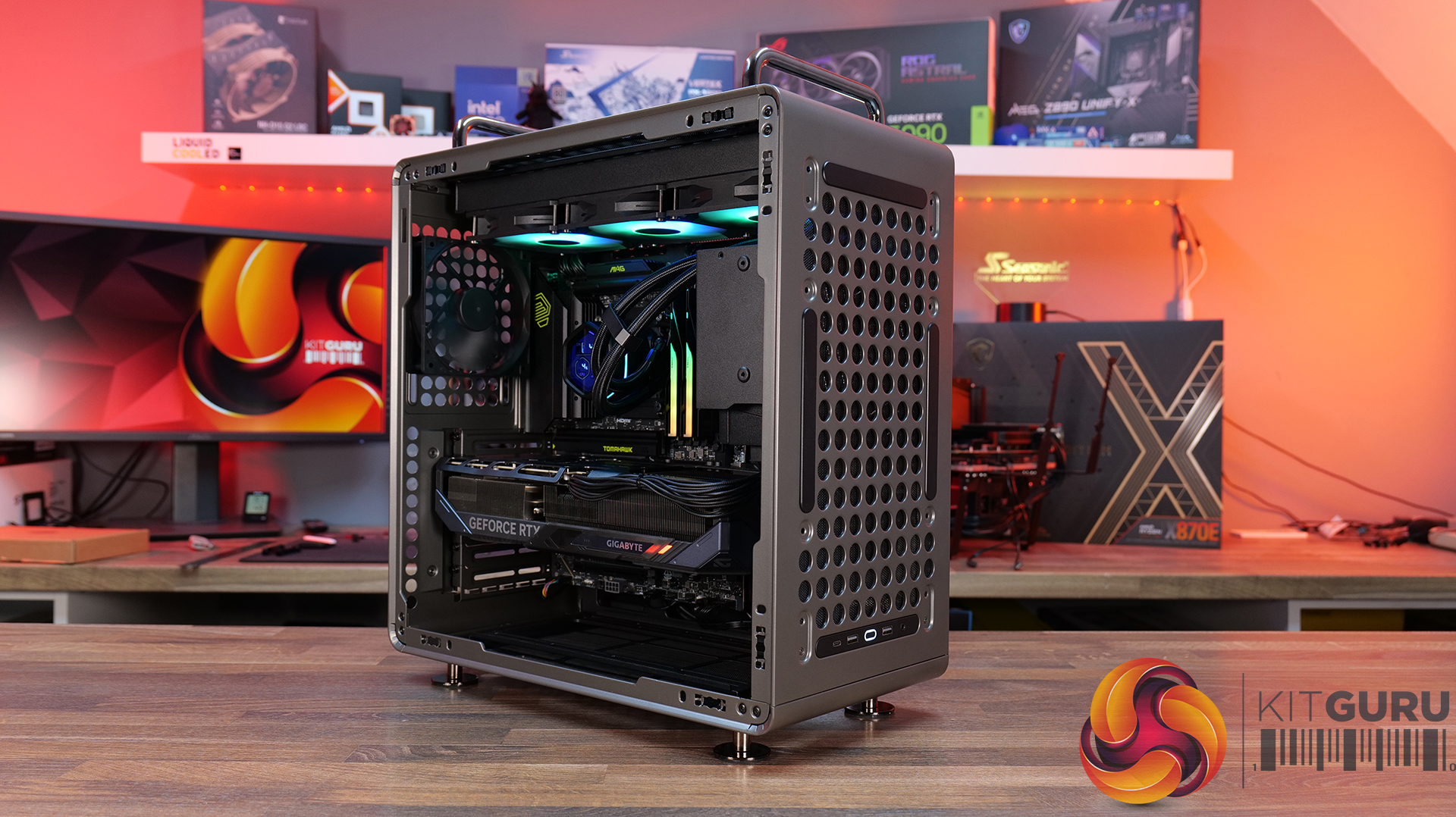
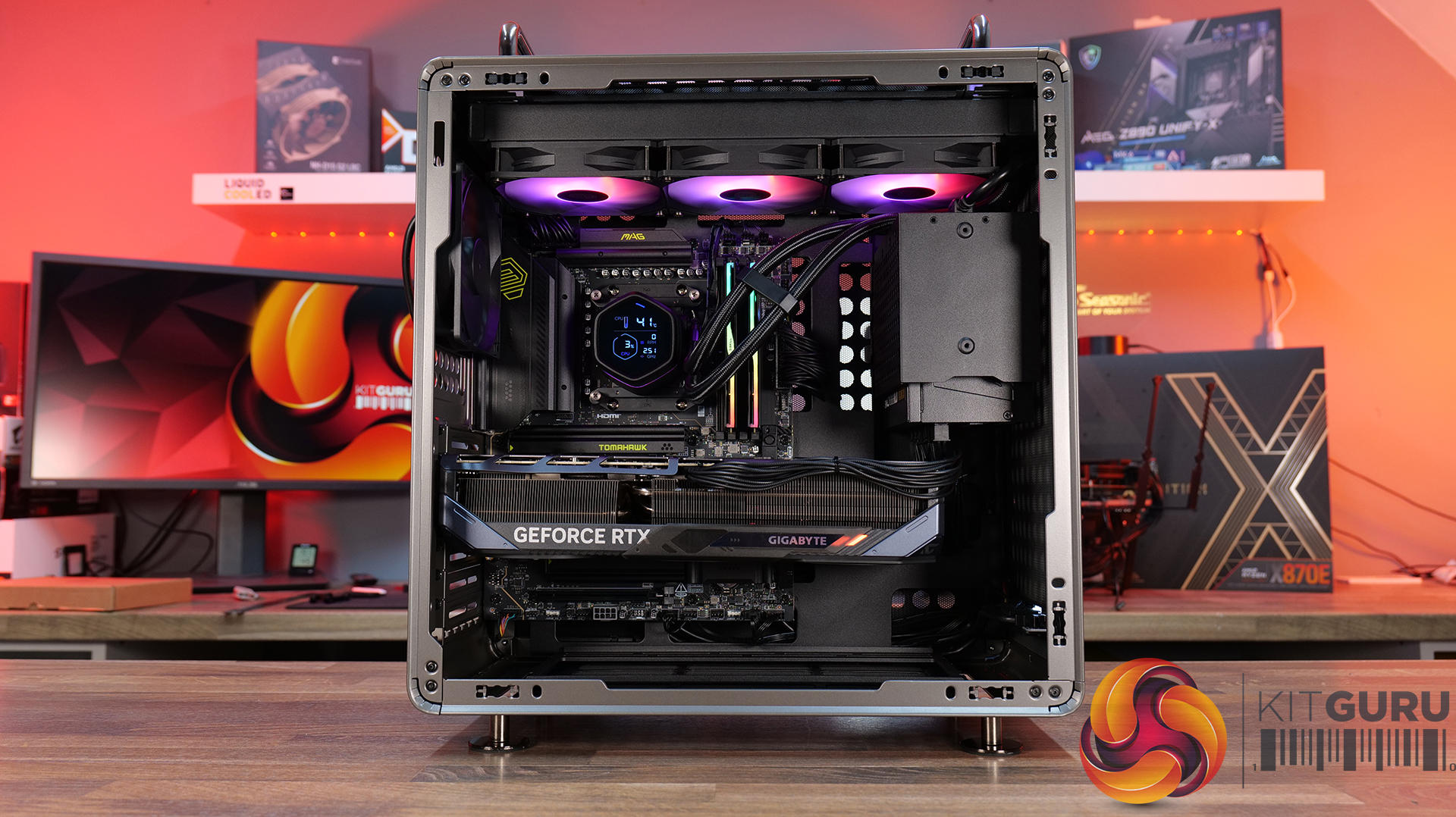
Today we're looking at the Cooler Master QUBE 540 — an ATX case that's all about flexibility and customisation. Despite its unique layout, it supports graphics cards up to 415mm long, 360mm radiators, and even E-ATX motherboards, featuring a modular design that lets you switch orientations, relocate the I/O panel and handles, and even configure the internal layout to suit your build. Cooler Master is positioning the QUBE 540 as a case for creators, gamers and DIY builders. In this review, we’ll find out if all that flexibility translates into a genuinely great PC case, or not. Let's get into it.
Timestamps:
00:47 Details / Pricing / Hardware Support
02:44 Front I/O
02:59 Removing Panels / Dust Filters
05:04 Radiator / Cooling Support
07:43 Hardware (Mobo/GPU/Storage) Support
09:05 Rear of the case
09:49 Right hand side / Cable Management
11:27 Bottom of the case
12:20 Accessories > Customisation
13:47 Thermal and Noise Testing
15:55 Smoke test
16:34 Installation thoughts
18:58 Closing Thoughts
Features:
- Highly Modular Design – The QUBE 540 can be configured in multiple ways, including horizontal or vertical orientation, with repositionable handles and I/O panel locations to suit different build setups.
- Built for DIY Customisation – The case is designed around flexibility, with extensive fan and radiator support, removable panels and adaptable internal layouts that allow builders to tailor the system to their own requirements.
- Exceptional Hardware Compatibility – There’s Support for motherboards up to E-ATX, graphics cards up to 415mm long and multiple 360mm radiator mounting positions, so there's plenty of room for high-performance hardware.
Specifications:
- Case Type: Mid Tower
- Dimensions (LxWxH):5 x 225 x 492.1mm
- Volume: 64L
- Materials: Steel, Glass
- Motherboard Support: Mini-ITX, Micro-ATX, ATX, E-ATX (Up to 280mm wide)
- Reverse Connector motherboard support: No
- Expansion Slots: 7
- Storage bays: 3.5” x 1, 2.5” x 2
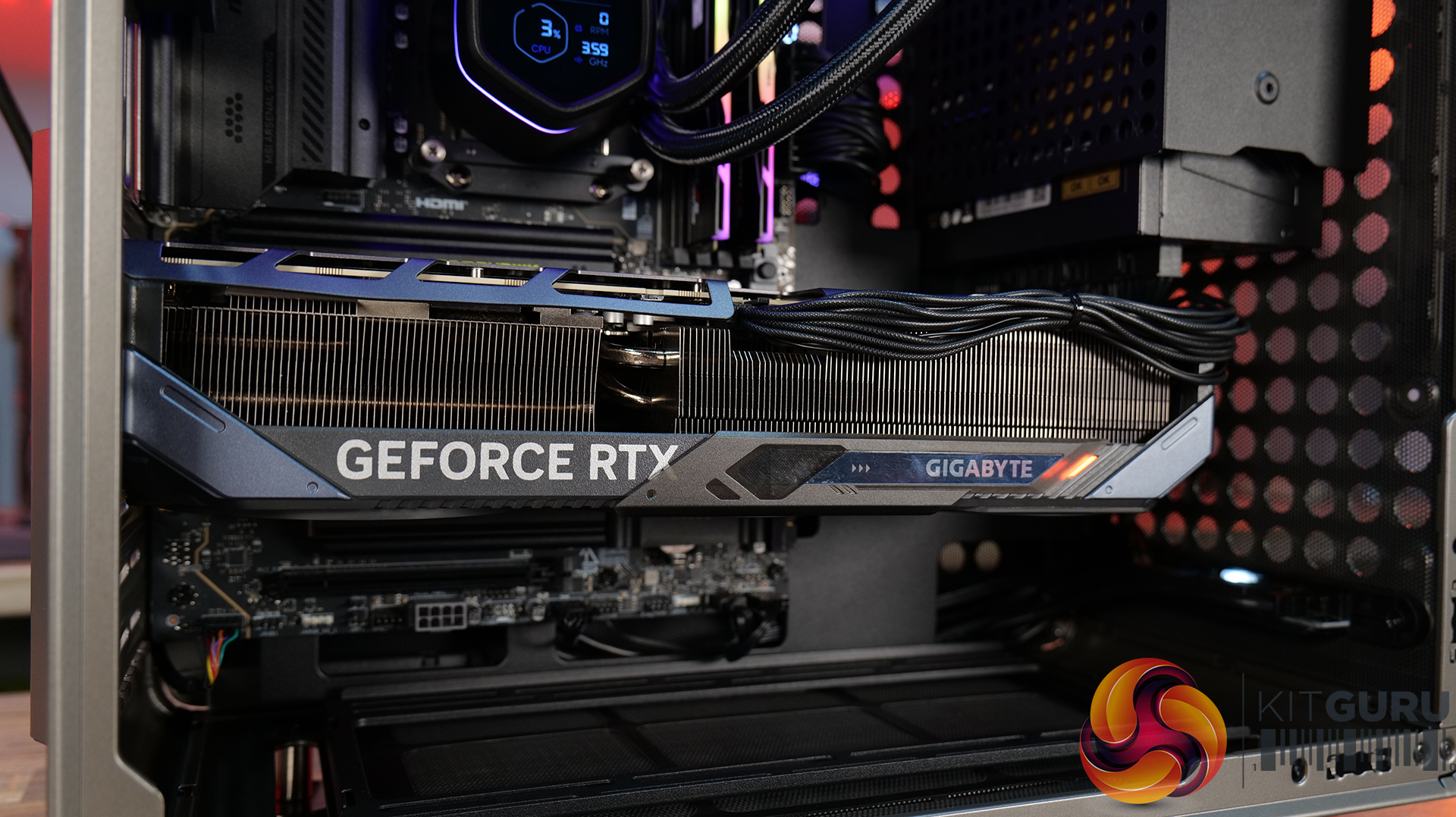
- Max GPU Length: Up to 415mm (without front fan)
- Max CPU Cooler Height: Up to 172mm
- PSU Type: ATX/SFX Up to 200mm
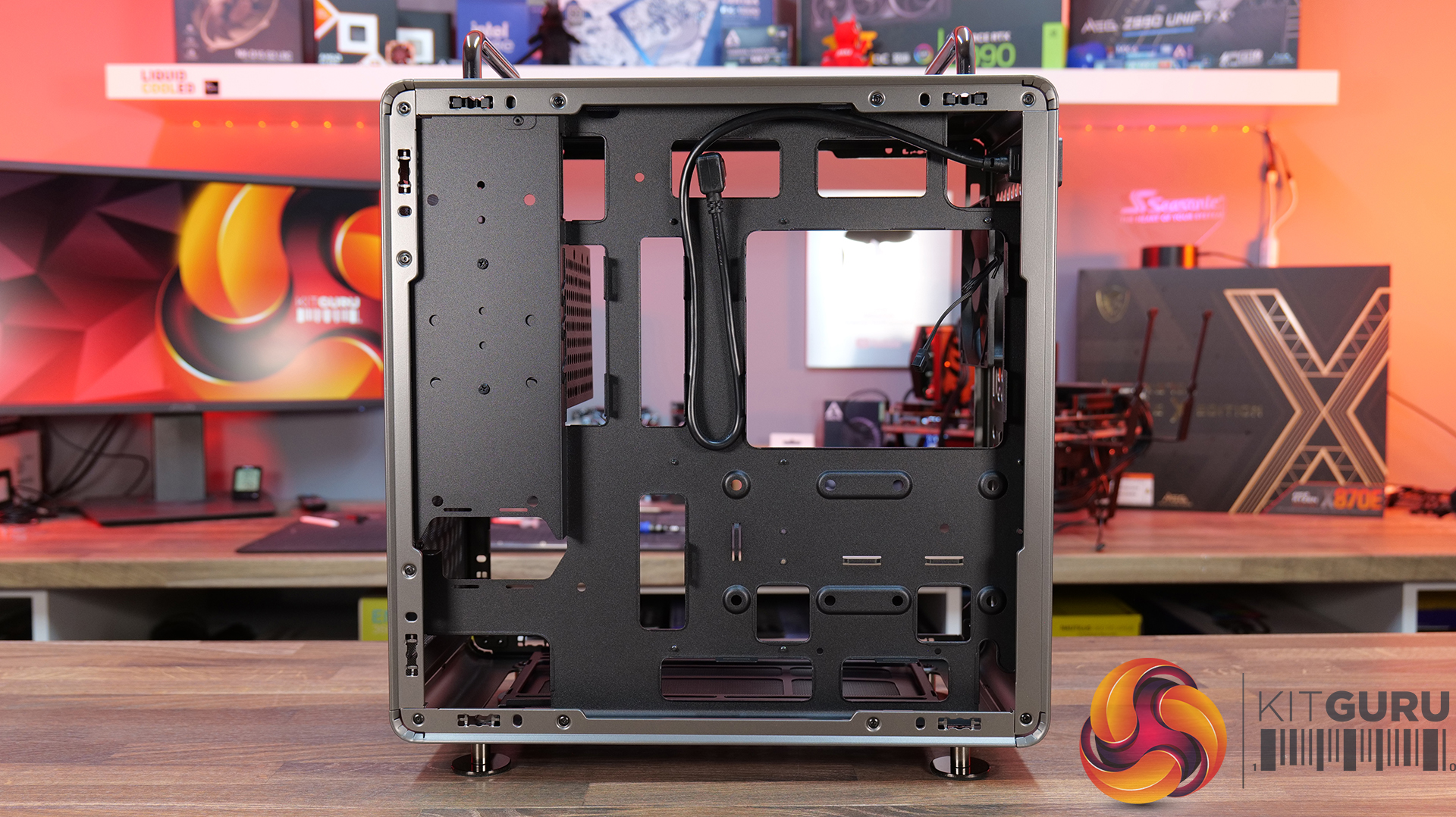
- Cable Routing Space: 27mm clearance behind the motherboard tray
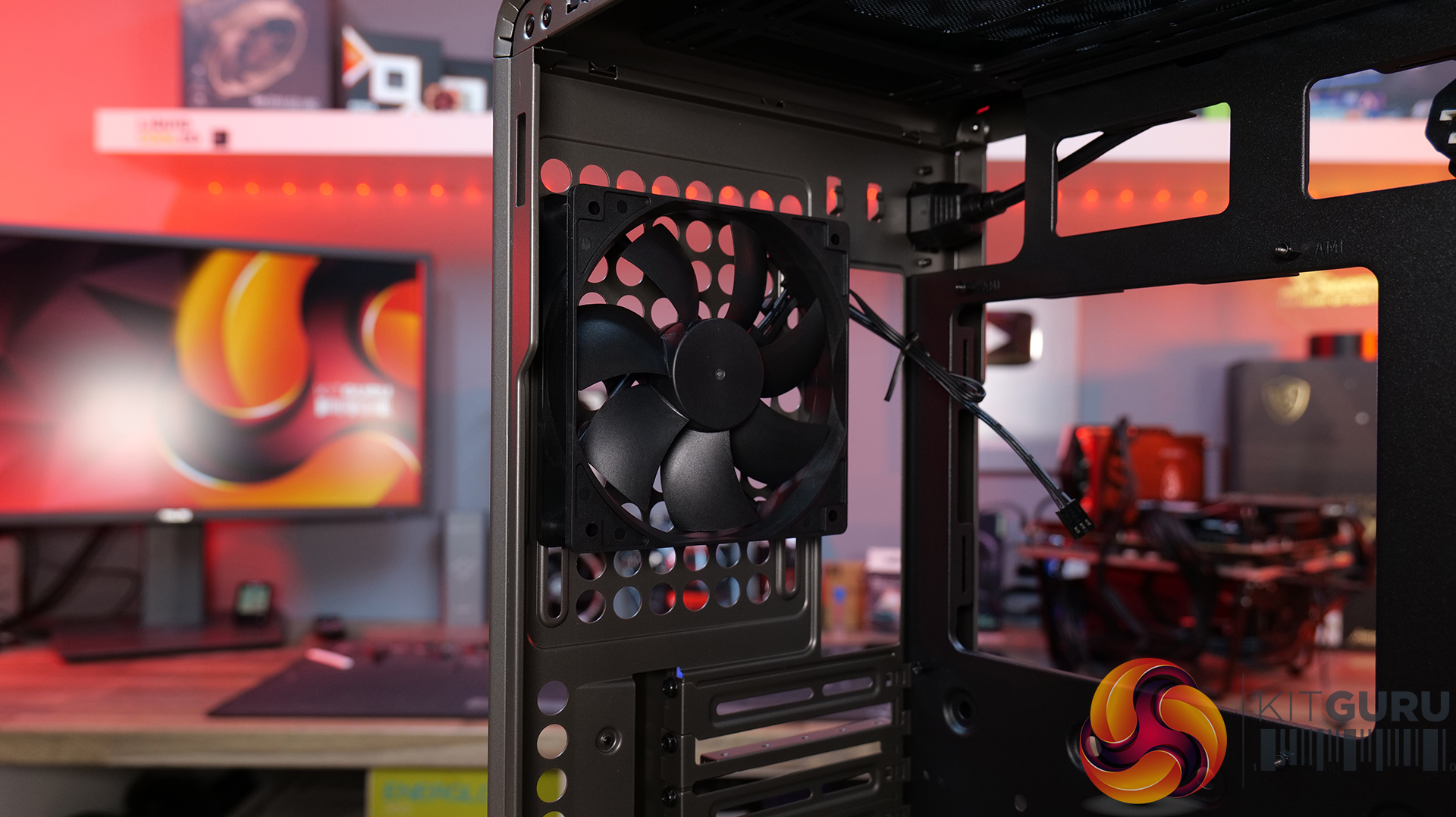
- Supplied Fans: 1 x 120mm Rear
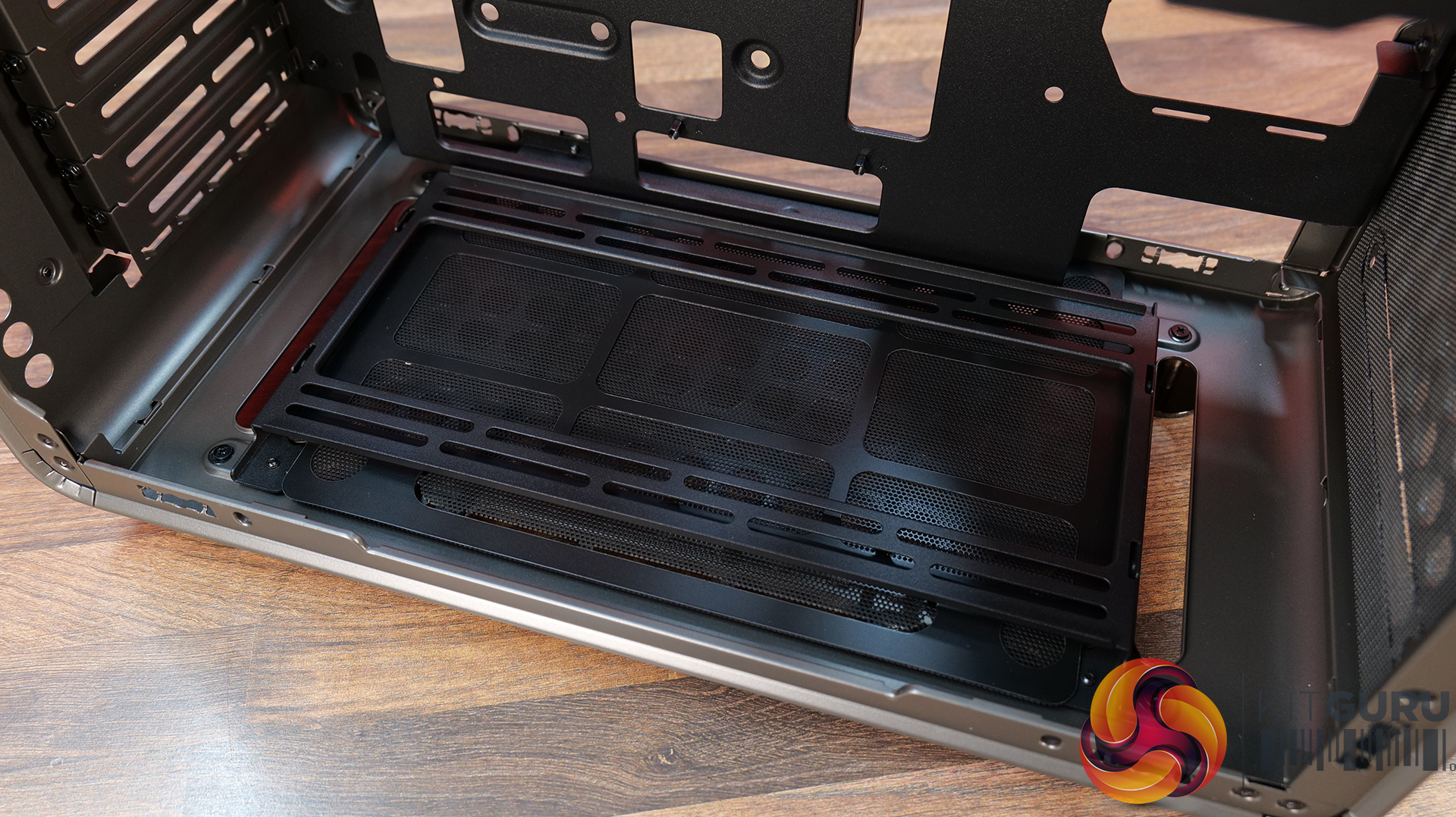
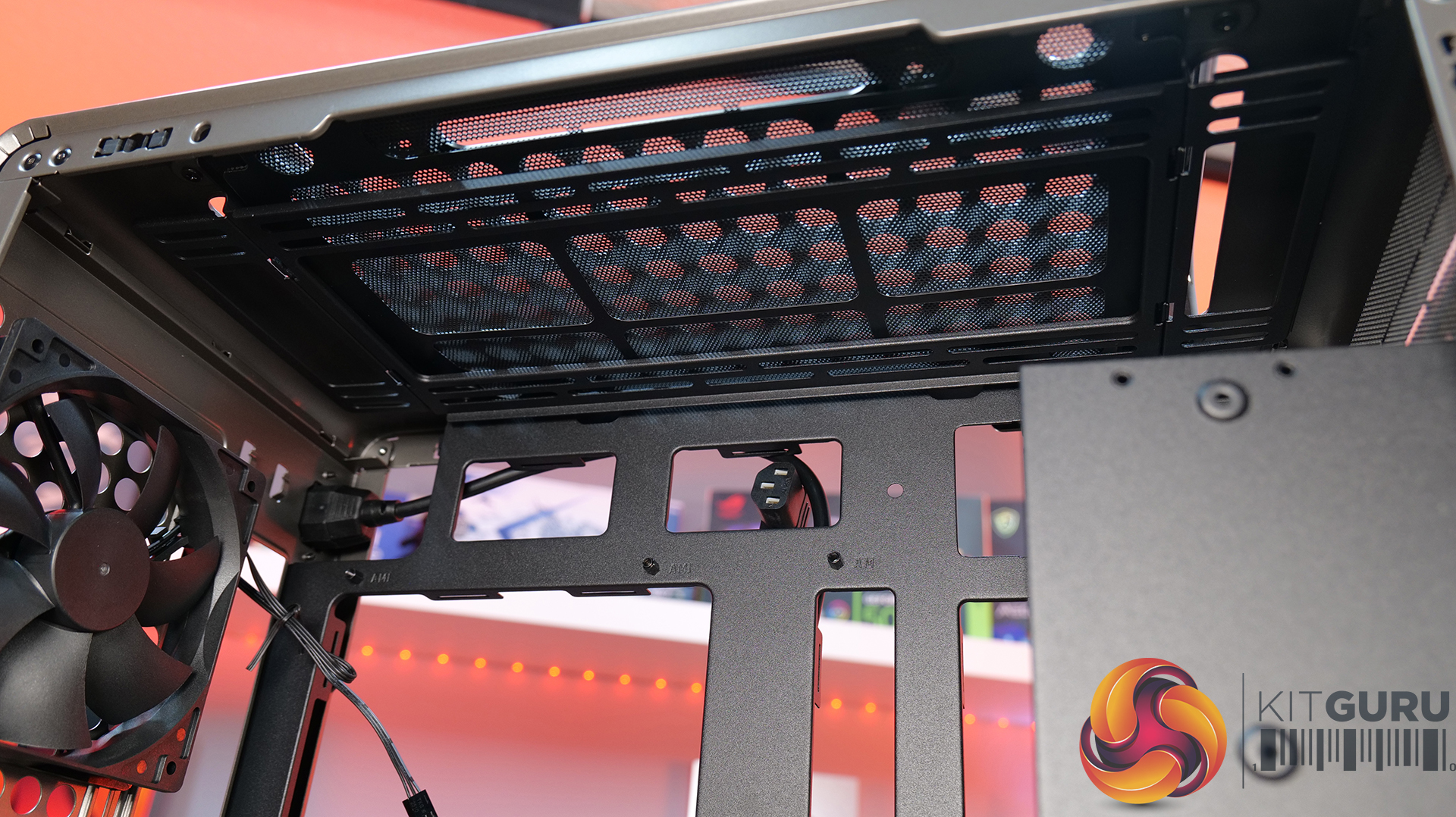
- Fan Support: Up to 3 x 120mm or 2 x 140mm (without I/O panel) (Top), Up to 3 x 120mm or 2 x 140mm (without I/O panel) (Front), 1 x 120mm (Rear), Up to 3 x 120mm or 2 x 140mm (Bottom)
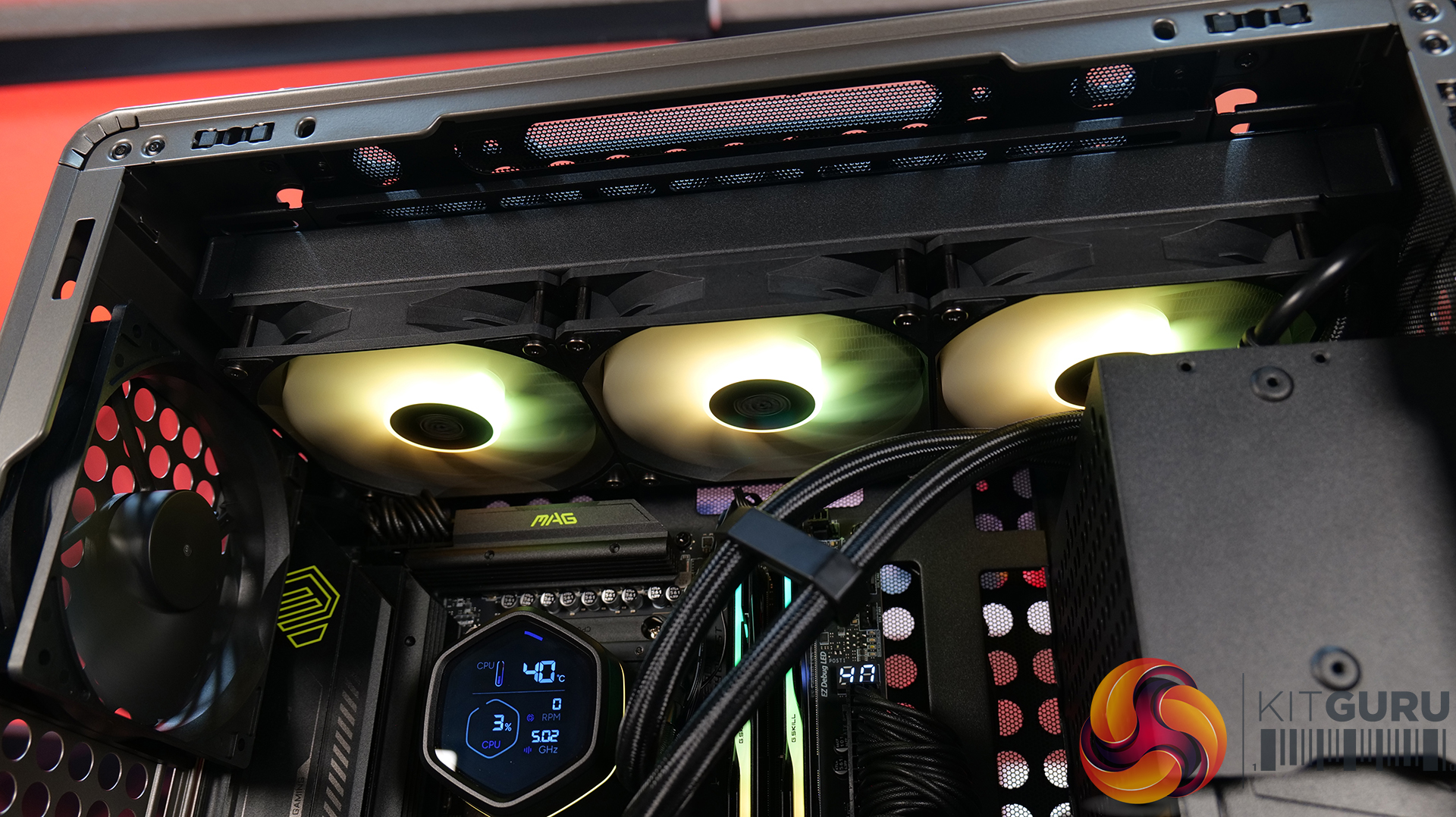
- Radiator Support: 140 / 280 / 360mm (without I/O panel) (Top), 140 / 280 / 360mm (without I/O panel) (Front), 120mm (Rear), 140 / 280 / 360mm (without I/O panel) (Bottom)
- Dust Filters: front, top and bottom
- Font I/O: 2 x USB 3.2 Gen 1 Type-A, 1 x USB 3.2 Gen 2×2 Type-C, 1 x 3.5mm headset combo jack
- LCD Screen: N/A
Thermal Performance Testing
To simulate thermal demand, we run the Cinebench R23 multi-thread benchmark and 3DMark Speed Way stress test simultaneously in a loop for 30 minutes to load the system fully. This gives the CPU and GPU enough time to reach constant steady-state temperature. With this data, we can compare how the system handles the thermal demand and measure peak noise levels.
Thermal performance is measured with the case in various configurations, such as the default, with the tempered glass left-hand side panel removed and with the front panel removed to see how these configurations affect the CPU and GPU temperature. During testing, only stock case fans are used unless otherwise specified. All water pumps are set to maximum RPM and fans are set to a custom RPM curve by the Motherboard software/BIOS.
All temperature measurements are presented as Deltas – meaning the ambient temperature has been deducted from the CPU temperature, giving us a Delta. Data shown in the charts represents the average component temperature over the length of the test as measured by HWiNFO, and then the last 15 minutes of the data are calculated to get the average. The ambient temperature during thermal tests is between 19-20⁰C.
Test System Specification:
- CPU – AMD Ryzen 7 9800X3D
- Motherboard – MSI MAG X870 Tomahawk WiFi
- Graphics Card – Gigabyte RTX 5080 Gaming OC
- Memory – 32GB (2 x 16GB modules) G.SKILL Trident Z5 Neo RGB DDR5-6000
- Storage – 1TB Corsair MP600 Elite PCIE Gen4 NVMe M.2 SSD
- CPU Cooler – Corsair Nautilus 360 RS ARGB AIO
- Power Supply – Corsair
- Case fans – Stock + 2 x Noctua NF-A12X25 G2
- Chassis – Cooler Master
- Operating System – Windows 11 24H2
Thermal Performance Overview
We test case thermals using a 360mm AIO as exhaust at the top and with the case in several different fan configurations. The default configuration shown in the charts is with the top 360mm AIO cooler, a single 120mm rear exhaust fan and with all case panels installed.
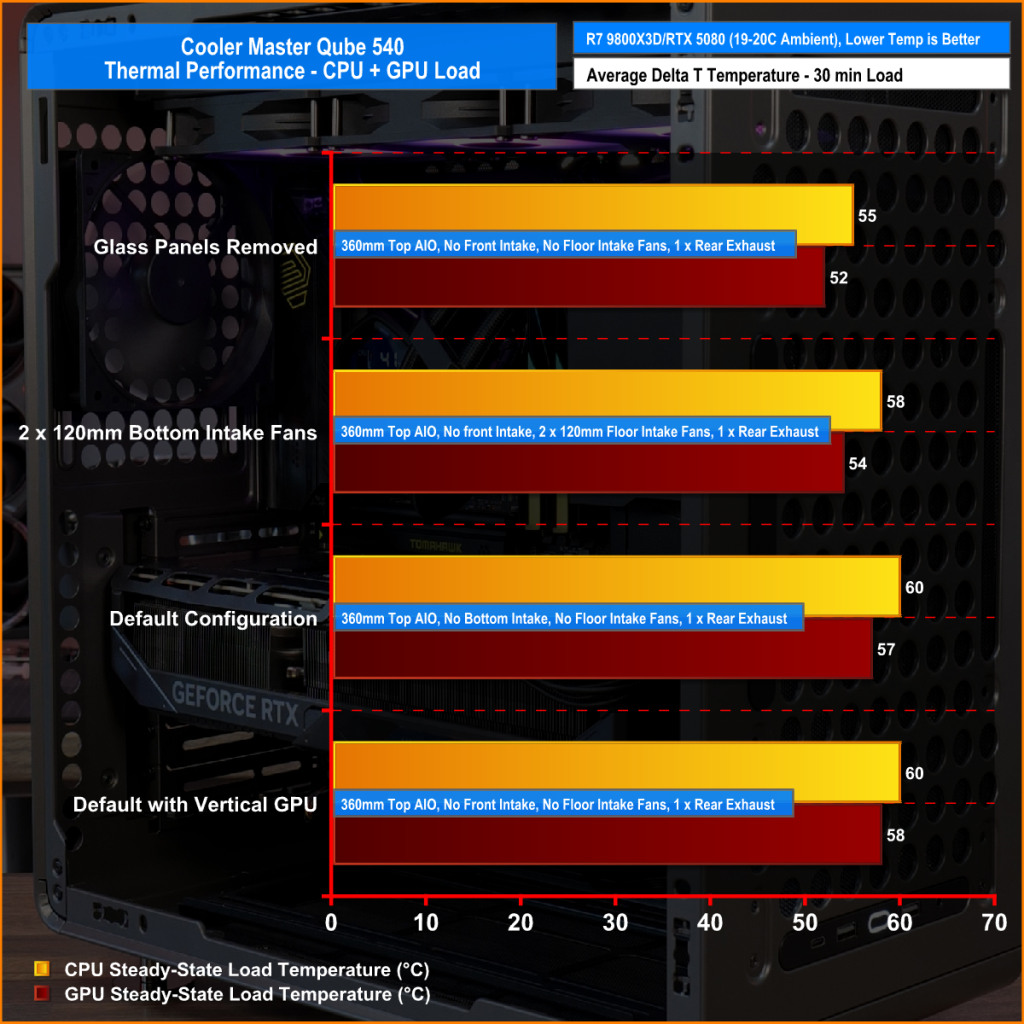
The QUBE 540 delivers respectable results overall, although airflow is restricted compared to a fully high-ariflow configuration. Removing the glass side panel from our test system records the lowest temperatures of 55°C over ambient on the CPU and 52°C on the GPU while running the case in its default configuration sees temperatures rise slightly to 60°C over ambient for the CPU and 57°C for the GPU, which is still a solid result.
Adding a pair of 120mm bottom intake fans shaved 2 – 3°C from both CPU and GPU temperatures, suggesting there is some benefit in adding bottom fans, though the gains are quite small. Switching to a vertical GPU has no impact on CPU thermals, while GPU temperature increases by just 1°C
Noise Output
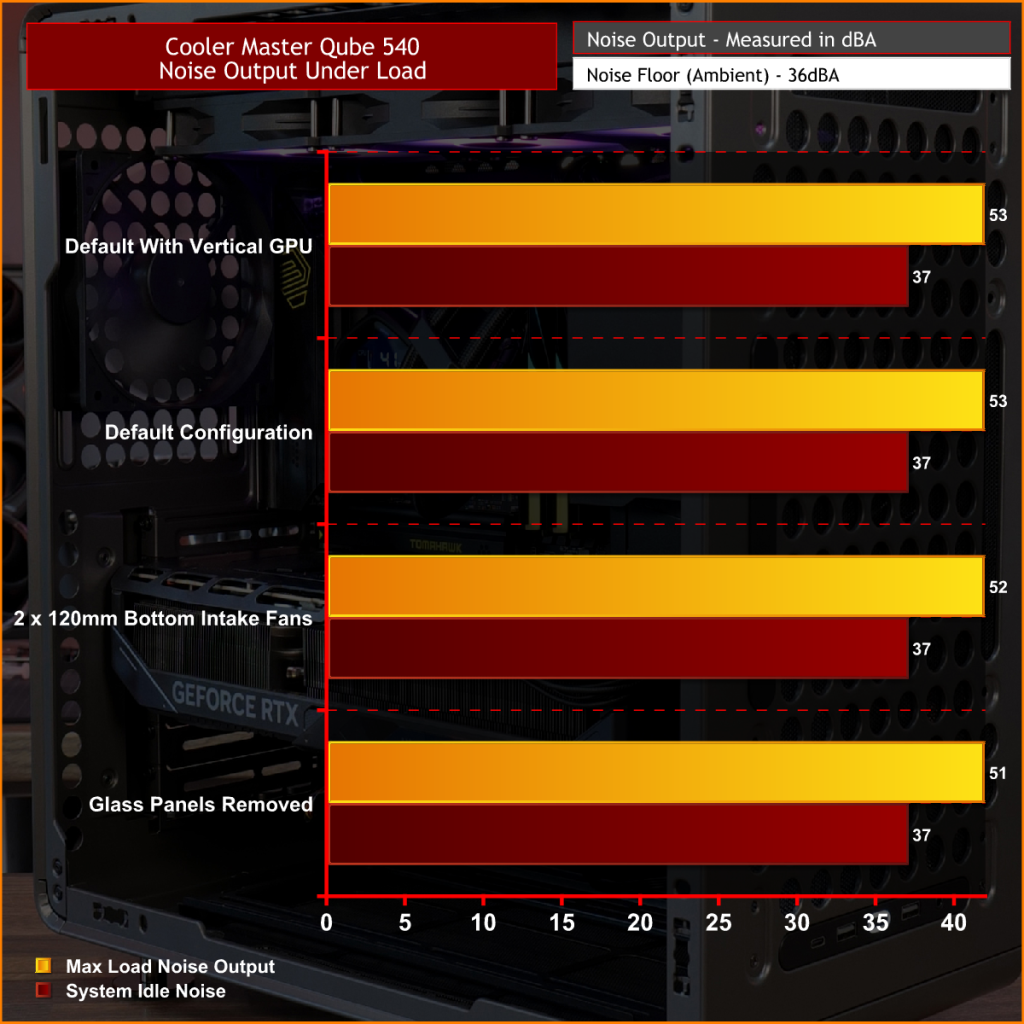
At idle, noise output remains unchanged at 37dBA regardless of fan layout or GPU orientation. Under full load, the default configuration and vertical GPU setup both record 53dBA max noise, while adding a pair of 120mm bottom intake fans reduces noise output to 52dBA. Removing the glass panels yields the lowest recorded figure of 51 dBA due to cooler temperatures and lower fan speed, though the difference is small enough that it would be difficult to notice in normal use.
Overall, the results suggest that the QUBE 540 has a good balance between cooling performance and acoustics.
Closing Thoughts
The Cooler Master QUBE 540 is a refreshing addition to the PC case market that currently feels overcrowded by high-airflow mesh-fronted towers or glass-covered dual-chamber “fish tank” designs. Rather than challenging either of those styles, Cooler Master has created something that feels genuinely different. The QUBE 540 combines a compact ATX footprint with an industrial-inspired look with an emphasis on flexibility, resulting in a chassis that stands out from the crowd while still appealing to mainstream enthusiasts.
The biggest selling point is customisation. Few cases on the market offer this level of configurability, with internal layout options, horizontal or vertical orientations, repositionable I/O panels, and support for a range of 3D-printable accessories. It encourages customisation, allowing builders to tailor the case to their exact needs. Whether you're looking to optimise airflow, create a unique showcase system or simply just build something different, the QUBE 540 provides options that most mainstream cases in this price range do not.
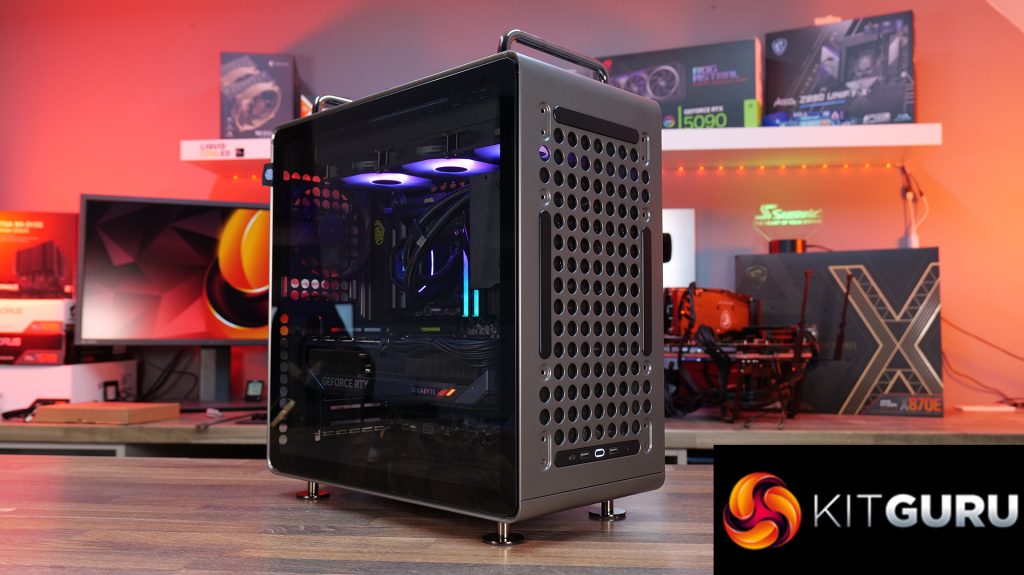
Hardware compatibility is impressive too. Despite its unorthodox layout, the QUBE 540 supports large E-ATX motherboards, graphics cards up to 415mm long, 360mm radiators and multiple fan layouts, making it suitable for high-end gaming or workstation builds. Thermal performance is decent too, it can keep temperatures well under control across most configurations. It's not a class-leading airflow case, but cooling is more than adequate for modern high-performance hardware.
There are some compromises, however. Front intake options are somewhat limited compared to traditional high airflow designs, and the PSU location creates a few restrictions when it comes to internal layout, GPU installation and airflow optimisation. Even so, these are minor drawbacks. Cooler Master deserves credit for bringing something genuinely interesting to a market saturated by the usual high airflow and dual-chamber designs. For users who value flexibility, customisation and a distinctive look over outright thermal performance, the QUBE 540 is an easy case to recommend.
The Cooler Master QUBE 540 is available to purchase now from Amazon UK Priced at £82.92 HERE.
Pros:
- A refreshing change from the usual all-mesh or glass-front cases.
- Loads of configuration and customisation options.
- Good hardware support, even with the slightly unorthodox layout.
- Very easy to swap layouts and orientation.
Cons:
- Front fan intake is limited.
- There are some compromises depending on the PSU position.
KitGuru says: Even though the QUBE 540 is a relatively simple design, the ease of changing layouts and orientations, great hardware support and the massive customisation and distinctive looks make it a refreshing change for PC builders.