KitGuru KitGuru.net – Tech News | Hardware News | Hardware Reviews | IOS | Mobile | Gaming | Graphics Cards


Microsoft has started rolling out its June 2026 update for Windows 11, introducing the new low-latency profile, Shared Audio, and improved search functionality. Security update KB5094126 updates the OS to build 26200.8655 or 26100.8655, bringing performance enhancements designed to make the core user interface feel more responsive.
According to Windows Latest, the new low-latency profile accelerates app launches and core shell experiences like the Start menu, Search, and Action Center. Microsoft achieves this by forcing CPUs to enter a brief boost state lasting between 1 and 3 seconds. This temporary spike improves UI responsiveness quickly without significantly impacting battery life for most users.
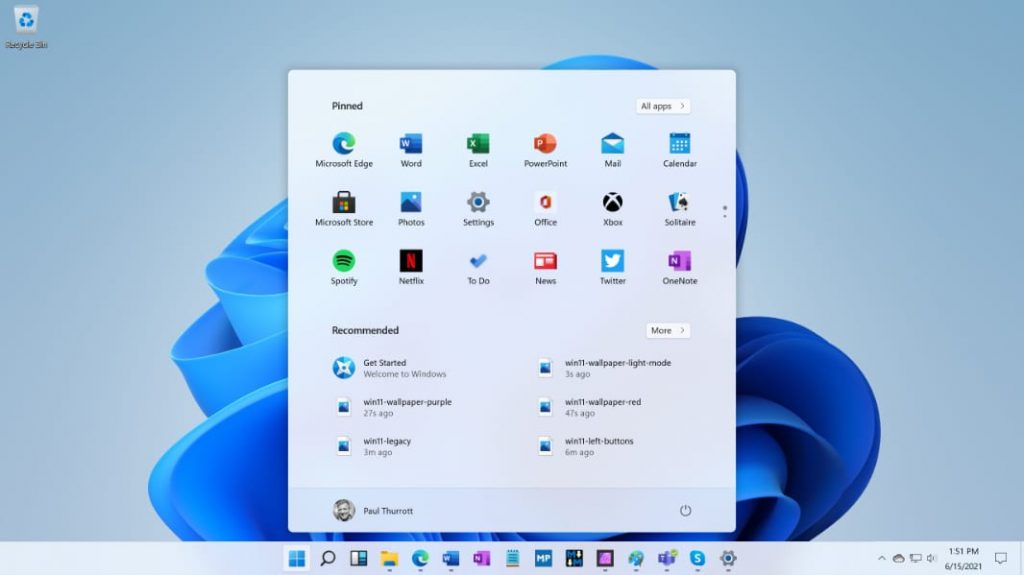
By default, this profile is disabled, but those who wish to test right away can use a CPU monitoring tool such as HWiNFO (the task manager is too slow to capture the usage spikes consistently). To enable the mode, download ViveTool, and use it to enable the profile via the feature ID (58989092). After that, restart your system and test whether the profile is enabled by opening the Start menu and checking the CPU frequency in the CPU monitoring tool to look for a spike.
The update also packages the new Shared Audio feature and general search improvements. Since Microsoft is rolling these features out gradually, they may not appear immediately after installing the package.
KitGuru says: In recent years, every major update has also had its share of issues, so let us know if you encounter anything.