KitGuru KitGuru.net – Tech News | Hardware News | Hardware Reviews | IOS | Mobile | Gaming | Graphics Cards


Network-attached storage (NAS) has become a popular option for KitGuru readers – whether you are a home user, content creator or small business. But for anyone buying their first NAS, working out which hardware to choose and how to set everything up can still be a little daunting. Fortunately, Seagate has published a new guide for setting up a NAS, which we are sharing with you today.
The guide starts with the hardware, explaining what separates dedicated NAS drives from standard desktop hard drives and where Seagate's IronWolf and IronWolf Pro ranges fit in. Installation, hot-swapping and IronWolf Health Management are also covered.
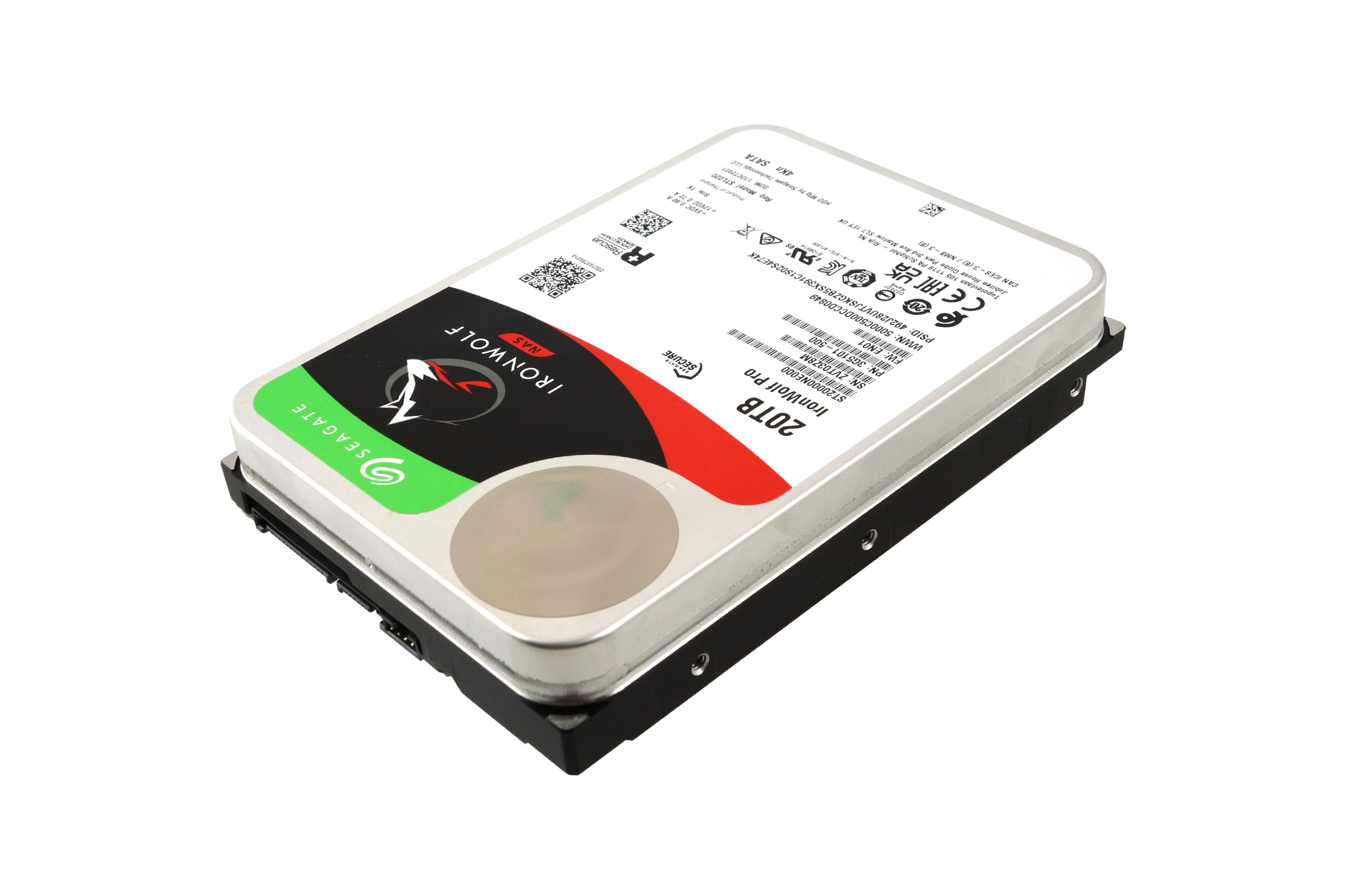
There is a useful section on RAID, with RAID 0, 1, 5, 6 and 10 explained in straightforward terms. Rather than simply listing the different standards, the guide looks at what you gain and lose in terms of performance, available capacity and protection against drive failure.
It also covers the software side of things, including user accounts, permissions, file sharing, remote access and security. Beyond that, the guide also gives some advice on what you can do with your NAS once its set up, from automated backups to media streaming and more advanced use cases, like a VPN server.
If you're considering buying your first NAS or already have one and want to make better use of it, Seagate's new guide is a handy place to start. You can find the guide and save it for future use, HERE.
KitGuru Says: Are you in the process of setting up your own NAS? Let us know if Seagate's guide helped you.