KitGuru KitGuru.net – Tech News | Hardware News | Hardware Reviews | IOS | Mobile | Gaming | Graphics Cards


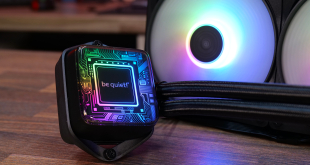
The PC AIO cooler market is flooded with budget 360mm options currently and a lot have the same style with basic RGB on the fans and CPU block. So when be quiet! said it had a 360mm AIO with a customisable CPU block for under £100, well we were keen to take a look. The Pure Loop 3 LX comes with ten custom CPU block foils to give your system a unique look, but does it still offer the trademark be quiet! low noise and solid performance? Let’s find out.
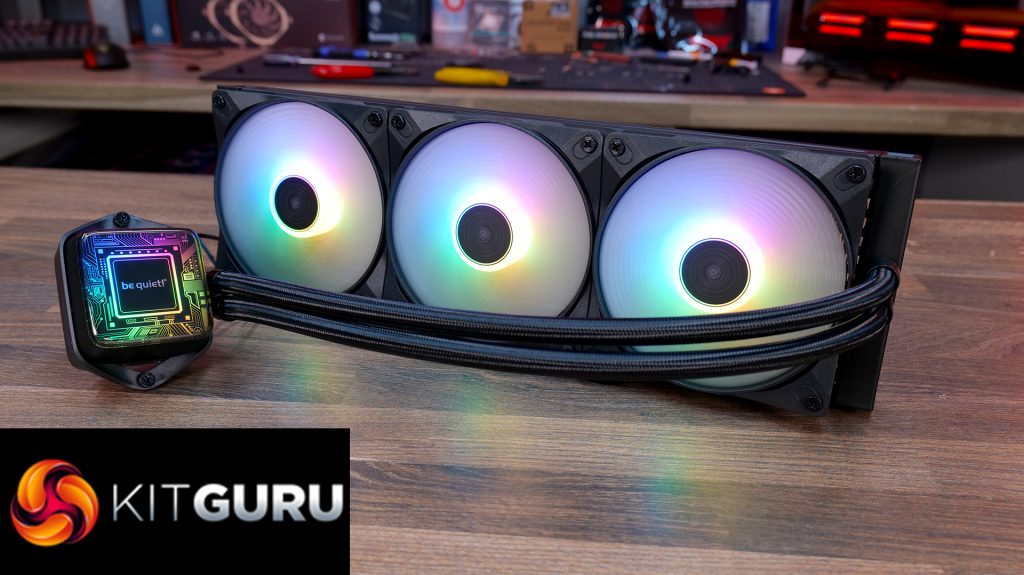
be quiet! Pure Loop 3 LX Features:
- Pure Loop 3 LX is equipped with vibrant ARGB lighting and customisable CPU block illumination options via the included ten lighting foils, with additional illumination from the included be quiet! Light Wings LX 120mm high-speed fans.
- Daisy-chained wiring connects fans in series, saving on splitter cables and motherboard fan headers with fewer shorter cables for a cleaner look, while the CPU block top cover is rotatable for always correct orientation.
- The powerful PWM pump is equipped with a 6-pole 3-phase motor combined with a copper micro-channel cold plate, providing smooth and quiet operation and high-performance cooling.
Specifications:
- CPU Socket Compatibility: Intel 1851 / 1700 / 1200 / 1151 / 1150 / 1155, AMD AM4/AM5
- Radiator Material: Aluminium
- Radiator Dimensions: 397 x 120 x 52mm (Incl. Fan)
- Radiator Tube Length: 400mm
- CPU Block/Pump Dimensions: 68.5 x 93.4 x 48.7 (H x W x D)
- Pump Speed: 3000 – 5500 rpm
- Cold Plate Material: Copper
- Pump Connector: 4-pin PWM
- VRM Fan: N/A
- Fan Dimensions: 120 x 120 x 25 mm
- Fan Speed (PWM): 2100 rpm (max)
- Fan Max Airflow: 61.8 CFM
- Fan Max Static Pressure: 2.51 mmH2O
- Fan Noise: 36.9 dBA (max)
- Fan Bearing: Rifle Bearing
- Fan Connector: 4-pin PWM
- LCD Screen: N/A
- Warranty: 3 Years
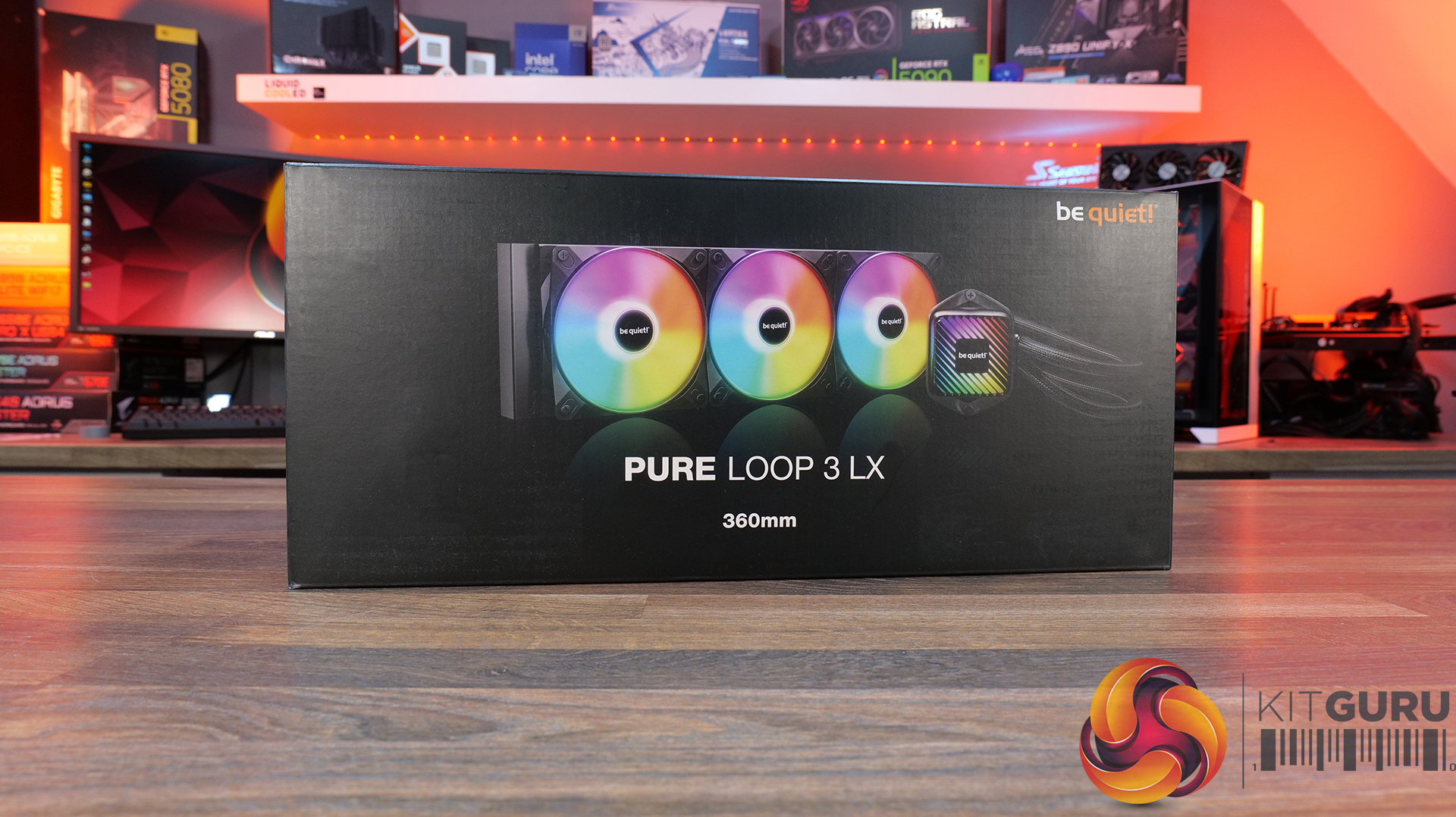
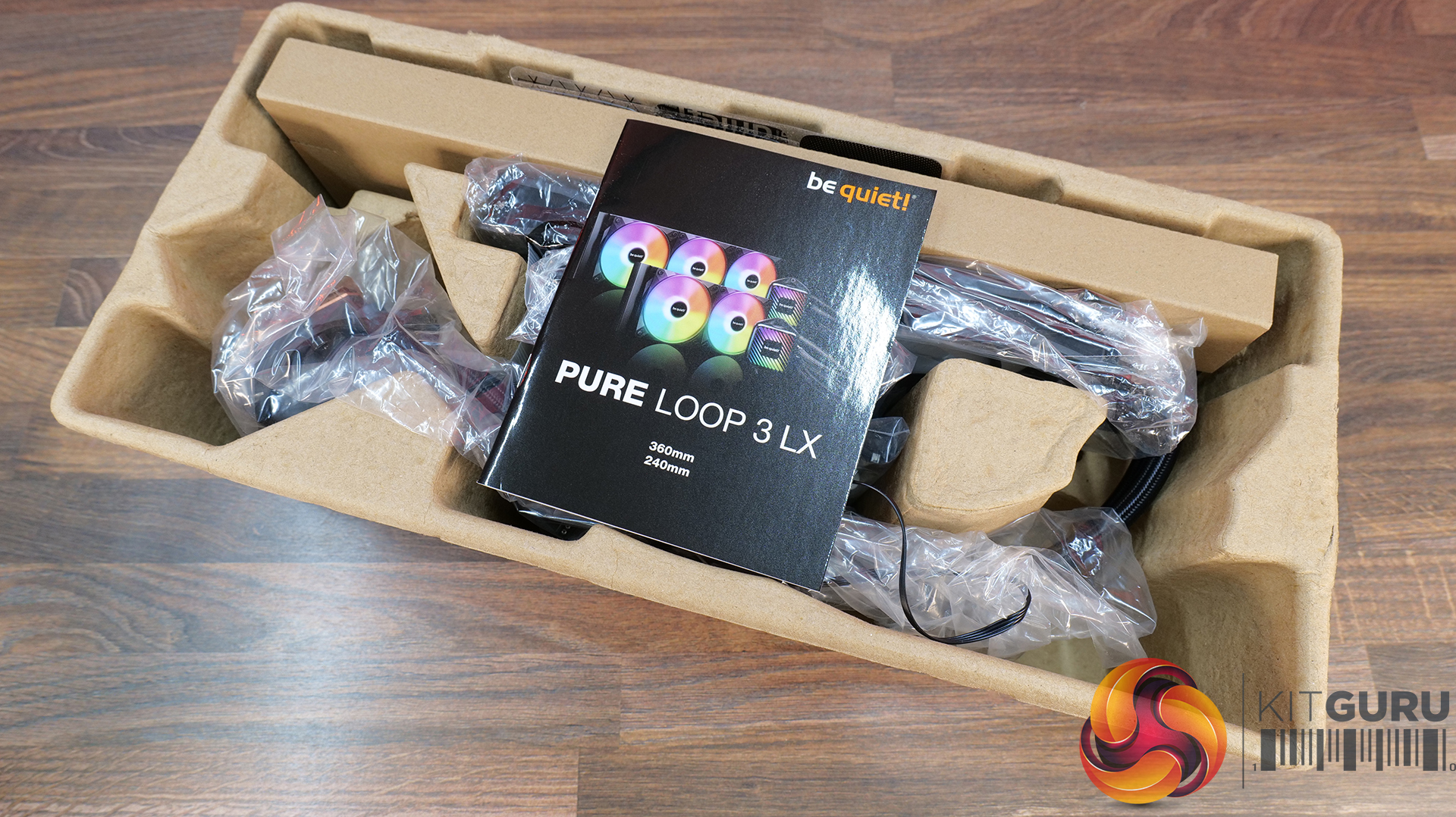
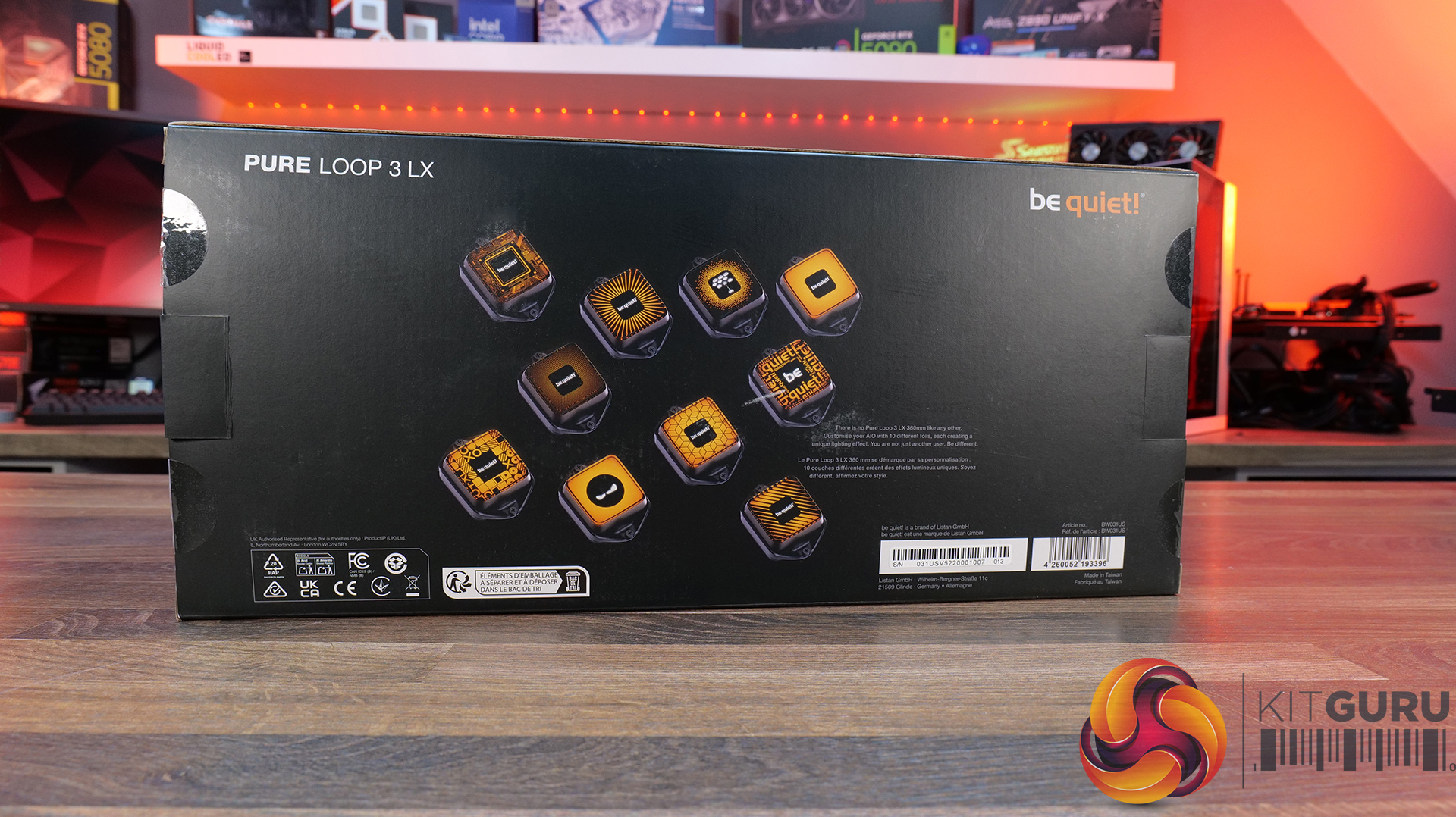
be quiet! ships the Pure Loop 3 LX in a cardboard box with a black background, a large image of the cooler and logos are on the front and on the rear are smaller images of all the swappable CPU foils used to customise the cooler. Inside the contents are protected by a cardboard crate.
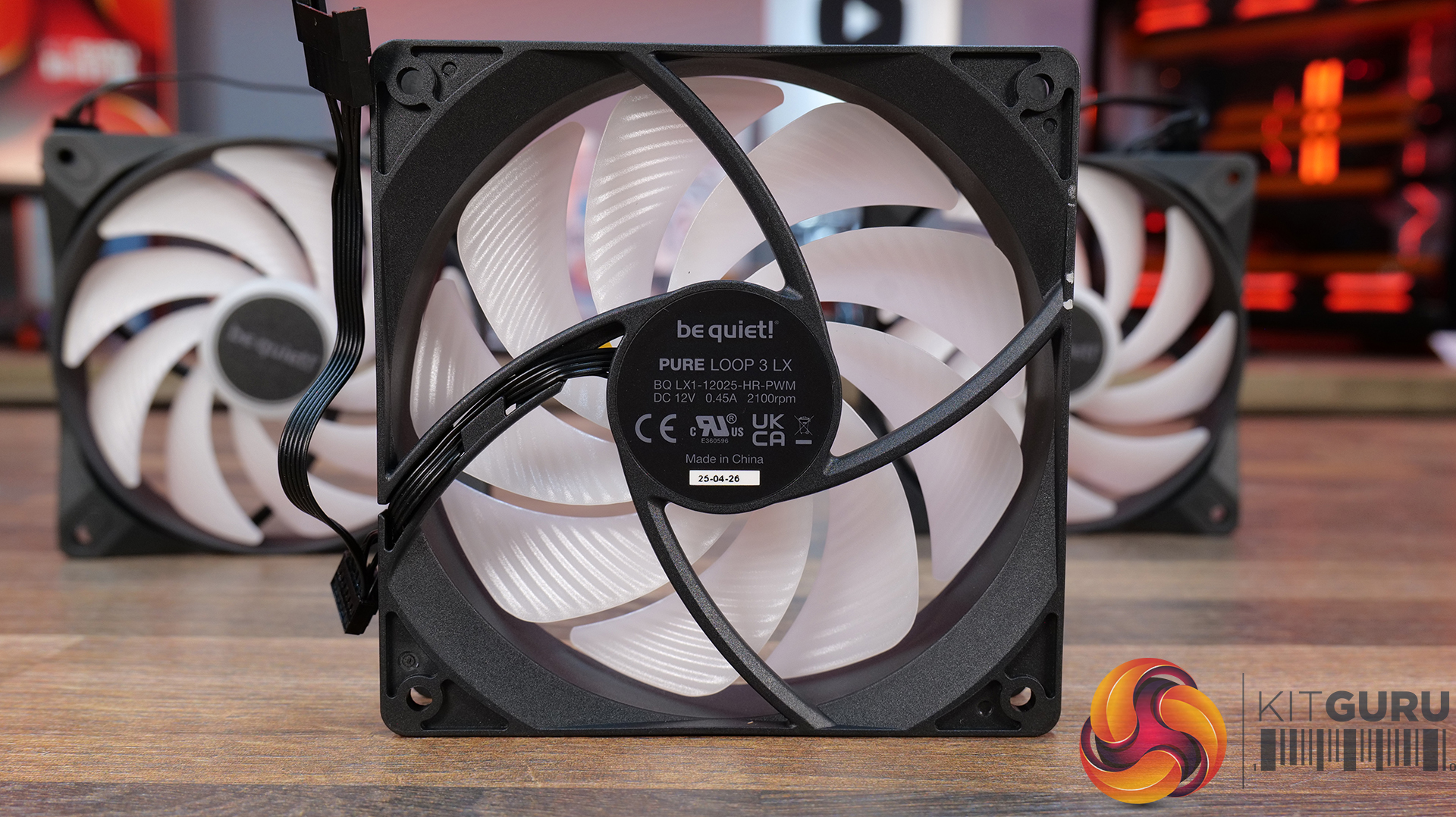
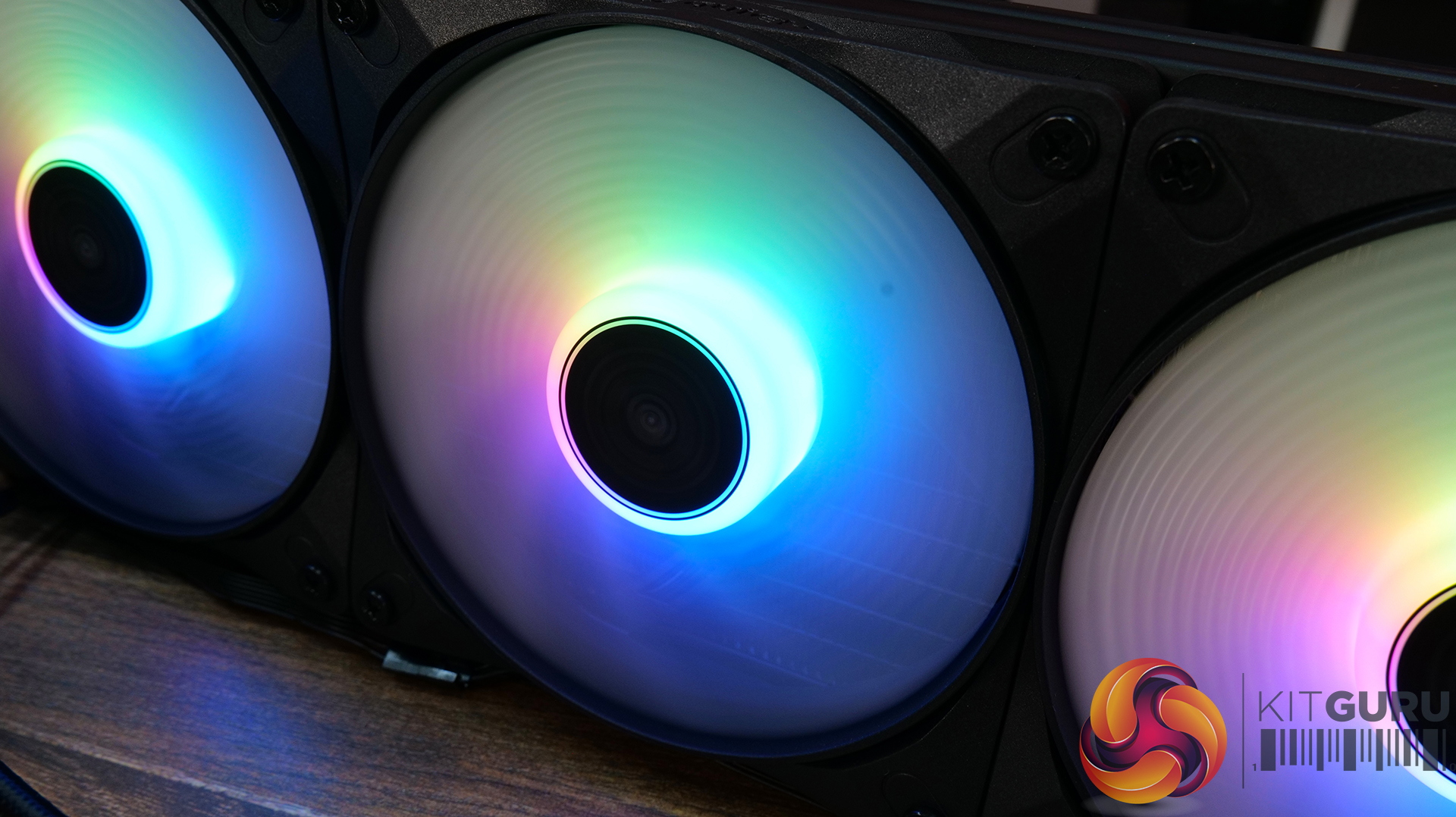
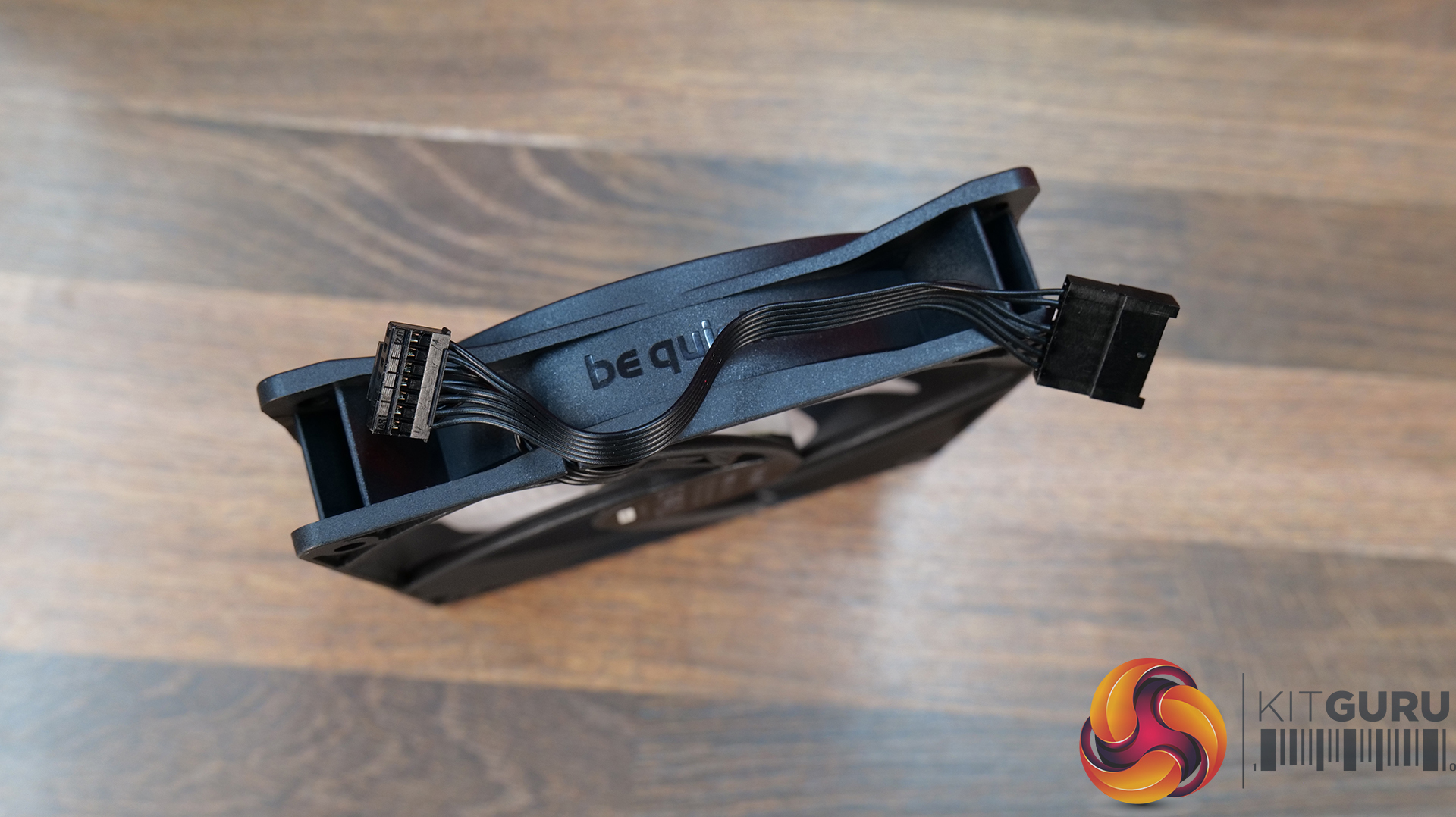
Fans included with the cooler are be quiet! Light Wings LX 120mm units with PWM speed range up to 2100 rpm, equipped with a rifle bearing and opaque fan blades illuminated with ARGB lighting once the cooler is powered up. Fan cables are daisy-chained to keep things looking neat.
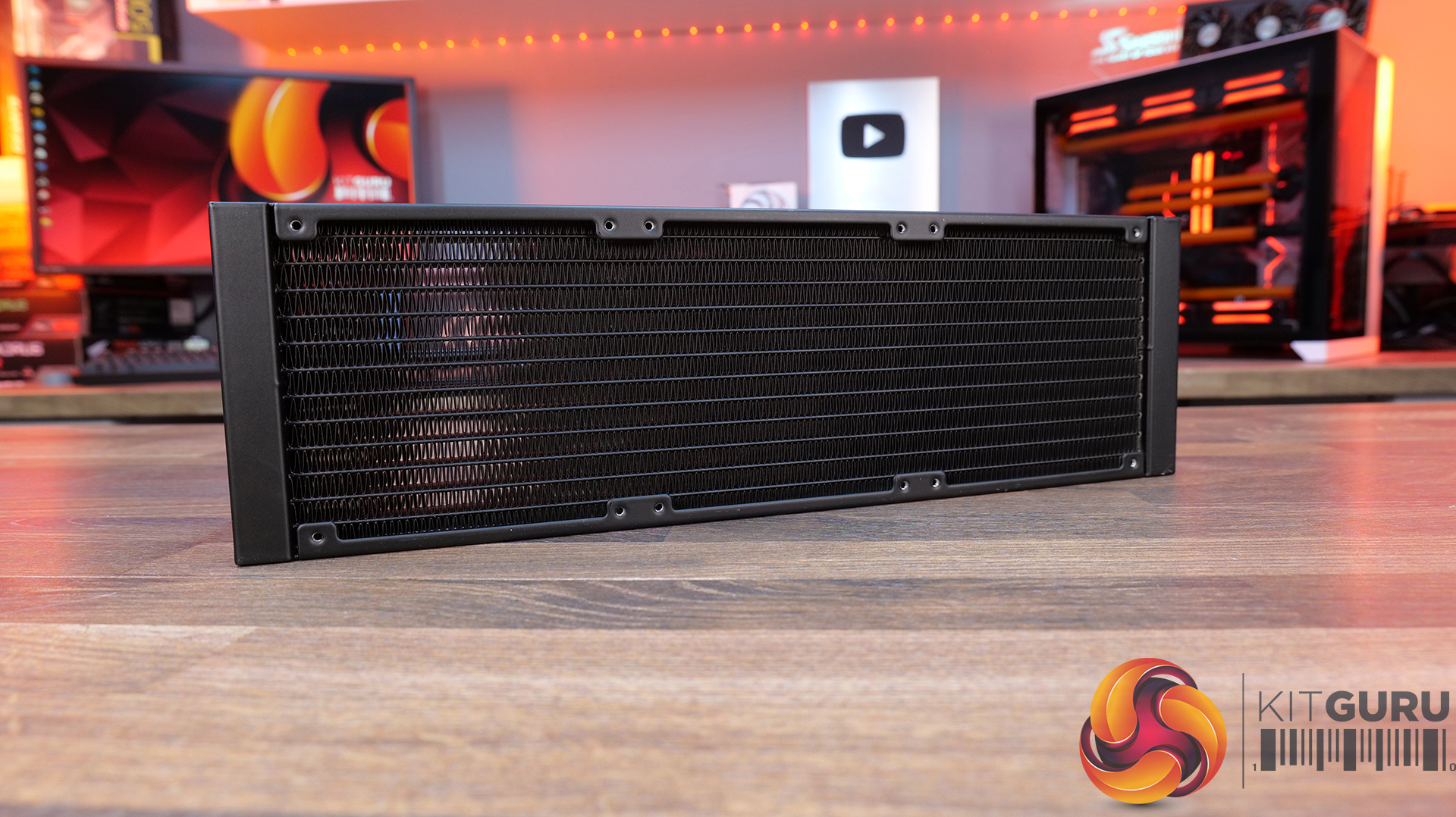
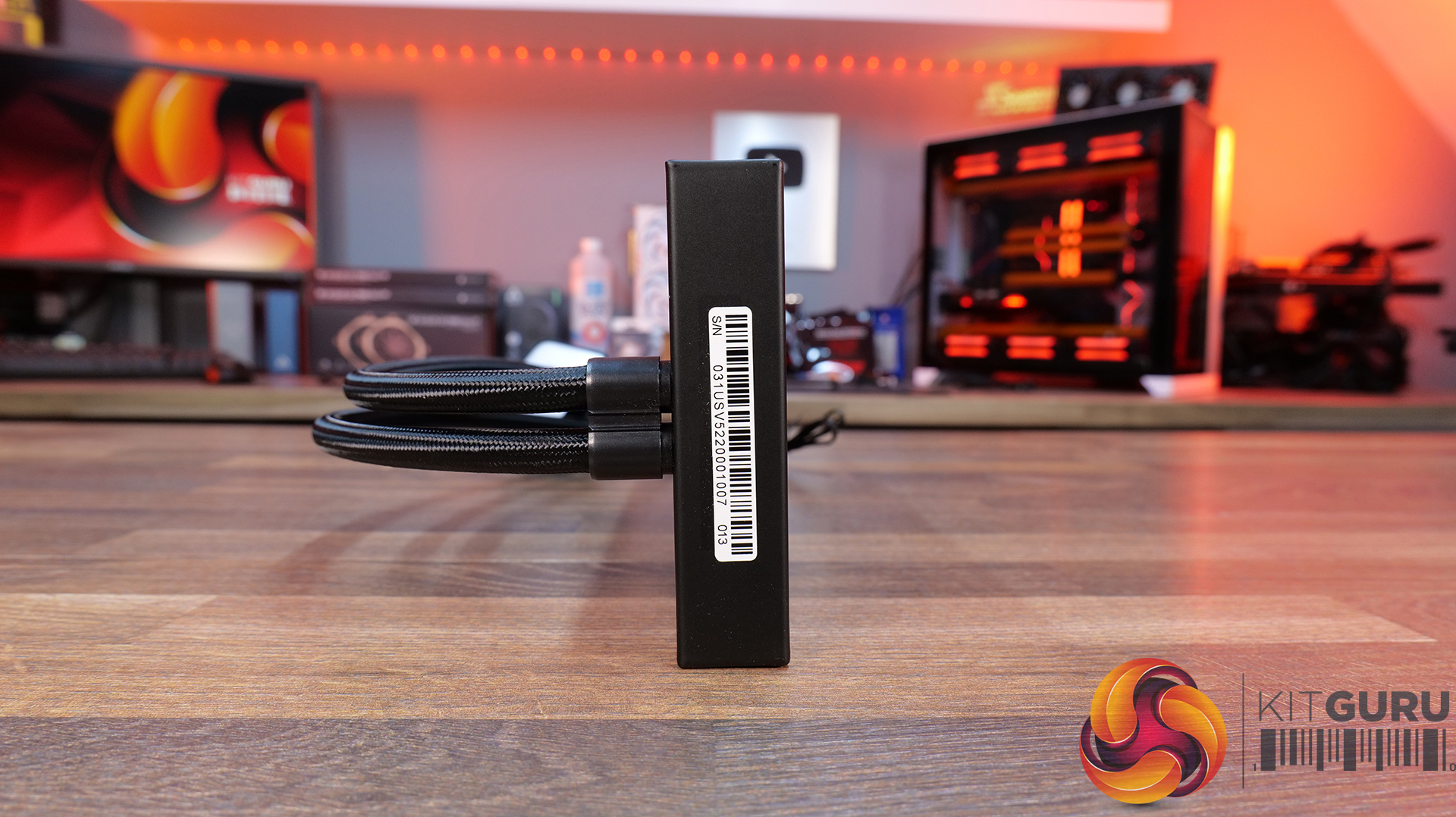
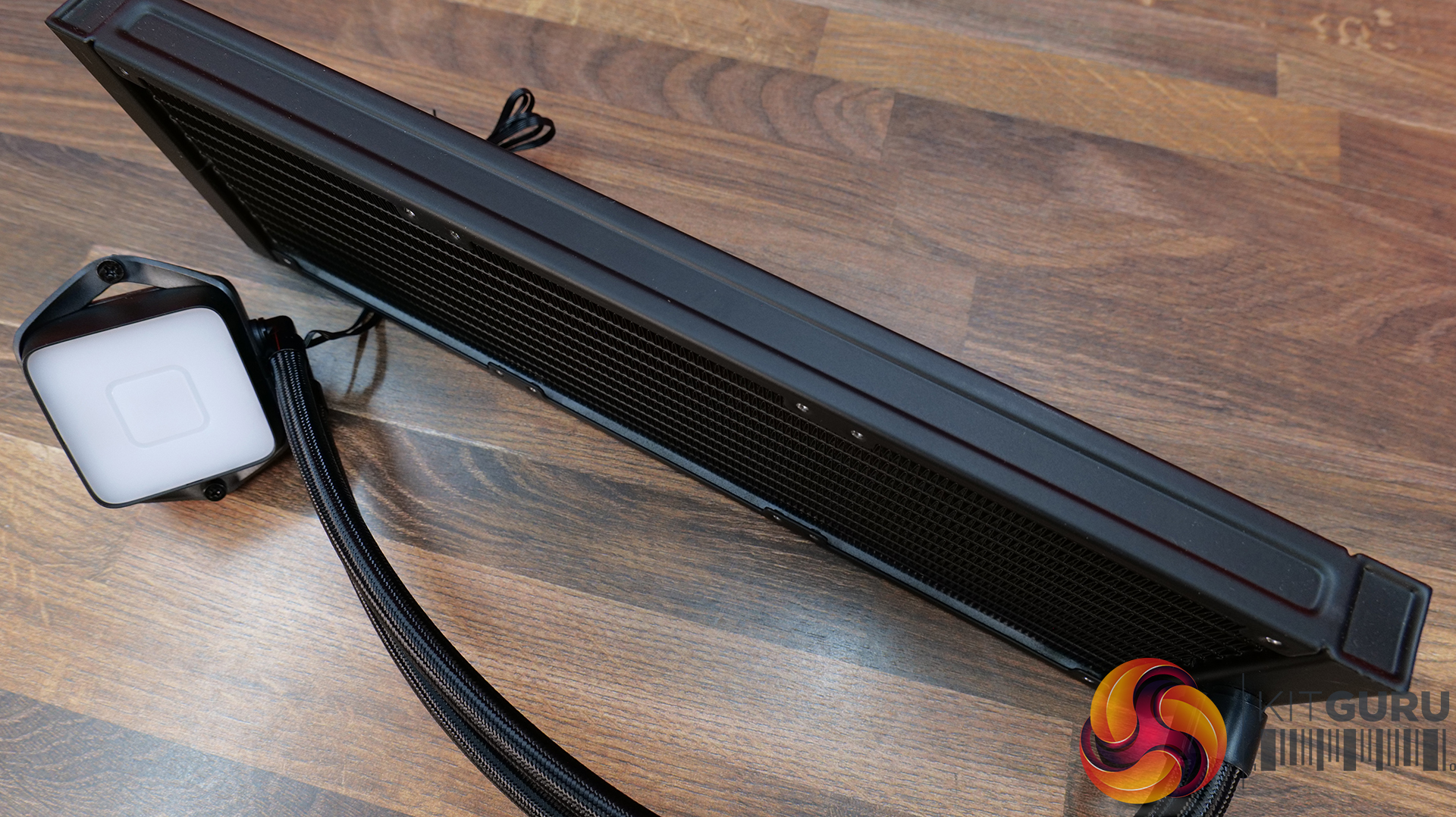
be quiet! uses a standard 27mm thick aluminium radiator in the Pure Loop 3 LX, it has 12 waterways and a dense fin pitch with tubing fixed at the radiator tank. The black coating is smooth and with a satin finish. The quality looks high and there's no branding on the radiator.
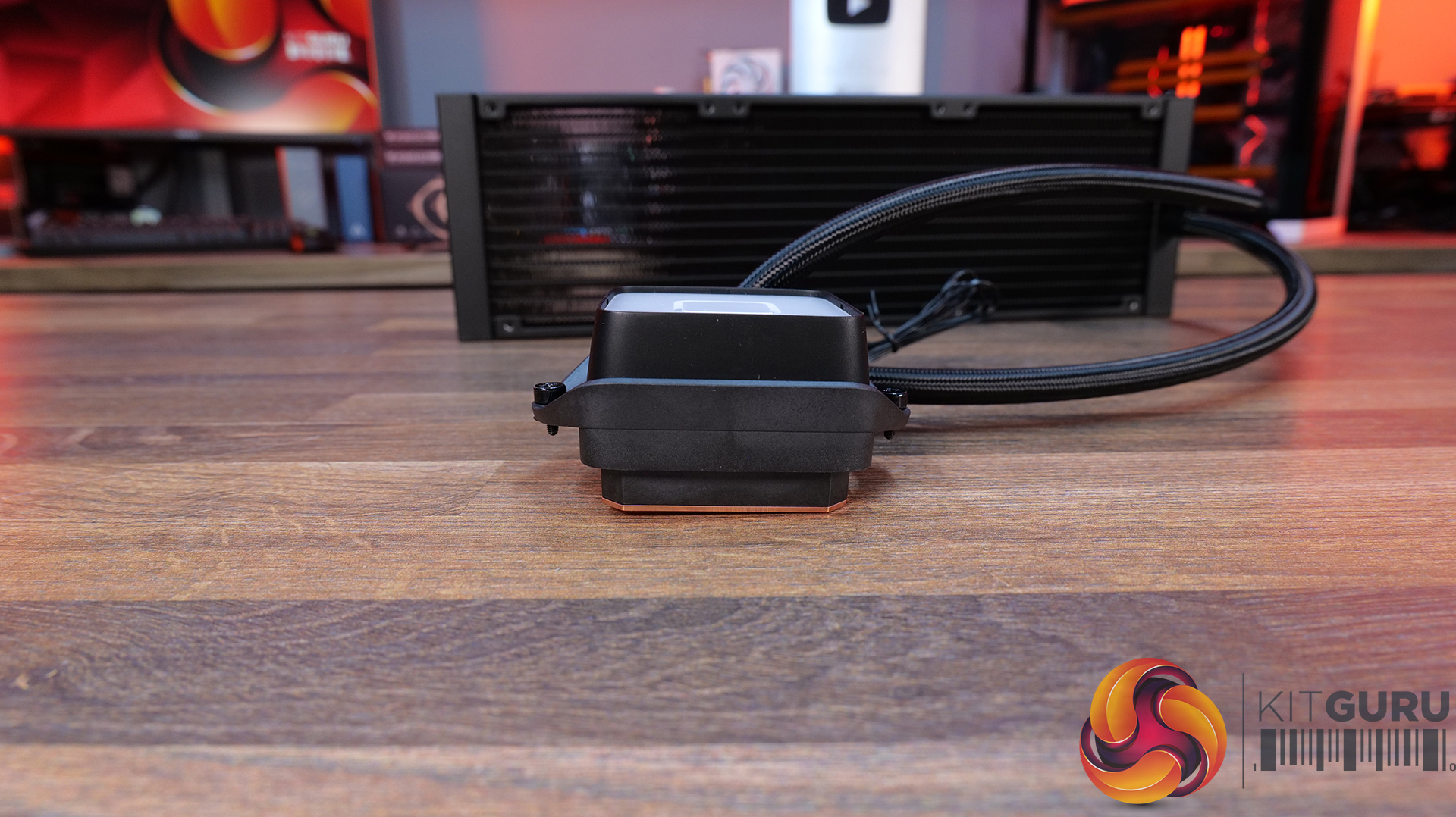
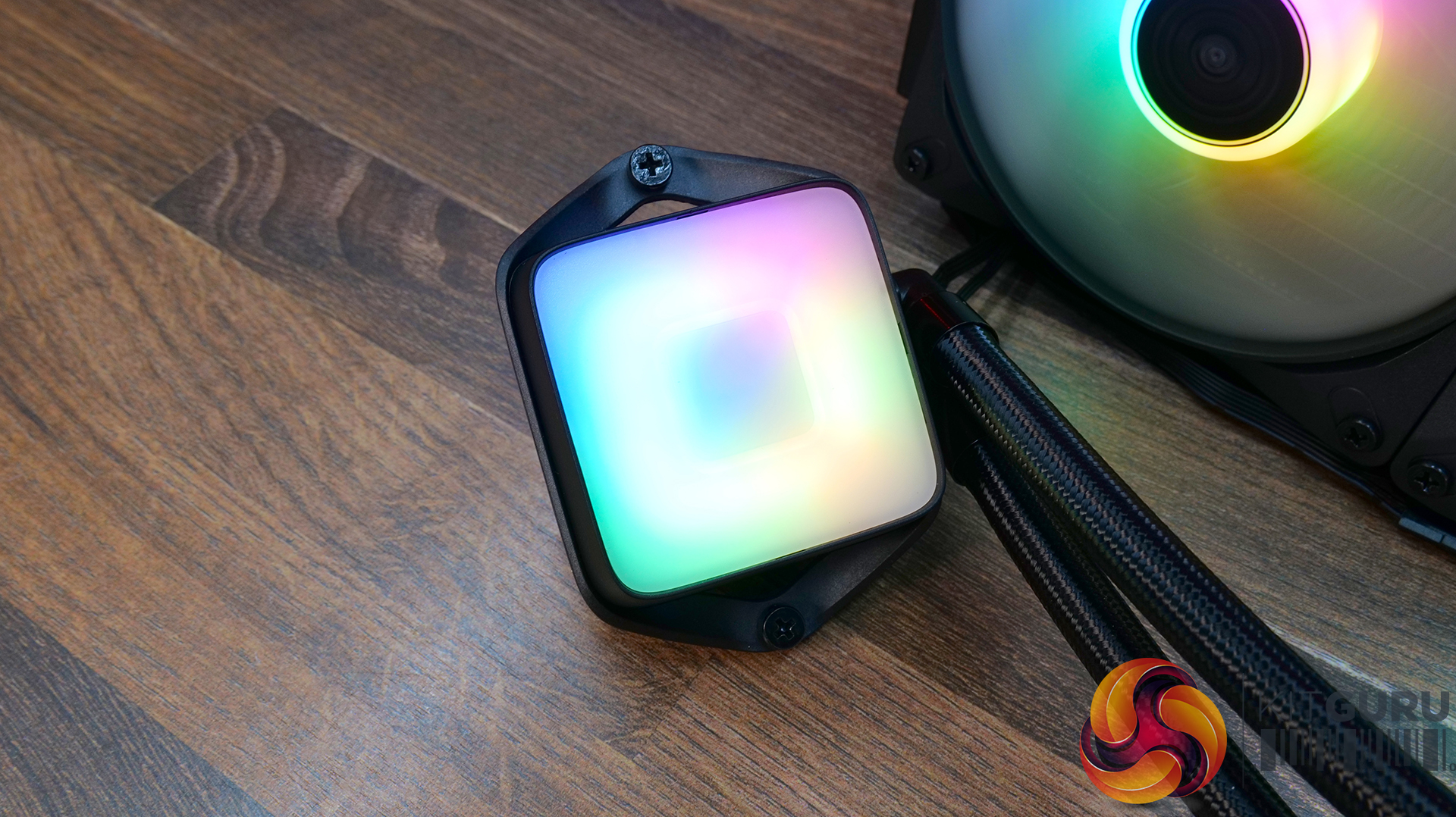
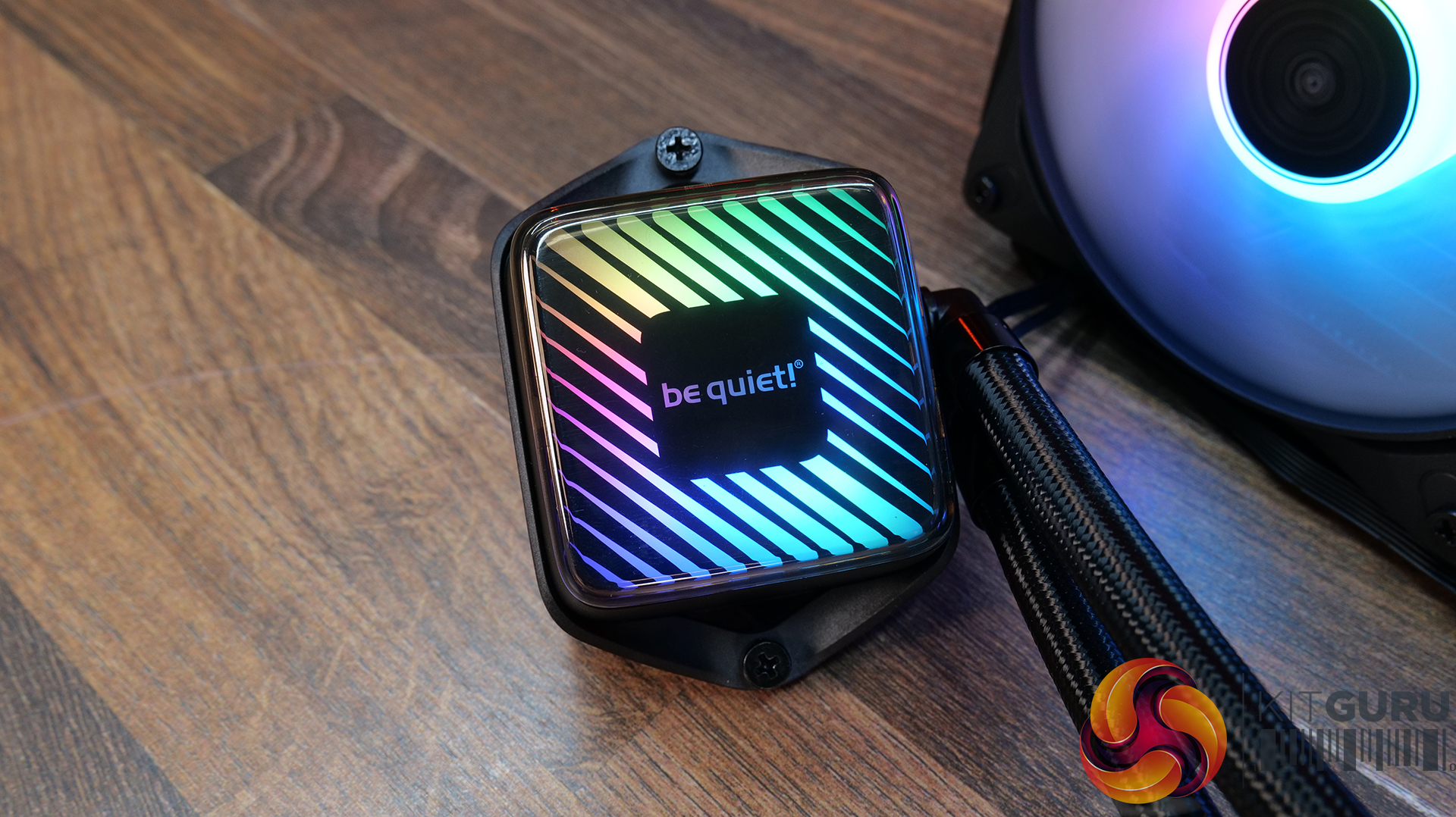
It’s a very compact CPU block design in the Pure Loop 3 LX with dimensions of 68.5 x 93.4 x 48.7mm (H x W x D), the top is illuminated with diffused RGB lighting and there is a choice of 10 custom foils with different designs for the user to choose from. An opaque plastic top goes over the top of the foil for a finished look.
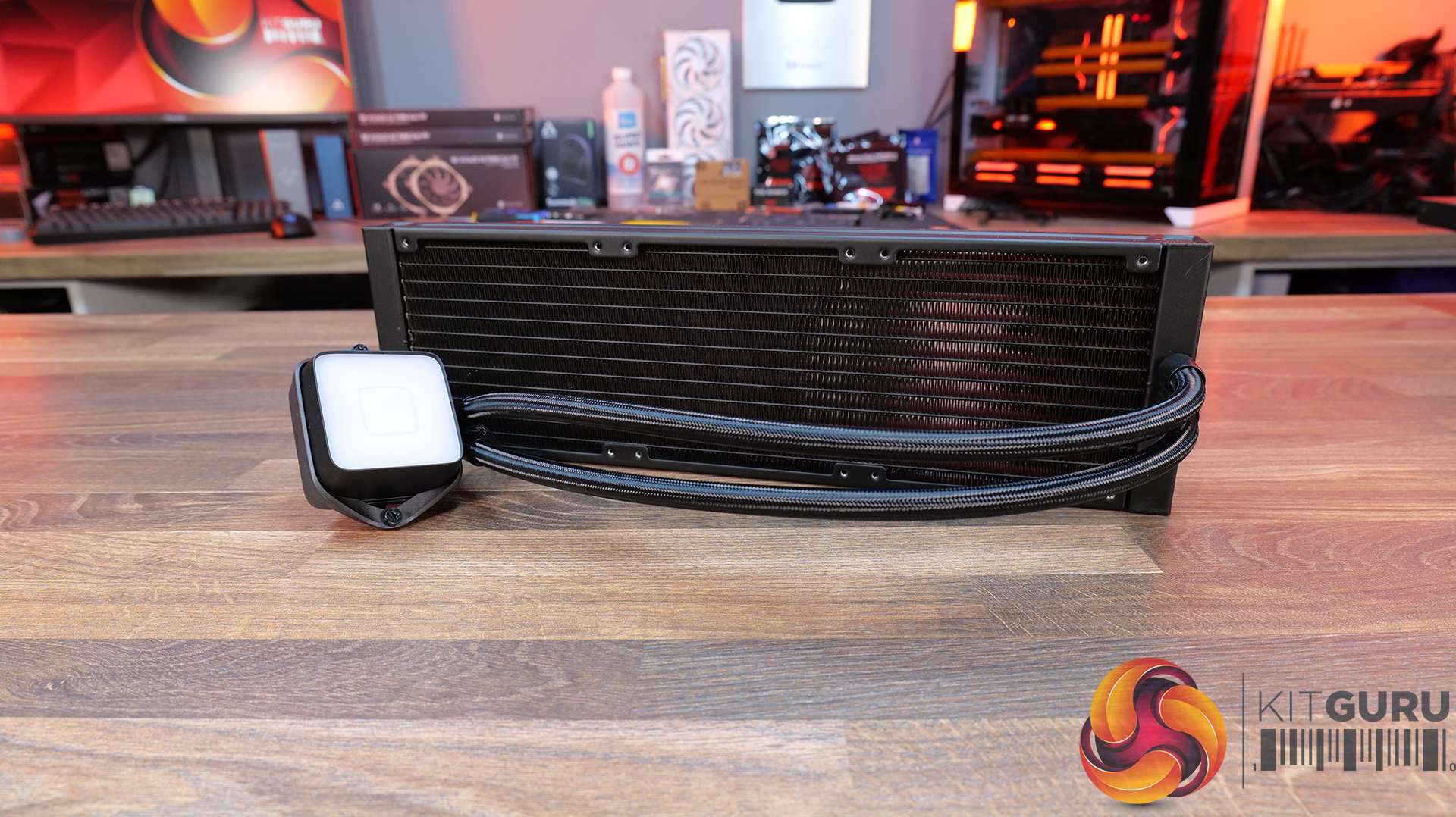
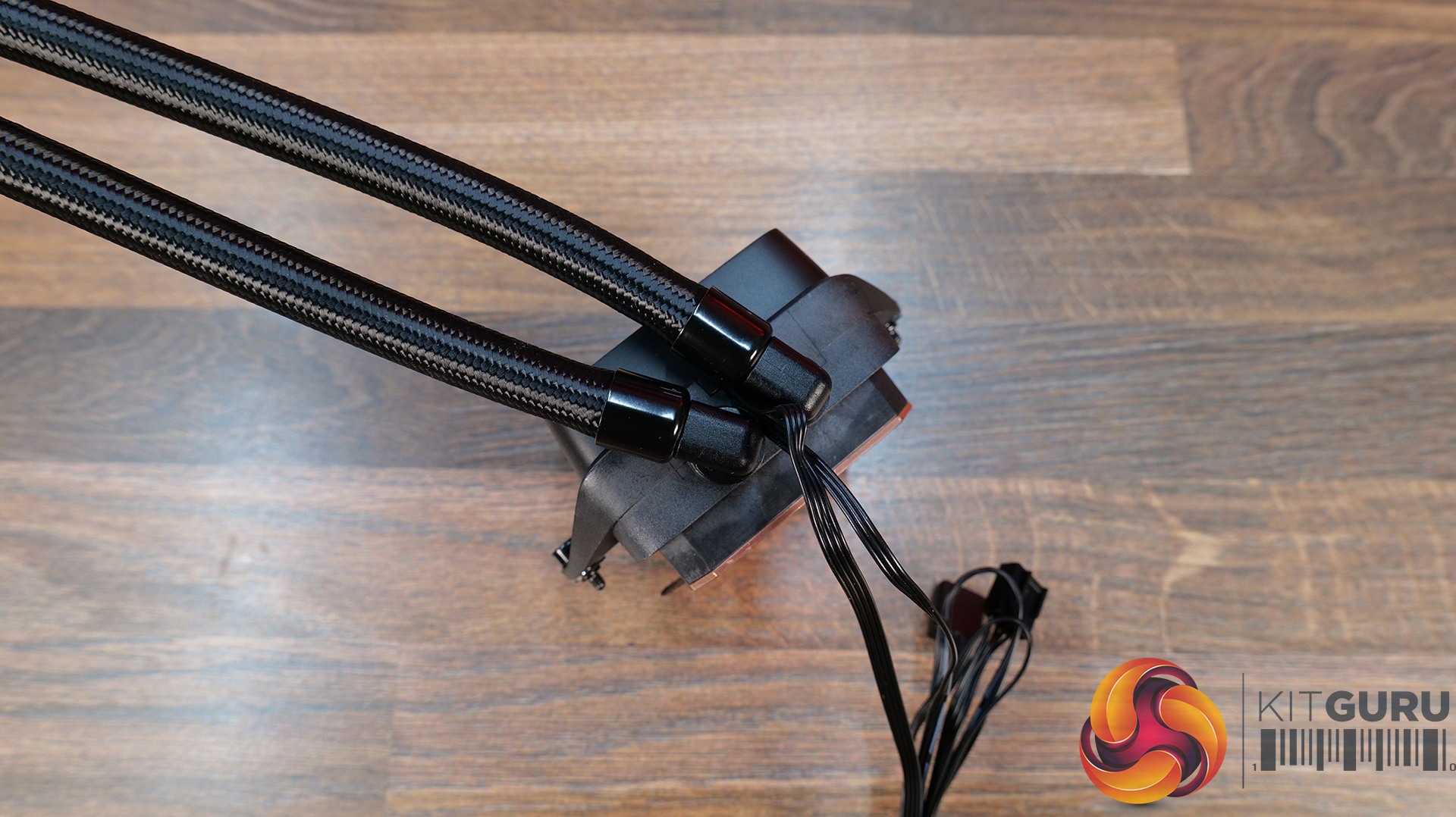
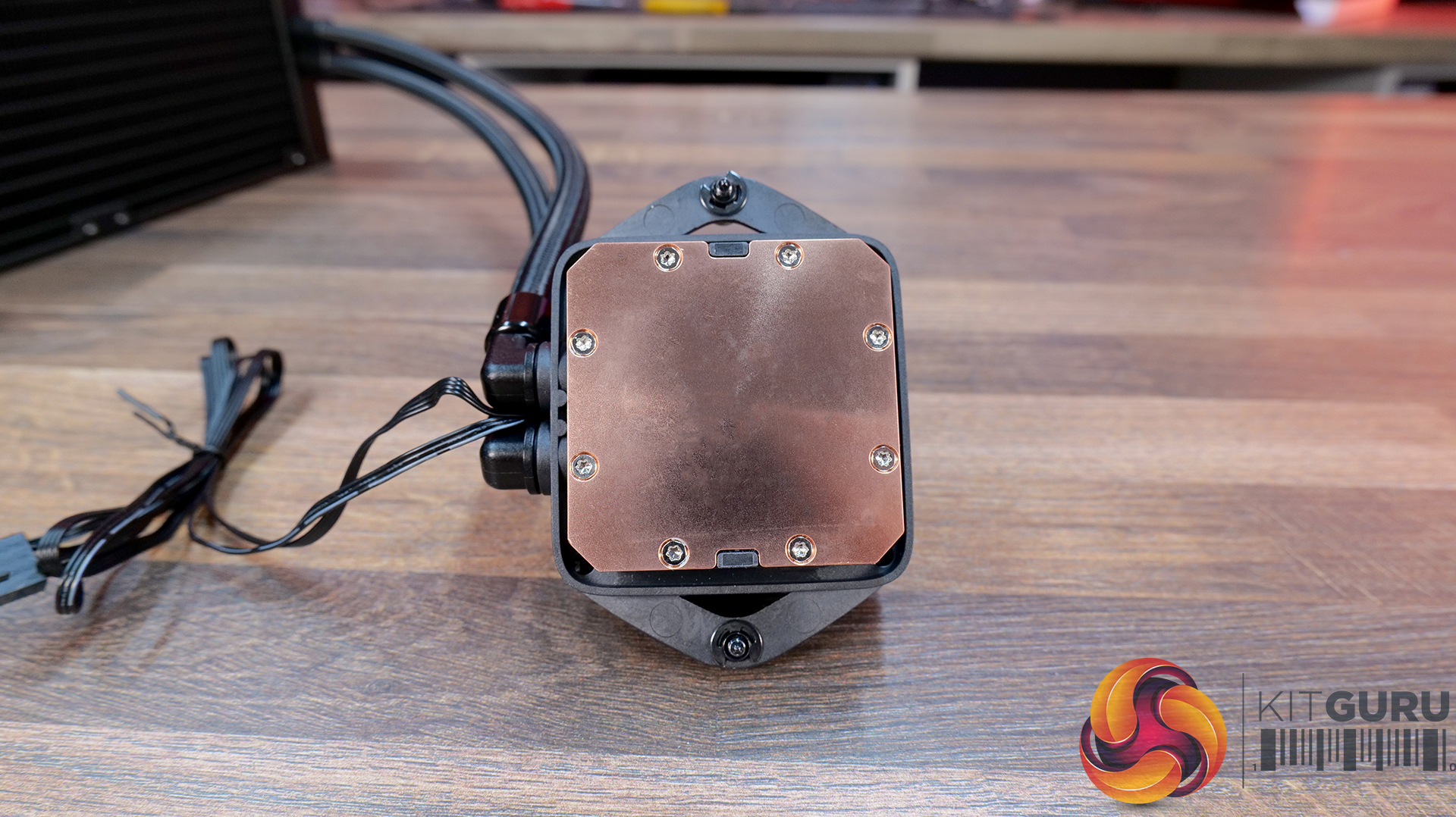
Tubing is manufactured from flexible EPDM and measures 400m long. It's covered with a premium braided sleeving with rotary 90-degree fittings at the CPU block to allow for adjustment in the position of the tubes when installed. At the base is a micro-skived copper cold plate.
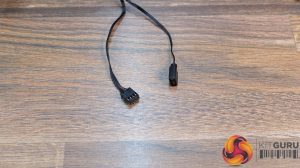
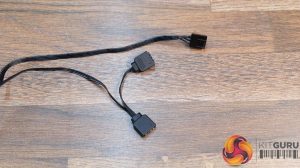
The Pure Loop 3 LX uses all standard wiring connections, so 4-pin PWM for the fan and pump power/speed adjustment and standard 3-pin 5V connection for ARGB. There are no hubs or software required for the cooler to fully function.
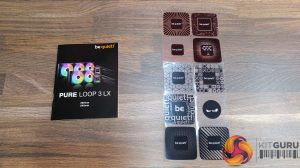
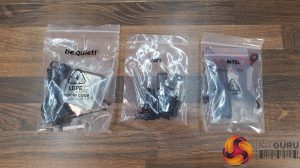
Accessories bundled with the Pure Loop 3 LX include all the required mounting hardware to install the cooler on current Intel and AMD desktop CPU sockets, plus a small tube of thermal compound, ten CPU block foils, a few zip ties and a paper copy of the installation manual.
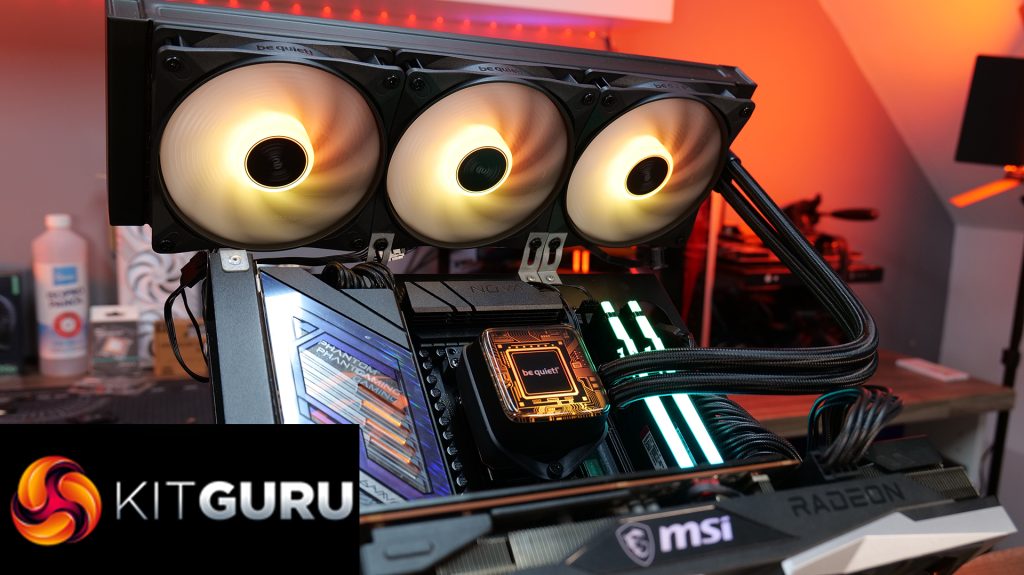
Our test system uses an ASRock Phantom Gaming X870E Nova WiFi motherboard and AMD Ryzen 9 9950X CPU, so I'll quickly run you through the installation process on AM5. The installation process for AM4 will be the same, Intel is slightly different as it requires the be quiet! backplate to be installed; however, the process is simple on either platform.
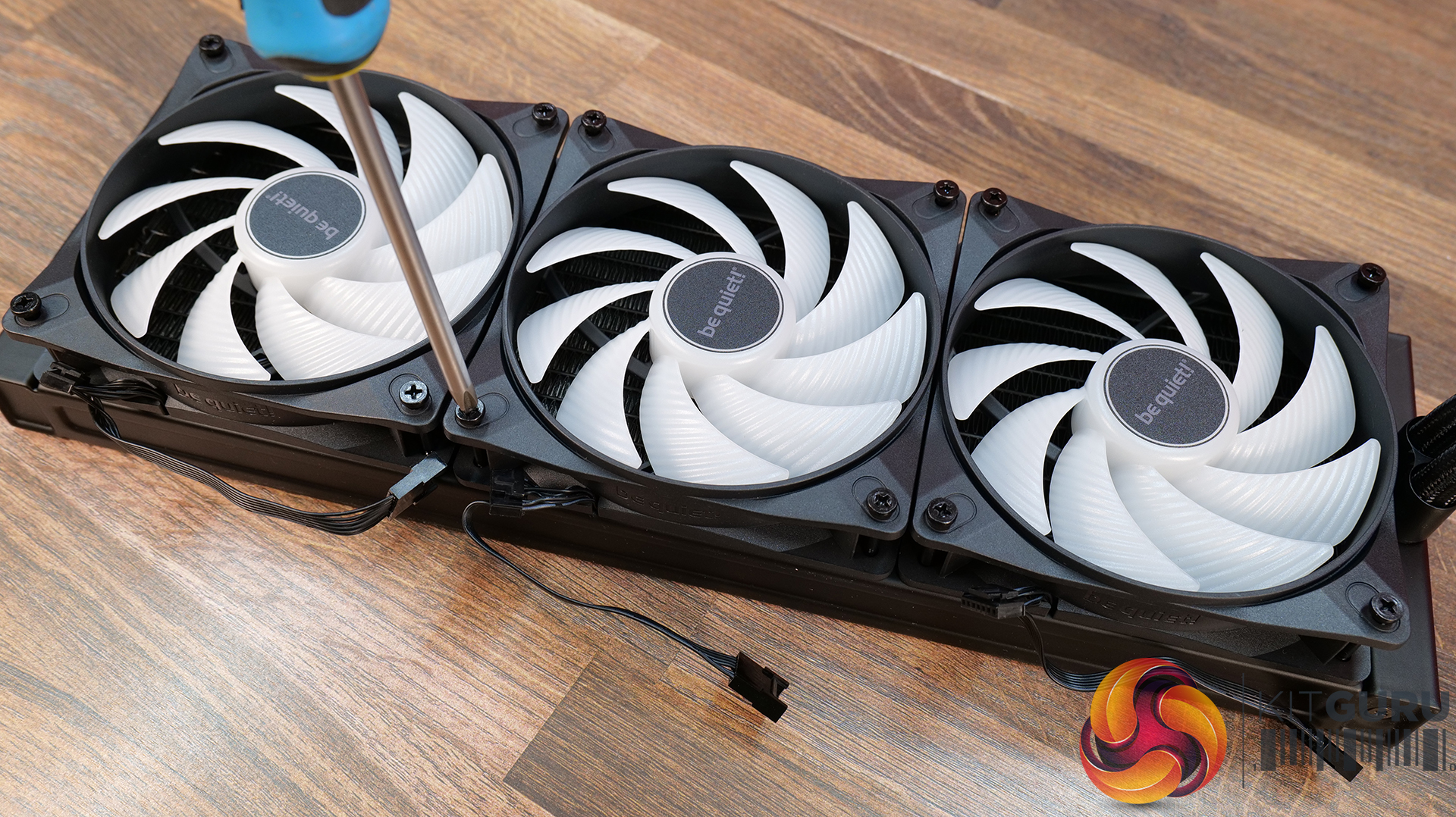
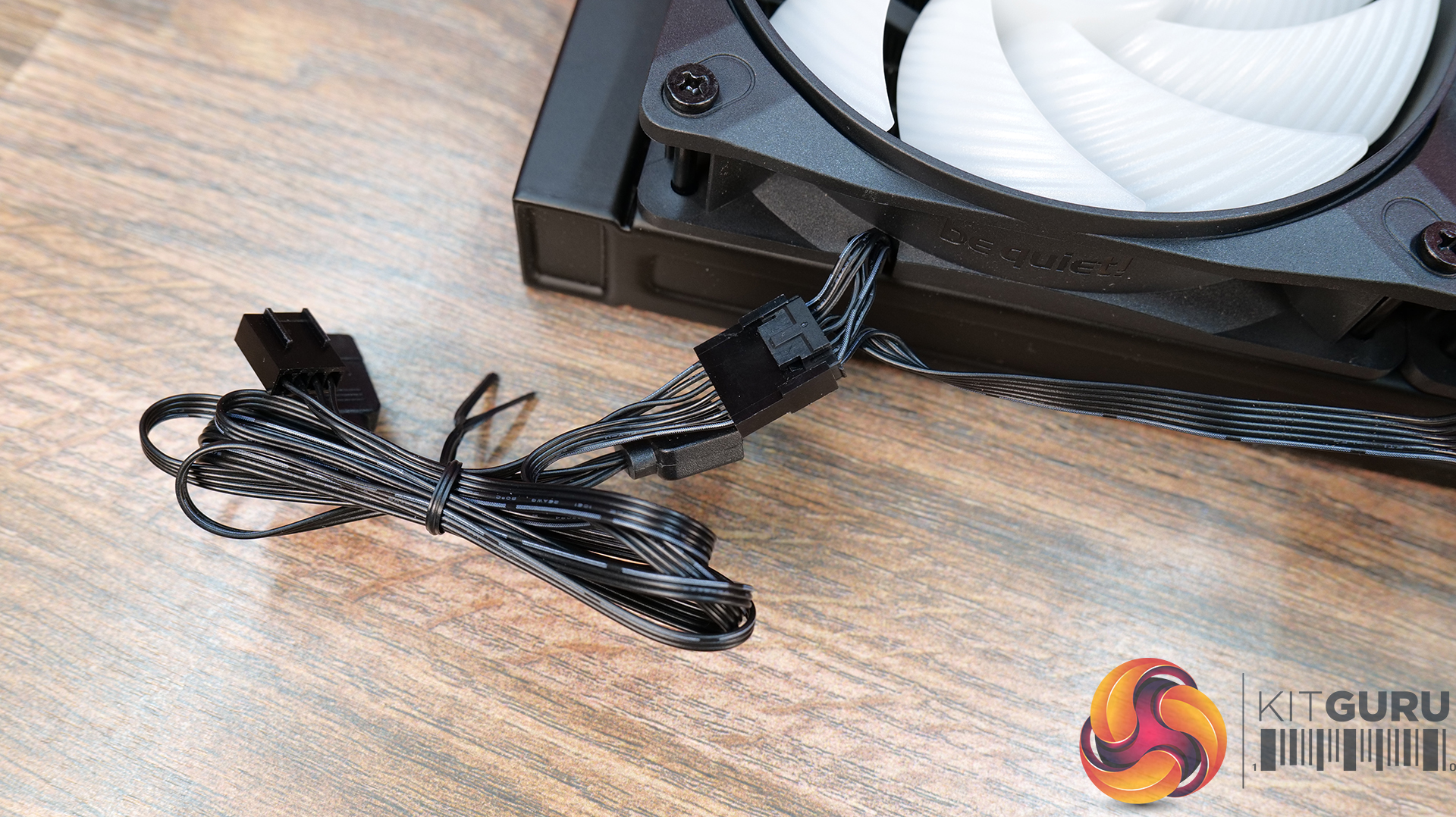
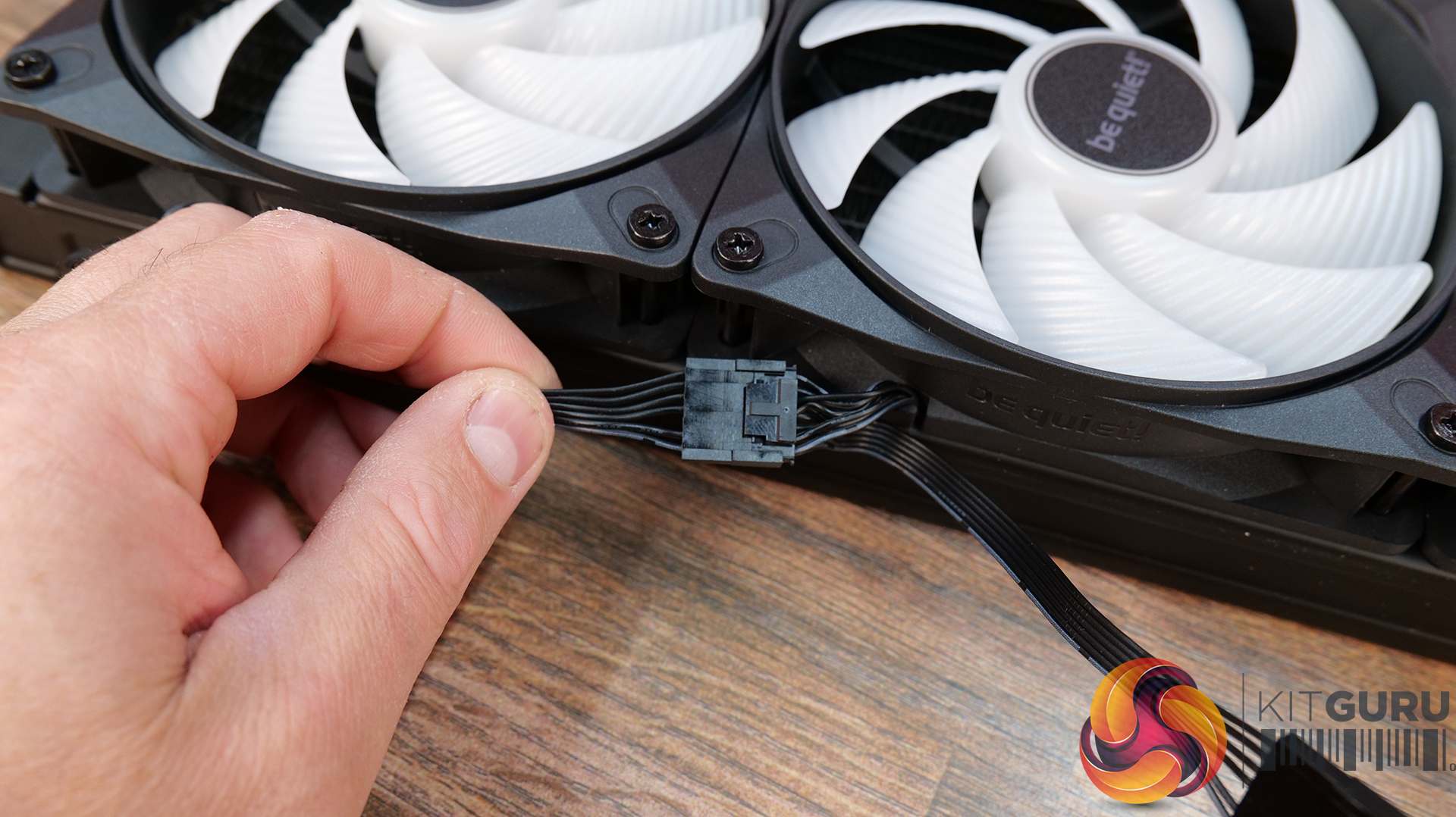
Since the cooler doesn’t come with the fans pre-installed, the first job is to attach the fans to the radiator using the long Phillips head screws found in the accessories pack. Then connect the daisy chain fan wiring and connect the extension to the end of the chain.
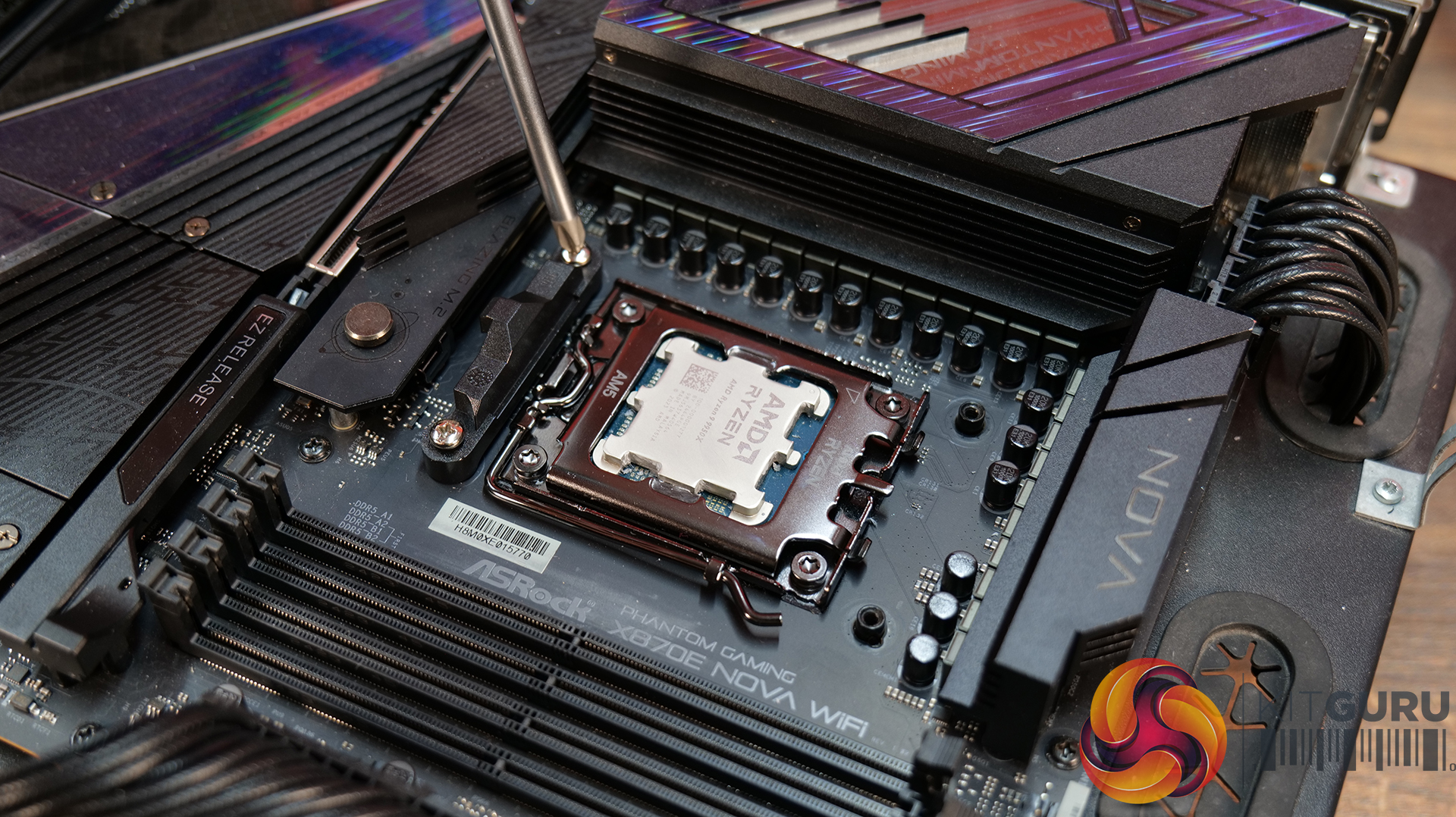
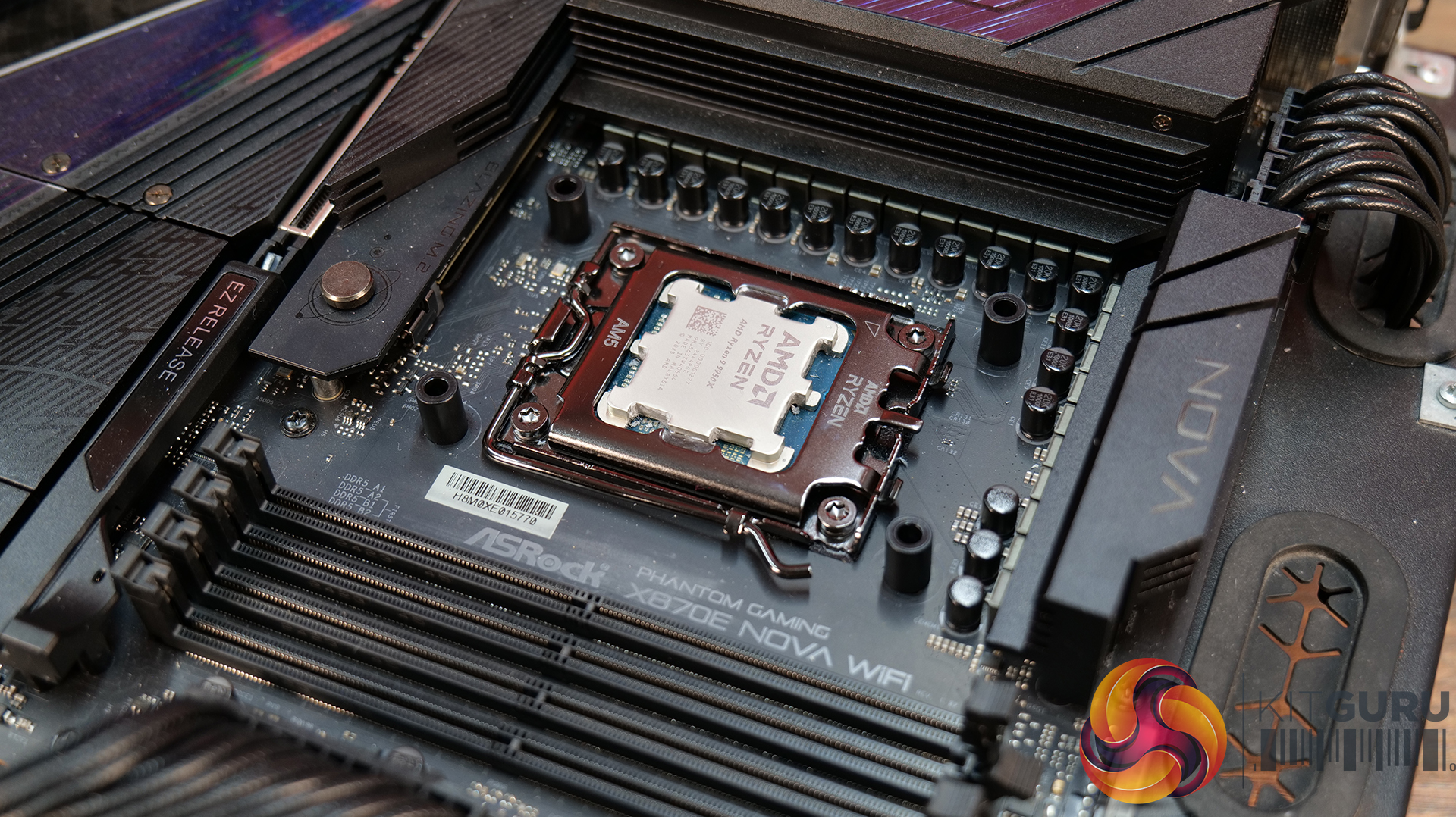
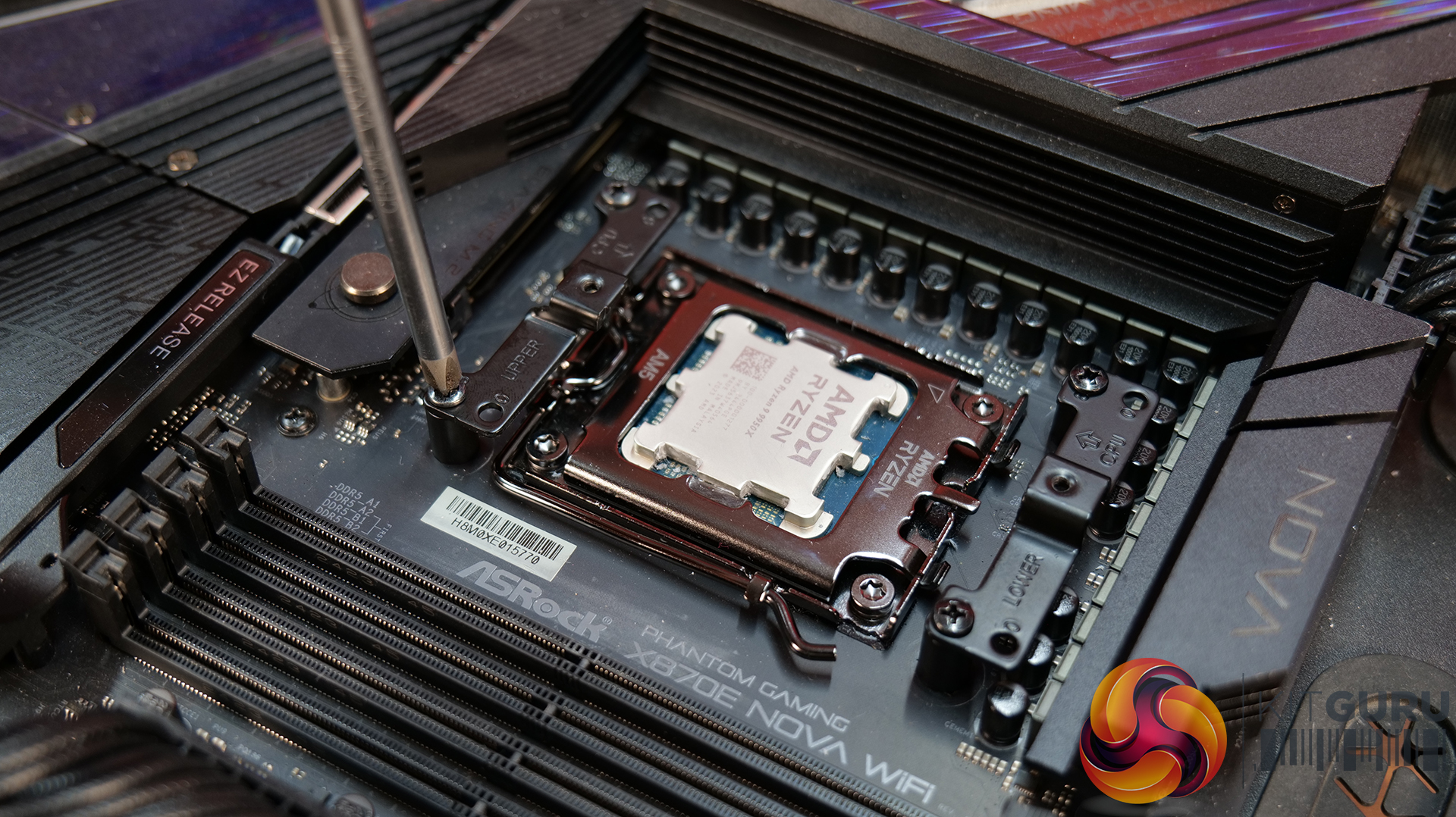
Now, for AMD AM5/AM4 installation, remove the stock plastic upper mounting brackets from the motherboard, place the AMD-specific spacers in position and fasten the be quiet! upper mounting brackets in place using the provided screws.
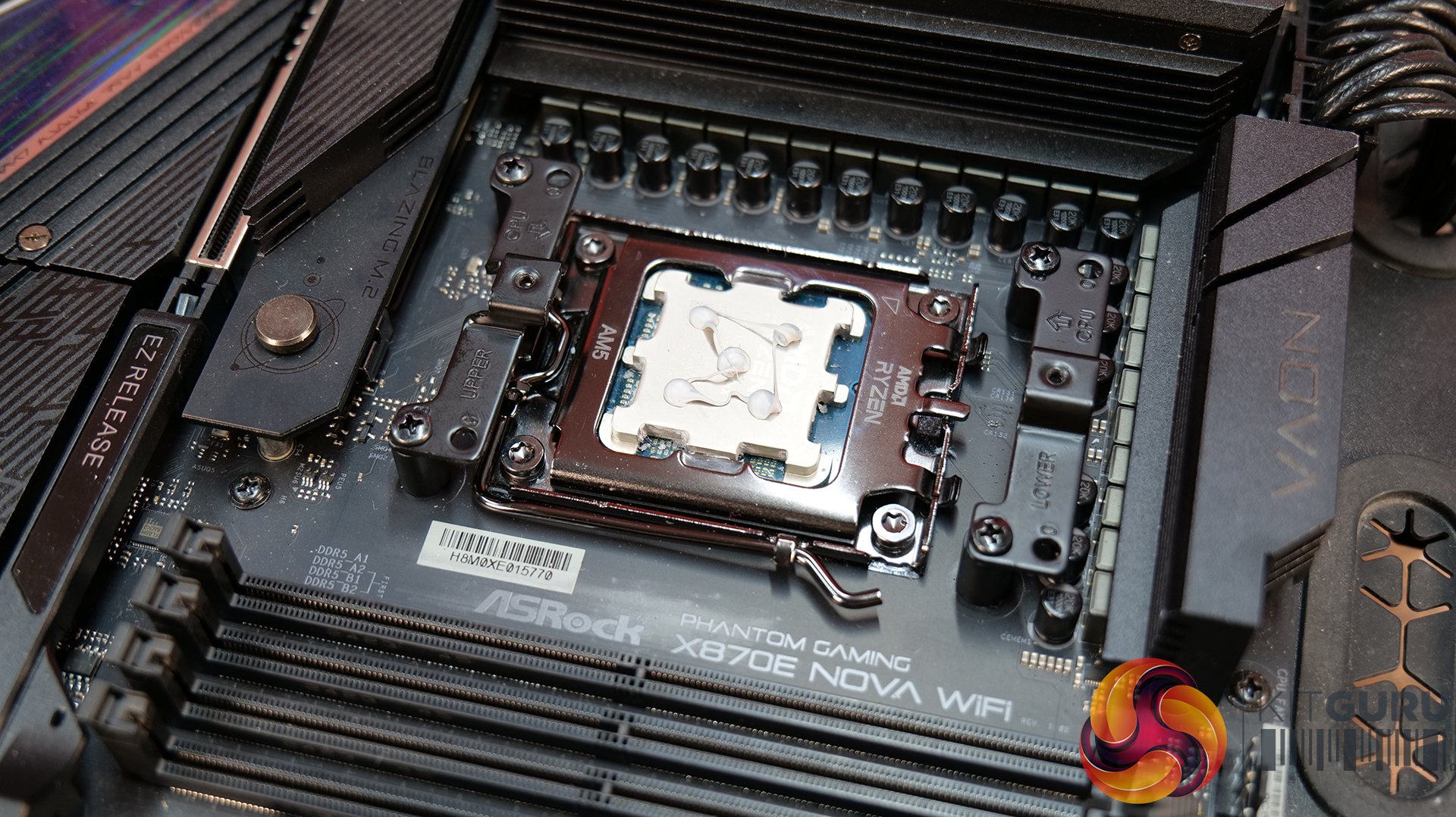
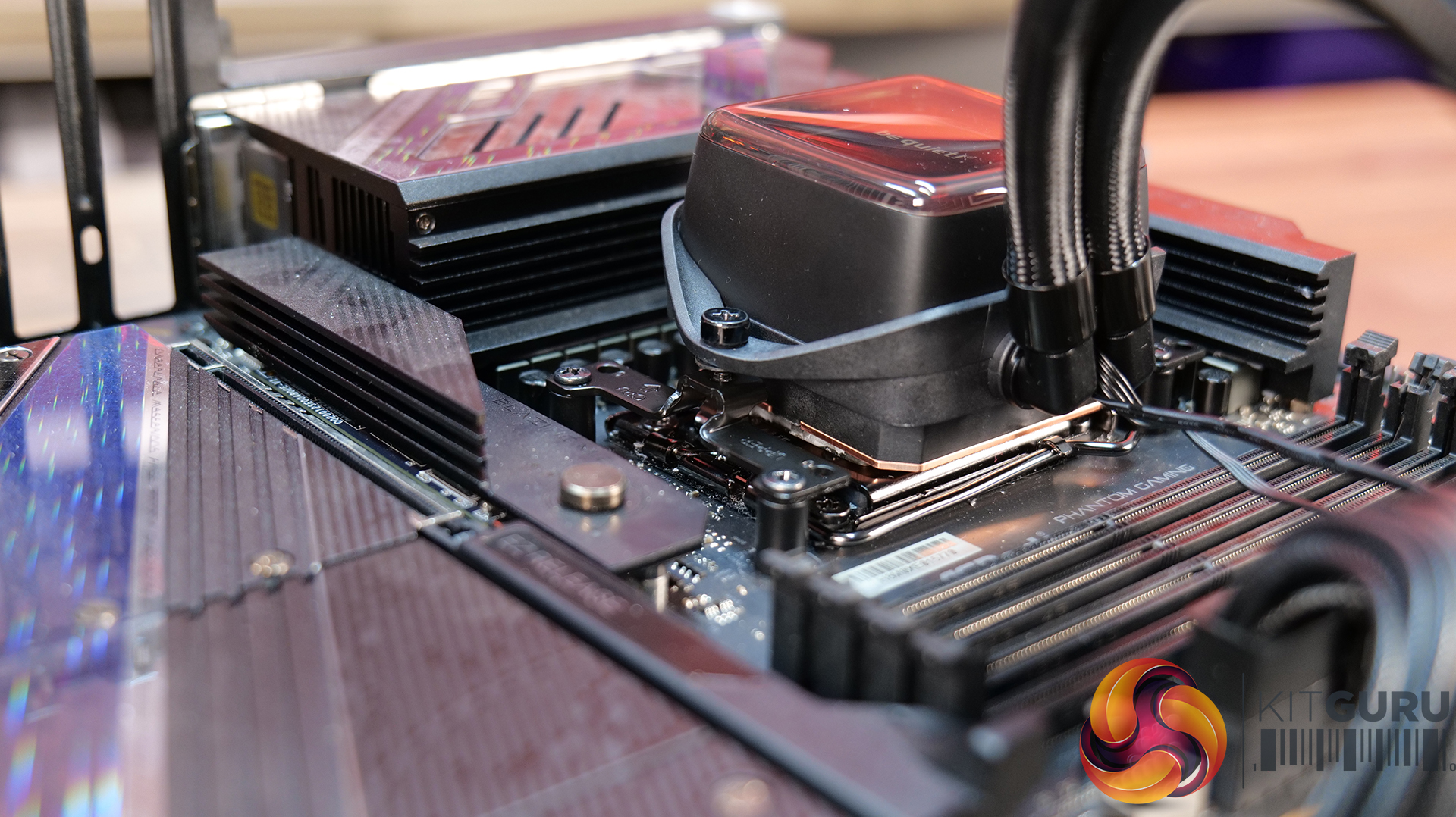
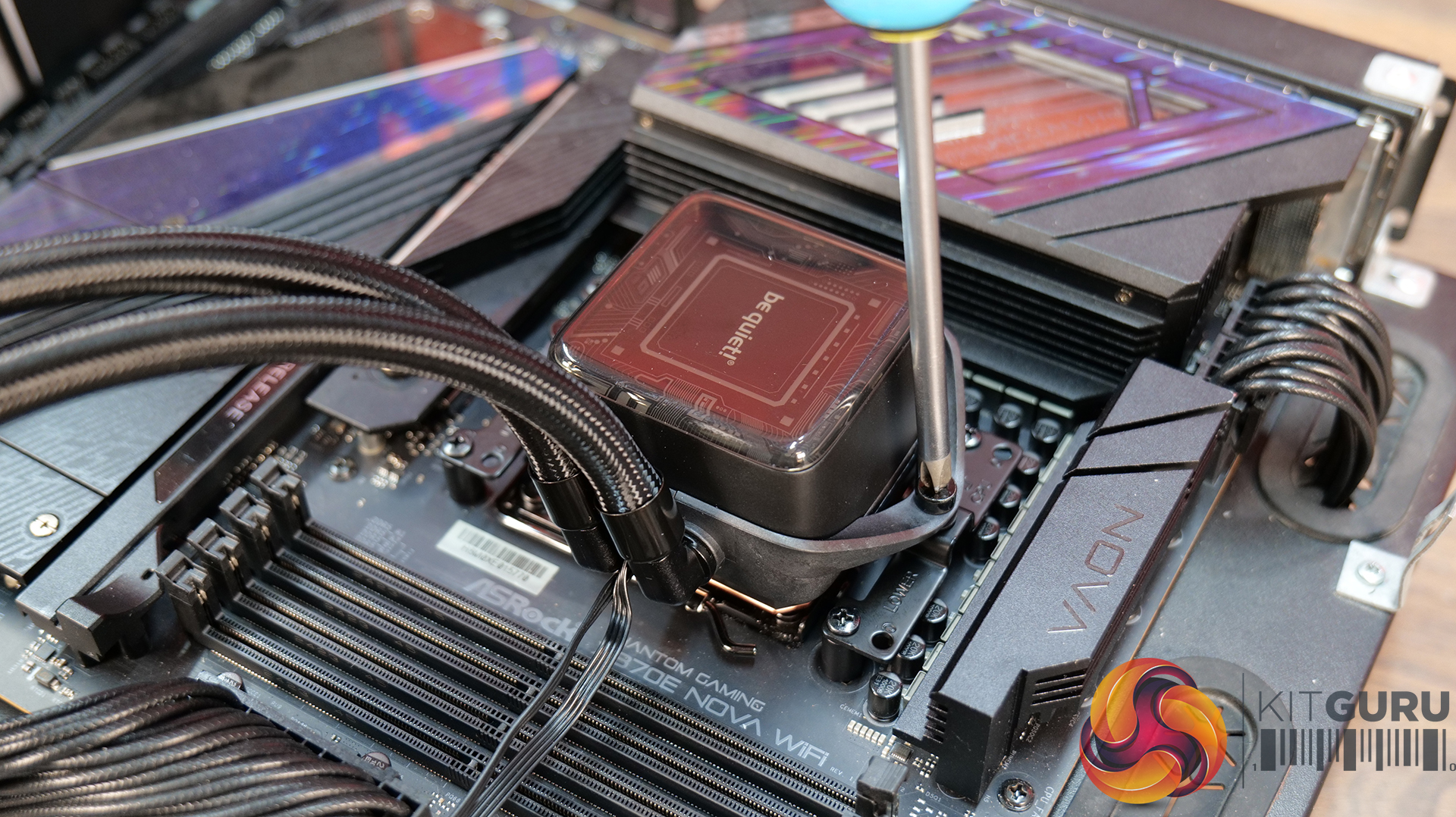
There’s no thermal compound pre-applied to the cold plate base, so now is the time to apply the included thermal compound to the CPU IHS. Then lower the CPU block into position over the CPU and tighten it down using the two mounting screws, tightening evenly and progressively for best contact.
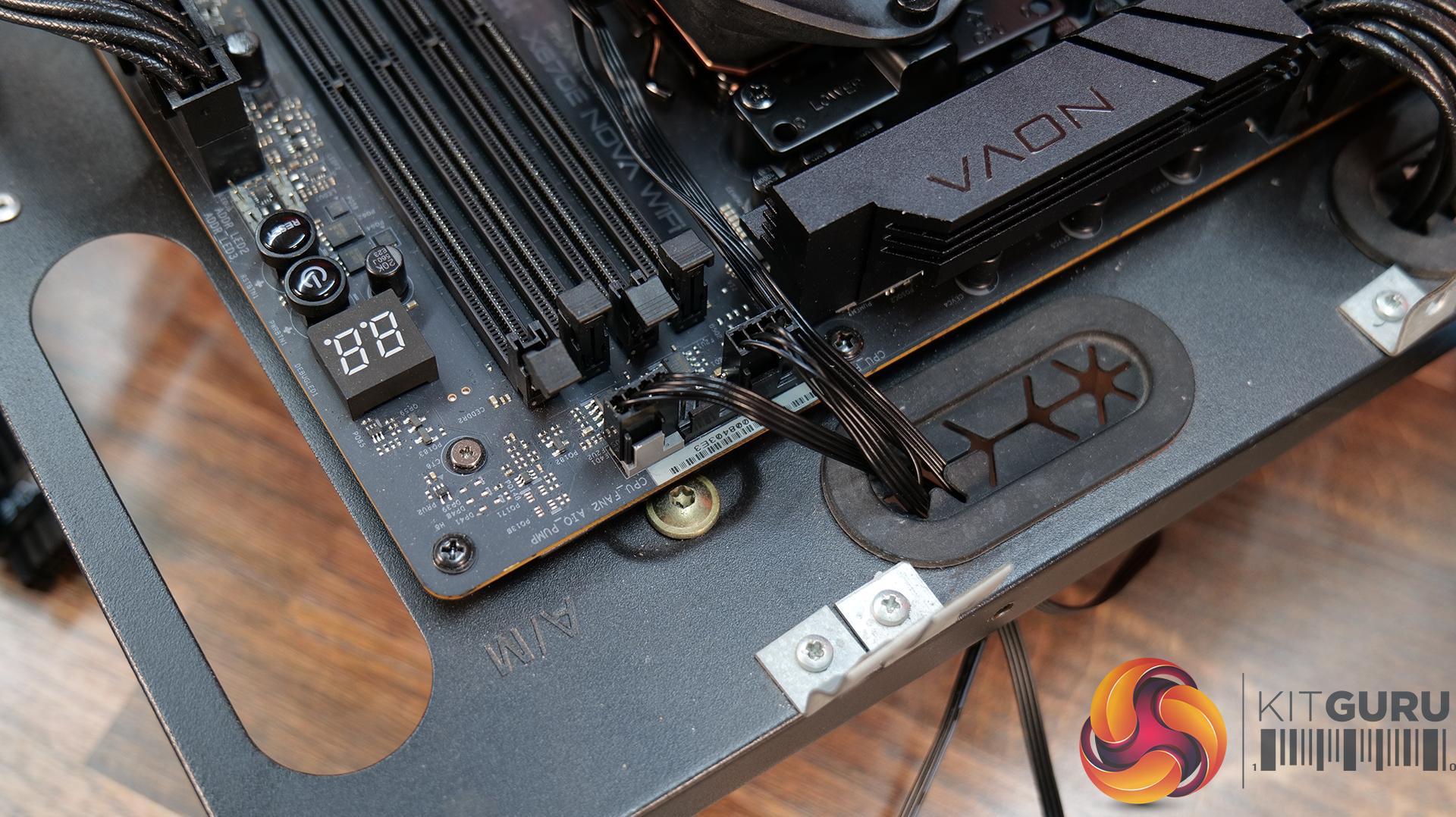
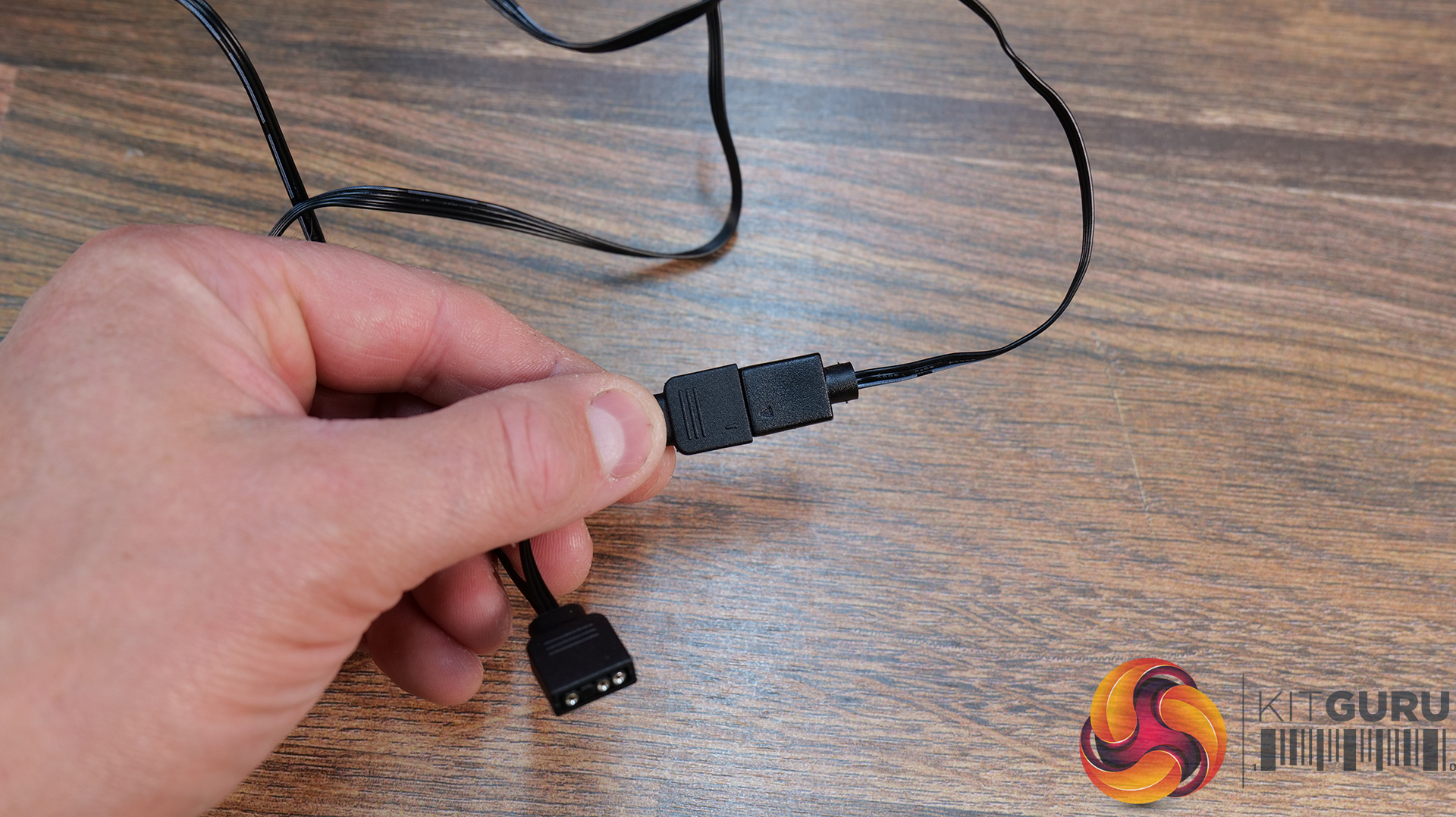
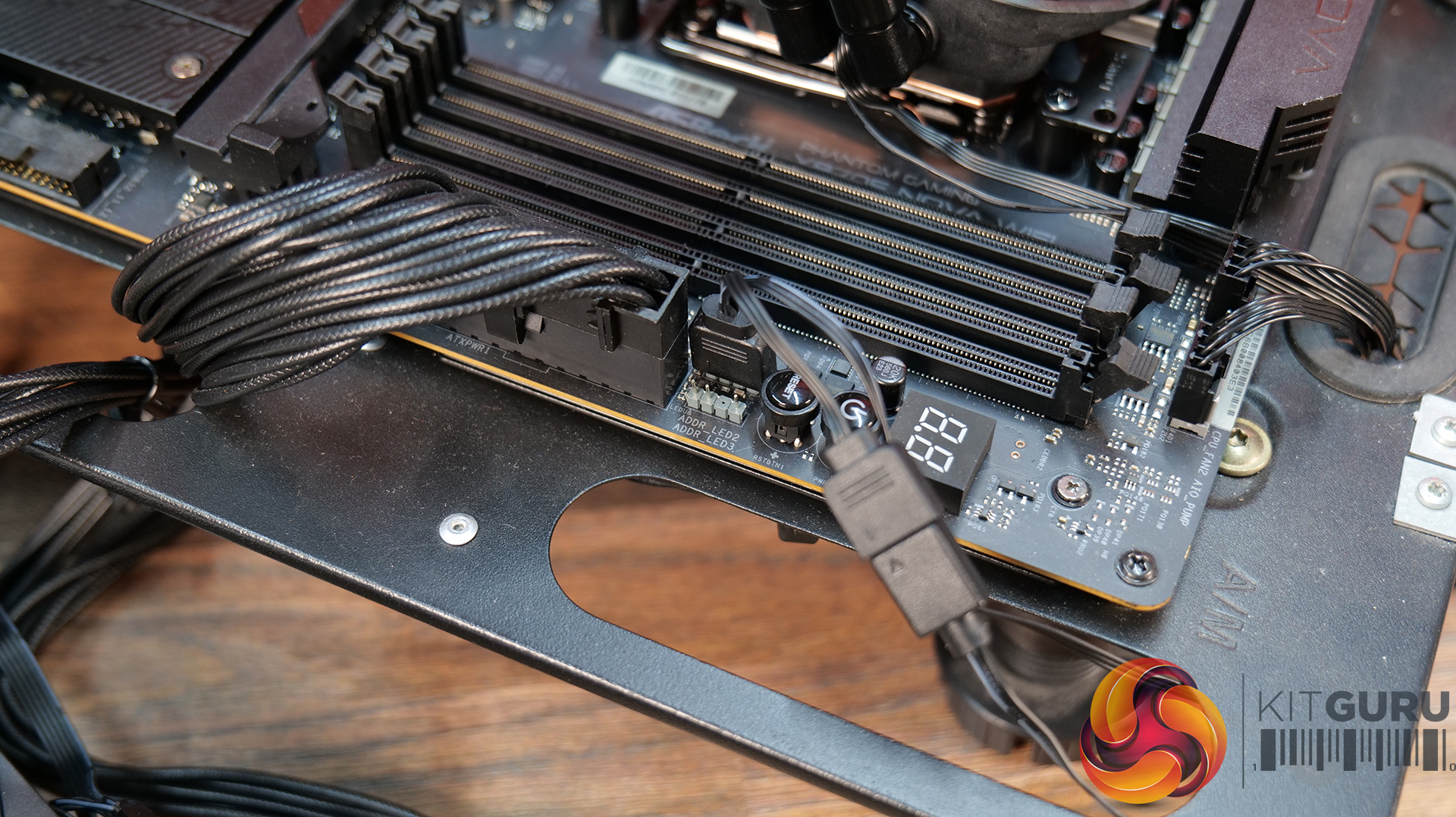
For the wiring, connect the 4-pin power cable from the fans to a motherboard PWM header, usually named CPU_FAN, connect the Power cable from the pump to another PWM motherboard header, usually AIO_PUMP or CPU_OPT. Connect the pump RGB cable to the splitter at the fans and then connect the 3-pin cable to a motherboard 5V ARGB header.
With the radiator mounted in the case, your choice of CPU block foil installed, that’s the installation complete. It's a straightforward installation process, easy even for a novice to do and requires no additional hubs or software.
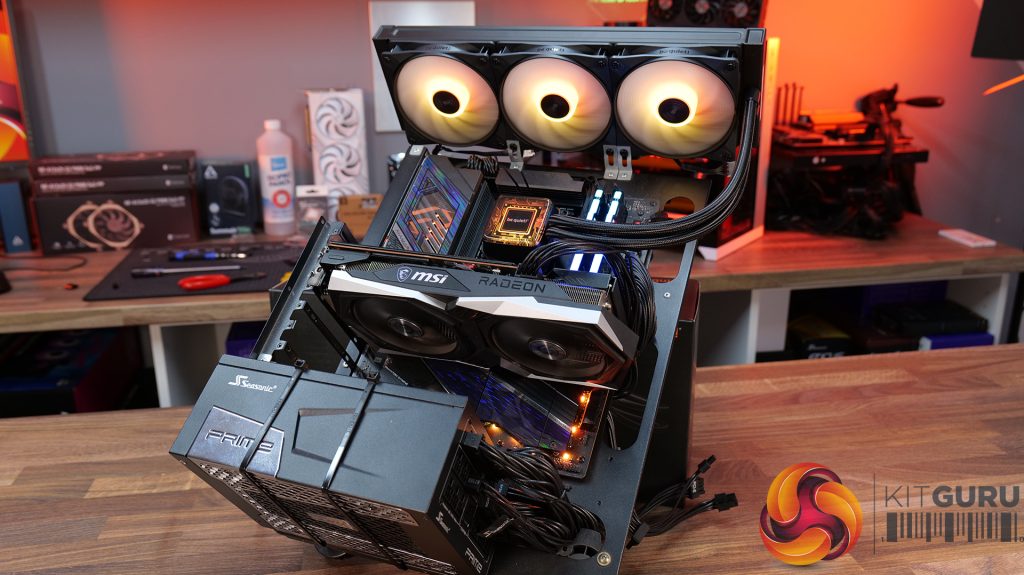
Test System Specifications:
- CPU – AMD Ryzen 9 9950X
- Motherboard – ASRock Phantom Gaming X870E Nova WiFi
- Memory: 32GB (2 x 16GB Modules) Kingston Fury DDR5-6000
- Graphics card: MSI Radeon RX 6600 XT Gaming X
- Storage: 1TB Corsair MP600 Elite PCIe Gen4x4 NVME M.2 SSD
- Power Supply: Seasonic Prime TX-1000
- Chassis: Open Test Bench
- Thermal Compound: Arctic MX-6
- O/S: Windows 11 Version 24H2
Testing Methodology:
We are primarily focusing on the performance of each cooler at 100% fan speed and also when locked to 40dBA noise output. We will focus on cooling performance using a manual overclock with all-core frequency and VCORE locked to 5.2GHz/1.3v (AMD) and 5.5GHz/1.3v (Intel) and Precision Boost Overdrive performance.
- The test data is logged using HWINFO and the final 10 minutes of the data is calculated to find the average CPU temperature and CPU clock multiplier (AMD PBO Test) and then plotted in the charts.
- For testing, we use a 30-minute looped run of Cinebench R23 and record the steady-state CPU temperature at the end of the test. This ensures that the CPU has had ample time to warm up and reach a steady state under all of the coolers.
- The ambient is maintained at 19-21 degrees Celsius. Where there is variation beyond this temperature range, we add extra repeated tests to ensure consistency. However, this is well controlled now with A/C.
- We also test each cooler with at least two fresh installs (typically three) to mitigate the likelihood of poor mounting spoiling results.
- Ambient temperature and humidity are controlled via a mini split air conditioning system inside the test room. Ambient temperature is maintained between 19-20C, Temperature delta figures are shown in the charts (ambient temperature is deducted from the measured component temperature).
Test Results:
Acoustics
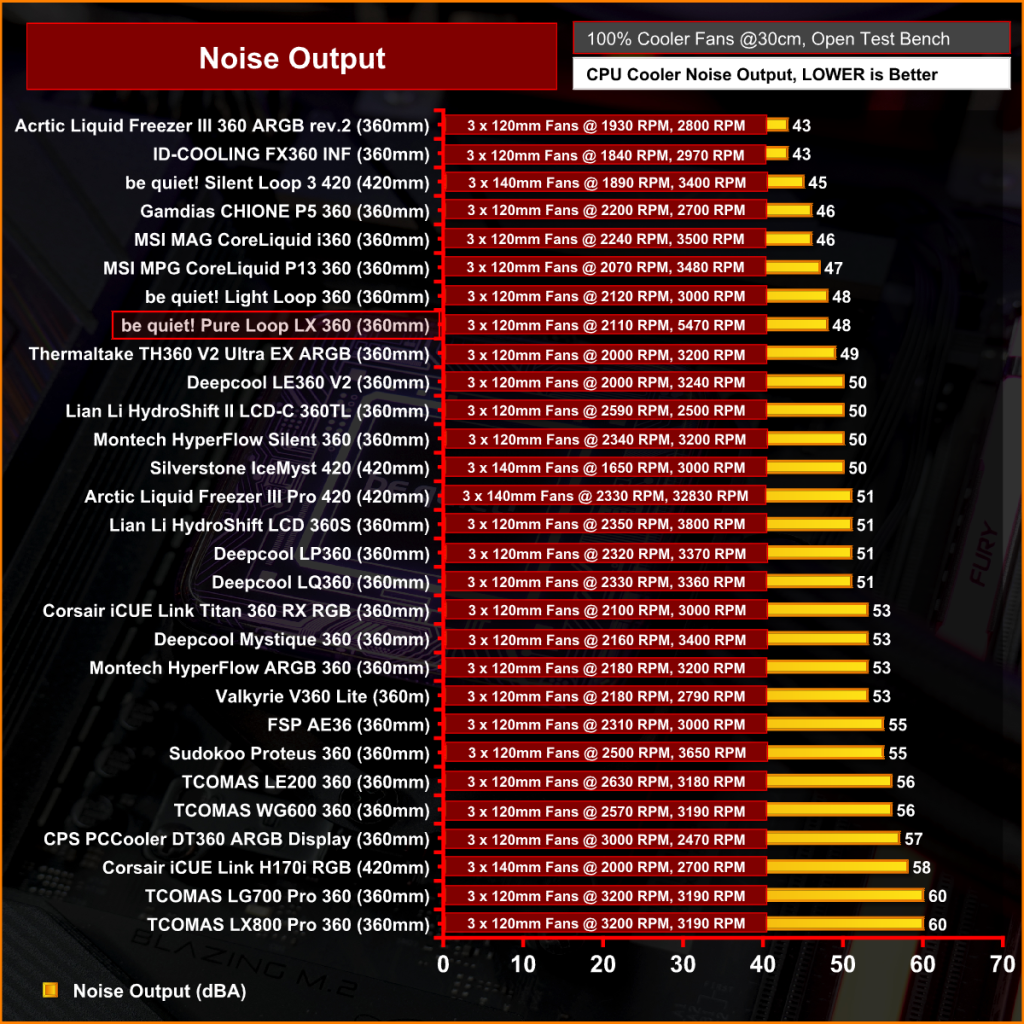
As we have come to expect with be quiet! products, a key focus is low noise and it doesn’t fail to disappoint again with the Pure Loop 3 LX, outputting a maximum noise level of 48dBA at 100% fan speed. It's not the absolute quietest cooler we have tested, but it is up there. Even with the fans running at full speed it's not annoying or too distracting.
Thermal Performance: AMD Ryzen 9 9950X
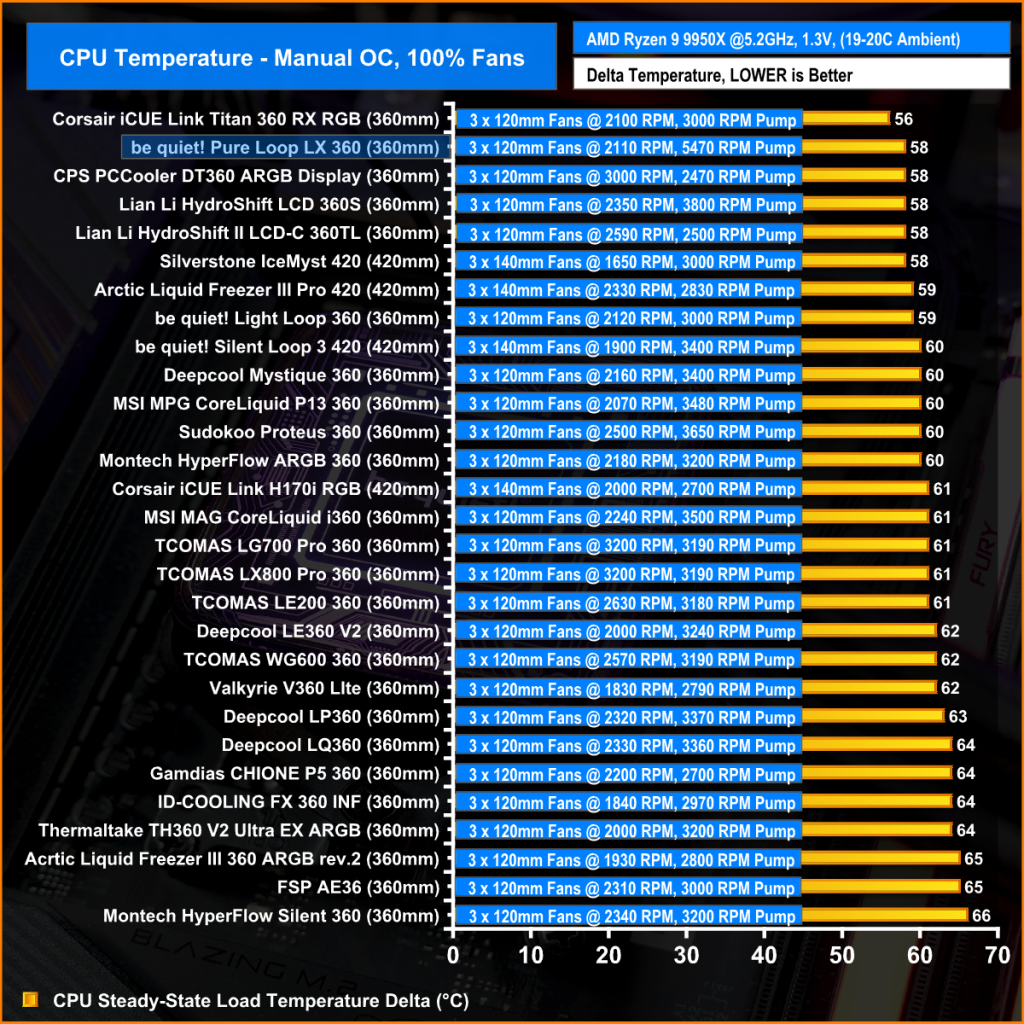
With fans at max rpm and the CPU frequency and VCORE locked, the Pure Loop 3 LX produces 58°C average CPU temperature which almost tops the chart, only beaten by the Corsair iCUE Link Titan 360 RX. This kind of performance from a 360mm AIO under £100 is very impressive, especially considering the low noise output too.
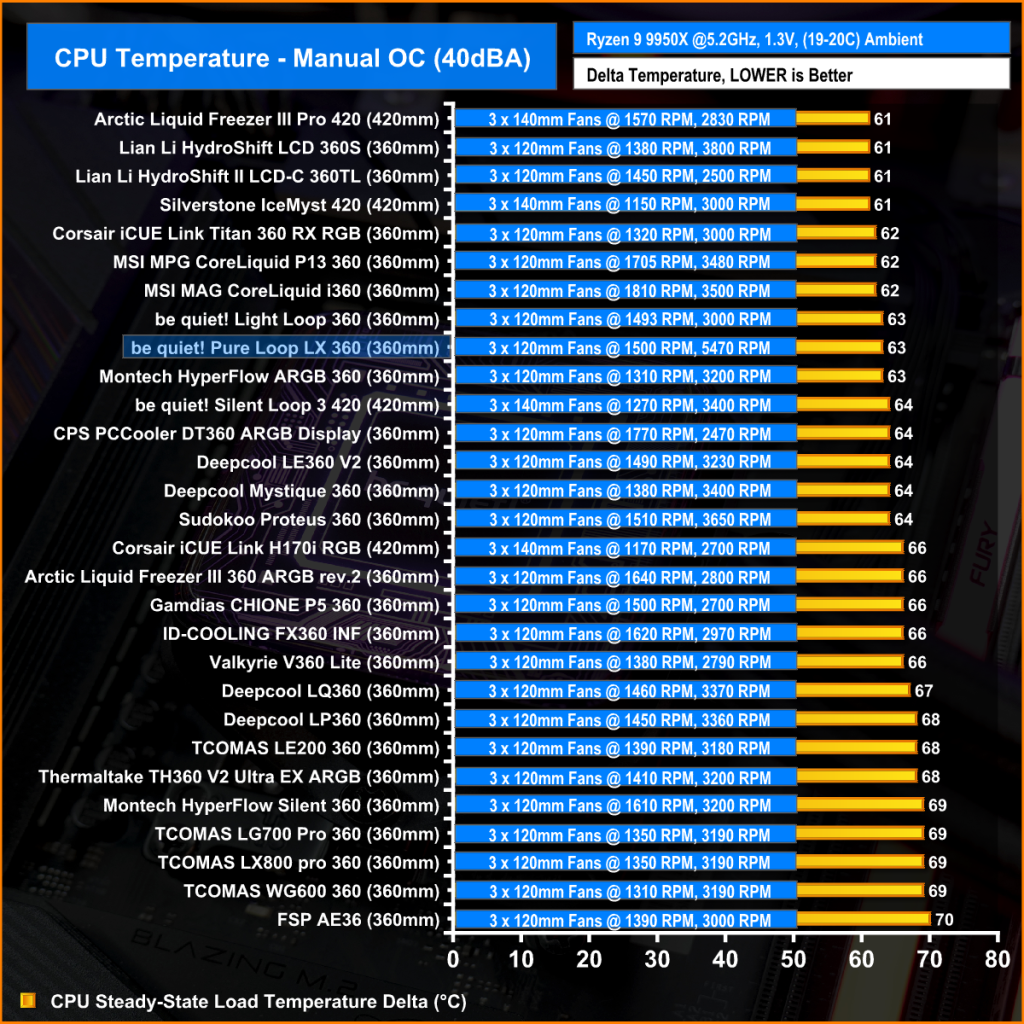
When the fan speed is reduced to hit the 40dBA noise target, performance drops off a little compared to the competition, but at 63°C average CPU temperature it's still up there, trading blows with some of the top 360mm AIOs and again, it's very solid performance from a budget cooler.
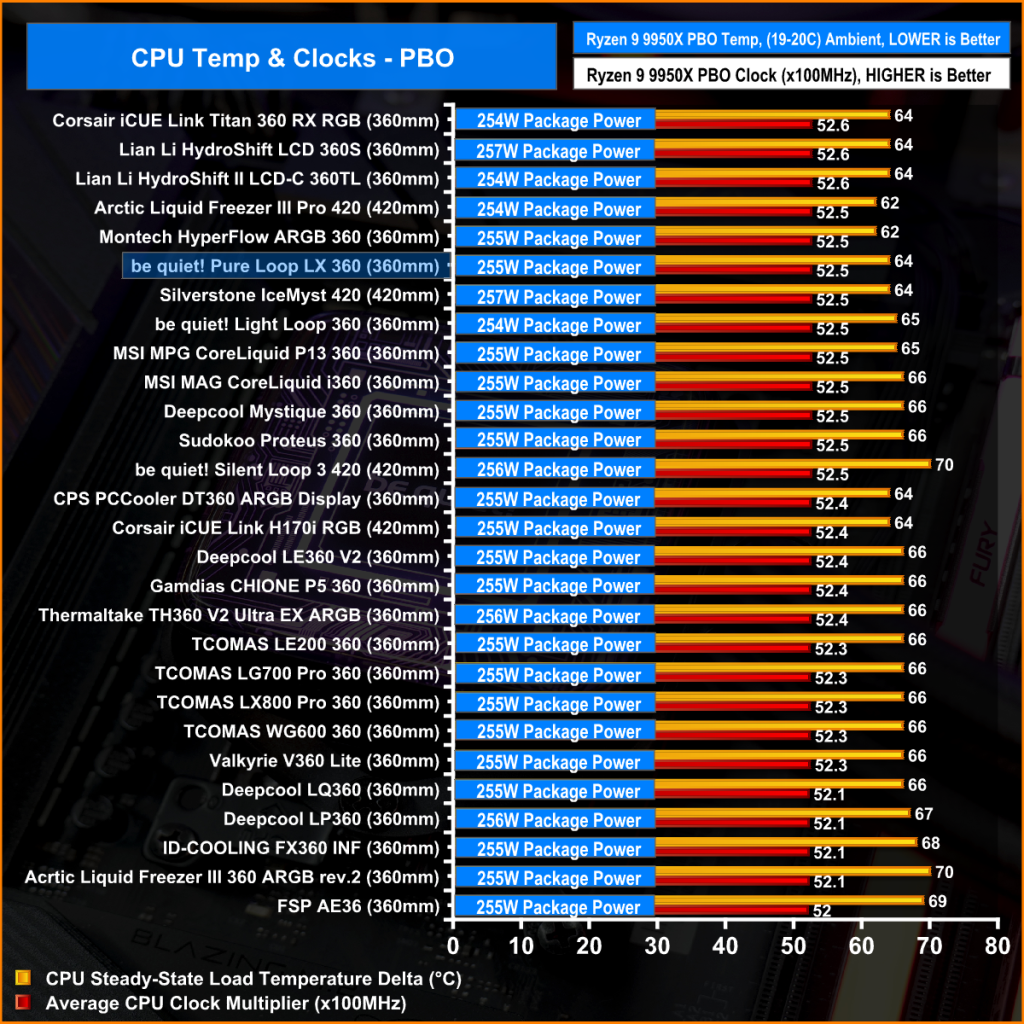
AMD PBO adjusts CPU frequency based on a target temperature threshold, so the temperature delta between coolers is close and it’s the CPU multiplier that is the important metric.
Again the be quiet! Pure Loop 3 LX shows solid performance with an average clock multiplier of 52.2x at 64°C which is equal to some coolers equipped with larger 420mm radiators and more expensive units, while only producing 48dBA noise so overall it's excellent performance from the Pure Loop 3 LX.
The be quiet! Pure Loop 3 LX 360 offers AIO customisation in a way we have not seen before, with ten interchangeable foil CPU block top cover designs. It’s a very simple but effective way to give the user some system customisation without breaking the bank, and I quite like it. However, it would be even better if the user could add their own design in some way, maybe a blank foil that the user can print a design on at home. Nevertheless, it’s a genuinely unique feature.
Unlike other recent AIOs from be quiet!, the Pure Loop LX is maintenance-free, there's no filling inlet in the radiator and no included top-up fluid. However, you still get the same three-year warranty as you do with other refillable AIOs, such as the Light Loop 360, so the fact that the Pure Loop LX doesn’t allow for fluid top-up isn’t of any concern. The build quality of the Pure Loop LX seems to be as good as premium models, but it's also cheaper, so it's good to see be quiet! hasn’t compromised on quality for a lower price.
In terms of thermal performance, for a budget cooler it's great, and at maximum fan speed it runs relatively quiet at 48dBA. In both our maximum fan speed and 40dBA tests, the Pure Loop LX is right up there with some of the best 360mm AIOs that we have tested. In terms of price vs. performance, it's excellent value for money. In a market where budget AIOs are everywhere, the low noise and CPU block customisation of the Pure Loop LX gives it a chance against other AIOs that all look and perform very similarly.
Overall, there is very little to dislike about the Pure Loop 3 LX. Yes, the RGB effects on the fans might be quite basic with just opaque blade illumination, but it is bright and well diffused, so it looks fine. Installation is very simple; it uses all standard wiring connections so there are no hubs or software needed for it to fully function. Daisy-chained fan wiring makes cable management easy, and it's relatively cheap at £100 or less depending on where you buy it, so if you want low noise, high-performance cooling and customisation on a budget, then this could be the perfect choice.
The be quiet! Pure Loop 3 LX 360 is available to purchase now from Scan priced at £98.99 HERE.
Pros:
- Unique CPU Block customisation.
- Great thermal performance and low noise.
- Easy installation and standard wiring connections.
Cons:
- Basic RGB on the fans.
- Short warranty compared to some AIOs.
KitGuru says: If you're in the market for an AIO to cool a high-end CPU but don't want to break the bank, then the Pure Loop 3 LX is a great option.