KitGuru KitGuru.net – Tech News | Hardware News | Hardware Reviews | IOS | Mobile | Gaming | Graphics Cards


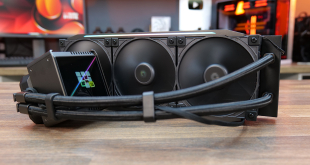
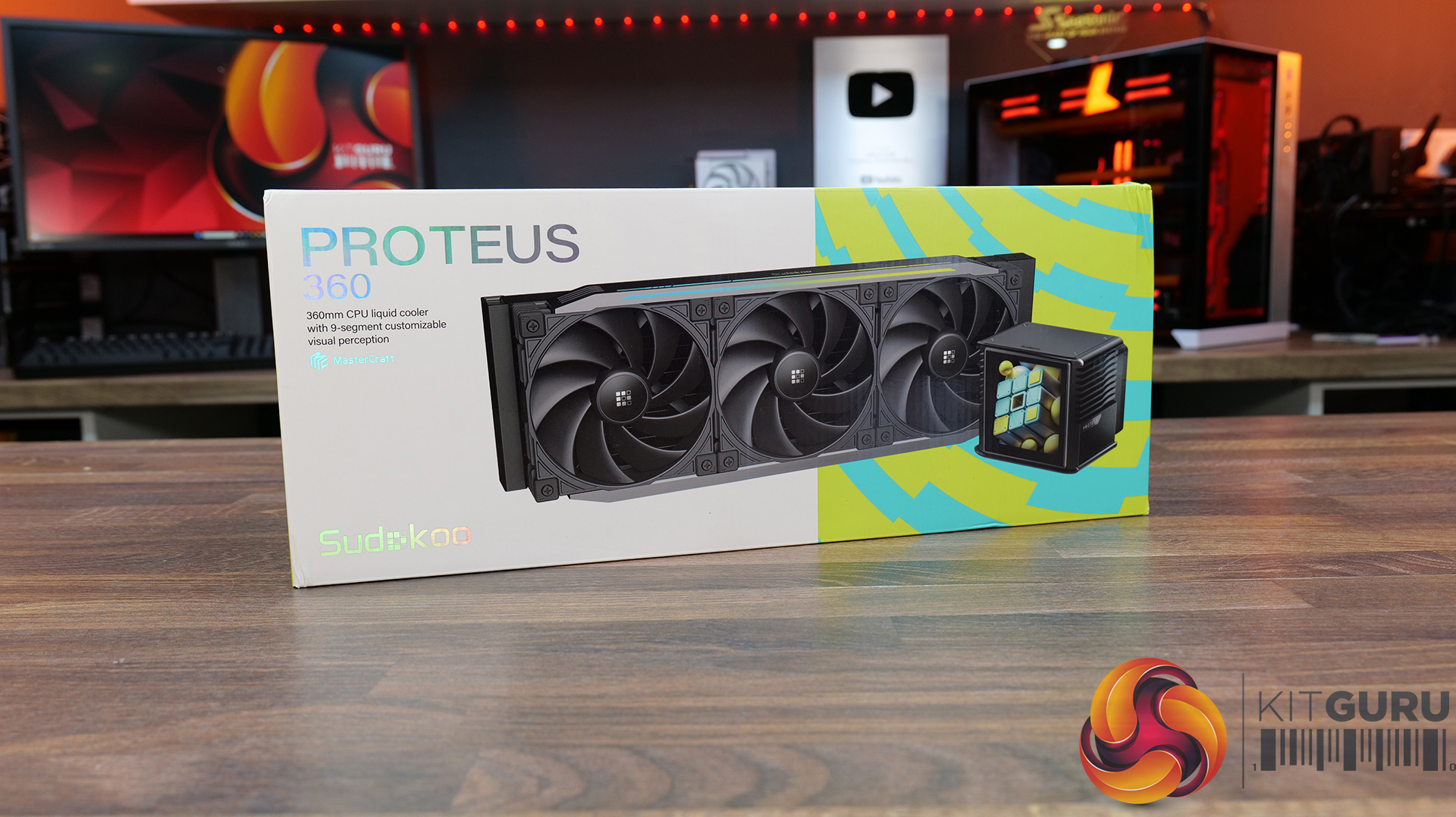
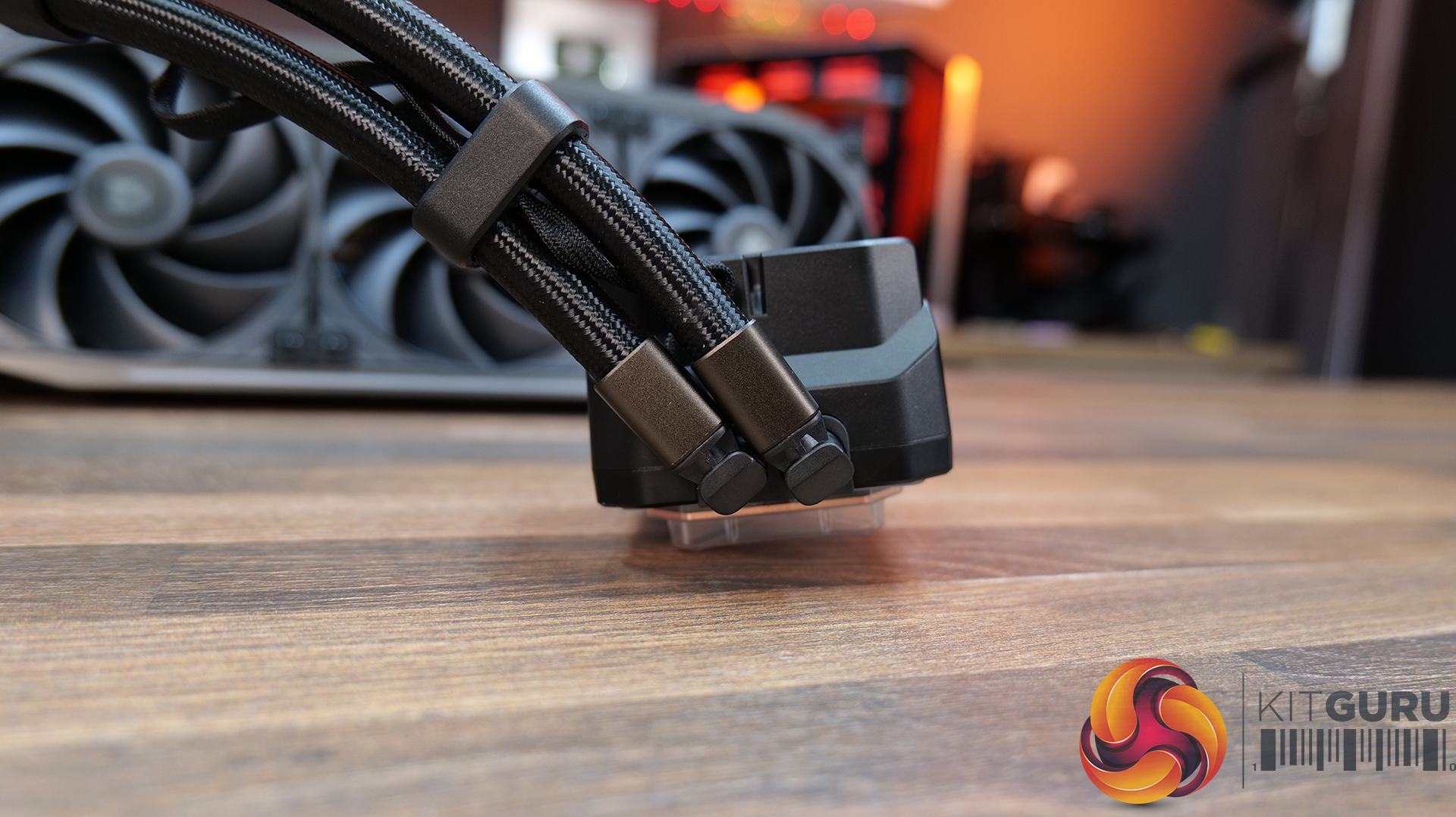
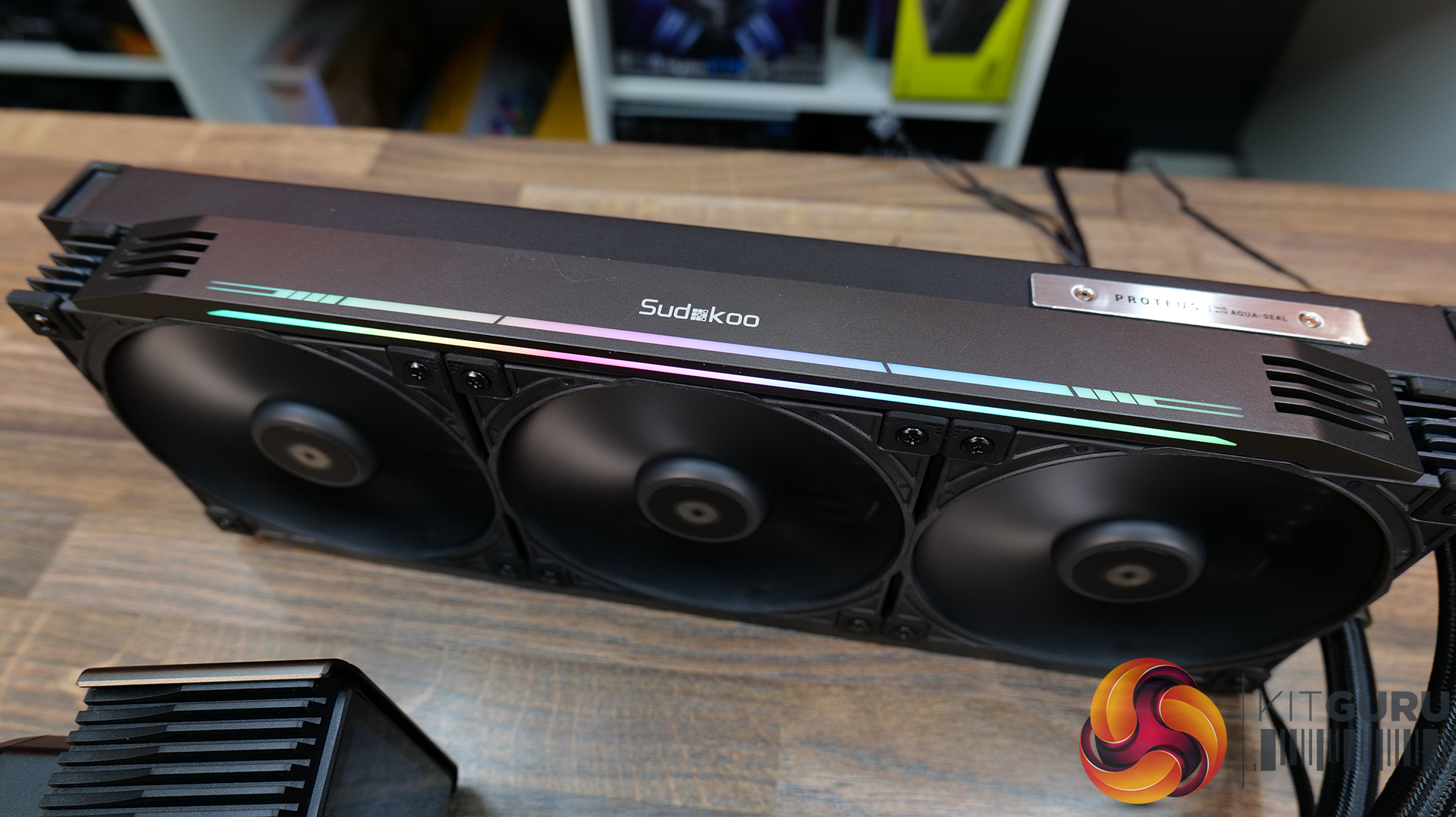
Sudokoo is a new PC cooling brand that you may not have heard of. In fact, when they reached out to ask if we could review one of their coolers, I hadn’t heard of them either. The company says it sources its hardware from a well-known OEM based in Taiwan, and is aiming at the premium market with its first 360mm AIO, the Proteus 360. We've got our hands on a sample of this new cooler and in today's review we will find out if it's worth the £260 price tag, or whether the Sudokoo Proteus 360 is just a bit of a puzzle.
Timestamps:
00:00 Start
00:44 Pricing and Overview
01:37 As it is supplied
02:35 Radiator / Covers / Tubing
05:29 CPU Block / Screen / Warranty
06:13 Pump / Software / Fans
07:03 Fitting the plastic covers carefully
07:54 The Hub / Fan Tech details
08:55 Accessories / Compatibility
09:34 Cooler DNA?
13:00 Installation Process / Software
15:57 Thermal Performance and Noise Output
17:59 James Closing Thoughts

Features:
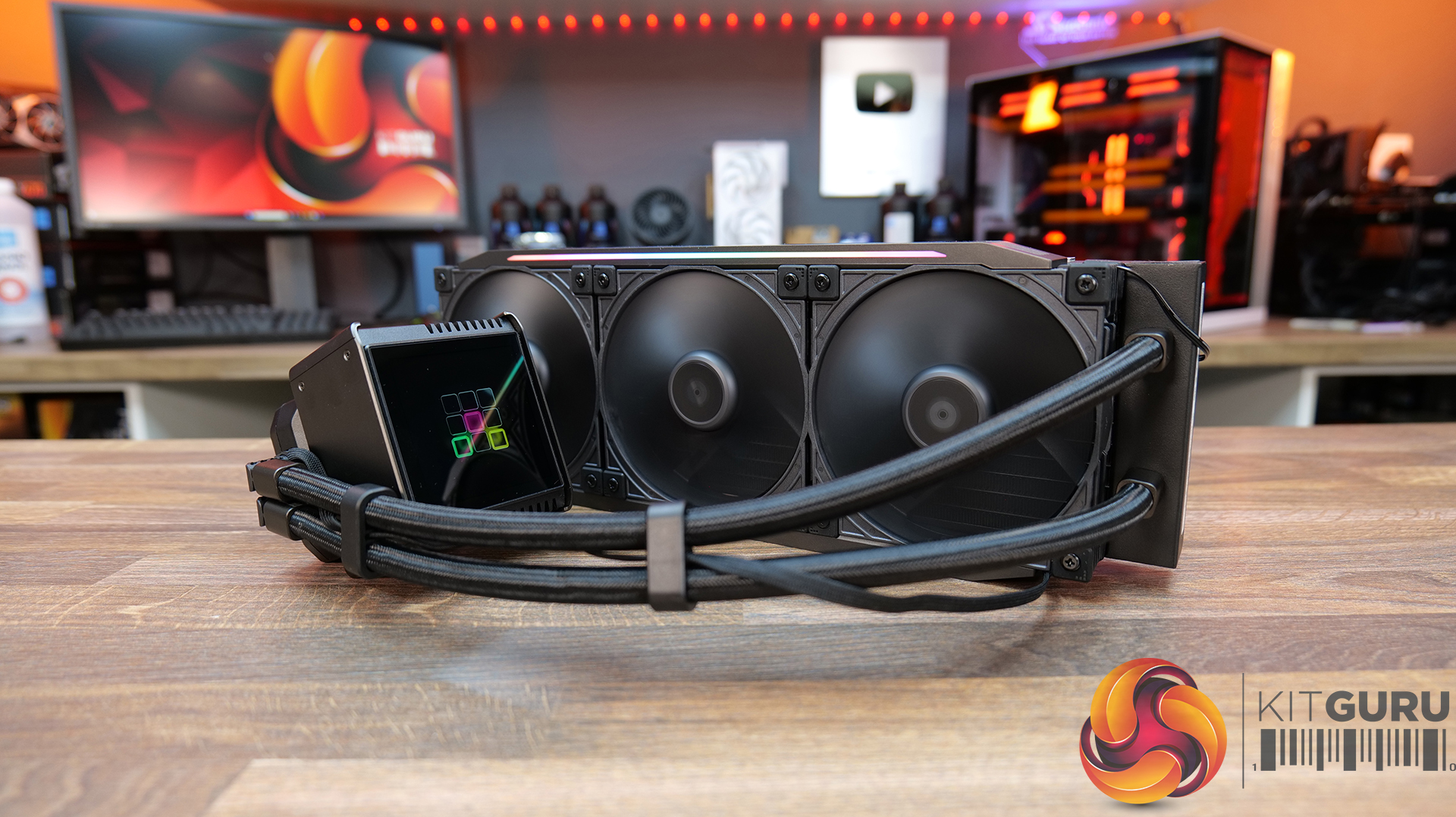
- According to Sudokoo, the Proteus 360 is a revolutionary cooling solution. Its customisable LCD screen can display personalised videos, animated GIFS, images or real-time system information.
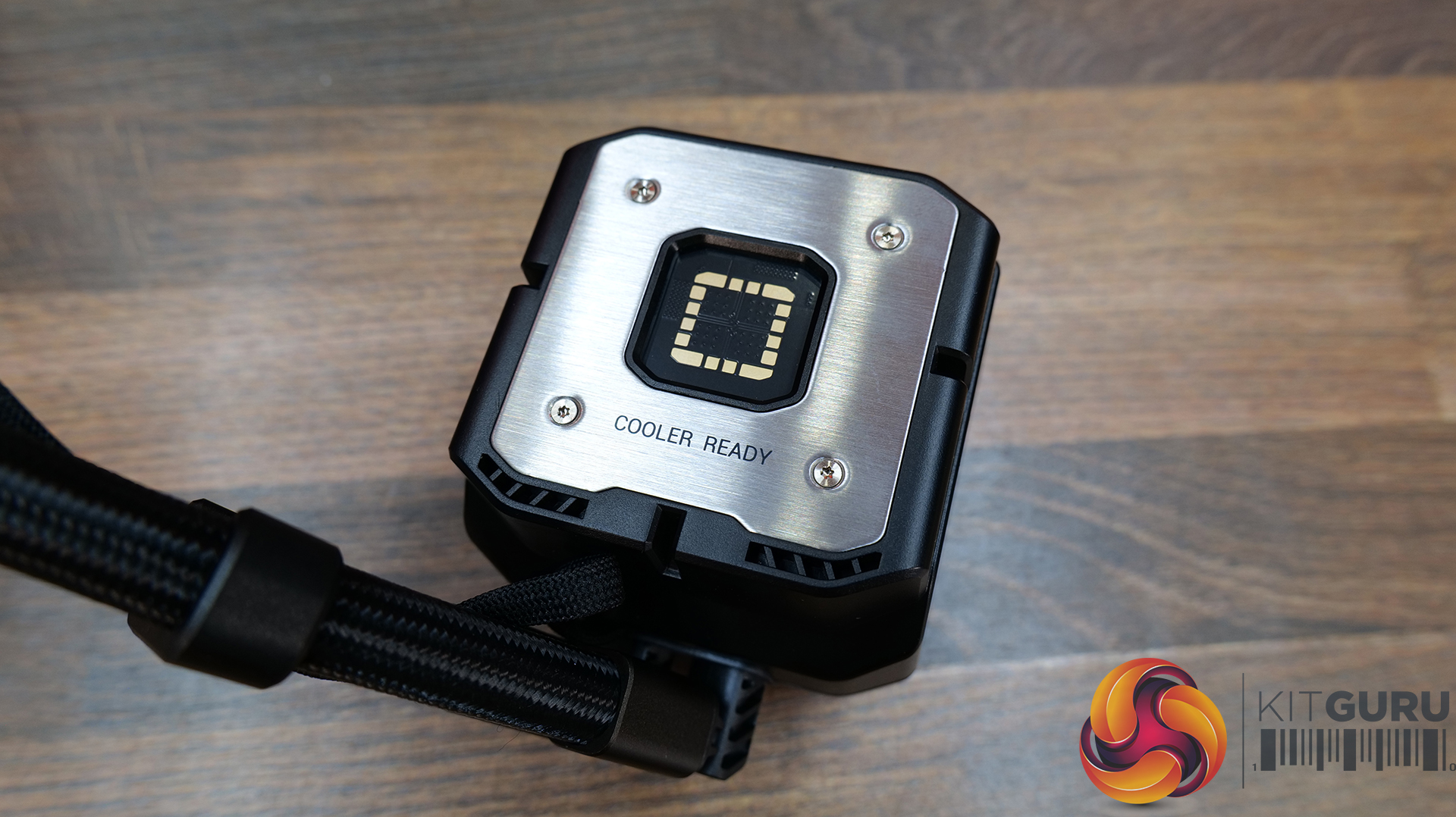
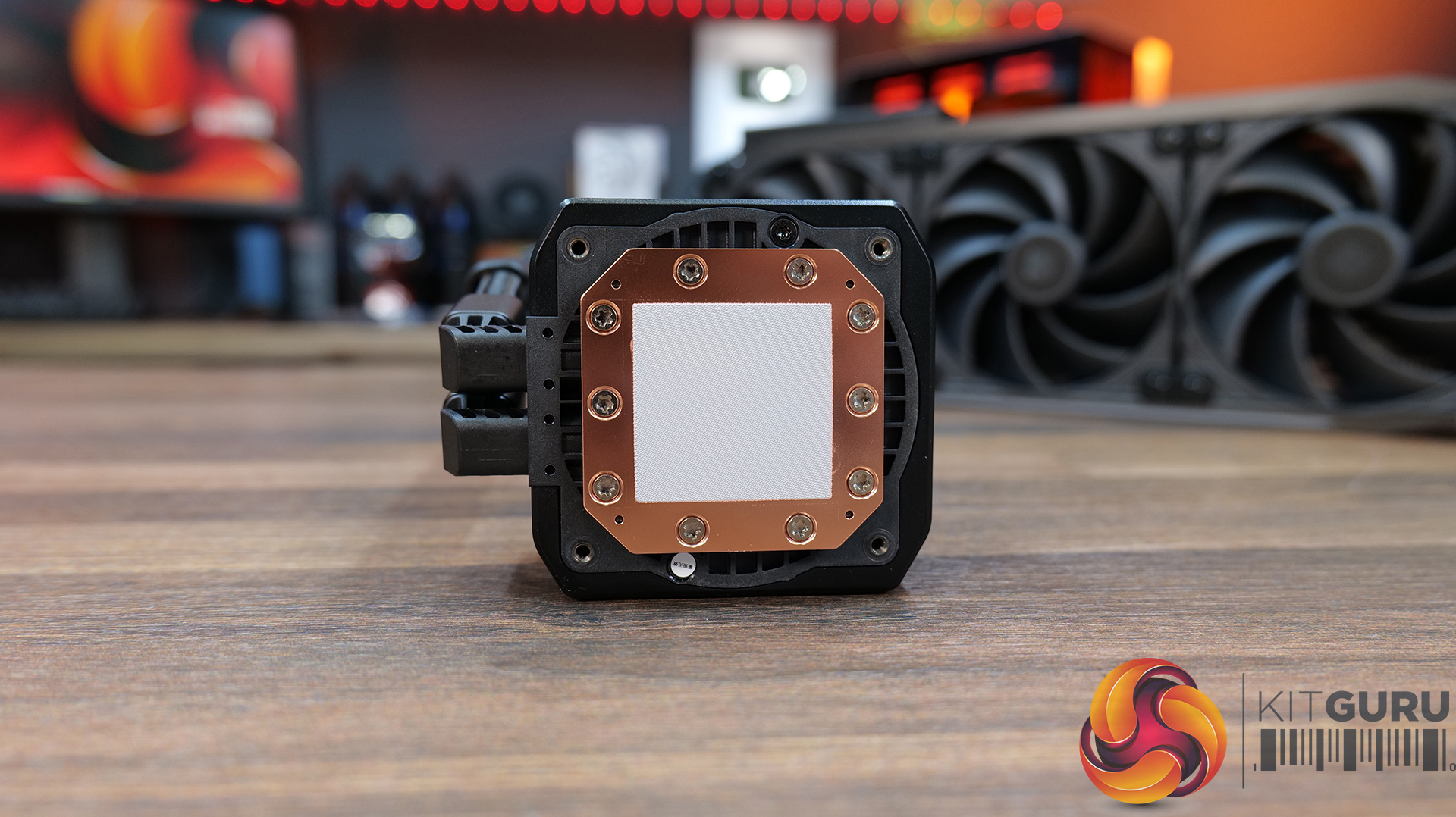
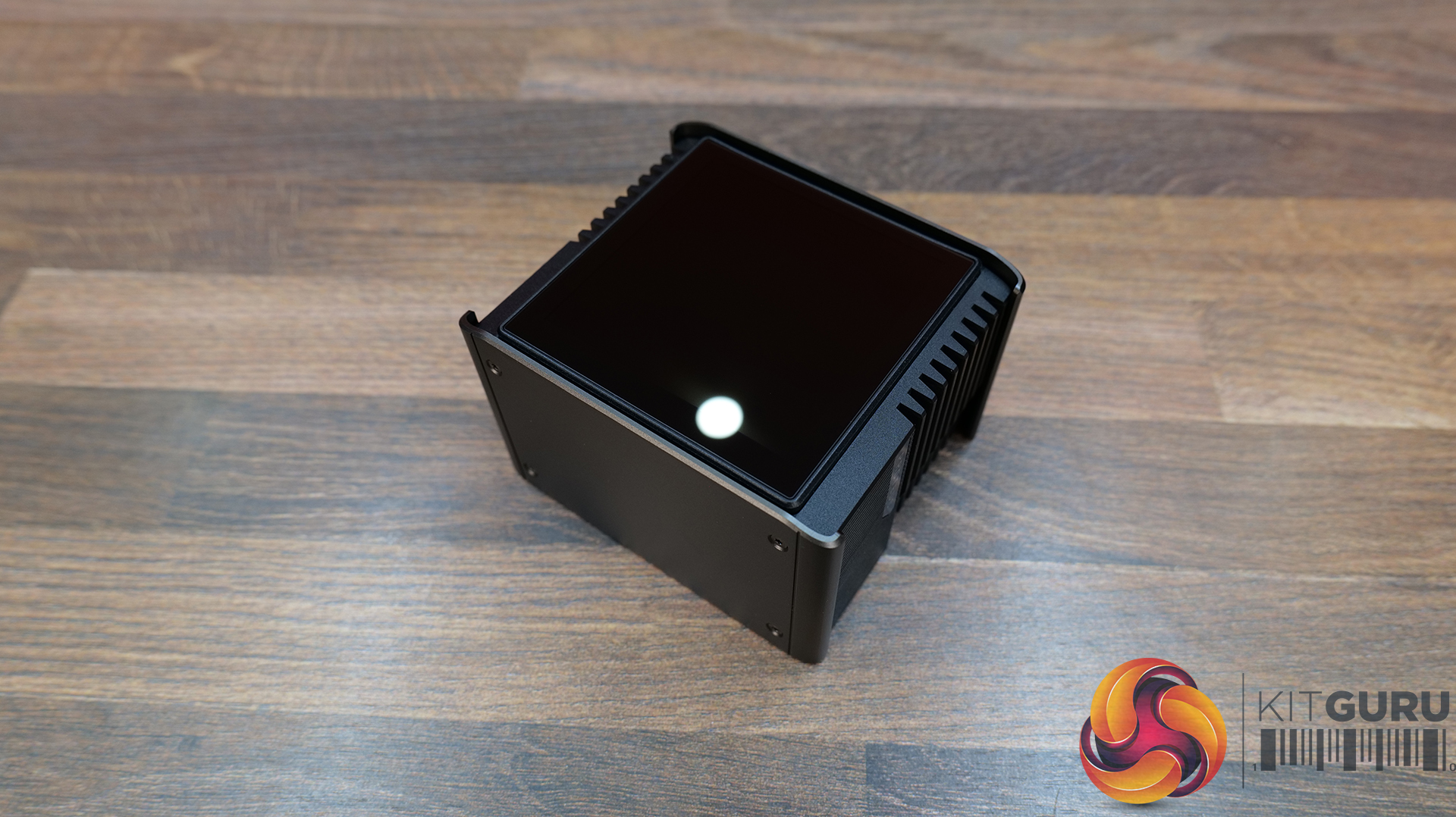
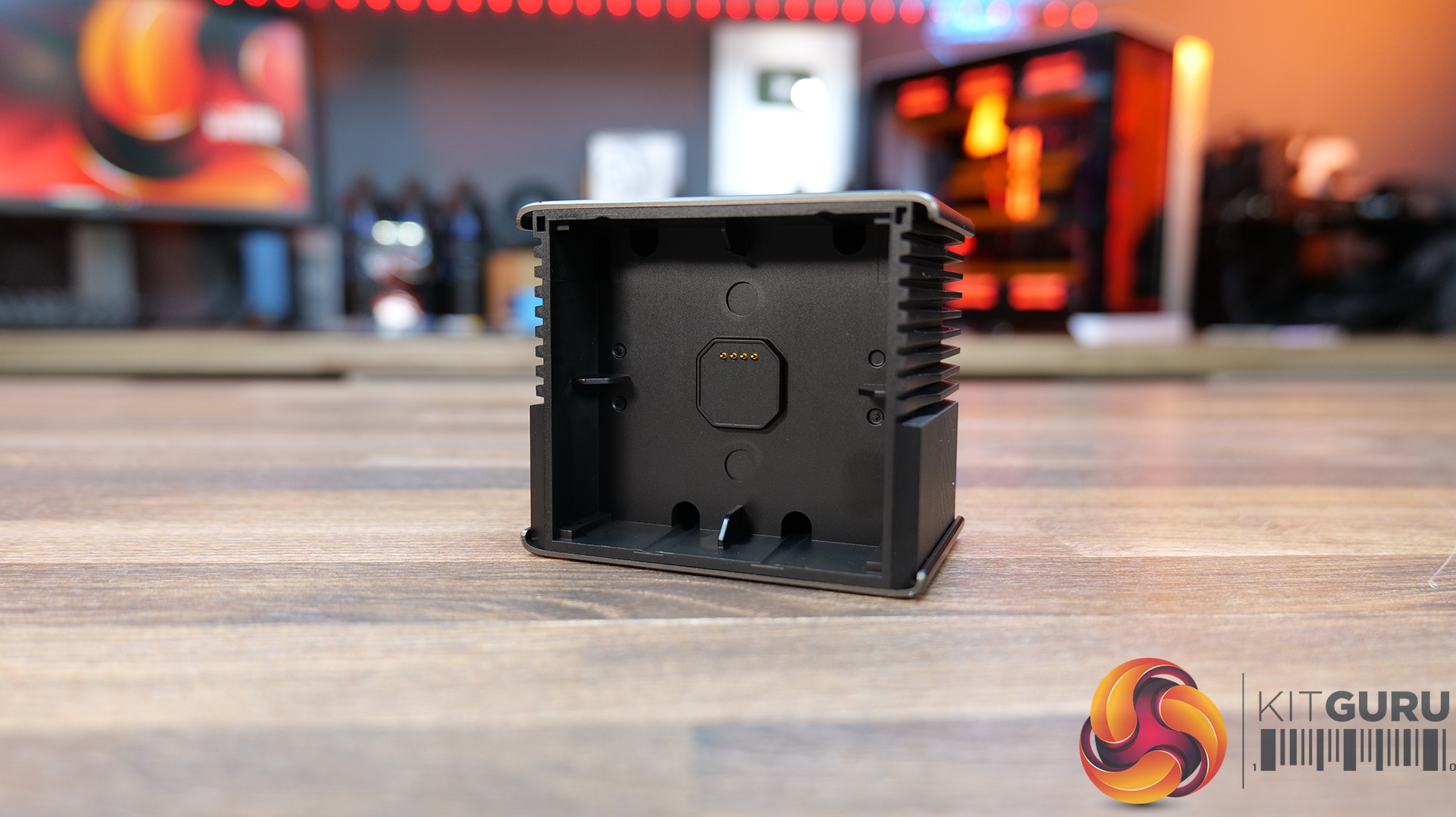
- The Proteus 360 is equipped with a 3.4-inch LCD with 480×480 resolution, all housed in a rotatable pump cap with high-precision pogo pin contacts for quick, tool-free adjustment of the screen orientation.
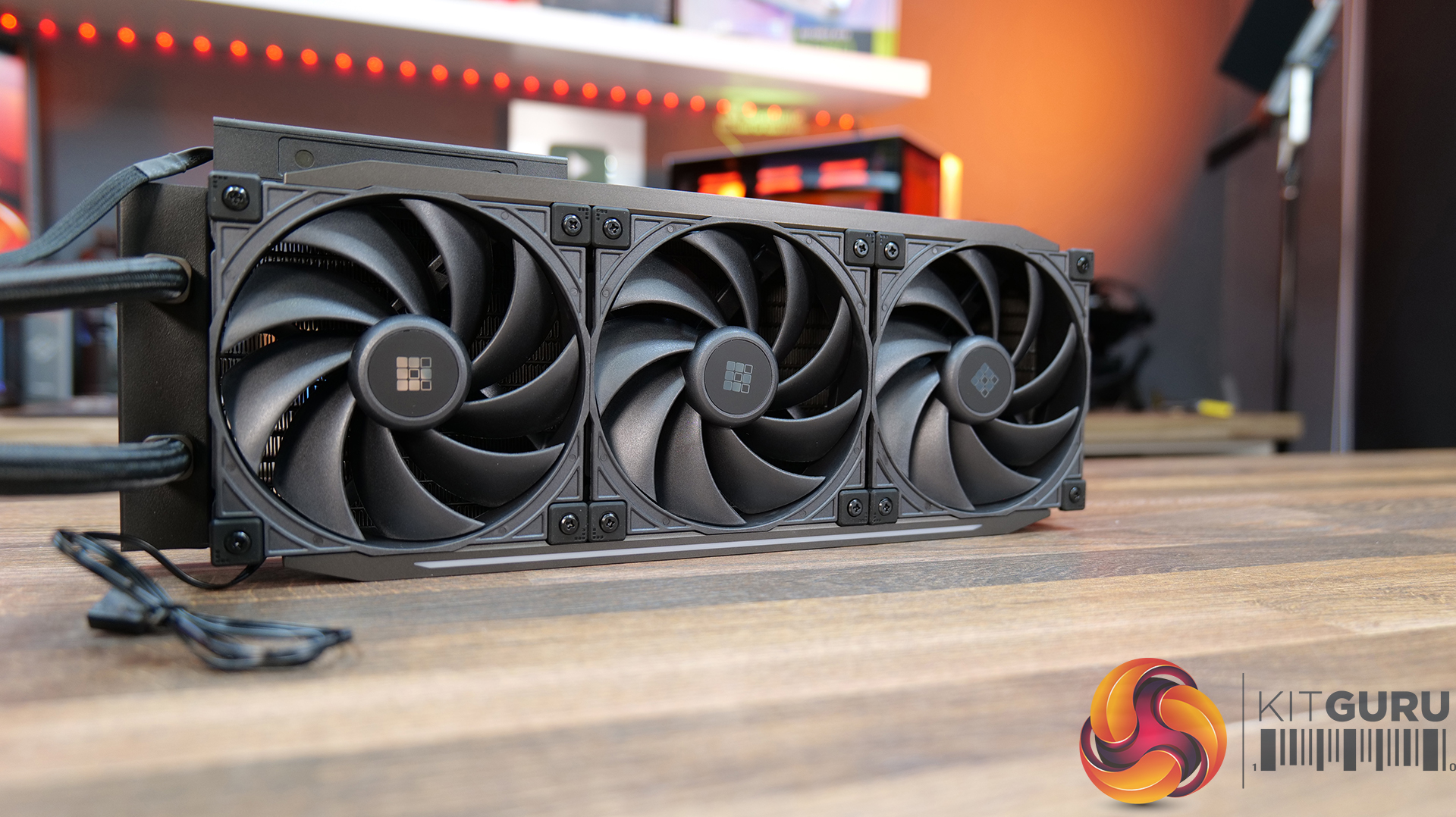
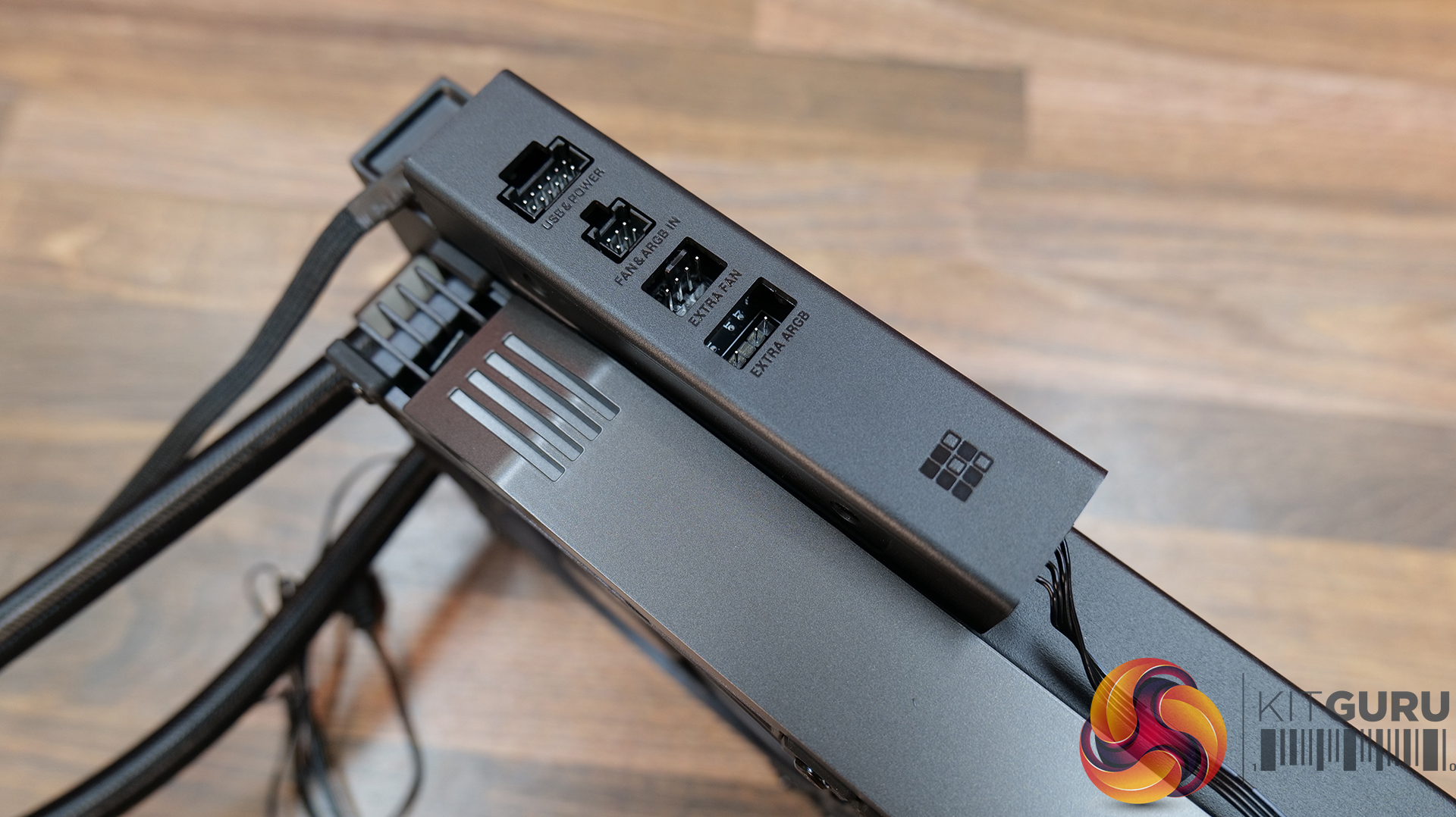
- The high-performance fans included with the Proteus 360 are 30mm thick, with a PWM speed range up to 2500 rpm controlled by the included Sudokoo Linker Hub and MasterCraft software.
Specifications:
- CPU Socket Compatibility: Intel LGA1851/1700/1200/1151/1150/1155
- AMD AM5/AM4
- Radiator Material: Aluminium
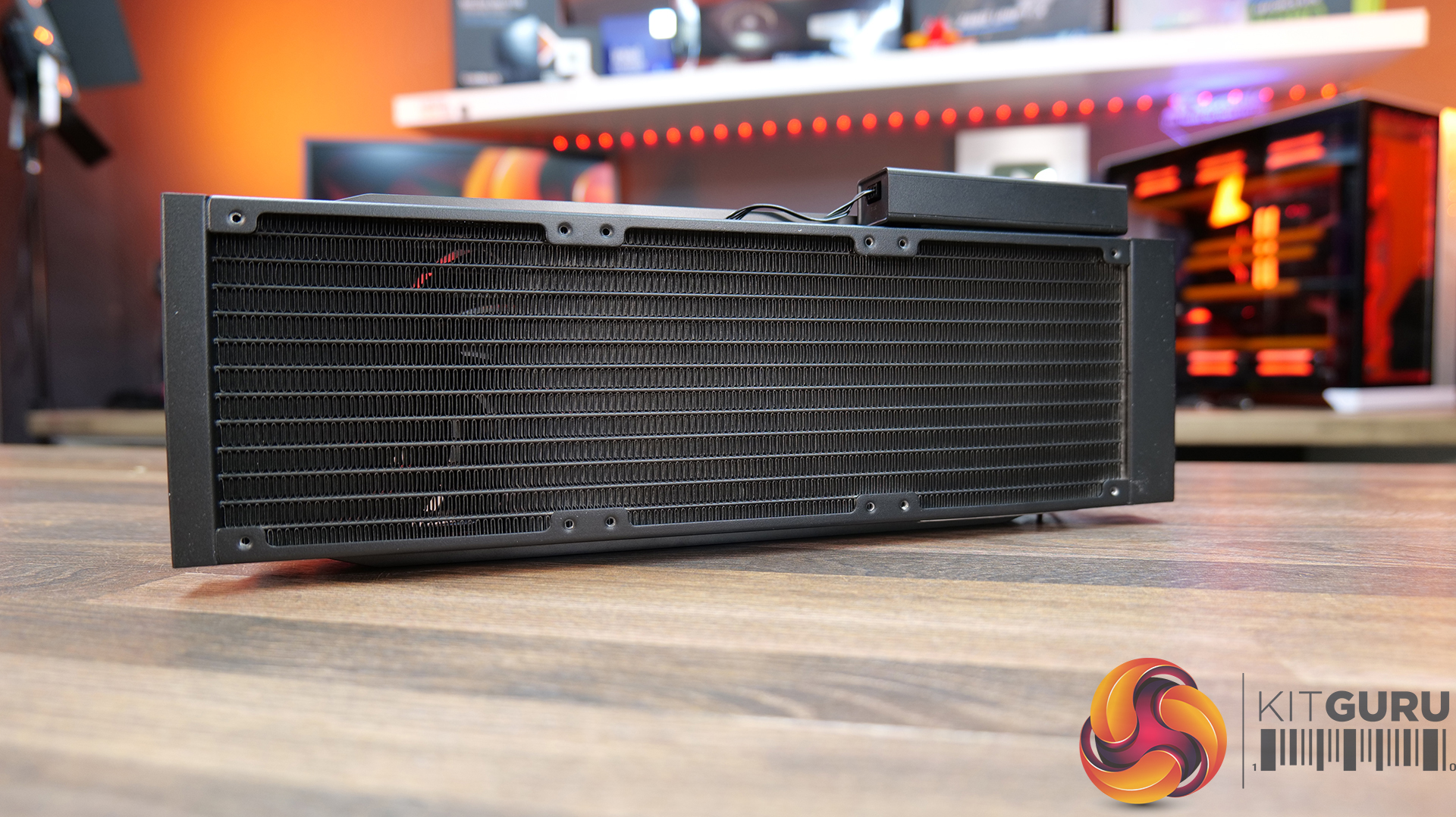
- Radiator Dimensions: 402×123×27 mm(L×W×H)
- Radiator Tube Length: 410mm
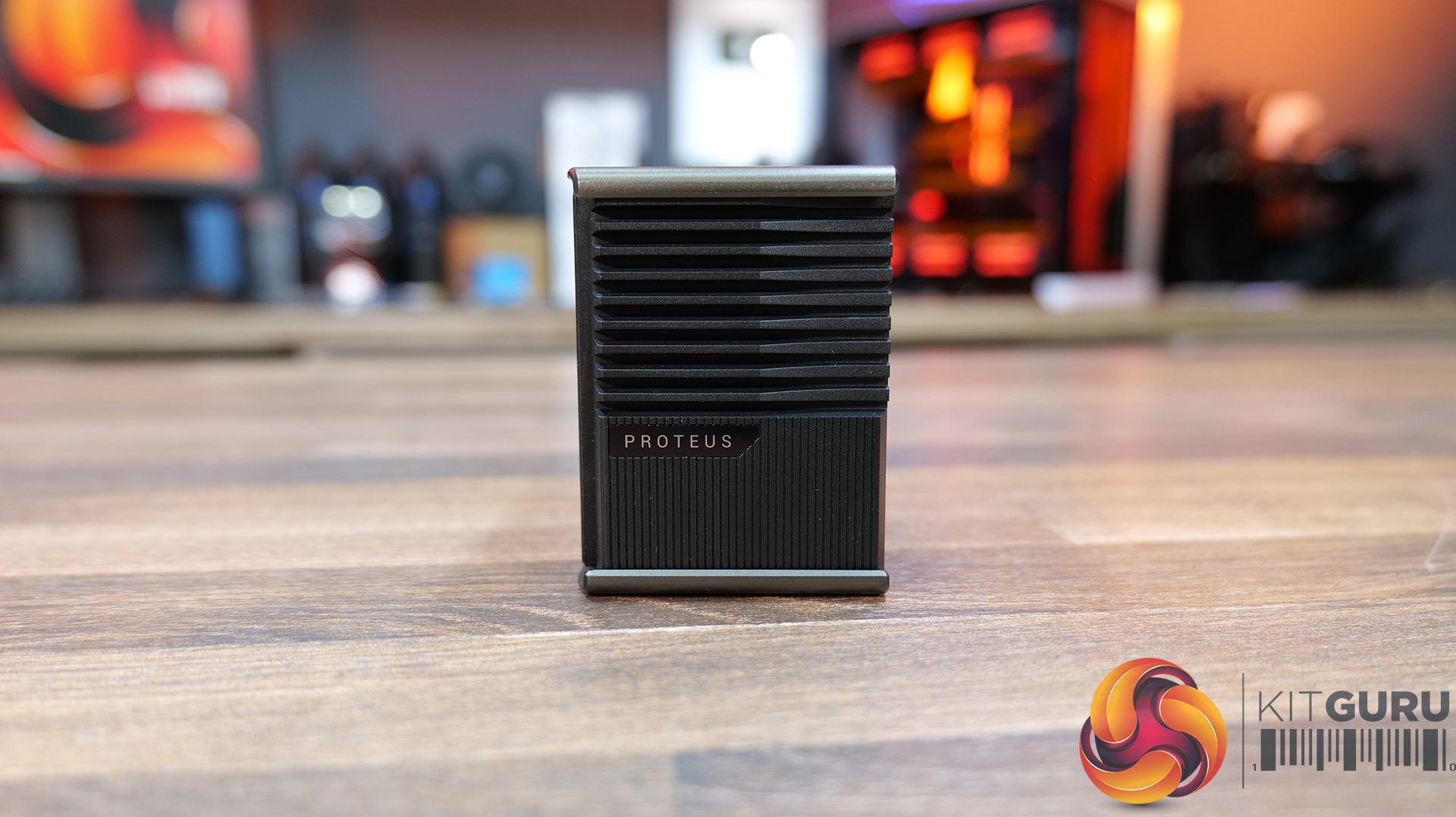
- CPU Block/Pump Dimensions: 102×95×93 mm(L×W×H)
- Pump Speed: 2500~3600 RPM±10%
- Cold Plate Material: Micro-Skived Copper
- Pump Connector: 4-pin PWM
- Pump LED: N/A
- VRM Fan: N/A
- Fan Dimensions: 120×120×30 mm(L×W×H)
- Fan LED: N/A
- Fan Speed (PWM): 500~2500 RPM±10%, 0rpm <5 % PWM Duty Cycle
- Fan Max Airflow: 91.10 CFM
- Fan Max Air Pressure: 4.50 mmAq
- Noise (dBA): ≤37.70 dB(A)
- Fan Bearing: Hybrid Hydraulic Bearing
- Fan Connector: 4-pin PWM
- LCD Screen: 3.4 inch 480*480 TFT LCD
- Warranty: 5 Years (Screen for 1 Year)
Test System Specifications:
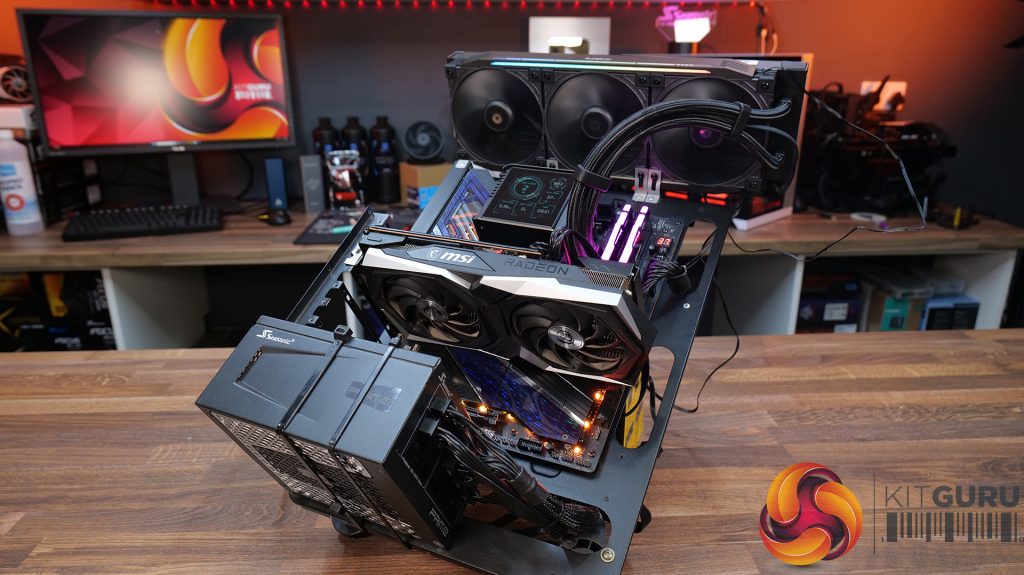
- CPU – AMD Ryzen 9 9950X
- Motherboard – ASRock Phantom Gaming X870E Nova WiFi
- Memory: 32GB (2 x 16GB Modules) Kingston Fury DDR5-6000
- Graphics card: MSI Radeon RX 6600 XT Gaming X
- Storage: 1TB Corsair MP600 Elite PCIe Gen4x4 NVME M.2 SSD
- Power Supply: Seasonic Prime TX-1000
- Chassis: Open Test Bench
- Thermal Compound: Arctic MX-6
- O/S: Windows 11 Version 24H2
Testing Methodology:
We are primarily focussing on the performance of each cooler at 100% fan speed and also when locked to 40dBA noise output. We will focus on cooling performance using a manual overclock with all-core frequency and VCORE locked to 5.2GHz/1.3v (AMD) and 5.5GHz/1.3v (Intel) and Precision Boost Overdrive performance.
- The test data is logged using HWINFO and the final 10 minutes of the data is calculated to find the average CPU temperature and CPU clock multiplier (AMD PBO Test) and then plotted in the charts.
- For testing, we use a 30-minute looped run of Cinebench R23 and record the steady-state CPU temperature at the end of the test. This ensures that the CPU has had ample time to warm up and reach a steady state under all of the coolers.
- The ambient is maintained at 19-21 degrees Celsius. Where there is variation beyond this temperature range, we add extra repeated tests to ensure consistency. However, this is well controlled now with A/C.
- We also test each cooler with at least two fresh installs (typically three) to mitigate the likelihood of poor mounting spoiling results.
- Ambient temperature and humidity are controlled via a mini split air conditioning system inside the test room. Ambient temperature is maintained between 19-20C, Temperature delta figures are shown in the charts (ambient temperature is deducted from the measured component temperature).
Test Results:
Acoustics
We’ll start by looking at noise output as this will give us a good indication of performance based on noise.
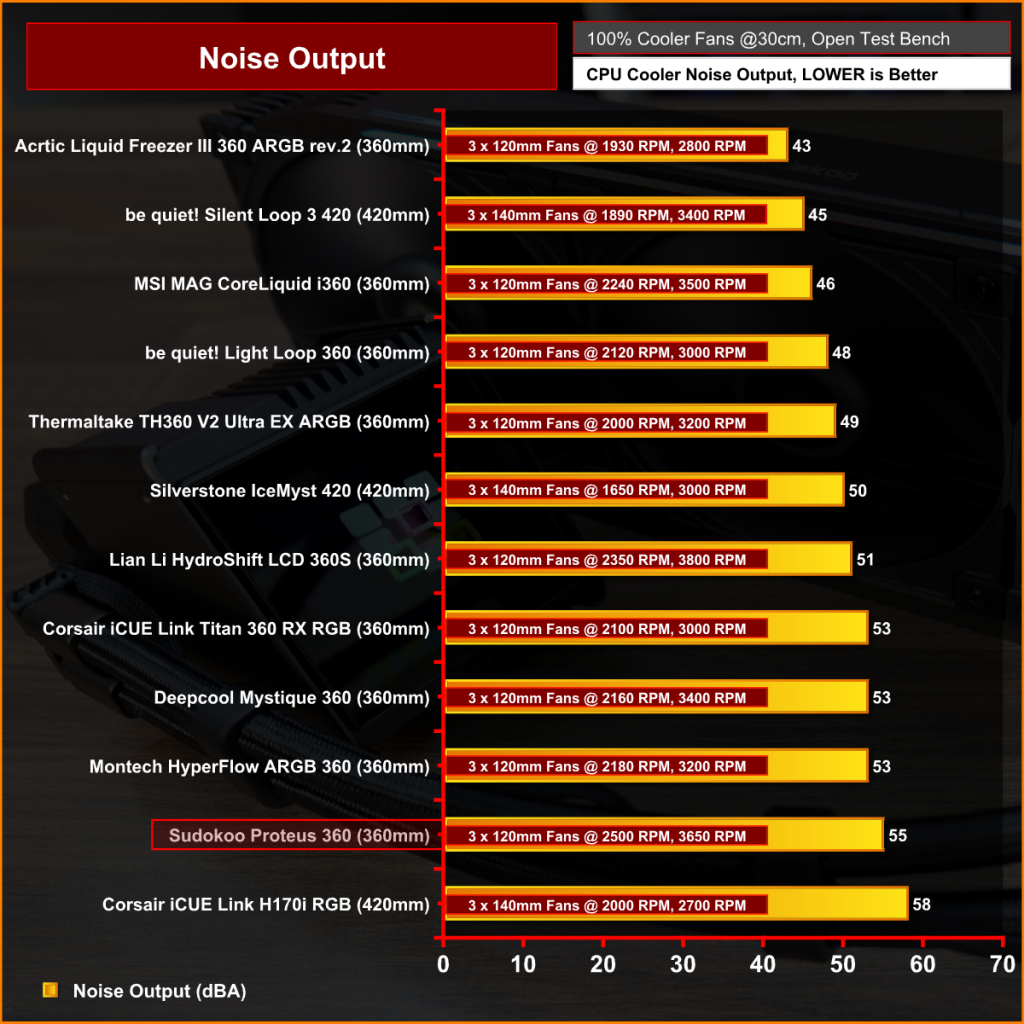
It's no surprise that the Sudokoo Proteus is one of the louder coolers at max fan speed since the 30mm thick fans are running at 2500rpm, which makes it 2dBA louder than the DeepCool Mystique 360 and a huge 12dBA louder than the quietest cooler at max speed, the Arctic Liquid Freezer III.
Thermal Performance: AMD Ryzen 9 9950X
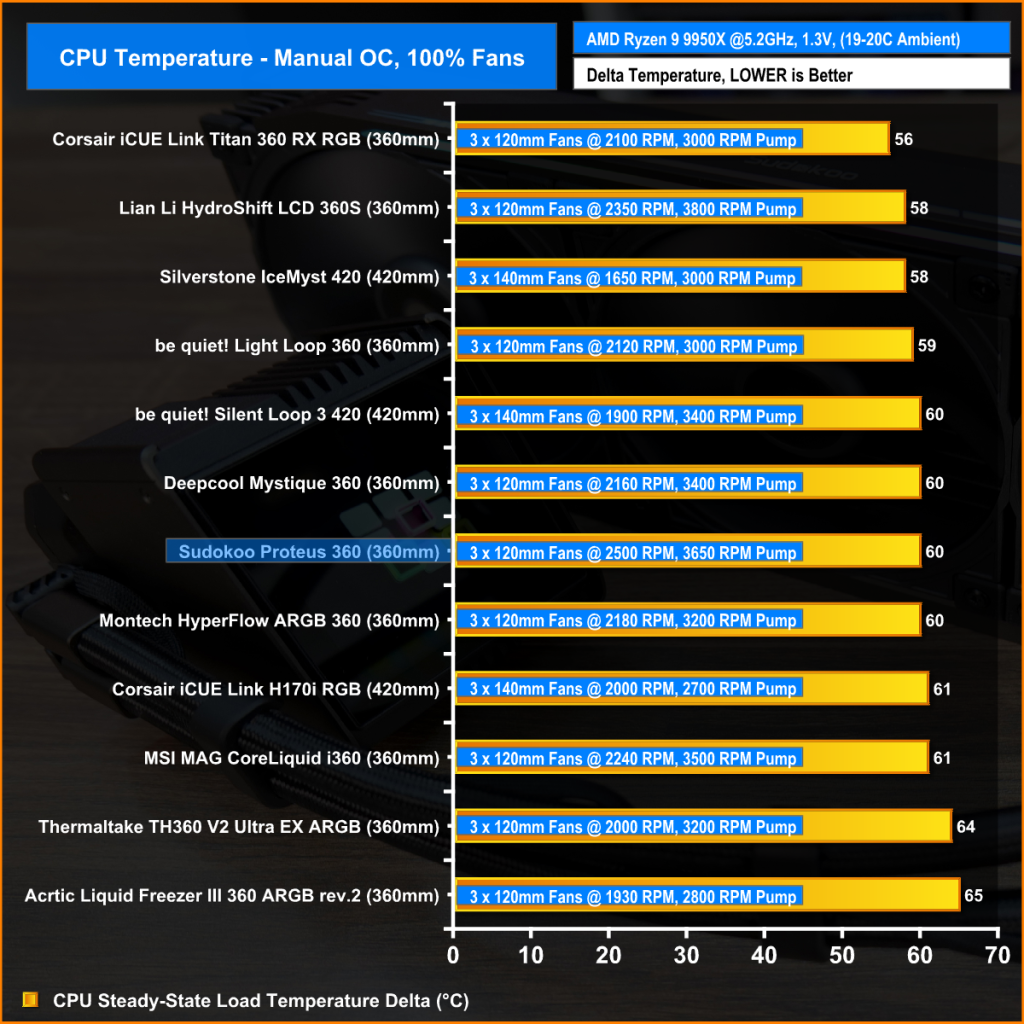
However, all this noise and high fan speed doesn’t translate into blistering thermal performance, in fact the Proteus 360 at max fan speed has identical performance to the DeepCool Mystique 360 and the Montech Hyperflow ARGB at 60°C over ambient. But both of these other coolers have max fan speed around 300- 350 rpm lower than the Sudokoo cooler.
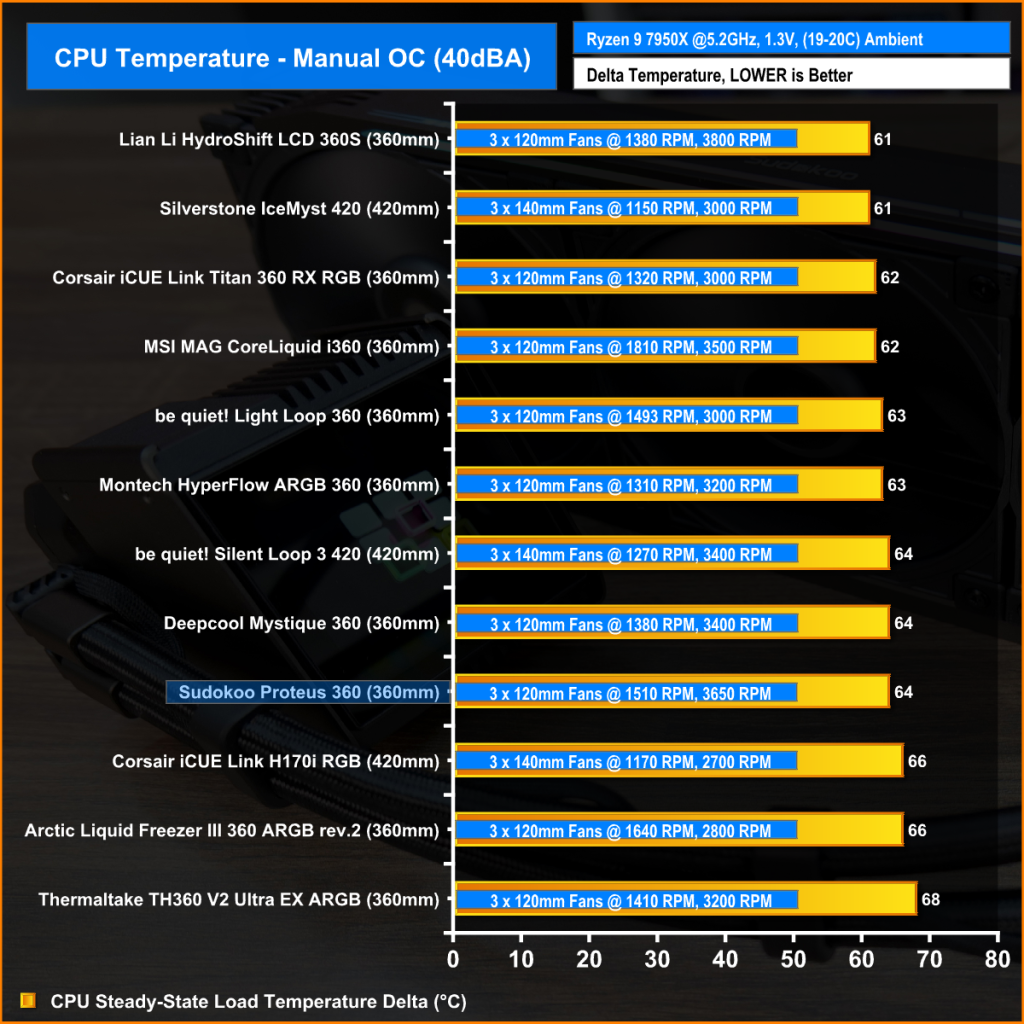
Reducing the fan speed to 40dBA noise output puts everything on a level playing field, and the true thermal performance is seen.
In this configuration, the Proteus 360 again matches the performance of the DeepCool Mystique 360 at 64°C over ambient, which looks low in the chart, but it’s only 3°C off the top-performing cooler, so the noise-normalised performance is solid but not chart-topping.
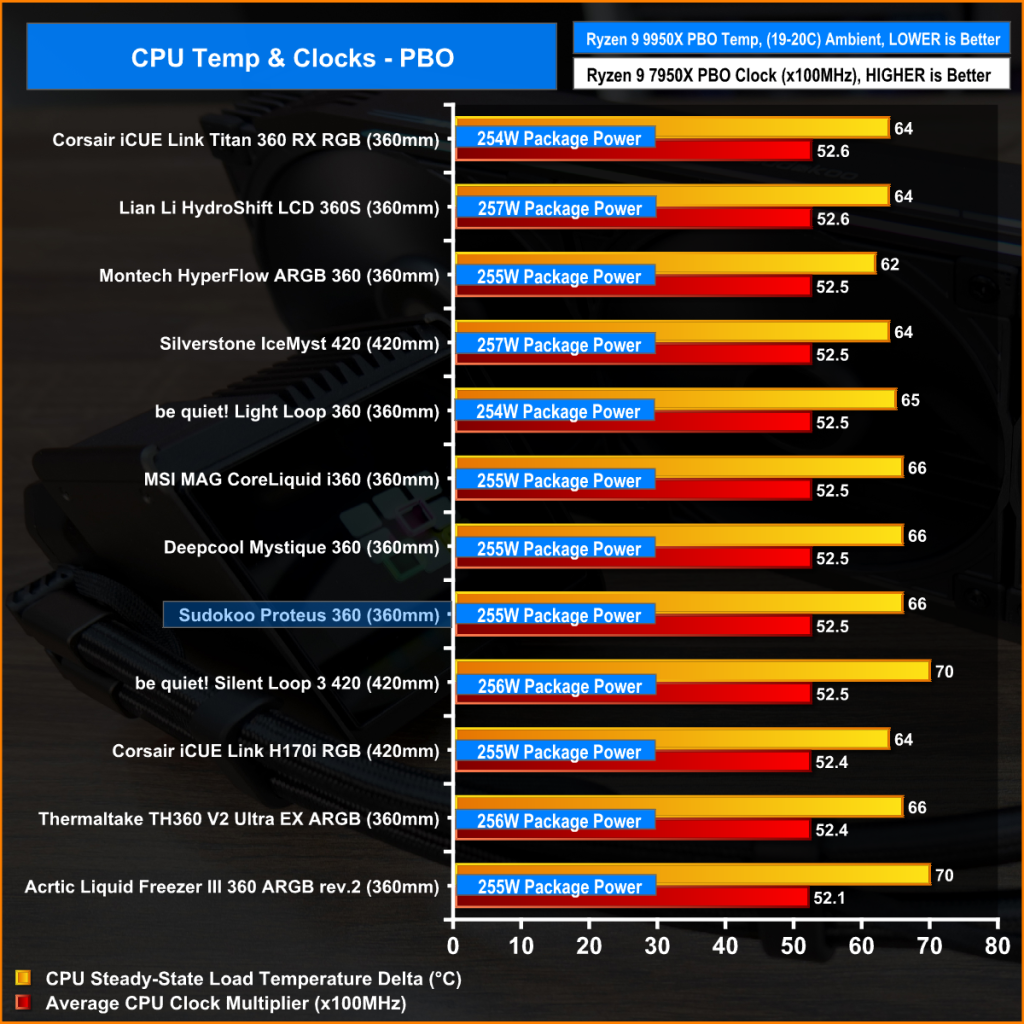
In the PBO test, the important metric is clock speed as the CPU automatically adjusts frequency based on maintaining a target temperature.
Again, the Sudokoo Proteus 360 performance mirrors the DeepCool Mystique 360 with an average clock multiplier of 52.2 and 66°C over ambient average temperature while cooling 255W CPU package power. This again might look low in the chart but it's only 100MHz off the best, so it's again solid performance but nothing special considering the almost £260 price tag.
Taken as a whole the Sudokoo Proteus 360 is a decent 360mm cooler, thermal performance is nothing out of the ordinary, but it's not bad either. It can keep up with the likes of the DeepCool Mystique 360 and other similar coolers both at maximum fan speed and with noise normalised to 40dBA, which is great news. However, with the 30mm fans running at 2500rpm, it’s very loud, to the point where it would become annoying. The extra fan speed and noise don’t translate to better thermals, either, so Sudokoo could have pegged back the fan speed a little to make it quieter.
We tried to get the details on the OEM from Sudokoo but the company was hesitant to give us the info on for the actual cooling hardware (radiator/pump) so we did some of our own research and found some very close similarities to DeepCool coolers. That's no bad thing, as generally speaking DeepCool make good quality products and this could explain why the thermal performance of the Proteus 360 is almost identical to the DeepCool Mystique 360.
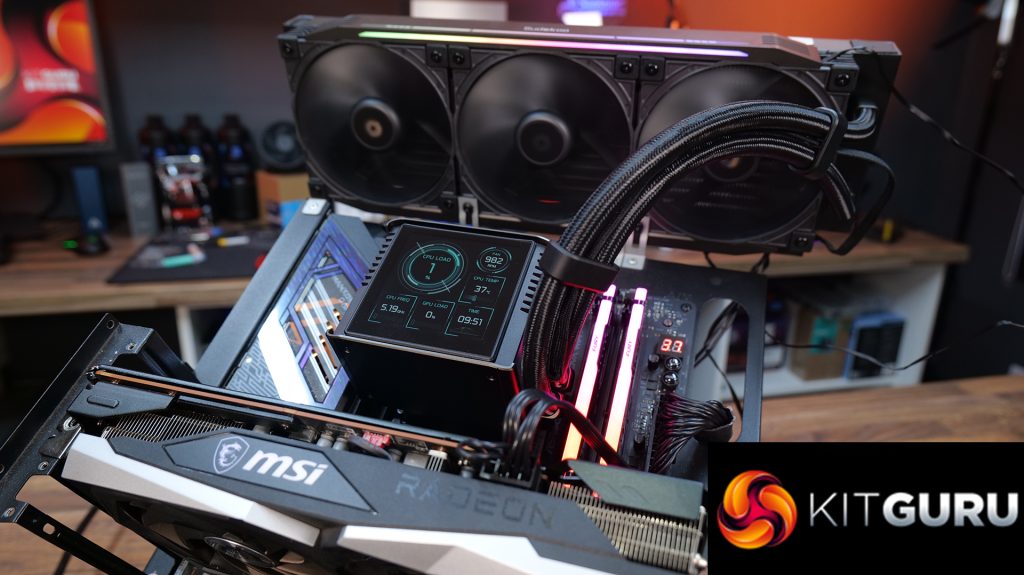
The Proteus 360 has a nice-looking LCD screen, the installation process is quite easy and quick, the software is simple to install and use, there are plenty of options for screen configuration/RGB lighting control and when the cooler is installed in the system, it looks pretty neat and tidy. The manually ratable screen is a good option as sometimes rotating the screen orientation with software can create problems, so this is a good solution, albeit not the most advanced – but it works.
The main problem with the Proteus 360 is the price. Sudokoo quoted the UK MSRP at £259.99, which is up there with some of the highest-priced AIOs currently on the market. The thing is, it's extremely similar in looks and performance to the DeepCool Mystique 360 which is approximately £100 cheaper, and I can't see anything in the Proteus 360 to justify why it is so much more expensive. To be a competitive option for enthusiasts, Sudokoo need to drop the price significantly if it wants this product to be attractive to UK PC builders.
Pros:
- Nice-looking, good-sized screen.
- Decent thermal performance.
- Installation and software setup are easy.
Cons:
- Loud at max fan speed.
- Expensive compared to similar alternatives.
- Average build quality and finish in places.
KitGuru says: The Sudokoo Proteus 360 is a capable cooler, but it would be more compelling at a lower price point.