KitGuru KitGuru.net – Tech News | Hardware News | Hardware Reviews | IOS | Mobile | Gaming | Graphics Cards


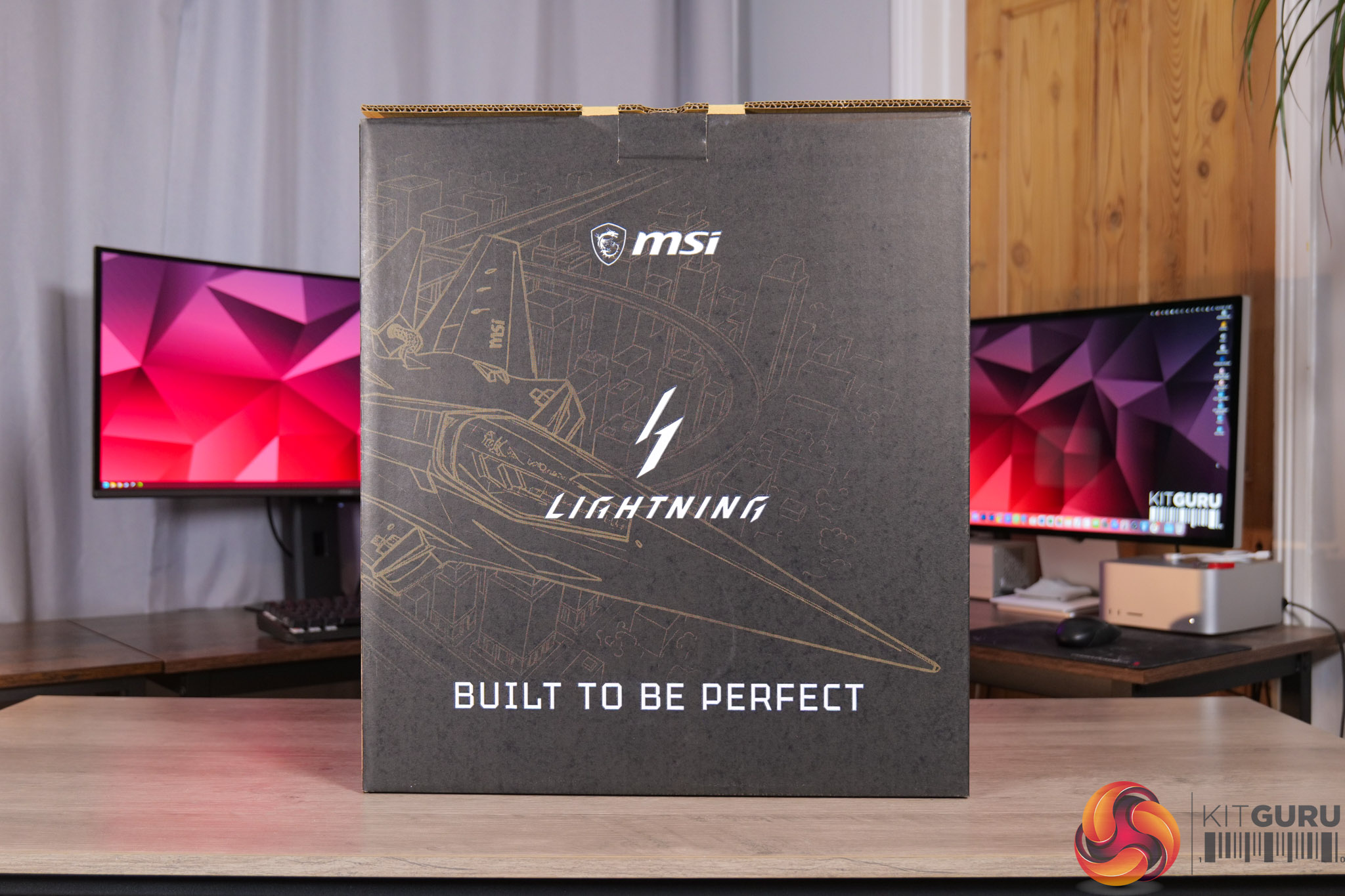
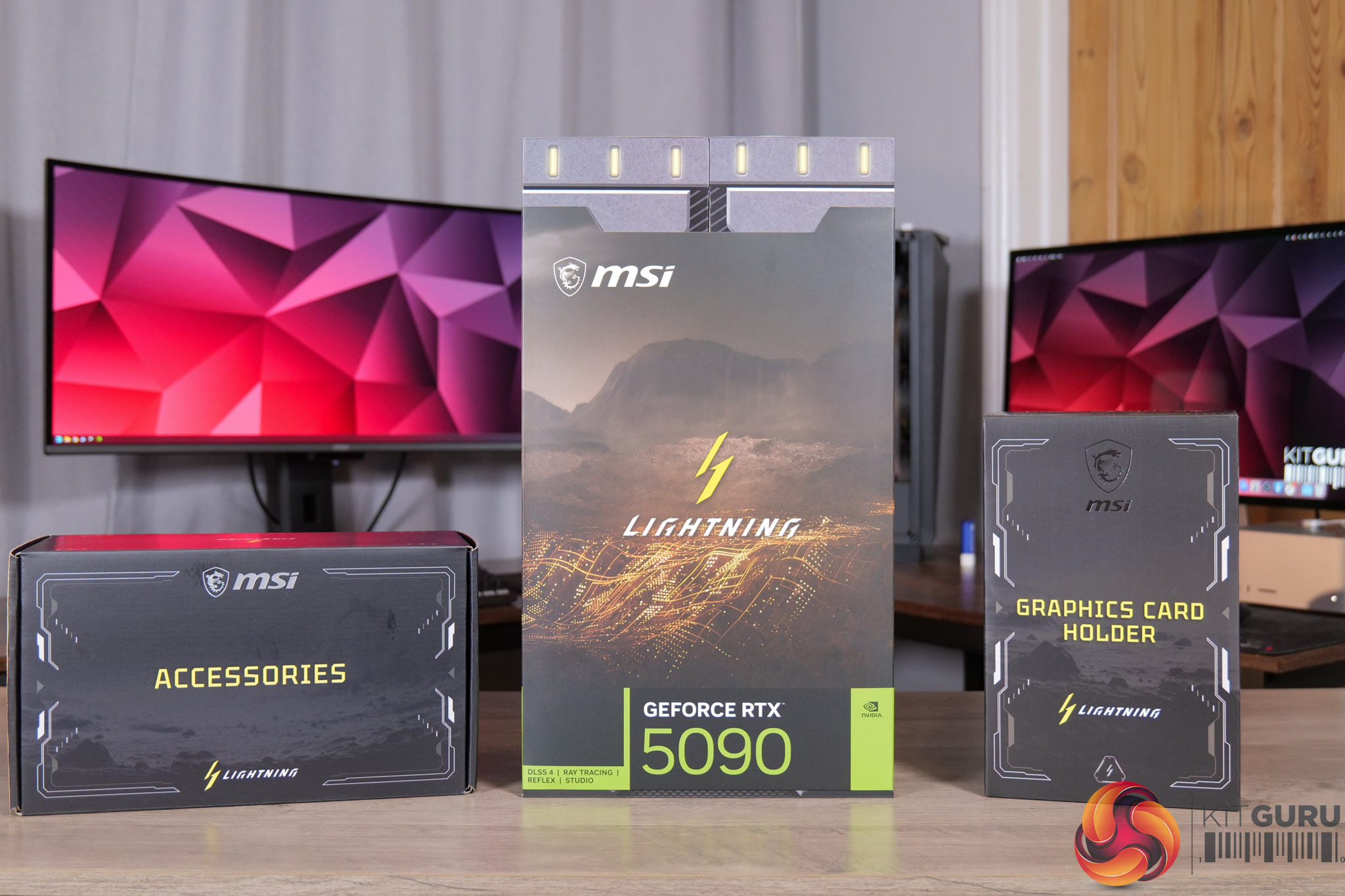
First things first, the unboxing experience. The MSI RTX 5090 Lightning Z comes in a huge box, and inside that we find three more.
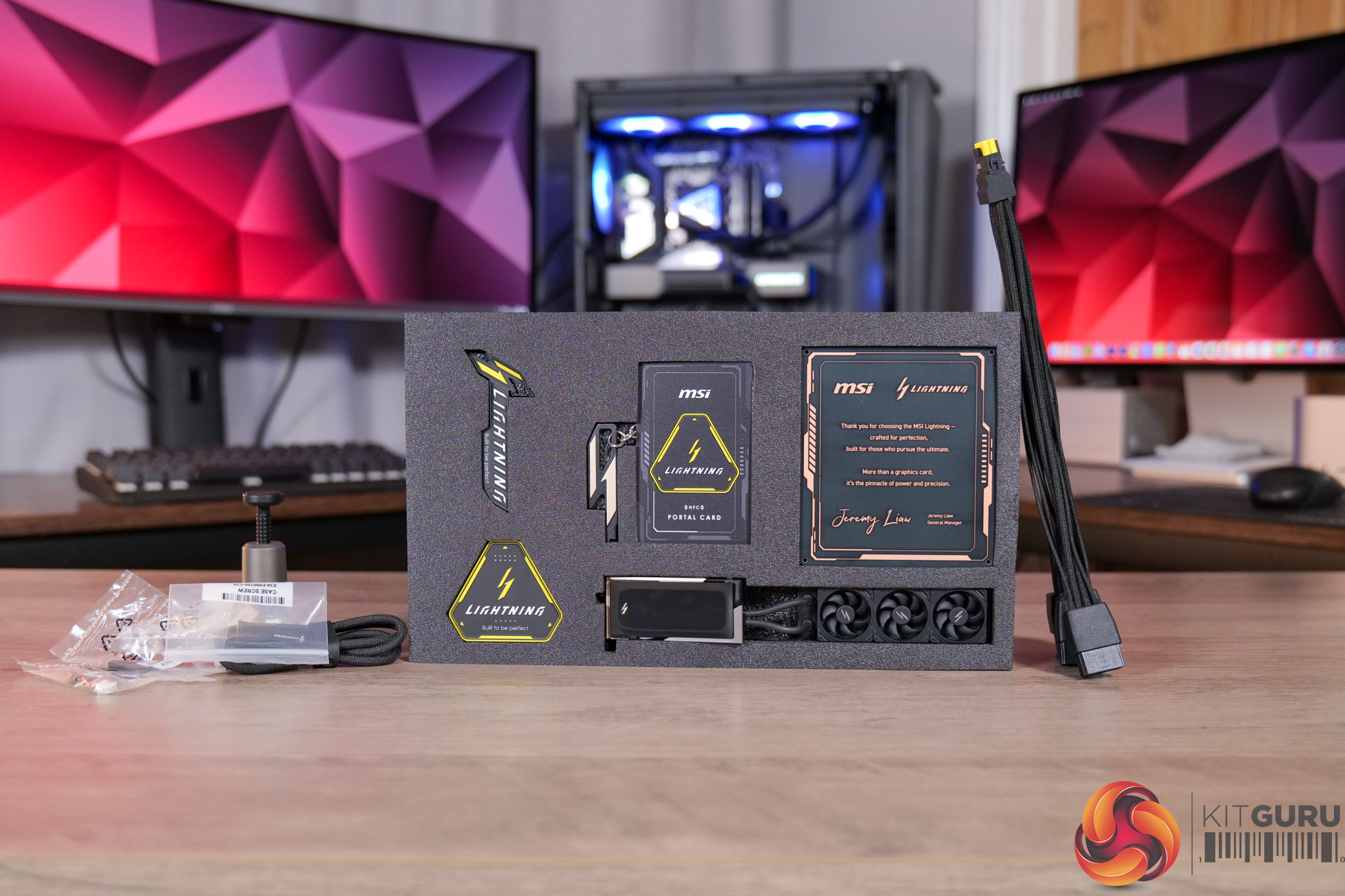
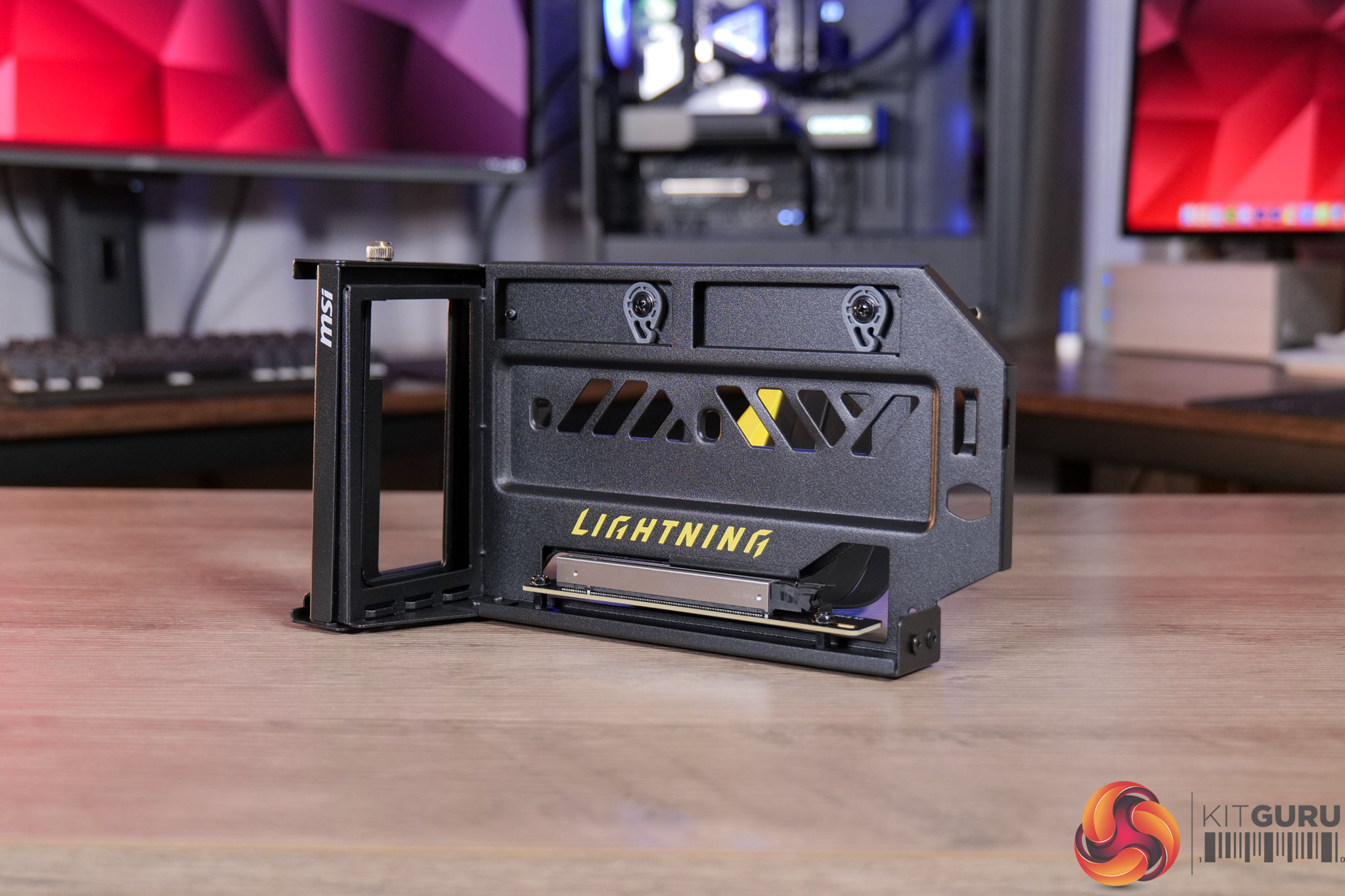
One houses all of the accessories, while the other is home to the graphics card holder – a neat inclusion that lets you vertically mount the card, even if your case doesn't natively support that feature.
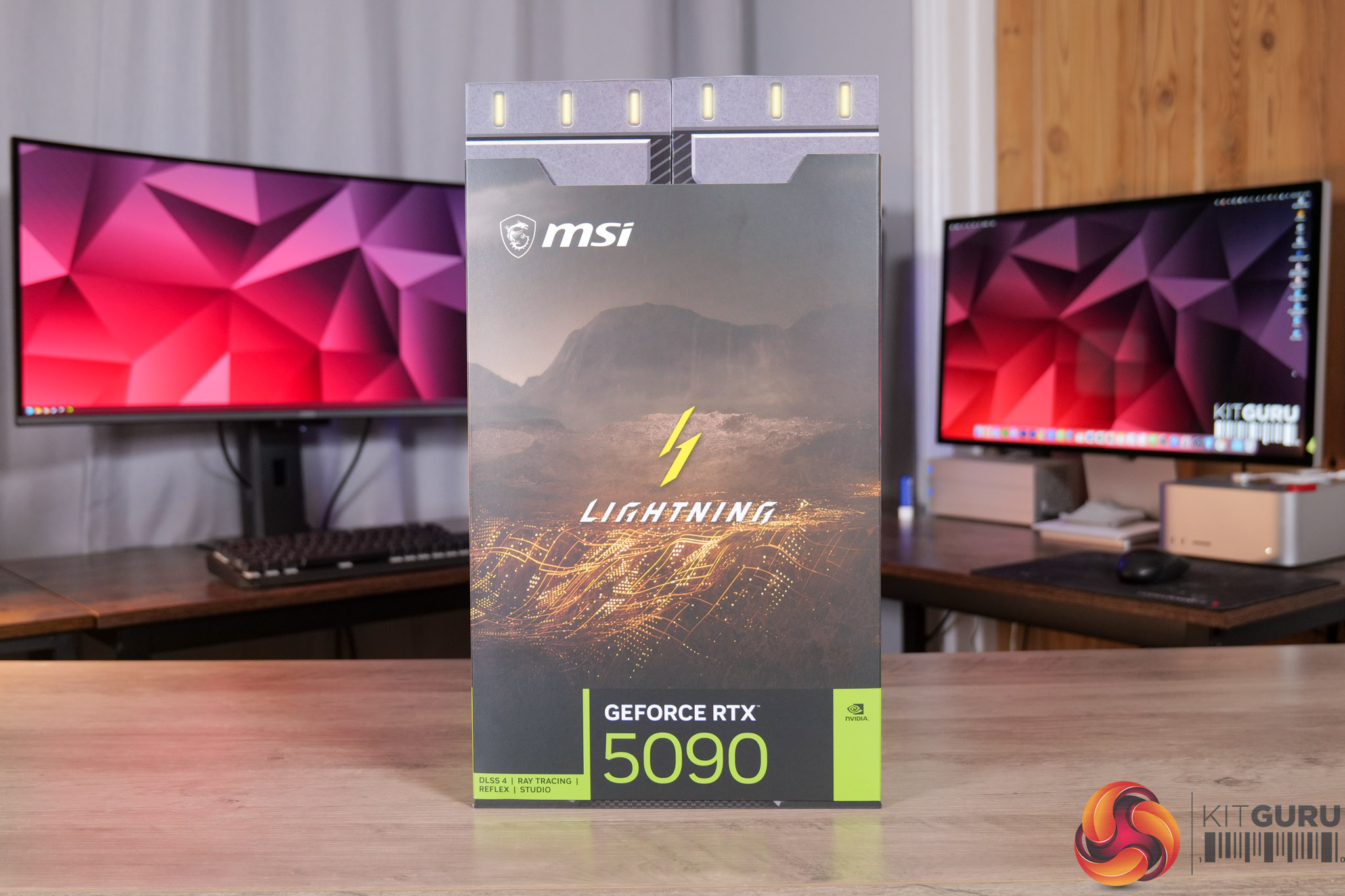
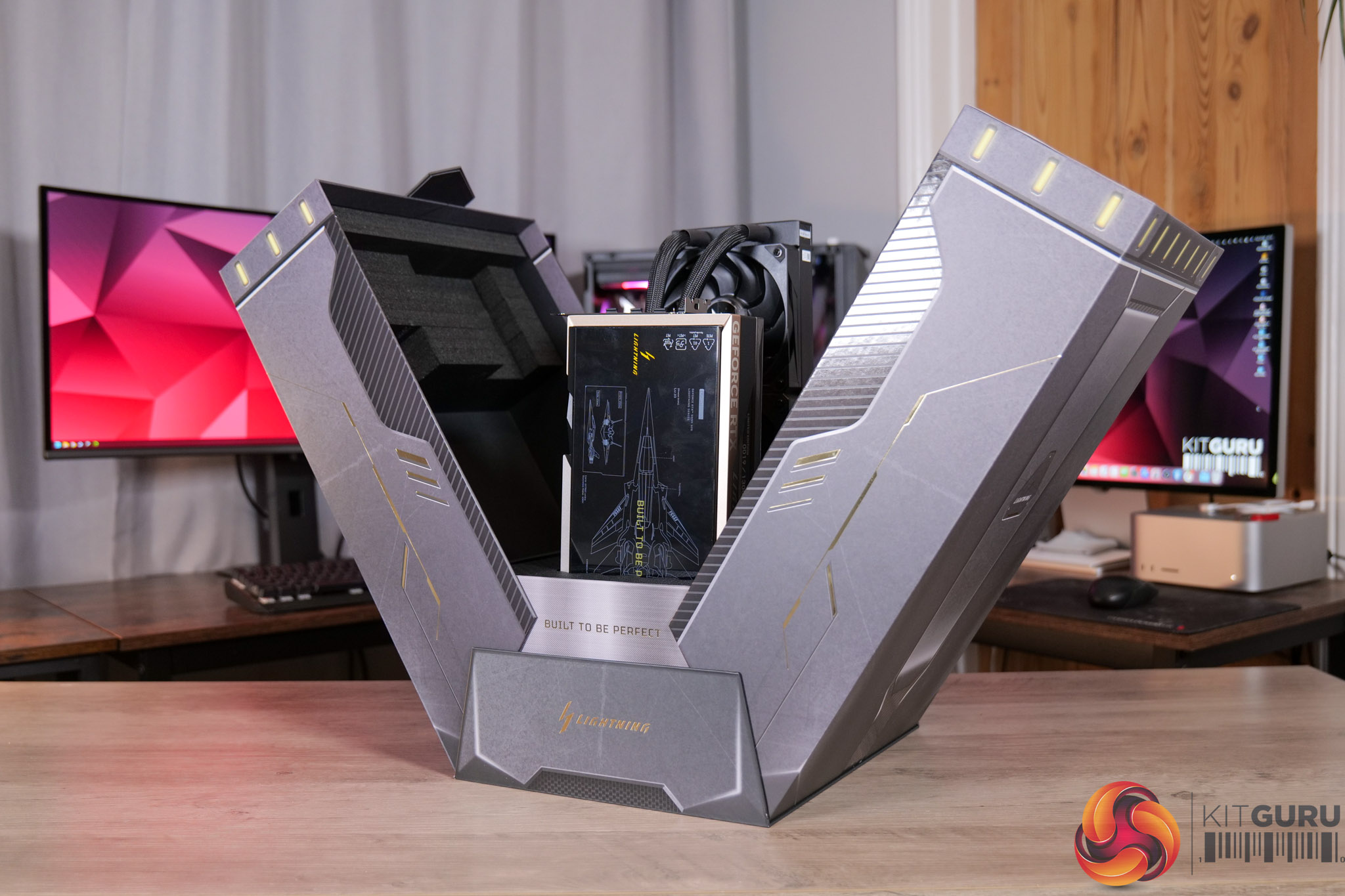
Then we come to the graphics card box, which opens outwards, somewhat like a spaceship.
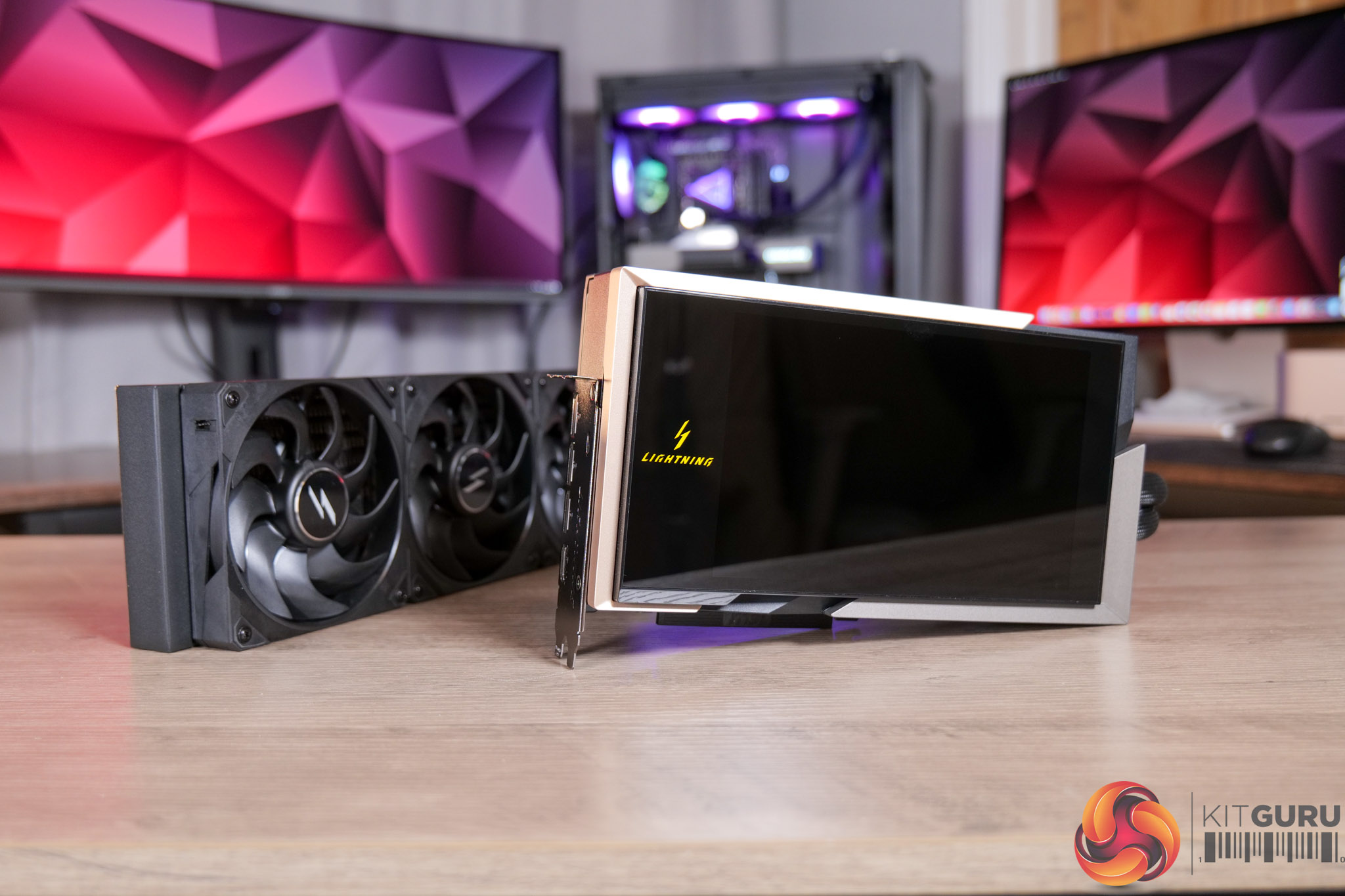
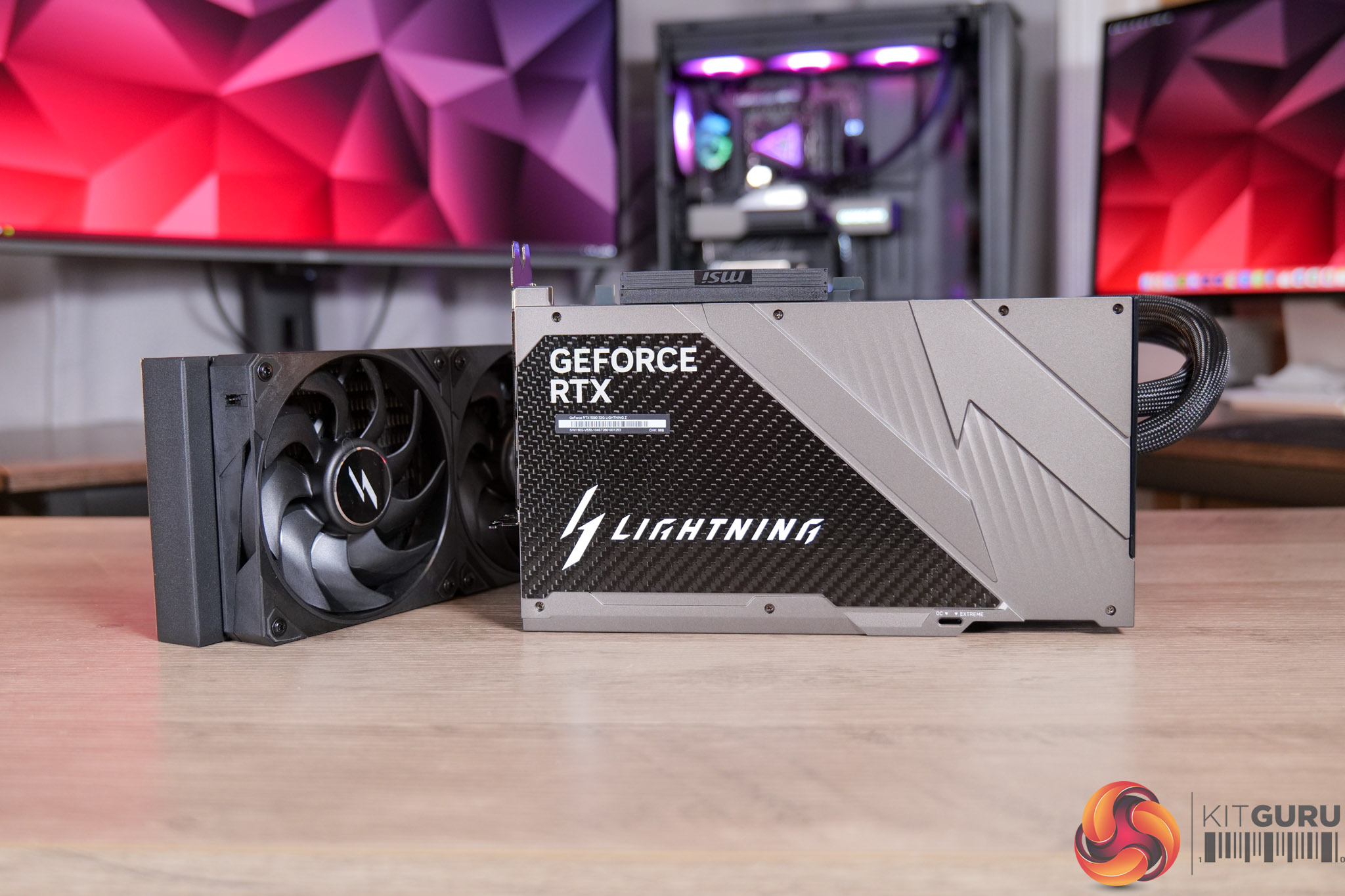
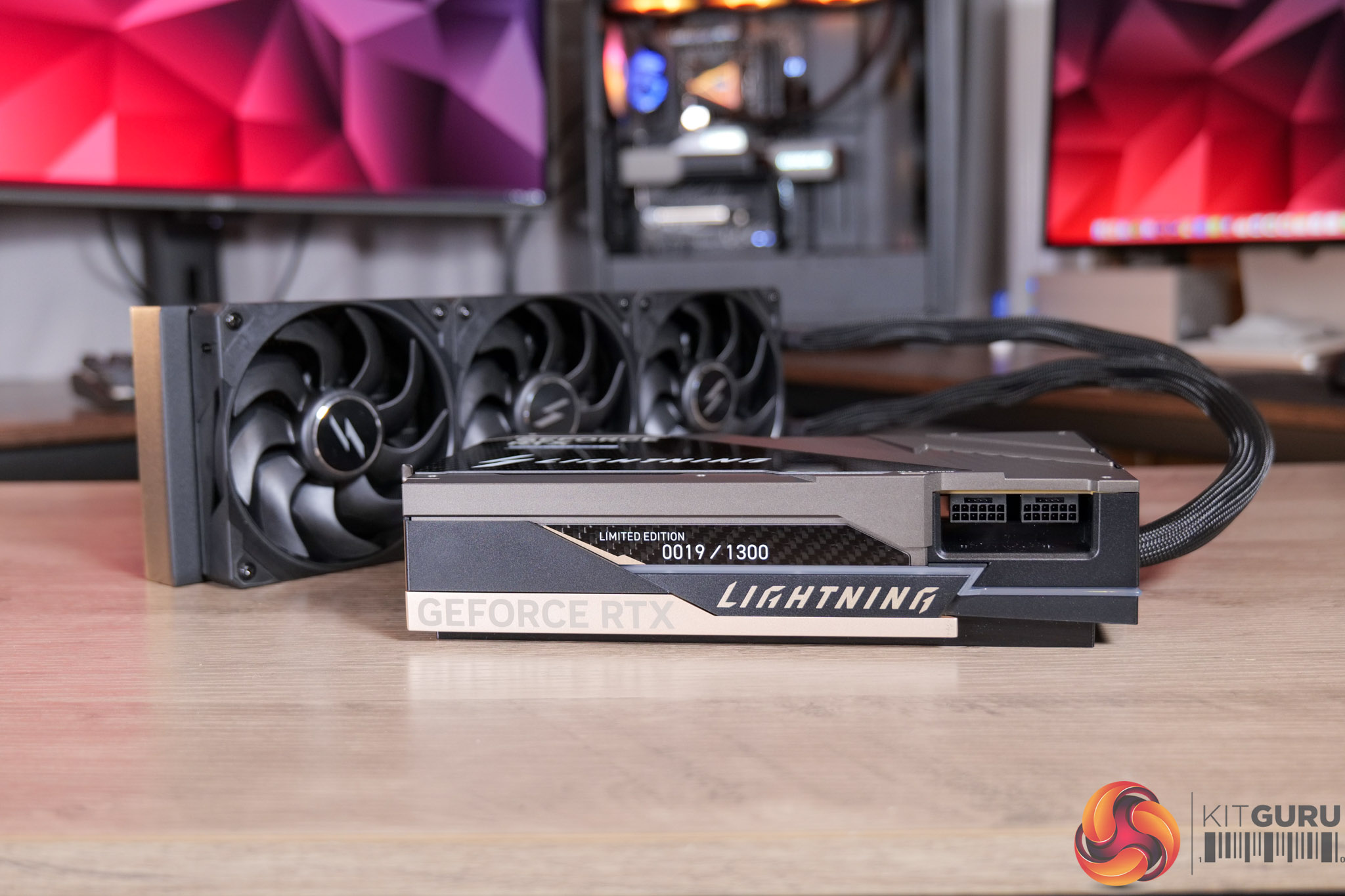
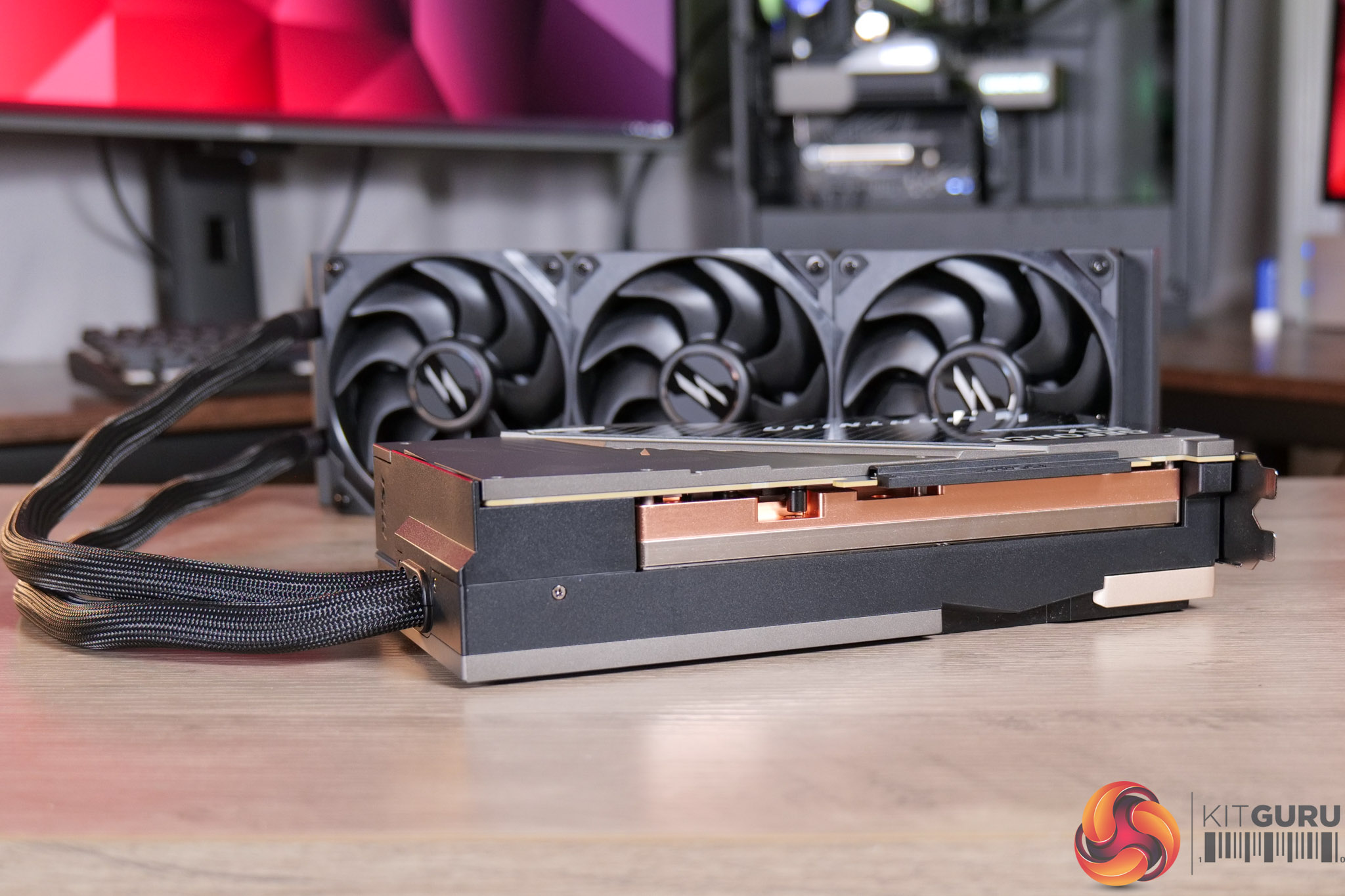
The card itself is, fundamentally, a liquid-cooled graphics card with a 360mm AIO attached, but it's clearly not just any GPU with an AIO. The shroud is given over, almost entirely, to the 8in LCD which is customisable via MSI's Lightning web hub.
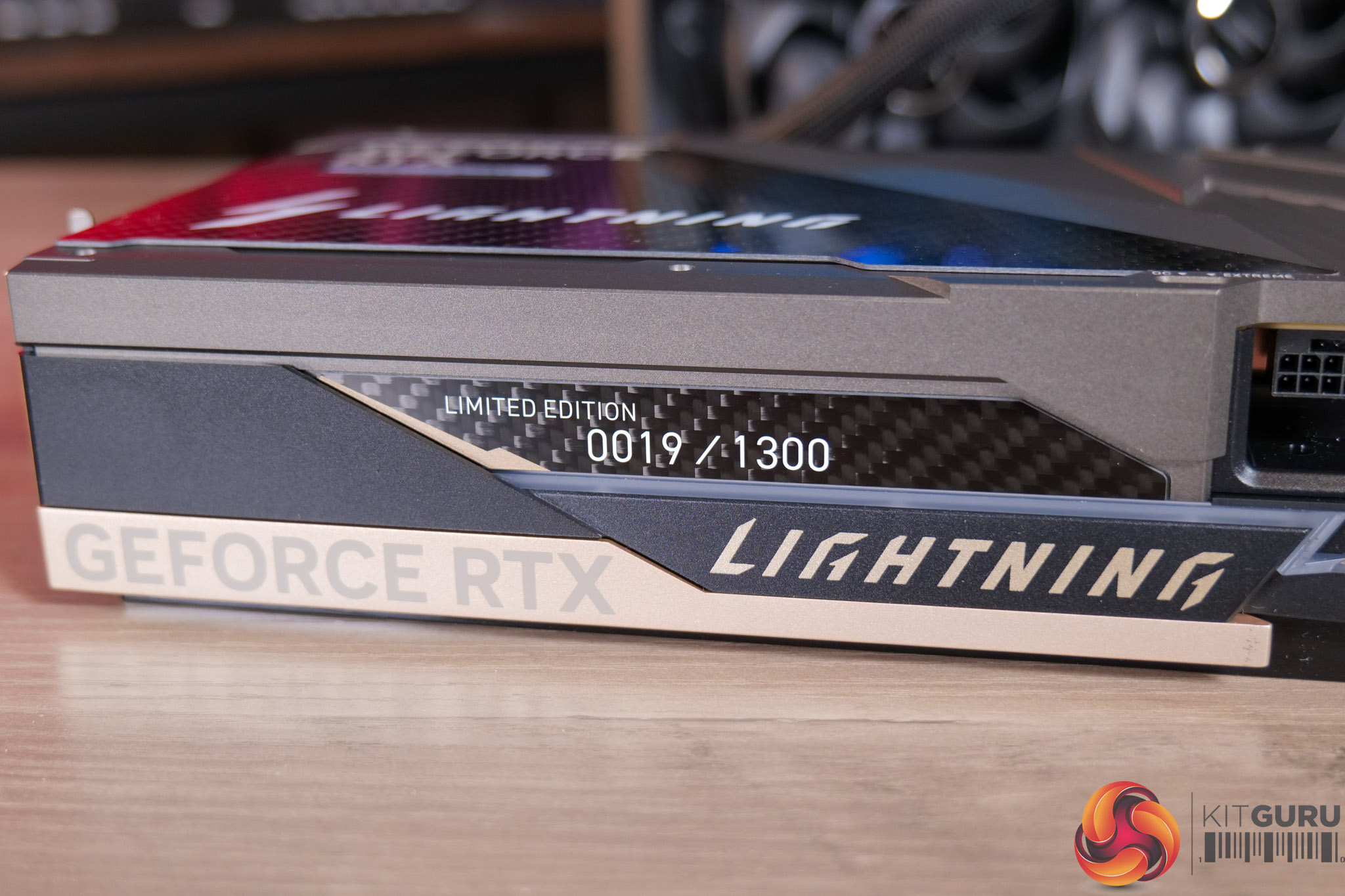
There's also a die-cast aluminium backplate, accented with a large piece of carbon fibre, giving it a classy yet still somewhat ‘gamer-y' aesthetic. That extends to the front side of the card too, with the Lightning logo, while there’s also a badge indicating the Limited Edition number.
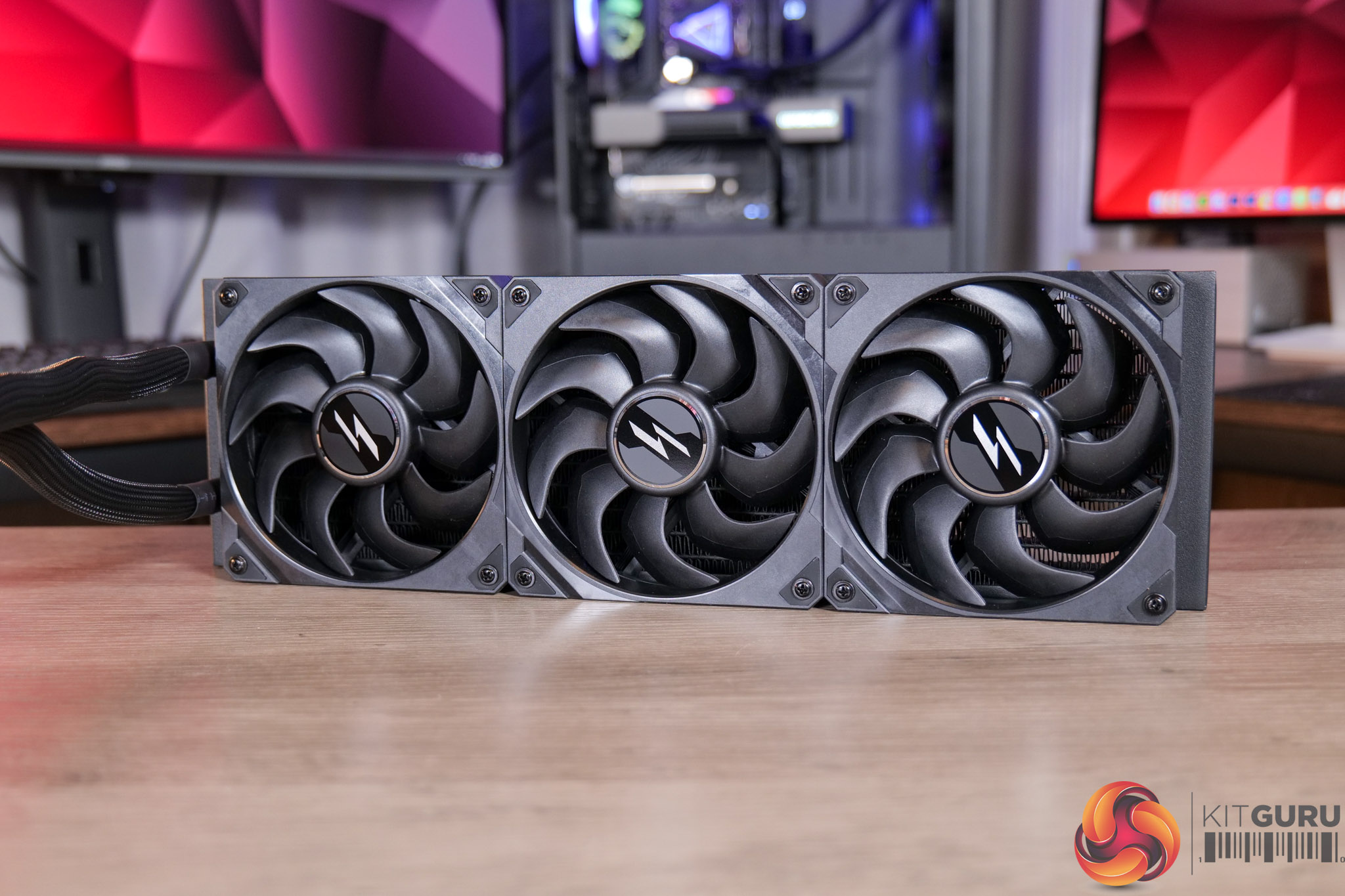
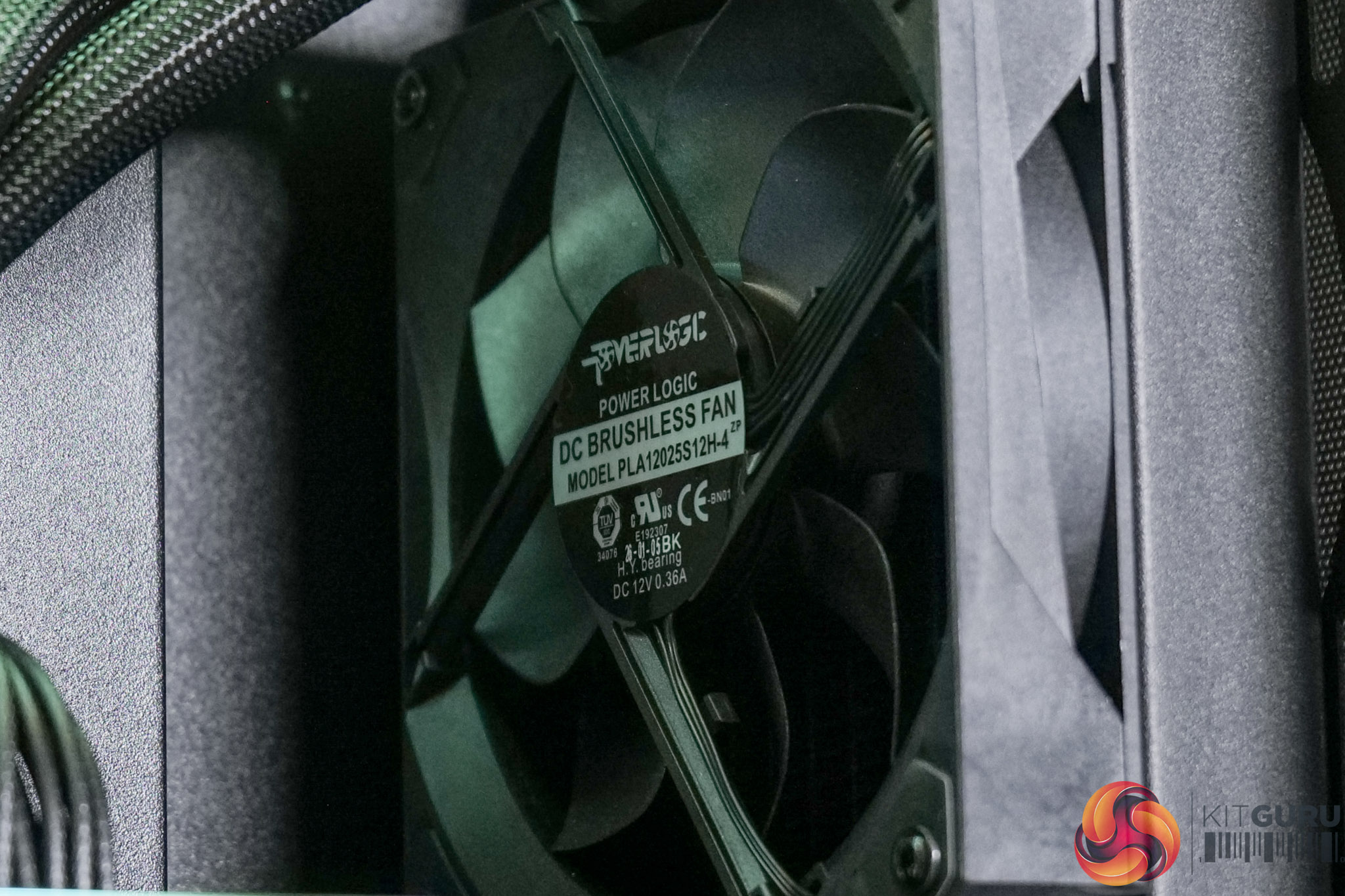
The AIO, meanwhile, is pretty conventional, being 360mm in size, and MSI are using three of their Lightning-branded fans, which the company claims are manufactured from Liquid Crystal Polymer. The labels indicate they are manufactured by Powerlogic.
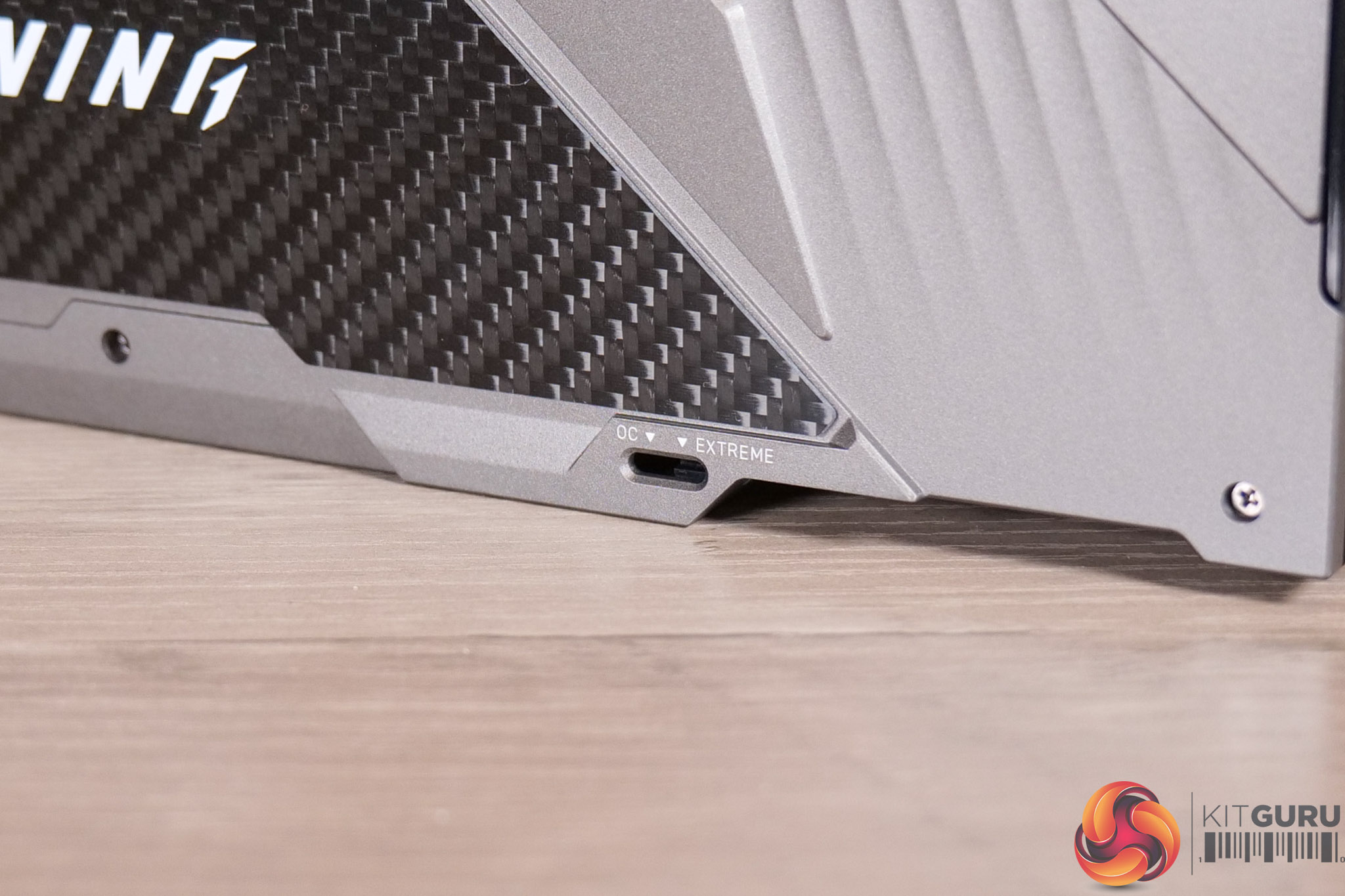
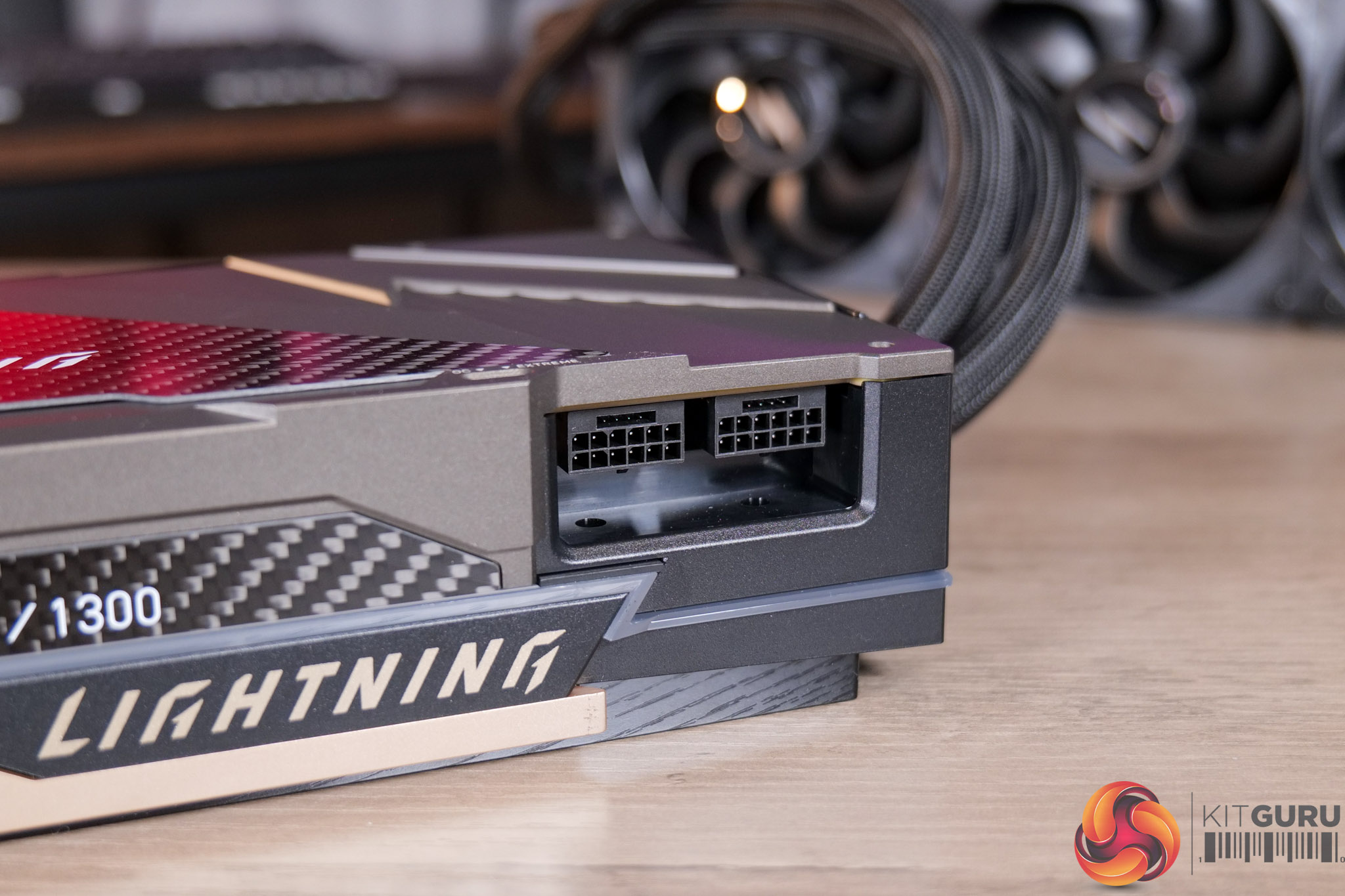
Other things to note include the BIOS switch, with users given a choice of the OC or Extreme modes, Extreme being the one that pushes the power limit to 1000W. Obviously that means a single 600W 12V-2×6 connector is not enough, so MSI doubled up and included two of them, and we do a lot of power testing later in the article.
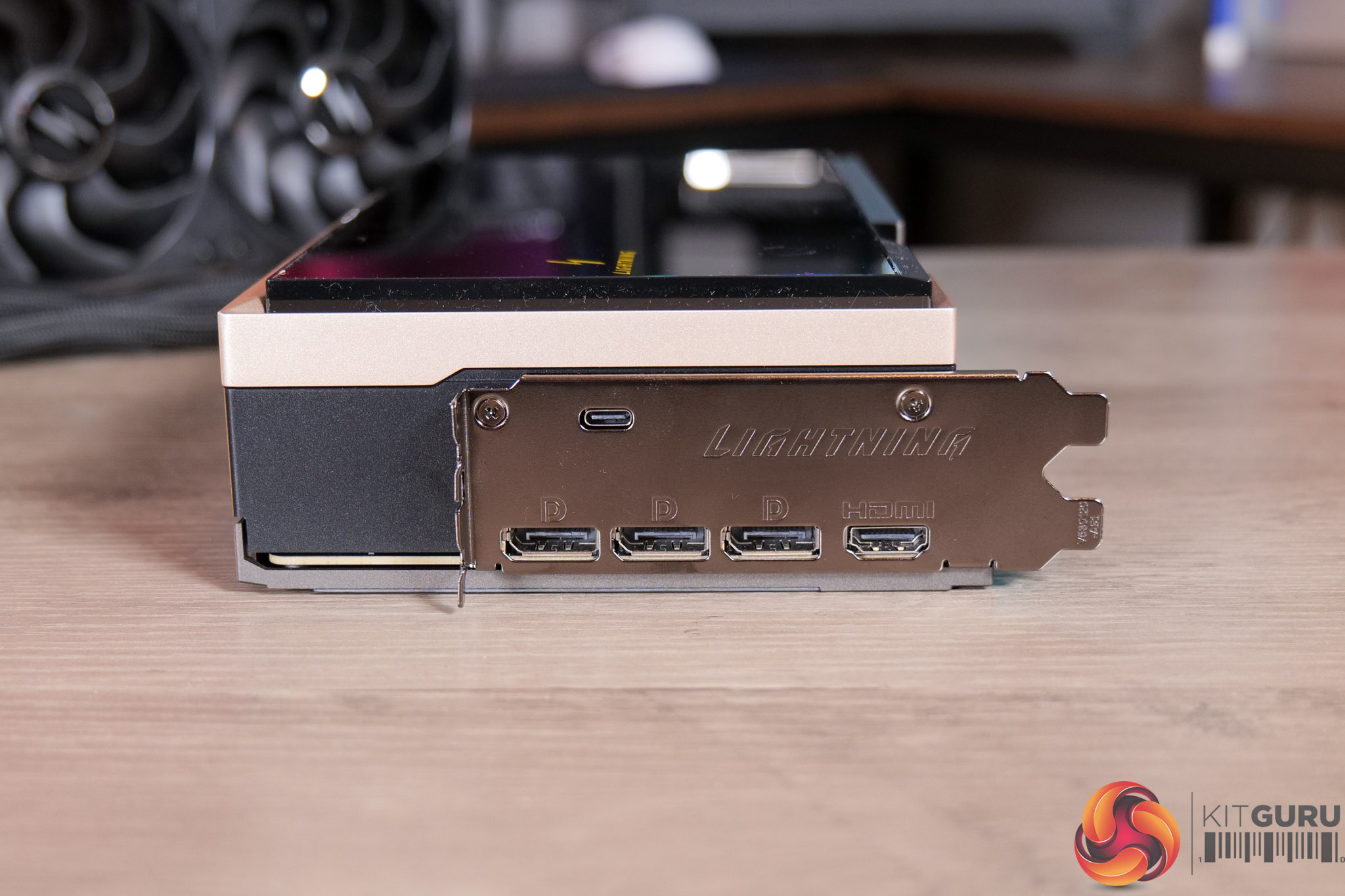
We can also note the I/O, with the standard 3x DP 2.1 and 1x HDMI 2.1, alongside a USB-C, which is used to connect the GPU’s built-in screen.
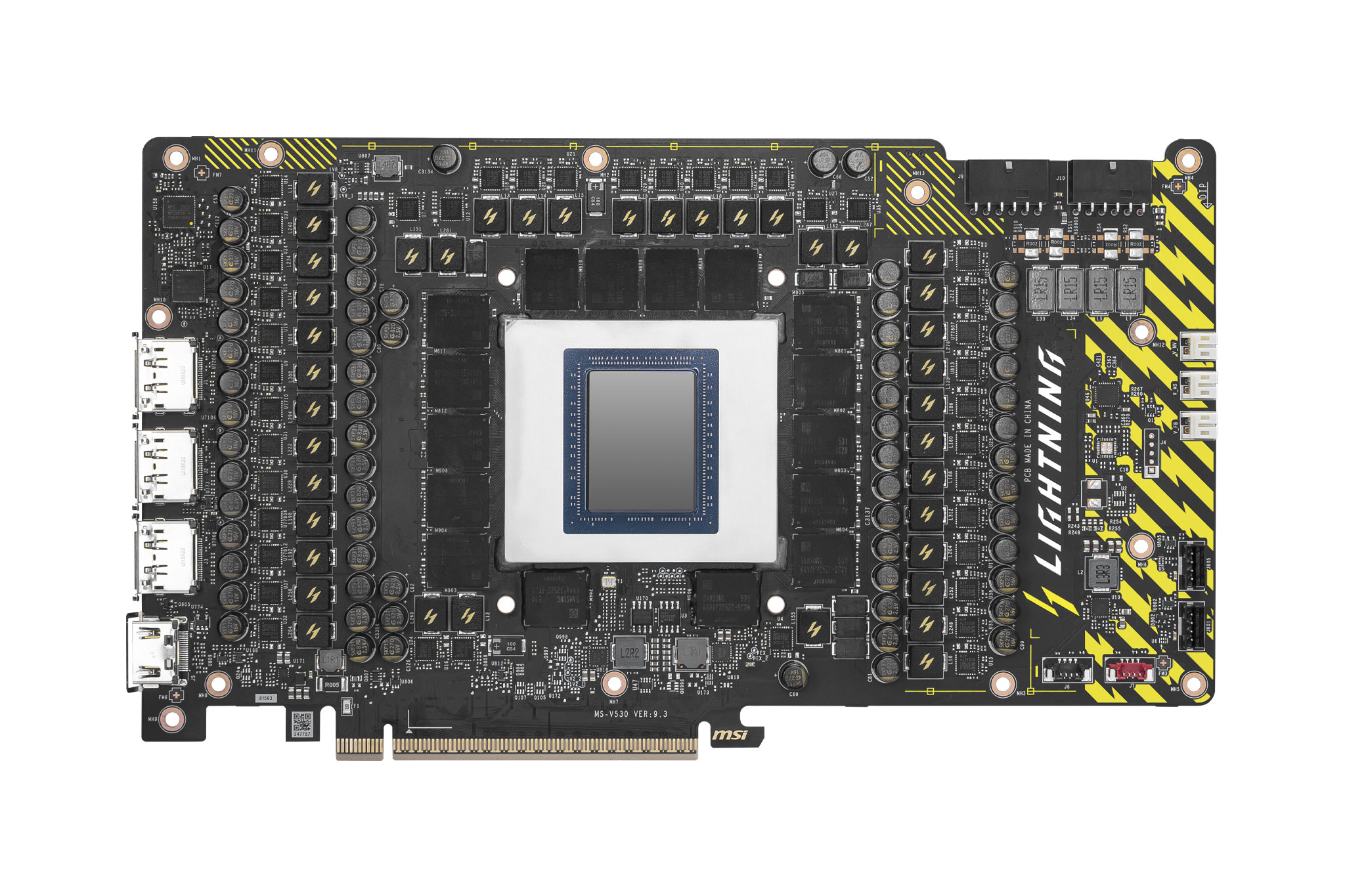
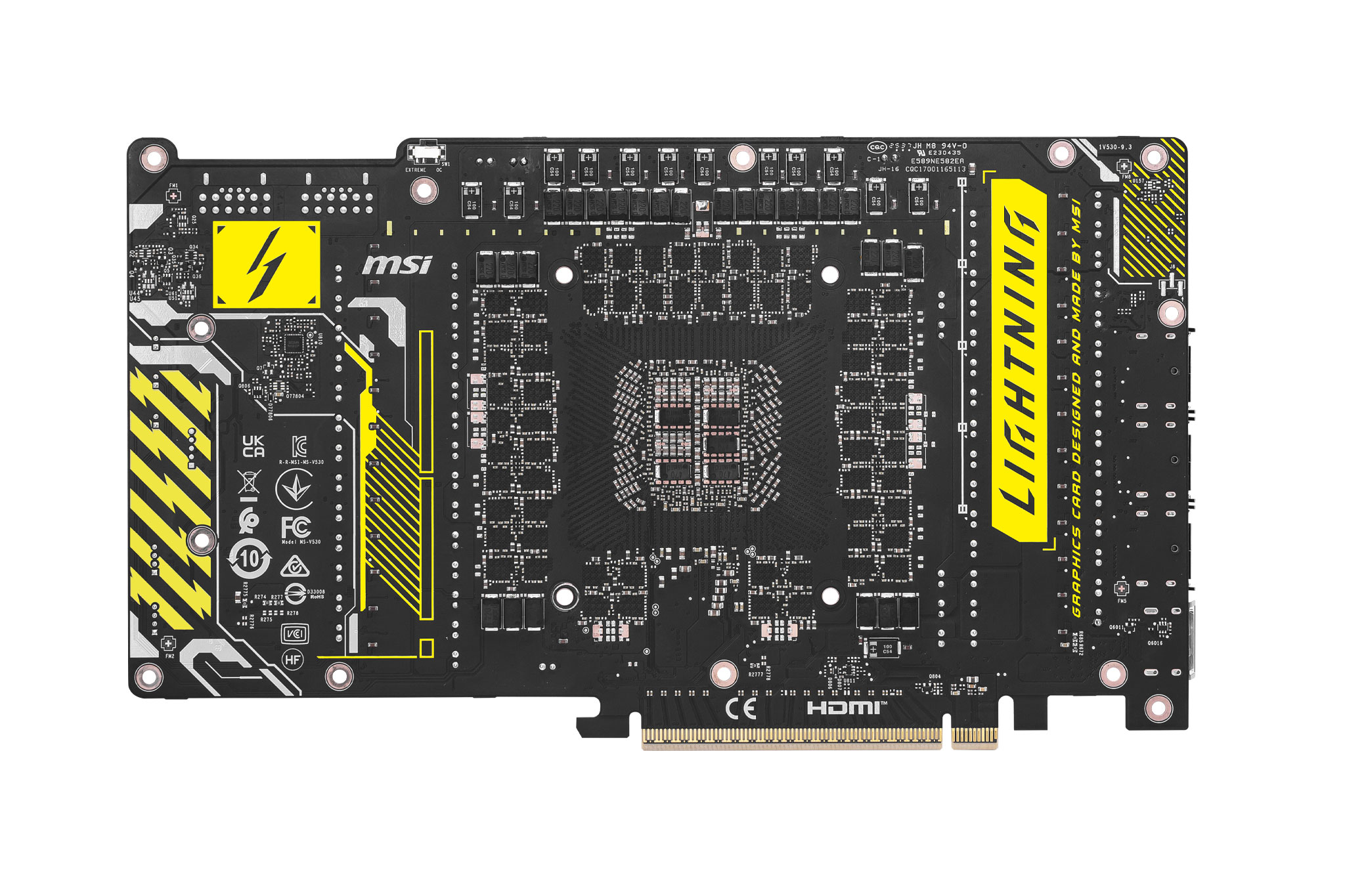
Images above provided by MSI
In terms of the PCB, I didn’t disassemble the card for this analysis, but MSI did send us the above PCB shots, and it is clearly an absolute monster of a design. We can see a total of 40 Monolithic Power Systems MP87661 60A MOSFETs, as well as a pair of Monolithic MP29816-A controllers. For reference, the MSI 5090 Suprim SOC is a total 29-phase design, so this is a huge step up. There’s even voltage check points on the end of the PCB, with the included cables allowing users precise voltage readings for those who want to control every aspect when overclocking.
MSI didn’t send us any pictures of the internal block, but we can see from the website it’s a full cover approach, cooling GPU, VRAM and MOSFETs. It's also a copper block that spans the length of the PCB, which we can see from the side of the card.
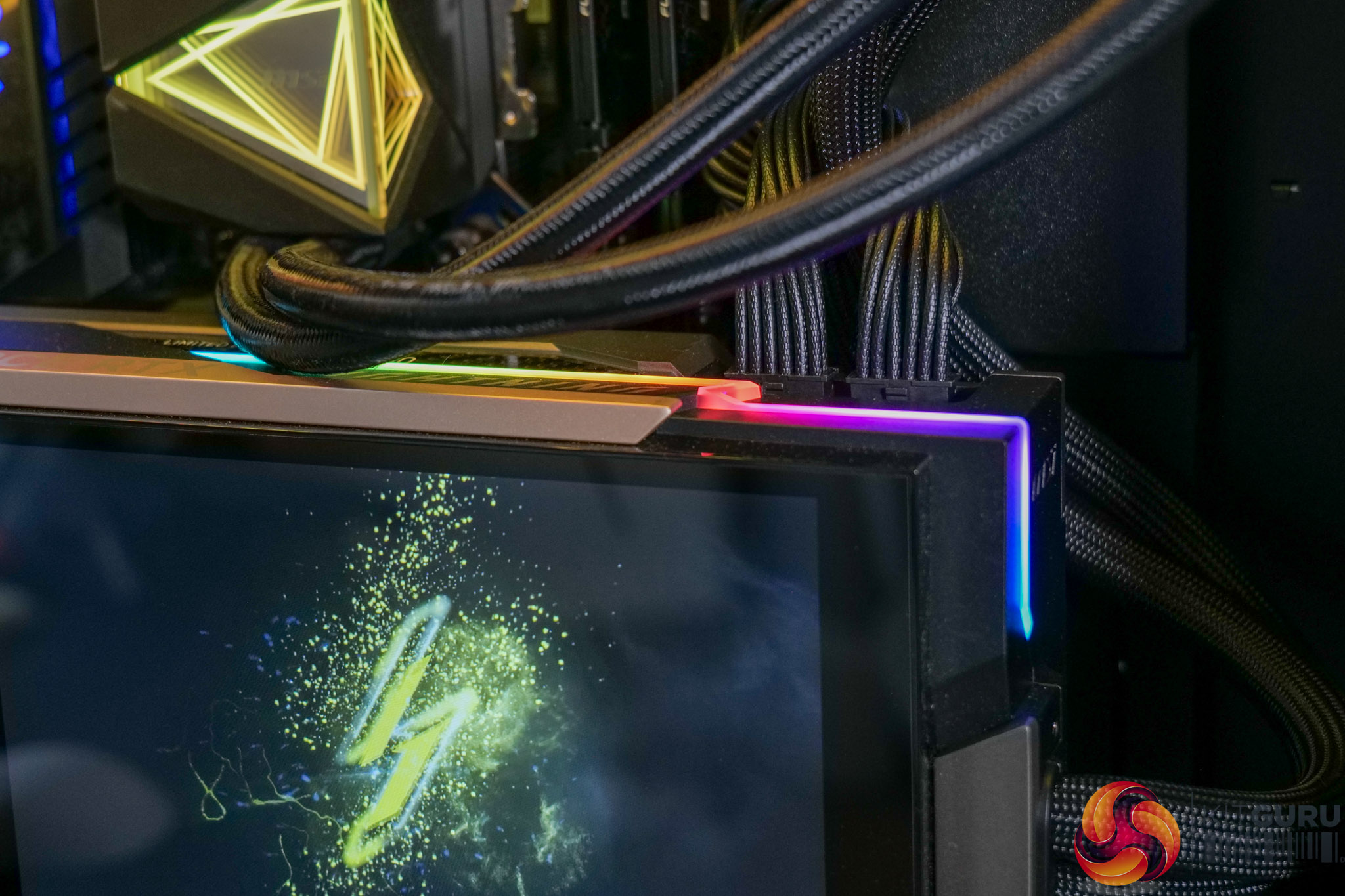
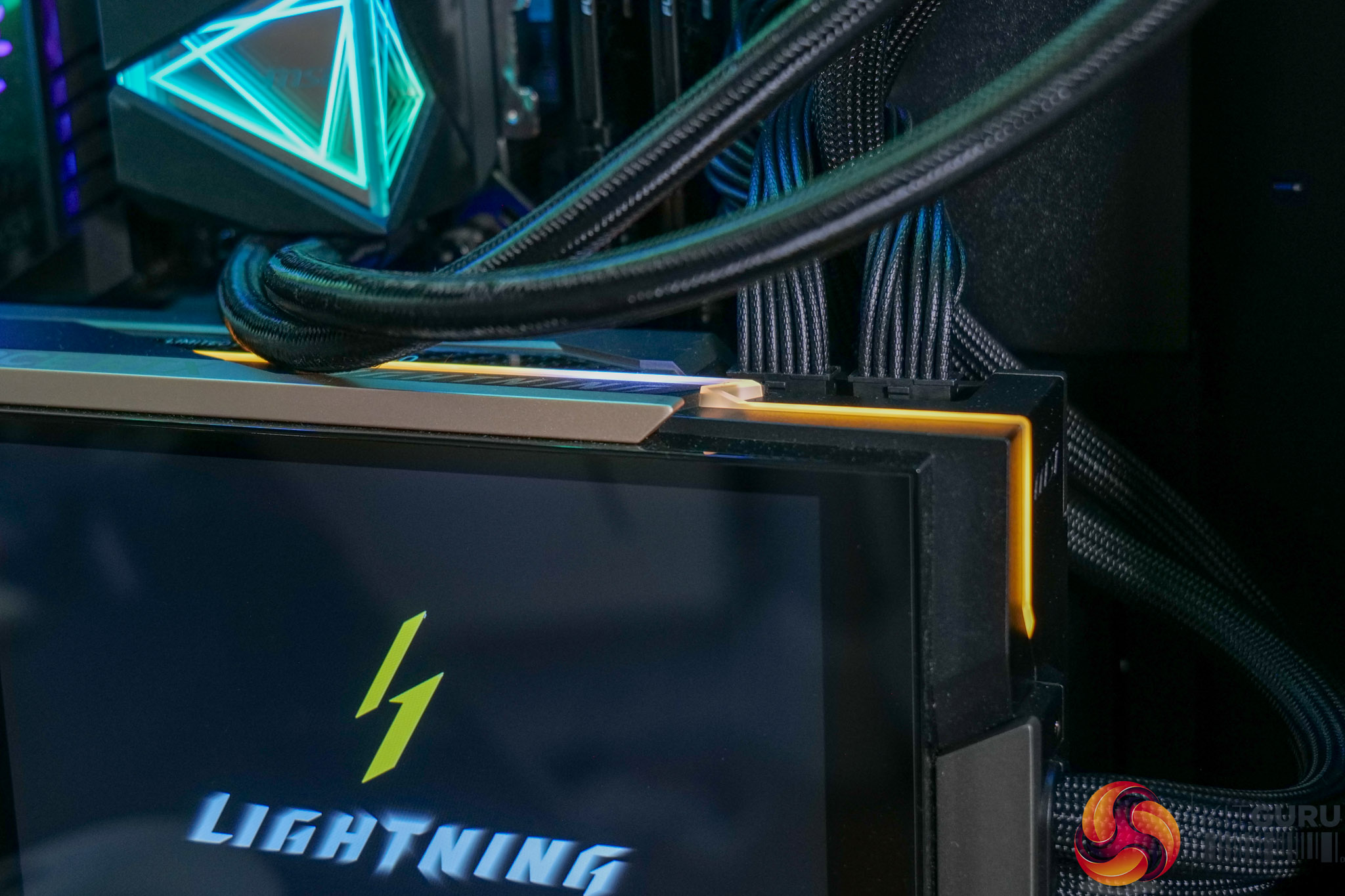
There's also RGB lighting that can be customised via the Lightning web hub.
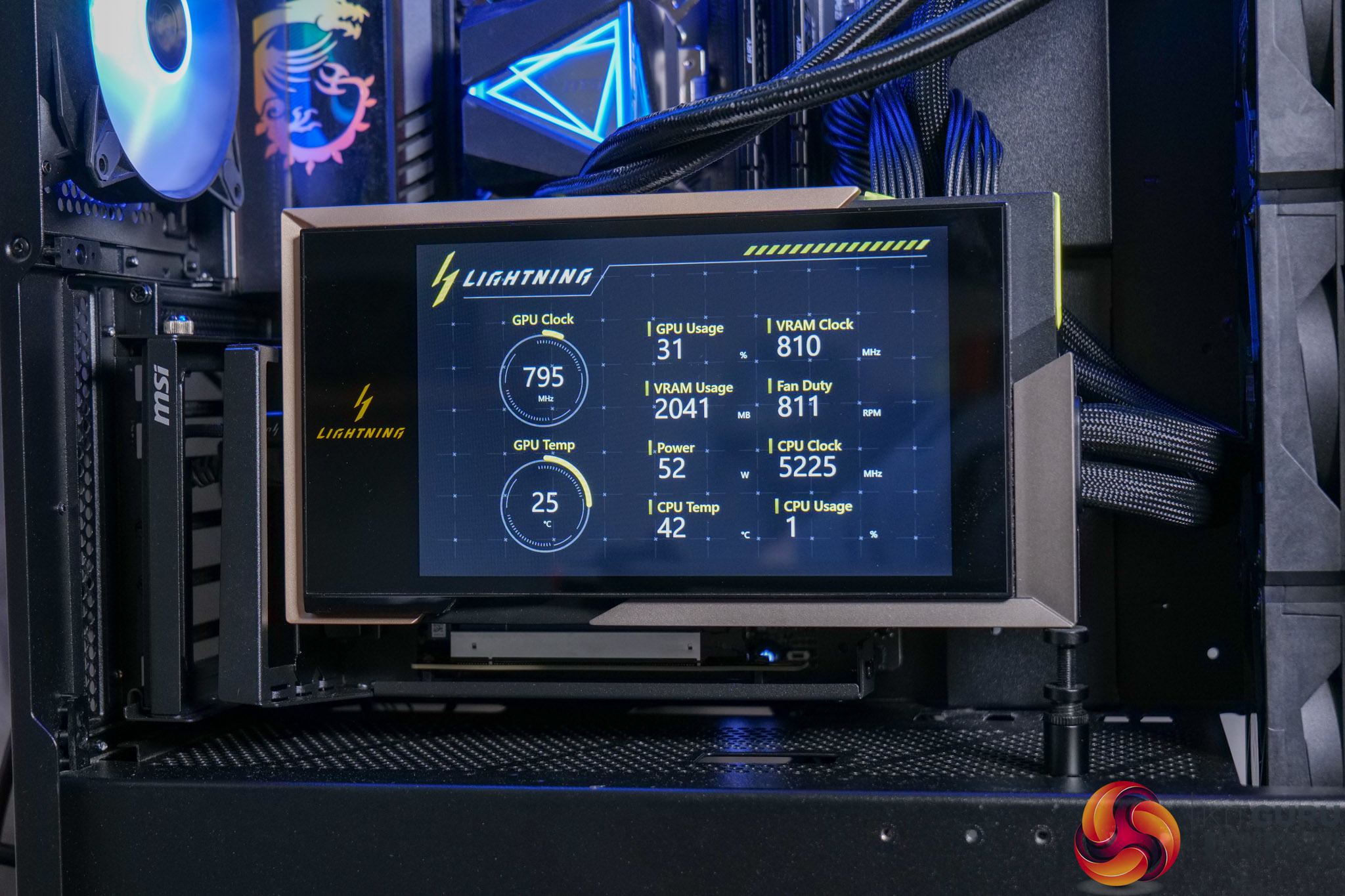
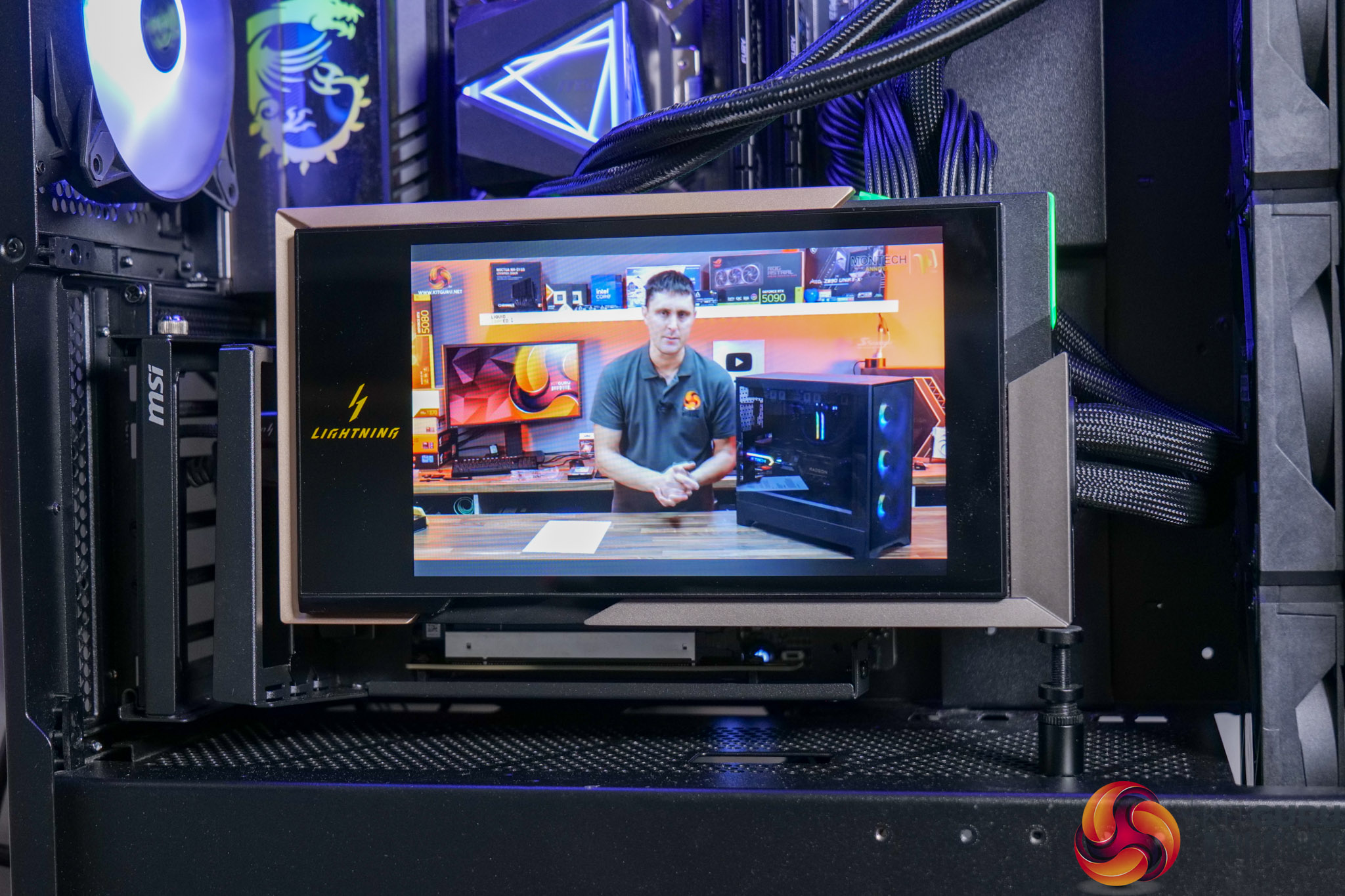
The web hub also allows control of the 8in LCD screen. We measured this hitting up to 316 nits brightness with a 1526:1 contrast ratio, so it's likely an IPS panel, while its resolution is 1280×800.
It allows four key modes to be configured:
- Displaying GPU and other system metrics
- Video playback via YouTube
- Displaying custom, user-uploadable images or video
- Use as a secondary display
It works well and certainly looks good. The range of control allows users to more-or-less do what they want with it, so it will certainly appeal if you want to quickly see GPU or system temperatures, or run your own custom animation etc.