 KitGuru KitGuru.net – Tech News | Hardware News | Hardware Reviews | IOS | Mobile | Gaming | Graphics Cards


The Acer Swift 14 AI is built around a Qualcomm Snapdragon X Plus chip rather than the usual x86 CPU from AMD or Intel. That means in this review we will be dealing with Windows 11 running on Arm, and that leads to plenty of fun and games with incompatible software. As you will see we had quite a rocky ride and we hope you find the journey interesting.
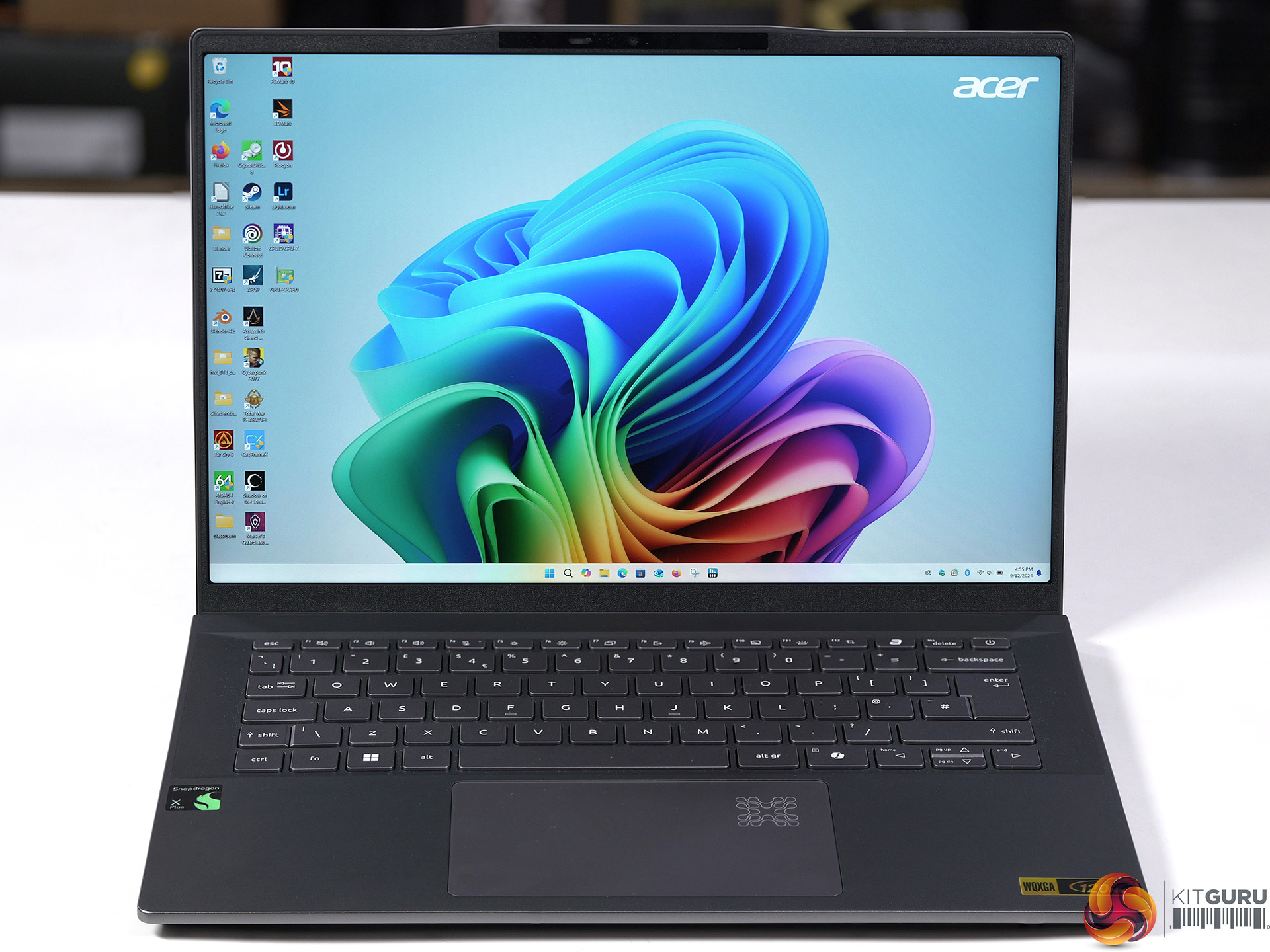
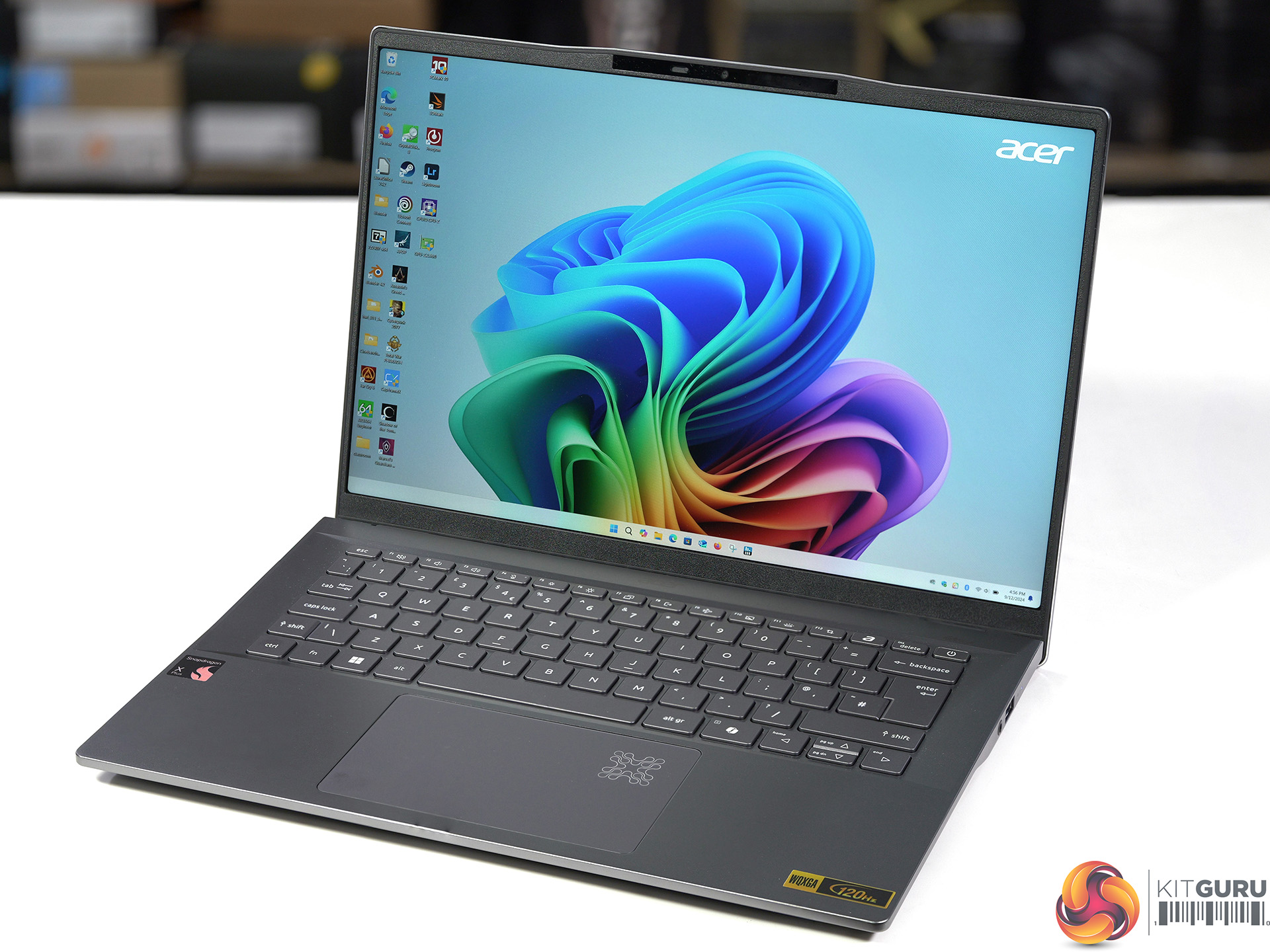
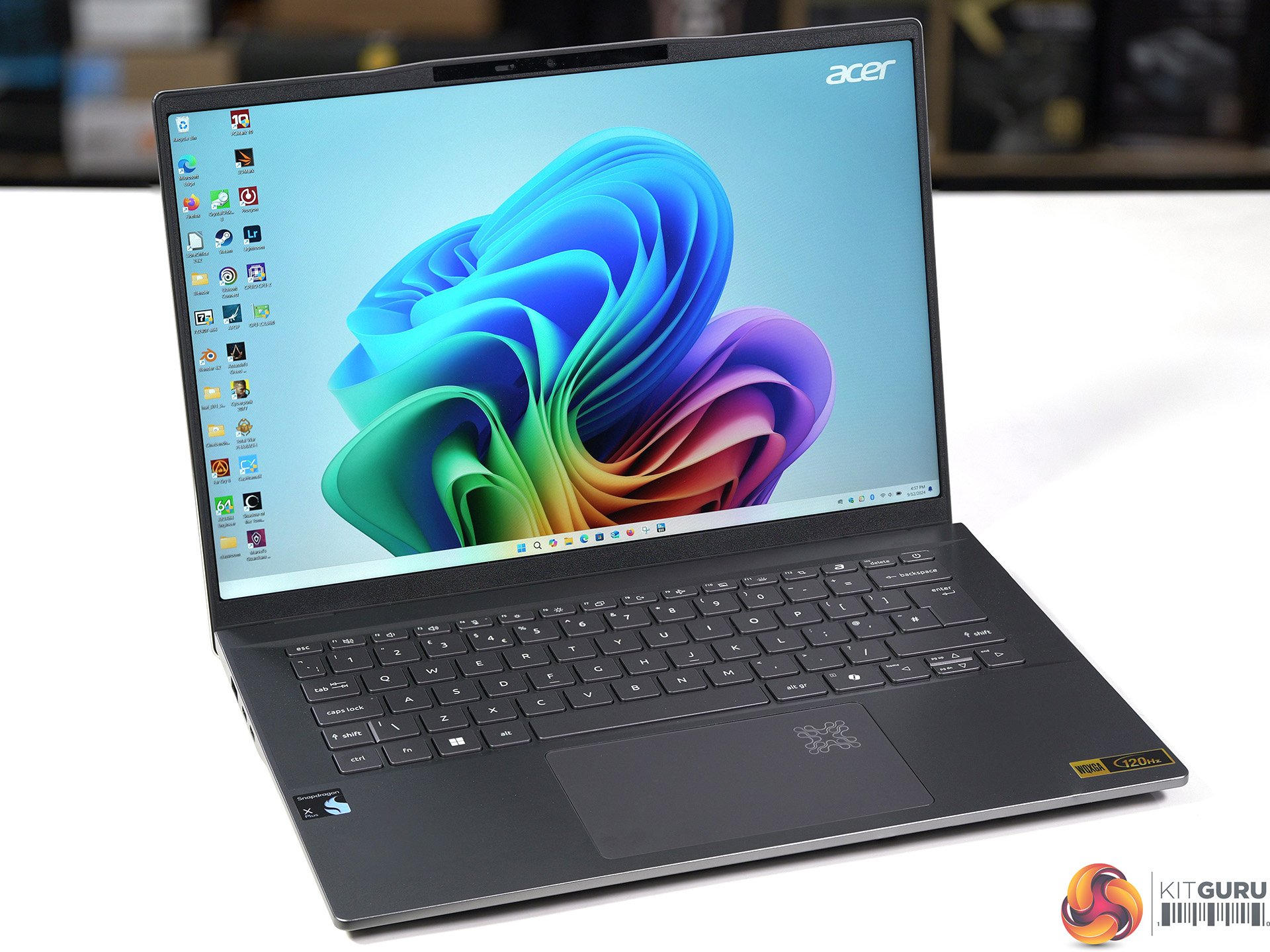
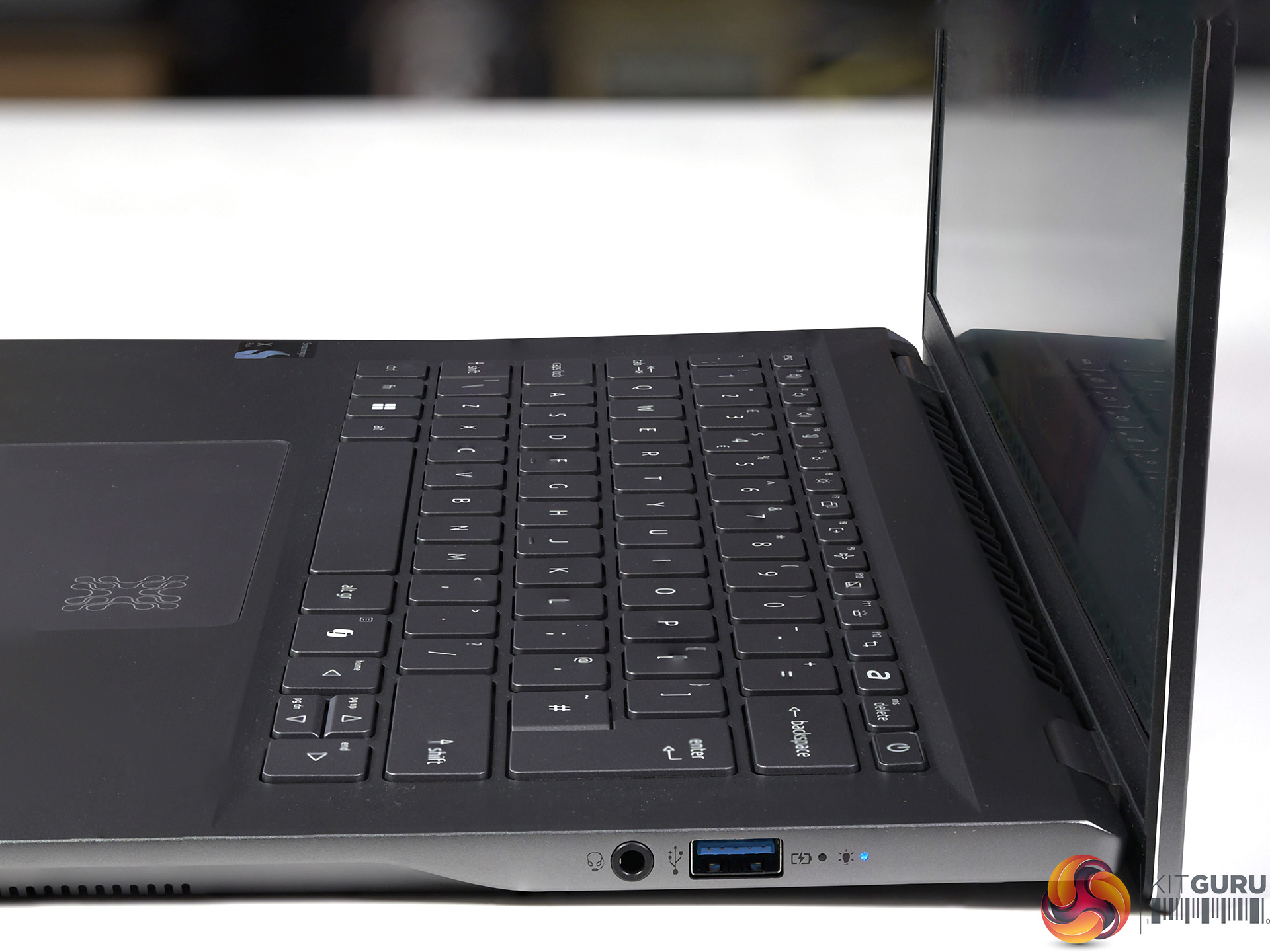
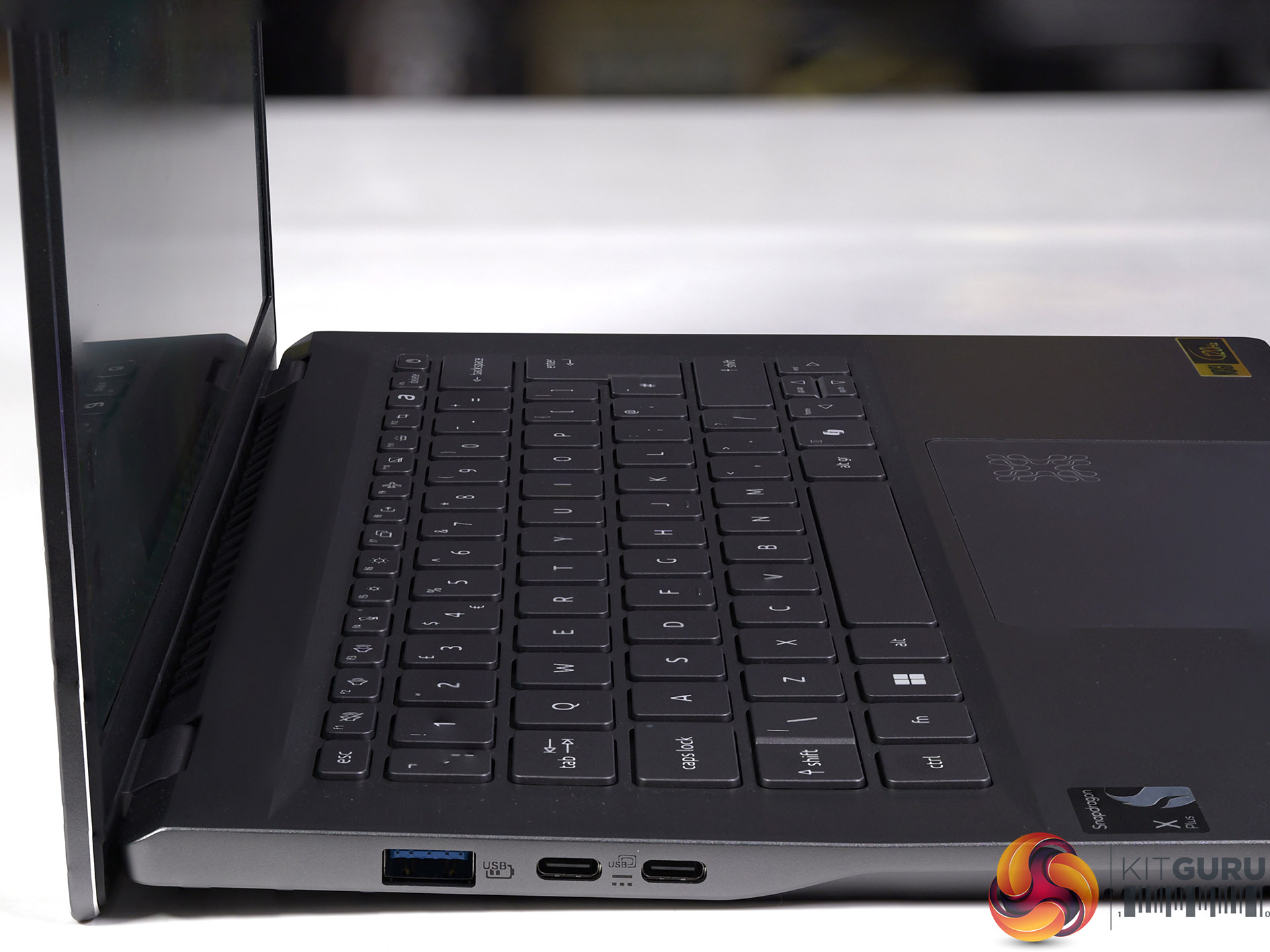
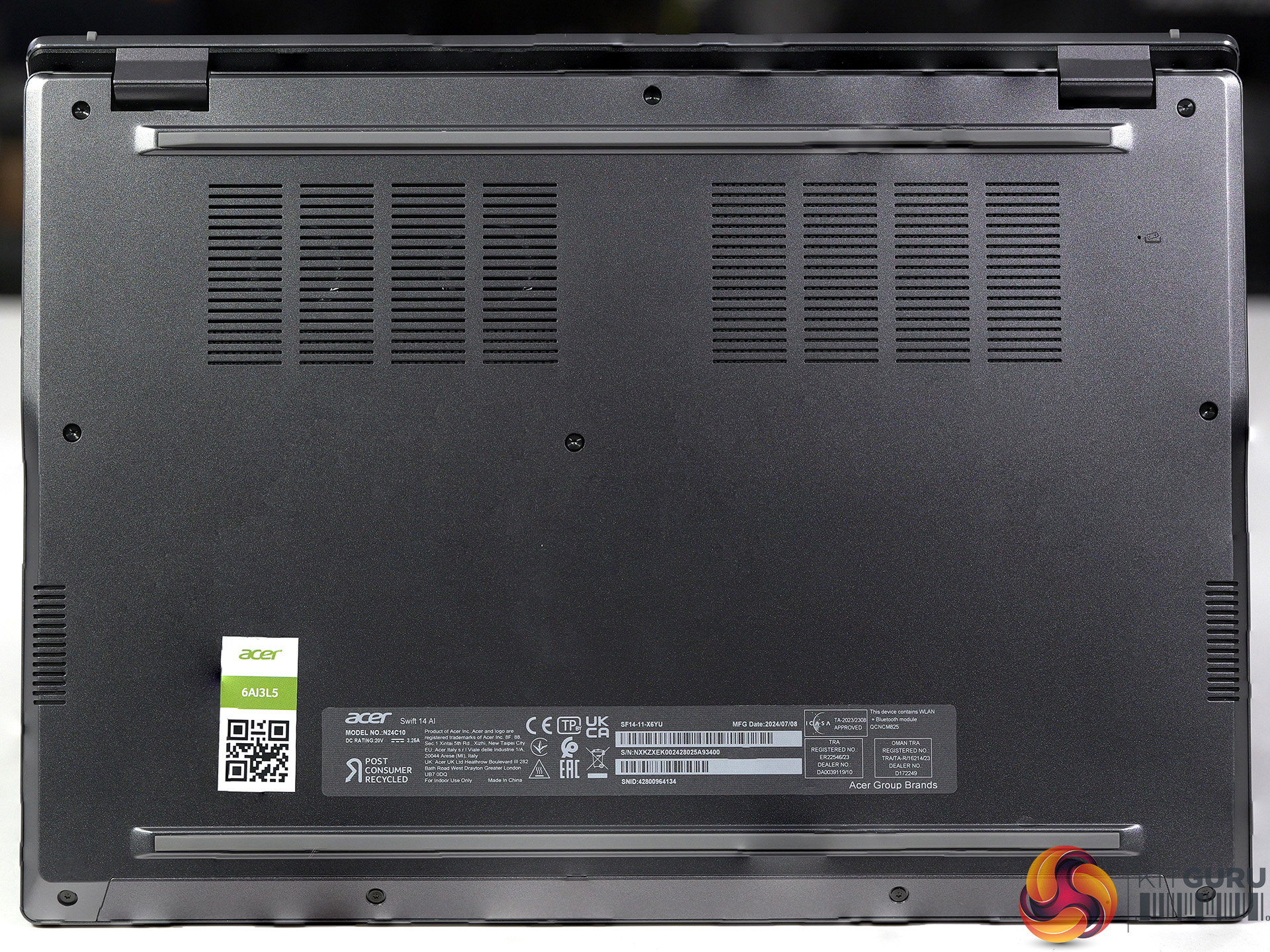
Features
- Delivering a quantum leap forward in performance along with groundbreaking on-device AI, Qualcomm Snapdragon X Series Processors offer up to 2x faster peak performance than Apple M2.
- Experience power-efficient computing and responsiveness for the most demanding of tasks, along with a diverse Windows on ARM software ecosystem.
- Power through your longest days and break free from the outlet with a battery designed for relentless productivity.
- Powerhouse performance for your biggest projects. Handle massive files, intensive software, and multiple browser tabs and programs with absolute ease.
- Sleek. Refined. Versatile.
- Meticulously designed and crafted with premium materials, lightweight construction, and a stunning aesthetic that seamlessly blends form and function.
Specification
- CPU: Qualcomm Snapdragon X Plus X1P-64-100, 10 cores up to 3.4GHz
- NPU: Qualcomm Hexagon
- Screen: 14.5-inch, 2,560×1,600 resolution, 120Hz refresh IPS, 400 nits
- Graphics: Qualcomm Adreno 741 1.25GHz
- Memory: 16GB of on-board LPDDR5X-8533MT/sec
- SSD: 1TB WD SN5000S QLC Gen 4 M.2 NVMe SSD
- Audio: Qualcomm Aqstic
- Wi-Fi: Qualcomm FastConnect 7800 Wi-Fi 7 Dual Band
- I/O ports:
- Left hand side:
- 2x USB4 Type-C 40Gbps
- 1x USB 3.1 Gen1Type-A
- Right hand side:
- 1x USB 3.1 Gen1Type-A
- 3.5mm Headphone jack
- Left hand side:
- Battery: 74Wh/6310mAh 3-cell, 65W adapter
- Operating System: Windows 11 Home with Copilot+
- Dimensions: 323mm x 226mm x 16.6mm
- Weight: 1.32kg plus 350g for power supply and mains cable
