KitGuru KitGuru.net – Tech News | Hardware News | Hardware Reviews | IOS | Mobile | Gaming | Graphics Cards


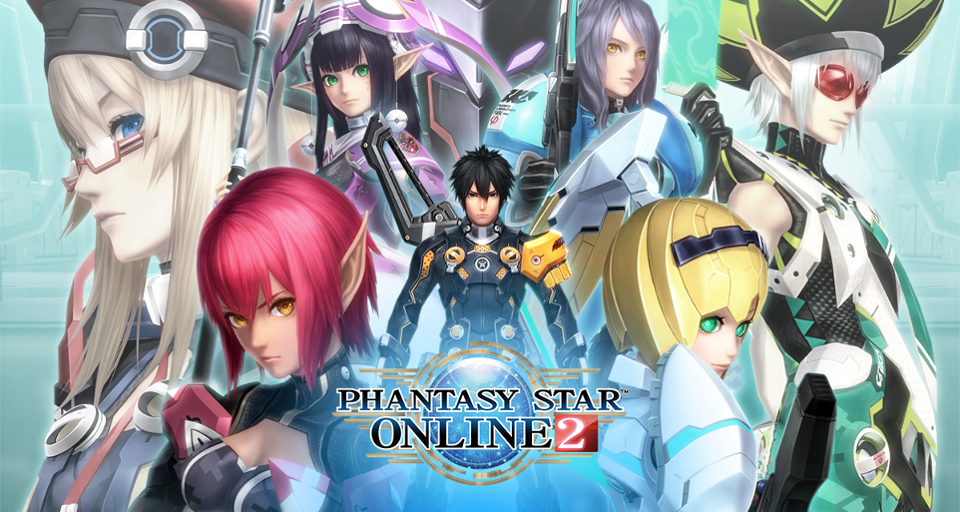
Phantasy Star Online 2 didn’t have the best western launch on PC, in large part due to its Windows Store exclusivity for the time being. Microsoft’s store resulted in a number of headaches for fans trying to install the game. Fortunately, fans have taken matters into their own hands, creating an alternative launcher.
If you are looking to play Phantasy Star Online 2 on PC, then you will almost assuredly also want to download the PSO2 Tweaker, Using this, you can install a non-Windows Store launcher, which will also keep the game up to date. It also has modified options for graphics and other settings, making things a bit friendlier than the original launcher.
There is a step-by-step guide over on Reddit that will help users get everything set up and working correctly. As PCGamer points out though, you will need to turn on Windows Developer Mode for the launcher to download the official files and link them to the Windows Store.
This step is still necessary as the western version of Phantasy Star Online 2 uses your Microsoft/Xbox Live account for authentication, log-in and in-game purchases.
KitGuru Says: Have many of you tried out Phantasy Star Online 2 since its Western launch? Are you using the standard Windows Store version, or the custom launcher?