 KitGuru KitGuru.net – Tech News | Hardware News | Hardware Reviews | IOS | Mobile | Gaming | Graphics Cards


ASUS may be best known for their motherboards but they have a diverse portfolio including graphics cards, cases, peripherals alongside a new range of ‘wearables'. The technology giant has various product ranges – such as the Strix series, aimed at the enthusiast user and designed to supplement the Republic Of Gamers range.
Today we are looking at a Strix mouse and mat combo: the Claw and the Glide Speed. They are each very ‘orange' and feature some interesting design ideas that could set them apart from the crowd. Let us find out if that holds true.
Features
- 5000 DPI high-precision, gaming-tuned optical sensor (PixArt PMW3310).
- True 1:1 tracking and angle-snap-free capability.
- Instant DPI switches with four DPI stages and additional DPI clutch.
- Three independently programmable buttons.
- Right-handed ergonomics.
- Japanese-made Omron D2F-01F switches.
- Angled braided cable.
- Software and plug-and-play hardware modes.
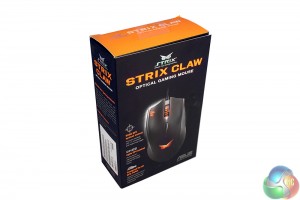
Like most mouse packaging these days, the Strix Claw's features some high quality box art images.
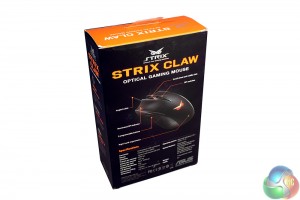
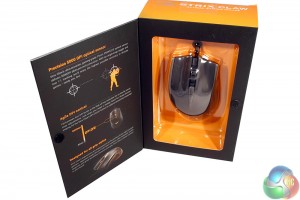
You can pop open the front on this one which is good if you happen to be buying in person, rather than online (there are still some people that buy in a physical store, right?).
Inside it breaks down some of the mouse's main features – like its use of a precision, high-grade PixArt PMW3310 optical sensor. The reason that sounds familiar is because PixArt bought Avago a while back – so essentially this is the Avago 3310 sensor. A true enthusiast favourite.
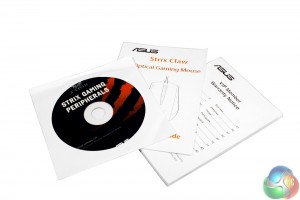
There is quite a bit of documentation with the Strix Claw – but that is only because it is all in about 30 different languages. The quick-start guide only contains a short section on how to set it up, before giving you three A4 size pages of feature lists in everything from German to Korean.
There is also a bundled driver CD, for those that did not just go straight to the website and download the latest version of the back-end software.
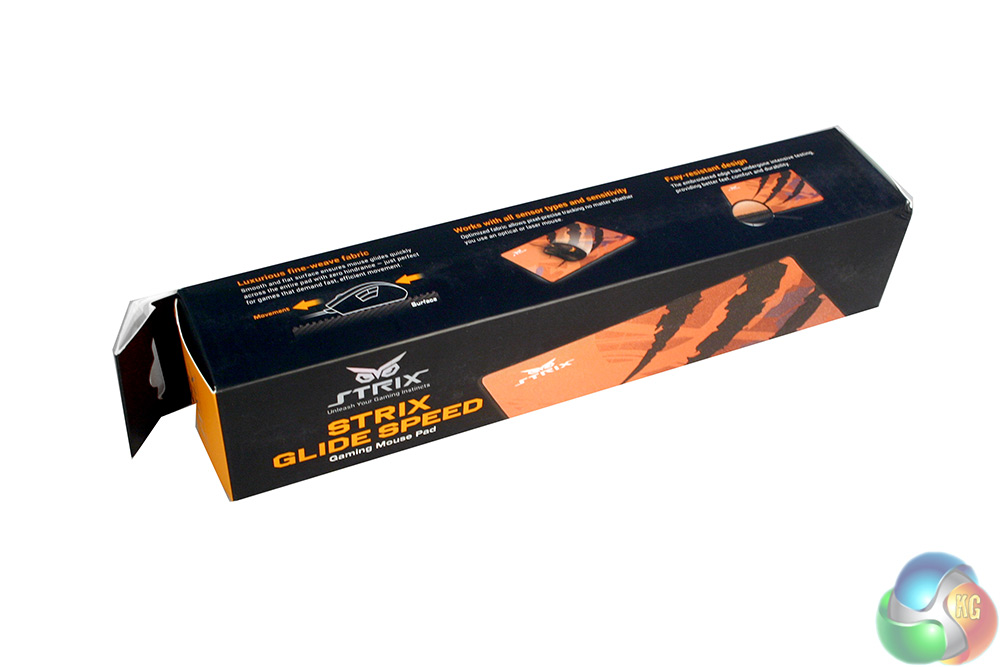
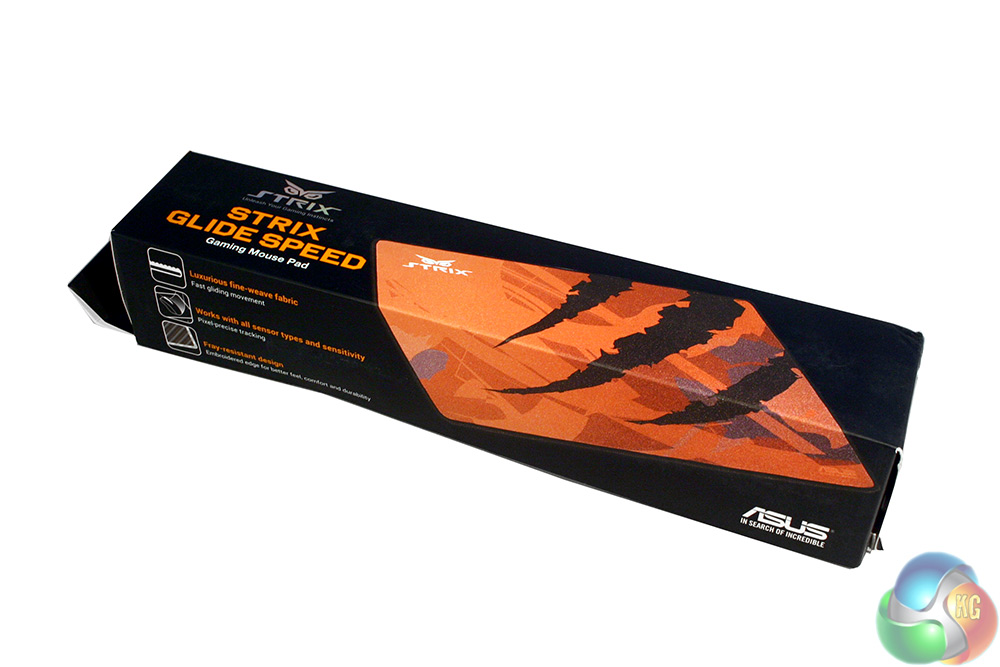
The Strix Glide Speed Mat ships with similarly high quality packaging. Sadly it does not feature the two little texture touch pads which I have come to appreciate on other mouse mat boxes – these let you know what the material of the mat inside is actually like.

Documentation is a little less heavy-handed with the mat, but it is still rather chunky and is supplied rolled up inside the packaging.
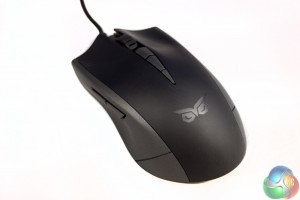
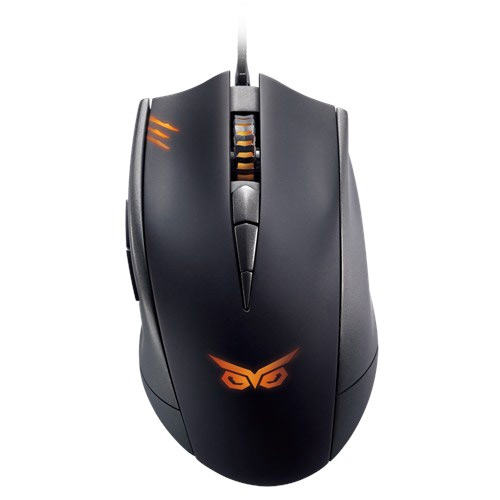
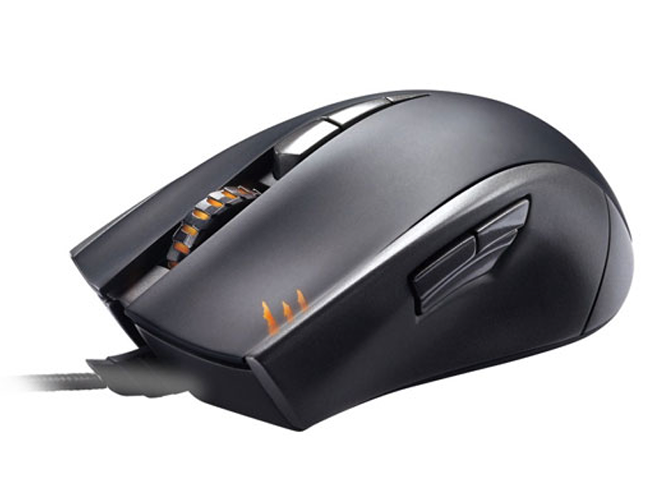
Compared to its orange and black contrasting packaging, the Strix Claw itself is actually quite an understated looking mouse. It has a black and grey theme with a clear Strix logo at the rear for the yellow/orange LED lighting to shine through when powered on.
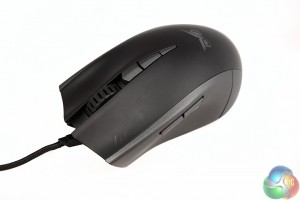
The main body is made from plastic with no real soft-touch coating, but the build quality is excellent.
The left hand side of the mouse does not feature anything in the way of grip, but it does have some subtle ergonomics to make it easier to hold the mouse with your thumb. Since this is designed as a claw grip mouse (that supports other styles), major ergonomics are not really required.
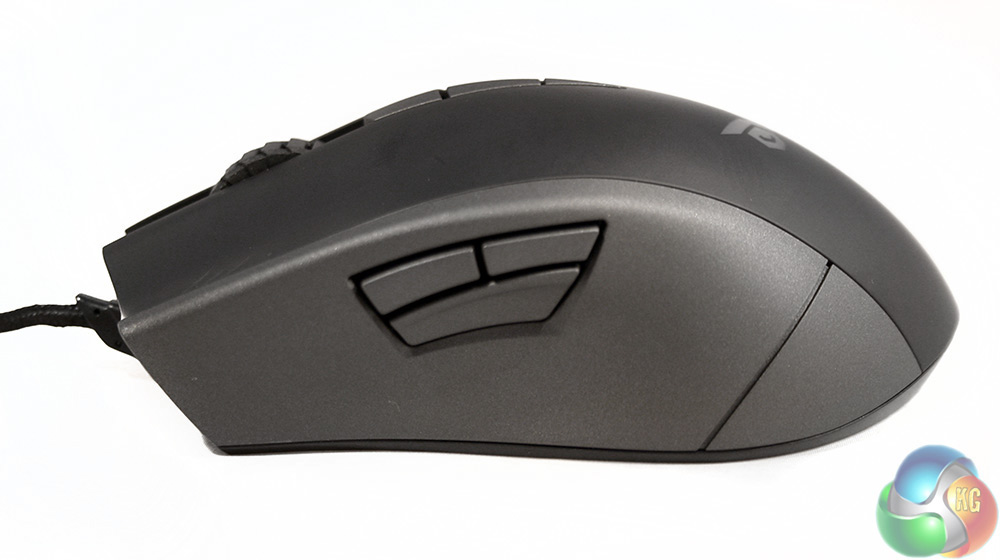
Just above where your thumb sits are three buttons, two traditional ones mapped to forward / back at stock and a third button that ASUS terms the “DPI Clutch” or “Sniper” mode. This drops the DPI down to just 400, making it easier to make those highly accurate shots, or for doing other ‘sensitive' work.
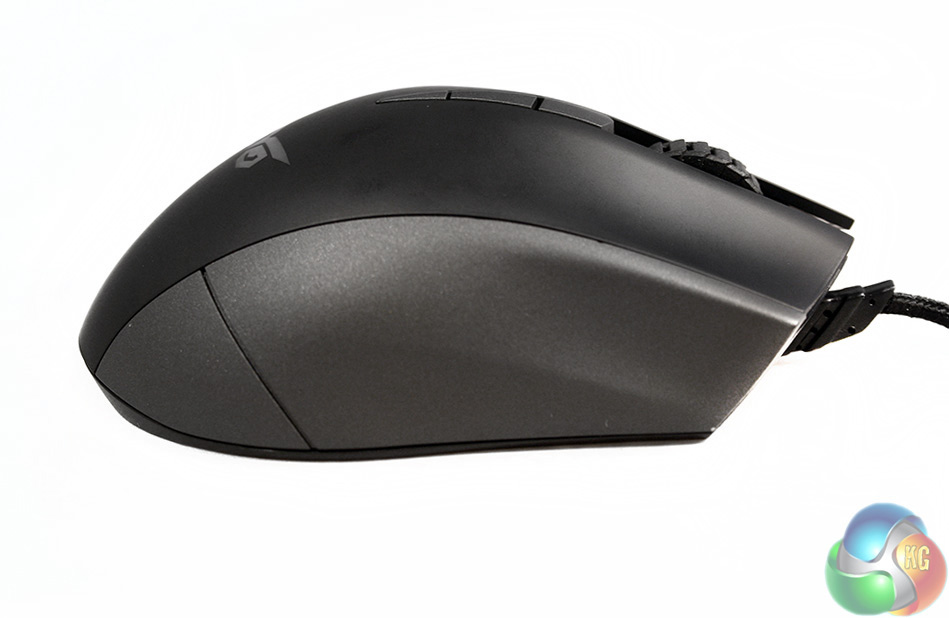
Comparatively, the right hand side is rather plain. It features some more ergonomic styling for finger rests, but again no rubber or other material for grip.
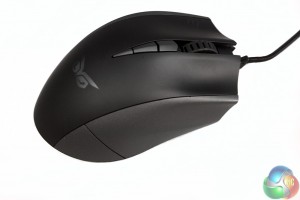
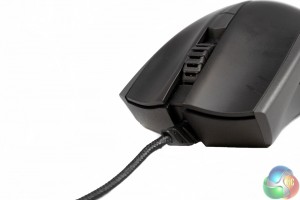
At the front end are the usual left/right-click mouse buttons, which due to the design of the mouse (and no doubt the use of high-end Omron switches) lets you press them from almost half way back down the body, so if you really like to hunch your fingers for a claw grip, you are in luck.
The front end also features a ridged scroll wheel and a pair of DPI up/down switches within easy reach. Notably too, the braided cable is angled up slightly, presumably to prevent drag on the mousing surface.
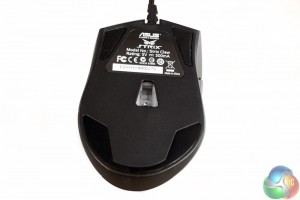
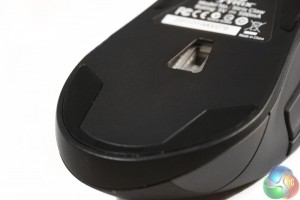
The underside is quite typical of a gaming rodent, featuring a centrally located optical sensor and three teflon pads (the bottom “two” are actually a large single pad if you look closely) located in each of the corners and across the bottom edge.
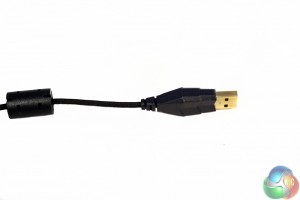
The braided mouse cable has a custom header making it easier to identify at the back of your PC, among all those other USB devices and is gold plated.
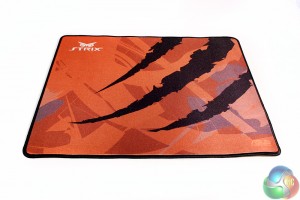
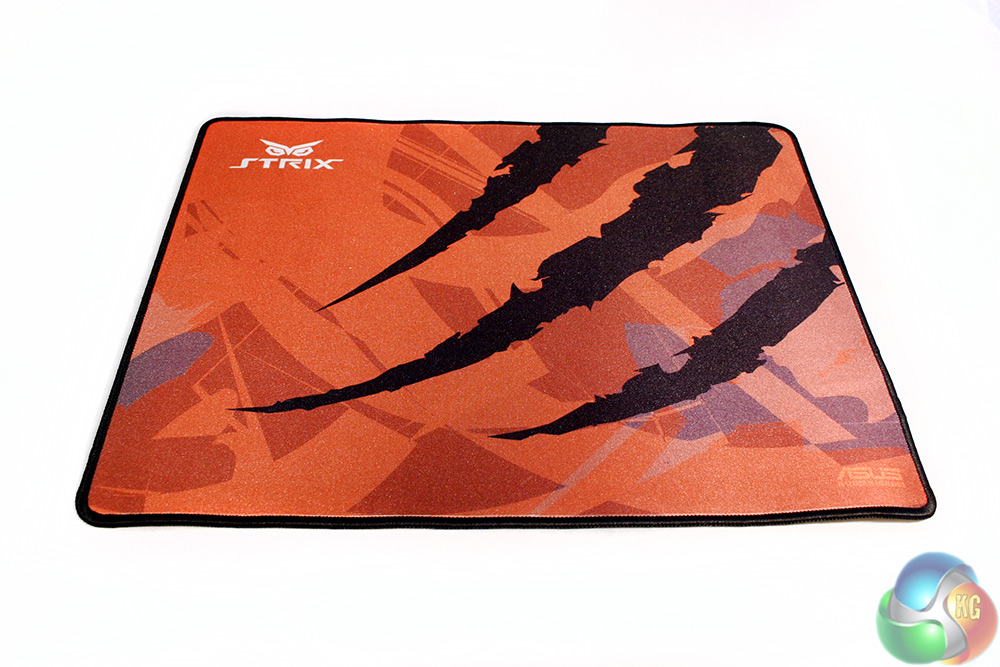
As for the Strix Glide Speed mat, it is very orange, as you can see, with three black claw marks raked through it. The orange is a slightly odd, grey hue, which I can not figure out if I like or not – looking closer to a dirty orange than a vibrant one. It is also somewhat sparkly, but very smooth.
One feature of it that I particularly liked was the stitched edging, which should prevent it from becoming frayed as the mat gets older.
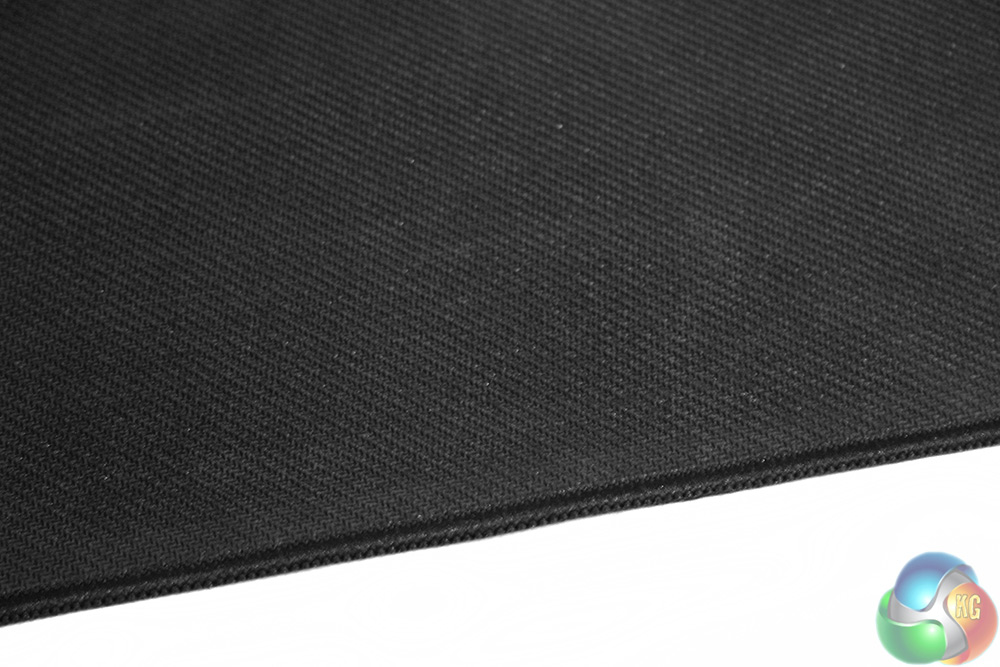
On the underside, you have the usual cross-hatch rubberised layer to prevent the mat sliding around (at least in theory).
To test the Strix mouse and mat combo out, I put them through their paces in a number of different general usage and gaming scenarios. This involved me testing it in a wide variety of titles and many hours of daily usage performing office tasks and more precise ones like photo editing, to give a feel for how they perform in the real world.
While we consider this the best way to give you an idea of what they are like to use, if you get a chance, try before buying, as peripherals can be very subjective. That is not always easy, but a great time to do so are at events like Multiplay's iSeries LAN parties.
We are often in attendance too, so keep your eyes peeled for KG staffers.
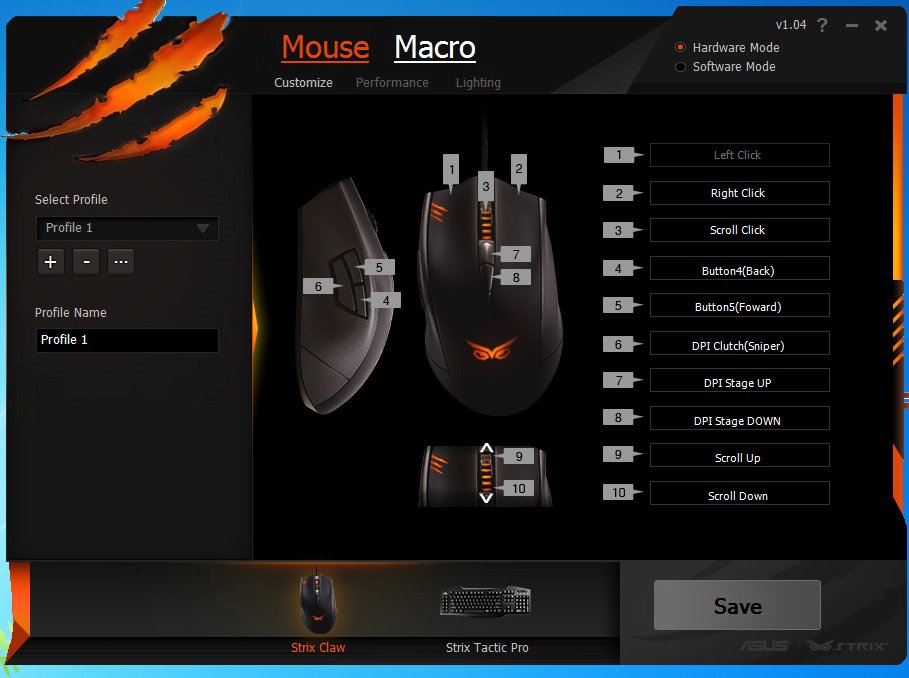
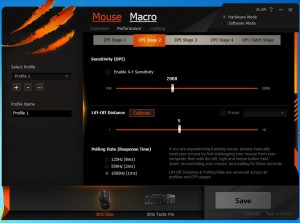
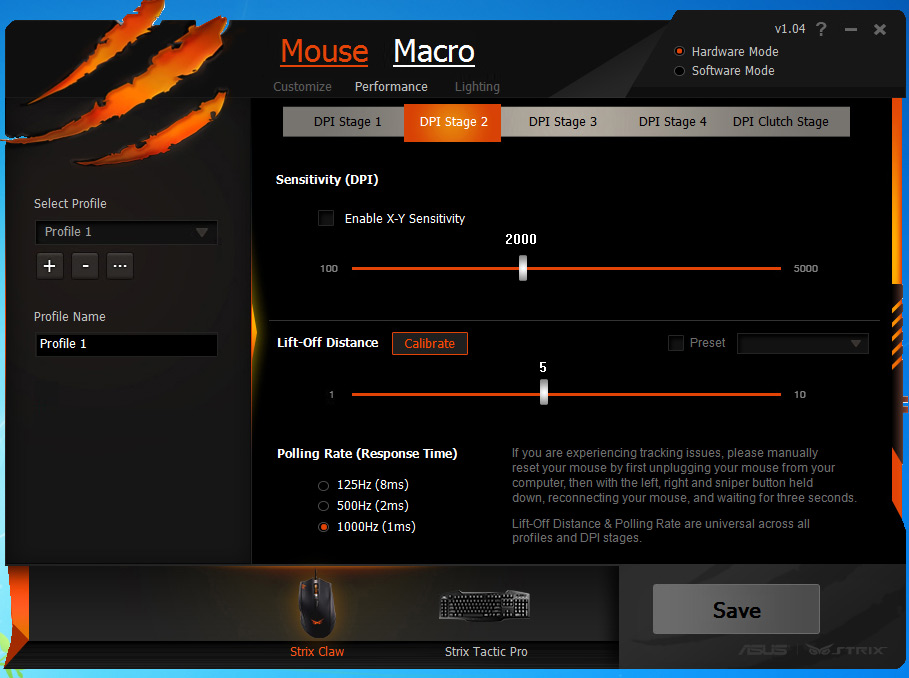
The software is clean and easy to navigate, allowing comprehensive button remapping and DPI step adjustments
Strix Claw gaming mouse
For the most part, it is a very solid gaming mouse. Thanks to its high end sensor, it feels reliable and accurate at a number of different sensitivities and can scale up to 5,000 DPI if you need to move quickly. Better yet, it still offers a quick change to a lower setting thanks to the sniper button and all steps are customisable in the back end software.
While a sensor like the PixArt (formerly Avago) PMW3310 is best suited to FPS gaming, where accuracy is king, it is equally well suited to other games and I noticed very little if any jitter and there is absolutely no correction or angle snapping. This means that your movements are translated faithfully to the screen. You want a sensor like this if you are a serious MOBA or similar gamer.
It is also a very comfortable mouse to use, fitting snugly into your hand. It is easily usable in the Claw grip fashion that it was designed for and works just as well with my between-worlds finger tip grip style. Palm gripping does not feel quite as comfortable, as the high arch in the centre of the mouse means your fingers do not lie flush across the mouse buttons, but it is doable if needed.
The thumb buttons are well placed to cater to claw grippers too and the sniper button in particular feels just right when you want that extra level of accuracy.
As solid as the Strix Claw is though, there are some issues with it that I would like to see fixed if ASUS ever makes a Claw 2.0. Firstly, grip: it is insufficient as it stands. While I am a big fan of a nice, soft mouse body to rest your hand upon (the little things count when you spend 12+ hours a day at your PC) the non-textured coating used on the Strix Claw means that when you get sweaty, you can actually start to slip.
Most of the time it is fine, but once or twice it slipped from my grasp and I found myself having to grip harder than is usually necessary with my fingers, just to keep an adequate hold on it.
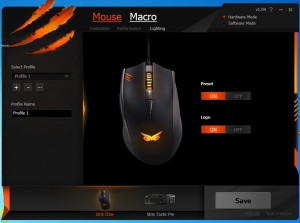
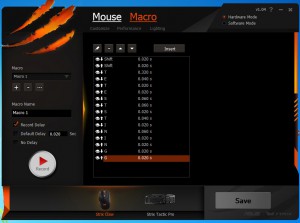
Lighting options are limited though macro creations is possible and saveable to internal memory
I am not saying that this mouse needs some rough textured surface all over, but when so many manufacturers add a little rubber pad for thumb and finger grips, I do not see why ASUS could not do something similar. Without any sort of texturing also, air movement on this mouse is minimal, so perspiration build up will happen if you are a sweaty gamer like me.
The only other minor complaint I had is that I felt that the scroll wheel did not have the same quality feel as the rest of the mouse. It has a loud click and a scroll that feels almost ‘loose.'
I was however a big fan of the angled cable. That seems like an excellent idea to avoid tangling and should be adopted by more manufacturers.
Strix Glide Speed mat
While overall a good performer, I was not quite as impressed with the Strix Glide Speed mat as I was with the mouse. It is a good size and the surface is lovely and smooth, making it good for gaming and all sorts of other tasks, whether you like a high DPI or a low one.
It also features an excellent idea that I want every cloth mat manufacturer to consider: stitched edging. This will ensure that over time the edges do not become frayed and sharp, as some mouse mats do.
However, this stitching also proves to be a downfall of the Glide Speed. Due to the raised edge it creates, I often found the join between my wrist and palm pressing against it and this in turn would occasionally shift the entire mat around. This is not the end of the world if you are just editing a photo, but if you are in mid-game, this is a big problem.
Unfortunately the combination of that, with quite sub-standard rubber grip on the underside means that this – albeit uncommon – phenomenon happened to be a few times during testing. It is something ASUS will need to fix before I can really recommend this mat over its competitors; especially at £16.
I will however say that it is very comfortable and cushions your hand nicely. I am not a massive fan of the sparkly orange theme, but that is 100 per cent personal preference and you do not need me to tell you whether you like the look of this mat or not.
The Asus Strix Claw is a solid all round gaming mouse, with a truly excellent sensor (I cannot stress that enough) and some solid back-end software that provides basic customisation. It is also comfortable over long periods, which not every peripheral maker can claim about their products.
It does feel a little light on features, with no real lighting options beyond ‘on' and ‘off' settings, it has no adjustable weights and not much else in the back end beyond basic options. All of the little extras can help make a mouse really stand out from its competitors.
The only area of real import that ASUS needs to work on is the grip. This mouse needs some rubber thumb grips or a slightly textured surface – to guarantee you are not going to lose hand position during intense gaming sessions. Fortunately this is not something that happens regularly, but the fact that it happened at all suggests that a couple of rubber pads on the side could easily cure the problem.
All in all, it is a great gaming mouse, with a lot going for it. The main selling point is the sensor, and it doesn't disappoint – that said, ASUS are facing some stiff competition this year in the £40-£50 sector.

The ASUS Strix Claw can be found on Overclockers UK for £45.
Discuss on our Facebook page, over HERE.
Pros
- Accurate and smooth optical gaming sensor.
- Works with all grip types (though mostly claw and finger).
- Comfortable over long gaming periods.
- Good sensitivity options and hardware macro storage.
- Angled braided cable helps avoid tangles and drag.
Cons
- Grip is not quite up to standard when perspiration occurs.
- Limited lighting options.
- Scroll wheel is a bit clunky.
KitGuru Says: The Strix Claw is a good gaming mouse, but it could be better with just a few minor improvements.

The Strix Glide Speed is, unfortunately, a little less award worthy than the Strix Claw. It is big enough that you should never need to ‘lift off' and it is silky smooth to the touch, which is perfect for gliding across with a pair of teflon skates. I was also a big fan of the stitched edging as that should really extend the life of its cloth surface.
But that stitched edging also proved to be the mat's main issue.
When this is combined with less than perfect grip the mat will move around if a wrist gets caught on the stitching. This is less of a problem if you keep your wrist off the mat's surface, but that defeats part of the reason for buying a comfortable cloth pad.
Believe it or not, this is not a deal breaker for me. I still quite like this mat as it is comfortable and works well as a gaming surface, but when there are so many other mats out there that do just as good a job it becomes much harder to recommend.
Overall, while the Strix Glide Speed has a lot going for it, it lets itself down simply because the competition is extremely fierce.

You can buy the ASUS Strix Glide on Overclockers UK for £16.
Pros
- Comfortable.
- A good size.
- Smooth surface, great for gaming.
- Stitched edges are a great idea.
Cons
- Stitching is too raised, causing collision issues with your wrist.
- Underside grip is insufficient to hold the pad in place during heavy gaming.
- Colours do not seem particularly vibrant.
KitGuru Says: Although this is a comfortable, cleverly designed mat, the underside grip could be improved a little.

i use strix claw 2 days. bought it used for 40€.
i used steelseries sensei before and i was scared because of optical sensor. but strix claw is really good mice for the price. i can recommend it but not pay more than 50€..