KitGuru KitGuru.net – Tech News | Hardware News | Hardware Reviews | IOS | Mobile | Gaming | Graphics Cards


The Intel Killer NIC is partly about dependable performance, and partly about how much you can optimise for different use cases. This is accessed through the Intel Killer Performance Suite.
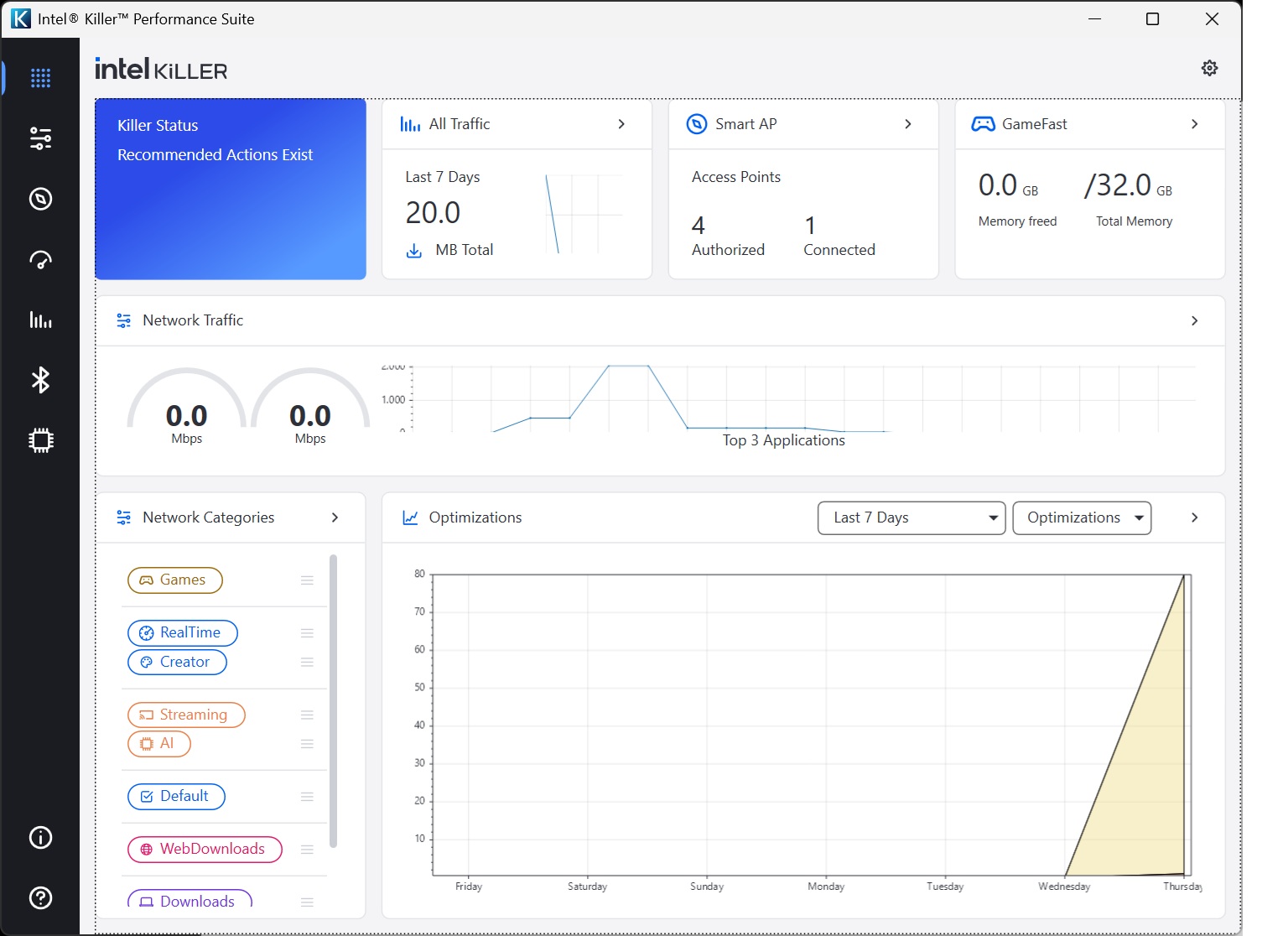
The main screen provides topline performance stats so you can monitor how your connection is performing.
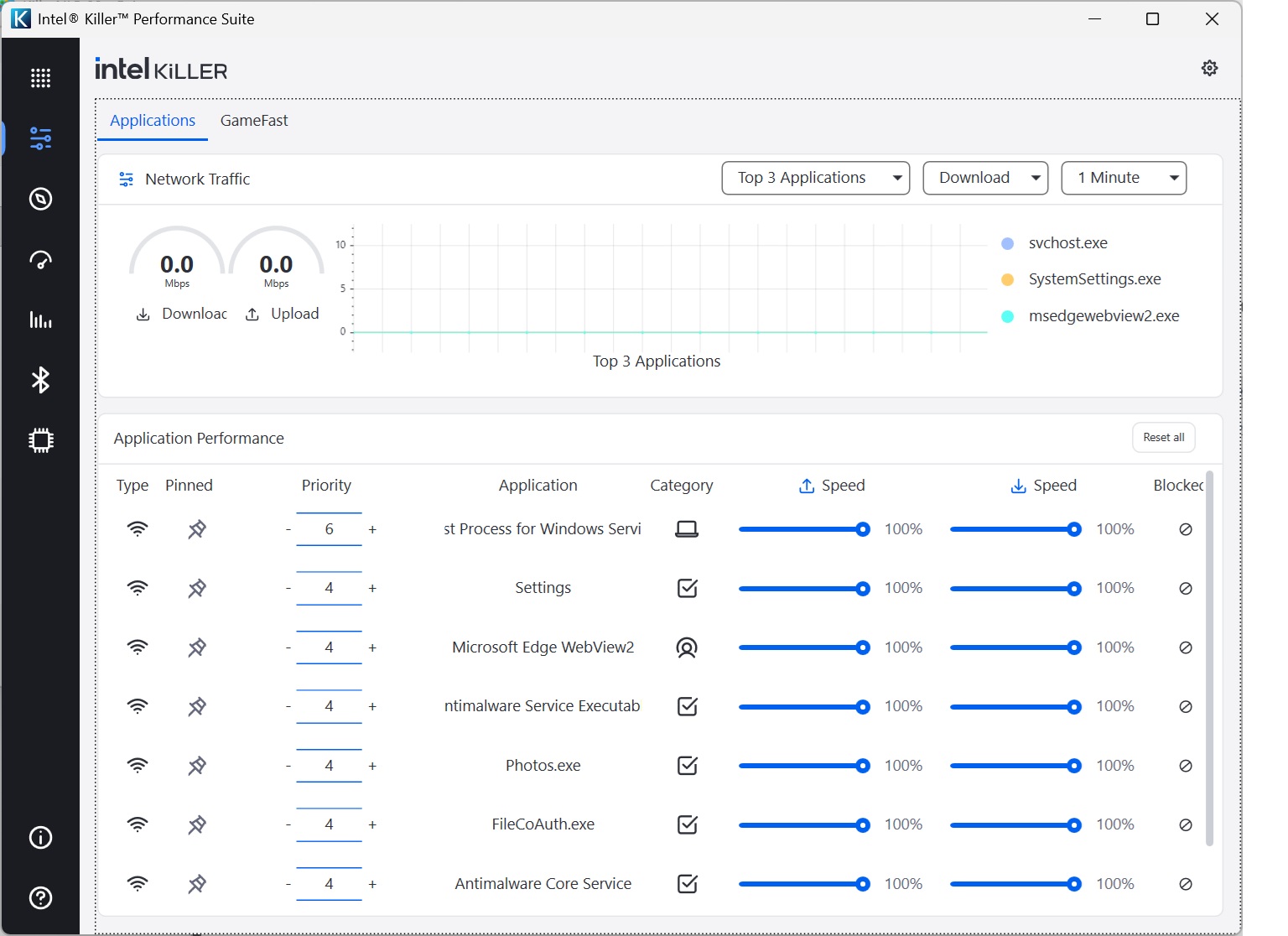
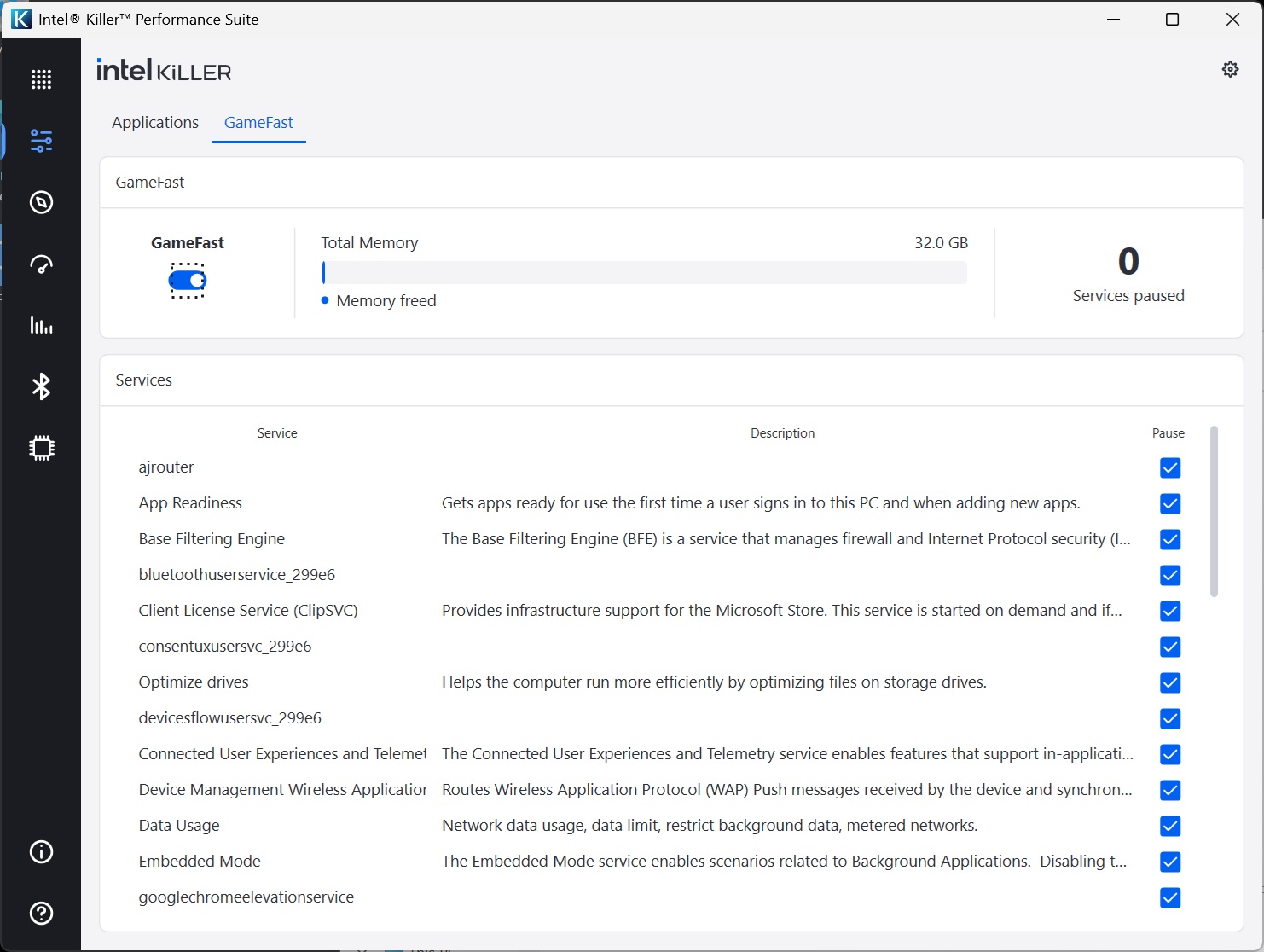
The Applications / GameFast section is where you begin to get tools to optimize performance. You can go through the applications and services on your system, limiting the download and upload bandwidth percentages each is allowed. So if you know something keeps hogging the Internet connection, you can limit it so that it doesn't impact other applications.
GameFast automates this by prioritising games and video streaming, potentially pausing services that could get in the way of your fluid enjoyment. For example, you don't want Windows Update downloading the latest bugfixes when you're on a killing spree in your favourite online FPS. GameFast helps prevent that.
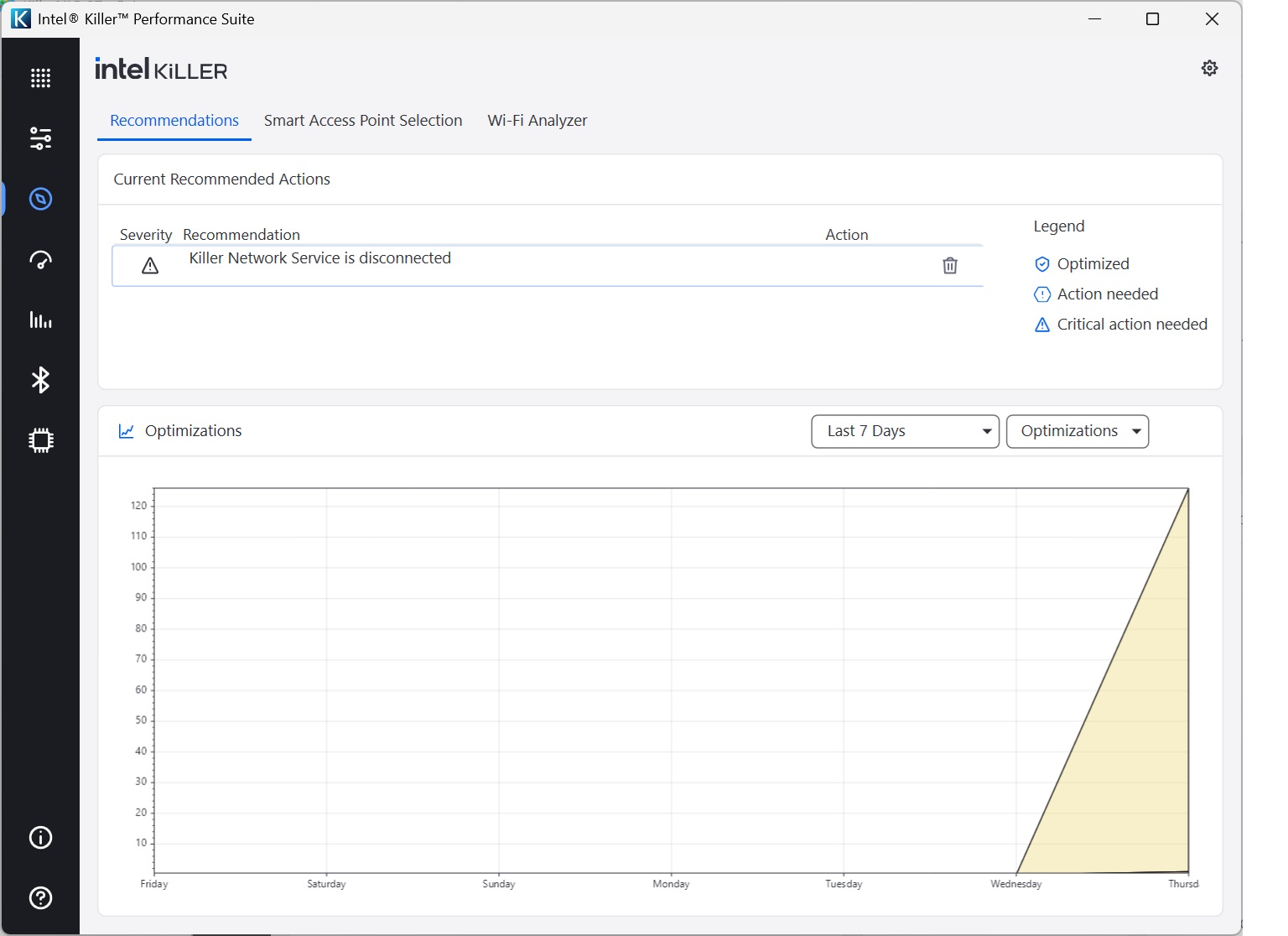
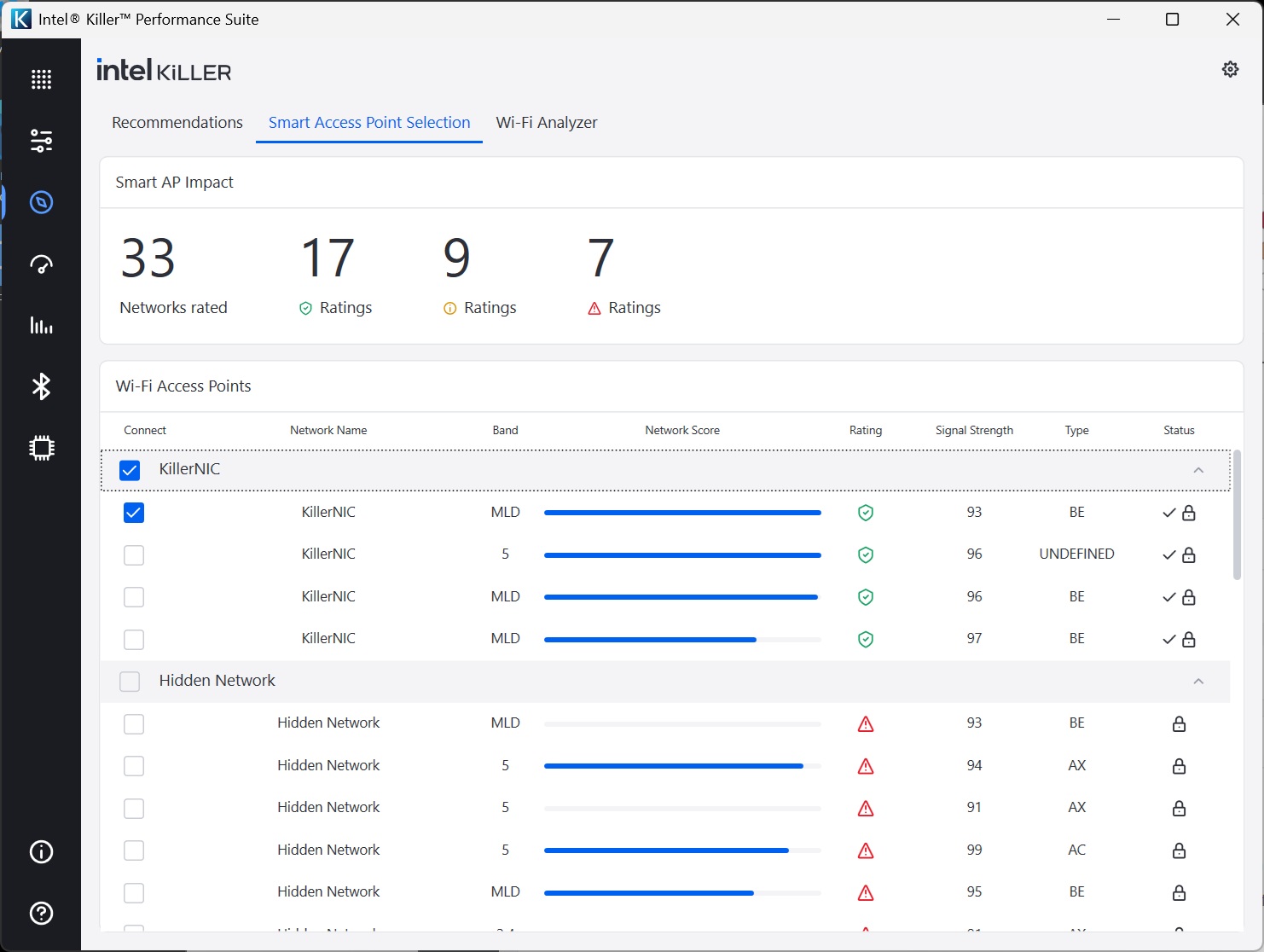
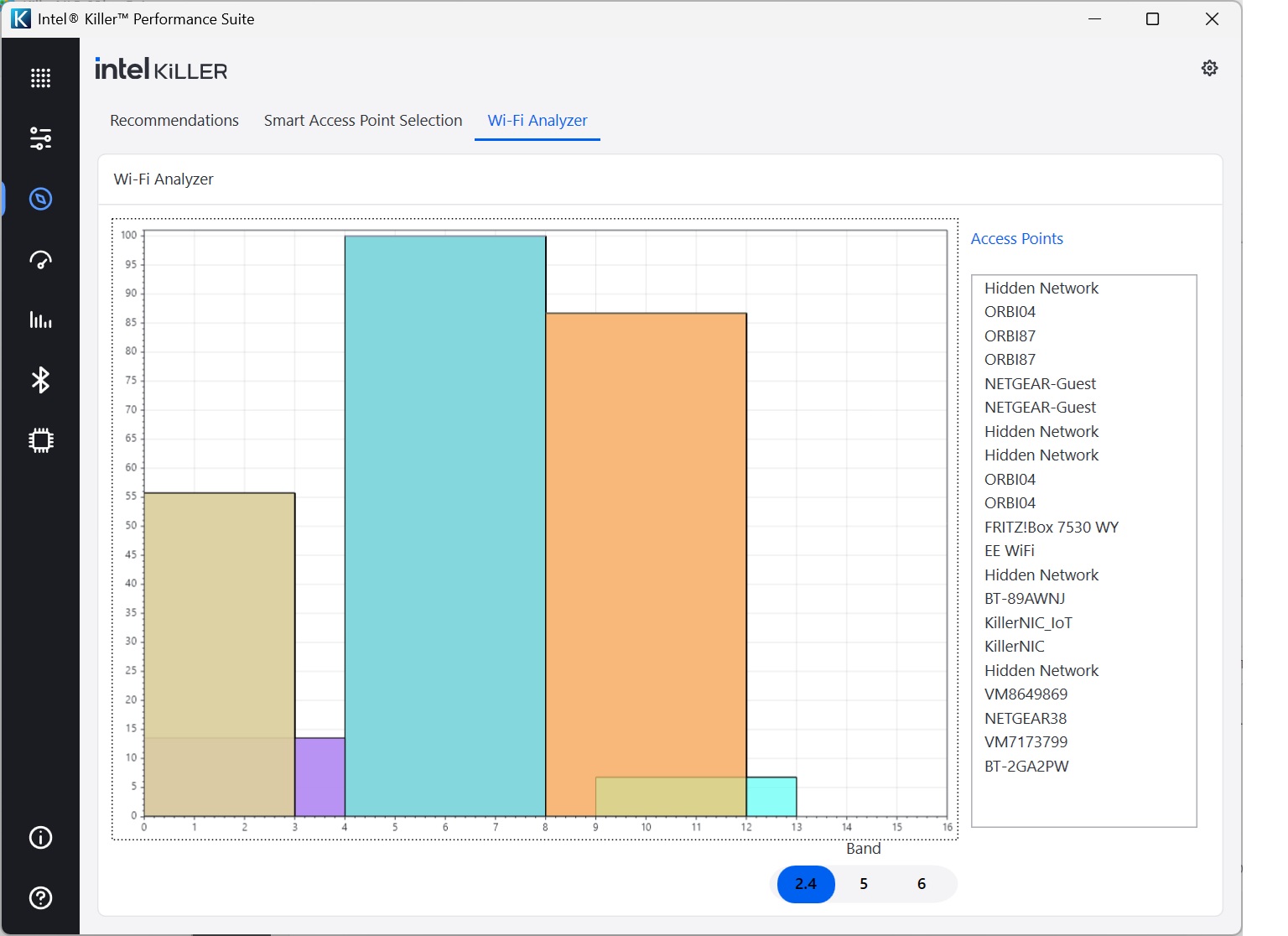
Next along you get some tools to help you work out how you might optimise your settings. First up, the Recommendations section gives you suggestions, although beware that these persist (hence the misleading notification that the Intel Killer NIC is disconnected, which it was earlier but isn't now).
The Smart Access Point Selection tab lets you choose which WiFi network to connect to according to signal strength, while the WiFi Analyzer displays how WiFi channels conflict in your area, although it would be more useful if the color coding was linked to the list of Access Points on the right.
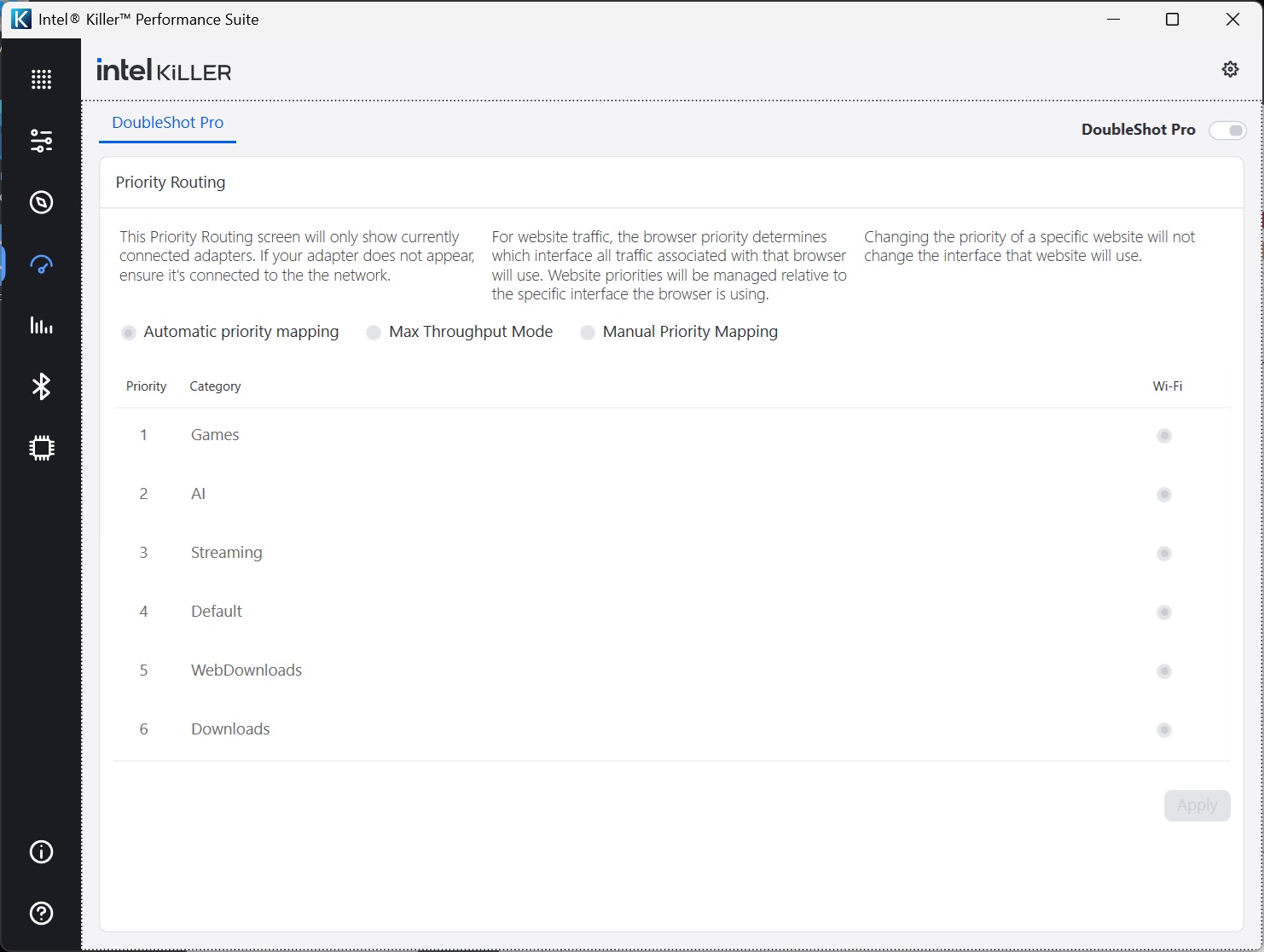
DoubleShot Pro is a system that will use both your WiFi and wired Ethernet connections together, routing traffic through each to optimise the experience. For example, your game would go via the wired LAN, while any background downloads such as updates would go via WiFi.
It looks like it's on here, but in fact our understanding is that it requires both the WiFi and wired LAN to be supplied via Intel Killer NIC technology. The MSI notebook's 2.5Gbit LAN uses a Realtek chipset, so this feature wasn't actually available.
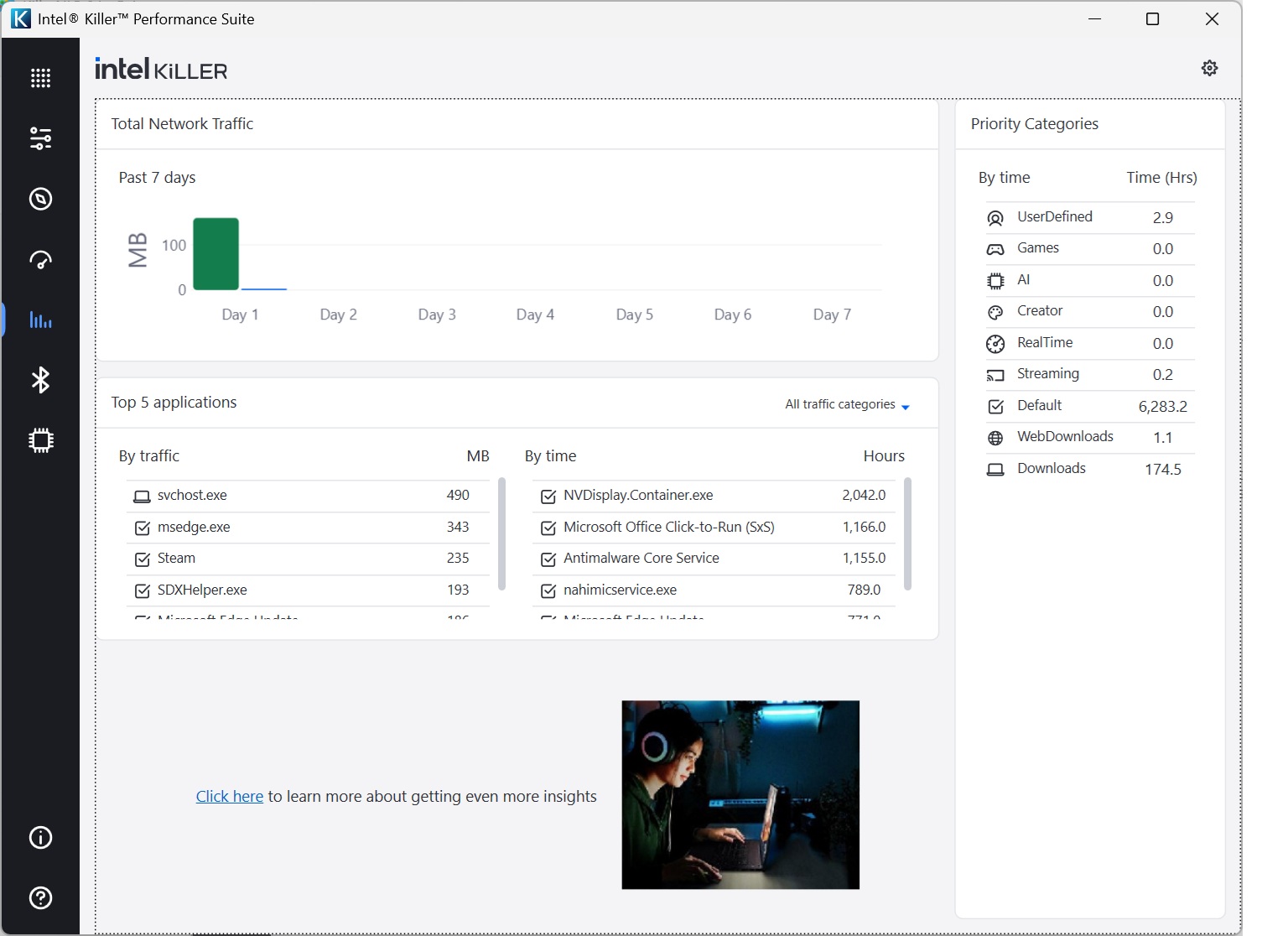
The next section lets you see over time which applications and services have been taking the most bandwidth and time.
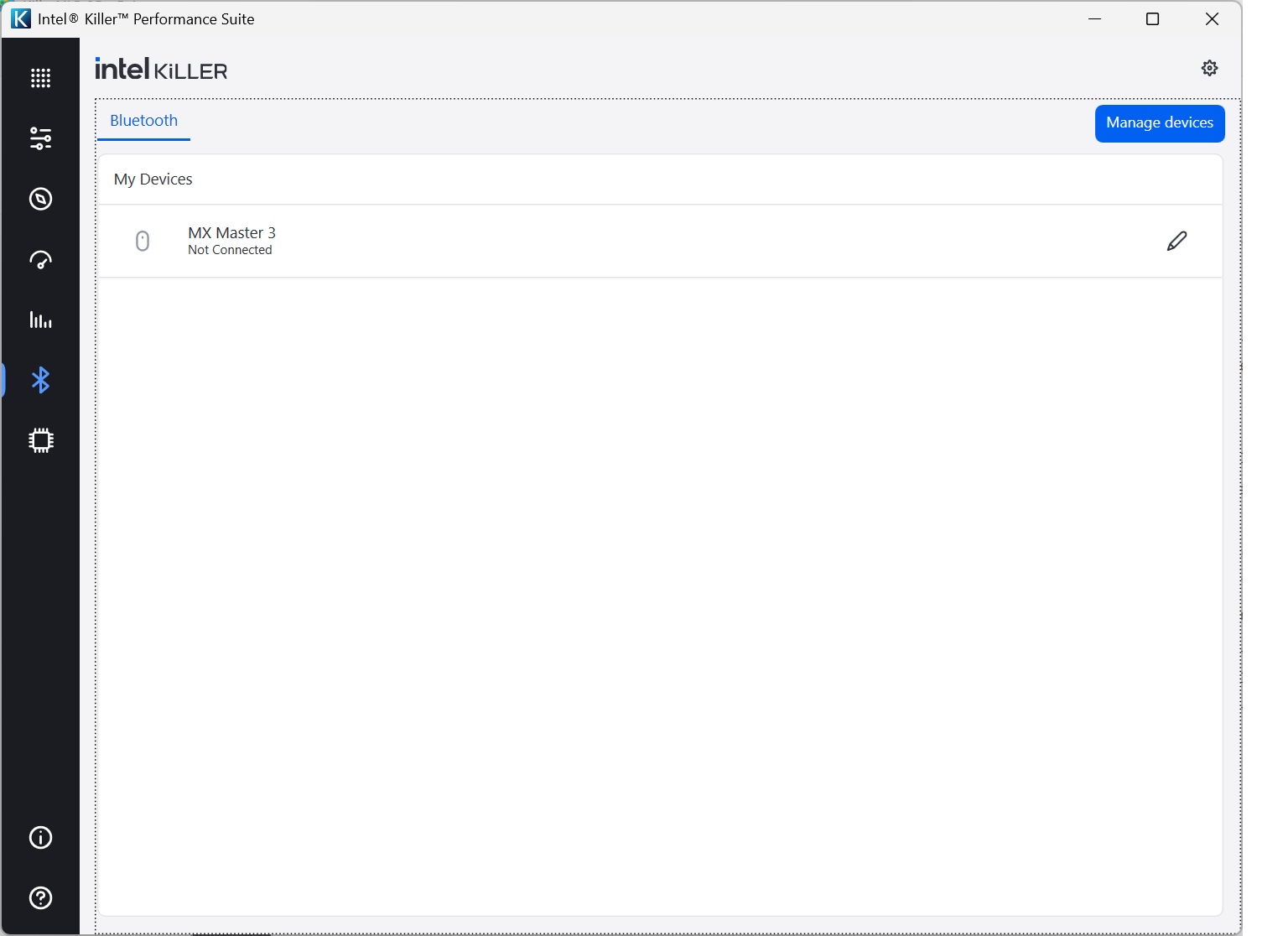
There's a section for managing the Bluetooth radio that is part of the Intel Killer NIC chipset.
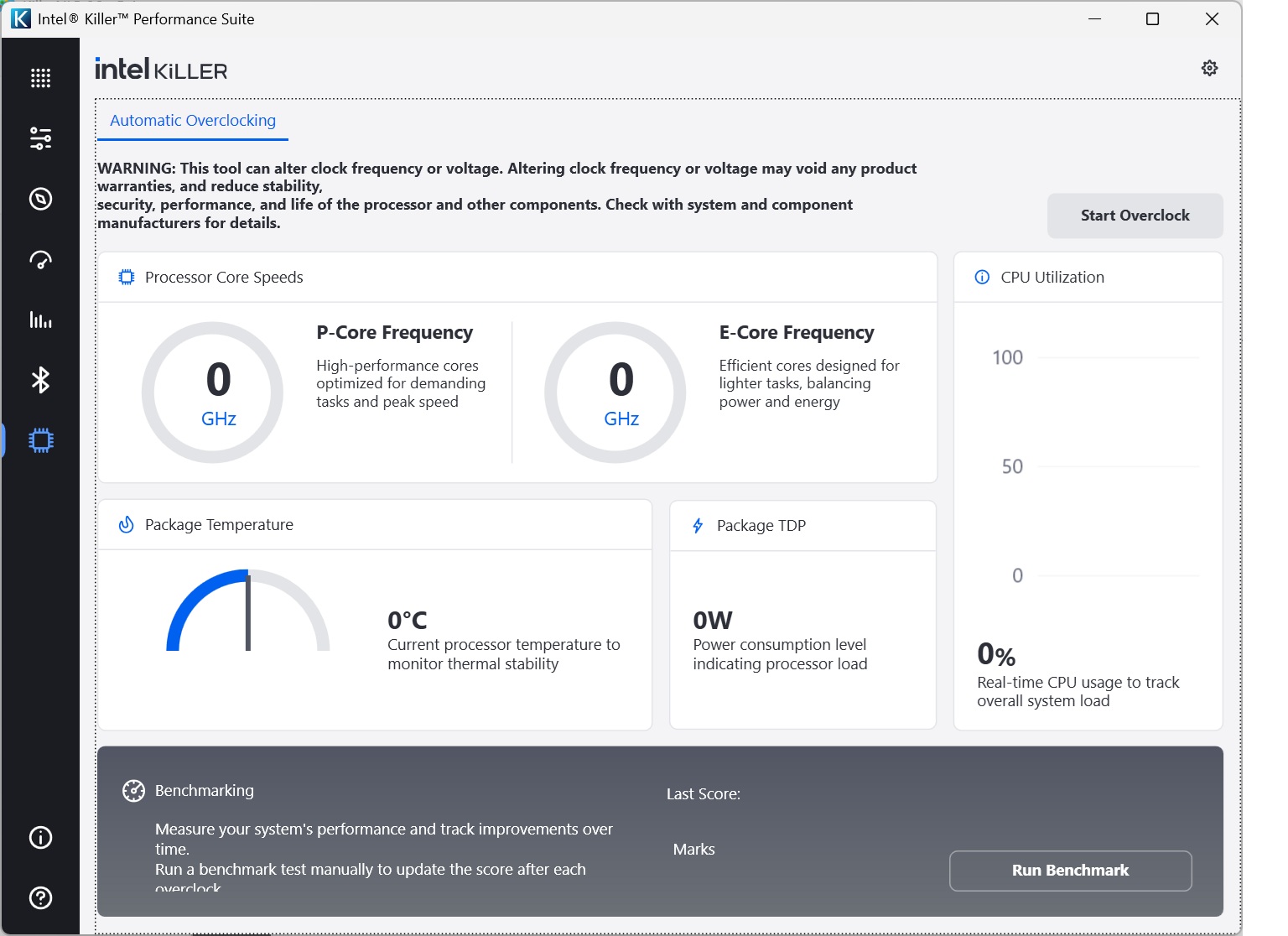
Finally, what gaming toolset would be complete without an overclocking capability? This isn't for overclocking the Intel Killer NIC, but your processor. There's even a benchmarking function to see the benefits. We ran the tool and went from a score of 9.209 Marks to 9.425 Marks, so not a huge benefit. The MSI notebook is so fast to begin with, you're not really going to need to overclock it to enjoy smooth-running games.
Overall, it's great to have these software features available, which you don't get with standard WiFi adapters. But you need to be starting with solid base performance, so next we turn to analysing the WiFi throughput with the headline WiFi 7 standard.