KitGuru KitGuru.net – Tech News | Hardware News | Hardware Reviews | IOS | Mobile | Gaming | Graphics Cards


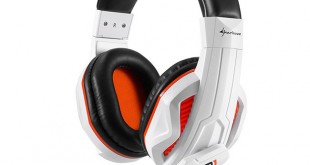
Today we are going to be taking a look at another headset from Sharkoon, the RUSH ER1. With such market saturation in recent months can it compete with the other budget headsets we have tested this year?
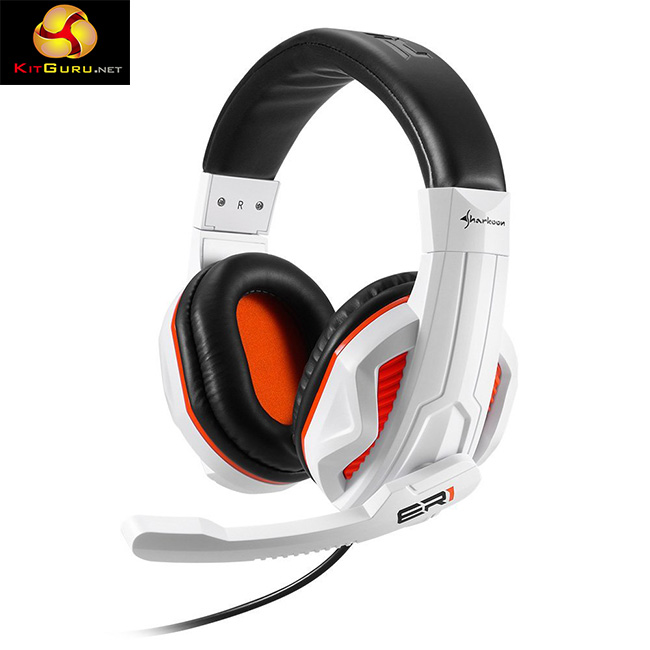
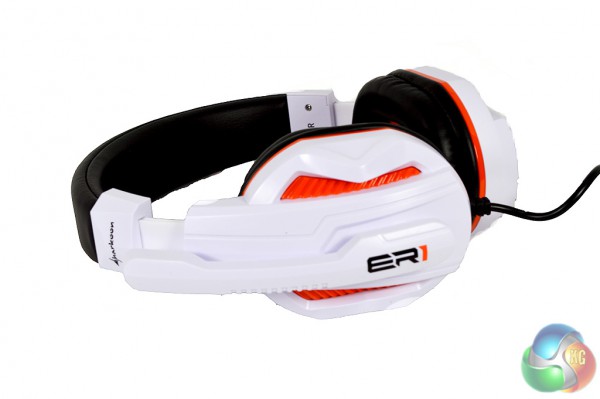
The Sharkoon RUSH ER1 headset uses an orange and white color scheme. Not everyone will like the look but it does remind me of the limited edition Titanfall products that Microsoft released last year.
Features:
- Driver diameter: 40mm.
- Frequency response: 20 Hz to 20,000 Hz.
- Sensitivity: 102 dB +/- 3 dB
- Closed back design.
- Microphone response: 50 Hz to 10,000 Hz.
- Omnidirectional microphone.
- Cable length: 2.4m.
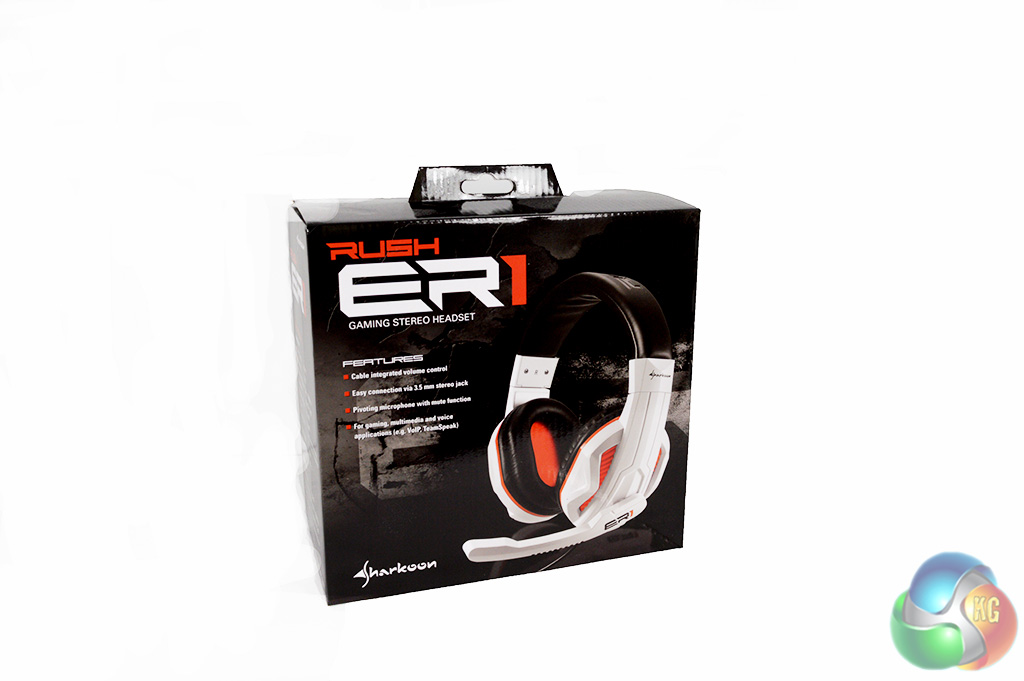
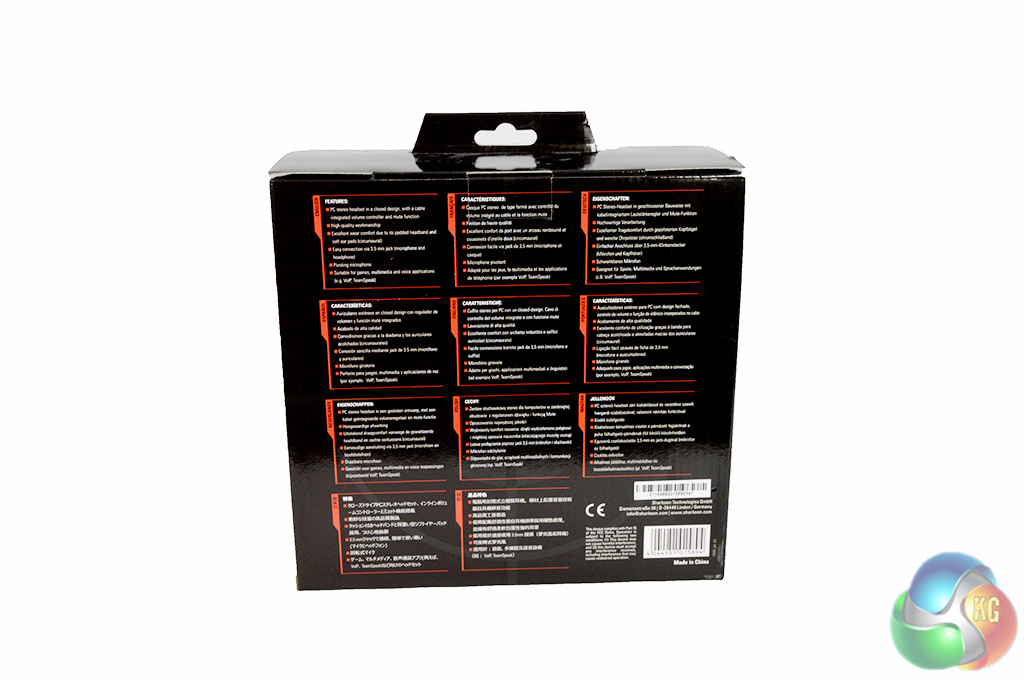
The Sharkoon RUSH ER1 Headset ships in a standard sized box, similar to other offerings on the market – there is nothing too fancy about it.
The back of the box runs down some of the headset’s more prominent features, such as the closed back design and in-line controls.
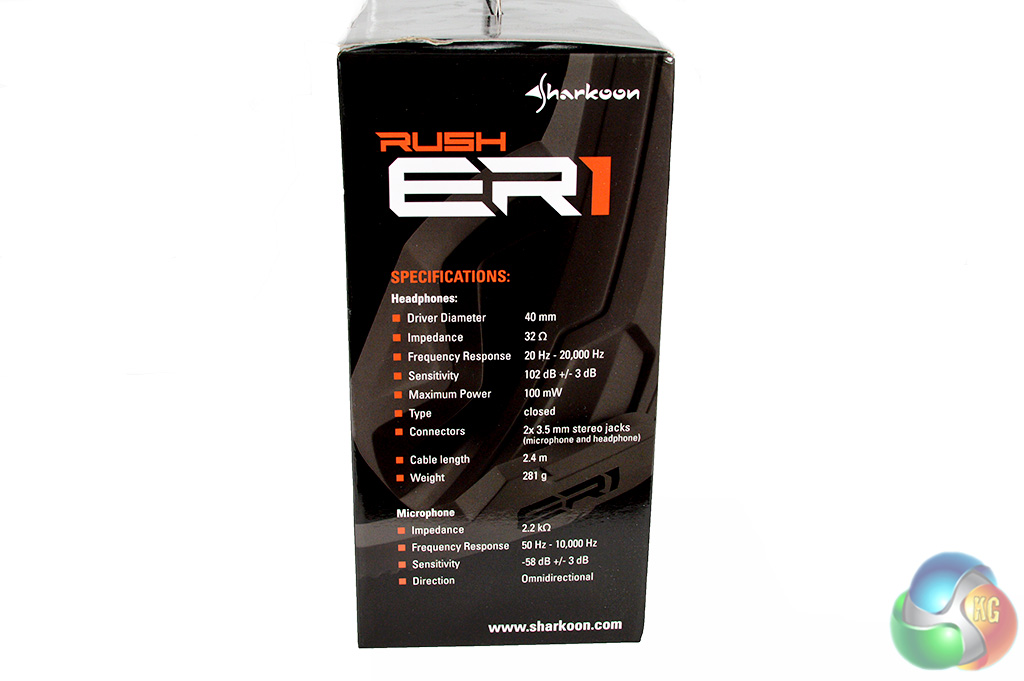
The side of the box runs down the technical specifications of the headset, including driver size, impedance and microphone response.
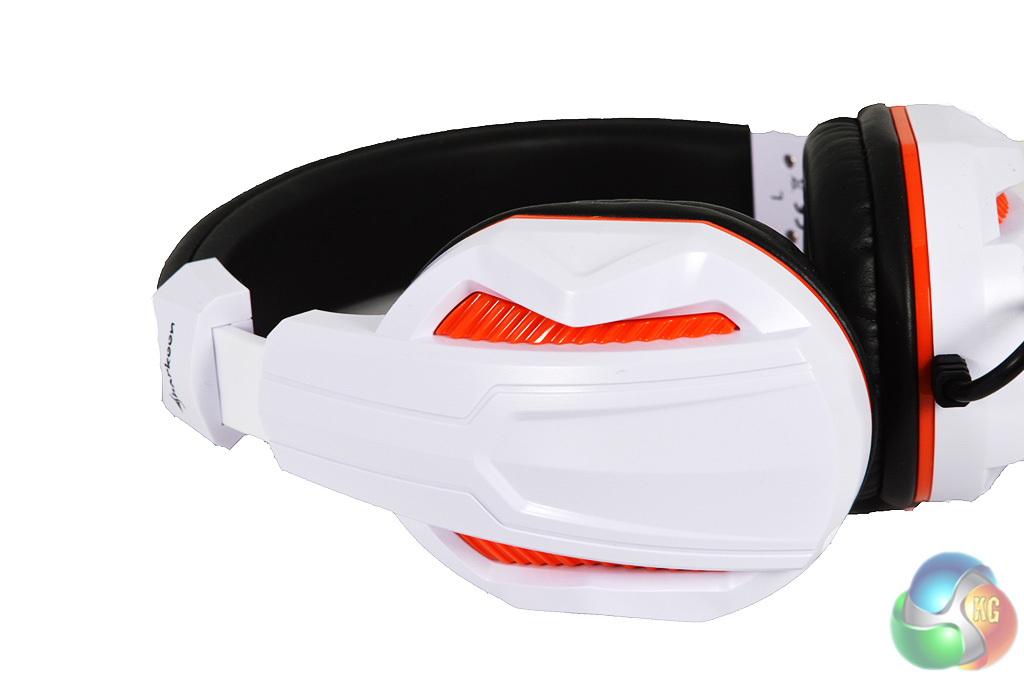
As you can see, the headset is going for a fairly stand out design. Unfortunately, it also looks a bit like a toy, which is partially down to the build quality, color and materials used.
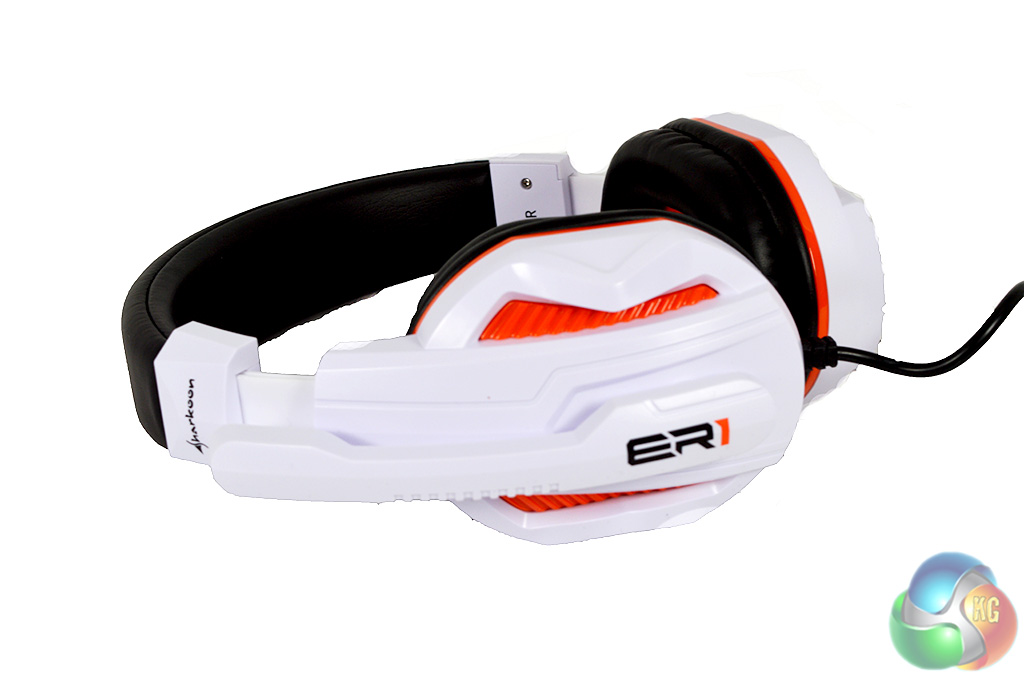
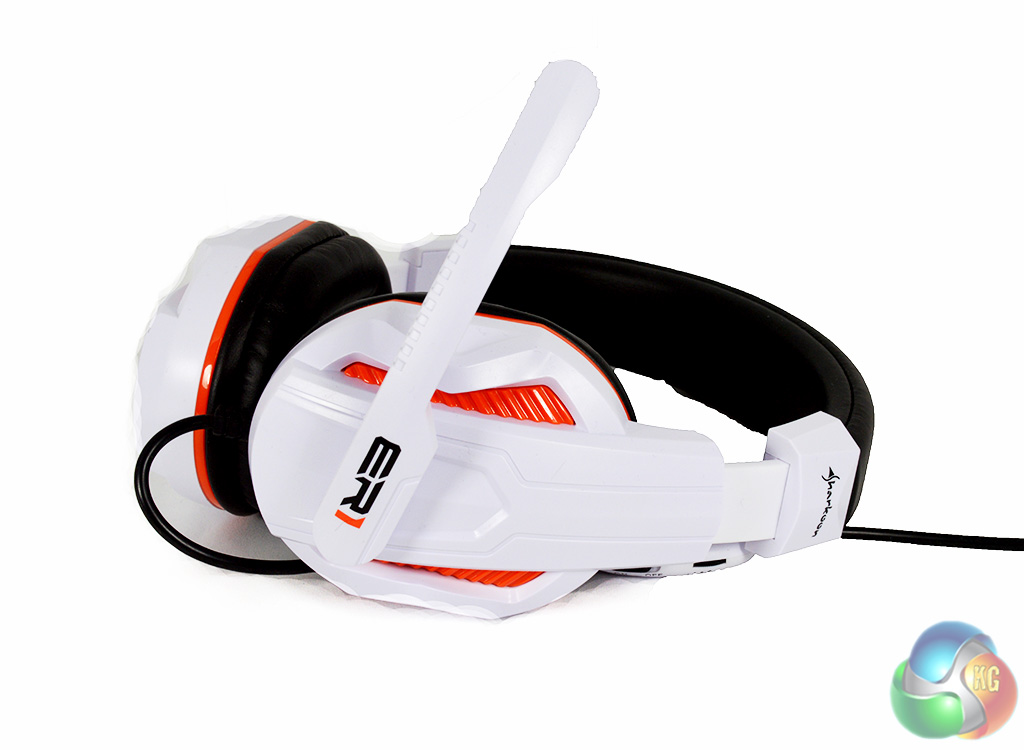
There is sufficient padding around the headband and the ear cups, although it is pretty firm and not as cushioned as the padding found on other headsets, including Sharkoon’s own H10 headset, which we reviewed recently.
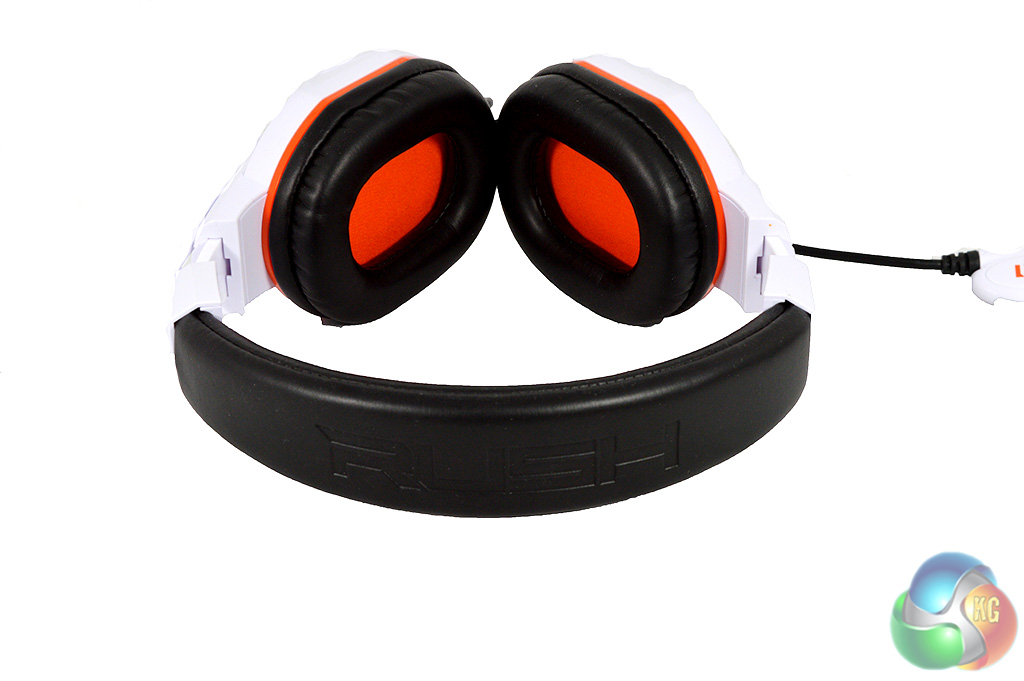
The headband has the word RUSH written on it while the microphone has ER1 on the side.
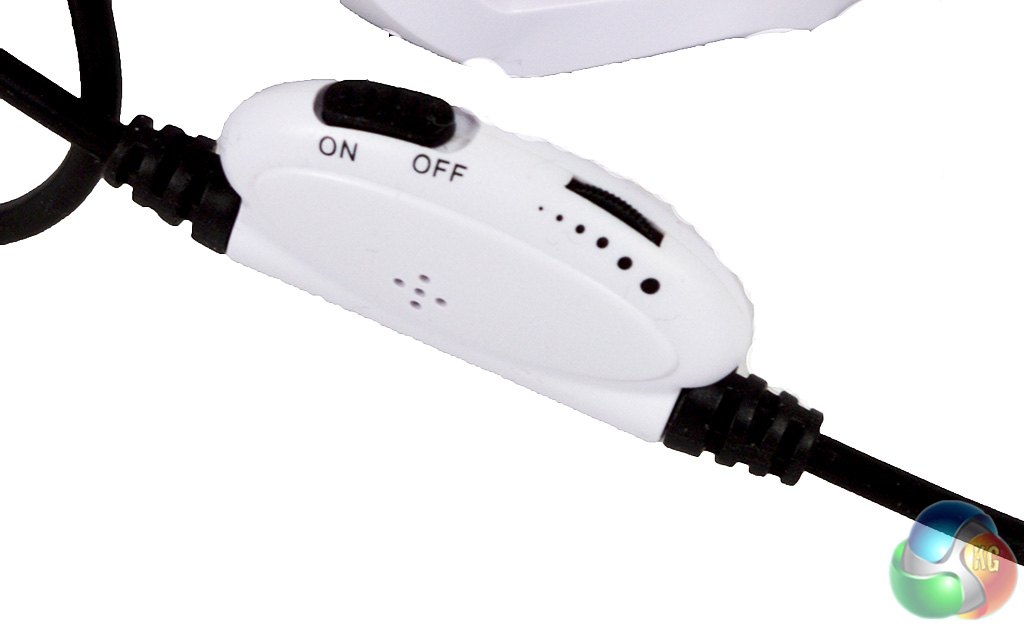
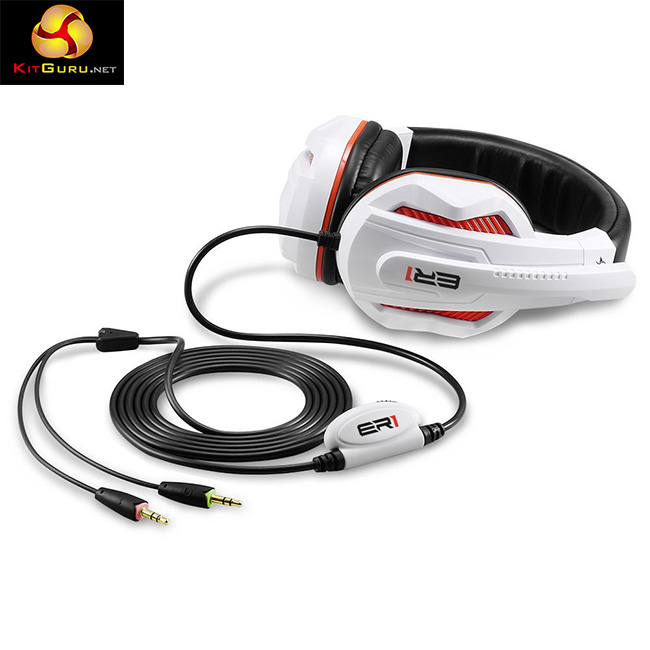
The RUSH ER1 headset uses 3.5mm jack inputs for audio and microphone rather than USB. The in-line controls feature the necessary toggles, including volume and a mute button for the microphone.
There is no software included with the RUSH ER1 headset for adjusting the EQ or setting up any form of virtual surround sound so instead, I will kick off the testing by talking about comfort.
As noted in the unboxing portion of the review, the padding on the RUSH ER1 headset is quite firm so it isn’t quite as nice to wear as some of the softer headsets. The padding didn't seem to soften up after long and frequent use either. That said though, the headset isn't uncomfortable to wear. It fits nicely on the head and the ear cups are large enough to form a decent seal around the ear.
So now that we have established that comfort isn't a major issue, lets dive in to sound quality. Like with almost every other budget headset we have tested, the RUSH ER1 does not come with any custom software so there is no additional tinkering to do beyond plugging it in.
Since the price points are similar, I will be comparing the RUSH ER1 to one of Sharkoon's other headsets- the Shark Zone H10. Technical specifications between the two headsets are very similar so overall sound quality likely won't be too different.
For my game testing, I decided to test out Alien Isolation and Thief, two titles that feature quality sound design and a lot of atmospheric noise. Overall, I found the ambient sound to come across as a little muffled and not quite as clear as the Sharkoon H10.
However, one of the points I did appreciate was the bass response. It isn't the most accurate sounding in the world but it isn't particularly over powering either, which can be a problem for some budget headsets. Overall, I would say that the 40mm drivers are well tuned and balanced just right … although they do lack volume.
As always, when talking about headsets, sound quality is just part of the battle. We also need to assess microphone quality. In order to test the microphone I hopped on a few Skype and Team Speak servers.
Overall, the microphone is fine, it lacks noise cancellation though, which can be a bit of a pain if you have a fan on in the room. That said, the microphone did a fine job of picking up my voice without the need to boost it at all. I didn't encounter any distortion or annoying feedback noise.
If noise cancellation is going to be a big issue for you then you can try a third-party noise gate application, such as NoiseGator.
Overall, for £20 the RUSH ER1 is about as good as you would expect.
Overall, the Sharkoon RUSH ER1 has performed well but it is let down by a couple of things. For starters, while it is inexpensive, it lacks the build quality of the Sharkoon H10, which features nicer padding and soft touch plastic around the ear cups.
While the padding around the ear cups and headband wasn't as nice as I would like, the RUSH ER1 was not uncomfortable to wear. Clamping pressure was fine, keeping the headset on my head without slipping around and the ear cups were large enough to form a decent seal.
Overall sound quality is fairly average, at times the audio can come across as muffled and the overall volume is quite low. If you turn the volume up too high then you run the risk of distortion, resulting in less accurate, rather unpleasant audio reproduction.
I'm not a huge fan of the design used for the headset, I tend to prefer my headsets to look less ‘flashy'. I do think that the white and orange color scheme could work but due to the type of plastic used, it comes off looking a bit cheap.
You can find the Sharkoon RUSH ER1 headset for £22 on Amazon. At this price, it is worth considering but do be aware that there are better options out there, including the Sharkoon H10, which we reviewed a short while back.
Discuss on our Facebook page, HERE.
Pros:
- Decent microphone.
- Well balanced audio.
- Cheap.
Cons:
- Looks a bit like a toy.
- Doesn't quite hold up to the Sharkoon H10.
KitGuru Says: If you are looking for a headset in the £20 price bracket, then the RUSH ER1 holds up well. However, Sharkoon does have a better product in the same price bracket.