 KitGuru KitGuru.net – Tech News | Hardware News | Hardware Reviews | IOS | Mobile | Gaming | Graphics Cards


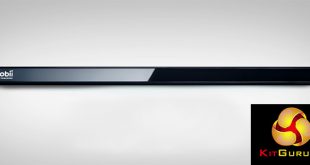
Eye tracking technology has been around for a long time in research and accessibility spaces, but has often been far too expensive for average consumers to consider. Now though things are very different, which is why Tobii Tech has launched its new, gaming focused eye tracker, called the 4C. It lets you track targets, pan your view in first person experiences and make various other inputs – all using the power of your eyes.
The 4C is designed to work with laptops and desktop PCs, at various distances and is supported by an ever growing number of games, which we will be using to put it through its paces.
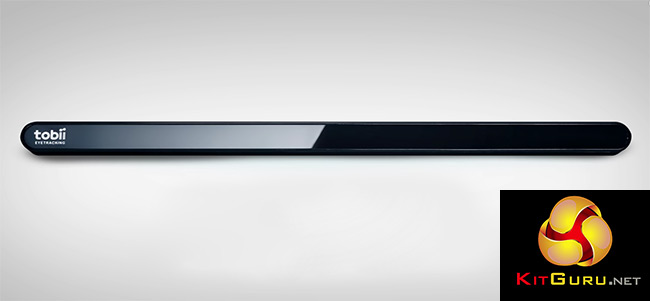
Eye tracking is not something that every game supports or is something that many gamers think they need, but the list of compatible games and supported features is growing. What we will be looking to figure out today is whether it will be worth you spending £140 for an eye tracker, when you could spend that on better internal hardware or a top flight keyboard.
Specifications
- Size: 17 x 15 x 335 mm.
- Weight: 95 grams.
- Max Screen Size: 27 inches with 16:9 Aspect Ratio, 30 inches with 21:9 Aspect Ratio
- Operating Distance: 50 – 95 cm
- Track Box Dimensions: 40 x 30 cm at 29.5″ / 75 cm
- Tobii EyeChip: Yes
- Connectivity: USB 2.0
- USB Cable Length: 80 cm
- Head Tracking: Yes (not powered by EyeChip)
- OS Compatibility: Windows 7, 8.1 and 10 (64-bit only)
- CPU Load: 1%
- Power Consumption: 1.5 Watt
- USB Data Transfer Rate: 100KB/s
- Frequency: 90 Hz
- Illuminators: Near Infrared (NIR 850nm) Only
- Tracking Population: 97%
Features
- Near-infrared (NIR), independent eye tracking.
- Supports eye tracking and head tracking.
- Includes Tobii EyeChip, cutting back on CPU overheat and power consumption.
- Supports over 40 games at the time of writing.
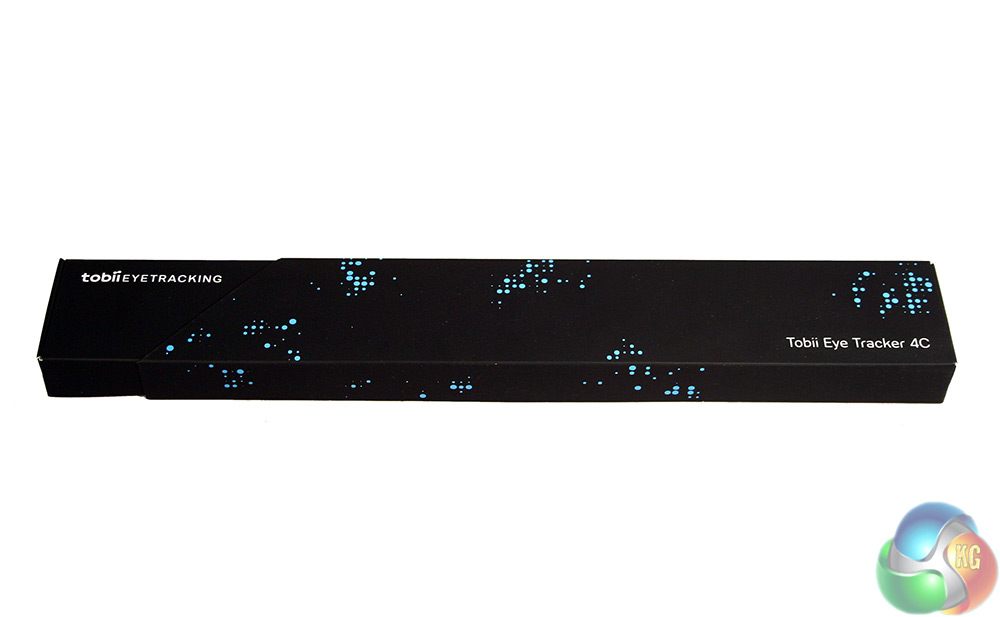
The packaging for the Tobii 4C eye tracker is very understated and quite compact. It has a black box with some light blue styling on the inside and outside, but very little information.
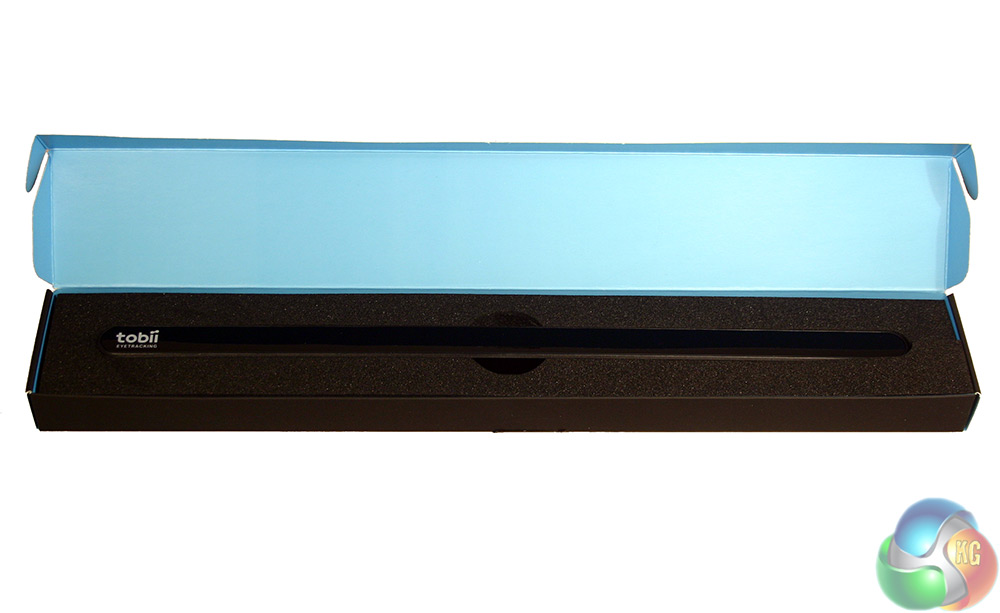
The eye tracker is well padded in the box, so you can feel confident it will ship in perfect condition when you order one.
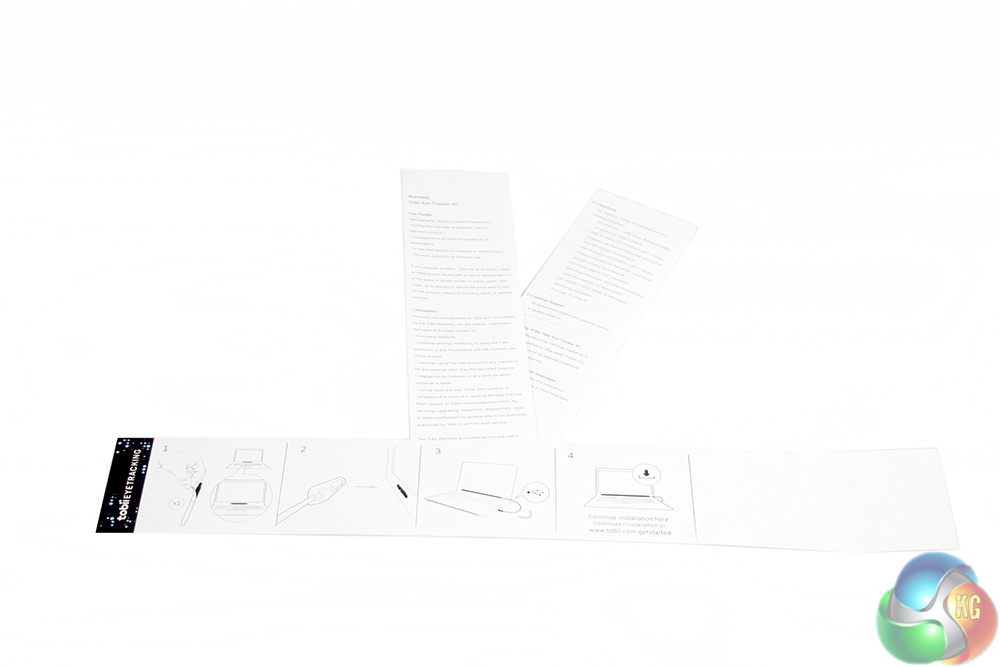
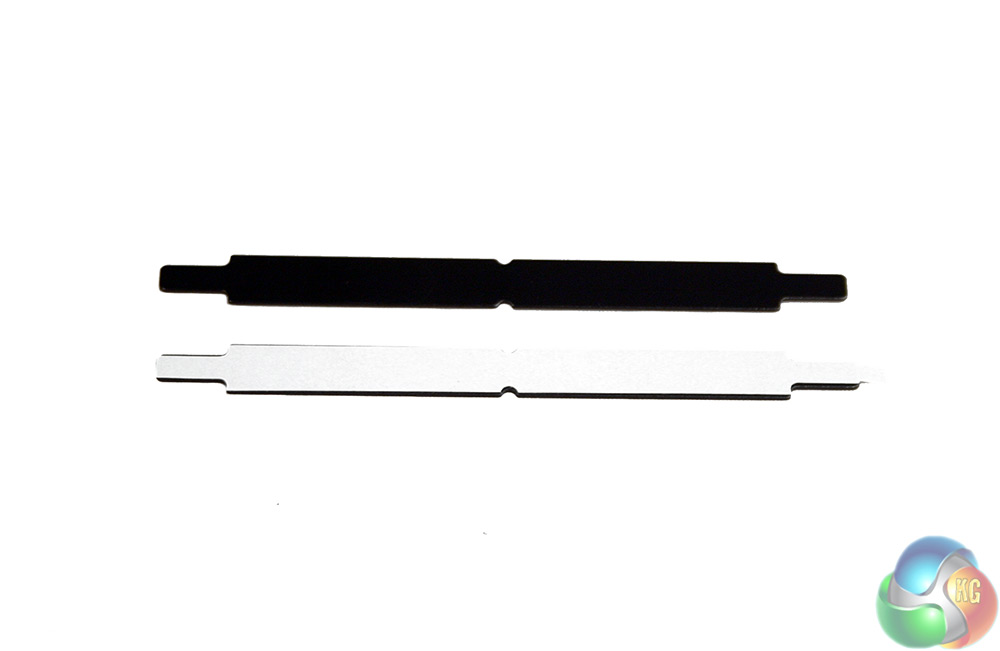
The only real accessories with it are a short set up leaflet and associated warranty sheets, and a pair of sticky-backed magnets for attaching it to various surfaces.
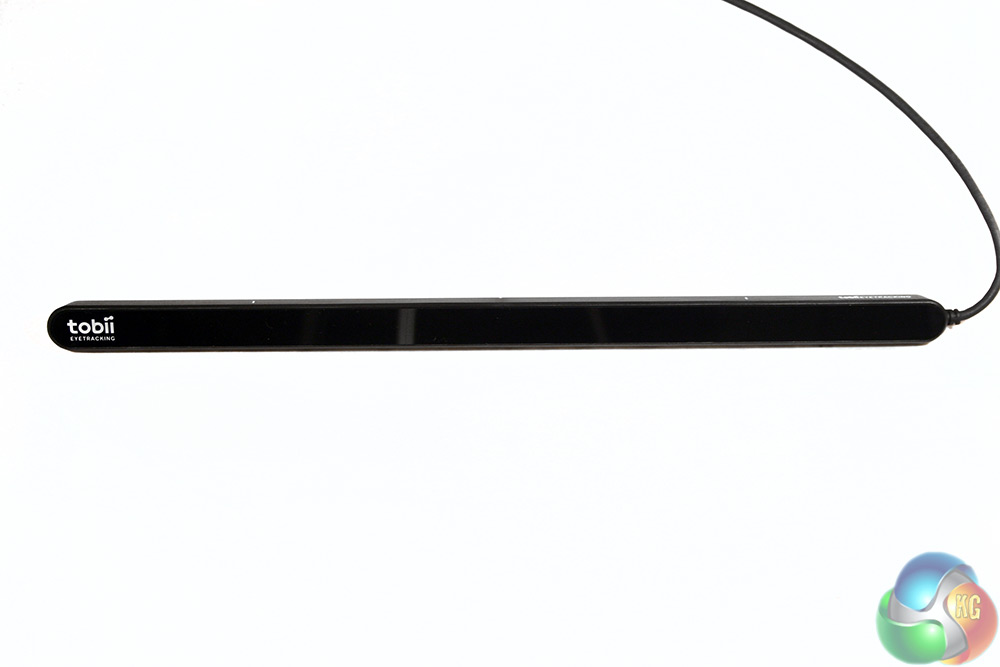
The eye tracker itself is as compact as the packaging is. It measures in at 13 inches long and around 2/3 of an inch wide, with a reflective front and matt black body.
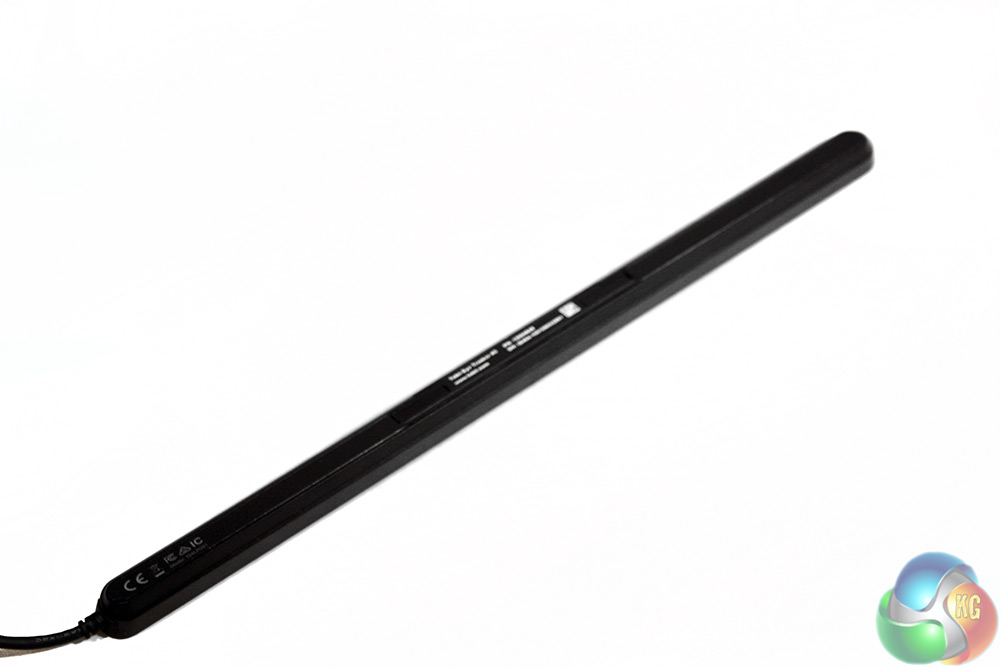
There is not much in the way of styling on it, apart from a couple of Tobii logos on the front and top and some indicator lines.
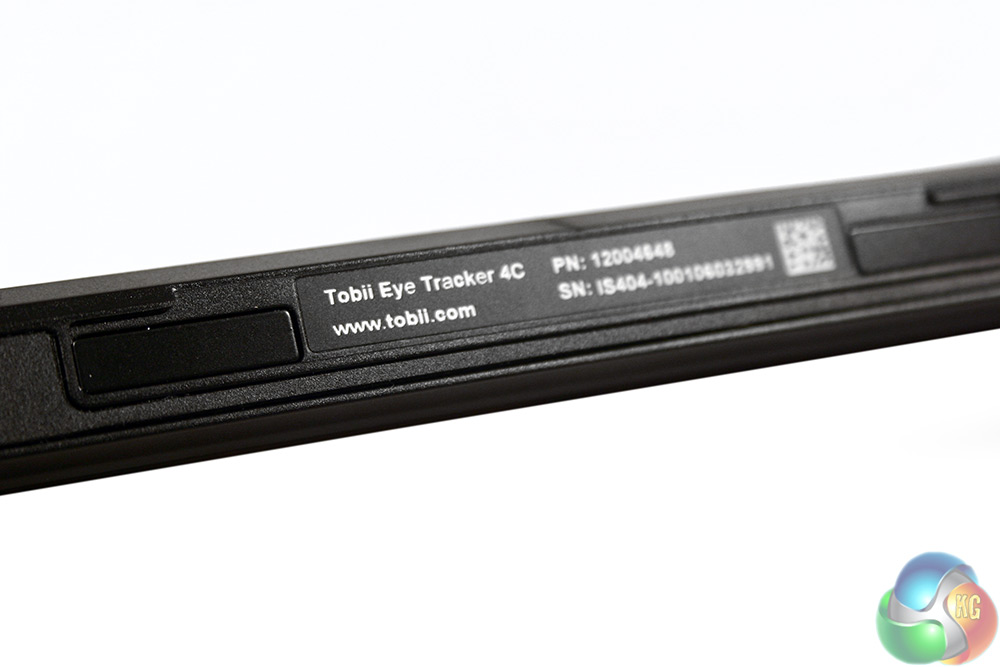
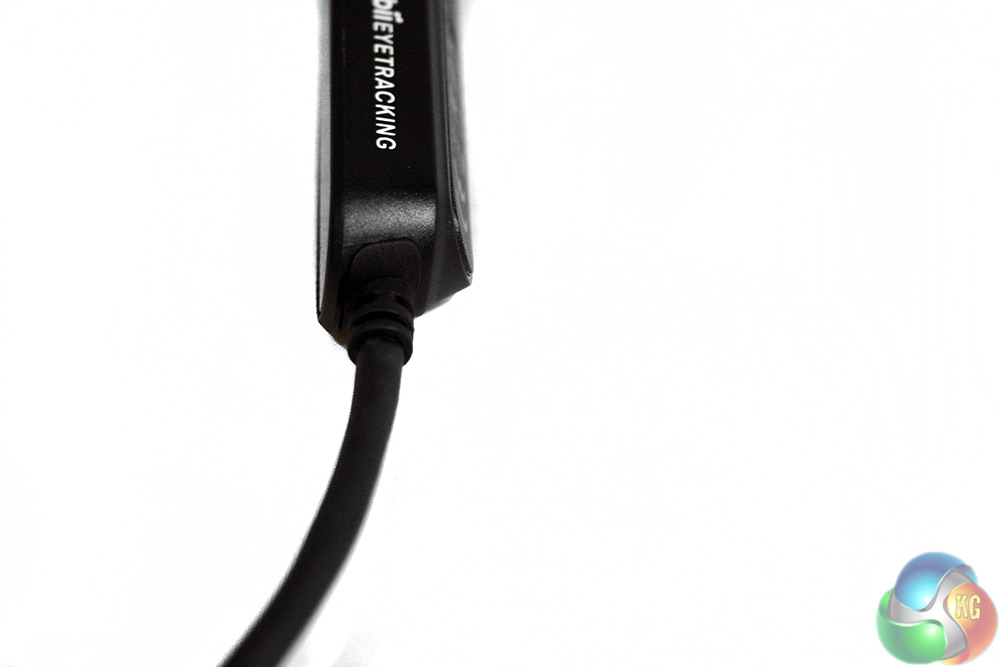
The back features some product codes and information, as well as a pair of magnets which are used for a simple click-on mounting system. The USB cable extends from the right hand side and has some rubber protectors to prevent it shearing off over time.
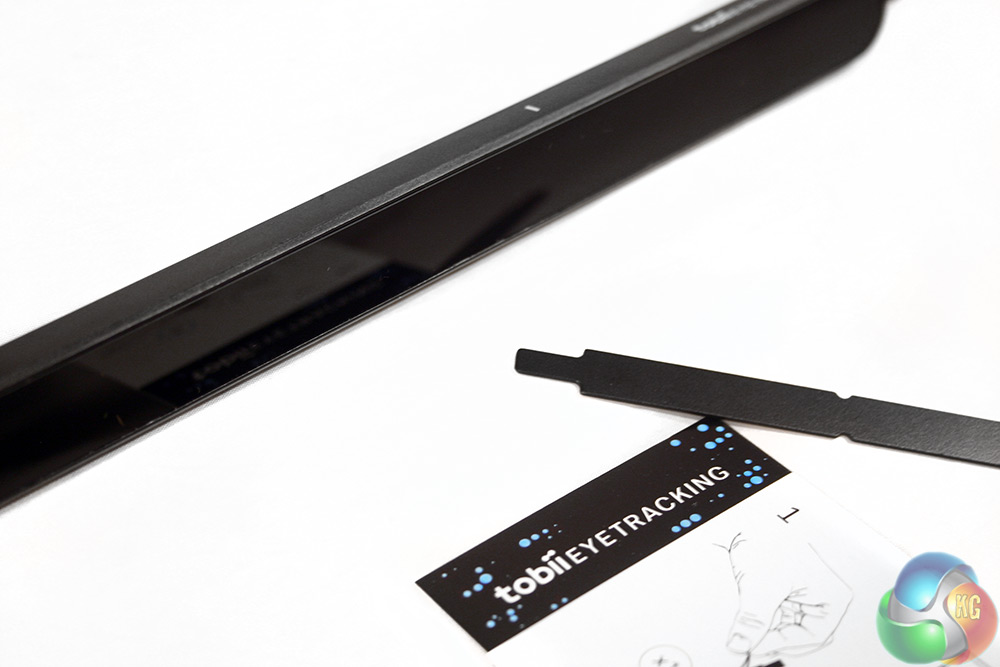
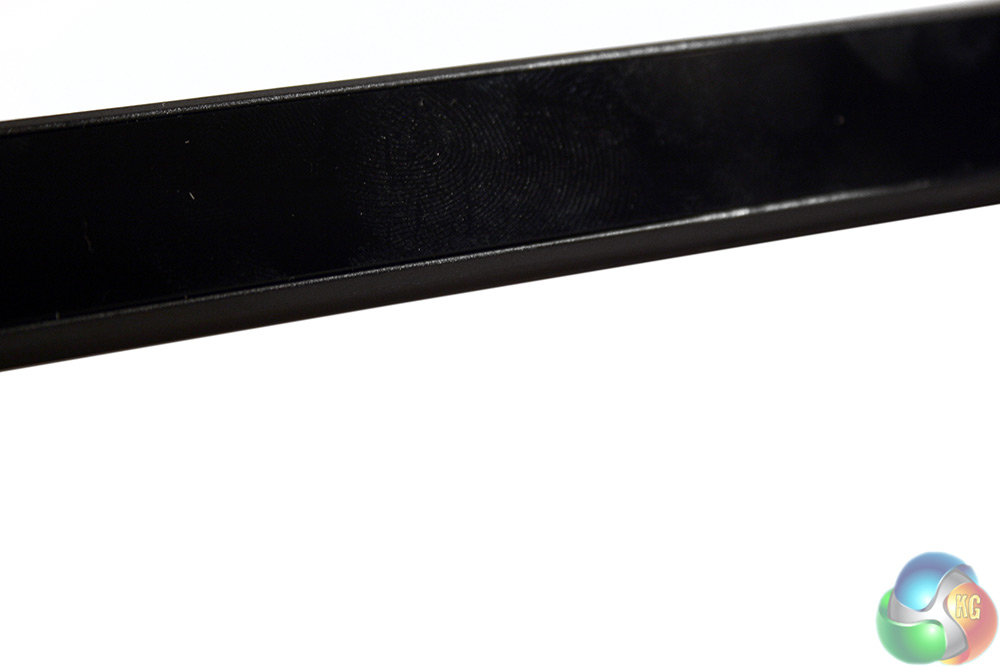
The front of the 4C tracker is very reflective, showing off items on a desk and thumbprints just as easily.
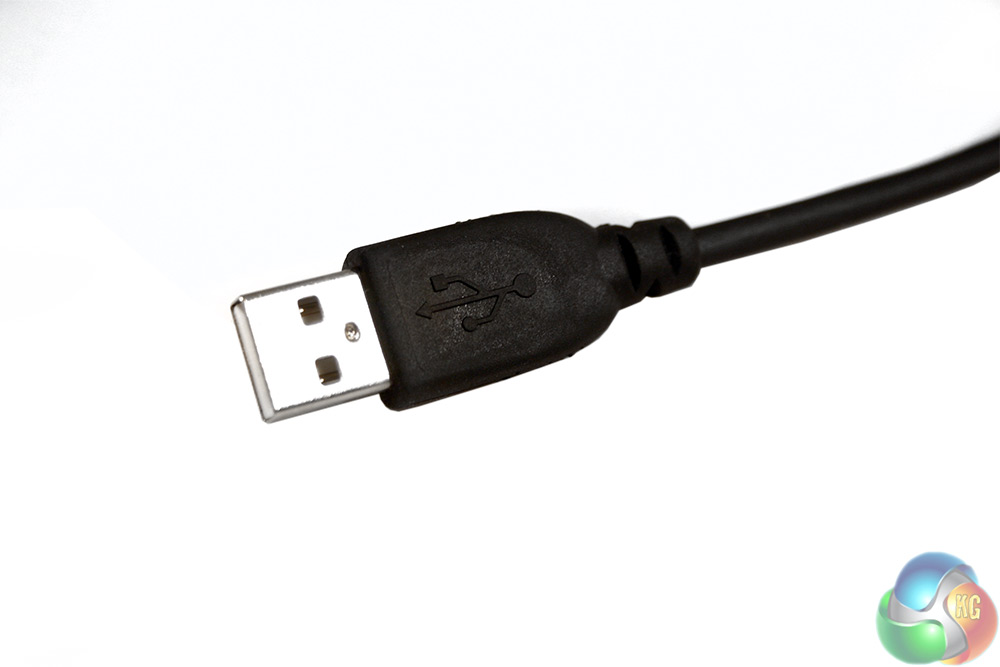
The USB cable is unremarkable and is nickel plated as standard. It is however very short, measuring in at just under three feet.
Methodology
To test the Tobii 4C tracker I used it in a number of compatible games, attempting to get a feel for how the eye tracking works in different scenarios and how useful it can be. I also trailed some of its more general uses outside of gaming situations, to see if it is viable as a tool for general use.
Games used for testing included Assassin's Creed Syndicate, Elite Dangerous and The Hunter. I spent several hours with each game, getting a feel for how the eye tracking works and what additional functionality it offers.
The full list of compatible games is fairly extensive. Check that out here.
Installation
Setting up the 4C tracker is pretty simple. You plug it in, download the generic drivers and run the short set up software. The length of the cable does present some difficultly for anyone with their desktop on the floor – as this reviewer did, but fortunately it works just fine through a keyboard's pass-through USB port.
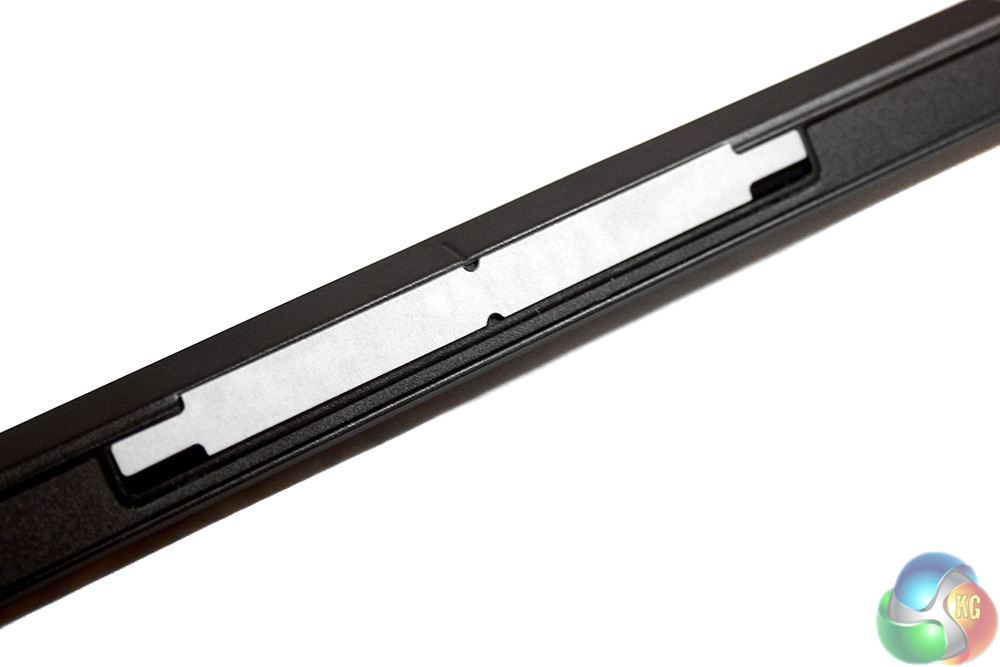
The magnets are strong enough, but the sticky backing leaves me worried that removing them would damage the monitor.
The software set up is very simple and helps you sit at the correct distance from the tracker and configure the edges of your screen. The tracker should work with sizes up to 27 inches with the 16:9 ratio, or up to 30 inches with 21:9 ratio. Anything bigger than that may not be tracked as effectively.
There is also a short intro mode which guides you on your first use of the eye tracker, explaining how it can be used and its various potential functions.
Games
Writing about eye tracking is a little like writing about virtual reality: it is hard to convey to someone why it is good, without getting them to try it. That said, while the benefits of virtual reality are easily encapsulated with flowery language and excitable statements, eye tracking sounds rather pedestrian if you describe what it does in a straight forward manner.
In games like The Hunter, looking at the edge of your real life screen moves the view in that direction. In Elite Dangerous you can use it to highlight enemies or look at screens in your cockpit and in Assassin's Creed you can pick a point to sling your grappling hook with it.
This is all rather simplistically worded as the actual function is more impressive and more deep than what is described here, but it is worth stating from the outset that I do not feel Eye Tracking changes how a game fundamentally feels. You do not put it in like a new graphics card and suddenly your game worlds change entirely or the experience is revolutionised forever.
That said, eye tracking does add some very interesting features which are certainly of a positive benefit, especially in some scenarios and is something I would like to see more of.
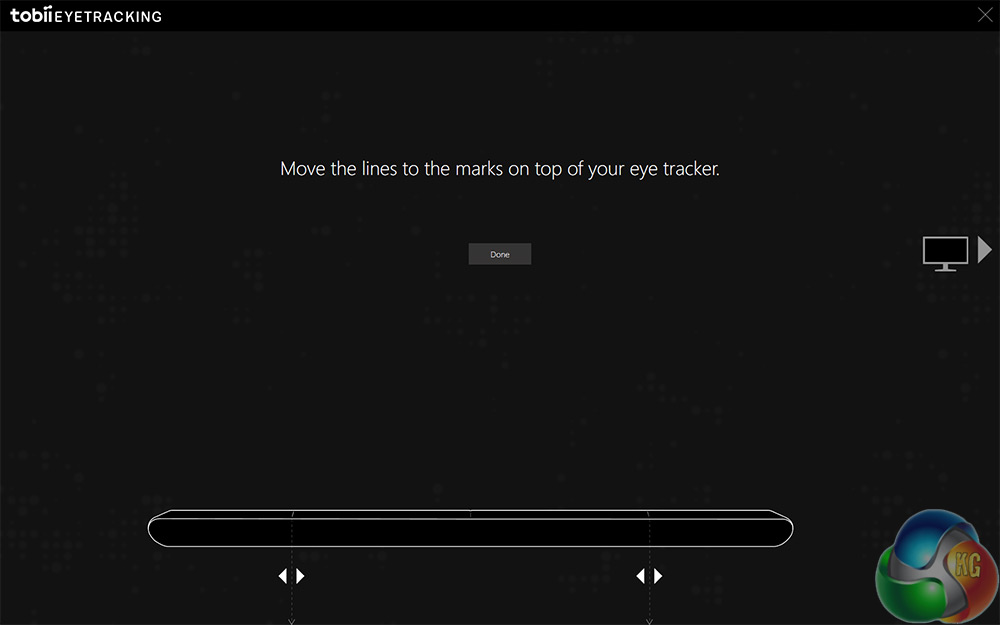
Set up helps you choose the parameters of your screen and the placement of your tracker.
For starters, eye tracking is a very intuitive, relaxed and easy interaction medium. When playing a slow paced game like The Hunter, being able to physically look around you with your eyes is a real treat. It feels more natural and there is even the added bonus that your walking direction is maintained, even if you look to the side to try and catch a glimpse of that elusive White Tail.
With the mountain of menus, screens and interface options in Elite Dangerous, I did not find it quite as easy to get to grips with, but again, flying along and wondering what is on the display to your left feels natural to gaze over in that direction and have the world pan over to it in time. It is not quite as positive a feeling as doing something like turning your head in Virtual Reality, but it gives that same sort of happy, “this makes sense,” feeling.
Assassin's Creed had the wonkiest implementation – CPU priority caused the tracker to switch off until I tabbed in and out – but perhaps the best usage in game. With the 4C in place you can use it to select targets for assassination, targets for your grappling hook and you can look around too. This is great when you are driving stagecoaches, as you can look to the side to check streets without needing to use a secondary control to do so – just your eyes.
My favourite usage of eye tracking though was auto-pause. Whenever I looked away from the screen – the game would automatically pause. That is a great little addition that I would love to see more games make use of.
Both Syndicate and Elite Dangerous support head tracking too, which while useful in that it can give you a heftier swing of the camera if you turn your head too, in practice that means that you are looking half-sideways at the screen, feeling rather silly. Head tracking is much better suited when the display moves with you – like VR.
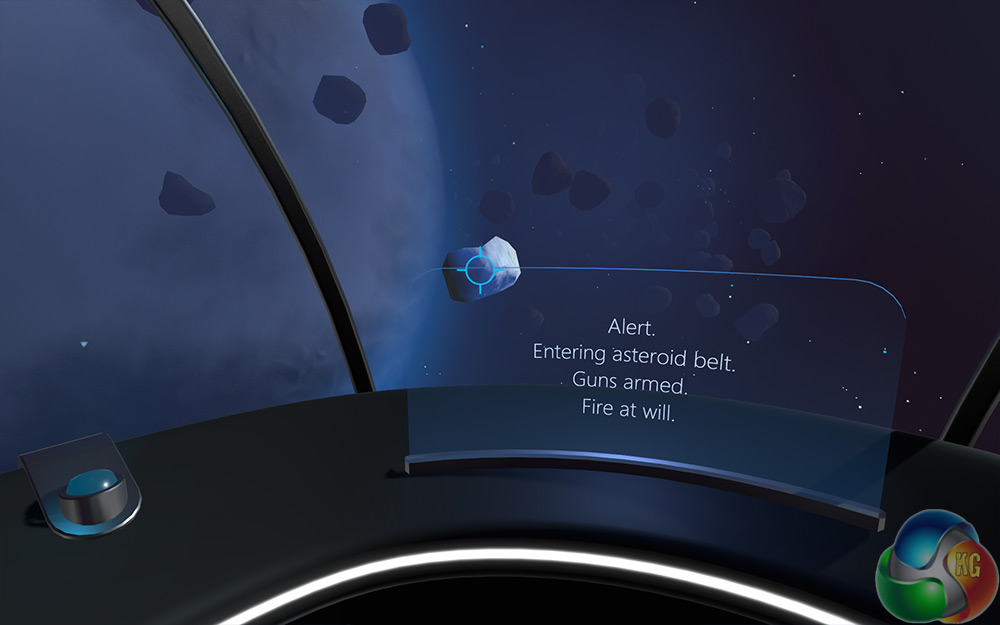
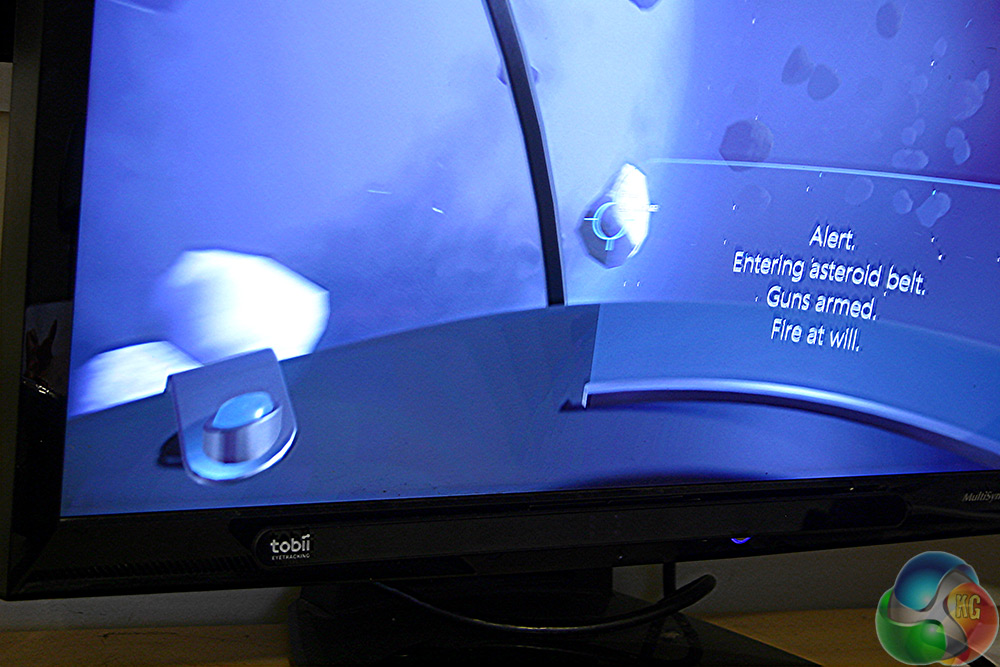
Intro sequence introduces you to eye tracking with explosive asteroids
The real difficulty with eye tracking though, is that it cannot always tell your intention. Sometimes you do not want the screen to move, you just want to look at something specific on it. While still adjusting to the device, I would often find myself looking at an object in the environment, only to have to track it since the view changed a few milliseconds later. That was of particular notice when zoomed in or looking down the sights of my rifle in The Hunter. I do not want the gun to shake around with where I look while I try and line the shot up.
A similar issue cropped up in Assassin's Creed. There I wanted to just look around while walking, much as you can in The Hunter, but unless you are driving a stage coach your character will veer off and walk where you are looking. This does have the added benefit that you can traverse Victorian London with just your eyes and a single hand if you want, but I was looking forward to walking and looking independently from one another.
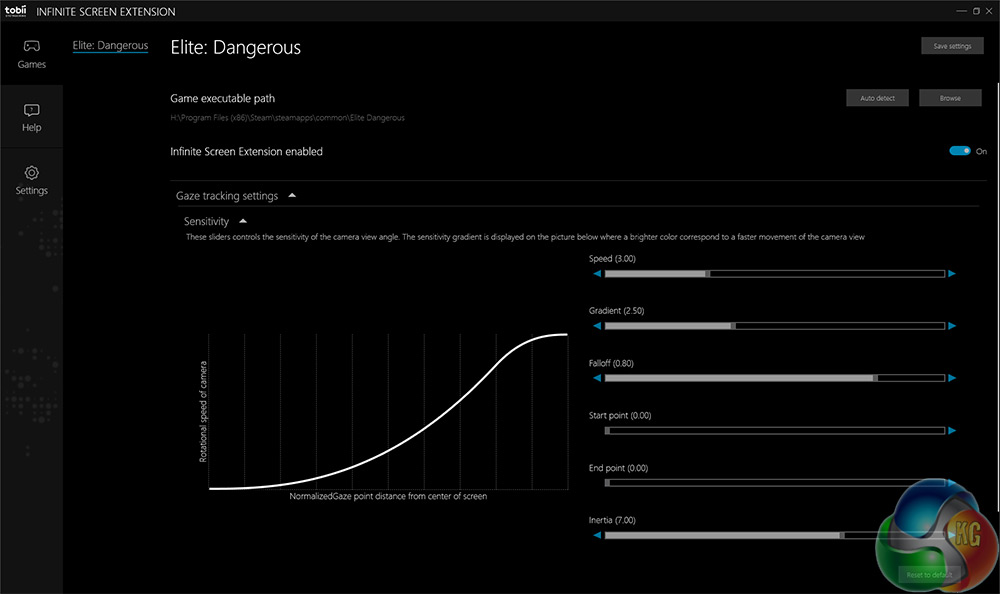
Infinite Screen is used in some games and offers much deeper customisation
It was most obvious during cut scenes. While the developers had set up cinematic camera angles, the scene would jump around as my eyes flicked around to take in the details. Eye tracking during a movie might offer some interesting entertainment options, but not when it is shoehorned in like this. It serves no purpose other than to shake up the cinematic quality of the video content.
But these slightly sub-par implementations are a symptom of the times rather than a weakness of the eye tracker itself. Eye tracking technology in commercial gaming is quite new and hasn't been focused on as it would be if every laptop in the world came equipped with one. I suspect however that as eye trackers pop up in VR headsets, we will see the same hardware become more common place on desktop systems and laptops – especially since it could be used for foveated rendering.
General Windows
General Windows usage of the eye tracker was not something I spent too much time doing – this is after all, a device aimed at gamers – but it does have some interesting uses. Gaze Trace is a nice way to see where you are eyes are being tracked and can even be used in game to make things easier to understand.
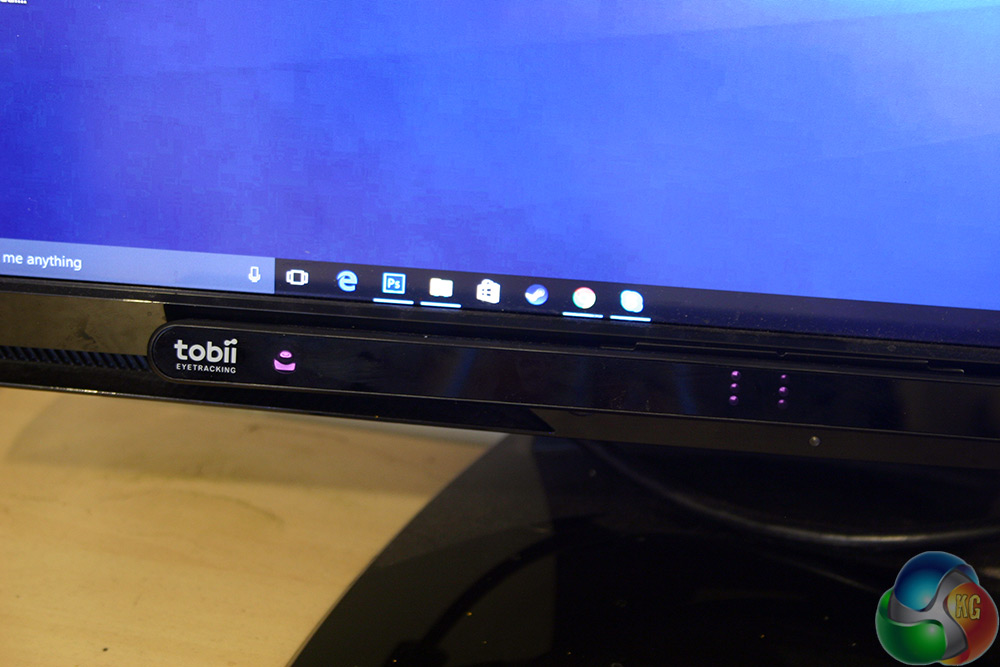
In a more functional sense, with the eye tracker in place you can select which window to open when alt-tabbing between them. Wait for the selection window to appear and then look at the one you want to jump to.
The hardest feature to get to grip with, but perhaps one that would be useful for those with limited mobility, was the Windows Warp on Mouse Move or Button command. That would let you move the mouse point to where you are looking with a move or click. Great for jumping around but not very easy to get to grips with. At least not without a lot of practice.
Tobii's Eye Tracker has gone a long way to selling me on the idea of eye tracking in general. The way I intuitively picked up how to select targets in Assassin's Creed Syndicate, the way it let me look around while walking in a straight line in The Hunter and the way it can pause games when you aren't paying attention, are all excellent. Right now though, I am not sure if I could justify actually buying it.
The supported game list for a niche peripheral like the Tobii 4C Eye Tracker is quite impressive. At the time of writing there are 40+ and more being added every week. Eye tracking is going to take off at some point in the near future, with Tobii helping lead the charge with its free standing trackers like the 4C and its implementation in a number of virtual reality headsets.
Foveated rendering is going to make all our GPUs' horse power go much further and there are some great uses for the input method. But at the current price? £140 for some niche functionality and clever uses? It is hard to justify.
Tobii makes a great eye tracker and at that price, it is certainly much more affordable than this sort of technology has ever been before. I really like how it is been used and some of the functions in games are completely unique to this sort of input method. It will be a real boon to gamers with limited mobility and for those with full use of everything, it is still pretty cool to be able to use your eyes to look around. It is easy to pick up and quickly feels right.
I suspect when I stop using the 4C I will miss some of its features. I will not miss it juggling around cut scenes though and I will not miss occasionally just wanting to look directly at something without the view shifting.
These are all niggling problems that will be worked out in the future though and games designed with eye tracking from the get go will be a far better showcase of this sort of technology. For now though the implementation is good, but not great and at that price it is hard to say it is anything but ‘worth considering.'
You can pre-order the Tobii 4C tracker direct from the manufacturer for 160 euros (£138).
Pros
- Excellent eye tracking. Fast, fluid and intuitive.
- Set up is simple and fast and holds your hand through first uses.
- Compact and neat bundle. Looks good and does not take up too much space.
- List of supported games is growing every week.
Cons
- Some slight issues with CPU priority in certain games shutting down tracker.
- Cable is short.
- Game library is still limited (but growing).
- Added functionality is quite limited. Victim of chicken/egg scenario.
- Expensive for what it offers right now.
- Sticky back is so strong, removing the magnet strips is difficult.
KitGuru Says: Eye tracking is something we are going to be seeing a lot more of in the future and Tobii is one of the earliest pioneers. This eye tracker is a fully fleshed out product, but its implementation feels a little Early Access. If you like playing with new technology you will have a blast with the 4C, but for those with full mobility and limited budgets, I would hold fire until there is a must buy game that uses it.


Come on.. am I the only one thinking this could be a replacement for TrackIR for use with flight sims such as FSX or Prepar3d, no more reflective headbands!..
Google is paying 97$ per hour! Work for few hours and have longer with friends & family! !mj153d:
On tuesday I got a great new Land Rover Range Rover from having earned $8752 this last four weeks.. Its the most-financialy rewarding I’ve had.. It sounds unbelievable but you wont forgive yourself if you don’t check it
!mj153d:
➽➽
➽➽;➽➽ http://GoogleFinanciallJobsCash153TopProGetPay$97Hour… ★★✫★★✫★★✫★★✫★★✫★★✫★★✫★★✫★★✫★★✫★★✫★★✫★★✫★★✫★★✫★★✫★★✫★★::::::!mj153d:….,….