 KitGuru KitGuru.net – Tech News | Hardware News | Hardware Reviews | IOS | Mobile | Gaming | Graphics Cards


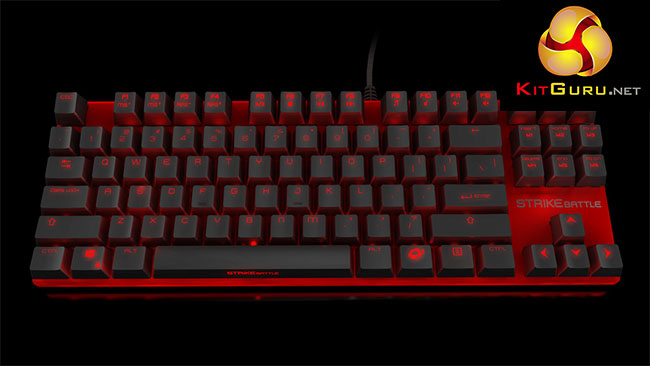
PC gamers come in all shapes and sizes and so do the spaces they game on. If you have a small room with limited desk space are you stuck with an oversized keyboard? This is the group of gamers that Ozone is hoping to appeal to with its new STRIKE Battle keyboard – a barebones design with an eye-catching metallic red paint job.
Its unique look is backed up by customisable backlighting and mechanical switches, ticking most of the boxes that gamers hold most dear. How does it perform though?
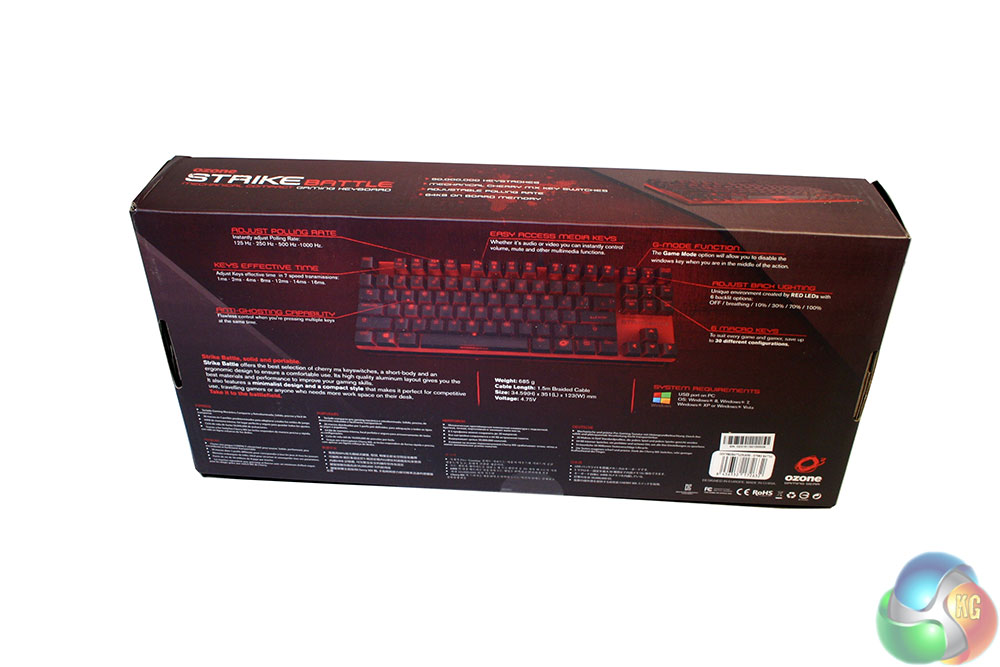
- Size: H: 34.59 mm x L: 351.00 mm x W: 123 mm.
- Cable: 1.5m Braided.
- Top Case: Aluminium.
- Voltage: 4.75V±10%.
- Memory: 64KB on board memory.
- Nkey Rollover: All keys with Nkey Rollover (anti-ghost).
- Gaming Mode: Deactivation of Win Key / “WASD” & “Arrow Keys” function swappable/ Macro Function through Software.
- Weight: 685 G.
- Keycaps: ABS 94HB.
- Feet: ABS+TPR.
- Power Consumption: ≤ 250 mA.
- Connector: USB.
- Lighting: 6 backlit options: OFF / breathing / 10% / 30% / 70% / 100%.
- Instantly adjust Polling Rate: 125 Hz – 250 Hz – 500 Hz -1000 Hz.
- Adjust Keys effective time in 7 speed transmissions: 1ms – 2ms – 4ms – 8ms – 12ms – 14ms – 16ms.
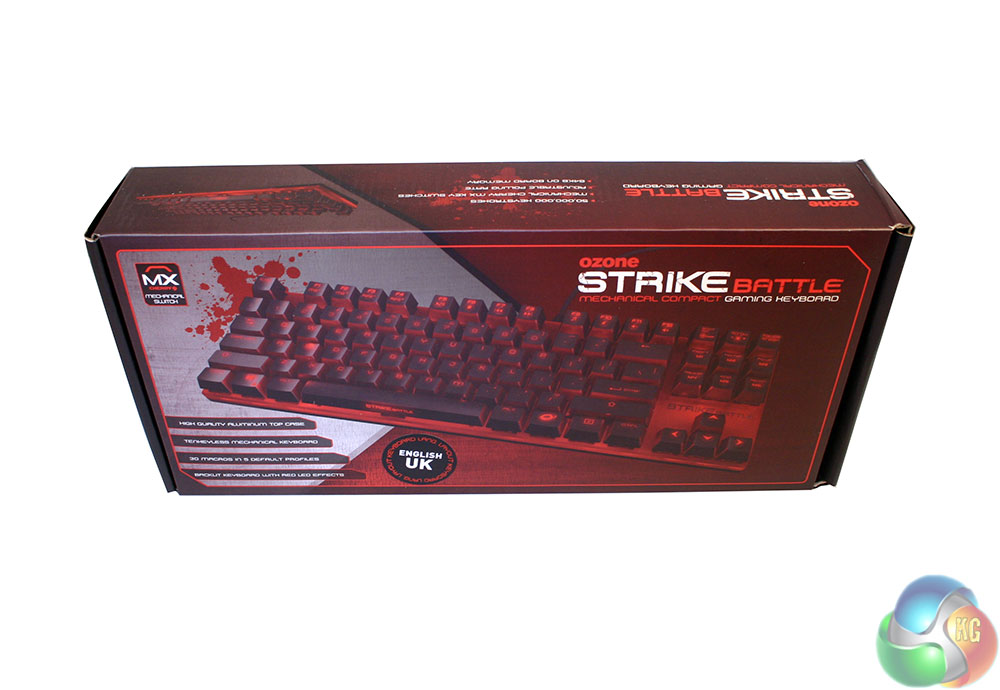
The box for the Ozone Battle Strike is, much like the keyboard itself, quite small. It is made of high quality card and features some good pictures and feature lists giving you a good idea of what it is you are buying – if indeed you are doing so in person. There is also a set of tick boxes on the end, letting you know which switches the board comes with.
For reference, the review unit I was given incorporates Cherry MX Reds.
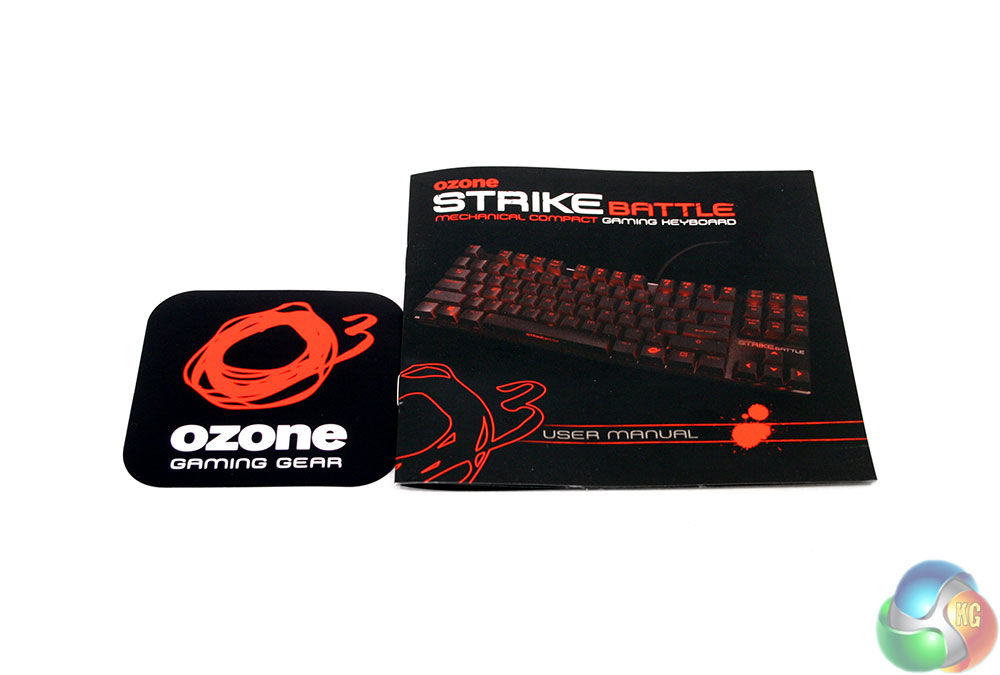
The only accessories you get with this peripheral are a sticker and a quick set up manual.
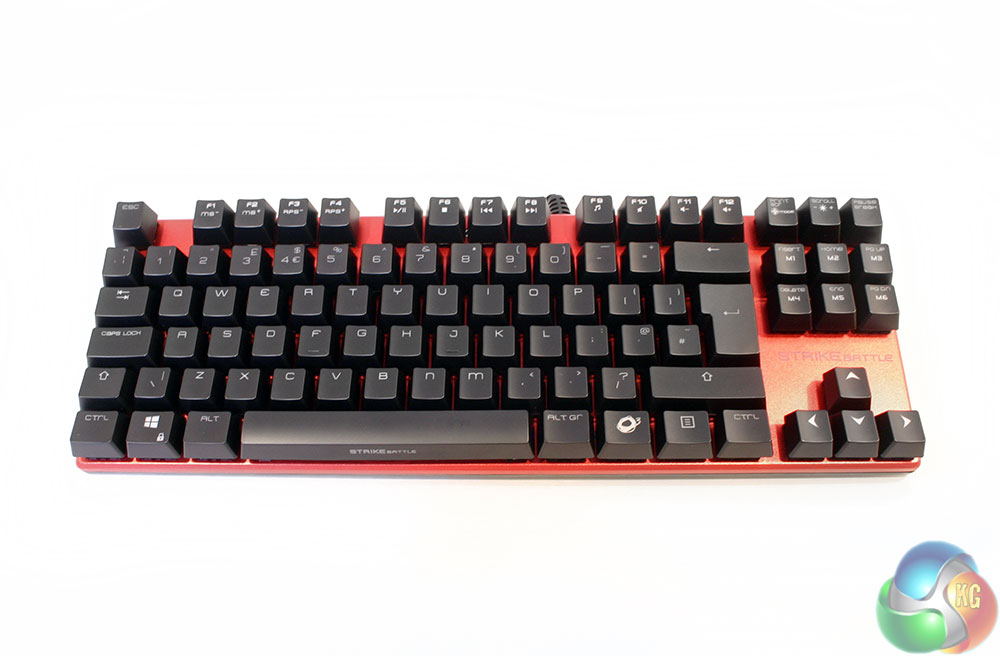
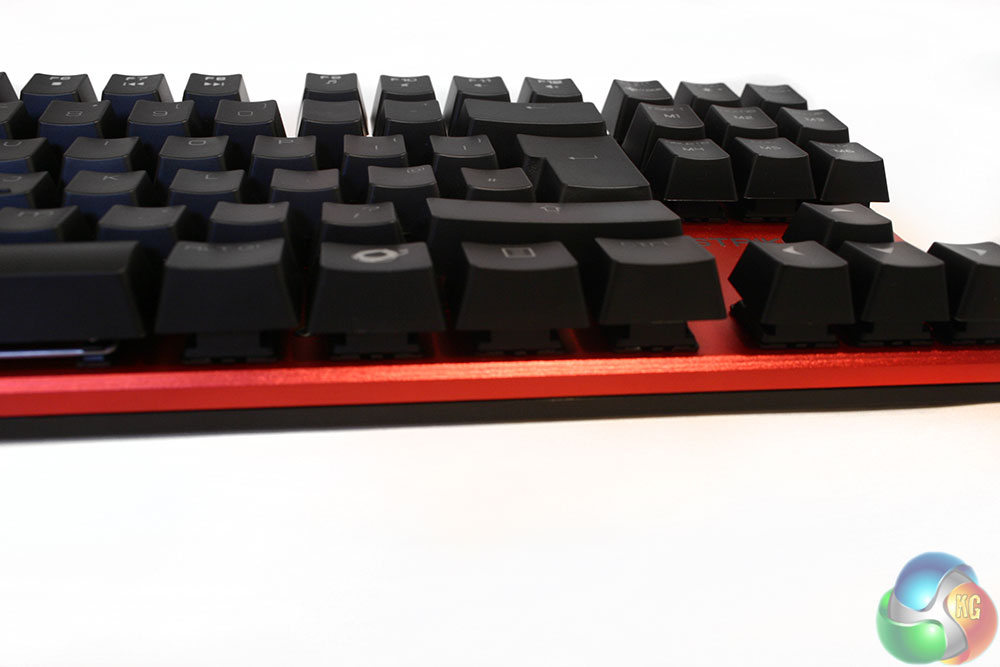
The Ozone STRIKE Battle board is, for want of a better word, striking. It has an open style where all of the keys are raised from the main body, which runs flush across the entire board. There are no raised edges and no real extraneous material outside of the keys themselves. Space is further saved by the lack of a numpad, making this a good travel keyboard or one for those with limited surface space.
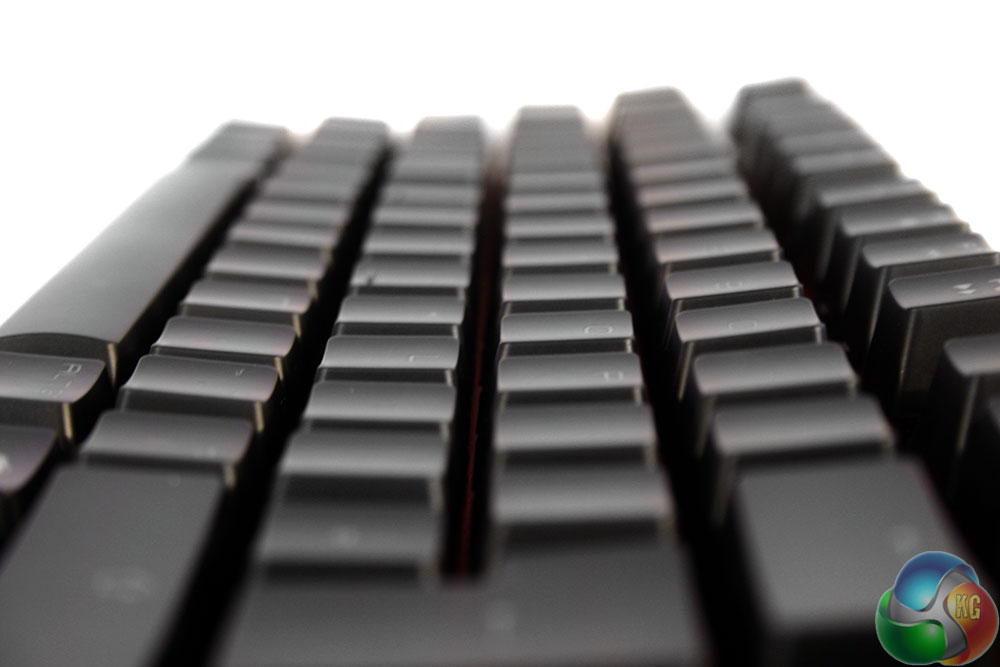
Keycaps are standard Cherry MX toppers, with a slightly concave surface and translucent plastic lettering to allow the LED lighting to shine through. However, unlike other board makers, Ozone has acknowledged that off-centre LED placement makes for off-centre lighting, so it is made sure to locate all of the secondary function indicators at the top of the key caps. Lighting should still be uniform throughout each of them.
Due to the flush main body, each of the keys is open to the elements, which gives the Strike Battle that barebones look. It should also make it easier for cleaning, though it may make individual keys more vulnerable to spill damage.
Unfortunately, while the aluminium plate underneath the keys looks good from a couple of feet away, up close it is easy to see the relatively poor finish along the edges, specifically the front. It is not particularly noticeable, but it is there and seems a shame as it lets down the rest of the board's quality feel.


Popping off a few keys, you can see the standard Cherry MX Red switches and the standard cross-mount for them on the caps themselves.
To maximise space-saving, every F key has a secondary function. Whether it is adjusting the polling rate or controlling media functions – they are all there.
With the F keys handling media controls, the far right section of this board has double function macro keys mapped to the Insert and Delete portion. Those can be tweaked or altered in the back-end software, along with a number of other settings.

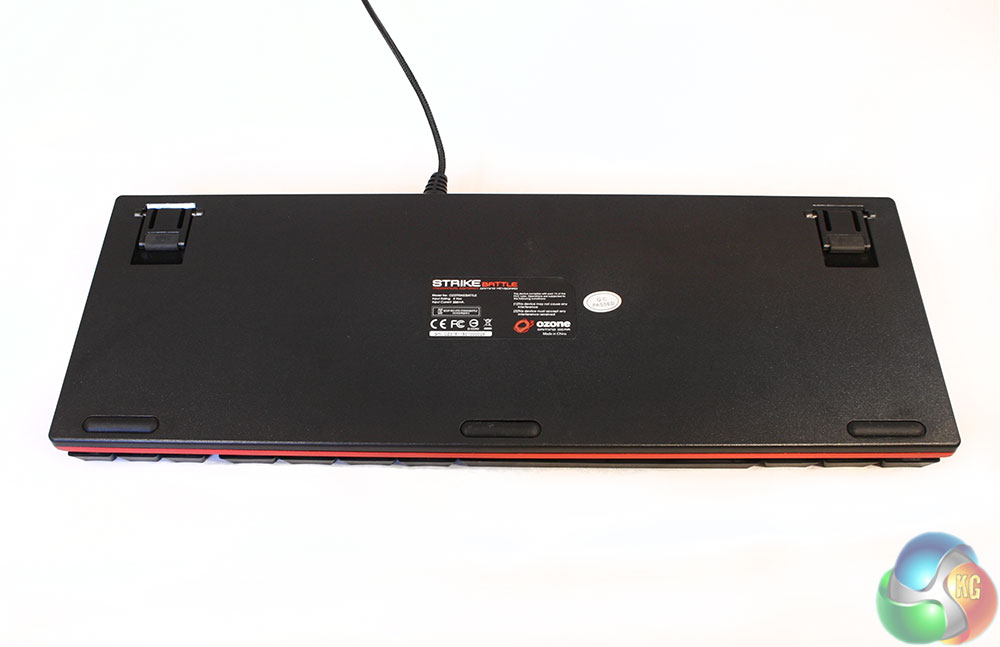
The underside for the board has red on the right side though it does feature rubber feet in each of the corners and extra rubber coating on the extenders, which help angle the board, for those that prefer that.
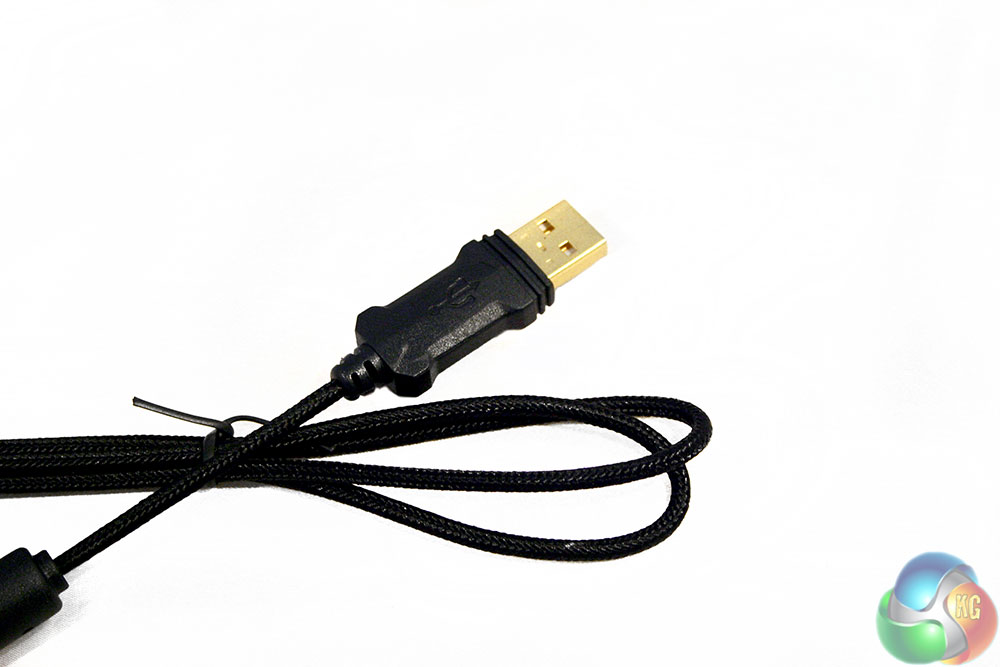
The cable is braided to a high standard and features a custom USB header with a gold-plated connector.
To test a gaming keyboard, we feel that the best way is to put them through their paces in a real world usage scenario. With that in mind, with the Ozone STRIKE Battle keyboard, we used it for a period of just over a week as our main work and gaming peripheral. That meant it was used in a variety of games across multiple genres, and was used to type upwards of 3,000 words a day for the duration. During testing, we took into consideration things like user comfort, gaming performance and typing ability and noted down our thoughts in as cohesive manner as possible.
When it comes to gaming, if you have used a mechanical board with Cherry MX Red switches before, you know what this one feels like as it is nothing new in that respect. They are light and fast and while I personally prefer the tactile feel you get on a board with Brown switches, they are one of, if not the best choice for high-end gaming.
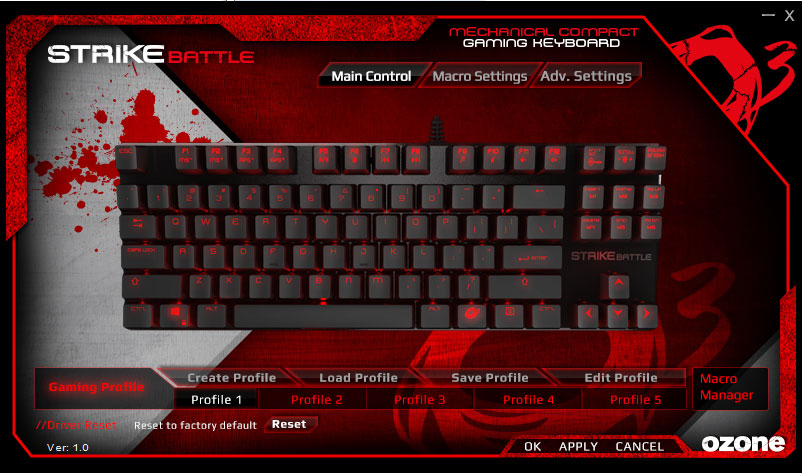
Every key can be remapped to an alternative function, in up to five separate profiles
For those who have never used a mechanical board before and are wondering whether the jump is worth it: it is …. if you can afford it.
A mechanical board is not only faster than a membrane interface, but you have more precise control over a key press than you would otherwise. They travel linearly, without any wobble and you know exactly when you have pressed them. While a good scissor switch will give you a nice middle ground between the two, there really is no substitute for a mechanical switch keyboard.
Unsurprisingly, this is also a nice board to type on, though again, MX Browns are my personal favourite. Although smaller form factor, this board has an identical key layout to every other one out there, so there is no real learning curve to it. I did find some of the keys a bit squeaky when the board first came out of the box however, specifically the ones with metallic arms like the backspace, enter and space bar. To remedy that, I gave it a tiny shot of WD40 and the squeaks went away, but it is something to bear in mind if you are considering buying this board.
My average typing speed was around 115 words per minute, which is about average for most mechanical boards.
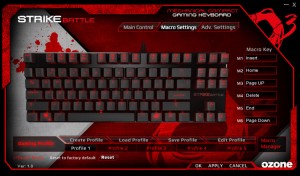
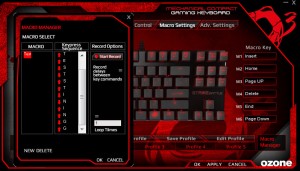
Macros are simple to record and set to one of the pre-determined keys. However you can not manually adjust the time delay between inputs.
In regards to comfort this is a lovely board to use, with nice soft keycaps and a solid base that does not move around during use. You also never feel like you cannot give this board a beating if you want to. Get frustrated and smash it after a game? Not a problem. Type hard and fast when you are on a tear? The Ozone Strike Battle can handle it.
If you are used to using a full size keyboard, the lack of material in-front of you can take a bit of getting used to and can have you moving it from left to right to try and find the right spot.
I did find myself missing a wrist rest at times, as when you are typing all day it can be nice to just let them relax for a moment before moving on. Still, the fact that the STRIKE Battle has a uniform front means it should not be too difficult to add an after market one from a third-party.
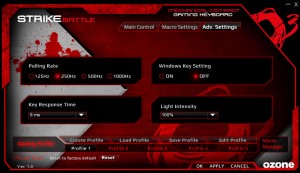
Additional settings are a little on the light side, but there are a few
The lighting on this board has been well thought out, as though it suffers from the same issues as others, in that the LED's are not centrally mounted on the switches, Ozone makes a point of locating the indicators at the top end of the key, so the light that shines through is quite uniform. The fact that all of the keys are open sided too, means you get a nice ambient glow which is not present on most other boards.
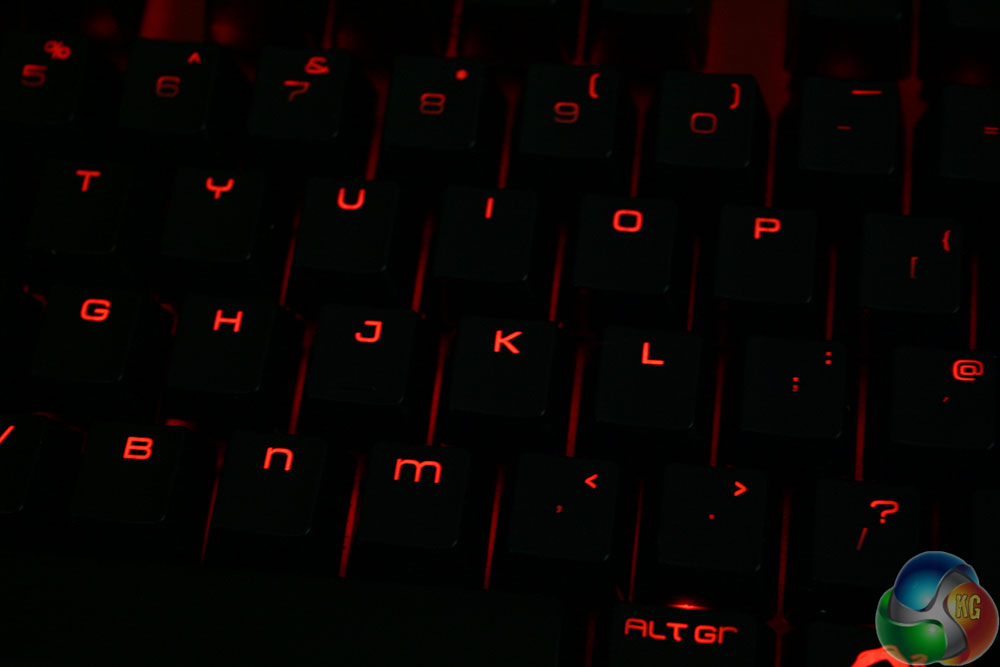
Although there are no options to change the lighting colour, you can tweak its brightness on the keyboard itself, or within the back-end software. There are also options for solid, or pulsating lighting. Other back-end options allow users to tweak polling rate and key response time, which high-end gamers and super fast typists may appreciate.
I particularly liked the location of the media keys on the Ozone STRIKE Battle. They let you adjust the volume or perform other functions with a single hand. This is not possible if the function key and media keys are found at either end of the board, as they are on some competitor products.
The Ozone Strike is a compact and very capable keyboard, offering gamers and typists alike a solid platform to perform their chosen task with. The Cherry MX keys will last for many millions of activations and it is comfortable enough to use for long periods of time.
I do miss a wrist rest and the compact nature, while great for traveling has compromises – there is after all no num pad. I do really like the open look of the board though and the space saved along the edges seems very justified. Do we really need all of the plastic so many boards come surrounded with?

The only real drawback with the board is the metallic coating. While it looks striking and clean from a distance, upon closer inspection you can see that the aluminium panel has not been finished very well, especially along the front edge. It seems a shame, as otherwise this keyboard looks great.
The keys with metallic arms tend to squeak when fresh out of the box too. It may have been a sole issue with our sample, but a little dose of WD40 cured the problem.
All in all, the Ozone STRIKE Battle is a very competent keyboard, with great build quality, some simple macro features, backlighting and a unique look. It has a couple of drawbacks, but they are very minor and do not detract from the overall product. Better yet, this keyboard is not even that expensive. It is an all round winner.
The Ozone Strike Battle compact gaming keyboard is available at CCL Computers for £65.
Pros
- Unique, barebones look.
- Industry standard Cherry MX Red switches.
- Great for typing and gaming.
- Adjustable polling rate and response time.
- Basic backlighting and macro functions.
- Compact design makes it great for travel or those without a lot of space.
Cons
- Red aluminium is not finished that well.
- Metal arm keys squeak unless you lubricate them.
- No wrist rest.
- Missing numpad keys may be a deal breaker for some.
KitGuru Says: Although not exactly perfect, for the price, Ozone's STRIKE Battle is a solid, compact board for typists and gamers – it looks great too.


Who else would LOVE to play DOOM 4 on this?
Your first choice kitguru Find Here
hmm i think lack of numpad in tenkeyless keyboard can’t be really one of the cons, it’s one of its main features after all 🙂
+you need some moderation here 😉