KitGuru KitGuru.net – Tech News | Hardware News | Hardware Reviews | IOS | Mobile | Gaming | Graphics Cards


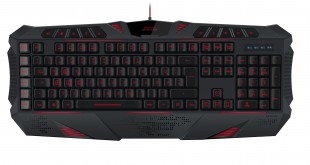
Although we spend a lot of time here extolling the virtues of mechanical keyboards and their switches, there is no denying that they are generally quite expensive. This is why sometimes you have to consider membrane designs.
With Speedlink's membrane based Parthica Core, you get programmable buttons, backlighting options, macro editing and adjustable response times of a high-end board – but at a much lower price point.
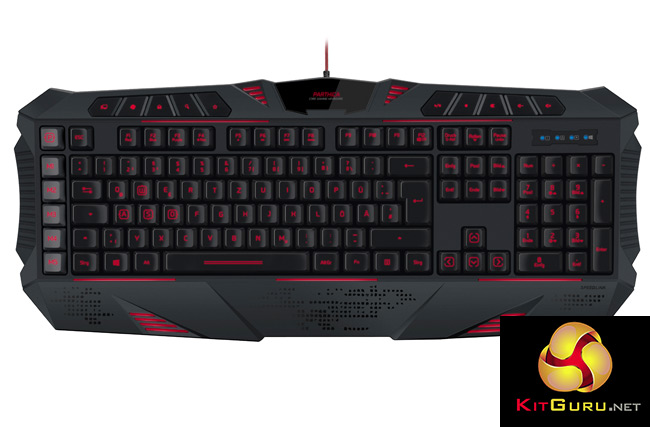
Features and specifications
- Multi-colour LED backlighting.
- 93 configurable keys, 15 freely programmable buttons.
- Five macro buttons plus 10 multimedia buttons.
- Extra-high raised keys for precise keystrokes, clearly-labelled WASD and arrow keys.
- Anti-ghosting and up to 6-key rollover technology.
- Powerful macro editor integrated in the driver.
- Internal memory (128kb) for importing/exporting profiles.
- Auto-loading game profiles.
- Perfect ergonomics thanks to comfortable wrist rest, rubberised finish and height adjustment.
- USB polling rate configurable up to 1000Hz (ultrapolling).
- Four selectable response-times down to 2 milliseconds.
- Flexible USB cable with hard-wearing sheath (1.8m).
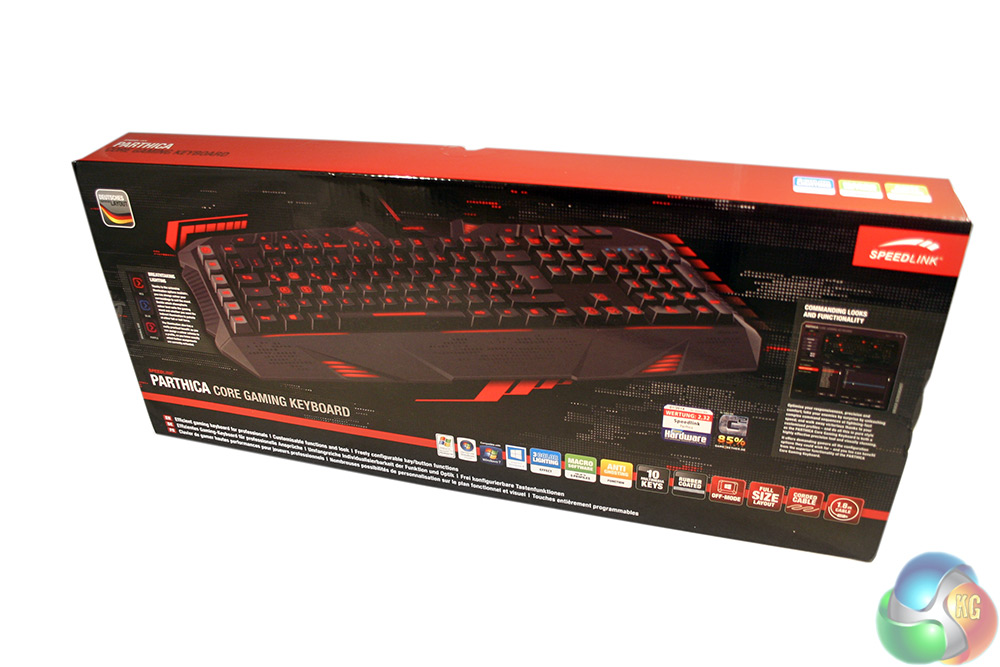
The box for the Speedlink Parthica is attractive, with a large image of the board on the front, all lit up with red backlighting and a number of its most prominent features detailed with images.
The back merely highlights multi-lingual specifications.
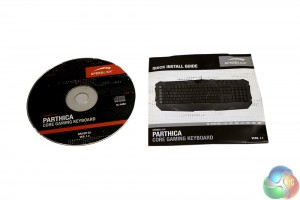
Along with the keyboard you get a driver CD. While seemingly unnecessary in our very connected world, this does at least provide some measure of back up for those in less well connected areas. There is also a short manual to help you get things set up.
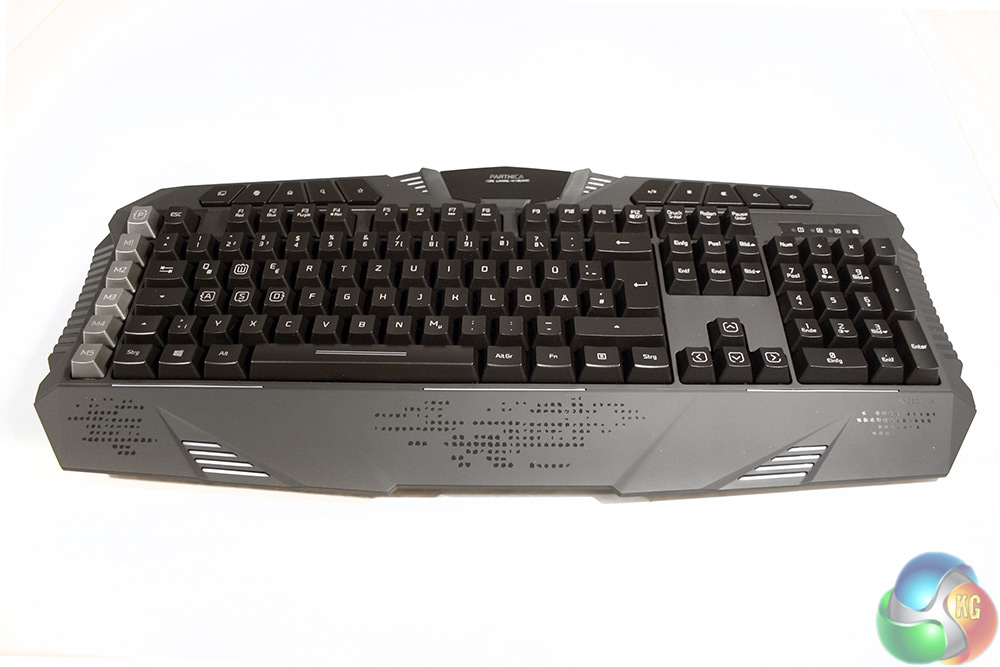
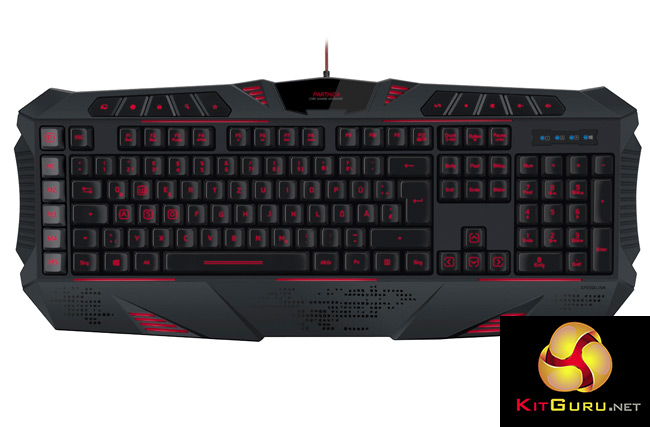
The keyboard itself is quite well represented considering the modest price point – apart from the use of plastic over more costly materials, you would be hard pressed to spot the difference between this and something in the ‘high-end.'
The build quality is not stellar and there is some flex if you apply force at both ends of the board. That said it is well made enough that you should not expect any movement when in use. Indeed the overall feel is one of solidity, though it lacks the metal backplate so common in mechanical boards. It is therefore much lighter.
The colour scheme is matt black on black, with a slightly darker tone for the keycaps.
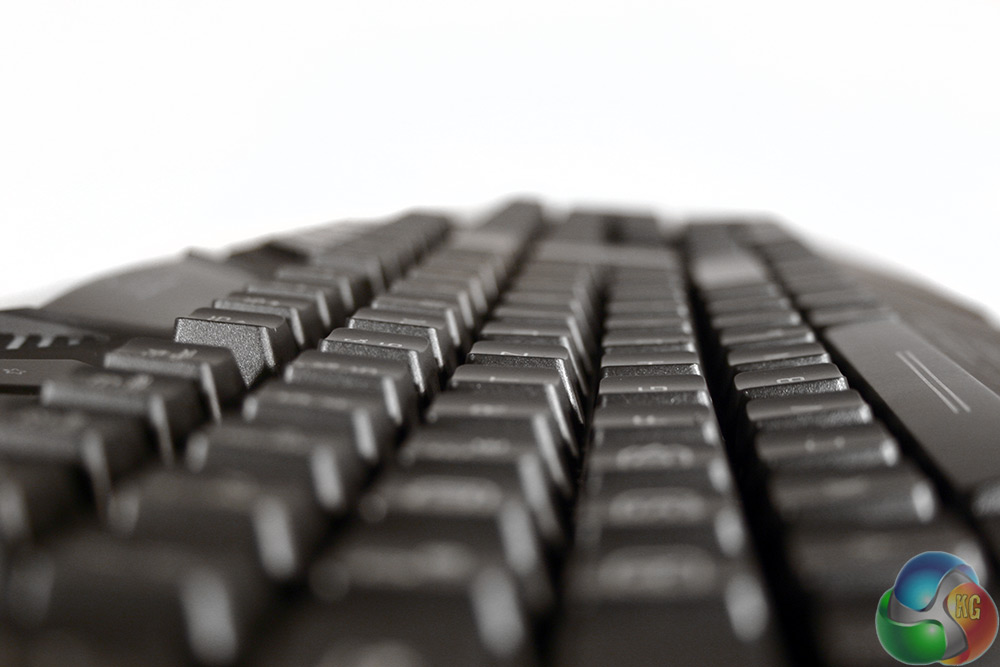
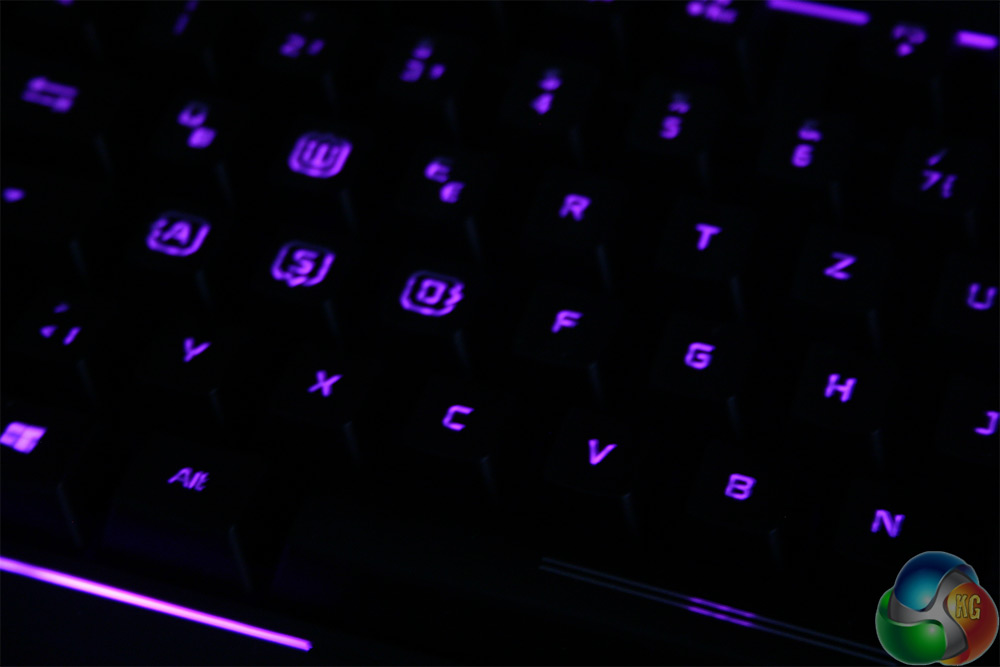
The keys are traditionally concave and feature clear plastic lettering to allow the back-lighting to shine through.
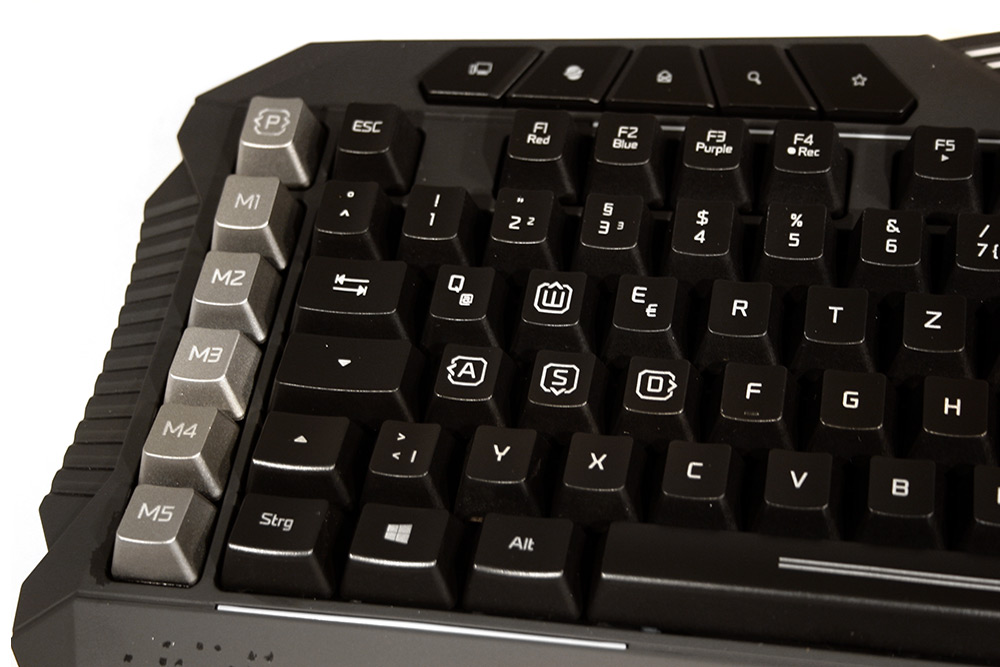
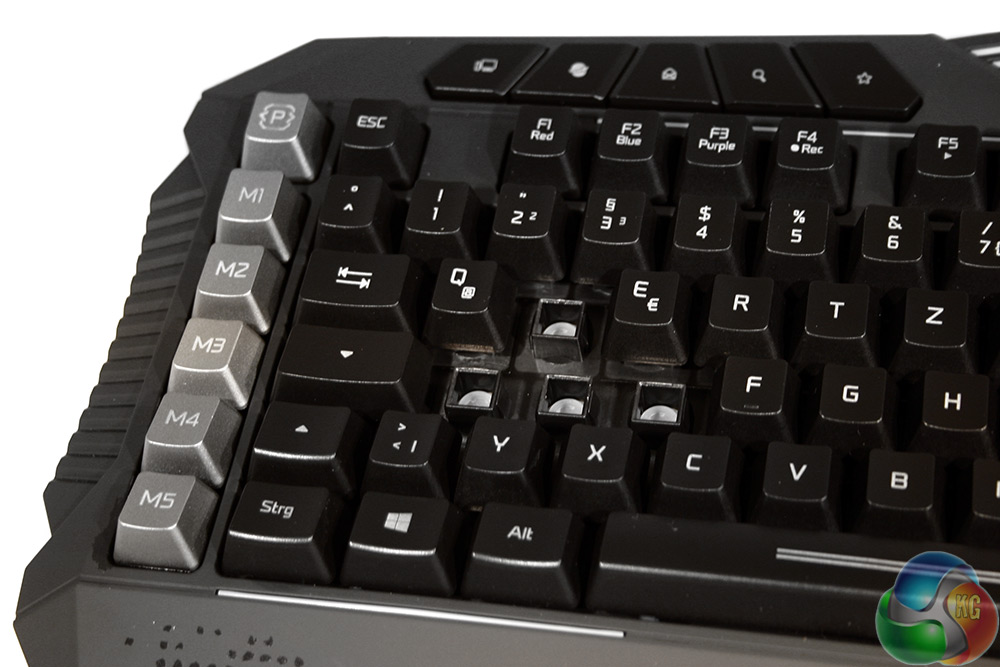
NB. Our review sample has the German key layout. Other layouts are available.
As mentioned earlier, this is a membrane board, so when we pop off the slightly stylised keycaps – which is not that easy – you can see the white, rubber membrane underneath. Notice also that each key's switch is isolated however, which means that there should be no fear of damaging your board or impacting its performance should you spill a drink on it.
Along the left hand side of the board are the macro switches, of which there are five in total. There is also a dedicated profile switching key.
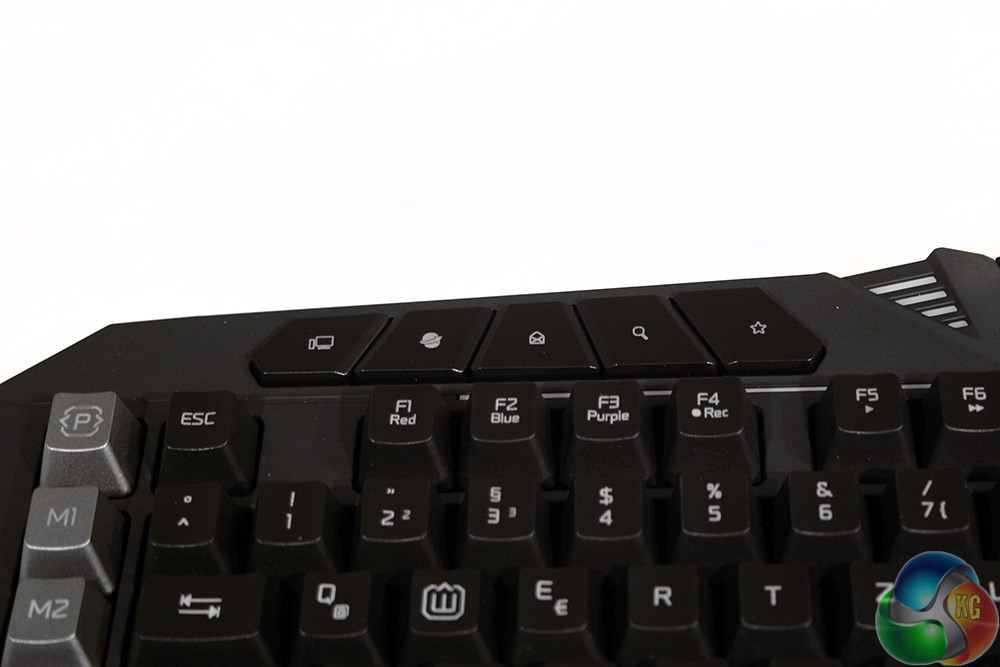
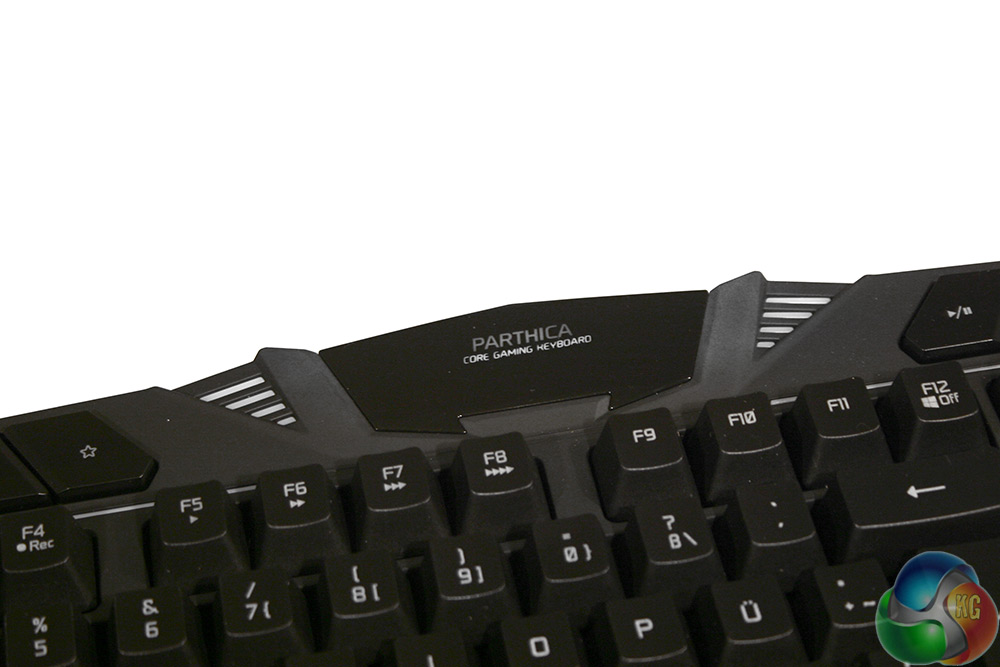
Running along the top of the board you have the usual F keys, though most have a double function. The F1-F3 keys give you a quick colour change for the backlighting when pressed with the FN key. Above them are some quick shortcuts for certain functions. F4 lets you quickly record Macros for later use.
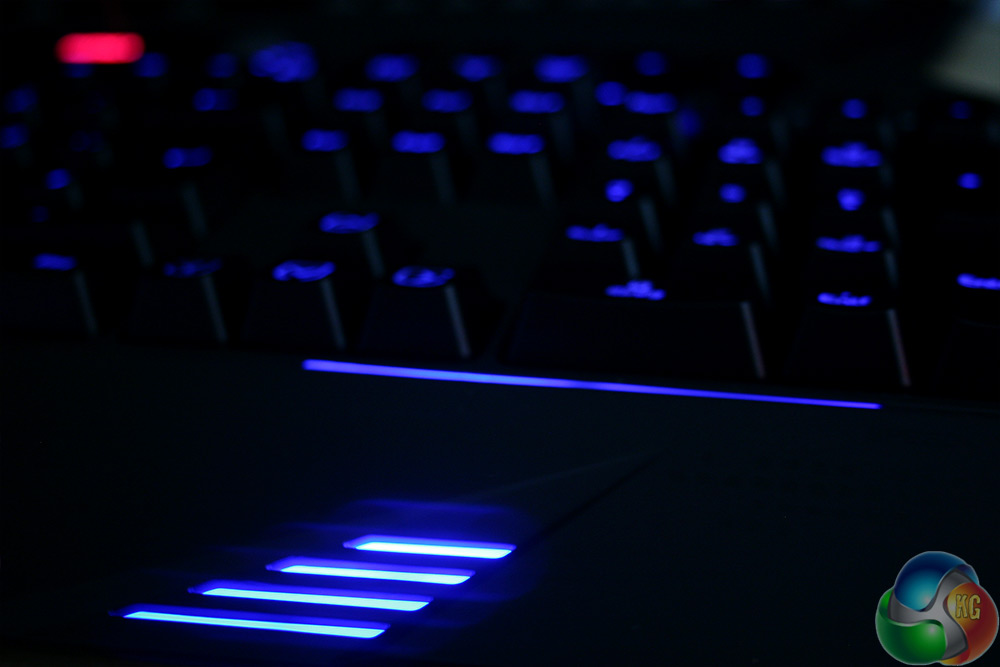
In the middle of the board is the Parthica logo and a few clear strips which all light up when the board is powered on.
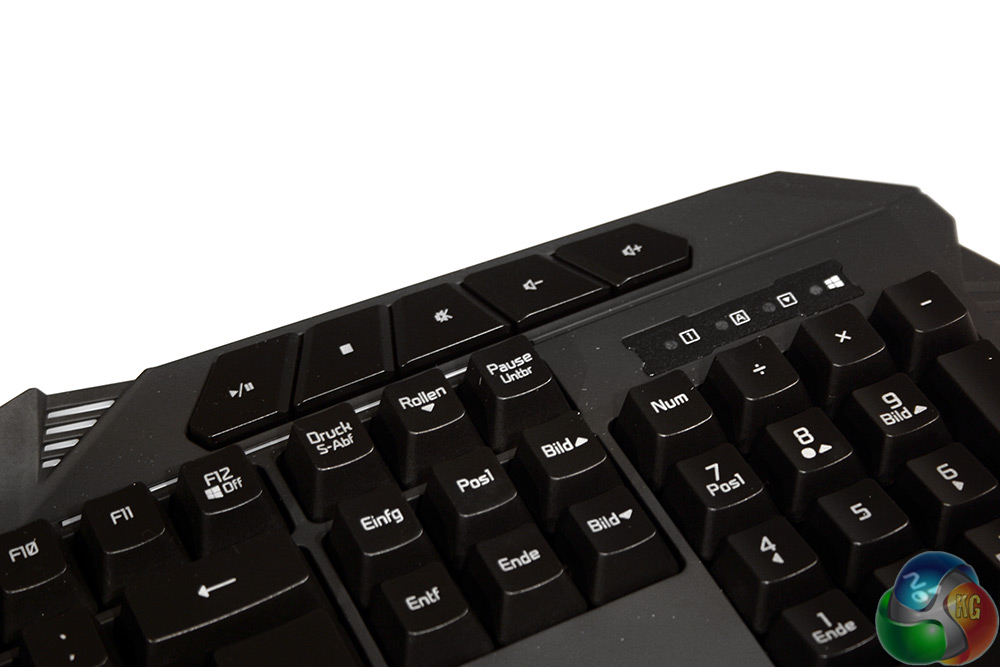
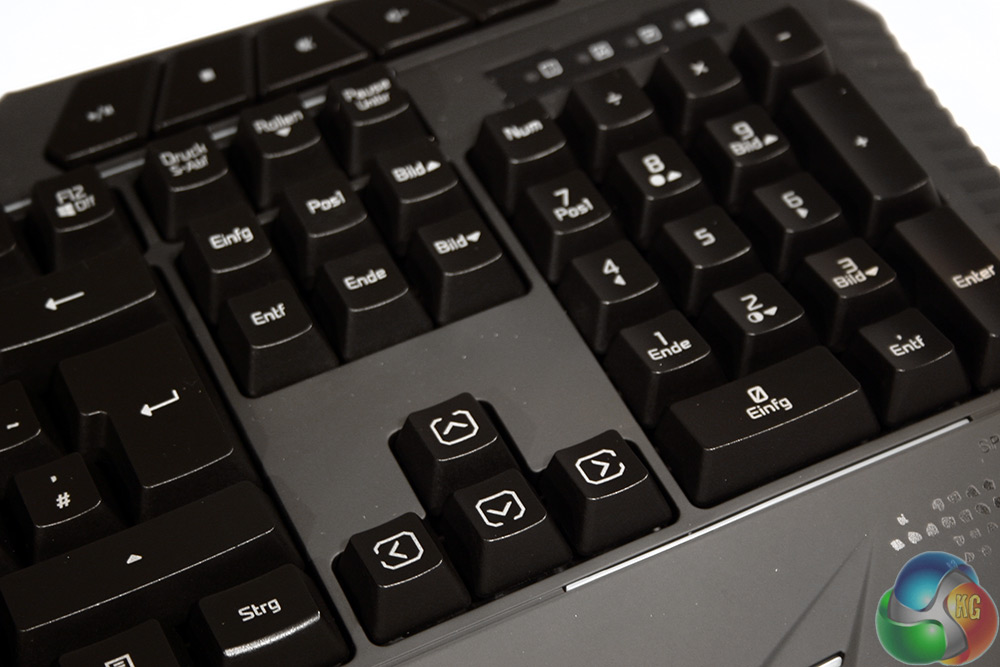
The F12 key lets you turn off the Windows key as well. The media keys are located above and are single press switches, making adjusting volume and other functions a breeze with just one hand.
With the lock lights, there is also an extra one to let you know whether the Windows key lock is engaged or not.
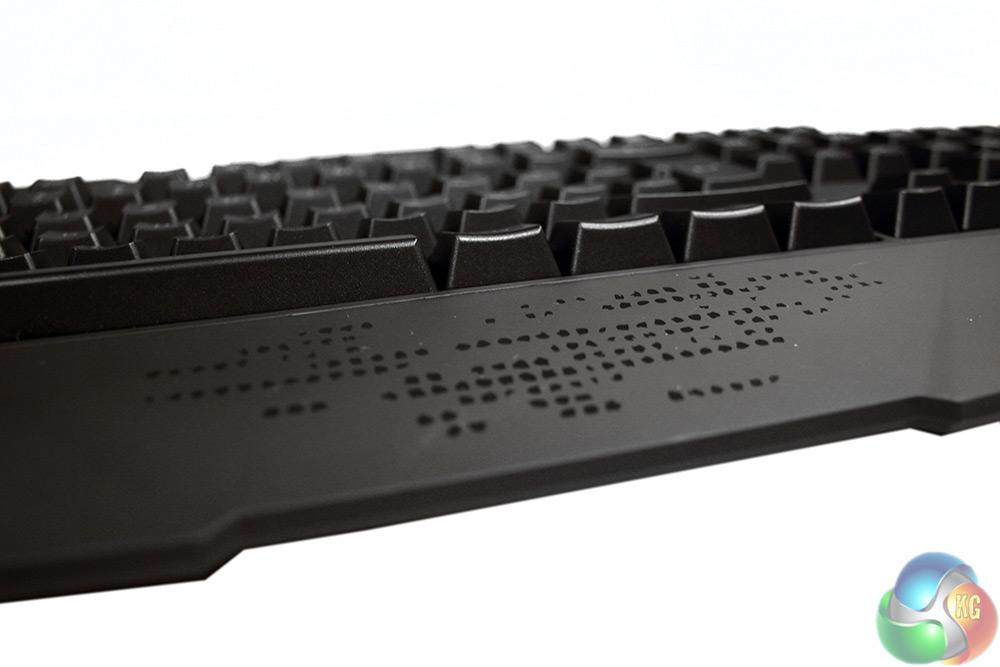
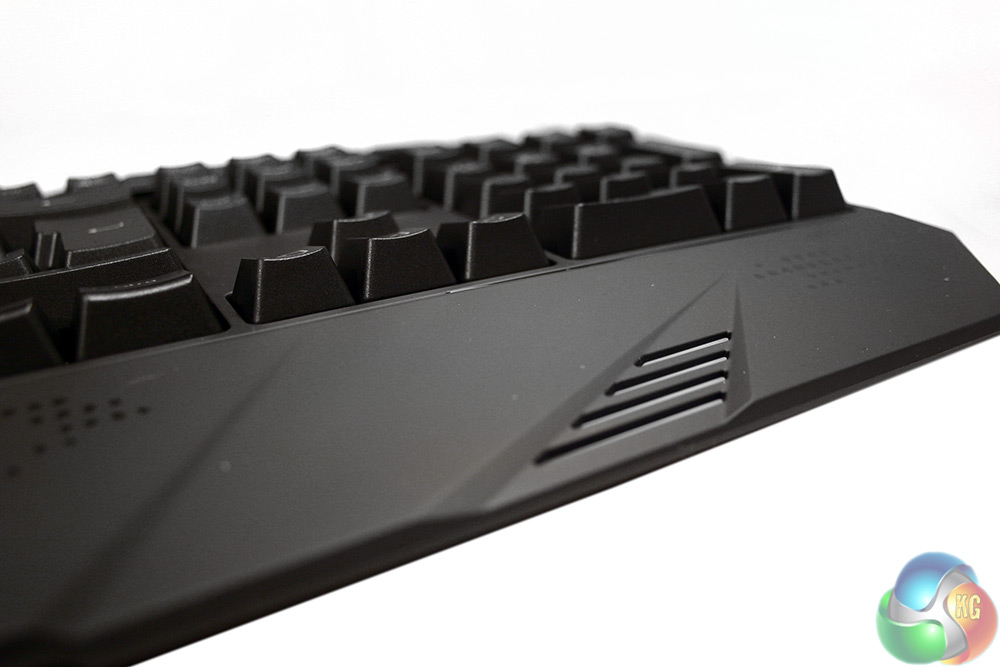
The wrist rest – hard attached – has some styling elements, including some glossy plastic (scales?) and some additional light strips.
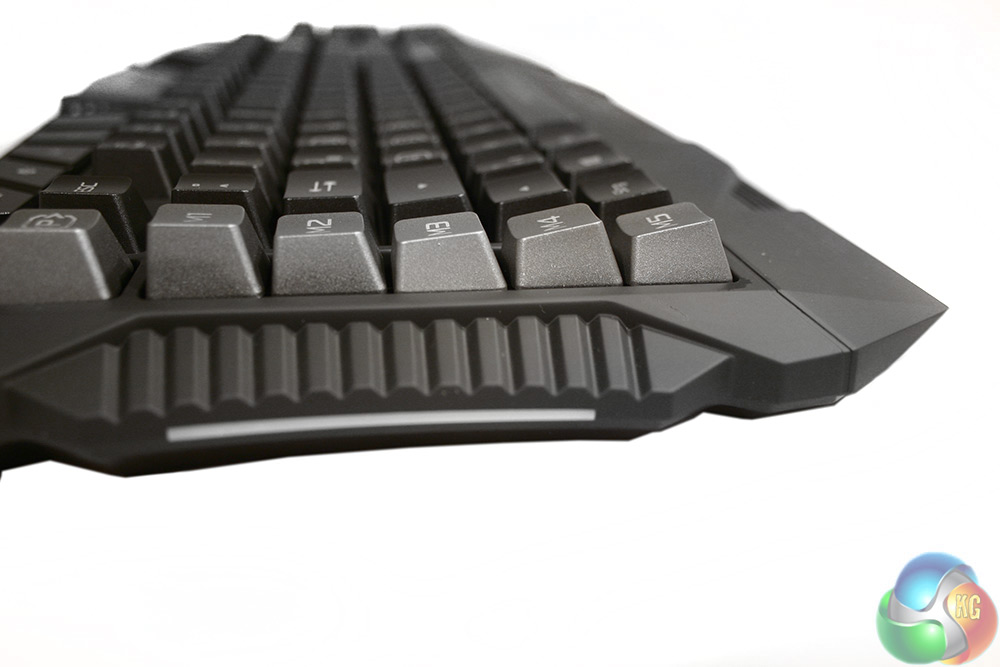
The side too has a light strip and some ridged plastic styling.
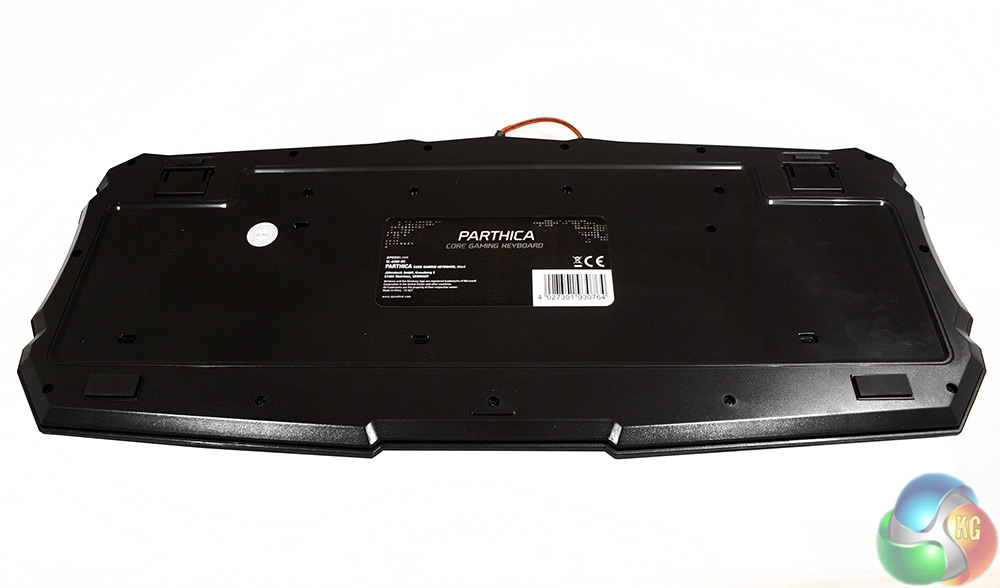
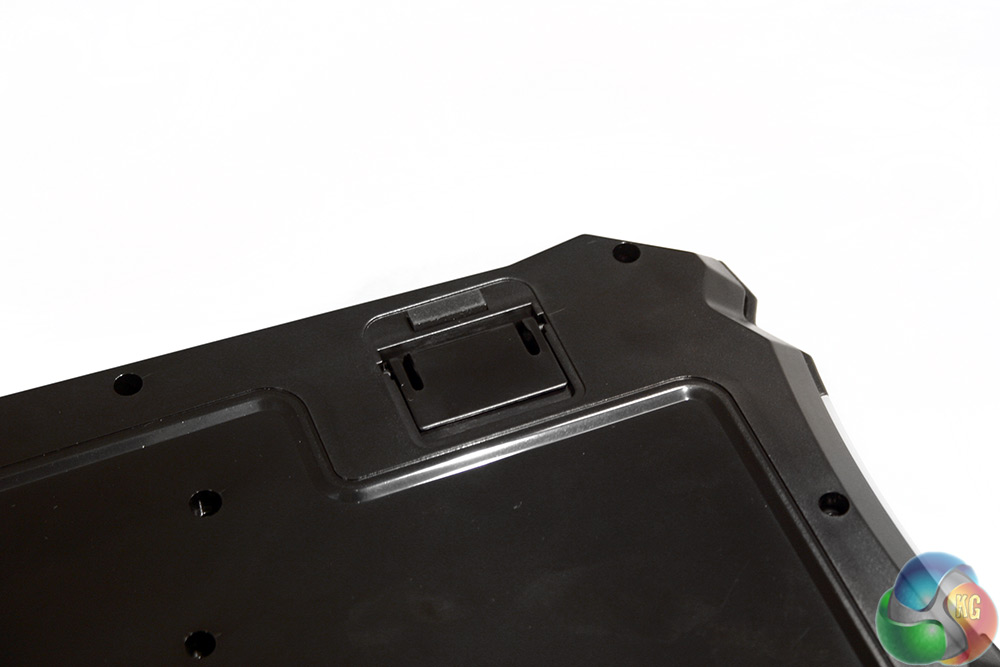
The underside of the board is glossy black and features the usual simple features. Rubber feet in the corners for added grip, and two extender legs in the ones furthest from the user. They do not have their own rubber feet however, so when using them, the keyboard's table grip is slightly reduced.
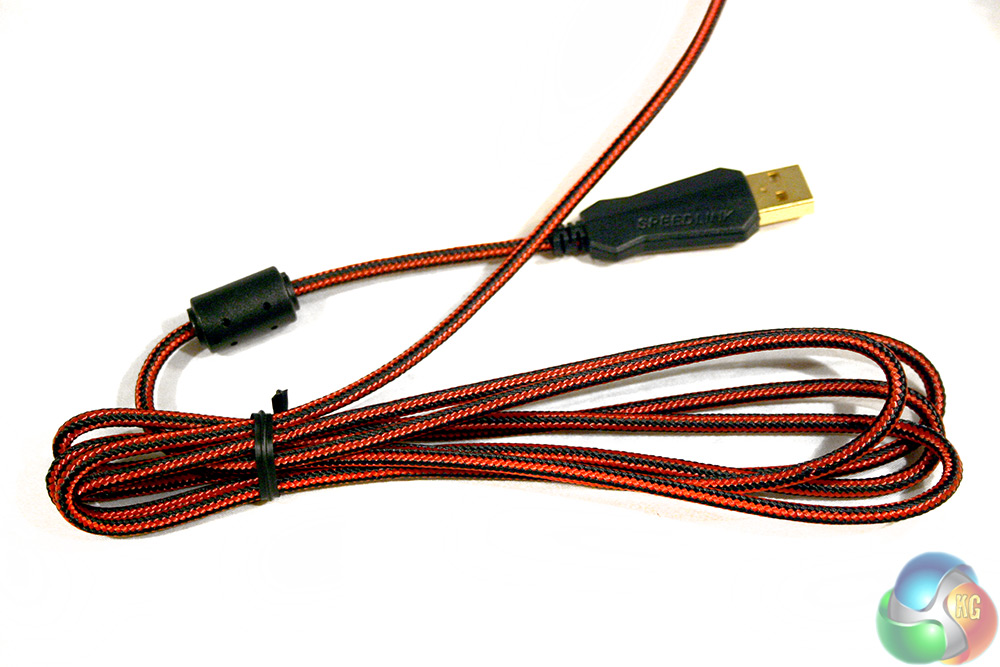
The cable is a lovely braided red and black affair and interestingly Speedlink opted to gold plate the USB connector.
Testing a keyboard like the Speedlink Parthica involves using it as my main office keyboard for a period of one week, which means utilising it for general web browsing and tens of hours of typing. Of course being a gaming keyboard I also spent many hours using it in a variety of titles, in a number of different genres.
Throughout testing I factored in the keyboard's ability to perform the various tasks I set it, as well as other factors like its comfort, lighting and back-end software.
Beginning with the Parthica's gaming ability, I found it a very capable piece of kit. There was not any big noticeable slow down in reaction speed between this and the usual mechanical boards I use, even in fast paced FPS and MOBA titles. It is there though, even if imperceptible to a middle-ability gamer like myself.
What was quite surprising however was that the keyboard does not have that slightly wobbly feel you get from the usual membrane boards available today. This one feels much more precise and I think that is because the individual keys are separated by solid plastic, with tall dividers, meaning that the key really has nowhere to go but straight down.
The bottom of the travel is still spongy of course. That is unavoidable with this sort of keyboard and something to bear in mind if you are considering an upgrade. You need to be happy with that lack of a solid clunk at the bottom.
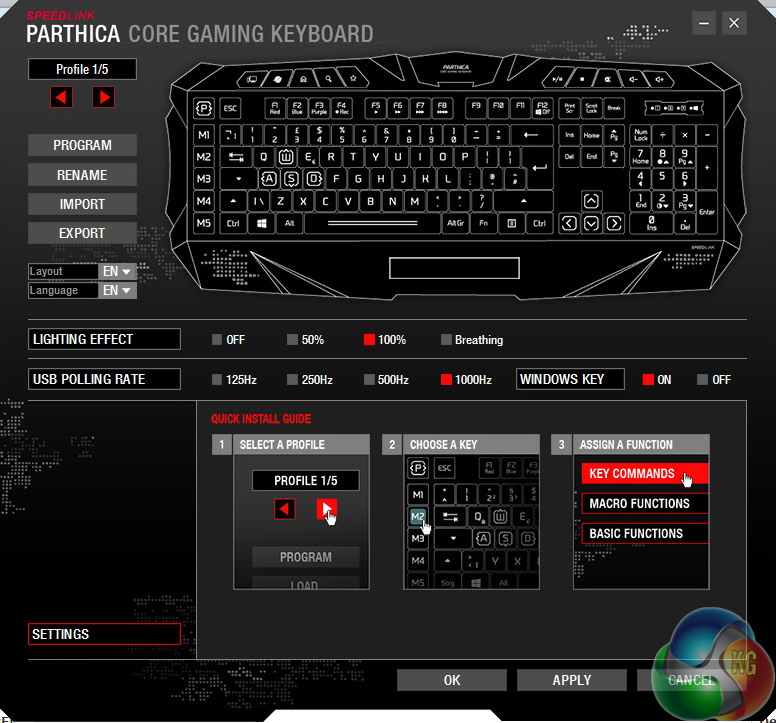
All back-end options are included on a single pane window, making them very easy to navigate
Still, while this board might lack the 100 per cent precision and clear actuation identifier of a mechanical switch, there are a few gaming orientated features that the Speedlink Parthica Core can make use of. It supports polling rates up to 1,000Hz, or several other steps under that, which you can pick from in the back-end software.
Every key can be remapped to your own own preference and twinned with a profile, or application too, meaning you can boot up your favourite game and have the Parthica Core switch over to your preferred key set. Recording macros can be handled within the software itself or you can do it live using the F4/Rec function, though you cannot adjust timings and other aspects without using the software.
Other options include adjusting lighting to one of three brightness steps, and turning on/off the breathing effect. It is also possible to turn the Windows key on/off via the software.
When it comes to typing, the Speedlink Parthica is a little better than the average membrane keyboard, but it still lacks the precision and satisfaction that can be had when typing on a mechanical board with your own switch preference.
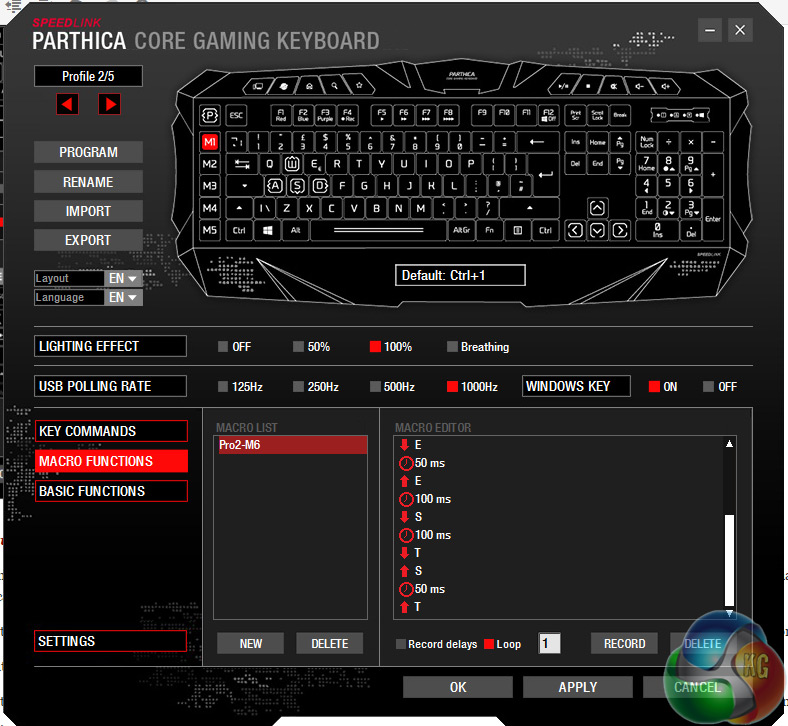
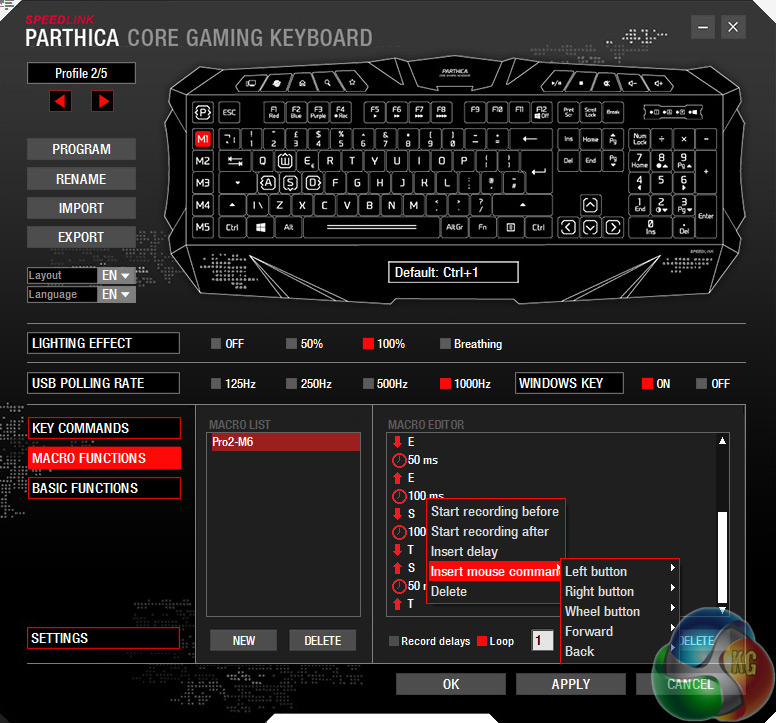
Macro options are deep when you dive into the drop down menus
Although quieter than your average mechanical in terms of the clacking often heard on the bottom of the keystroke, the Parthica Core has a slight squeek sound that can be heard on the upstroke of some keys. It is not hugely loud, but it is an annoying trend that once you have noticed is hard to forget.
The grip of the board is also sub-par. While I did not have any problems while typing, if resting my wrists on the wrist rest – as intended I presume – and the keyboard had its extended legs engaged, the right hand side would sometimes slide forward, pivoting slightly around the centre.
This did not happen regularly, but when it did, it was irritating and reminded that it is important to have grip feet on the bottom of extender legs on keyboards – even though so few manufacturers actually do it.
I also spent a few minutes testing the ability of the Parthica to convey multiple key presses at once, using this tester. It is not the strongest in that regard, restricting itself to just four keys in the WASD area at once, but spread out across the board you could hit a lot more too.
When every manufacturer is pushing mechanical boards in their gaming ranges, it is often easy to overlook membrane boards like the Speedlink Parthica Core, but you should not. No its switches are not of the calibre of what you get with Cherry MX or others, but the experience is not so far removed that you cannot appreciate this as a strong gaming keyboard.
With the segregated switches, you get a much more accurate travel from each key and the overall feel is pretty good. In games, there is no really noticeable speed drop off – at least for this gamer – and though it does not have that satisfying, crisp feel as you strike the keys home, it is more than capable enough for the average gamer.
On top of that, you get a lot of features that are usually reserved for much more expensive hardware. The back-end software lets you record macros in a very in-depth manner, as well as adjust polling rates and you can import and export profiles too.
The lack of mechanical switches is much more noticeable if you are a frequent typer and for this reviewer at least, there is no way I would go back to a membrane board, even one as strong as this, for day to day typing. The Parthica also lacks RGB backlighting (though that is not surprising at this price point) and its heavy plastic design is not the most premium feeling.
I definitely want to see more underside grip on a future revision too.
For the £28 price tag, you get a lot of keyboard for the money. The back-end software is simple and intuitive, but ugly. The membrane switches are about as good as you could expect, unless you look to the lower-profile scissor style.
The Speedlink Parthica is a very well rounded keyboard that while unable to stand up to higher grade mechanical boards, offers a great middle ground upgrade path for those lumbered with an entry level board.
You can pick up the Speedlink Parthica Core on Amazon for just shy of £29.
Pros
- Isolated switches give a crisper travel than most membrane boards.
- Basic multi-coloured backlighting options.
- Good back-end software, macro recording and remappable keys.
- Very affordable.
- Braided cable and gold plated USB, usually reserved for much more expensive keyboards.
Cons
- Irritating squeak on some keys' upstroke.
- Not enough grip on underside causes occasional sliding.
- Even at a much reduced price, hard to recommend over mechanical.
- N-Key rollover is ok, but do not expect it to handle more than one person on the same keyboard.
KitGuru Says: It is unlikely to convert a mechanical user any time soon, but the Speedlink Parthica Core is easily one of the best membrane keyboards we have ever used and at this low price point, that is a great achievement.