KitGuru KitGuru.net – Tech News | Hardware News | Hardware Reviews | IOS | Mobile | Gaming | Graphics Cards


The modern gaming mouse market is a diverse one, from ambidextrous, cut back and clean looking mice, to those festooned with buttons, bells whistles to look like something created in a future space race. Today we review one that looks like it was lifted straight from the latest Tron movie. The Logitech G502 Proteus Core ships with a high rated sensor (12,000 dpi) and a ton of buttons and a scroll wheel that seems to never stop spinning once you get it going.
Is this conducive to gaming? Probably, but we wouldn't be much of a review site if we took the marketing at face value now would we?
Specifications
Tracking
- Resolution: 200 – 12,000 dpi
- Max. acceleration: >40G*
- Max. speed: >300 ips*
* Tested on Logitech G240 Gaming Mouse Pad
Responsiveness
- USB data format: 16 bits/axis
- USB report rate: 1000 Hz (1ms)
- Microprocessor: 32-bit
Glide
- Dynamic coefficient of friction – Mu (k): .10*
- Static coefficient of friction – Mu (s): .15*
*Tested on wood-veneer desktop.
Durability
- Buttons (Left / Right): 20 million clicks
- Feet: 250 kilometers
Physical specifications
- Weight: 168 grams (mouse plus cable)
- Weight: 121 grams (mouse only)
- Length: 132mm
- Width: 75mm
- Height: 40mm
Additional Features
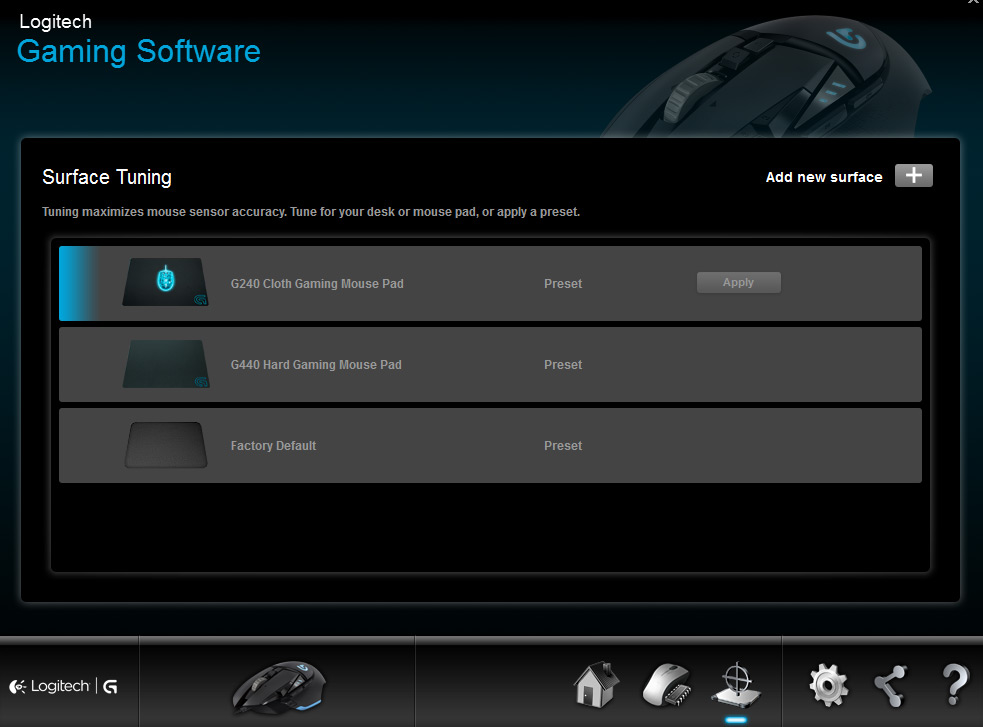
- Surface analyser for sensor fine tuning
- Customisable weight and balance
- 11 programmable buttons, with custom macro options
- On the fly DPI switch
- Hyper fast scroll wheel
- Mechanical switches for main buttons
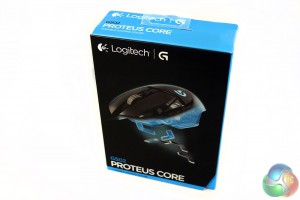
The Logitech Proteus Core G502 gaming mouse ships in a very stylish container – nice thick cardboard and a mix between gloss and matt finish also makes me wonder how much extra we are paying just for the pretty box!
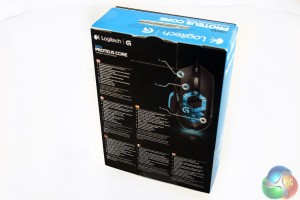
As you might expect from a product as premium as the Proteus Core, the packaging is quite beautiful.
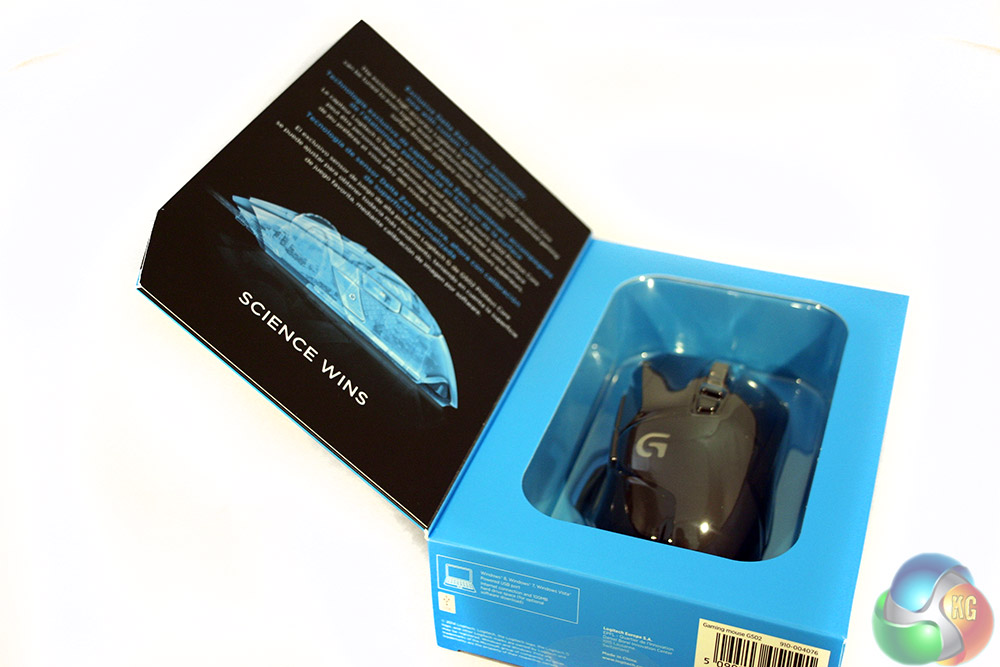
If you are buying this in person, you can open it up to have a look and a feel of the mouse before you buy. On the inside of the cover is multi-language text about tuning the mouse to your chosen surface. As it explains, “science wins.”
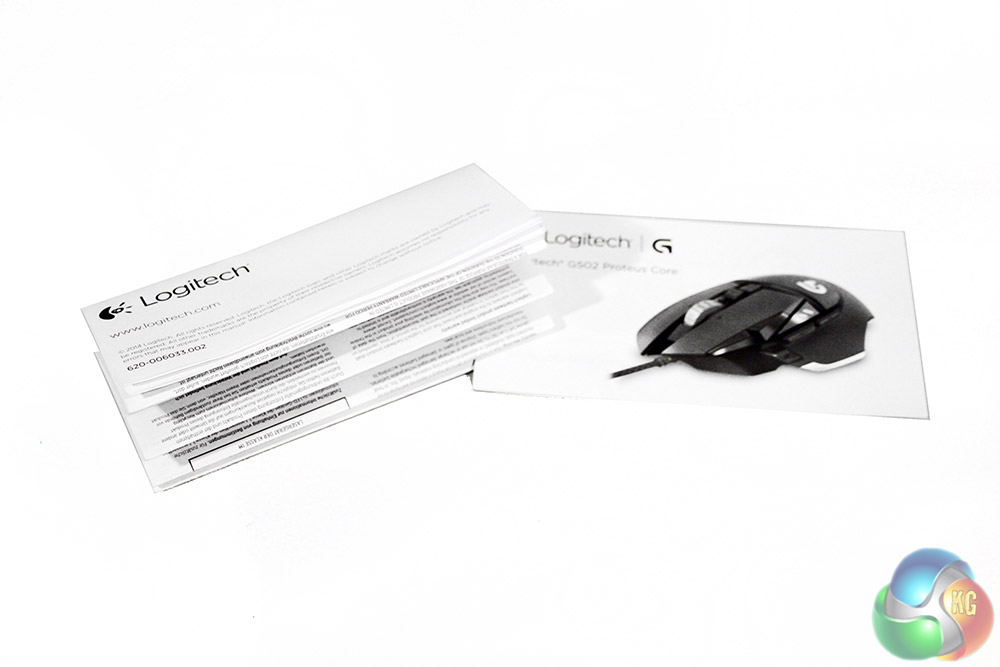
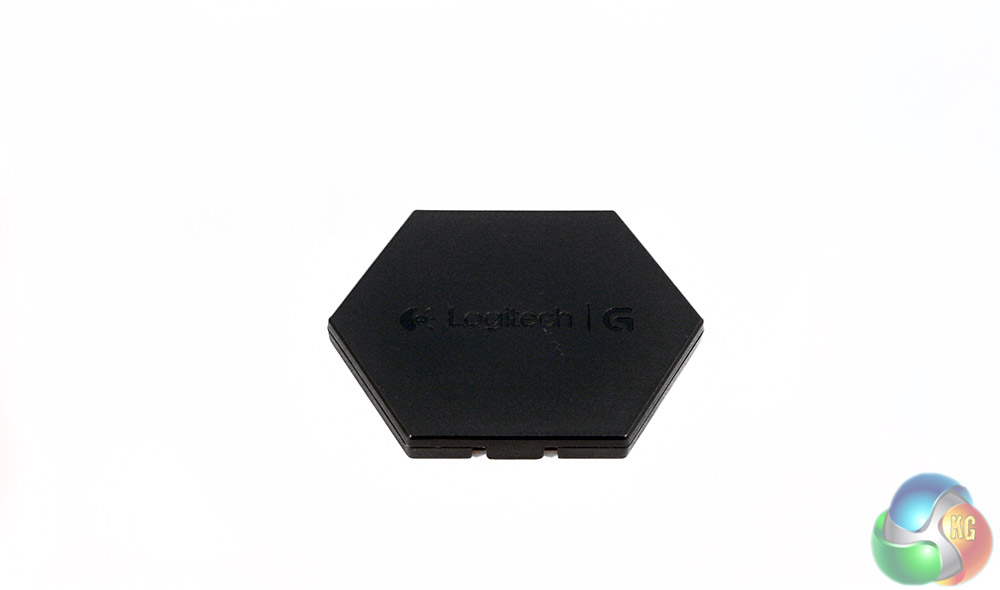
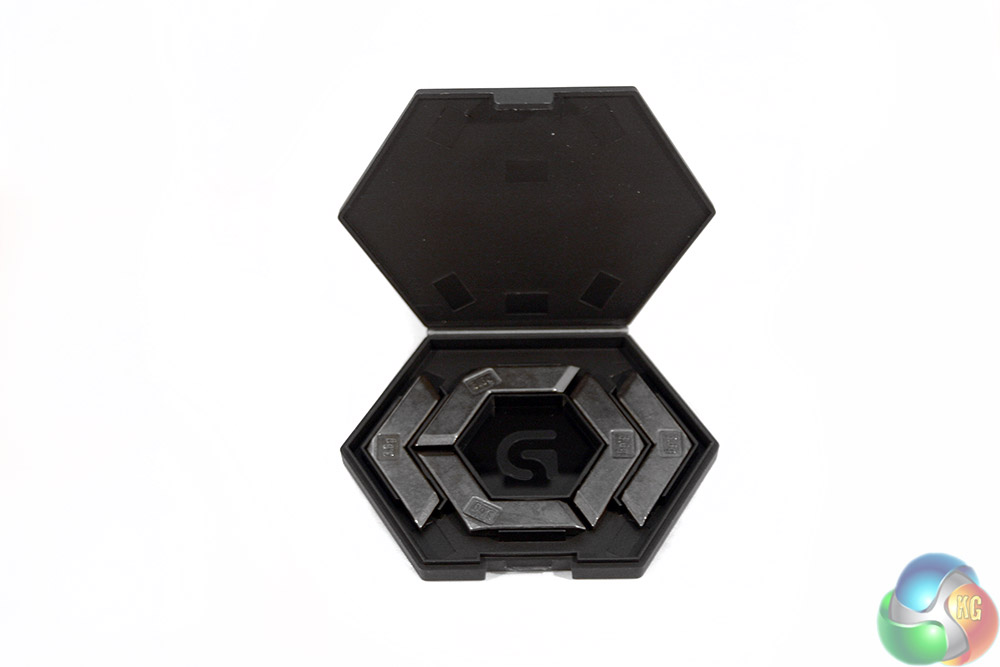
Along with the usual warranty card and quick-setup leaflet, the Proteus Core also comes with its own weight puck. This little plastic container has five 3.6g weights, giving you the chance to adjust the weight of the new mouse precisely to how you like it.
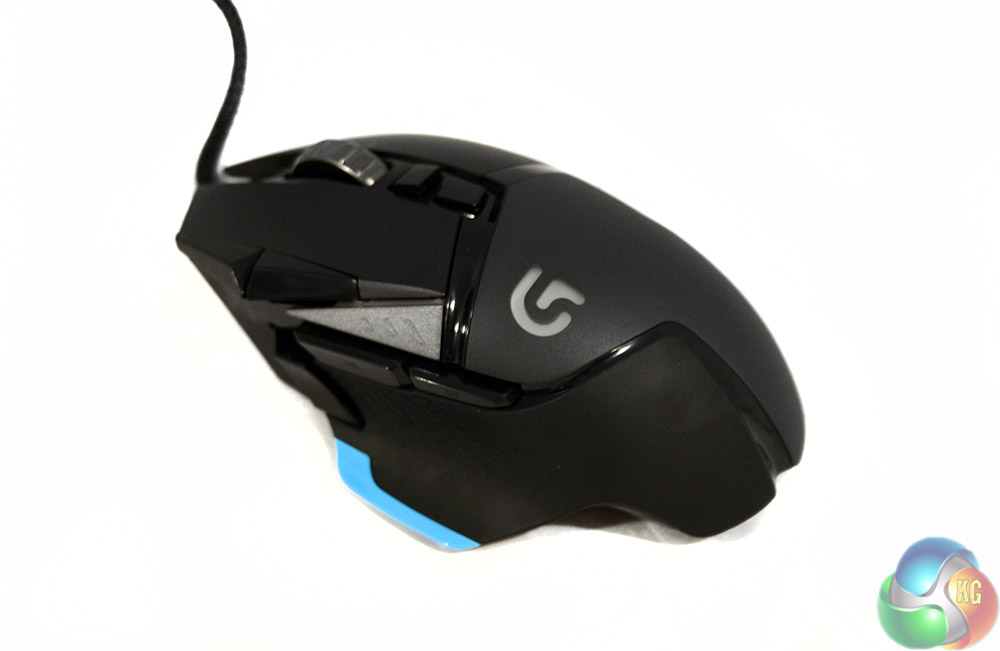
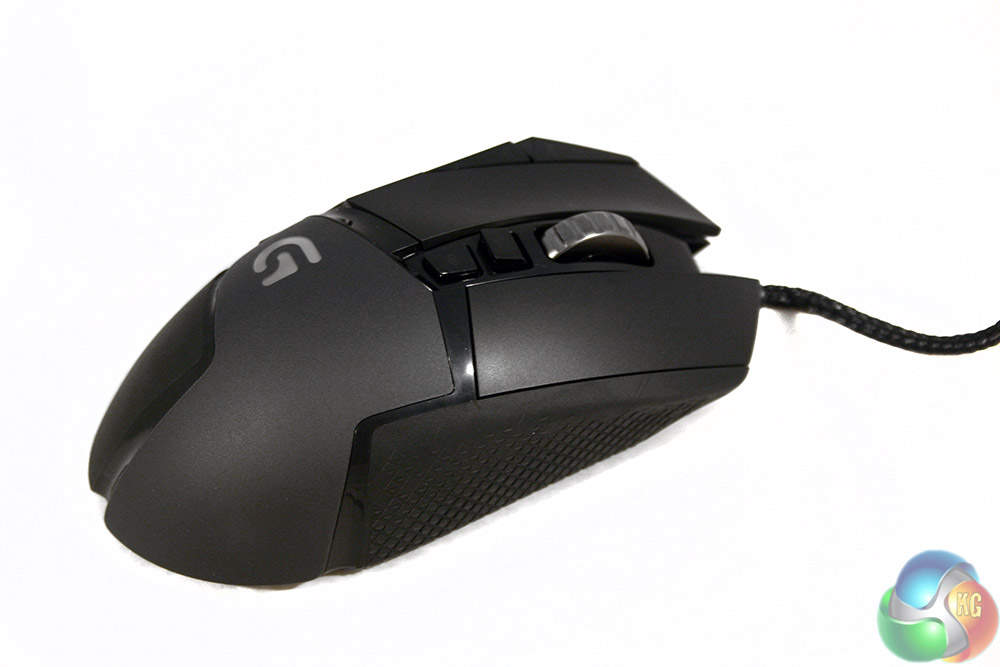
On one side, it looks like some of those OEM palm grip mice that so many manufacturers take on, covered in buttons and function, but turn it around and it looks like your typical ambidextrous gamer.
The Proteus Core is almost a ‘split personality' – depending on whichever side you look at it.
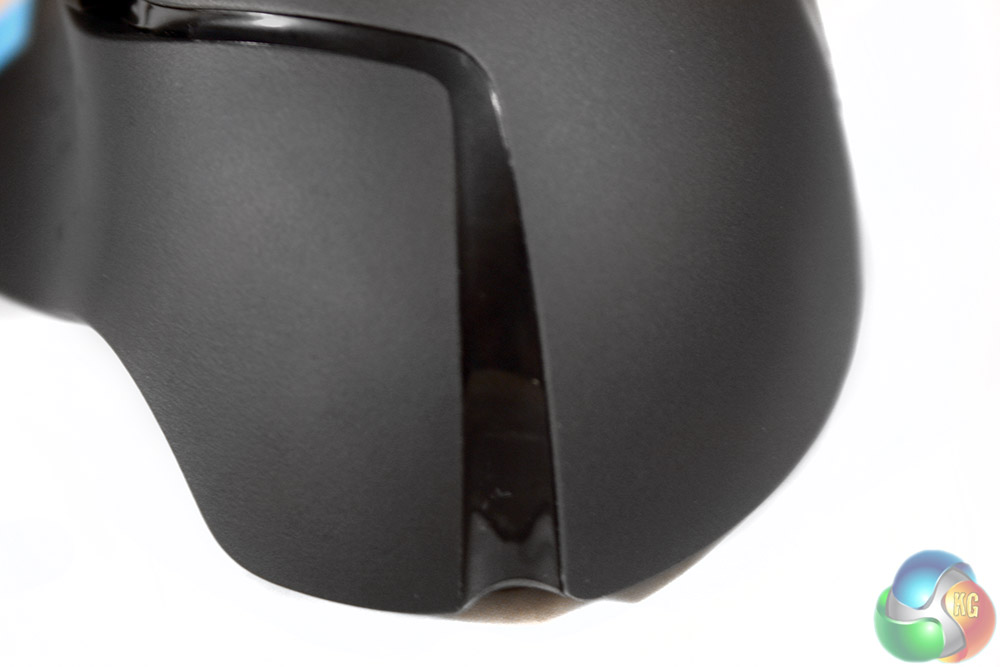
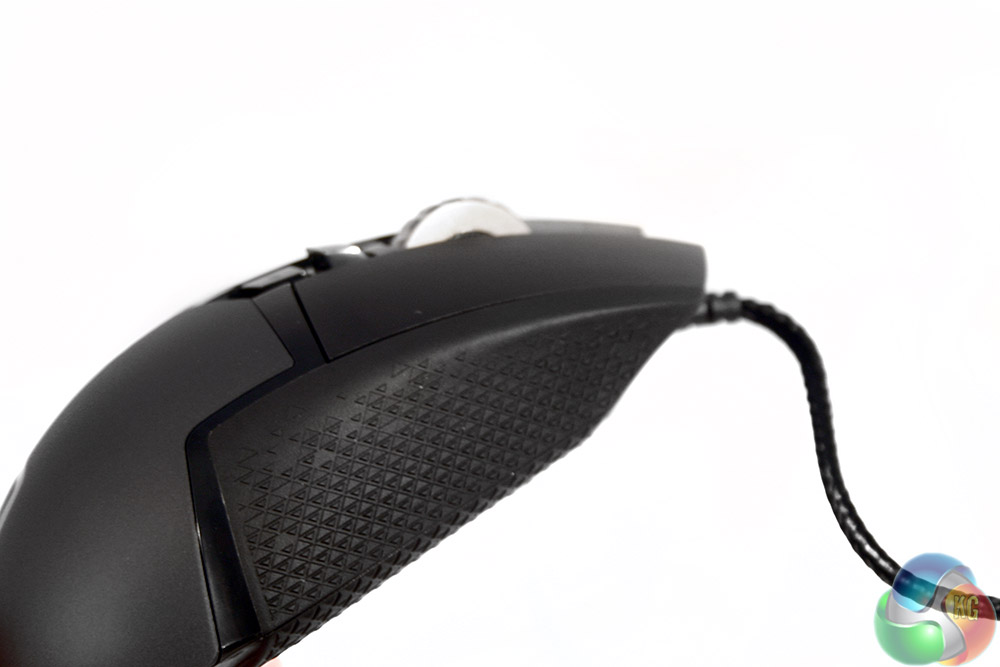
The main body of the mouse is actually split down the middle, with the left being made up of rubber and the rest a soft plastic. It's not silicon coated which is perhaps a shame, but it's comfortable as it is.
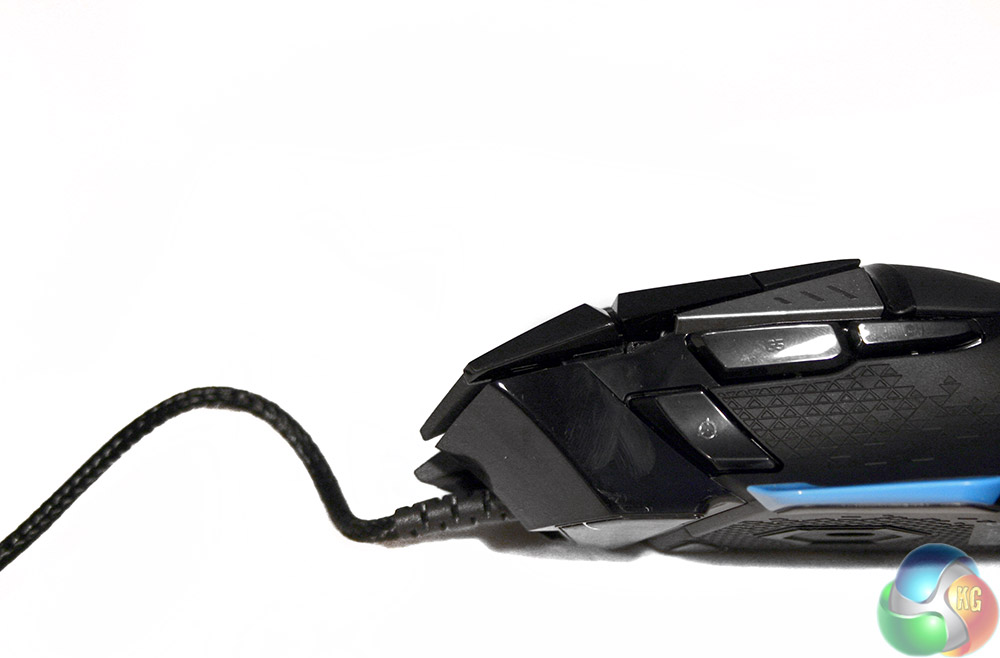
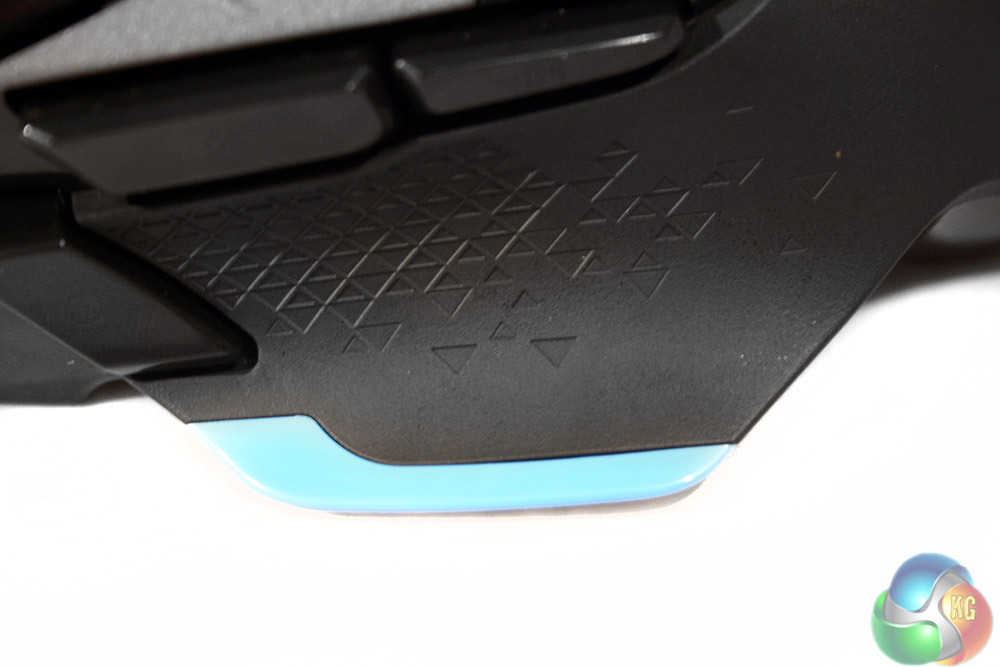
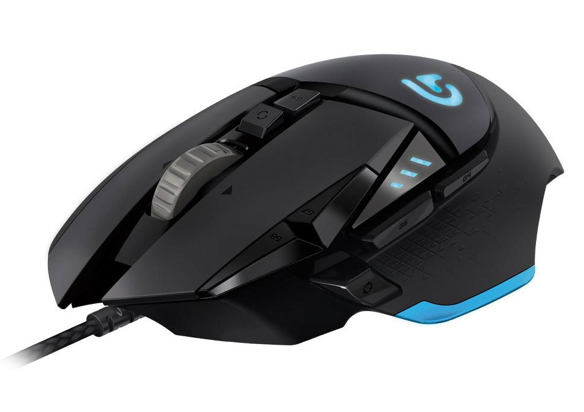
The Left hand side of the mouse, is highlighted by a blue strip along the base. This sits right under a rubberised thumb grip that makes it possible to hold this mouse in a claw style – though the shape clearly doesn't have that in mind. In front of that section is a “sniper” button which drops the DPI right down for accurate attacks, above which are your usual side buttons.
Above them, is a piece of plastic, which when switching DPI, lights up telling you the level that you're currently at (you can program more than three steps, but the indicator can only show three).
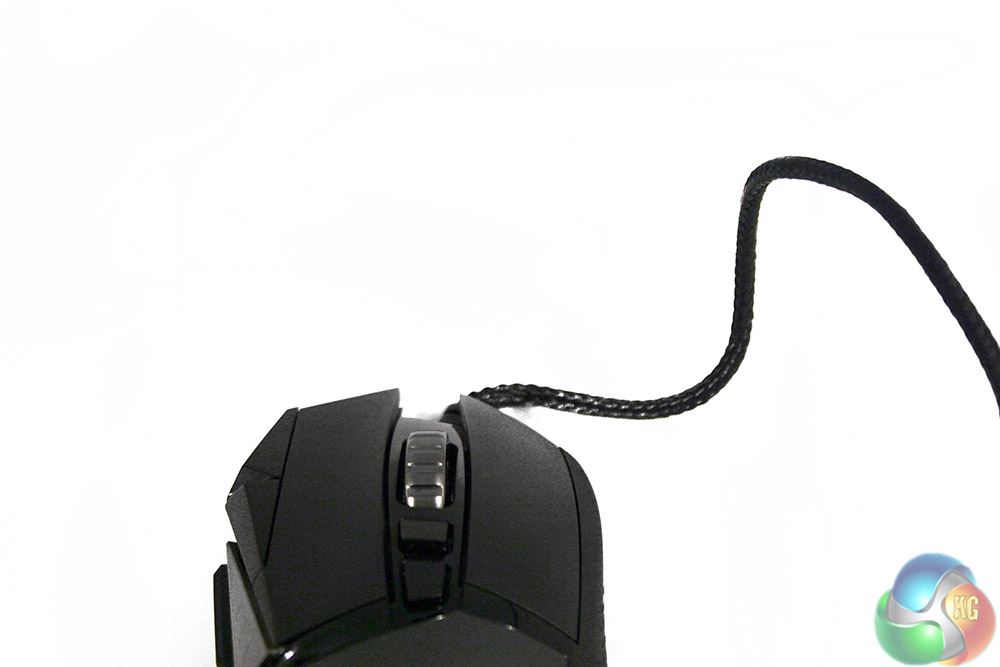
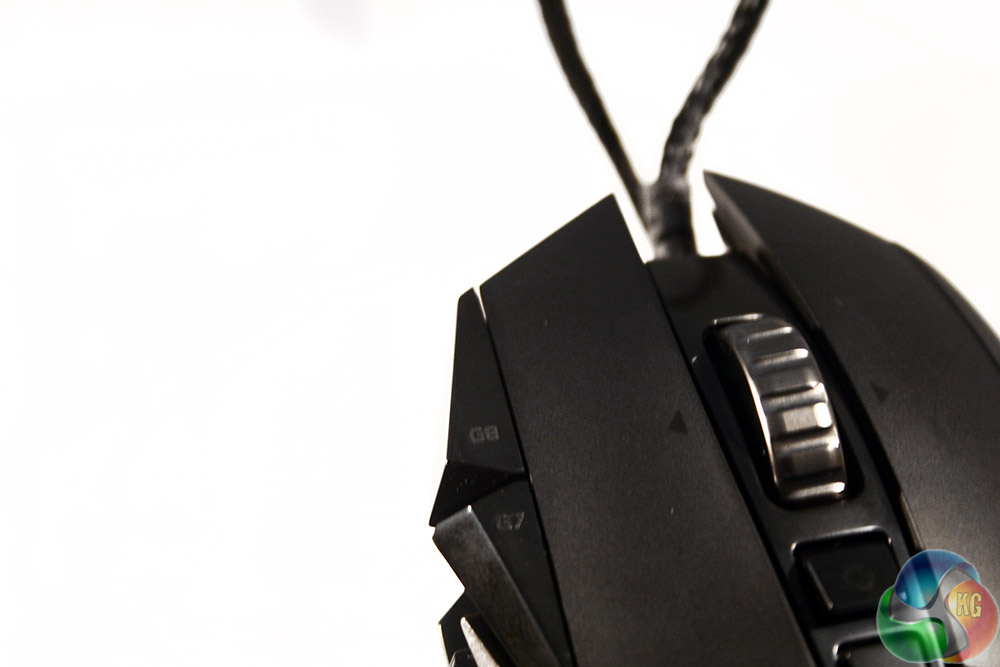
At the front end, there's more than just a left and right click button (each fitted with mechanical switches so they're good more 20 million or so clicks). Between them is the scroll wheel, which can be clicked down and left/right.
Behind that though is a button that adjusts the wheel: it can either single scroll bit by bit with a very obvious click (good for scrolling through weapons) and a free mode, where the wheel just spins and spins like it's going to go forever (I've timed it, sometimes it'll spin for 30 seconds+). Presumably this is to offer you a more personal way to use the wheel, or to scroll down some of those super-long sites.
Behind that is the DPI switch button, which cycles through the settings. Why then on the left you need a DPI up and down button respectively is beyond me, but of course you can remap them – so for added function, there they are. They're a bit crammed in at the end though, so if you're claw gripping, you may struggle to reach them with small hands like mine.
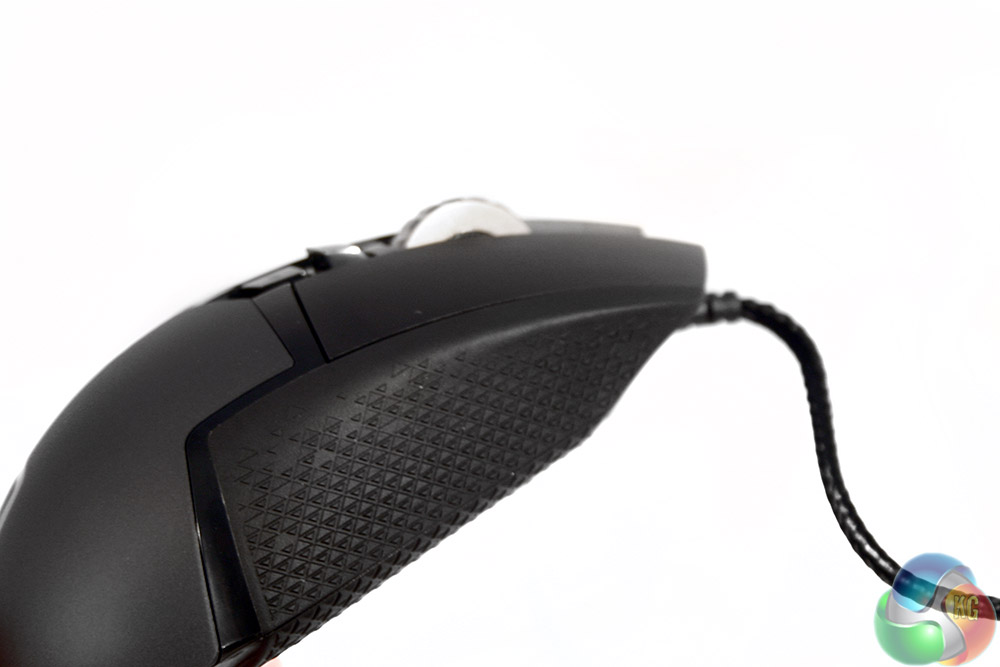
On the right hand side is another big rubber patch for added grip. No finger rests present here, but I personally never use those anyway.
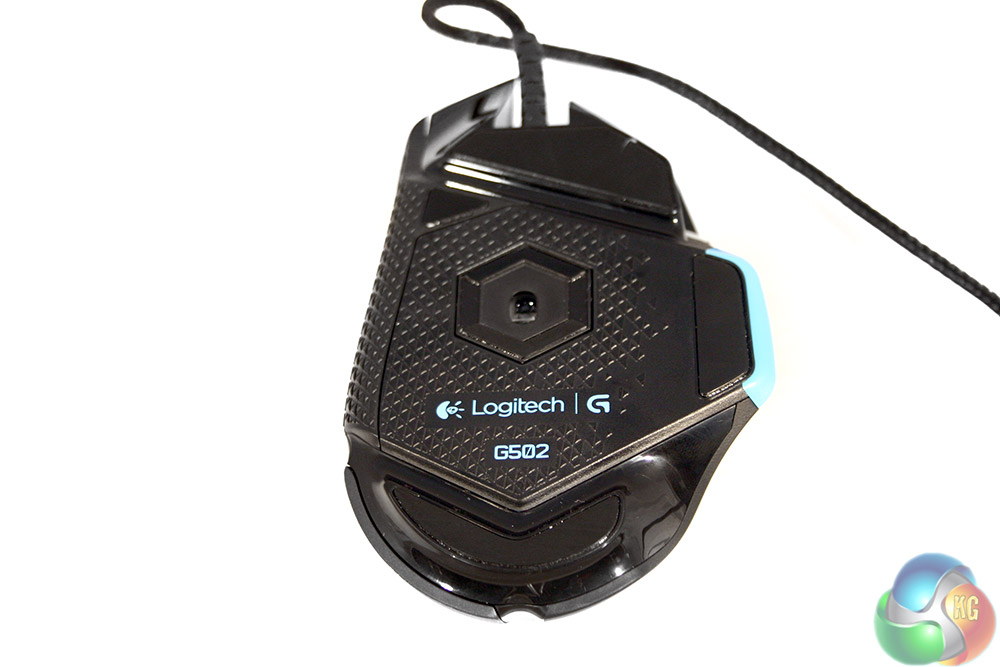
The underside has two large Teflon pads at the top and bottom, with a couple of smaller ones on the side.
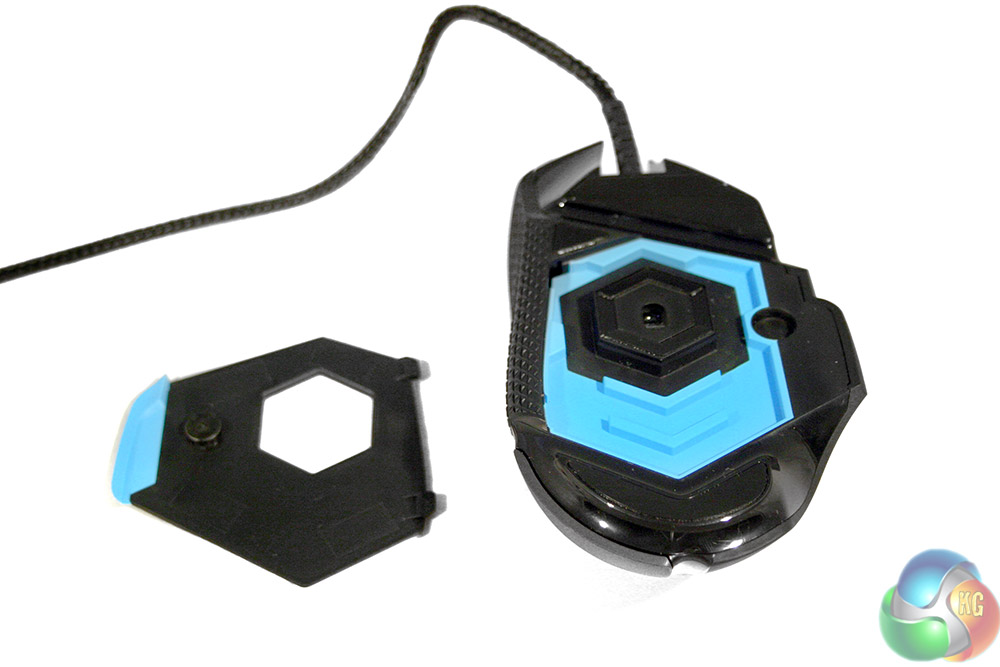
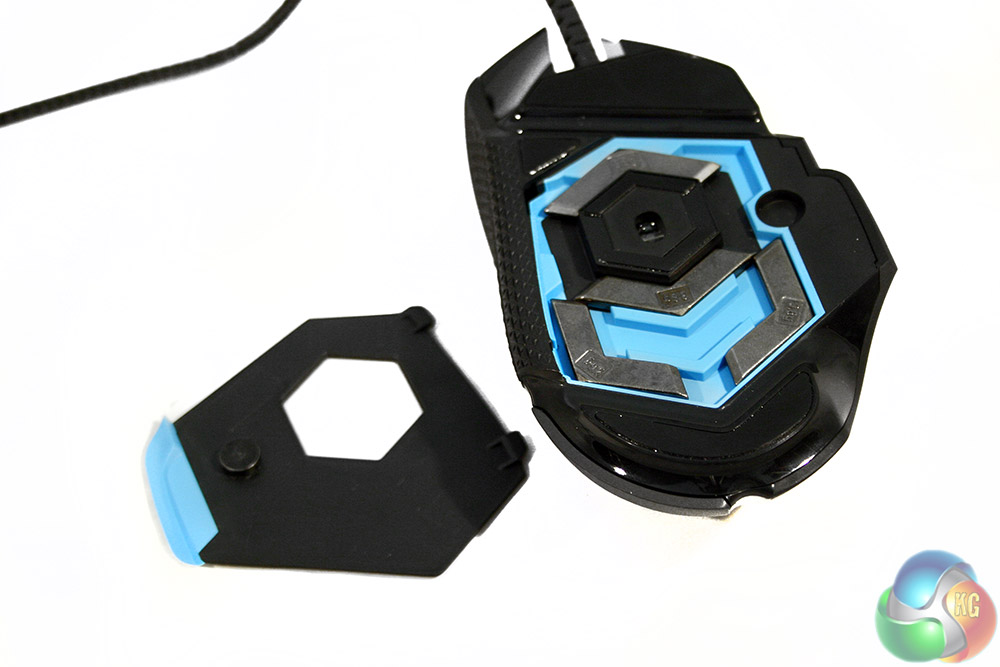
With a quick pull on that blue tab, the whole underside cover comes away, revealing the hidden weight compartment. This is where you can choose the location of the added weights, adding a bit to one side or the other … or keeping it symmetrically weighted.
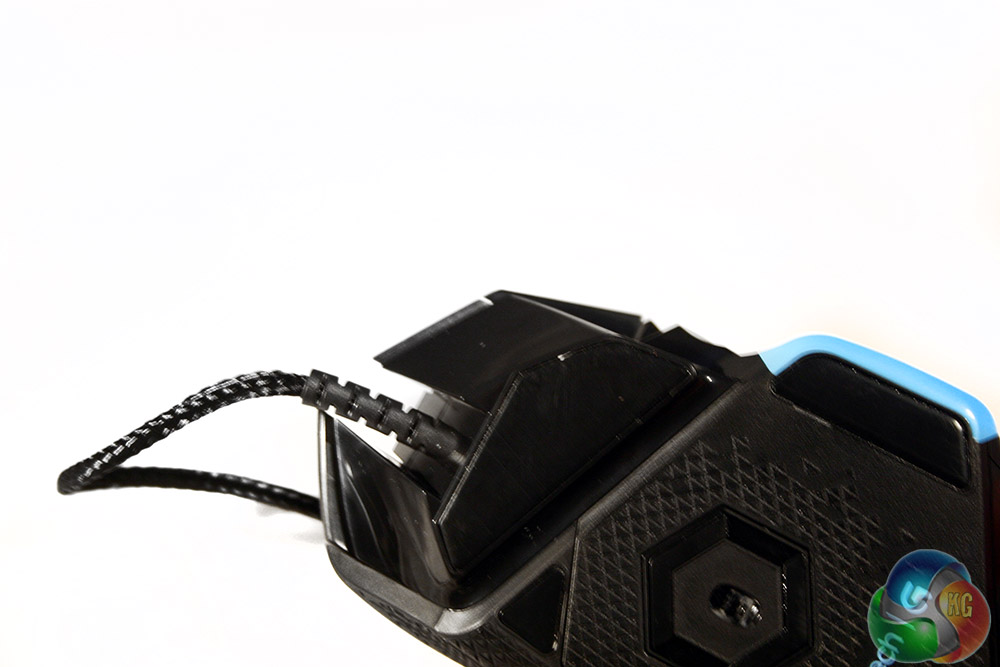
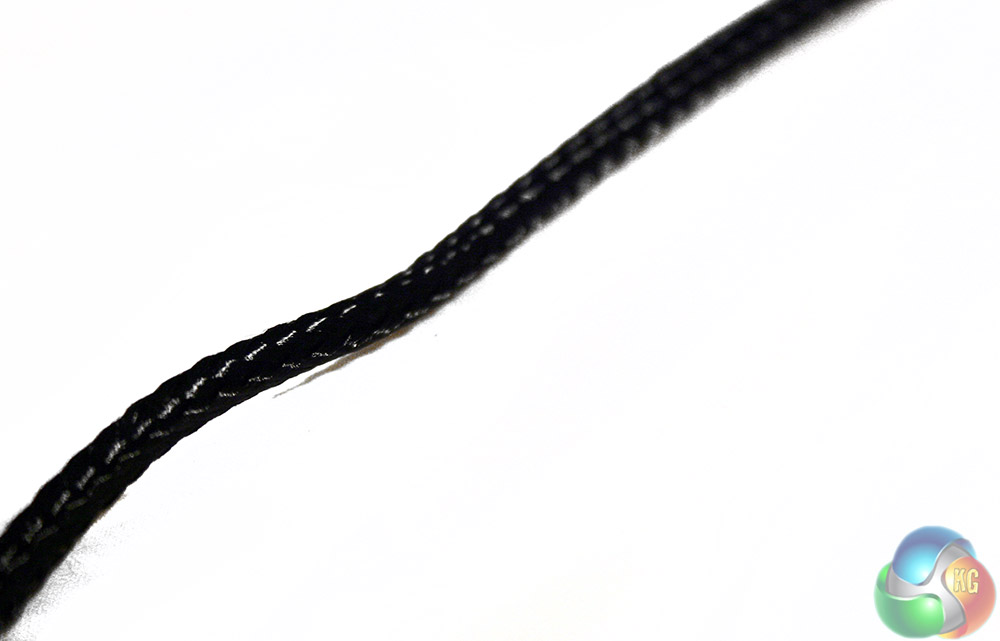
The cable is excellent and braided to a really high quality …
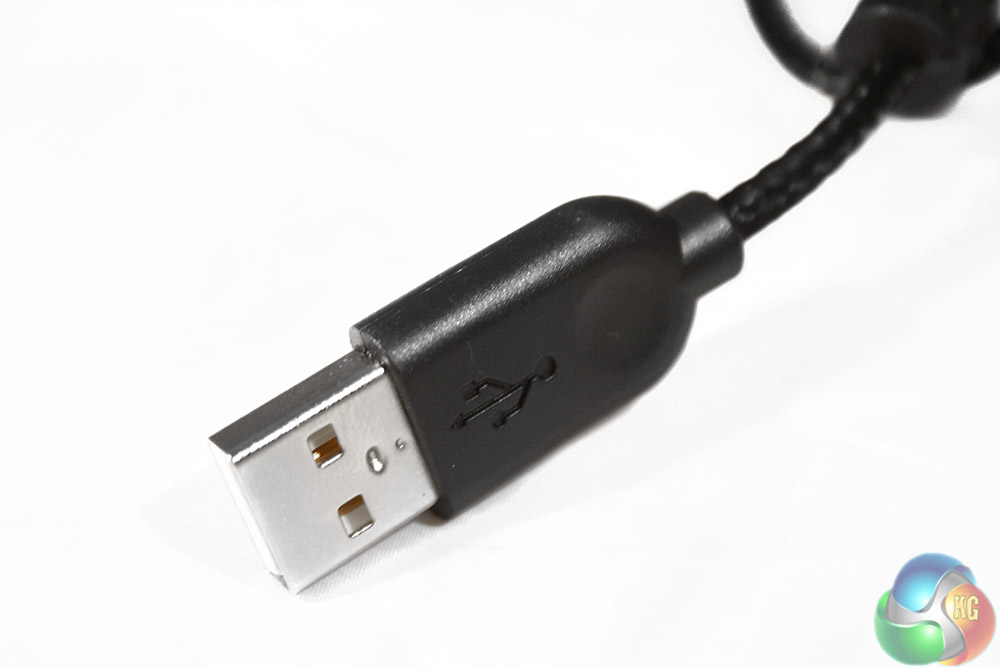
… and the end connector is nickel plated.
As with all of the mice we test here at KitGuru, we figure out how good the product is by putting it through our patent pending “play-with-it-for-a-week,” test, which puts it through its paces in a variety of scenarios.
It's used for general day to day ‘office,' work, Photoshop tasks, general web browsing and of course, gaming. This gives us a good idea of what it would perform like if you bought it brand new. Of course this is all subjective, so if you can, have a try with one before you buy.
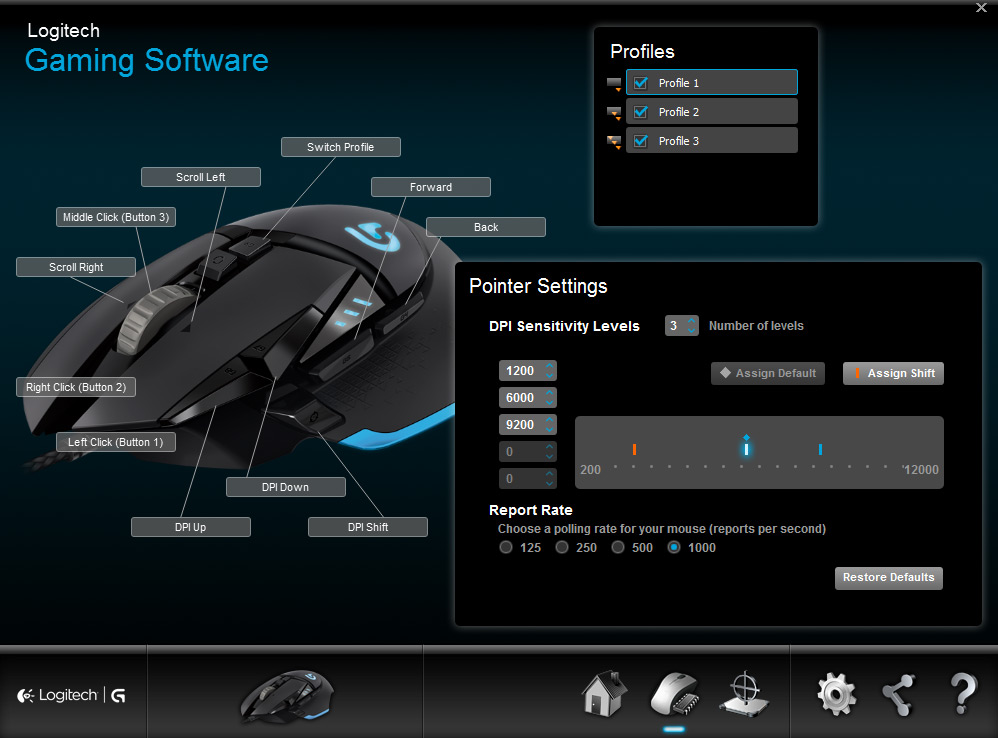
Logitech's button remapping and options software is fully featured and incredibly easy to use
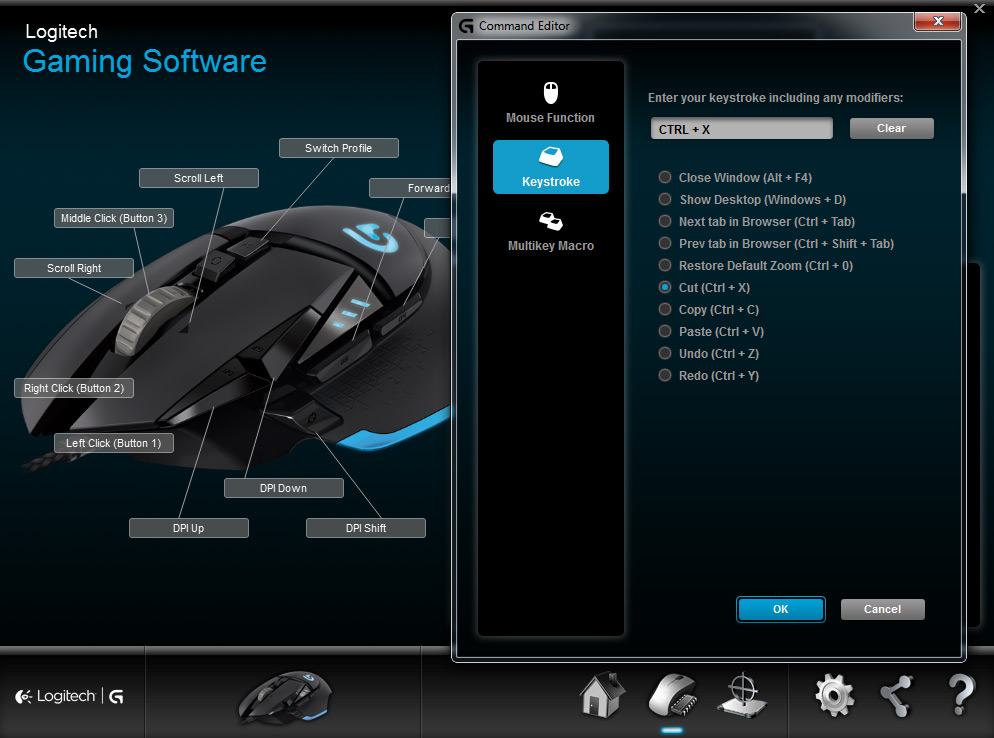
Using the Proteus Core was a bit of a mixed bag for me, not because it's a bad mouse – it's actually great – but because it's very different from what I'm used to. My day to day mice tend to be quite light, often ambidextrous designs, so I'm used to flicking them around with a claw/finger grip. However that's quite hard to do with the Proteus, so I adapted myself before judging it as the first few days I will admit, were a little uncomfortable.
The Proteus Core is a heavy mouse, even without the weights added – 121g without the cable drag. It's not like a brick of course and you can flick it around easily enough, but it's on the weighty side, so if you're used to using a small, or low-weight mouse, then you will feel it.
There's a bit of fatigue in the wrist and in the hand for the first few days at least. It took me almost a week to feel comfortable and forget I was using something different from the norm.
Through my testing, I found that the Proteus Core can actually accommodate all grip styles, but not necessarily equally. It is clearly designed with palm grippers in mind and that's where you will find yourself most comfortable, though as I mentioned, if you're switching from an alternative, you will need some adjustment time.
Claw grips are possible, but due to the side button placement, especially if you have smaller hands like me, you'll struggle to reach the sniper button. Likewise, the DPI switches will be easily out of reach if your fingers are bent upwards.
Fingertip gripping was actually my favourite, which I didn't think was possible when I first begun using the Proteus, as the shape forces the palm into full contact – making it a palm grip whether you want to or not. That said, over time I found myself angling the mouse slightly to the left, about five to ten degrees and it made all the difference. I could reach everything, could use my fingers to control the mouse's movements AND it was comfortable.
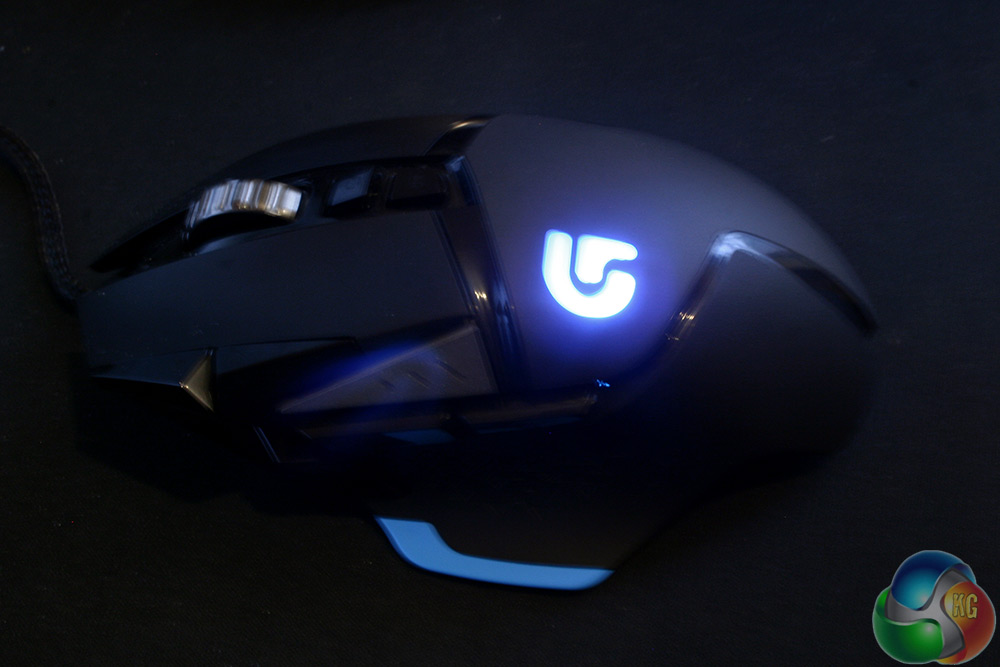
With that long pre-amble on gripping out of the way, you are probably wondering how this rodent performs in a game?
Well let it be said, that you always have sensitivity to spare. At 12,000 DPI, the G502 Proteus Core is the most sensitive mouse on the market and it shows… with the fact that you don't ever use it! I have played fast twitch shooters, RTS games and puzzlers and I have yet to push this mouse over 9,000 dpi, it's just not really manageable
I suppose you could go in and change the Windows sensitivity to its lowest setting and then go for 12,000, but until we're all gaming at 4k+ resolutions, I just don't feel like I need to go that high.
9,000 dpi with a very low Windows sensitivity was more than enough for me. I won't begrudge Logitech for adding the extra few thousand, as DPI is the only real ‘numbers game' peripheral makers get to play with. In reality however there simply is no need for 12,000 dpi.
As with the comfort of this mouse, its sheer sensitivity takes some getting used to as well. I often found myself in the first few days of testing overshooting icons in Photoshop, or spending aggravating seconds trying to select specific letters in a word I was attempting to correct.
This gave me pause for thought initially as I was worried Logitech had sacrificed accuracy for speed, but after tweaking the DPI, Windows Sensitivity and after setting the software to customise the sensor for my gaming surface (a slightly ropey looking Mionix Sargas 460) it was pretty much spot on.
Despite its bleeding edge performance though, there was one thing that slightly annoyed me. The scroll wheel. While quite an innovative idea and certainly very functional in shooters… itcan be so irritating. You either have it set at the loudest, clunk, clunk setting I've ever had on a mouse, or you have it on freespin.
To stop myself tearing out the little hair I have left, I tended to opt for the latter. Controlling that sometimes can be very difficult, because unless you stop it, it will spin on and on – meaning your control has to be near perfect. It is a minor gripe, but I've noticed it a handful of times over the past week and found myself wishing for a more ‘traditional' scroll wheel.
Overall, the Logitech Proteus Core G502 is an excellent gaming mouse – especially if you are from the future! As displays eventually increase in resolution, we will need more sensitive mice to keep pace and the G502 ticks that box perfectly, If you are already on the Ultra HD 4K bandwagon or even have two of them, this could very well be the mouse you need right now. Whether it's the mouse you want however, will depend on your personal preference.
The Proteus Core is heavy and can be made heavier still (for the real men among you), but take into consideration it is a palm gamer first and everything else second. You can play with it your own way, but there will be quite a lengthy adjustment period. If you are used to lighter mice, you may have a moment where you consider switching back just to save your wrist.
The scroll wheel is annoying too and it all felt a little too big for my hand, but I do have small digits, so chances are that problem won't affect you.
That said, these minor quibbles fall at the wayside when you consider how fantastic the sensor is. Yes it is incredibly powerful for contemporary gaming with a single screen, but for those of you with multiple Ultra HD 4K monitors it may very well be just what you want to buy next.
You can buy the Logitech Proteus Core G502 in the UK from retailers such as Scan. We feel at £70 this mouse offers fantastic value for money, especially if you want to own a cutting edge, quality sensor.
Discuss on our Facebook page, over HERE.
Pros
- Most sensitive mouse available right now, perfect for 4K gamers.
- Heavy, so may suit bigger handed gamers.
- Excellent software package is easy to use.
- Comfortable once you get used to it.
- Solid build quality.
- Bundled customisable weights.
- High quality braided cable.
Cons
- Scroll wheel is either overly loud, or requires too much micro management.
- It is a bit heavy for smaller handed gamers.
- Sensitivity could be considered too high by many.

KitGuru Says: The Logitech G502 Proteus Core has the best gaming sensor on the market, though whether you actually need it will be open for debate.