KitGuru KitGuru.net – Tech News | Hardware News | Hardware Reviews | IOS | Mobile | Gaming | Graphics Cards


One of the tropes of gaming peripherals is that they tend to be big and very flashy. Extra buttons and gimmicks galore are commonplace on hardware from all manufacturers, including Razer. Not so with the new Orochi though. This remake of the classic, small form-factor design has many of the advantages of a high-end gaming rodent, in a portable gaming package.
Designed to be taken on the road to offer a more functional gaming mouse for notebook gamers, the Orochi packs a 4G laser sensor along with some tasteful lighting and high-speed PTFE feet. It is also wireless and can work on any surface.
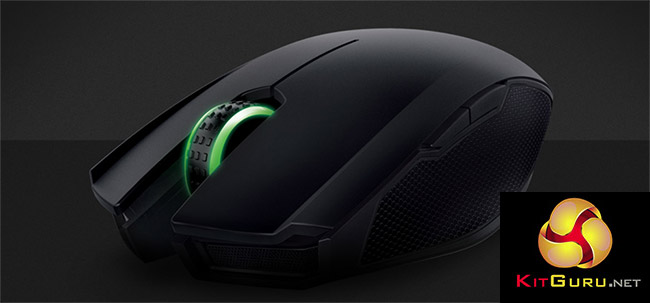
With a battery that can last up to 60 hours of non-stop gaming and support for RGB lighting, is the Razer Orochi the best gaming mouse for ‘on the go' play?
Features and specifications
- Dual wired/wireless Bluetooth 4.0 technology.
- 1,000 Hz Ultrapolling (Wired) / 125 Hz Ultrapolling (Wireless).
- 1 ms response time (Wired) / 8 ms response time (Wireless).
- 8,200 DPI 4G laser sensor.
- 210 inches per second / 50 G acceleration.
- Battery life: Approximately 60 hrs (continuous gaming) or 7 months (normal usage).
- Ambidextrous form factor with textured rubber side grips.
- Chroma lighting with true 16.8 million customizable colour options.
- Inter-device colour synchronization.
- Seven independently programmable buttons.
- Razer Synapse enabled.
- 1 m / 3.28 ft braided fiber USB charging cable.
- Approximate size: 99 mm / 3.90 in (Length) x 67 mm / 2.64 in (Width) x 35 mm / 1.38 in (Height).
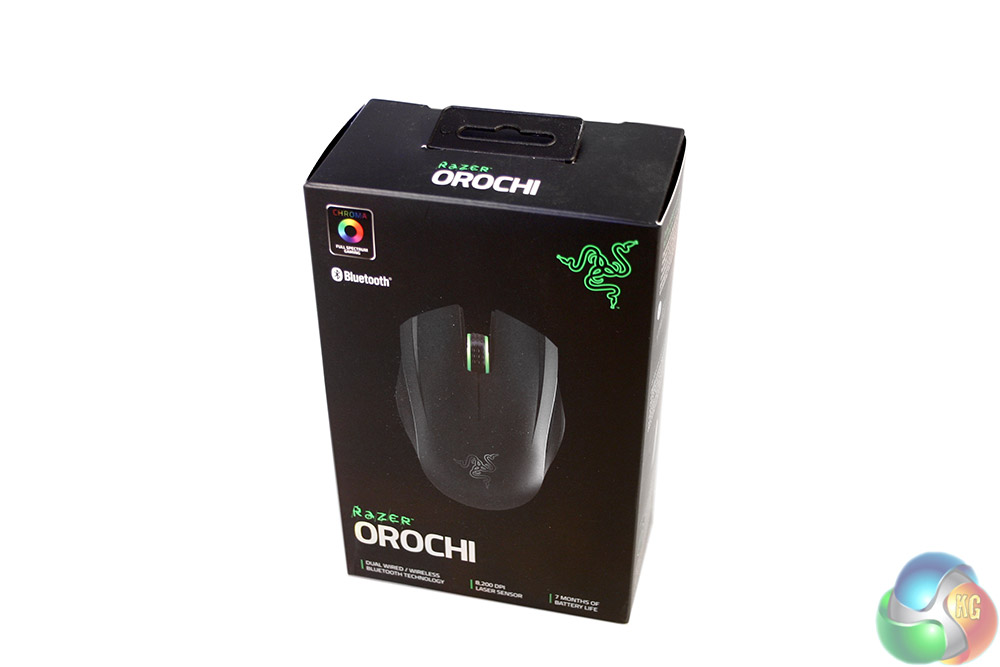
The packaging for the Orochi is typical of Razer's high quality boxes, with a matt card exterior and a glossy image of the mouse itself on the front. It is also highlighted that this mouse supports both Bluetooth wireless and wired functionality.
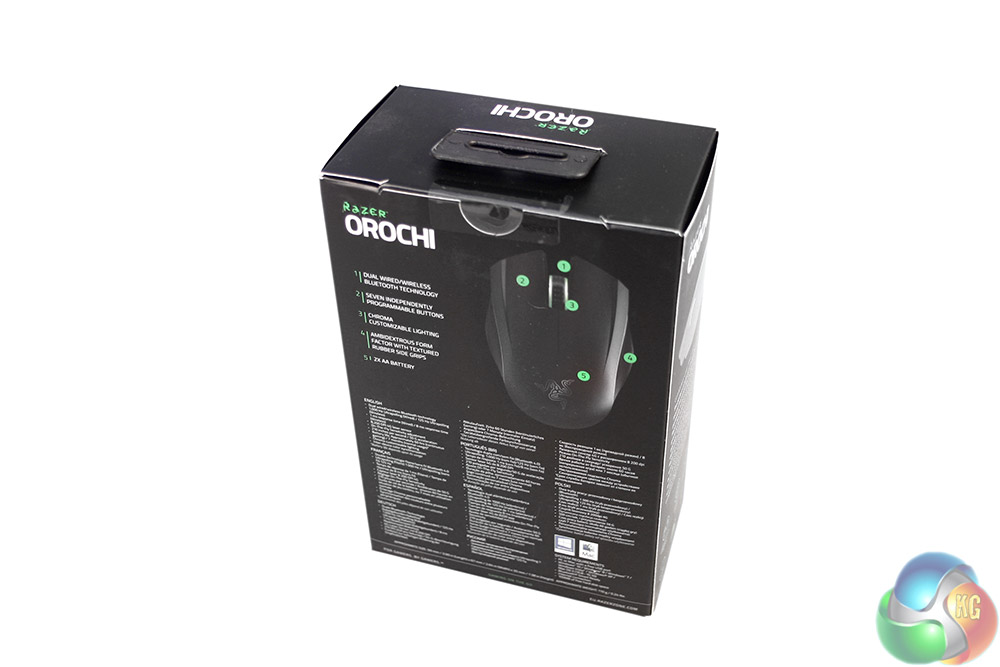
This box does not flip open like most of Razer's do, so you do not get to see the mouse itself before opening. To help alleviate that issue, the back breaks down some of the Razer Orochi's key features with a bullet-pointed diagram.
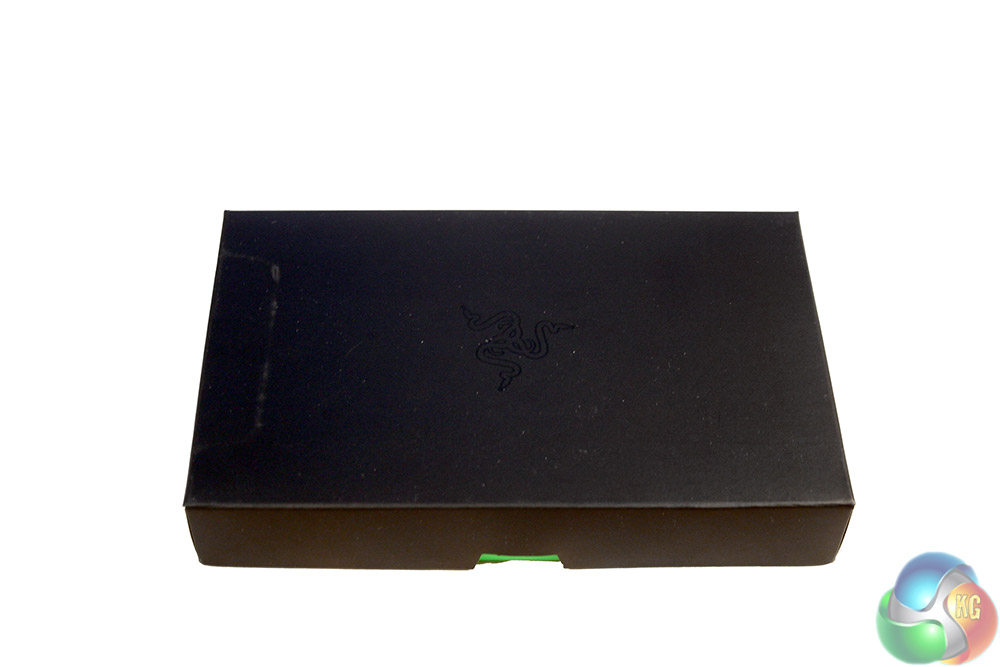

Inside the box and along with the mouse itself, you get a neat little accessories box. Inside you will find a pair of Razer stickers, a leaflet welcoming you to the Razer owners club, a set up manual, rechargeable Duracell batteries, a USB cable and a little carry case.
Not a bad haul.

The first thing you notice about the Orochi is its size. At around four inches long and two and a half inches wide, the Razer Orochi is a much smaller mouse than most. However it has a good build quality, with no flex if you pressure it and a slick looking design.
It is mostly black plastic, with a single piece for the top section and separate segments for the sides where there is some rubber for added grip.
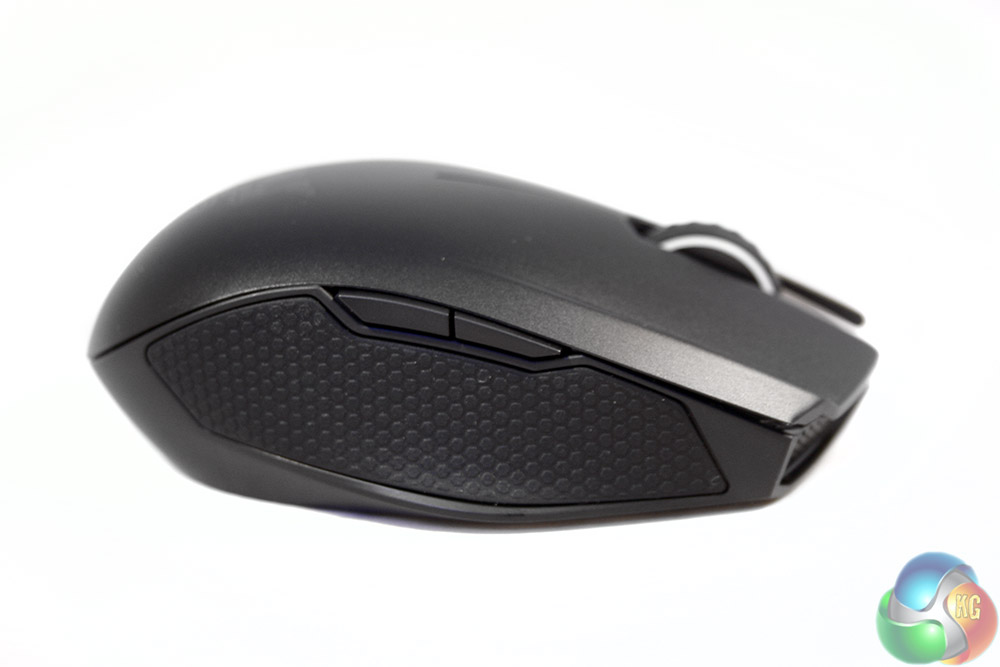
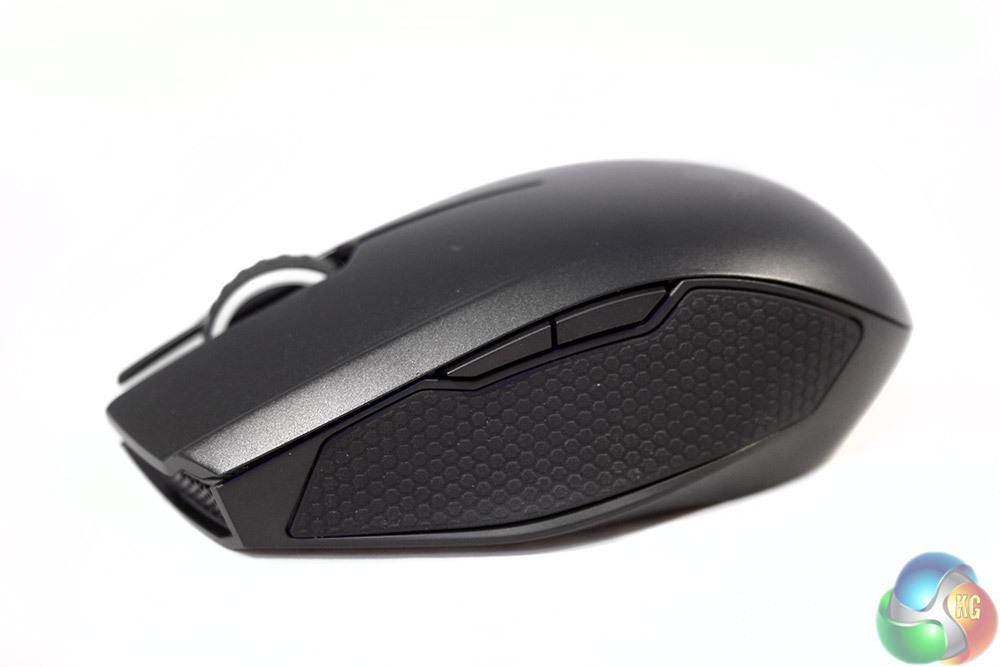
The sides of the Orochi are identical, making this a truly ambidextrous mouse. With some remaps you could easily use this if you are a left handed gamer. Each side has a long rubber thumb/finger grip, which means it does not really matter where you rest your digits – there will always be rubber there.
There is also a pair of side buttons on each side, which are remappable in the back-end software.
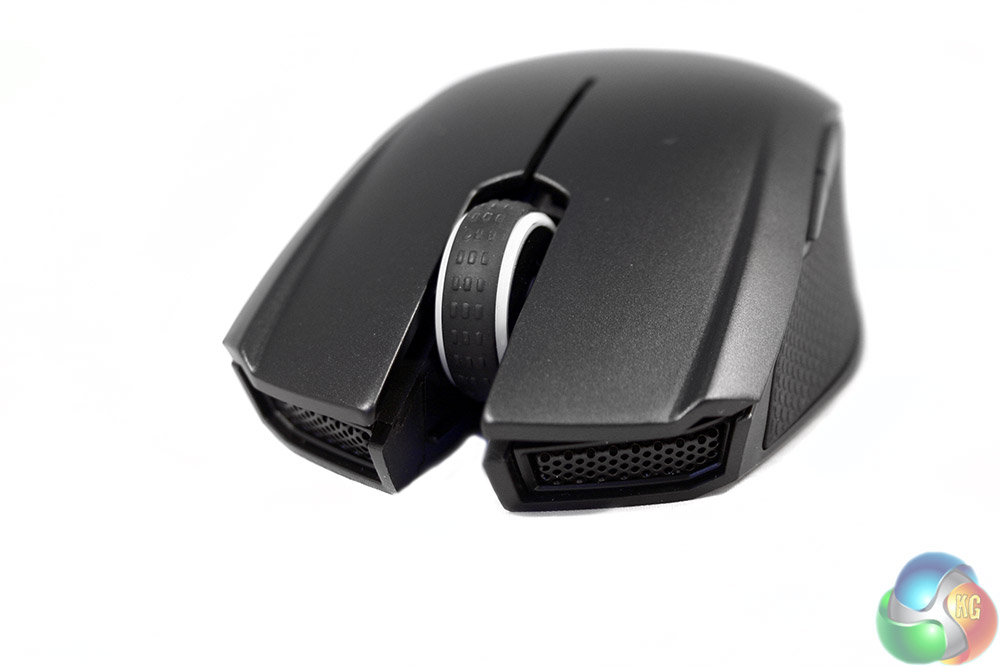
At the front end are the usual pair of left/right click buttons, and a rubber coated scroll wheel, edged by the only two light-strips on this mouse. There is also a pair of grills along the front, though that seems likely to be for styling only.


The underside of the Razer Orochi features a central laser sensor and a trio of PTFE feet to keep it nice and slick when moving around.

One other point of note on the underside, is that you can see the USB port hidden away behind the scroll wheel.
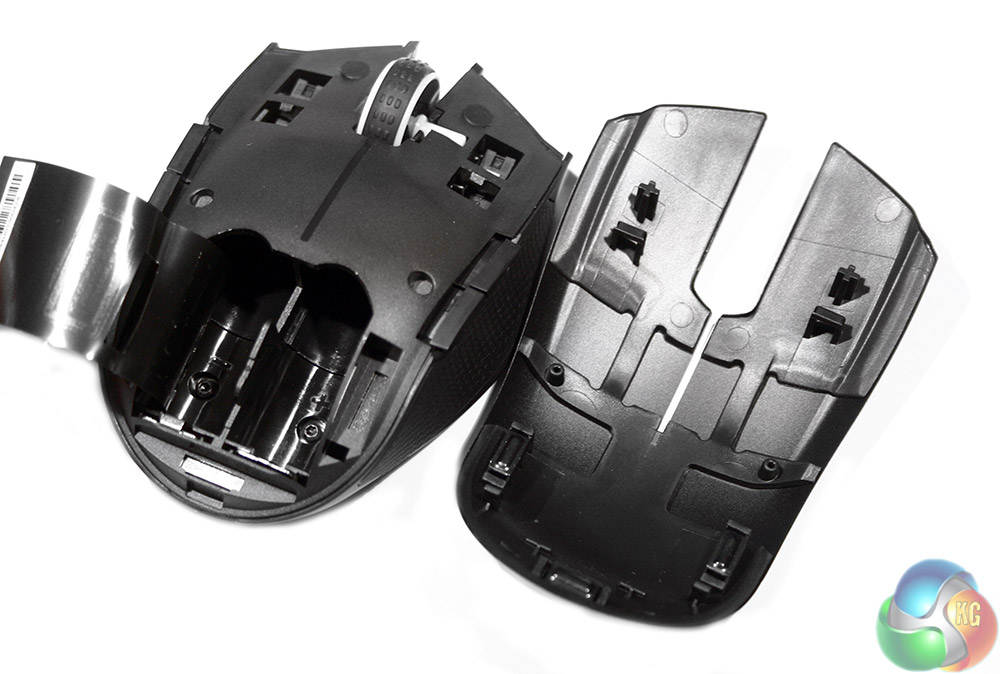
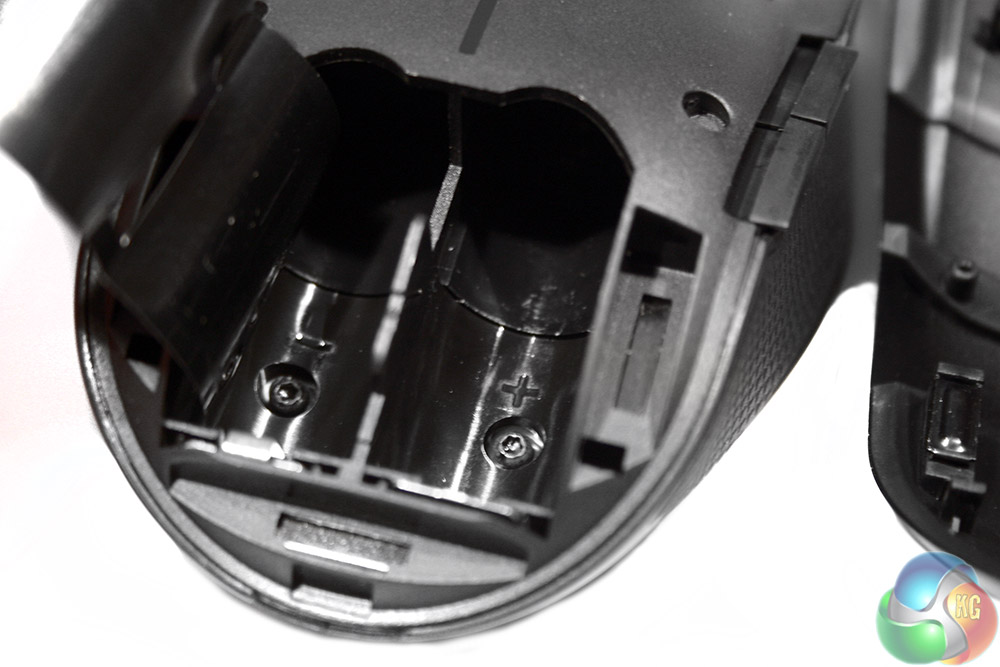
To get this mouse working wirelessly though, you do need to put the batteries in. To achieve that, you pop the top frame off which just clips back on afterwards without issue. Inside you find a pair of battery cavities which can be filled easily.
Testing the Razer Orochi involved using it as my main office mouse for a period of just over a week, using it for web browsing and photo editing. It being a gaming mouse though, I also spent a lot of time testing it in FPS, RTS and slower paced puzzlers and point and clicks, all the while gauging its accuracy and speed, as well as its long term comfort.
It was also tested in both wired and wireless modes to see how they compare.
I start with the gaming, since that is the Orochi's big selling point. I found it a very capable right hand weapon. In wired mode it was fast and very accurate, and though it lacks the uber-high sensitivity and tracking of the Razer 5G sensor which it is putting in most of its high end mice, I still found the Orochi to be a very versatile gaming companion in all the titles I tested.
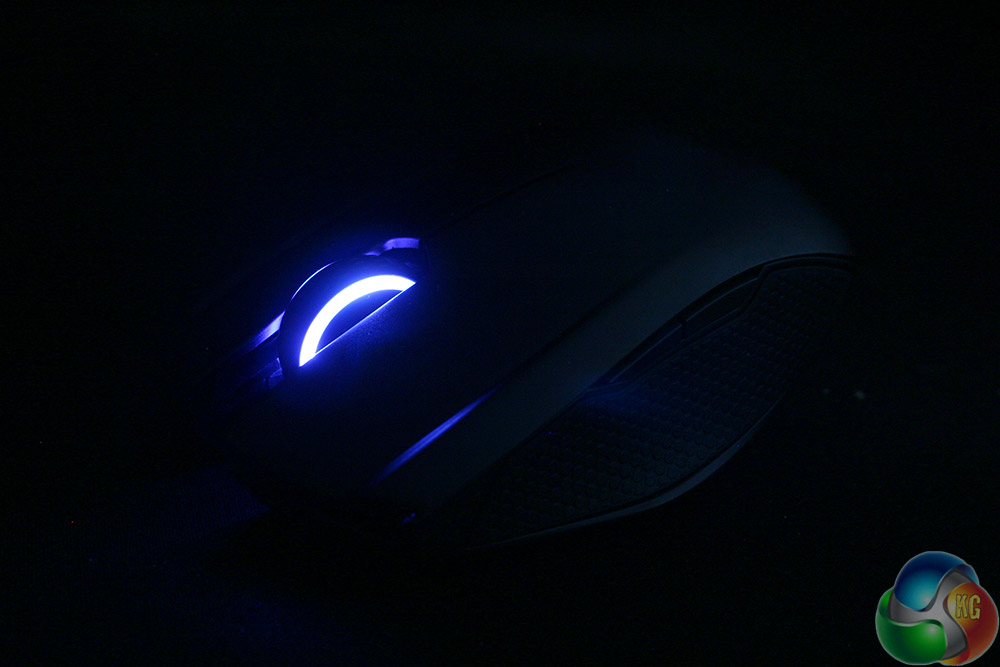
The lighting on the Orochi is quite subtle, which is a change of pace from some Razer mice
The fact that it is so lightweight too (without batteries), means that it does feel quick off of the mark. The slick cable means there never feels like there is much drag and the PTFE feet guarantee that you will not feel held up by anything. There is some tethering when using the cable, as it is very short (3.3ft) but considering this is a mouse aimed at laptop users, that makes sense.
When performing more office related tasks, I found the Orochi equally versatile. You are able to switch DPI with the right hand buttons by default – though can remap them if desired – which makes photo editing easier, as you can switch to a lower sensitivity for the more accuracy sensitive tools.
Switching over to wireless was not quite such smooth sailing unfortunately. Due to the Orochi utilising Bluetooth 4.0 as a connective platform if you do not have a laptop or desktop that supports that right off of the bat, you need to purchase an adapter. In some senses it is useful having a mouse that does not require a specific dongle – especially if you take it on the move – but having to get your own does leave you in the dark about the quality of adapter you are buying.

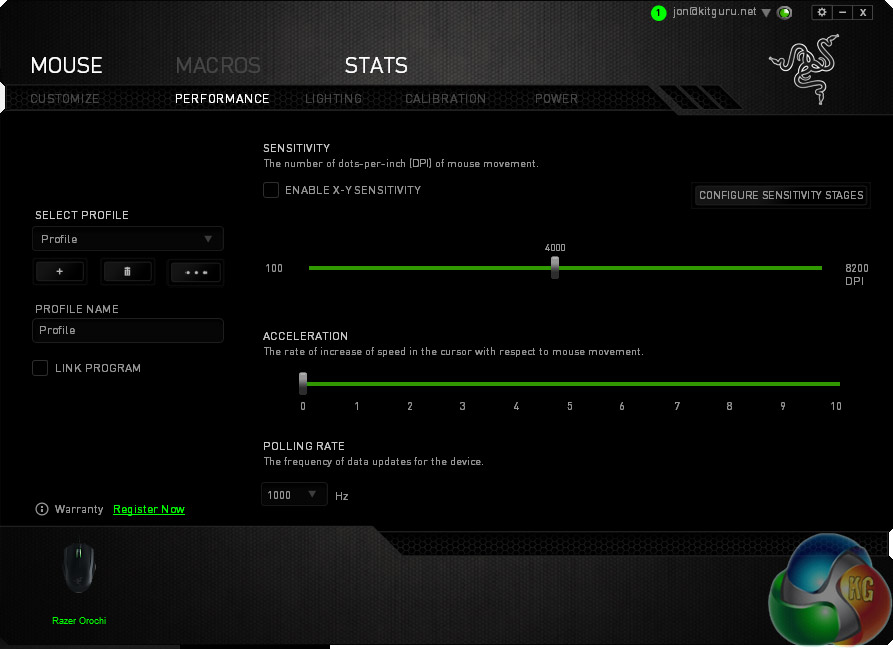
Options in the Synapse software are as fully featured as normal
Bluetooth also has a maximum polling rate of 125Hz, which when you are used to having a mouse at 500-1,000 Hz, does feel a little noticeable. I would not go so far as to call the Orochi a mouse that experiences lag, but it does not feel as responsive in wireless mode as it does when wired. It feels a little less accurate too, but that may be the same responsiveness issue being made apparent elsewhere.
In terms of the stats, Razer itself acknowledges that along with the polling rate difference, in wireless mode the Orochi operates with an 8ms response time, as opposed to 1ms when wired. This should not be noticeable except by super humans, so I wonder if a less-generic bluetooth adapter would have been preferable. In that case, I would like to see Razer offer a suggestion for those without native support.
Oddly enough, in games the difference was negligible. In fast paced MOBAs and FPS titles I had no issues whatsoever and did not perform any worse than I normally would. It was a little more apparent in office related tasks, but that seems to stem from the fact that switching from typing to mouse and keyboard usage required a period of adjustment to remember how the mouse operated with that micro-delay.
That was made more apparent by the Orochi turning itself off after a few seconds if not touched in order to save power. That setting can (and was) adjusted in the Razer Synapse software and it makes sense that it is there of course, but it was initially a minor annoyance.

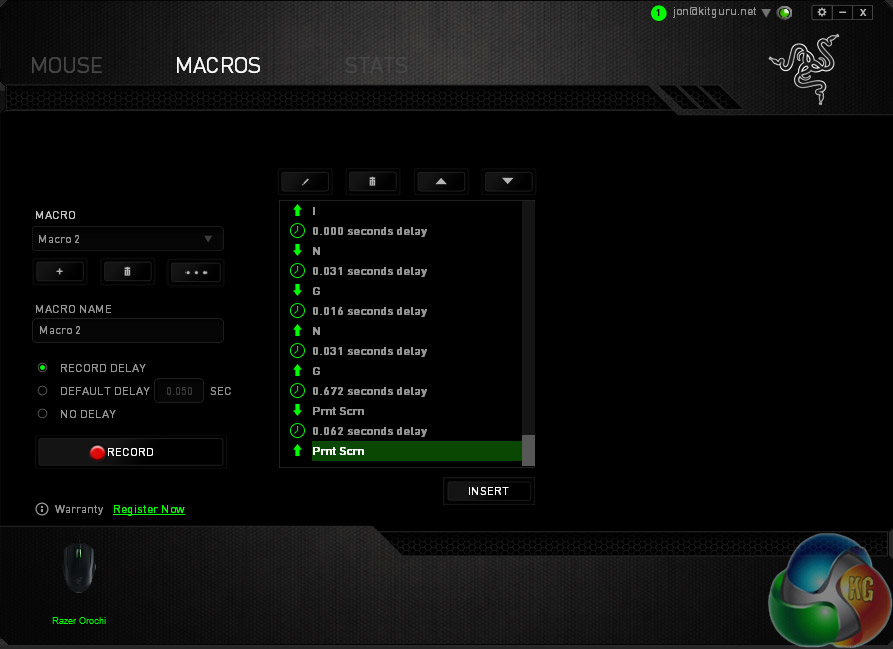
There is no full Chroma support with this mouse. Macro recording went well but they occasionally did not stick.
Overall, the Razer Orochi does feel like a pretty capable wireless mouse, but it is difficult not to compare it with the wireless experience of Razer's stupendous wireless Mamba mouse which sets such a high bar. Although the Orochi is a lot cheaper, when you know Razer is capable of producing such a high-end wireless mouse, it is hard to settle for something that is not up to that standard.
The comfort of the Orochi over long periods was pretty good. It is not a particularly supportive mouse, due to its small stature, but it provides enough cushioning and grip points that all of the weight of your arm is not pressed into your wrist on the mat. It does suffer a little from perspiration build up during tense moments due to its hard plastic shell, but the rubber side grips mitigate any issues of slipping.
The Razer Synapse software was also a strong addition to the overall Razer Orochi package. However it did not perform quite as well as I have seen with other mice. A persistent issue it has had through a couple of versions is disconnecting my USB keyboard when updating – though unplugging and replugging tends to fix it.
Oddly too, the Orochi would lose any remapped or macro equipped switches when changed to wireless mode. We have reached out to Razer to find out why that was and will update this review when we hear back.
The Razer Orochi is an ultra-compact, comfortable and capable gaming mouse that fits nicely into Razer's line up of strong gaming peripherals. It does not tick quite as many boxes as some of Razer's more celebrated products, but it hits enough marks that it is worth considering for the mobile gamer.
At such a compact size and with its own carry case to boot, if you want to take your mouse on the road with you, the Orochi is very easy to bundle along. It is also quite high performing for such a small mouse, with a decent sensitivity, PTFE feet and a pretty lighting system for those that like to play with that sort of customisation.
It does however feel far more capable in wired mode than wireless. With that slight delay and the low polling rate of Bluetooth, it just does not feel like the same mouse when there is not a cable plugged in. It is still a solid gaming assistant and works well enough for office related tasks, but it is difficult to imagine opting for wireless mode if a USB port is within reach – it is just a superior experience with the cable plugged in.
The battery does last a long time however. Although Razer claims it will last several months without charging if regularly left in standby mode, we did not have time to test that. However after a few days of intense wireless usage, it still had more than half charge left. With the ability to quickly plug the charge cable in too, you are unlikely to find yourself with a dead mouse in the middle of a big gaming session.
The back-end Synapse software is as strong as ever, though the fact that wireless mode seems to make the Orochi forget macro remaps is a little strange. That does not seem like something intentional, so we will chase that up with Razer and update this review when we know more.
Overall the Razer Orochi feels like a stellar mouse with a slightly less impressive wireless component. It just does not feel quite as snappy or responsive when not hooked up via a wire, which is a shame as it is otherwise a strong performer.
You can buy the Razer Orochi 2016 from Alza for £55.
Discuss on our Facebook page, over HERE.
Pros
- Accurate and fast gaming mouse.
- Comfortable over long periods, despite small stature.
- Ultra-portable, comes with own carry case.
- Looks understated, not much gaudy lighting.
- Battery lasts a long time.
Cons
- Wireless mode not as responsive as wired.
- No bundled dongle or adapter.
- Too small for anyone with big hands.
- Some issues with Synapse back-end.
KitGuru Says: The Razer Orochi 2016 is a wonderfully portable gaming mouse that performs well in both wired and wireless modes – but it is just better in the former, which makes the latter feel somewhat unneeded.