KitGuru KitGuru.net – Tech News | Hardware News | Hardware Reviews | IOS | Mobile | Gaming | Graphics Cards


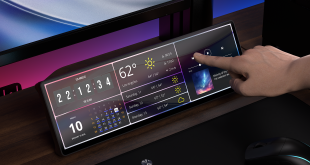
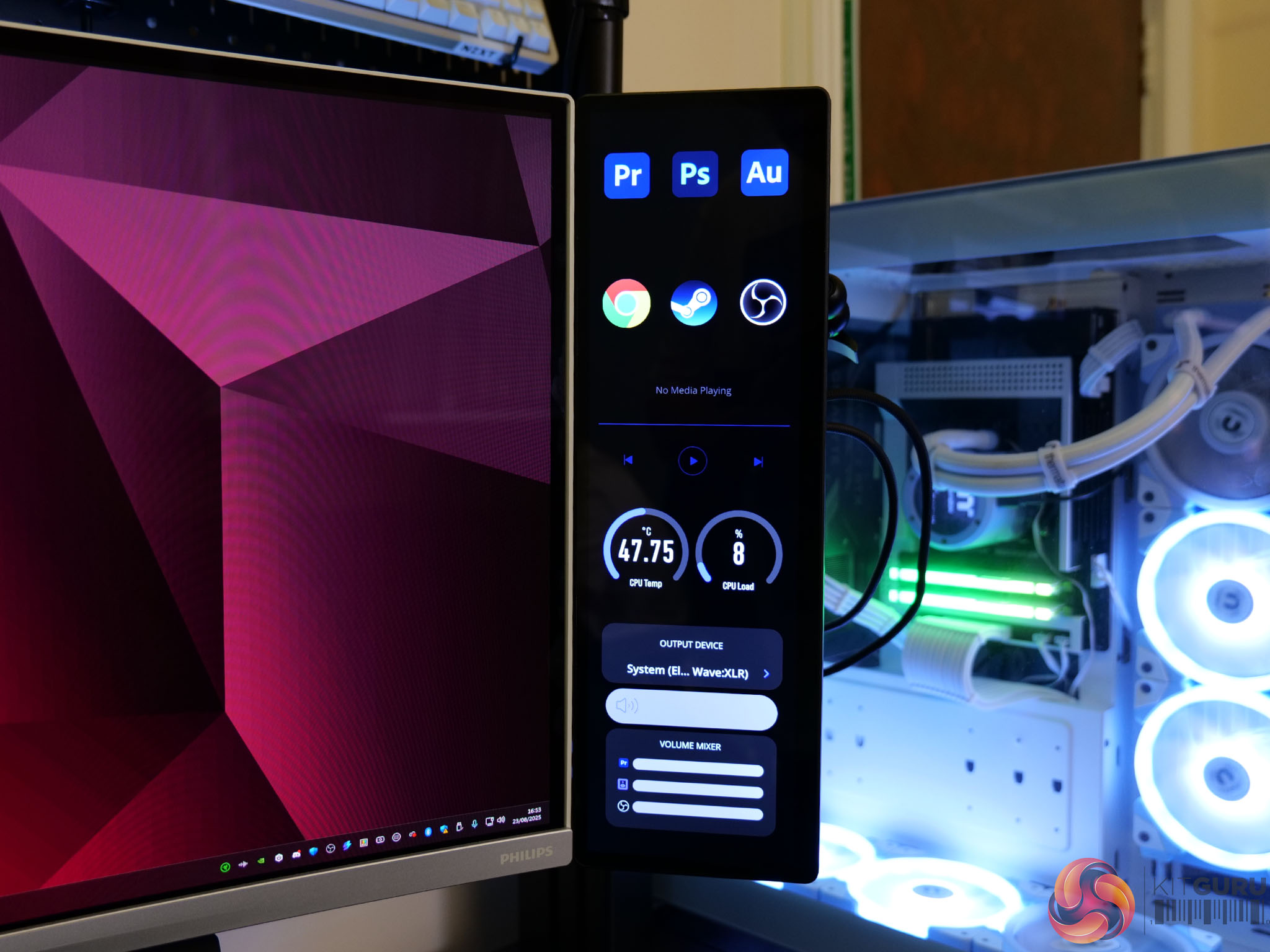
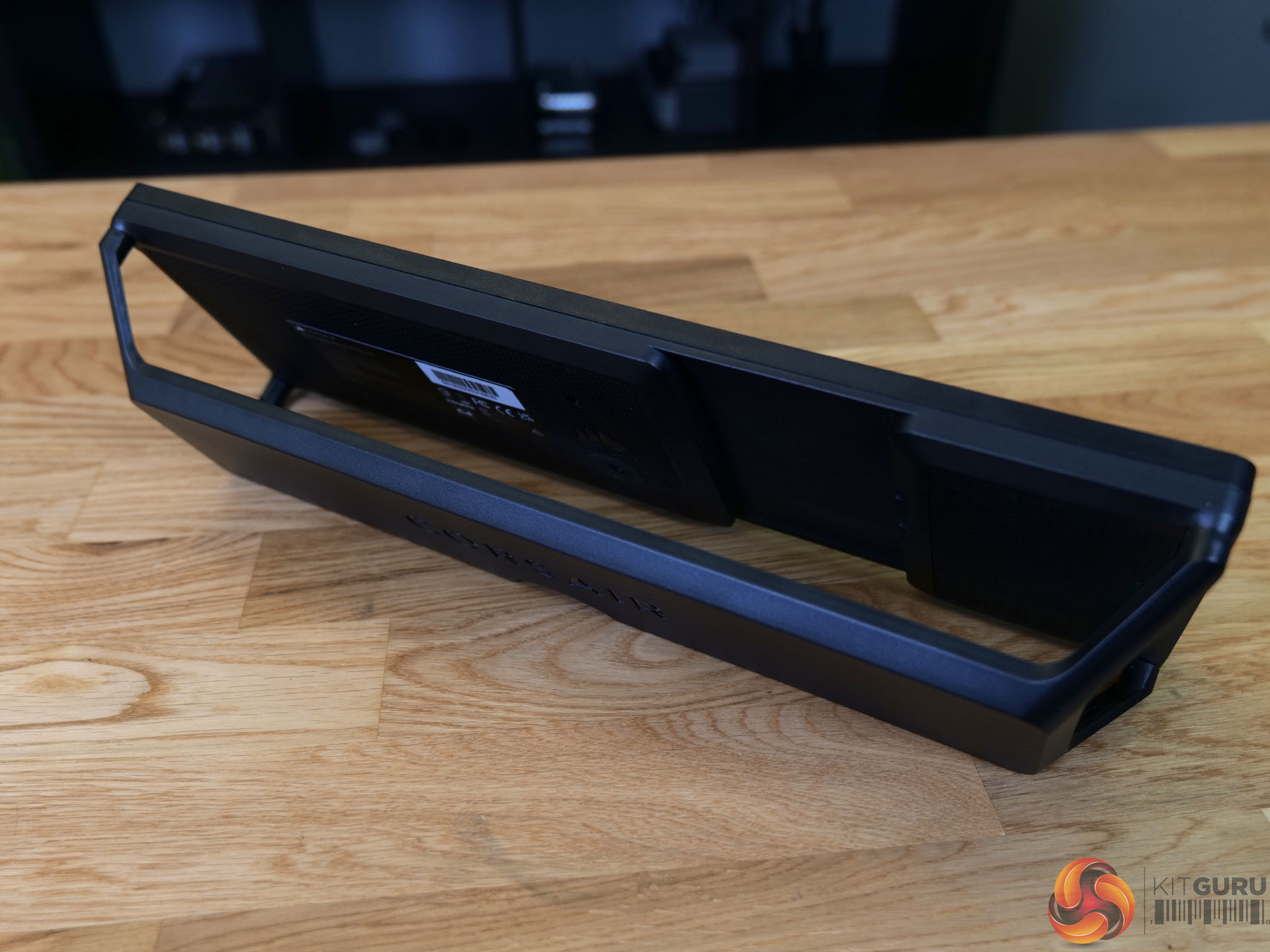
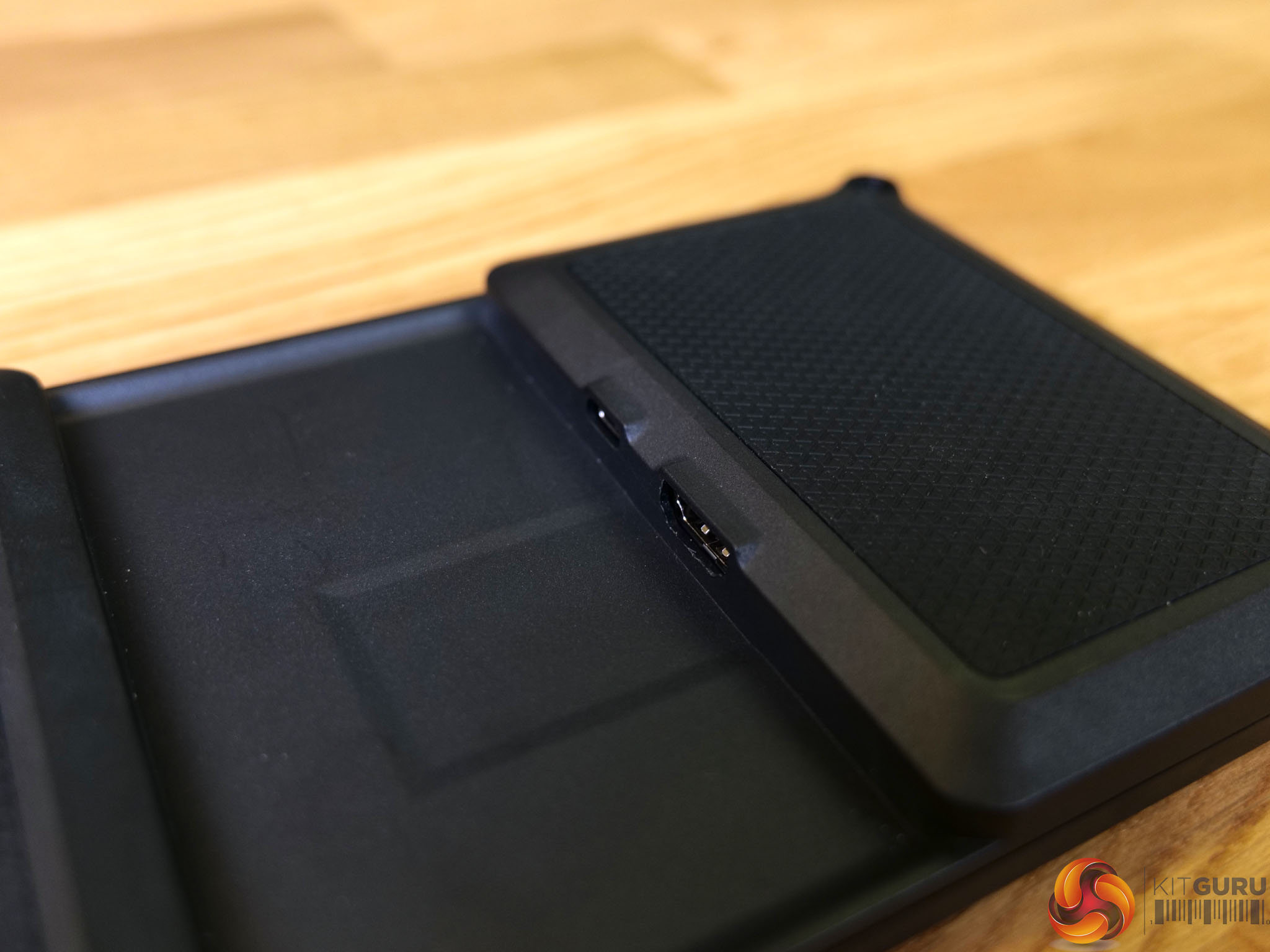
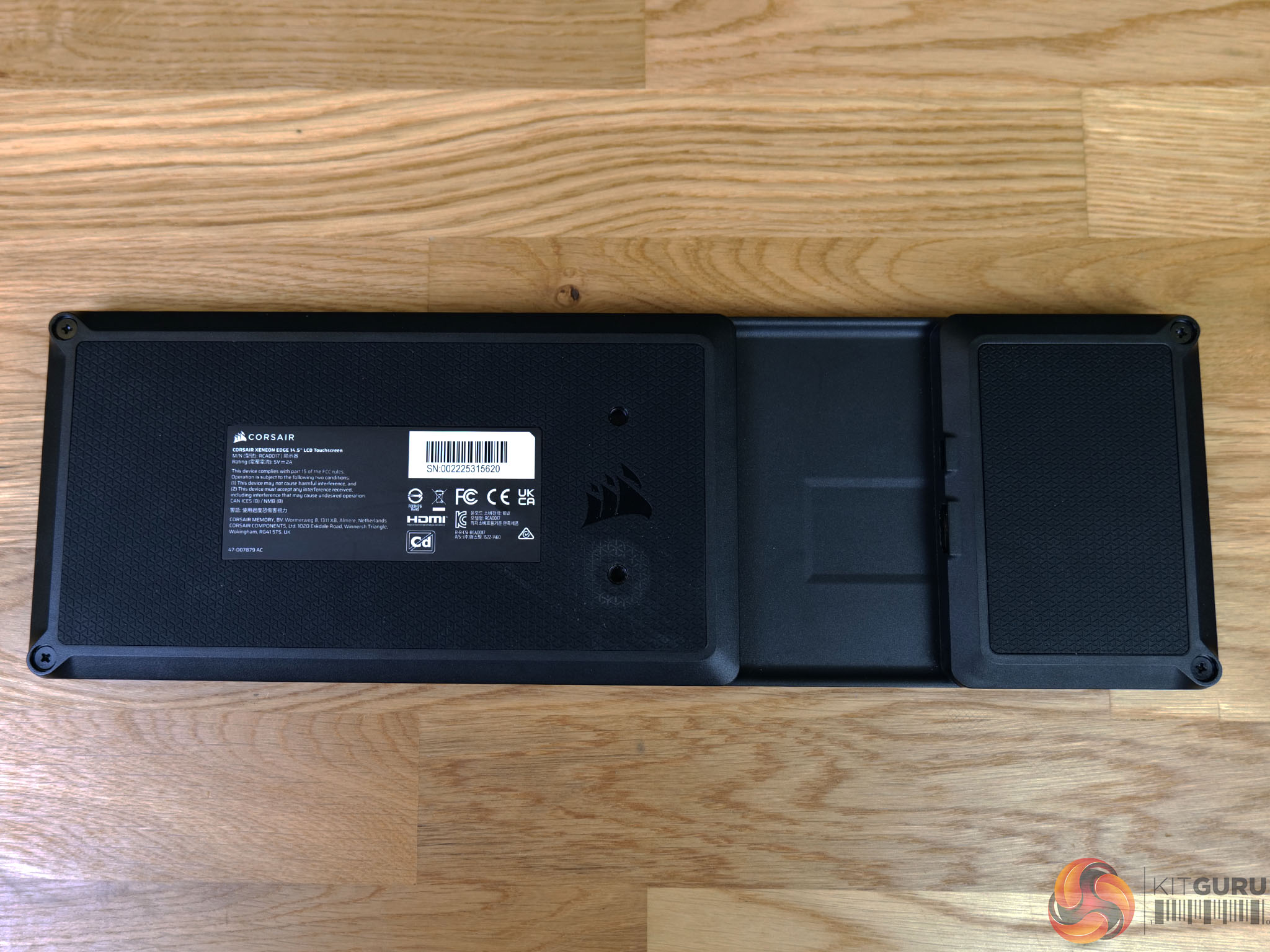
Corsair's Xeneon Edge is a 14.5” touchscreen display that’s designed to go pretty much anywhere. Stick it on your desk, inside your computer, or magnetically attach it to pretty much anything metal. It features a 2560×720 60Hz AHVA panel which supports up to 5-point multi-touch, alongside widgets which you can customise with iCUE. Can this new touchscreen – with its widgets, gadgets and gizmos – take centre stage on your desk or in your PC?
Timestamps:
00:00 Start
00:54 Pricing and Tech
01:43 Unboxing and Cables
02:49 Specifications and thoughts
04:11 The Design / Rear / Ports
04:46 Dimensions and Mounting
06:26 3D printing a mount?
06:53 The Bezels / iCUE Widgets
07:27 iCUE Interface with Widgets
10:28 Widgets ‘off’ Mode
11:37 Gaming on it! Refresh rate / Audio
12:09 Using with Elgato virtual stream deck
13:03 Mat's overall thoughts – worth buying?
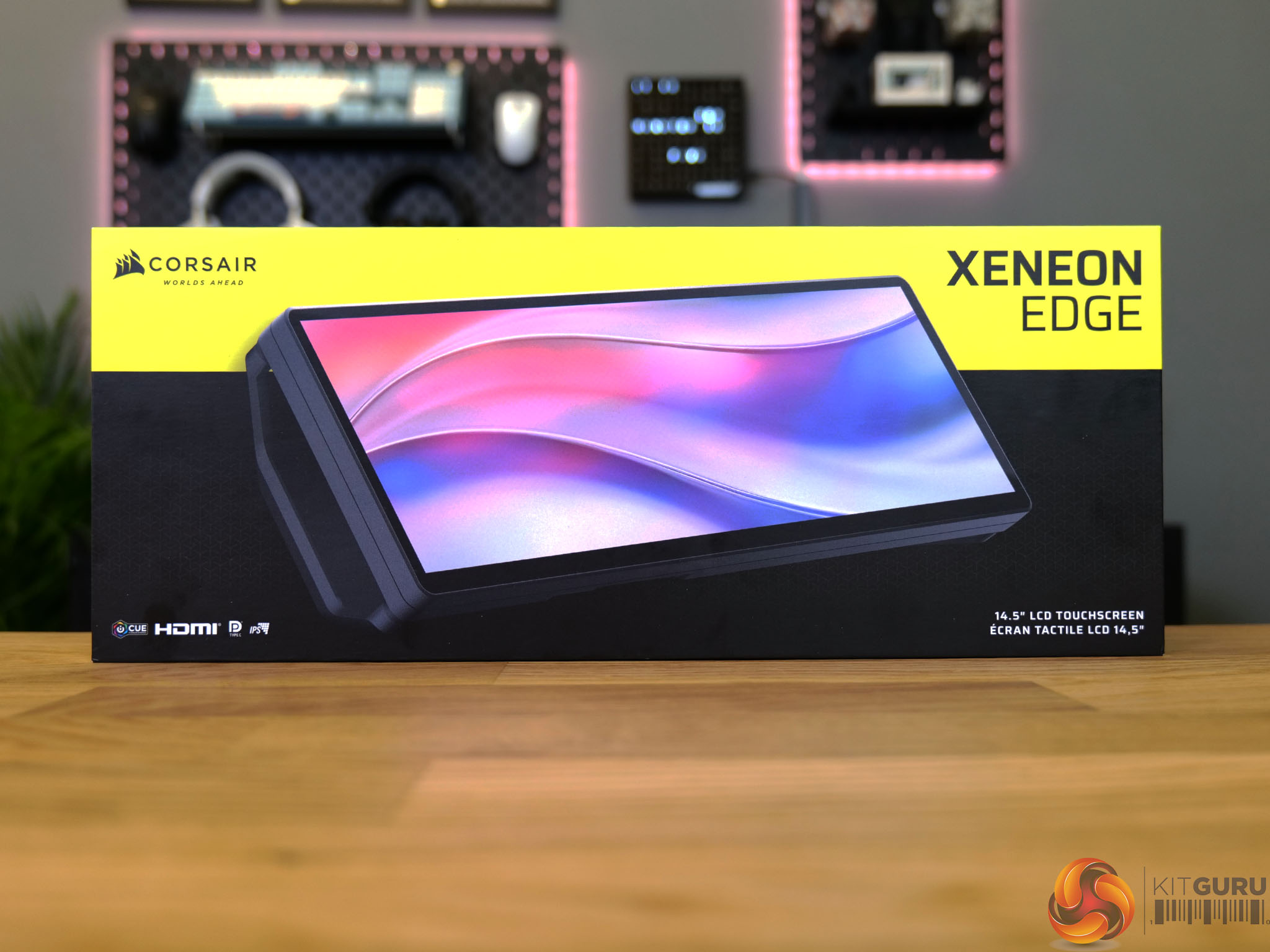
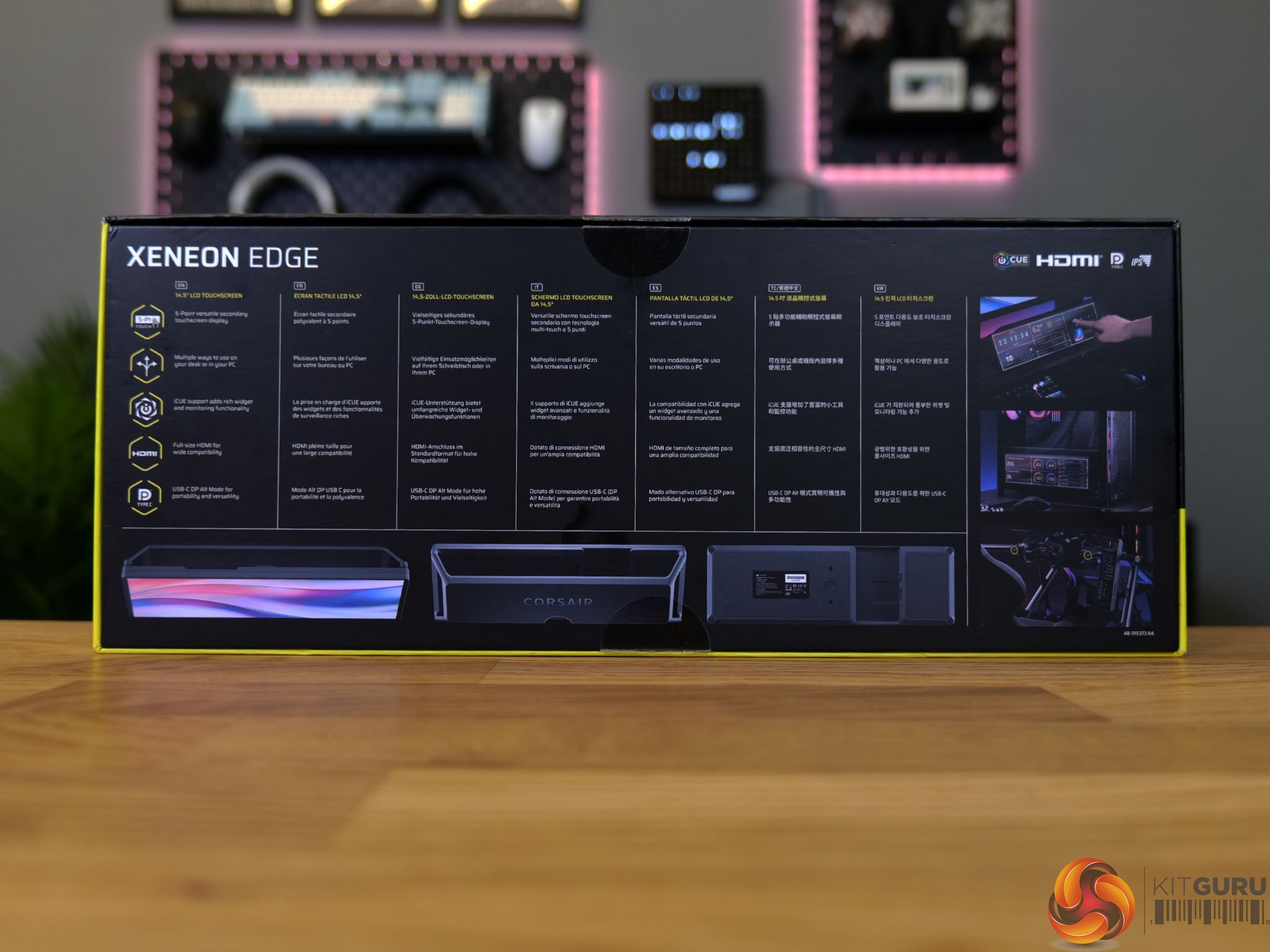
Specifications
- Native resolution: 2560×720.
- Refresh rate: 60Hz.
- Panel type: AHVA.
- Inputs: HDMI, USB-C DP Alt.
- Brightness: 350cd/m²
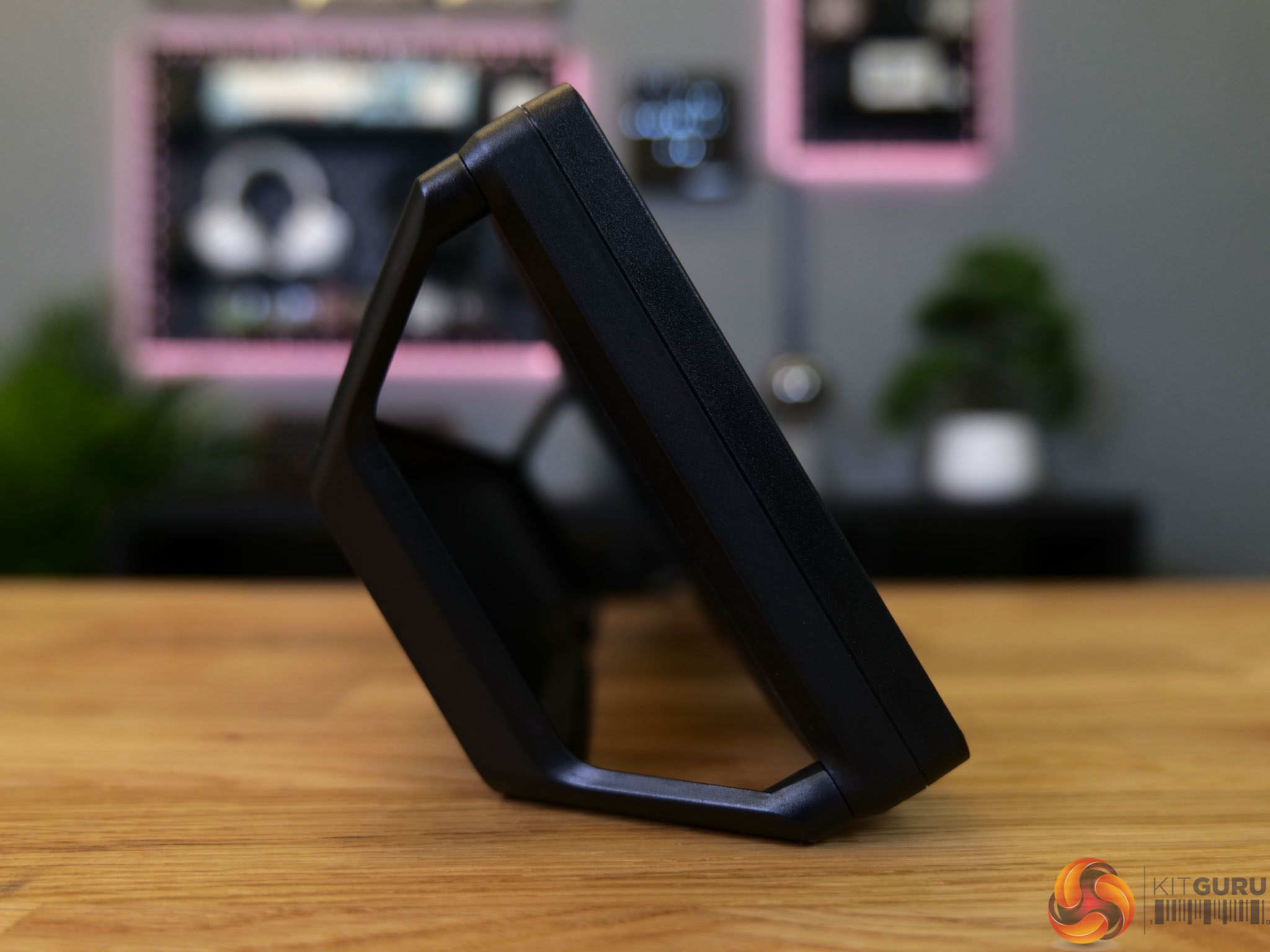
- Mounting options: 360mm radiator mount, included stand, magnets, ¼”-20 thread.
- Touchscreen: 5-point capacitive.
You can buy the Xeneon Edge for £219.99 directly from Corsair HERE.
Pros:
- Responsive touch screen.
- Clever software control with iCUE and widgets.
- Versatile mounting options – can be standalone, magnetic, case mounted, ¼”-20 mounted.
- Bright, vibrant and crisp display.
- Very useful when coupled with Elgato’s Virtual Stream Deck Software (although this will work on any monitor).
- DP Alt mode for a single cable setup on compatible systems.
Cons:
- Included desktop stand is not very robust.
- No USB passthrough, which would be useful when in desktop mode.
- Widget placement feels a little restrictive with grid layout system.
- No quick way to switch between widget and ‘normal’ display mode.
KitGuru says: The Xeneon Edge is a versatile product which almost anyone could find a use for. The included stand is flimsy but overall the product is useful and works well.