KitGuru KitGuru.net – Tech News | Hardware News | Hardware Reviews | IOS | Mobile | Gaming | Graphics Cards


Here I will walk you through the installation process. It is worth noting we test using a Z97 motherboard – socket LGA 1150. The process below reflects that.

The first thing to do is apply thermal paste and mount the cooler. Yes, really – there are pre-installed screws which will slot through the motherboard socket holes.
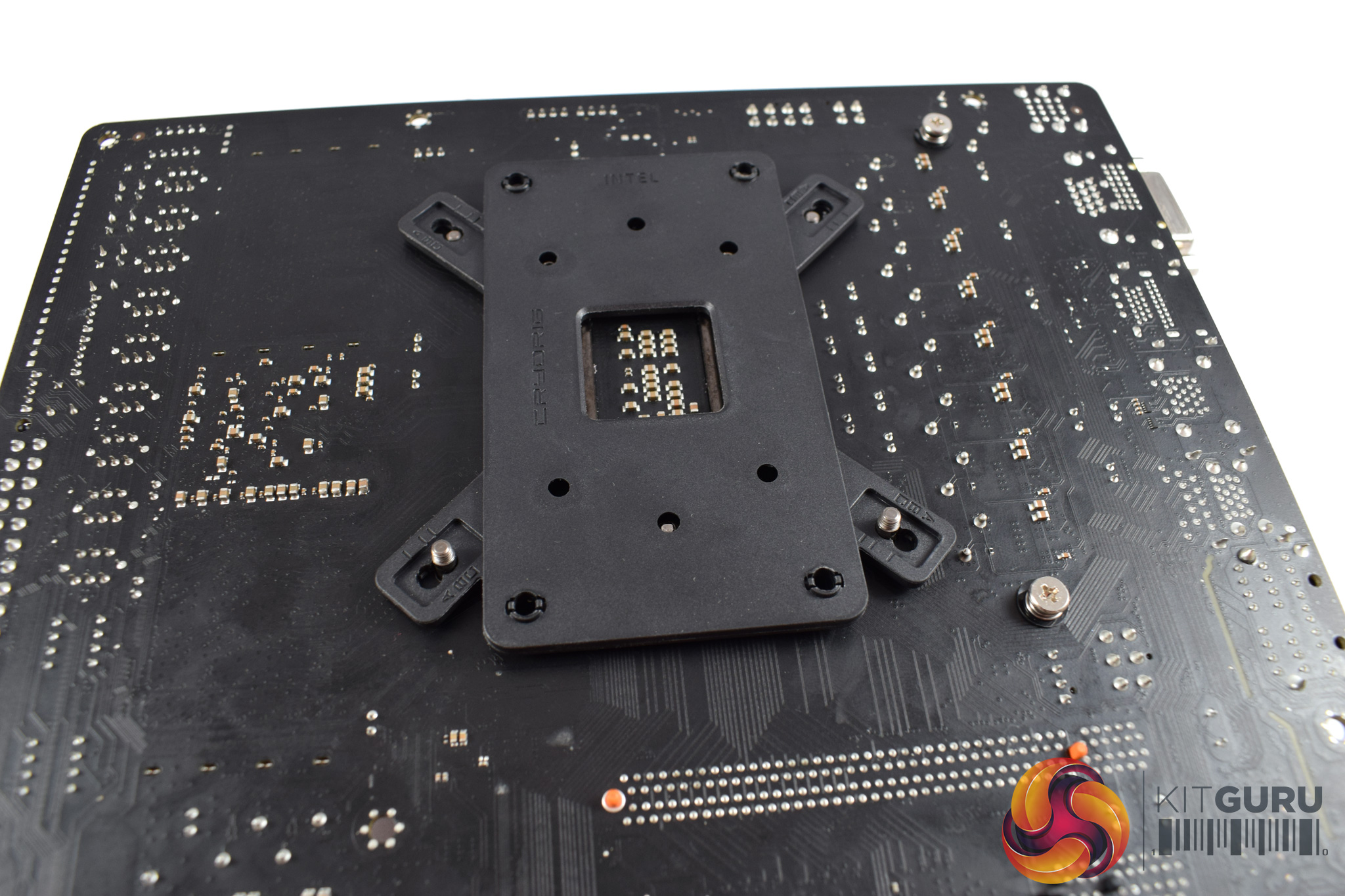
Once those holes are through, you can flip the motherboard over and place the backplate on-top of these screws.
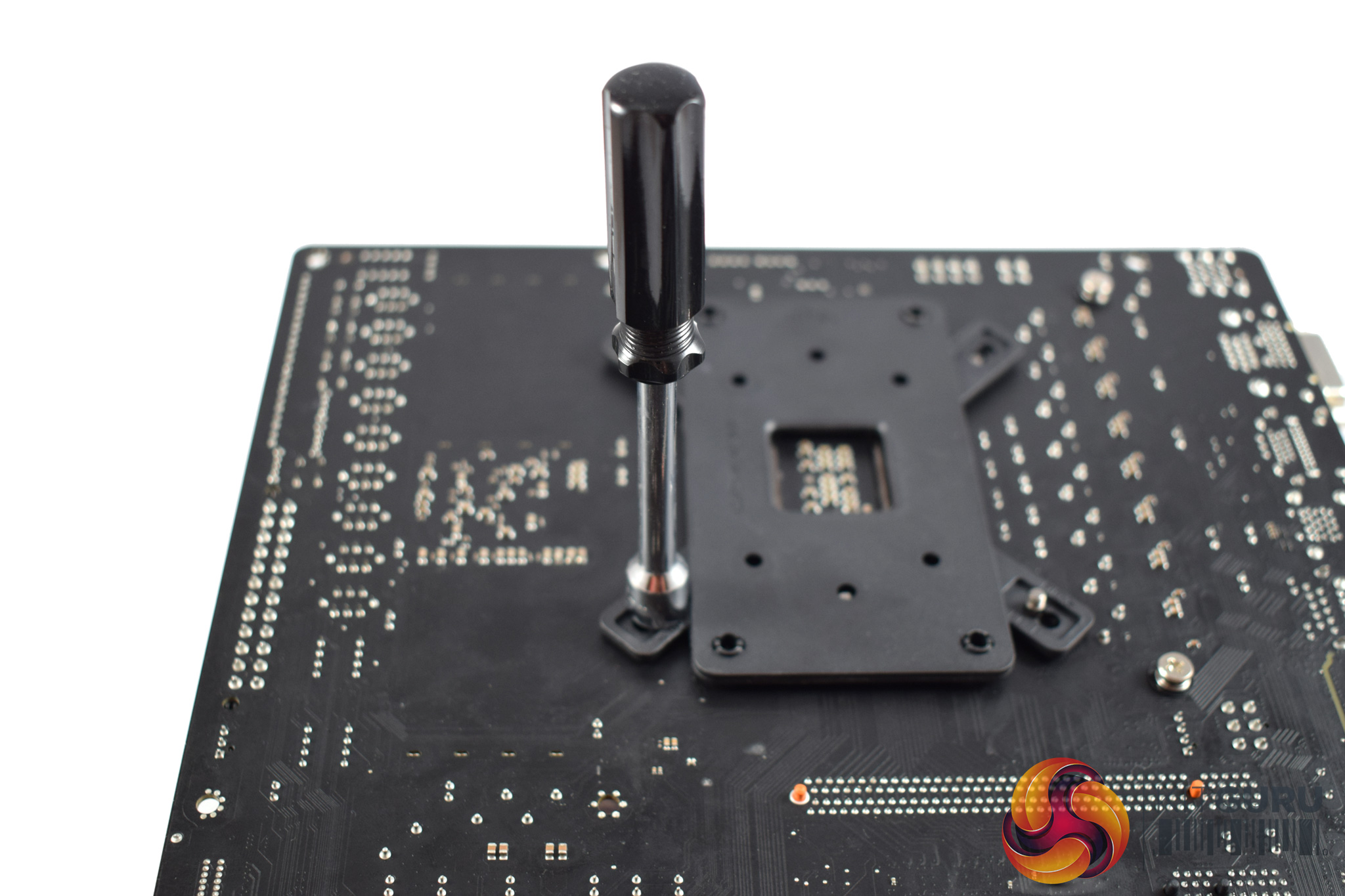

Then, all you need to do is secure the screws to the backplate using four nuts. The supplied screwdriver helps you attach the nuts.
After that, installation is complete, and it really is that easy.