KitGuru KitGuru.net – Tech News | Hardware News | Hardware Reviews | IOS | Mobile | Gaming | Graphics Cards


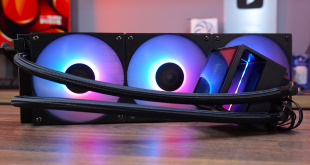
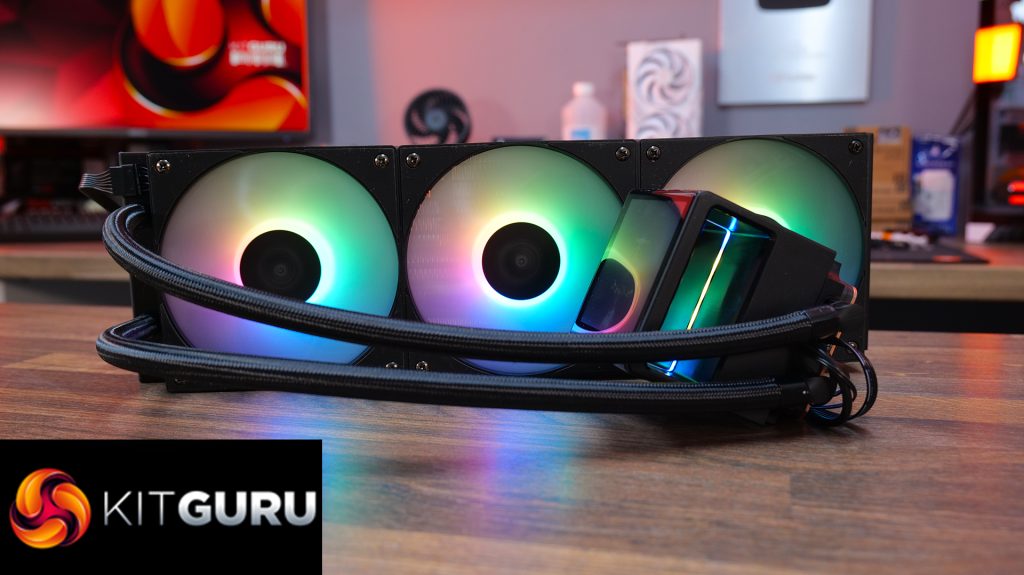
We've not reviewed any Gamdias hardware in a while, but we have recently featured some of the company's products in a sponsored build video that you can check out here. In that video, we used a white version of the Gamdias CHIONE P5 360 AIO CPU cooler, which looked cool with its 4.3-inch IPS display and ARGB lighting. Today, however, we take a look at the black version of the CHIONE P5 360 and put it through its paces in a full review.
Features:
- The pump top is equipped with a 3.4-inch IPS LCD screen with 480 x 480 resolution and 60 Hz refresh rate. The screen can be customised to show real-time system info, as well as custom images and can be manually rotated for always correct orientation.
- Included fans feature hydraulic bearings and hidden daisy-chained cabling routing so cable clutter is kept away from view, as well as built-in ARGB lighting effects.
- A high-performance pump features a 12-slot 10-pole motor with rotational speed up to 2700rpm and optimal fluid circulation as well as quiet operation.
Specifications:
- CPU Socket Compatibility: LGA2066 / 2011-v3 / 2011 / 1851 / 1700 / 1200 / 1151 / 1150 / 1155 / 1156 / AM5 / AM4 / AM3+ / AM3 / AM2+ / AM2 / FM2+ / FM2 / FM1
- Radiator Material: Aluminium
- Radiator Dimensions: 396 x 120 x 27 mm
- Radiator Tube Length: 400mm (Approx)
- Cold Plate Material: Micro-Skived Copper
- Pump Connector: 4-Pin PWM
- VRM Fan: N/A
- Fan Dimensions: 120 x 120 x 25 mm
- Fan Speed (PWM): 400 – 2200 RPM±10%
- Fan Max Airflow: 81.81 CFM
- Fan Max Air Pressure: 3.15 mmH2O
- Noise (dBA): 11 – 34.91 dBA
- Fan Bearing: Hydraulic
- Fan Connector: 4-Pin PWM
- LCD Screen: 3.4-inch IPS
- Warranty: Five years
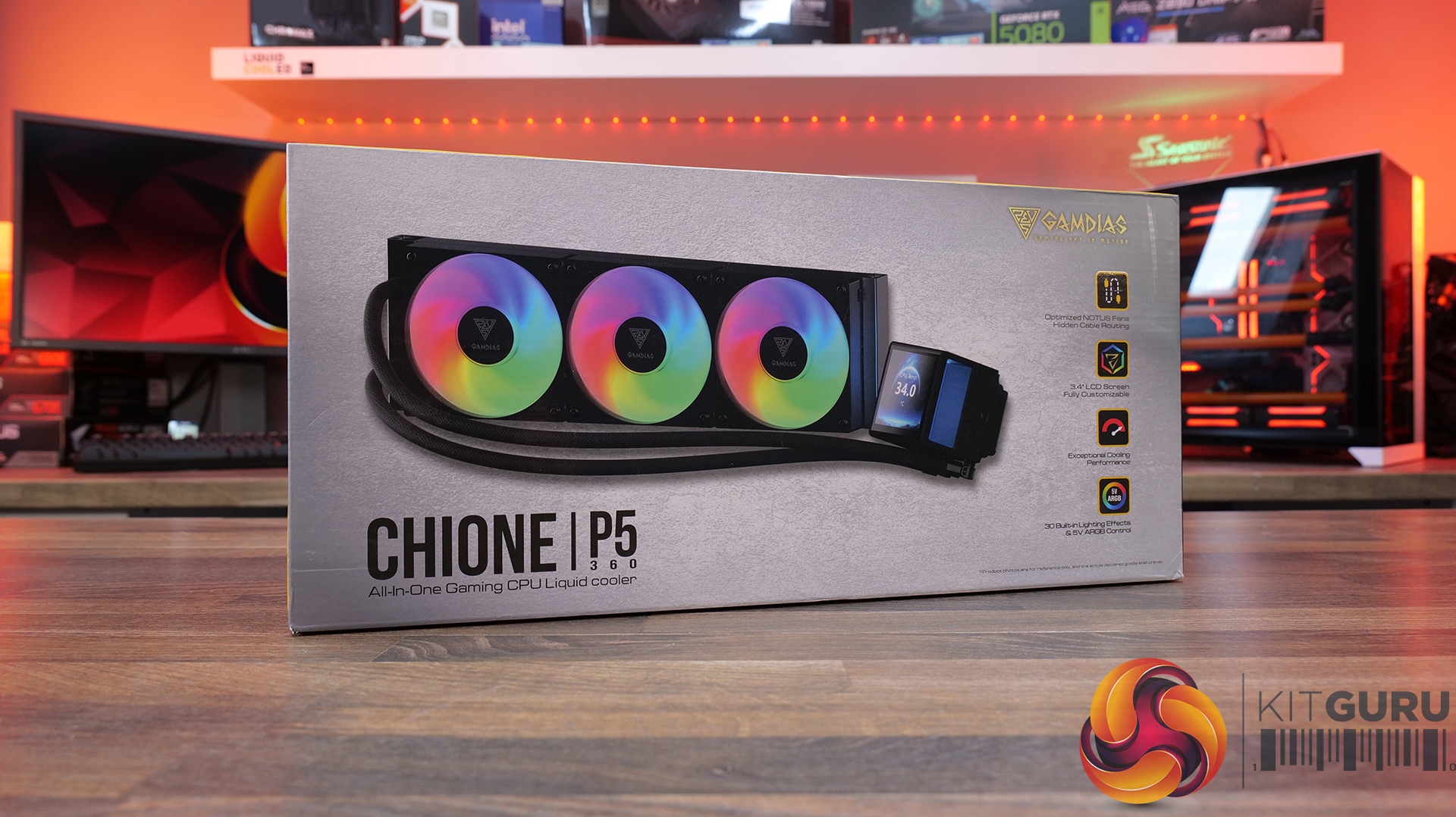
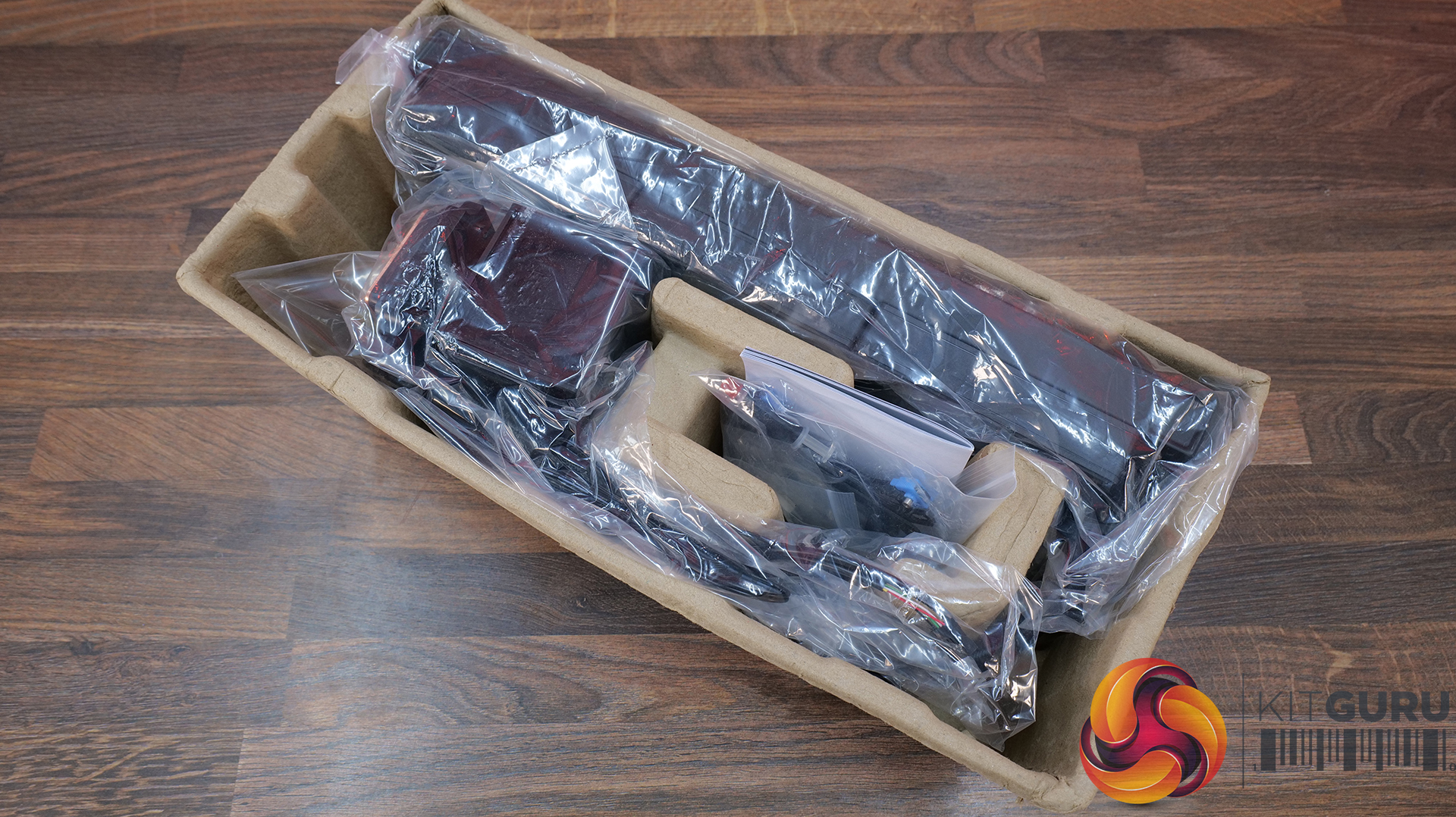
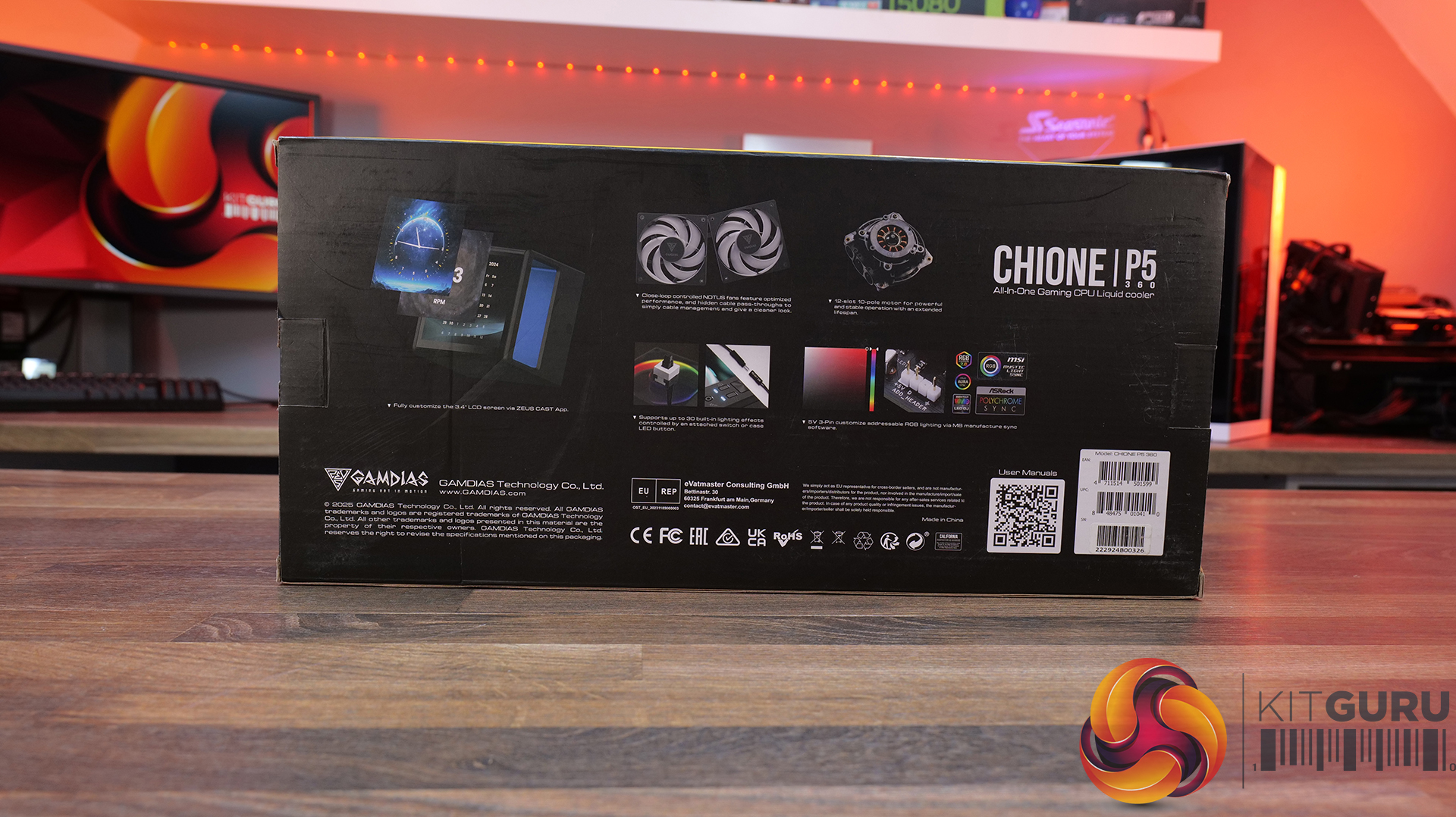
Gamdias ships the CHIONE P5 in a cardboard box with an image of the cooler, logo and a brief description of features on the front, with more info and specifications listed on the back. Inside, contents are packed into a cardboard crate for protection during shipping; the accessories/installation hardware come sorted into plastic bags.
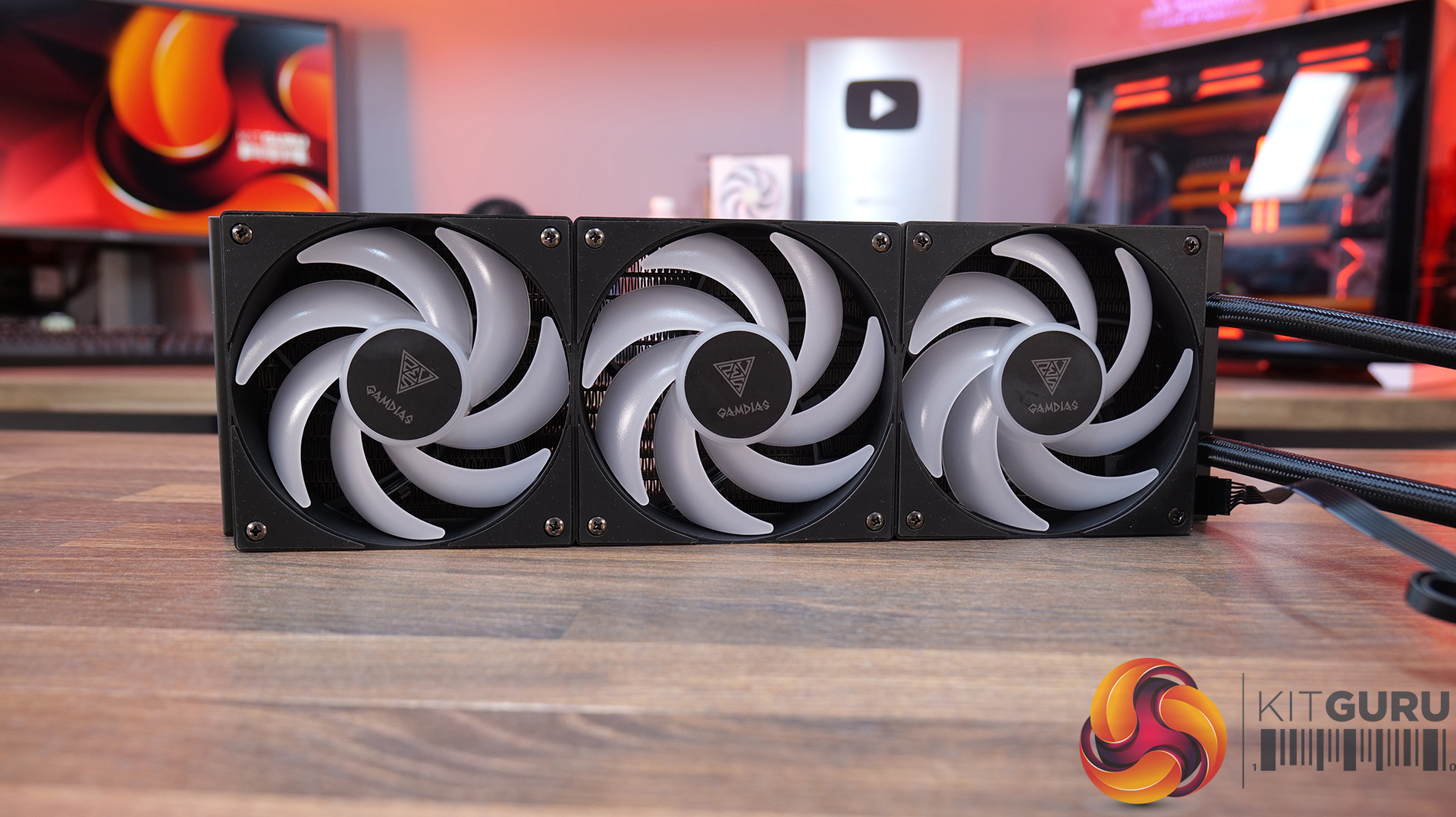
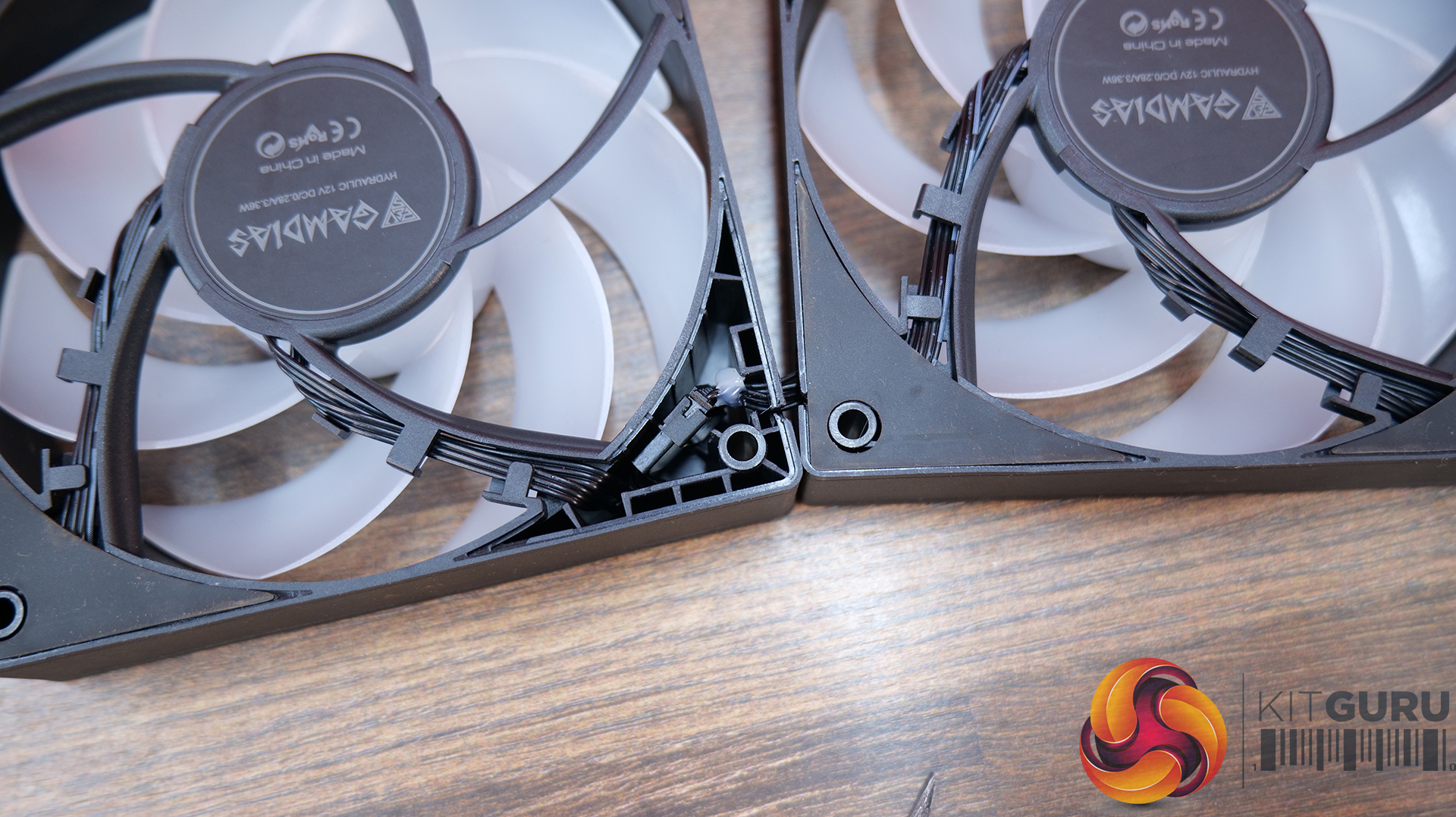
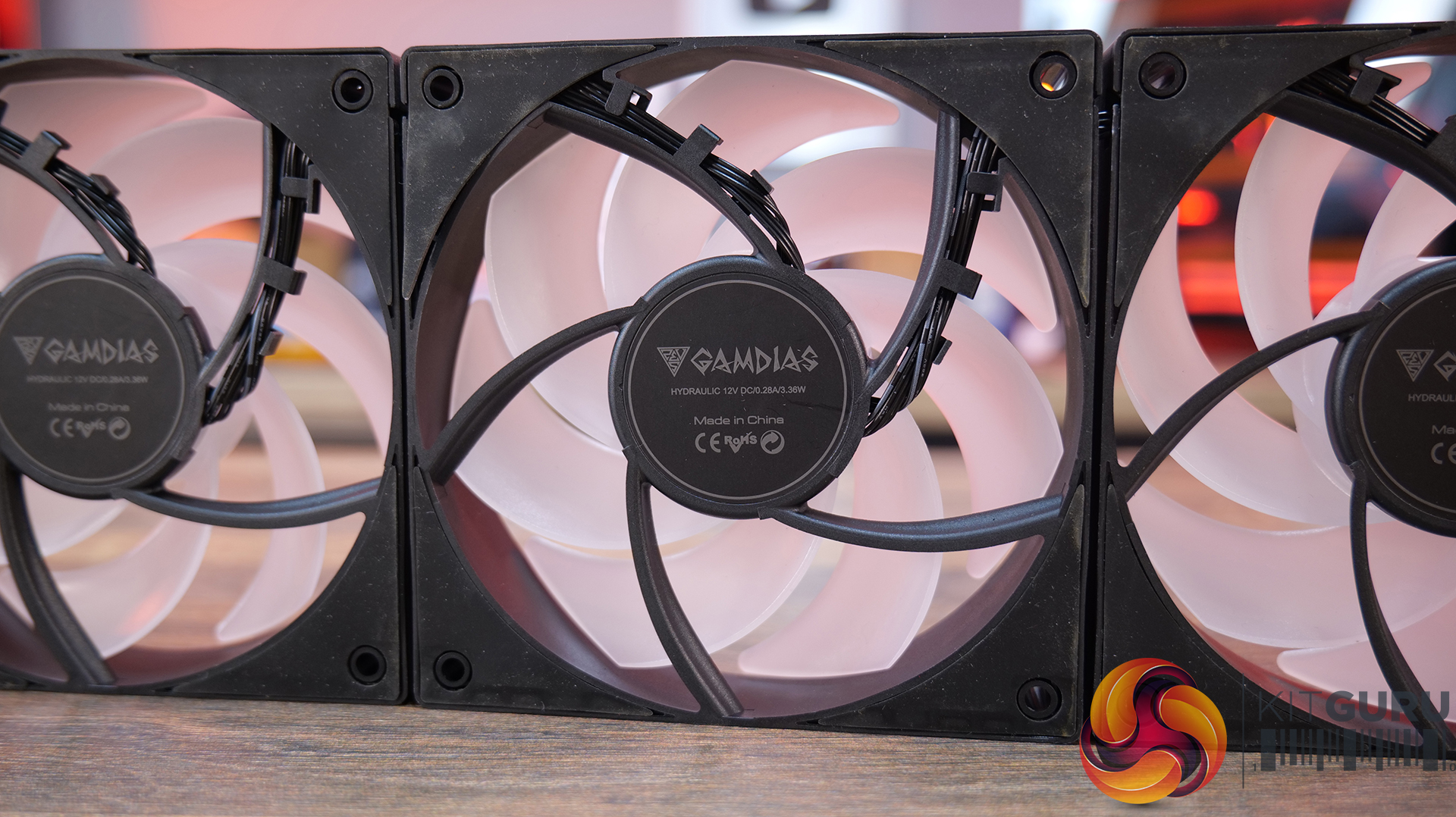
The Gamdias fans included with the cooler have a PWM speed range up to 2300 rpm with a hydraulic bearing and opaque fan blades that illuminate with ARGB lighting once the cooler is powered up. Cables are daisy-chained from the factory, connectors are concealed under the anti-vibration rubbers. The fans have very square frames, which should help with static pressure on radiators.
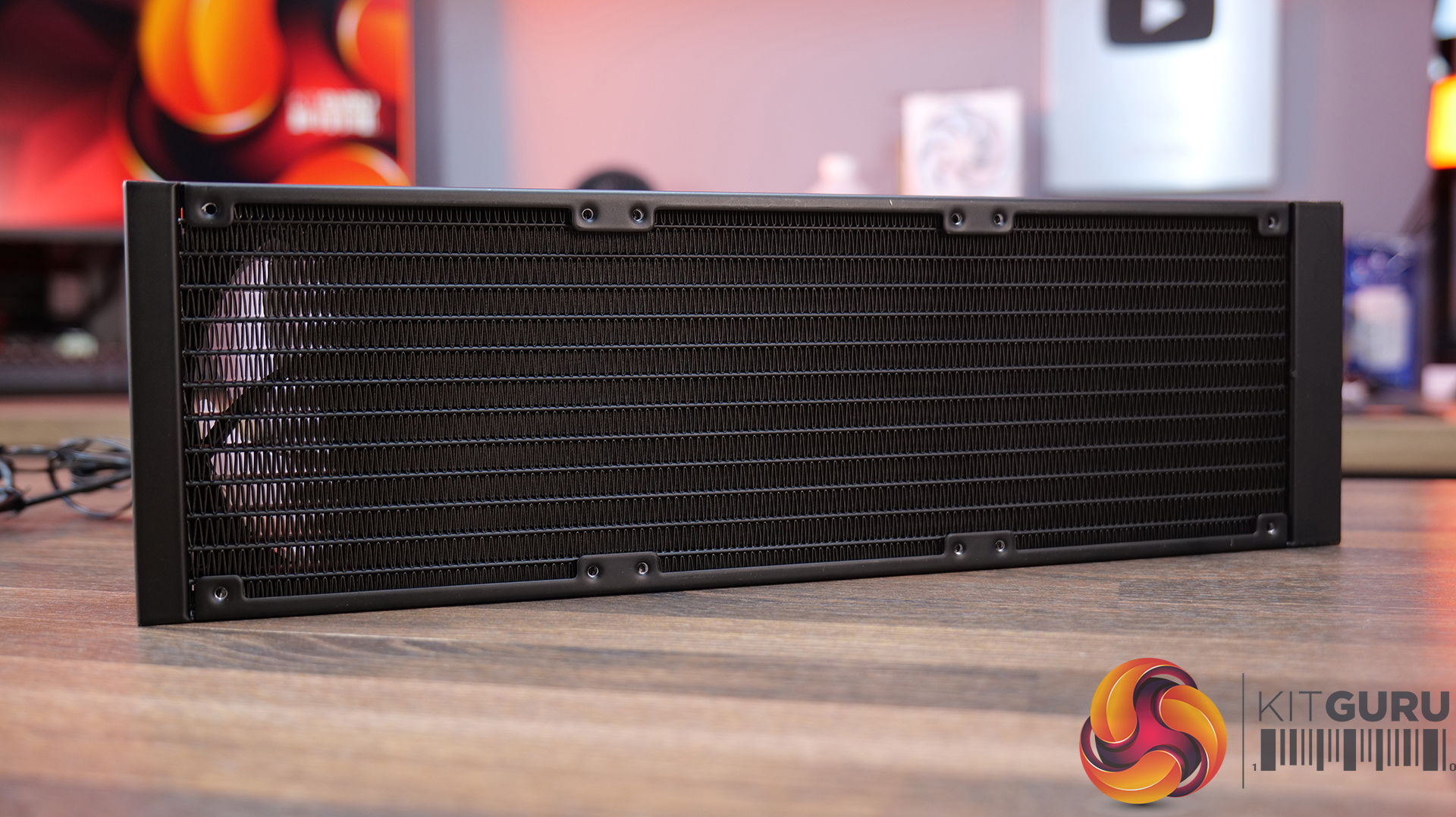
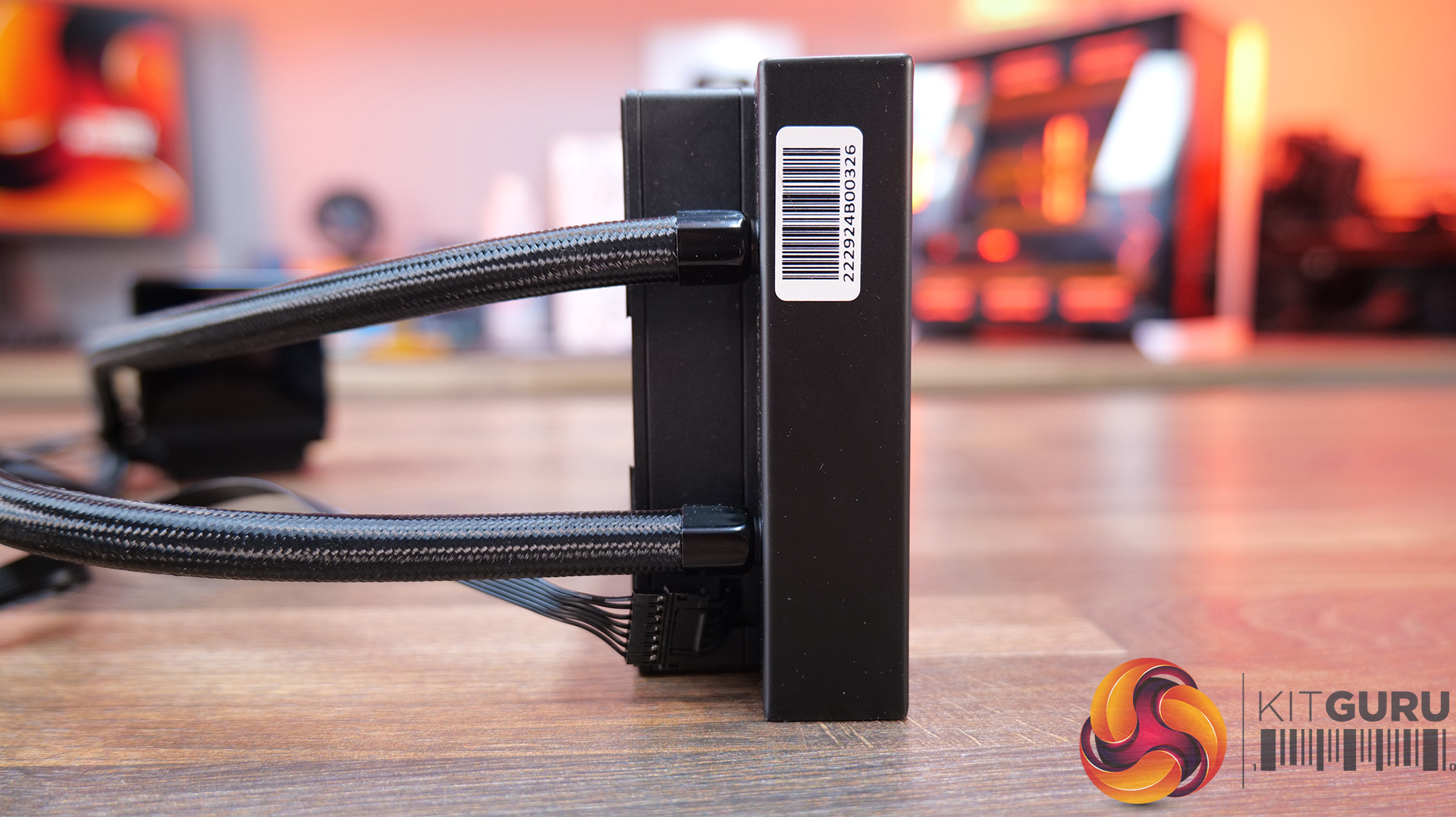
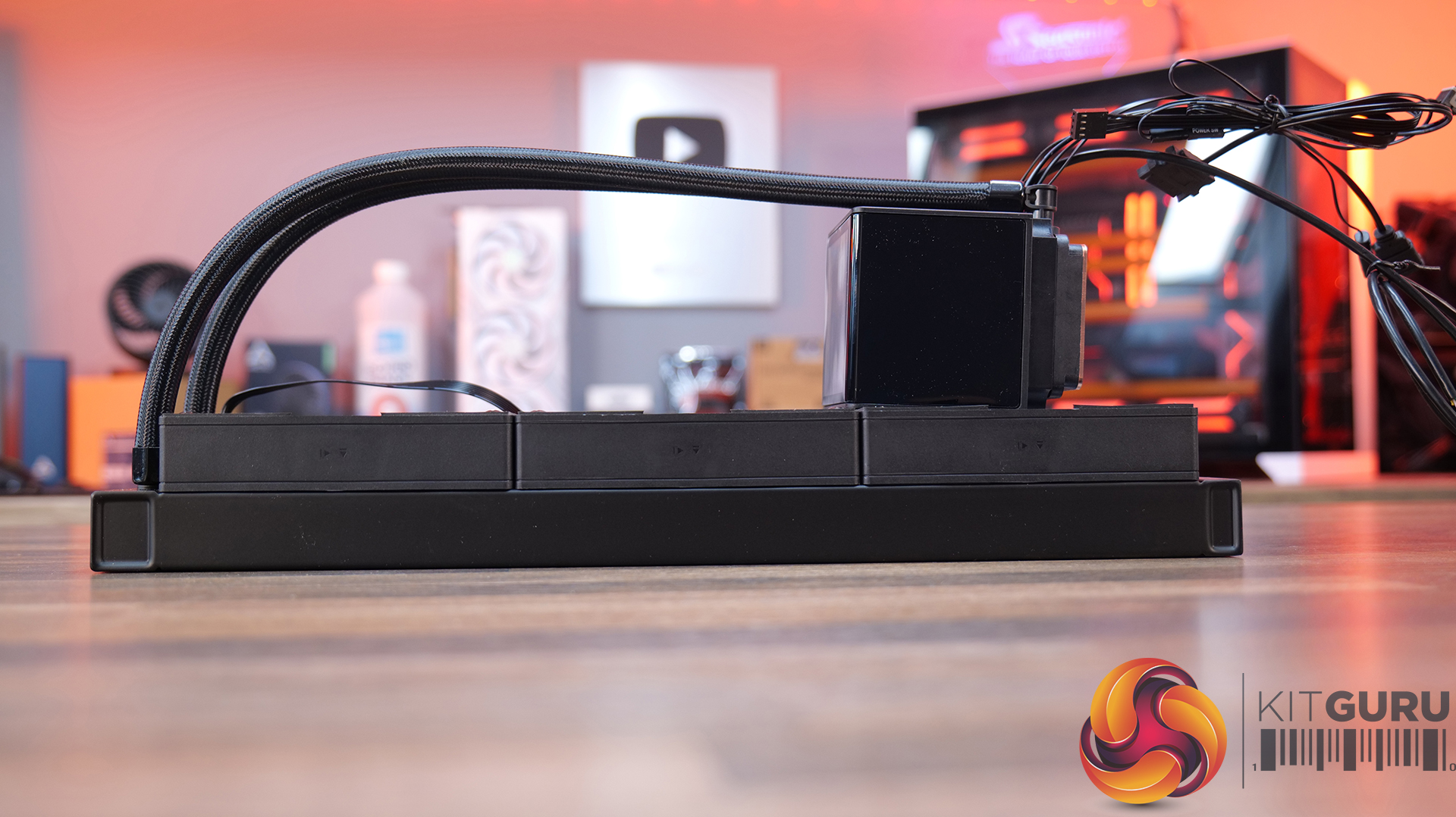
The radiator used in the Gamdias CHIONE P5 is a standard 27mm thick aluminium radiator, very common in closed-loop AIO systems. It has a dense fin pitch, low evaporation rubber tubing with braided sleeving is fixed at the radiator side and the radiator is covered in a smooth satin finish black coating that looks high quality.
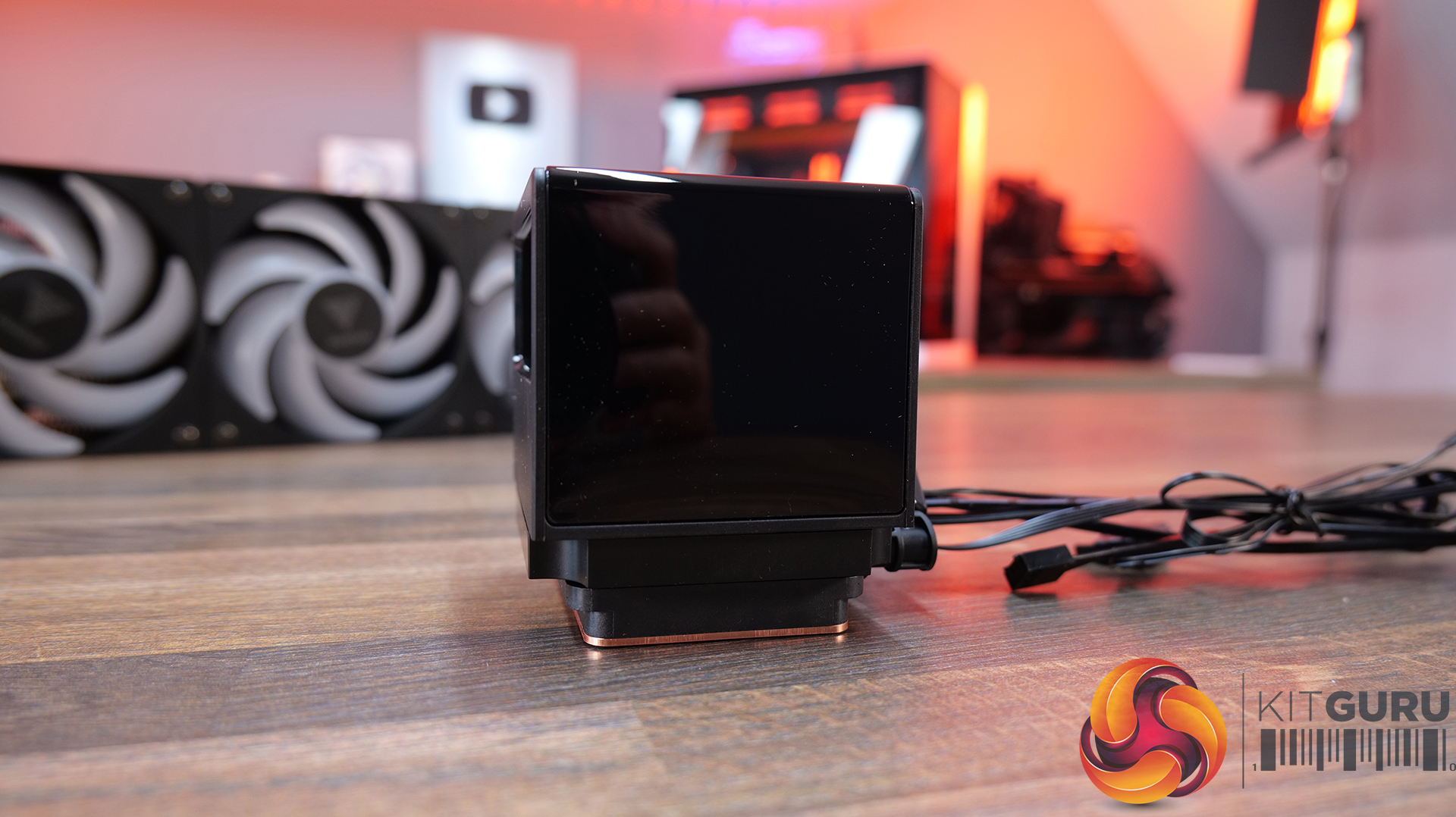
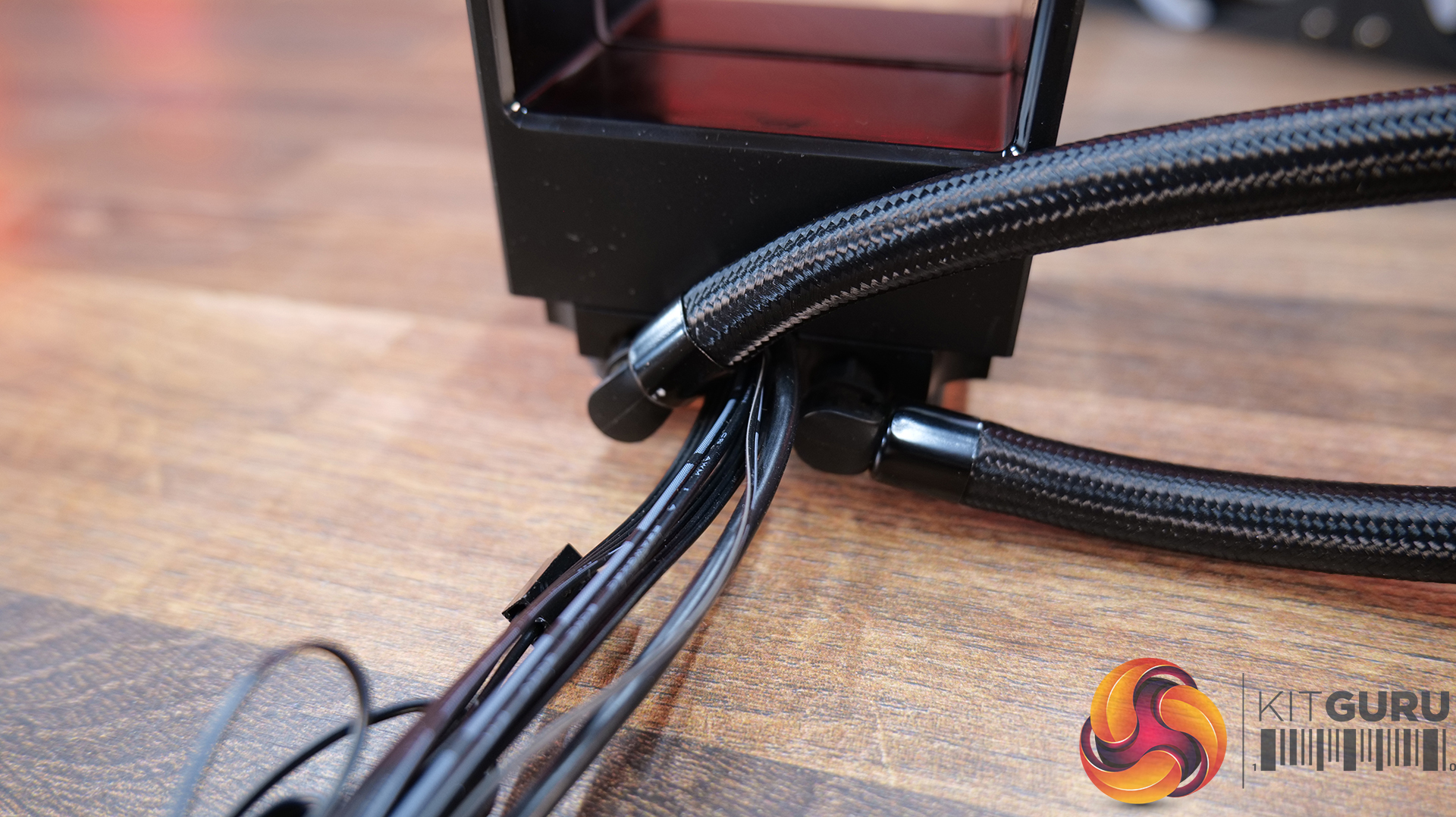
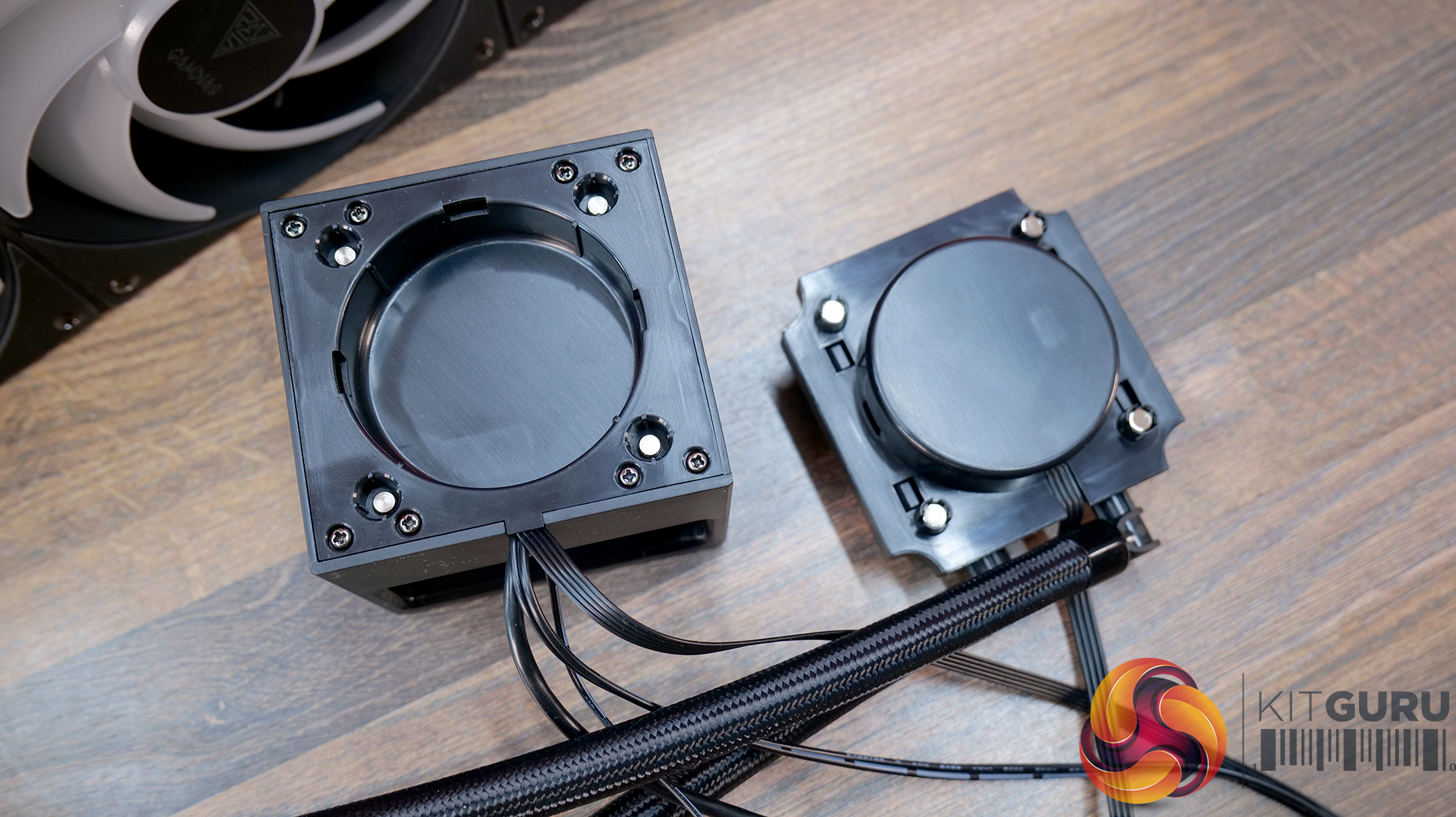
With the screen fitted, the CPU block is quite large. The 3.4-inch IPS LCD screen features 480×480 resolution and a 60Hz refresh rate. It is removable and attaches to the CPU block magnetically. Tubing enters the CPU block on 90-degree rotary fittings, while the cold plate base is manufactured from micro-skived copper.
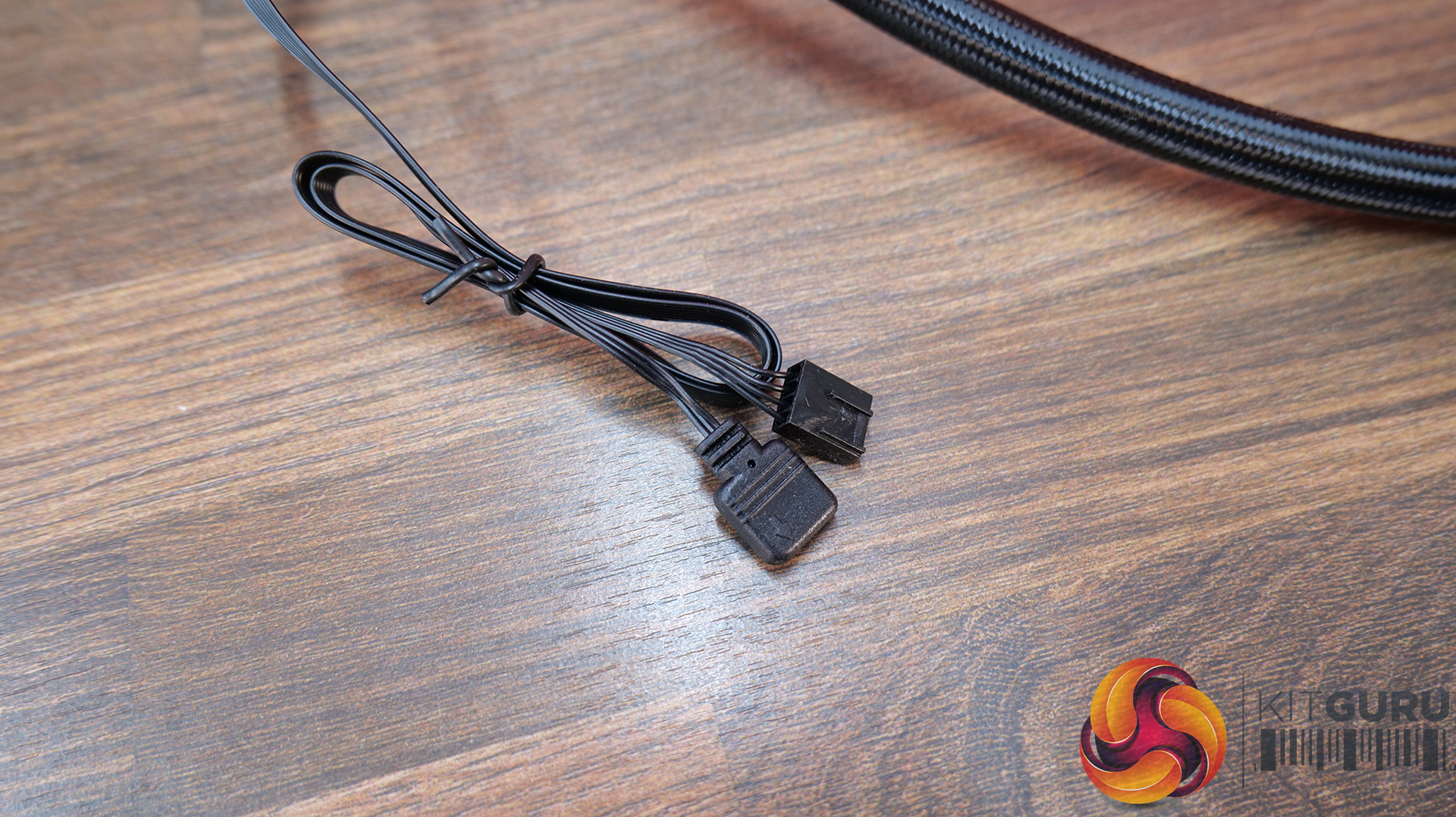
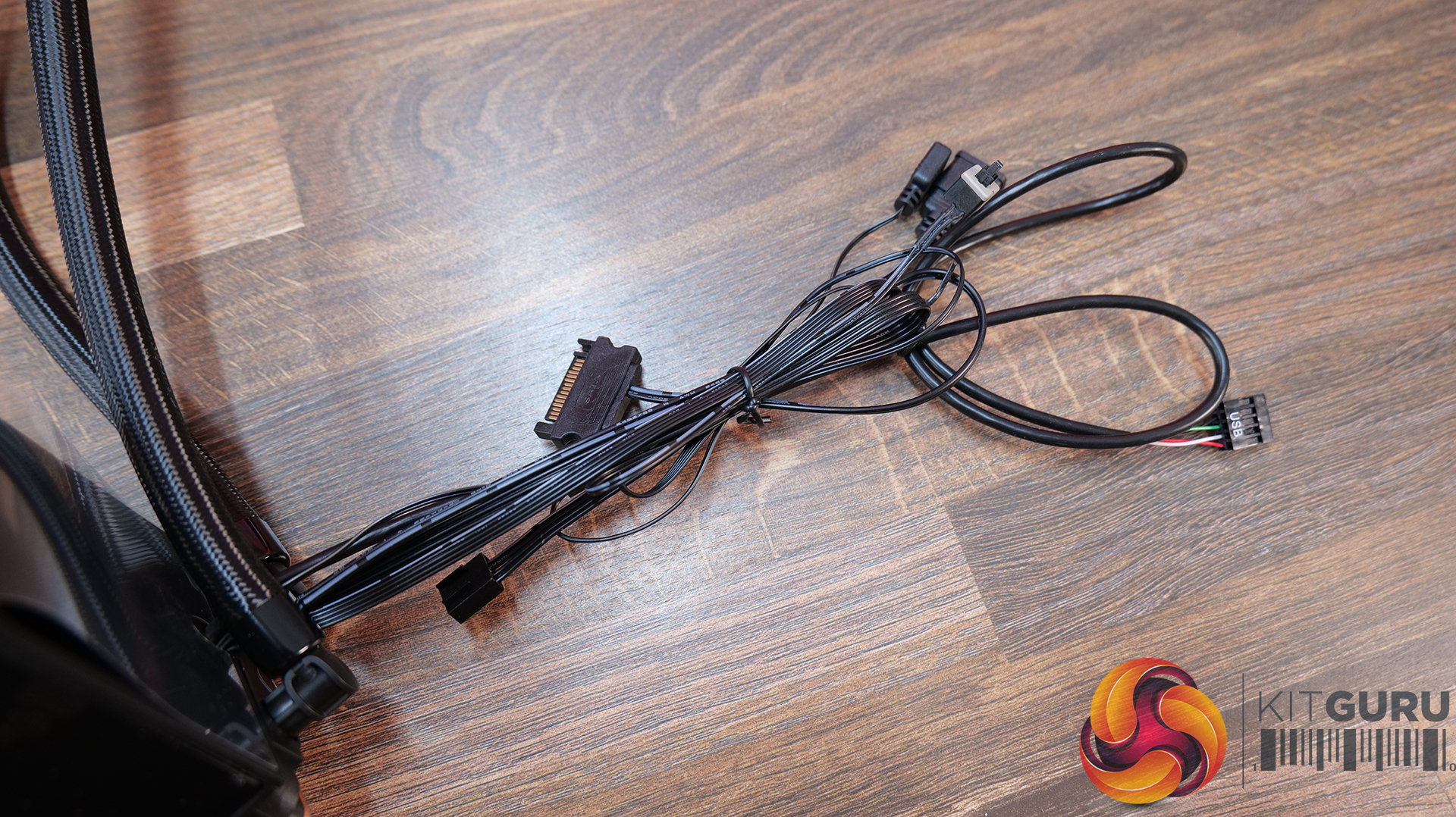
Gamdias uses all standard wiring connections in the CHIONE P5 so the pump and fans connect directly to 4-pin PWM headers and the ARGB lighting uses 3-pin 5V connections, however, there are also SATA power, a USB 2.0 motherboard header connection and a microswitch to scroll through preset ARGB options, so the wiring is quite bulky and could be difficult to manage and make a neat looking finish when installed.
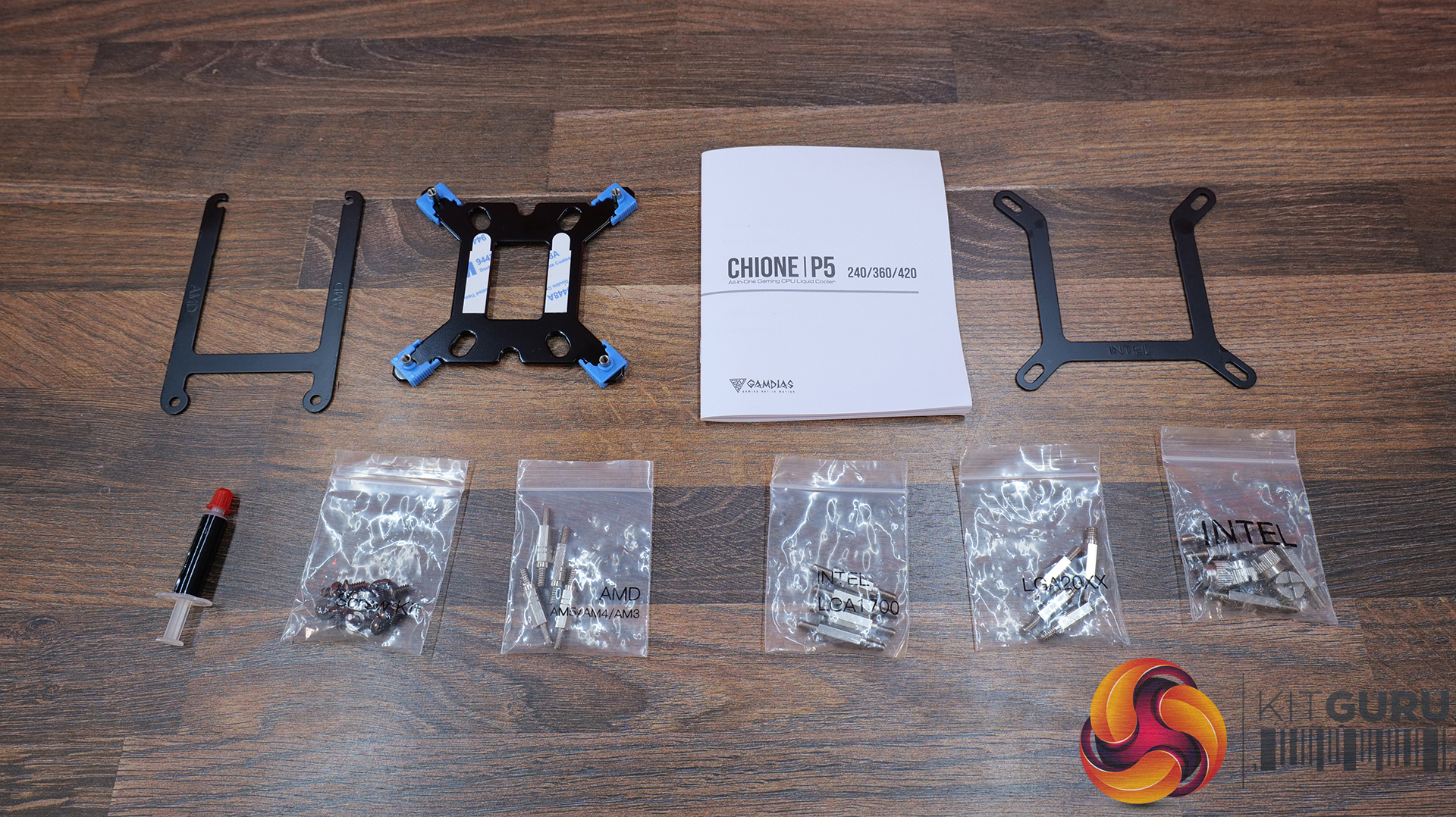
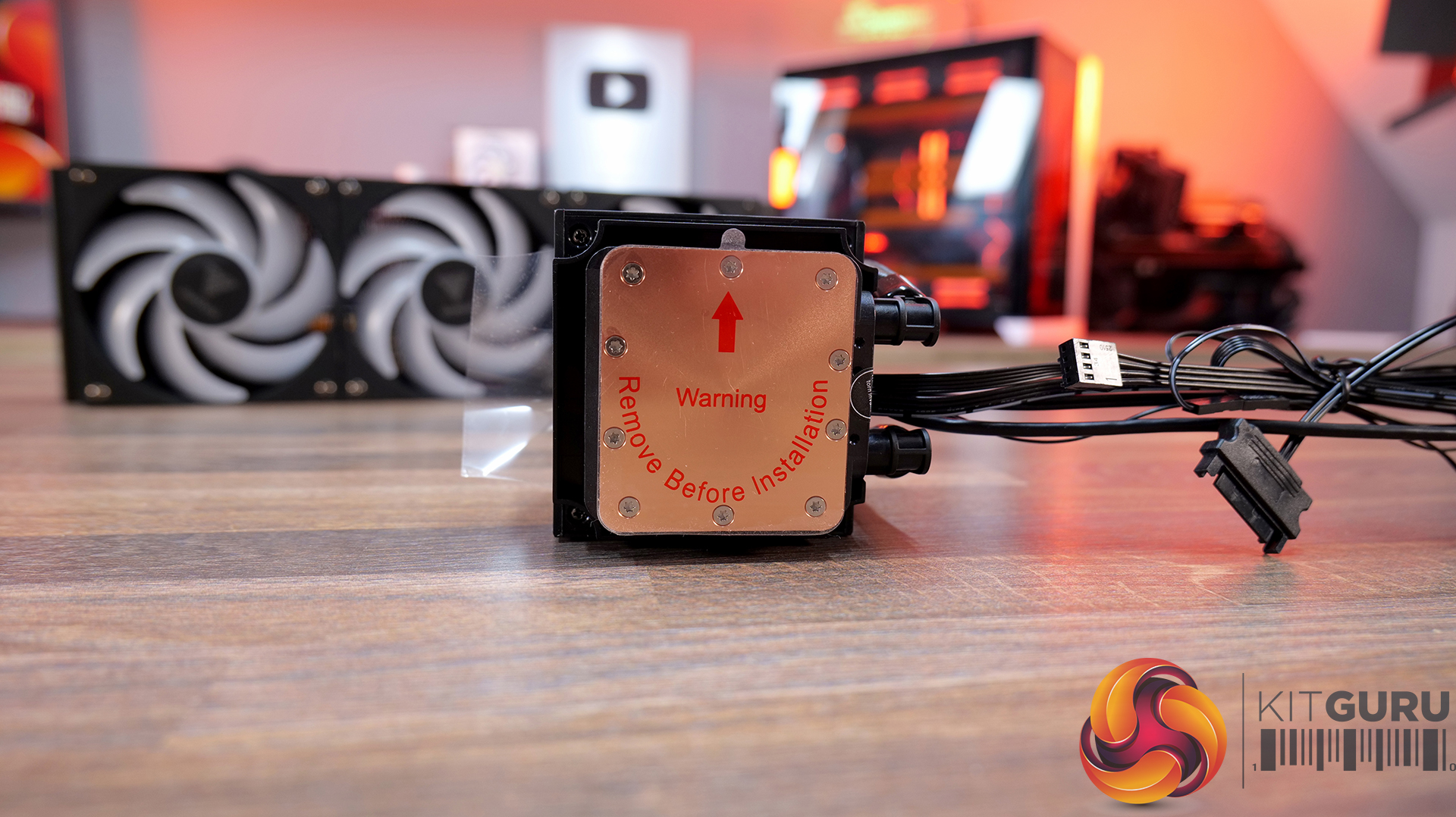
Included with the cooler is all the installation hardware needed to install the CHIONE P5 on all current Intel and AMD desktop CPUs, including Intel LGA 1851/1700 and older, plus AMD AM5/4/3/2 and FM1/2. Also included is a tube of thermal compound, as there is none pre-applied to the cold plate and the physical installation guide.
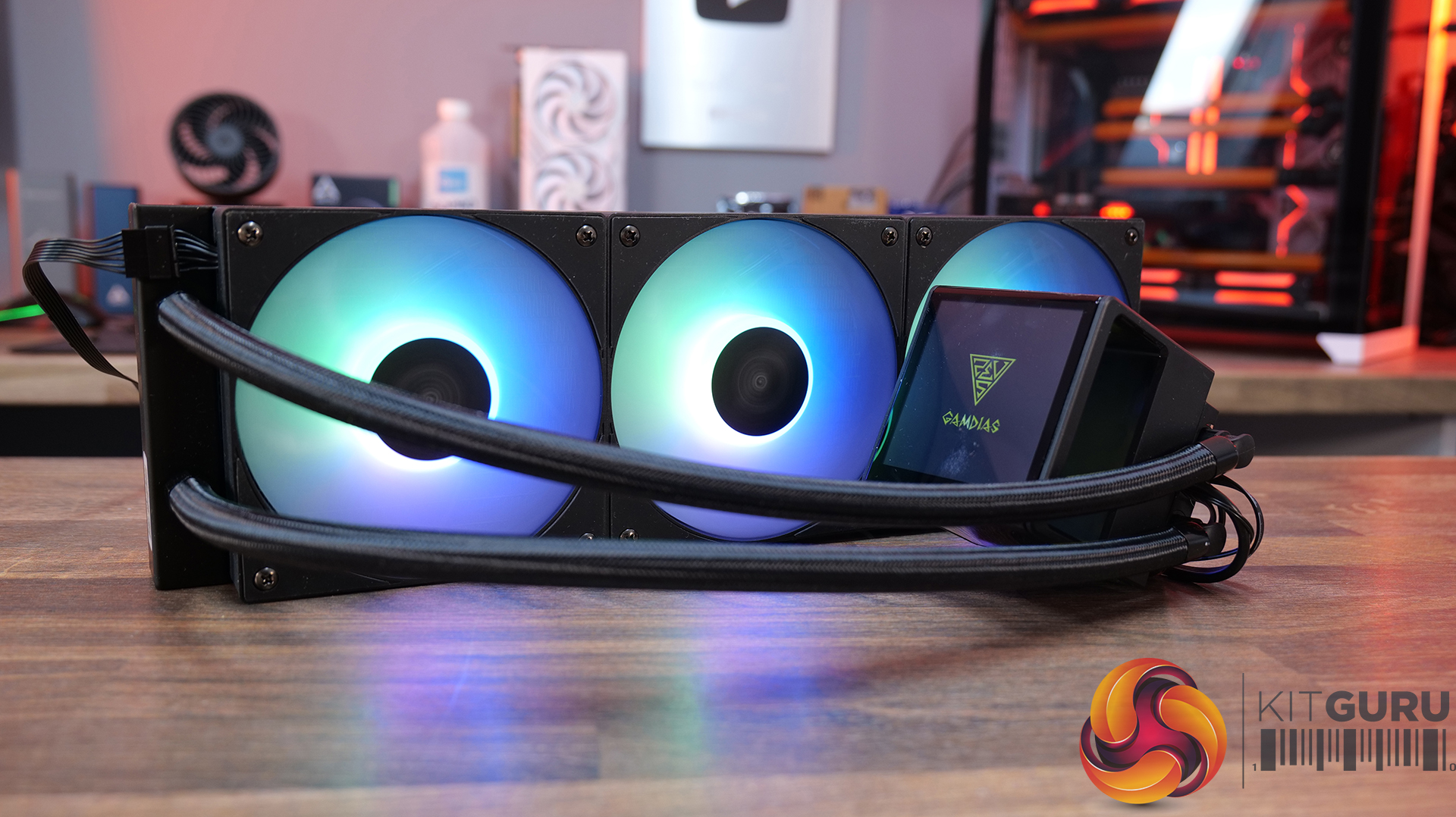
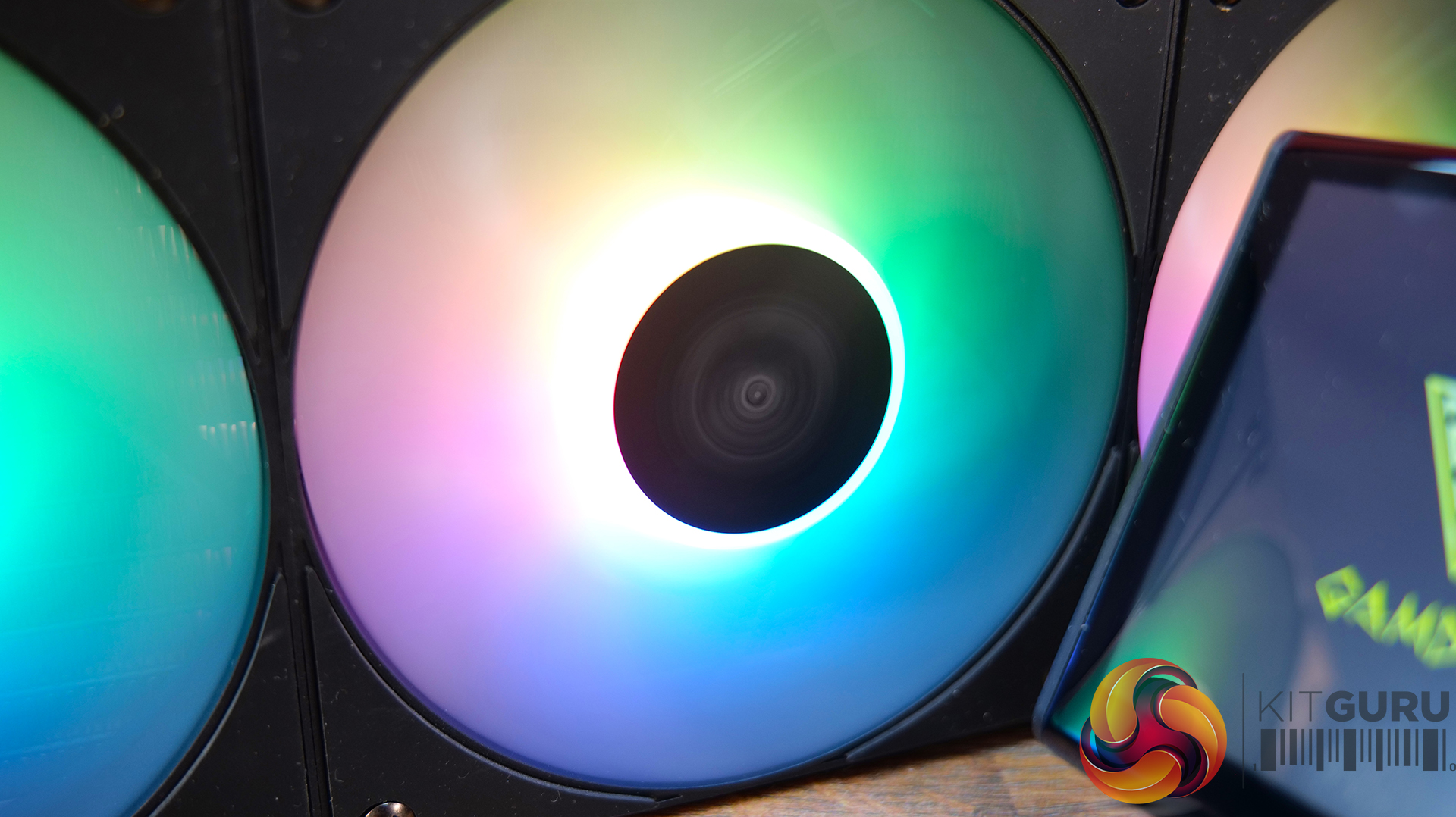
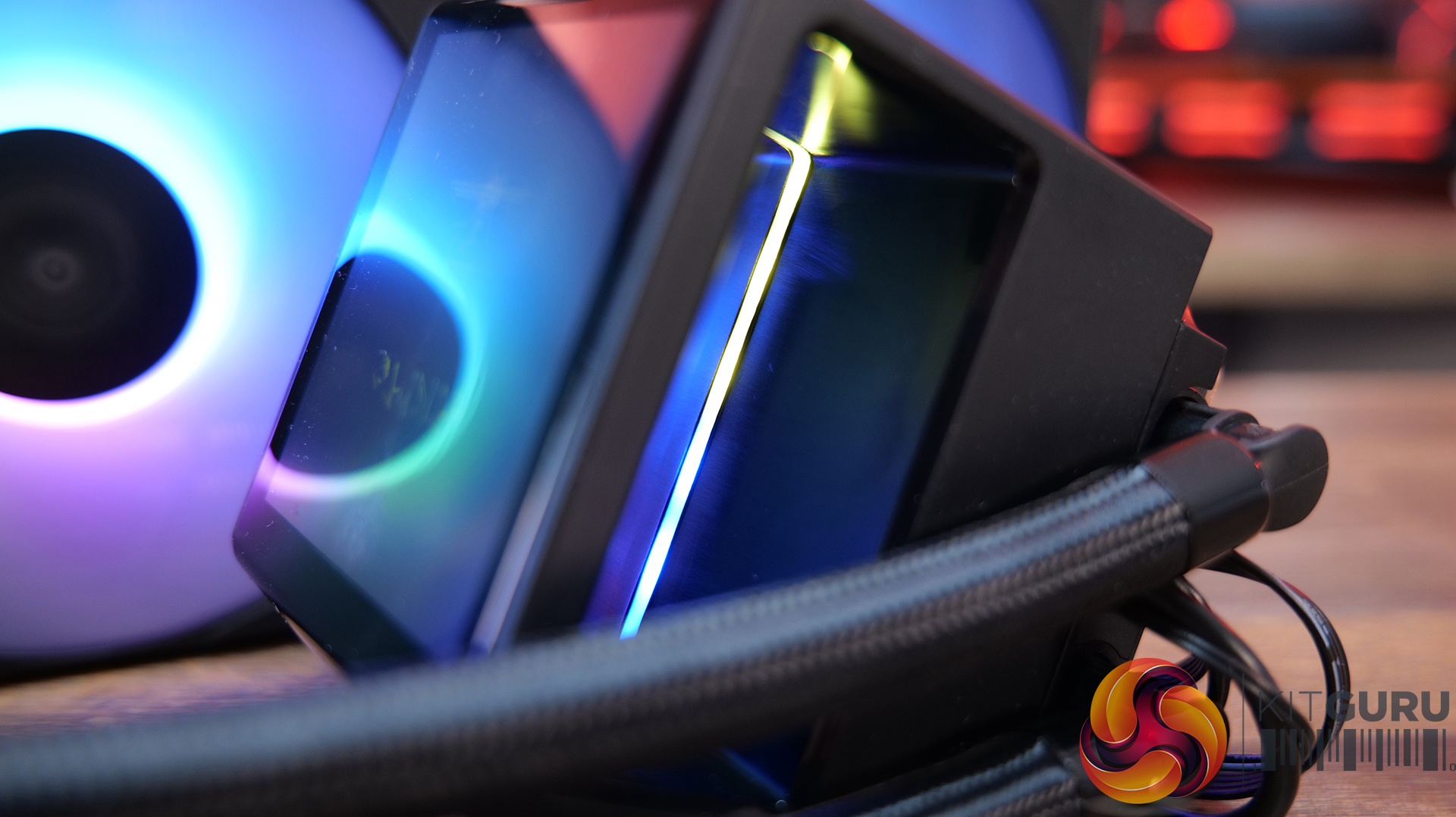
When the cooler is powered up the fan blades illuminate in ARGB lighting, there's a small line of RGB under the LCD screen, which gives a nice glow and the screen powers up when USB is connected to the motherboard. The ARGB lighting effects on the fans are good, it's bright, well diffused and there's little light bleed from individual LEDs.
Our test system uses an ASRock Phantom Gaming X870E Nova WiFi motherboard, so I'll quickly run you through the installation process on AM5. The installation process for AM4 will be the same, Intel is slightly different as it requires a Gamdias backplate to be installed; however the cooling hardware installation is simple on either platform. There is a lot of wiring, so cable management can be tricky.
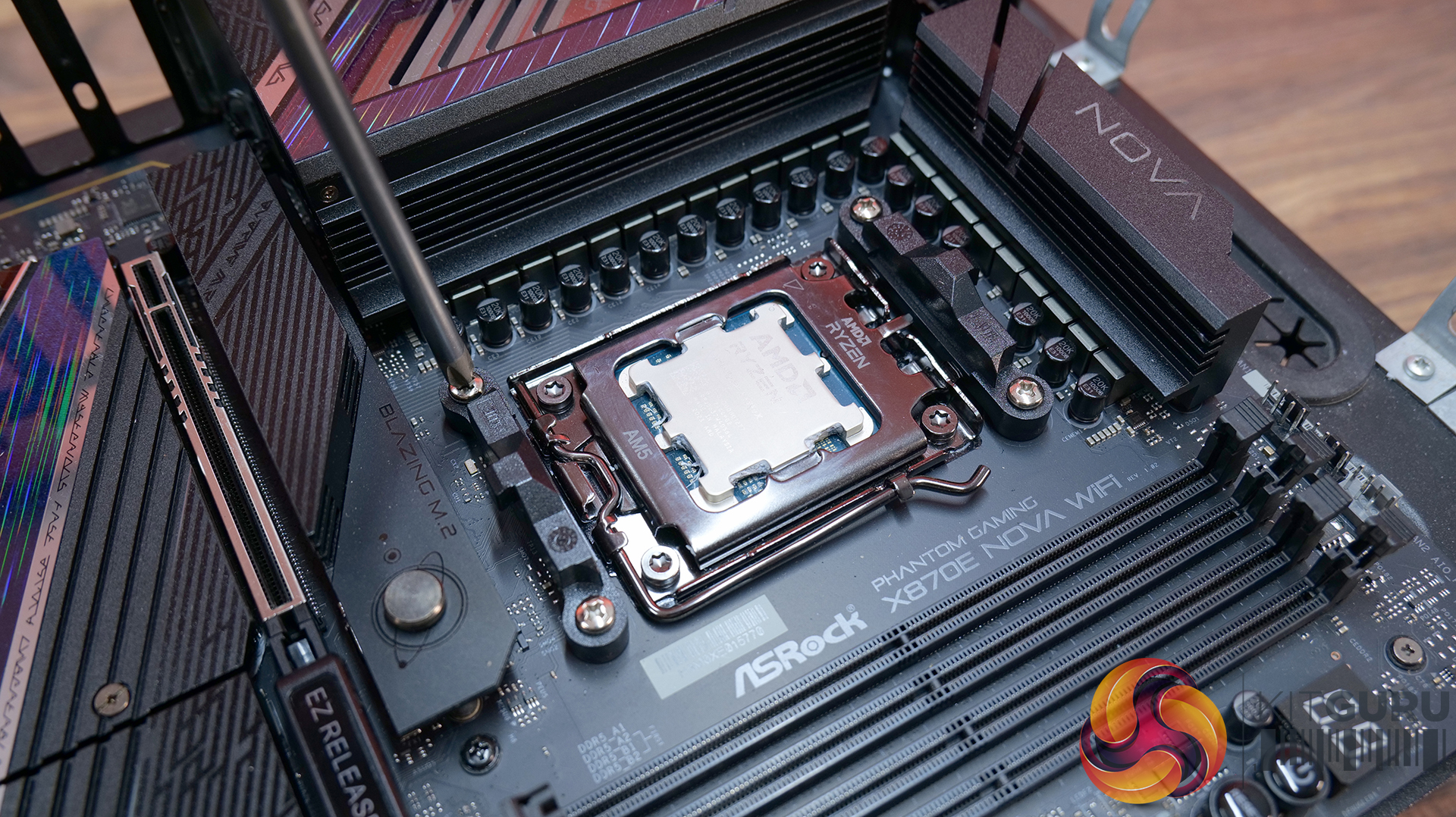
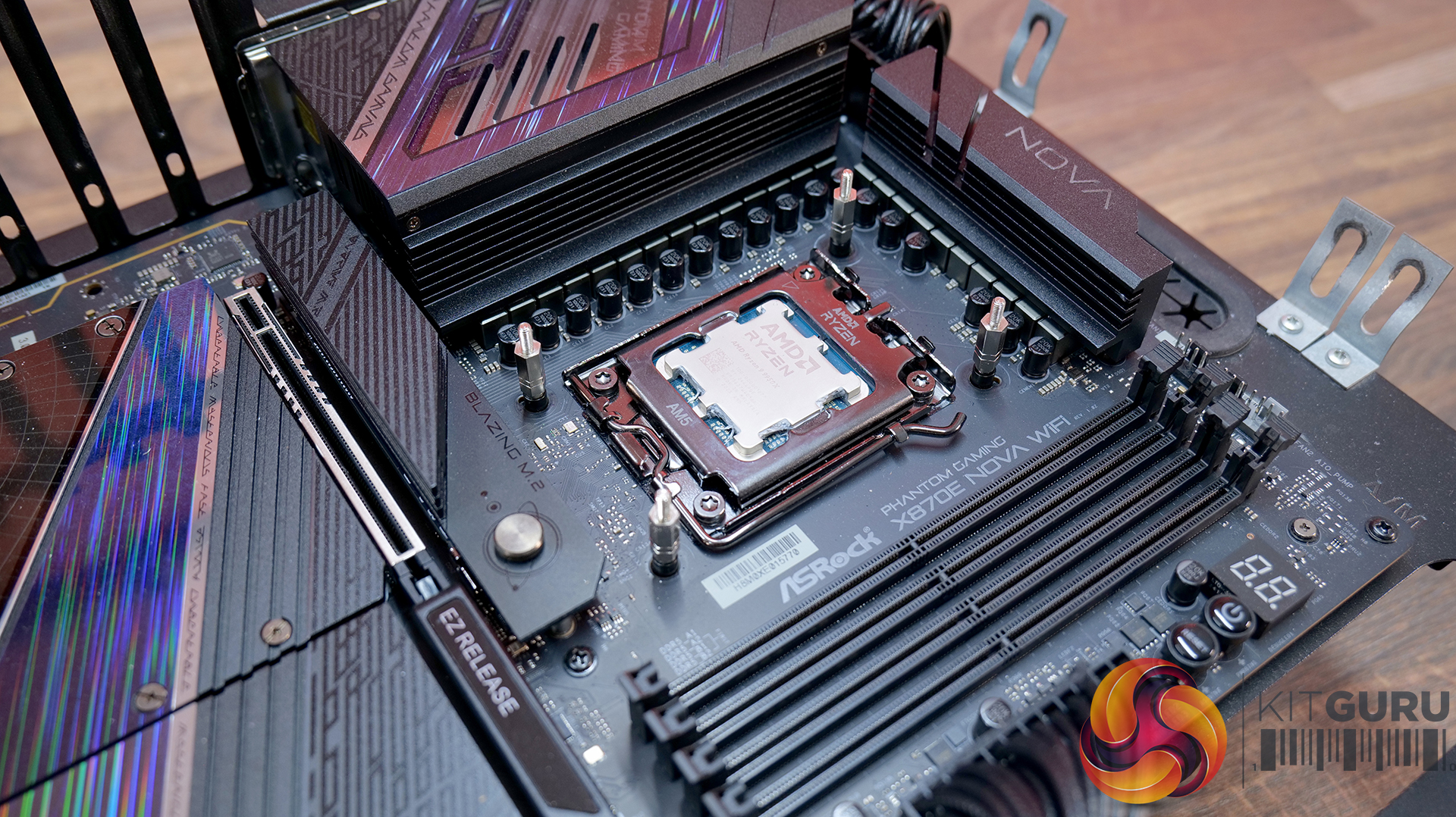
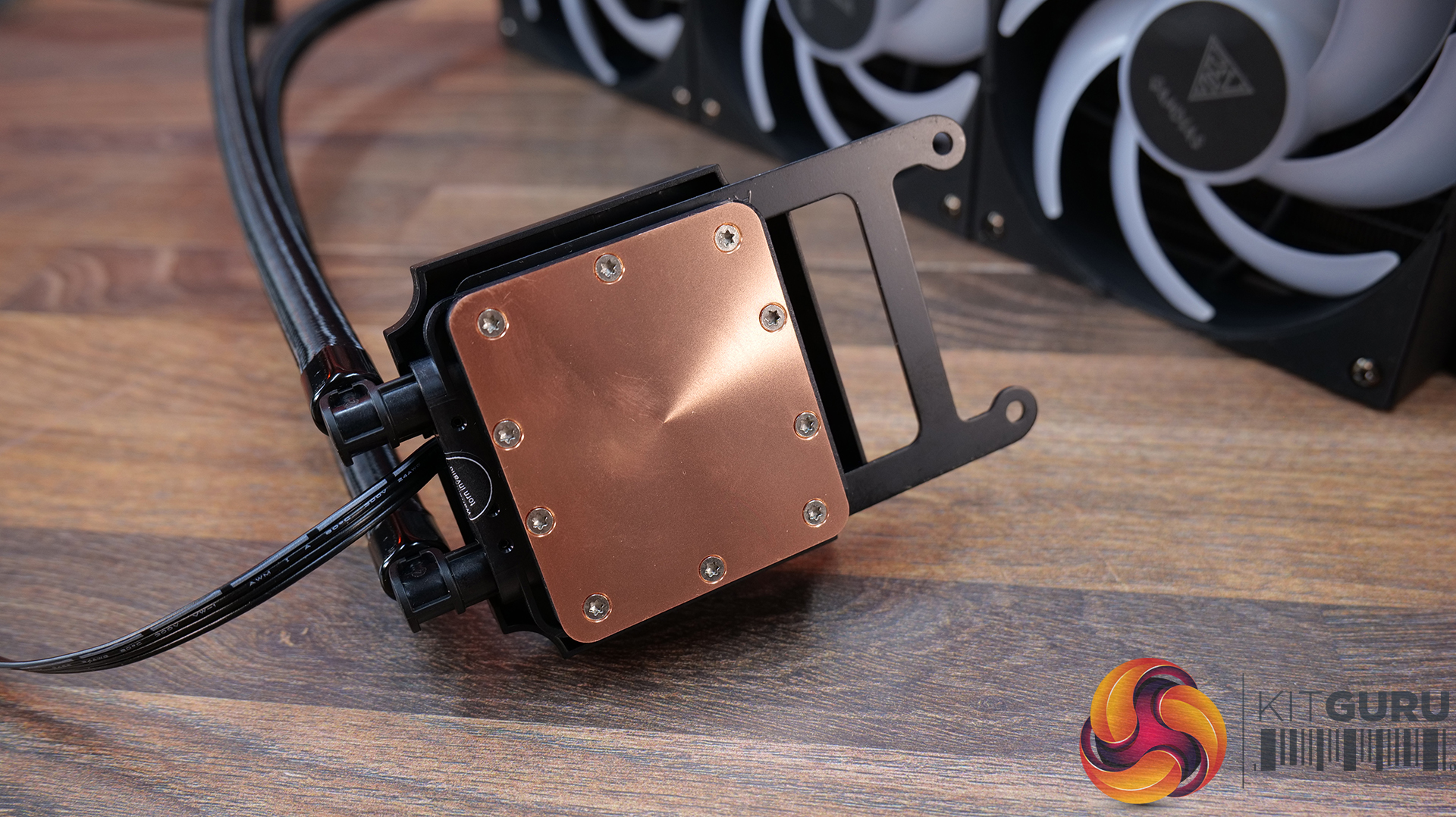
AM5 installation requires the stock motherboard plastic upper retaining brackets to be removed. The cooler ships with no CPU block mount attached so the correct one needs to be installed and the correct standoffs for your motherboard can be screwed into the backplate.
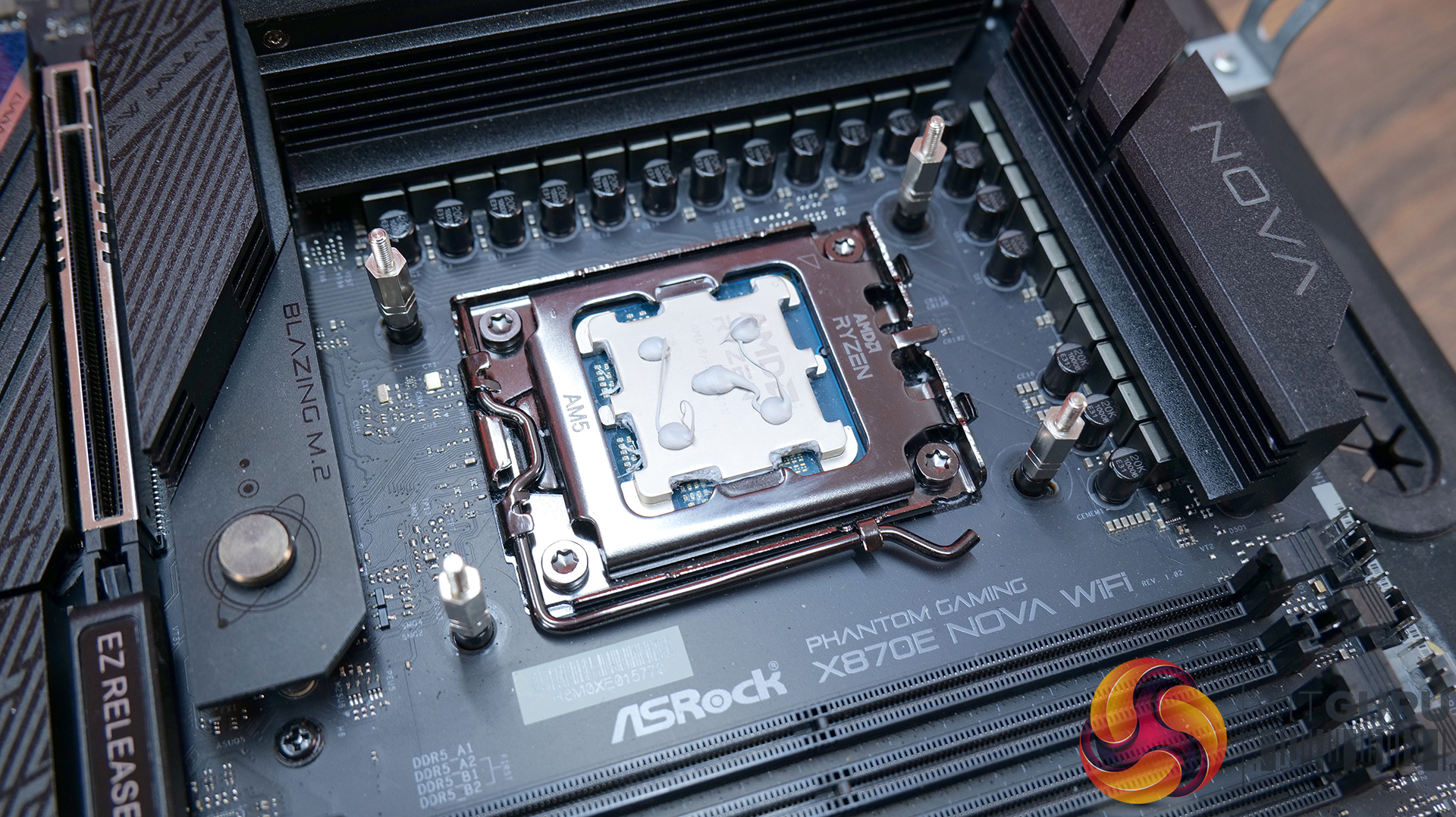
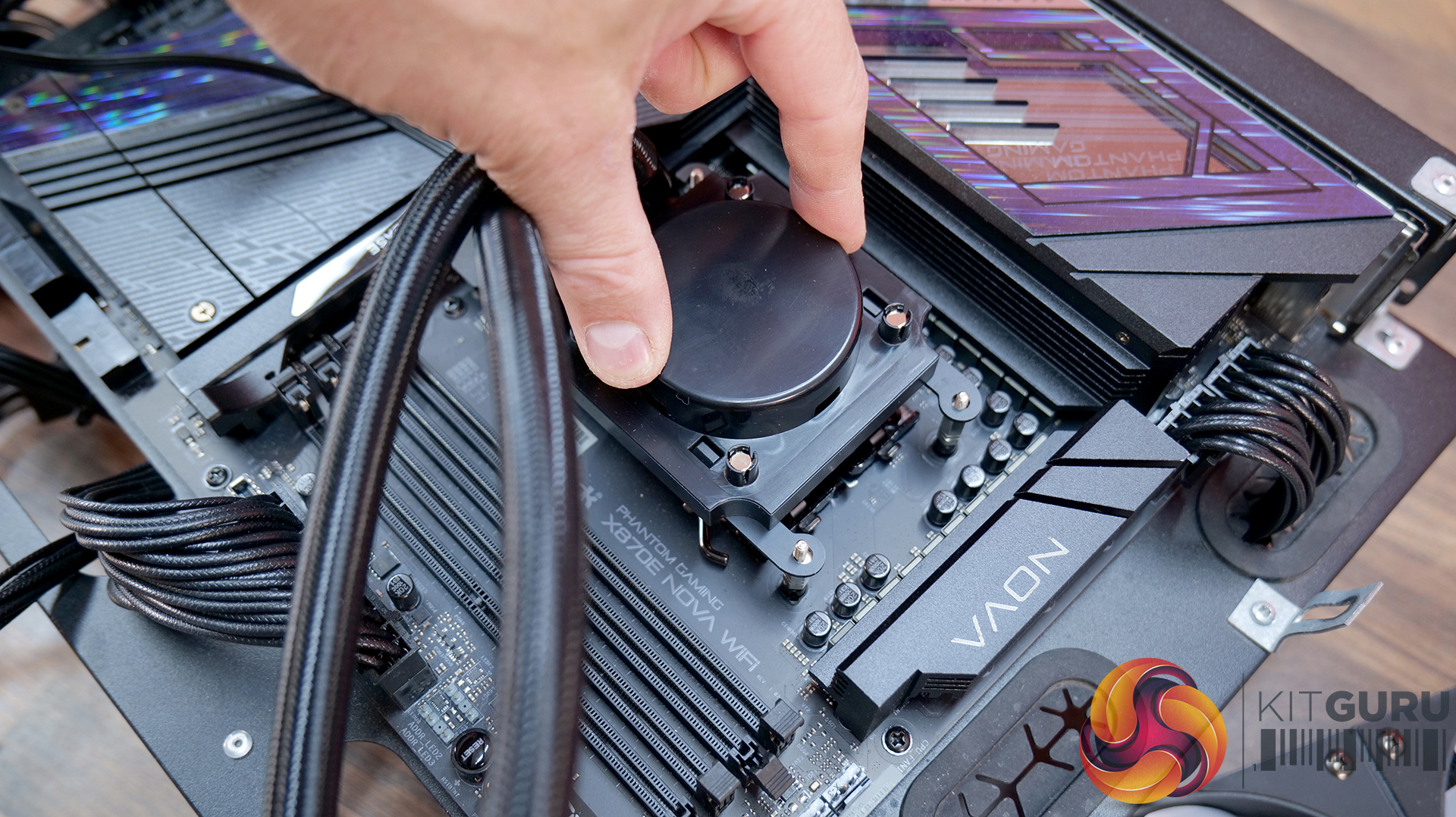
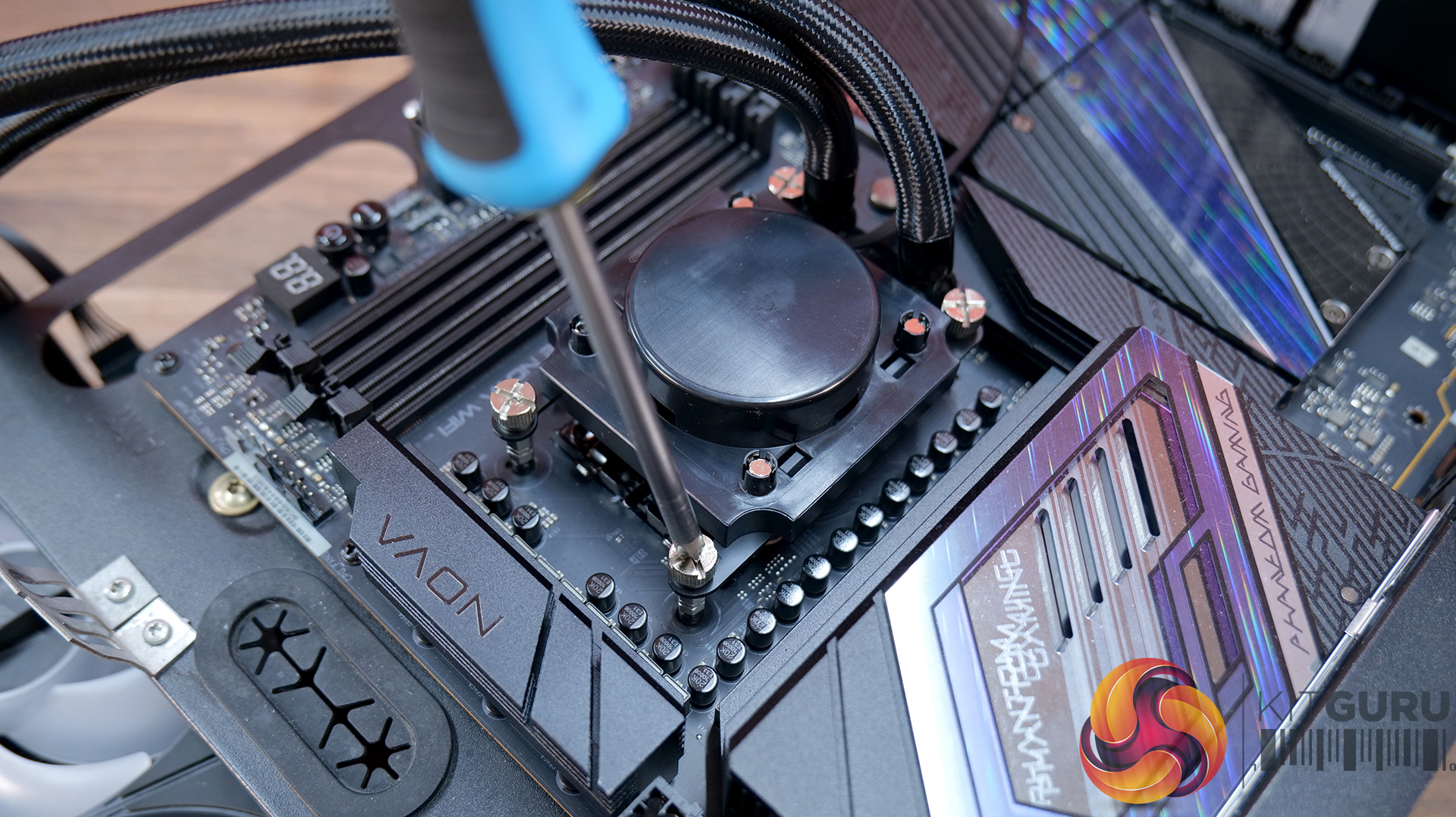
Thermal compound must be manually applied to the CPU IHS by the user as there isn’t any pre-applied thermal compound on the base of the CPU block from the factory. Once the thermal compound is applied, the CPU block can be fastened down using the four thumbscrews screws. For even contact between the CPU block and the CPU IHS, it's best to tighten the screws evenly and progressively a little at a time in an X shape pattern.
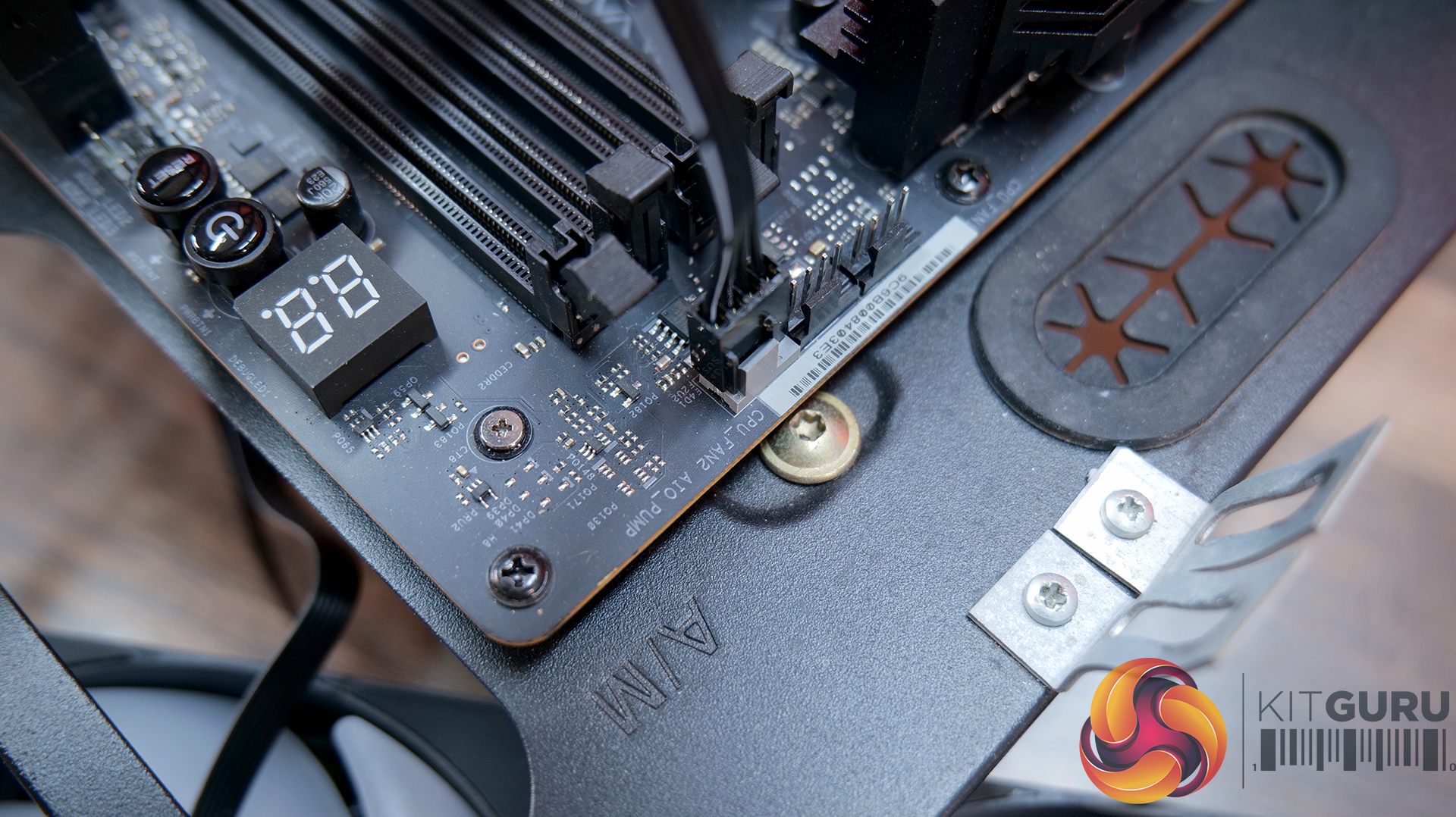
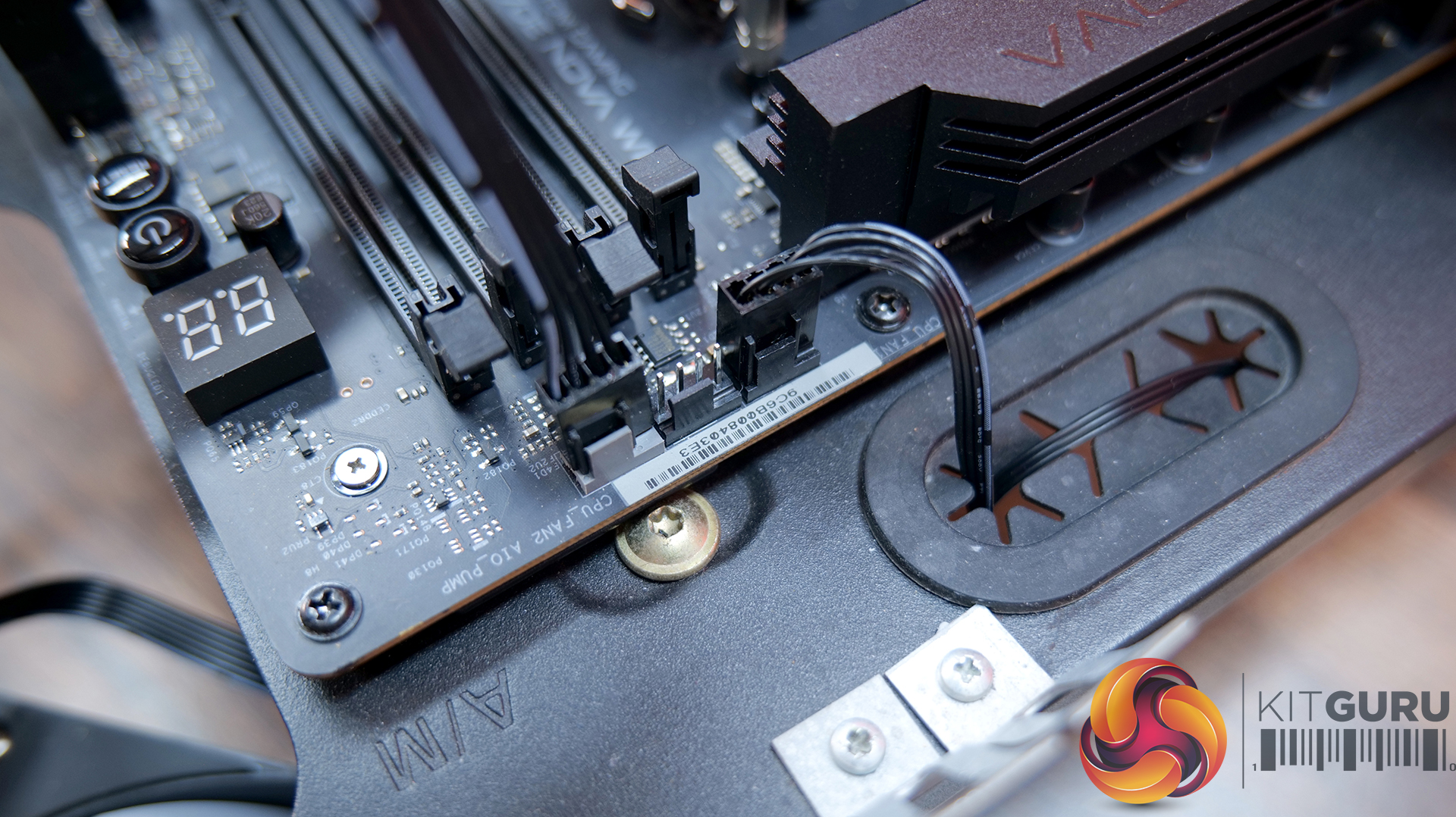
For the wiring, connect the 4-pin PWM pump power cable to a motherboard PWM fan header, usually labelled CPU_OPT or AIO_PUMP. Connect the 4-pin fan power cable to another motherboard PWM fan header, usually labelled CPU_FAN.
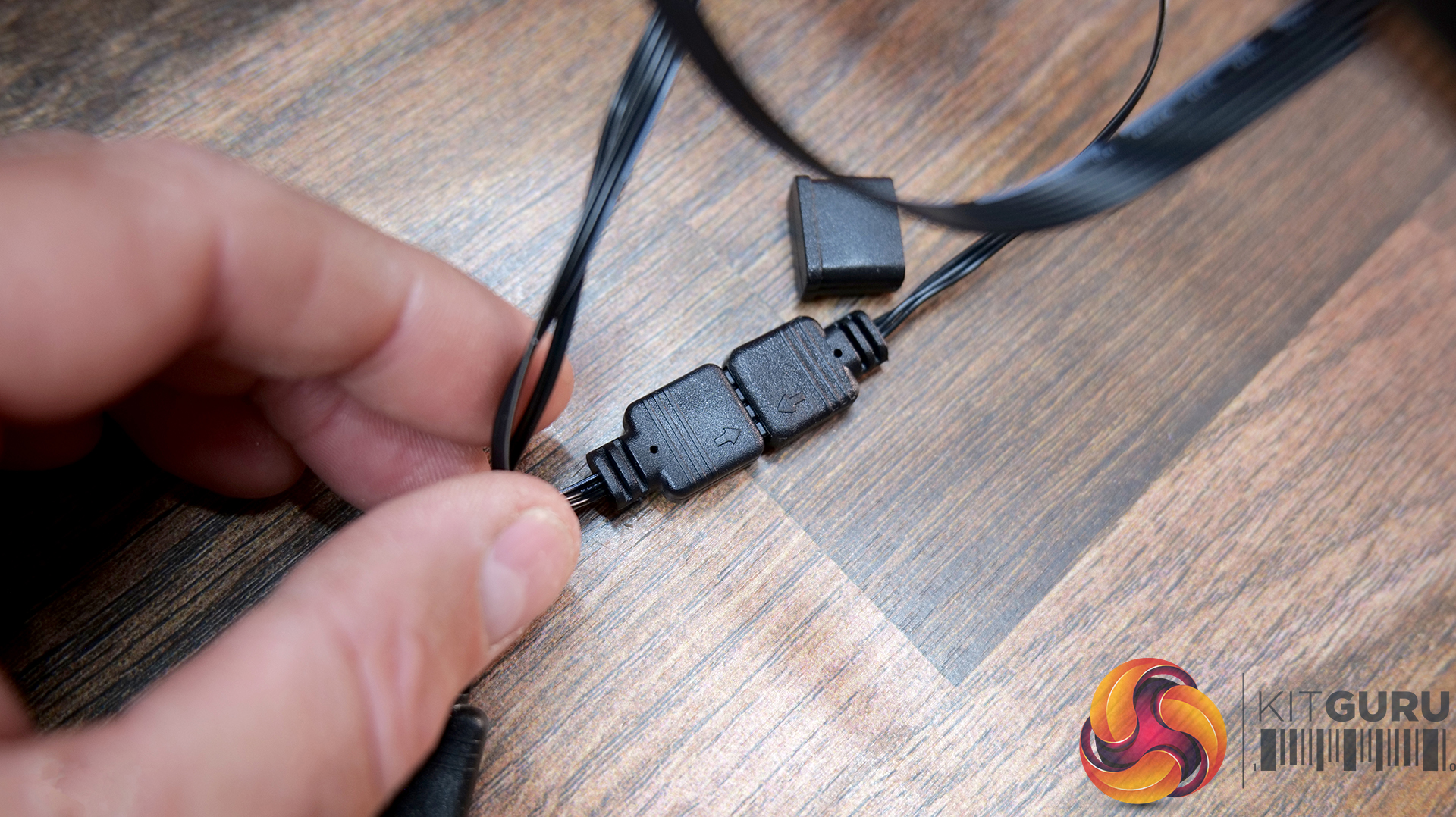
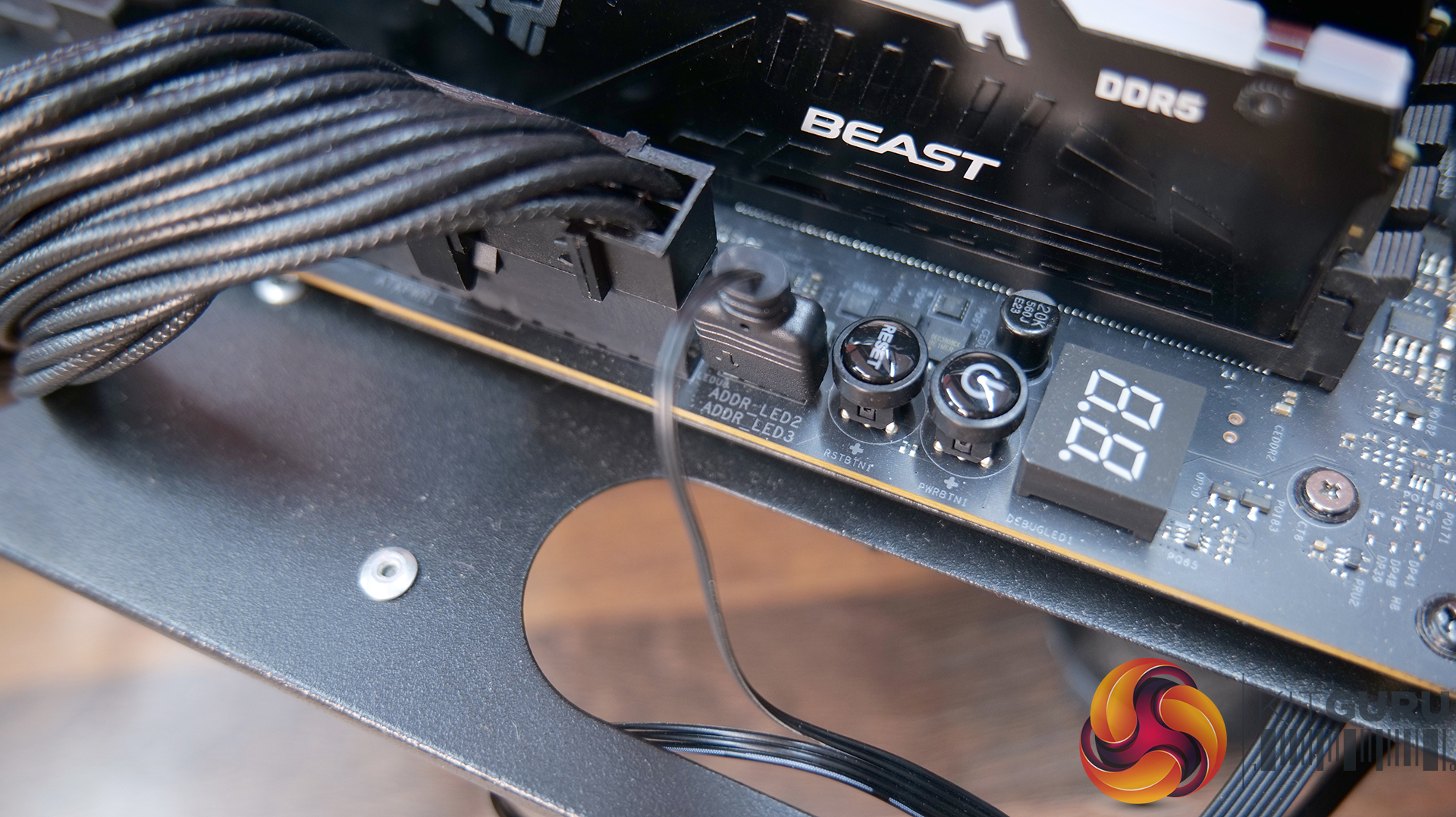
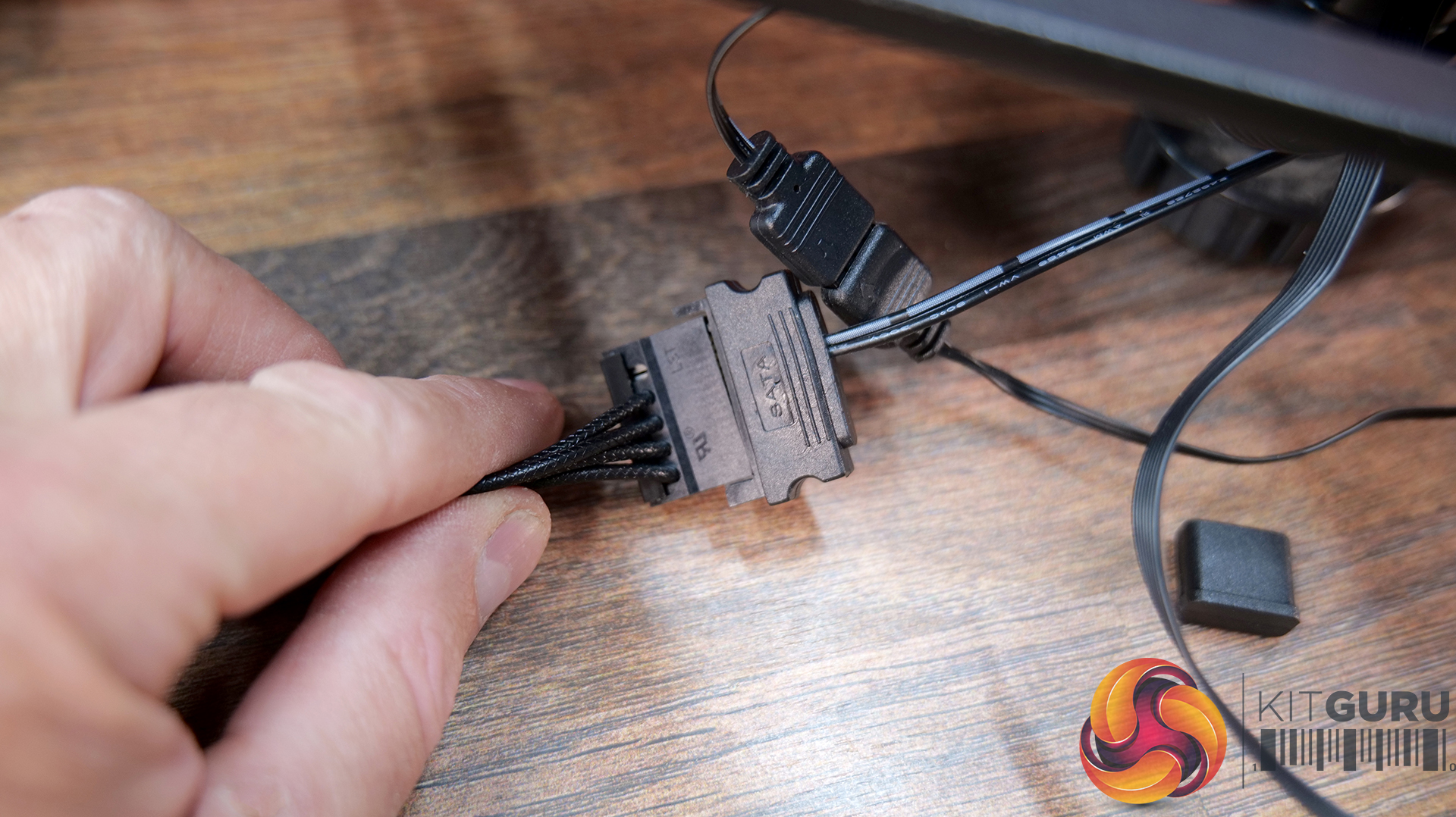
Then connect 3-pin ARGB cables in a daisy chain between the fans and CPU block, connect the female end to a motherboard 3-pin 5V ARGB header. The SATA power connector from the LCD screen needs to be connected to a spare SATA power from the power supply.
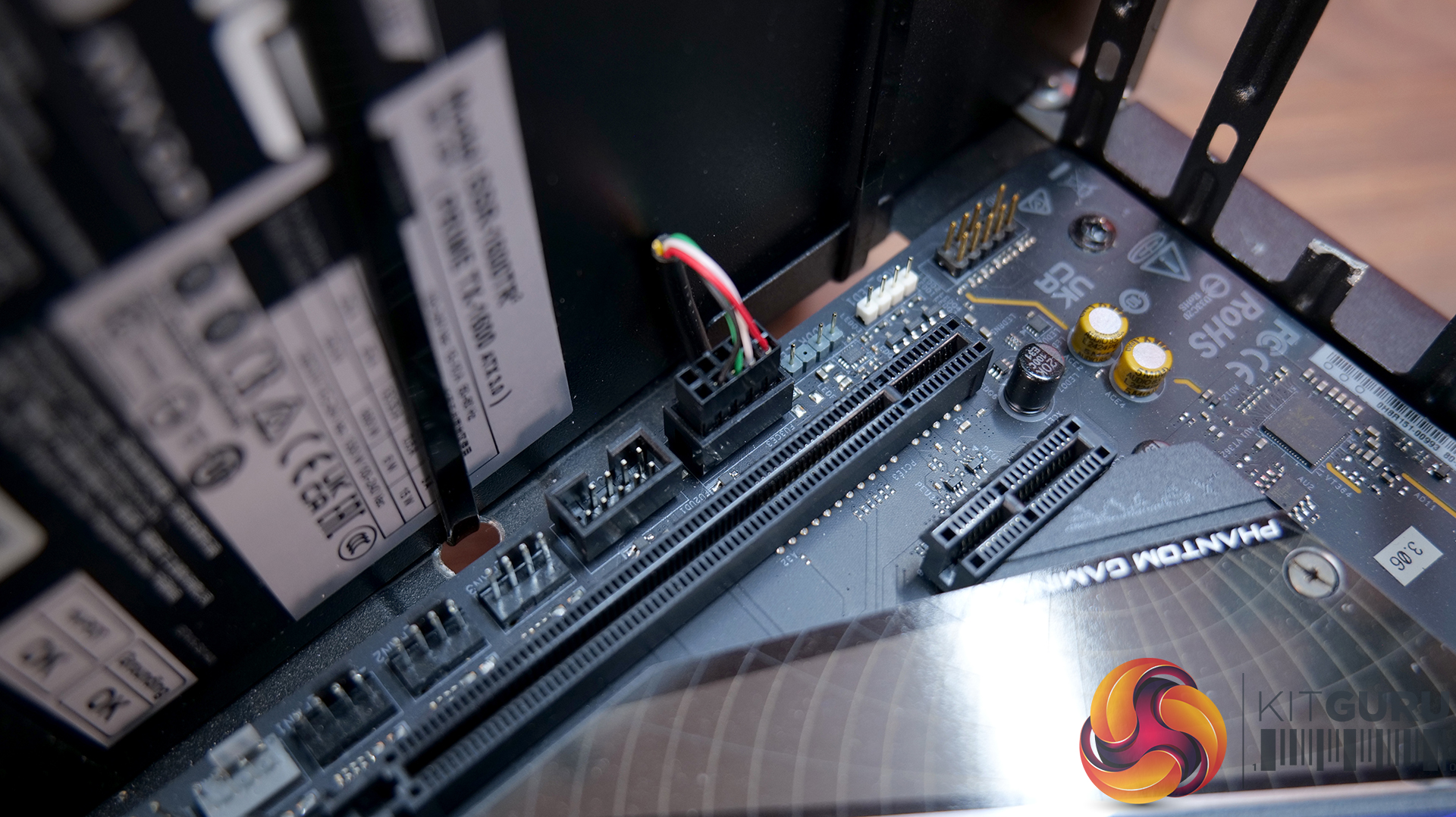
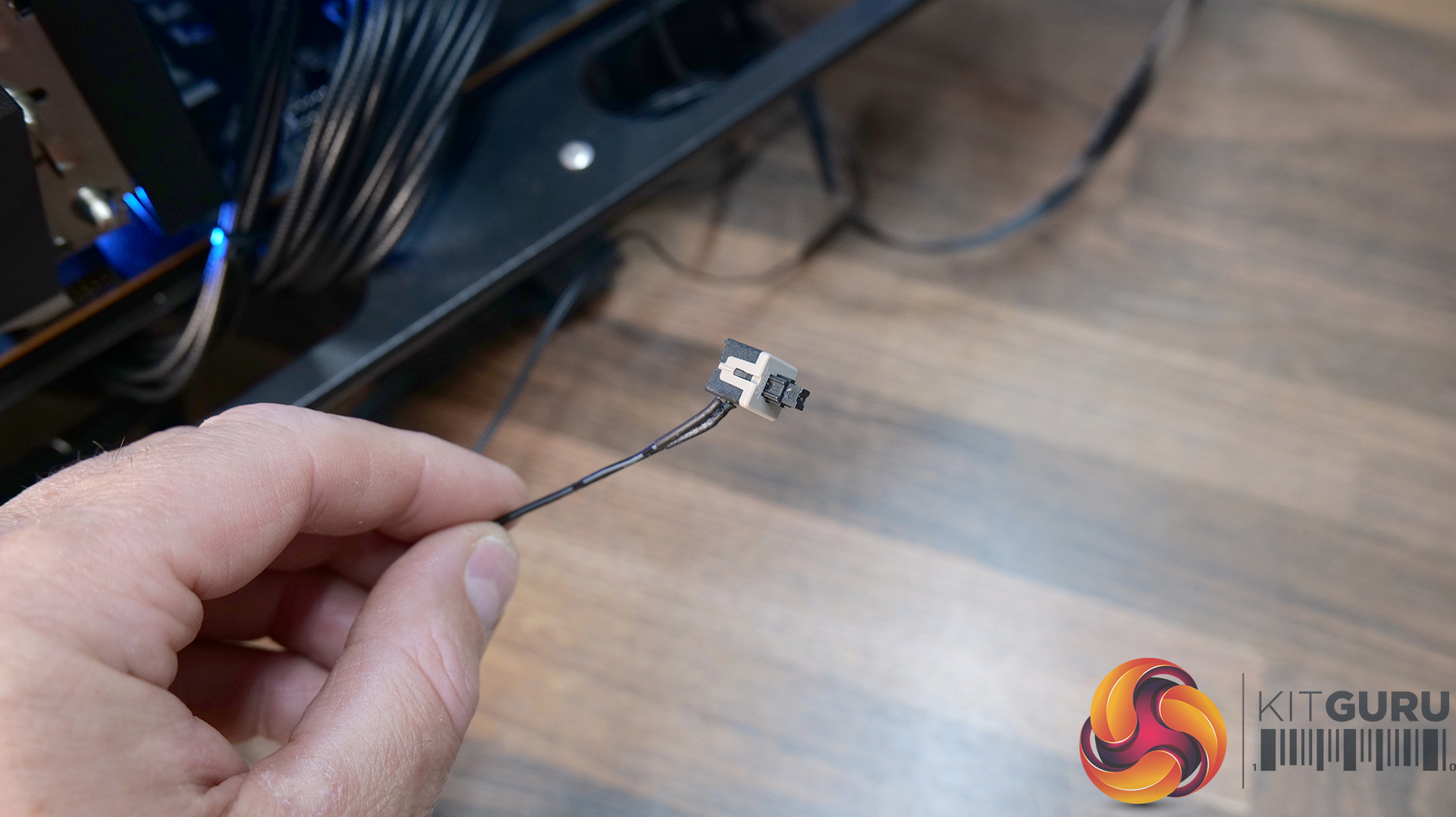
The USB connection is connected to a USB 2.0 motherboard header, and if you want to use the ARGB switch, it needs to be located somewhere inside the case that’s easy to reach.
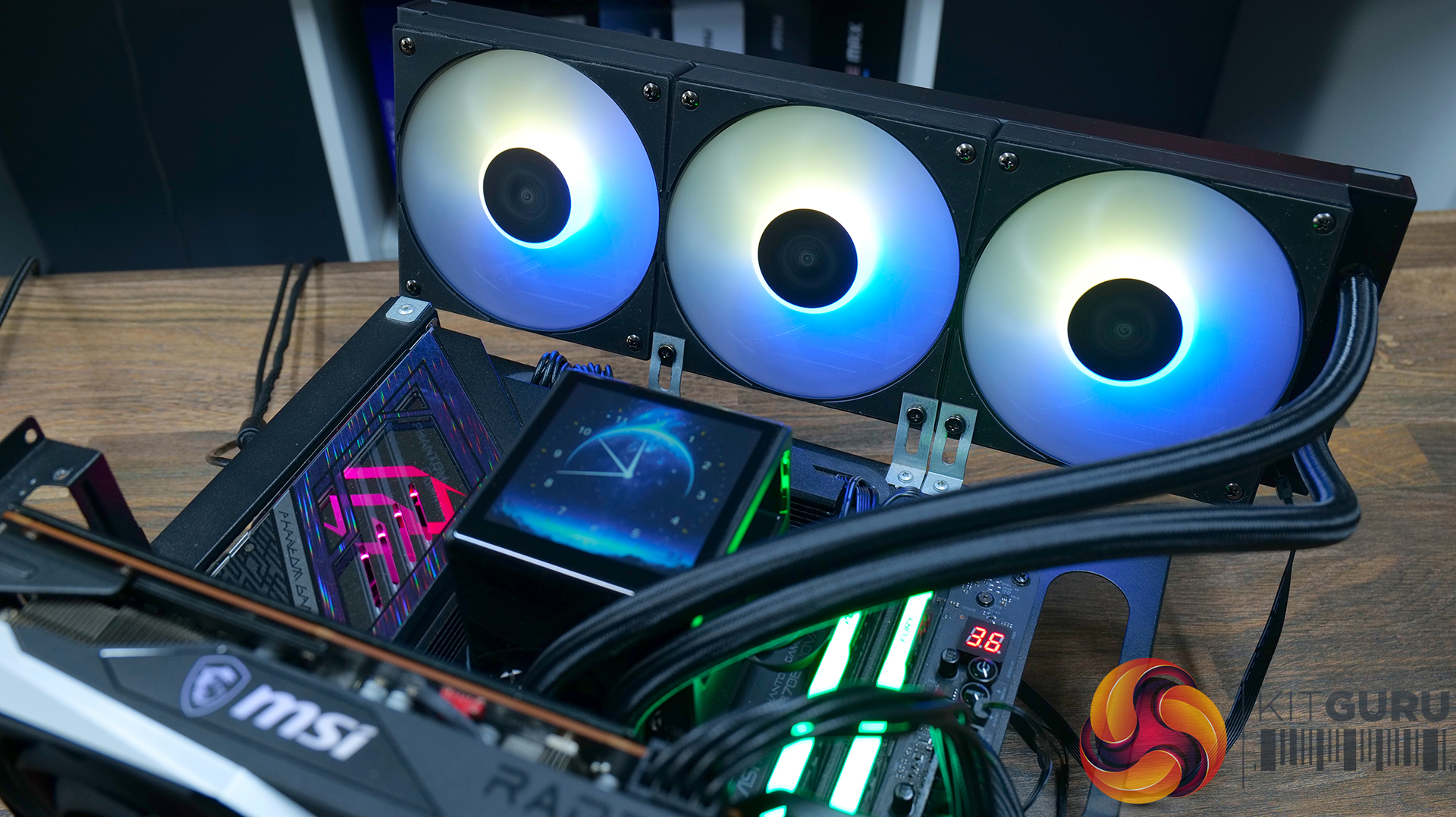
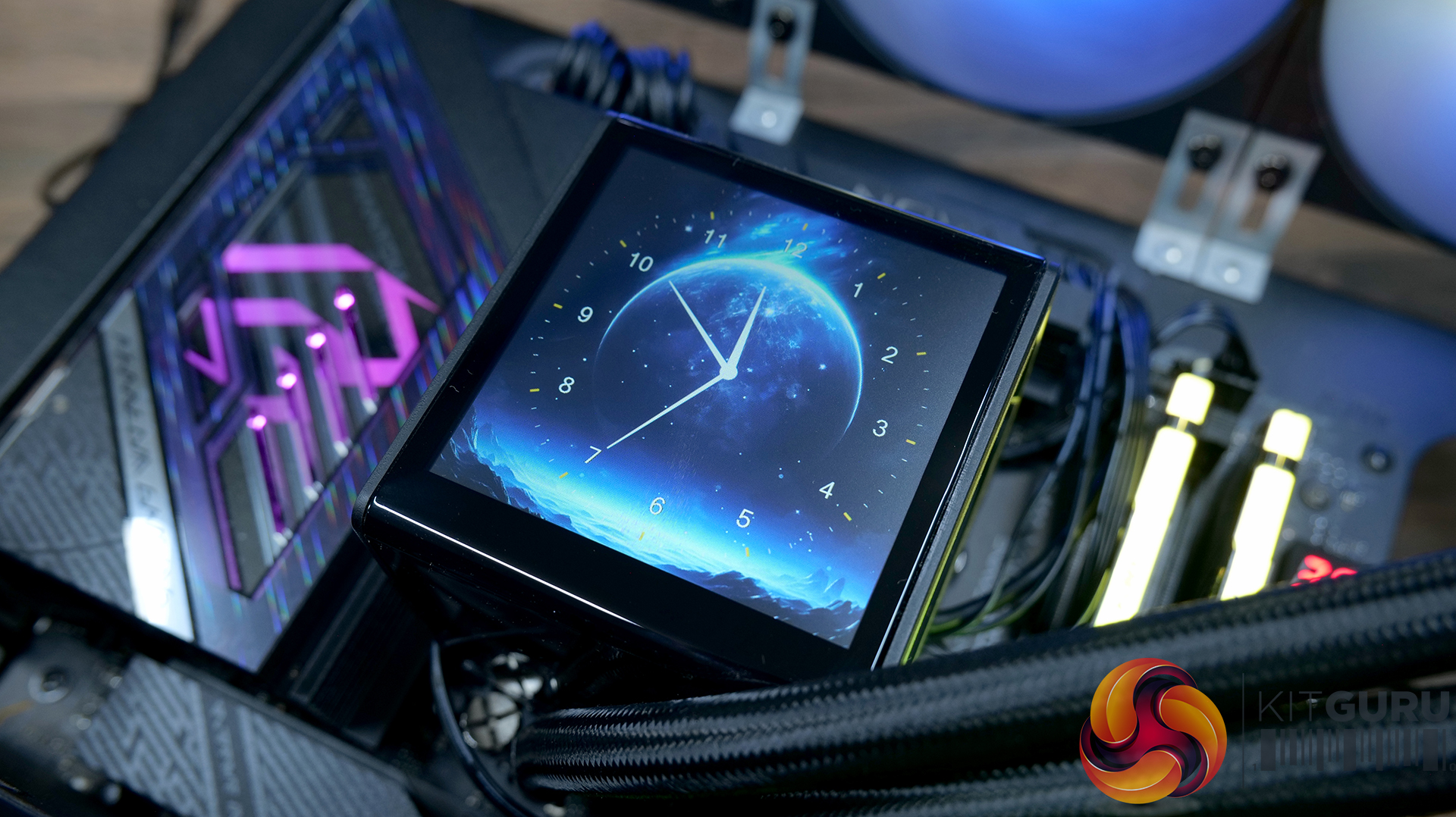
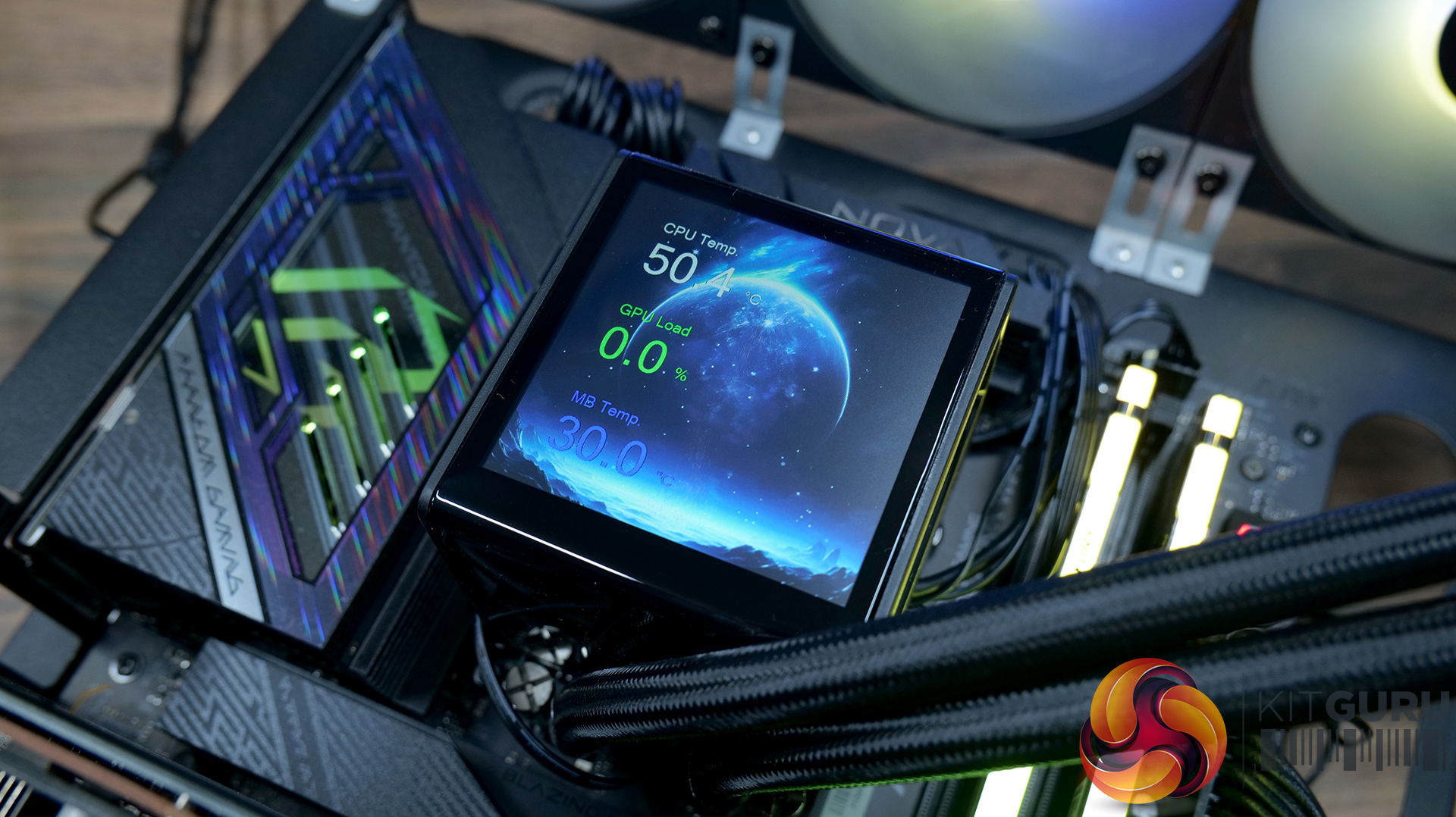
All you need to do now is find a suitable place in the case, either at the top or front to install the radiator. As the CHIONE P5 uses all standard fan/pump and ARGB connections there's no additional control hubs required for the cooler to work, but you will need to download and install the Gamdias Zeus Cast software to control the screen functions.
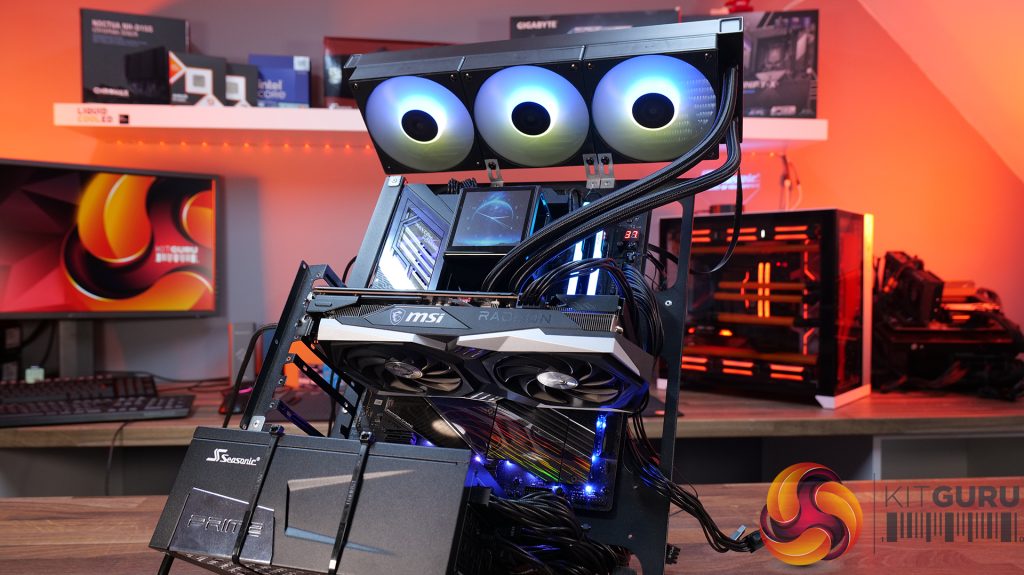
Test System Specifications:
- CPU – AMD Ryzen 9 9950X
- Motherboard – ASRock Phantom Gaming X870E Nova WiFi
- Memory: 32GB (2 x 16GB Modules) Kingston Fury DDR5-6000
- Graphics card: MSI Radeon RX 6600 XT Gaming X
- Storage: 1TB Corsair MP600 Elite PCIe Gen4x4 NVME M.2 SSD
- Power Supply: Seasonic Prime TX-1000
- Chassis: Open Test Bench
- Thermal Compound: Arctic MX-6
- O/S: Windows 11 Version 24H2
Testing Methodology:
We are primarily focusing on the performance of each cooler at 100% fan speed and also when locked to 40dBA noise output. We will focus on cooling performance using a manual overclock with all-core frequency and VCORE locked to 5.2GHz/1.3v (AMD) and 5.5GHz/1.3v (Intel) and Precision Boost Overdrive performance.
- The test data is logged using HWINFO and the final 10 minutes of the data is calculated to find the average CPU temperature and CPU clock multiplier (AMD PBO Test) and then plotted in the charts.
- For testing, we use a 30-minute looped run of Cinebench R23 and record the steady-state CPU temperature at the end of the test. This ensures that the CPU has had ample time to warm up and reach a steady state under all of the coolers.
- The ambient is maintained at 19-21 degrees Celsius. Where there is variation beyond this temperature range, we add extra repeated tests to ensure consistency. However, this is well controlled now with A/C.
- We also test each cooler with at least two fresh installs (typically three) to mitigate the likelihood of poor mounting spoiling results.
- Ambient temperature and humidity are controlled via a mini split air conditioning system inside the test room. Ambient temperature is maintained between 19-20 °C. Temperature delta figures are shown in the charts (ambient temperature is deducted from the measured component temperature).
Test Results:
Acoustics
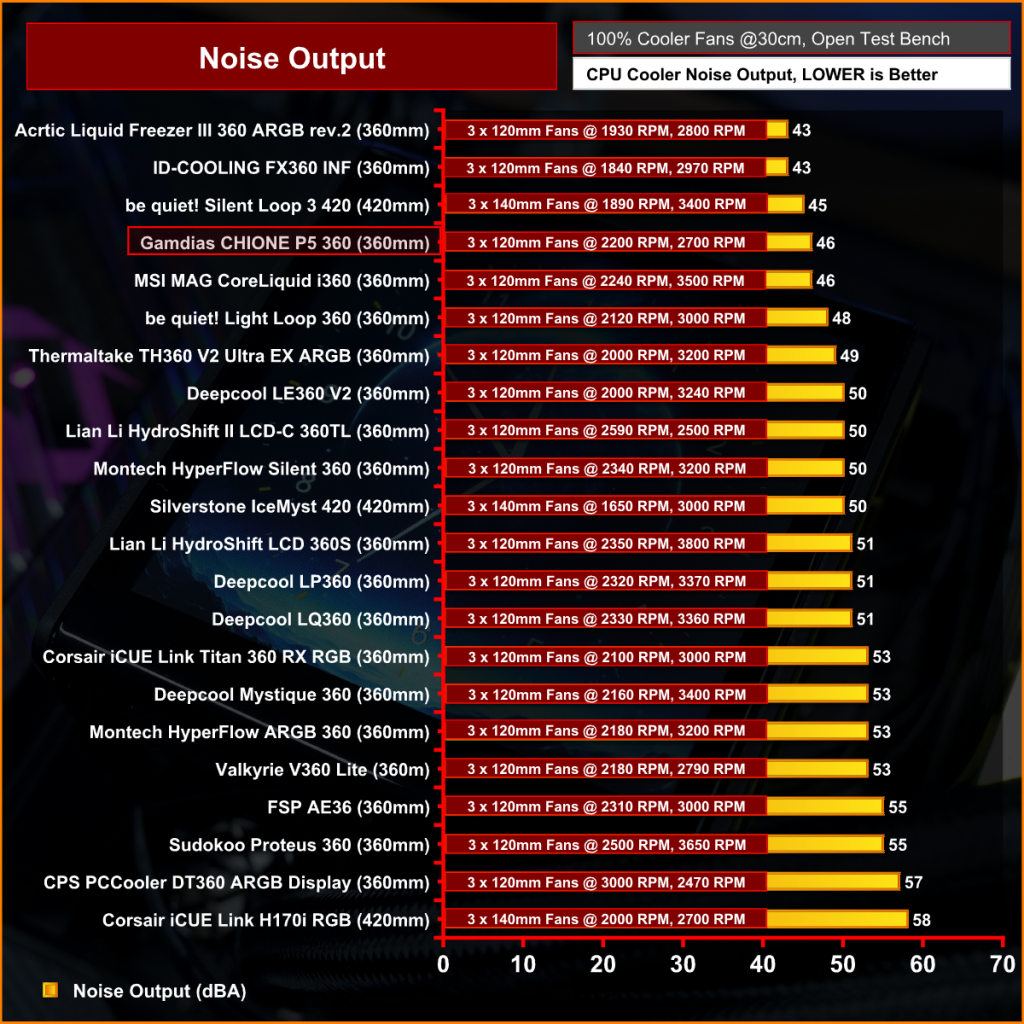
At 46dBA max the Gamdias CHIONE P5 360 is one of the quieter coolers that we have tested. It's not as quiet as the Arctic Liquid Freezer III 360, but it certainly won't be too distracting at max fan speed like some of the louder coolers running at over 50dBA.
Thermal Performance: AMD Ryzen 9 9950X
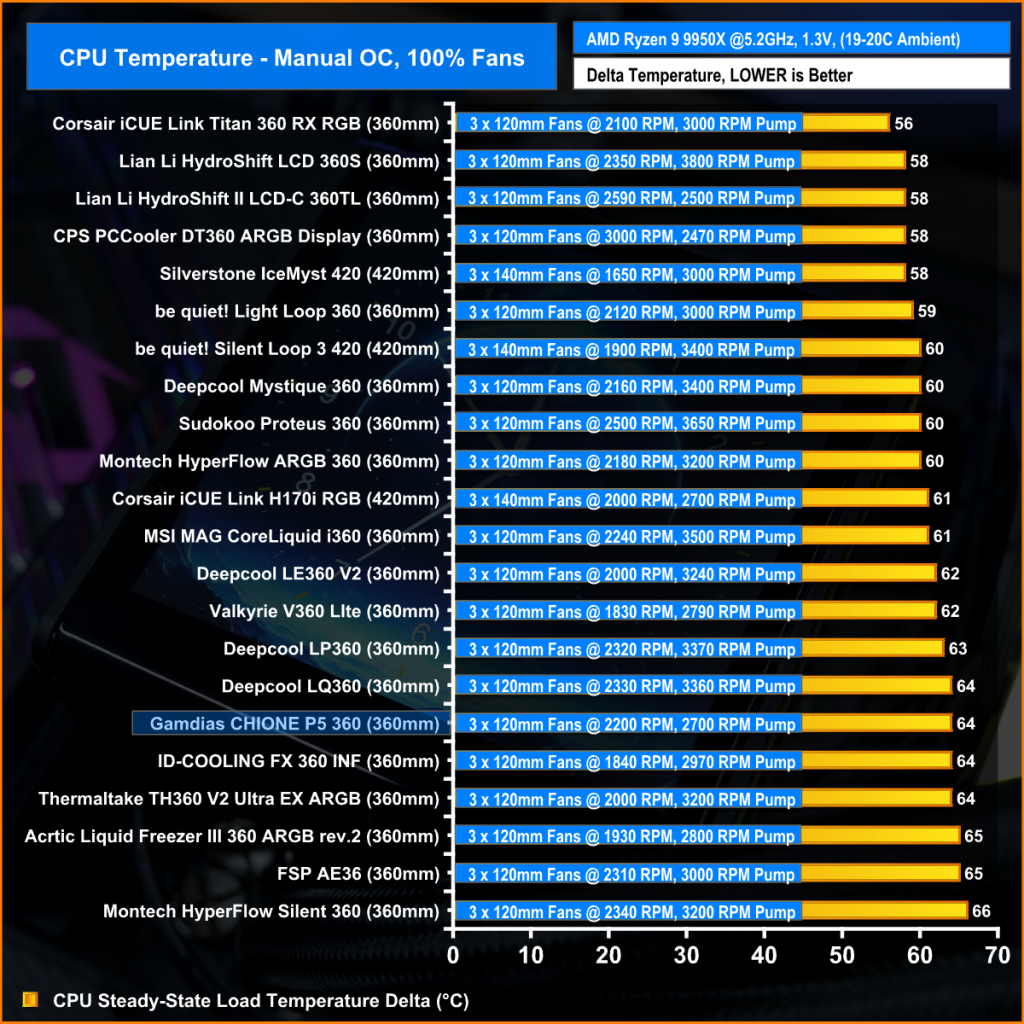
At max fan speed, it isn't the greatest in terms of thermal performance but the low noise will be a big positive for some users. At 64°C above ambient, it adequately cools the AMD Ryzen 9 9950X, but it falls short of the more expensive, high-performance options.
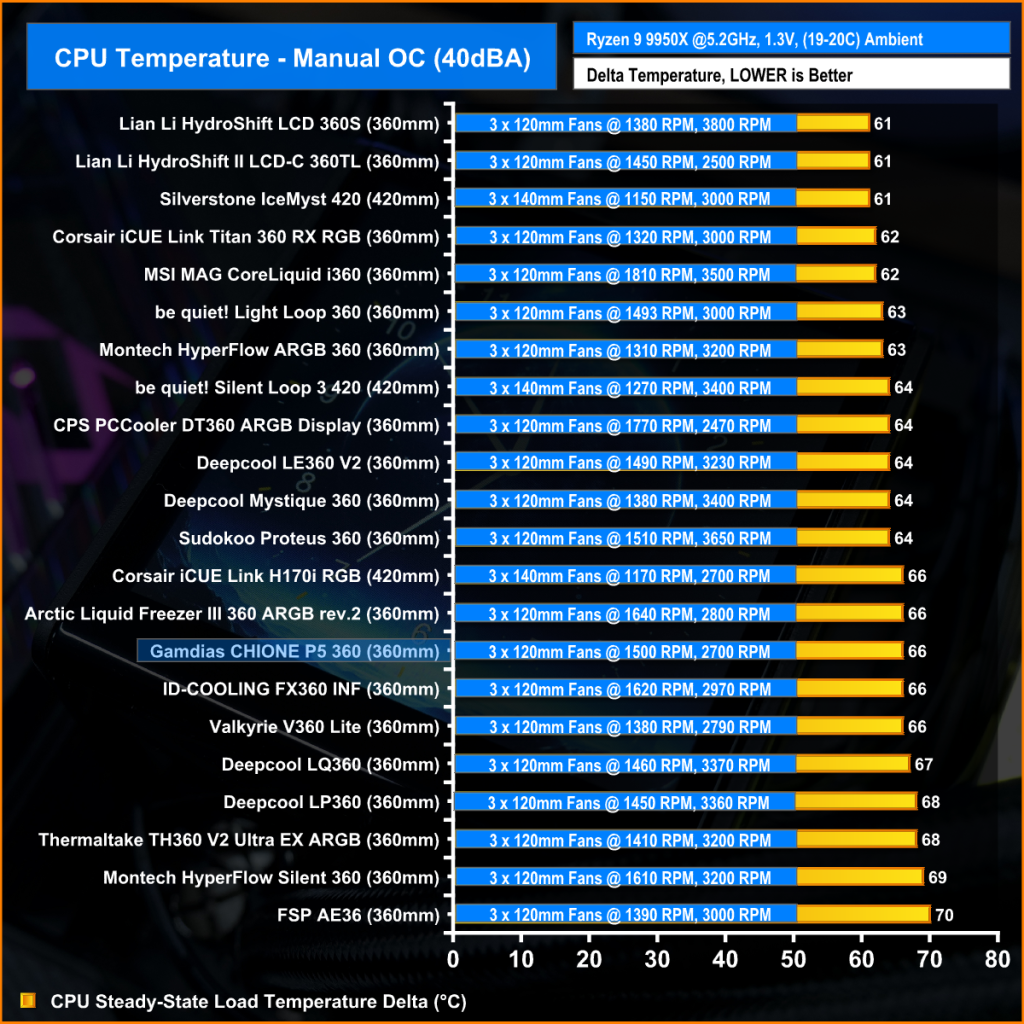
Reducing the coolers fan speed to hit the 40dBA noise target puts them all on a level playing field and we can determine the true thermal performance. Again the Gamdias CHIONE P5 360 isn't the best at 66°C over ambient but at this temperature, the heat produced by the AMD Ryzen 9 9950X is under control, it's not overheating or throttling frequency, which is a positive note for a budget LCD clad cooler.
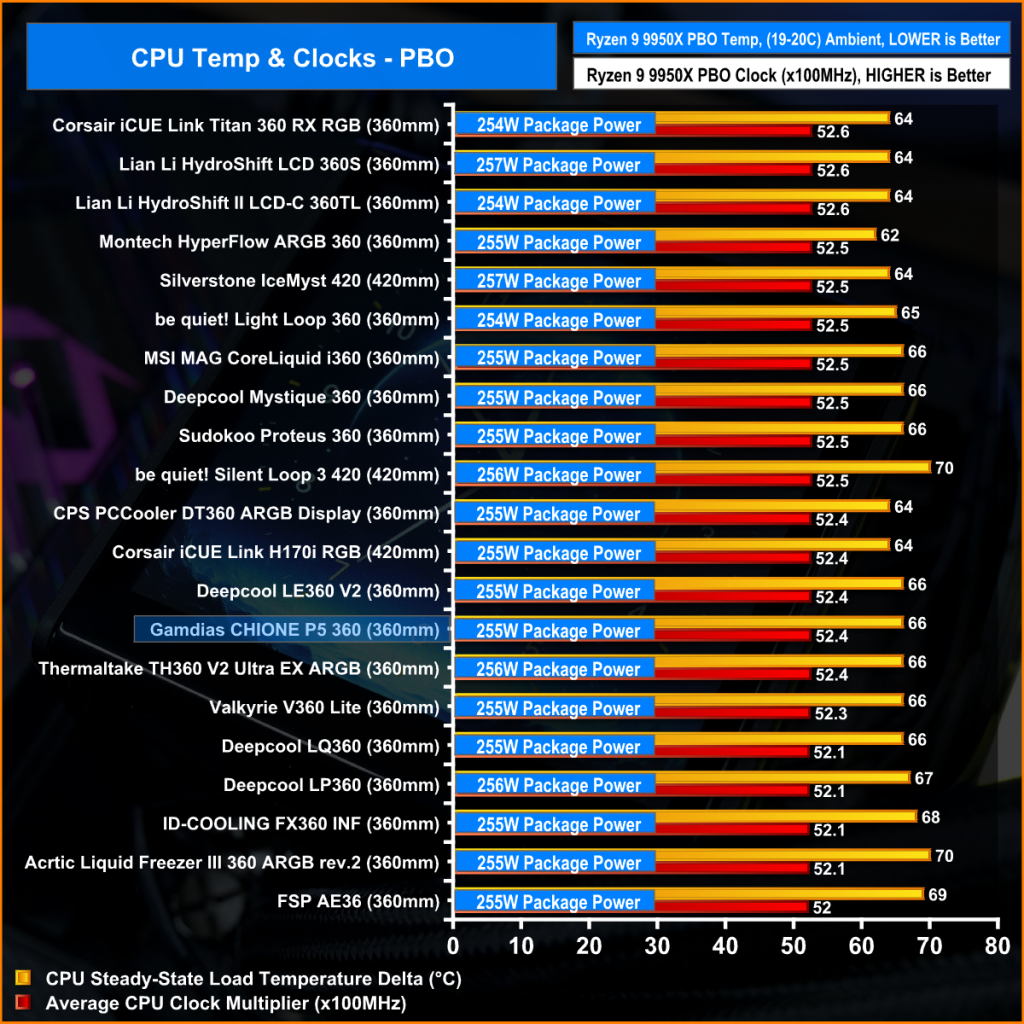
In the PBO test the important metric is clock multiplier as the CPU frequency is automatically adjusted to meet a target temperature so the dalta between coolers is narrow. It's not a bad showing from the Gamdias CHIONE P5 360 in the PBO test, it's trading blows with the competition by maintaining an average 52.4x clock multiplier, which is a decent result from this lesser-known brand.
Taken as a whole, the Gamdias CHIONE P5 360 isn't a bad option considering it’s in the budget price range for a 360mm AIO with ARGB and an LCD display, retailing for £130 in the UK. In terms of the thermal performance, it isn’t setting our charts alight with blistering performance but it's competing with similarly spec and priced coolers from other manufacturers. The noise output is considerably lower than some of those competitors too, so if noise is important to you, this might be the one to choose.
Installation of the cooling hardware is relatively simple – remove stock brackets, screw in standoffs, fasten the cooler in place and that’s done, this part of the installation takes just a few minutes. However, I would have liked to see Gamdias pre-apply thermal compound to the copper base and the wiring from the LCD screen is a bit of a mess with several connections including SATA power, USB, PWM and ARGB all on individual cables. This looks untidy when installed and adds time to the install, connecting up and managing cables; there is surely a more streamlined way to do it.
In terms of the build quality, overall it's good, the radiator coating is smooth, even and looks premium, the tubing has braided sleeving and the plastics quality feels OK. However, the shiny piano black plastic on the LCD screen surround is a fingerprint magnet, and on our sample there was a huge fingerprint/smudge under the outer glass of the LCD screen, which could not be cleaned off so it obscured the display.
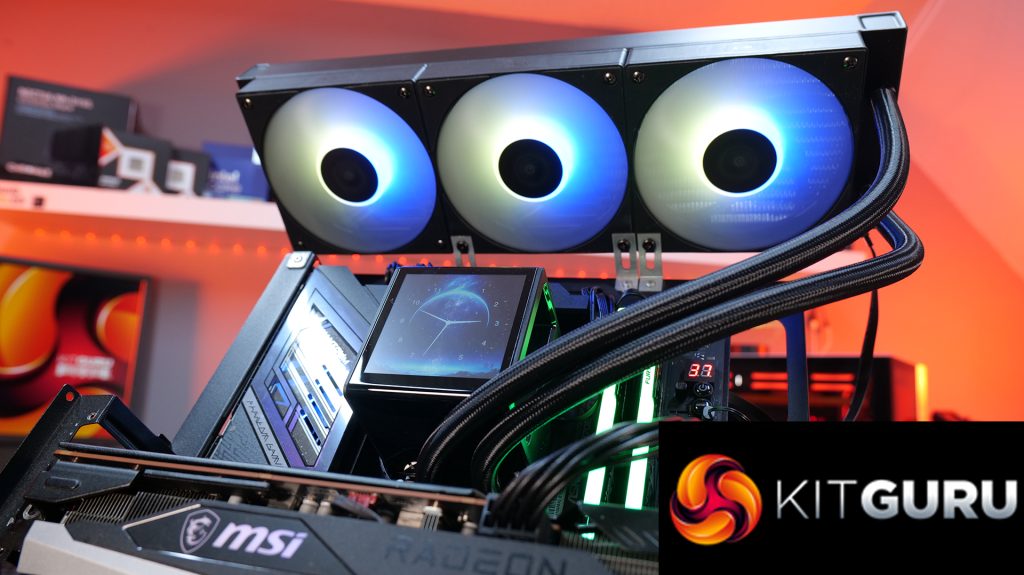
The RGB lighting effects on the fans is fine – unlike some other budget coolers there isn’t much light bleed from the individual LEDs on the fan hubs, they are well diffused. The RGB strip under the LCD screen gives a nice glow in darker lighting conditions and the info displayed on screen is clear and easy to read. The software is OK but it's not as advanced or user-friendly as some of the premium brands.
Ultimately, if you are looking for a budget AIO with RGB lighting and a LCD screen, then this might be worth considering. The low noise output at max fan speed is certainly appealing, thermal performance is average but in line with other budget options, though it's pretty easy to install but a little annoying with all the wiring connections. However, once it is installed it looks OK and it will be able to cope with the heat from even the highest power output of modern high end desktop CPUs.
The Gamdias CHIONE P5 360 is available to purchase now from Amazon UK priced at £131.90 HERE.
Pros:
- Reasonably low price for a 360mm AIO with LCD screen.
- Good RGB lighting effects.
- Daisy-chained connections keep cable clutter away from fans.
- Low noise at max fan speed.
Cons:
- Lots of wiring around the CPU block to manage.
- Some issues with build quality/Quality control.
- Average thermal performance.
KitGuru says: If you want a cheap 360mm AIO with an LCD screen this is worth loking at, however, there are lots of good cheap LCD-clad 360mm AIO available now, so competition is strong.