 KitGuru KitGuru.net – Tech News | Hardware News | Hardware Reviews | IOS | Mobile | Gaming | Graphics Cards


The software MSI supplies with the OC series motherboards is very similar to that provided with the Gaming series motherboards (both Z97 and X99), feature dependent.
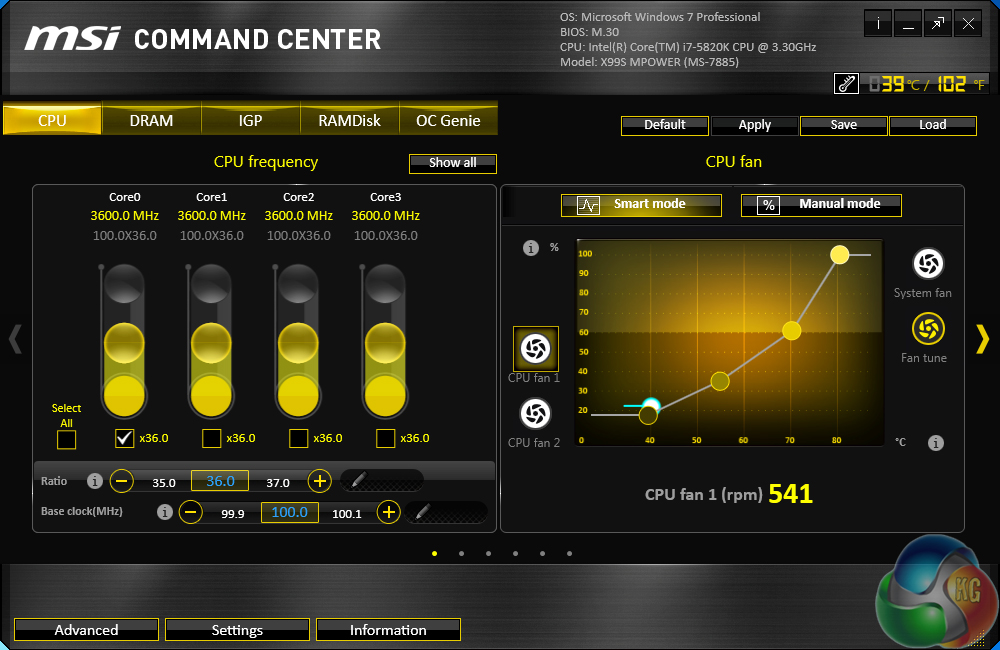
MSI's Command Center opens the CPU page during launch. The current multiplier and base clock levels can be viewed with ease in an eye-catching manner.
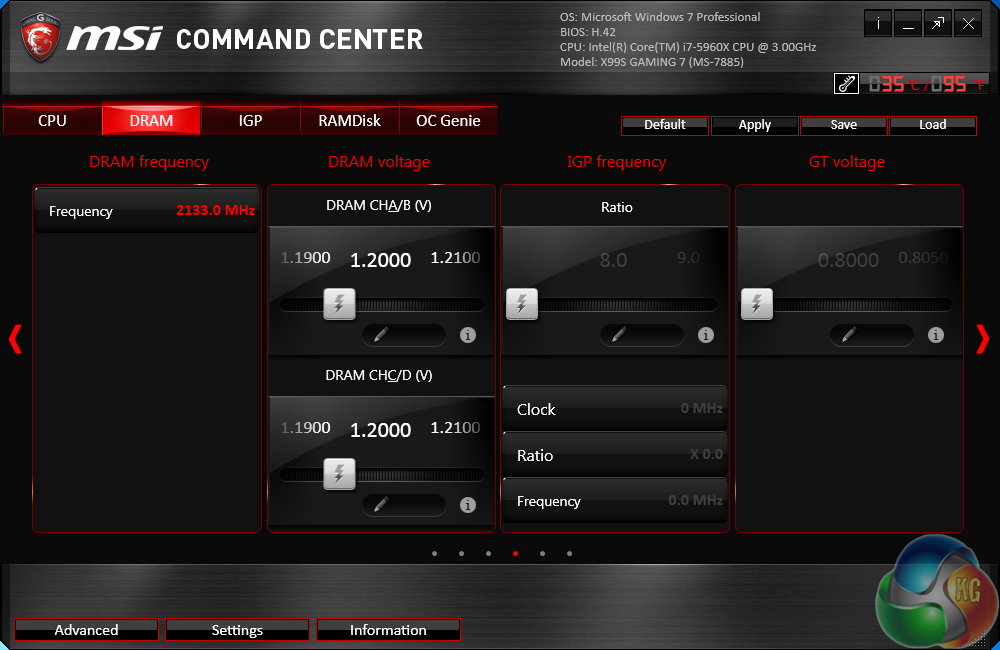
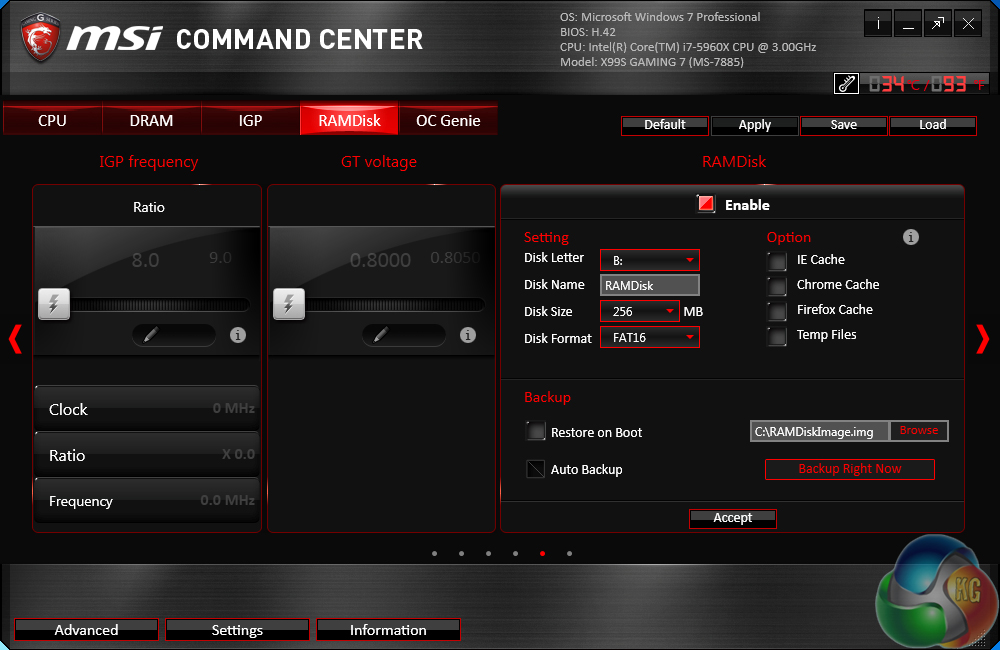
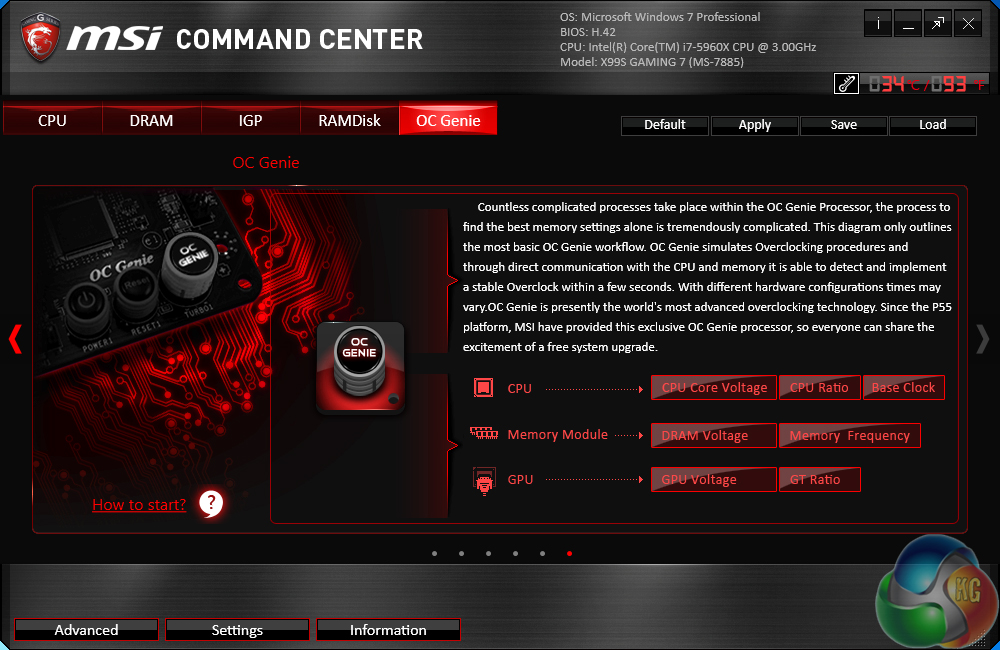
MSI's Command Center software is a comprehensive tool that can be used for a surprisingly diverse range of tasks. General overclocking and frequency-related duties can be handled via the software suite, and a RAM disk can also be created.
Even though the IGP section is left over from the software's Z97 past, there are no settings inside the section.

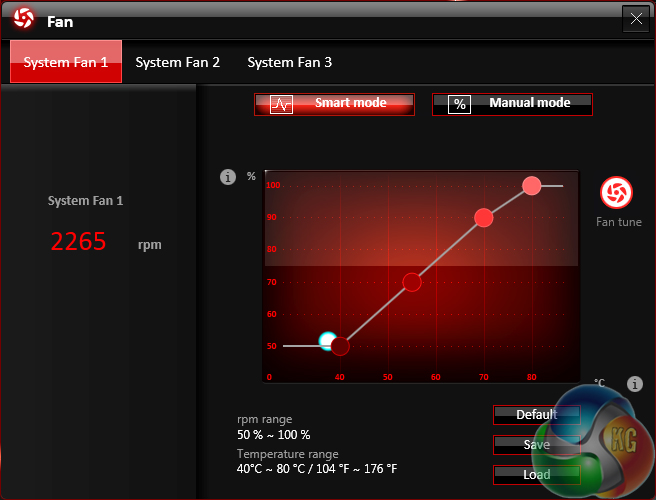
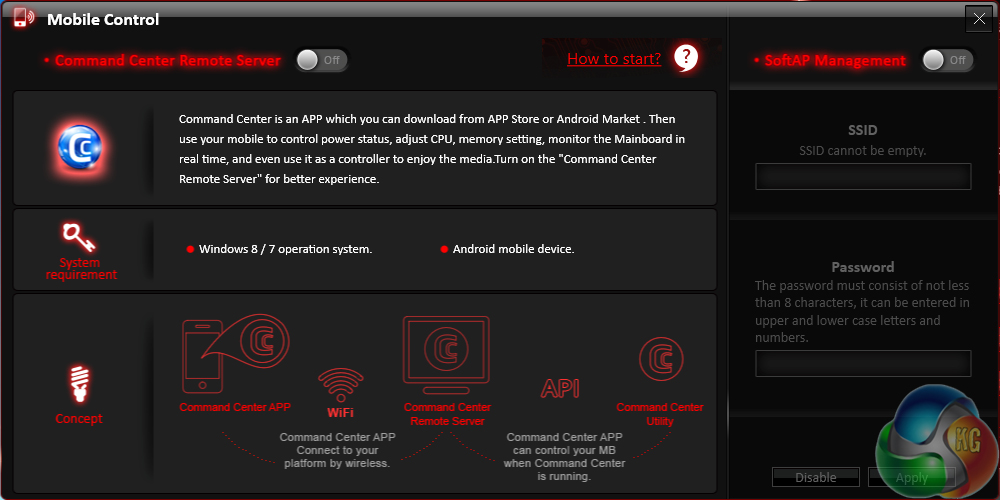
Additional sections at the bottom of each main page allow users to launch specific subsections. Some of the main subsections include windows for adjusting system voltages and fan speeds, as well as a segment dedicated to configuring one's computer as a media streamer.
We would strongly recommend using MSI's Command Center software for voltage readings. We have certified its recorded levels with a multimeter connected to a board's voltage reading points and found the software tool's accuracy to be excellent. Third party software (such as CPU-Z) can sometimes display incorrect real time readings on MSI's and other vendors' motherboards.
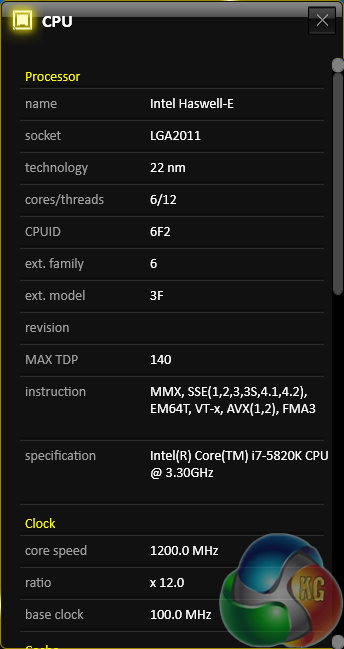
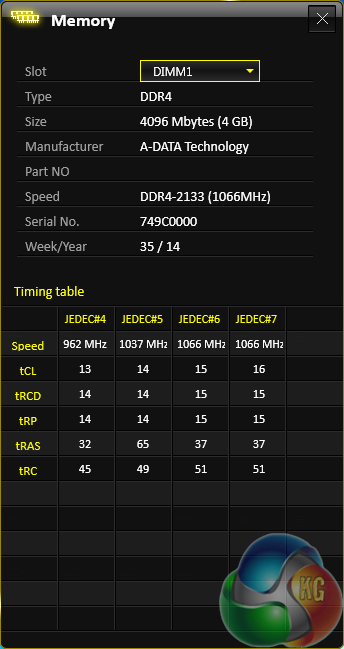
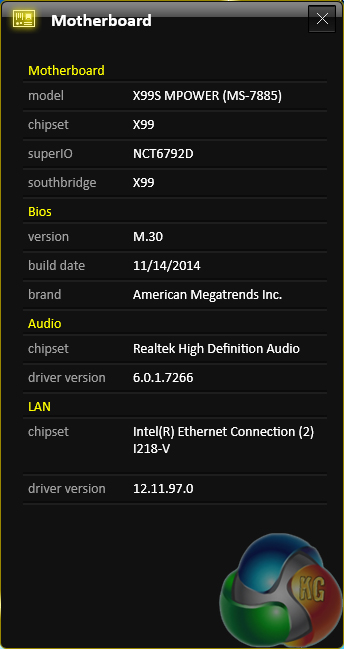
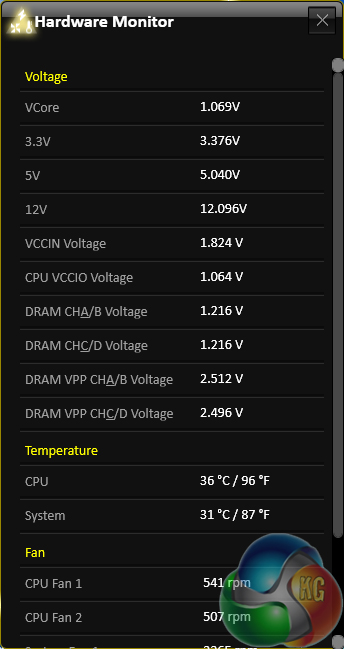
Extra information for other components is provided on the software for MSI's OC series board.
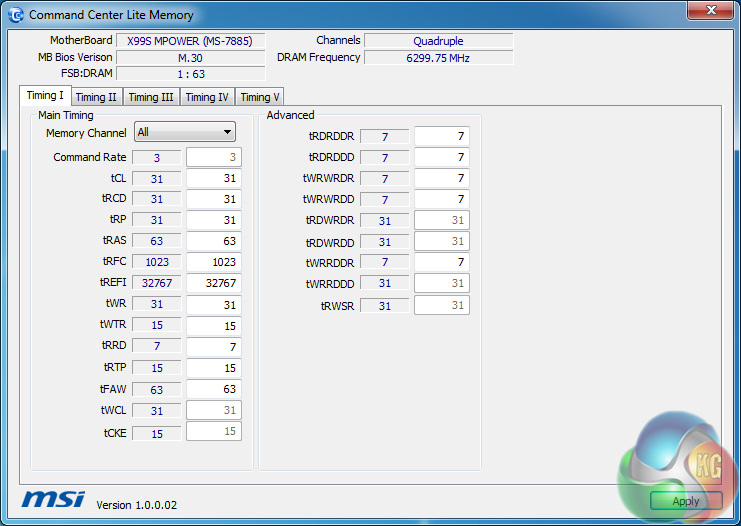
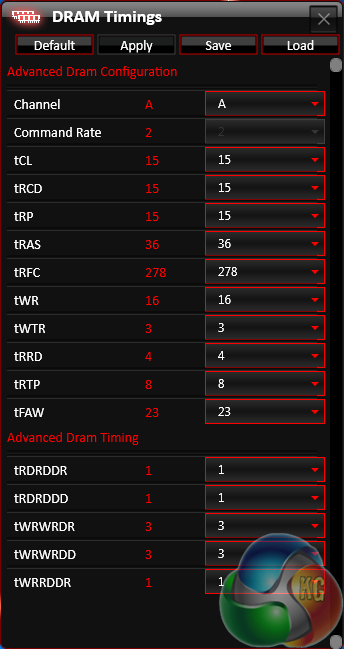
The Command Center Lite Memory tool displays information about memory timings.
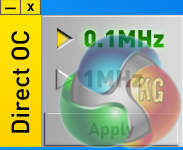
Direct OC seems to alter the base clock adjustment between 1MHz and 0.1MHz, although it requires Windows 8 to function.
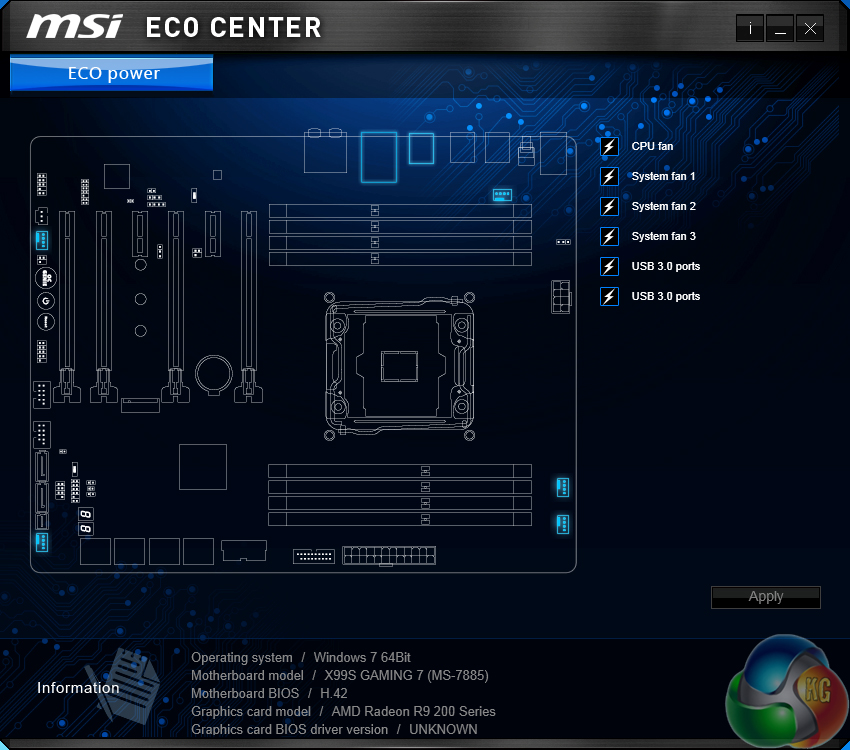
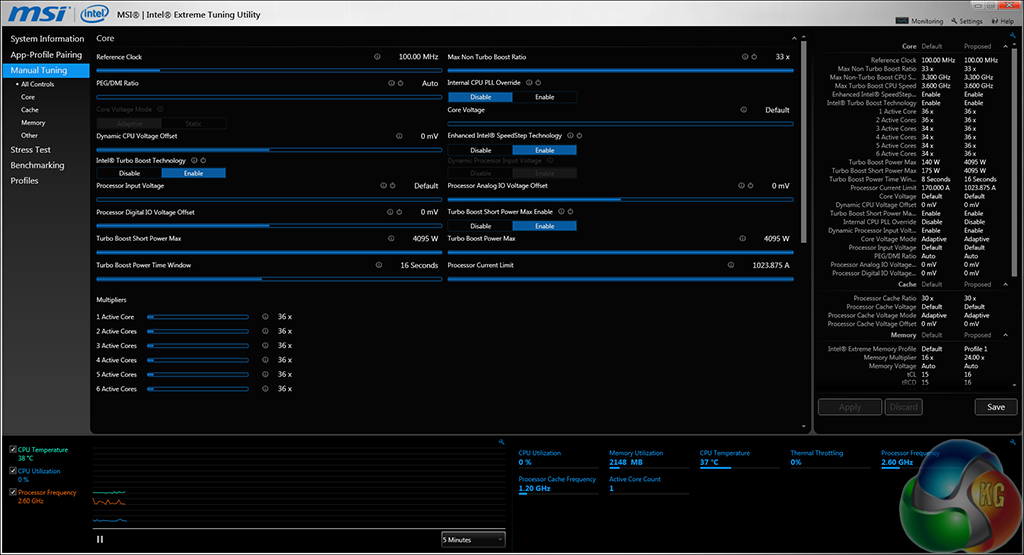
Eco Center allows users to switch off specific components to cut power usage. Intel's Extreme Tuning Utility gives a more in-depth set of voltage and power parameters than MSI's Command Center suite.

Your first choice kitguru