KitGuru KitGuru.net – Tech News | Hardware News | Hardware Reviews | IOS | Mobile | Gaming | Graphics Cards


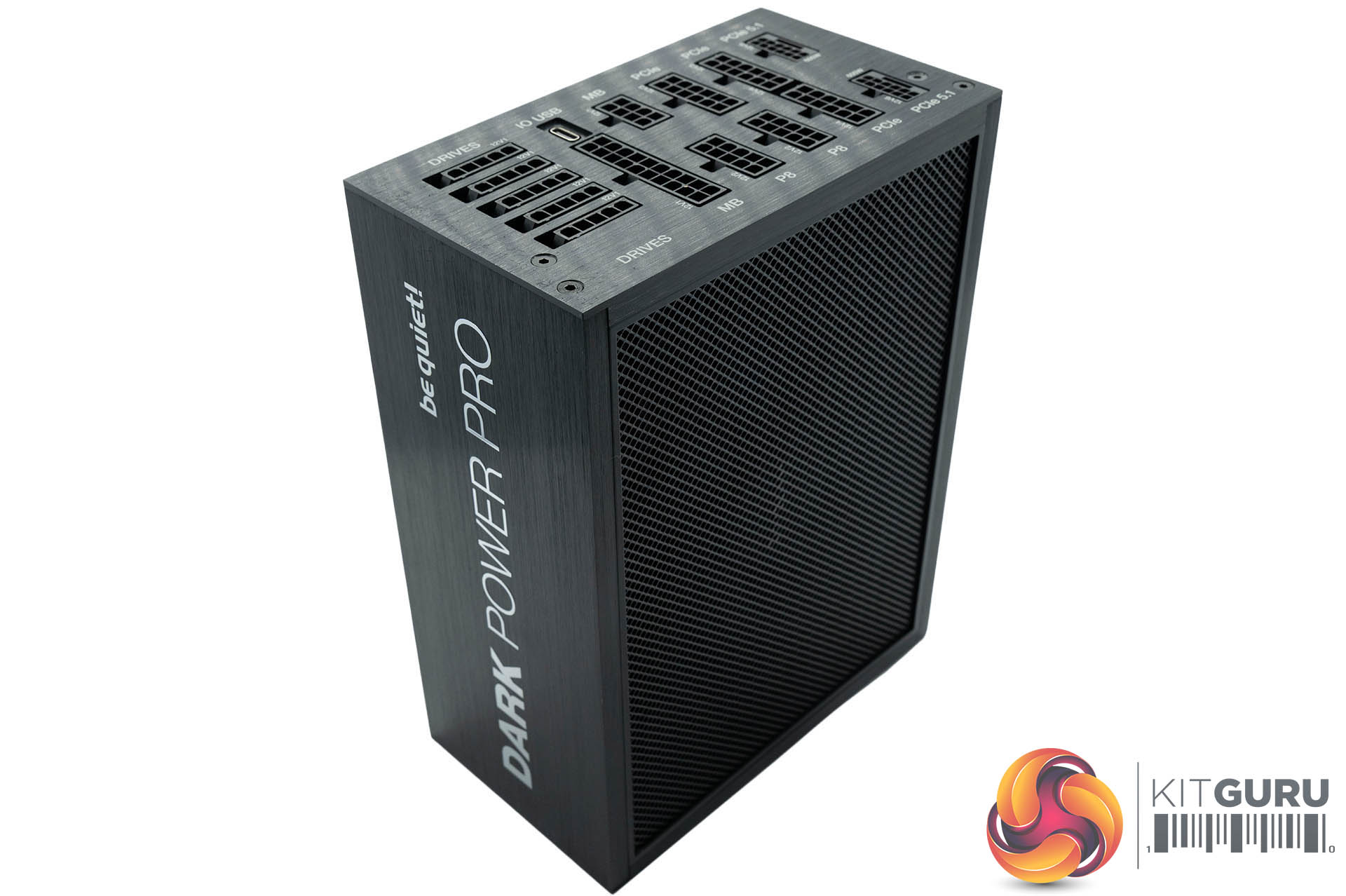
We were impressed with the finish quality of the unit. It measures 200mm x 150 mm x 86 mm. It weighs 2.68kg. It really is built like a proverbial tank!
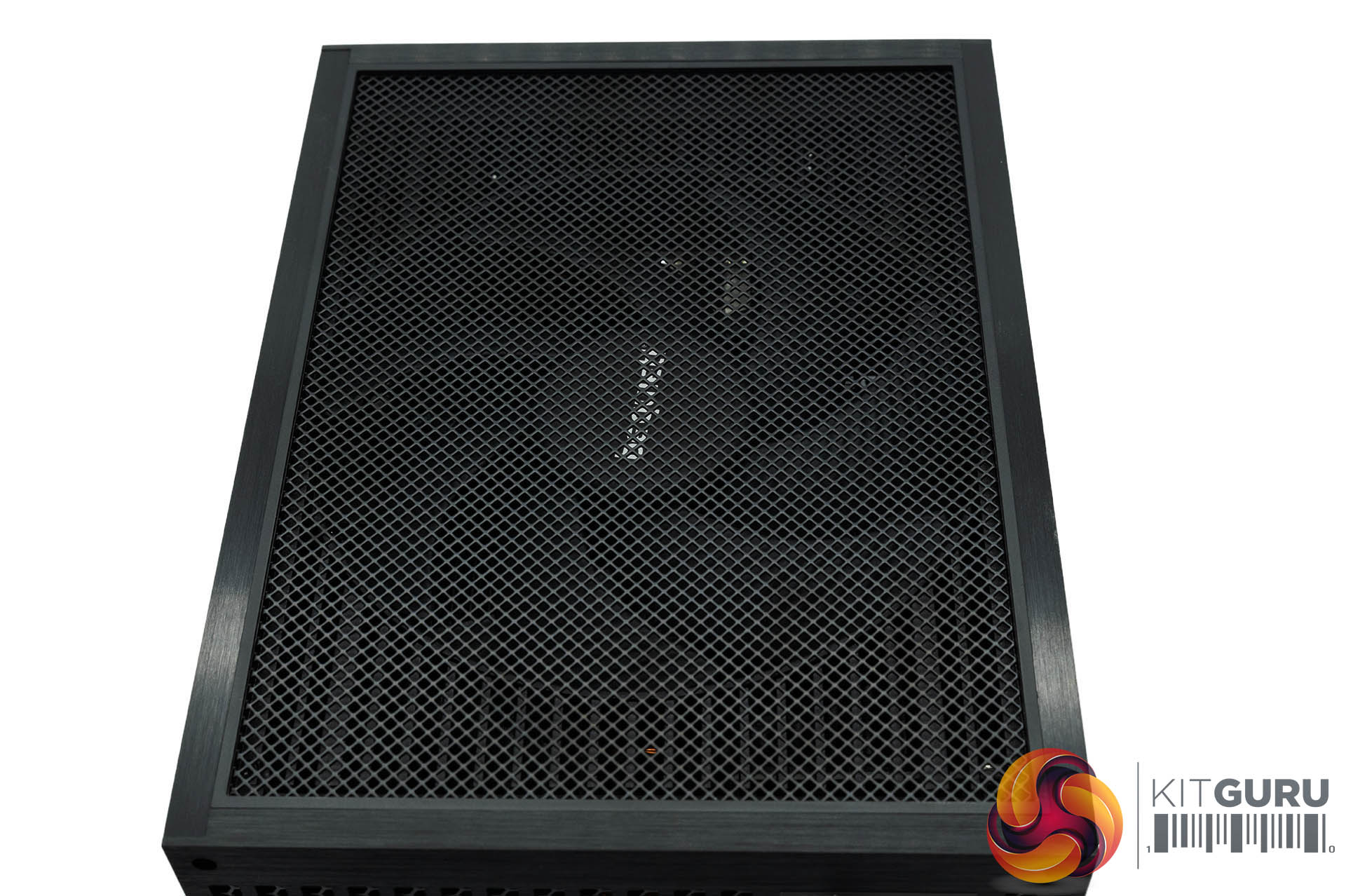
The top of the power supply has a really high quality filter above the fan.
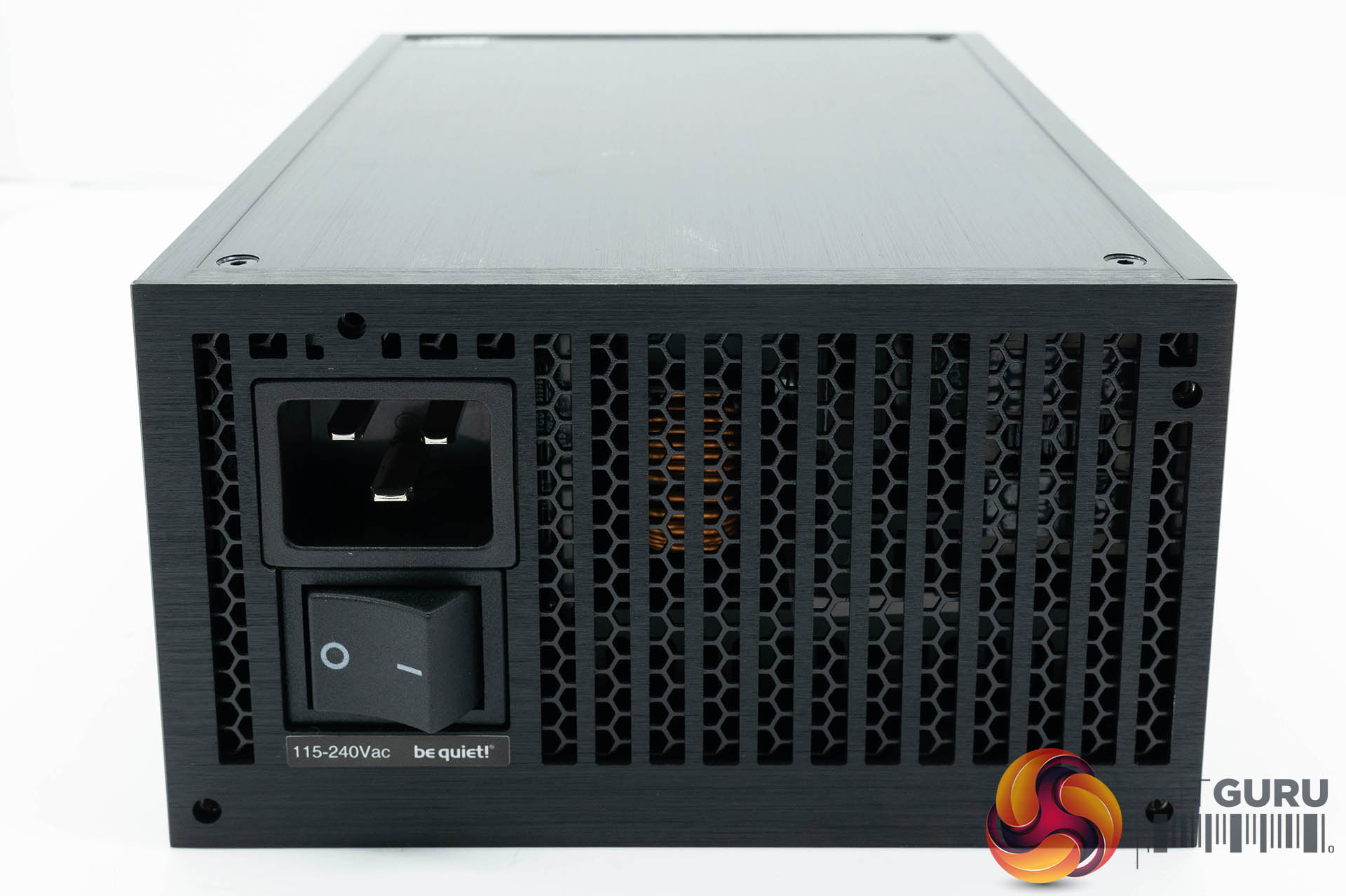
On one side is a C19 power connector and switch, beside a mesh panel for airflow.
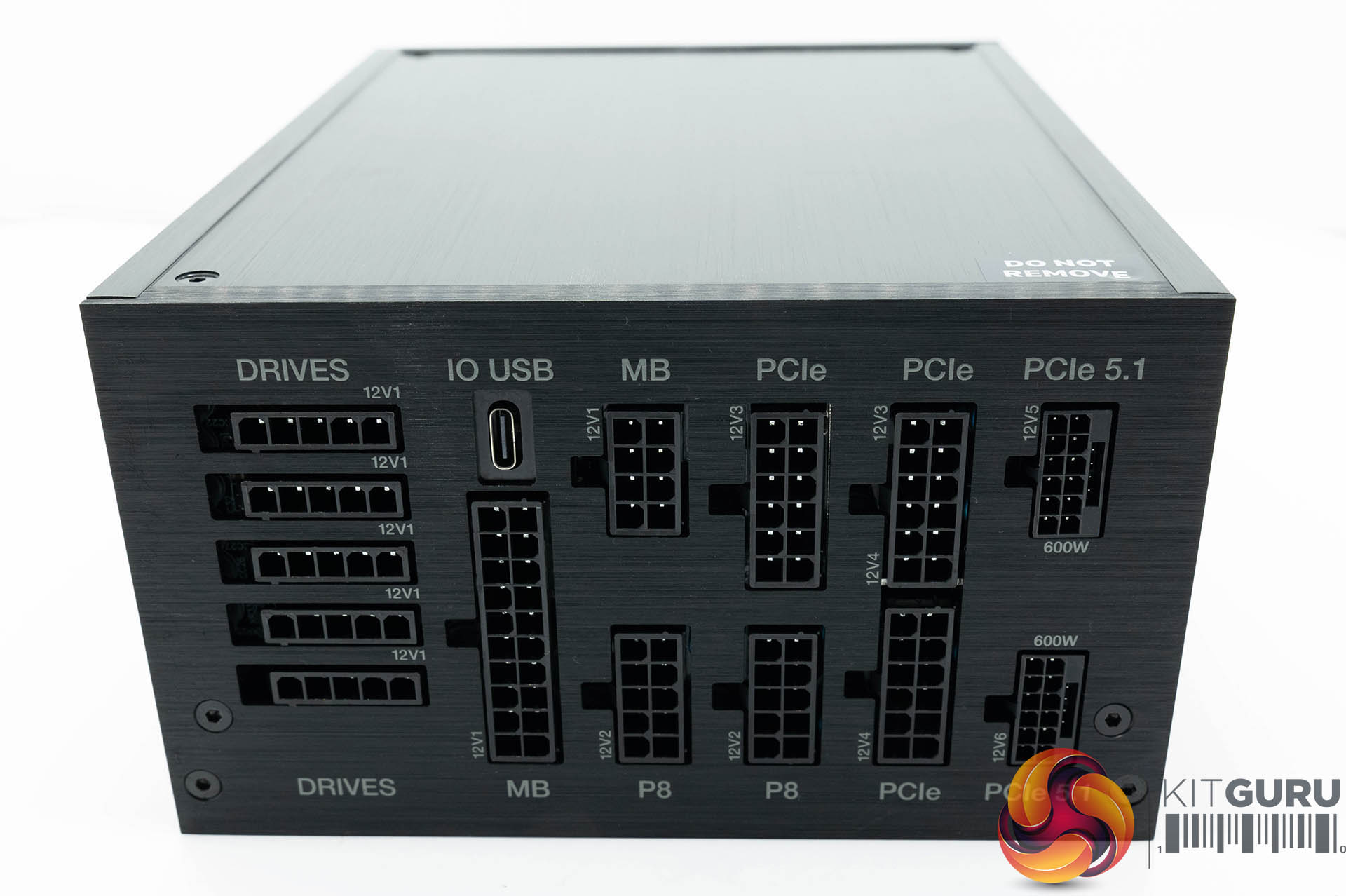
The other side is home to the modular bay – mostly arranged in vertical rows and clearly labelled.
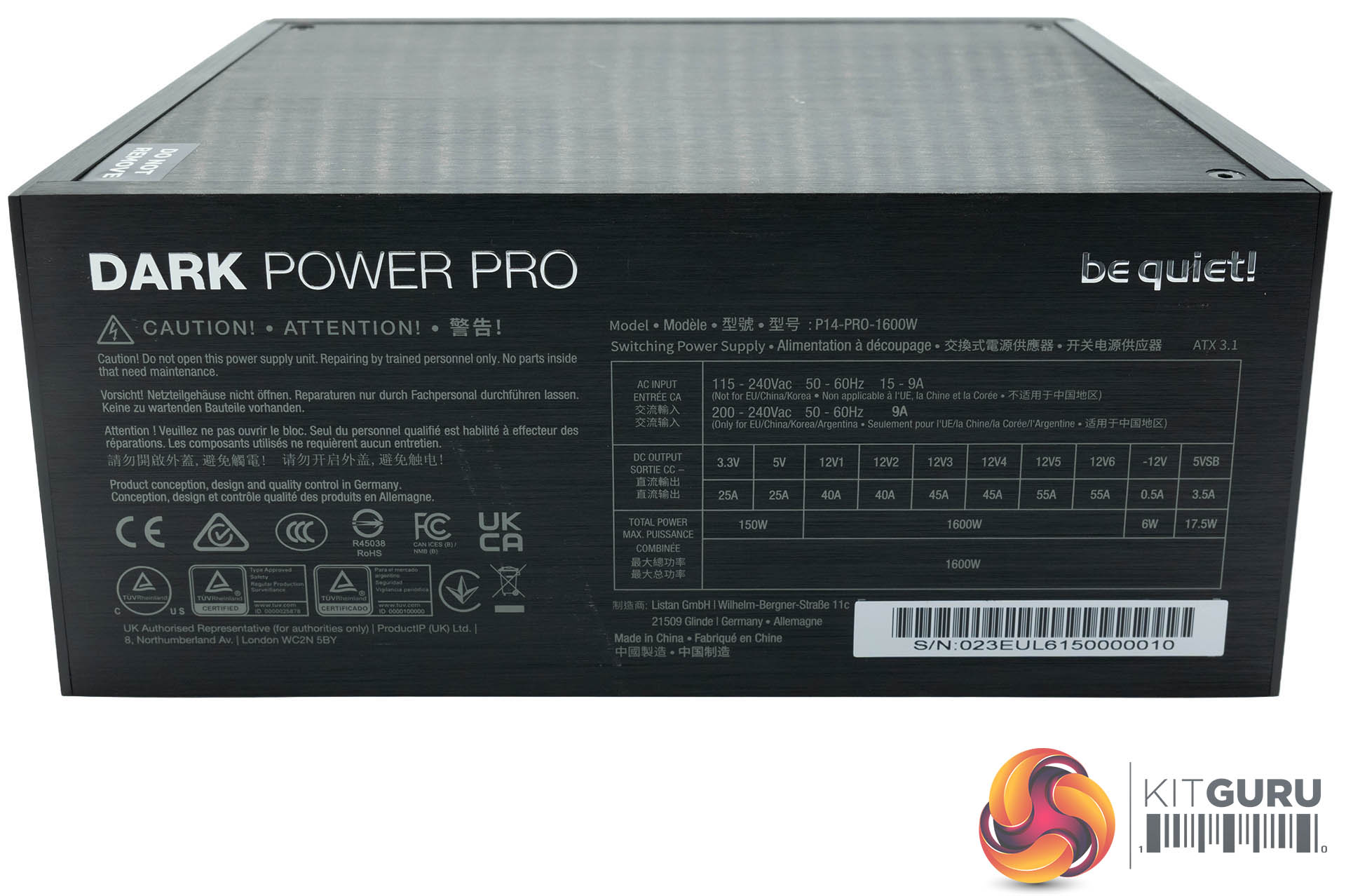
The power supply can deliver 1600 watts across the 12V rails, split across V1-V6.

The IO Center software is a big focus for be quiet! but I test power supplies with specialist equipment and don't connect them into a traditional Windows-powered PC. But I can share below some of the literature that be quiet! sent me for those interested in this aspect of the product.
IO Center Features:
- Switch between active and semi-passive cooling with the software
- Easy software-controlled rail configuration and power monitoring
- Monitor system health with the customizable Hardware Monitor showing CPU, GPU, memory, temperatures, and fan speeds
- Use the software without an online connection or user account, keeping your settings private and accessible at all times
- Configure additional be quiet! IO devices such as Light Loop IO LCD Dark Perk, Dark Mount, or Light Mount
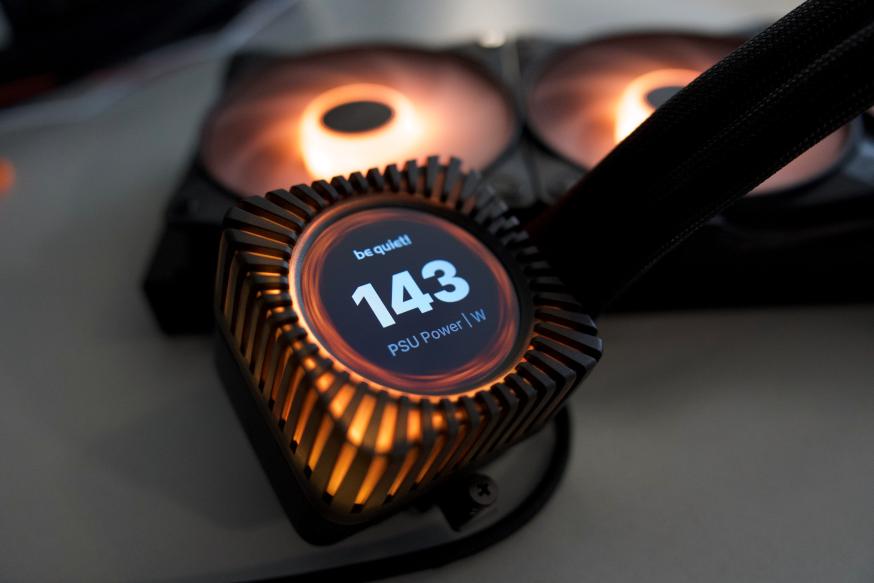
- When combined with a be quiet! product featuring a screen (e.g. Light Loop IO LCD), key PSU data can be displayed directly on it.
There is also a web-based version of the software which allows you to configure the hardware without installing additional software.
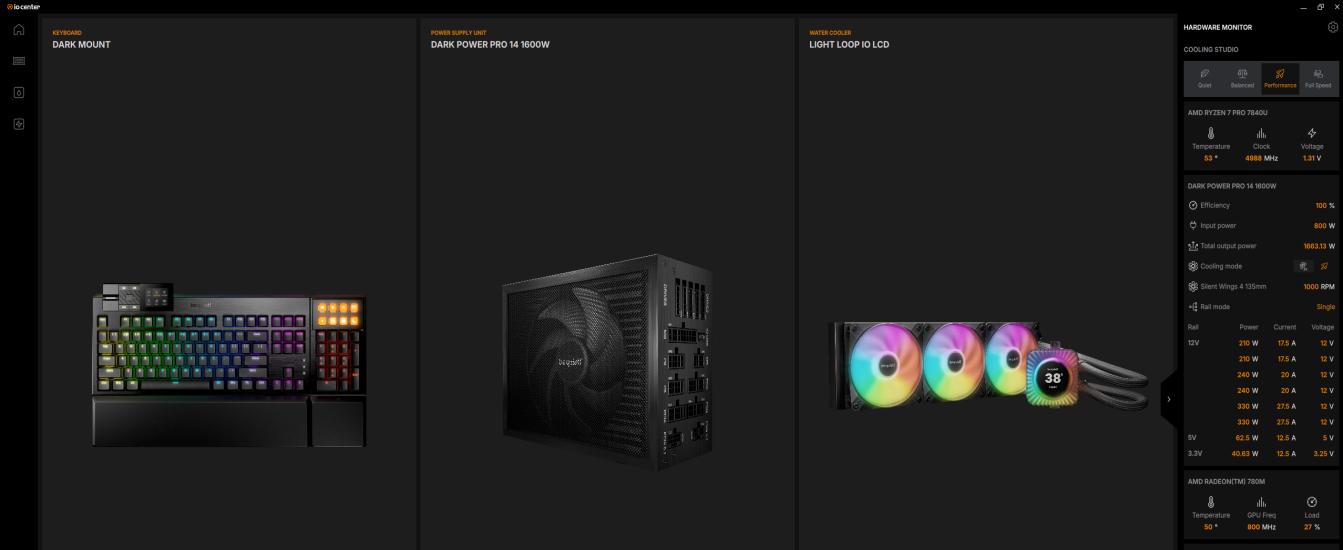
With the be quiet! IO Center, managing your be quiet! IO products have never been easier. The intuitive interface allows you to customize all of your be quiet! IO products such as the Dark Power Pro 14 IO, Light Loop IO LCD, Dark Mount, Light Mount or Dark Perk.
Hardware Monitor
In addition, IO Center features a Hardware Monitor on the home screen, providing real time system data at a glance, ensuring you always stay informed about temperatures, frequencies, and load levels or the battery status of the be quiet! Dark Perk mouse. It is customizable and available to all users, even without a be quiet! Dark Power Pro 14 IO installed.
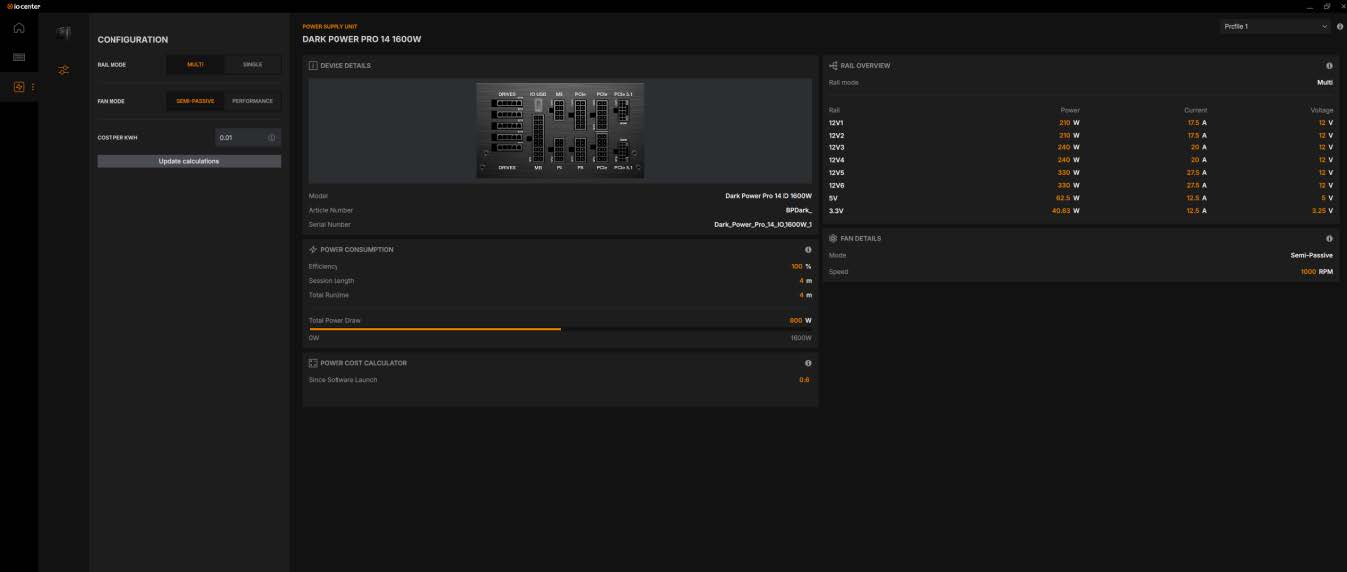
- Performance and semi-passive cooling modes can be selected within the software
- Multi-rail and single-rail modes can be selected within the software
- Total and ongoing session runtime of the PSU is displayed
- The power cost calculator displays the electricity costs of the PSU since the last software launch, the overall cost since the first software launch, and an estimate of the monthly cost.
- Current power consumption is monitored and displayed
- View the Article Number and Serial Number of your Dark Power Pro 14 IO