 KitGuru KitGuru.net – Tech News | Hardware News | Hardware Reviews | IOS | Mobile | Gaming | Graphics Cards


While set-top streaming boxes are a fairly saturated marketplace, most of these boxes don't take aim at gamers with powerful enough hardware. However, this is not the case with the Nvidia Shield Android TV, a sleek and small streaming box powered by the Tegra X1 20nm SoC, which utilises the Maxwell architecture and makes a big push for 4K content.
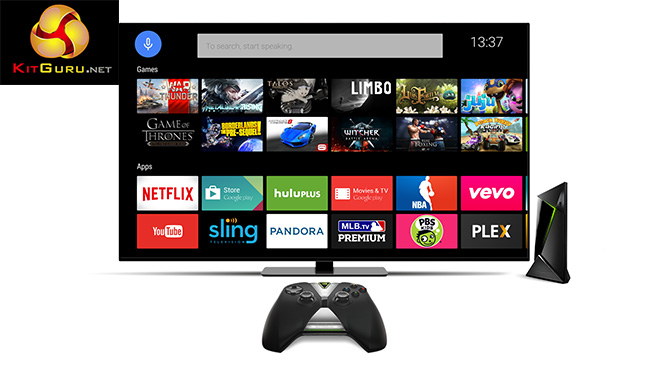
The star of the show here is really the Tegra X1 chip, which is based on the 20nm manufacturing process and sports an octa-core CPU configuration, with four of ARM's cutting-edge A57s paired with four lower-power A53s. Then on the GPU side you will find second generation Maxwell architecture with 256 CUDA cores, support for Nvidia ShadowPlay, GeForce Now and 4K decoding for technologies like HEVC.
Specifications and Features:
- Tegra X1 processor.
- 64-bit CPU.
- Maxwell GPU with 256 CUDA cores.
- 3GB of RAM.
- Android TV.
- HDMI 2.0.
- 802.11ac WiFi.
- Gigabit Ethernet.
- 16GB of internal storage.
- Micro SD card slot.
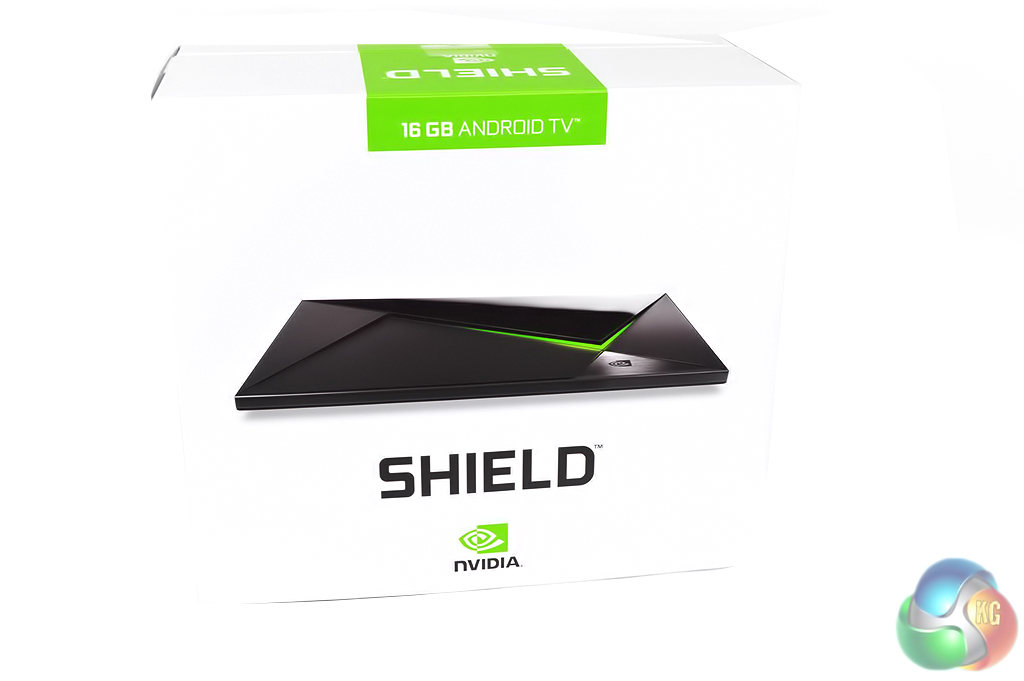
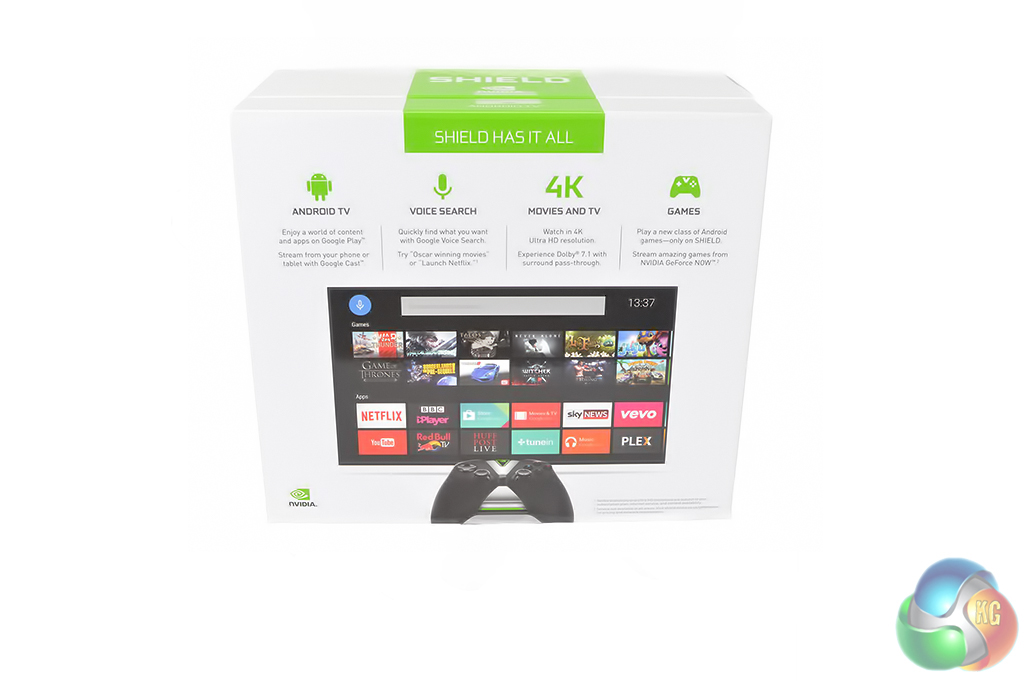
Nvidia's Shield TV comes in a premium looking packaging. On the front, you will see an image of the Shield itself while on the back you will find a rundown of key features like 4K playback, the Android TV operating system, support for game streaming through GeForce NOW and voice search.
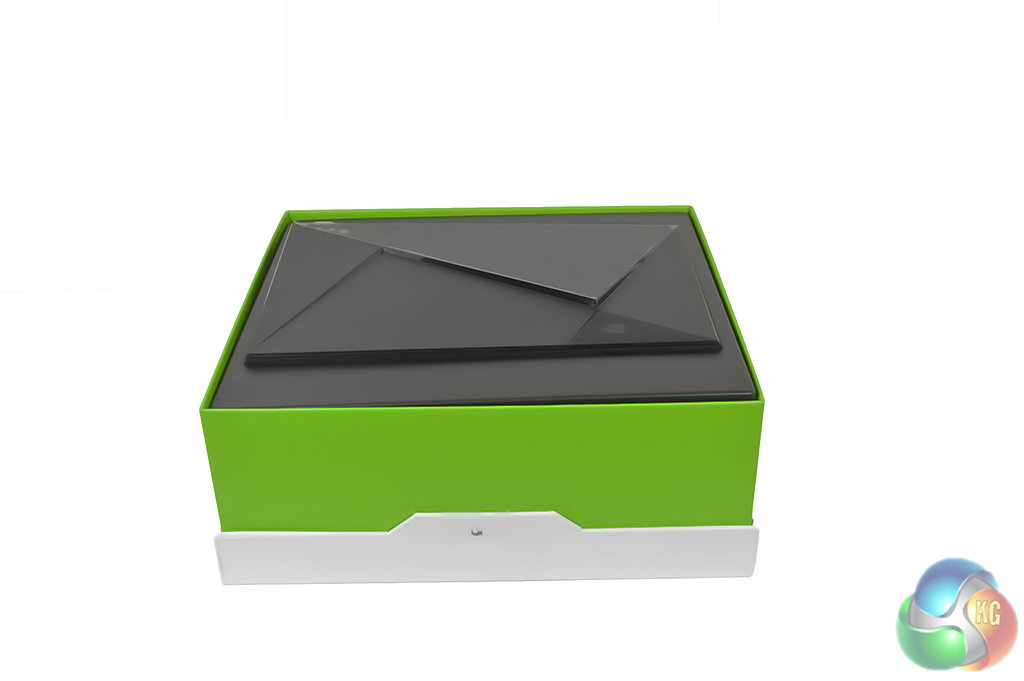
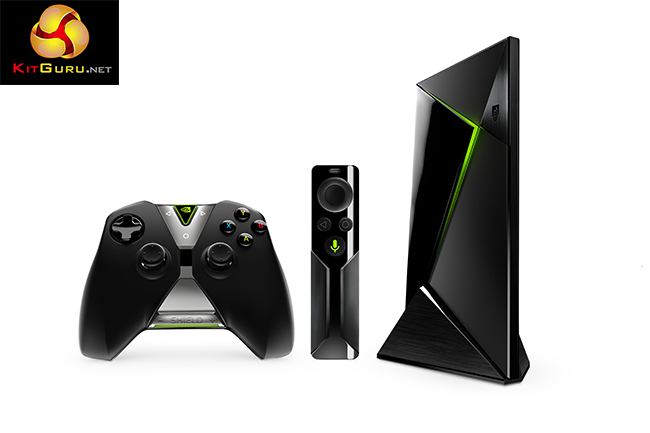
The first thing you will find in the box is the Shield console itself, which is surprisingly sleek and nicely designed.
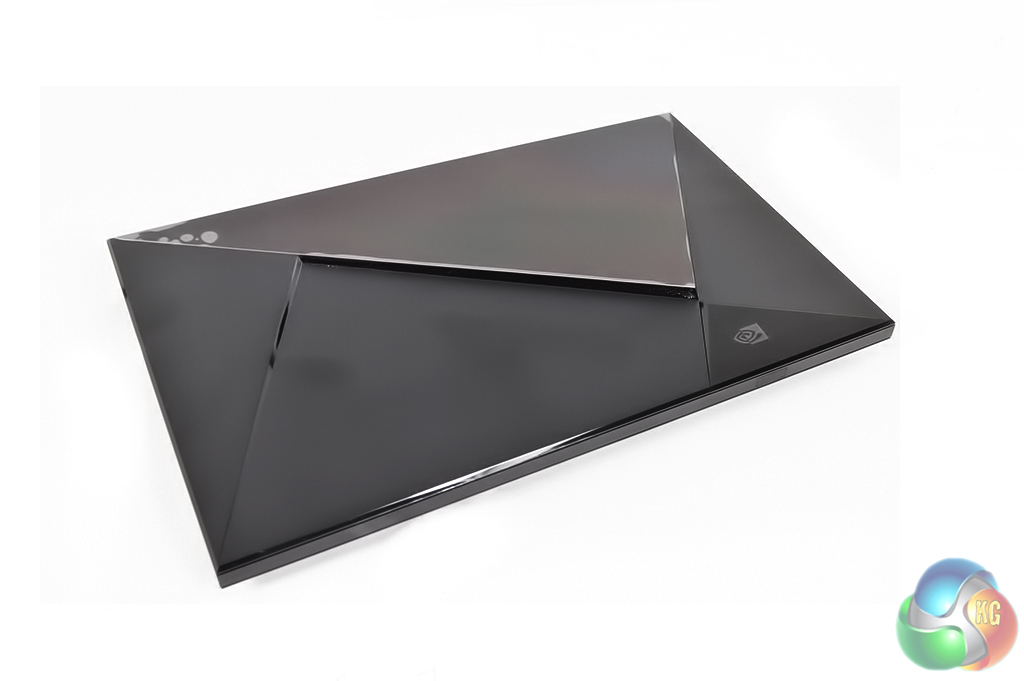
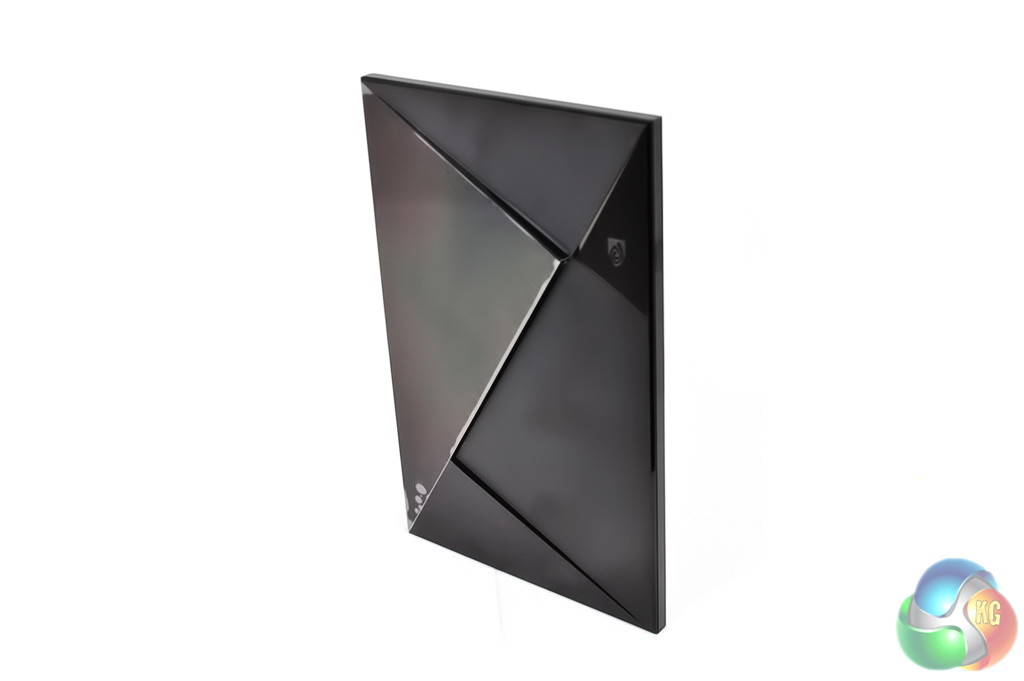
The console itself is made from a mix of matte and glossy plastics. It is really small, especially compared to the consoles we are used to seeing.
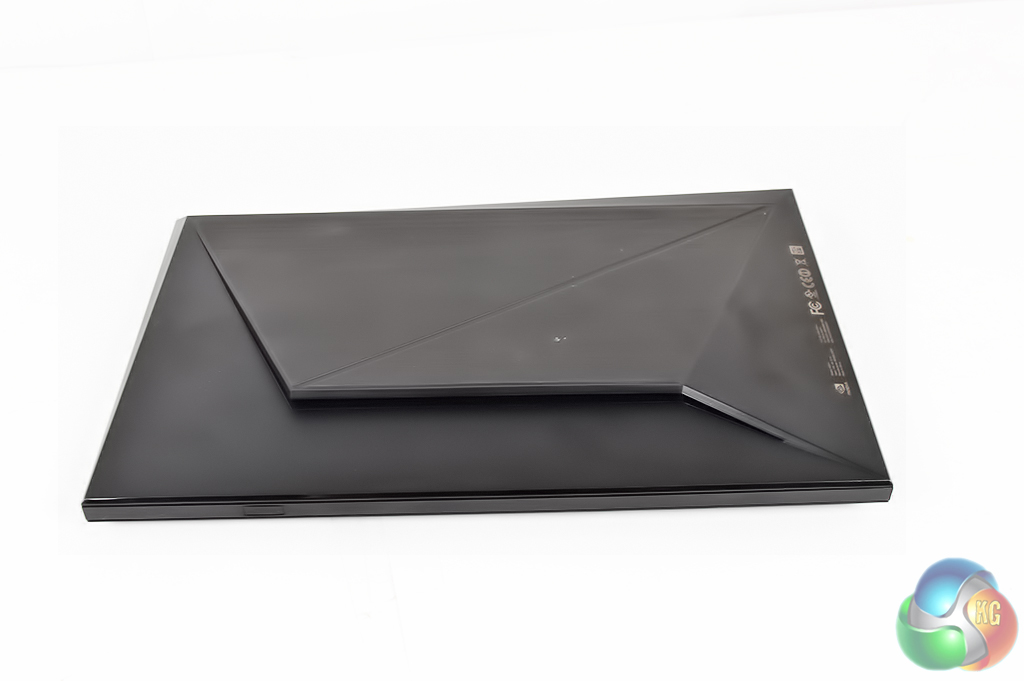
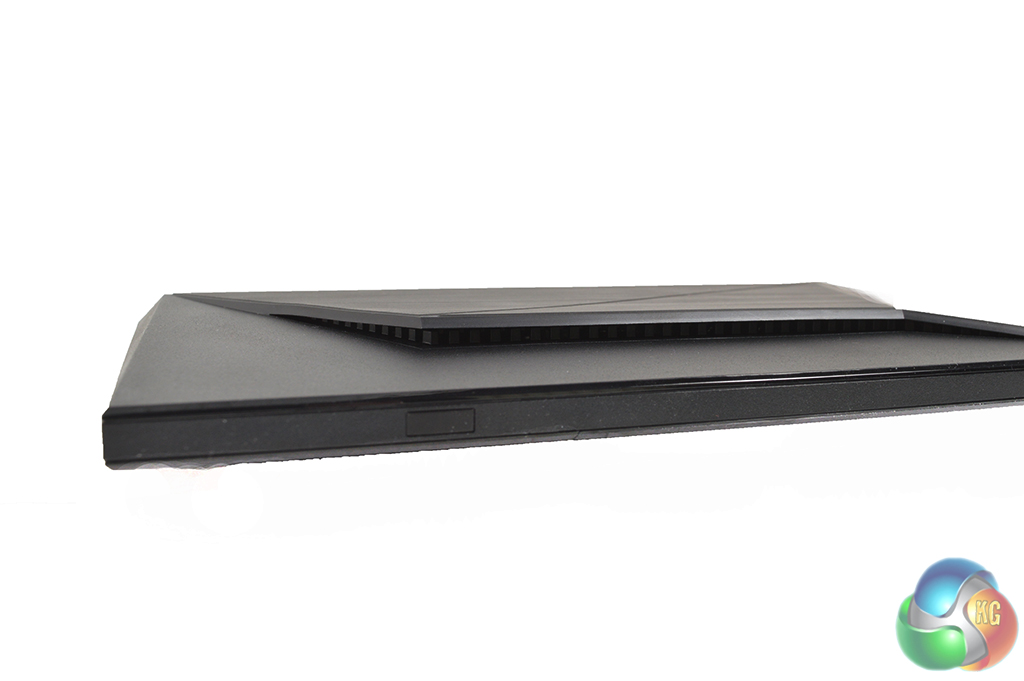
On the bottom, you will find a sturdy rubber base as well as ventilation to ensure the hardware doesn't overheat.
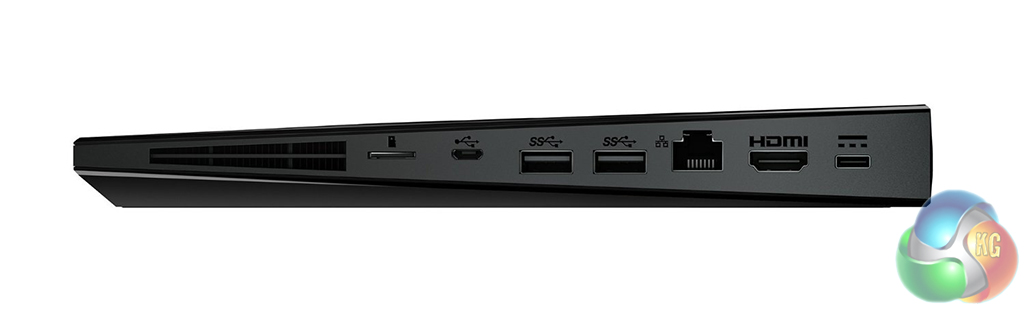
On the rear of the console, you will find the I/O which includes the power connector, an HDMI 2.0 port, two USB ports, a micro SD card slot, a micro-USB slot and a gigabit ethernet port.
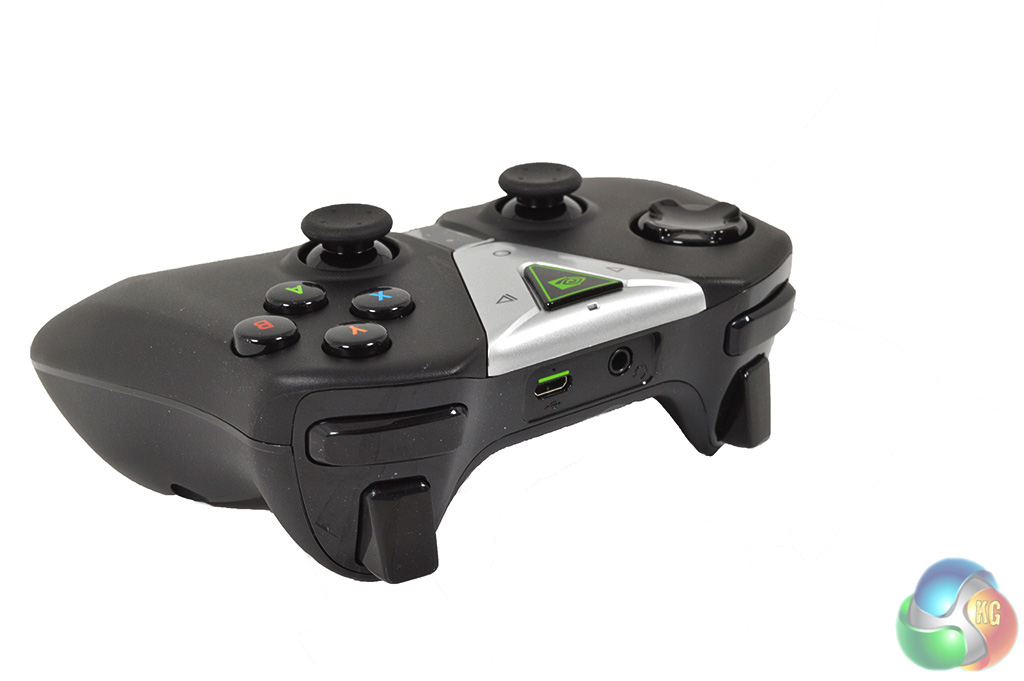
Also included in the box is Nvidia's gamepad, which hasn't really changed at all since the launch of the Shield tablet. It is fairly nice to handle but the buttons are a bit mushy and the triggers could have more of a tactile feel to them. If you aren't happy with it though you could switch it out for any other bluetooth gamepad, like the Dualshock 4.
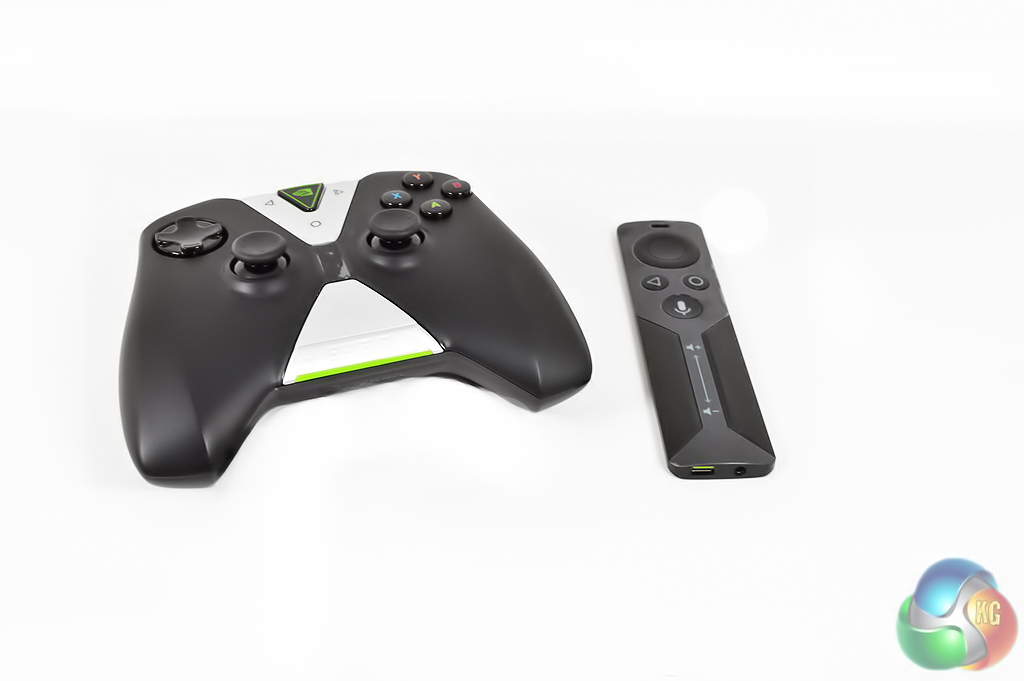
Nvidia also offers a stand alone controller for the Shield TV that you can buy separately. This would be almost an essential purchase if you just wanted to use the Shield TV for streaming video rather than gaming.
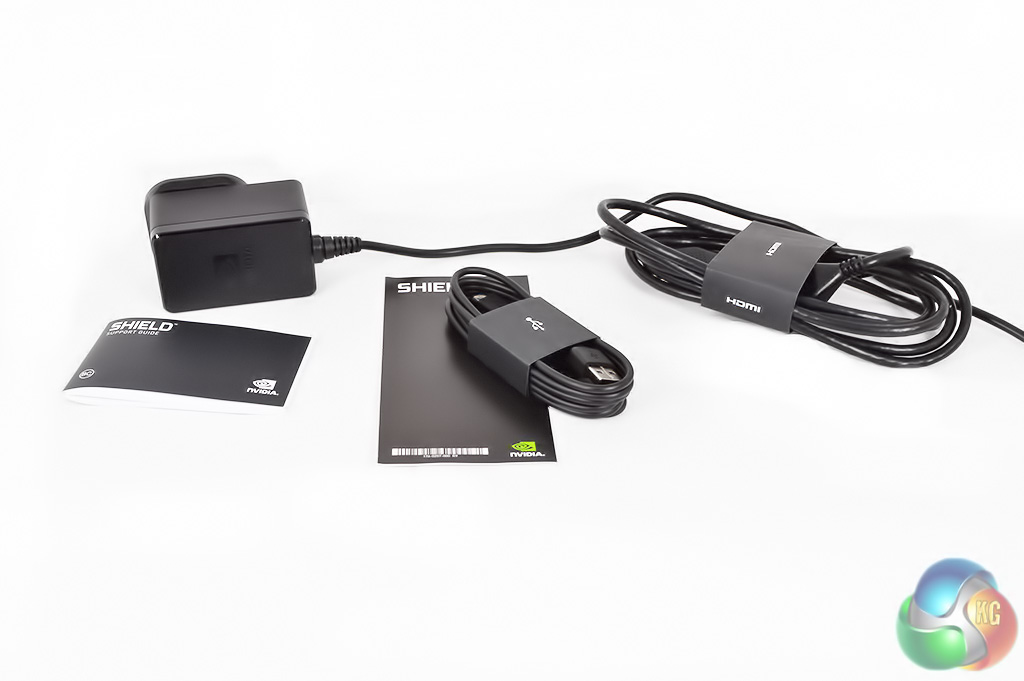
Nvidia also bundles the Shield TV with an HDMI 2.0 cable, a micro-USB for charging the controller and a power chord with several adapters for sockets across the world. Overall, it is a well thought out bundle.
For this review, I will be splitting the testing portion into two halves. In this section, I will be taking a look at Android TV and how well it works for everyday use including video streaming from sources like Netflix, to running some more intensive apps like Android games. Then over on the next page, I will be taking a look at GeForce Now (Nvidia's new name for its cloud gaming service) and in-home game streaming.
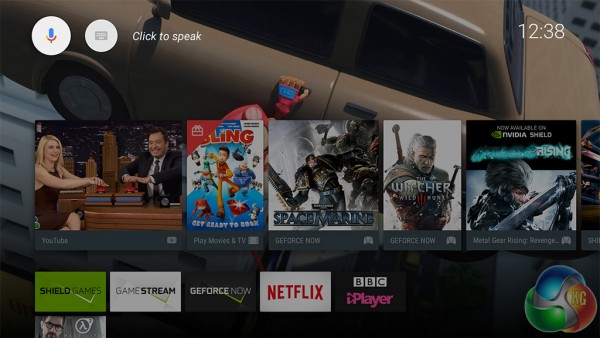
For those who don't know, Android TV is essentially a curated version of Android that only allows apps that work well on a TV with a remote or gamepad. This results in a fairly closed off and in some ways, a cut-down experience for those that are used to regular Android on tablets or smartphones.
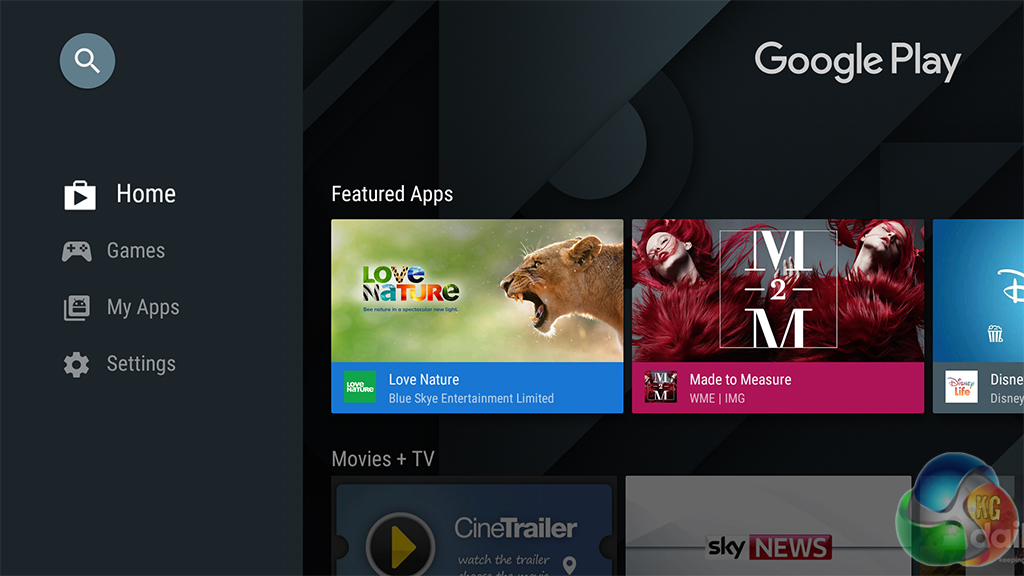
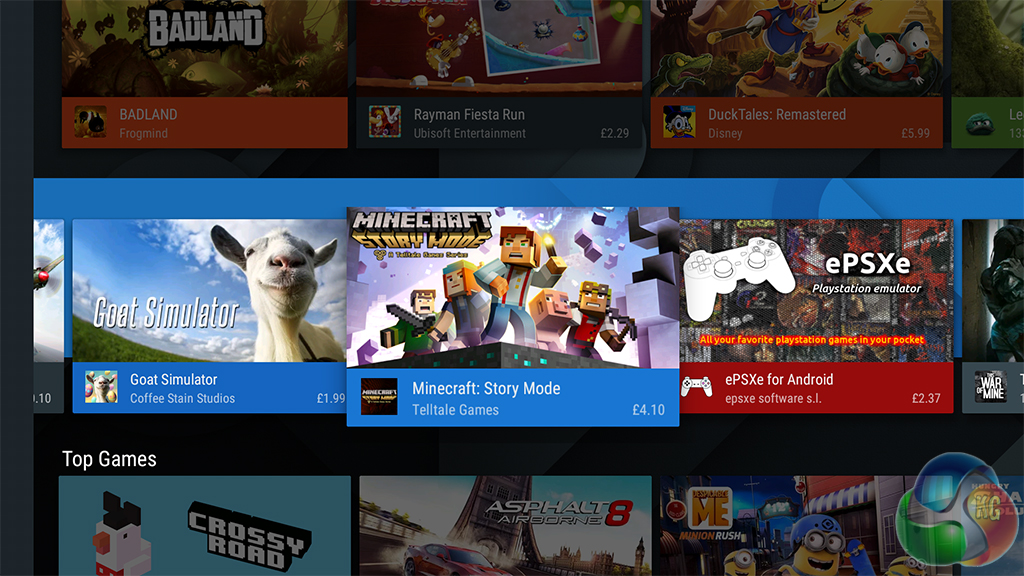
When it comes to app selection, Android TV has plenty to offer with apps for some of the more popular catch-up TV services and the ability to play back Netflix shows in 4K, which is a rare feature indeed for a set top box. There is also a fairly good selection of games too.
The Nvidia Shield Tablet came with vanilla Android installed and still managed to provide a decent TV experience thanks to the gamepad having a mouse cursor function. This gave you a much greater degree of freedom and control over the software.
However, the Android TV user interface is designed to be used specifically with a remote and as a result, UI navigation can feel quite clunky at times and apps like Google Chrome aren't great to use. The mouse cursor feature of the Shield controller is also removed, which is a shame. I have brought this up with Nvidia and have been told that they are looking into it so we may see it return at some point but no promises!
Truth be told, going from the Android we see on smartphones and tablets to a more cut down version designed for the TV takes some getting used to. At first, I was put off by the limited nature of Android TV, particularly since the Shield Tablet did such a good job of proving that vanilla Android could work on a TV.

However, once you start using some of the Shield TV's headlining features like 4K playback on Netflix, or playing some of the Shield's exclusive games, you start to appreciate the platform a whole lot more.
For starters, if you happen to own a 4K TV already then you owe it to yourself to give Ultra-HD Netflix a shot as it really is something else. The selection of shows is fairly limited right now but I got to watch Daredevil season 2, House of Cards season 4 and even some Breaking Bad on a Samsung UE55JS8500 UHD TV and it truly was a sight to behold. The library is also growing on a regular basis so it will improve over time.
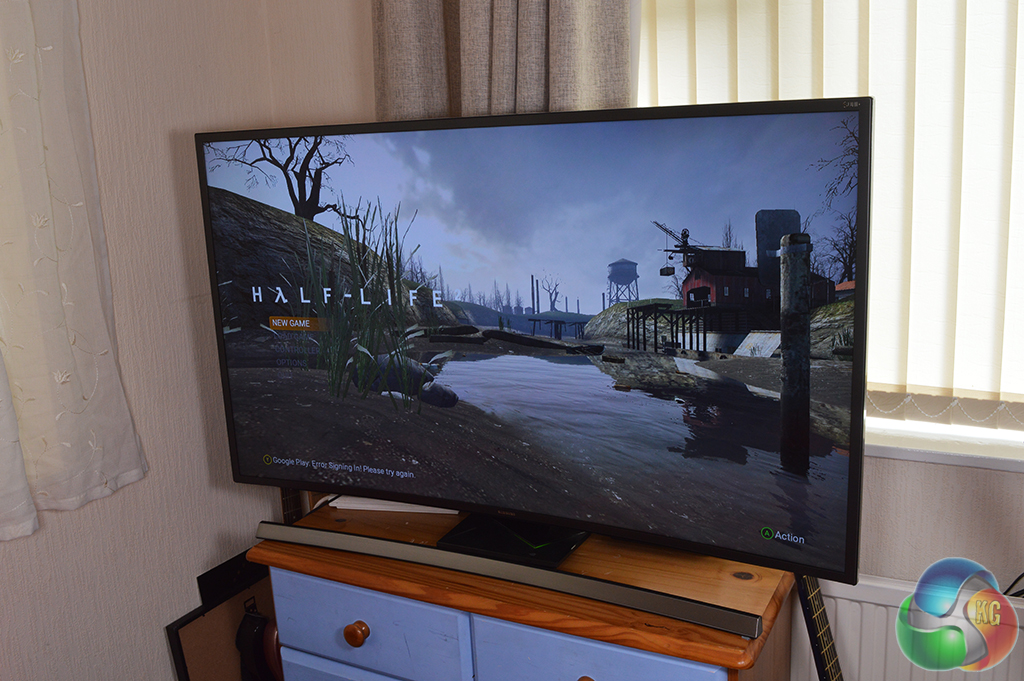
Now while the Shield TV does have a fairly powerful Maxwell GPU under the hood, Android games aren't going to be running at 4K. For example, Half-Life 2 runs at 720p. However, the scaling is very good leaving you with a crisp and clear image. On top of that, Half-Life 2's frame rate was solid throughout, the only con here were the lengthy loading times.
I also had the chance to try out my favourite game of all time- Knights of the Old Republic, which also works very well on the Shield TV with the gamepad.
There are some other games that I thought would work well on the Shield TV like Grand Theft Auto: San Andreas. Unfortunately, while this is available for tablets, it isn't on Android TV yet so there is still room for improvement when it comes to the game library.
While there is no shortage of Android TV boxes that are capable of simply streaming on-demand services like Netflix or Amazon Prime Video, the Shield TV's biggest advantage comes in the form of its gaming chops with GeForce Now and Shadow Play. With the Shield TV, Nvidia has made it possible to stream full PC games either from its GeForce Now servers over the cloud or from your own GTX-powered gaming PC in the home.
I took a detailed look at Nvidia's cloud gaming service back when it was still called ‘Nvidia GRID' back in January 2015. At the time, the service was a tad choppy and had some issues delivering a smooth experience despite having solid internet speeds.
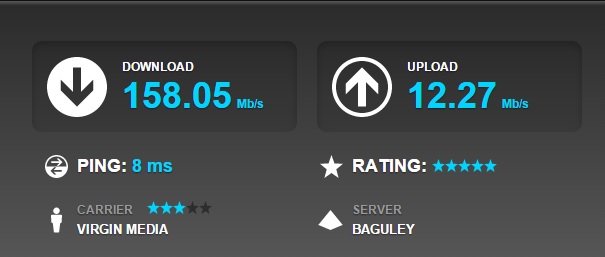
However, a lot has changed over the last year and GeForce Now has greatly improved. While I was previously limited to choppy 720p gameplay, I can now get a smooth 1080p/60 frames per second experience that will rival the current generation of consoles.
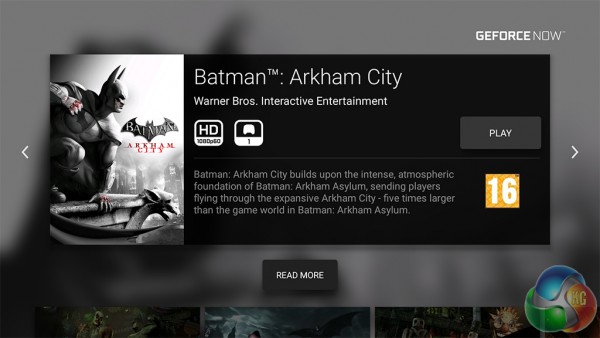
To show you just how far things have come, I revisited Batman Arkham City and re-recorded the same section of gameplay that you will find on my previous Cloud Gaming analysis. As you can see from the speed test screenshot above, I am also using the same Virgin Media 150 MB/s connection as last time from the same location. I will once again be utilising Nvidia's ShadowPlay recording feature to minimize performance impact. It is worth noting that even on its highest setting, ShadowPlay can only record at 30 frames per second so keep that in mind.
I will once again be utilising Nvidia's ShadowPlay recording feature to minimize performance impact. It is worth noting that even on its highest setting, ShadowPlay can only record at 30 frames per second so keep that in mind. It should also be said that YouTube videos won't necessarily be a fair representation of graphical quality as the footage gets heavily compressed. [yframe url='http://www.youtube.com/watch?v=dV0uJFzi6Zw']
As you can see, the experience is much smoother now, which is great as GeForce Now is a paid subscription service.
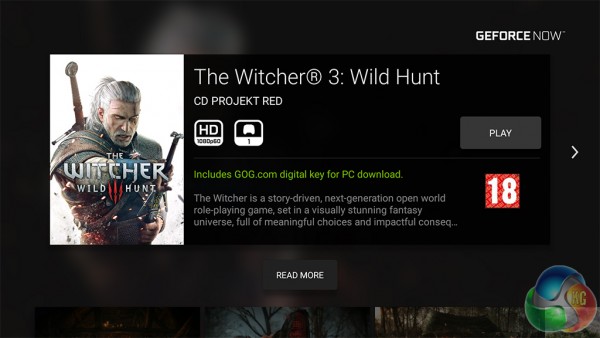
However, newer triple-A titles like The Witcher 3 do cost extra on top of the £7.99 GeForce Now monthly subscription so that is worth keeping in mind. Speaking of which, Nvidia were kind enough to unlock The Witcher 3 on my account so that I could try it. [yframe url='http://www.youtube.com/watch?v=9hue0K65t8k']
The game defaults to 1080p/60 frames per second at the low graphics preset but it results in a decent experience. I have sunk many hours into The Witcher 3 since it launched on both the PC and Xbox One so I was surprised to find just how smooth the experience was playing through the cloud. The game ran much smoother than it does on my Xbox One, which is quite an achievement for cloud gaming.
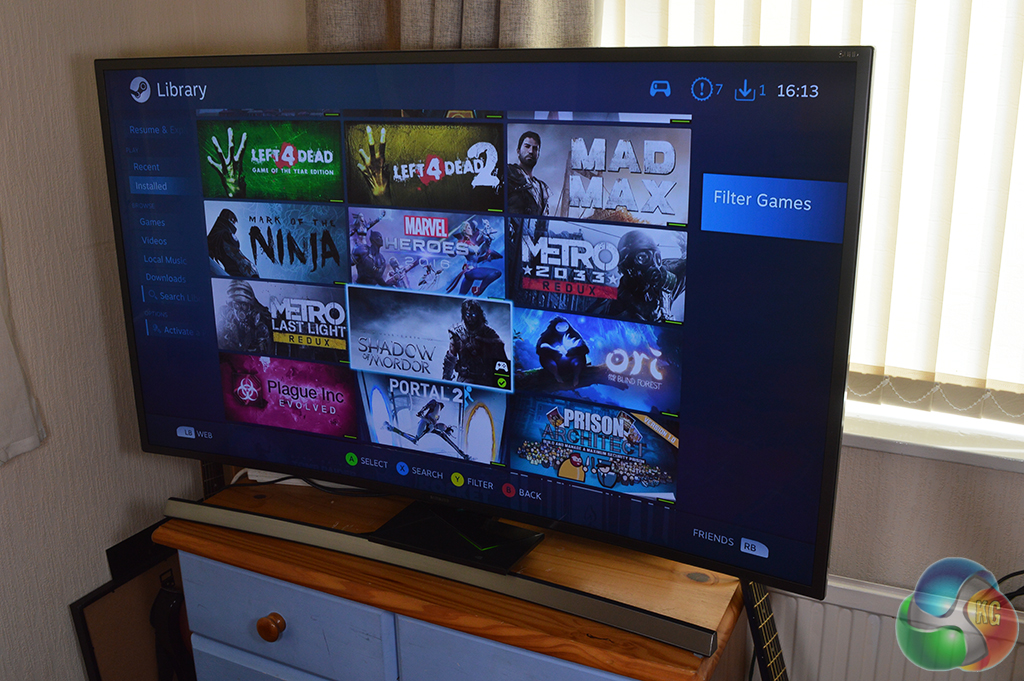
In-home streaming is also fairly good. Upon launching the app, Steam Big Picture mode will load up on your PC and you will have access to your entire Steam library. However it is worth keeping in mind that if you want to play a game with a secondary launcher like Fallout 4 or Hitman, then you will need to go back to your PC to press play before the game will appear on your TV.
Even over the WiFi, in-home streaming from my gaming rig to the Shield TV was great, I could play games like Shadow of Mordor or Fallout 4 with minimal latency. Rest assured, if you want to bring your PC games to the living room, the Shield TV is capable of handling it as long as your router is up to snuff. In my case, I was using a Linksys WRT-1900ac.
Nvidia has built an impressive set top box here, equipped with a custom Maxwell GPU that is capable of running full PC titles like Half-Life 2 and decoding 4K HEVC sources for Ultra-HD playback on services like Netflix. If you have a 4K TV already and are starving for content, then the Shield TV can help deliver that.
While I do feel that vanilla Android would have worked fine for a smart TV, I understand why Google has placed limitations on Android TV- it does offer a more curated experience and there is far less chance of you downloading a bad app or software that just isn't going to work properly.
Where the Shield TV really shines though is in its gaming features. Nvidia's in-home streaming works really well and allowed me to stream some fairly intense games like Shadow of Mordor and Fallout 4 from my gaming PC to my TV.
However, if you don't have a gaming PC or a Nvidia graphics card, then there is another option for you- GeForce Now. Nvidia's cloud gaming service was bumpy when I first assessed it early last year but some pretty major strides have been made in terms of performance.
GeForce Now is a paid for subscription service but its library of games is fairly extensive and newer titles are available to stream from the cloud though some of these do cost extra. In my testing, I revisited Batman Arkham City specifically as it was arguably the worst performing title on GeForce Now in my original piece, I also tried out The Witcher 3 as an example of a newer game running through the cloud service.
I was delighted to find that Nvidia has since optimised its cloud gaming platform to the point where I could comfortably record gameplay using Shadow Play while running the streamed game with far fewer hiccups, frame hitches and overall lower input lag compared to one year ago. Even loading times have been reduced significantly, bringing an experience that is undoubtedly better than what I find on my Xbox One- it is truly impressive.
Now let's get down to price. The Nvidia Shield 16GB does cost £149.99 here in the UK and while it does come with a gamepad, the optional Shield remote and vertical stand do cost extra. There is also a more expensive 500GB version available. It is expensive but in return you get some stellar gaming features and access to 4K content, which will be particularly important to those who have already invested in 4K TVs.
Pros:
- Maxwell GPU.
- Tegra X1 packs plenty of power.
- 4K playback.
- GeForce Now has improved.
- In-home streaming works well.
- Attractive design.
Cons:
- Only 16GB of internal storage.
- Android TV can feel limiting.
KitGuru Says: If you are looking for a set-top box that is capable of 4K playback and streaming PC games then the Shield TV is well worth giving a shot.


I bought this device on Black Friday and I still love it and use it every day, to play games and watch movies and series in Netflix and Kodi. I actually prefer streaming over Geforce Now to playing the same games natively on my PS4 nowadays. A highly recommended buy.