 KitGuru KitGuru.net – Tech News | Hardware News | Hardware Reviews | IOS | Mobile | Gaming | Graphics Cards


The core OSD is more or less the same as found on the MSI 321URX, and it's broken down into nine main tabs as you can see here (though the PIP/PBP is greyed out as only one video input was used):
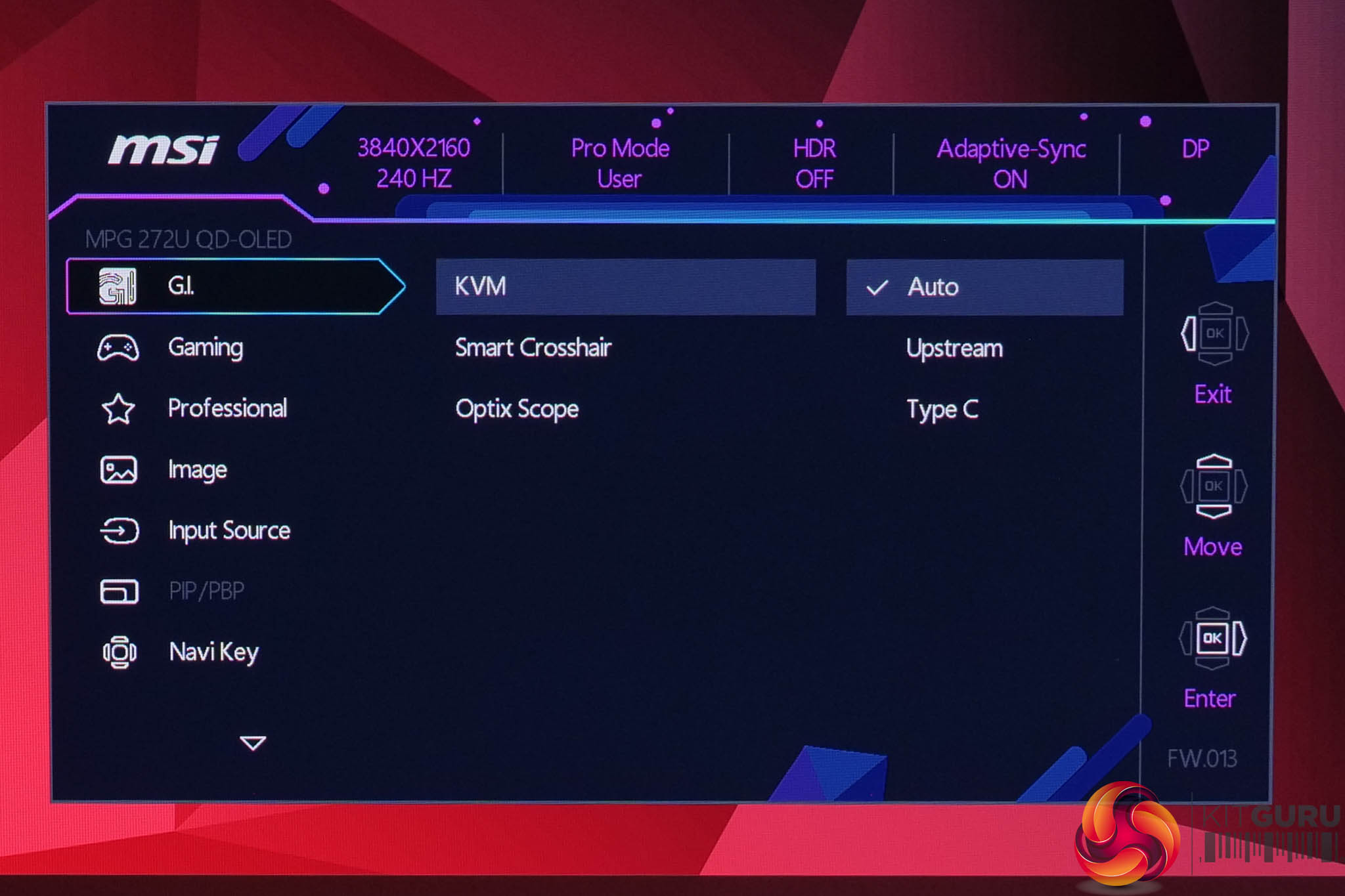
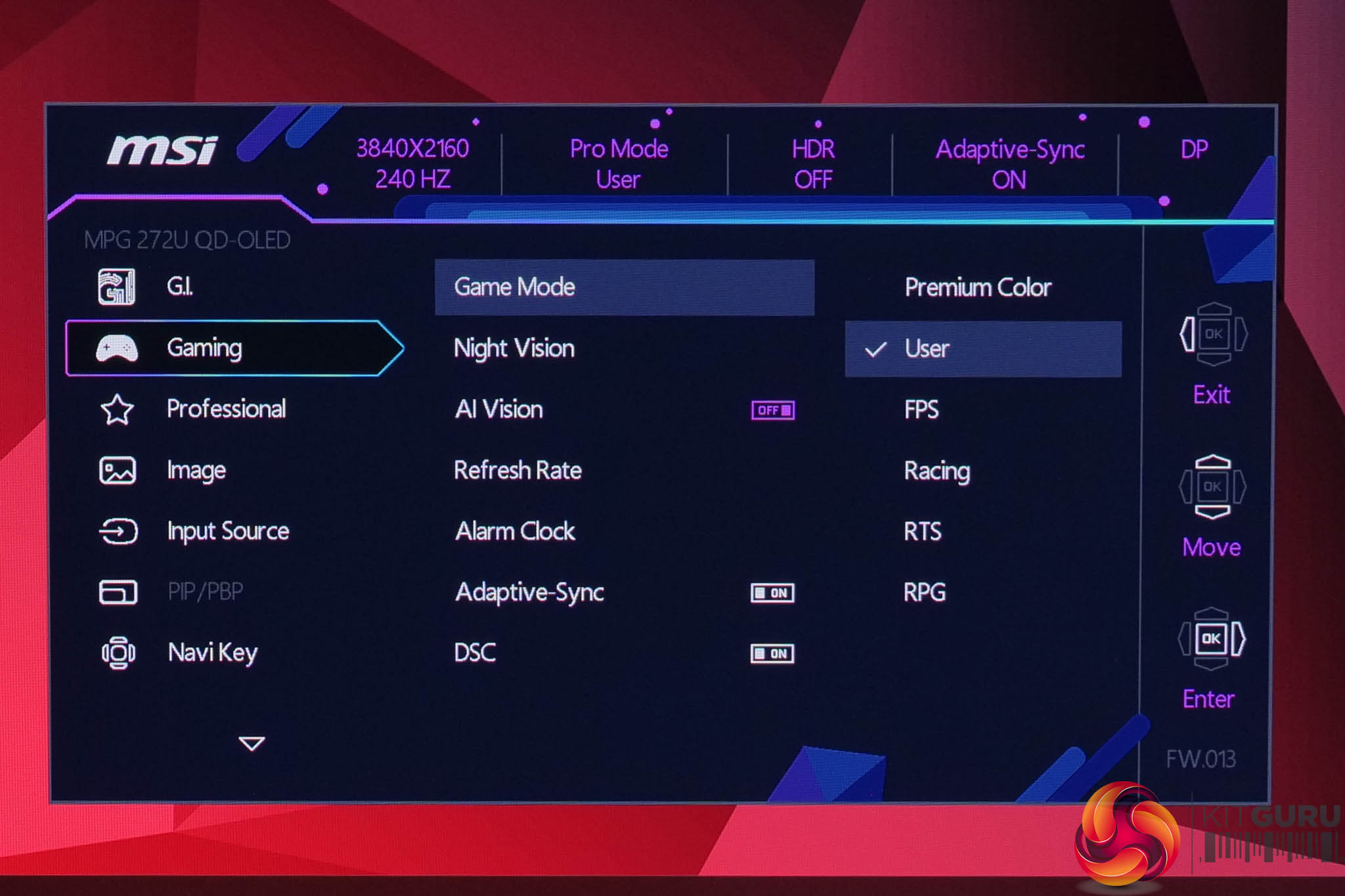
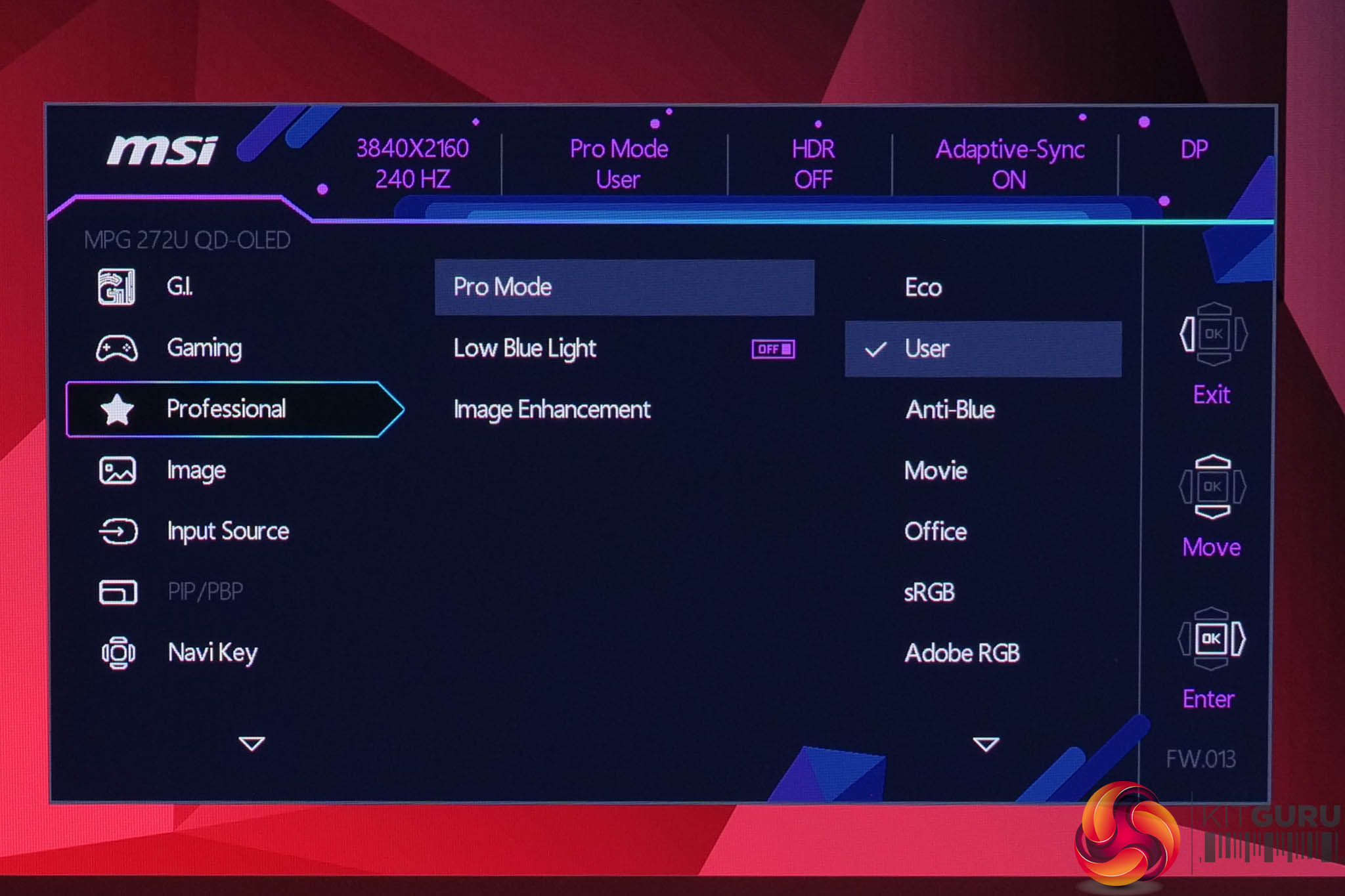
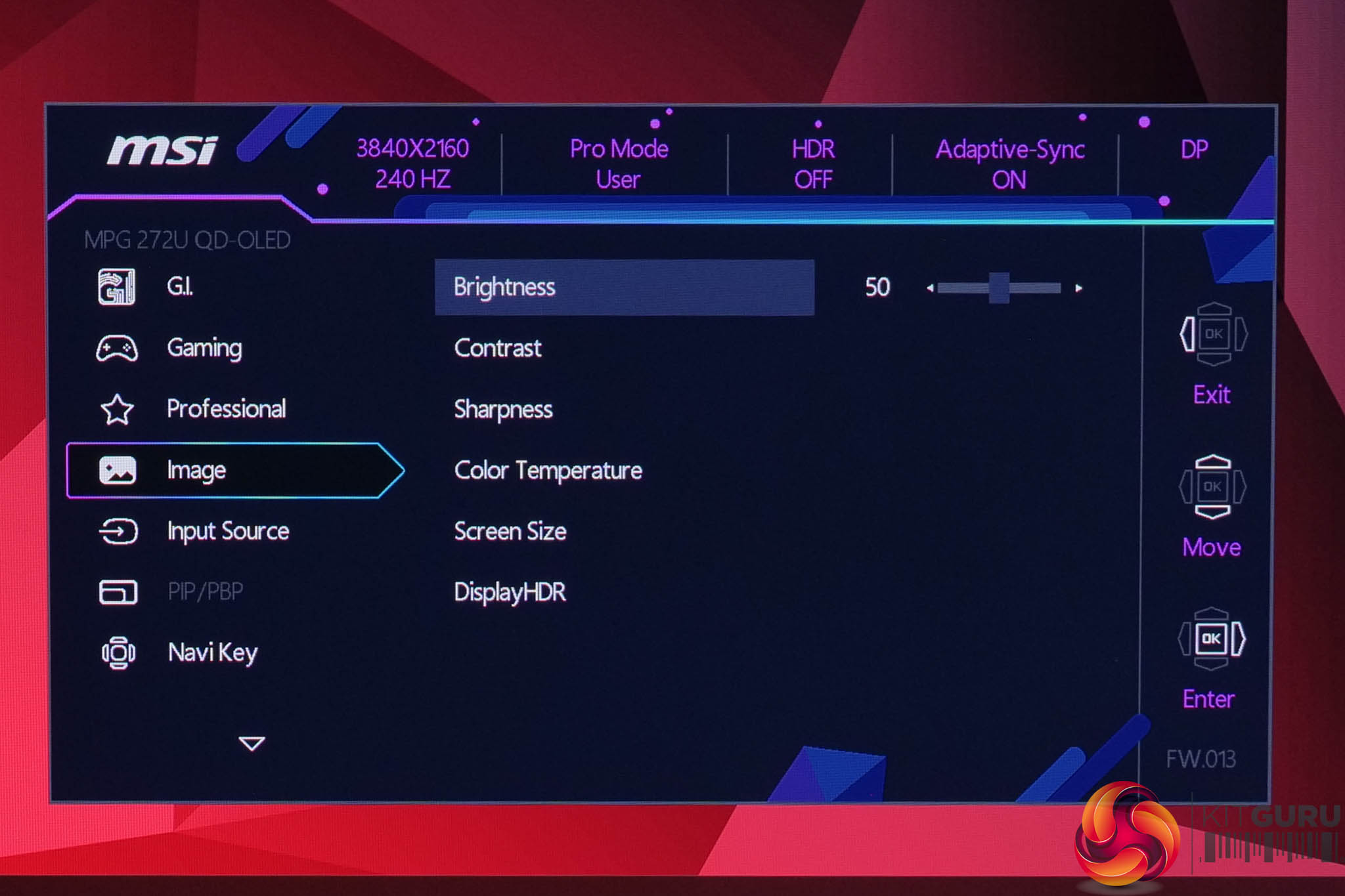
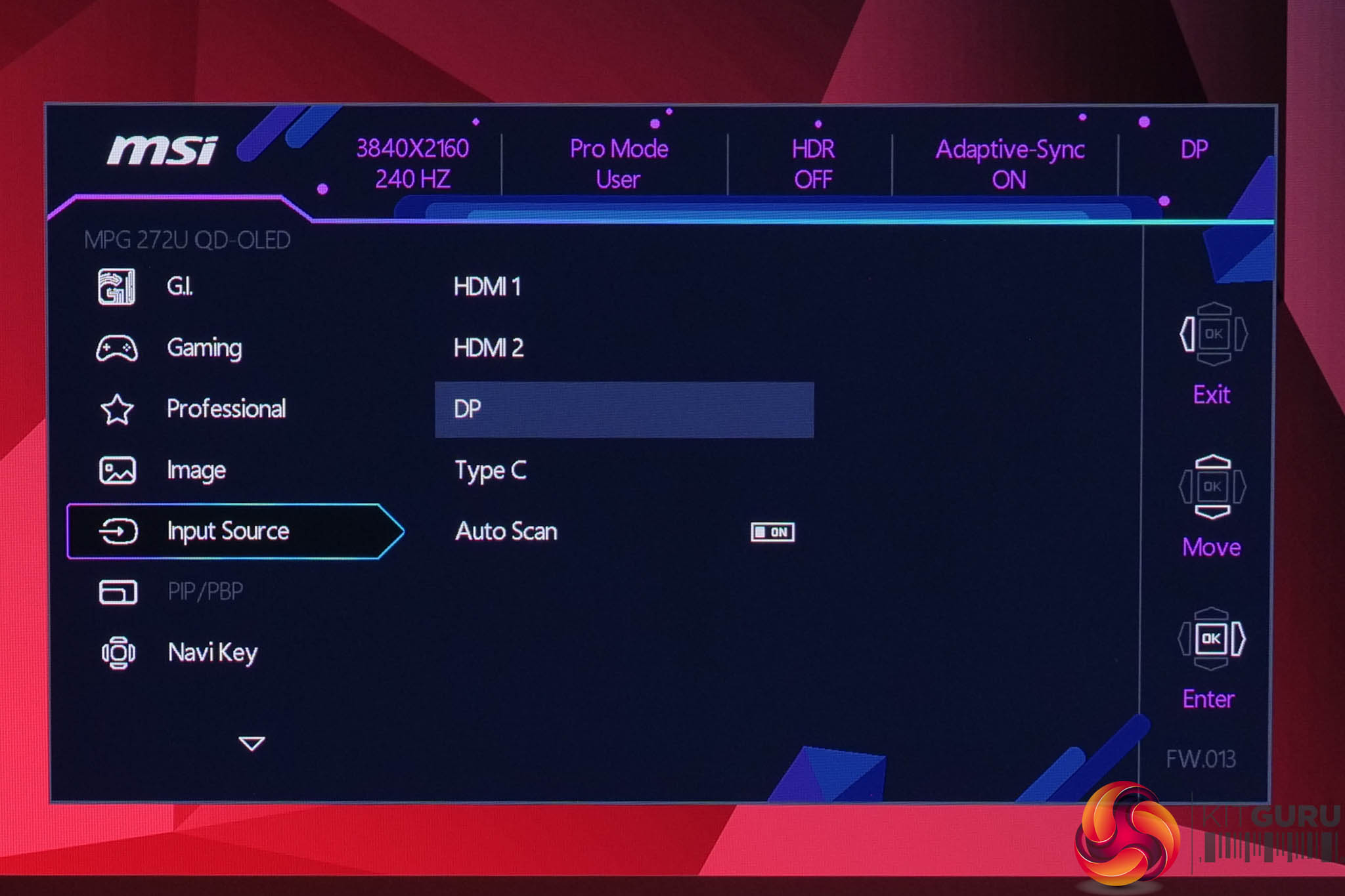
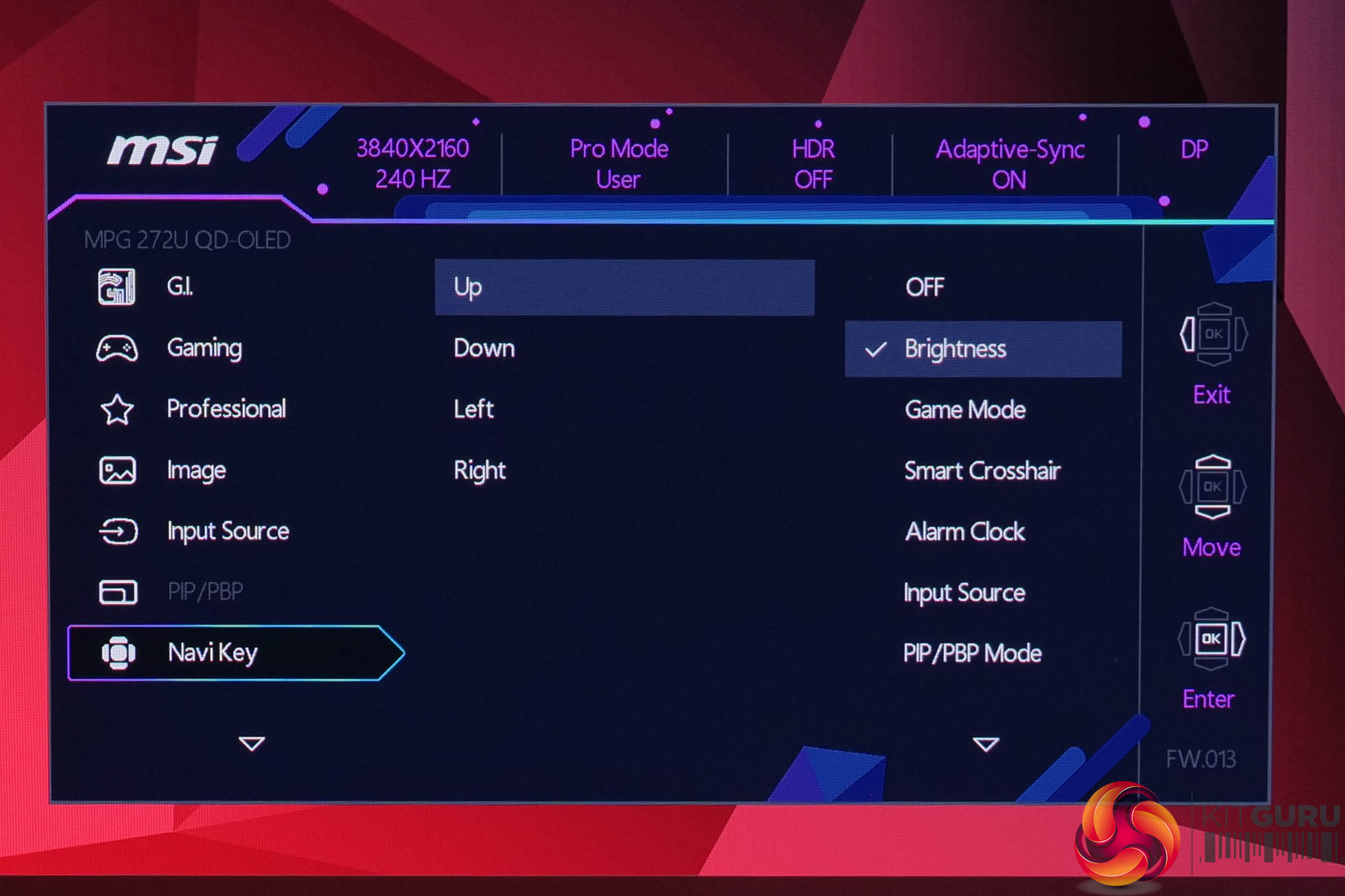
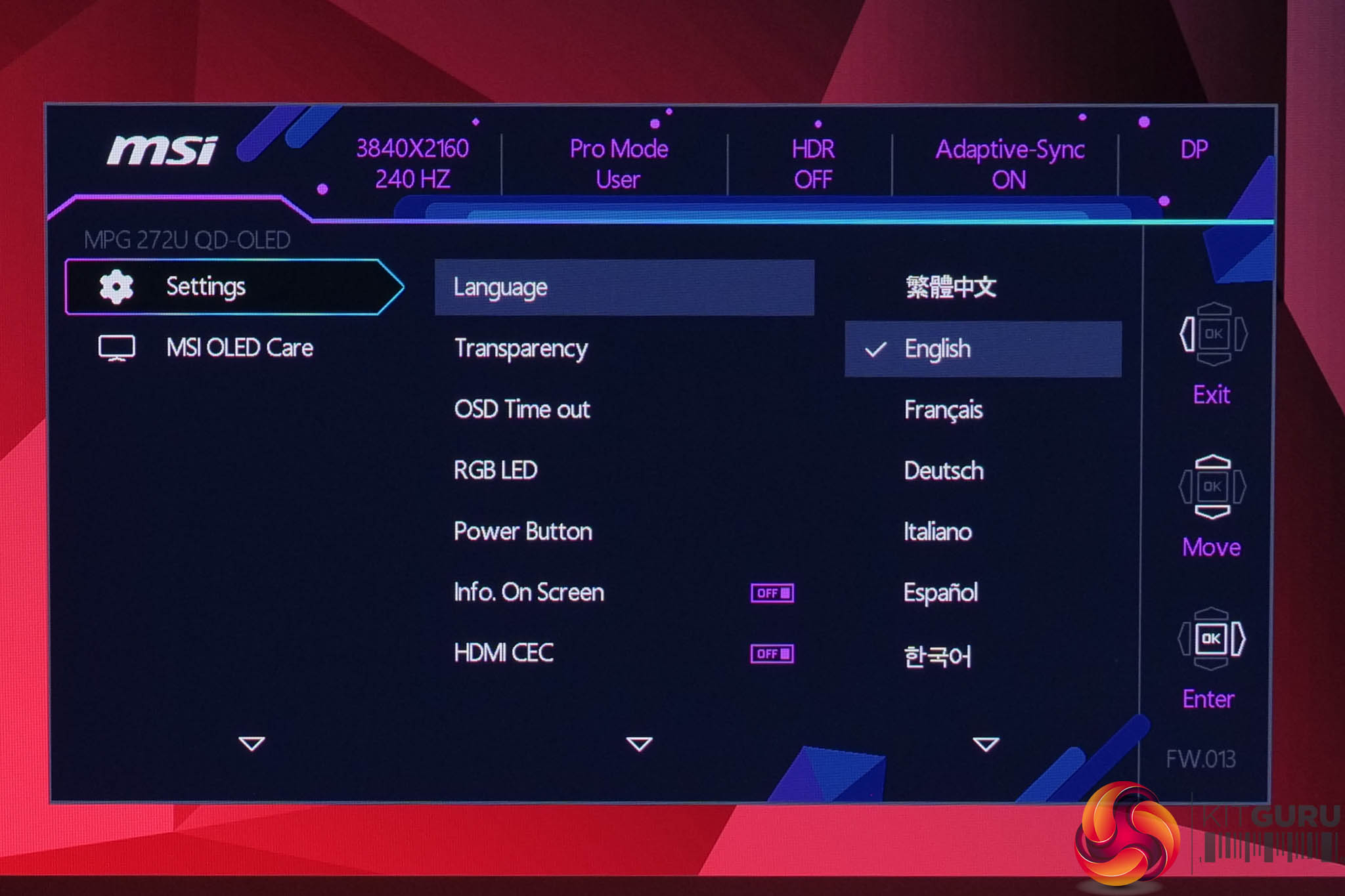
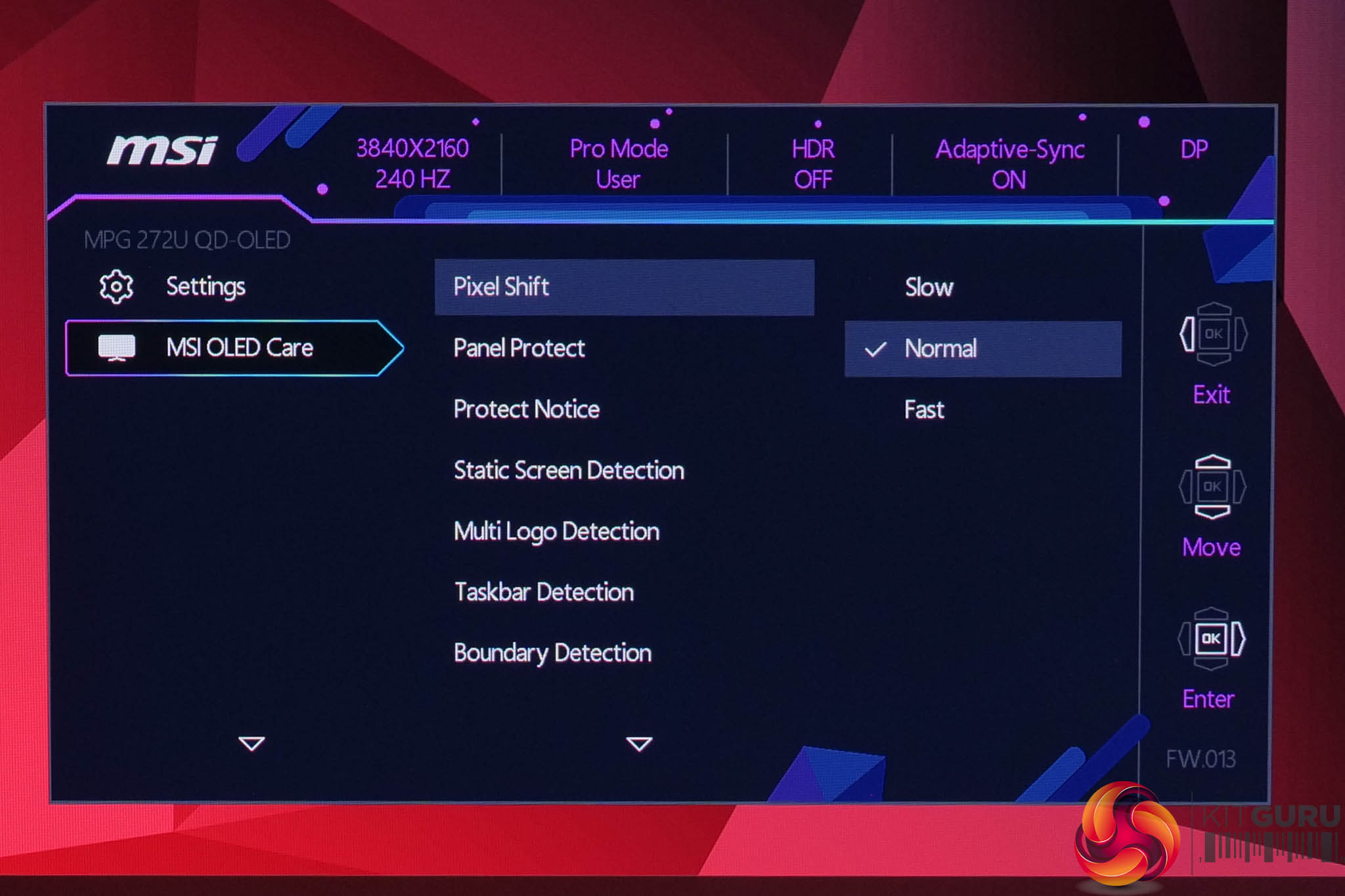
Using the same OSD system as we have come to expect from MSI, I don't have any major complaints here. It is quick to navigate using the joystick, things are sensibly laid out and it's a very well-featured selection too, with all the gamer-specific options we have come to expect as well as customisable white balance, an sRGB emulation mode and so on.
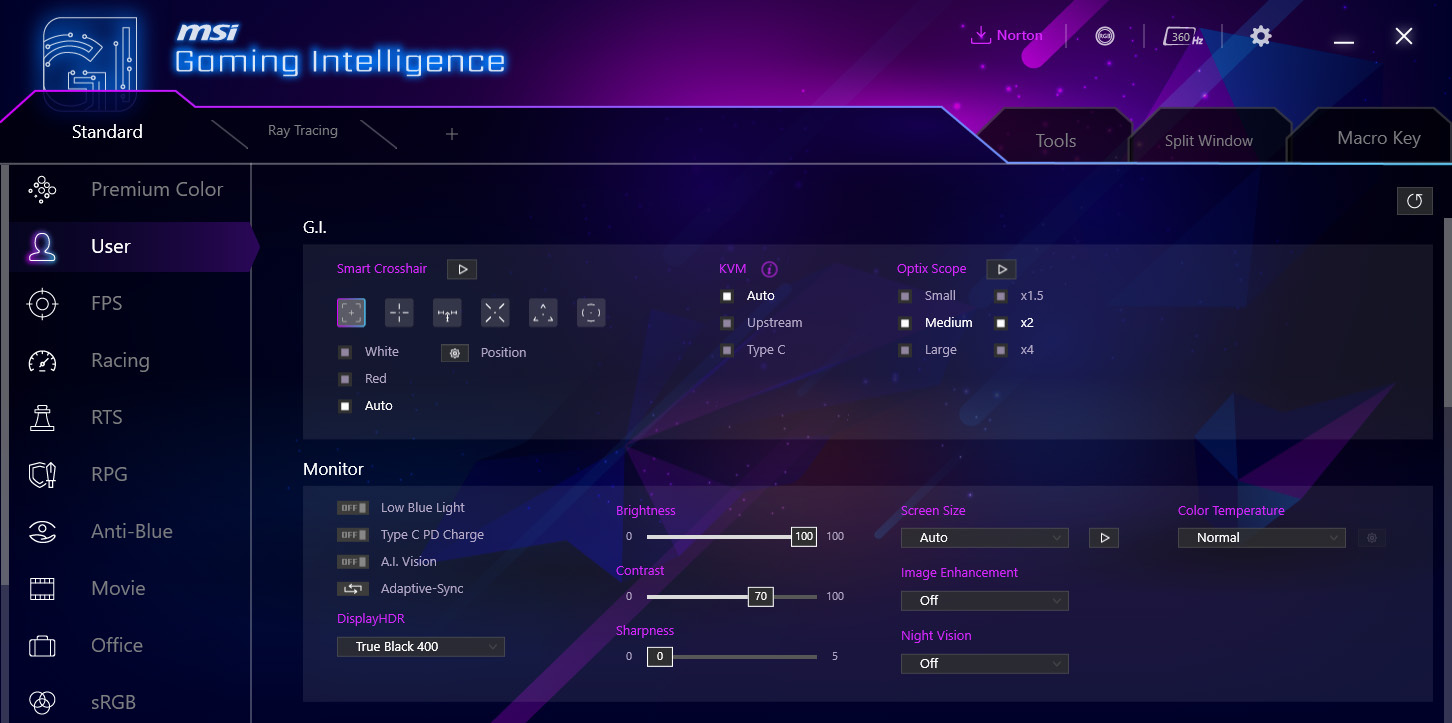
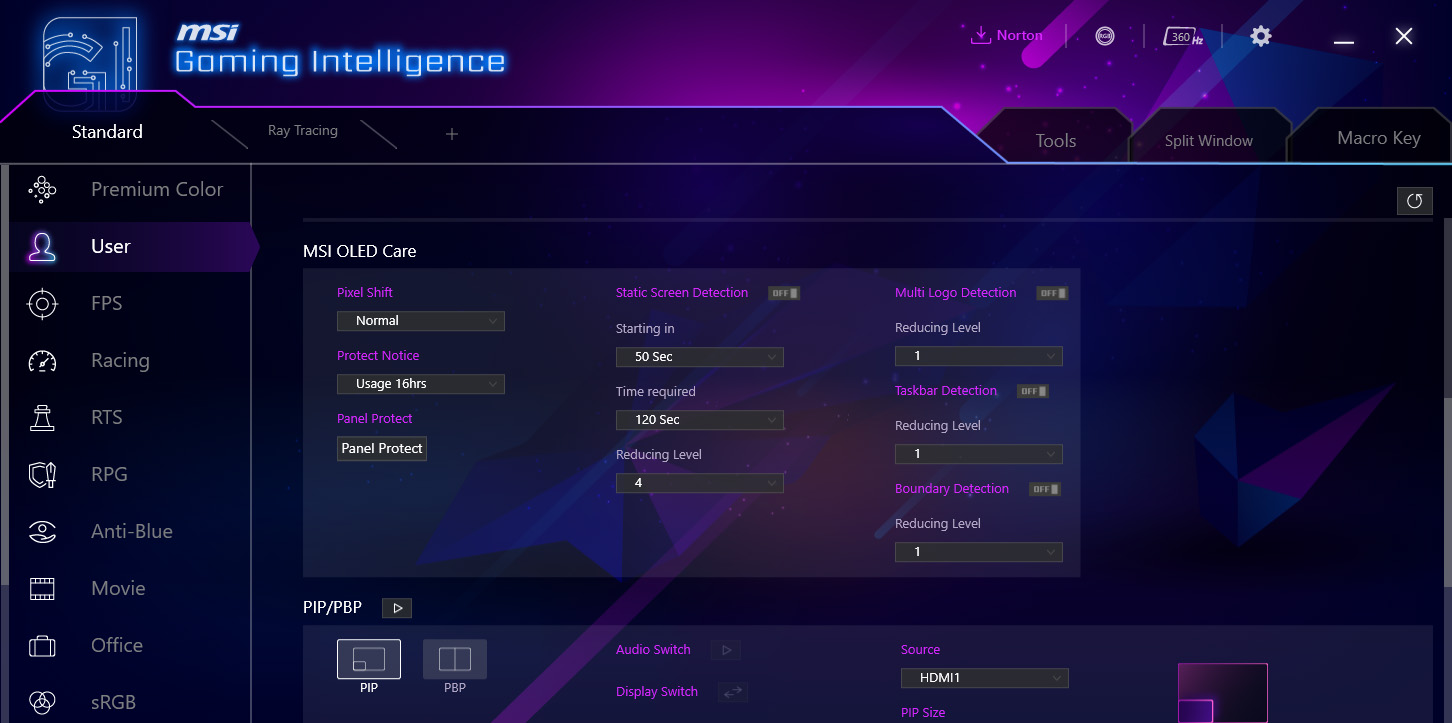
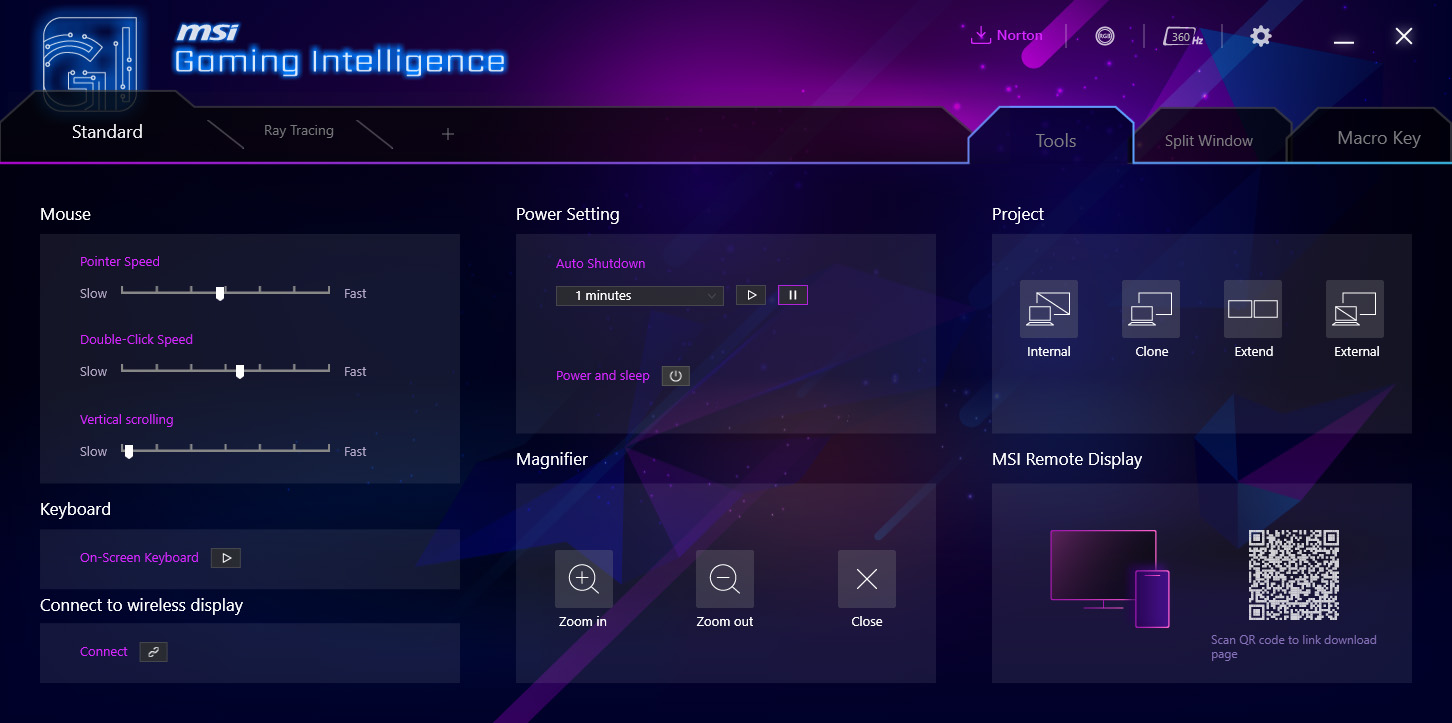
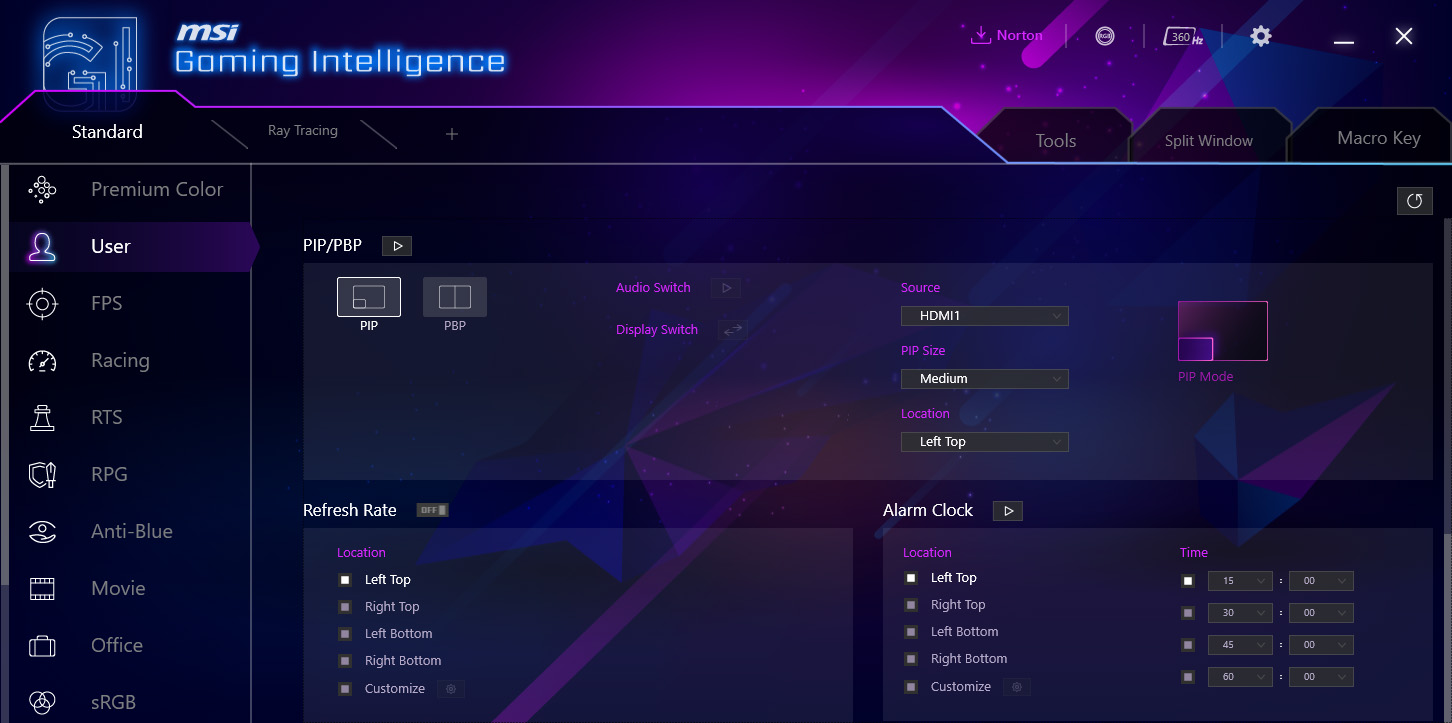
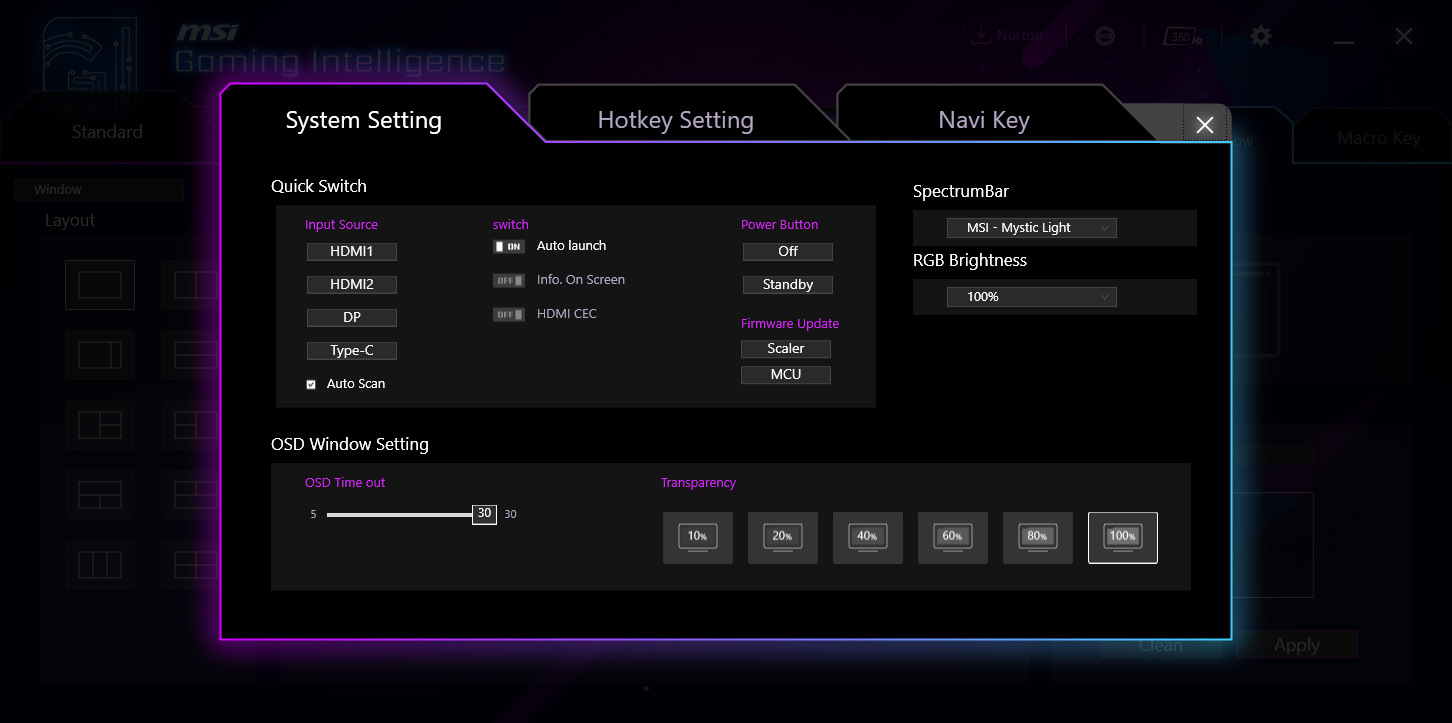
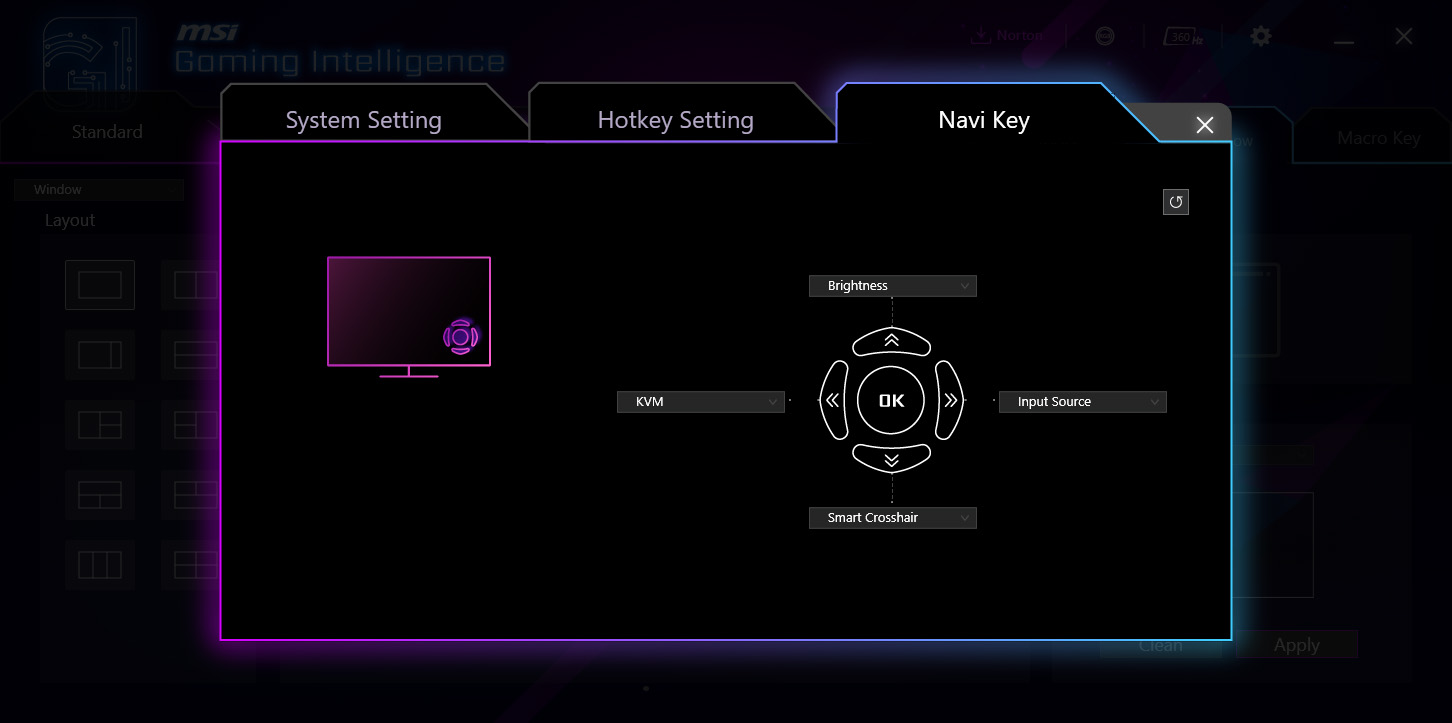
There's also the option to install MSI's GamingIntelligence app which can be used to control the monitor direct from your Windows desktop. This is an optional extra but it offers all the same options as the OSD for adjusting settings, while it can also be used to update the monitor's firmware.
