KitGuru KitGuru.net – Tech News | Hardware News | Hardware Reviews | IOS | Mobile | Gaming | Graphics Cards


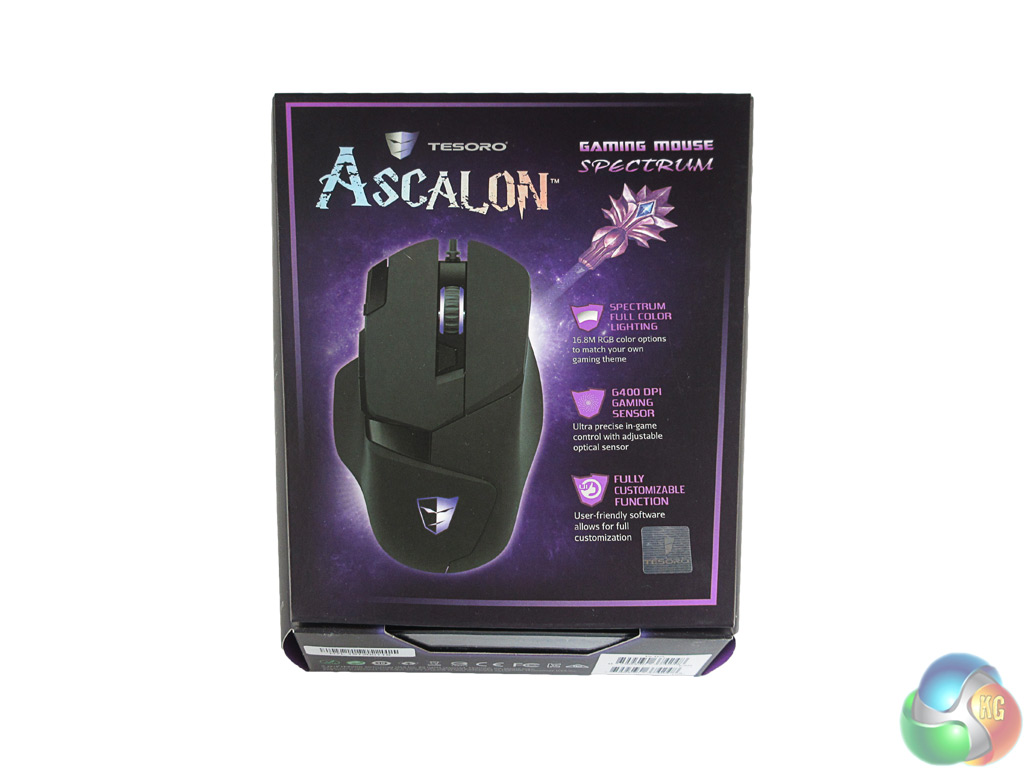
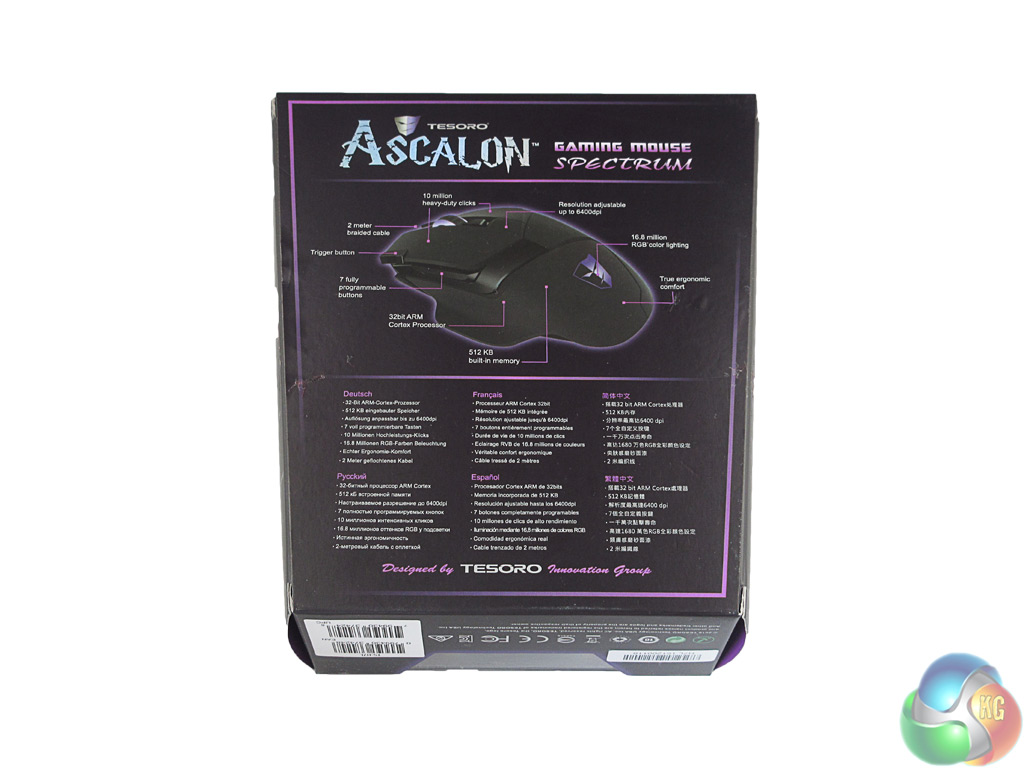
The Tesoro Ascalon ships in a fairly standard box, though the purple colour scheme does jump out at you. On the back of the box there is a labelled picture of the Ascalon, highlighting its key features.
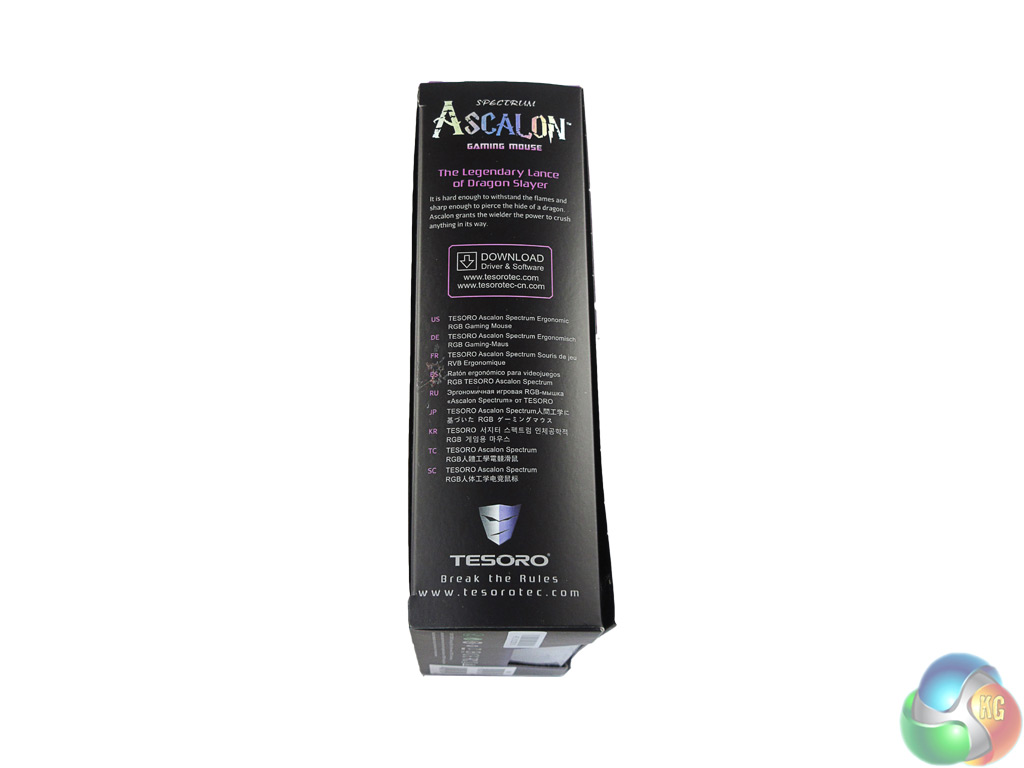
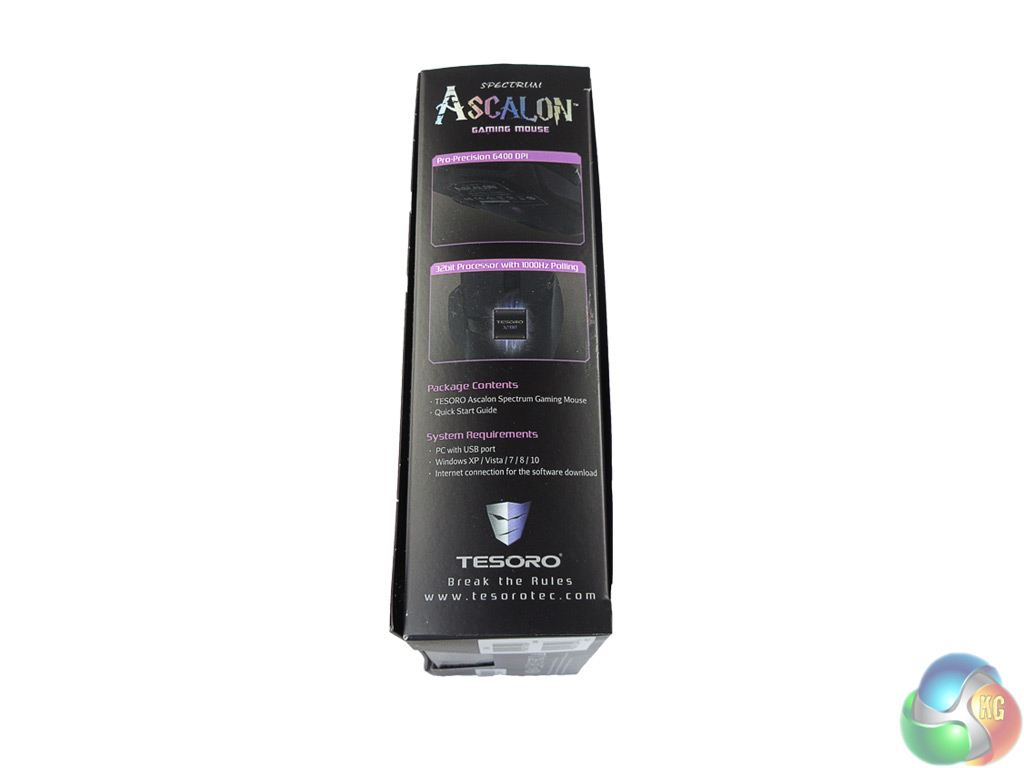
The sides of the packaging give a couple of additional features and information on where to download the drivers and software.
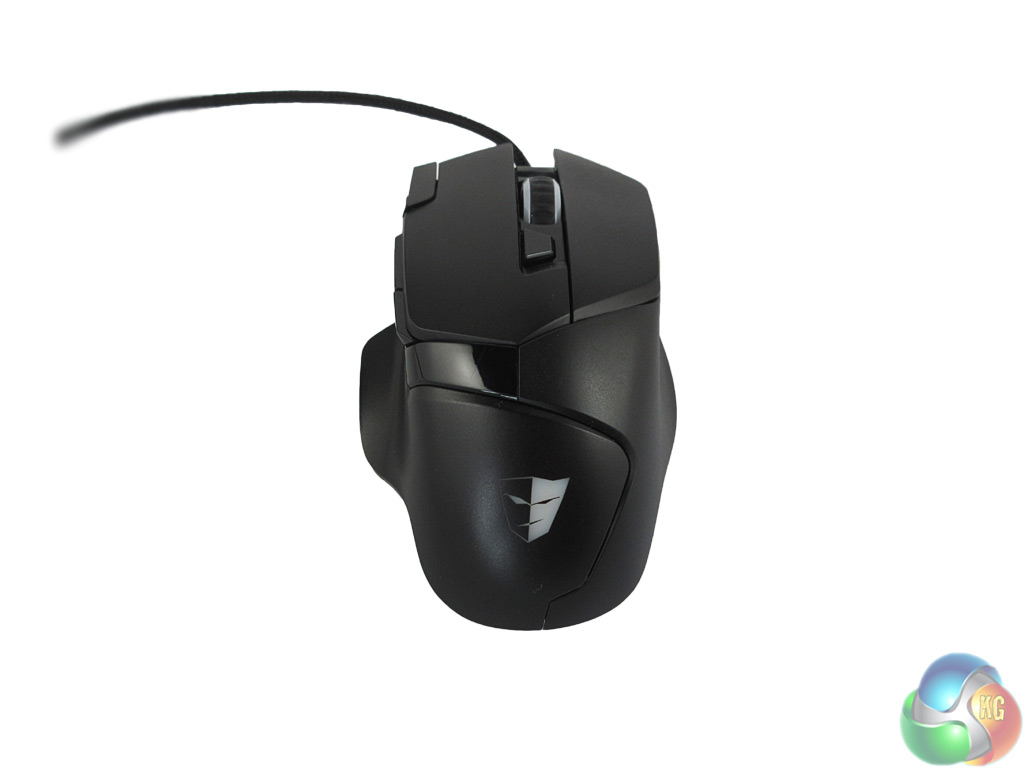
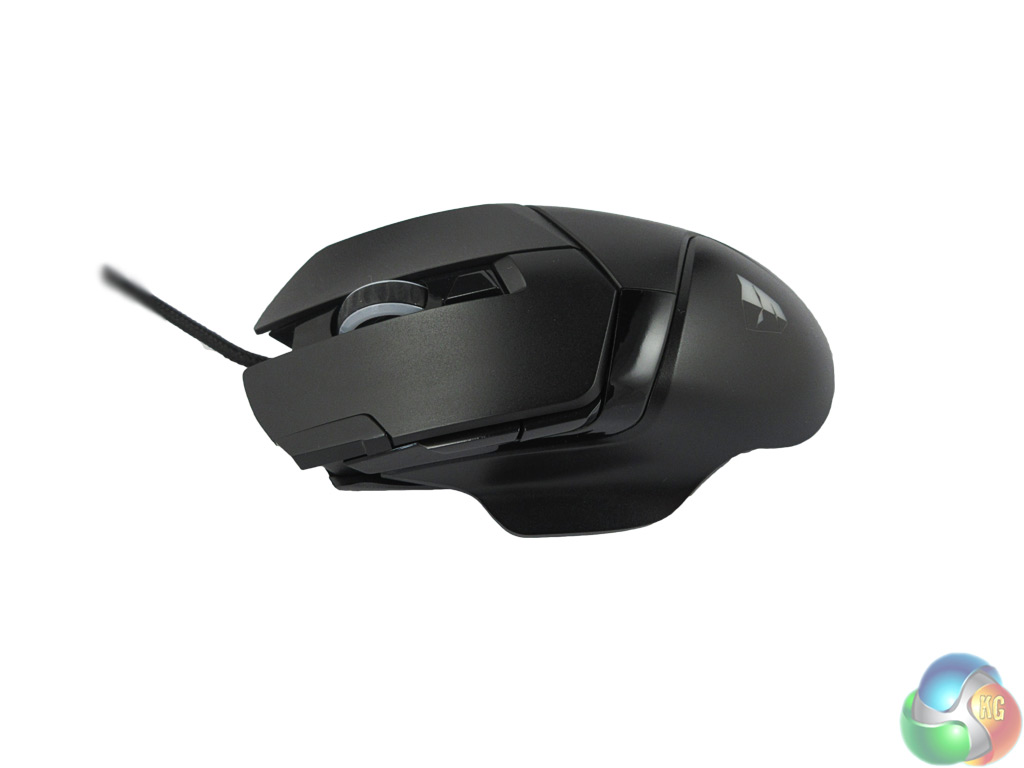
The mouse itself is ergonomically designed, and I found this lends itself to both the palm and claw-style grips. Despite being fairly symmetrical, there is a thumb rest on the left hand side, indicating that this is a right-handed gaming mouse.
I found this thumb rest to be very helpful, as it provides extra support which is greatly appreciated during intense-usage sessions.
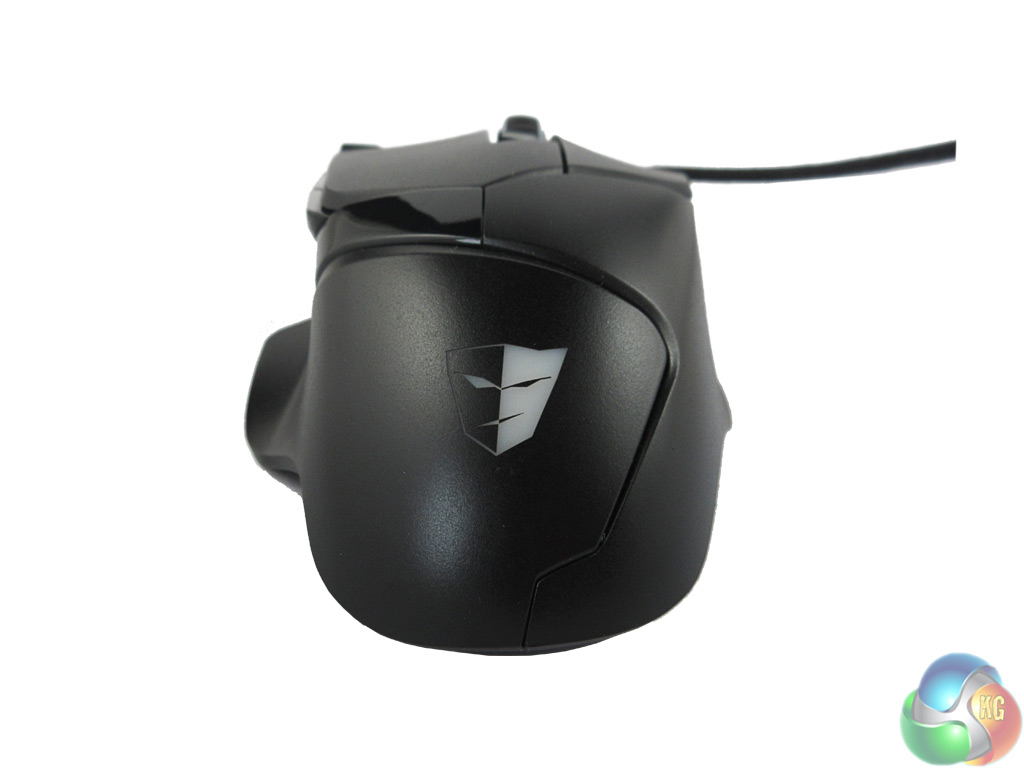
The main body of the Ascalon is good looking. I put this down to the combination of both matte and gloss plastics which compliment each other well. The Tesoro logo is situated at the bottom of the mouse and – along with the mouse wheel – is illuminated by a colour of your choice.
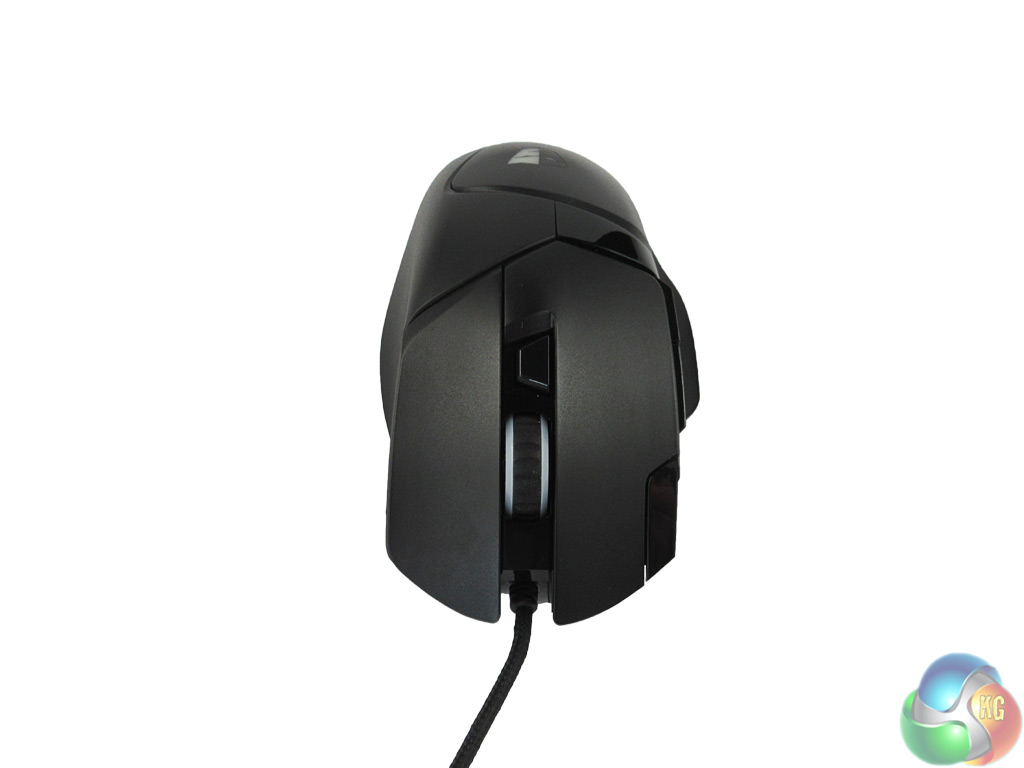
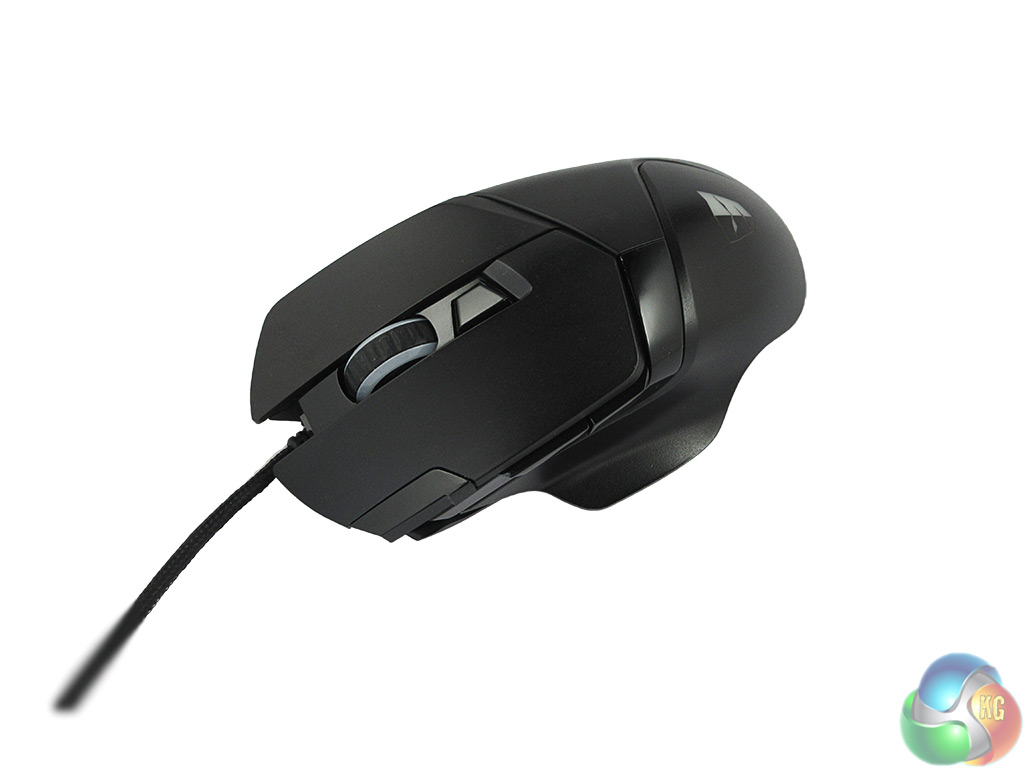
Below the mouse wheel there is a DPI adjustment button, allowing the user to switch between 5 different DPI levels on-the-fly. On the edge of the left click button there is also a trigger button – which by default acts a double click. Just below the trigger button are an extra 2 buttons, typically used for browser navigation.
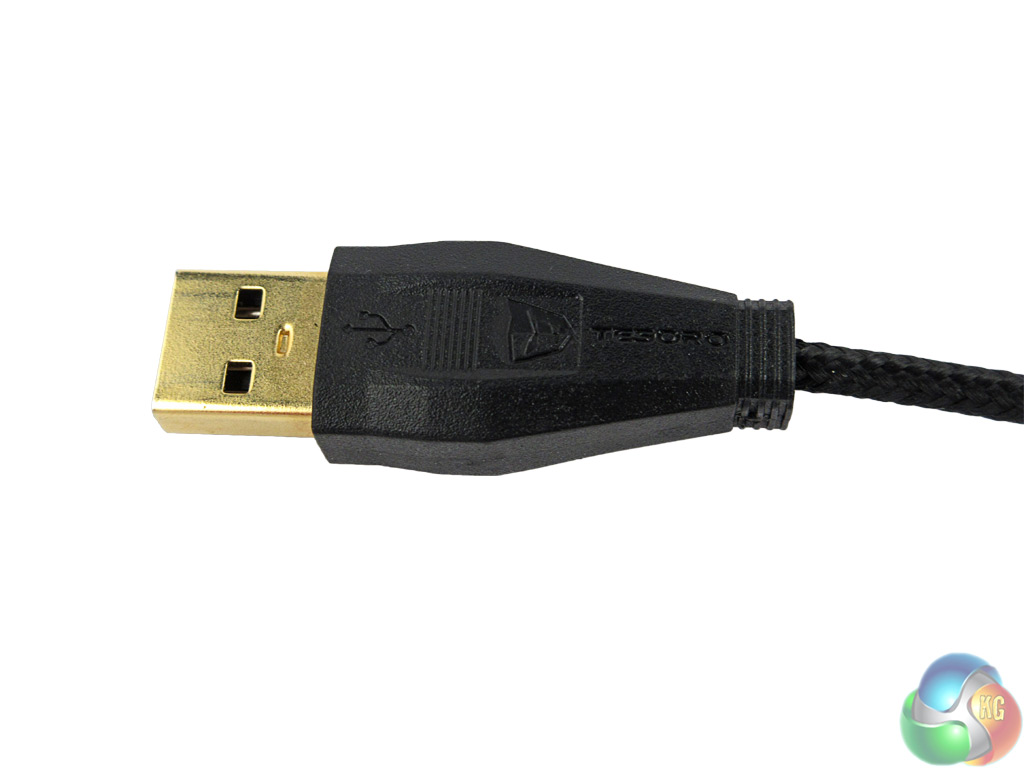
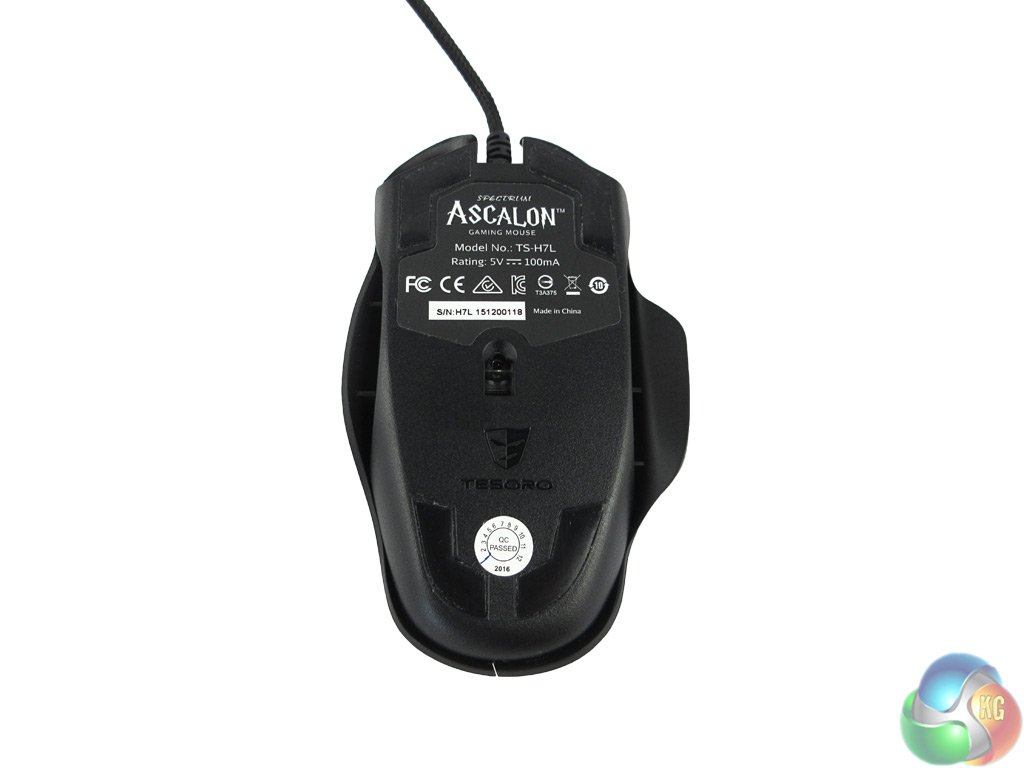
Finally it is worth mentioning the 2m braided cable, which is gold-plated for extra durability.