KitGuru KitGuru.net – Tech News | Hardware News | Hardware Reviews | IOS | Mobile | Gaming | Graphics Cards


If you just want basic WiFi and a few wired ports connected to your broadband, the router that came with your Internet service might be enough. But a top-end WiFi router can give you a whole lot more in feature terms, and the AVM FRITZ!Box 7590 is a case in point. Not only does it include a potent firewall and VPN capabilities, but it also integrates a host of IP telephony and NAS features in an attempt to be the central hub of all your communications.
The FRITZ!Box 7590 is the flagship in AVM's range. You might not have heard of AVM, and you might think the product name is a bit strange. But AVM has been around for over 30 years and its products have a strong reputation, particularly amongst small business users.
The 7590 combines dual-band WiFi with a comprehensive range of wired connectivity options. The WiFi has a pretty potent specification, offering 1,733Mbits/sec over 5GHz and 800Mbits/sec over 2.4GHz, which would give it a AC2600 rating, although AVM doesn't use this terminology.
The 7590 is veritably bristling with wired connectivity too. There's a four-port Gigabit Ethernet hub, a Gigabit Ethernet WAN port as well as a separate Gigabit port specifically for DSL/VDSL, and two USB 3.0 connections. This is also the first router to support VDSL 35b super vectoring, which we will explain later.
However, the most unique connectivity comes from the three telephony ports. Two are for analog phones or fax machines, and the third supports ISDN. This can be connected to an ISDN phone or even an exchange. The 7590 is also a DECT base station for up to six handsets, so pretty much all telephony options are covered.
It's clear that the AVM FRITZ!Box 7590 is much more than just a wireless router, and costing less than £250, this is also reasonably priced for a premium model. So read on to discover if it's a premium bargain.
You can buy it on Amazon for £224.99.
Specification:
Wireless protocols: MU-MIMO with 802.11b/g/n 2.4GHz, 802.11a/n/ac 5GHz
Performance: AC2600 (1733 + 800 Mbits/sec)
Antenna Configuration: 4×4 Internal Antennas for 2.4/5GHz
Ports: 4 x Gigabit Ethernet, 1 x Gigabit Ethernet WAN, 2 x USB 3.0, DSL/VDSL, 2 x analog telephony, 1 x ISDN
Modem Support: VDSL/ADSL 2+ or cable
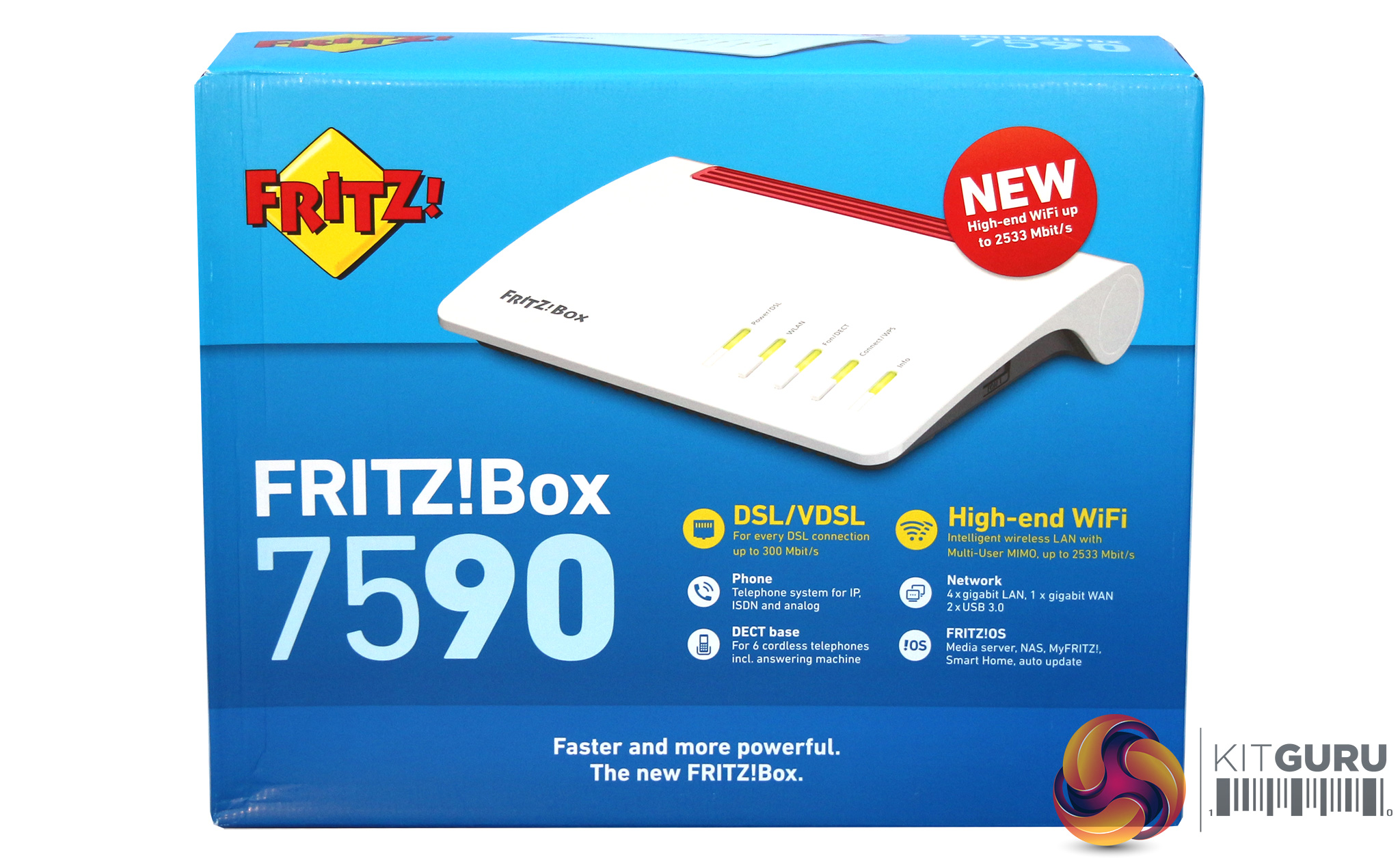
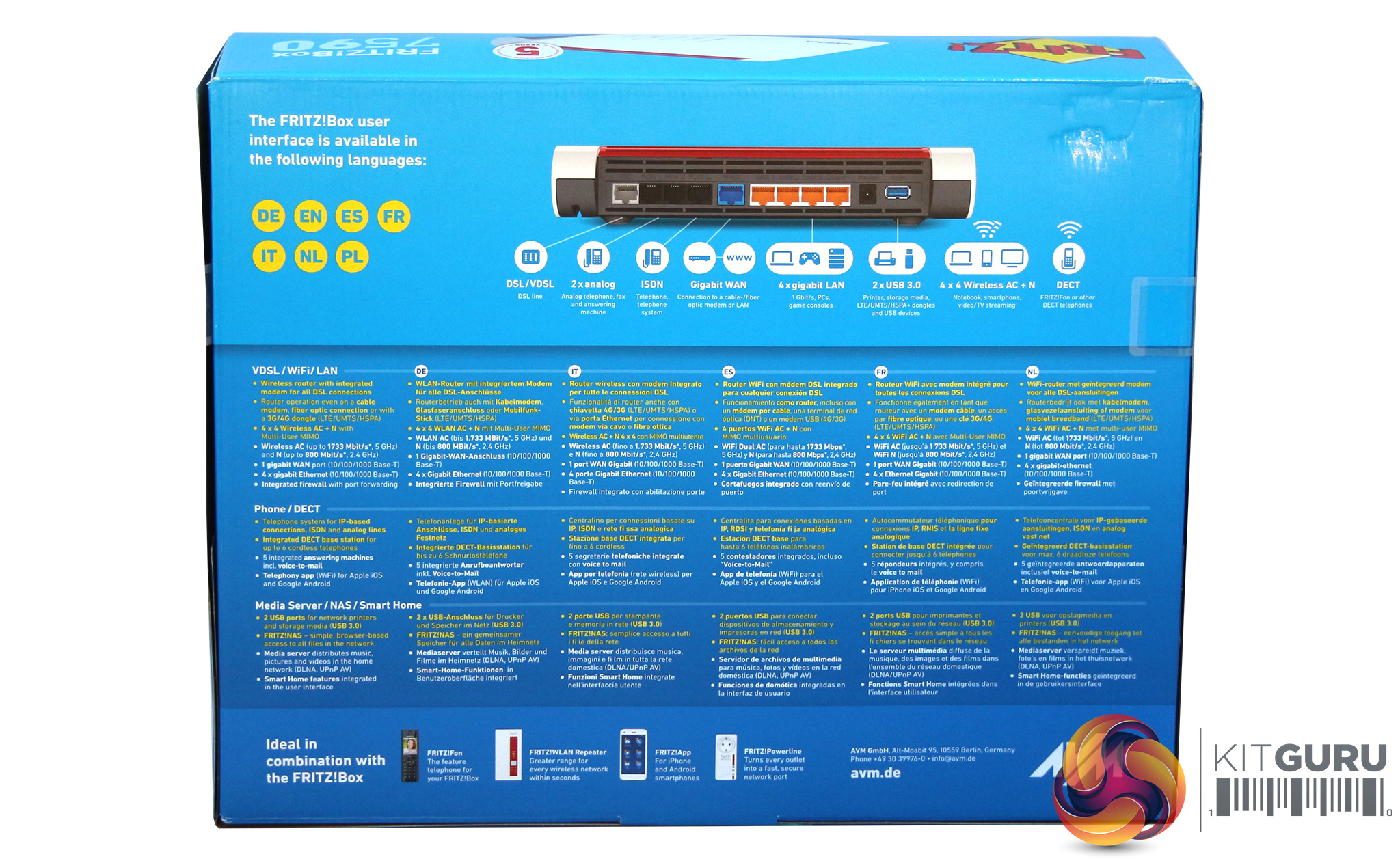
The AVM box is decidedly colourful, which is somewhat at odds with the powerful business-oriented features of the product contained within.
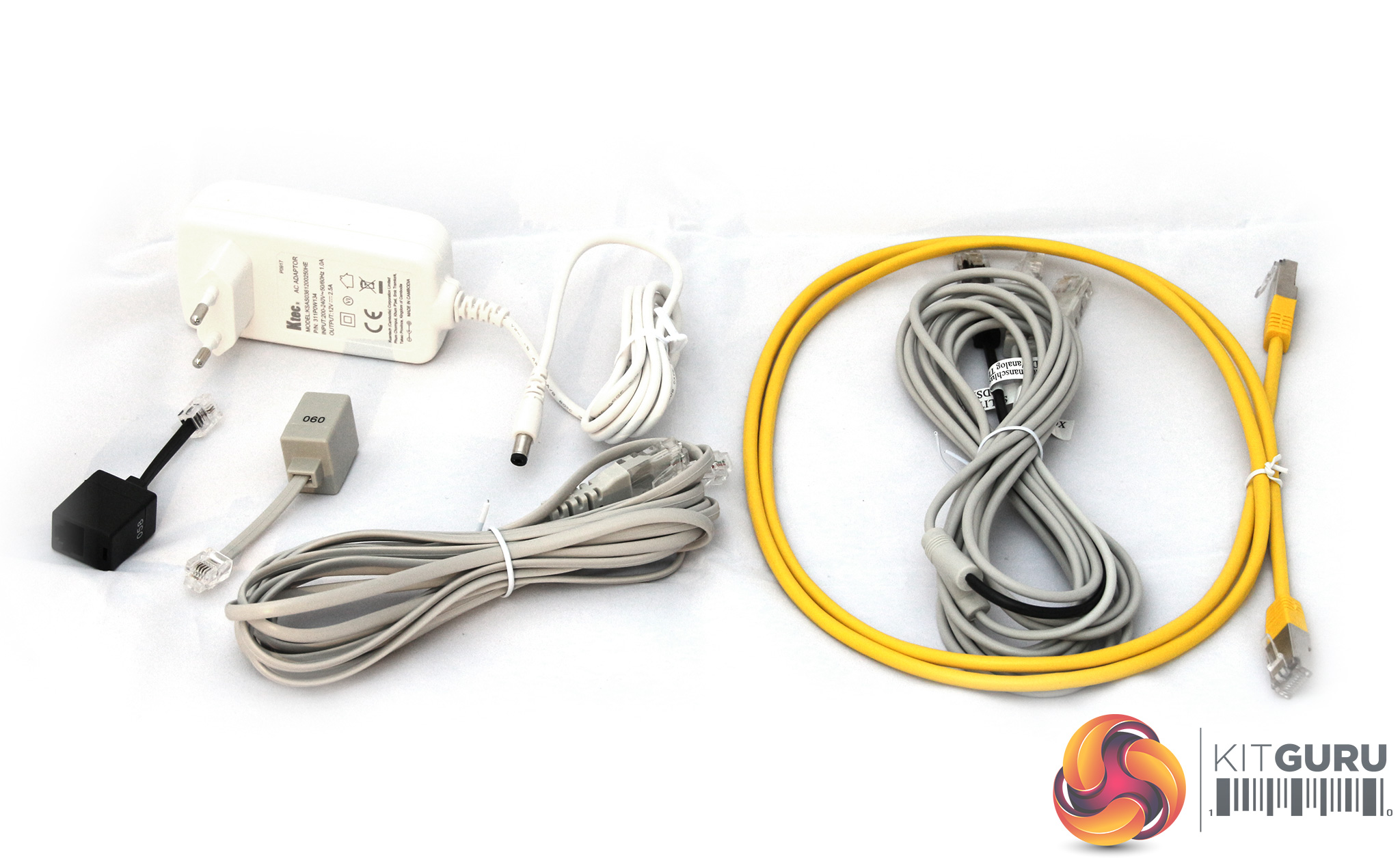
Quite a few cables are included in the box. Aside from the power supply and obligatory CAT5 Ethernet cable, there's a 4m DSL-telephone connecting cable, and AVM also sent us a Y-cable going from DSL to BT and US-style RJ-11 plugs, as well as one with two RJ45s at the other end. There are also two adapters routing different pins on RJ11 to RJ45, one for DSL and one for analog telephony.
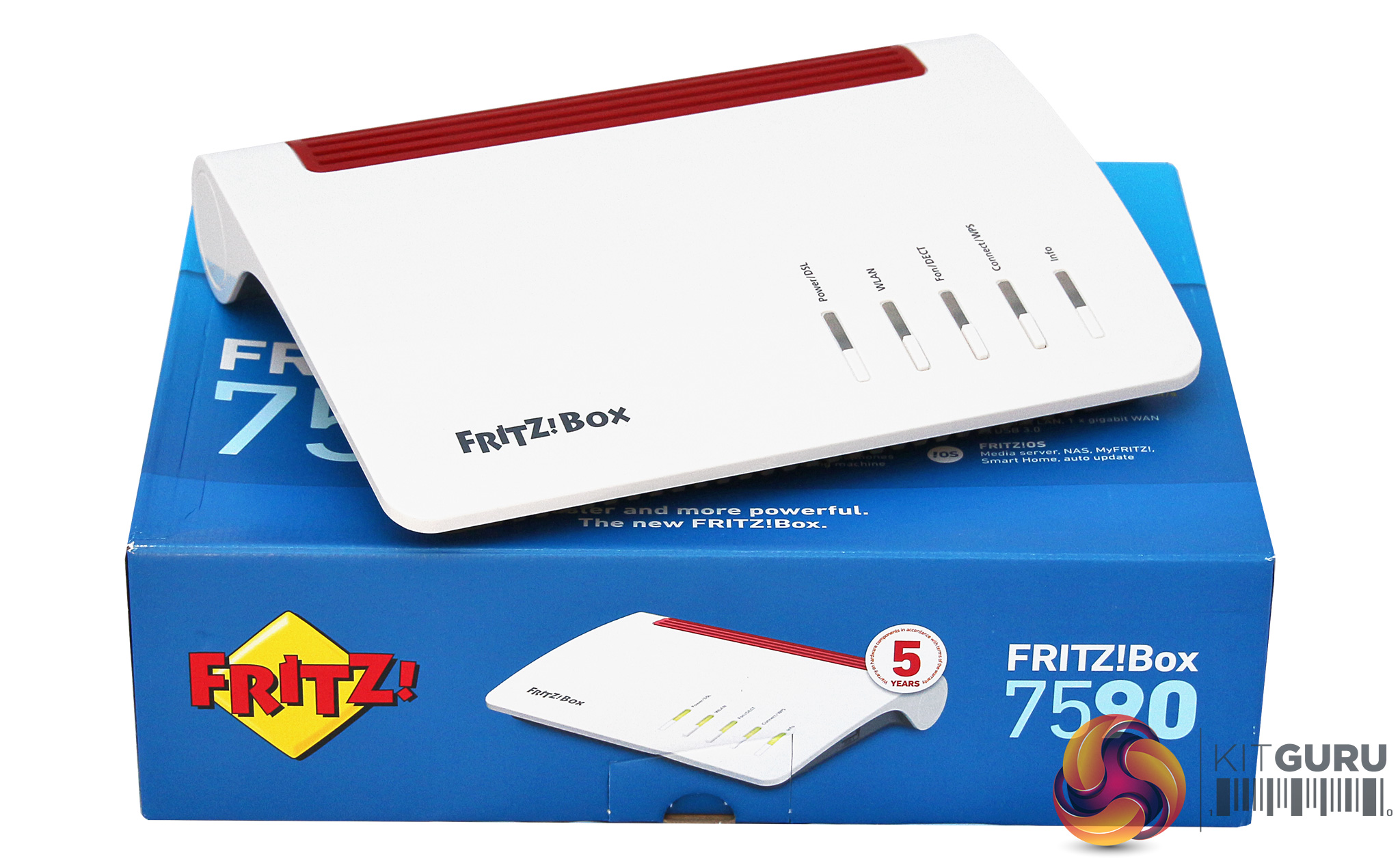
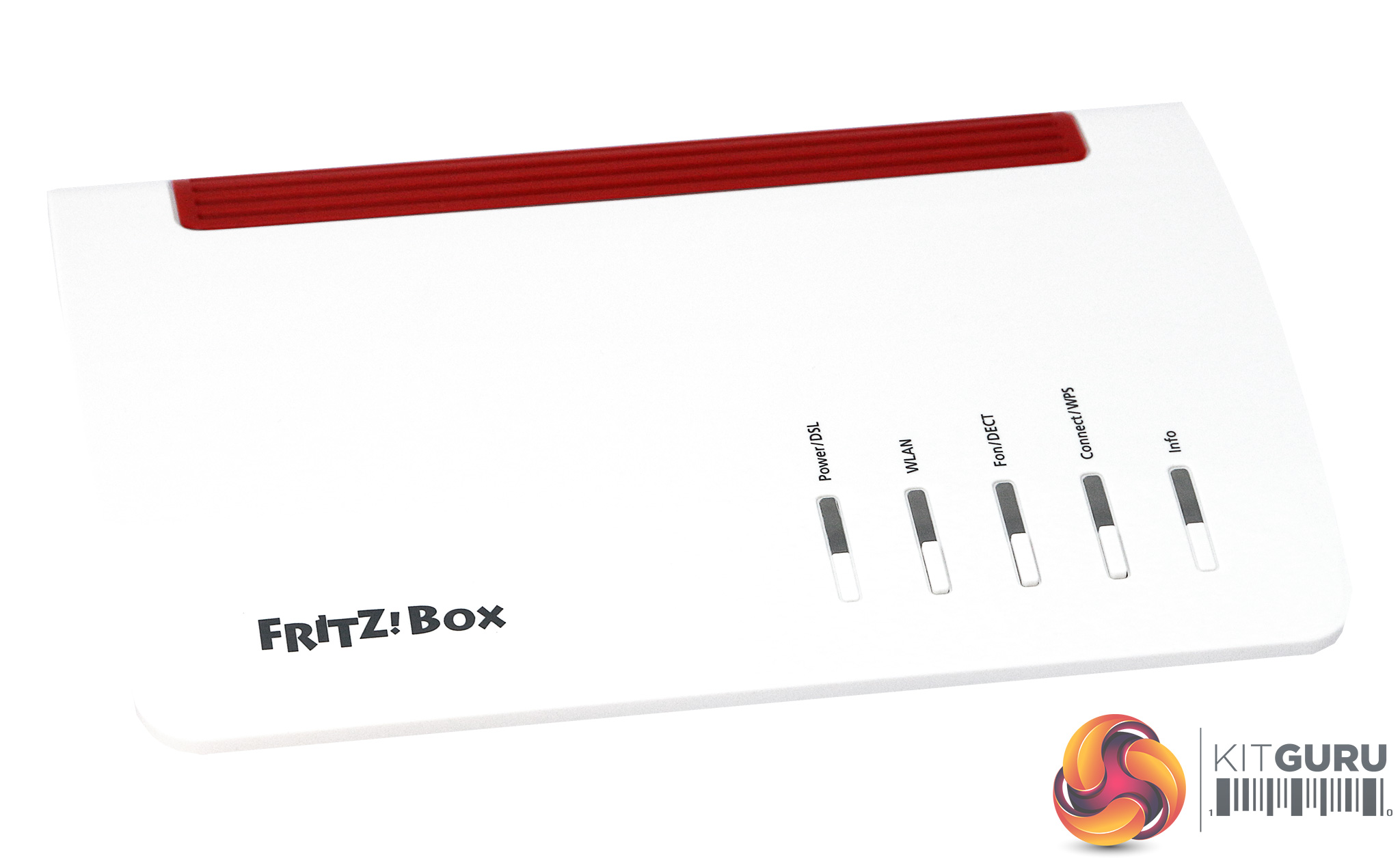
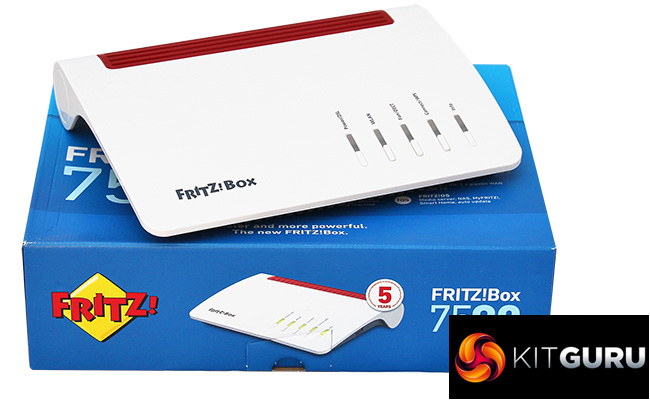
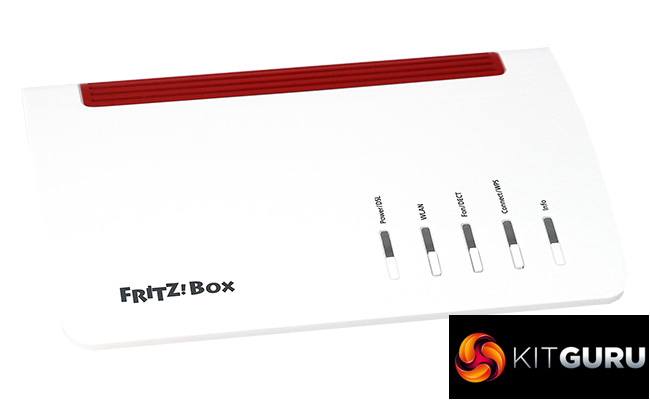
The 7590 has a different look to most wireless routers, with a mostly glossy white casing, apart from the red grille at the rear to let heat out from the circuitry beneath.
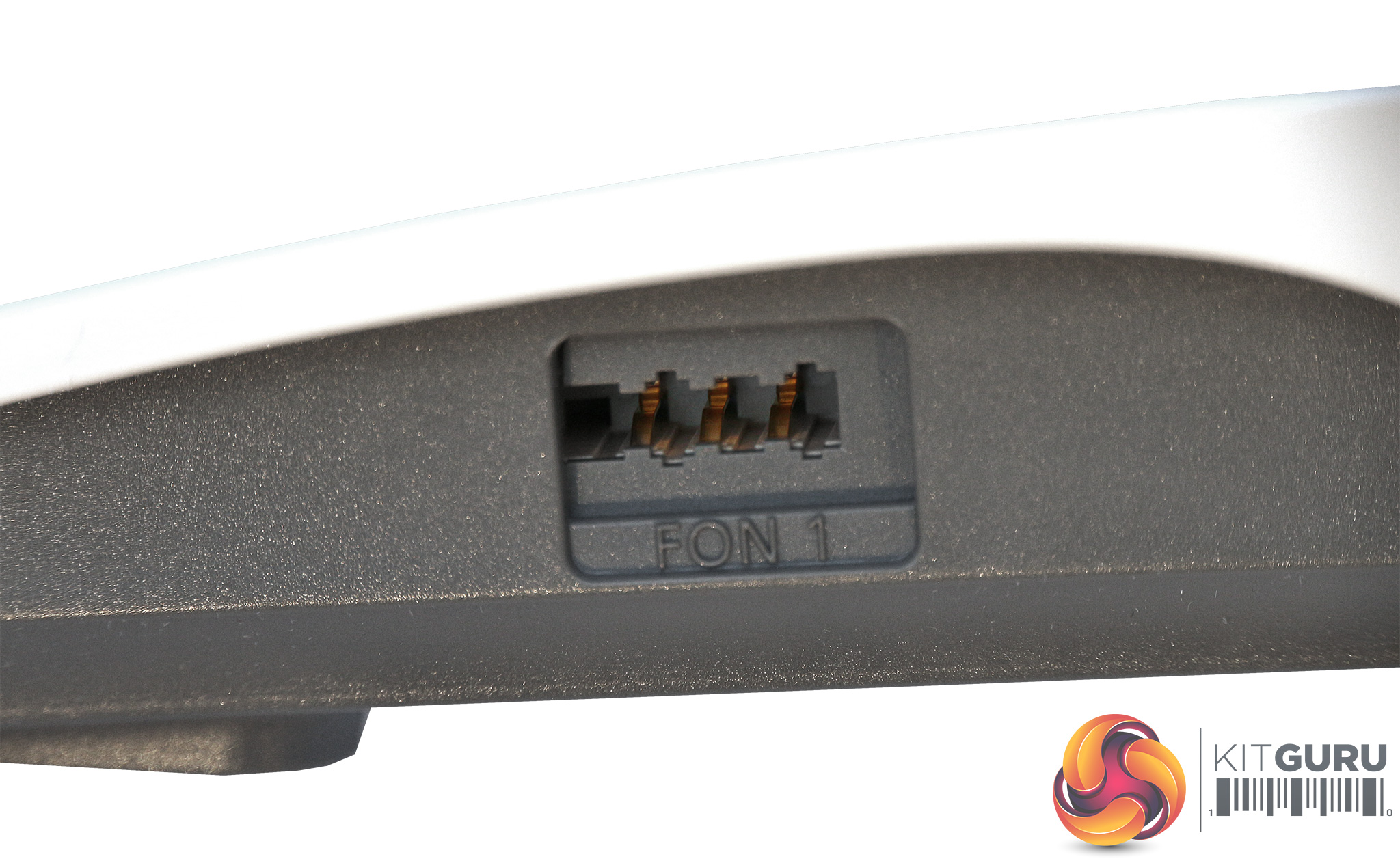
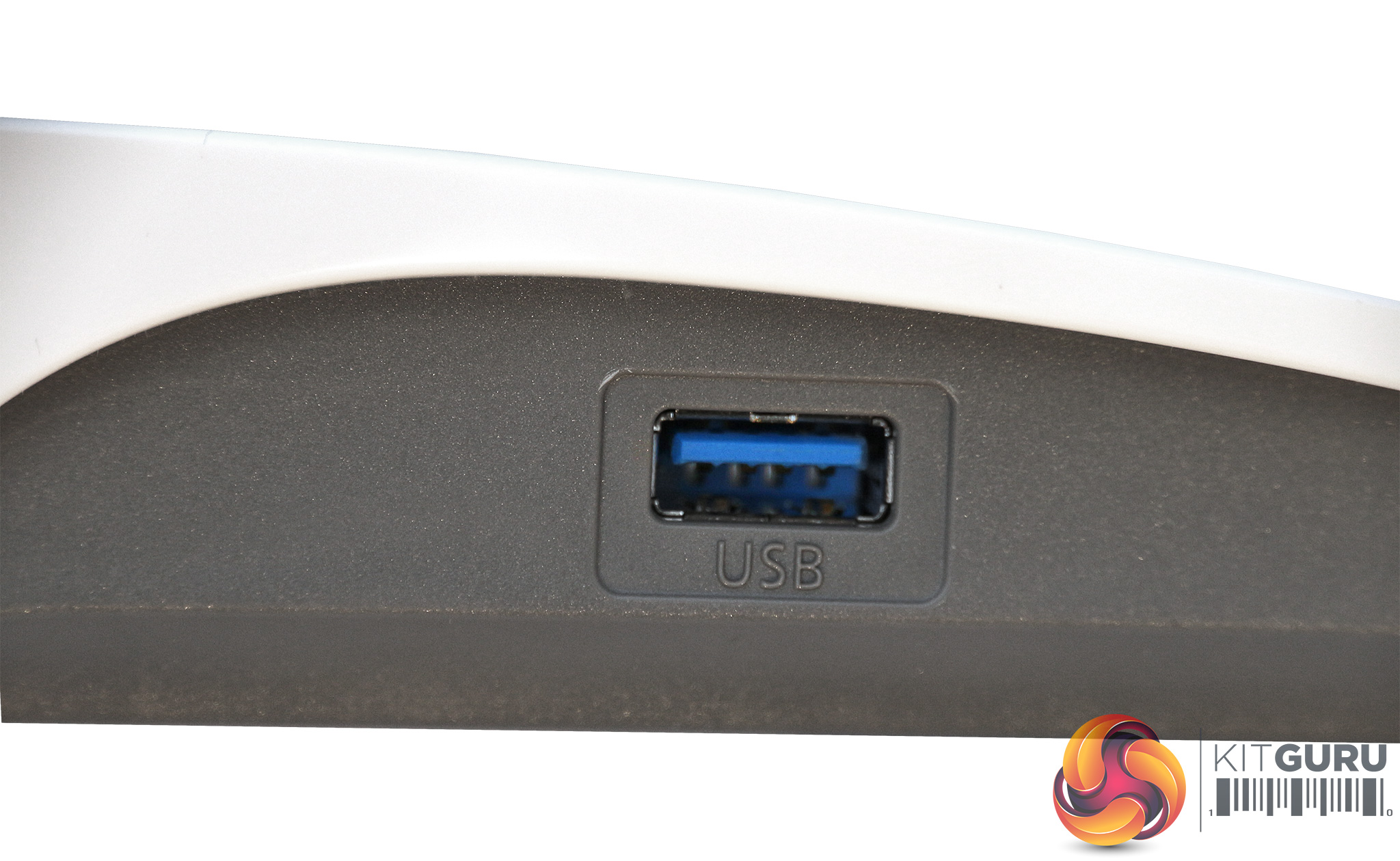
On one side is a USB 3.0 port for connecting printers and storage, and on the other a mysterious phone port. This is actually a German TAE telephone connection, which is also used in Liechtenstein and Luxembourg. So if you happen to have a Germanic phone with this plug, you can connect it here, or use an adapter to transform this into another analog phone connection type.
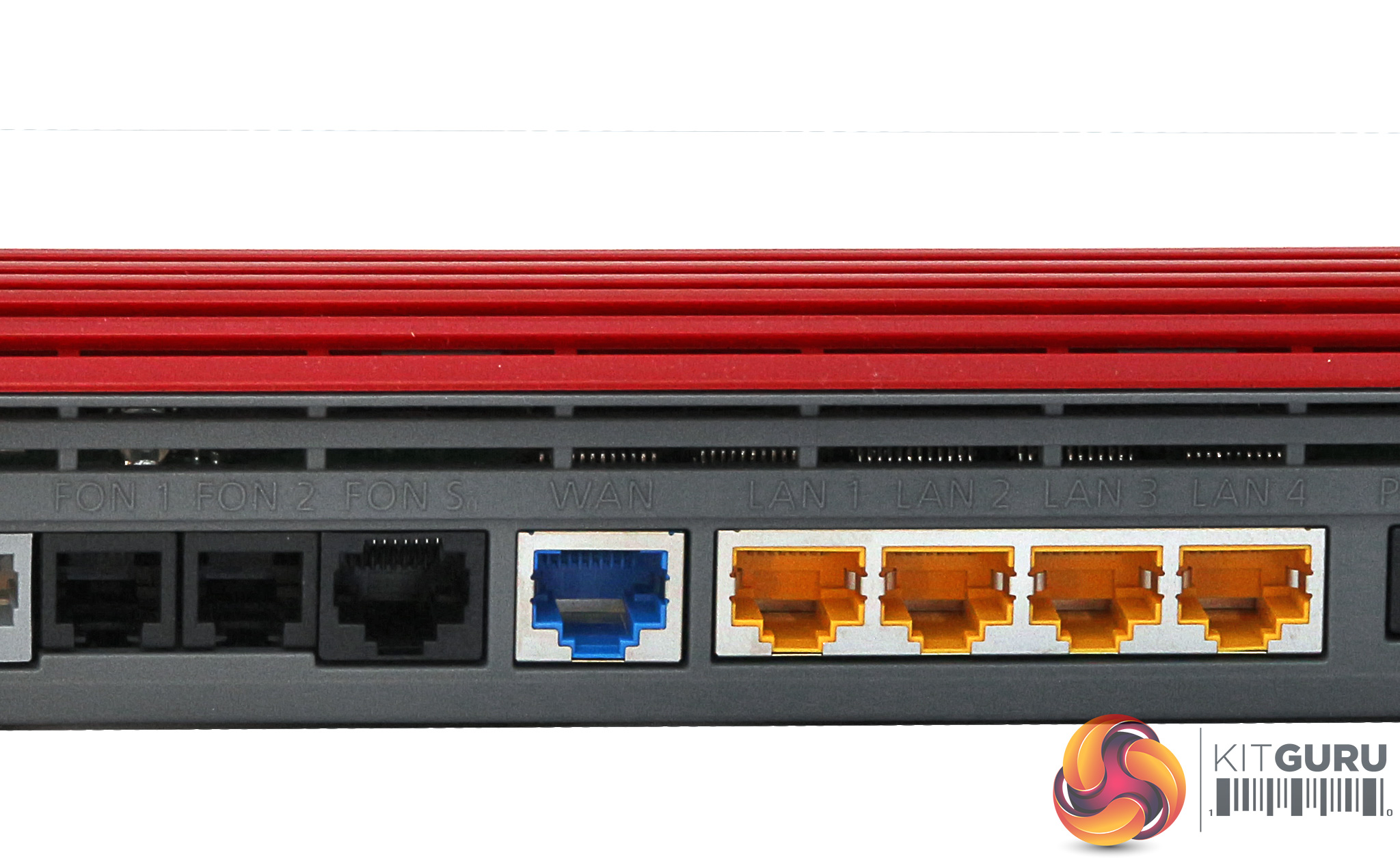
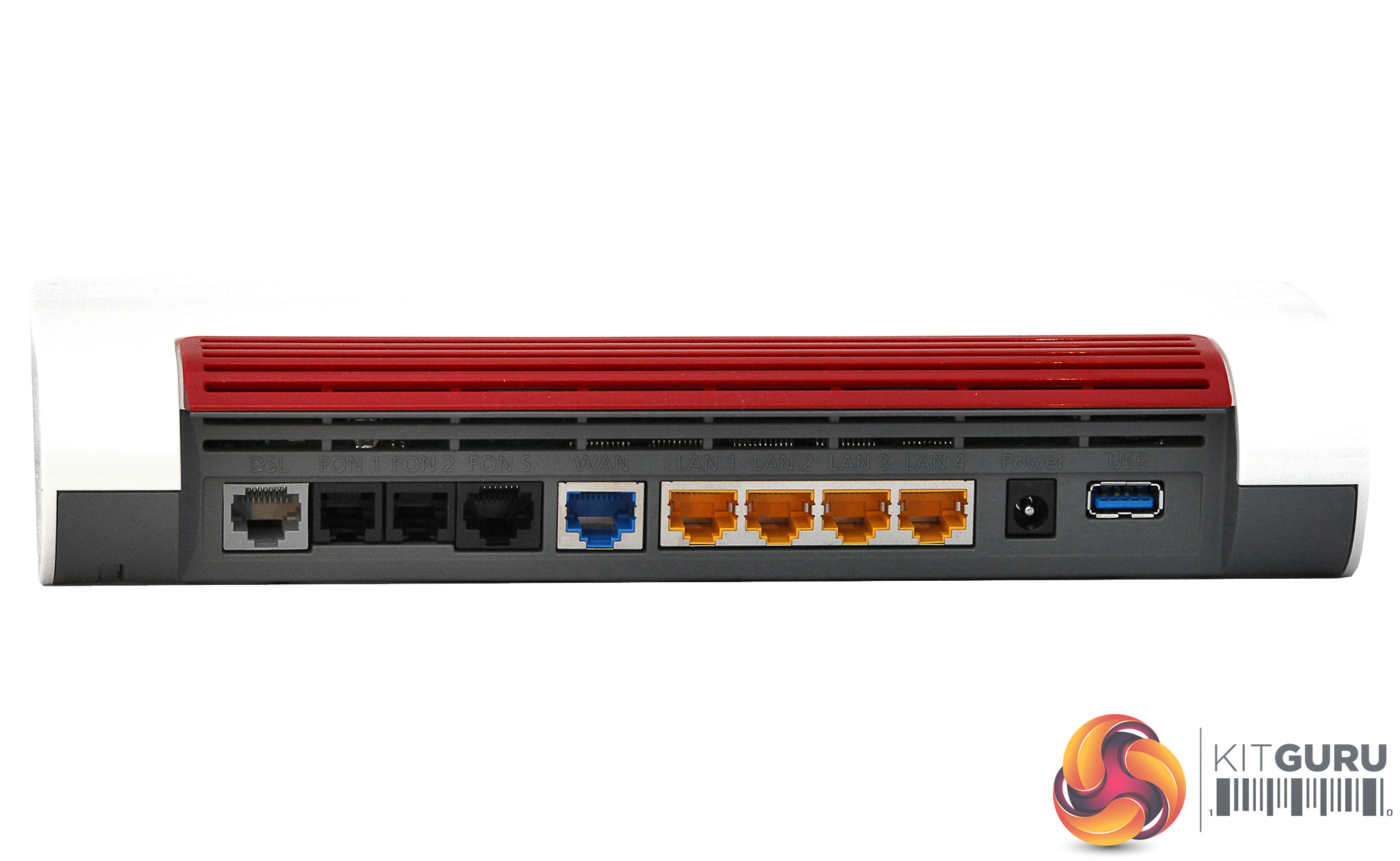
The rear of the 7590 is a veritable port parade. Starting from the left, there's a DSL port with support for VDSL 35b super vectoring, which theoretically enables DSL lines at up to 350Mbits/sec by using 35MHz of the spectrum rather than the usual 17MHz. This is an alternative technology to G.fast, with a lower maximum speed but better performance at greater cable lengths. Unfortunately, BT's Openreach appears to be putting its development behind G.fast, which some AVM routers support (such as the 7582) but sadly not this one.
Next to the DSL port is the trio of telephony connections. Two RJ11s can be used for connecting analog phones and faxes directly. The next port is RJ45 format, for digital ISDN telephones and devices. Next along is another RJ45 for regular Gigabit Ethernet-based WAN connections. This can be used as a fifth LAN port if you're using the DSL port for your broadband.
The yellow RJ45s provide the usual four-port Gigabit Ethernet switch connections for wired devices. Finally, after the power connection, there's another USB 3.0 port for connecting printers and storage. This also supports a USB mobile broadband dongle.
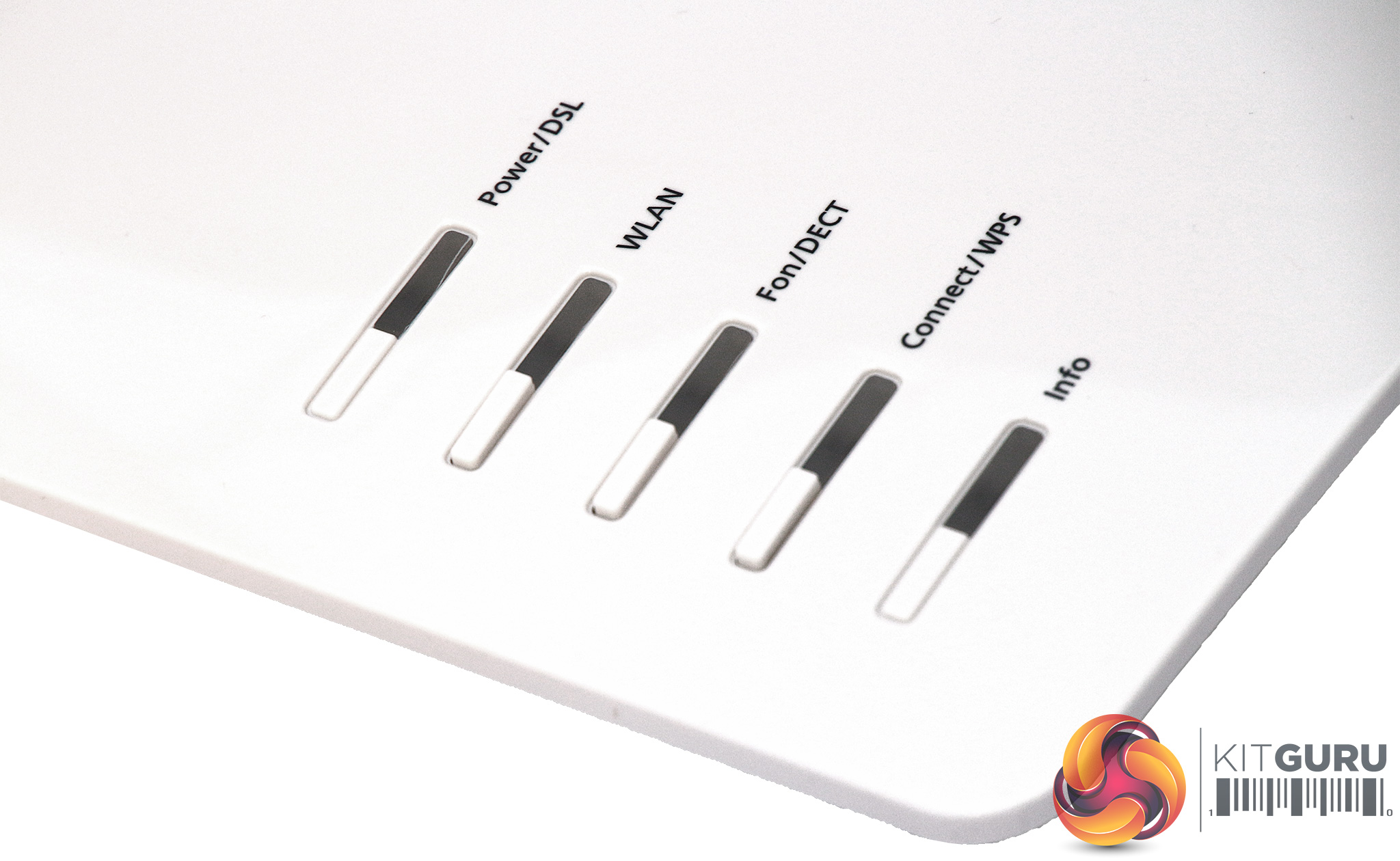
The front right-hand corner is home to five LEDs, the middle three of which are accompanied by buttons. The WLAN button is for turning the WiFi off and on. The Fon/DECT button pages for cordless phones (in case you've lost them behind the sofa). The Connect/WPS button has dual functions, registering WiFi devices via WPS but also DECT cordless handsets. As we mentioned earlier, the 7590 has a built-in DECT hub. This supports up to six DECT handsets, but also up to 10 FRITZ!DECT 200/210 power outlet switches and up to 12 FRITZ!DECT 300/Comet radiator controls. So this device can also act as the hub of a smart home system.
Just the range of ports and their many capabilities provides a hint of how much functionality the AVM FRITZ!Box 7590 incorporates. But the 278-page manual you can download from AVM's website makes this considerably more obvious. So next, we turn to the Web interface, where configuration of these functions can be found.
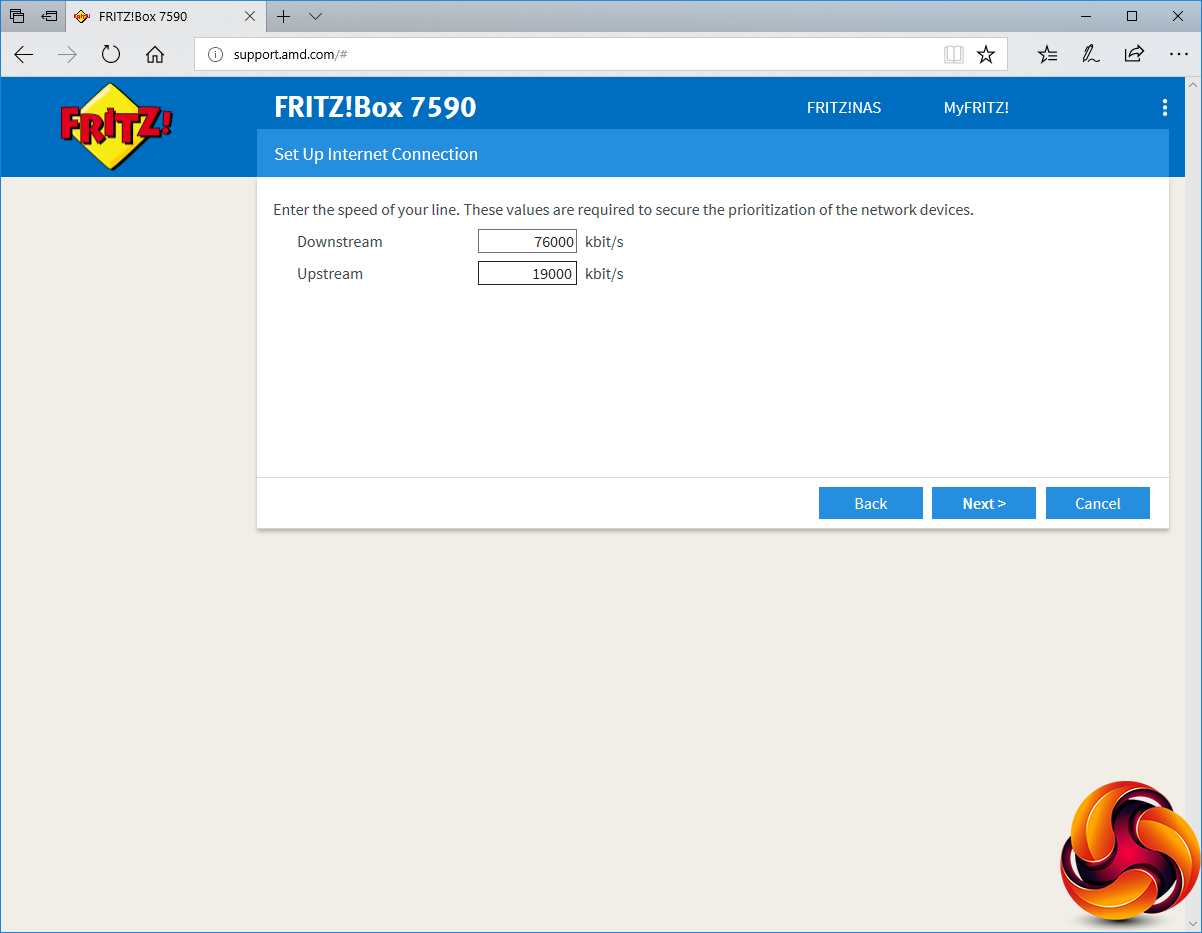
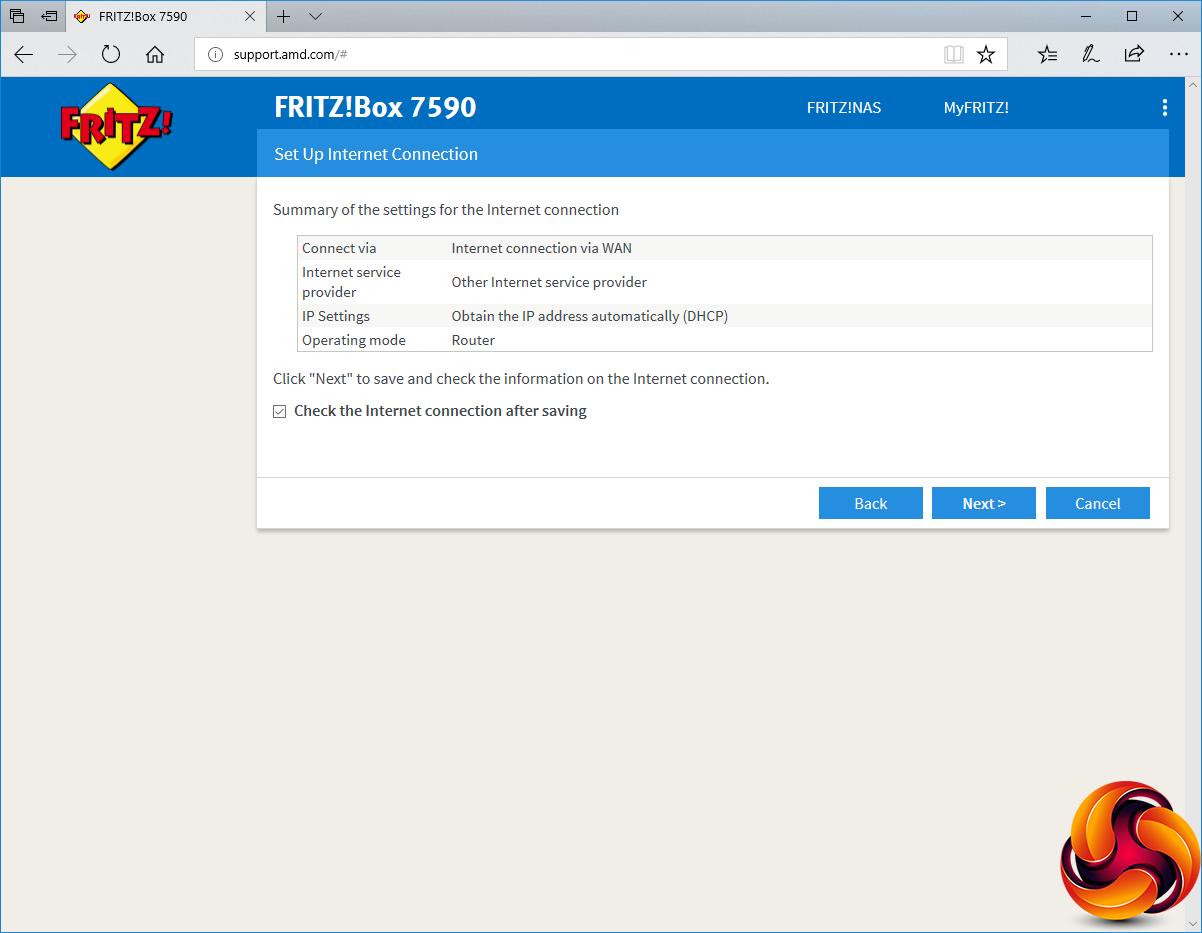
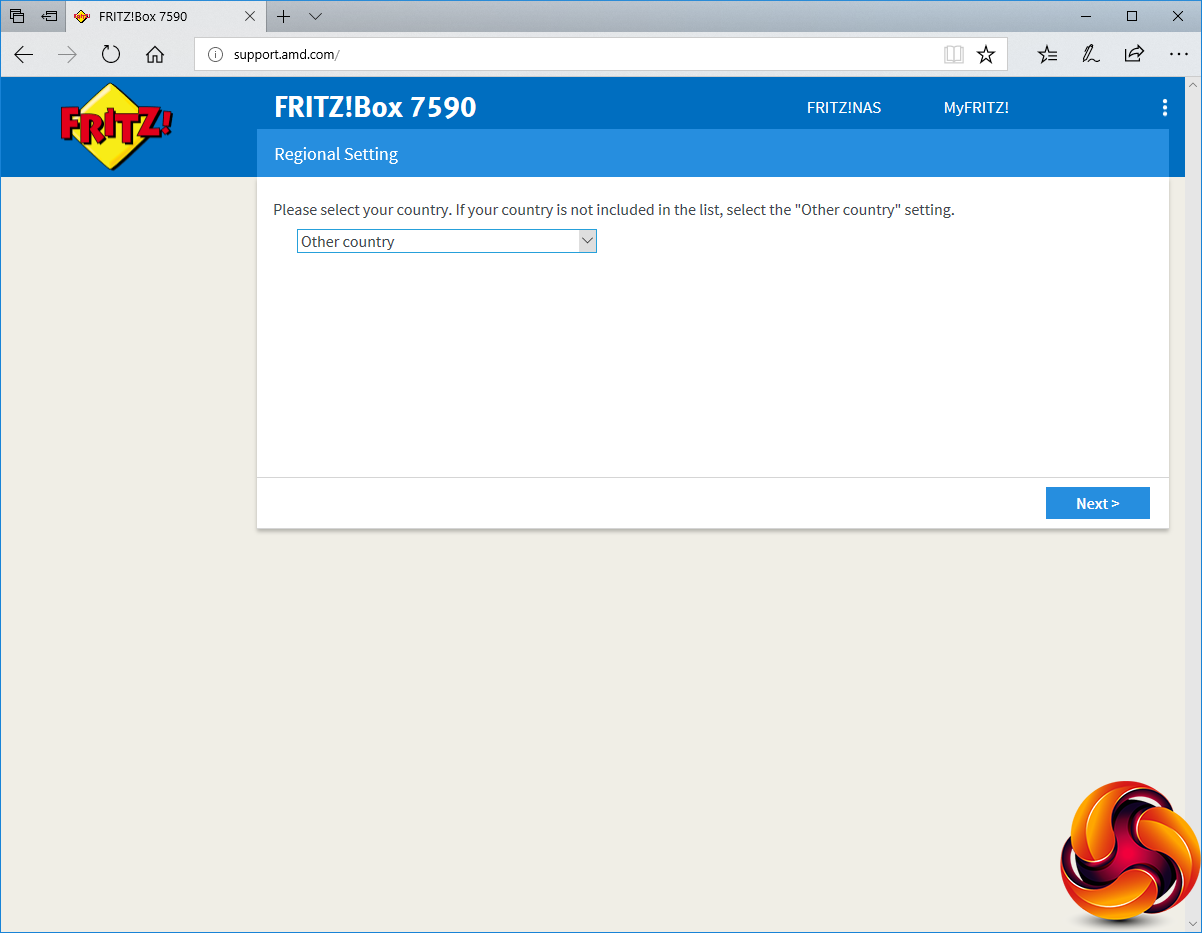
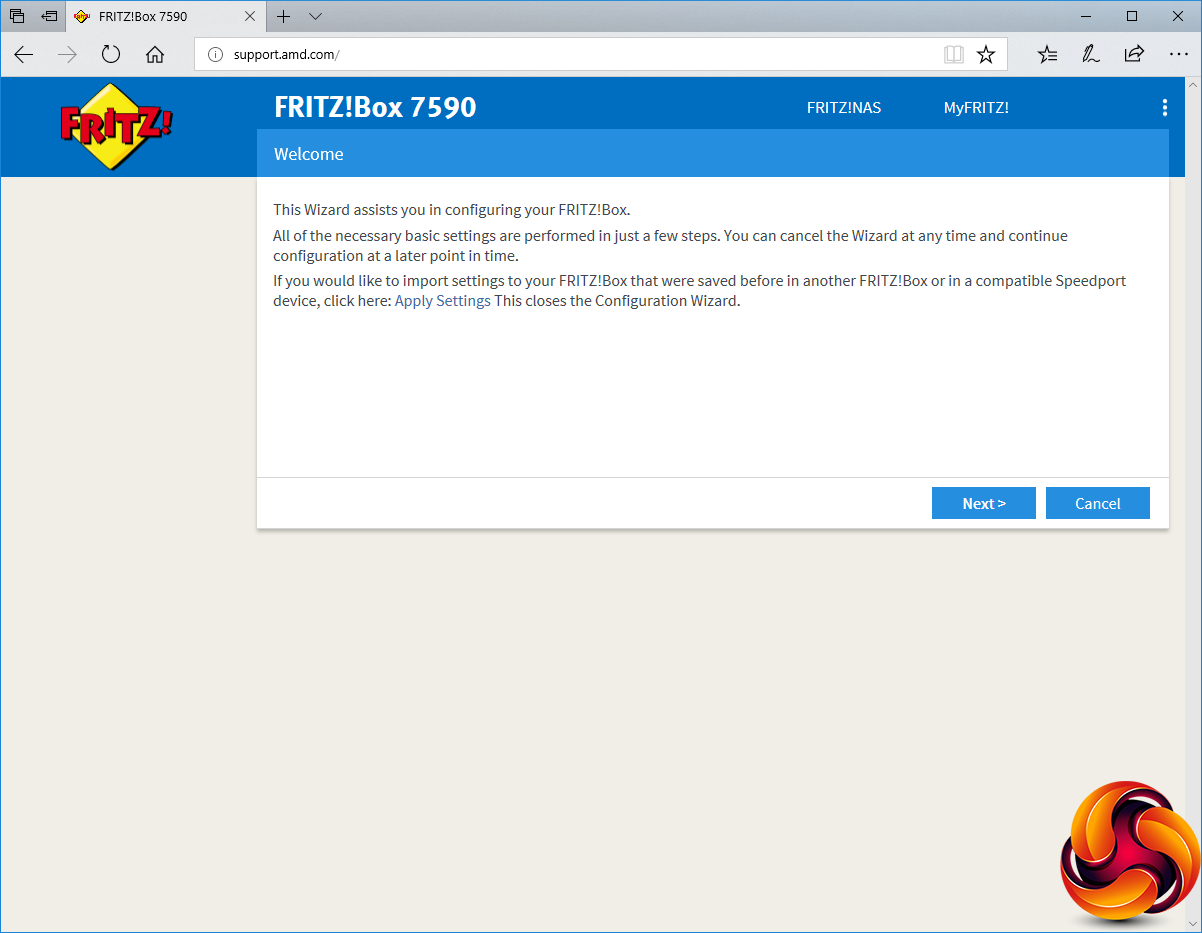
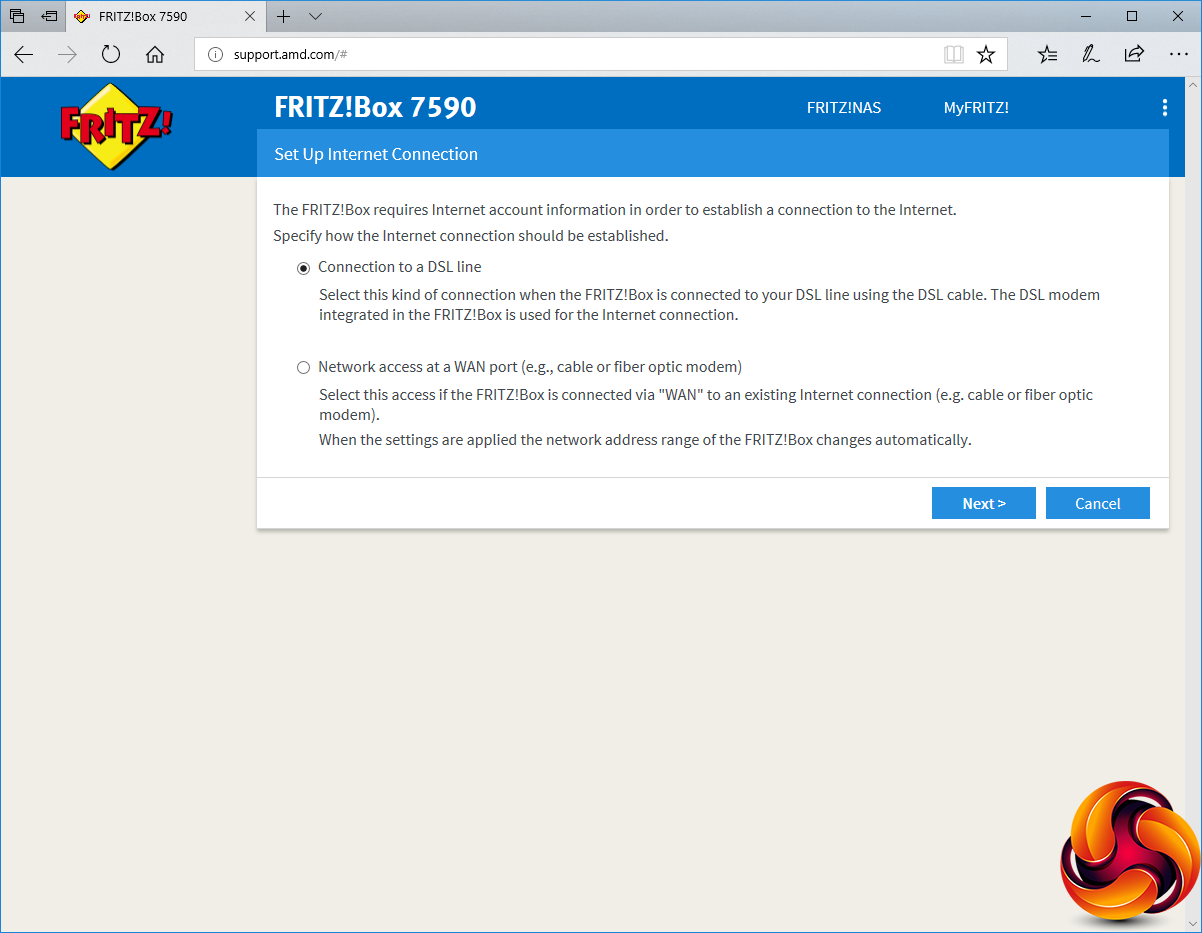
Loading a Web browser takes you through a short setup wizard, which starts by setting your country. This then lets you choose which of the two broadband connection types you will be using and the associated line speed, after which it saves your setting.
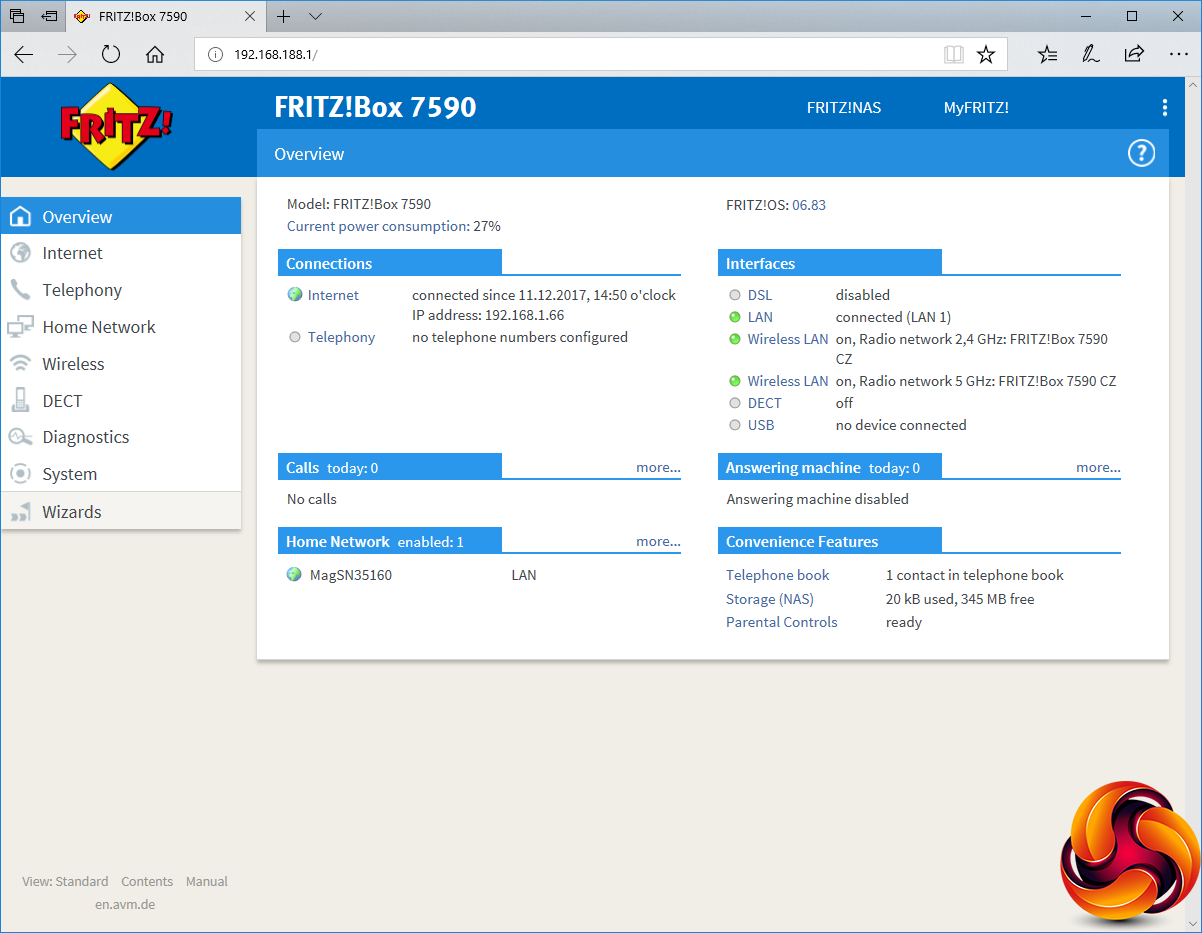
The initial screen of the Web interface is an overview. This is the calm before the storm, however, because as the Interfaces area hints, there is a huge amount of functionality available.
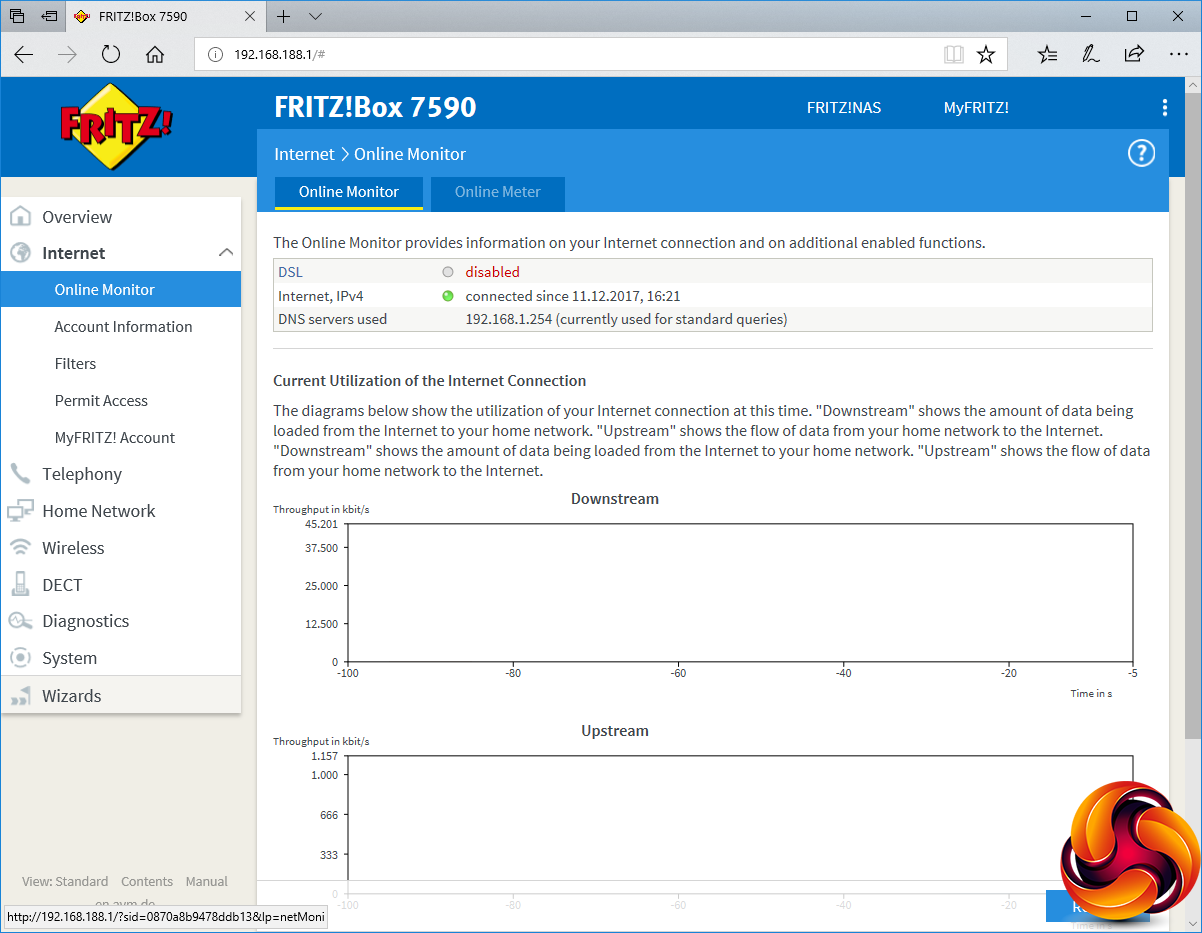
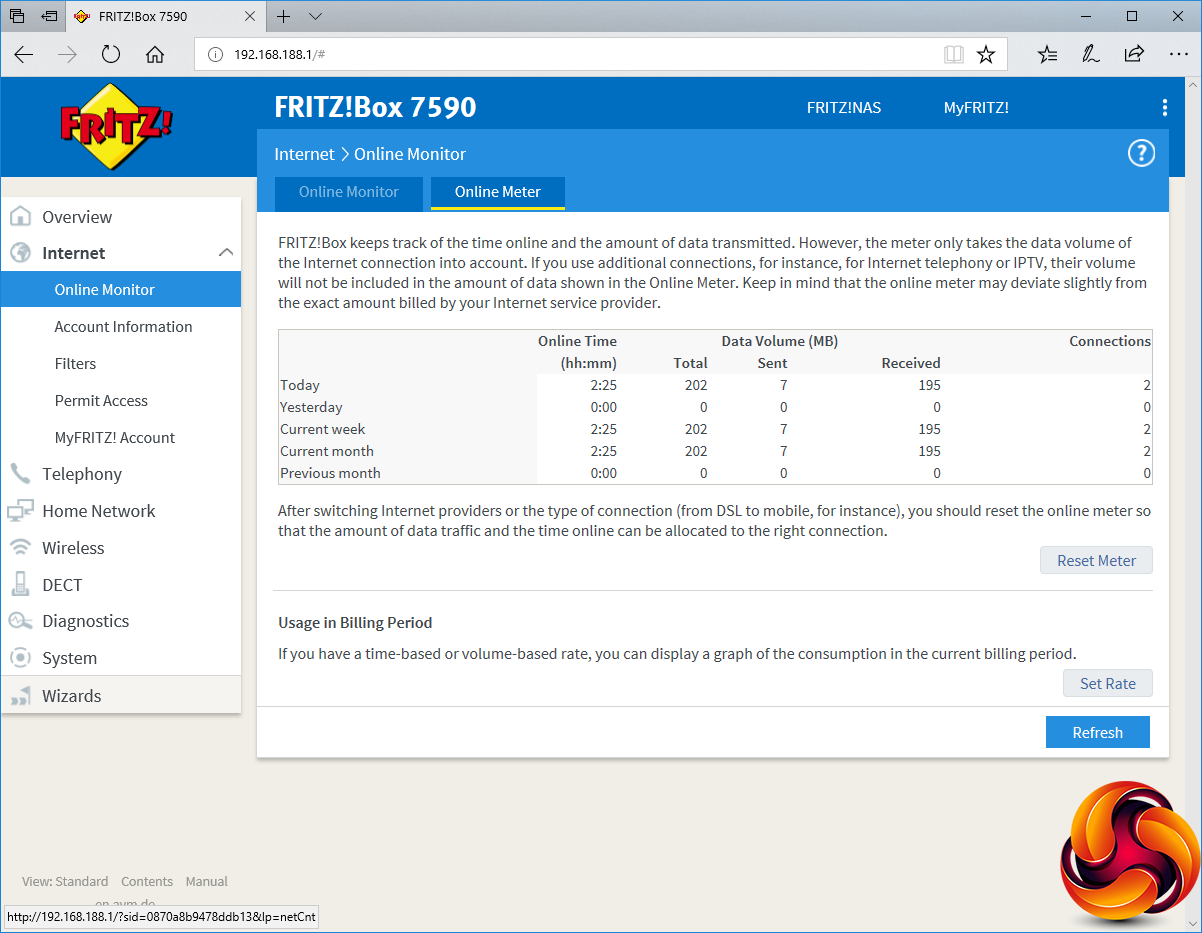
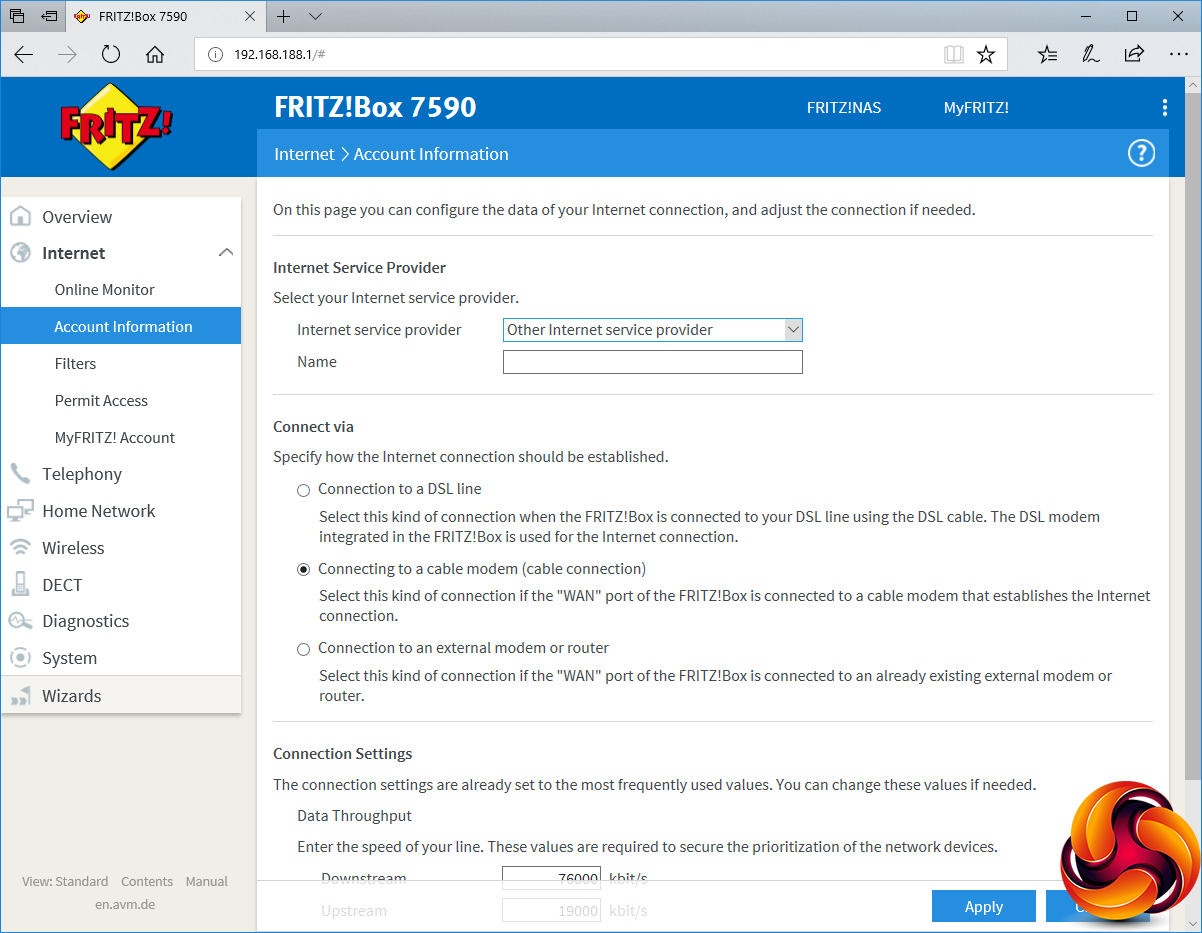
The Internet section contains an exhaustive set of tools for assessing and configuring the Internet connection, starting with a real-time Online Monitor and historic Online Meter of bandwidth consumption. You can also adjust the broadband connection type and settings, switching from WAN to DSL.
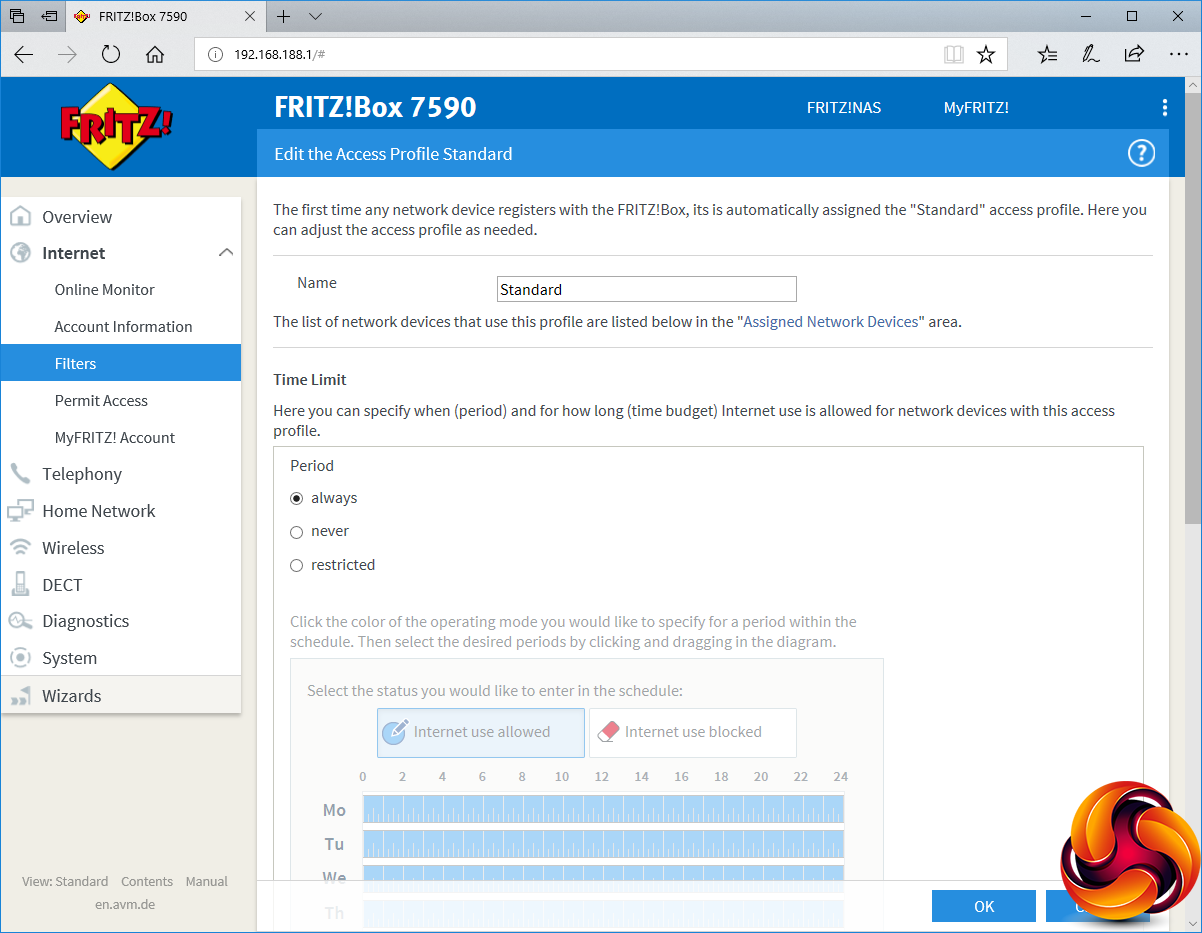
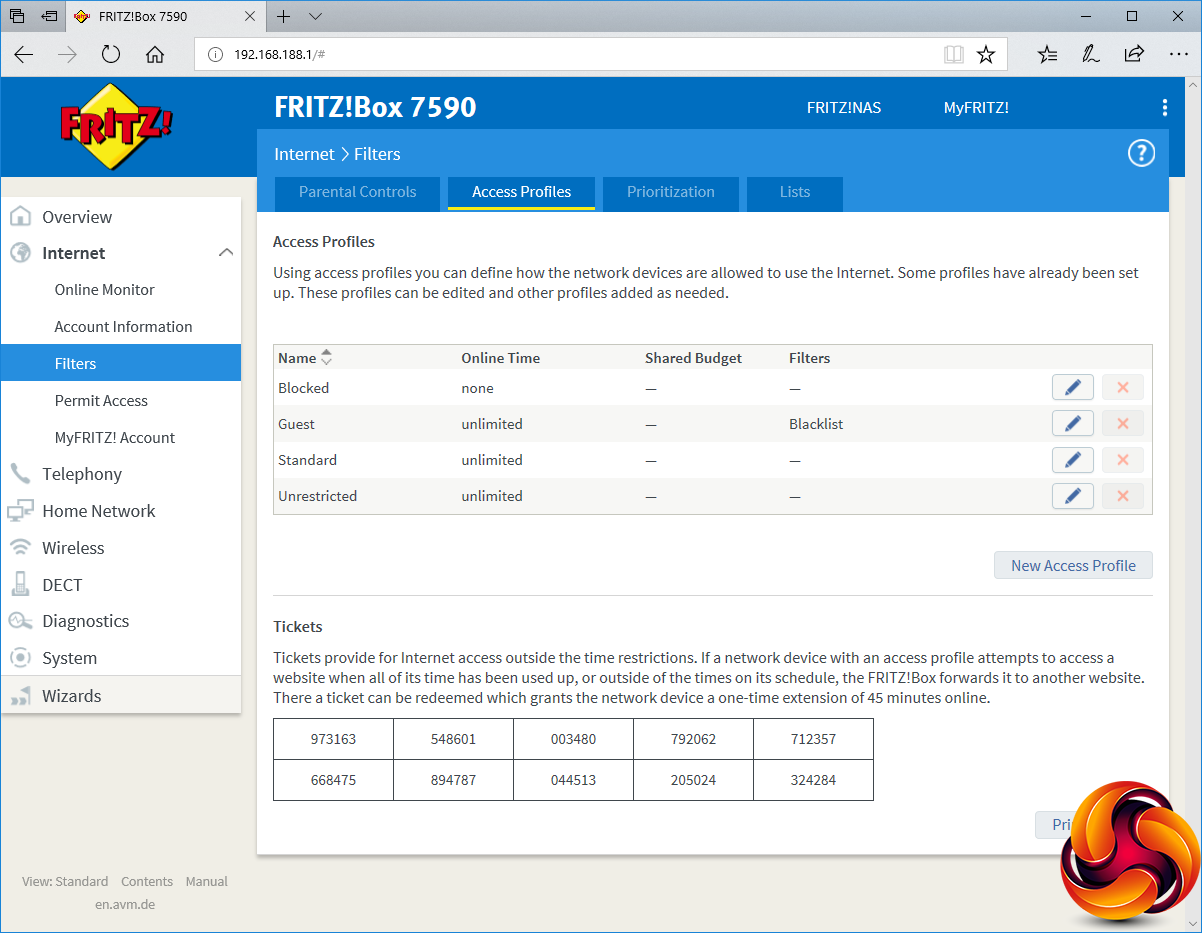
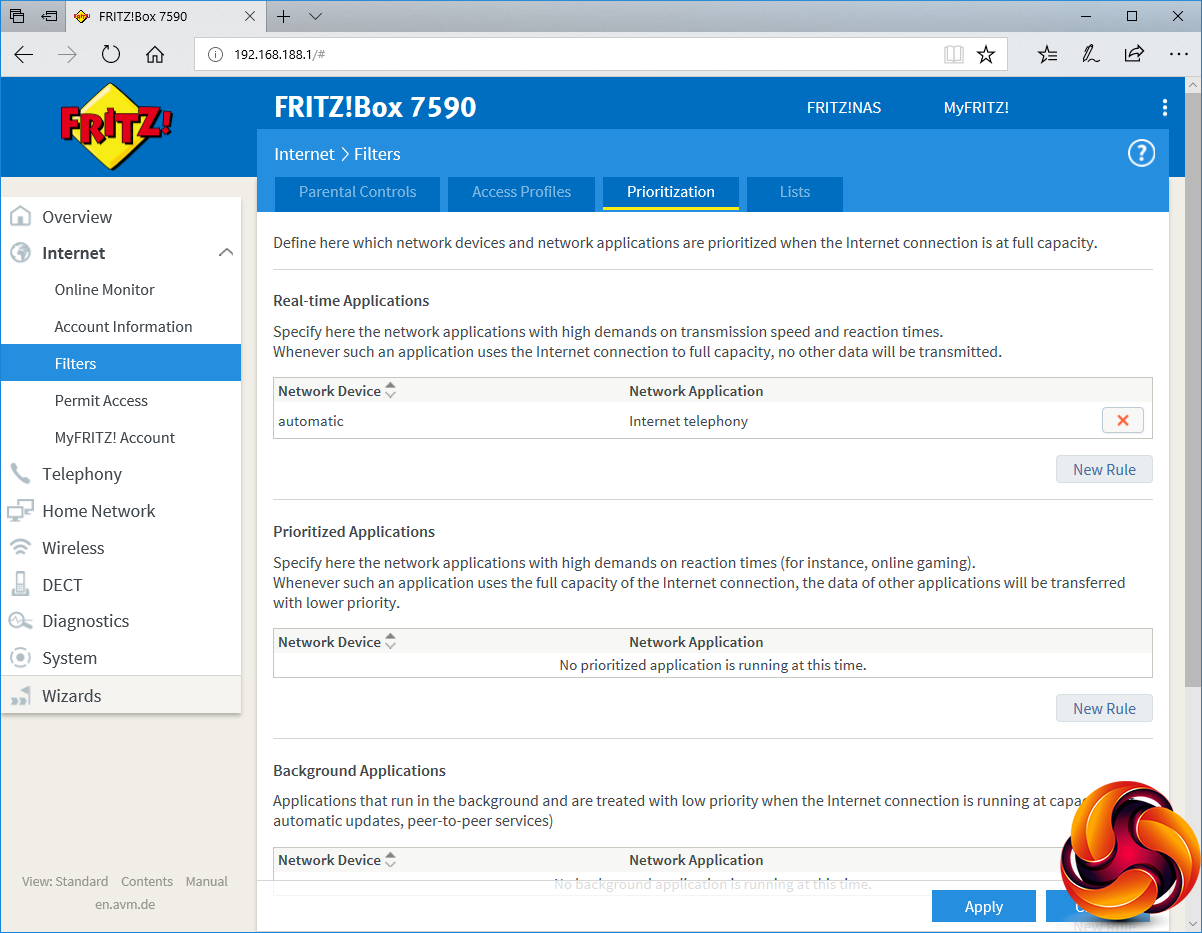
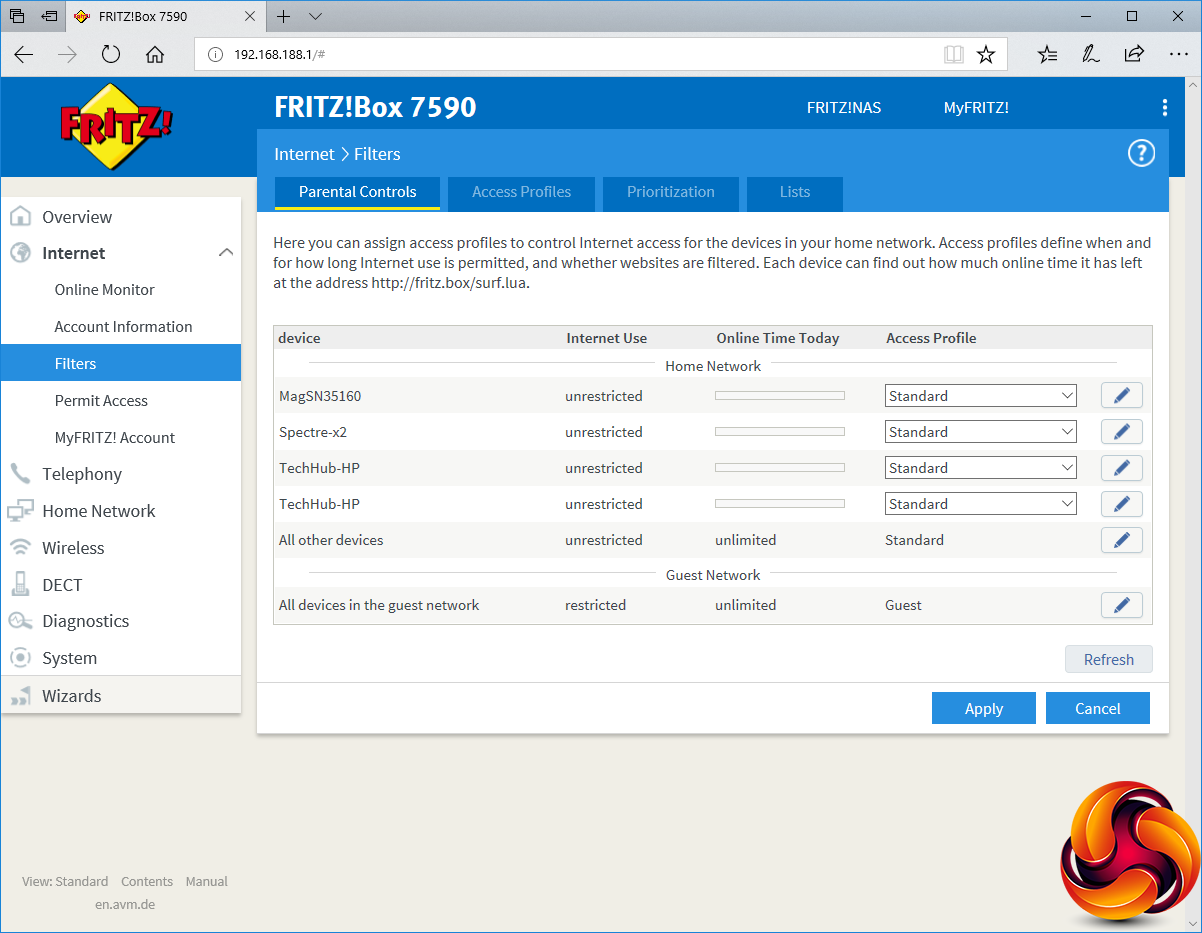
Parental controls are truly extensive, going beyond what virtually every other router we have tested offers. Particularly handy is the ability to group devices into access profiles, and also define a profile for guest devices. This primarily revolves around setting hours when the Internet is available, but you can also enforce a policy blocking certain websites for each profile based on a blacklist, or restrict access only to certain websites by whitelist.
There's even a ticket system where devices can be given a code allowing an extra 45 minutes of online time. There's an extensive ability to prioritise certain applications over others across the network, and balance usage between Internet access and purely internal network usage.
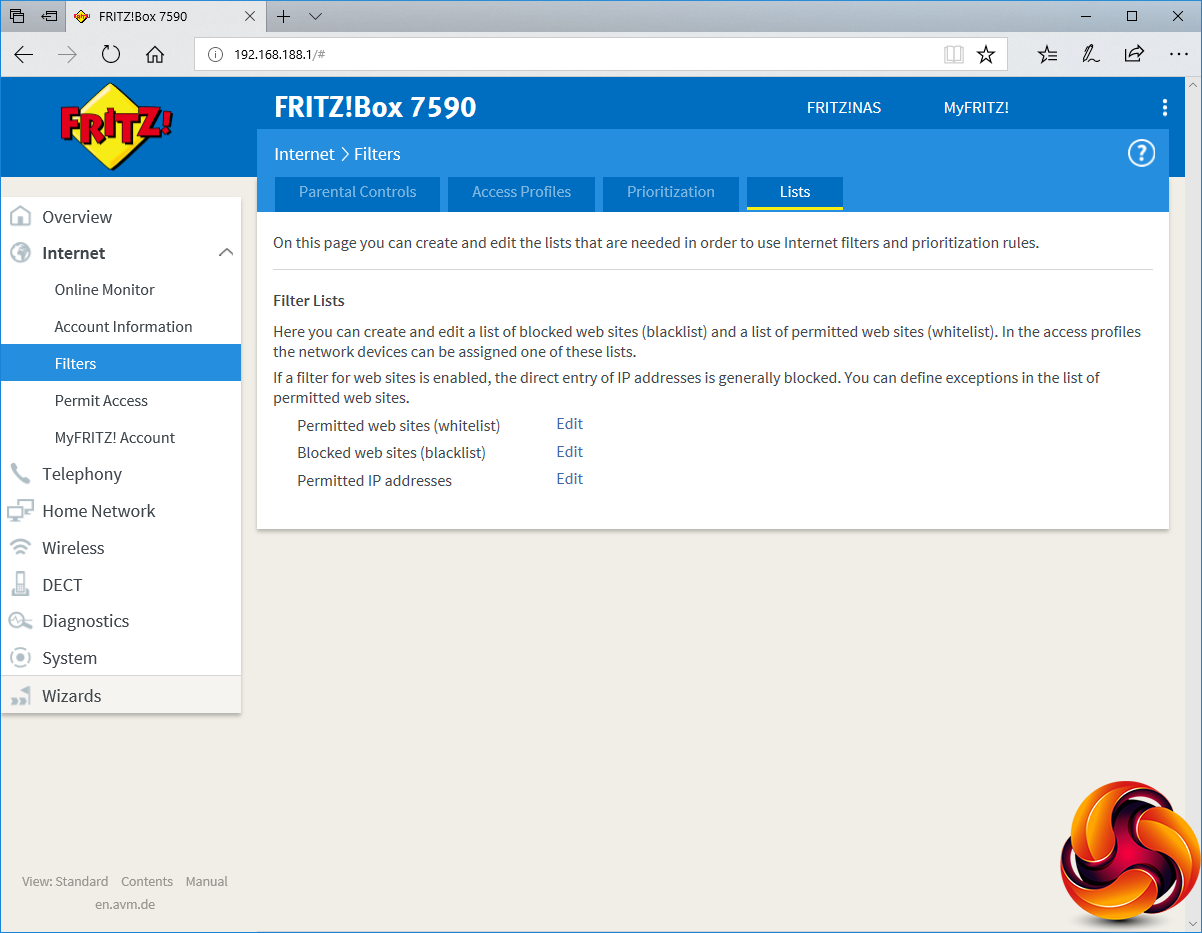
The Lists section is where you define the whitelist, blacklist and permitted IP addresses. These are all global, however. You can't have multiple lists in each type, and no templates are provided for either. You will need to build these from scratch or download one that is publicly maintained.
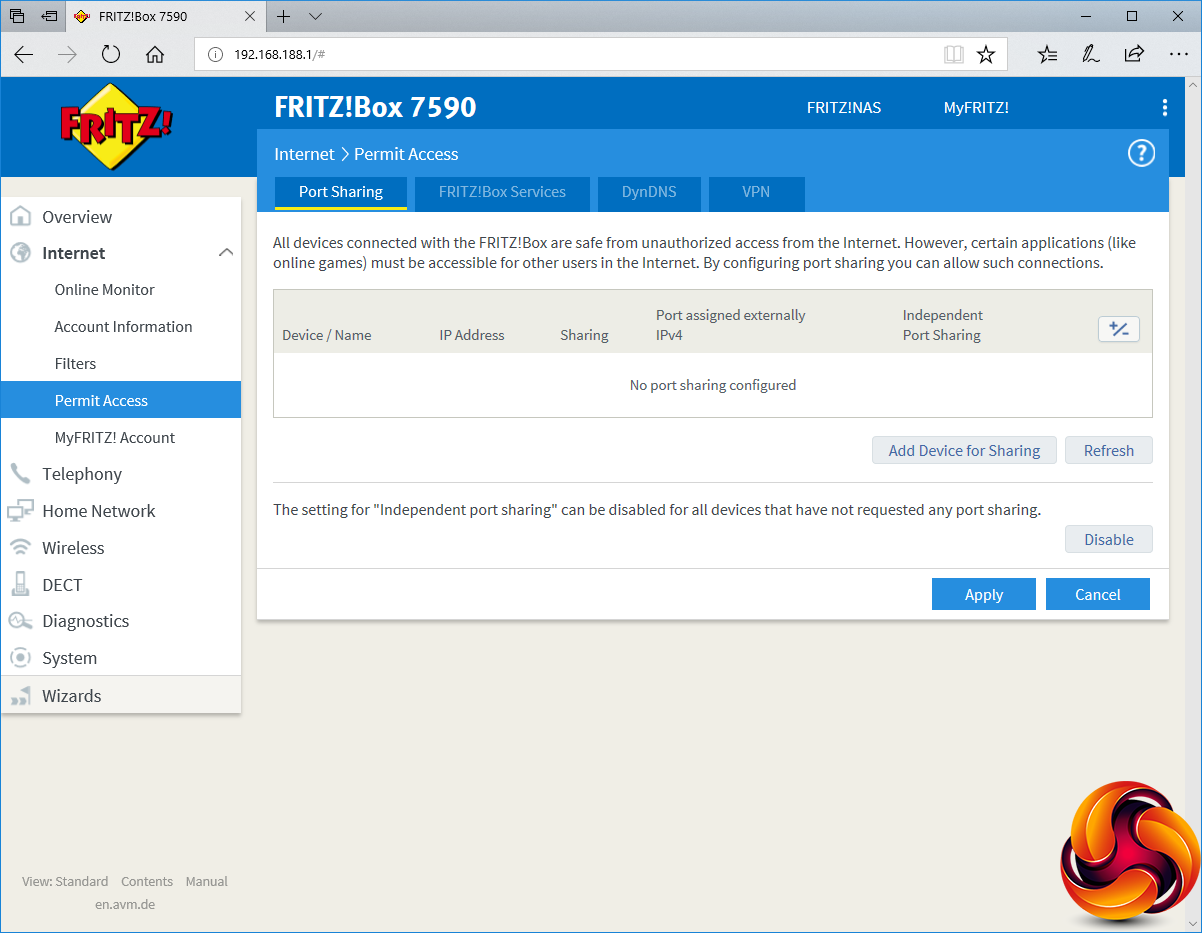
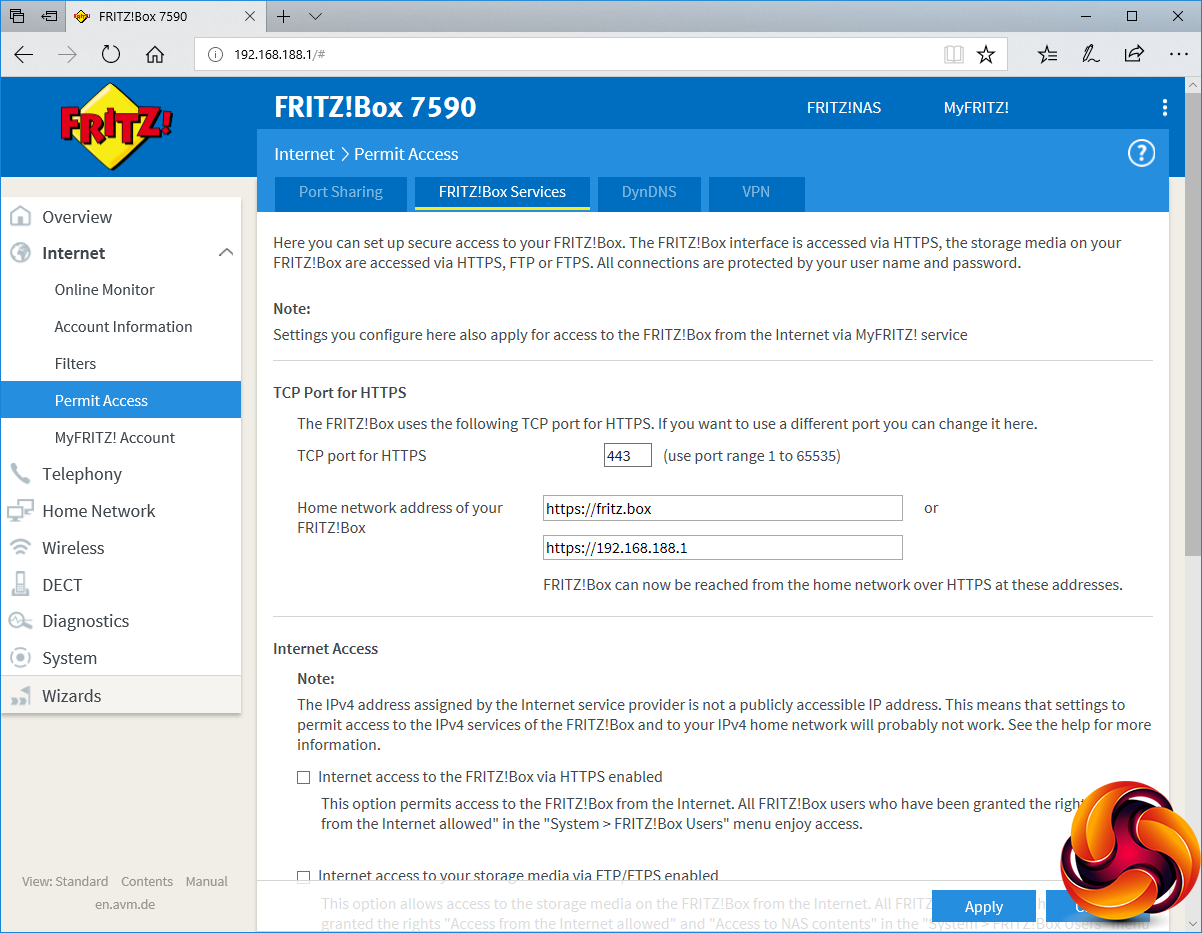
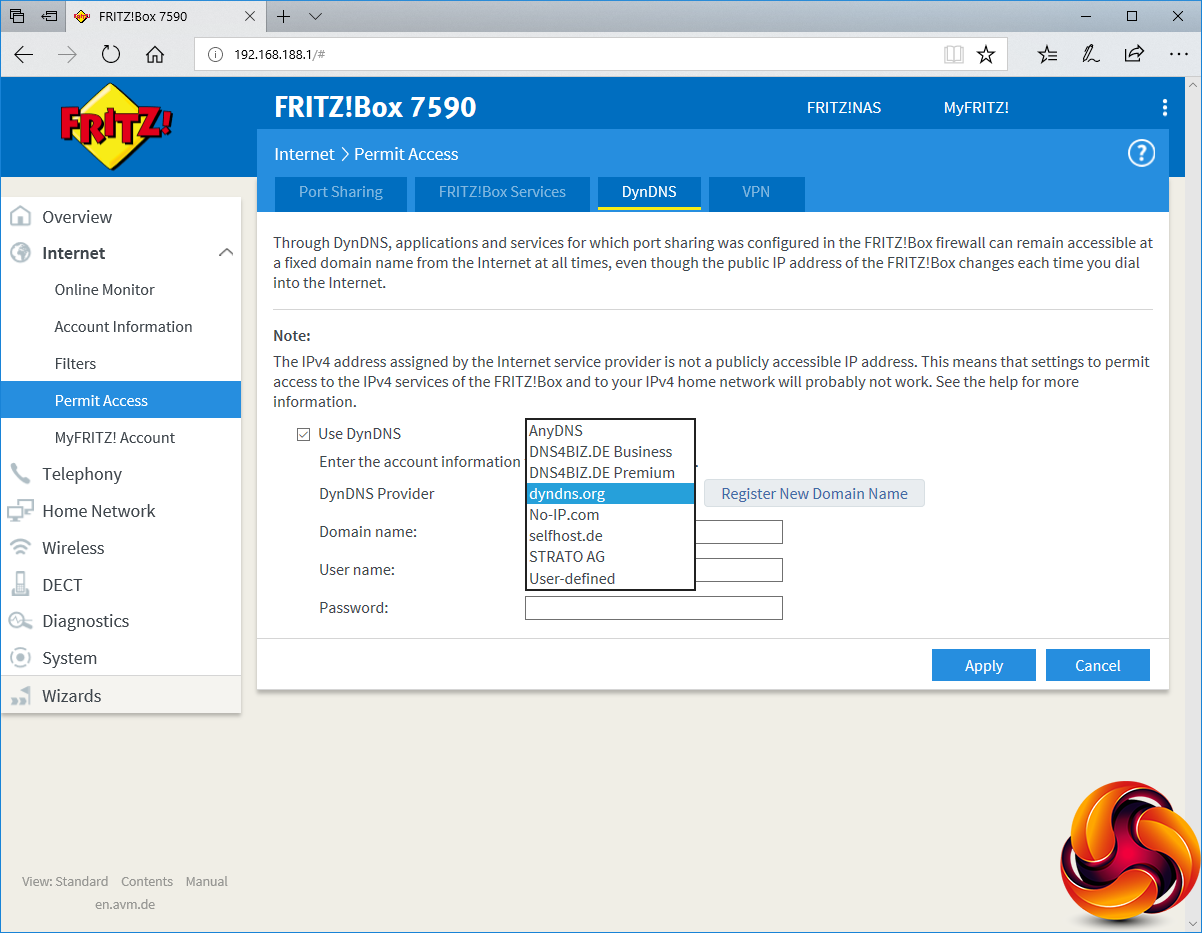
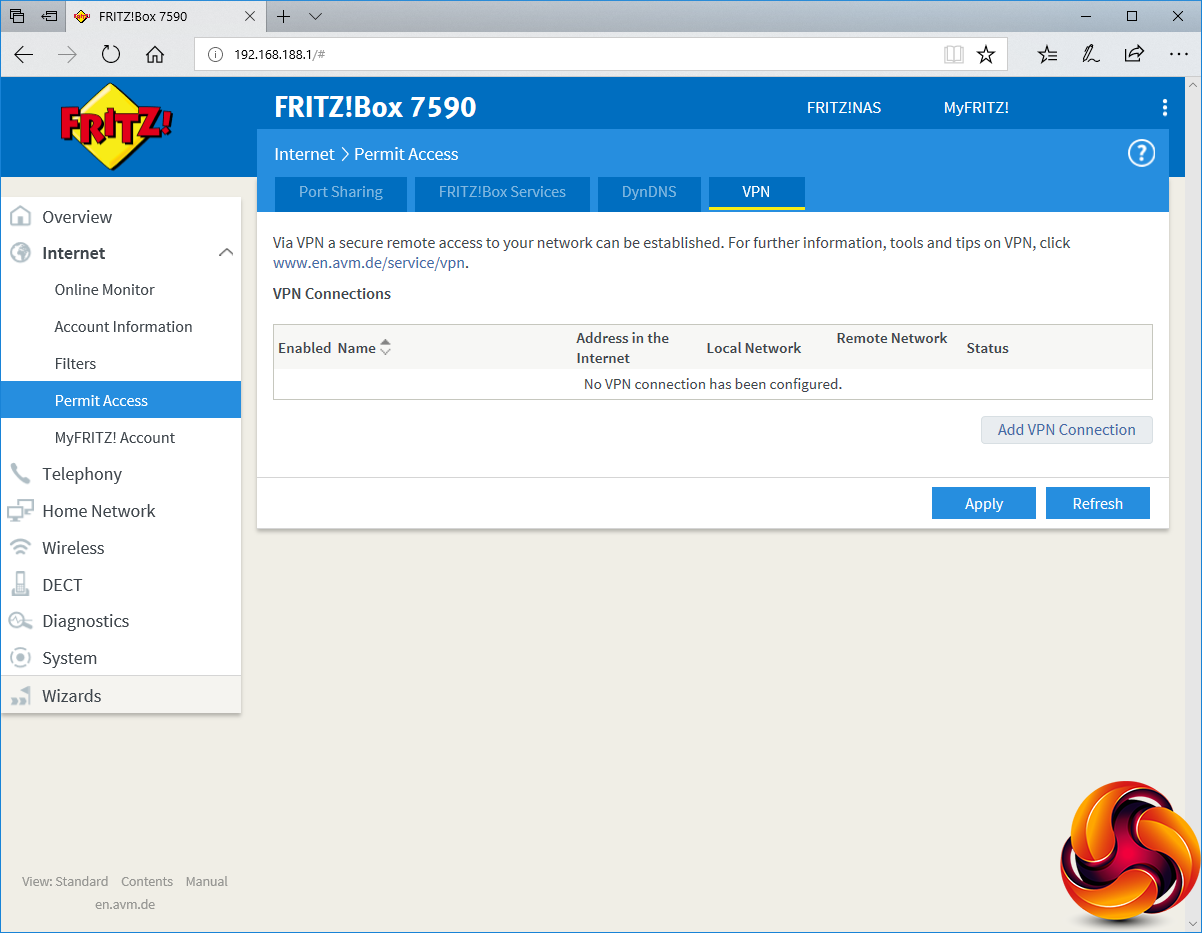
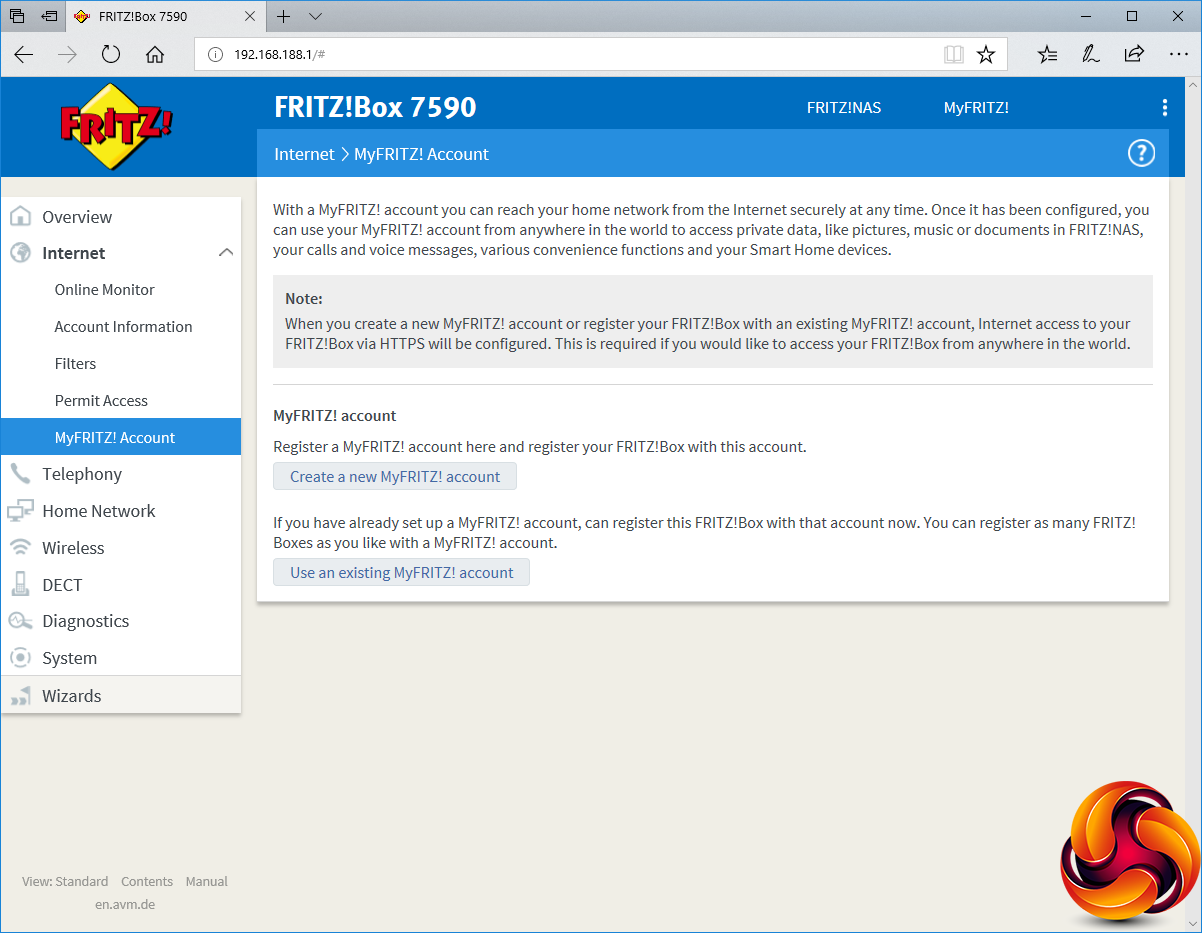
The 7590 has the usual ability to share certain ports on local devices over the Internet, primarily for online gaming. The FRITZ!Box Services section is rather unique, in that it allows 7590 to be accessed only via HTTPS. It has its own certificate that you can download to devices, otherwise they won't be allowed access. You can also import your own existing digital certificate. To facilitate external access over the Internet, a comprehensive array of dynamic DNS services is supported.
There's also comprehensive VPN support, either from one FRITZ!Box to another, on a single-user basis, or via a company or existing VPN service. These are very powerful capabilities, and one reason why AVM's routers are popular with businesses. The MyFRITZ! account lets you access your home network remotely, including NAS storage attached to the FRITZ!Box, voice messages on the telephony system, and Smart Home functions.
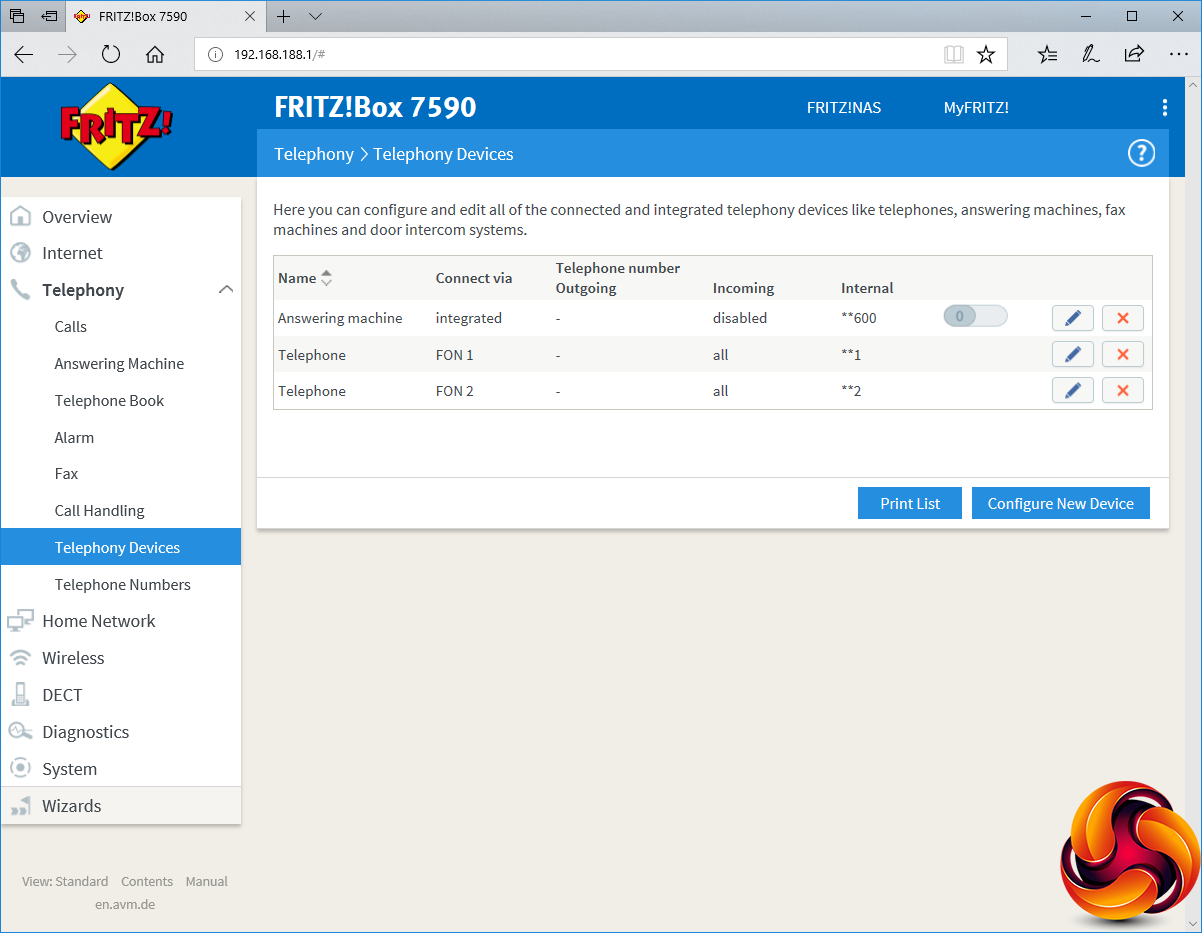
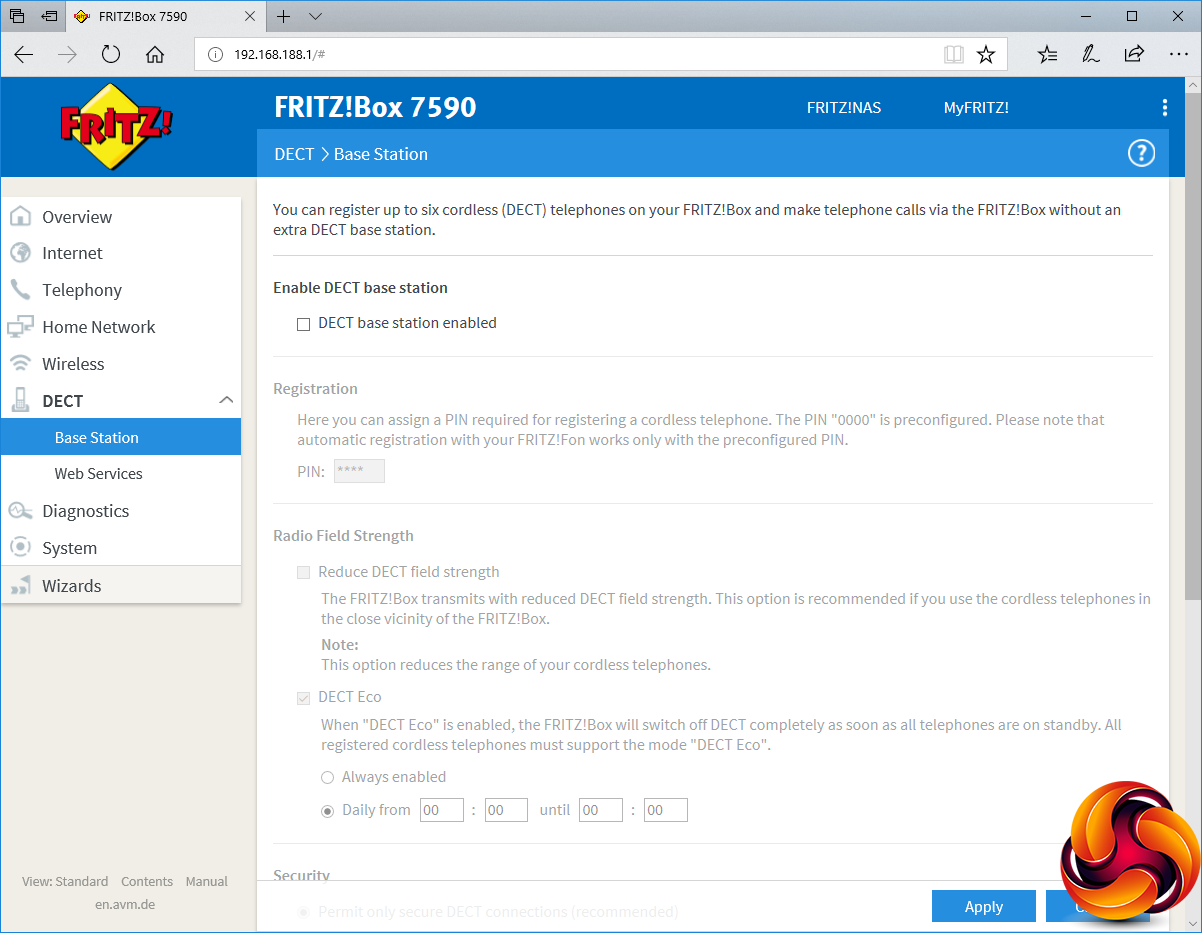
The telephony functions are unique amongst any wireless router we have tested recently. You can connect the 7590 either to an existing landline or use pure IP telephony, with direct support for SIP provider sipgate, SIP DDI and trunking, or a custom IP telephony service. Once this is set up, you can give the two built-in analog lines extension numbers or direct lines. There's a call log for telephony activity, up to five built-in answering machines, and a shared phone book you can add numbers to via the Web administration interface.
You can set up to three alarms, so that a local handset will ring to notify you or wake you up at a fixed time, which can even be on a daily basis for certain days of the week. The system can receive faxes and then send them as images to USB-connected storage or via email. You can set up rules for blocking numbers, diverting them, plus dialling rules, and even add carrier prefixes for specific categories of number, which are useful if you have a special carrier for international calls, for example.
If you turn on the DECT base station, up to six wireless handsets can be added to the system and all the above features then used with them, turning the 7590 into a really powerful telephony hub.
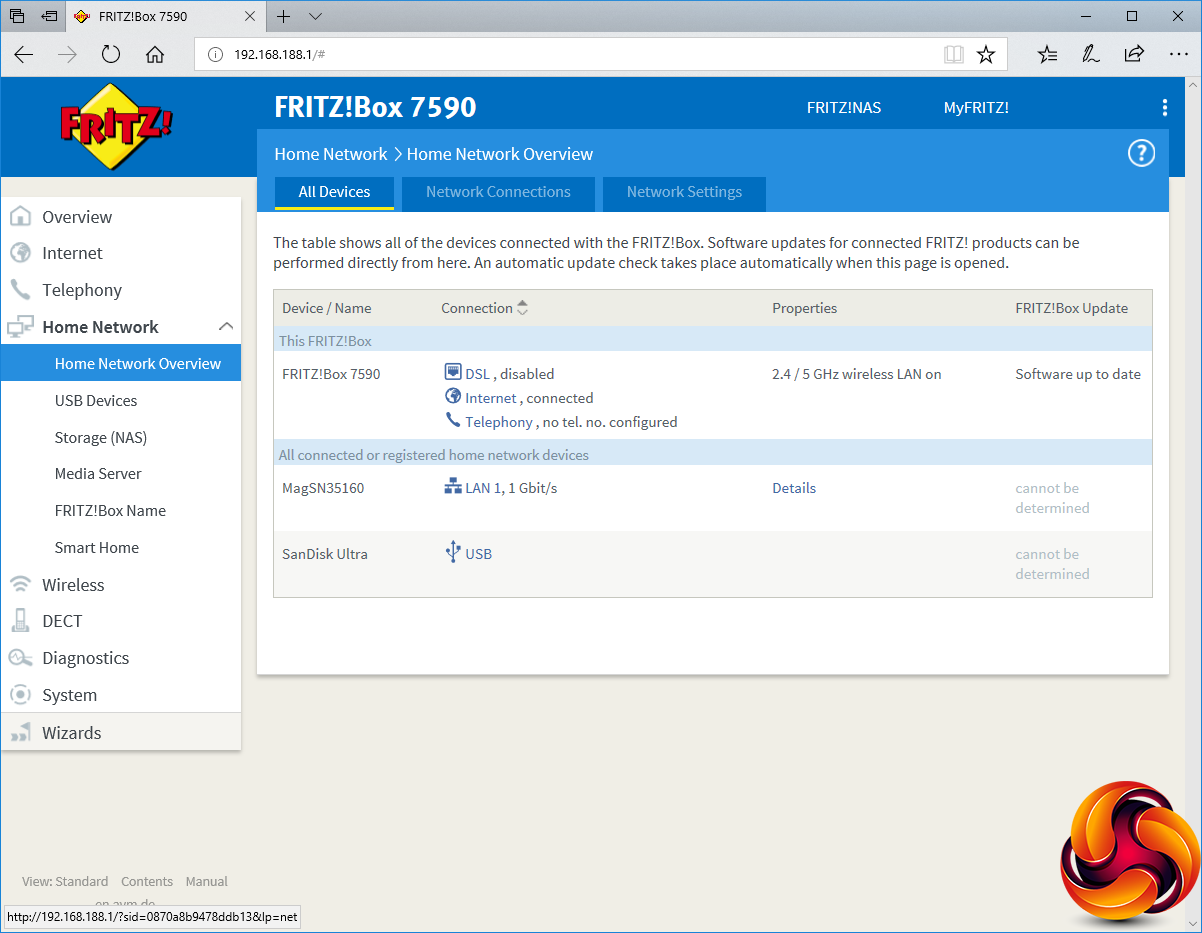
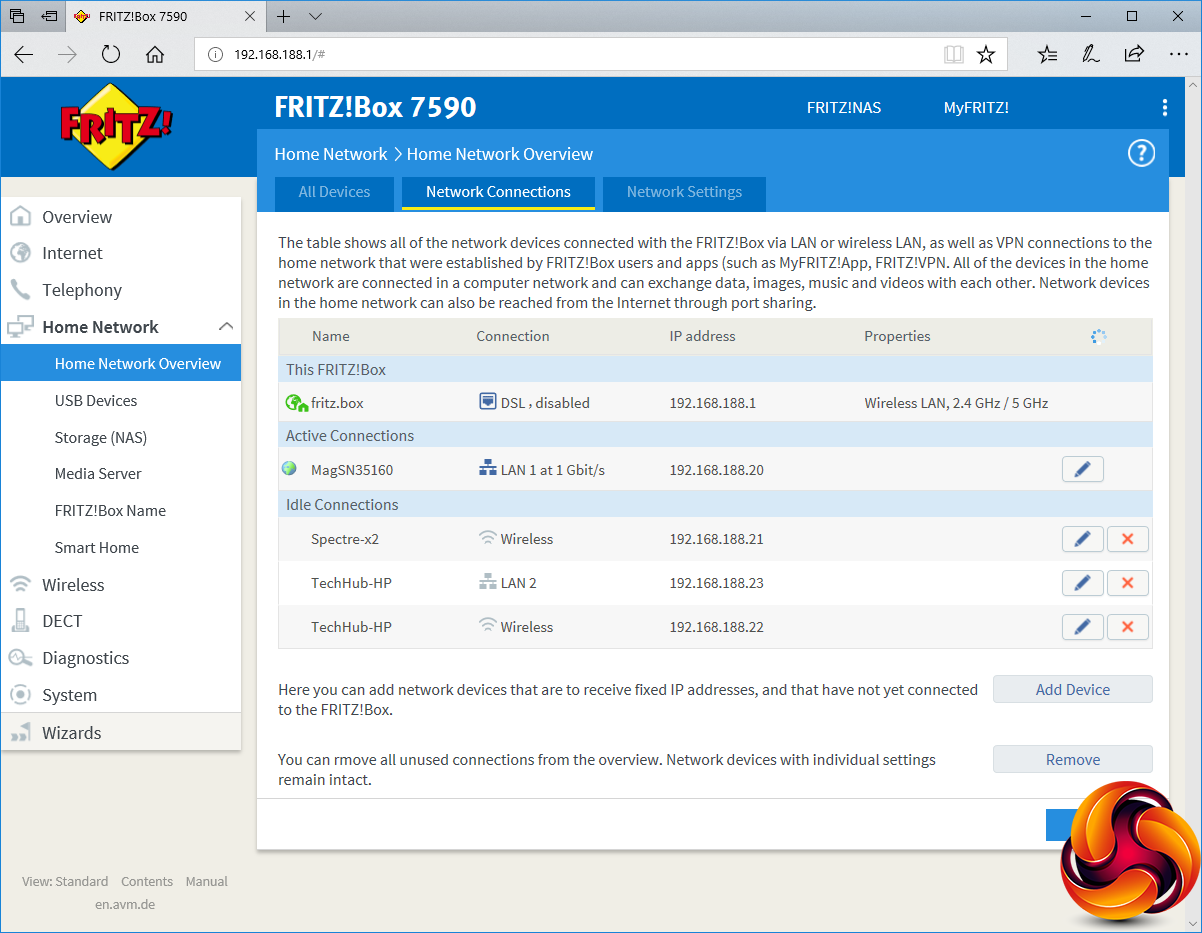
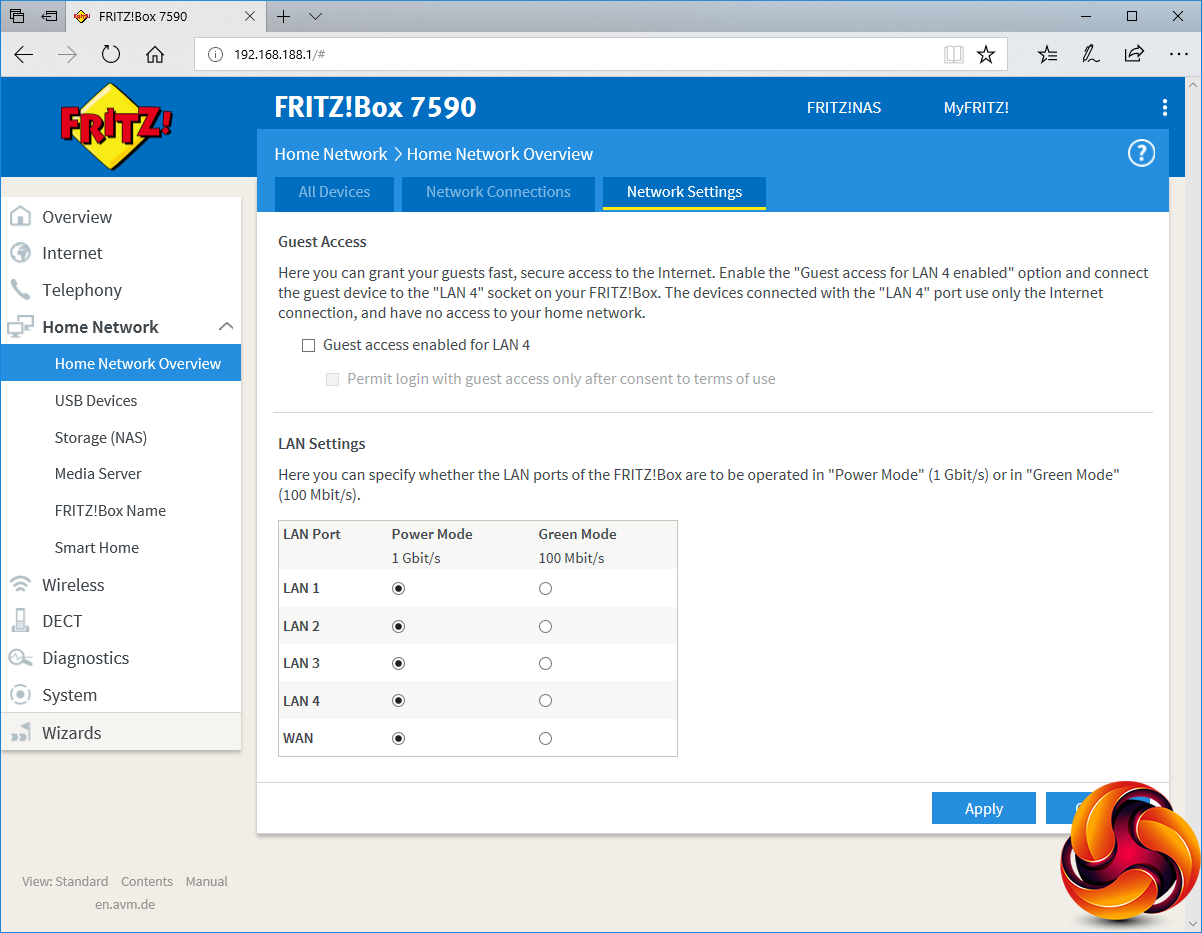
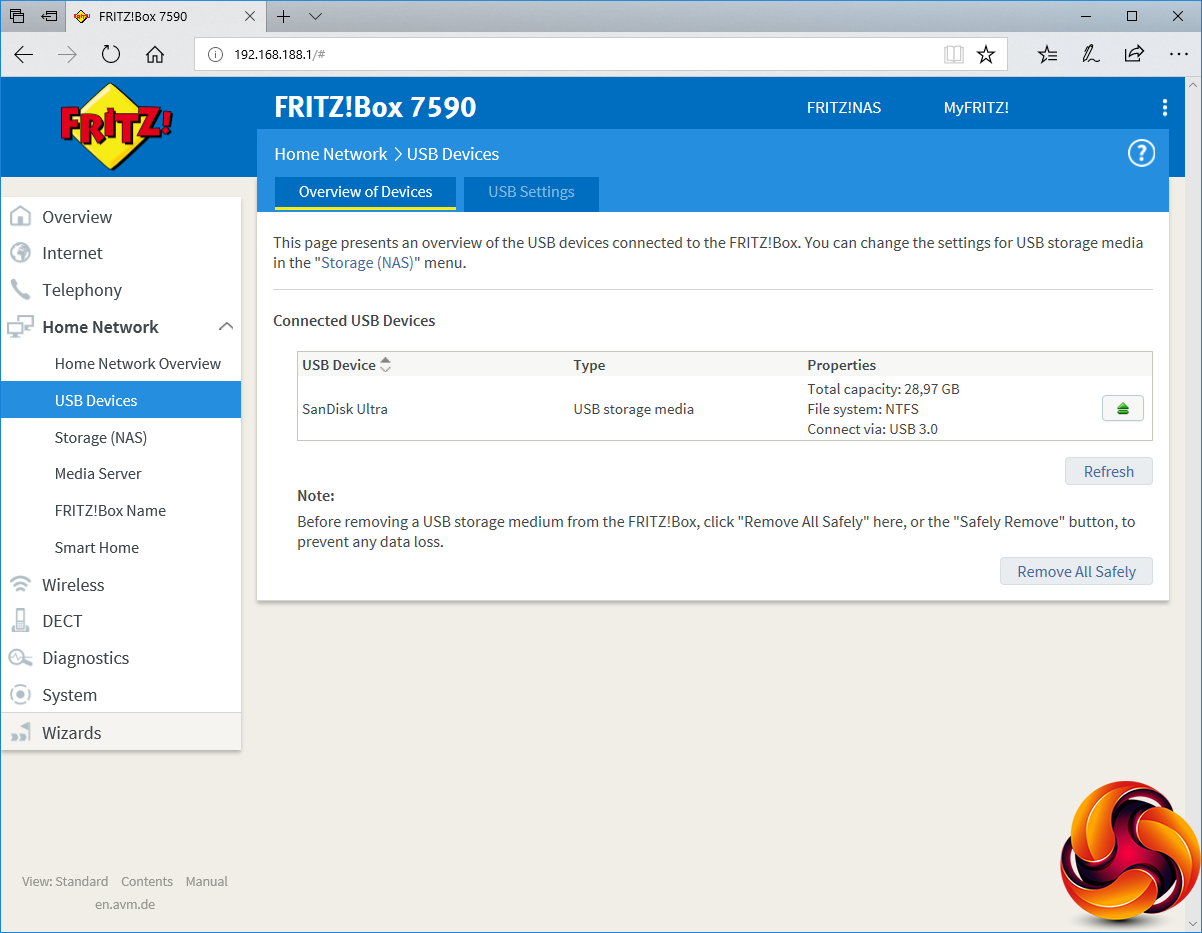
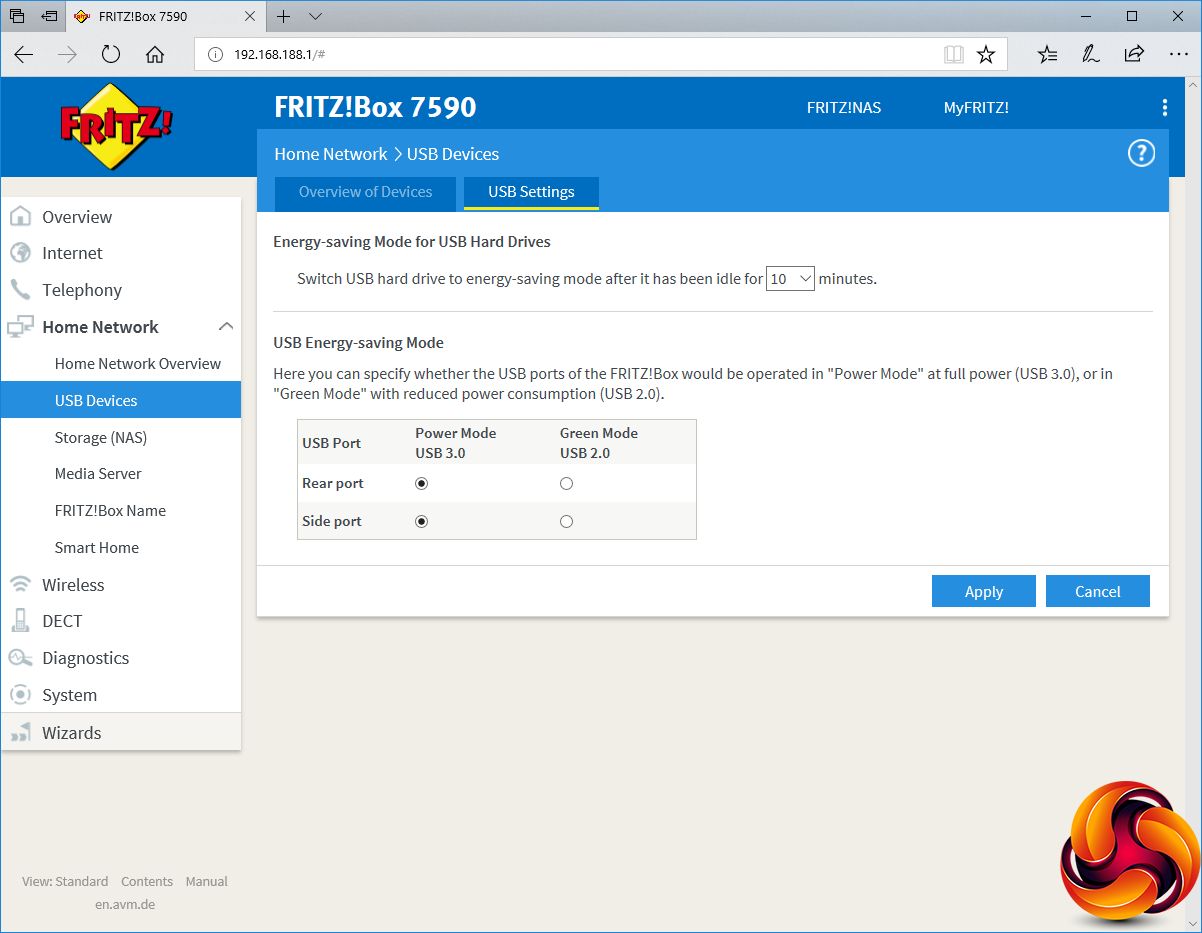
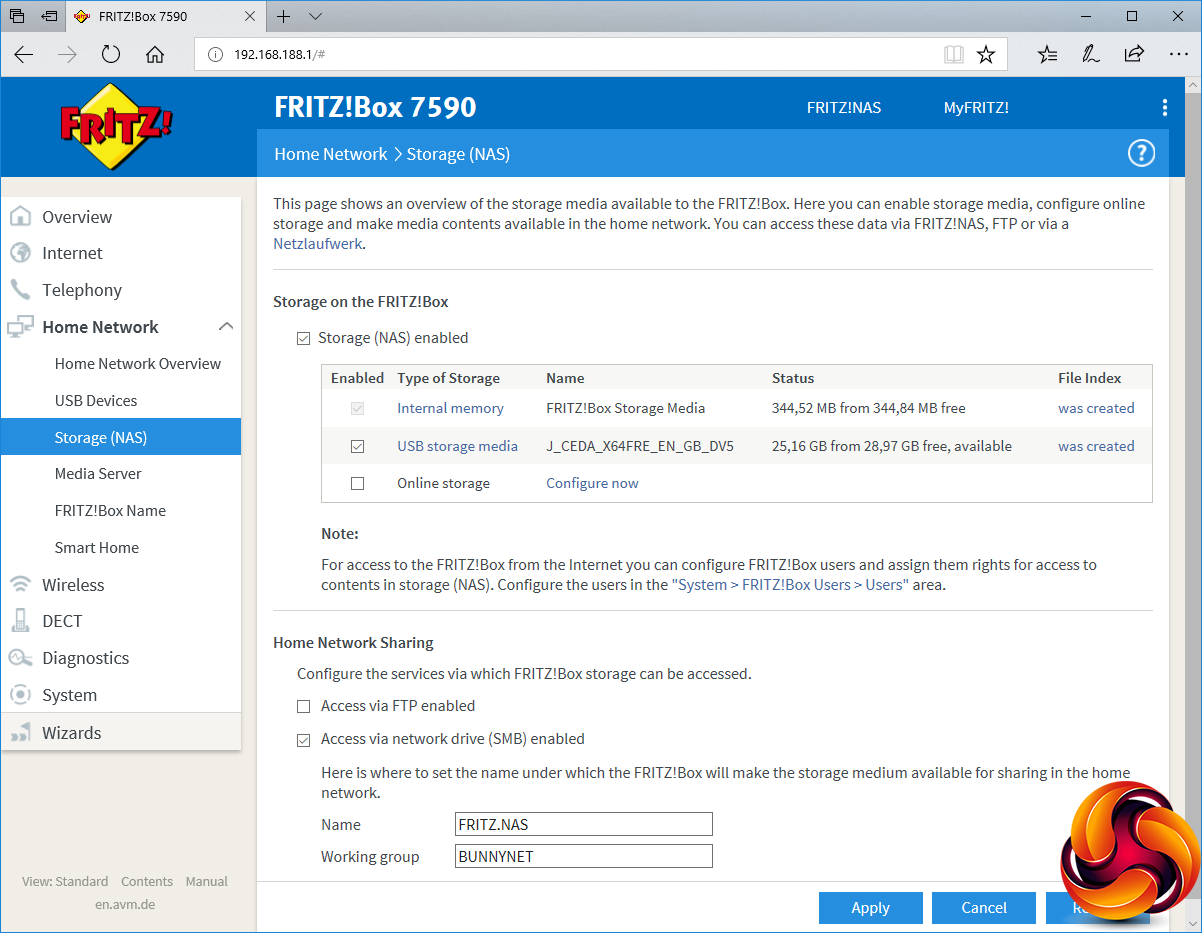
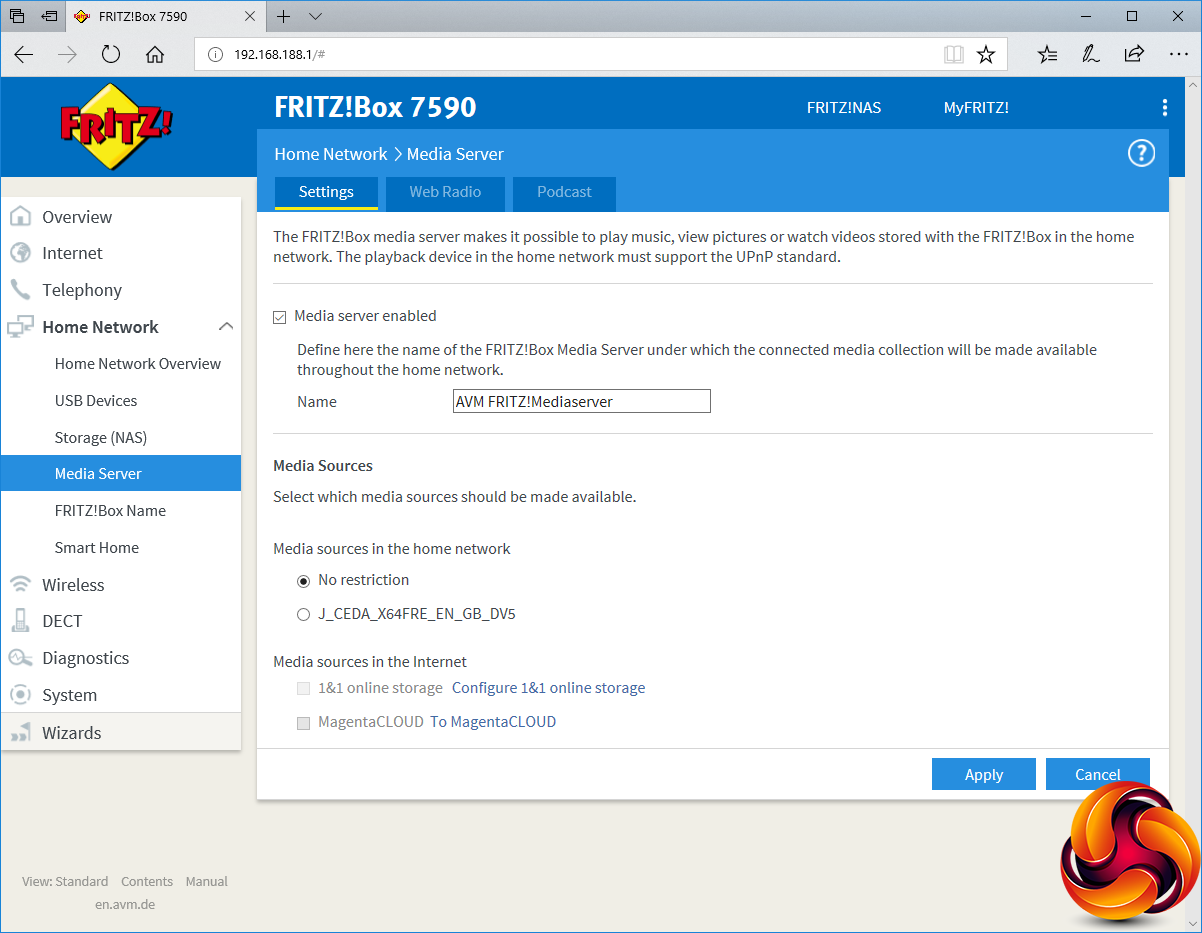
The Home Network section is where you configure the local services like the 7590's built-in NAS storage and media servers, plus the IP addresses being doled out to local devices. You can set the Ethernet ports at either Gigabit speed, or Fast Ethernet to save power consumption. Similarly, USB storage can run at either USB 3.0 or 2.0 to save power.
Once you have plugged in a USB device, you need to create the file index to make it available. This doesn't delete any data, just adds some index folders. You can then share the storage over the network.
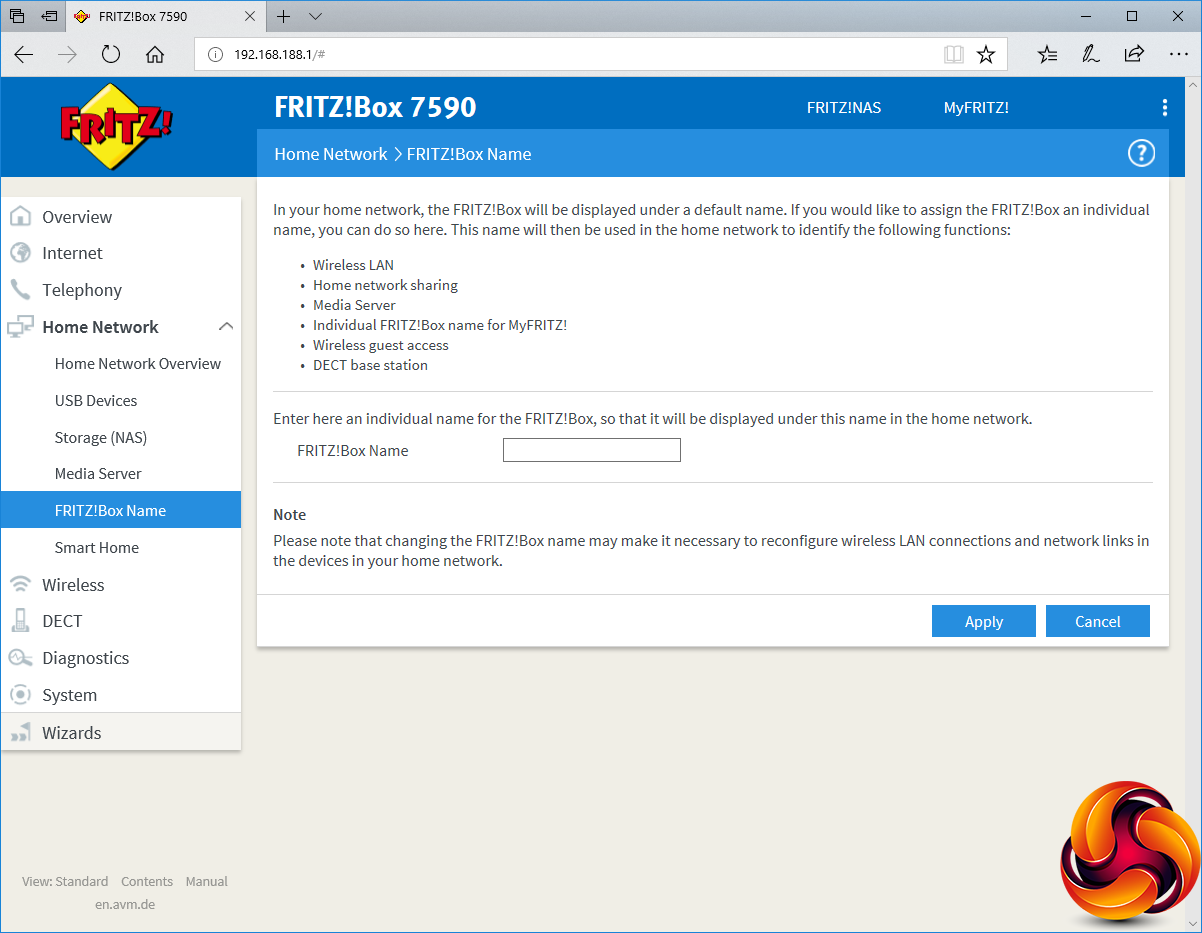
There's a built-in UPnP media server, which can also share Web Radio stations and downloaded podcasts. Interestingly, you can even use this server to share 1&1 and MagentaCLOUD online media storage to the local network. You can also use this section to change the local network name of the 7590 from the default.
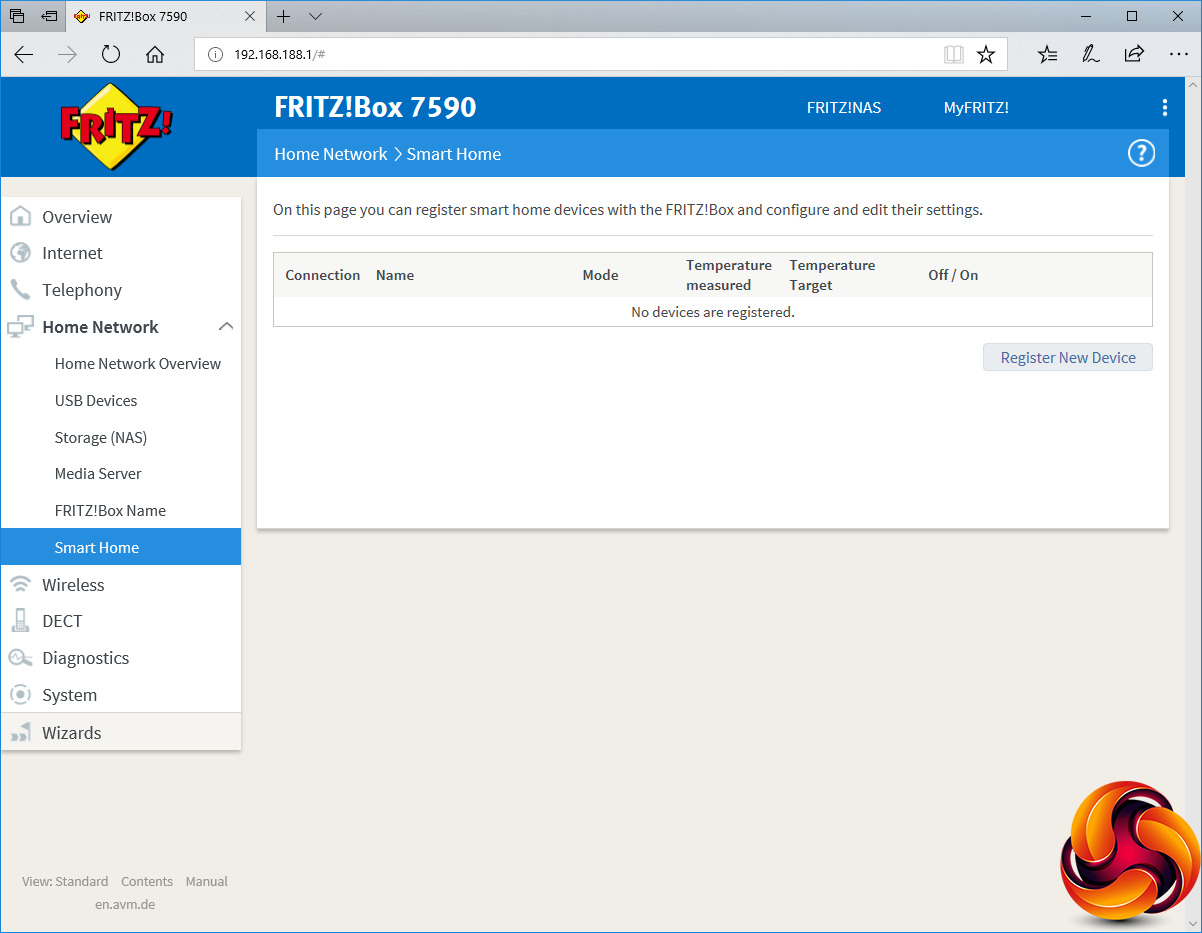
One area we were not able to test due to not having any compatible devices was the Smart Home functionality. AVM sells a variety of DECT-connected smart home devices, including a radiator control (FRITZ!DECT 301), a power outlet control (FRITZ!DECT 200) and a power outlet control with consumption measurement (FRITZ!DECT 210).
However, only the radiator control would be worth using in the UK, as the other two are focused on European power plugs, although you could use adapters.
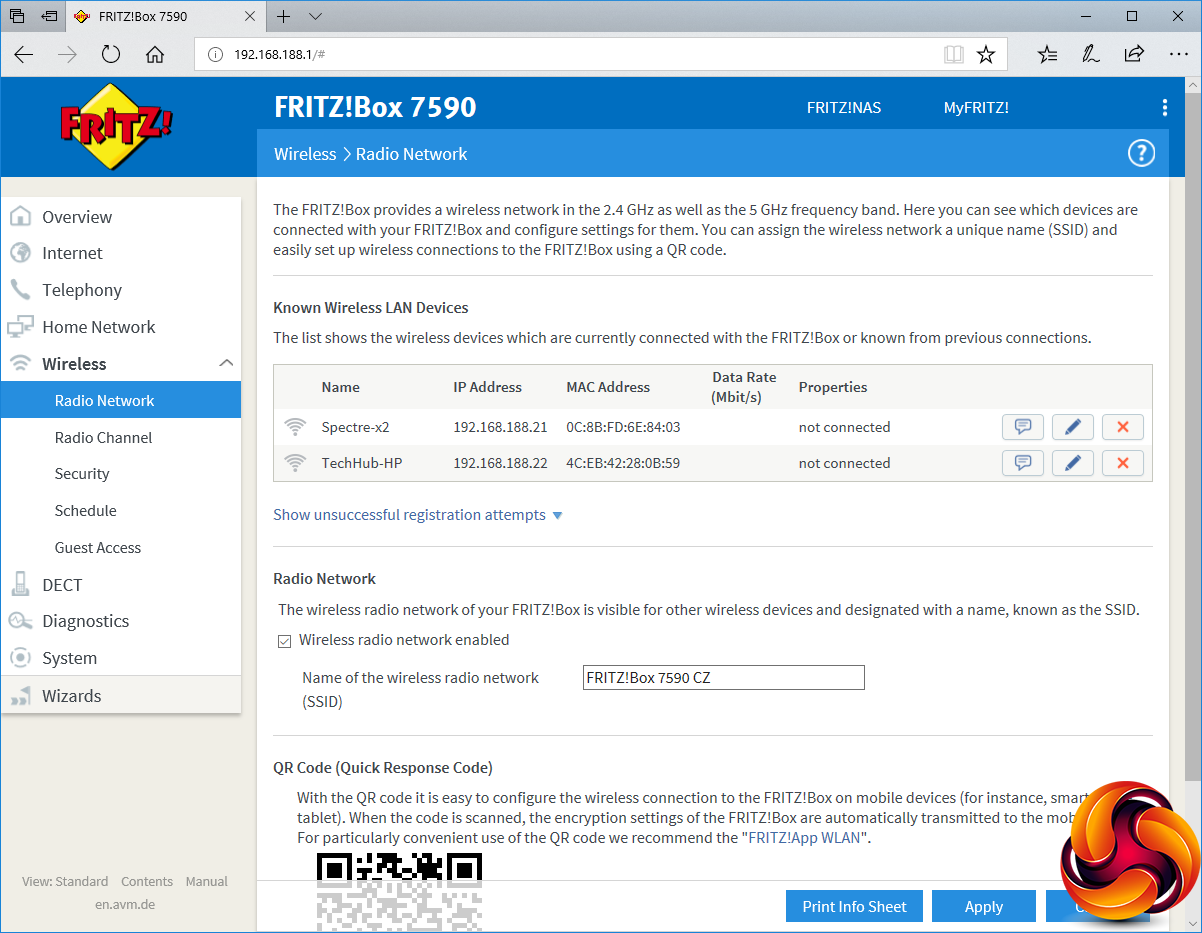
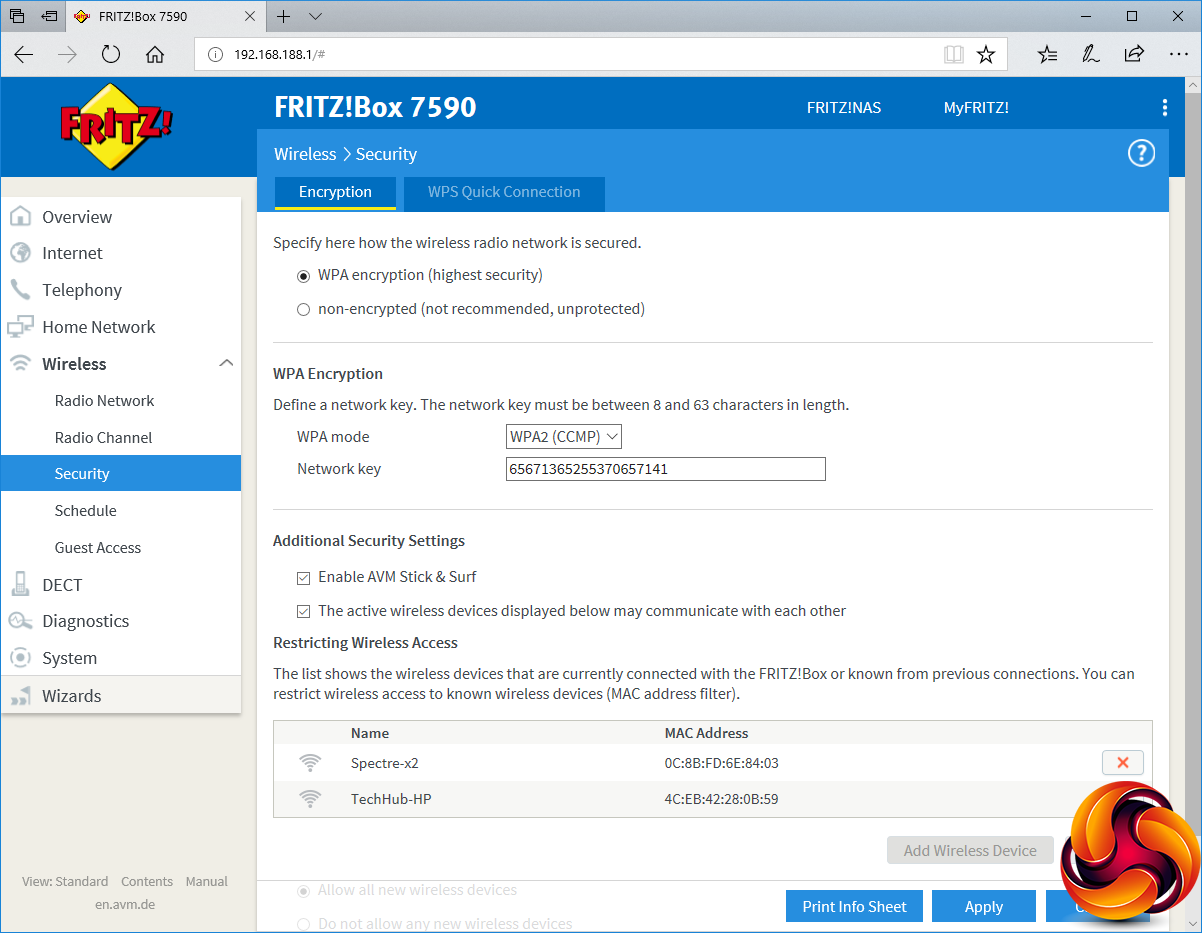
The Wireless section is where you configure the WiFi radios and connected devices. You can change the SSID and use a QR code to connect up smartphones quickly. You can change the network key and decide whether wireless devices can talk to each other, or just to the Internet and wired LAN devices. You can manually configure the wireless channels used, schedule when the WiFi is on during the day, and set up a guest WiFi so that visitors are kept separate from permanent users.
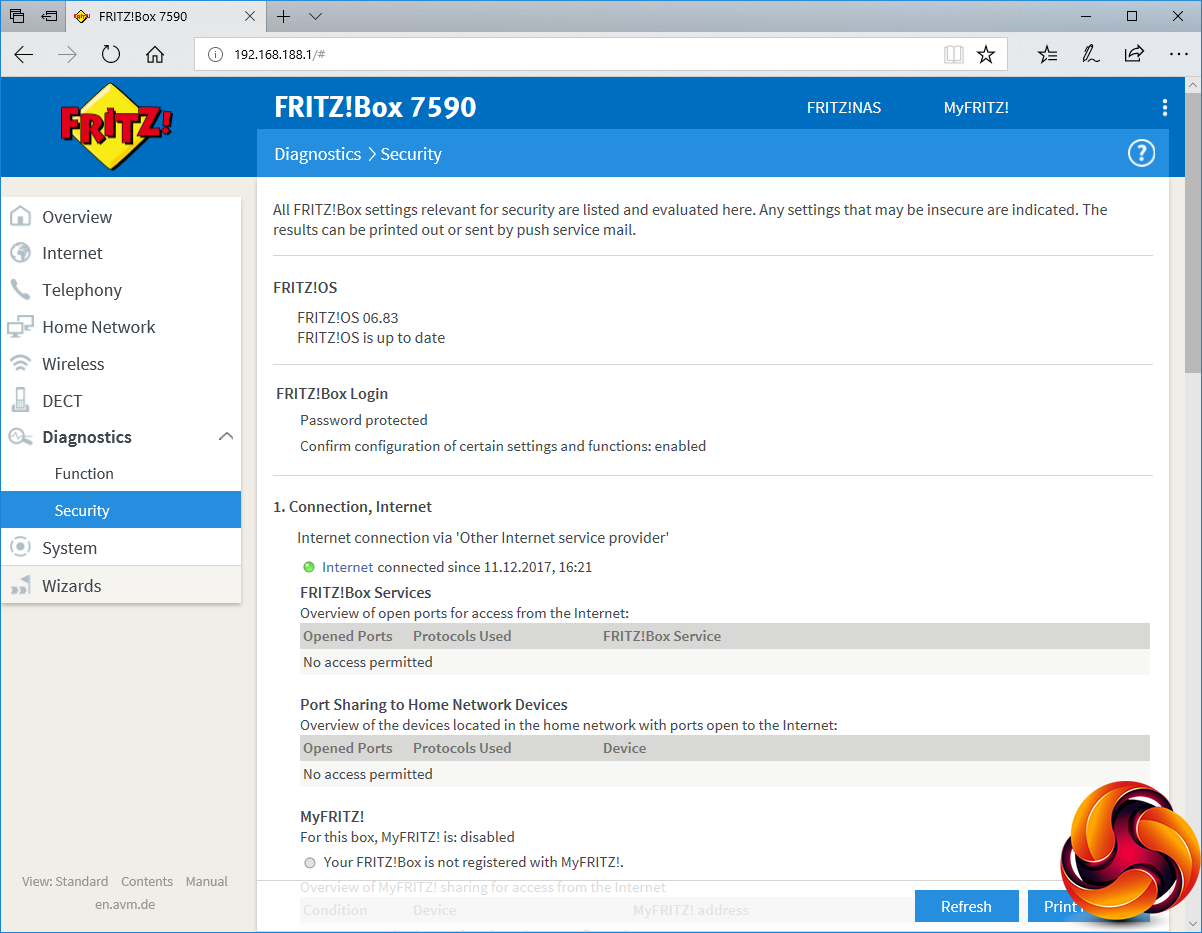
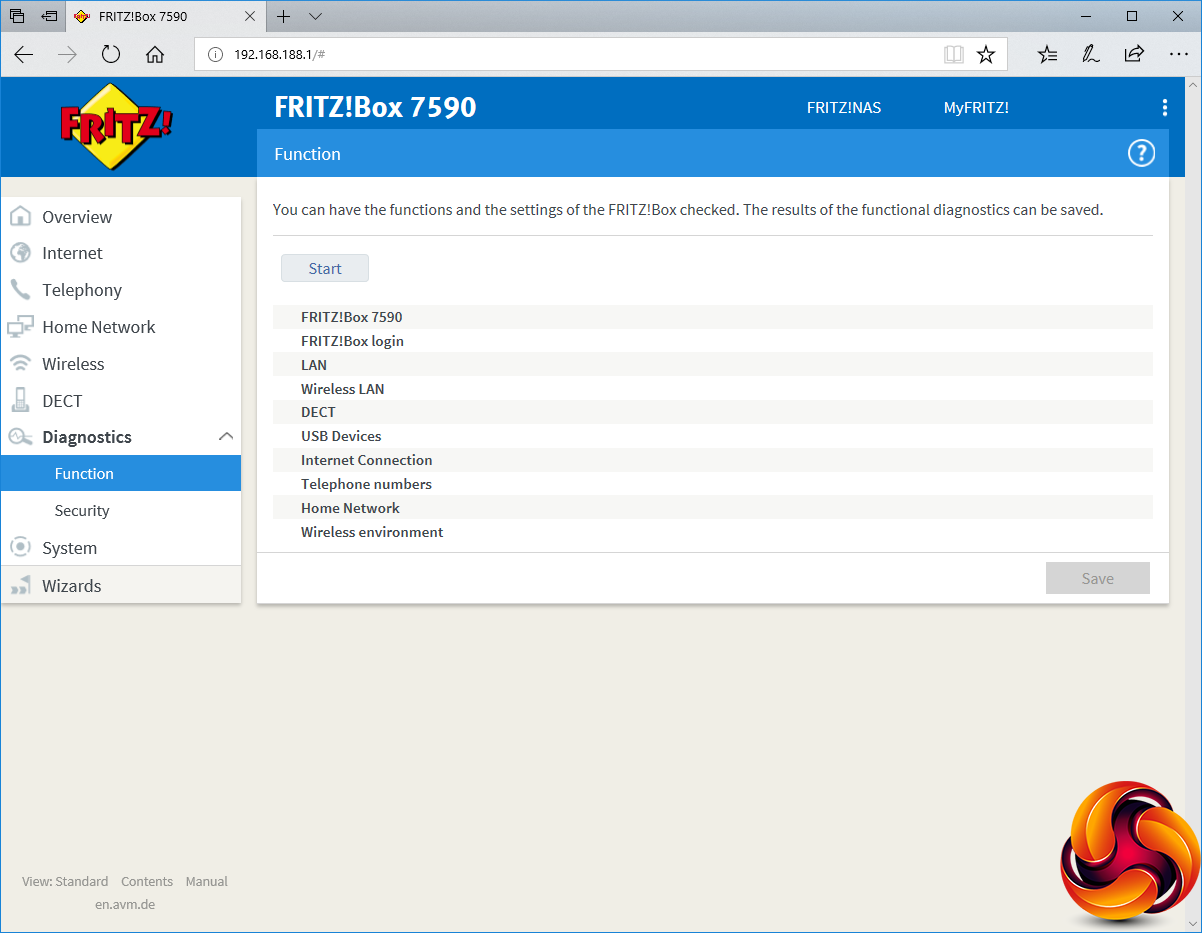
The Diagnostics section lets you run a huge set of tests to make sure everything is operating smoothly. There's also an array of tools for monitoring the Internet connection for potentially stray activity that could signal a hacking attempt.
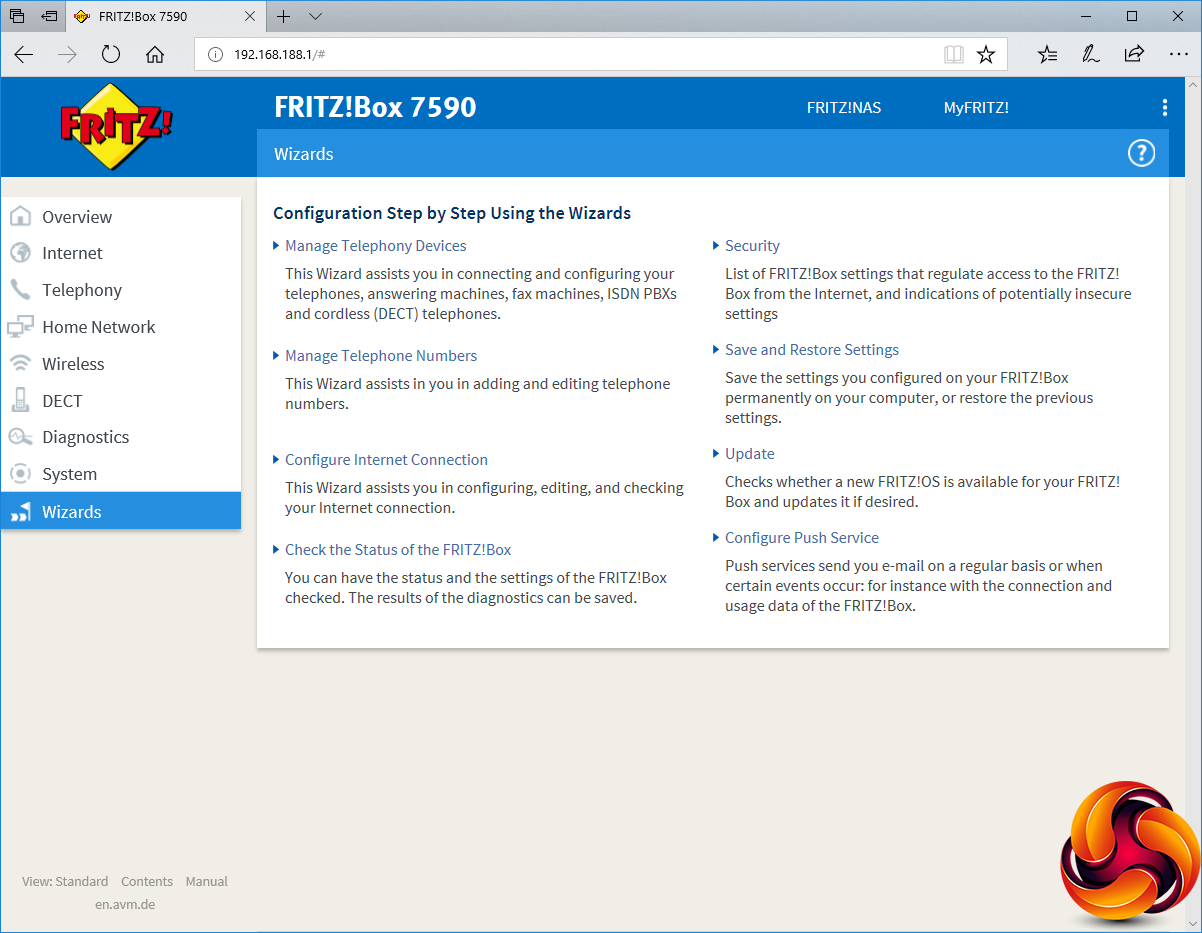
Finally, the Wizards section provides simplified routines to help you set up key features, such as adding telephony devices and numbers, configuring the Internet connection, checking status and security, updating the device, and configuring push notifications for various events.
From the length of this section of the review, it should be clear that the FRITZ!Box 7590 is incredibly feature-rich. In fact, we would go so far as to say this is the most feature-rich router we have ever tested. There is nothing we can think of that isn't available, and AVM has also shown its experience by managing to present a lot in such a way that it doesn't feel like an overly complicated avalanche of settings you will never be able to understand.
The Wizards make setting up unique features like telephony quite a bit easier, although it will still take some playing to get the most out of what's available, which is inevitable with so much on offer. However, lots of router features are only worth having if there's WiFi performance to match, so next let's turn to this aspect.
We tested the AVM FRITZ!Box in two ways. First, we wanted to assess the raw throughput across the two different WiFi standards it supports – 802.11ac and 802.11n. We also tested the speed of the USB 3.0 port via a Gigabit Ethernet port and 802.11ac.
For the first test we used the open-source iPerf 3.1.3 software, and for the second test we used a 3.7GB file collection (actually the Windows 10 installer) on a SanDisk Ultra USB 3.0 thumb drive. Three Windows systems were used. One was an Armari AMD Threadripper workstation, another an HP Spectre 13 X2 notebook, and a third an HP Folio 3 notebook. All three were running Windows 10.
For all tests, the workstation was connected to one of the 7590's Gigabit Ethernet ports, and the notebooks via various WiFi connections (802.11ac for the Spectre 13, 802.11n for the Folio 13). The notebooks were then placed in four different locations – within 1m of the router, approximately 5m away with a wall in between, 10m away and on a lower floor (with multiple walls and a floor in between), and then 15m away on the same lower floor.
We tested all four distances with the two WiFi standards. You can see the distances and placements we used in more detail in our comprehensive Ultimate Mesh WiFi Router Shootout.
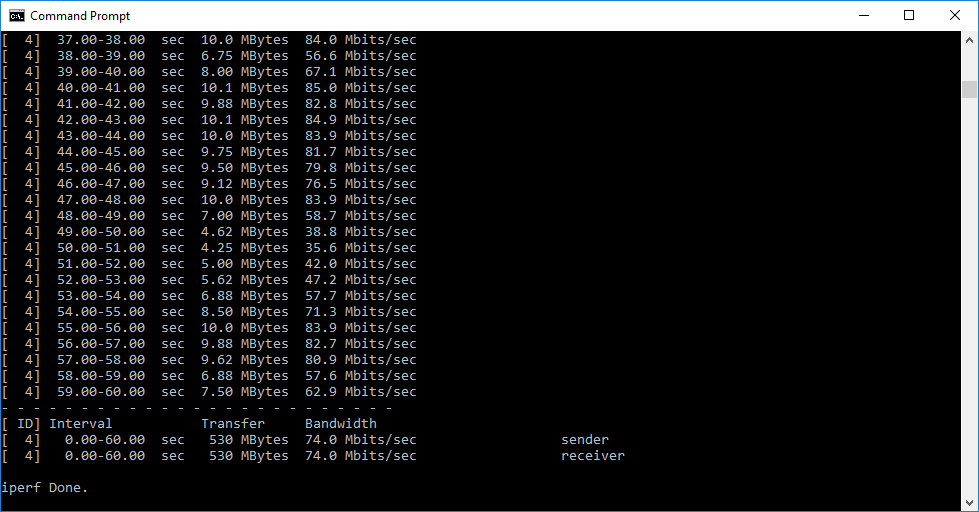
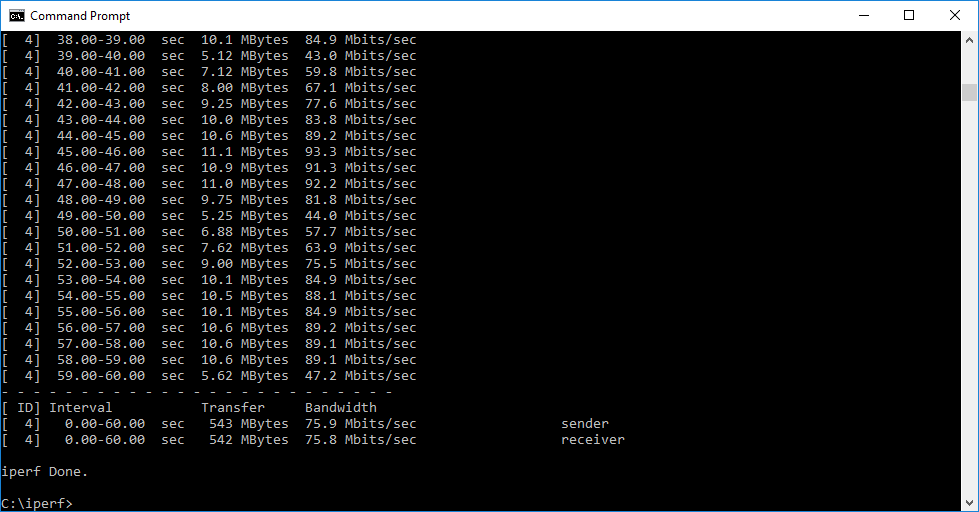
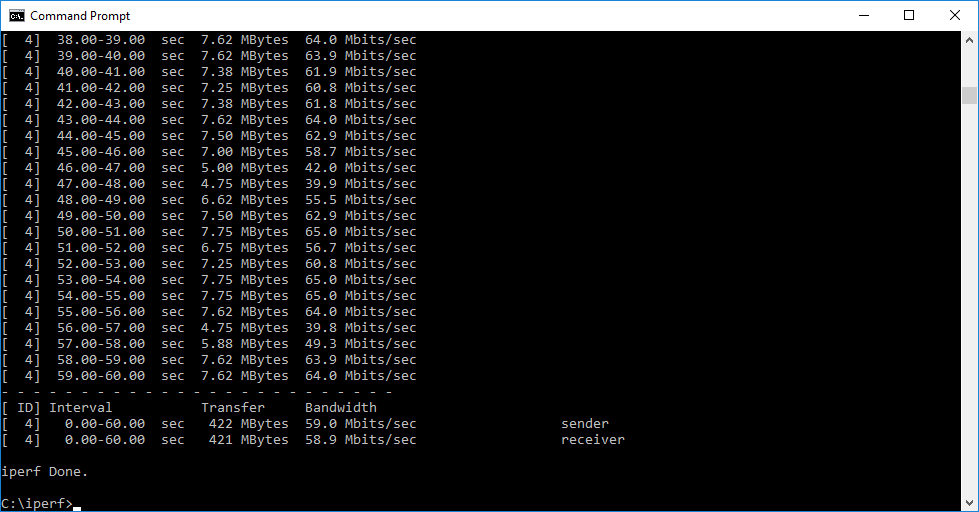
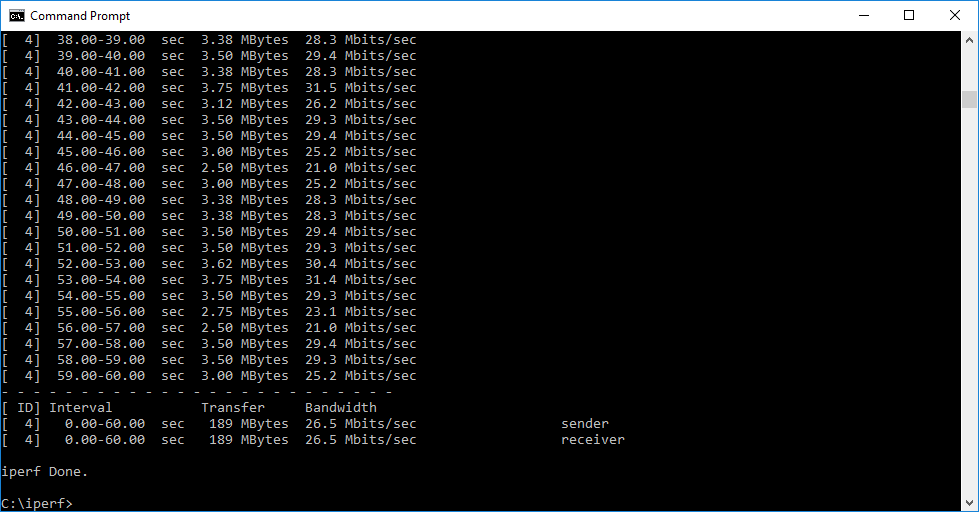
With each WiFi standard and distance, we took 60 readings of throughput at one second intervals and calculated the average (iPerf does this automatically). We tested the 7590 against the Synology RT1900ac and RT2600ac, Linksys WRT3200ACM and NETGEAR's Nighthawk X10 R9000.
802.11ac 5GHz
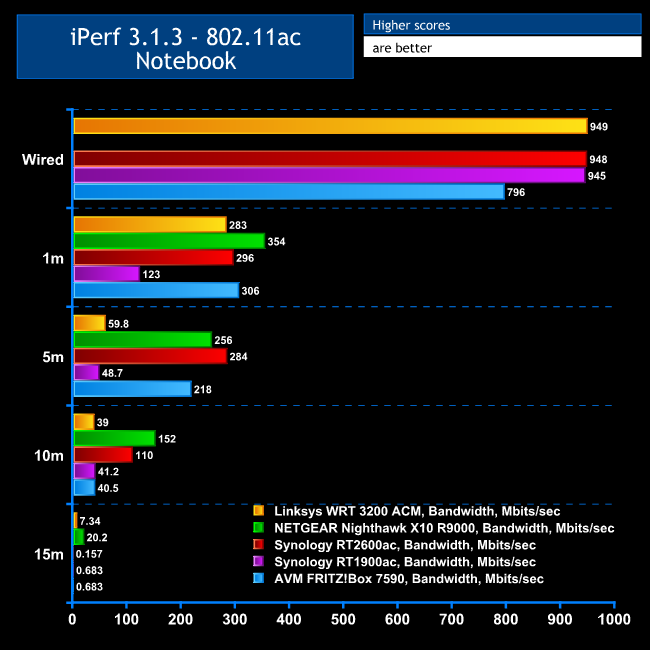
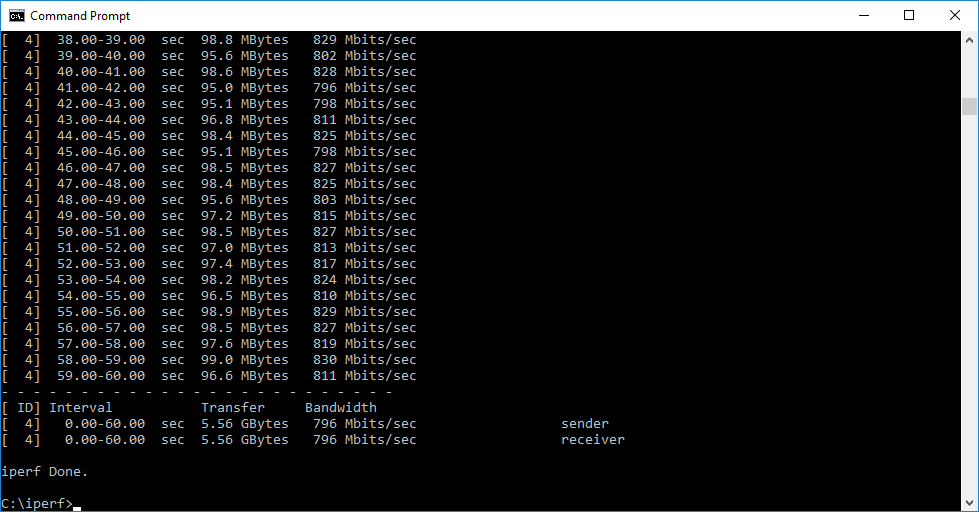
The 7590 managed only reasonable results with 802.11ac. The direct connection, shown here as a control, was a little slower than the comparisons, but we were using a different notebook for this (the HP Folio 13). The 796Mbits/sec bandwidth over Gigabit Ethernet shows that there is no bottleneck from the wired connections.
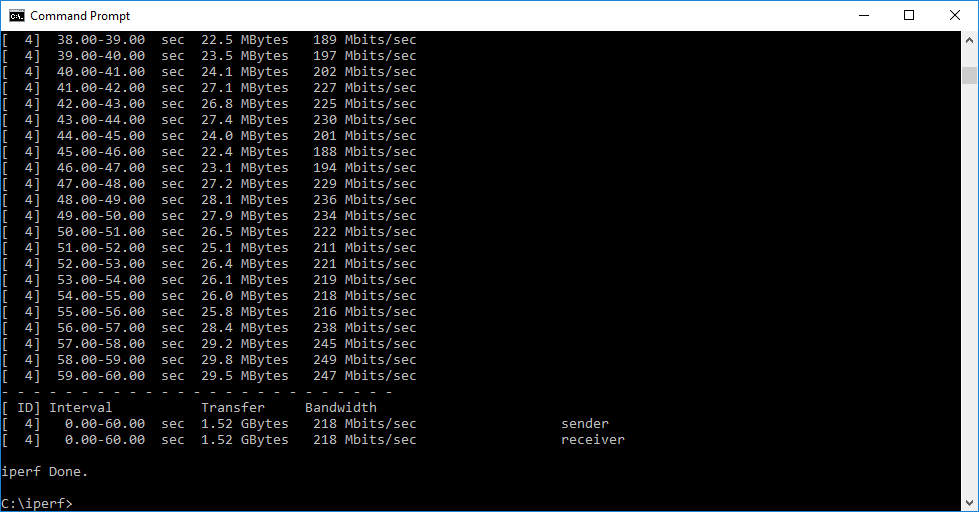
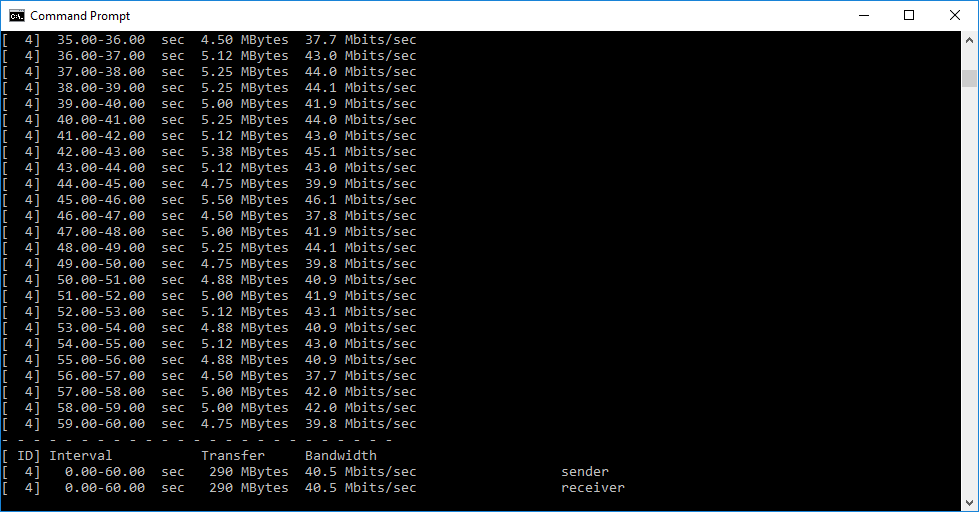
At 1m range, the 1,733Mbits/sec of potential 5GHz bandwidth shows its ability, with the 306Mbits/sec of real-world performance second only to NETGEAR's Nighthawk X10 R9000. At 5m, results are still good, although the Synology RT2600ac pushes the AVM's 218Mbits/sec into third place. Things go noticeably downhill at 10m, although 40.5Mbits/sec is still very usable, albeit well behind the NETGEAR and Synology RT2600ac. Like most routers, the 7590 isn't reaching 15m effectively.
802.11n 2.4GHz
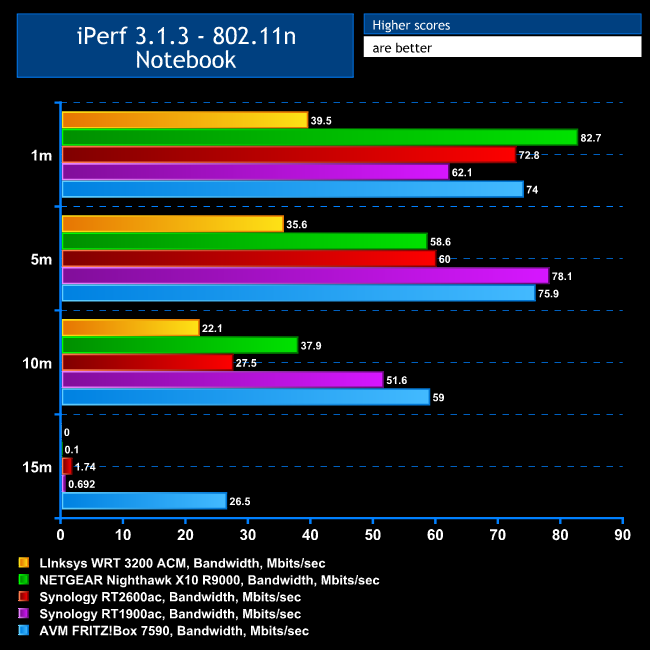
Performance with 802.11n is a sea change over 802.11ac. The bandwidth of 74Mbits/sec is second fastest at 1m after the NETGEAR Nighthawk X10 R9000, although the Synology RT2600ac isn't far behind.
At 5m, however, bandwidth has actually improved to 75.9Mbits/sec, although this still places second. At 10m, the 7590 manages 59Mbits/sec, cruising into a clear lead, which it maintains with 26.5Mbits/sec at 15m. Clearly, the 7590 has much better range with 802.11n than 802.11ac.
USB 3.0 File Copy
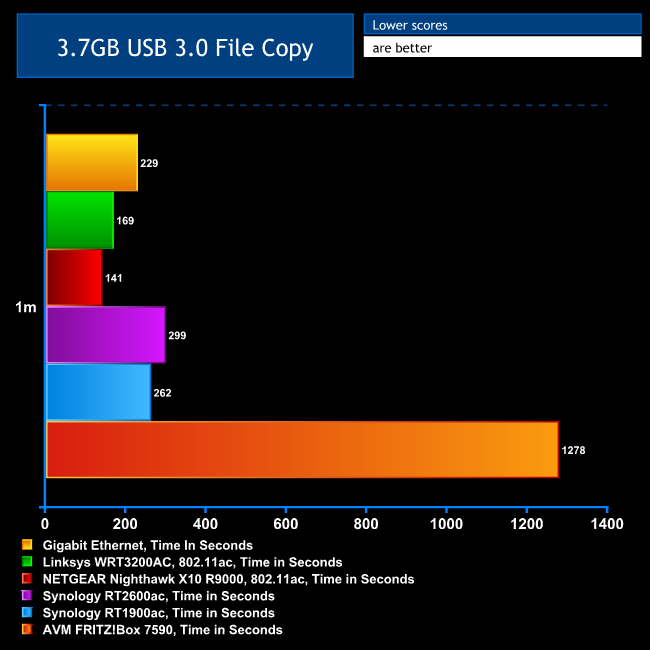
For this test, we hooked up a 32GB SanDisk Ultra USB 3.0 Flash Memory key to the 7590's USB 3.0 port and configured it as network storage. We then copied the 3.7GB Windows 10 installer ISO (unpacked into individual files) to the HP Spectre 13 X2 via 802.11ac, with the notebook at a 1m distance. We also performed the file copy to the HP Folio 13 over Gigabit Ethernet (the Spectre 13 X2 doesn't have an Ethernet LAN port).
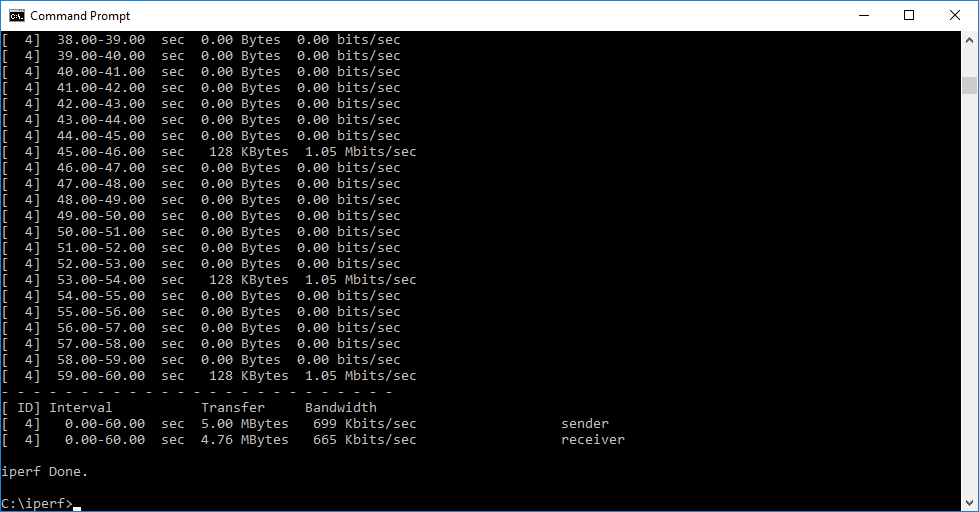
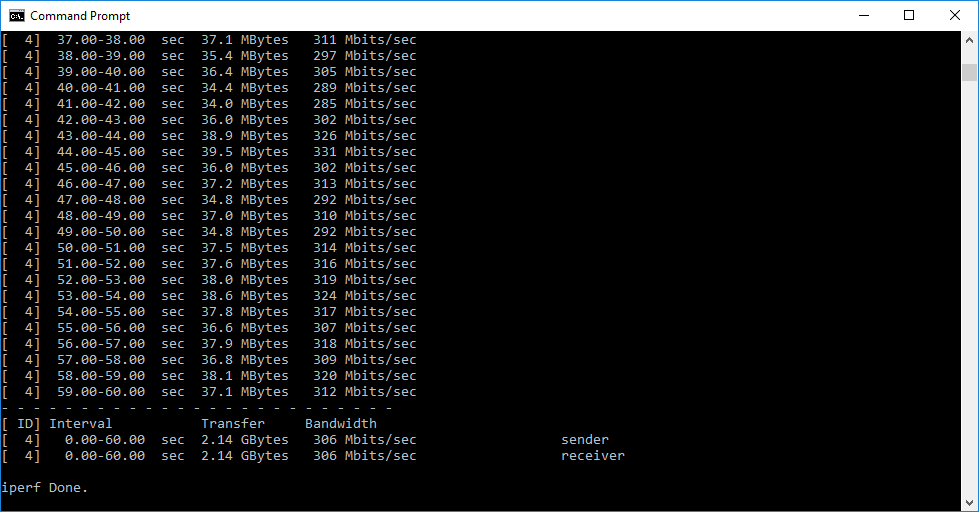
Performance was surprisingly bad. We retested this a number of times and achieved similar results. Although the file copy was managing around 4MB/sec at its fastest, which is enough for video streaming, this result does slightly reduce the 7590's NAS pretensions, despite its clear features in this area. Note that the wired file copy isn't that fast either, implying that the raw USB 3.0 bandwidth isn't as great as some routers.
Overall, the FRITZ!Box 7590 provides merely reasonable performance. Its 802.11ac speed is good at close range, and its 802.11n speed great at any range. But the file copy results are a worry for some applications.
The AVM FRITZ!Box 7590 is without doubt the most comprehensively specified router we have ever tested. It won the EHA Community Router Award this year with good reason. The telephony features in particular are extremely powerful, and if you're in Europe the Smart Home functionality is an added bonus, although this is less useful in the UK. The 35b super vectoring for DSL is also less useful in the UK than in Europe, since UK DSL appears to be backing G.fast instead.
There are one or two issues with performance, however. This is an amazingly quick router for 802.11n, and 802.11ac is great at distances less than 10m. But the file copying performance from USB-connected storage is considerably slower than expected. It's not so bad that you wouldn't want to use the 7590's extensive NAS features, but it is a shame that in this respect the 7590 doesn't compete with alternatives we have tested.
Nevertheless, this is an amazing bit of kit. It truly is a jack of all trades, and master of many. Particularly if you're looking for potent router with comprehensive telephony abilities, the AVM FRITZ!Box 7590 should be top of your list. The parental controls are very powerful too, and it's great to have support for pretty much any kind of broadband you might want to use. This may not quite be the fastest wireless router we've tested, but it definitely has the most features, and it's reasonably priced too.
You can buy it on Amazon for £224.99 HERE.
Discuss on our Facebook page, over HERE.
Pros:
- Supports DSL and WAN broadband.
- 35b DSL super vectoring.
- Four-port Gigabit Ethernet switch.
- Connections for two analog phones and one ISDN line.
- DECT hub for up to six handsets and multiple Smart Home devices.
- Two USB 3.0 ports for attaching storage.
- Incrediblly comprehensive configuration features via Web interface.
- Extensive parental controls.
- Very fast 802.11n performance.
- Reasonably priced for premium model.
Cons:
- No G.fast support.
- Slow USB 3.0 storage speed.
Kitguru Says: The AVM FRITZ!Box 7590 is the most feature-rich wireless router we have tested, and overall performance good enough to make this a great all-round package, particularly for small office users.