KitGuru KitGuru.net – Tech News | Hardware News | Hardware Reviews | IOS | Mobile | Gaming | Graphics Cards


Once the Philips GamePix 900 is warmed up, your only route towards any settings is via the remote control.
As predicted, with only an HDMI input, the source button is pointless.
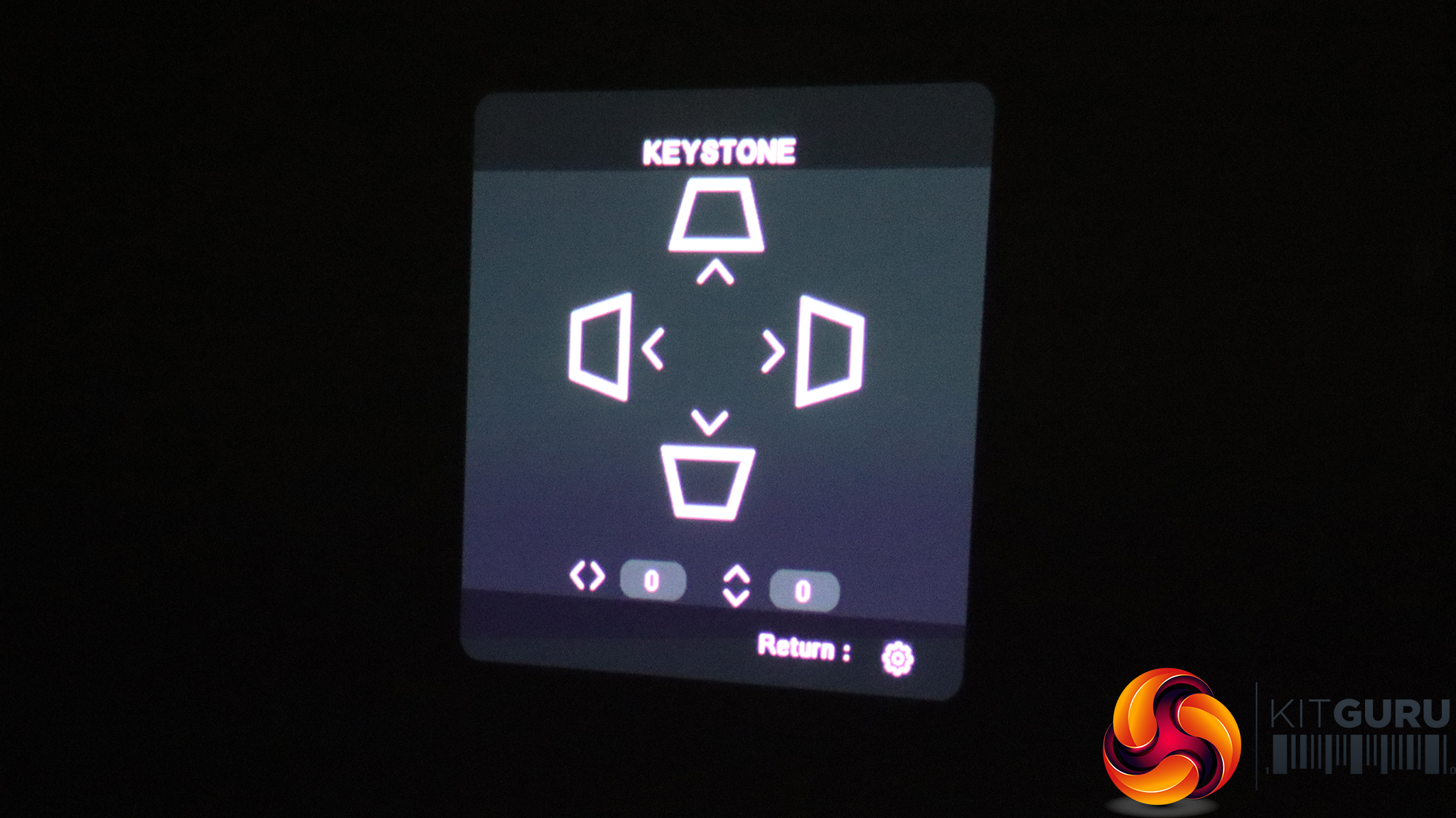
You can also get directly to keystone adjustments with a single button, using the navigation pad to make adjustments.
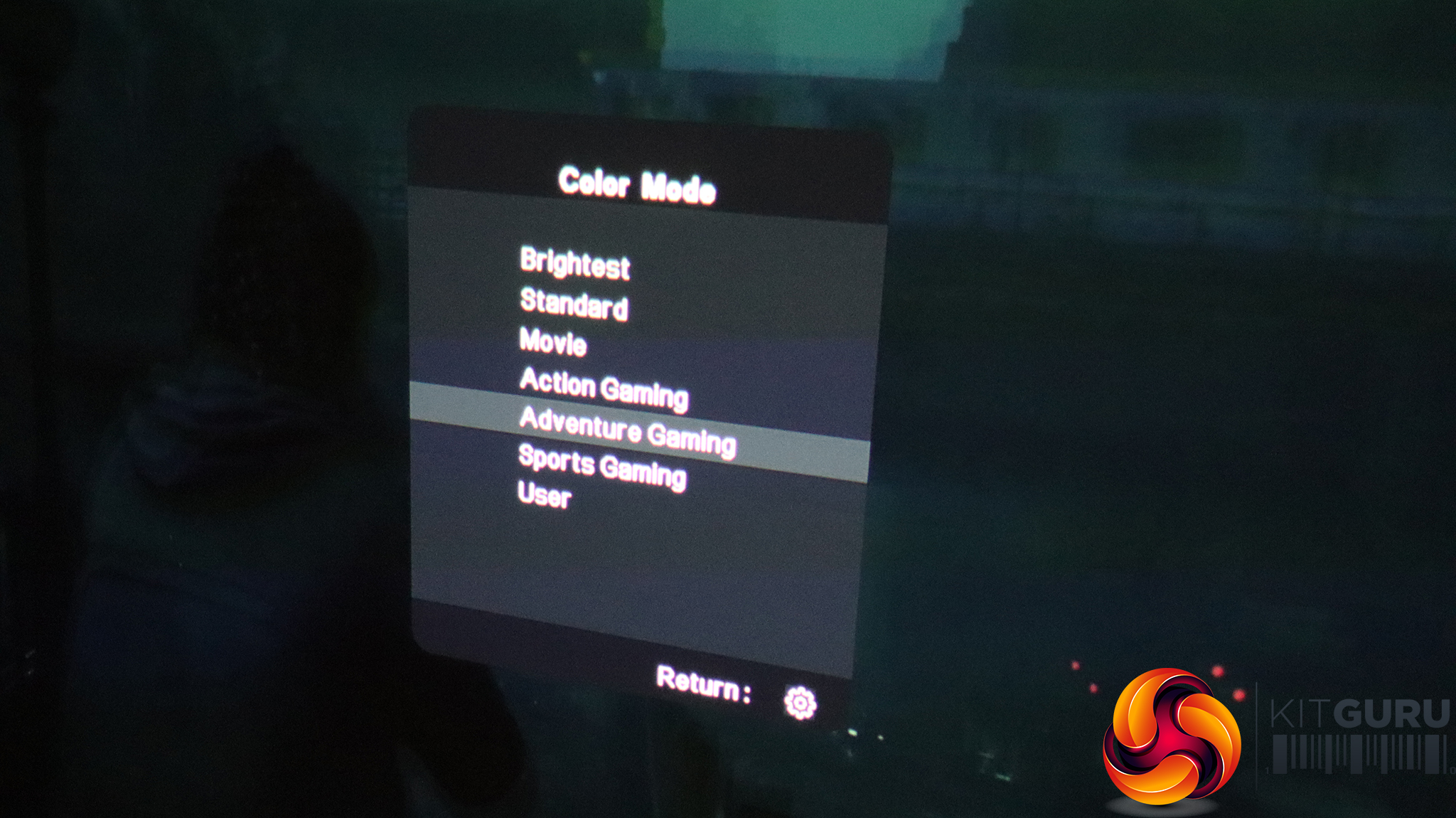
There's a separate button for Color Modes too, which include Brightest, Standard, Movie, Action Gaming, Adventure Gaming, Sports Gaming and a User-configurable preset.

The little cog button on the remote calls up the menu, with the first tab providing the ability to change the aspect ratio, keystone (again), zoom, and gaming mode. This setting restarts the projector specifically for this application.
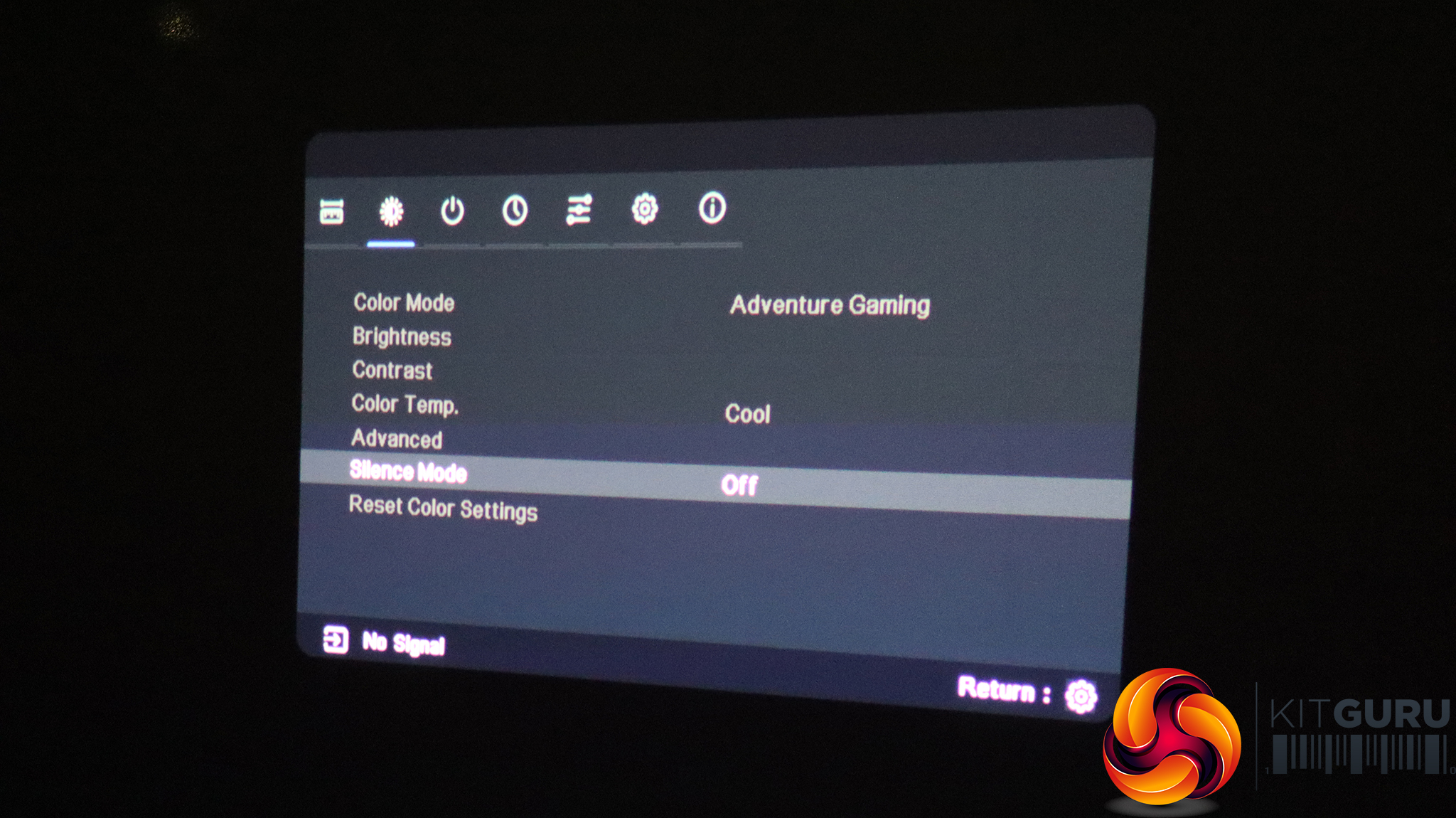
The next tab along provides Color Mode presets, which we have already detailed above. You can also adjust brightness and contrast, or select a colour temperature preset, as well as configure RGB settings manually. The Advanced options include the ability to adjust parameters like sharpness and gamma. Silent mode reduces fan noise.
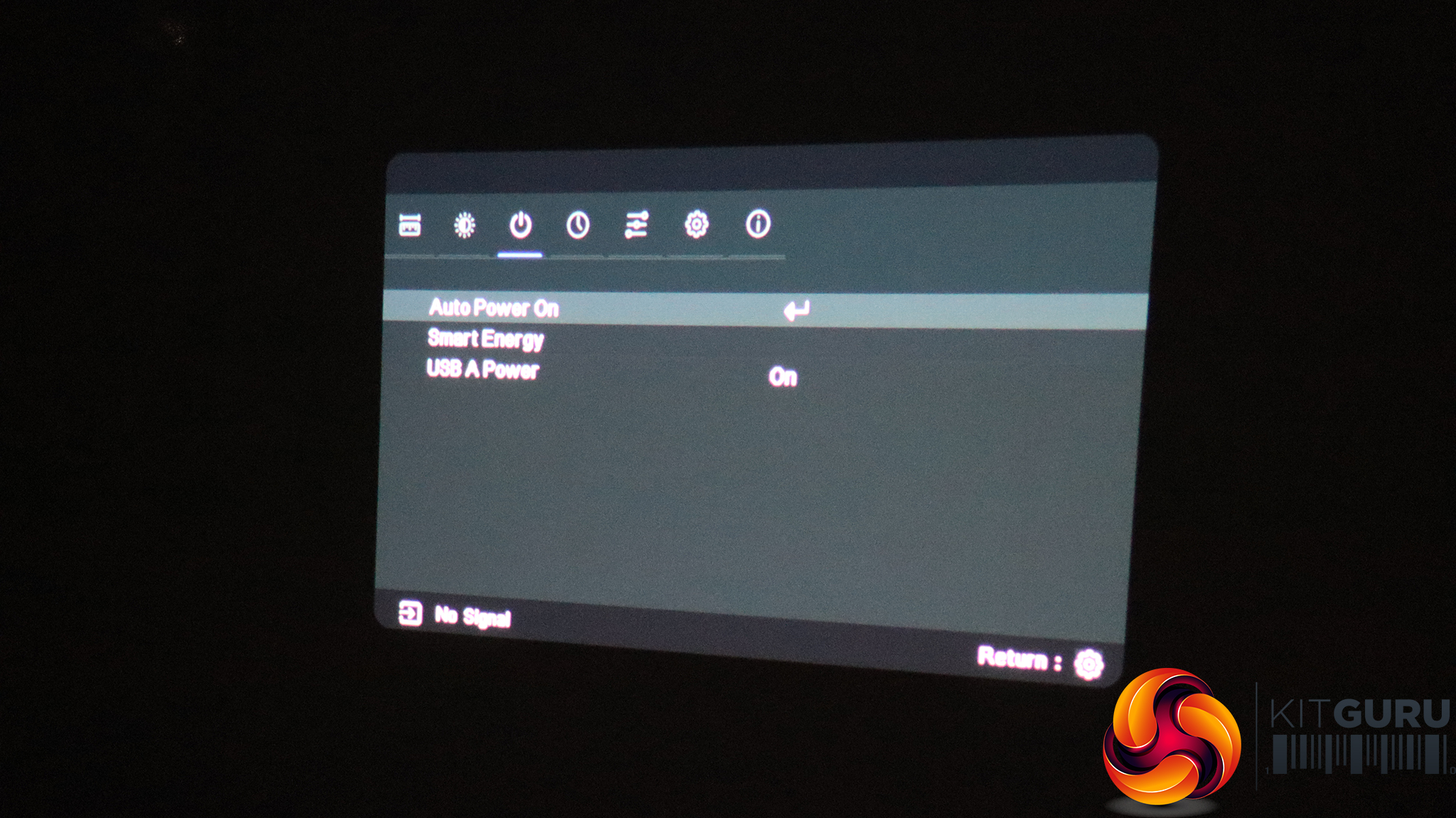
The next tab is all about power, including automatic power cycling, toggling smart energy, and turning power to the USB port off and on.
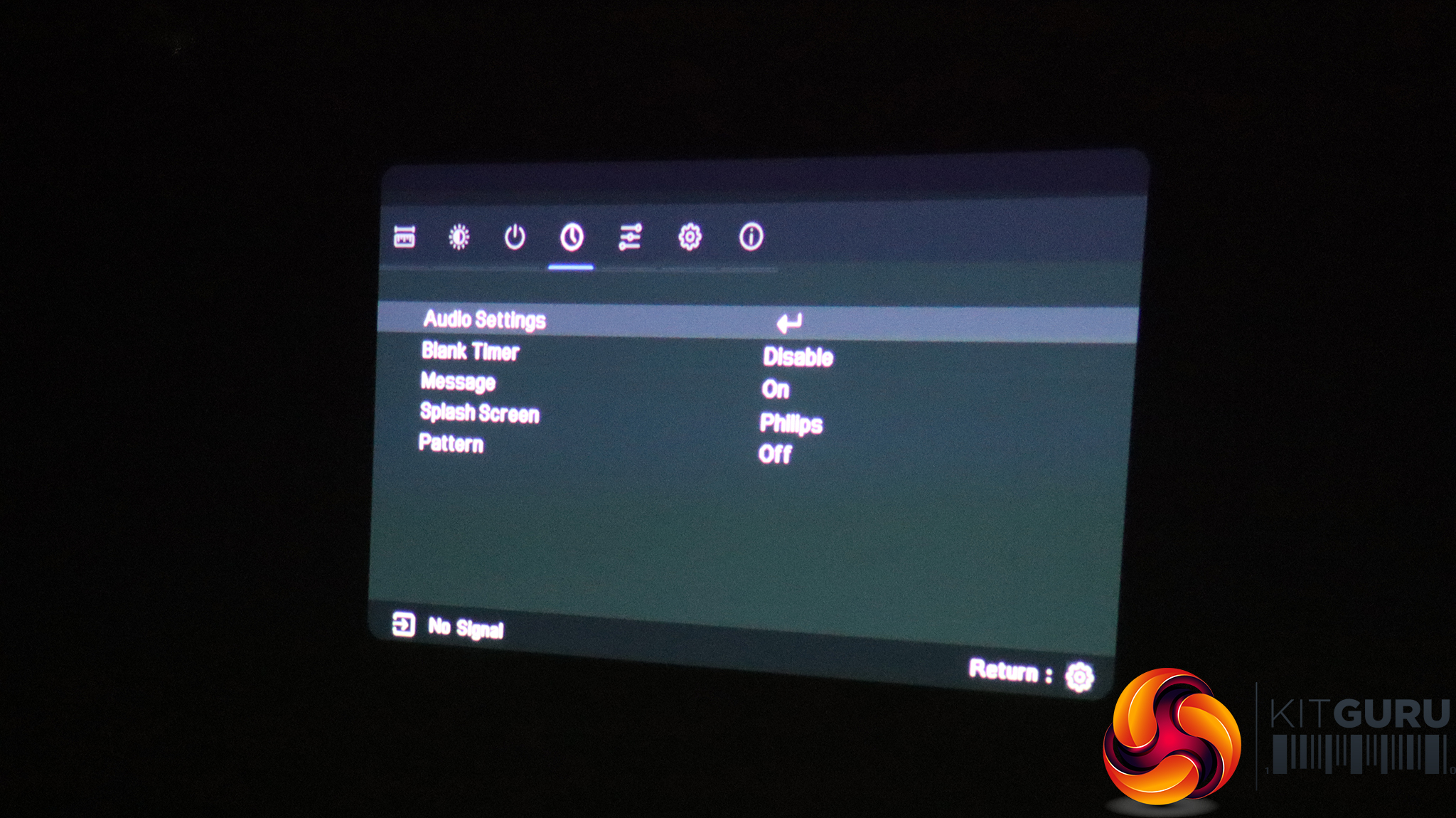
The fourth tab provides sundry startup and shutdown options, including a timer for the light to blank, the Philips splash screen and enabling a pattern (to aid adjustment).
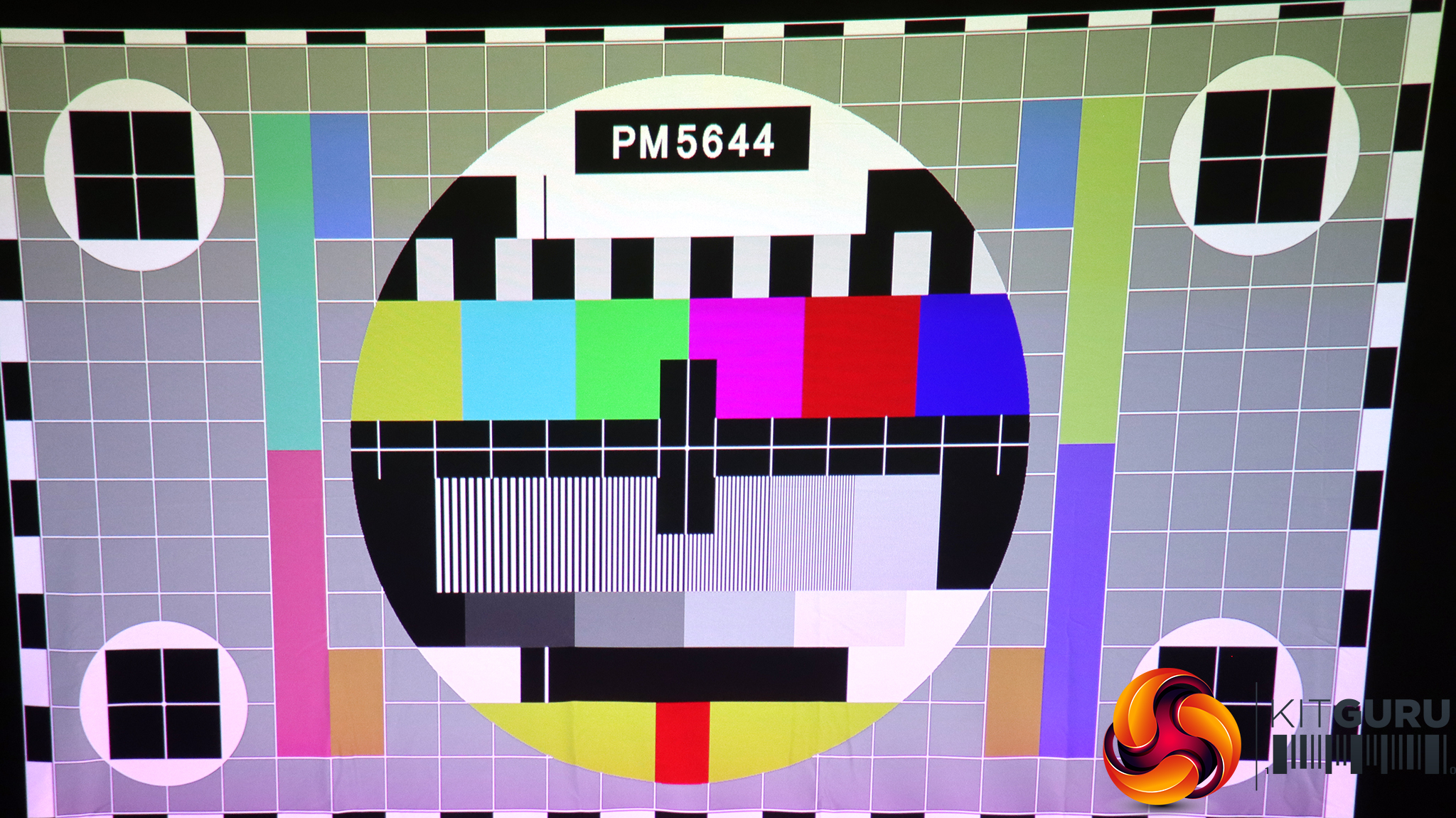
The test card pattern looks like this.
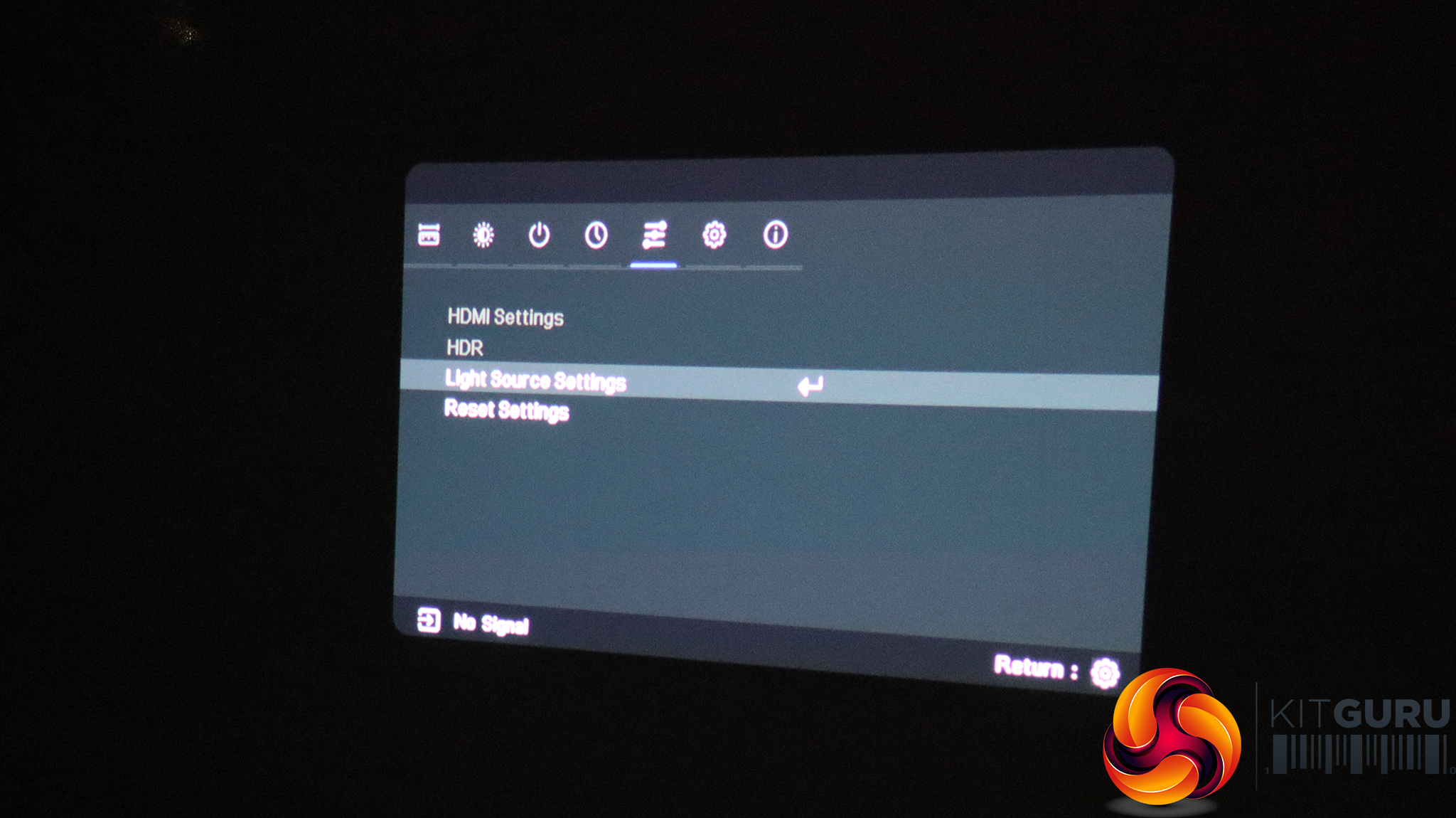
Next along are HDMI settings, including support for HDR and control over the light source.
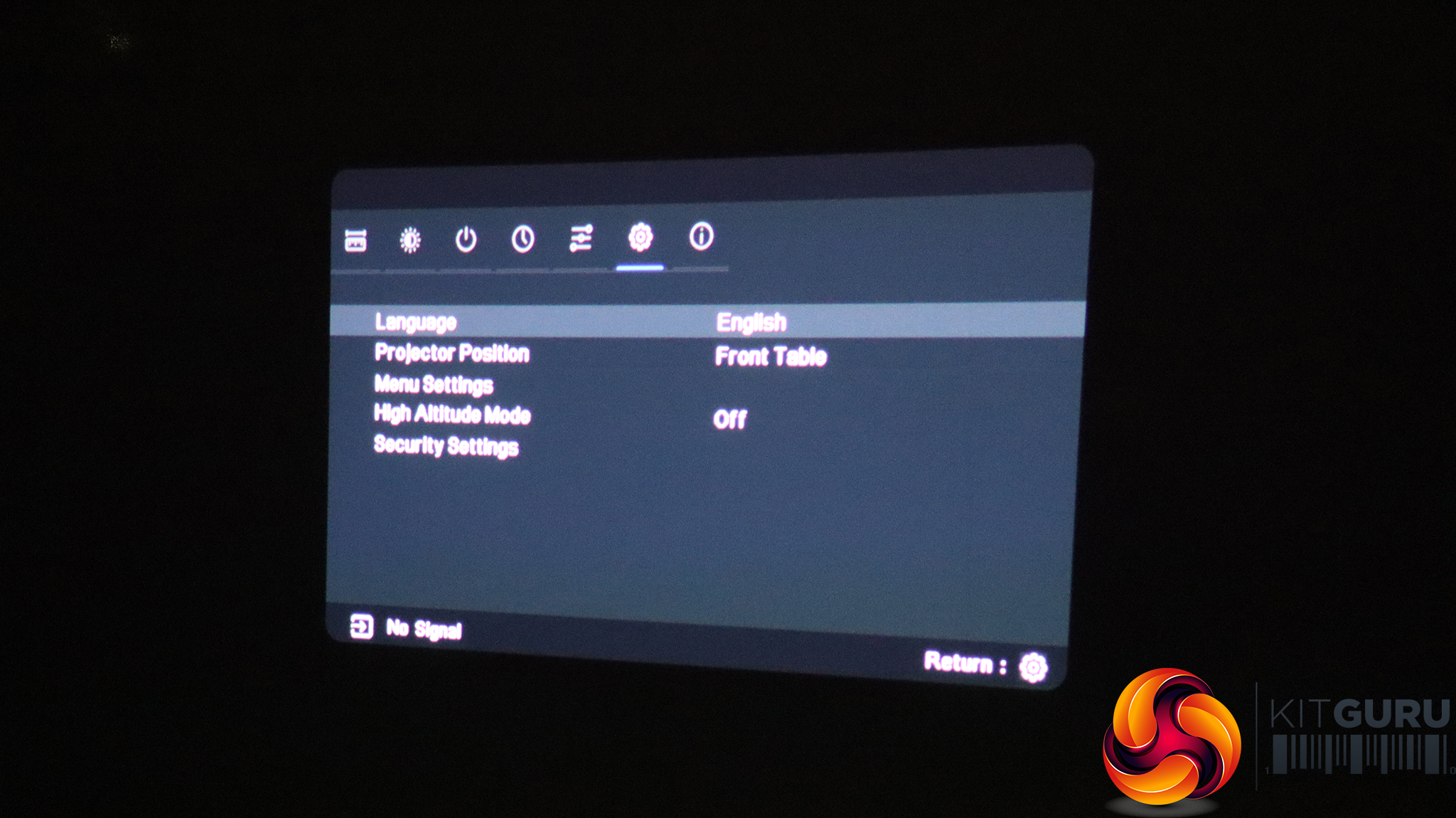
The penultimate tab includes sundry options such as menu language, whether the device is front or back projecting, and other menu configuration parameters.
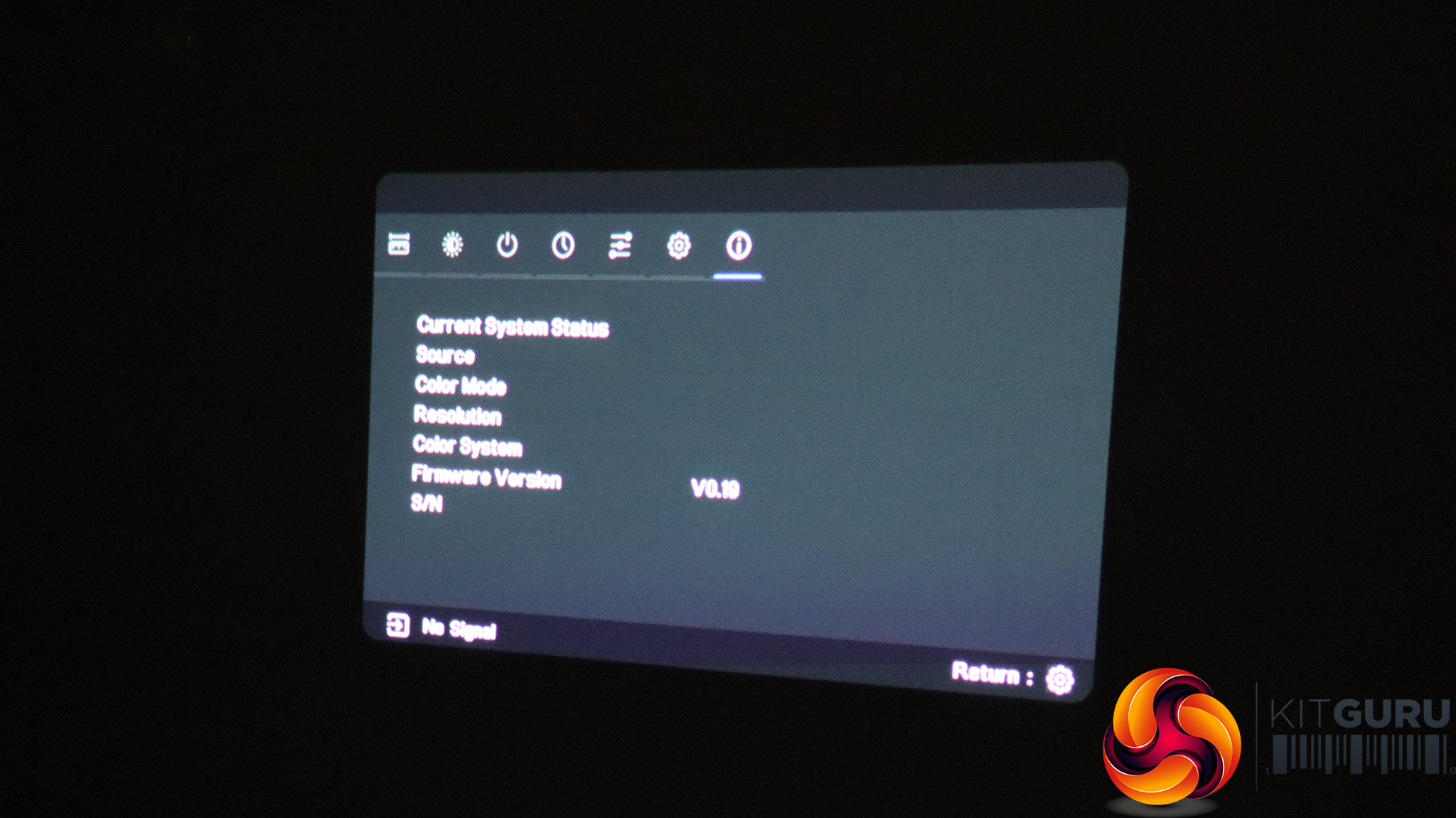
The final tab simply shows the current input status, plus firmware version and serial number (if you click through). It's for information only.
Overall, there are some gaming monitor-style options within the GamePix 900's menu. It would be nice to have a few buttons on the projector itself in case the remote runs out of power or is mislaid. But otherwise the menu system is reasonably well arranged and includes a decent level of features. You're probably not going to tweak a projector as much as a high-end gaming monitor.