KitGuru KitGuru.net – Tech News | Hardware News | Hardware Reviews | IOS | Mobile | Gaming | Graphics Cards


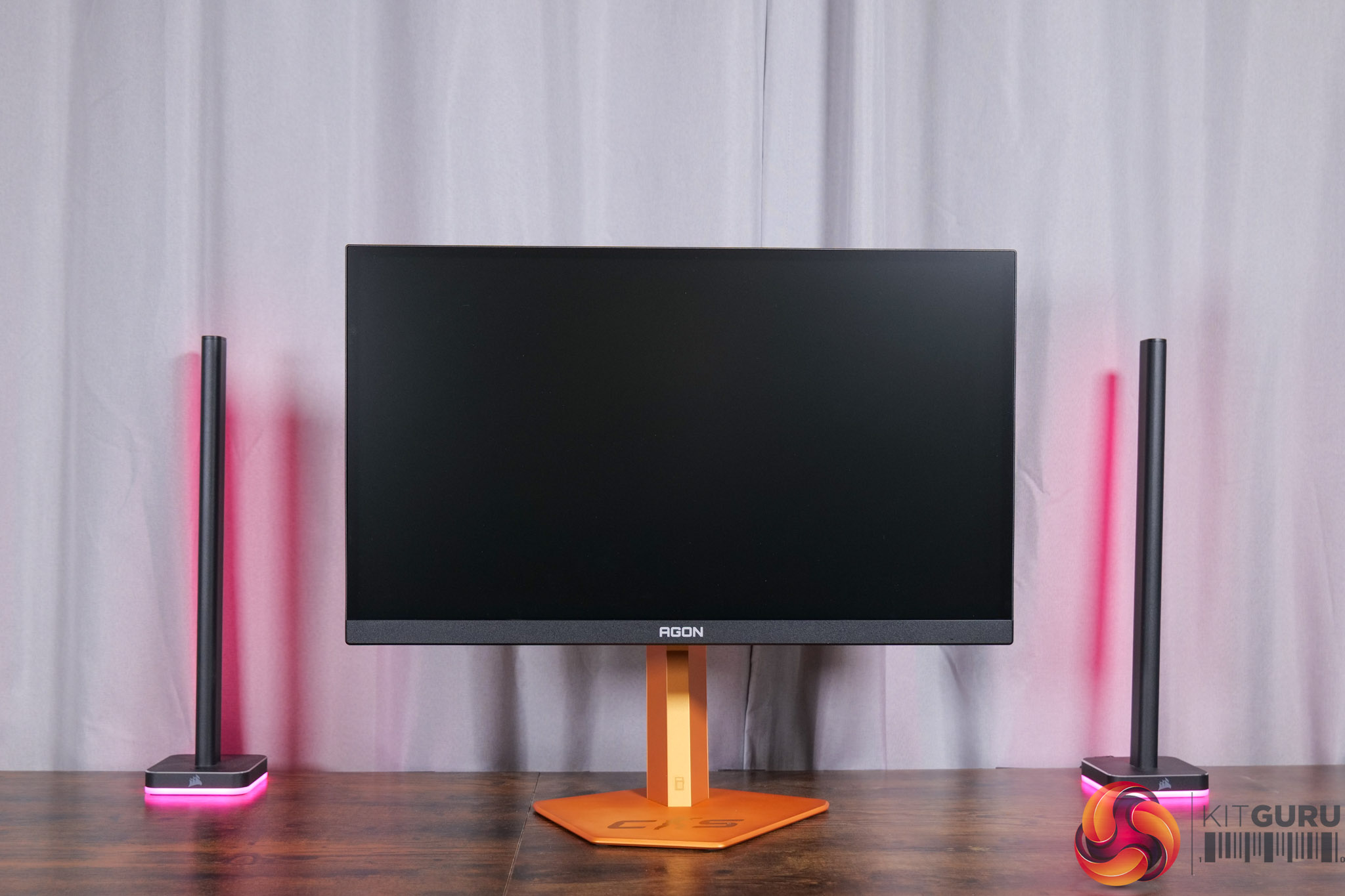
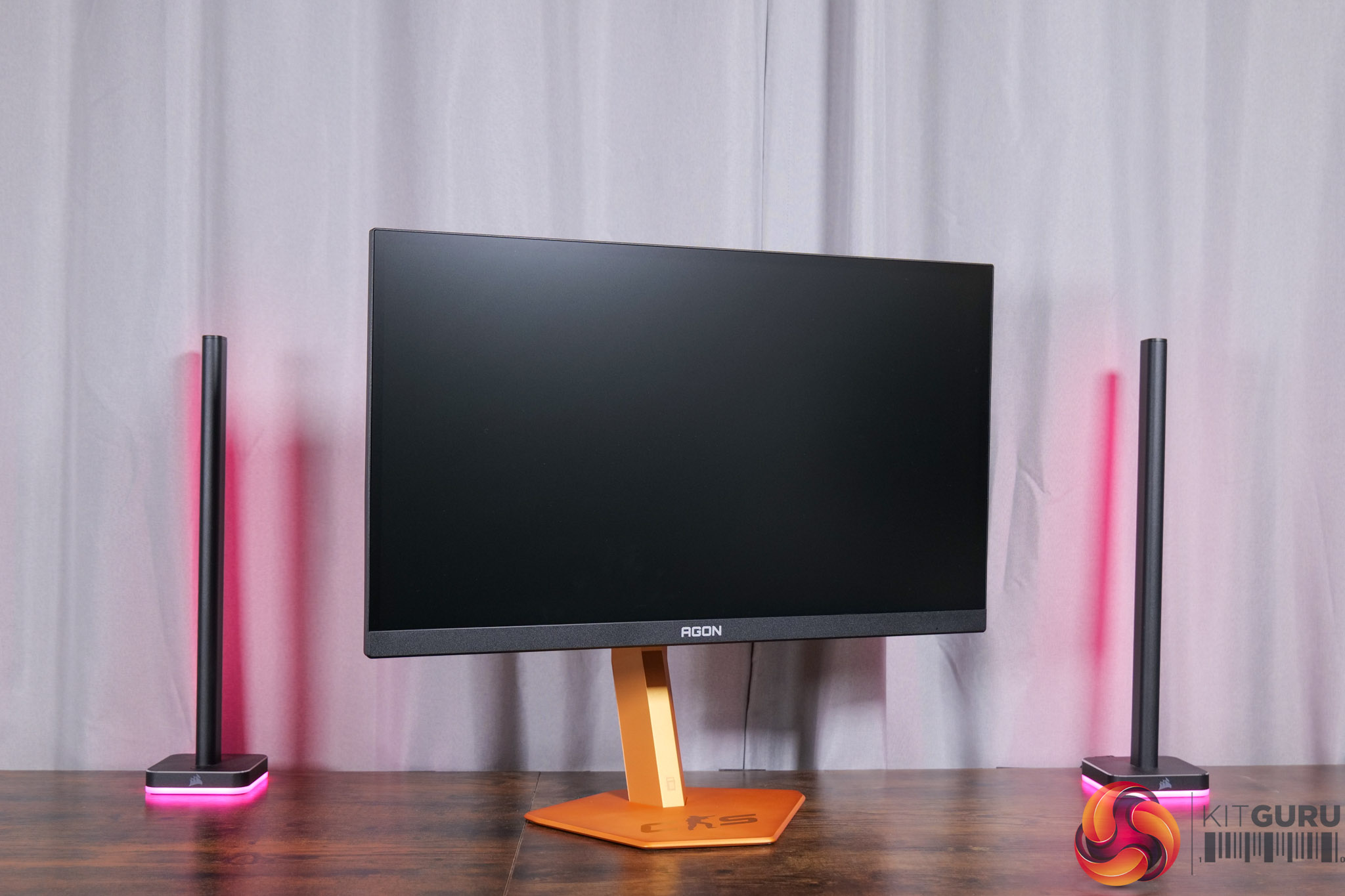
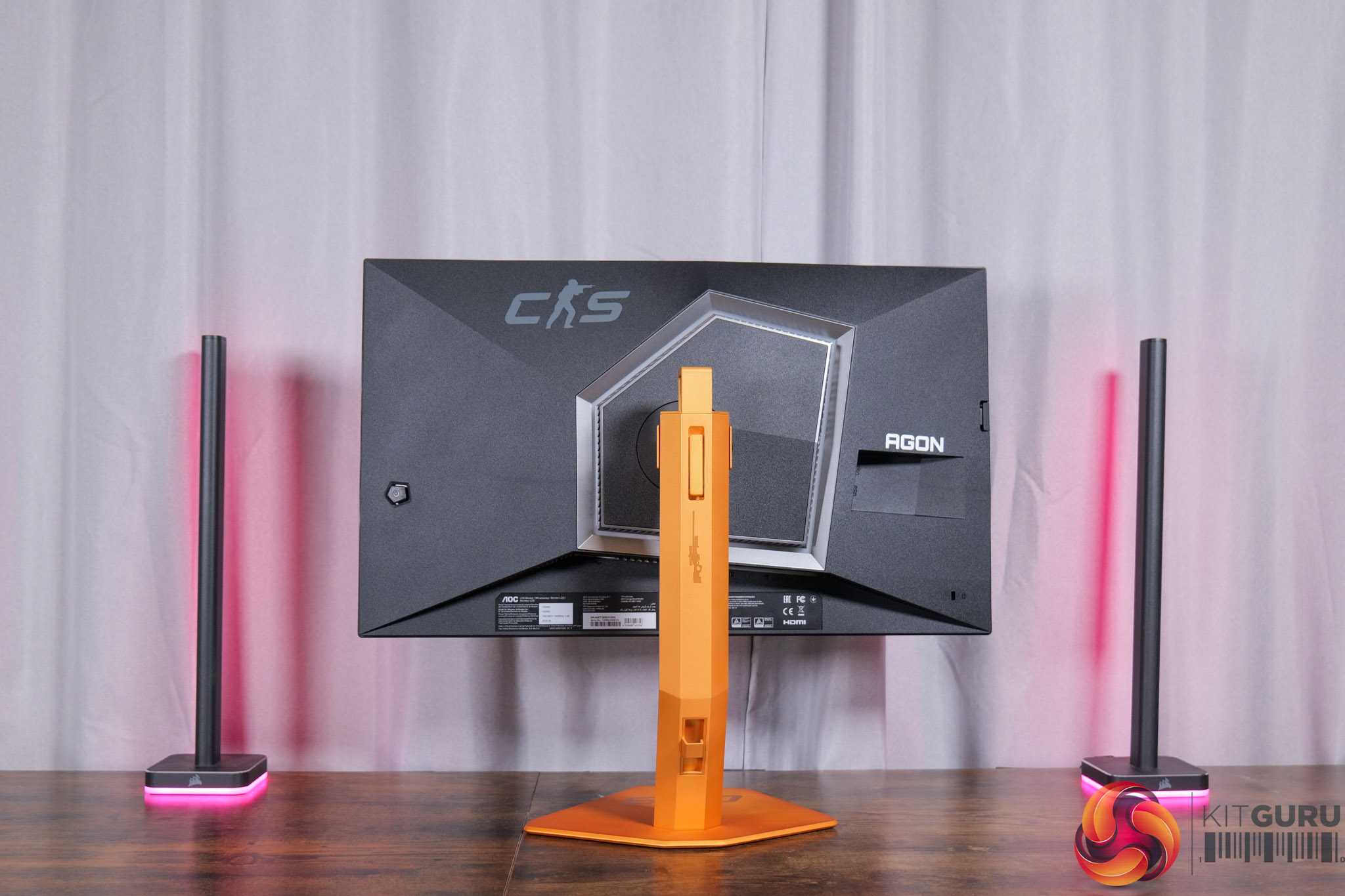
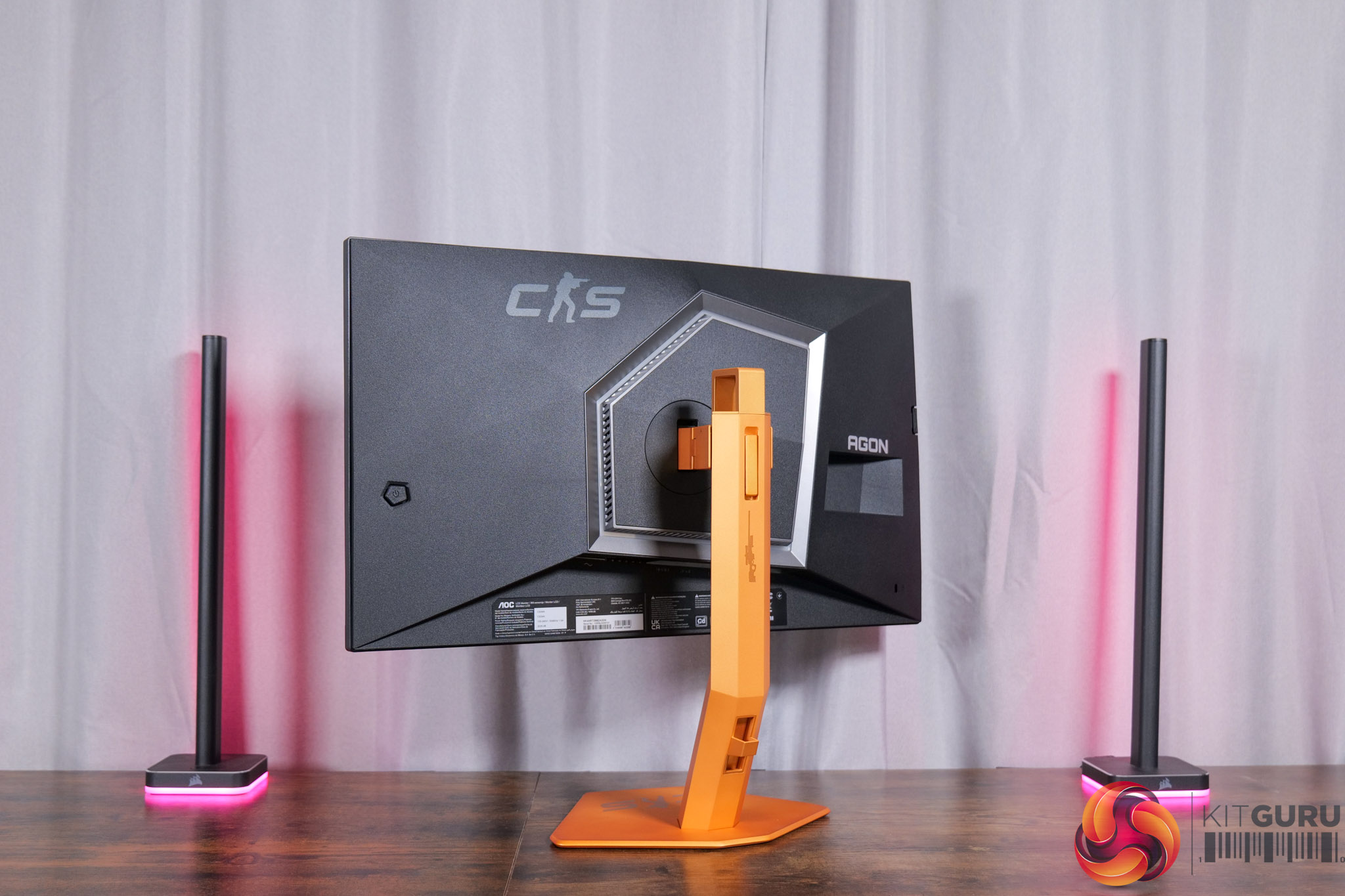
Starting off with the design, the main attraction here is clearly the coloured stand and its Counter-Strike theme. I'm not a massive CS fan so I can't say it appeals to me, but it's obviously going to be subjective.
The thing I would say is that it does look quite different in person compared to the online renders – those make it look a lot more gold-coloured, whereas to me it's a nice vibrant orange, though the perception does also change slightly in daylight versus under my studio lights.
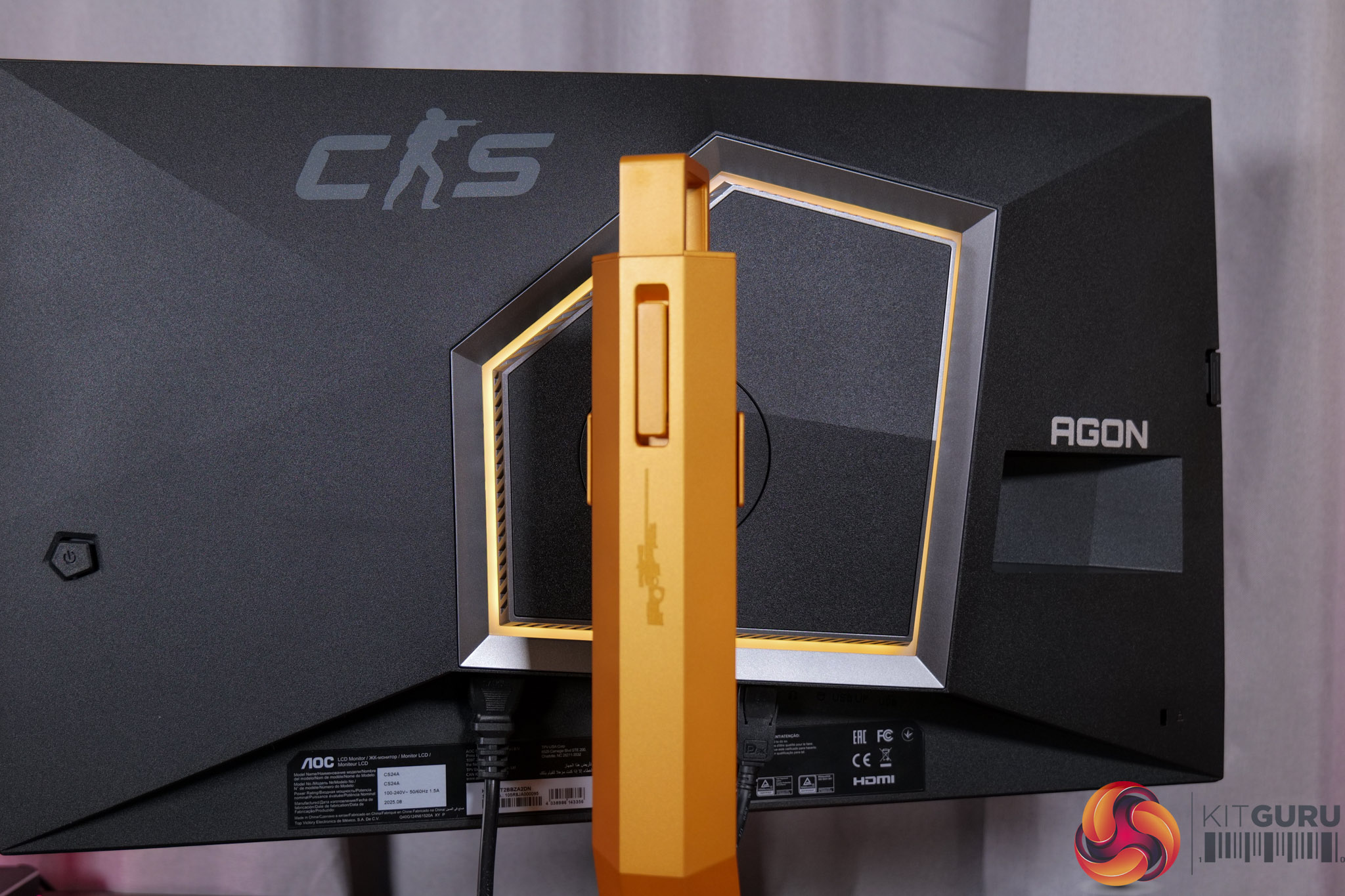
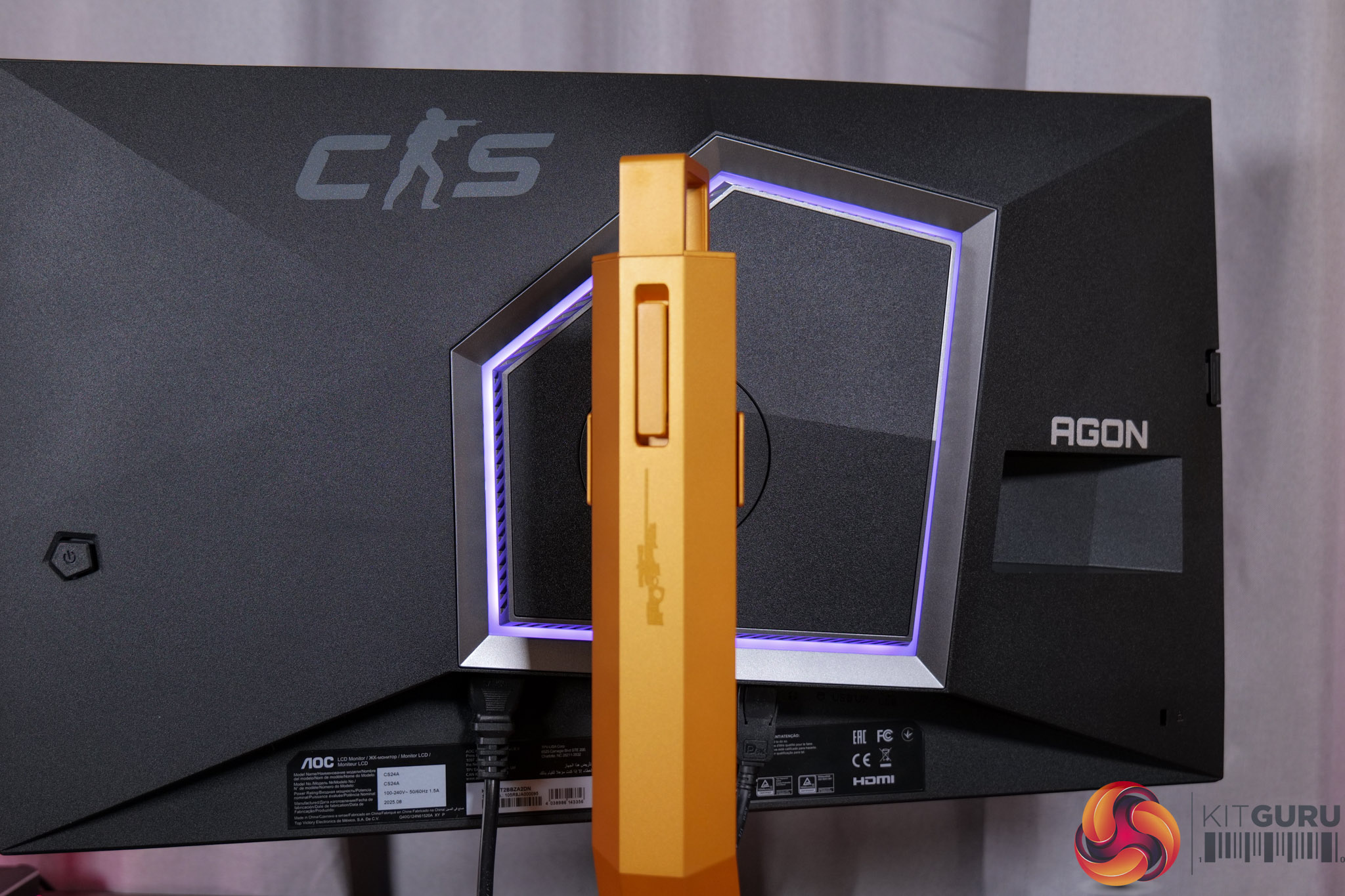
There is also some RGB lighting on the back of the panel, which by default lights up in an orangey gold colour to match, but you can configure this however you'd like in the OSD.
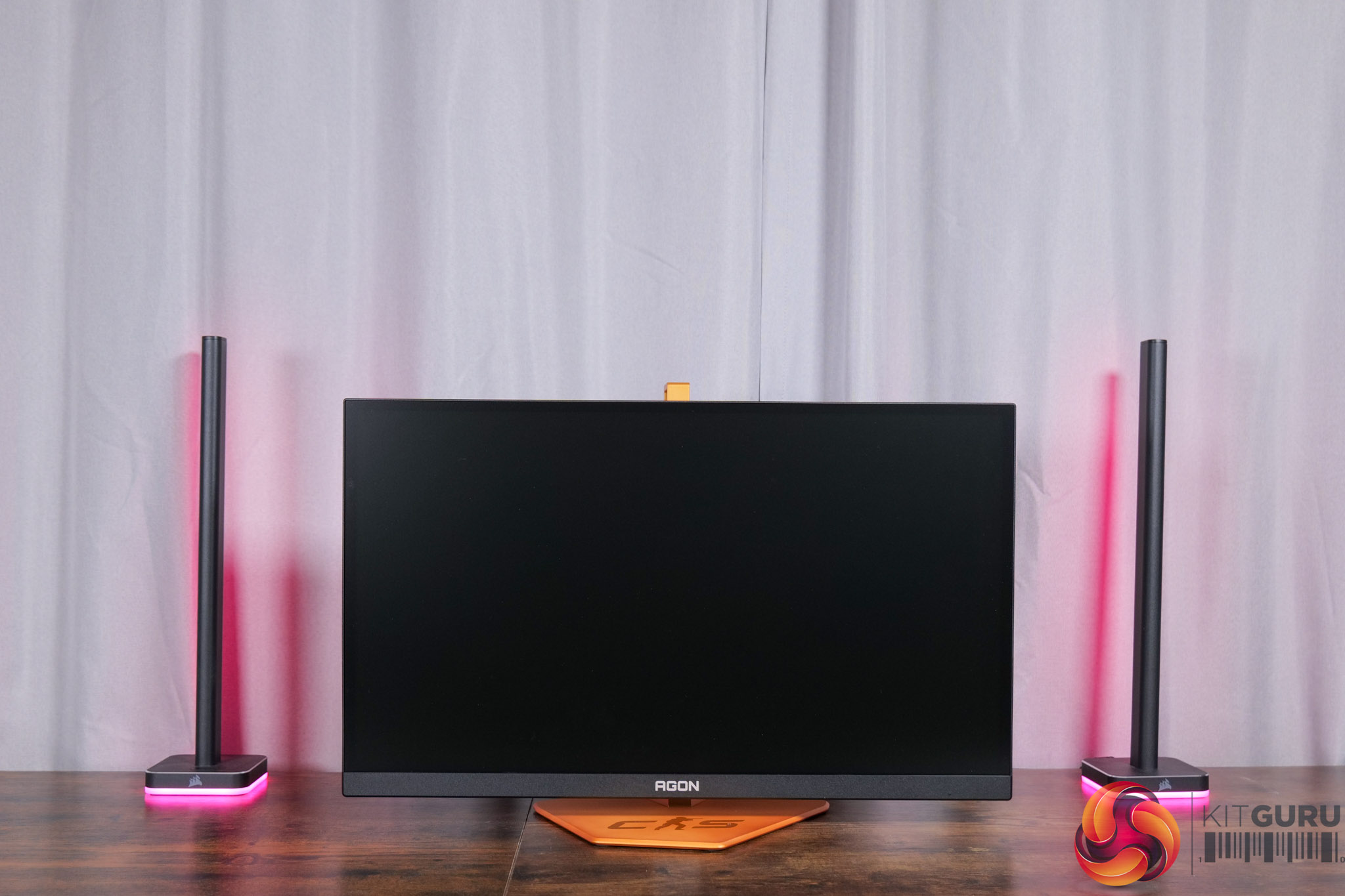
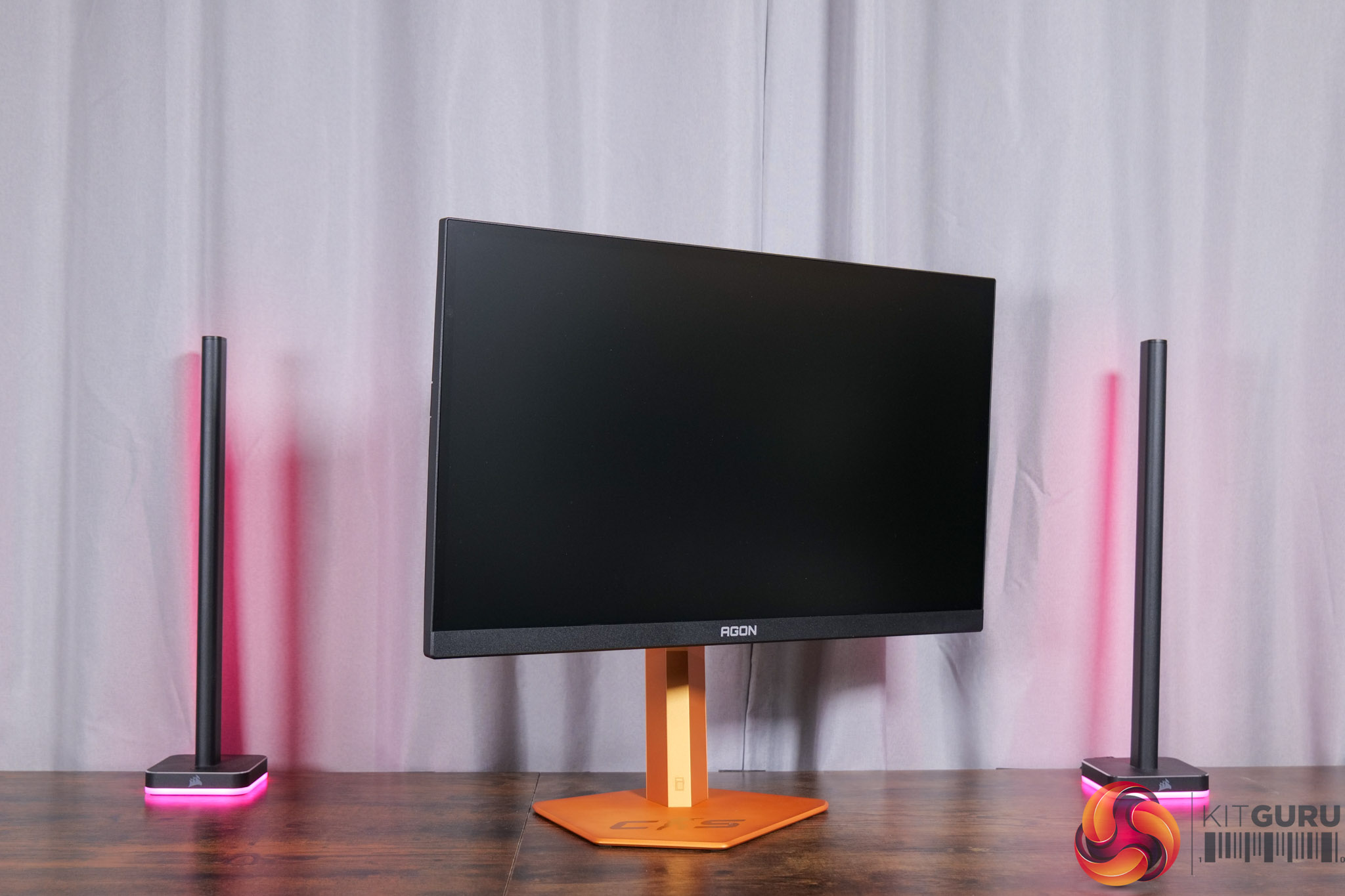
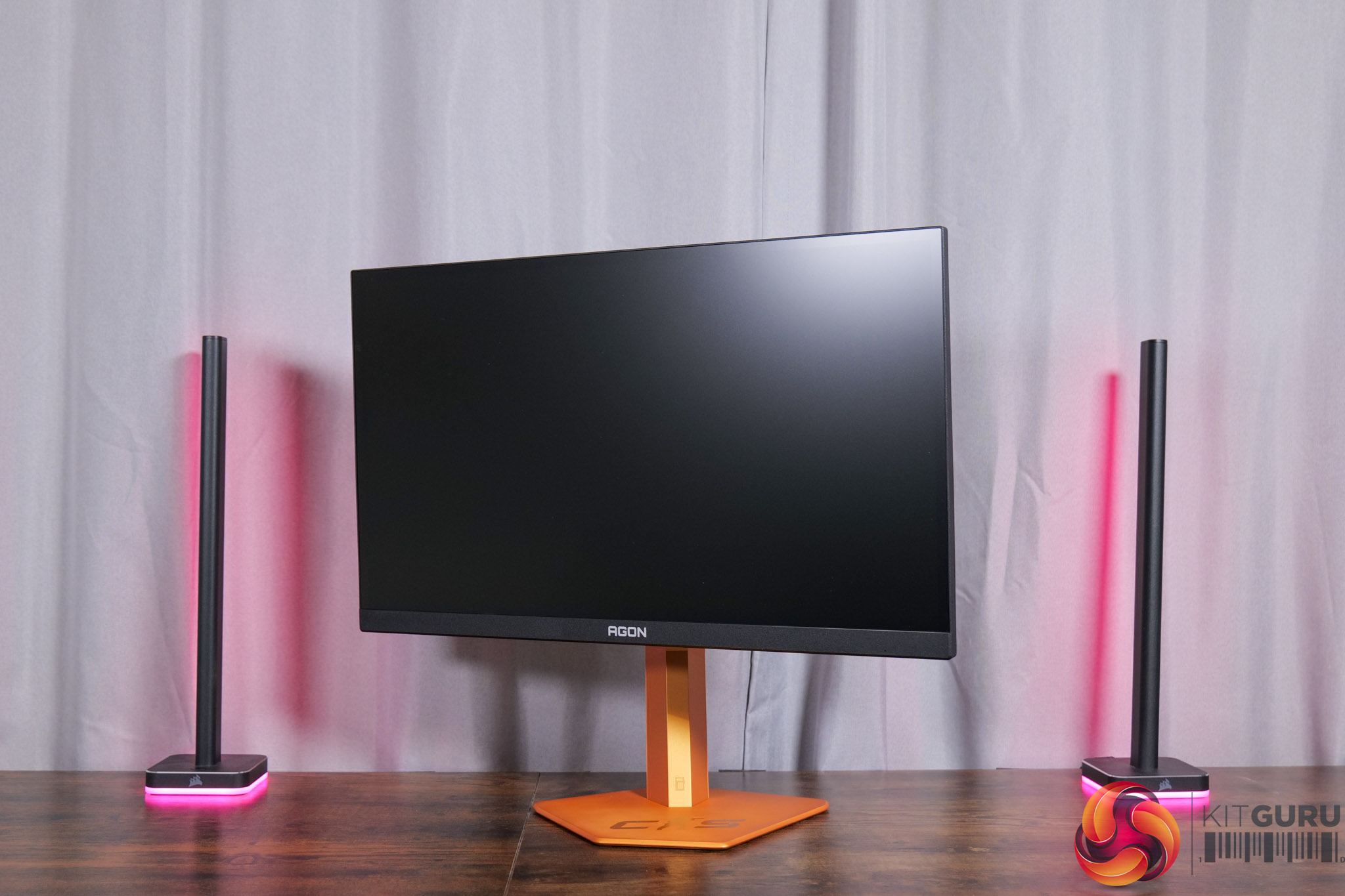
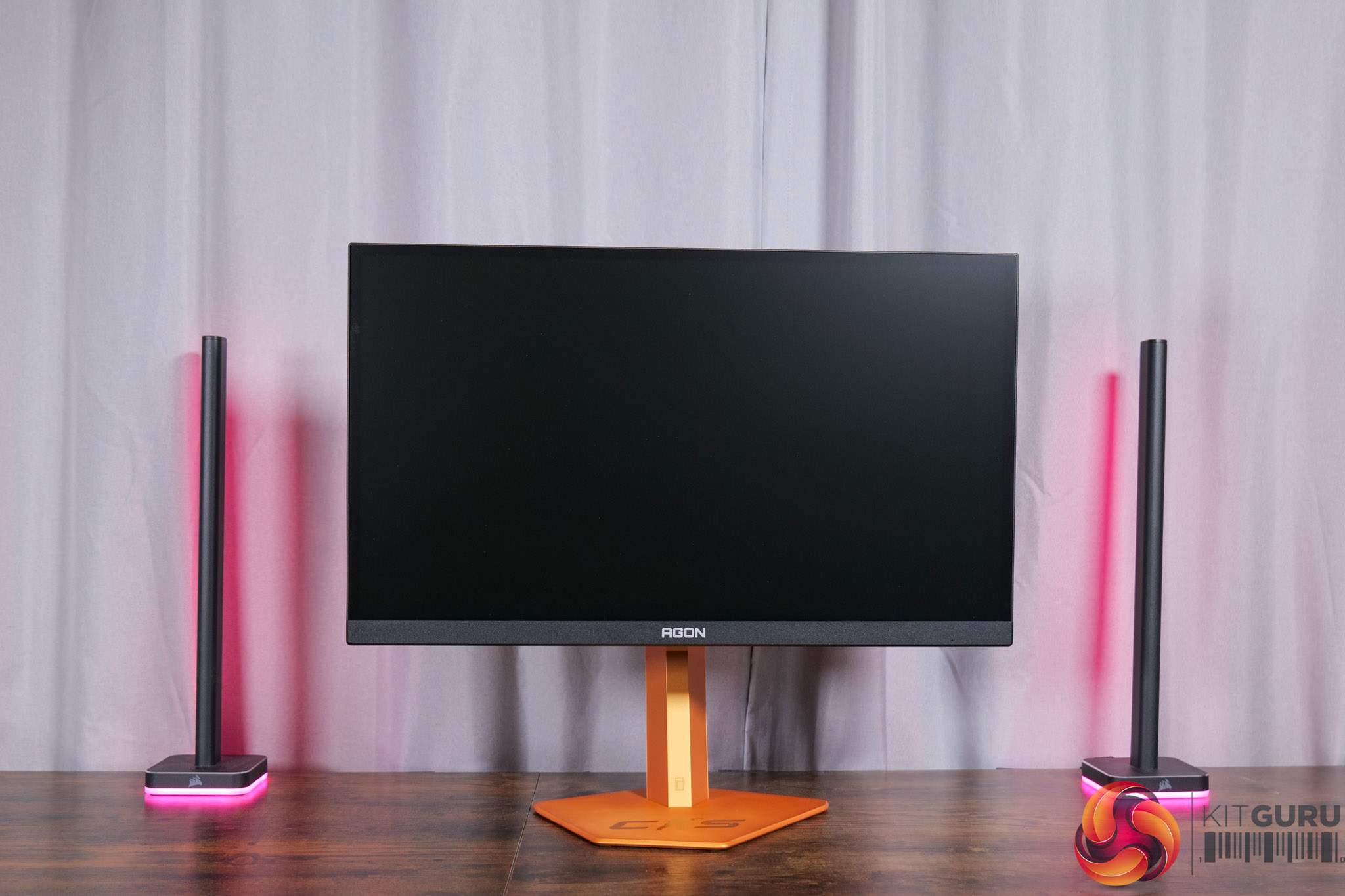
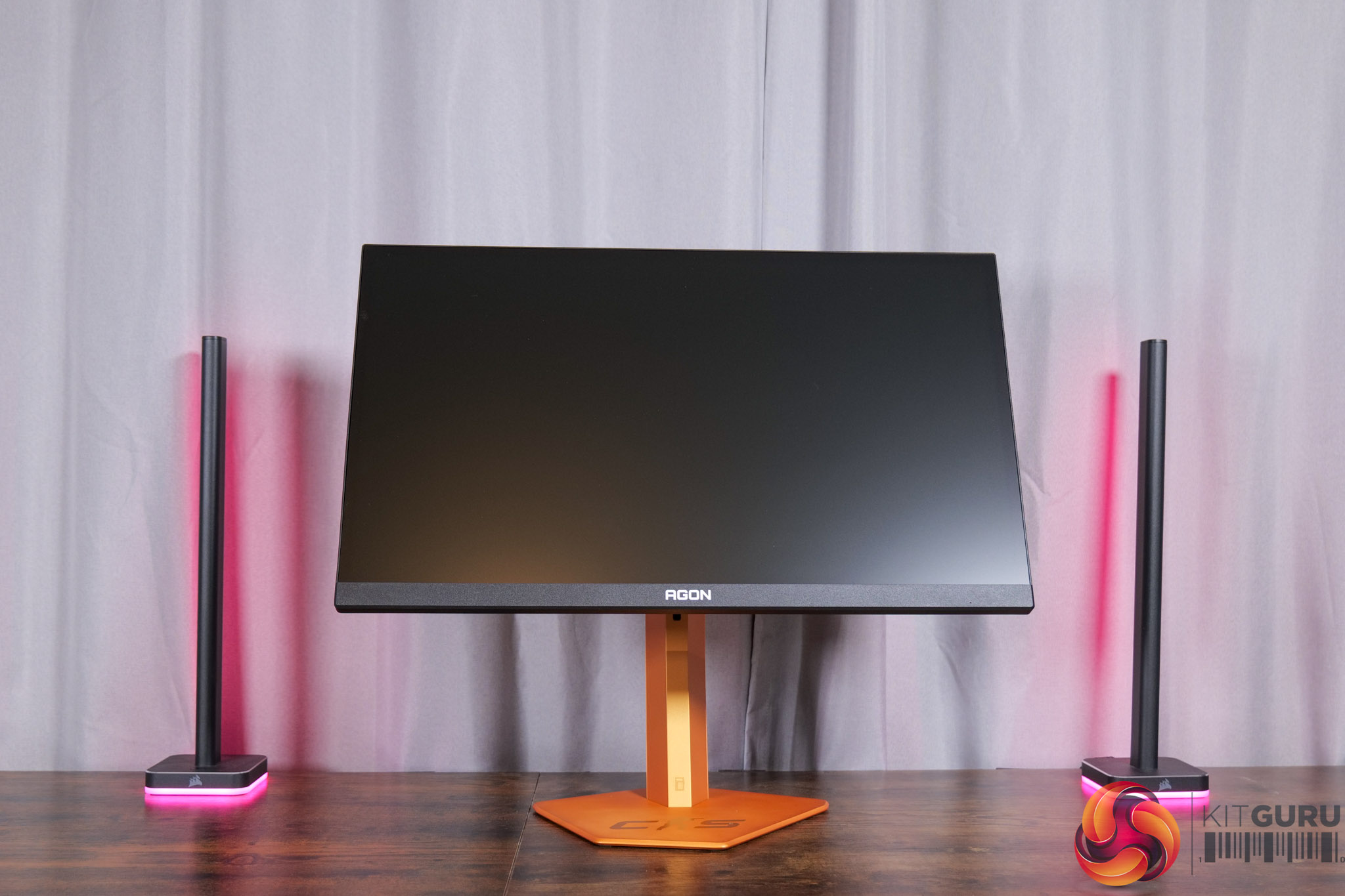
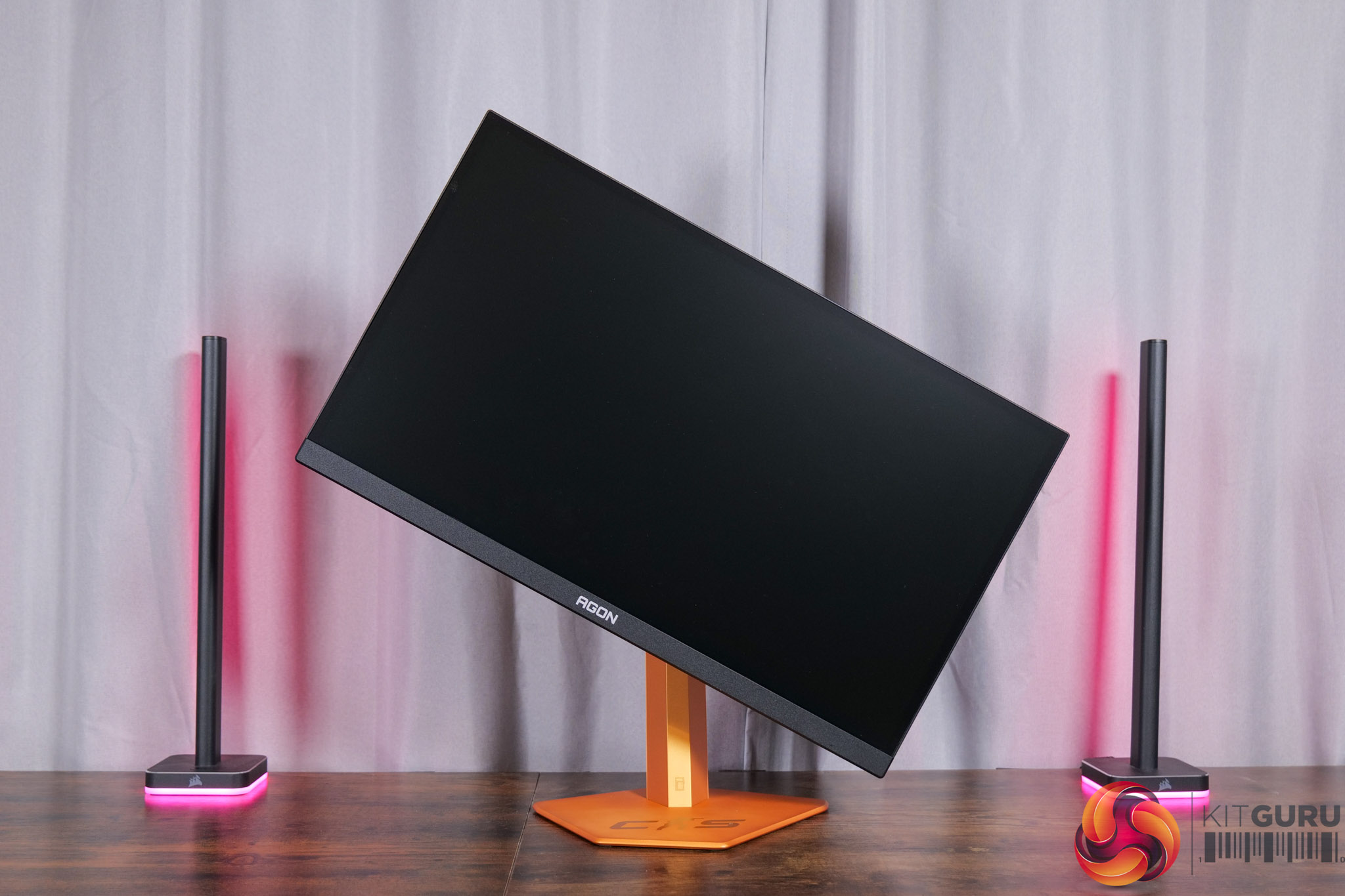
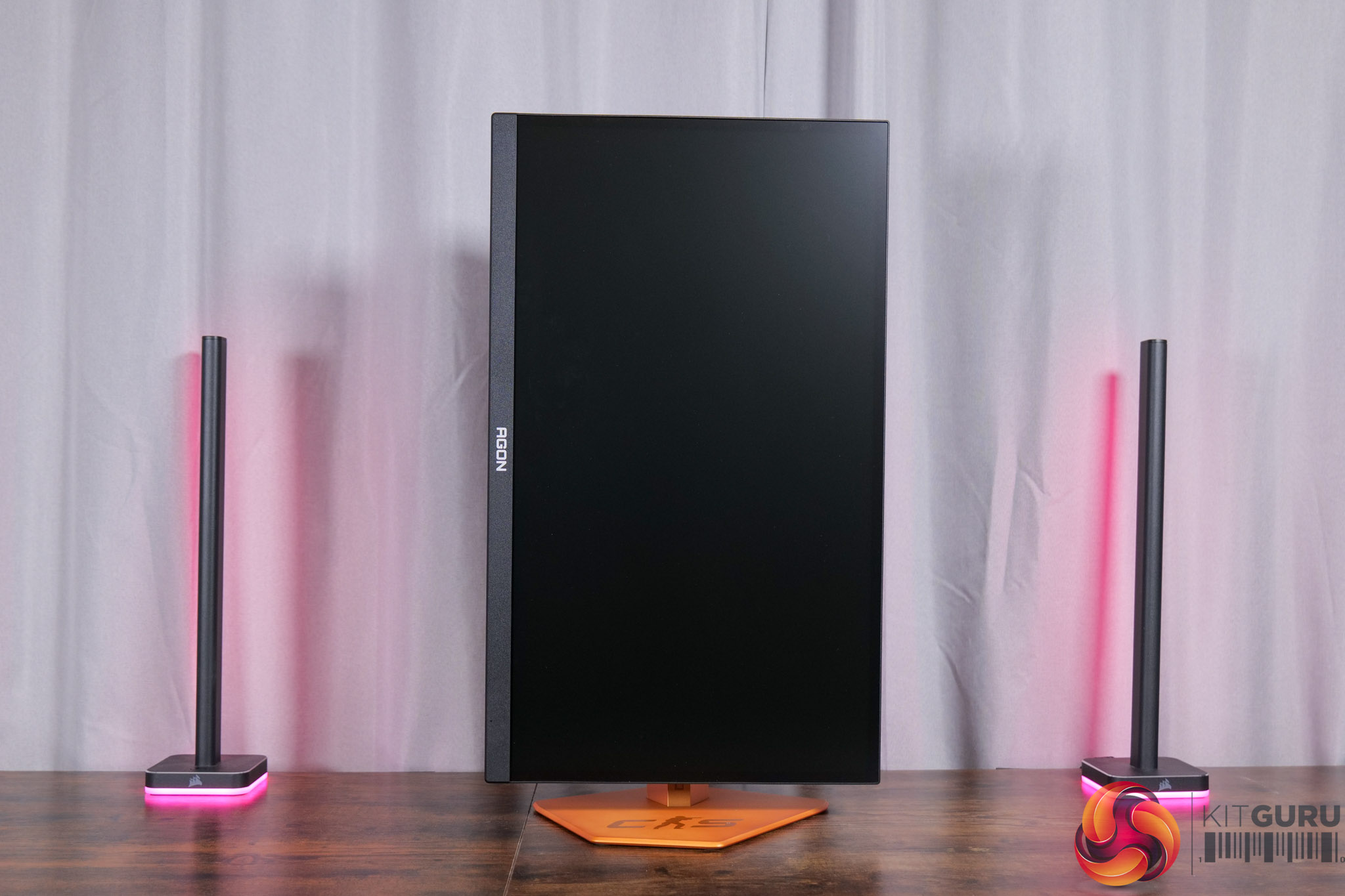
Regardless of the aesthetic, the included stand does offer a good amount of ergonomic adjustment options, with up to 150mm height adjust, 28 degrees of swivel left and right, tilt from -5 to +23 degrees, alongside 90 degree pivot if you want to use it vertically. VESA 100×100 mounts are also supported via an included adapter plate.
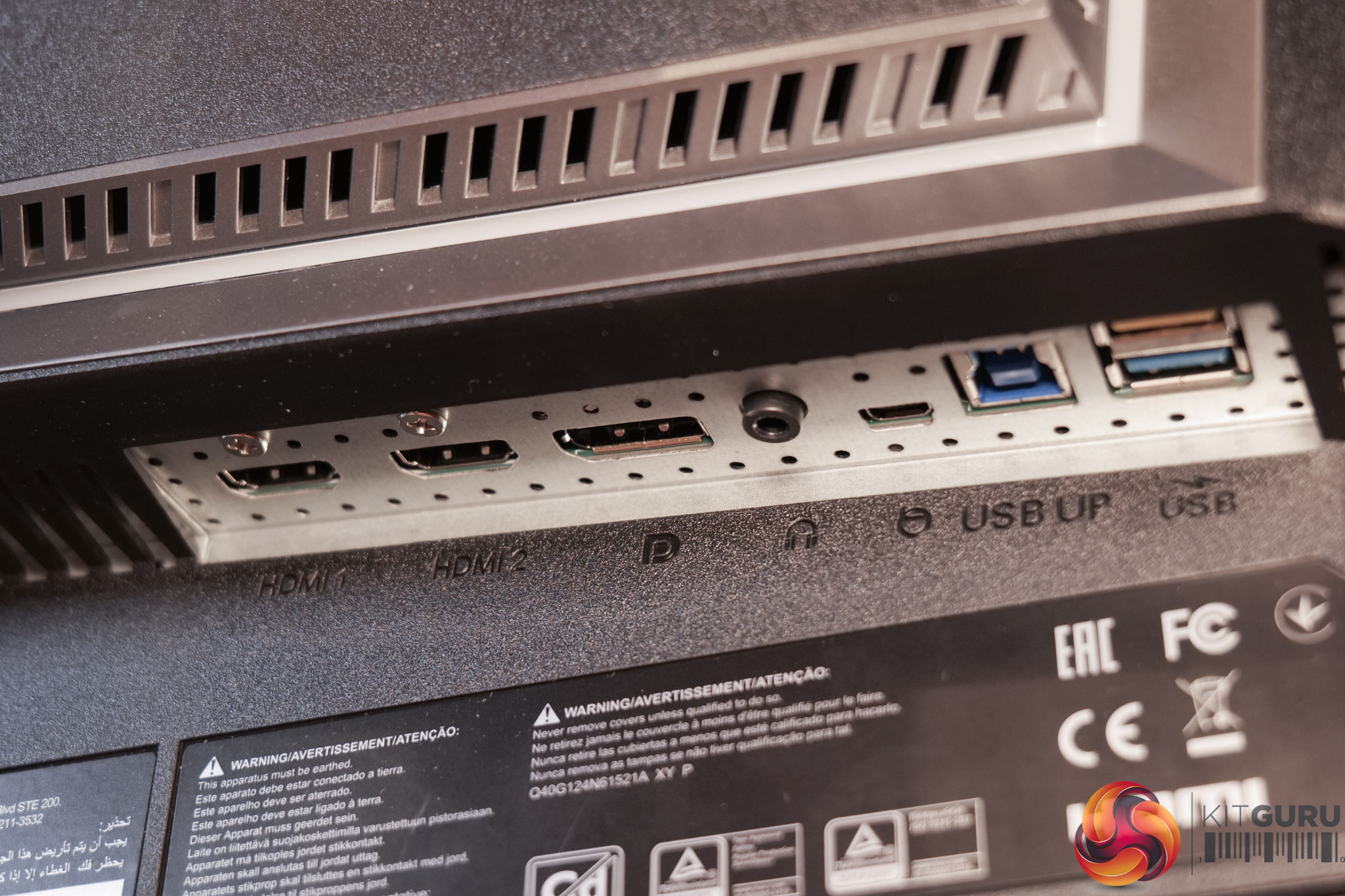
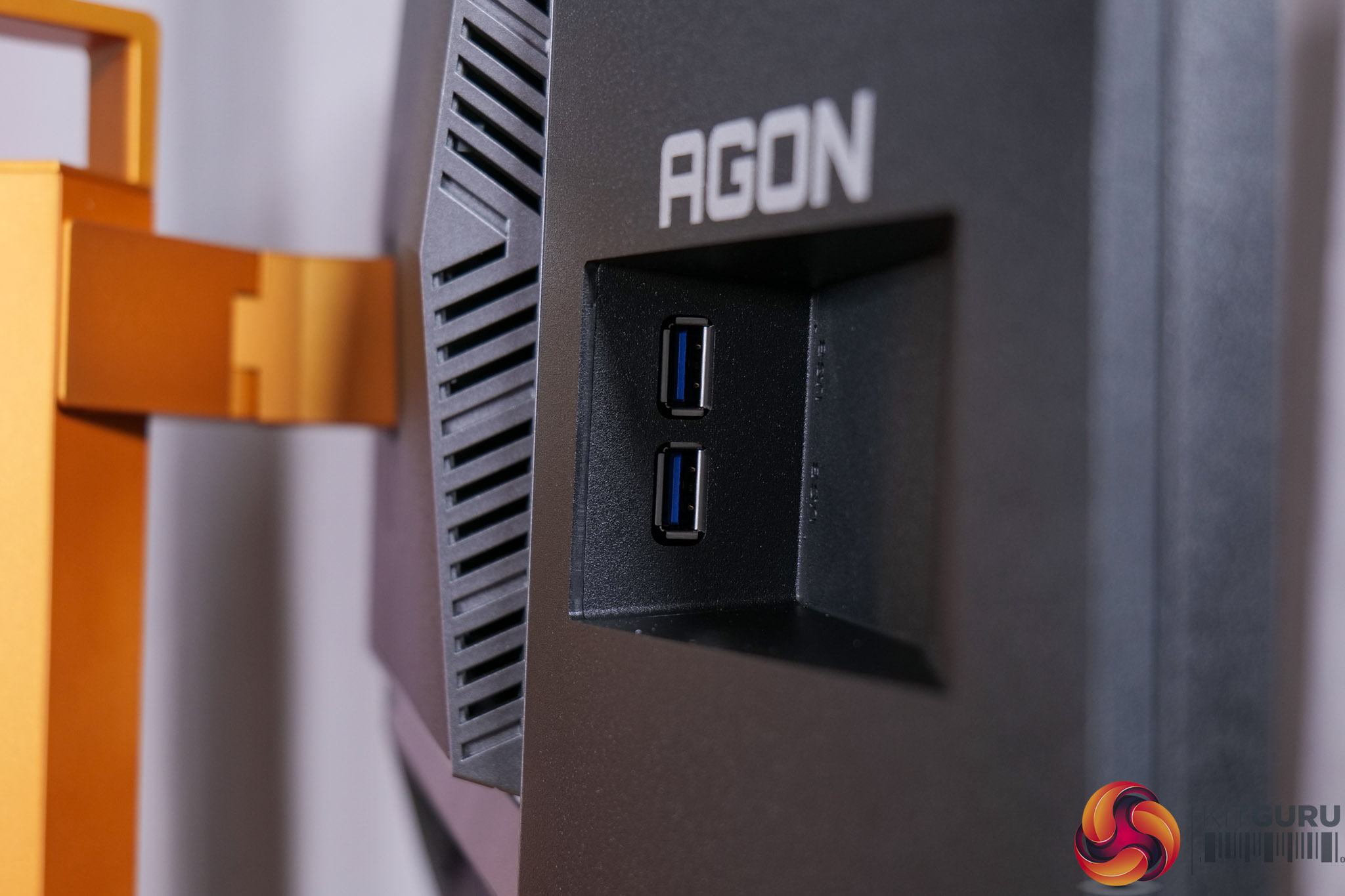
As for the connectivity options, AOC includes 2x HDMI 2.1, 1x DisplayPort 1.4, a headphone jack, USB-B upstream, and then two Type-A downstreams on the back, with another couple positioned off to the right-hand side for easier access. All three video inputs support 600Hz at 1080p so you're not limited there, but there's no USB-C or KVM functionality built-in. Ordinarily I'd complain about that, but given this is a very specific gaming-focused monitor rather than something you'd use more generally, I don't think it is a massive concern.
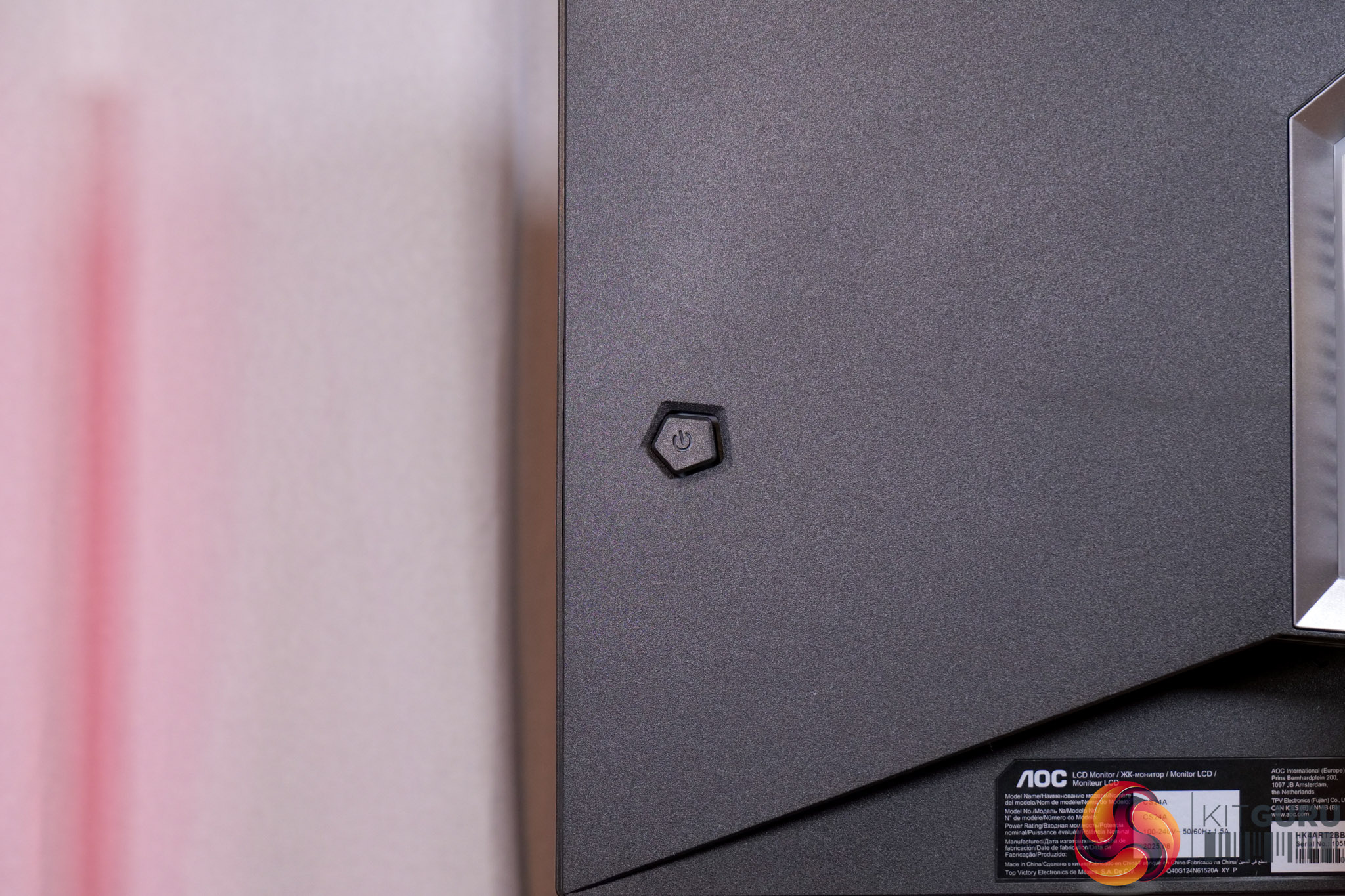
Lastly, a small joystick is positioned on the right-hand edge to control the OSD.