KitGuru KitGuru.net – Tech News | Hardware News | Hardware Reviews | IOS | Mobile | Gaming | Graphics Cards


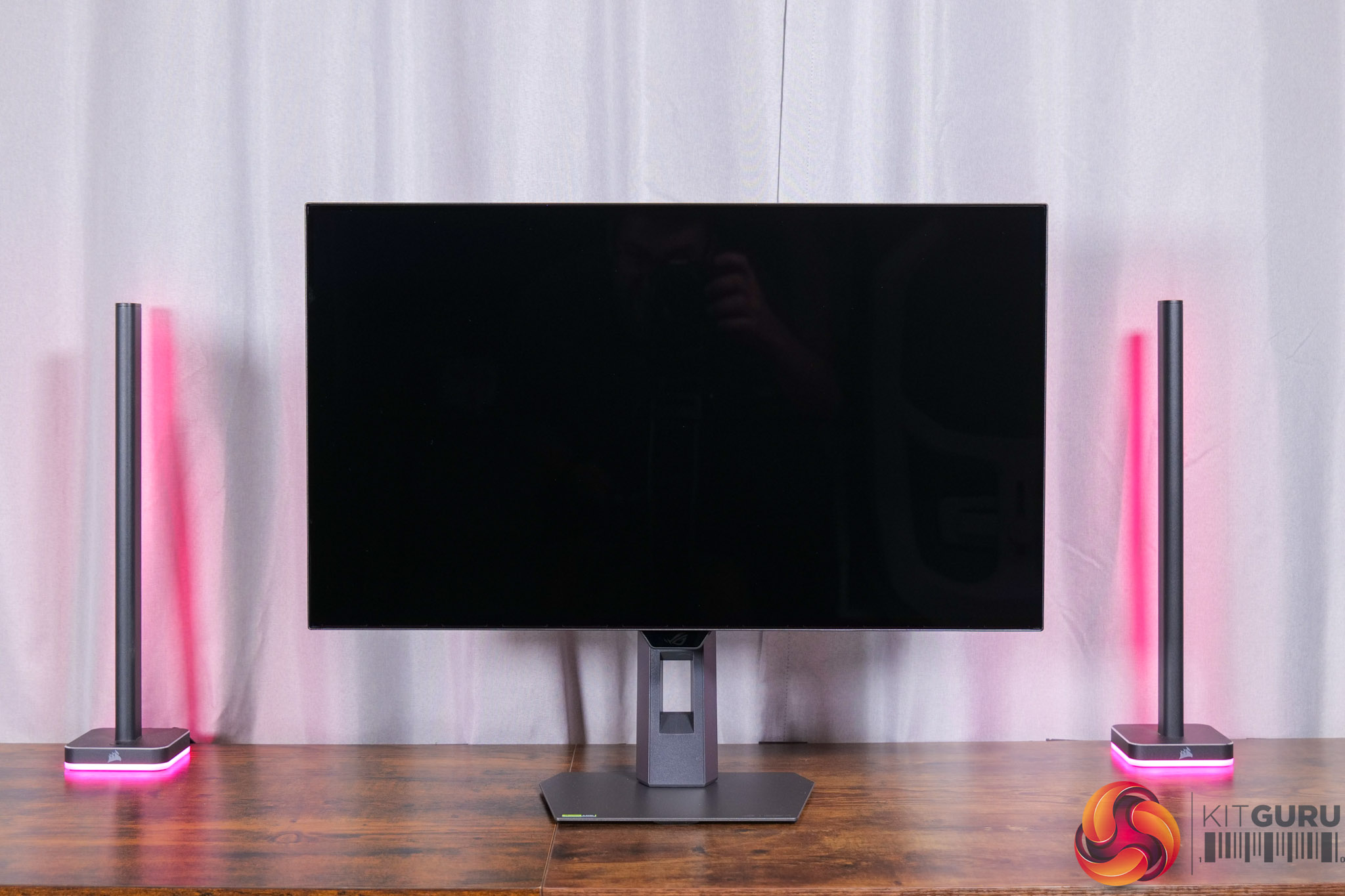
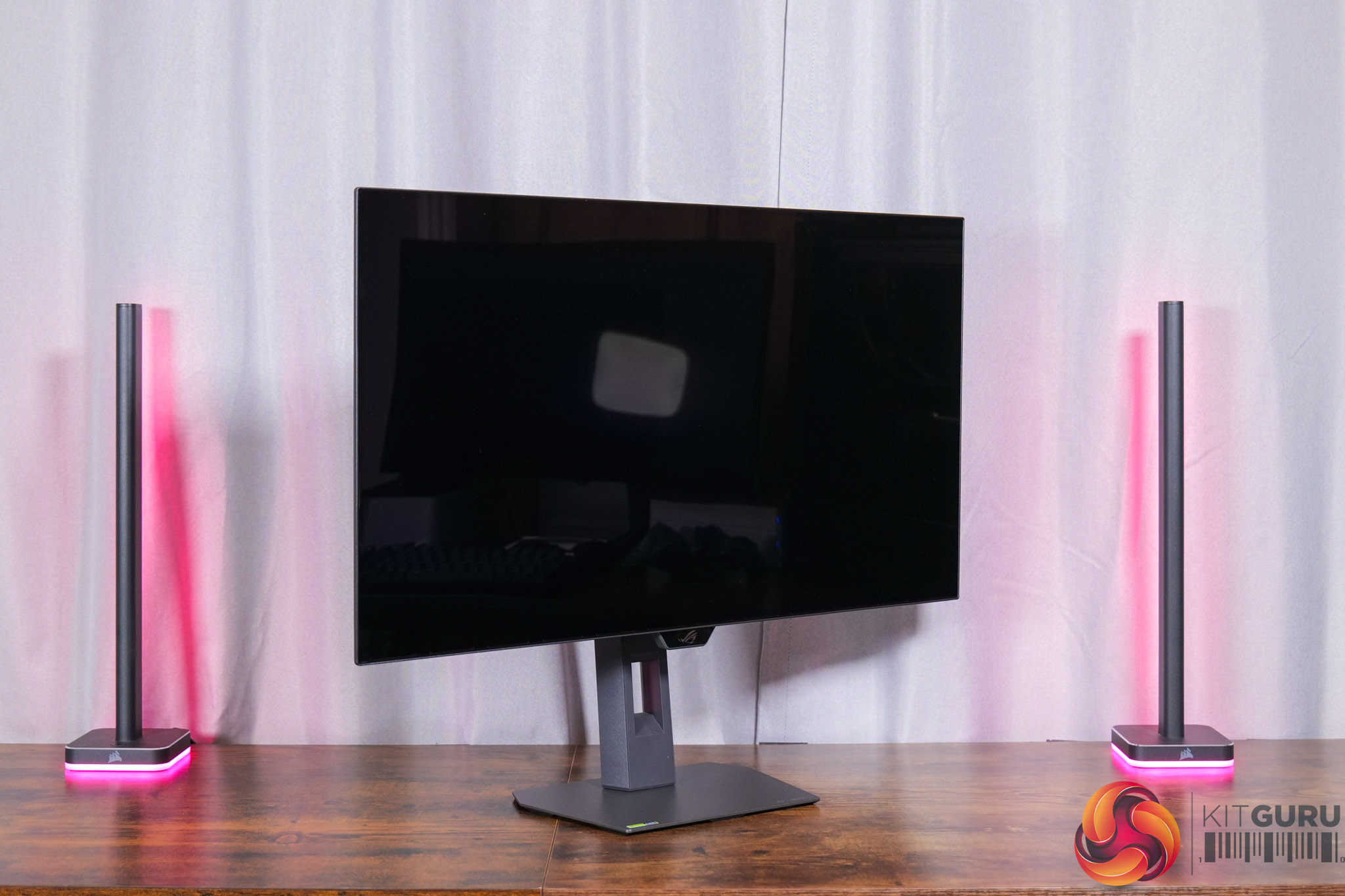
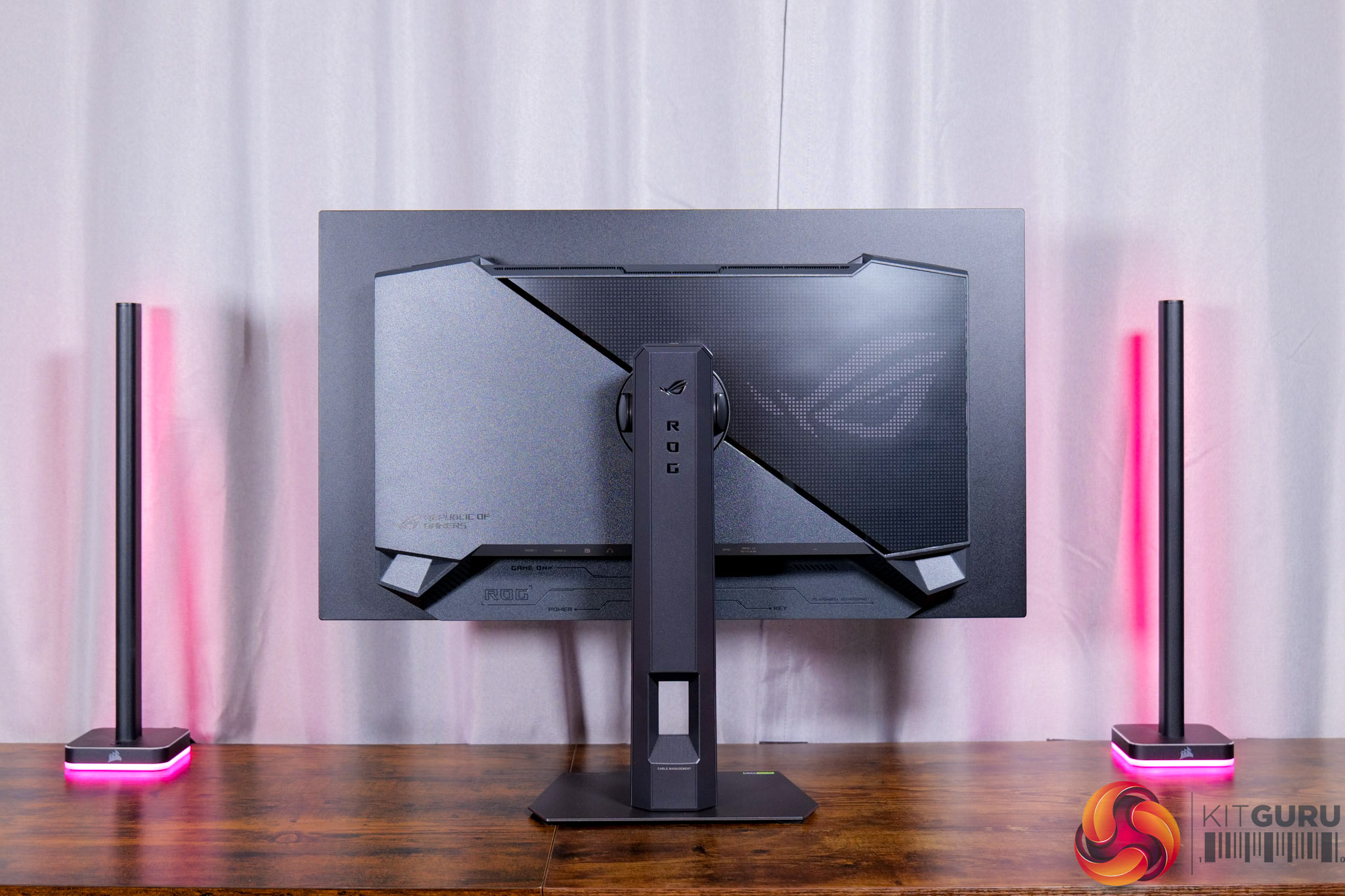
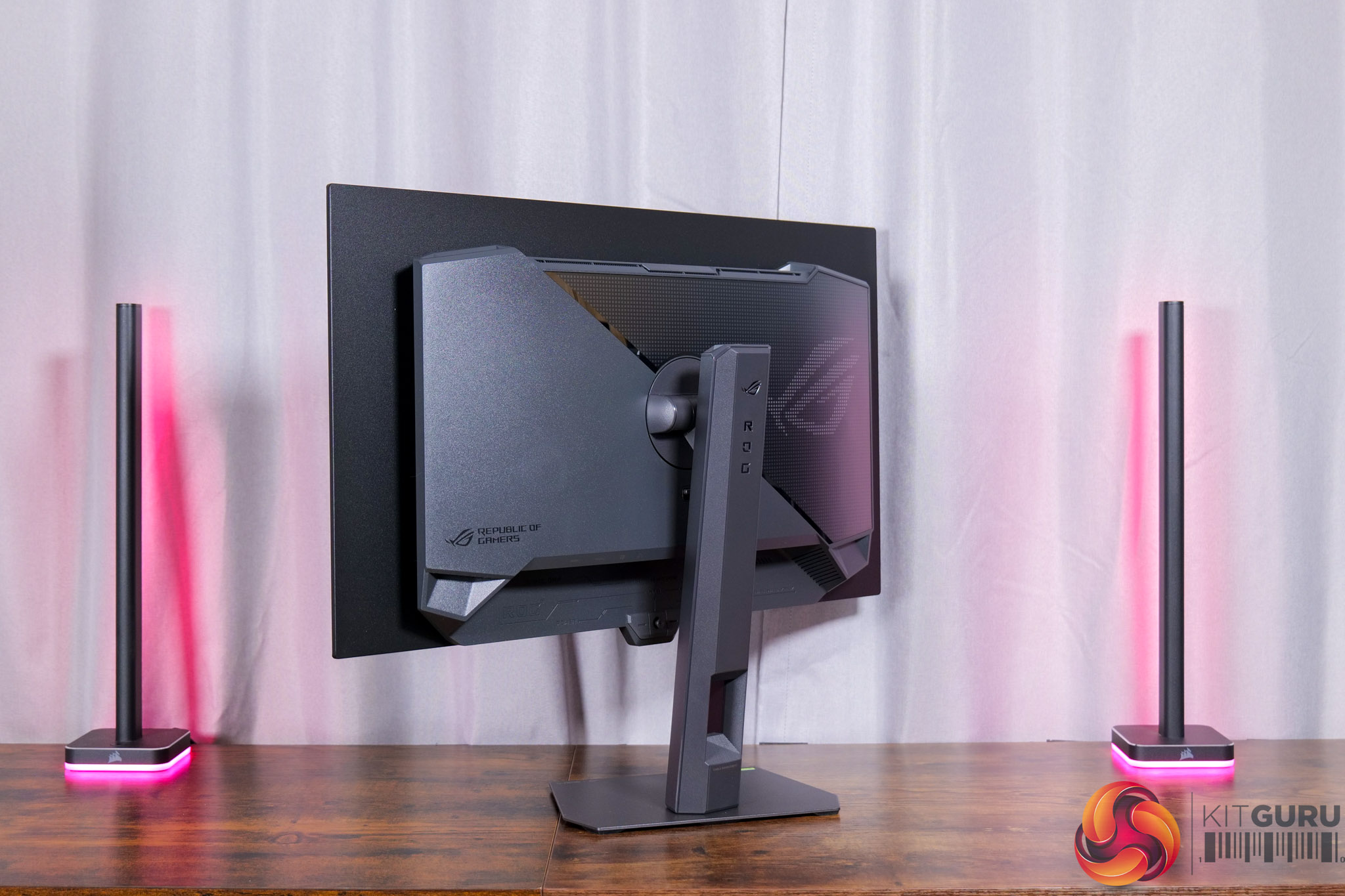
Kicking off with the design of the XG27AQWMG, it's a pretty familiar look to other ASUS screens we've seen over the last few years. It's got a dark grey chassis, with a metal foot but the rest being made of plastic. A ROG logo dominates the back, and this is illuminated by RGB LEDs, though this can also be turned off depending on your preference.
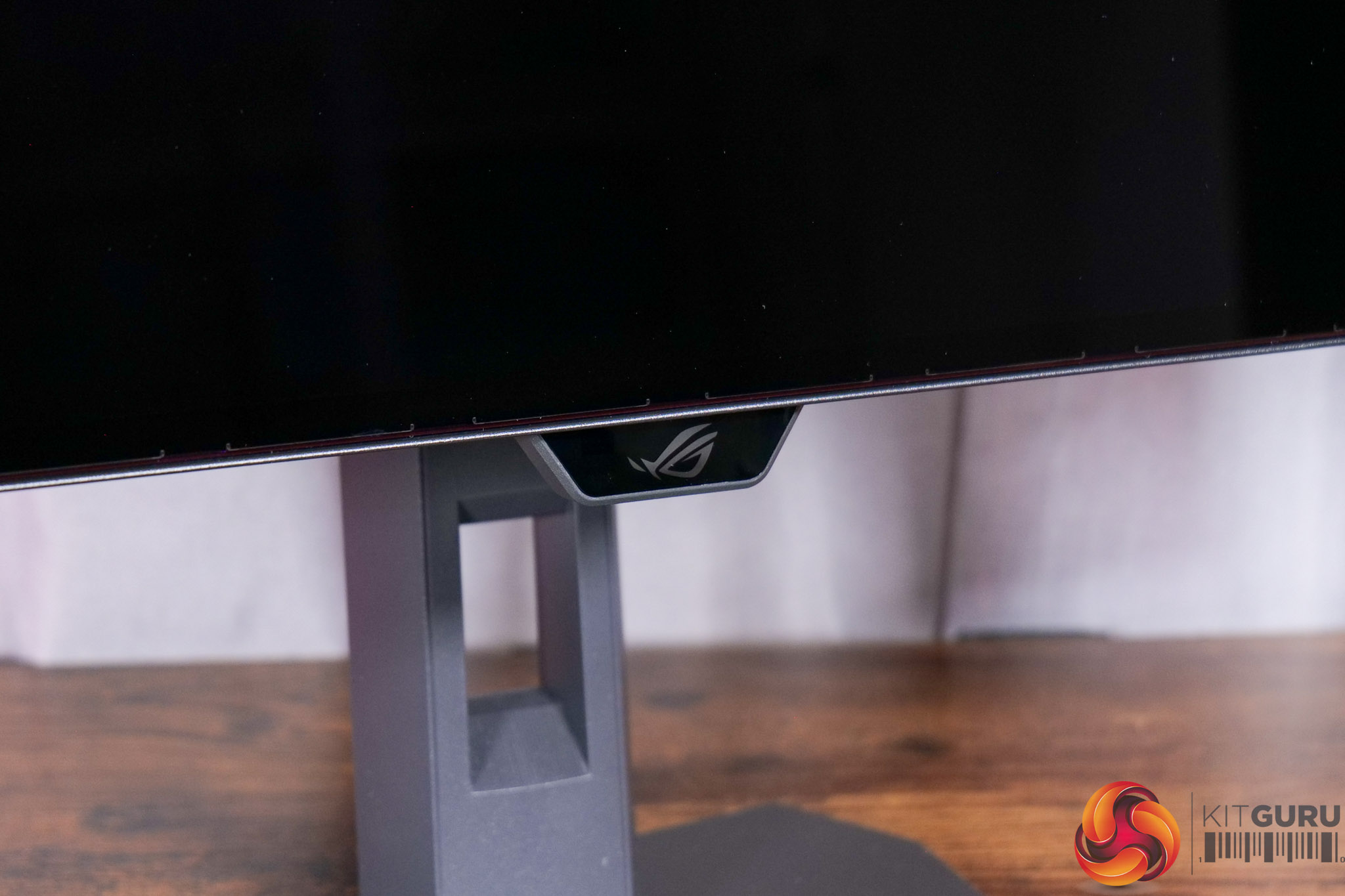
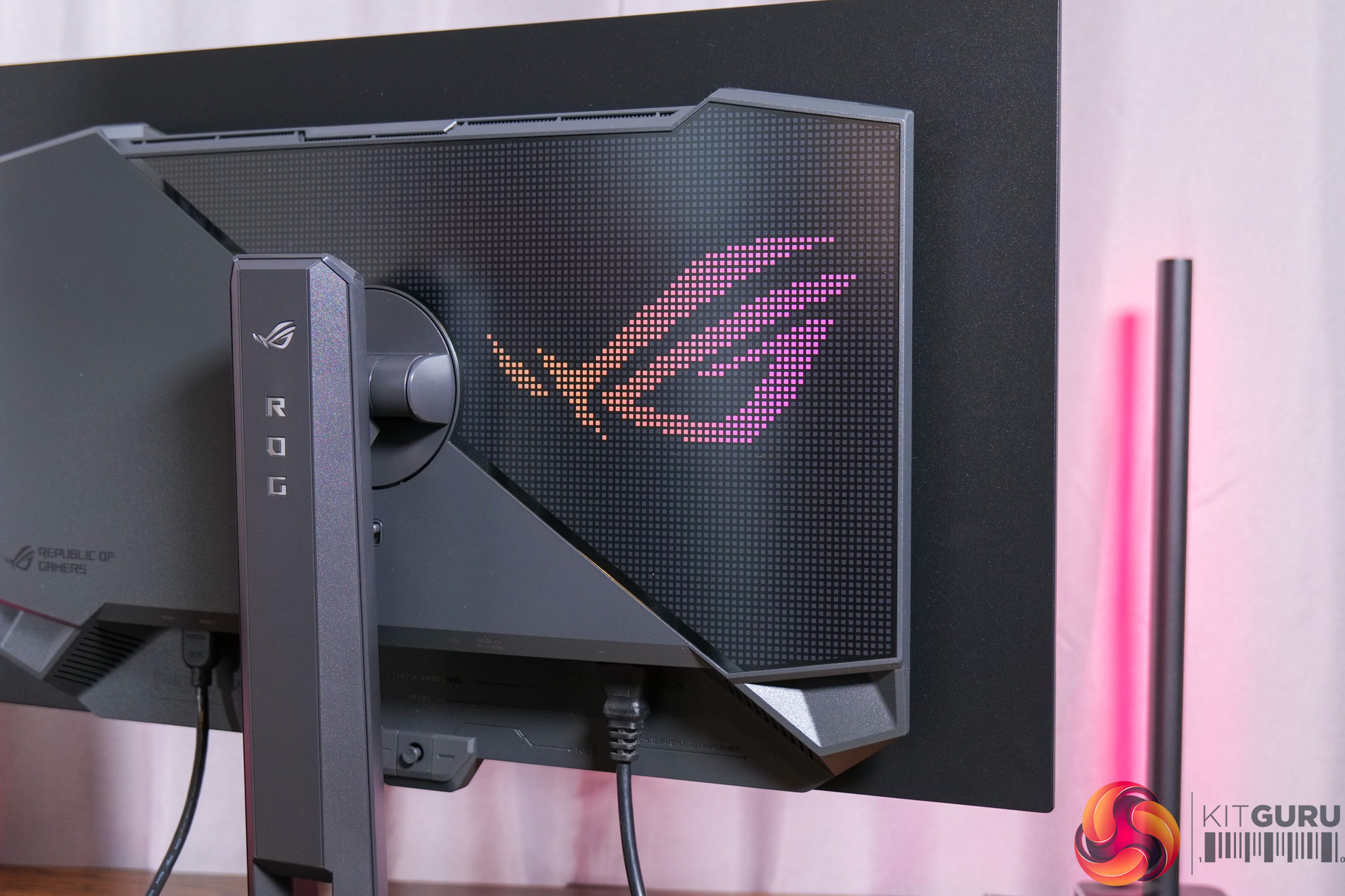
It is a pretty typical ‘gamer' vibe overall, though from the front things look pretty clean, with just a small ROG logo underneath the chin, where the proximity sensor is housed, but more on that later.
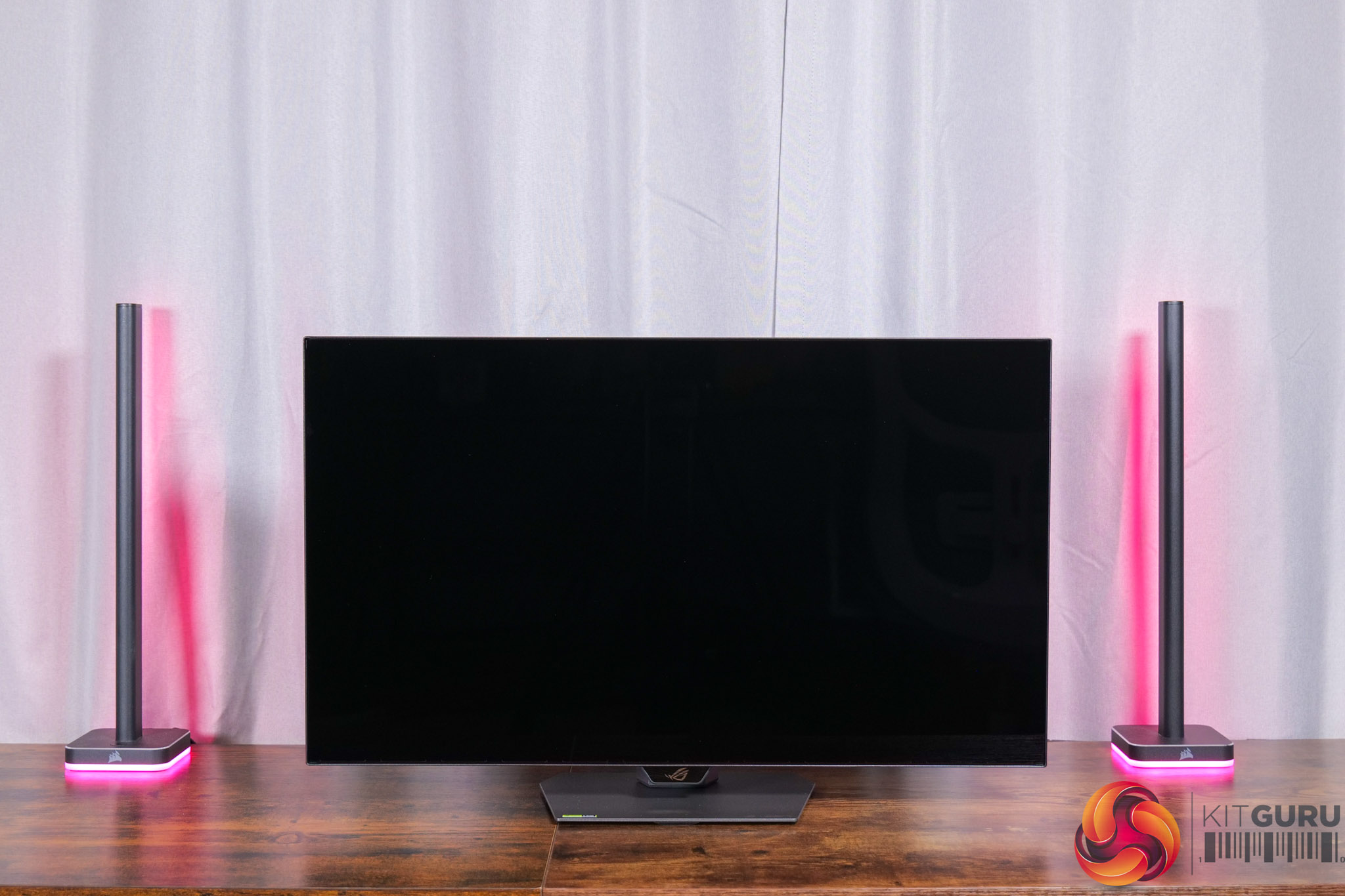
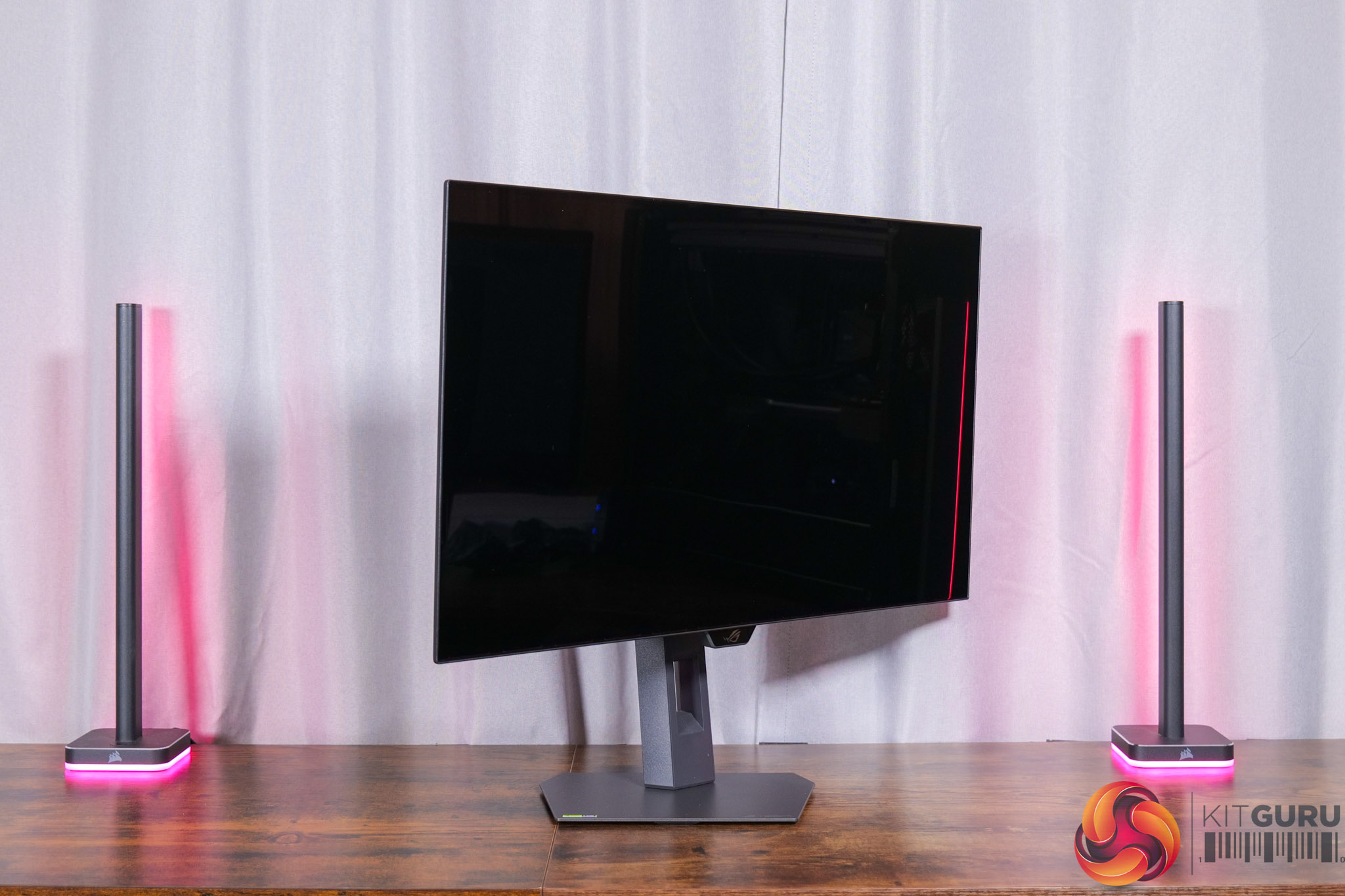
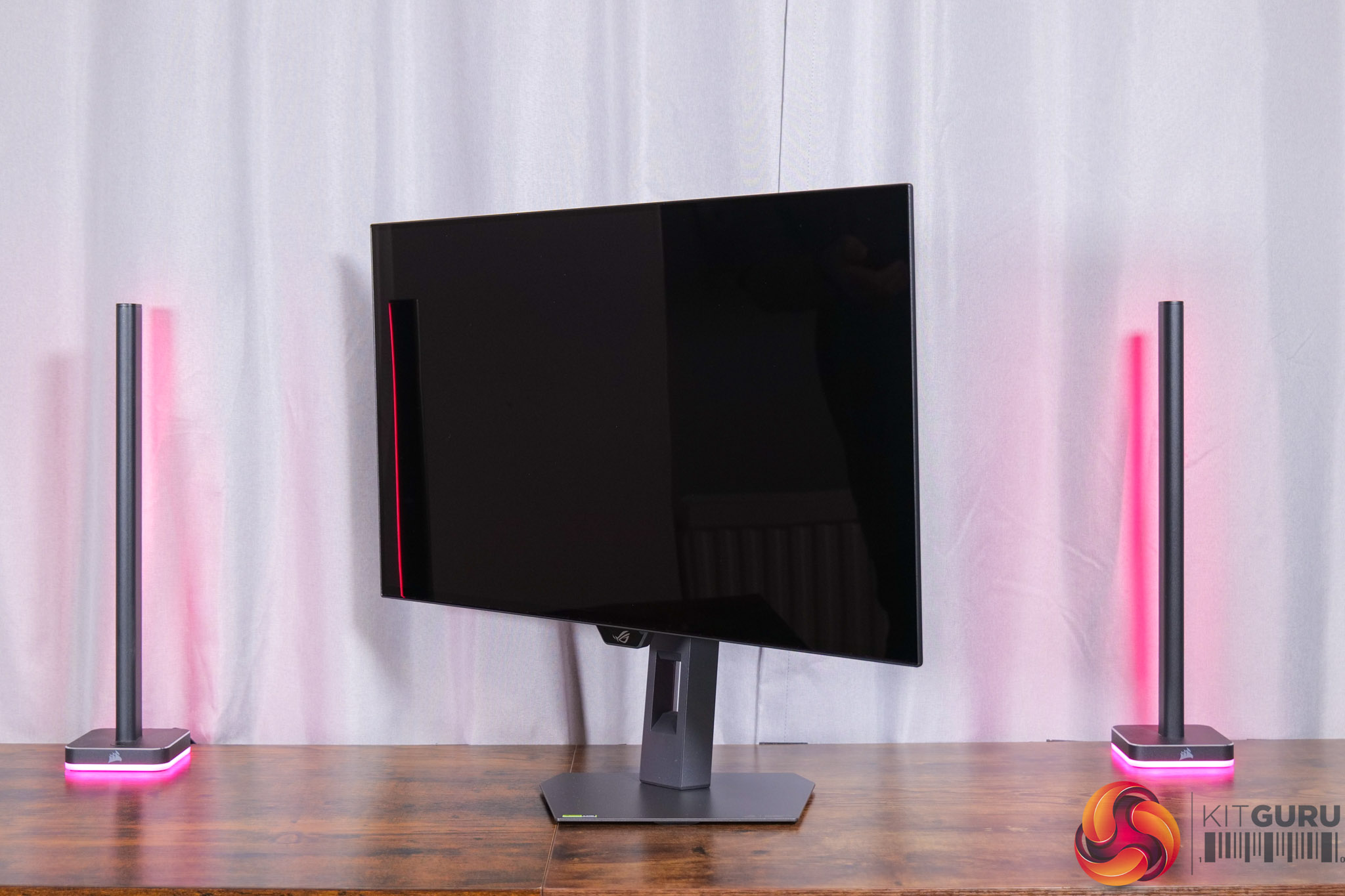
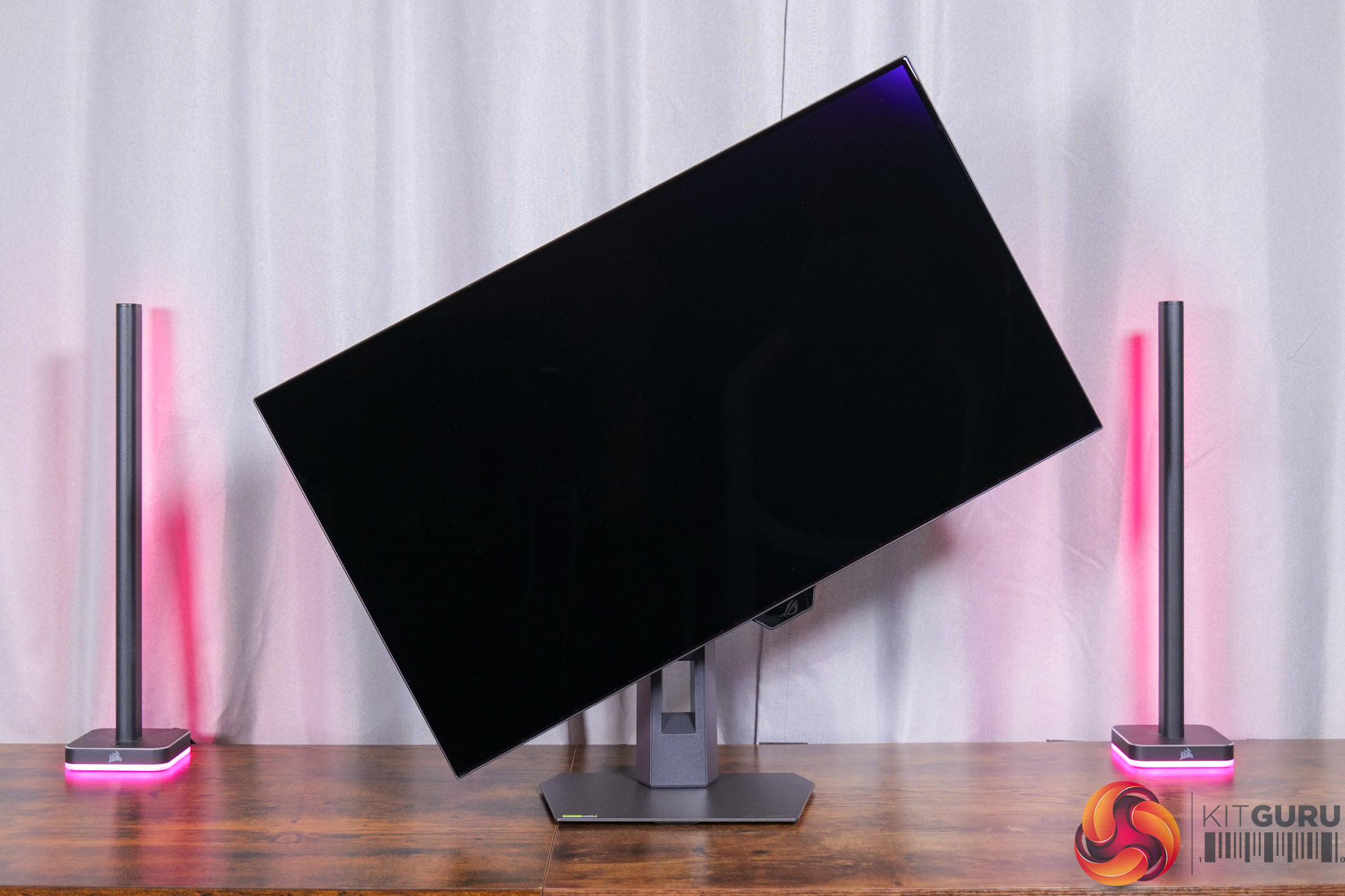
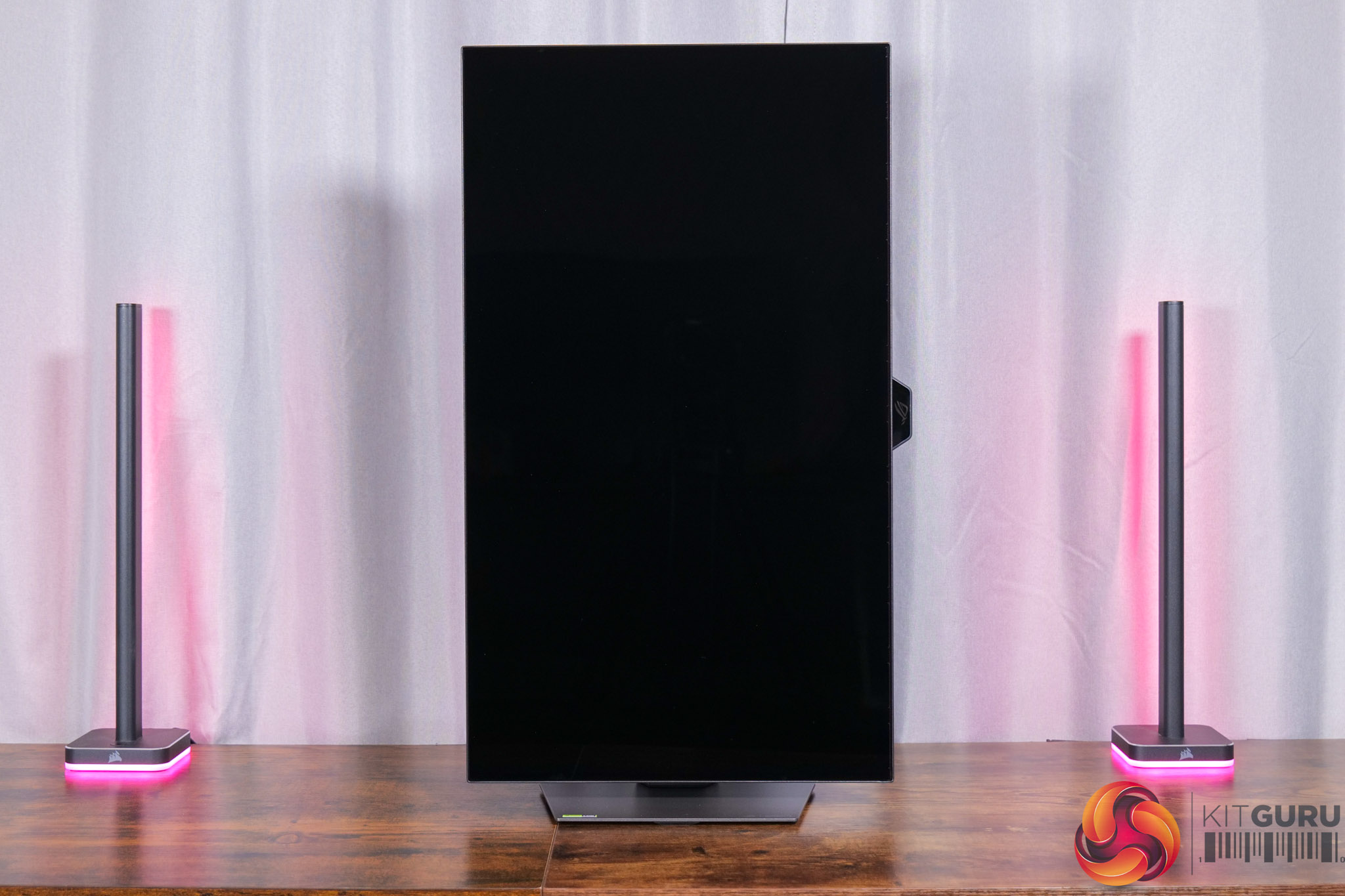
The stand itself offers a good amount of ergonomic adjustment, including up to 110mm of height adjust, tilt from -5 to +20 degrees, 45 degrees of swivel both left and right, as well as 90 degree pivot functionality. VESA 100×100 mounts are also supported.
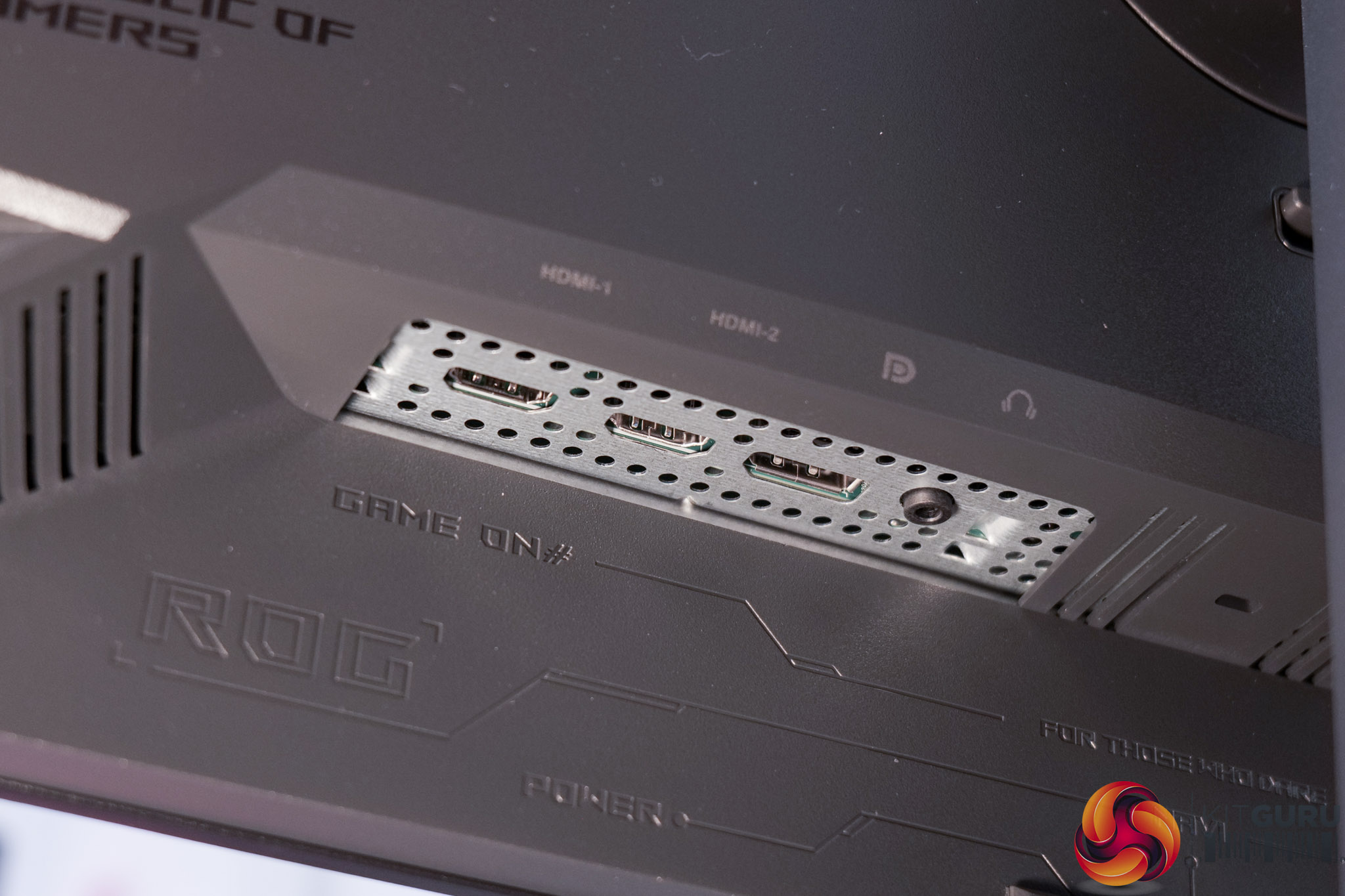
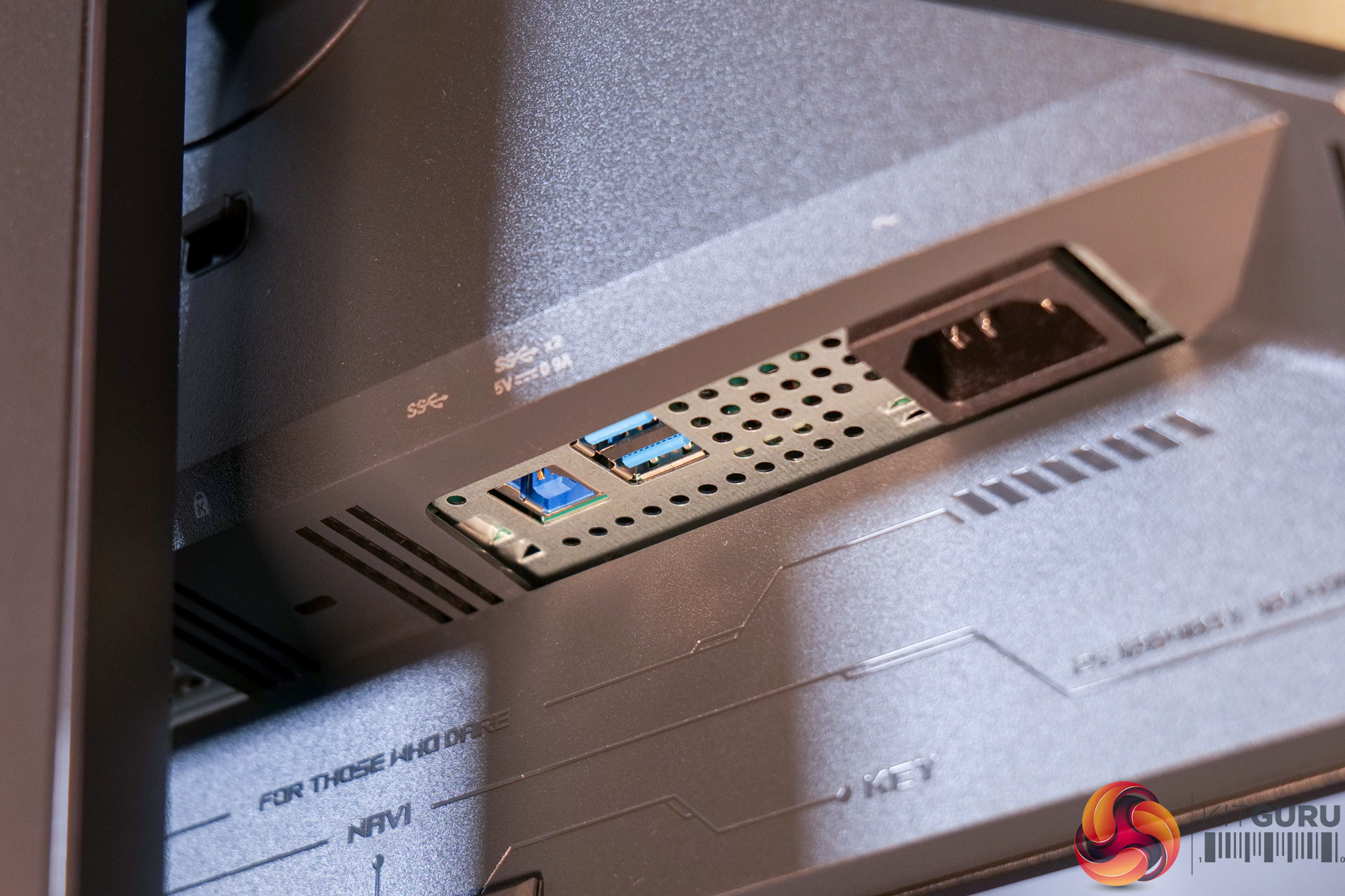
I/O is perhaps one area where ASUS has cut some corners to keep the cost down, given we find a single DisplayPort 1.4, rather than a 2.1 spec port, and two HDMI 2.1. Then there's a two-port USB-A hub, but that's it – so no Type-C or KVM functionality which is a slight shame.
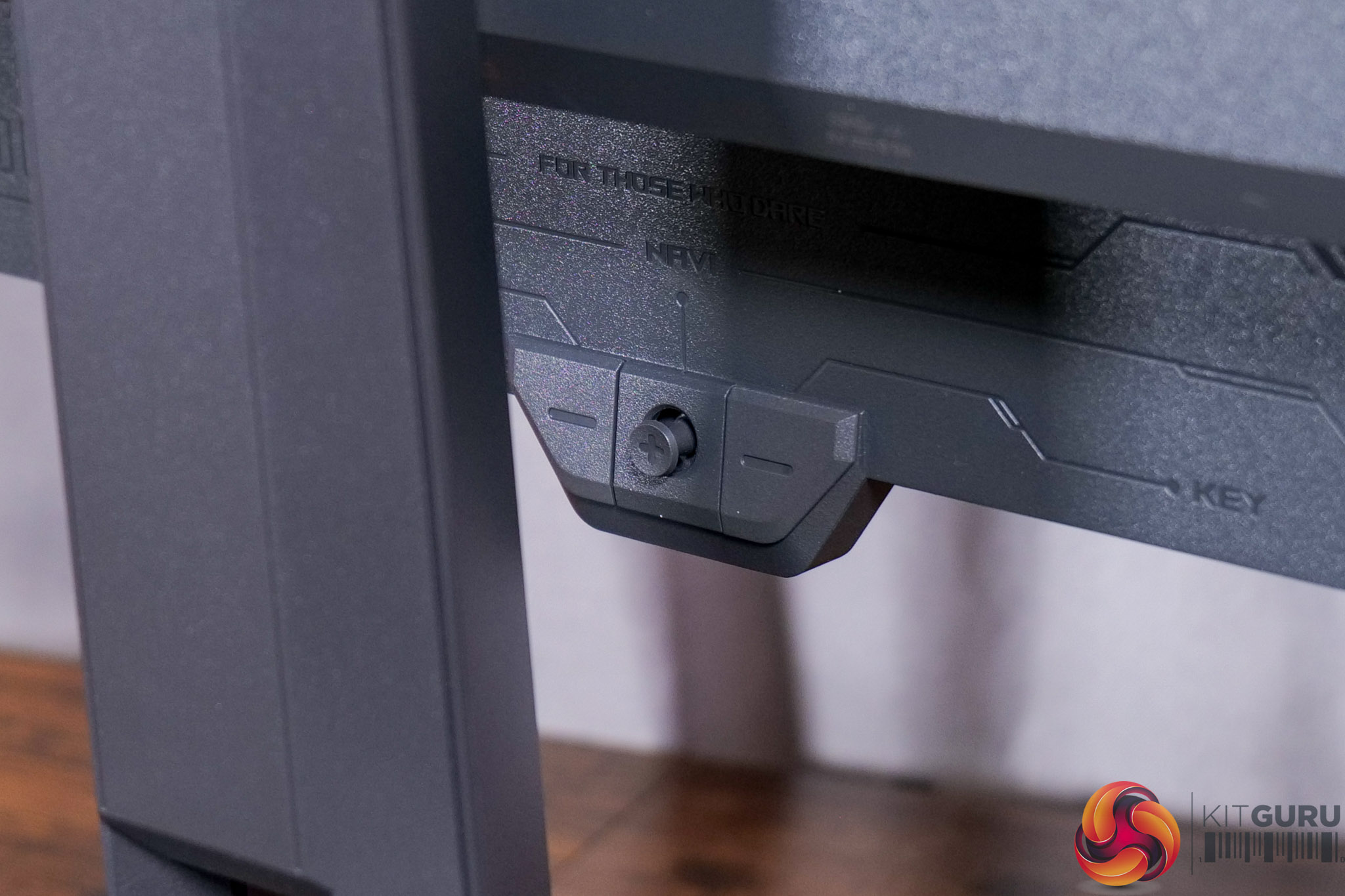
It's good to see a joystick used to navigate the OSD though, with a user-configurable button on one side and the power button on the other.