KitGuru KitGuru.net – Tech News | Hardware News | Hardware Reviews | IOS | Mobile | Gaming | Graphics Cards


The OSD is split into eight main tabs:
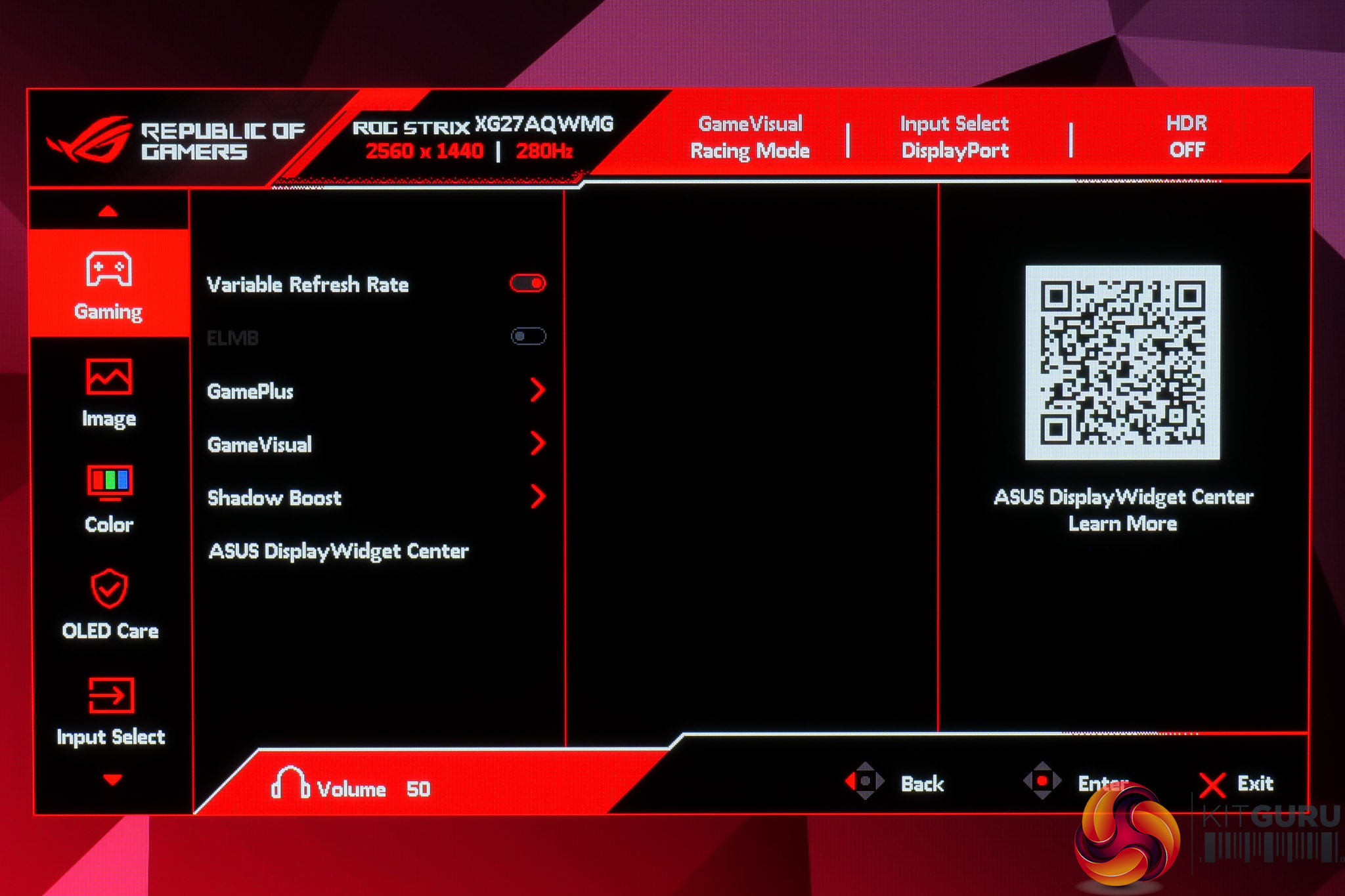
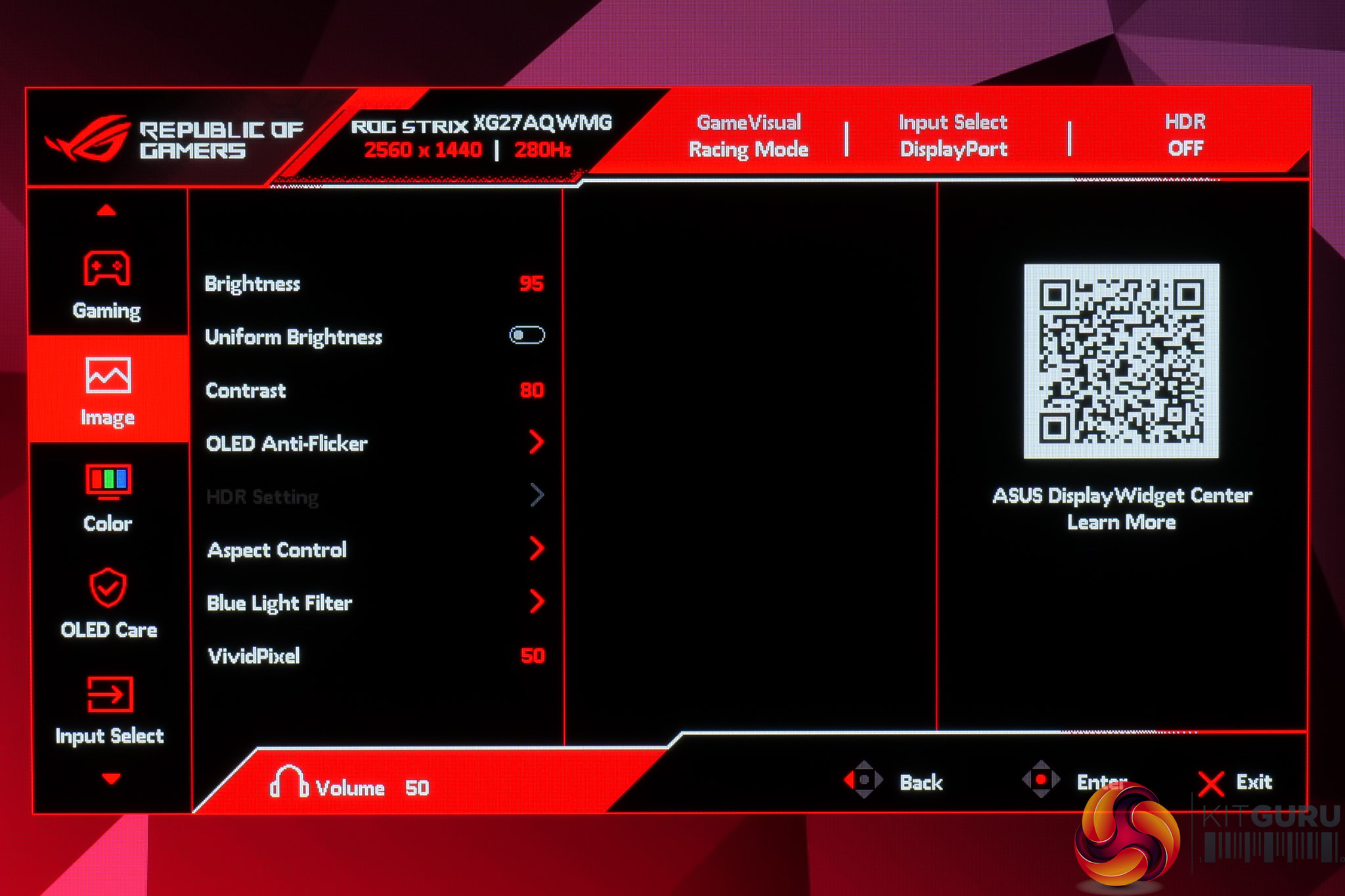
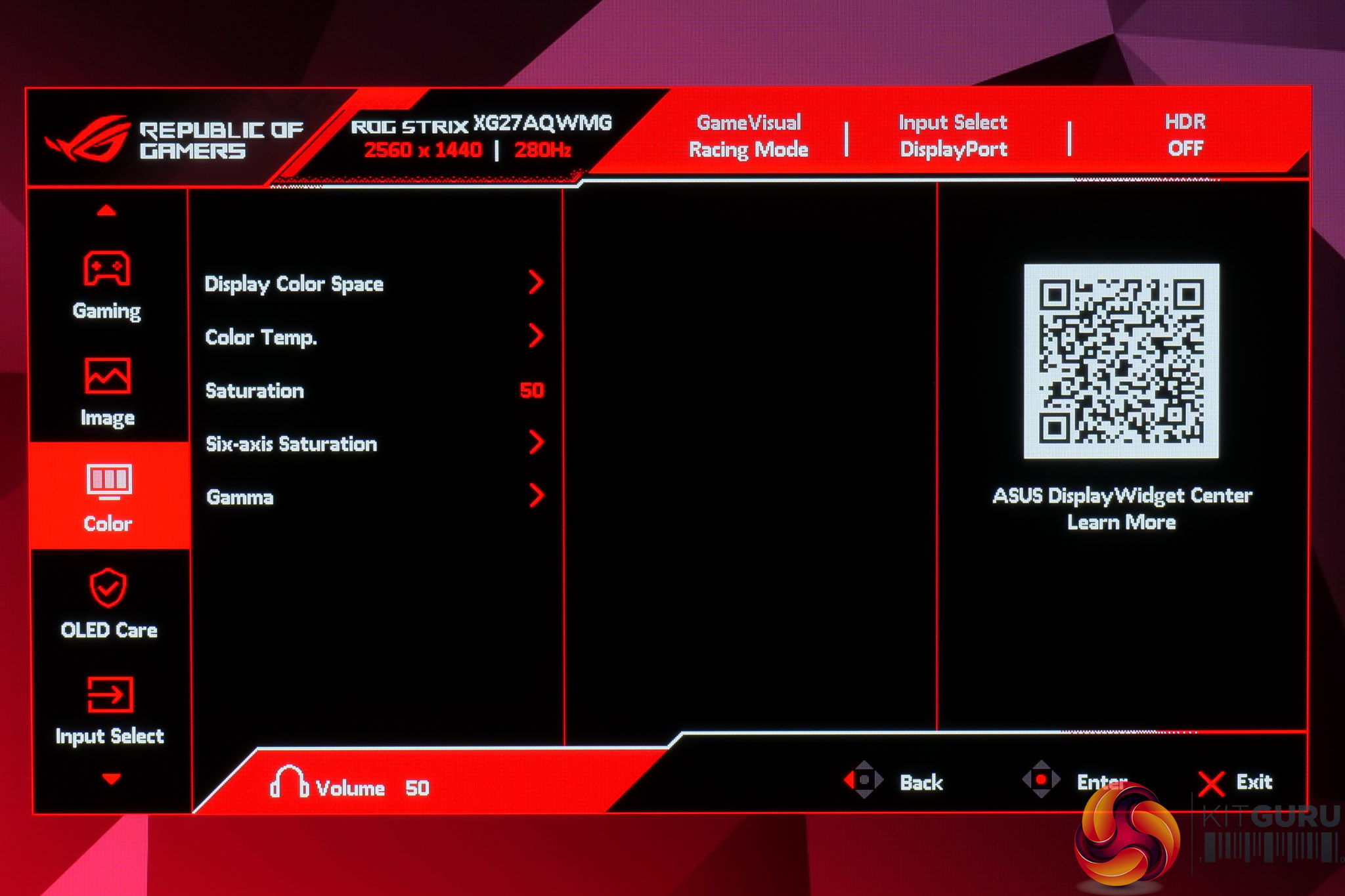
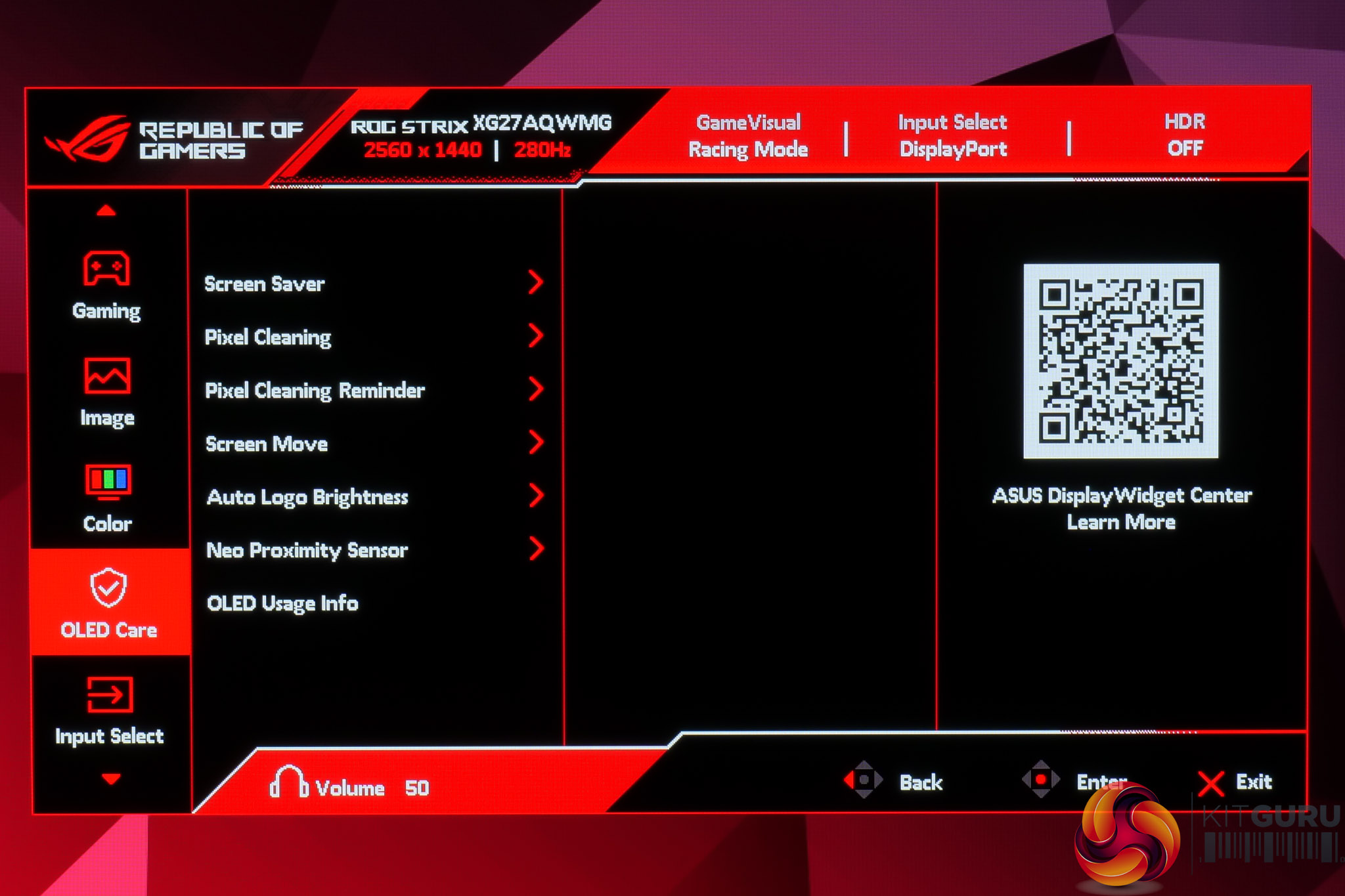
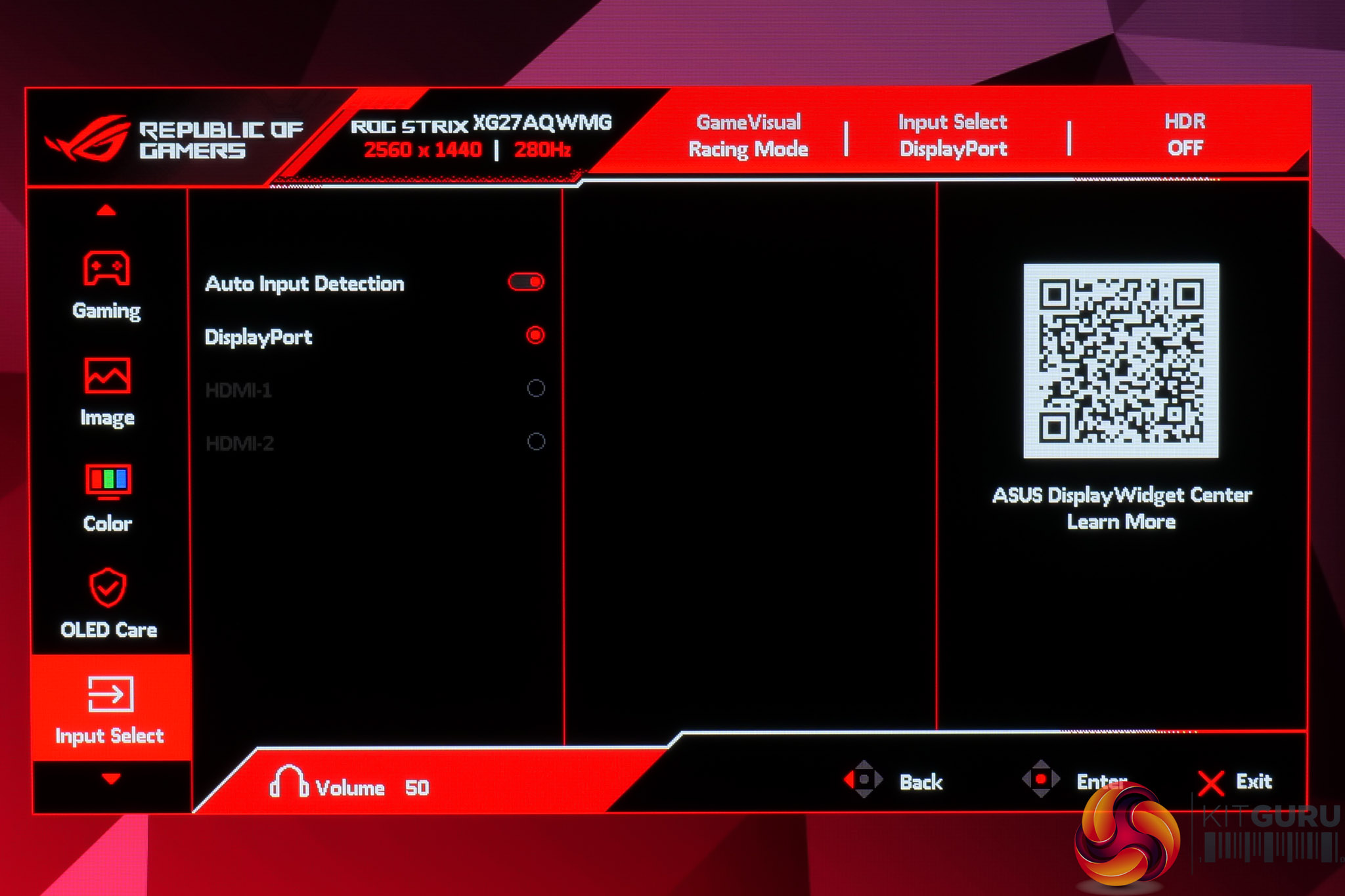
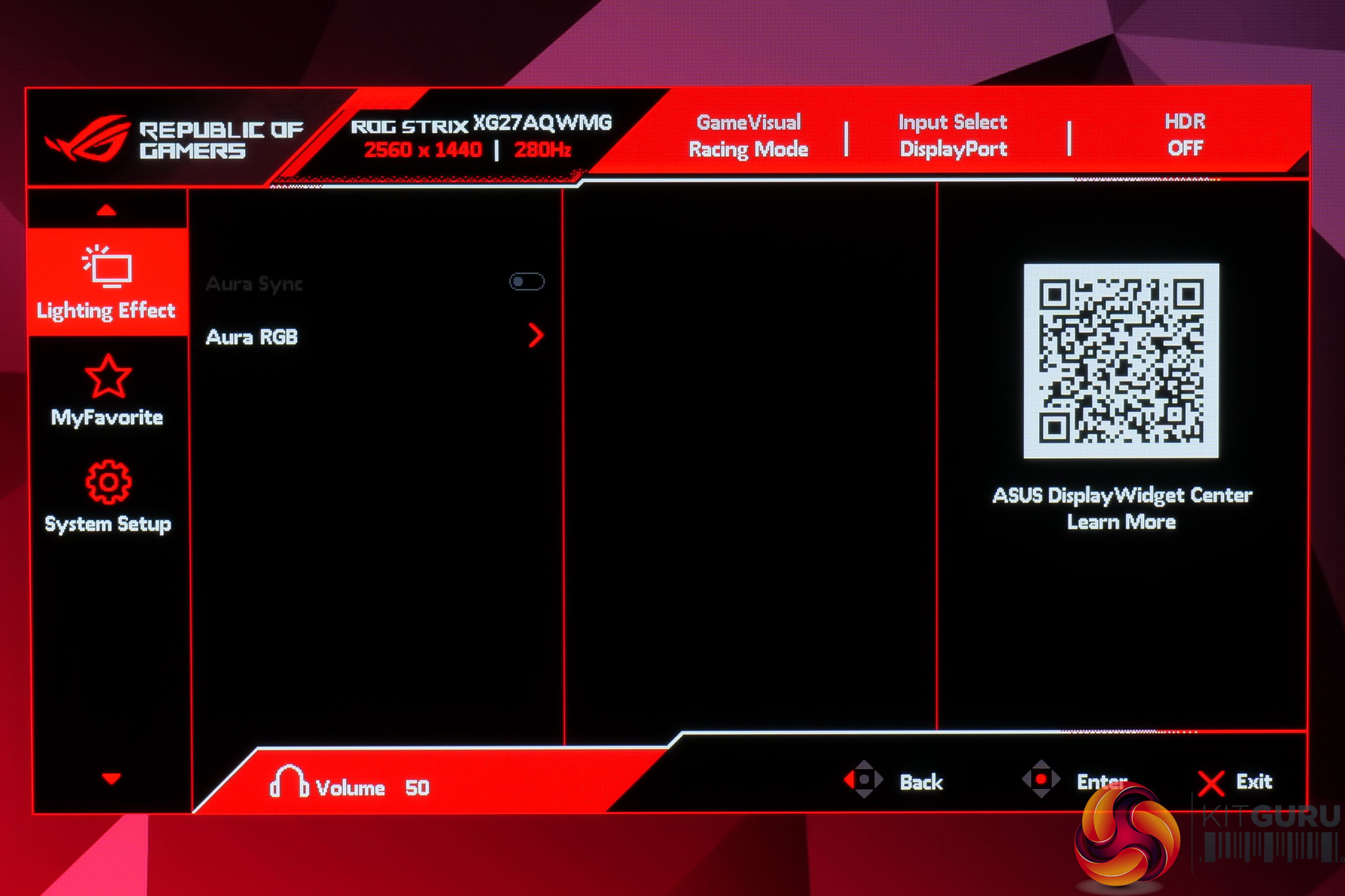
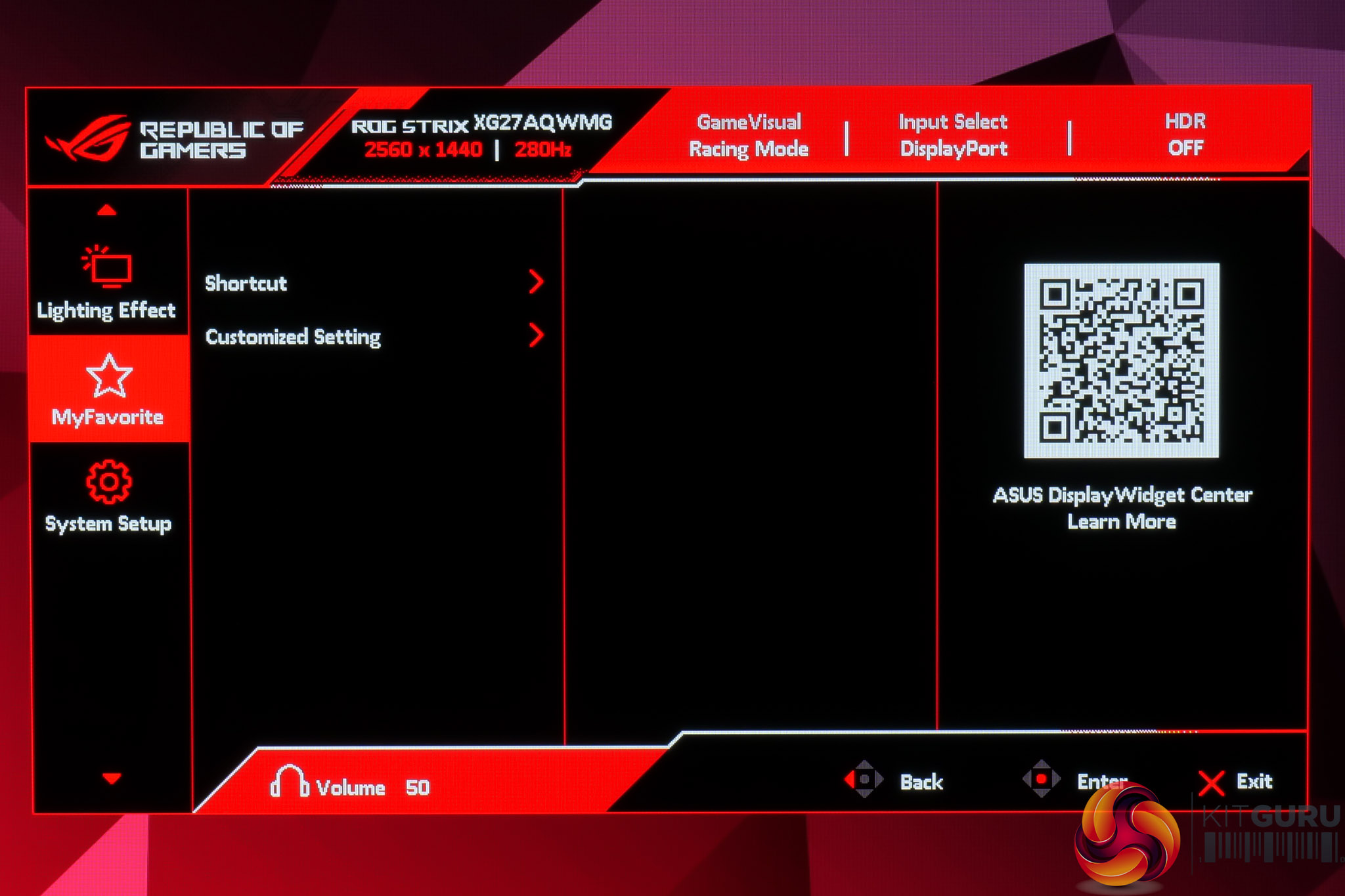
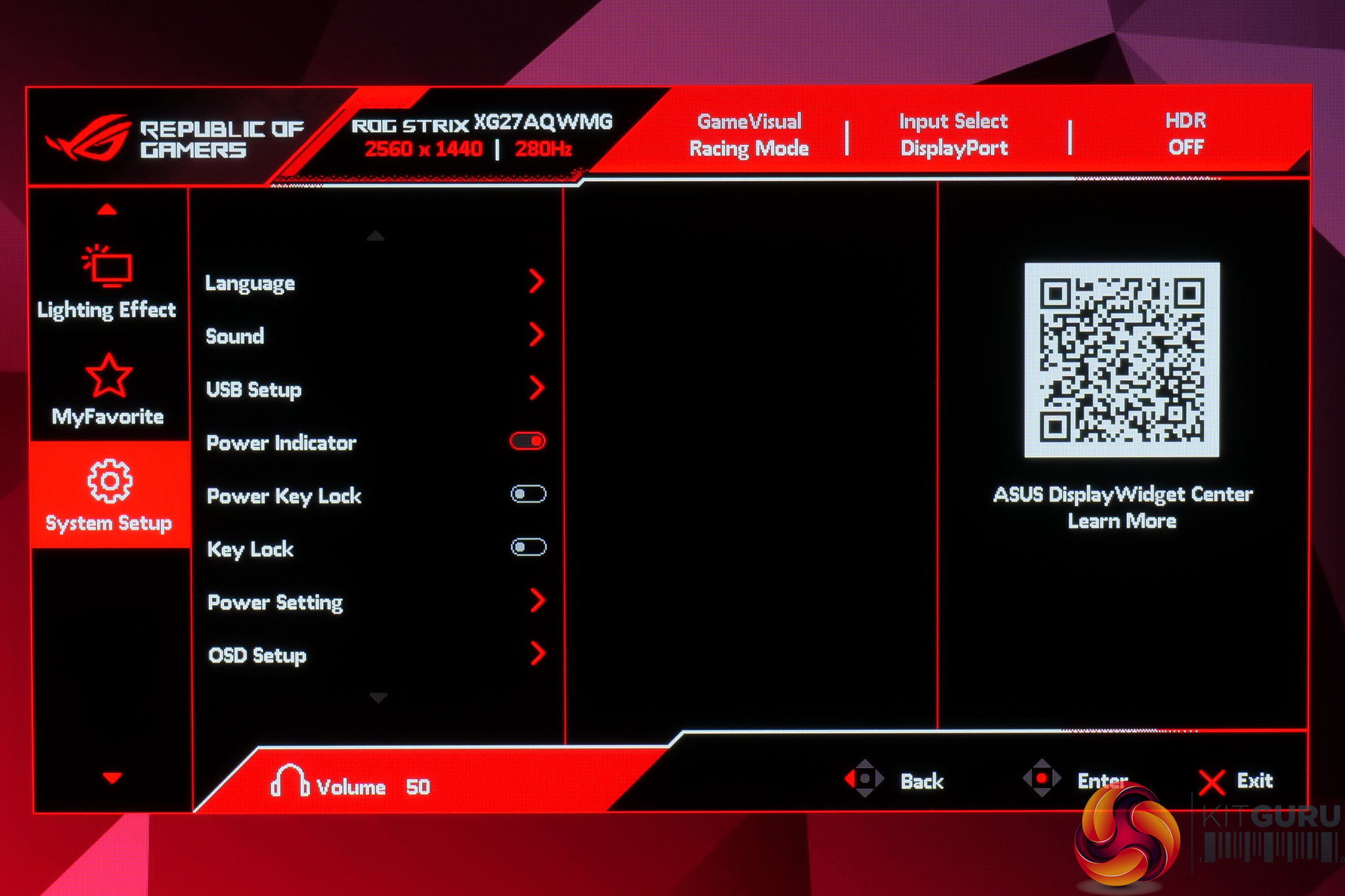
The OSD itself is every bit as comprehensive and well-laid out as we'd expect from an ASUS ROG monitor. It's very quick and easy to navigate, packed with features like crosshairs, shadow boost and multiple colour space options, while I like the ability to map custom settings to the shortcut button if you want to quickly adjust something specific on the fly. There's plenty of OLED care features too, including the ability to configure the proximity sensor so the screen turns off after a period of time if it detects you are no longer in front of the monitor.
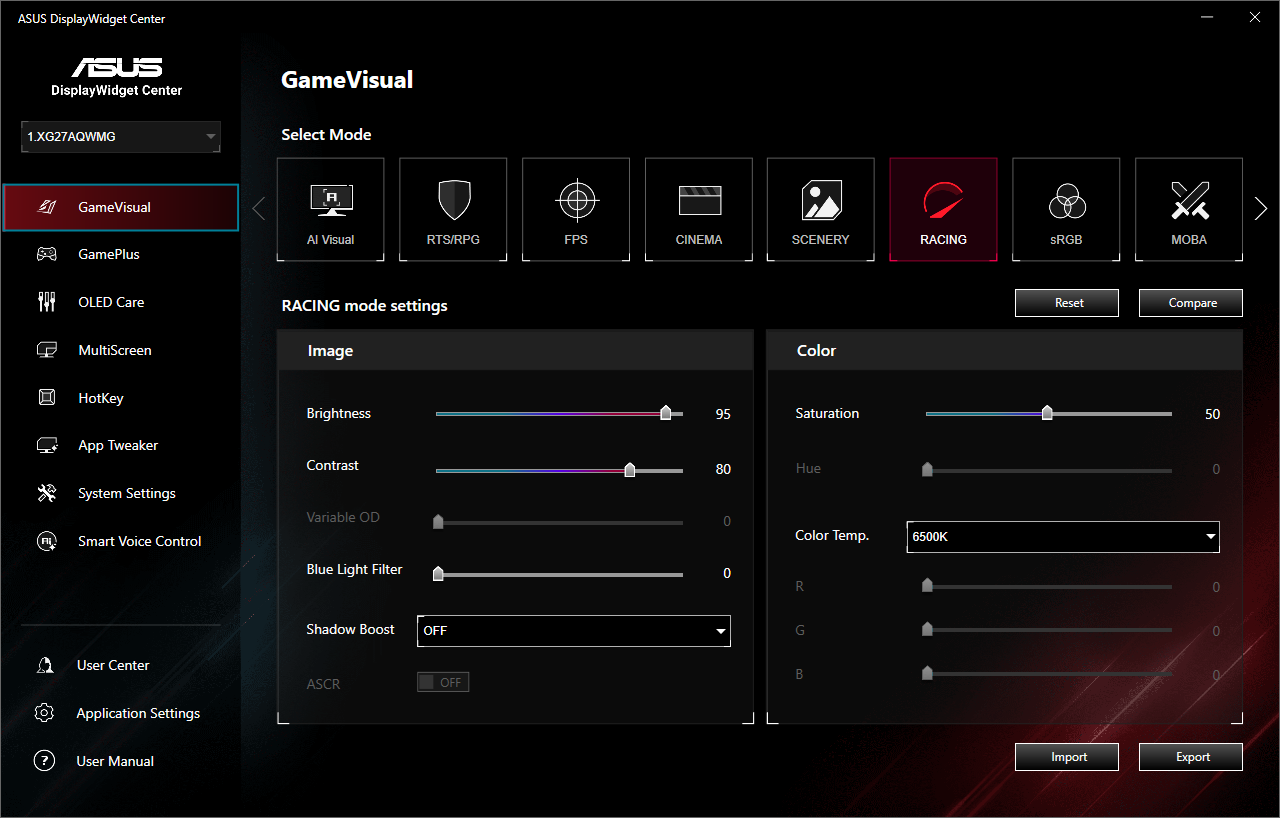
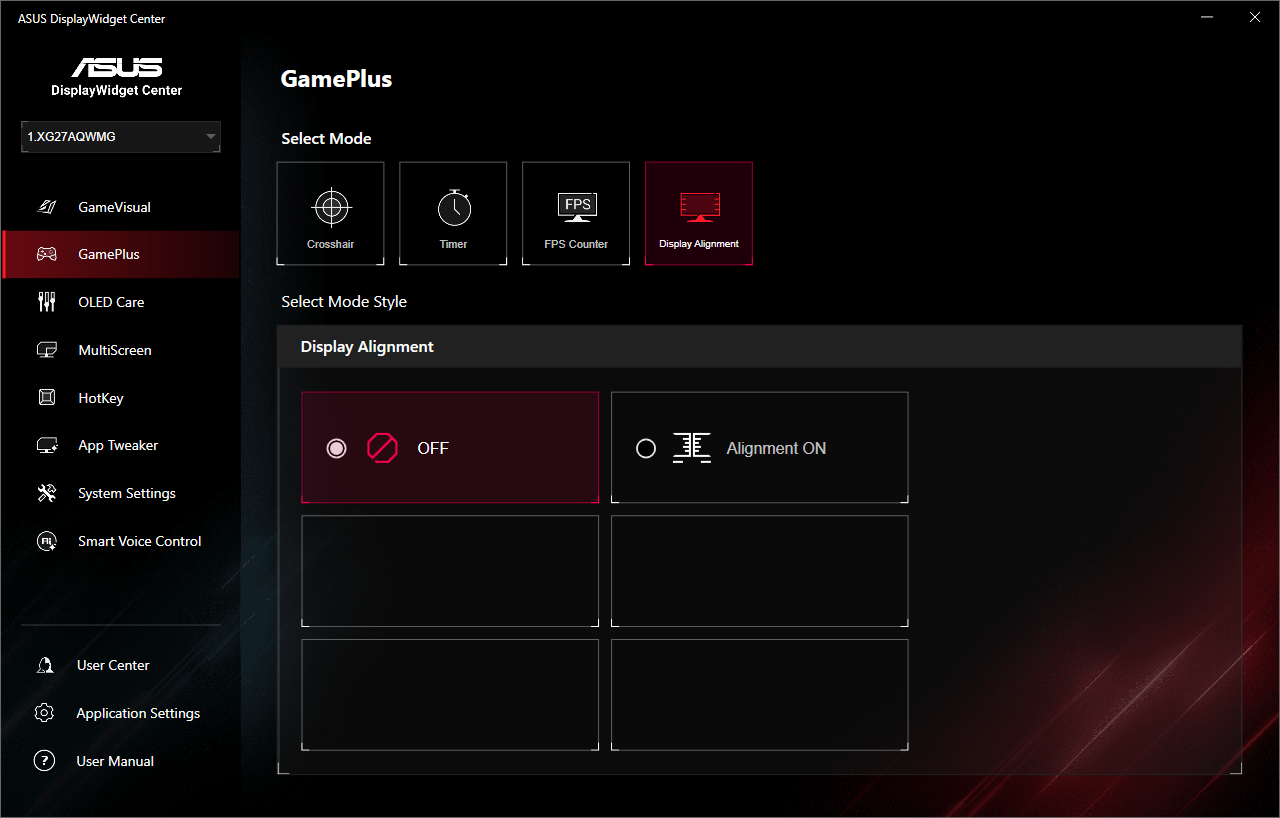
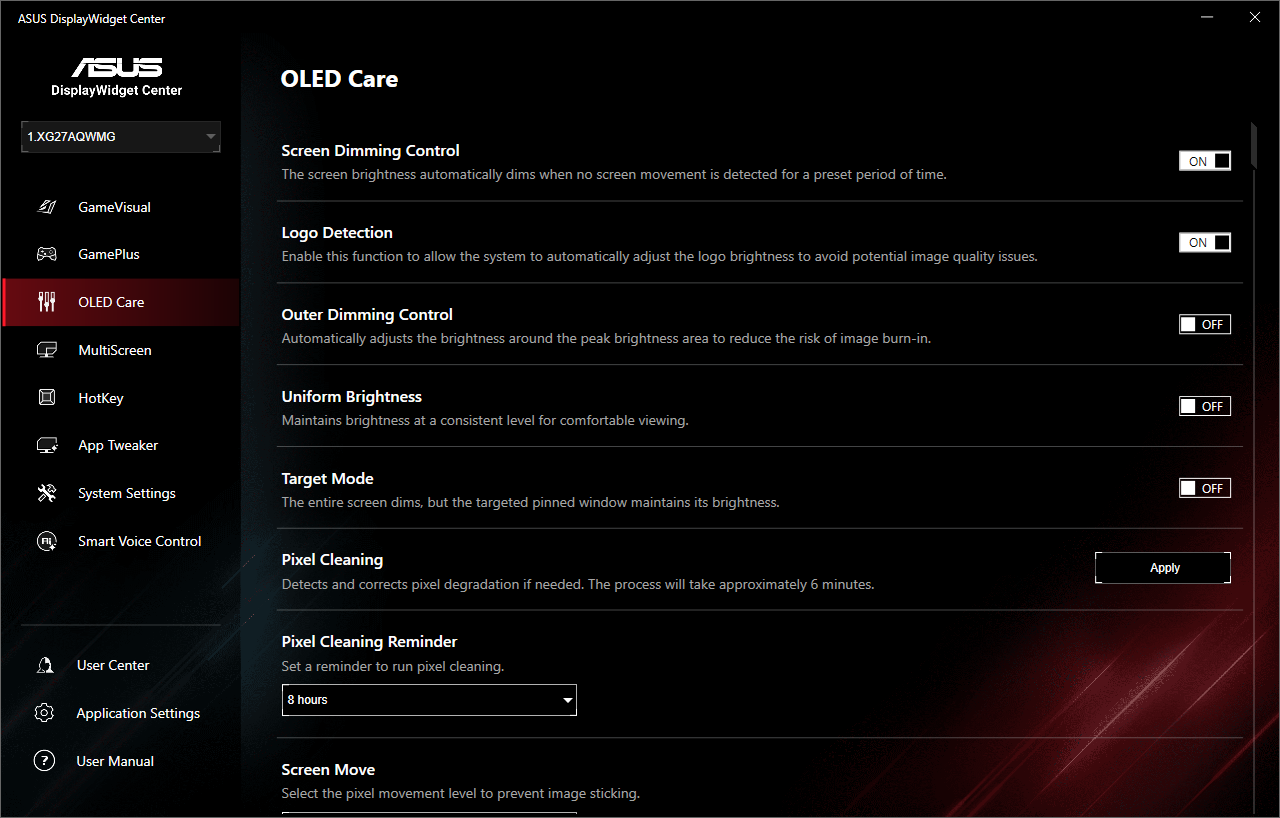
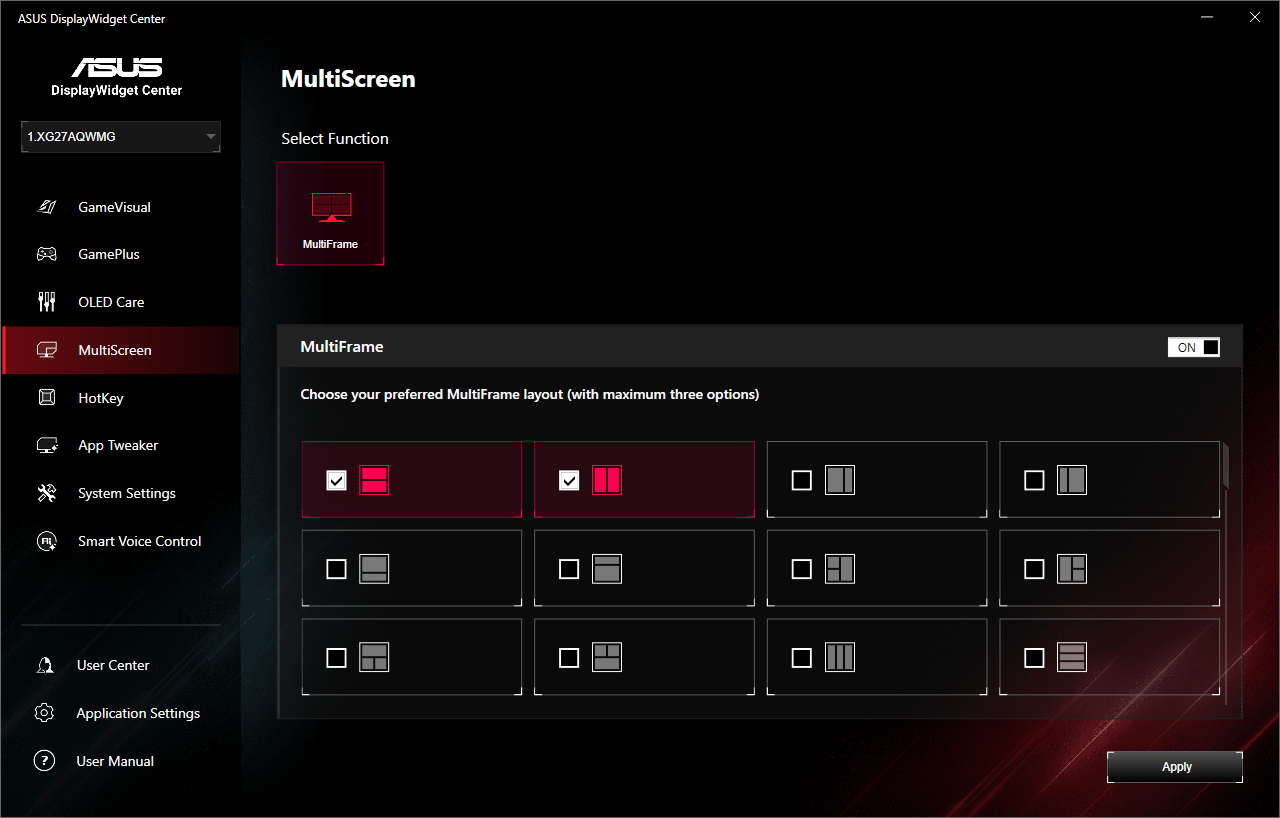
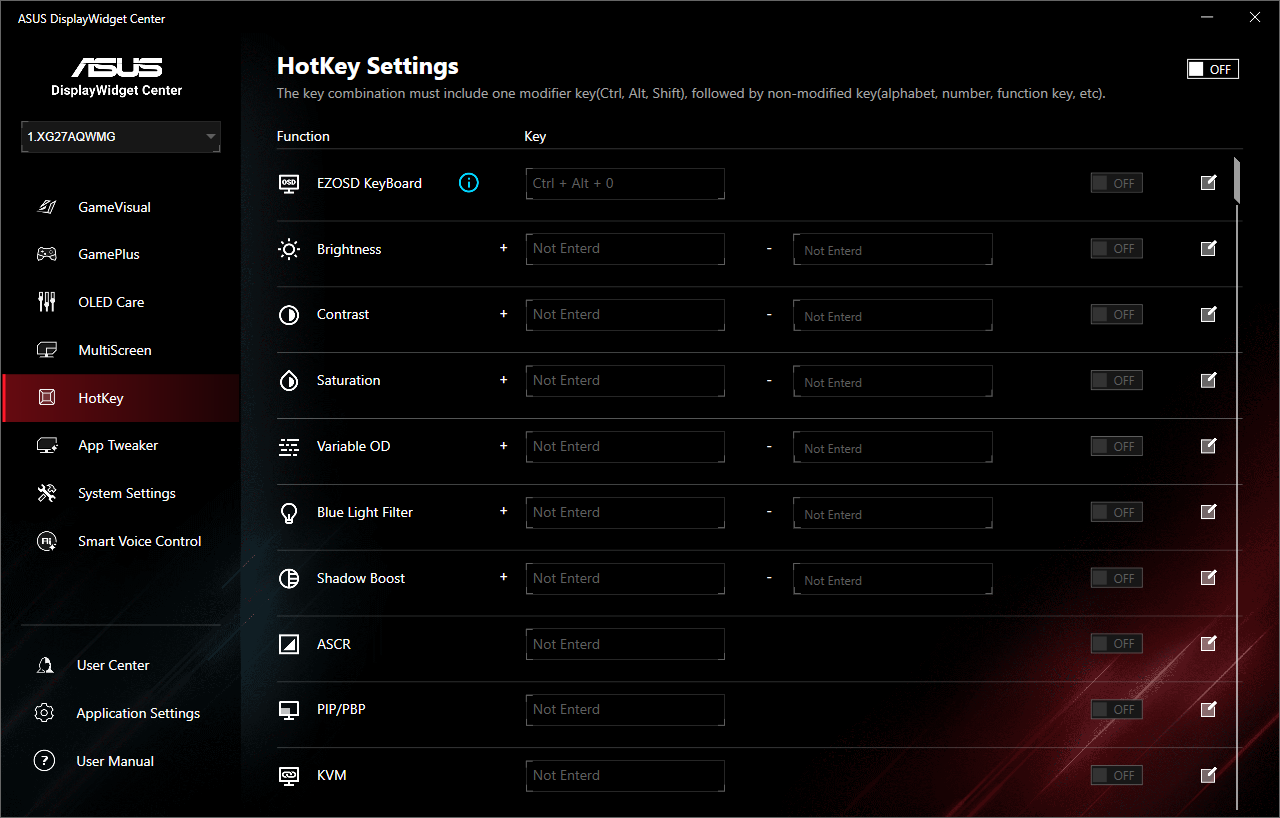
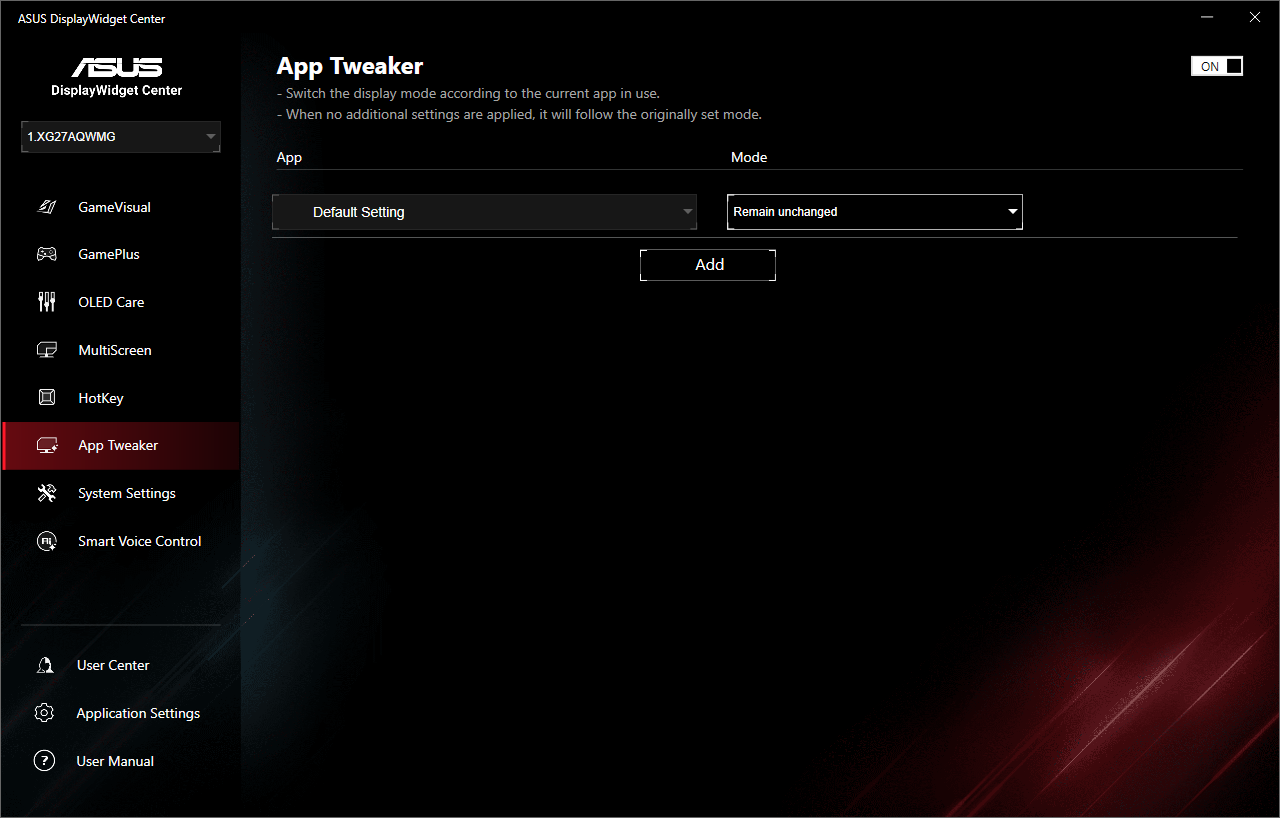
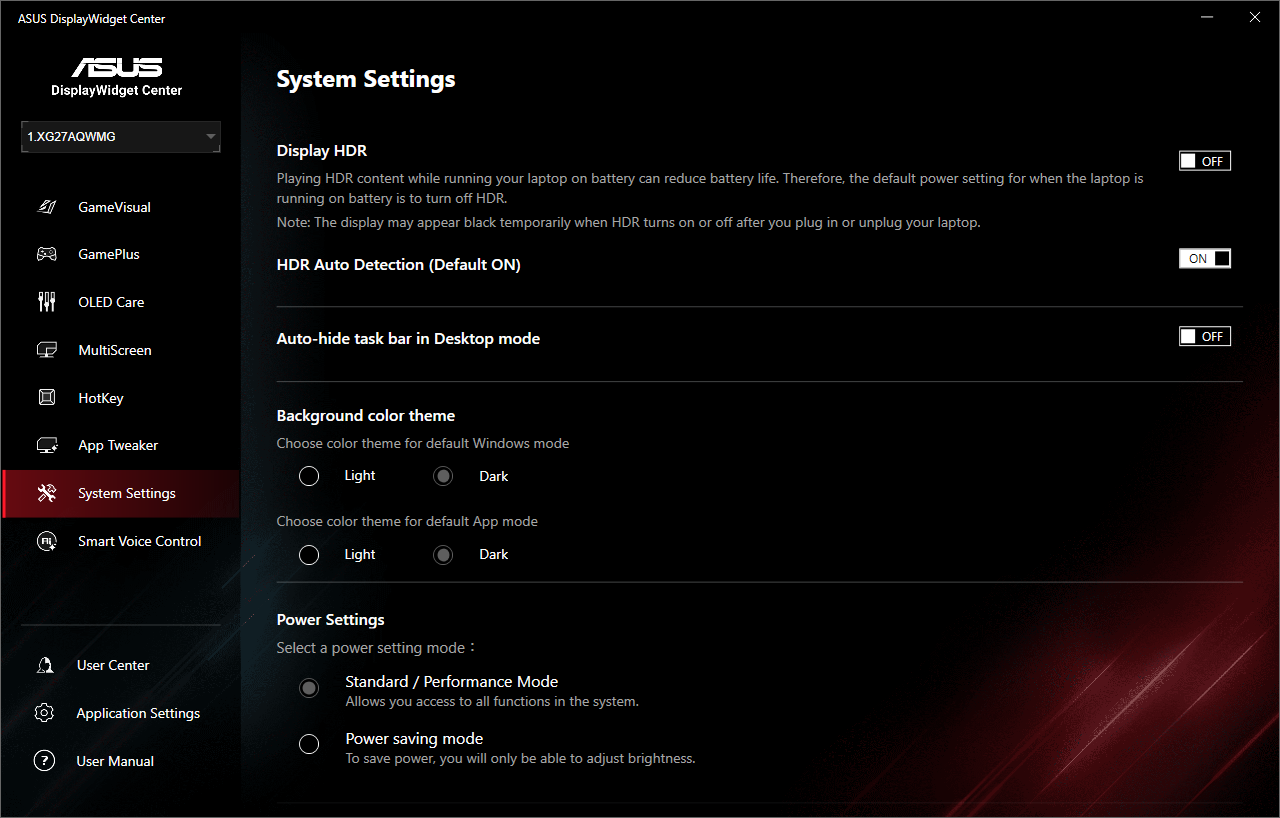
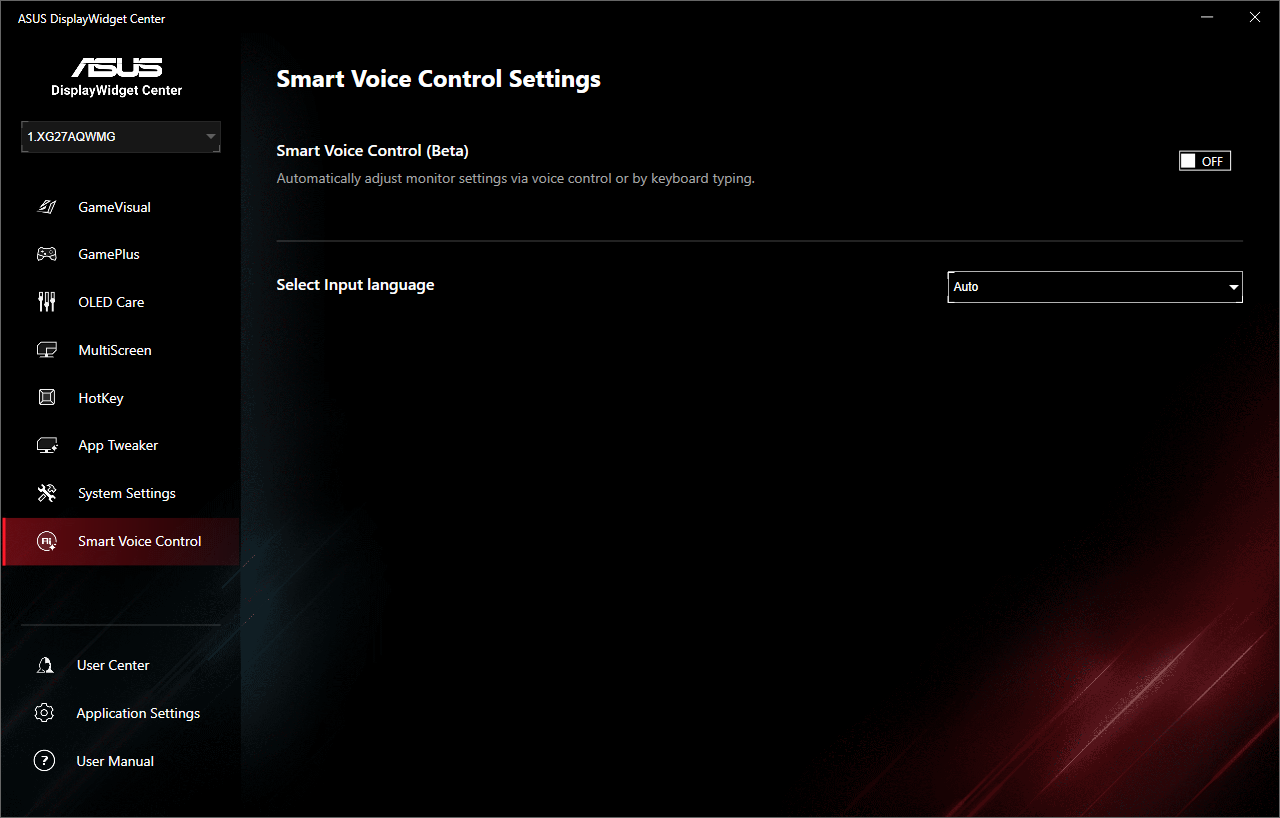
ASUS also offers its DisplayWidget Center software, giving you the same core functionality but in software form. It works well and is responsive, so it's a good option to have.