KitGuru KitGuru.net – Tech News | Hardware News | Hardware Reviews | IOS | Mobile | Gaming | Graphics Cards


As for the OSD, everything is split into 8 main tabs, as you can see here:
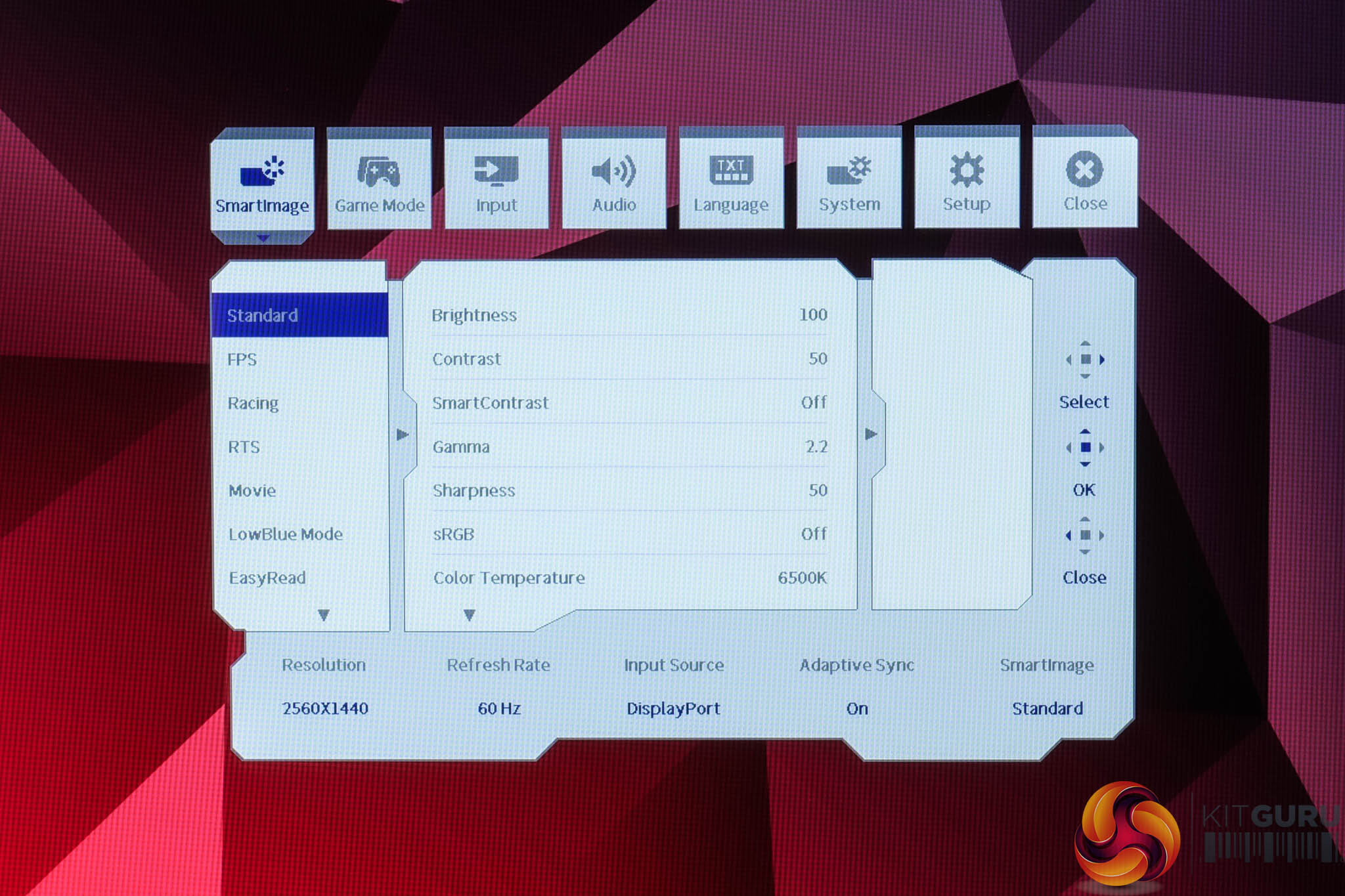
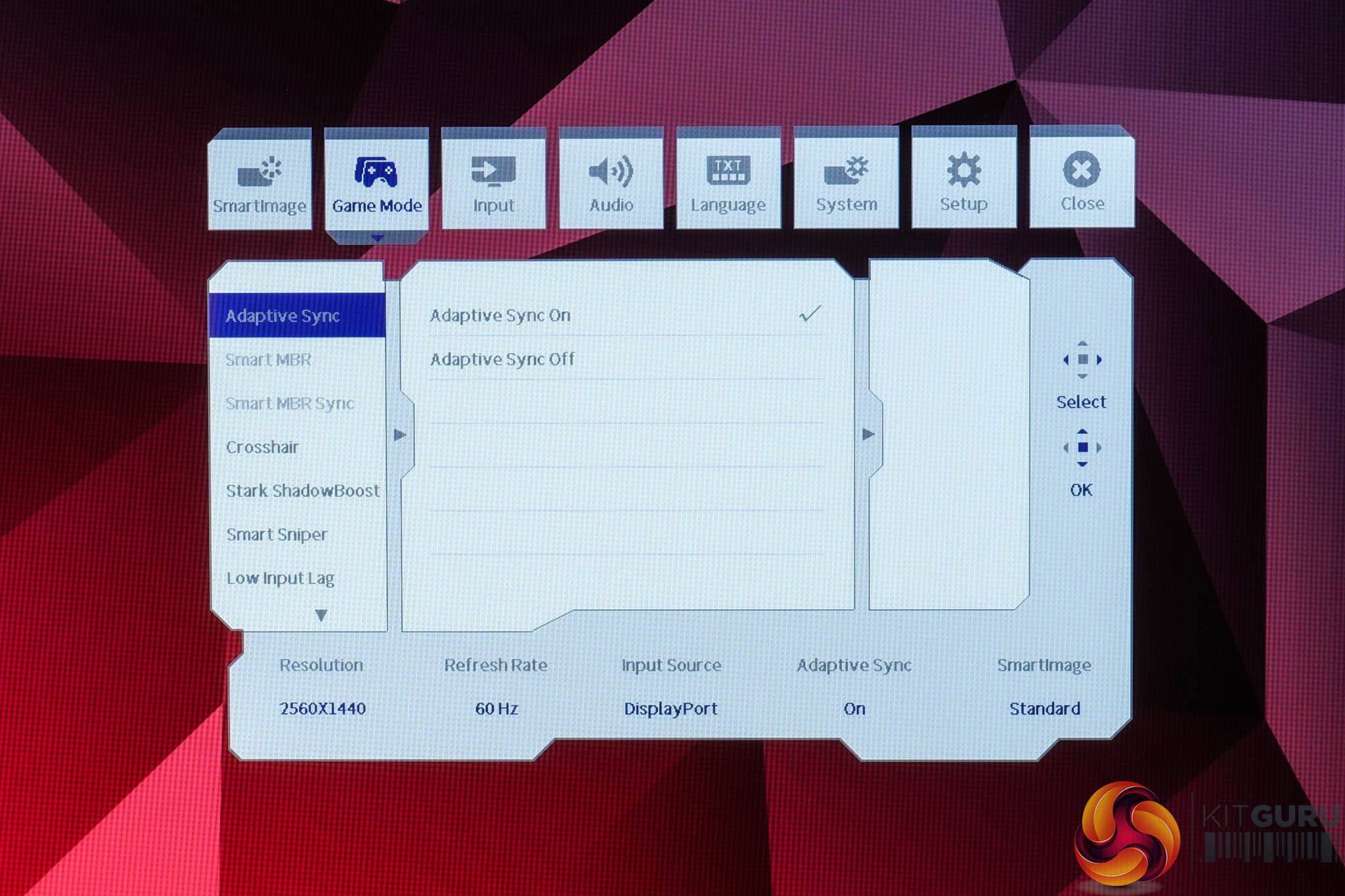
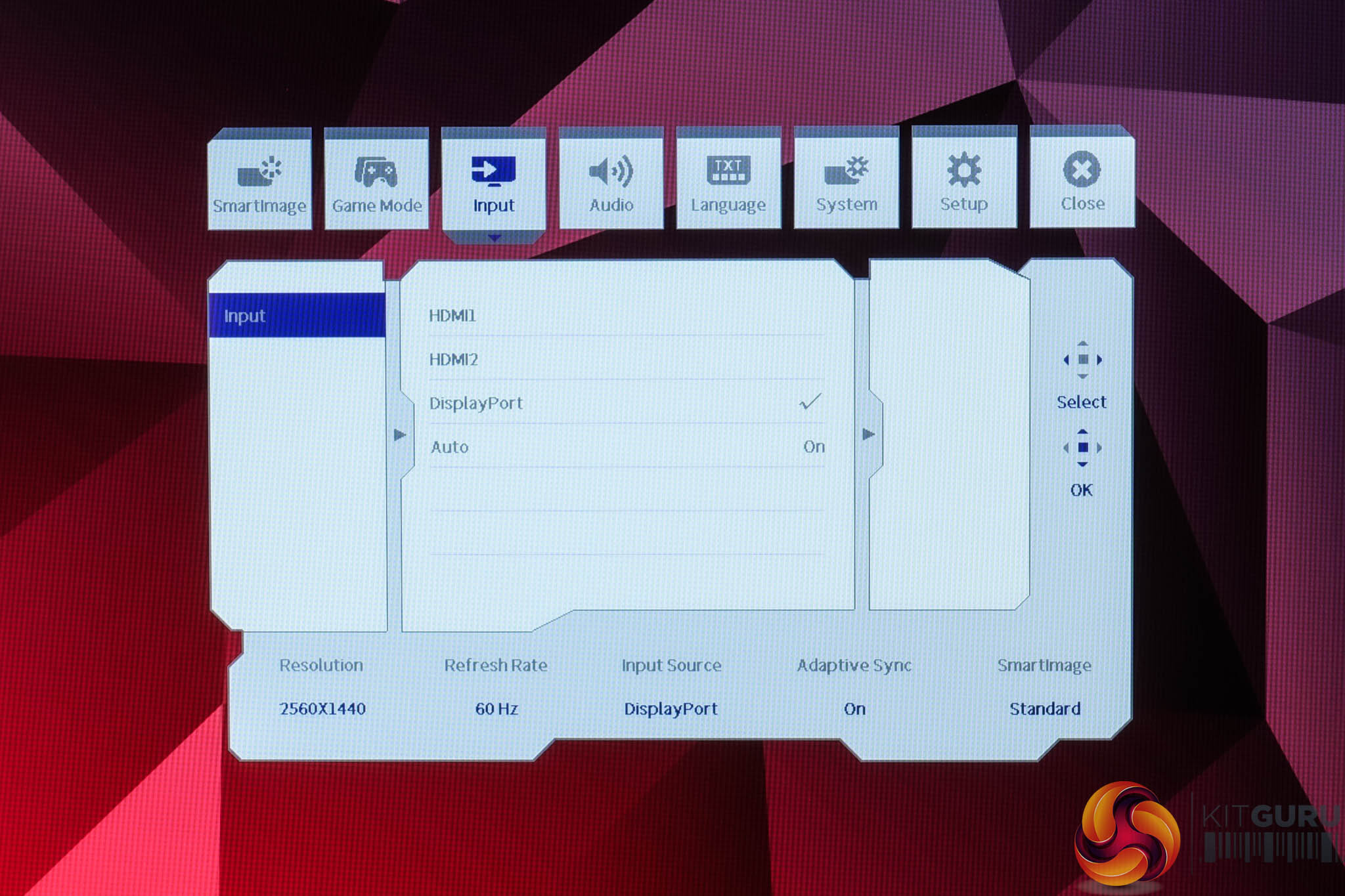
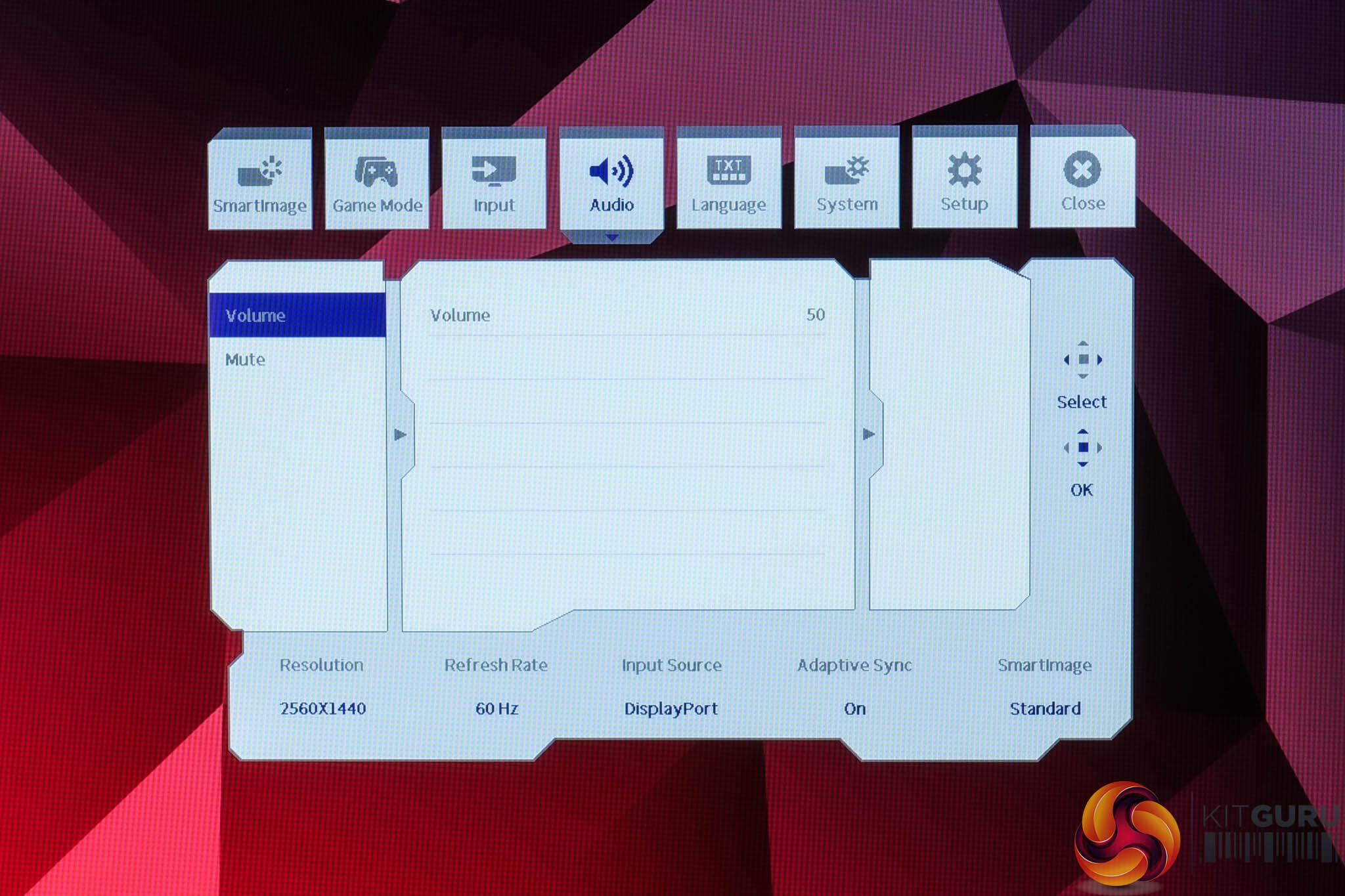
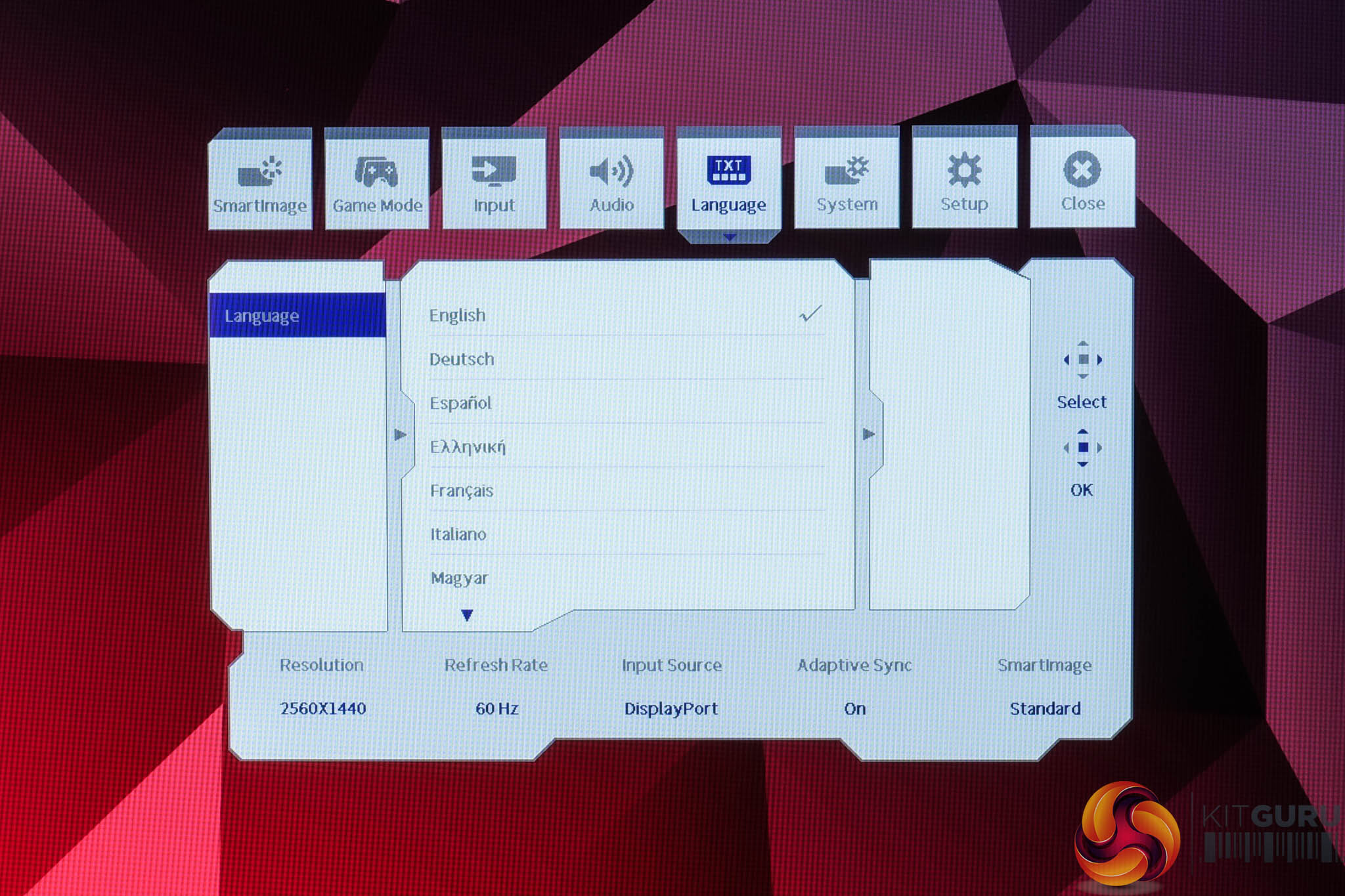
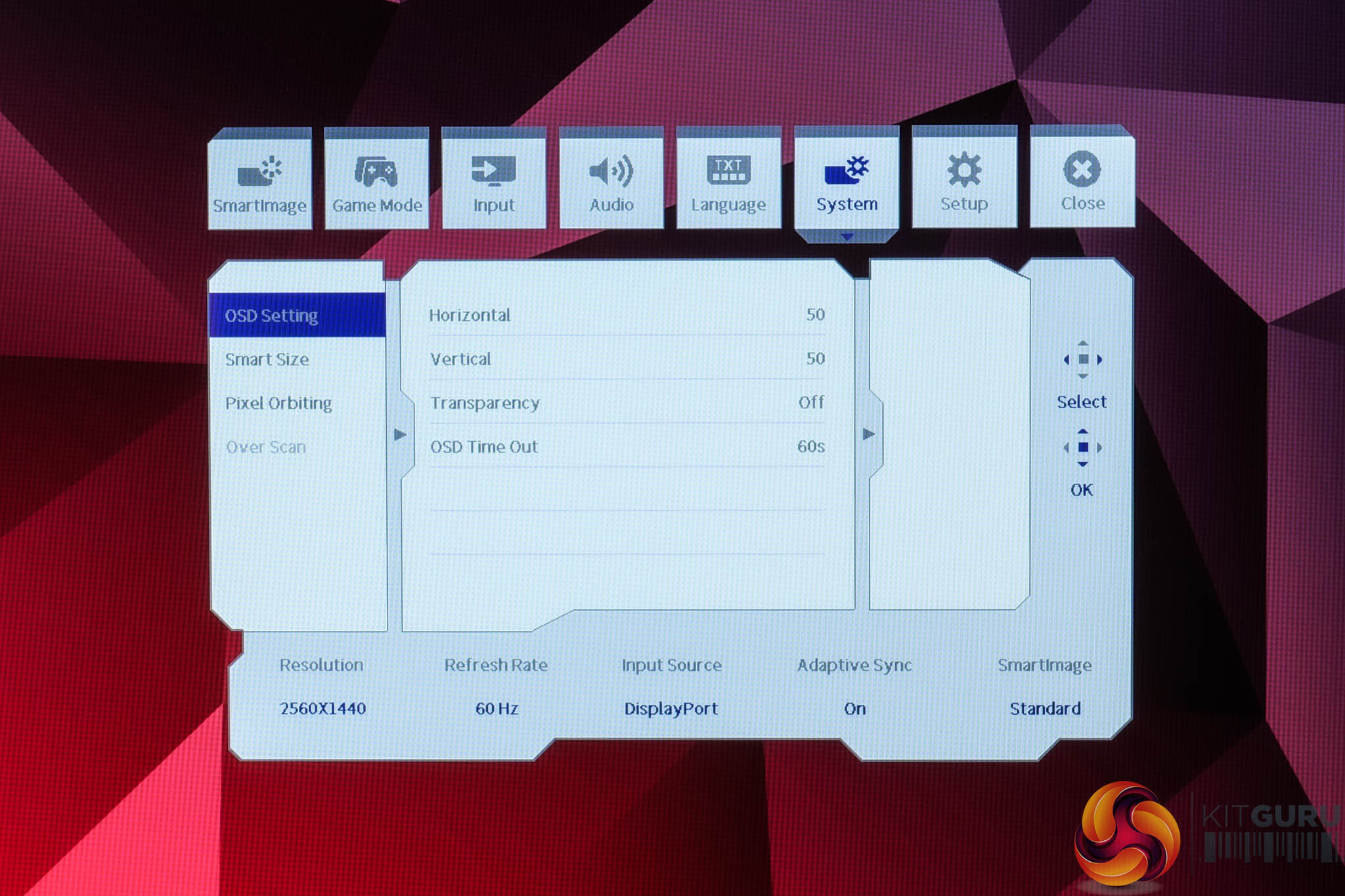
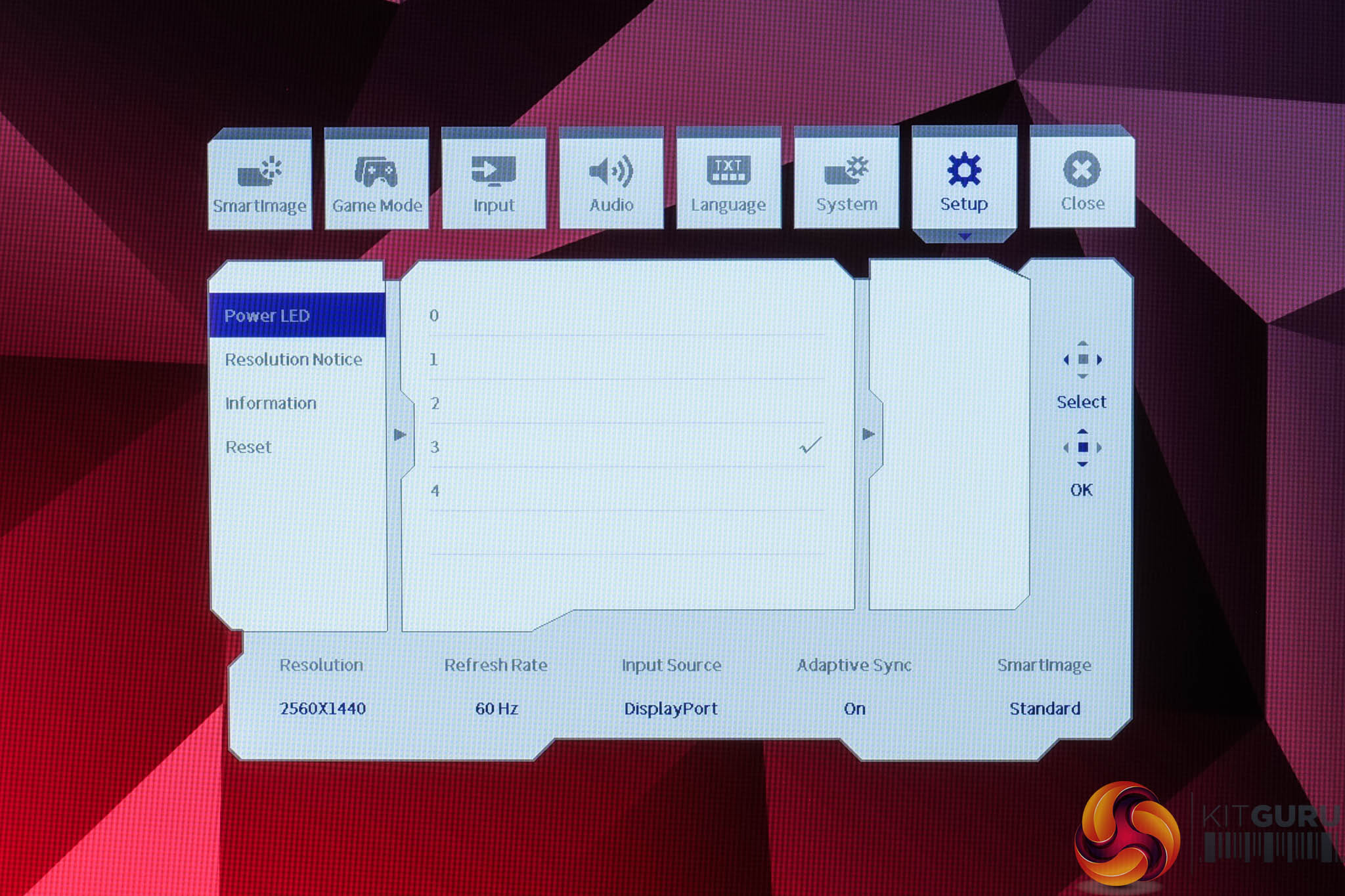
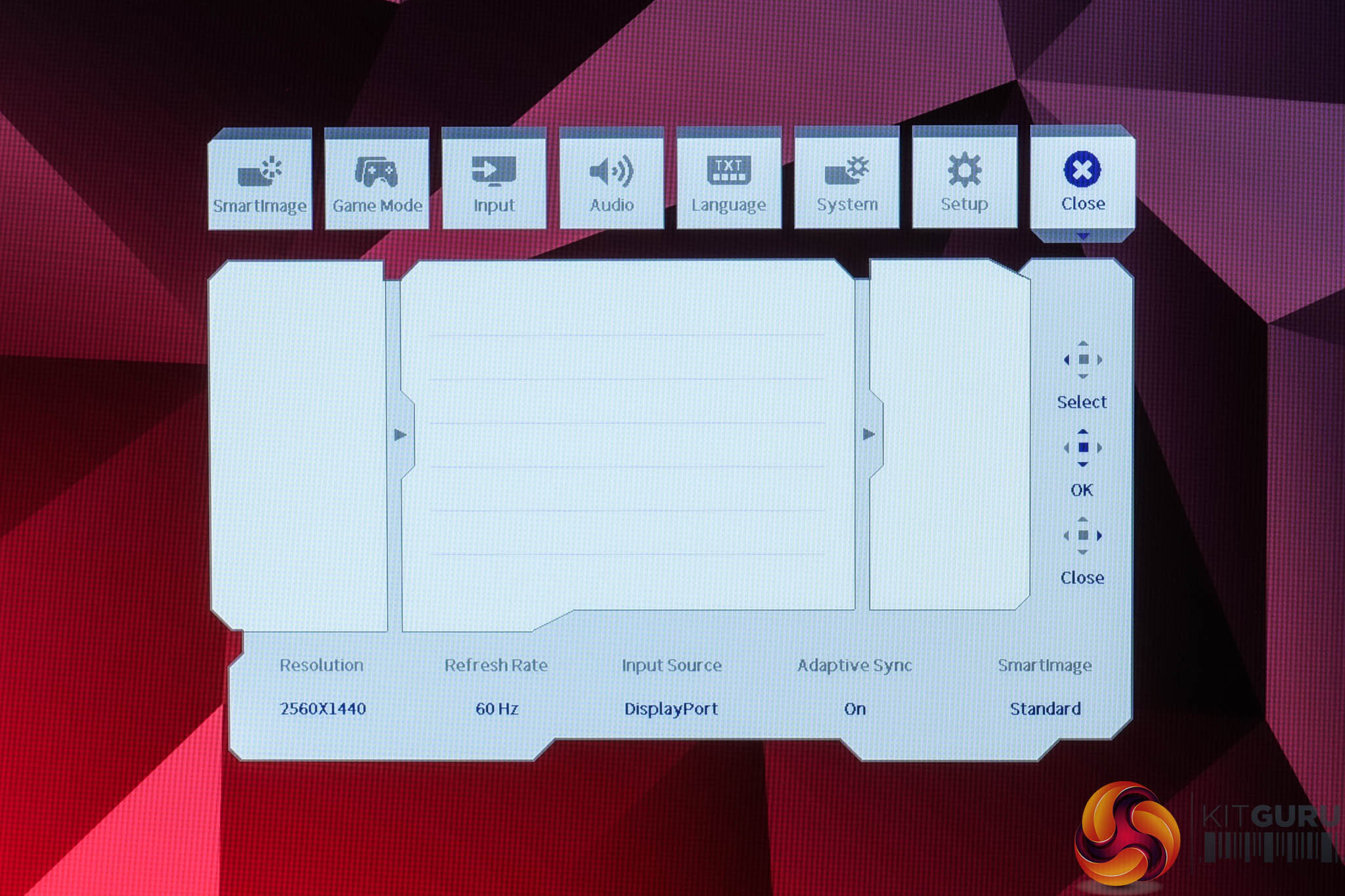
The OSD system appears unchanged since we last looked at an Evnia screen. It's certainly not the prettiest UI going, but it has a good number of features and is easy to navigate using the joystick. My only real complaint is that there are no customisable shortcut options – being able to quickly adjust brightness without diving into the main OSD itself is always a welcome feature to me.
It's also worth clarifying that to achieve the maximum 260Hz refresh rate, you do need to enable the Overclock function from within the OSD, otherwise it defaults to 240Hz out of the box – it won't make much difference either way, but if you're wondering why the monitor isn't giving you a 260Hz option, that's why.
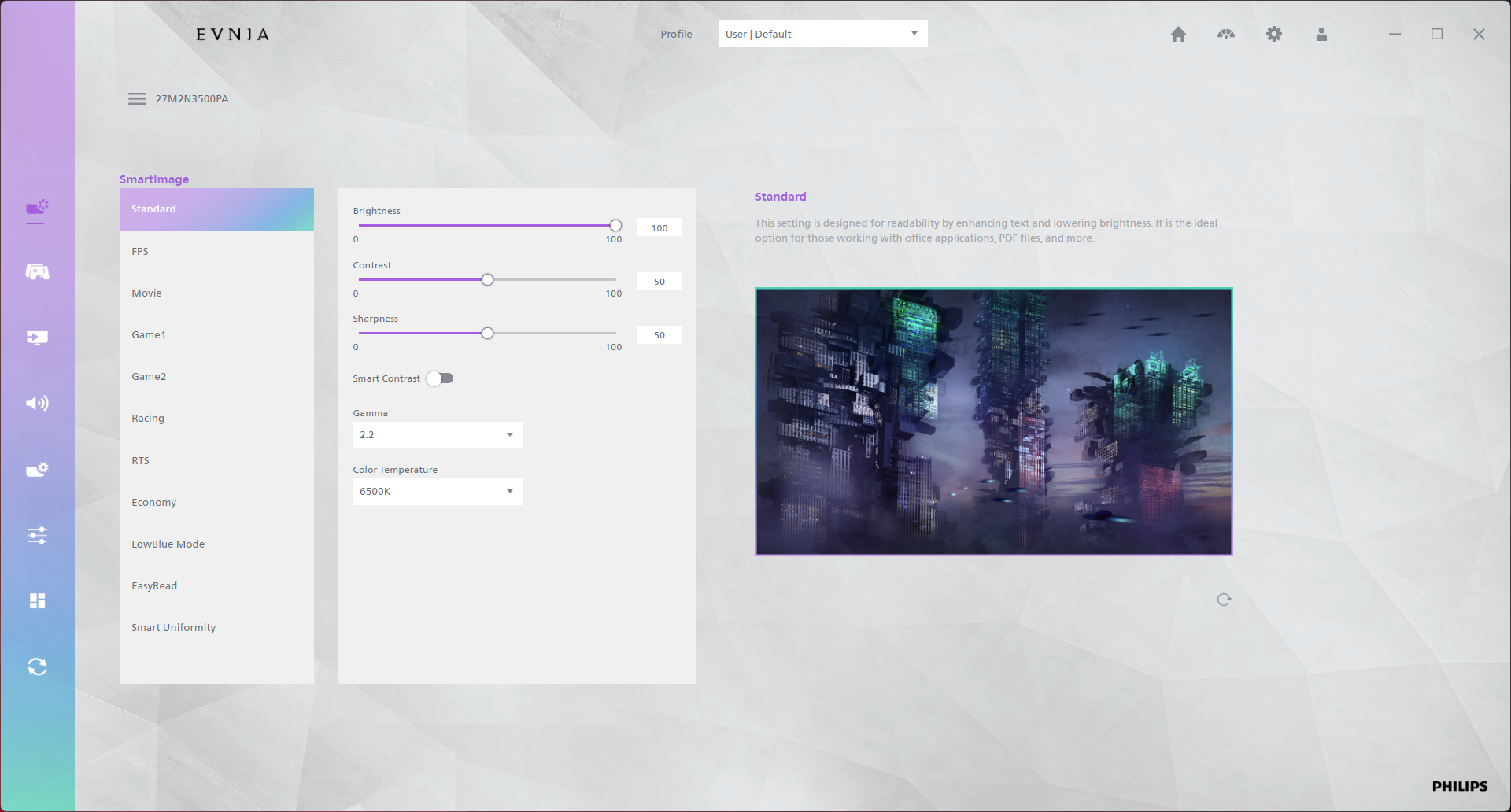
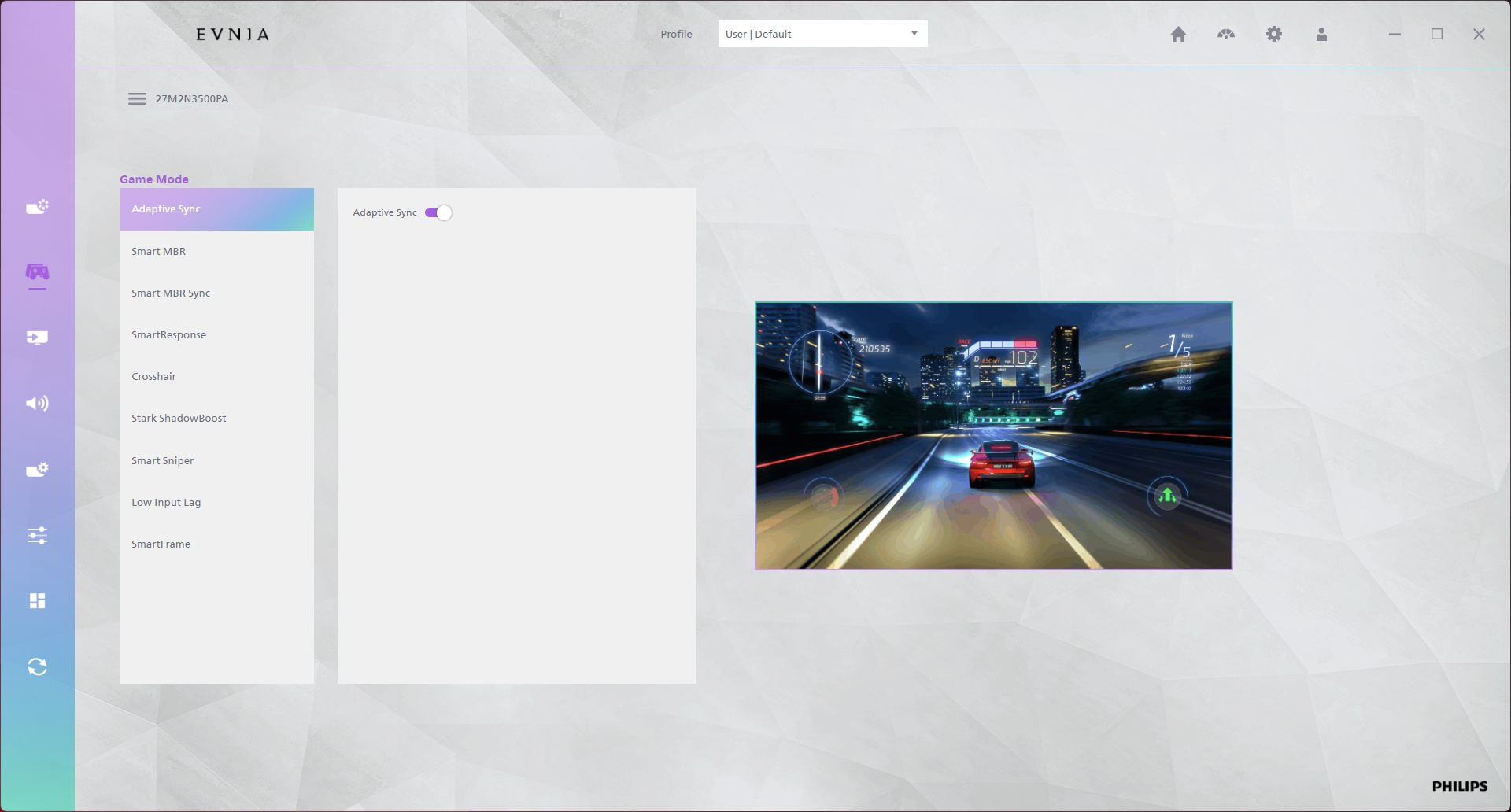
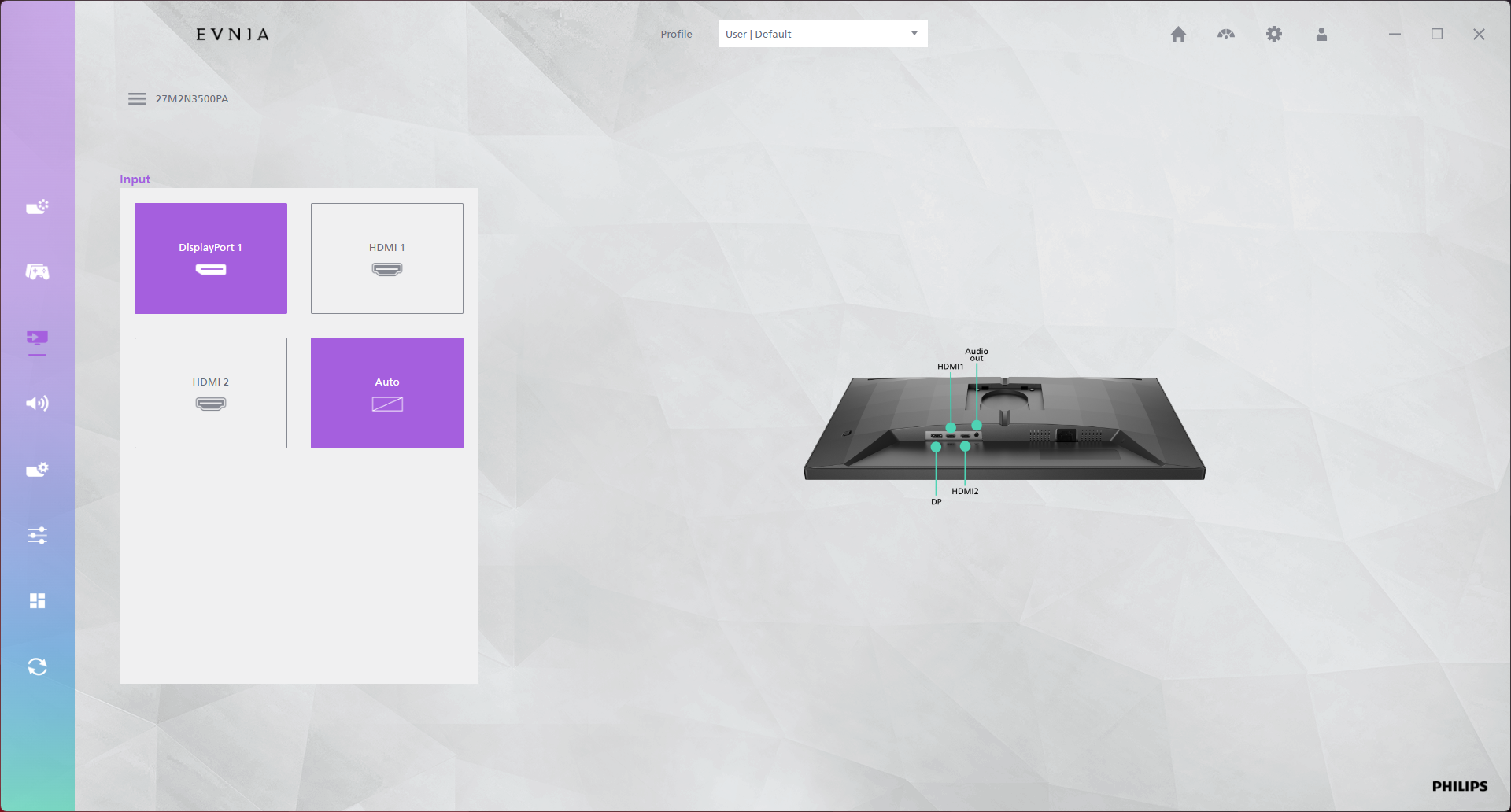
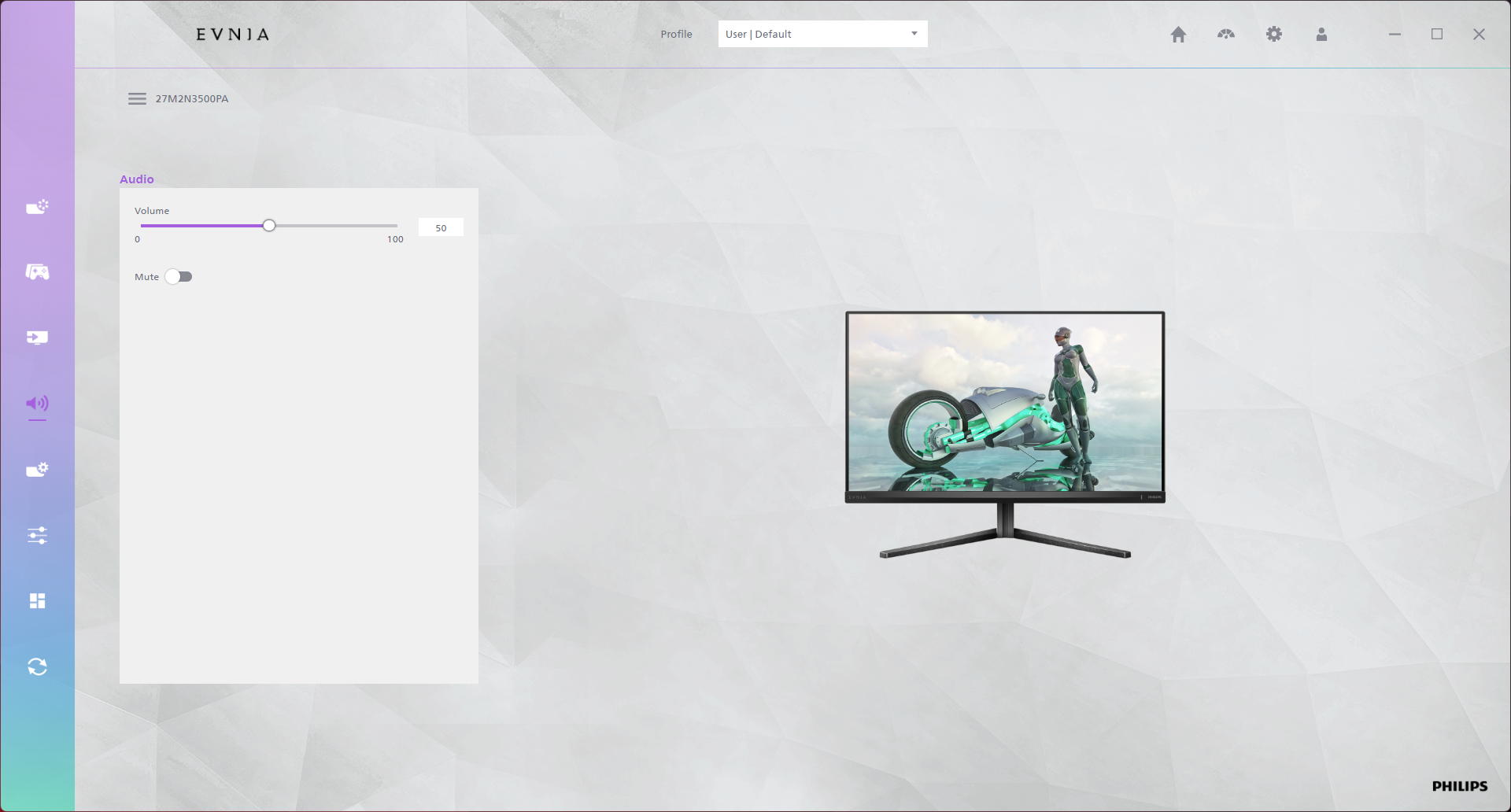
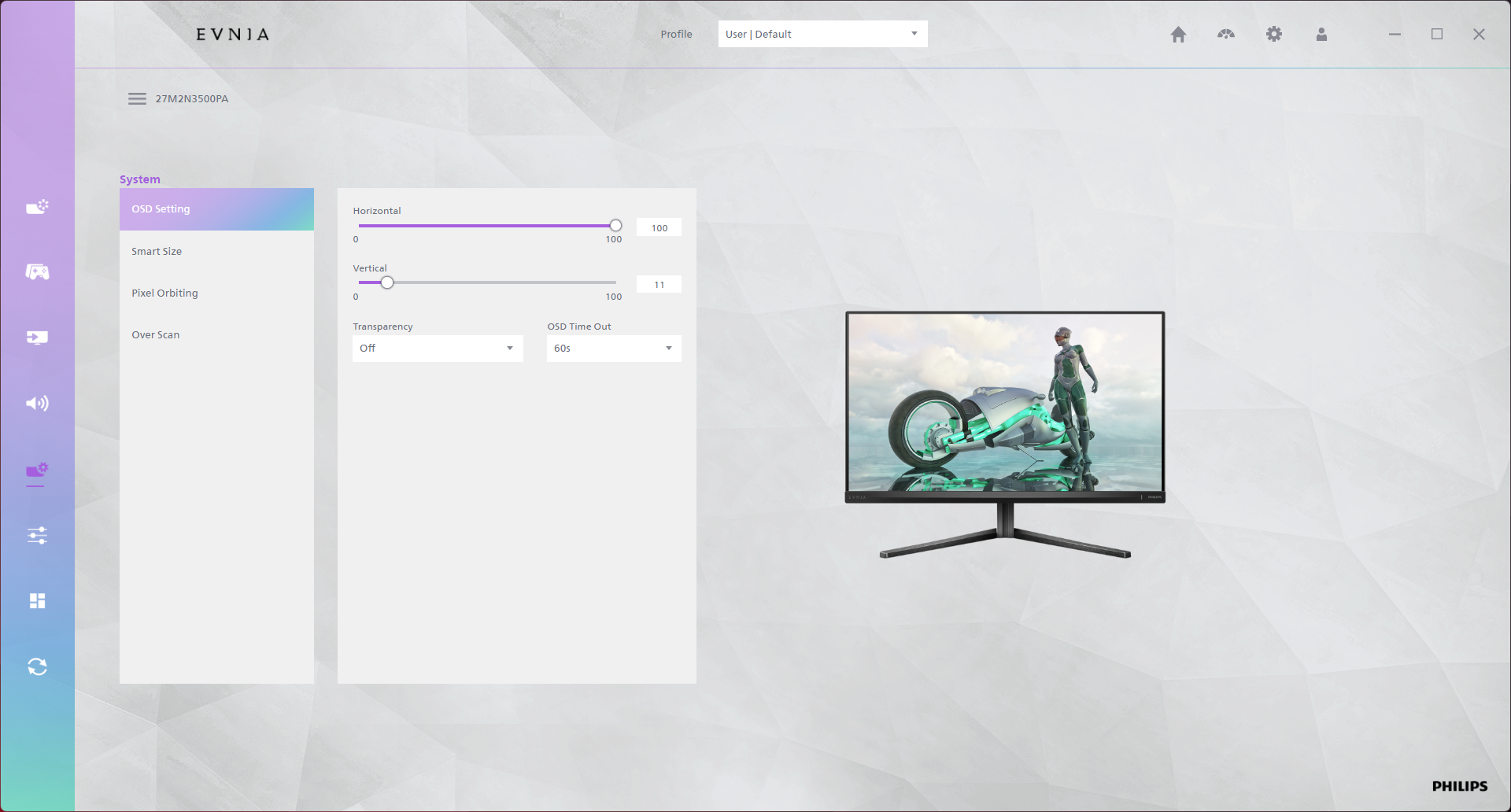
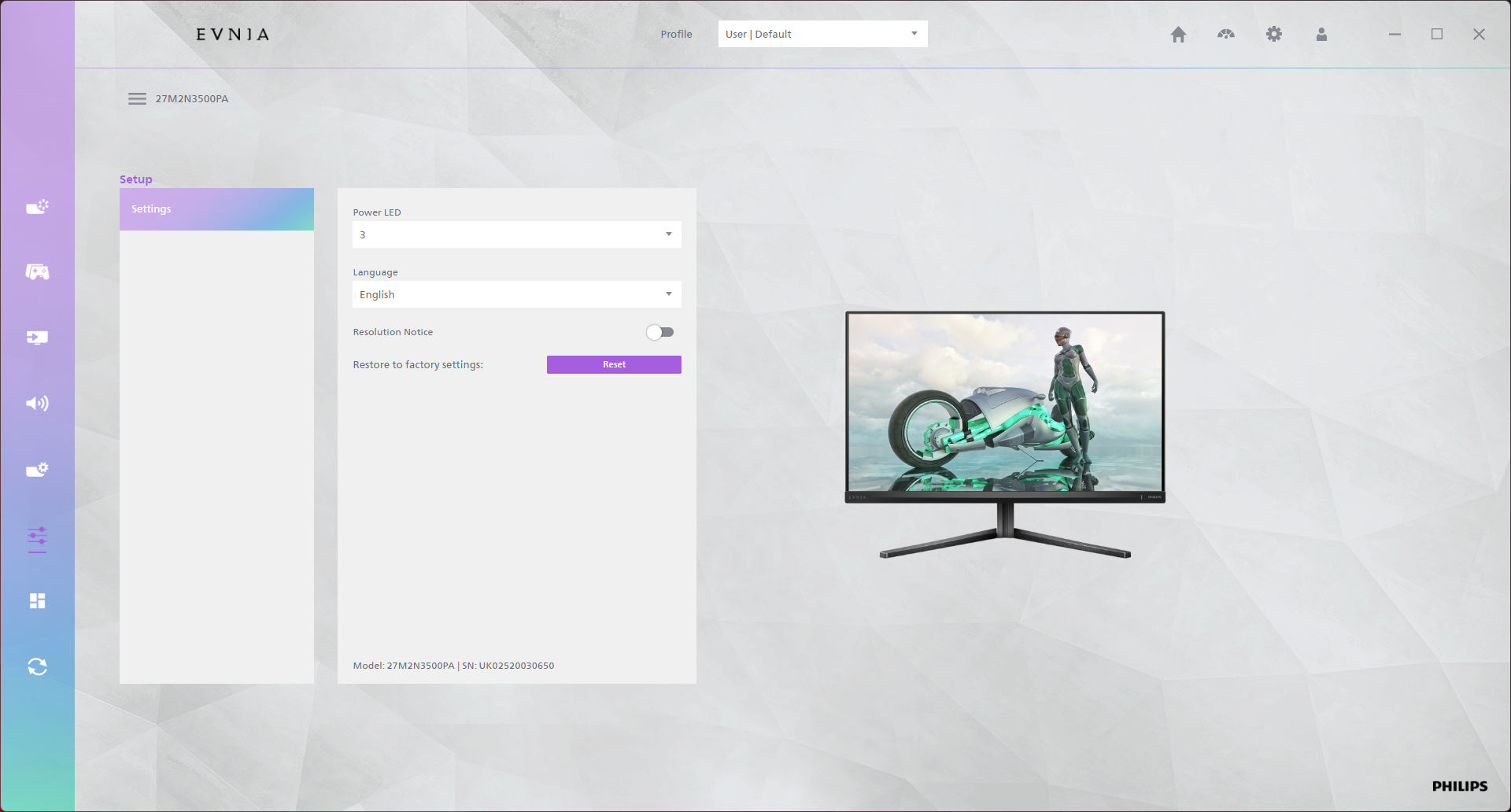
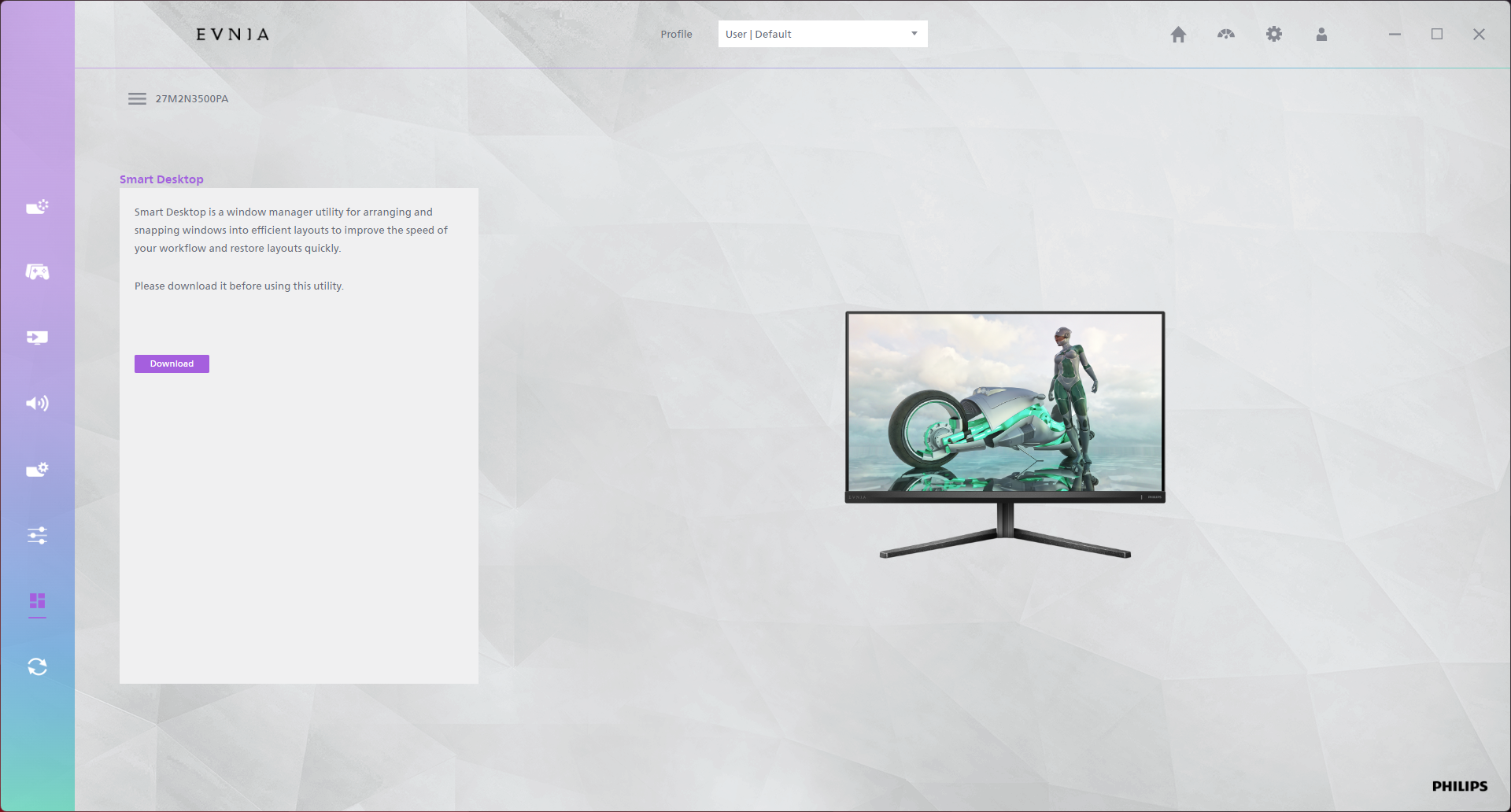
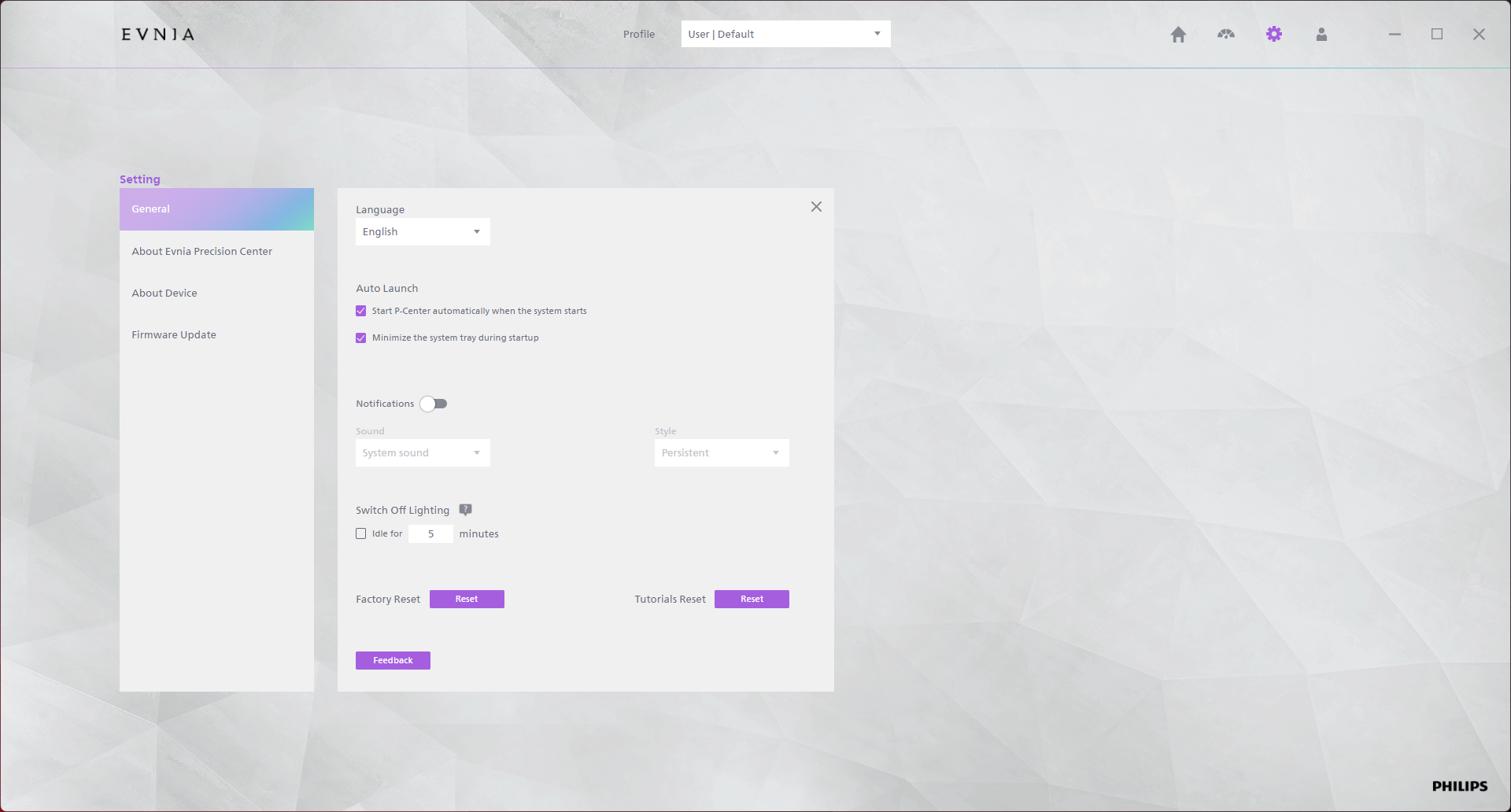
There's also the option to use Evnia Precision Center, a Windows-based piece of software that lets you adjust the monitor's settings directly from your PC. It seems absolutely fine in my usage though is occasionally a bit slow, but it's a nice-to-have extra feature.