KitGuru KitGuru.net – Tech News | Hardware News | Hardware Reviews | IOS | Mobile | Gaming | Graphics Cards


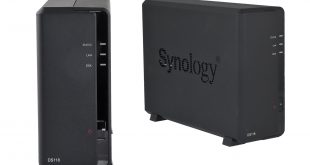
Synology's latest single bay NAS is the DiskStation DS118. Part of the company's Value Series, the DS118 is equipped with a quad core 64-bit processor and DDR4 memory and is marketed as a high performance single bay NAS for small offices and home users. It also has the ability to perform 10-bit 4K H.265 video transcoding on the fly.
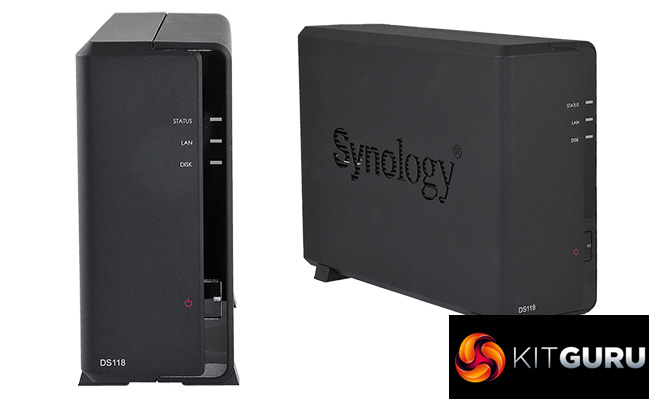
The Synology DiskStation DS118 is a step up in terms of CPU and memory from the previous DS116 model, using a 64-bit quad core Realtek RTD1296 processor clocked at 1.4GHz (the DS116 uses a 32-bit 1.8GHz Marvell Armada 385 88F6820) and 1GB of DDR4 memory as opposed to the 1GB of DDR3 in the DS116.
Thanks to the Realtek RTD1296 CPU, the DS118 has hardware encryption and transcoding engines. The transcoding engine supports 10-bit 4K (4096 x 2160), H.265 (HEVC) at a maximum frame rate of 30fps and 1080p (1920 x 1080) H.264 (AVC)/H.265 (HEVC)/MPEG-4 Part 2 (XVID, DIVX5)/MPEG-2/VC-1, again at a maximum of 30fps.
Physical Specifications:
Processor: Realtek RTD1296 quad core 1.4GHz.
Memory: 1 GB DDR4.
Gigabit Ethernet Ports: 1.
Rear panel connectors: 2 x USB 3.0
Cooling : Active, 1 x 60mm fan.
Drive Bays Supported: 1.
Maximum hard drive size supported: 12TB.
Maximum Capacity ; 12TB.
Internal File System support: EXT4.
Dimensions (D x W x H): 224 x 166 x 71mm.
Weight: 0.7kg.
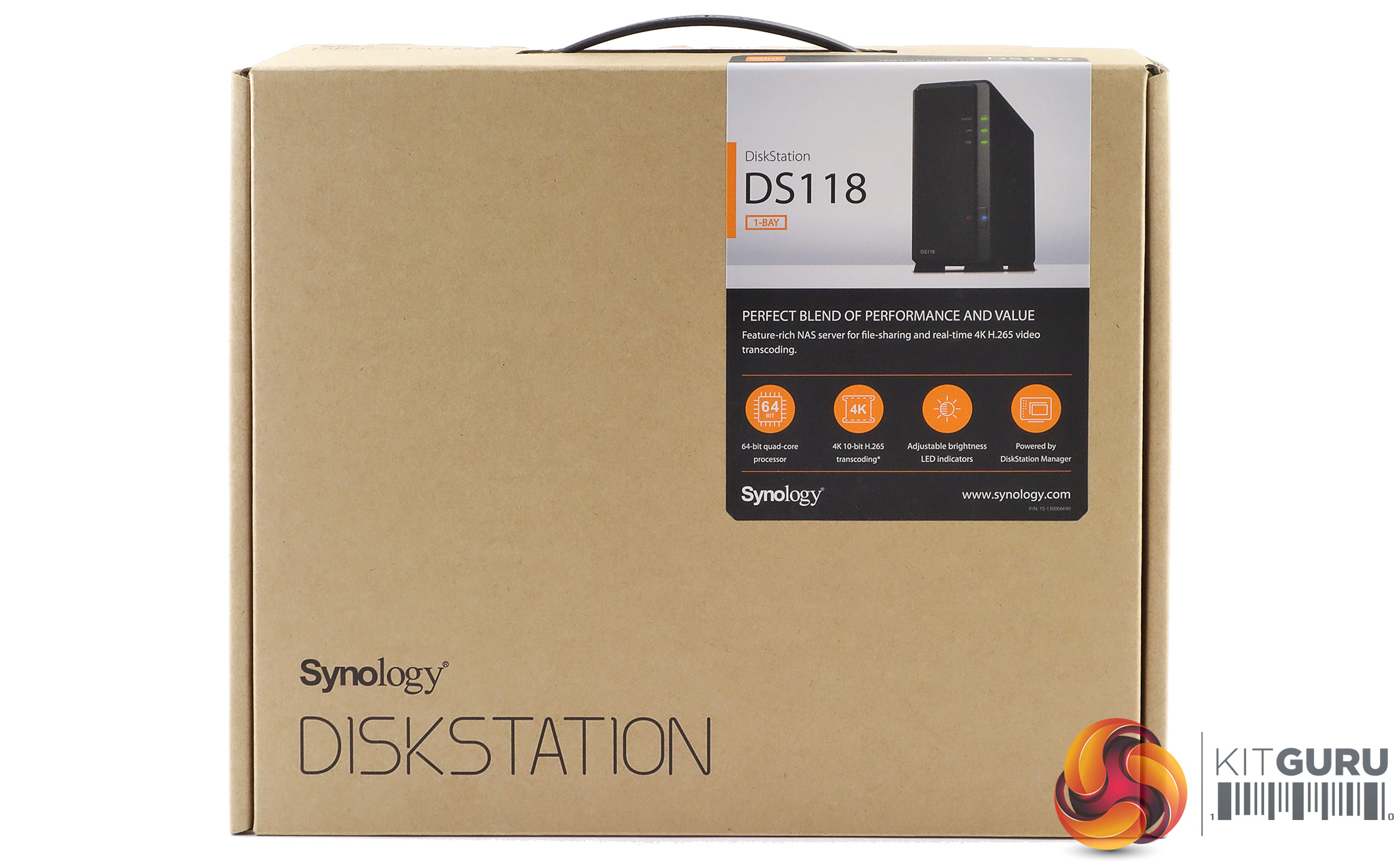
The DiskStation DS118 comes in a fairly compact box with a sticker in the top right hand side displaying a good clean image of the unit. Under the image are a row of icons describing some of its features; quad-cored CPU, 4K 10-bit H.265 transcoding, adjustable LED indicator brightness and the fact it uses Synology's DiskStation Manager.
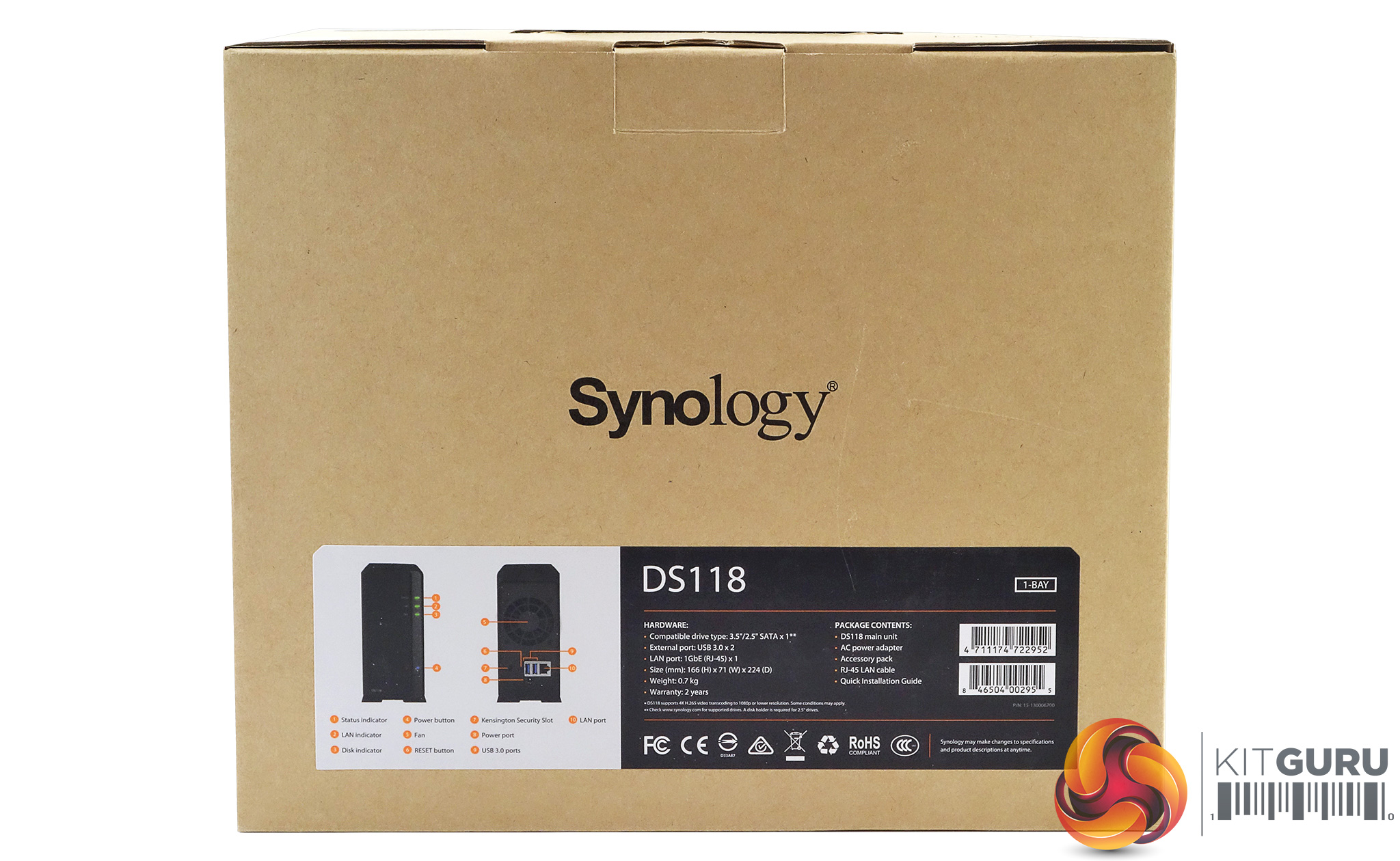
The rear of the box has a label towards the bottom with front and rear images of the unit along with a numbered list of its features and ports. Next to these images is a panel listing the DS118's hardware and what's in the box.
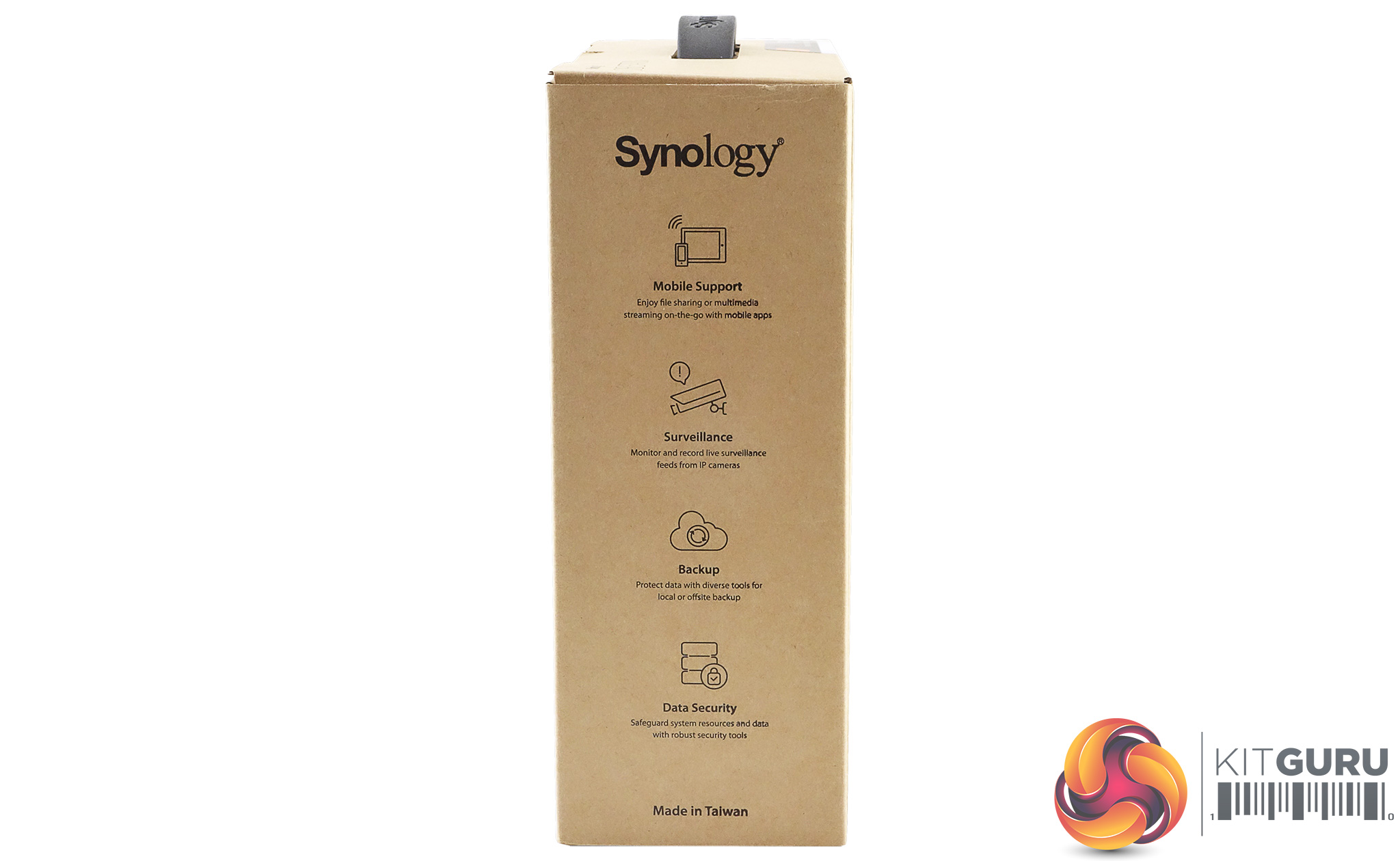
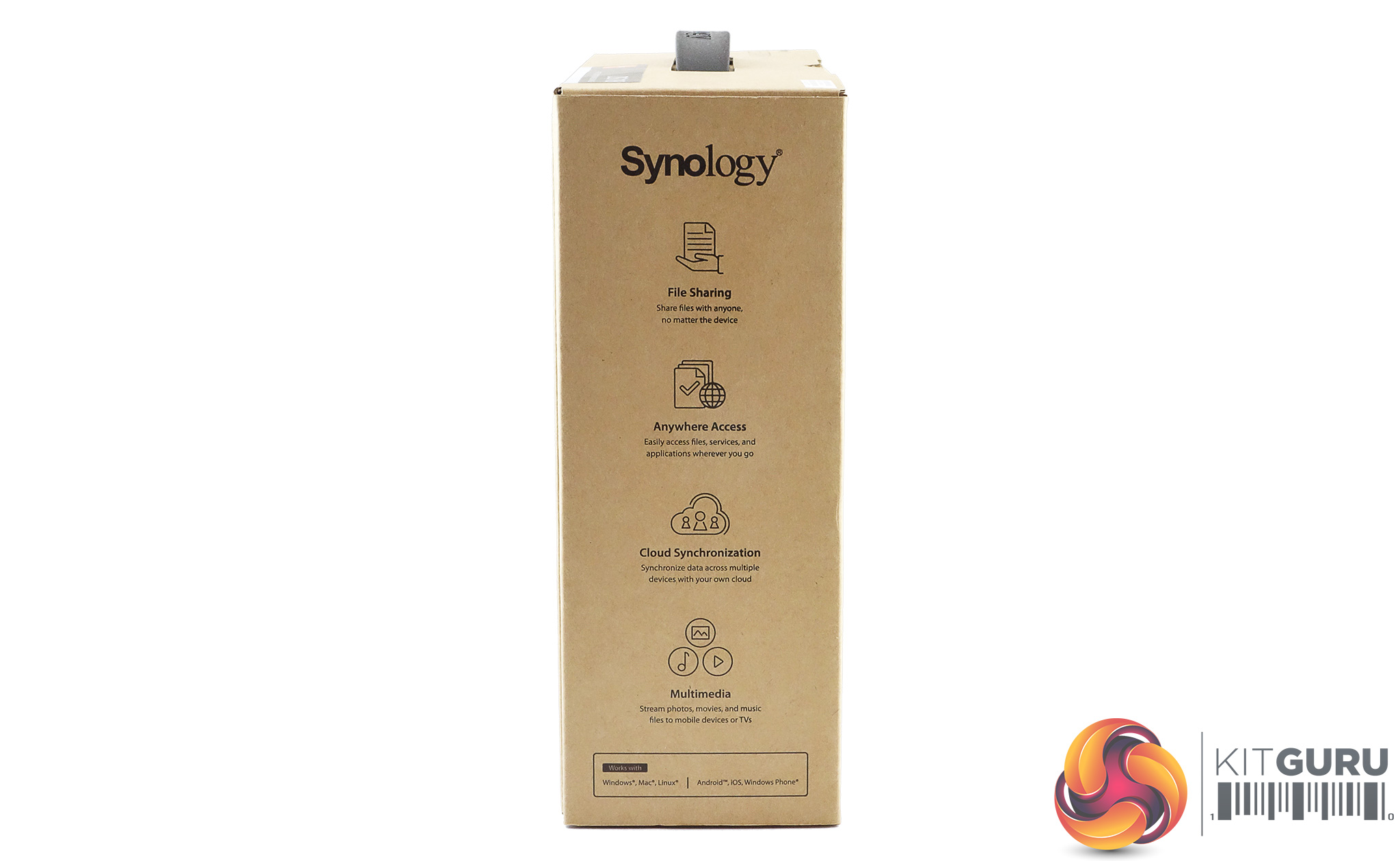
Both sides of the box feature a list of feature icons. One side displays icons for Mobile Support, Surveillance, Backup and Data Security while the other side has File Sharing, Anywhere Access, Cloud Synchronization and Multimedia uses listed.
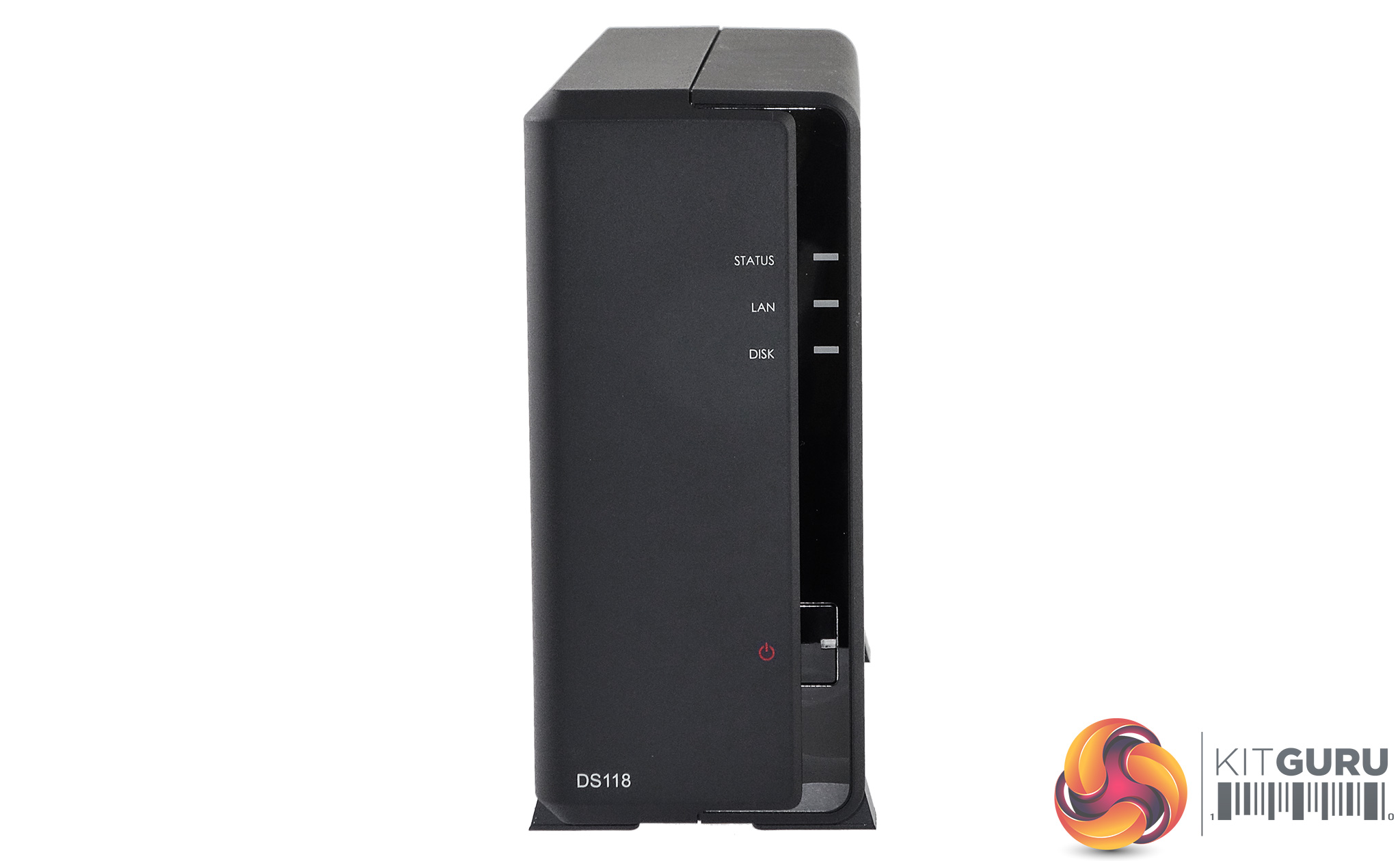
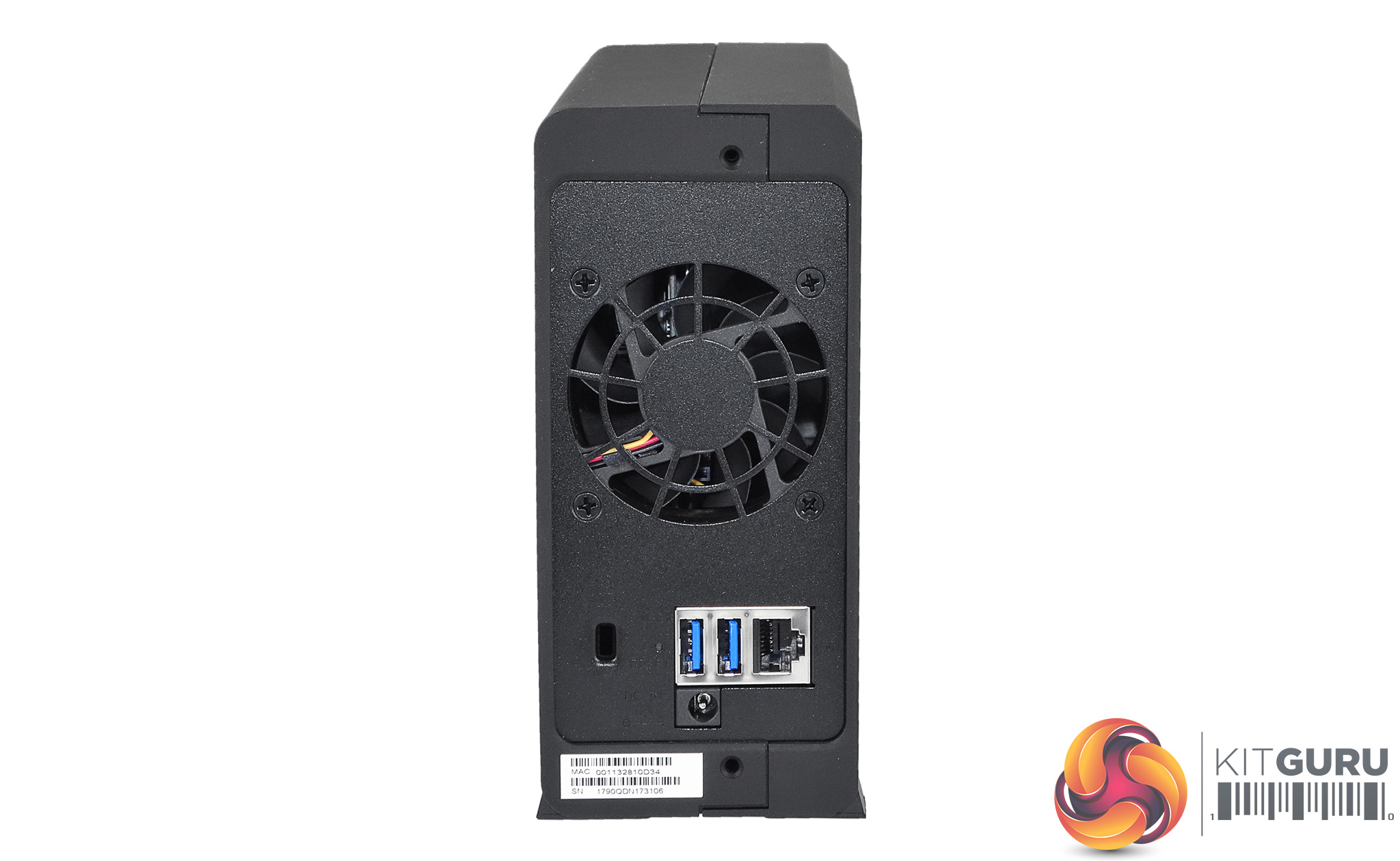
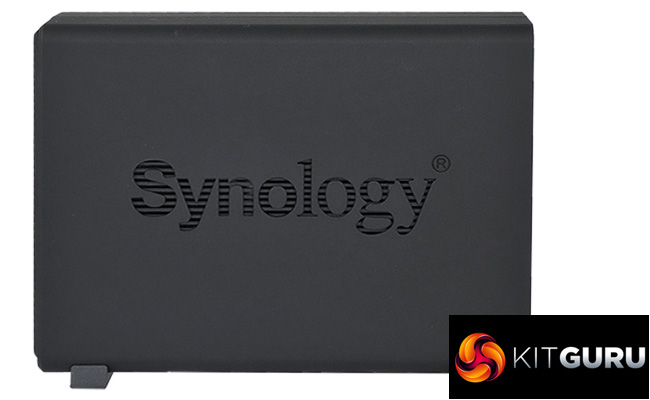
With only one drive to support, the DiskStation DS118 is a compact design. The enclosure is split in half lengthwise to enable access to the drive bay, with one side having a completely matt black finish while the other half has a shiny Piano Black front end to make it stand out as it holds the all the indicator lights and power button.
There are three indicators; System Status, Network and Disk activities. There are no ports on the front panel, the two USB 3.0 ports are at the bottom of the rear panel just under the grill for the 60mm cooling fan.

To aid in the units cooling, both sides of the enclosure have cut out Synology branding.
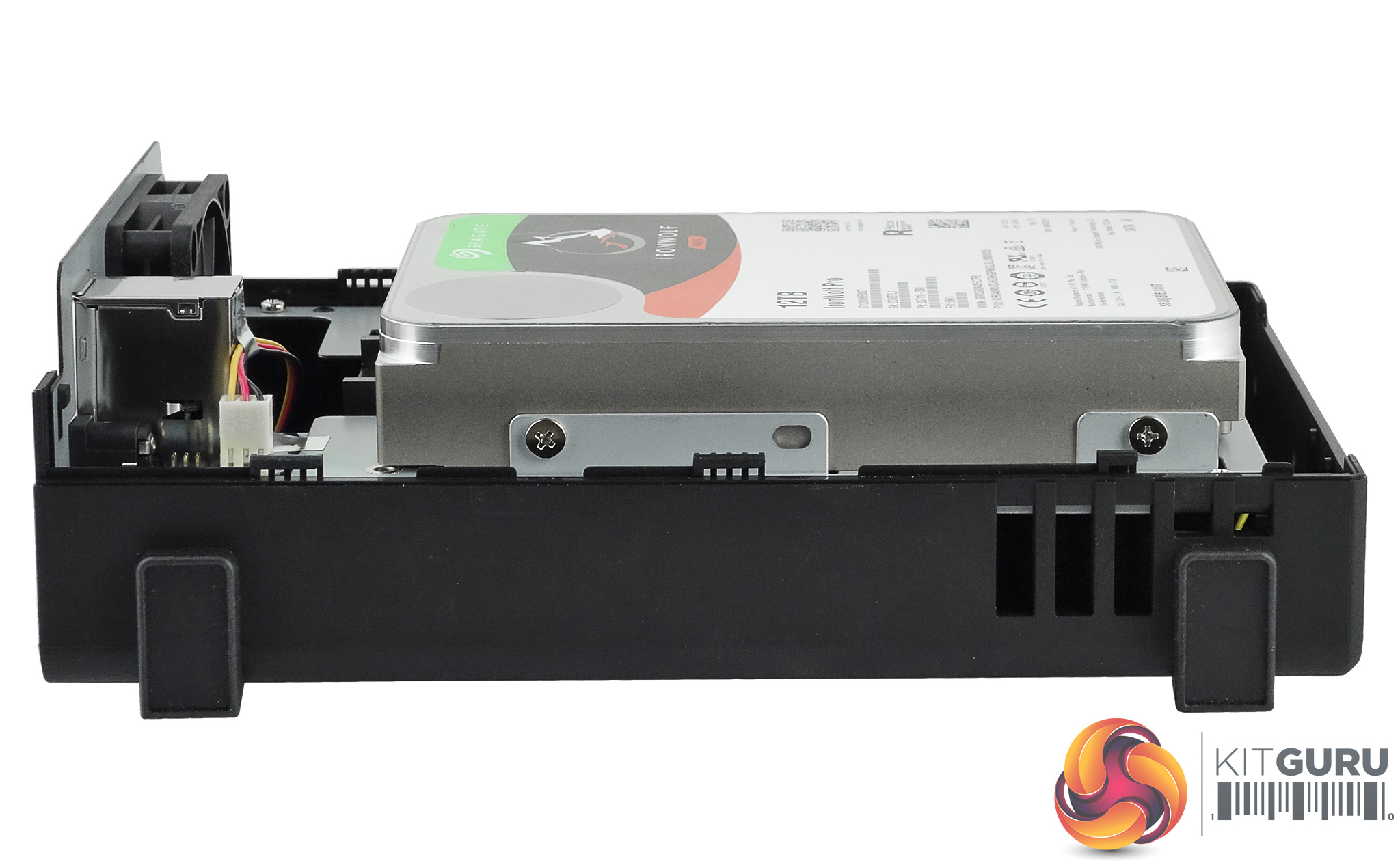
Synology has designed the DS118 so getting to the hard drive is a straight forward affair. It is even easier the first time around as the two screws holding the two sides of the case aren't in position (they are in a plastic bag in the box).
The two halves of the enclosure slide apart (there's a handy sticker under the case which shows which way to slide to unlock it) revealing the drive mounts. At the time of writing this review, the DS118 supports drives up to and including 12TB of capacity.
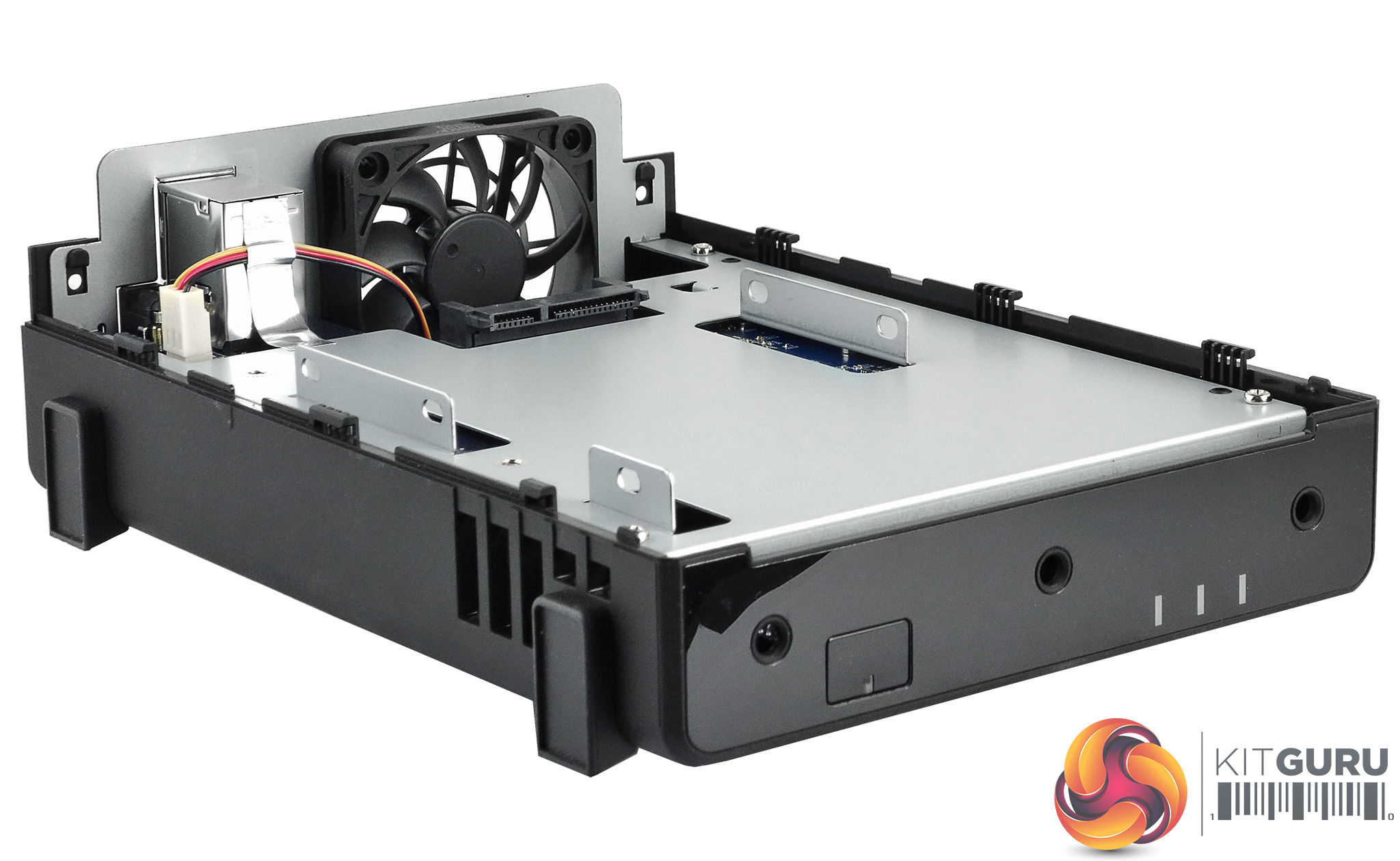
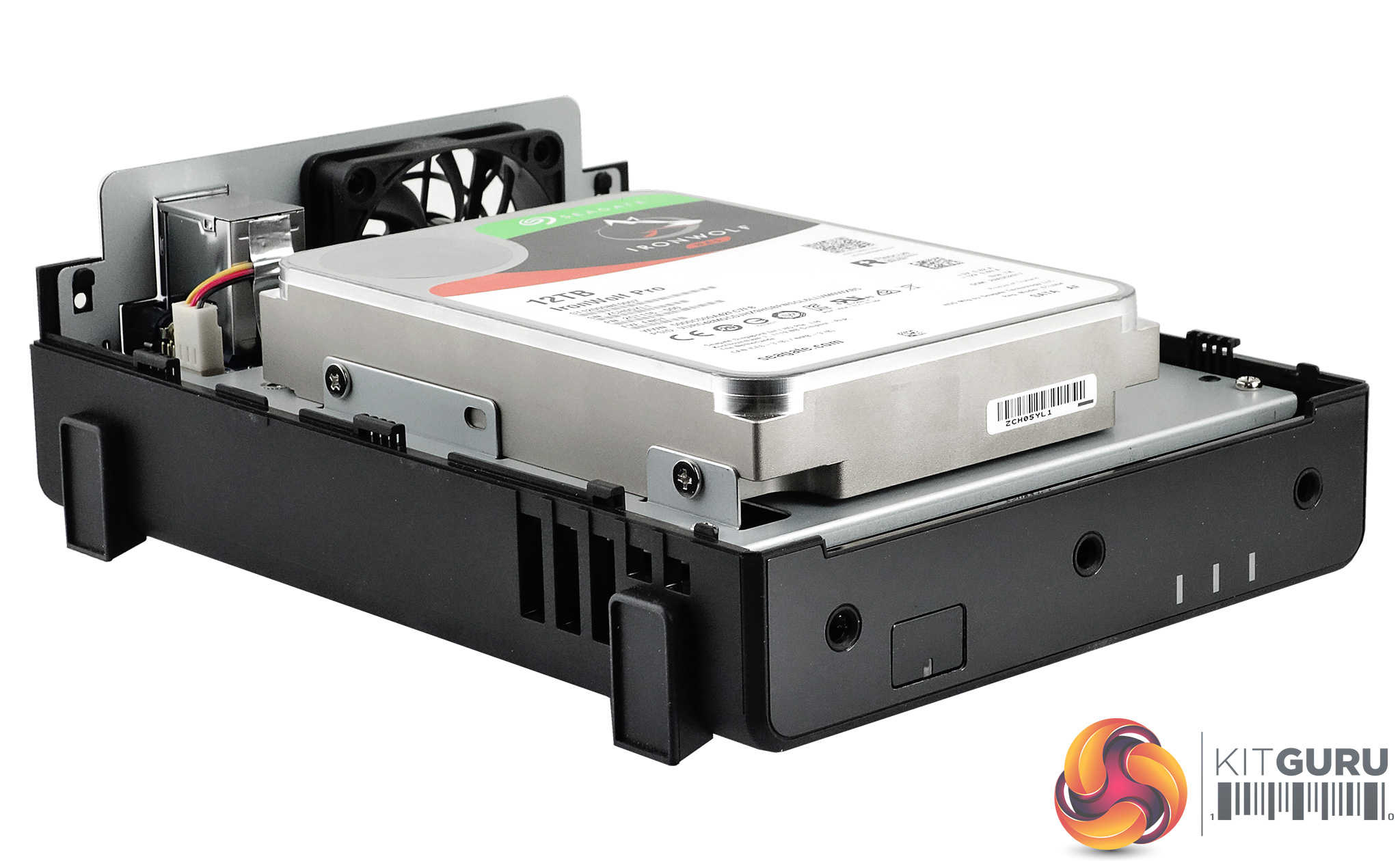
The DS118 supports 2.5in HDD and SSD's but you'll have to get the optional Type: C disk holder (approx. £10) to use them.
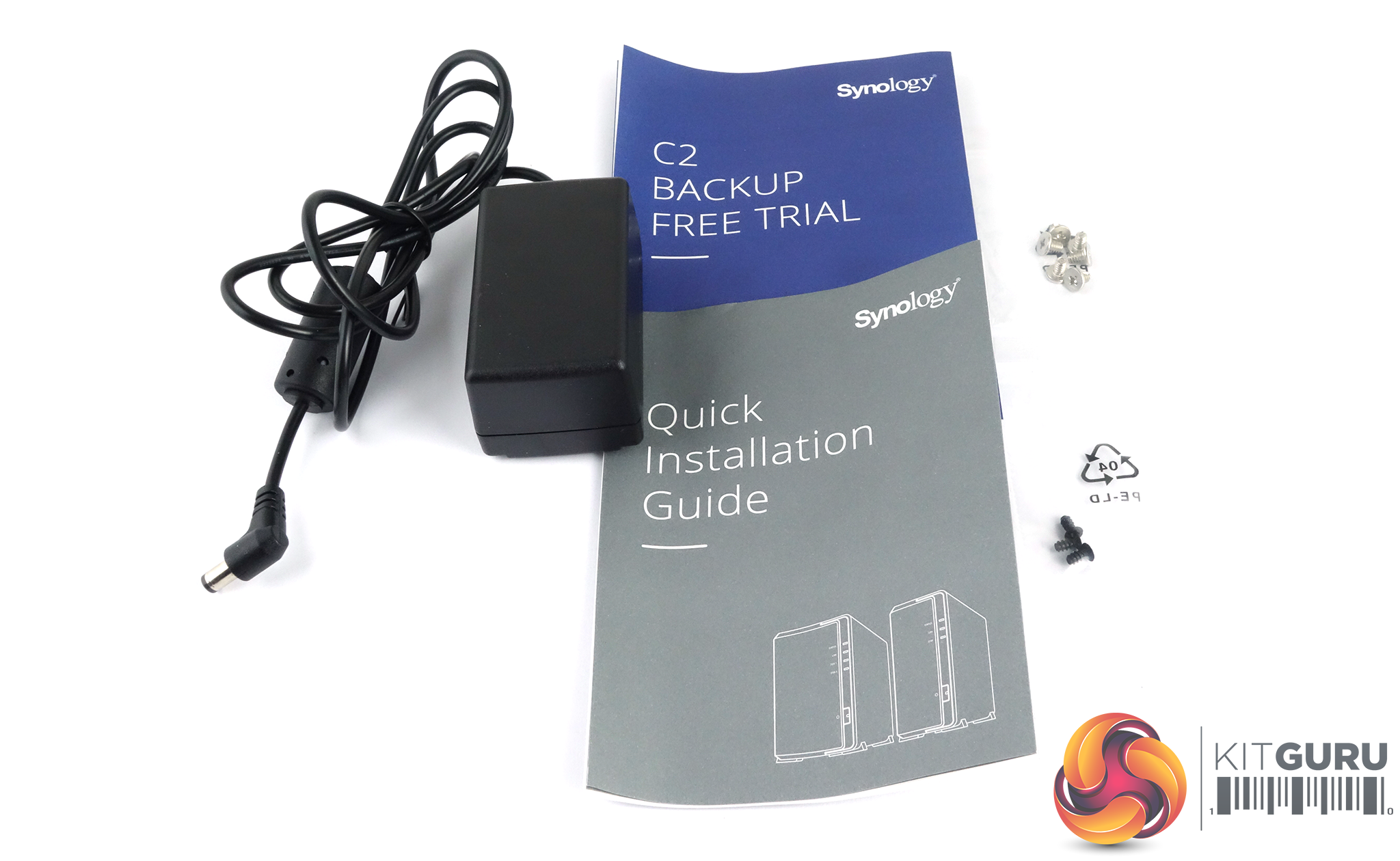
The box bundle for the DS118 is a simple affair; a 36W power adapter (EDAC EA1024PR), screws for securing both halves of the enclosure and for fixing the drive into position, a quick installation guide and a leaflet with an offer of a month's free trial of Synology's C2 Backup service.
C2 is a cloud backup service designed specifically for Synology NAS devices which uses military grade AES-256 and RSA-2048 encryption to protect your data during transmission and while its being stored on the cloud. The only thing that wasn't included in the review system's bundle was a Ethernet cable but it's pretty safe to assume that it will be included in retail versions of the drive.
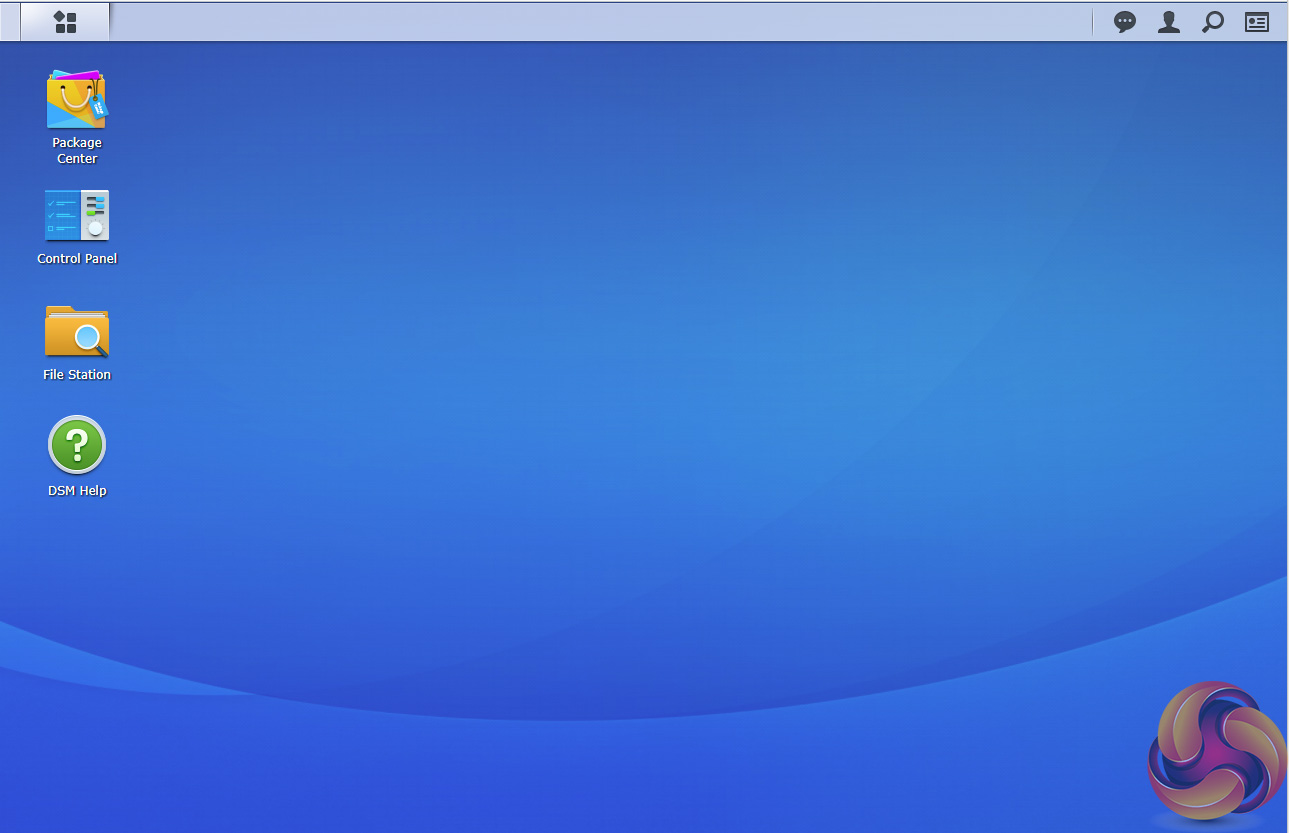
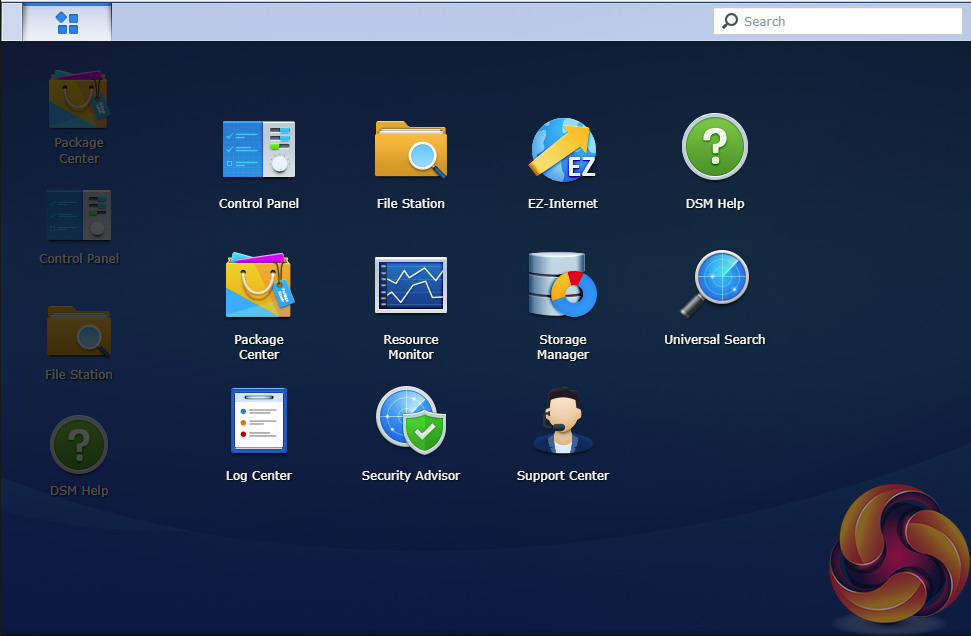
We reviewed the DS118 with version 6.1.4 (15217 update 1) of Synology’s DSM (DiskStation Manger) OS. DSM has always been one of the top NAS OS around and Synology keep it regularly updated adding more features and apps. DSM has a graphically rich interface with all the major features of the OS clearly listed.
The basic start page just lists four items; Package Center, Control Panel, File Station and DSM help. Clicking on the left-hand top tab opens a small window with more advanced menu choices than the basic one.
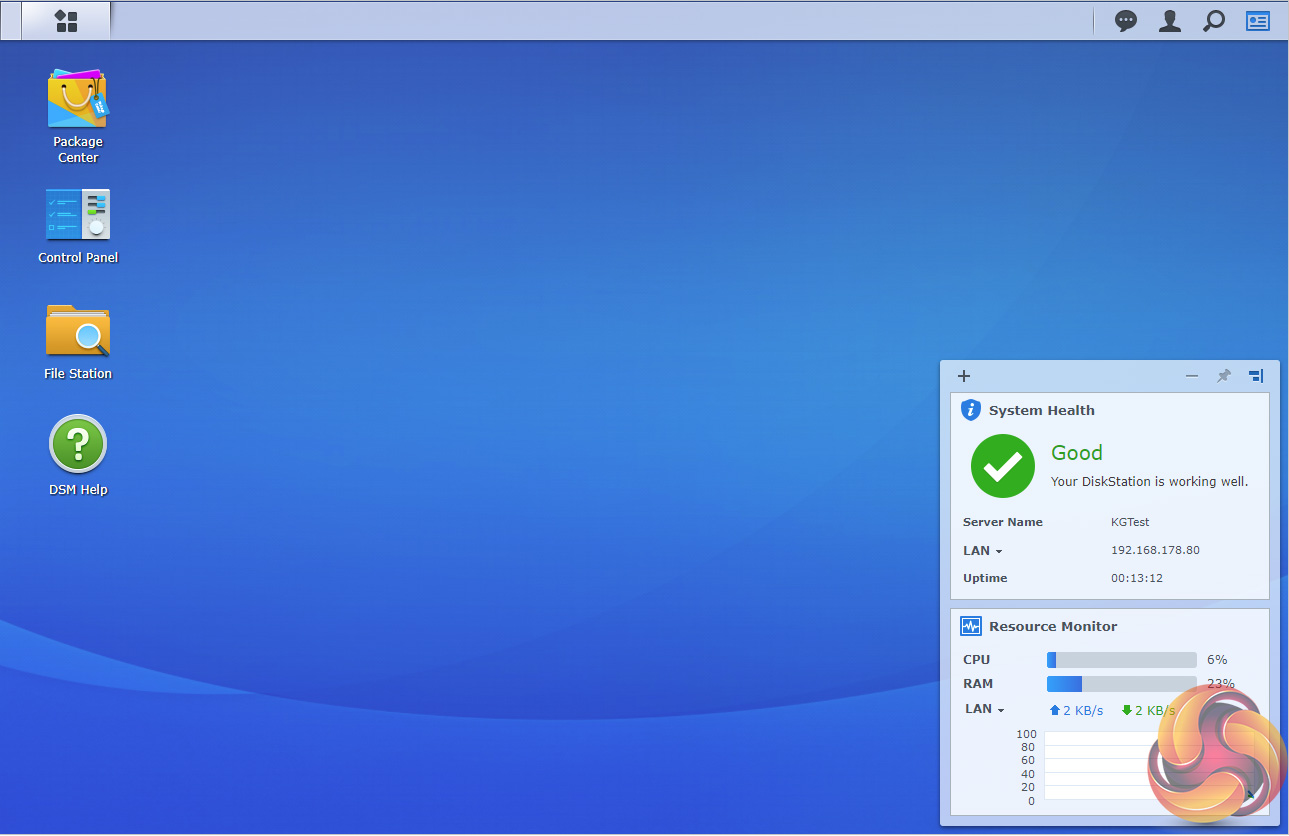
Clicking on the furthest right-hand icon at the top of the window opens the System Health and Resource Monitor widgets.
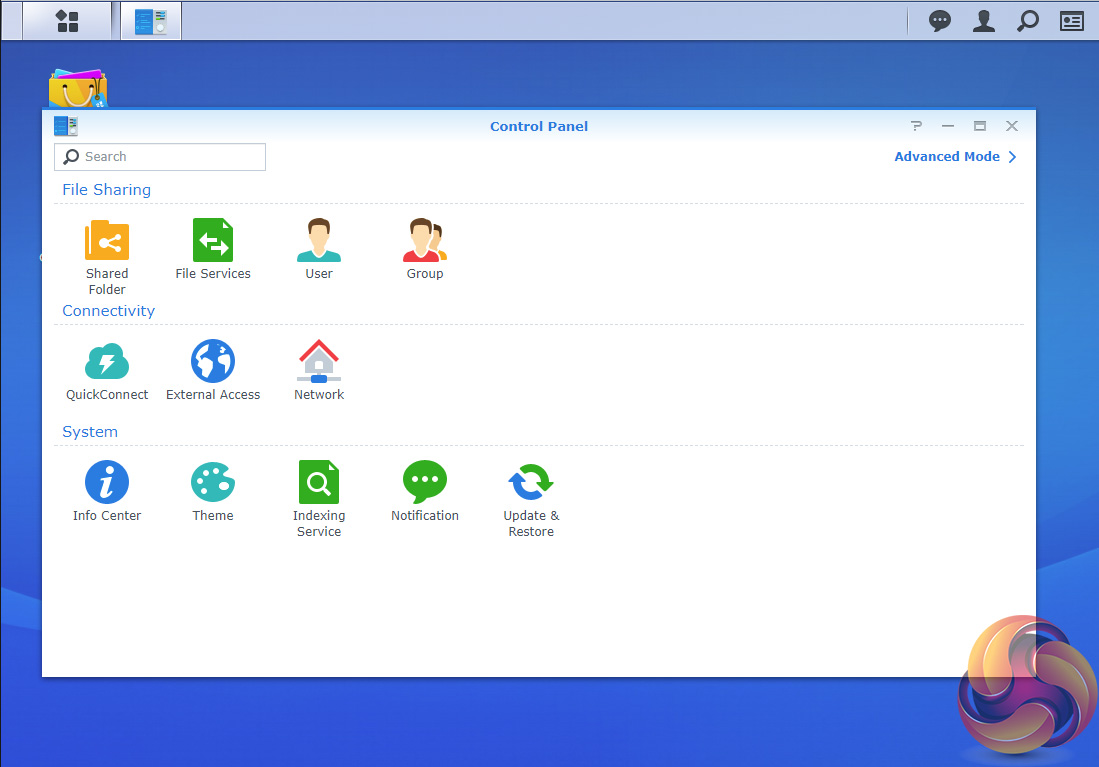
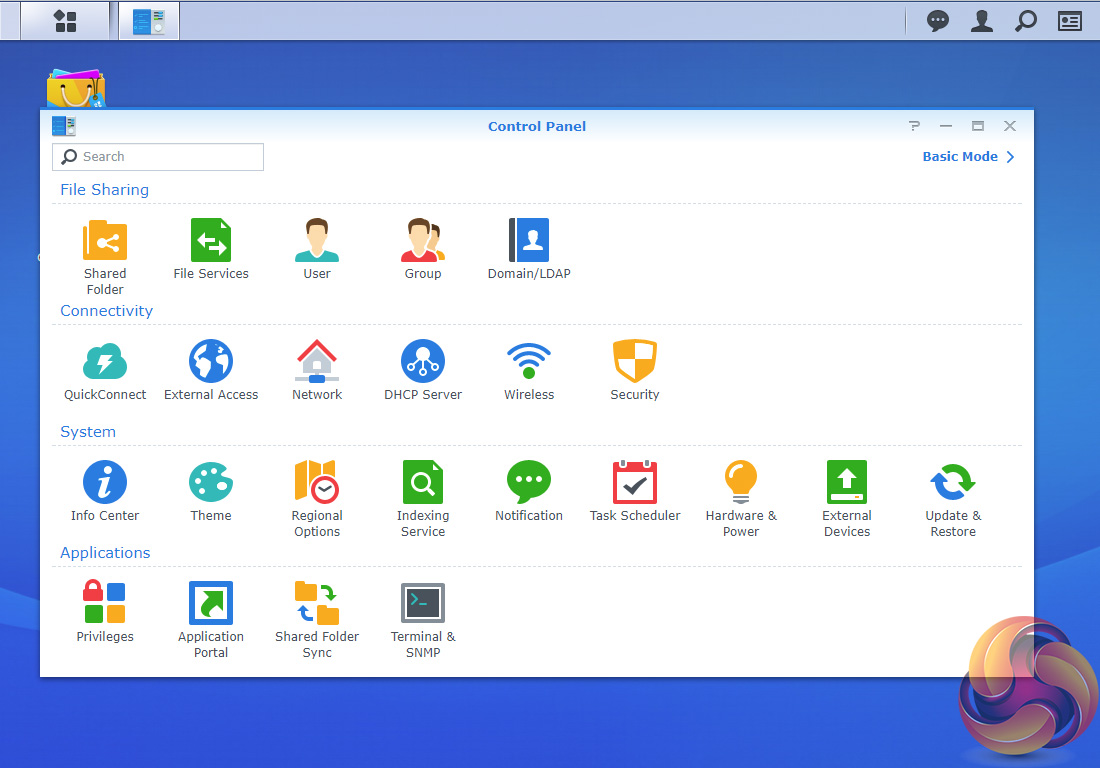
There’s a choice of control panels, Basic which displays the features most people will want to get to grips with while the Advanced option offers plenty of scope for those that want to delve deeper into the system.
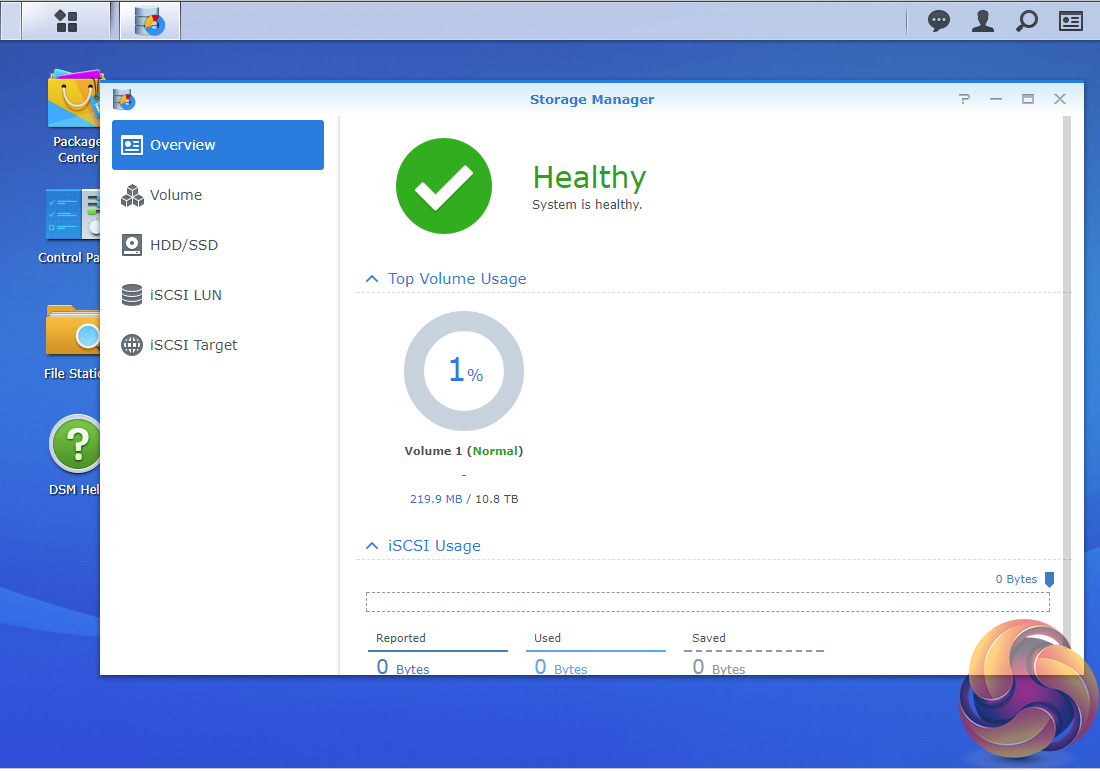
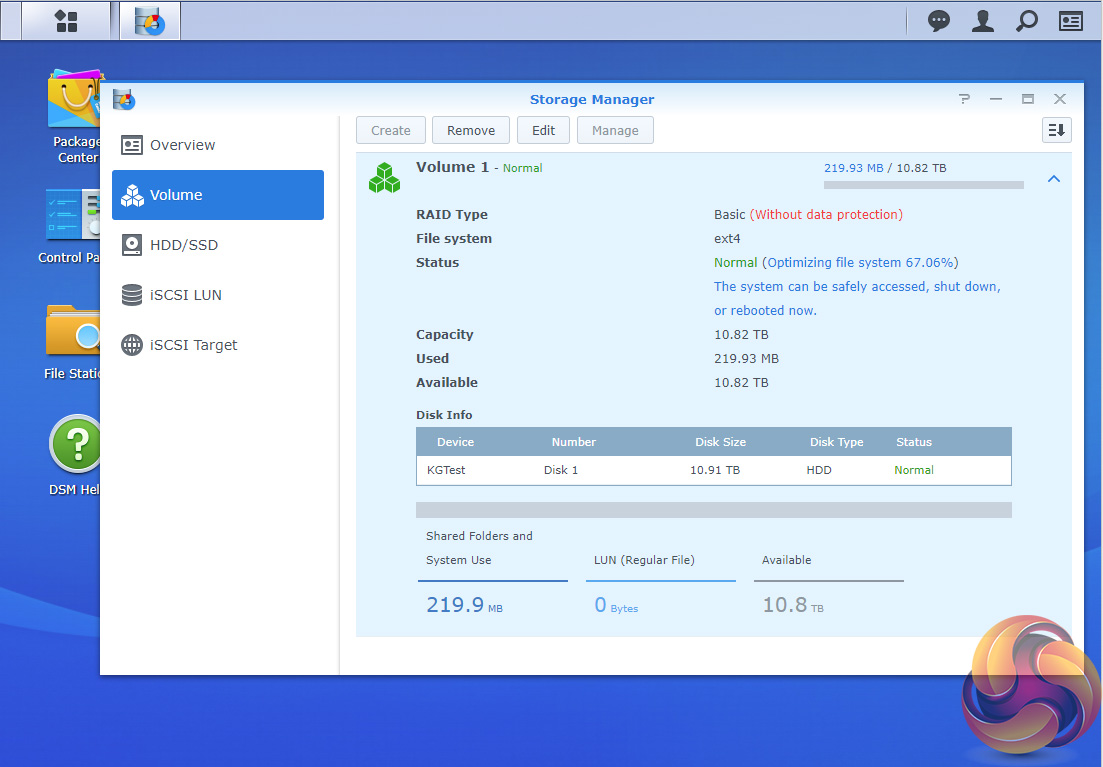
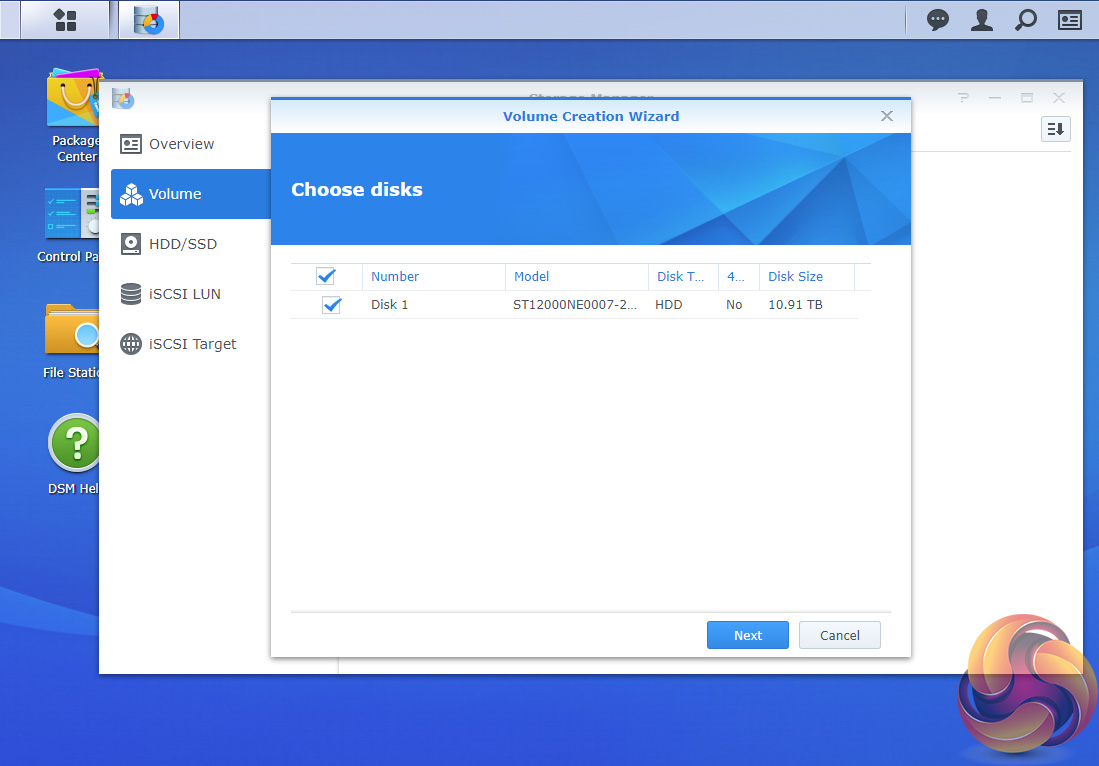
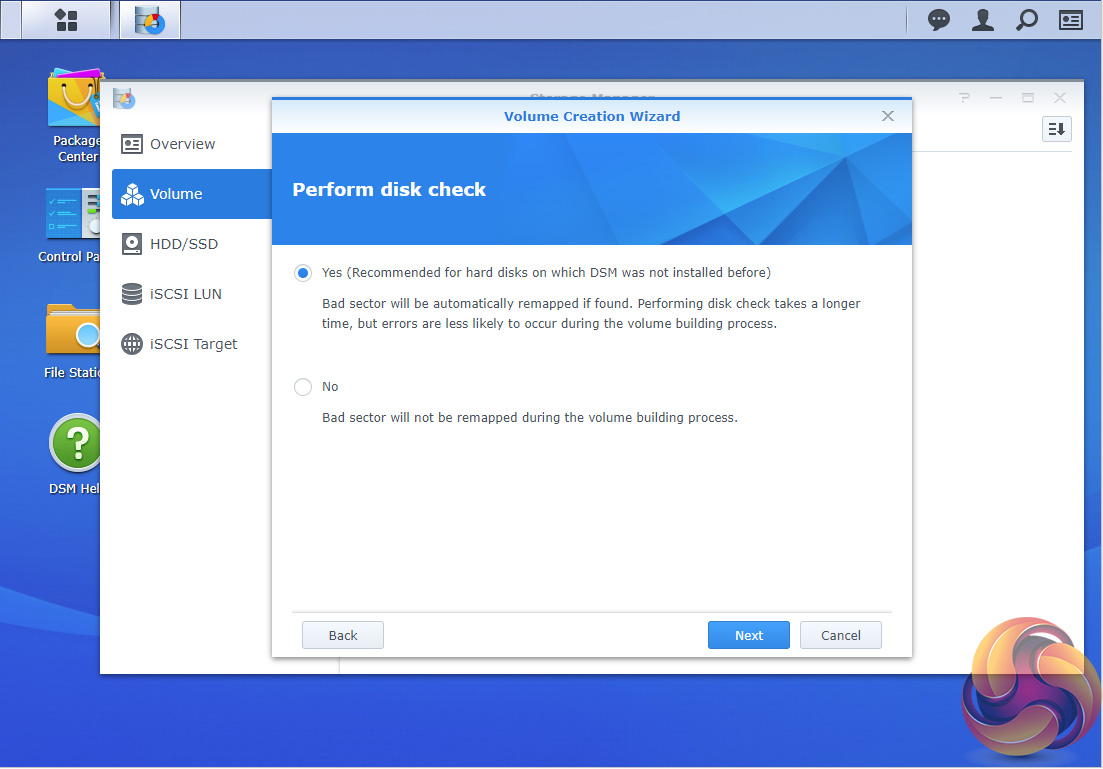
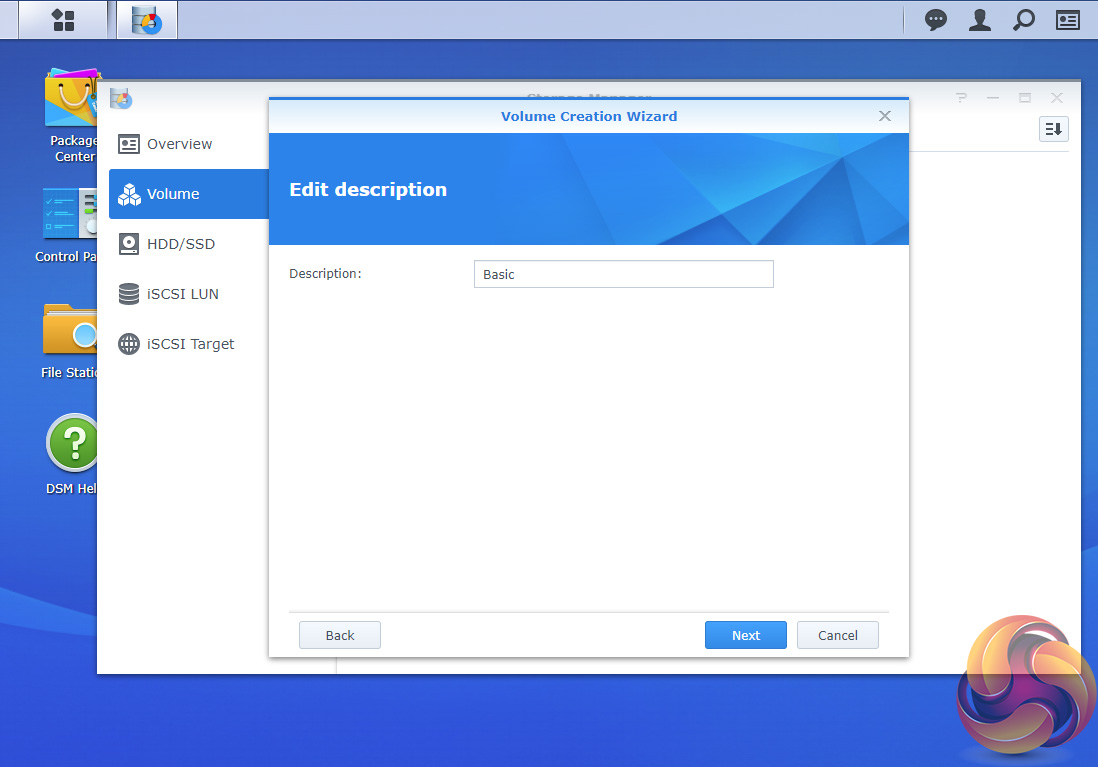
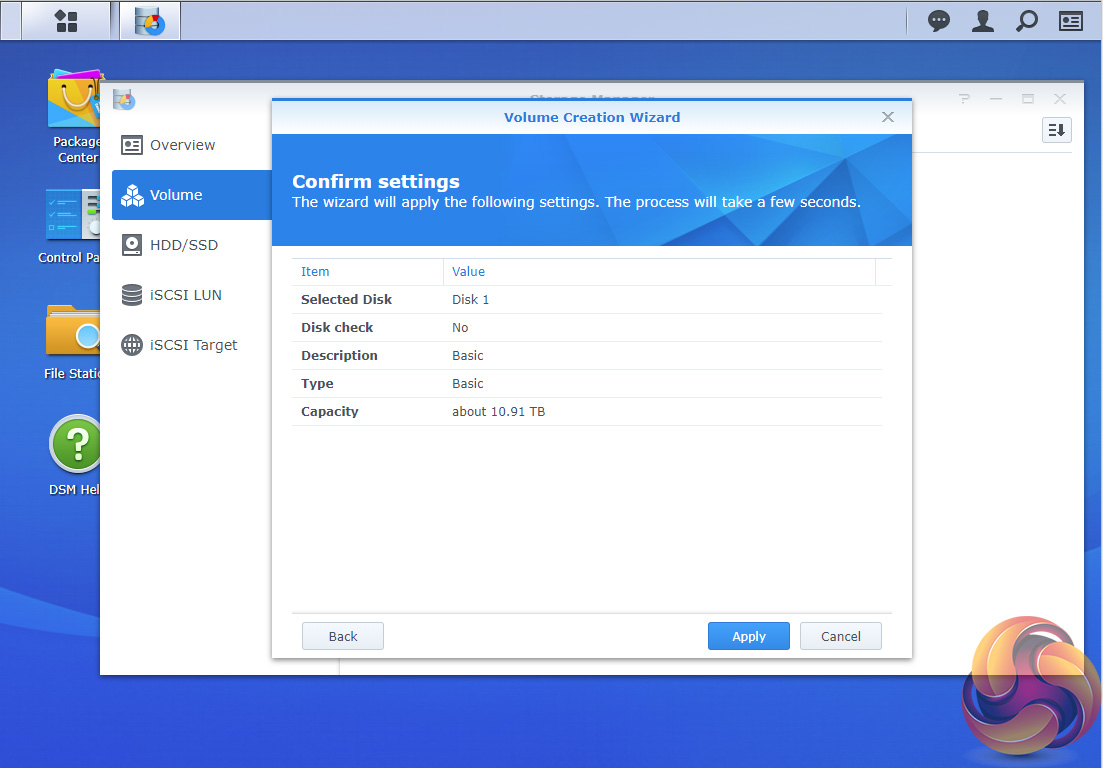
At the heart of DSM is Storage Manager. Storage Manager looks after volume creation and all other disk management duties.
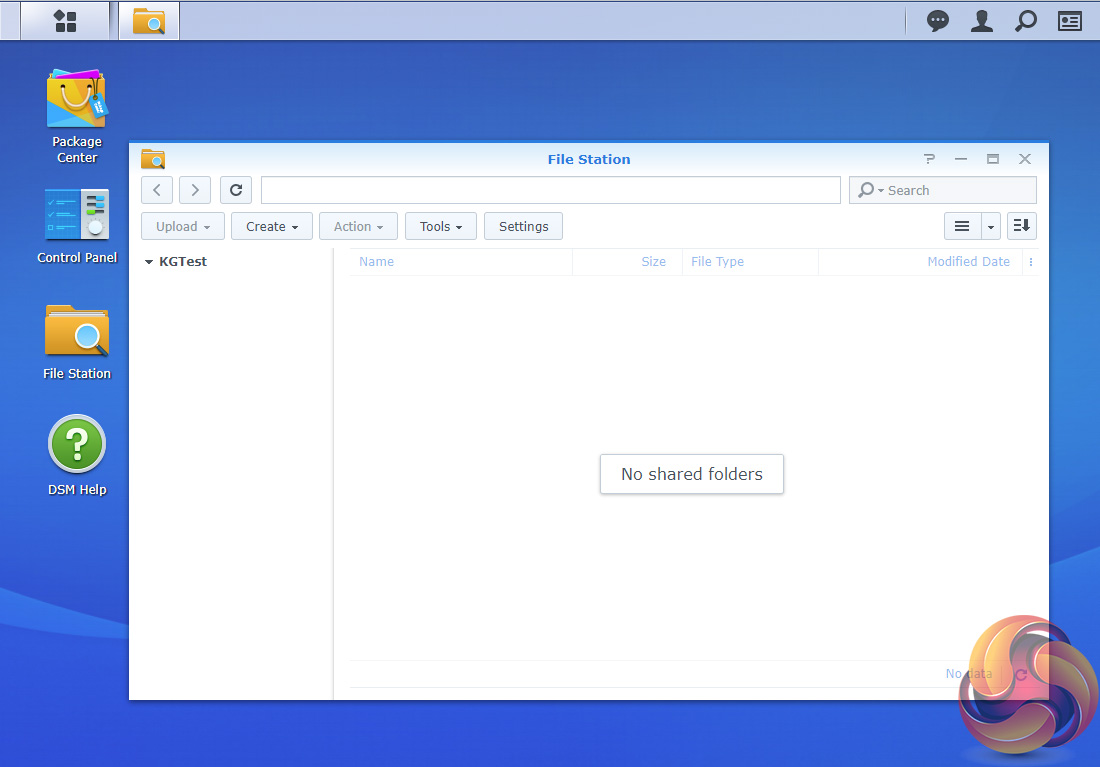
File Station is a multi-platform file manager supporting Windows, Mac and Linux PCs as well as Android, iOS and Window Phone mobile devices. With it you can access and share your files on the DiskStation from anywhere.
By using Dropbox, Box, Google Drive and Microsoft OneDrive mounted to File Station you can access remote data in the same way as locally stored files etc.
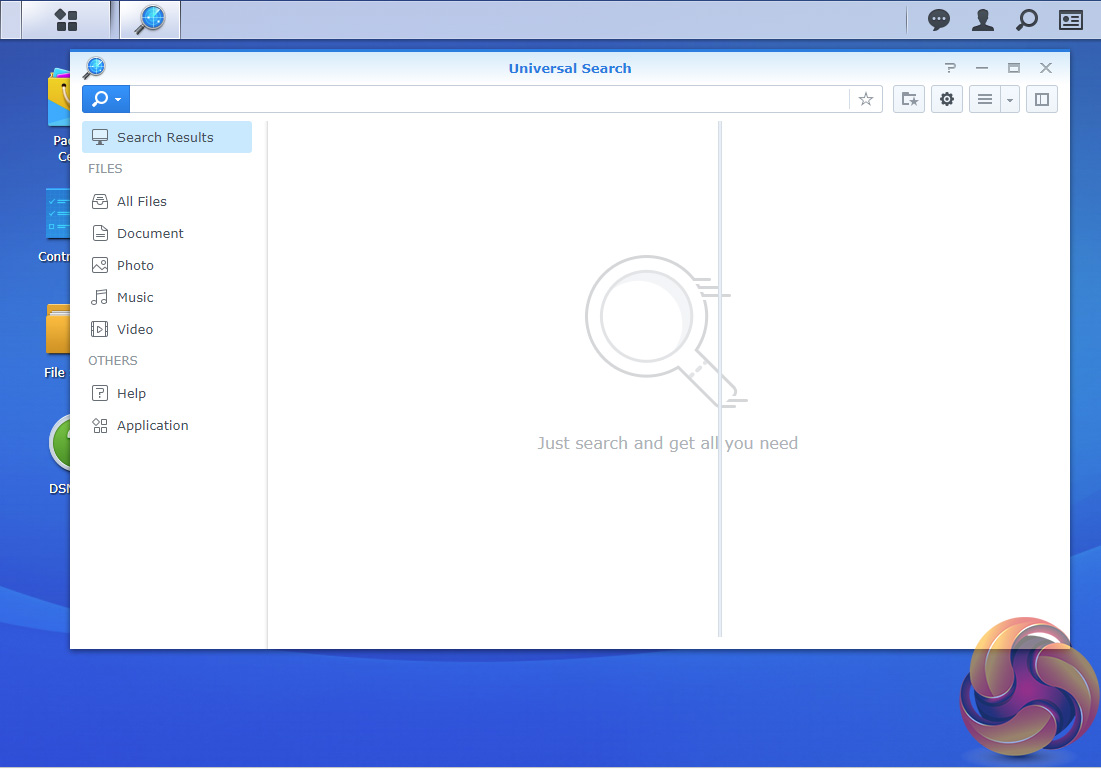
Synology Universal Search is a new search tool that includes multimedia files and apps and offers previews of metadata and contents of files with just a mouse click.
USB Copy 2.0 Auto copies data to a from a USB storage device and can be configured to set backup destinations, copy mode and any file filters.
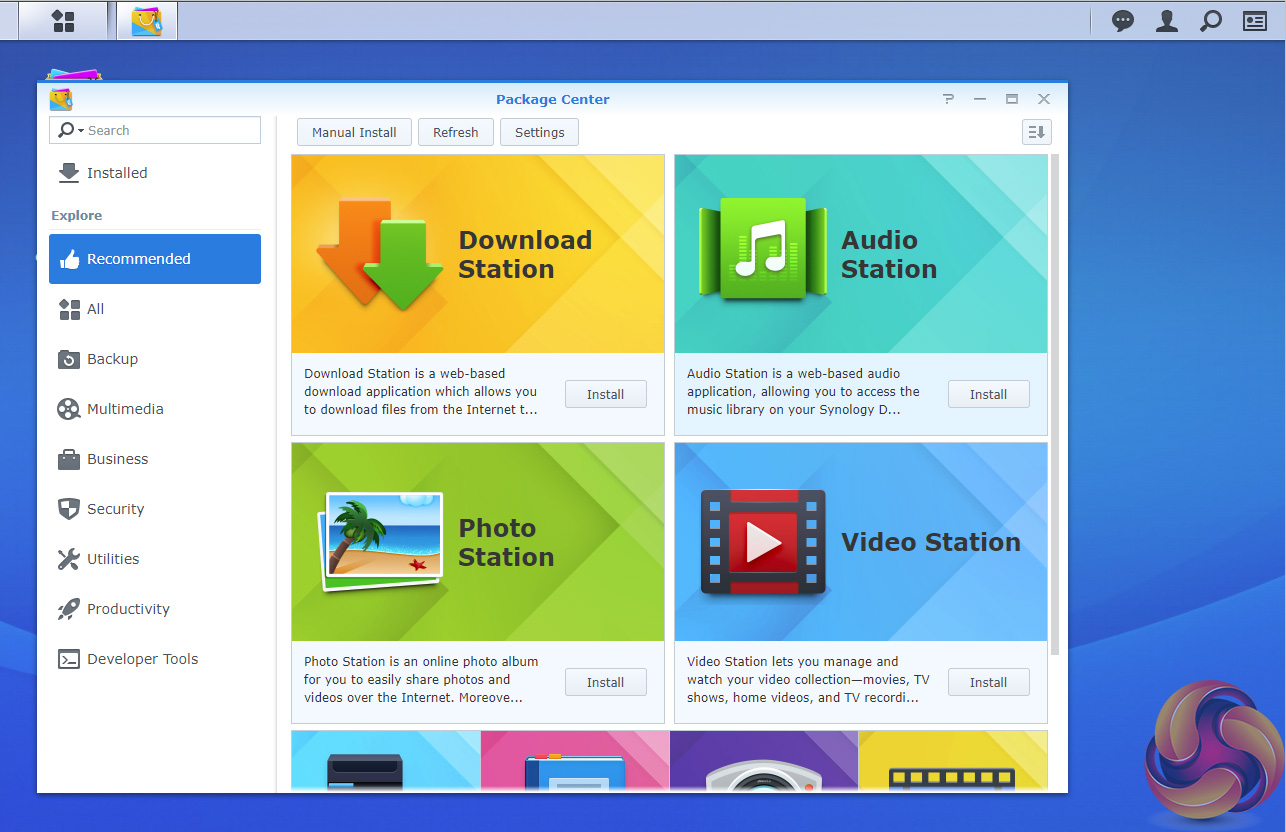
Package Center is where you’ll find all the add-in apps and there is an extensive list of well over 100 to choose from allowing the DS118 to be pretty much customised to your own requirements.
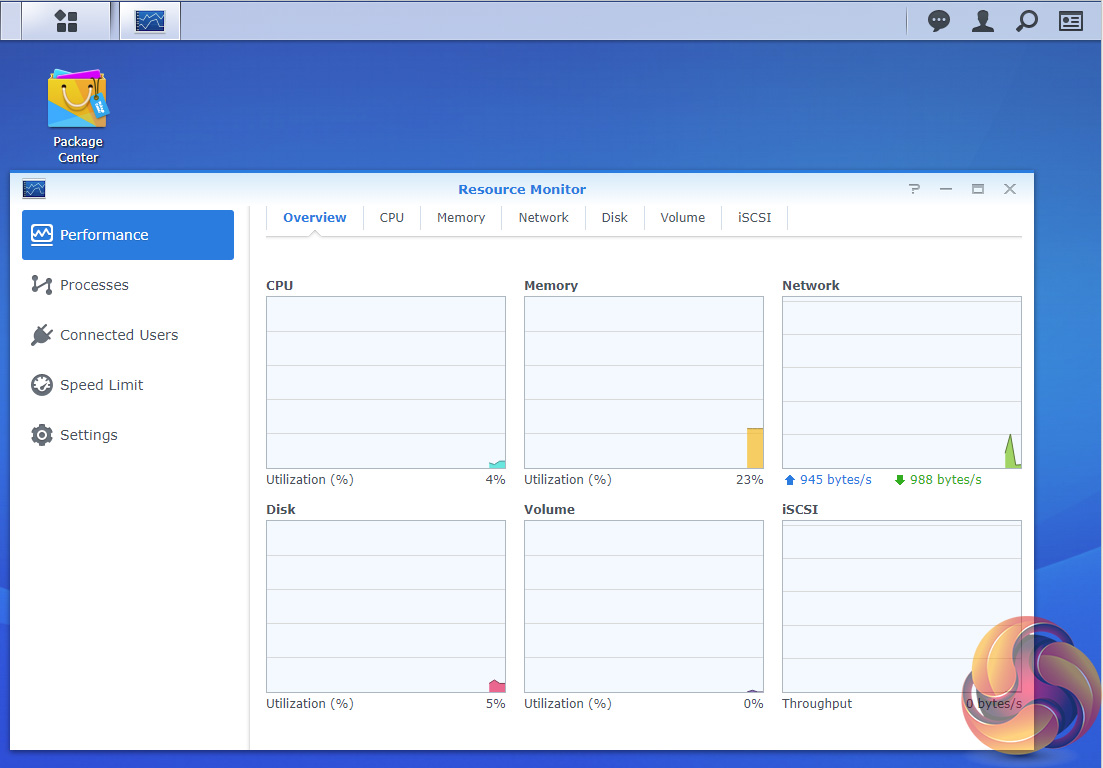
The Resource Monitor is an easy to use tool to keep an eye on the DiskStation’s resources. With it you can monitor CPU usage, memory usage, disk utilization and network flow in real time or historically.
Features
File Station
Photo Station
Audio Station
Video Station
Download Station
Cloud Station, Cloud Station Backup, Cloud Station ShareSync and DS Cloud.
Synology Universal Search
Note Station
Web Clipper
Spreadsheet
USB Copy 2.0
Snapshot Replication
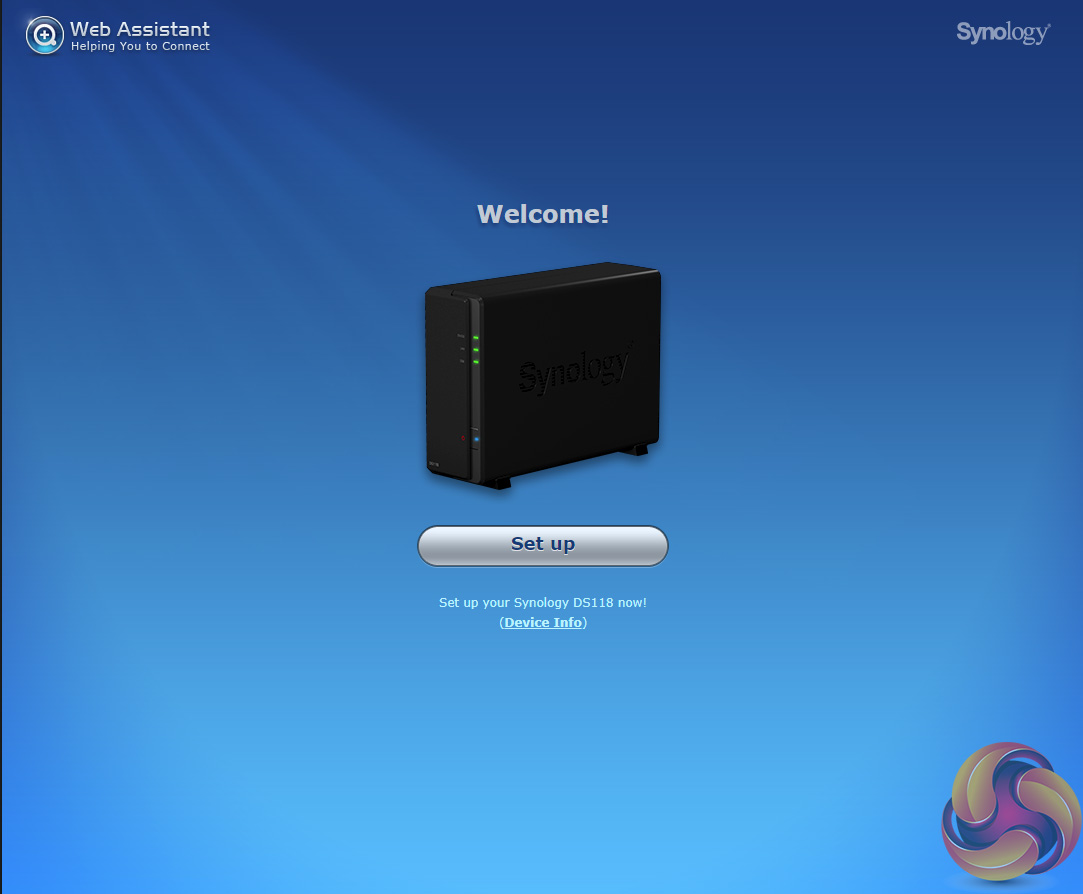
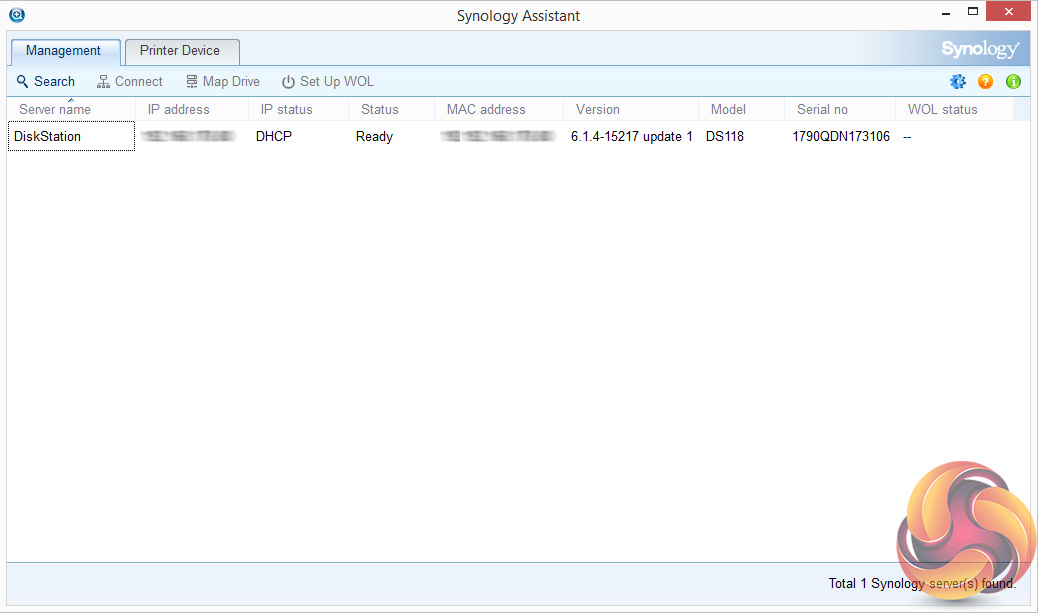
The first part of setting up the DS118 as with all Synology NAS units is to go to http://find.synology.com which launches Web Assistant.
This app searches for all DiskStations on the network so you can begin the install. If this method fails to find the NAS, the App has a link to the Synology Download Center where you can download Synology Assistant to your PC to search again for the NAS.
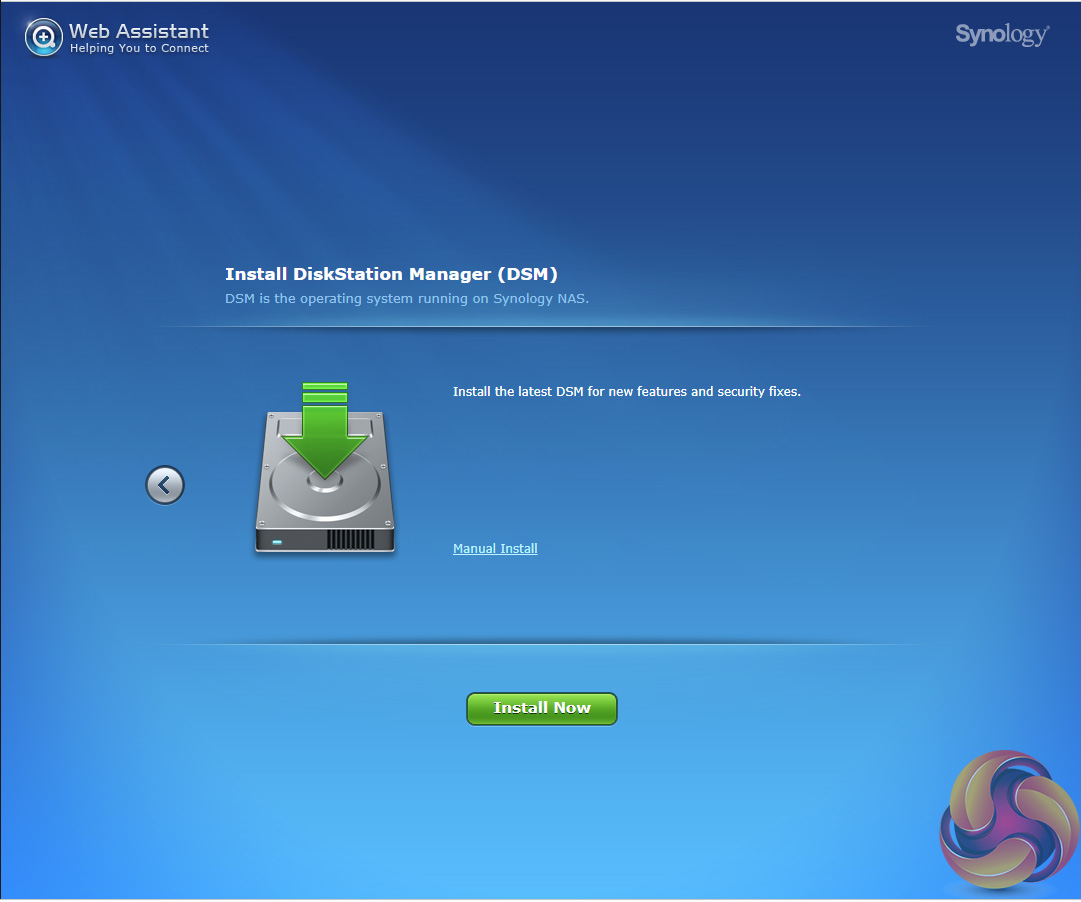
Once the NAS is found, the first window of the DSM setup wizard appears. Pressing install (there’s also a manual install option to install a downloaded instance of DSM) automatically downloads the latest version of DSM and starts installing it after reminding you that any data on the hard disks will be deleted.
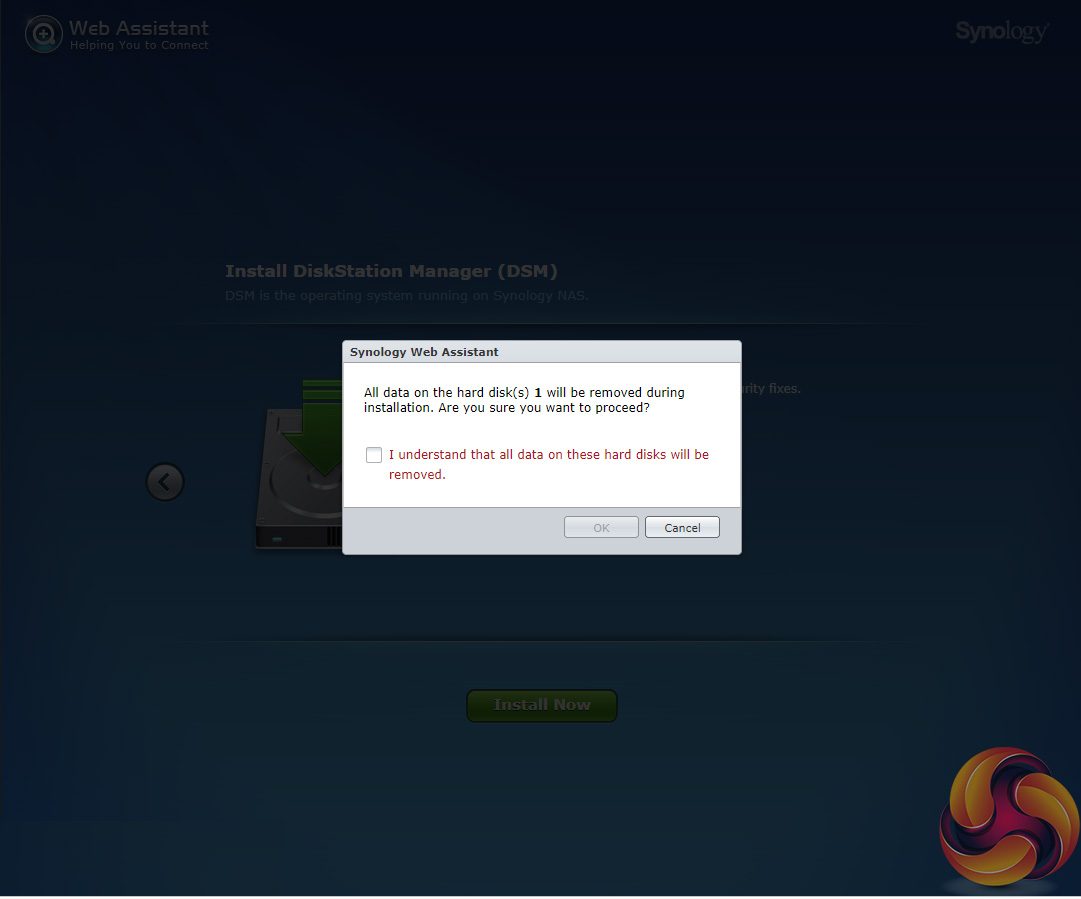
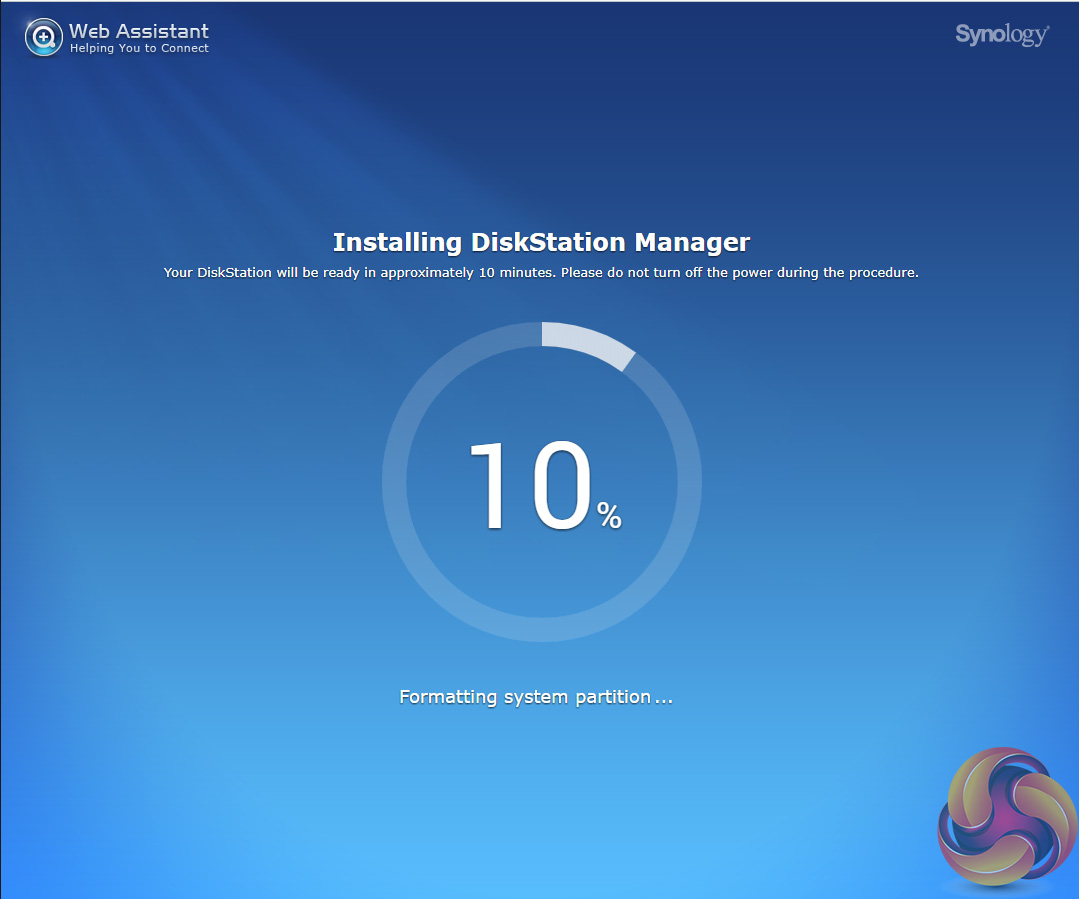
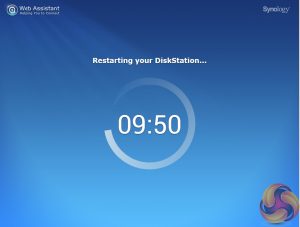
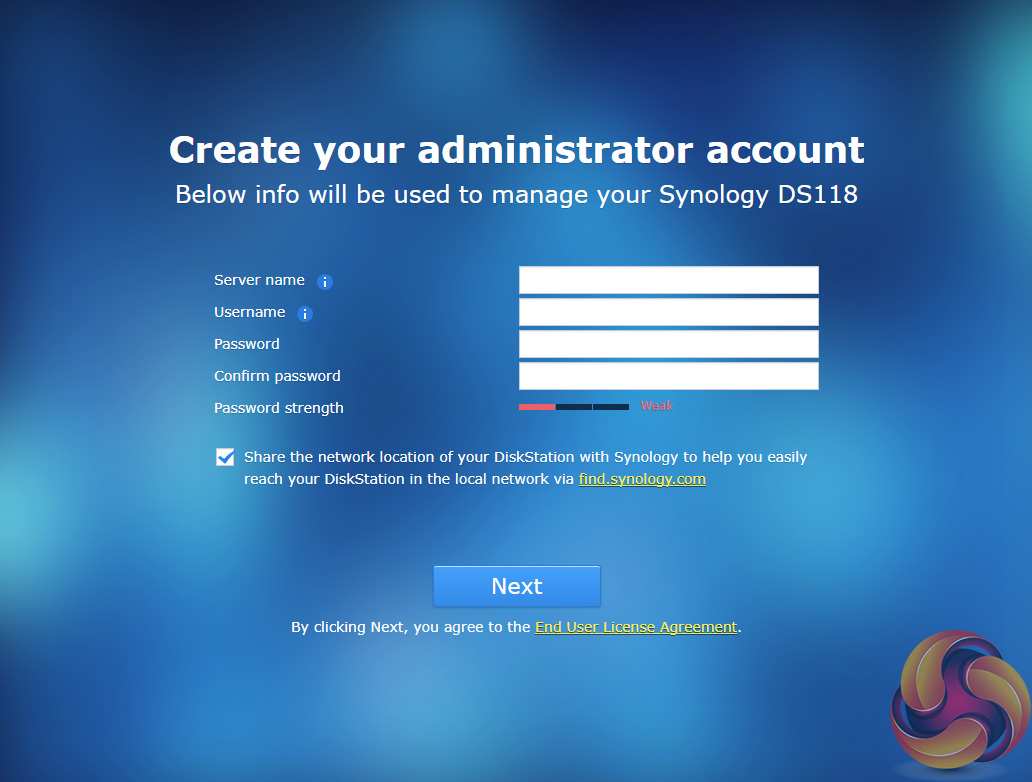
After the basic install has finished, the NAS is restarted and next up comes the setting up of the NAS management, where you assign a server name, admin user name and password.
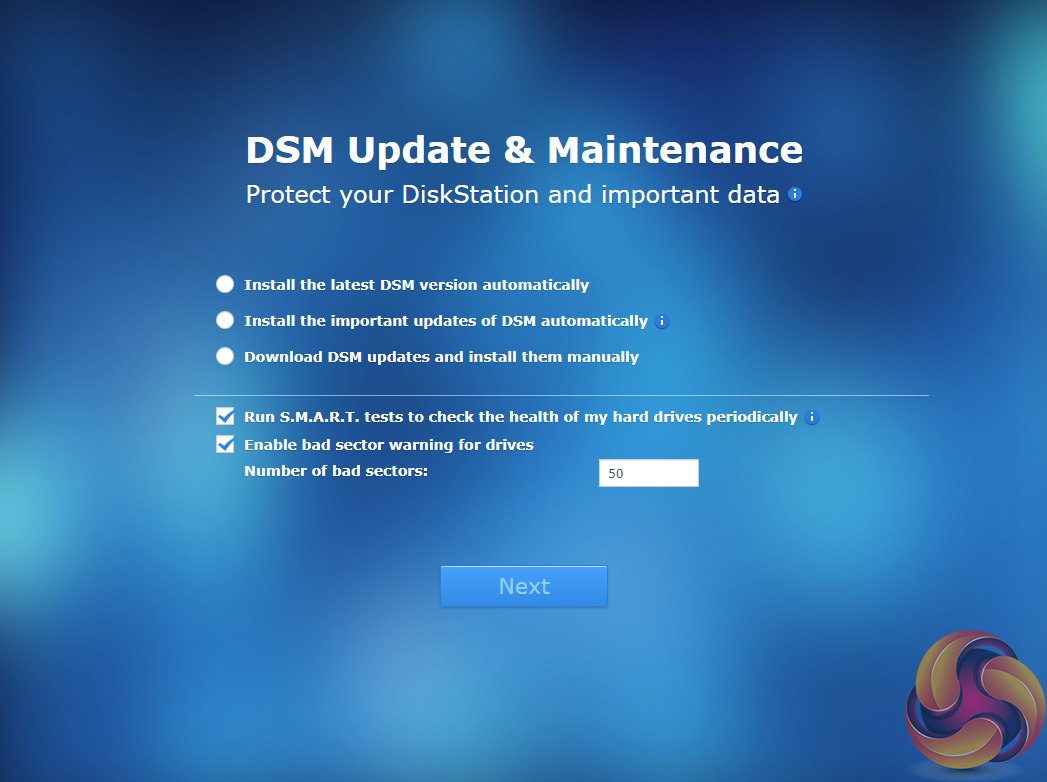
The next window is where the DSM update settings are set.
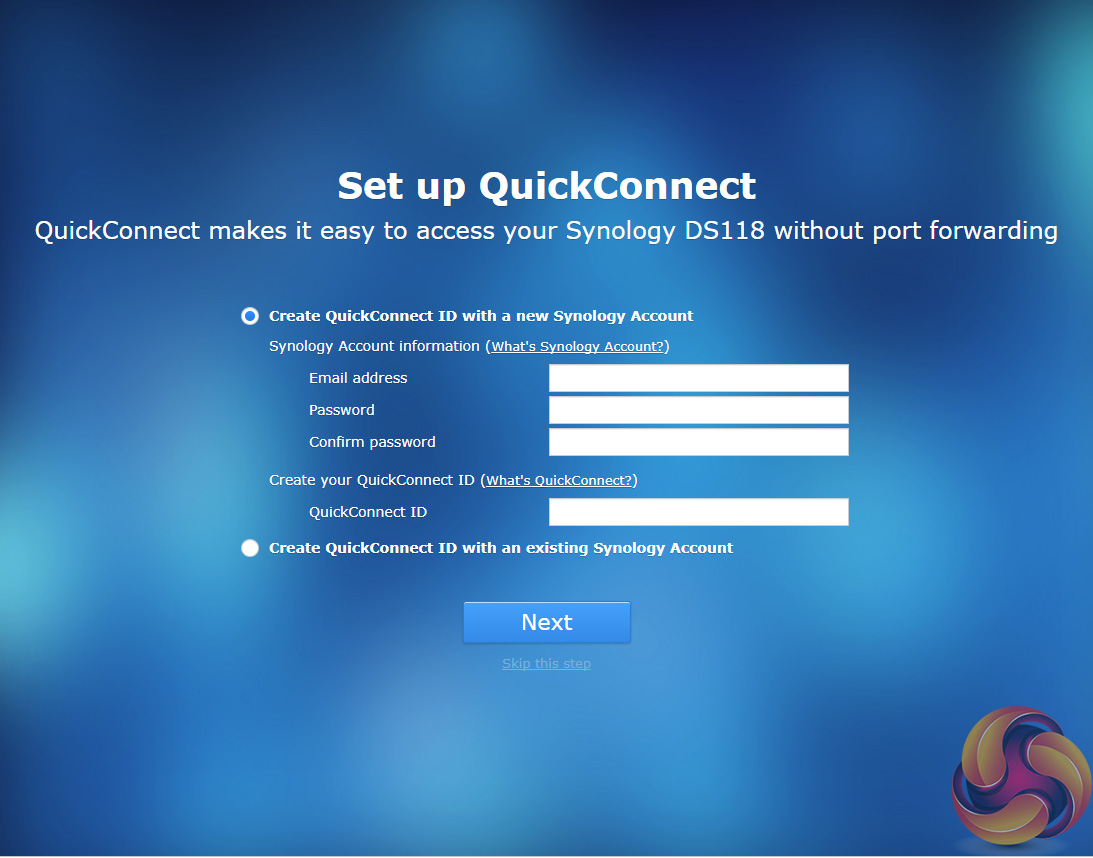
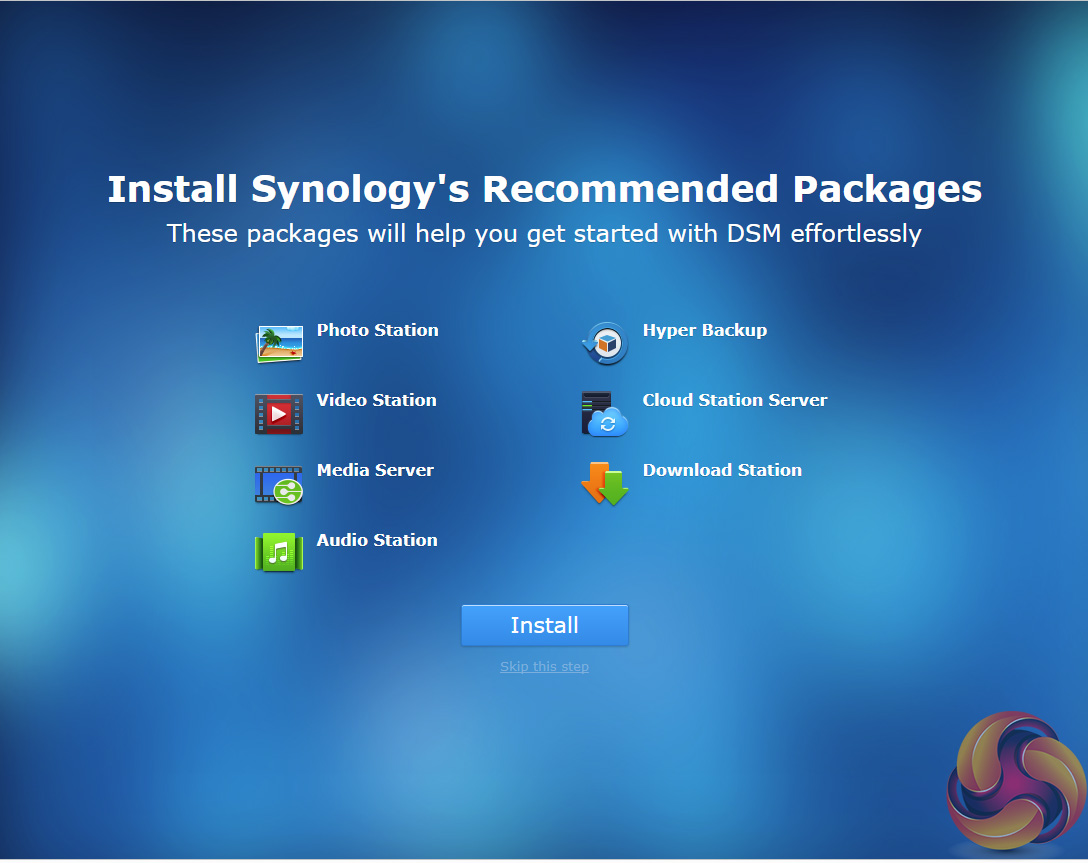
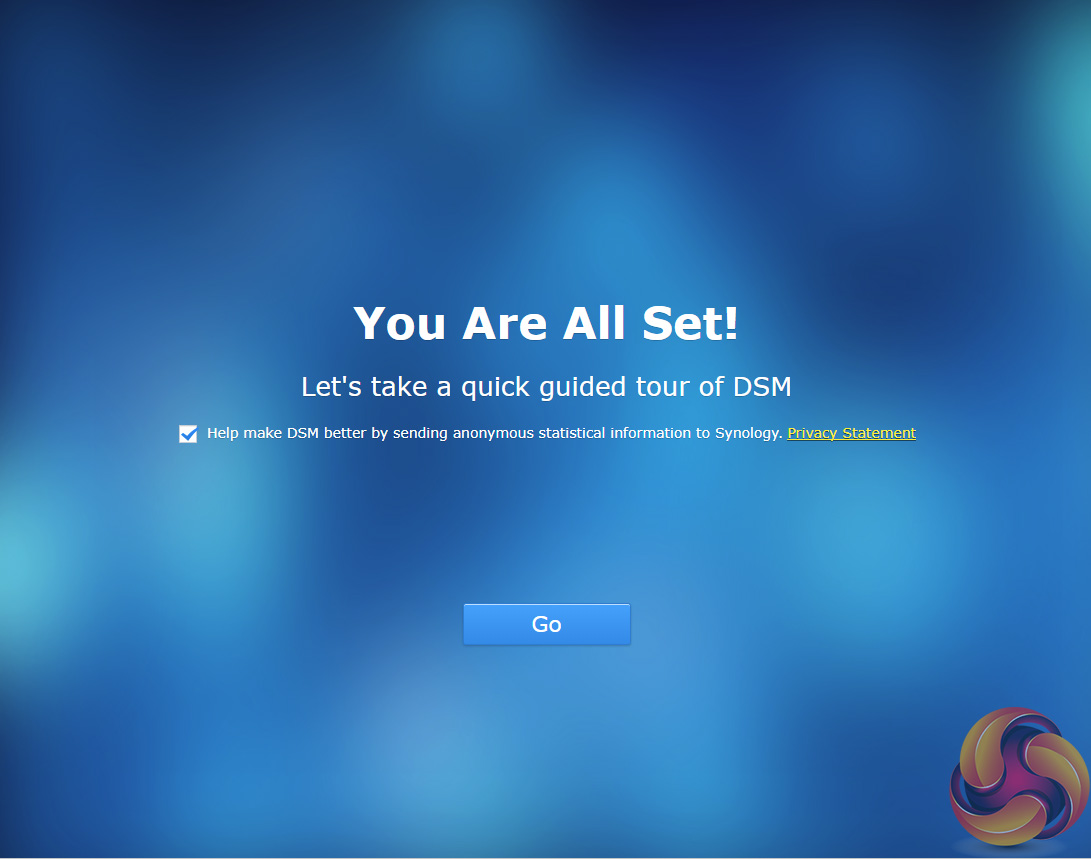
Next you can set up Quick Connect (remote access to the DiskStation) or skip it and set it up later as you can with the install of Synology’s recommended packages; Photo, Video, Audio and Download Stations and Media and cloud Station Servers as well as Hyper Backup and that’s the setup complete.
The Synology DiskStaion DS-118 supports drives up to 12TB so we tested the unit using a 12TB Seagate IronWolf Pro (7,200rpm, 256MB cache) drive.
Crystalmark is a useful benchmark to measure theoretical performance levels of hard drives and SSD’s. We are using V3.0.3.
The ATTO Disk Benchmark performance measurement tool is compatible with Microsoft Windows. Measure your storage systems performance with various transfer sizes and test lengths for reads and writes. Several options are available to customize your performance measurement including queue depth, overlapped I/O and even a comparison mode with the option to run continuously.
Use ATTO Disk Benchmark to test any manufacturers RAID controllers, storage controllers, host adapters, hard drives and SSD drives and notice that ATTO products will consistently provide the highest level of performance to your storage.
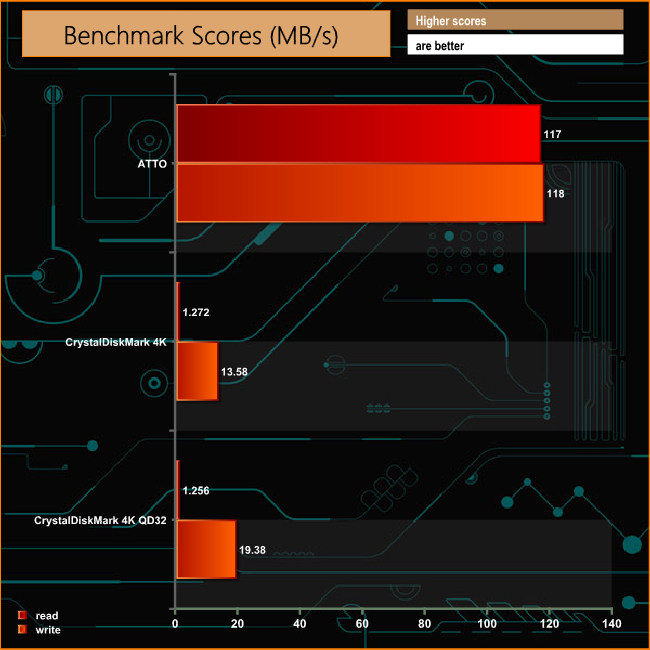
Synology quote Sequential performance figures for the DiskStation DS118 as 113MB/s for reads and 112MB/s for writes, figures we confirmed with the ATTO benchmark. The review unit produced figures of 117MB/s for reads with writes coming in at 118MB/s.
IOMeter is another open source synthetic benchmarking tool which is able to simulate the various loads placed on hard drive and solid state drive technology.
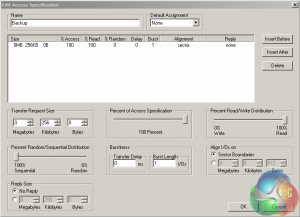
We set IOmeter up (as shown above) to test both backup and restore performance on a 100GB file.
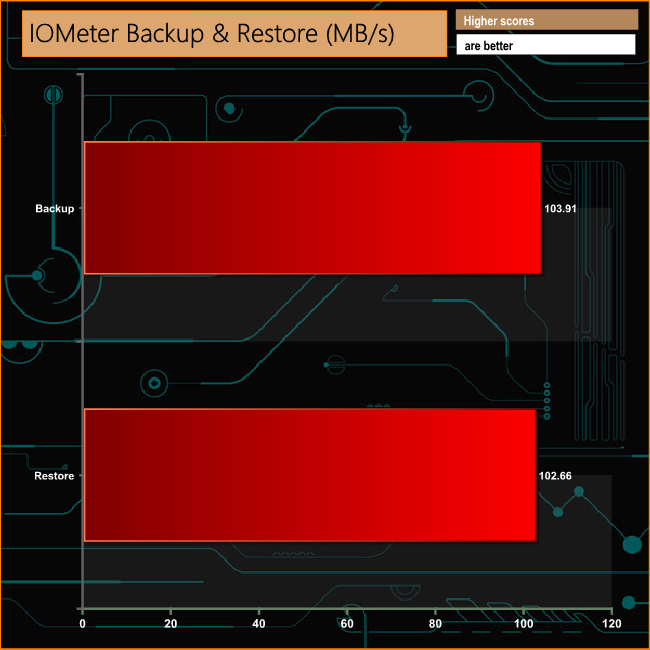
The DS118 dealt with our backup/restore test without any problem with 100MB/s performance for both actions when dealing with a 100GB file.
Intel’s NASPT (NAS Performance Toolkit ) is a benchmark tool designed to enable direct measurement of home network attached storage (NAS) performance. NASPT uses a set of real world workload traces (high definition video playback and recording, video rendering/content creation and office productivity) gathered from typical digital home applications to emulate the behaviour of an actual application.
We’ve used some of the video and office apps results to highlight a NAS device’s performance.
HD Video Playback
This trace represents the playback of a 1.3GB HD video file at 720p using Windows Media Player. The files are accessed sequentially with 256kB user level reads.
4x HD Playback
This trace is built from four copies of the Video Playback test with around 11% sequential accesses.
HD Video Record
Trace writes an 720p MPEG-2 video file to the NAS. The single 1.6GB file is written sequentially using 256kB accesses.
HD Playback and Record
Tests the NAS with simultaneous reads and writes of a 1GB HD Video file in the 720p format.
Content Creation
This trace simulates the creation of a video file using both video and photo editing software using a mix of file types and sizes. 90% of the operations are writes to the NAS with around 40% of these being sequential.
Office Productivity
A trace of typical workday operations. 2.8GB of data made up of 600 files of varying lengths is divided equally between read and writes. 80% of the accesses are sequential.
Photo Album
This simulates the opening and viewing of 169 photos (aprrox 1.2GB). It tests how the NAS deals with a multitude of small files.
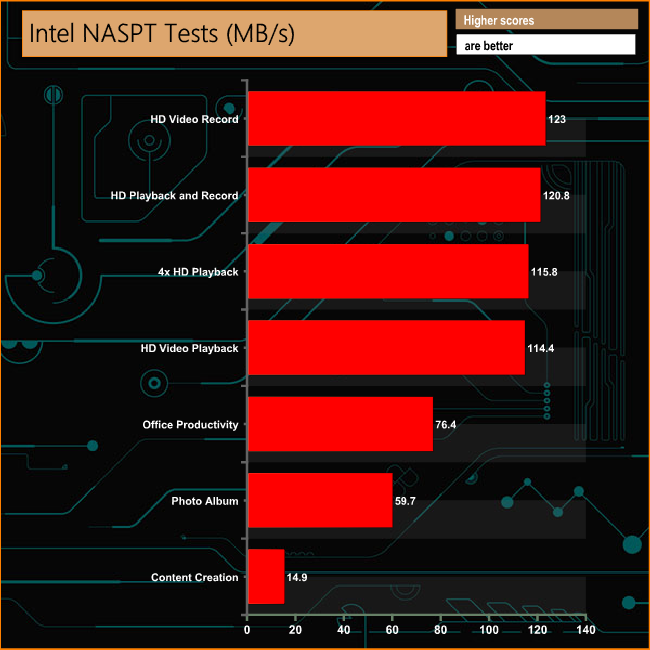
The DS118 displays strong performance in the video tests of Intel's NASPT benchmark, producing scores of over 100MB/s for all four of the tests used. It also performs well in the Office Productivity and Photo Album tests but does struggle a little with the mixed file types of the Content Creation test.
To test real life performance of a drive we use a mix of folder/file types and by using the FastCopy utility (which gives a time as well as MB/s result) we record the performance of drive reading from & writing to a 256GB Samsung SSD850 PRO.
100GB data file
60GB iso image
60GB Steam folder – 29,521 files.
50GB File folder – 28,523 files.
12GB Movie folder – 24 files (mix of Blu-ray and 4K files).
10GB Photo folder – 621 files (mix of .png, raw and .jpeg images).
10GB Audio folder – 1,483 files (mix of mp3 and .flac files).
5GB (1.5bn pixel) photo
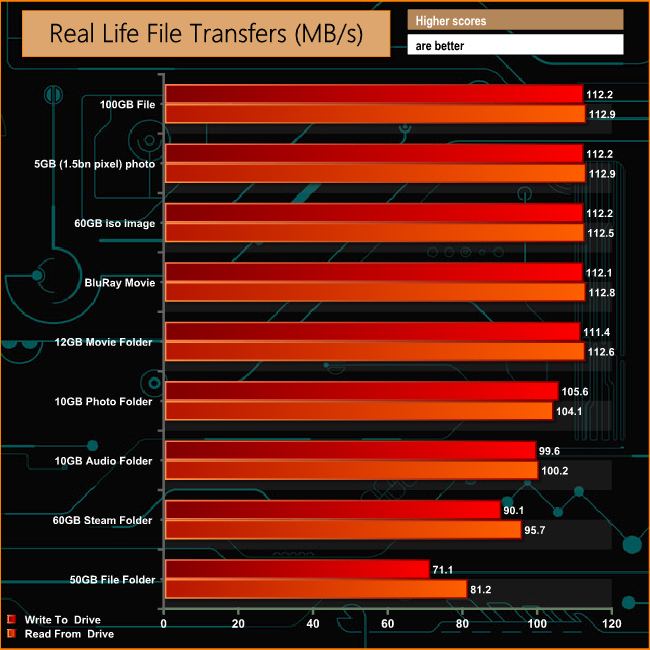
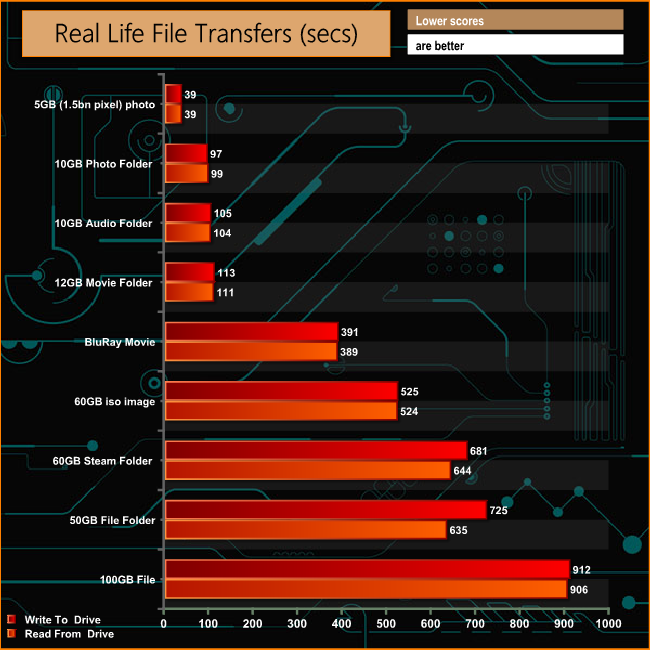
The DS118 had no problems dealing with any of our real life file transfer tests with most tests topping the 100MB/s mark for both reads and writes.
Synology's DiskStation DS118 is a real step up from the previous generation DiskStation DS116 using more modern CPU and memory technology than the older unit. In place of the 32-bit dual core processor and DDR3 memory of the DS116, the DS118 uses a 64-bit CPU along with DDR4 memory.
At first glance the idea of a single bay NAS might seem to be just to a glorified external hard drive using a network port to connect to a PC rather than USB etc. After all with just a single disk, it offers as much data protection as an external hard drive.
But with the choice of CPU in the DS118 (bringing hardware encryption and a transcoding engine that can do 10-bit 4K H.265 video transcoding on the fly) and support for its own outstanding DSM (DiskStation Manager) software, Synology have brought a single bay unit to market that offers a wealth of possibilities. With support for just a single drive, you'll need to keep a firm hand on backing up any data on the drive, just in case anything goes wrong and as the unit supports drives up to 12TB capacity that could be an awful lot of data to lose.
We found the DiskStation DS118 for £170.36 (inc VAT) on Span.com HERE
Pros
- DMS software.
- Quad core processor.
- Hardware encryption.
- Transcoding engine.
Cons
- Single disk offers no data protection.
- Not cheap.
Kitguru says: The idea of a one bay NAS unit may seem a bit odd but the combination of hardware features and the DMS OS make it an idea tool to use for dedicated jobs on an office or even home network.