 KitGuru KitGuru.net – Tech News | Hardware News | Hardware Reviews | IOS | Mobile | Gaming | Graphics Cards


It seems ironic really that despite all the modern technological developments surrounding the 21st century desktop gaming PC, it's the mechanical switch, a design that has been around far longer than most, that is hailed as the pinnacle of keyboard input mediums. Still, there is at least some debate on which is the best for what. Red and Black Cherry switches are the two most commonly compared when gaming is involved, but which to choose?
MSI in the case of the new GK-601 keyboard has gone with Cherry Red, the lighter of the two types. Theoretically it should be quicker to type on and quicker to issue commands to your troops or grizzled space marine, but will it suffer from being too light to the touch?
Specifications
- Keyboard Interface: USB 2.0
- Normal keys: 104
- Keyboard Color: Black and yellow
- K/B Dimension: 460(L)x162(W)x30(H)mm / 18.1(L)x6.4(W)x1.2(H)inch
- BOX Dimension: 525(L)x195(W)x80(H)mm / 20.7(L)x7.7(W)x3.1(H)inch
- K/B Weight: 1300g (2.87lbs)
- Weight (include BOX): 1370g (3.03lbs)
- Type: Wired
- OS Supported: Windows XP/Vista/7/8
- System Requirement: PC with PS/2 or USB port
Package Contents:
- Mechanical Keyboard
- Quick Guide
- Additional Keycap x 4
- Keycap Puller x 1
- Software CD
Features
- Advanced Cherry Mechanical Red Switch technology
- 5 profile with 50 macro keys with 128Kb onboard memory
- USB full N-key rollover
- Gaming grade lifetime: 50 million keystrokes
- 4 levels backlit lighting adjustment with breathing mode
- Gaming mode/PC mode switch button for disable the Windows key
- Media keys for volume control, play/pause, and skip tracks
- Gold-plated connectors
- Comes with built in USB port on end for addition peripheral
- Headphone-out and microphone-in jacks
- Bundle with 4 additional keycaps and keycap puller
- Gaming cluster with anti-ghosting capability
- Exclusive software for advanced setting
The box for the MSI GK-601 is eye catching, with its stark yellow and black contrasting scheme. However once its drawn your eye, it really just wants you to touch the keys and feel what Cherry Red switches feel like.
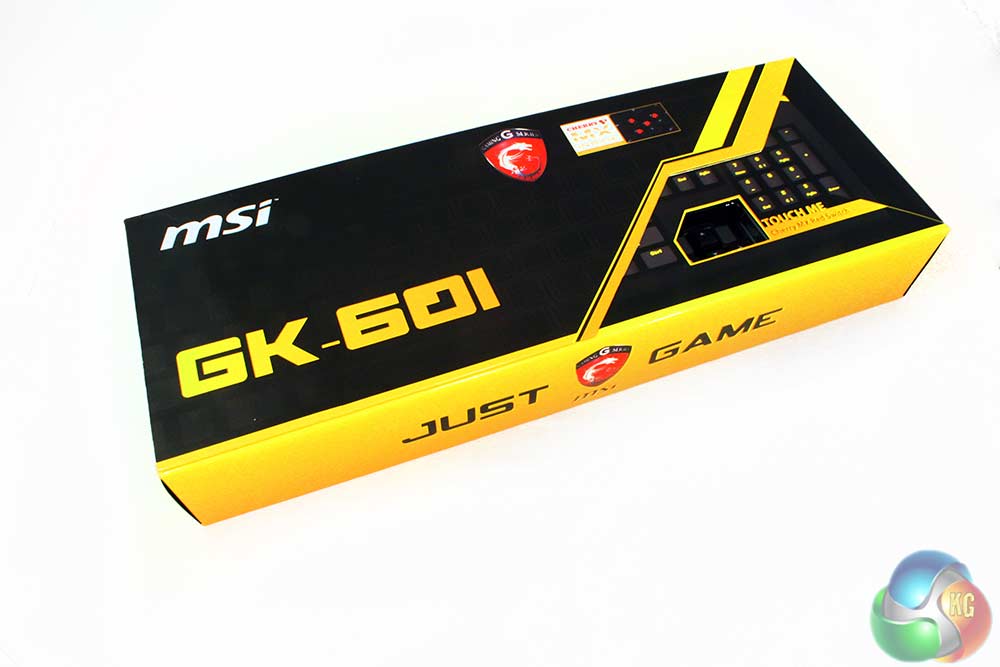
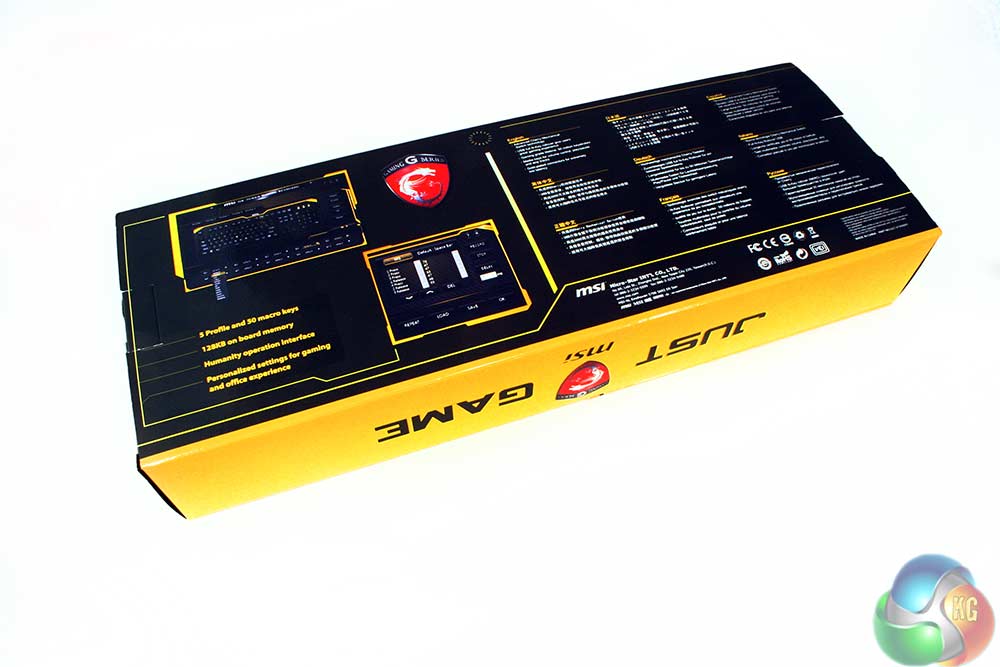
The lid also flips open to – along with the back – showcase some of the keyboard's features, including its braided cable, inbuilt memory, gold connectors and “humanity operation interface,” which I think is the code word for the software, but I'm far from certain.
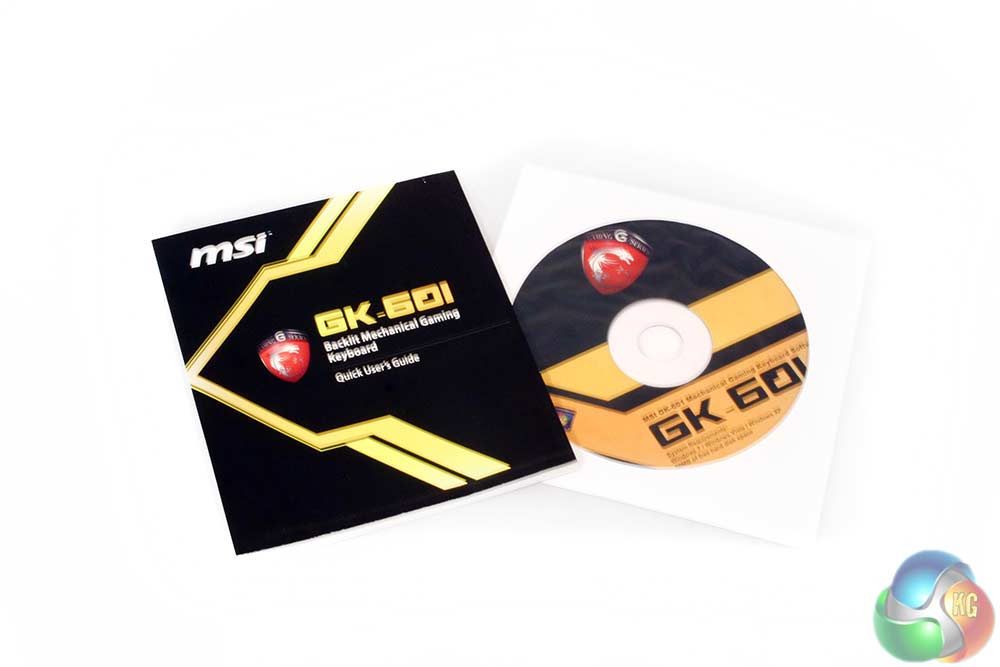
Accessories wise, you get a simple set up manual and a driver CD. If you've not had a fancy keyboard before, you might wonder why a driver CD would be necessary, but it is so that you can remap certain keys to perform different functions, as well as setting up macro commands.
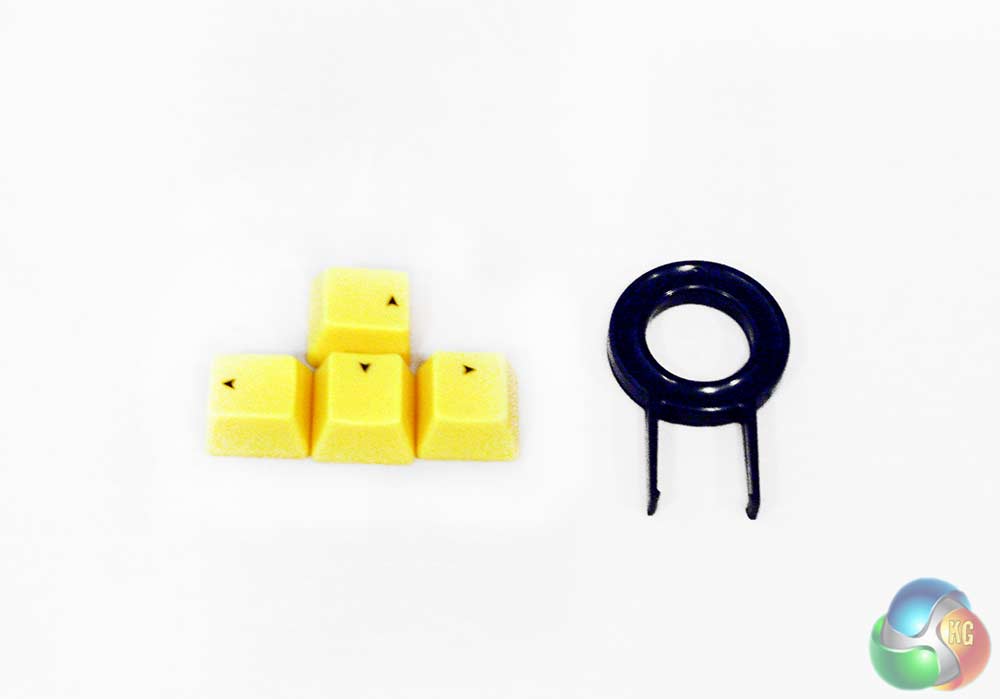
Also included is a key changing tool and four bright yellow direction keys, so you can either replace your WASD with these if you are a shooter fan, or the directional keys if you prefer.
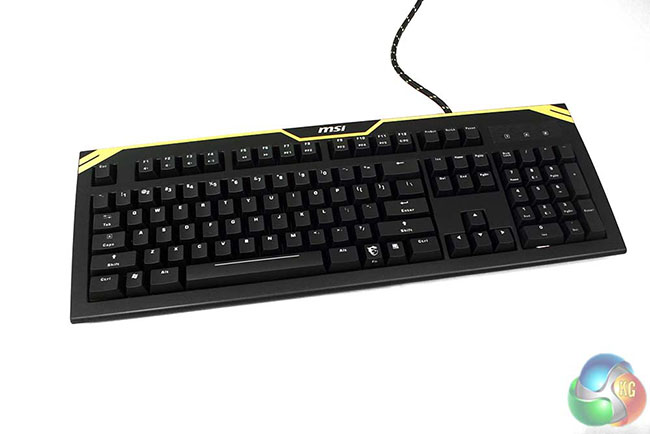
The keyboard itself is clearly styled with gamers in-mind, with its matt black finish and yellow go-faster-stripes across the top. The keys aren't laser etched on or anything that will rub off, instead they have clear plastic indicators, which light up when you have the illumination turned on. As you might expect, the LED backlighting is yellow.
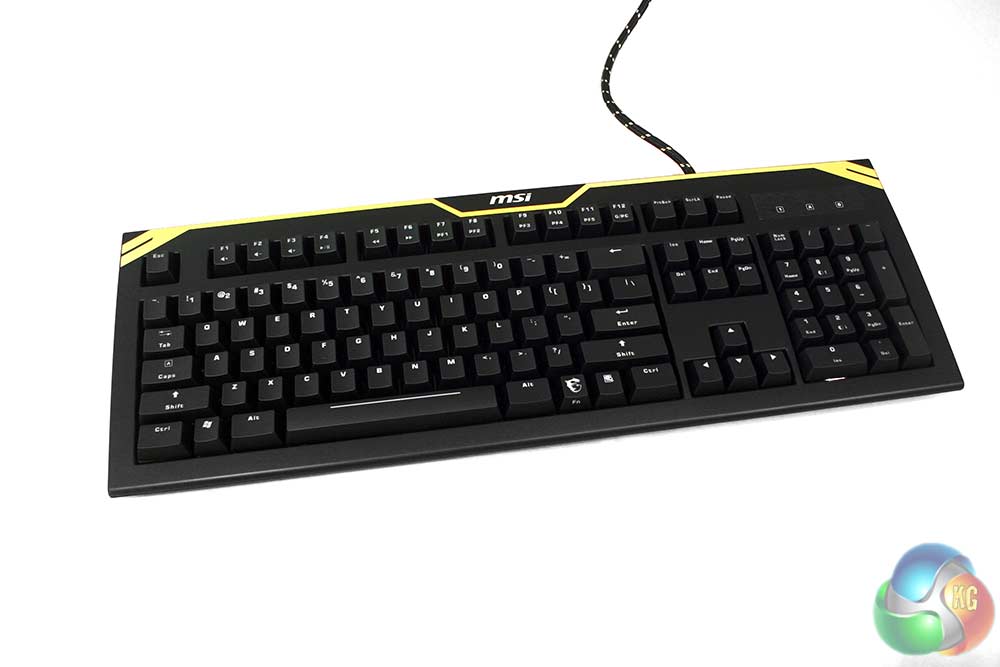
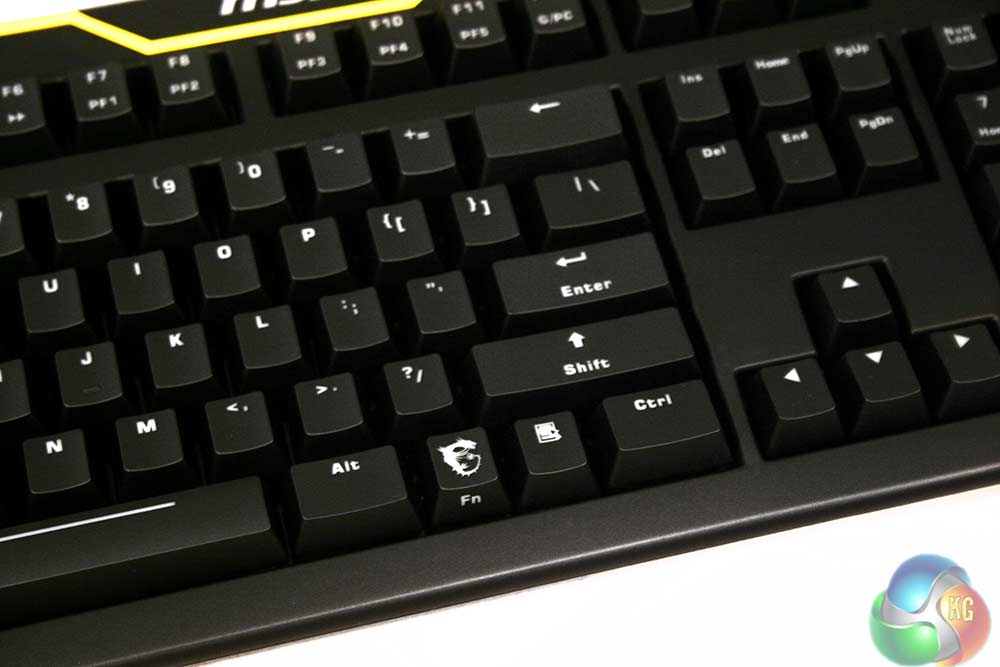
There's a lovely finish to this board that gives you a great first impression. The keys are very smooth and all feature a nice curved, concave surface to accommodate your digits – that's hardly a new feature, but flat top laptop and regular touch screen users may appreciate the consideration.
The overall build is really sturdy too. You could quite easily pick this up and crack a backstabbing co-worker with it á la Wanted – if you felt like it.

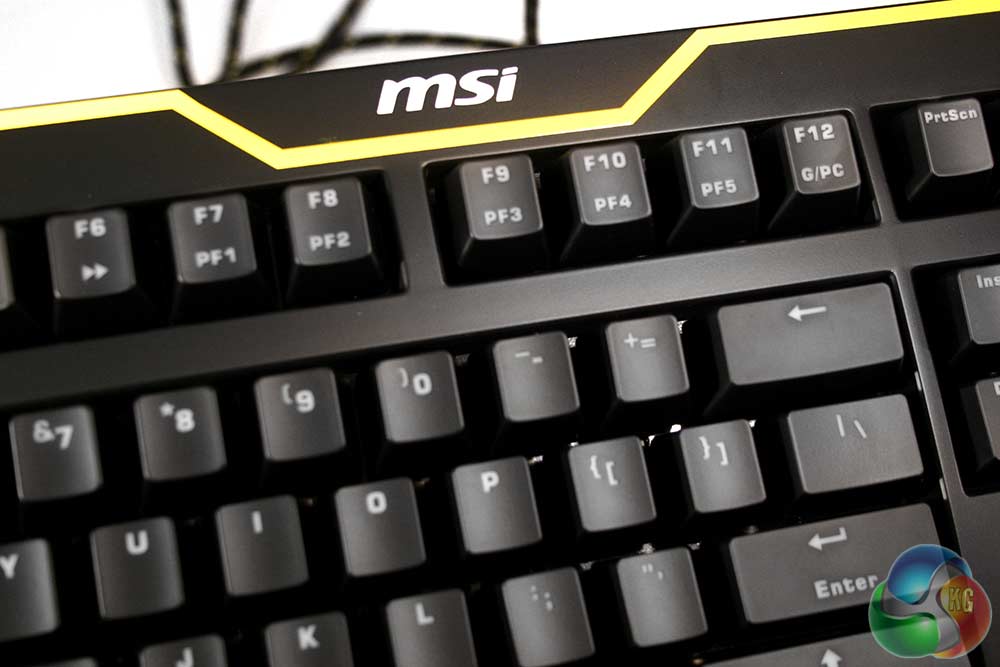
The MSI logo features prominently across the top, sitting just above the F keys, each of which has some sort of secondary function. The former six handle media applications, giving you the ability to raise and lower the volume, as well as skip tracks, mute, play and pause. Beyond that are the six profile options, though under F12, you'll also find the switch for gamer and PC mode. The former stops the Windows key from working, making it that bit harder to accidentally minimise your game during the height of the action.
Notice the interesting choice MSI took of making the enter key a half size one, replacing the upper half with and therefore giving you quick and easy access to (regardless of its US labeling) the hash tag key. Presumably the MSI developers are big Twitter fans.
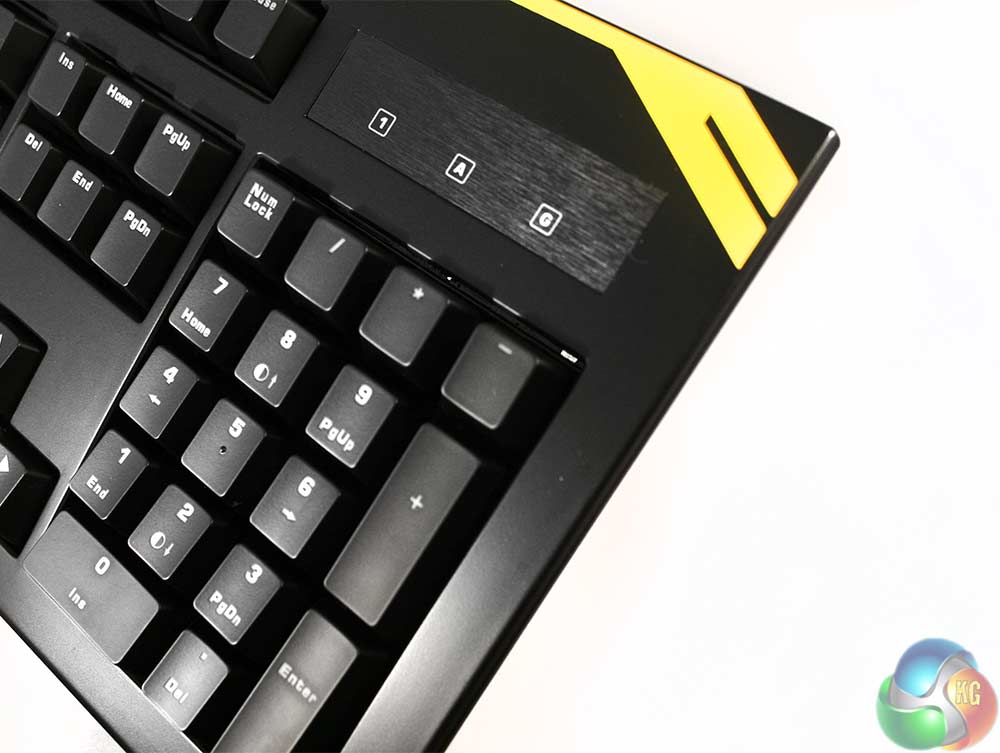
The lock key indicators are all little yellow LEDs like the backlighting, but sit behind this oddly out-of-place looking brushed plastic. I can imagine there needed to be something there other than the matt black frame otherwise the light wouldn't shine through, but why not just a clear indicator like the one on the keyboard keys?
To adjust the brightness on this board, you use the function key and either 8 or 2 on the numpad.
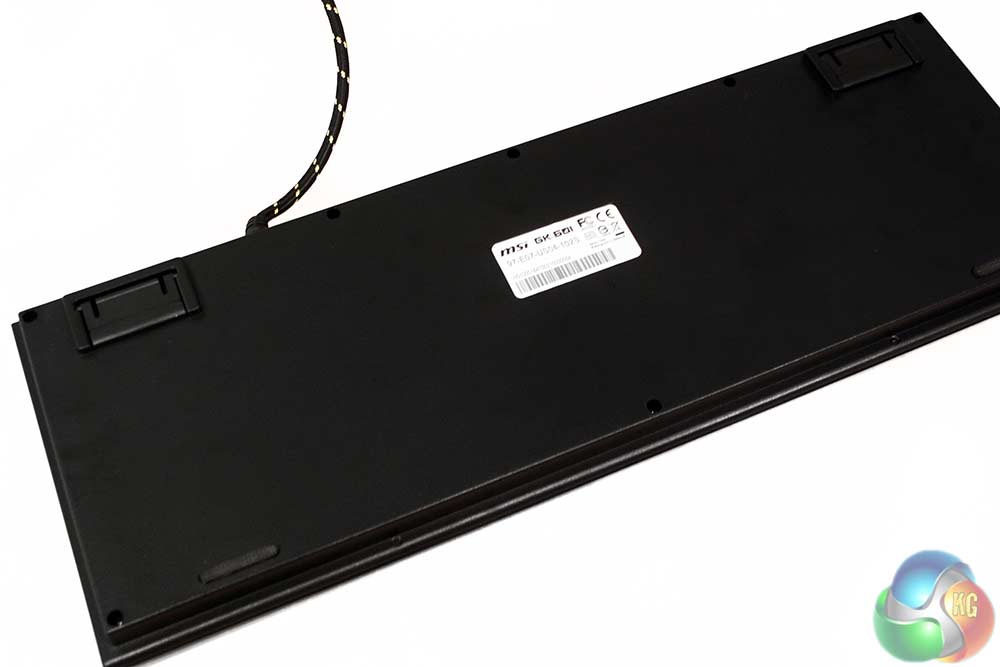
In a nice show of quality, the back of the keyboard is also coated in the same matt black plastic. Be aware that this means it will pick up fingerprints like nobody's business.
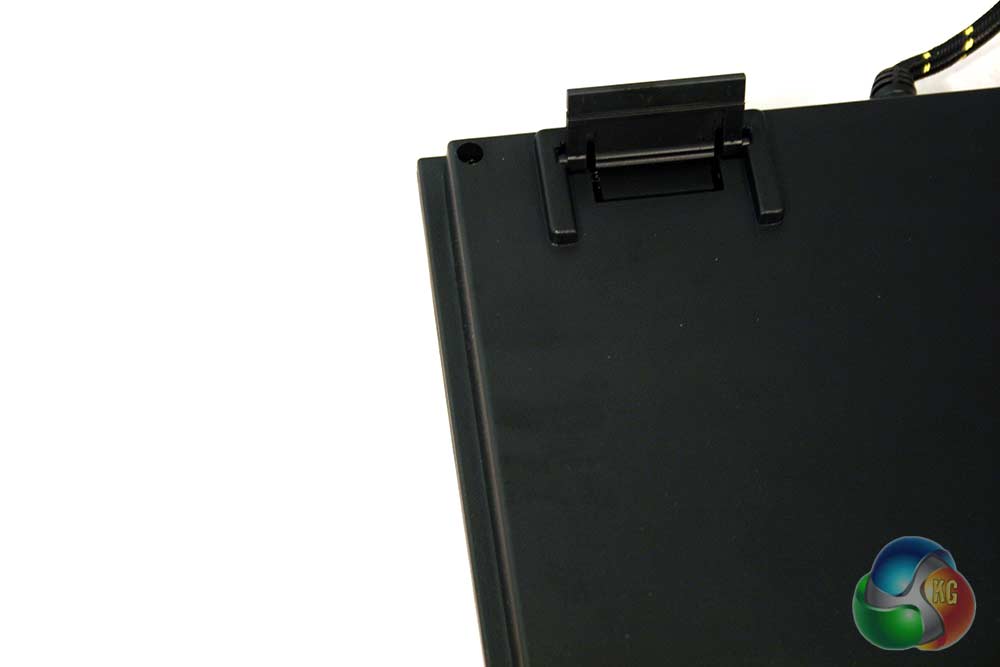
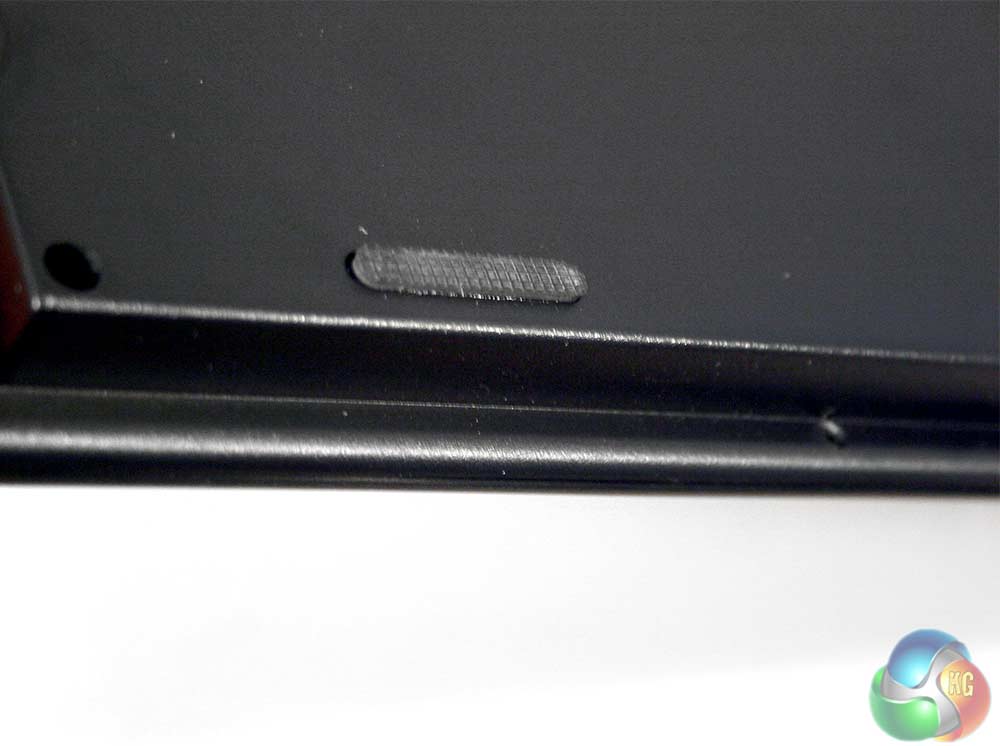
Of course there's also some little rubber grippy-things to keep it from sliding about as you pound away – though of course, this being Red switches, you won't need to do much of that – but we'll get to that shortly.
It's also worth noting that round the back of the board, you'll also find a pair of USB 2.0 ports and a couple of 3.5mm jacks for headphone and mic connection.
The connectors are gold plated, trust me, the lighting was just a bit off in this photo. It doesn't actually do much bare in mind, beyond improving the durability of the connectors. Gold tends to last a bit longer with plugging in and unplugging a device than the traditional nickel, but you won't notice that unless you're a massive LAN gamer moving your rig back and forth every few weeks.
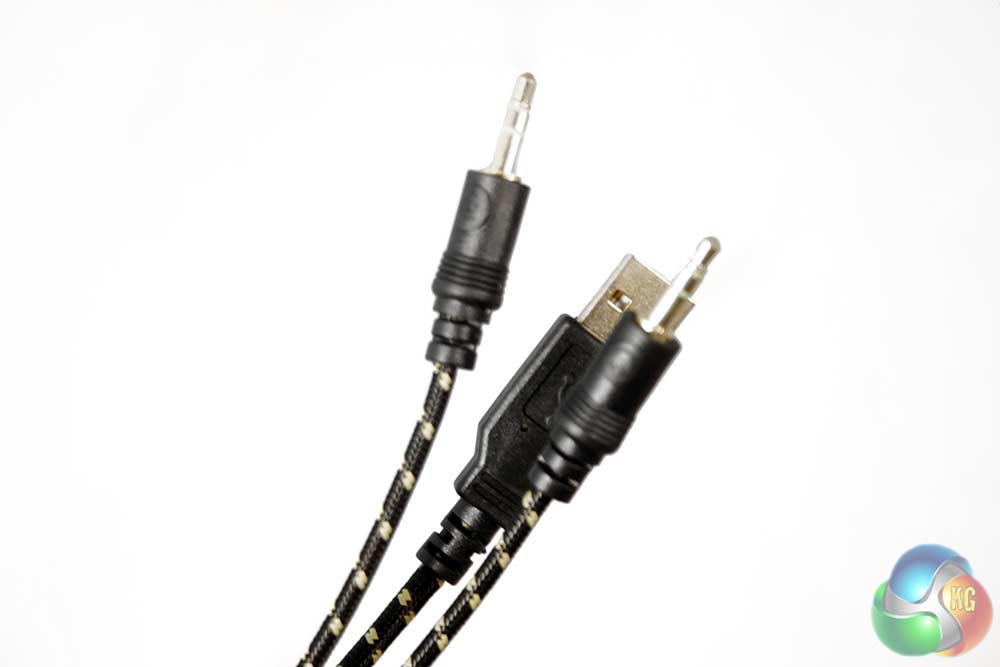
The cable is braided though, which is nice to see as it keeps things neat and tidy and it just gives it all an air of quality that rubber coating does not. The yellow/black striping also gives it a ‘danger' look to it, which some might quite like.
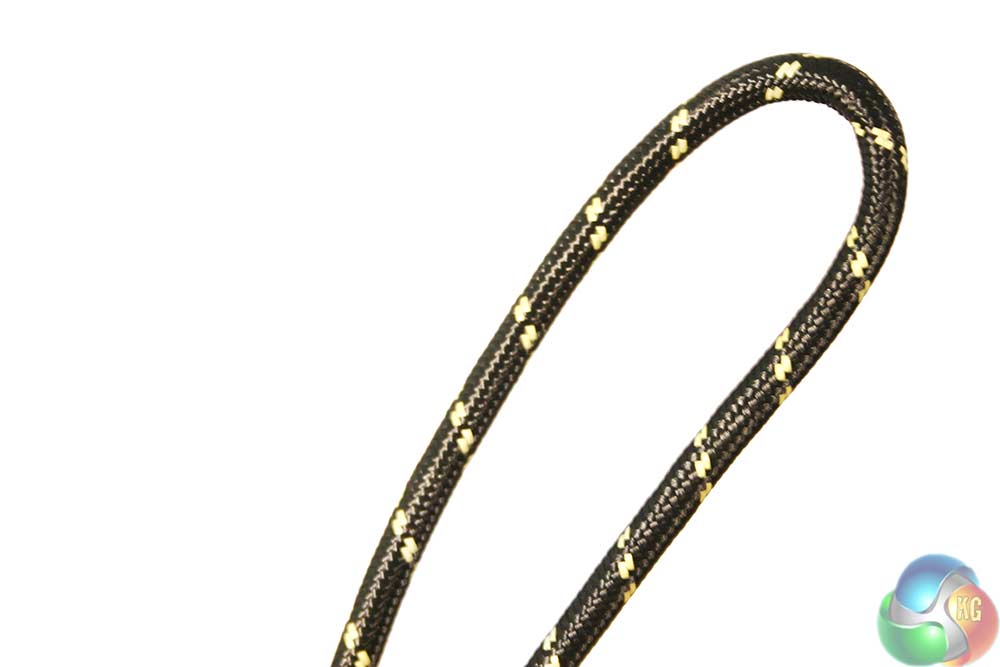
It's actually almost identical – just a bit thicker and with the obvious colour change – to the one used for the Func Headset I reviewed recently.
To put the MSI GK-601 through it's paces, I used it over a period of a week for all my daily typing – which as you can imagine working here, gets quite extensive – as well as my nightly gaming sessions which as of late, have involved a lot of Just Cause 2 Multiplayer.
There were a few other titles too though and I had the GK-601 run through several different genres and types of games to really see what it could do.
Typing wise, I found this keyboard right up there with some of my favourites. The Red Switches are very responsive and only need to be about half depressed to be activated, which has the potential for slight speed boosts to your typing speed.
However, be aware that because of the lack of force required, you can occasionally find yourself not quite depressing a key far enough – especially if you're trying to type as fast as possible.
In my case, I'm able to tap away at around 120 words per minute, faster if I am coming up with all the words myself. With this keyboard I was able to hit about the same as my usual black switch keyboard, but I can see there being the potential for me to improve a little more if I gave myself some more time to get used to the lighter touch. However in practice, when trying to increase my speed by a fraction, I found myself missing letters as I tried to move on from a key too fast.
This isn't a downfall of the Red Switches in reality, more of a case of getting used to them.
In terms of the keyboard's ease of use, it's a very standard layout so there isn't a lot to say – it works. However, I will note that as a personal preference, I prefer the function key to replace the left hand windows key, rather than the right. I use the media controls a lot more than I do any windows+[insert key] functions, so being able to do that with one hand is preferable to being able to do the other with one hand.
As it stands, if I want to adjust the volume of a game, I have to take my hand off the mouse and hold the function key, while adjusting the volume with my left hand. It's a small thing, but it's noticeable.
Likewise, I'm not a big fan of the single height enter key. Instead of having the double sized one like my usual keyboard does, I have a “#” and “~” key. While I understand that hash tags are far more commonly used now than they used to be, it doesn't warrant taking up half of my enter key space. As you may have ascertained, we received an early US sample. Good news is that when the UK and European models hit sale in Q2 2014, they will have a double height return key. We don't know why the American audience seem to like single height return keys, but we certainly don't.
Gaming wise, as you would expect the GK-601 does really well. The Red switches are beautifully responsive and it's perfectly comfortable in long sessions. Some may like to see a wrist rest of some kind on their board, but due to the angling of this one after a while I didn't find it necessary. However, if you don't have an arm rest on your chair, you are going to notice more than those that do.
I must admit I was initially concerned that with the lack of PS/2 connector on this keyboard, we might have problems with multiple key presses, but thanks to what MSI calls its “N-Key Rollover and anti-ghosting technology,” there is no issue with hitting as many keys as you want, so don't worry about mashing the keys during frantic sessions.
However if you don't want to take that risk, you can always let the software handle it for you with the inbuilt macro functions, which is nice to see on a mechanical board. In-fact you can macro or remap every key on the entire board which is impressive. The software isn't the most intuitive, but with a bit of a play you can figure it out easily enough .
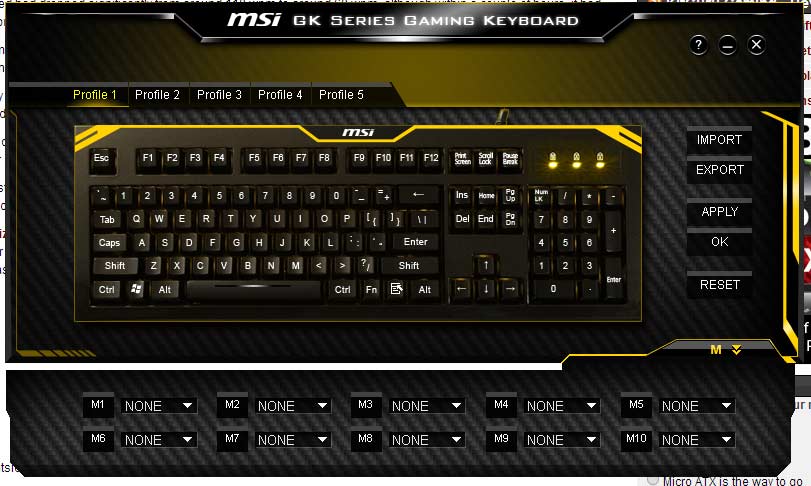
There's no options in the software for adjusting the backlighting, but the operation of that can all be handled by the num keys, which allow for adjusting its brightness, as well as whether it's on all the time, or “breathes” in and out.
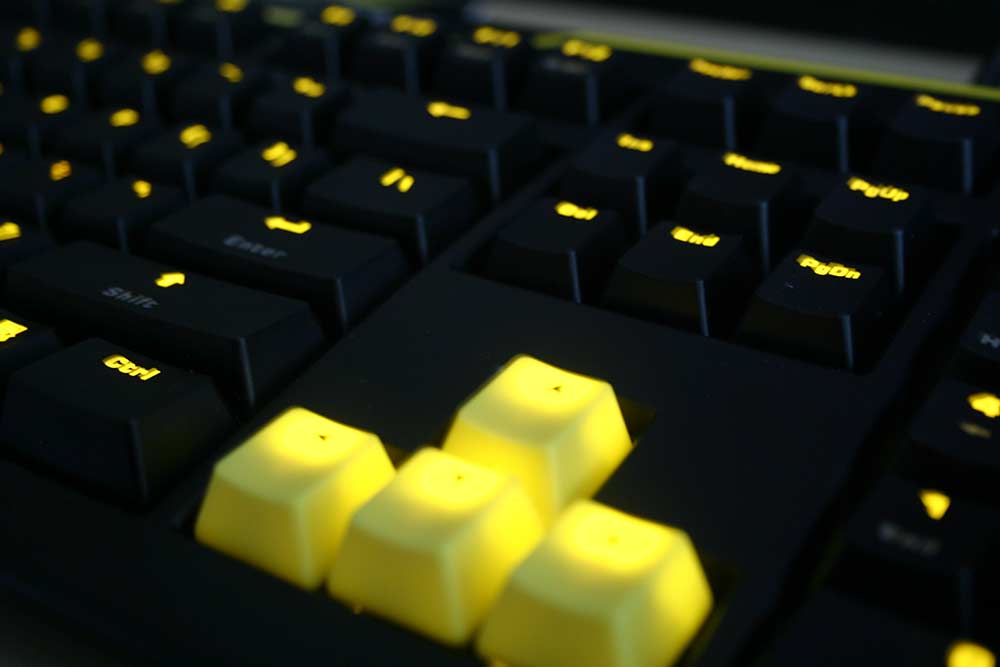
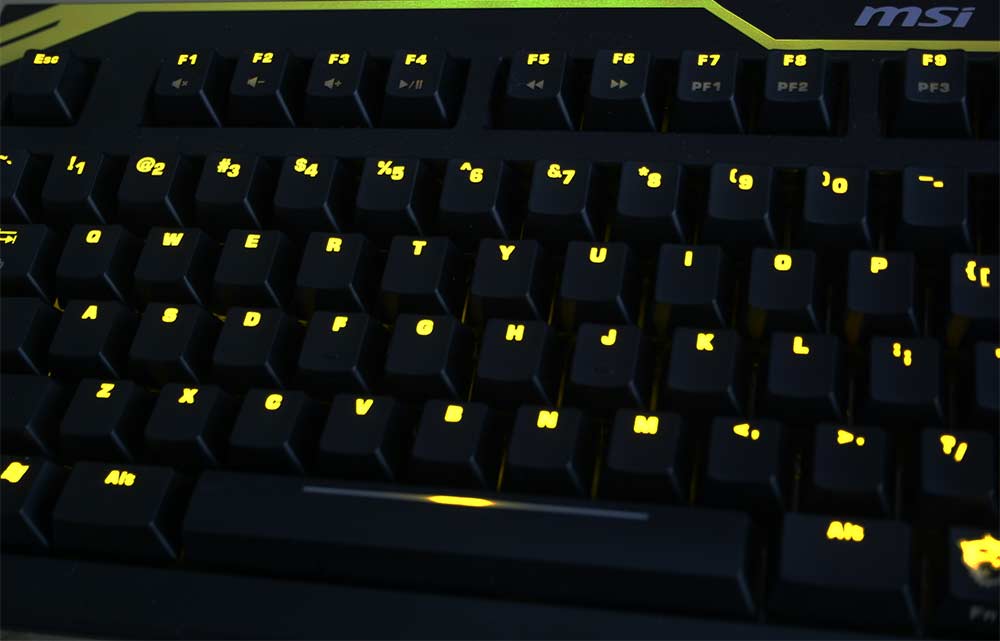
Ultimately, this is quite an attention grabbing keyboard with a unique look and keys/switches that are great for typing and gaming in equal measure. However, if you are used to heavier switches it will take you some time to get used to the GK-601, as will those that have been using a full size enter key for some time.
It's priced pretty fairly too, and it's got a solid build, with nicely braided cabling and acts as its own USB hub for added accessories, though the software can get a bit fiddly at times.
Bottom line, this isn't the best keyboard I've ever used, but it's nipping at the heels of my favourites, which is high praise. This is a solid keyboard for those that love yellow and Cherry Red switches.
Discuss on our Facebook page, over HERE.
Availability and Pricing
Unfortunately you won't be able to get a hold of the GK-601 in the UK until Q2 this year, but when it is released, it'll cost £69.99.
Pros
- Lovely to type on.
- Fast response keys are great for gaming.
- Anti-ghosting means you can multi-press as many keys are you like.
- Backlighting for those that game in the dark.
- Feels sturdy and well built.
- Key remapping and macro recording software.
- Braided cabling.
Cons
- Software can be a bit fiddly.
- Ugly lock indicator lets down the good looks.
- Would like to have seen the function key on the left rather than the right.
- No wrist rest seems a shame.
Kitguru Says: A quality keyboard, around a standard mechanical price range. There are a few things we would change, but it's a very nice product.


I own a QPad MK-50 Pro and it’s boss. There’s no Macro options but it’s a mech Keyboard with Cherry Red switches and comes with a wrist wrest. It was cheap and is solid. Same thing with the Fn keys and it annoys me to no end; the only downside.
A very pretty keyboard. Shame it’s not great for general typing due to the red switches.