 KitGuru KitGuru.net – Tech News | Hardware News | Hardware Reviews | IOS | Mobile | Gaming | Graphics Cards


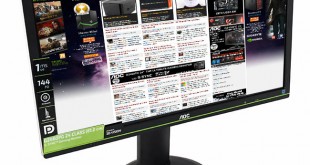
On July 4th we reviewed the latest G-SYNC monitor from ASUS, the 1440p ROG Swift PG278Q 144hz. It was undoubtedly one of the best monitors we have reviewed in the last year. However at £719.99, it will prove too expensive for the majority of the enthusiast audience. Today's review product, the 24 inch 1080p AOC G2460PG G-Sync 144Hz will be more palatable for many – priced at less than 50% of the ASUS screen, at £347.99 inc vat. Is it worth the money?
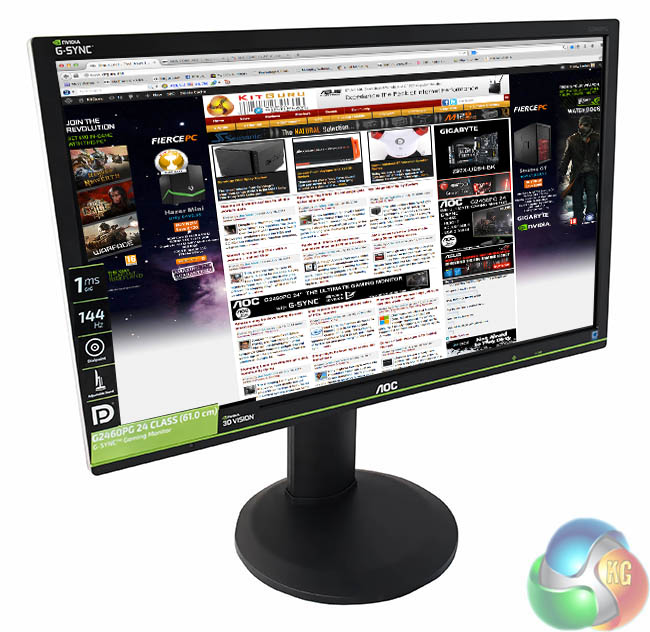
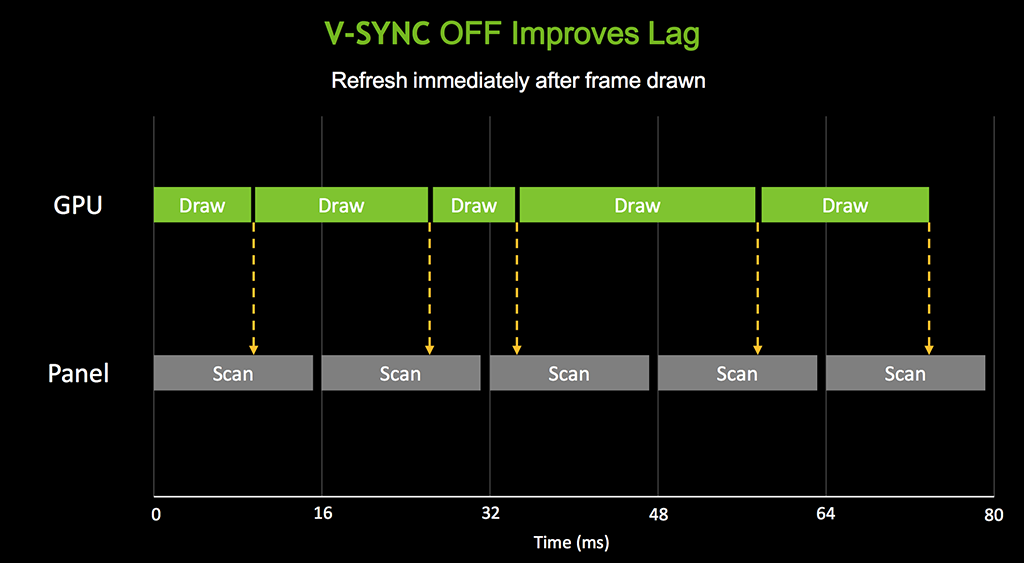
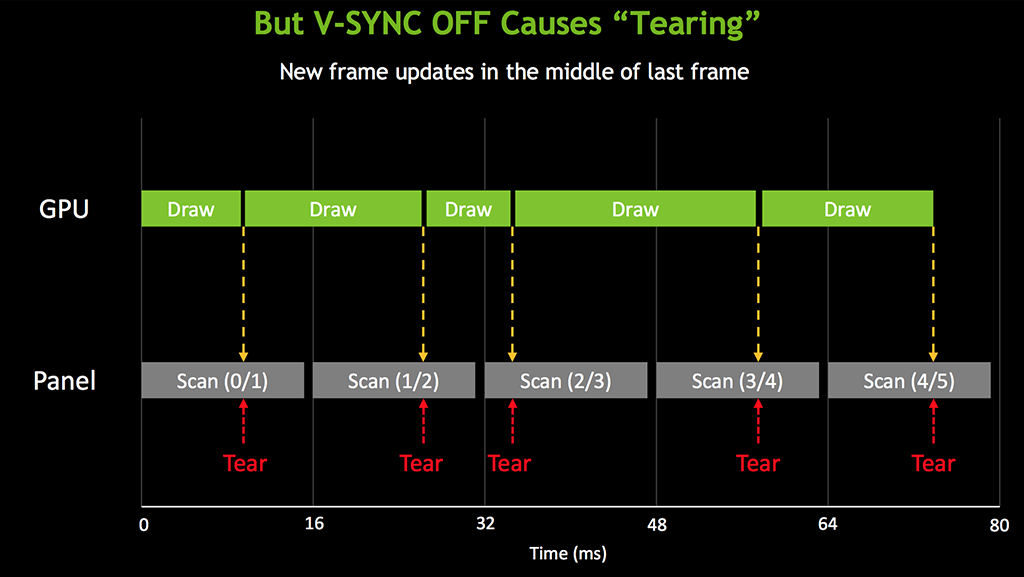
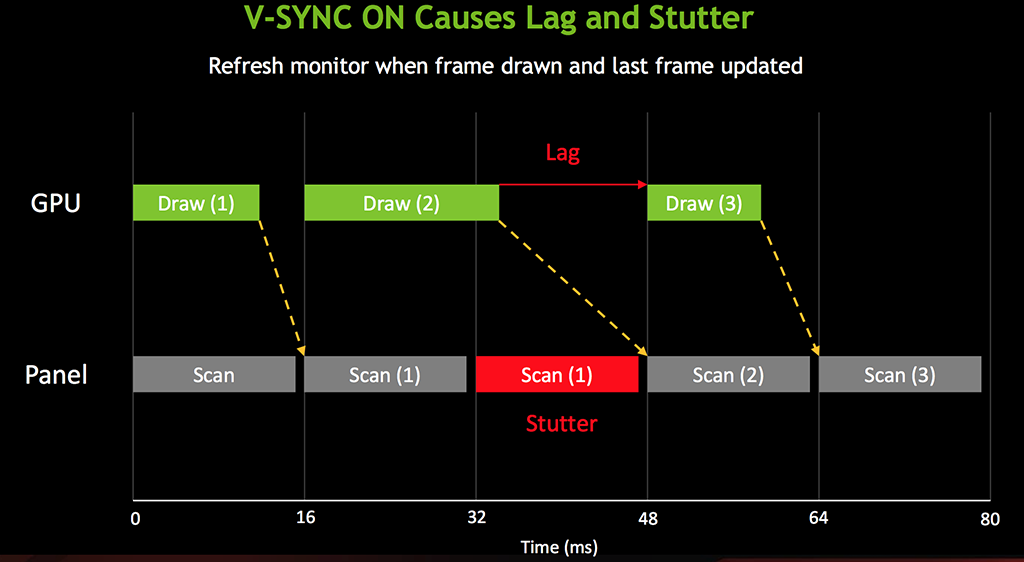
One of the major selling points of this new AOC screen is the support for Nvidia’s G-SYNC technology. G-SYNC has been designed to eliminate screen tearing – an unpleasant artifact that can rear its ugly head from time to time. We have covered this technology before in many of our news posts, but we will discuss it again briefly before delving into our main review.

Inside all G-SYNC capable monitors is the proprietary NVIDIA G-SYNC module which allows the monitor to synchronise to the output of the graphics card. Traditionally the graphics card had to synchronise to the monitor which could lead to unpleasant tearing in-game – most of us have experienced this at one time or another.
AOC G2460PG Details
- 1920 x 1080 maximum resolution
- Special Features: -5/22 Tilt,130 mm Height Adjustment,Display Port Input,Eco Mode,e-Saver,i-Menu,Kensington Security Lock,NVIDIA G-SYNC,screen+,USB 2x 2.0, 3x 3.0,VESA 100 mm
- 350 cd/m²
- 1ms refresh
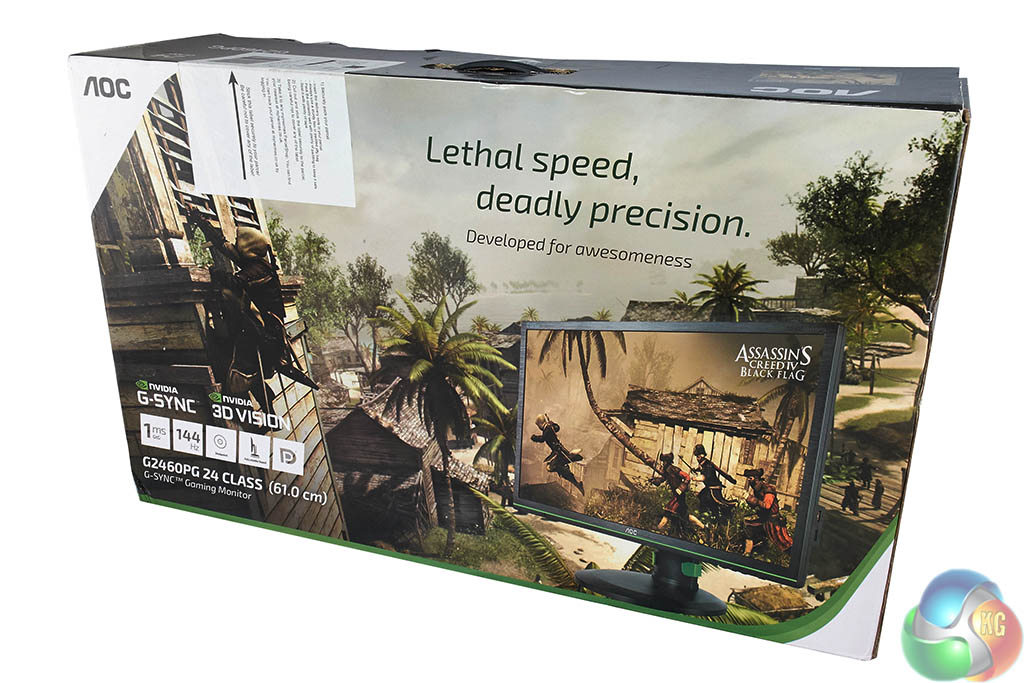
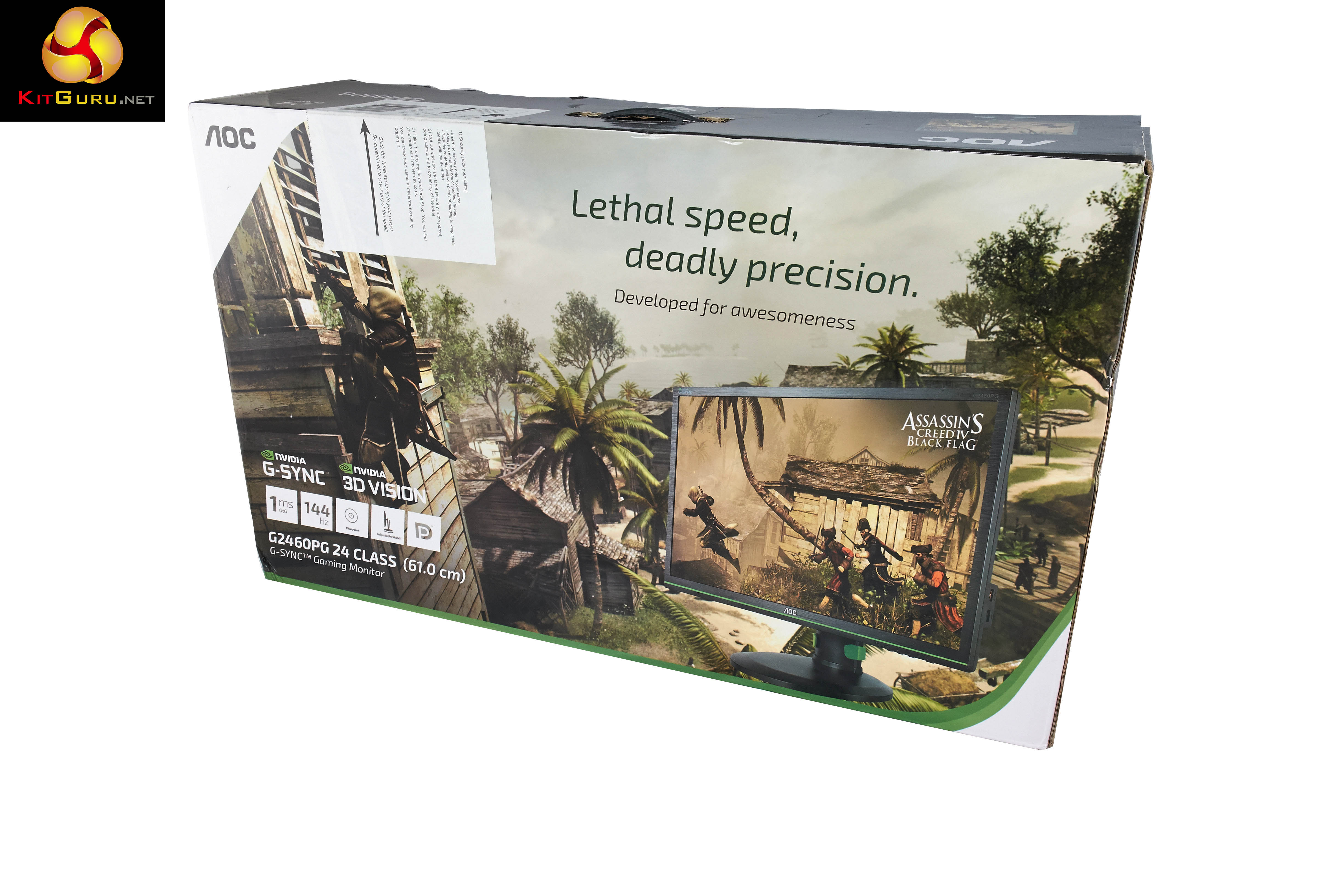
The AOC G2460PG ships in a very colourful box – featuring Assassins Creed artwork. The box weighs around 8.5kg.
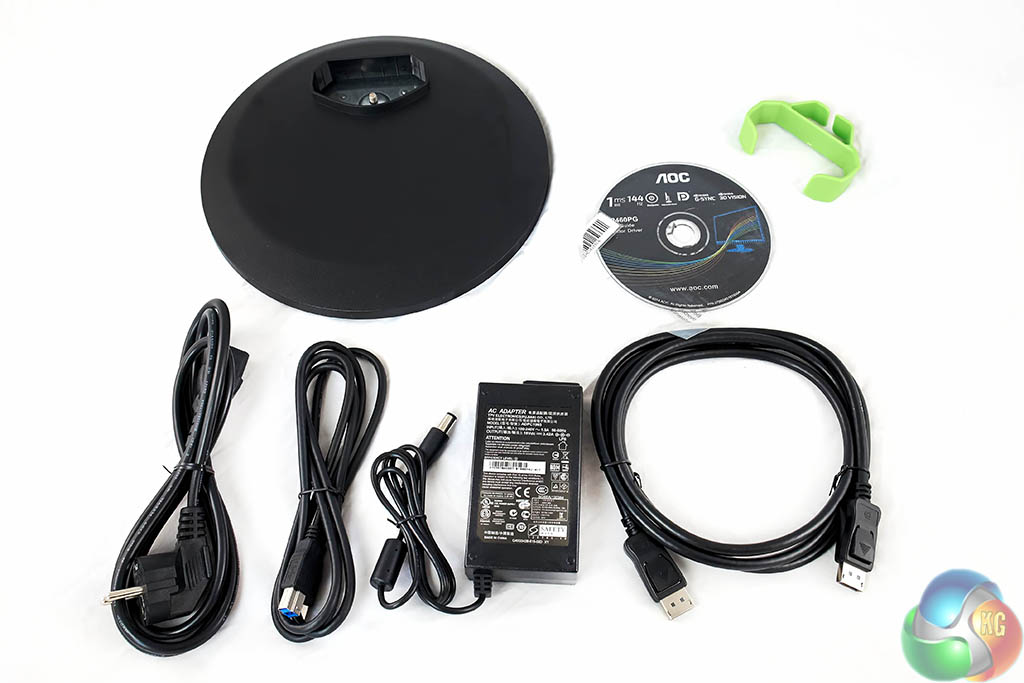
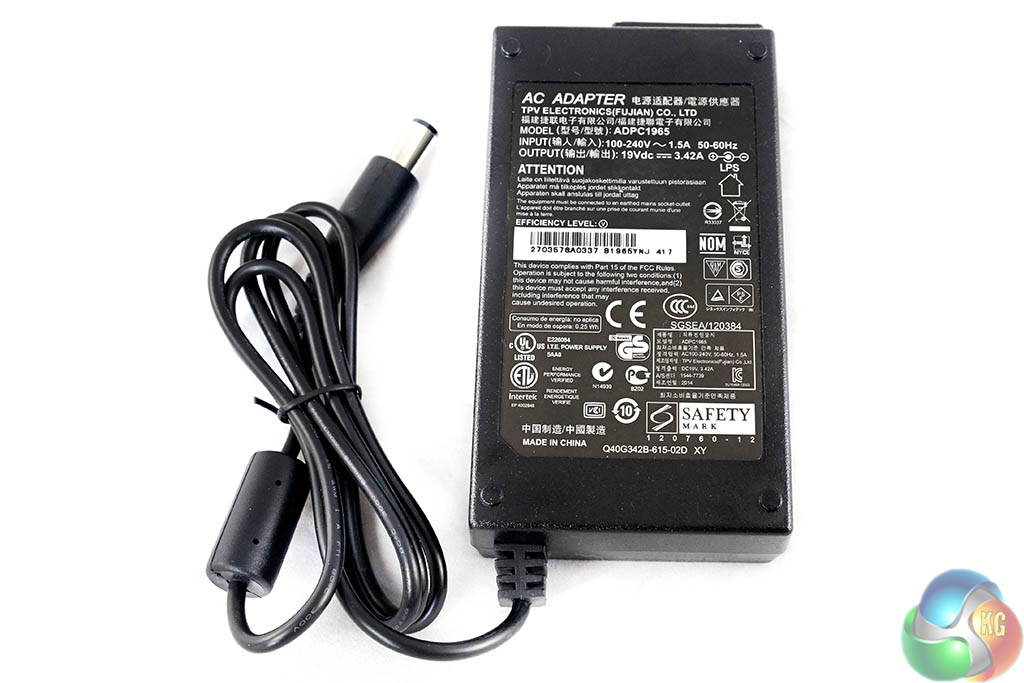
Inside the box is the stand base, power supply, software disc, cable tidy, DisplayPort cable, USB cable and regional specific power cable.
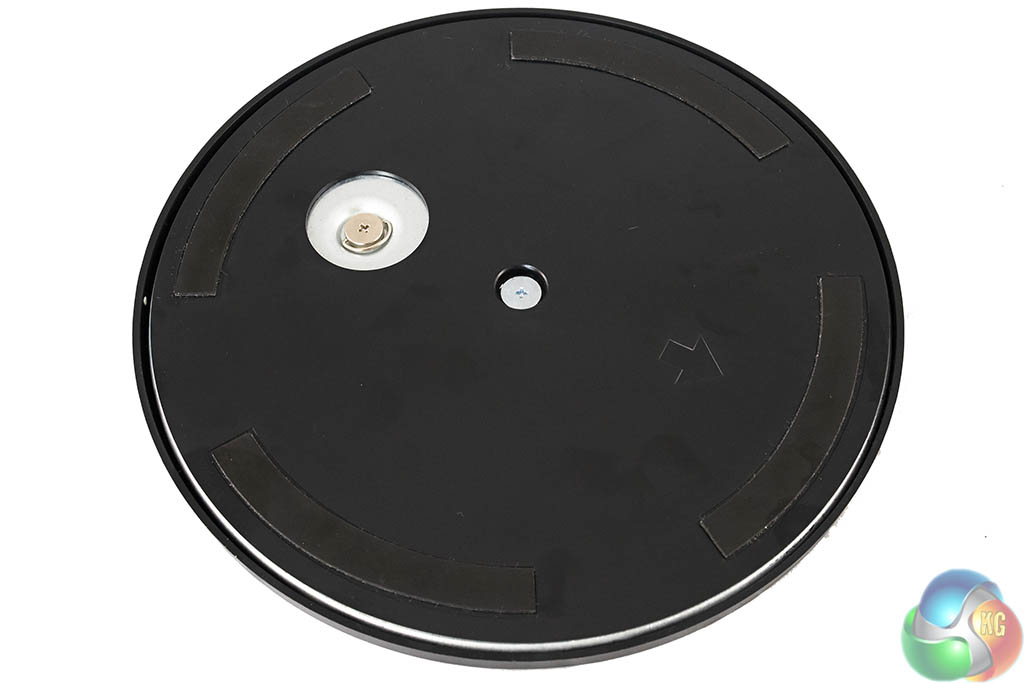
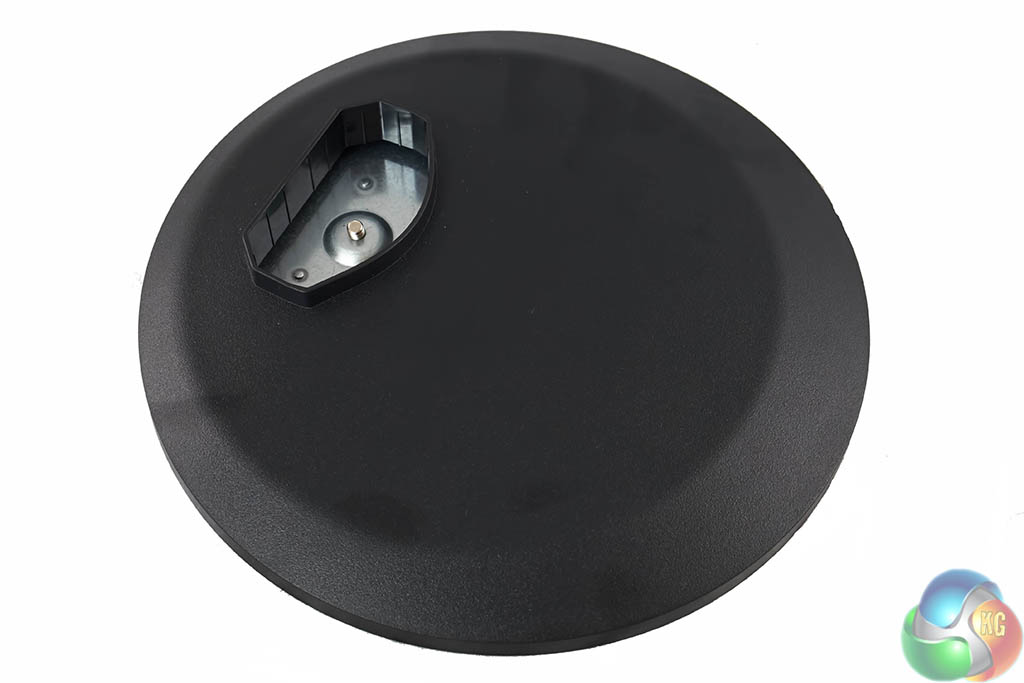
Unlike the ASUS ROG Swift PG278Q, the AOC G2460PG doesn't ship with the stand completely preassembled.
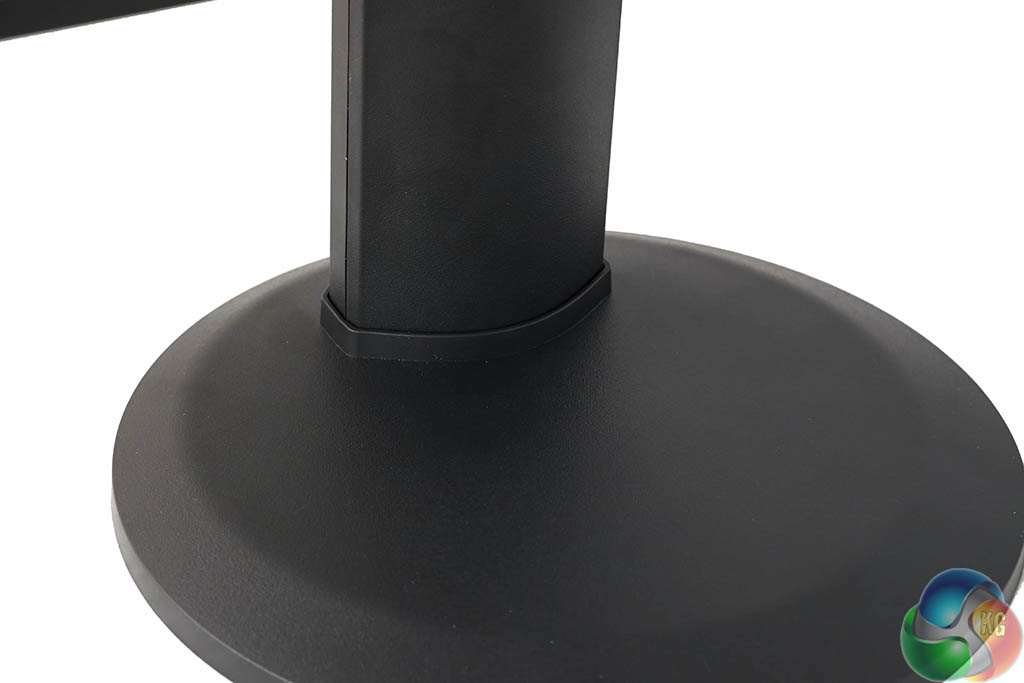
It is tool-less however and in less than a minute you have the stand screwed into the base.
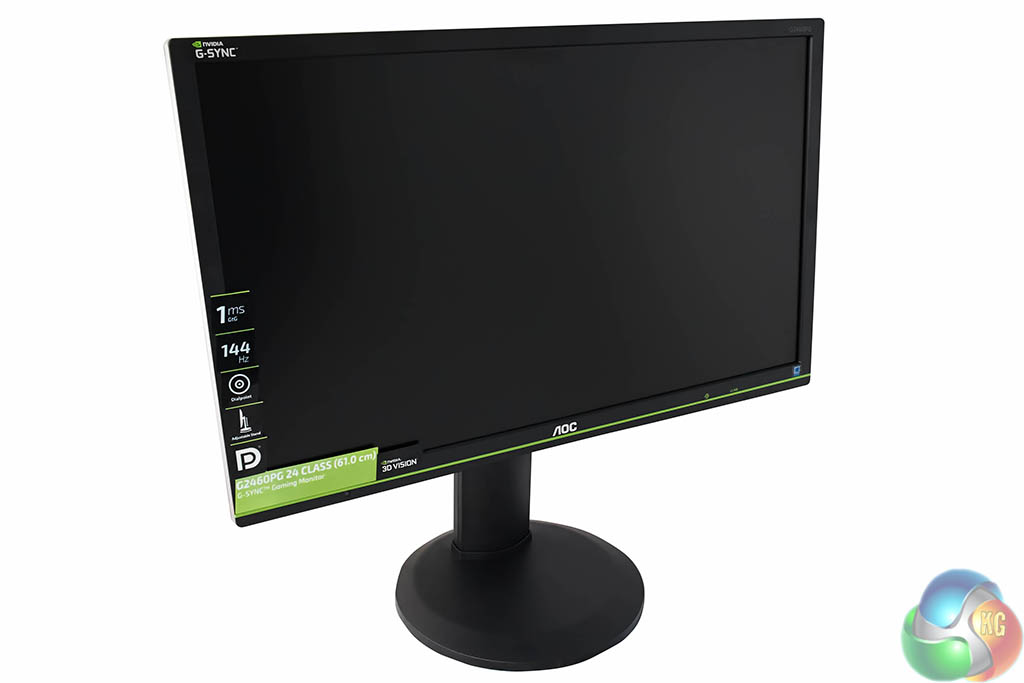
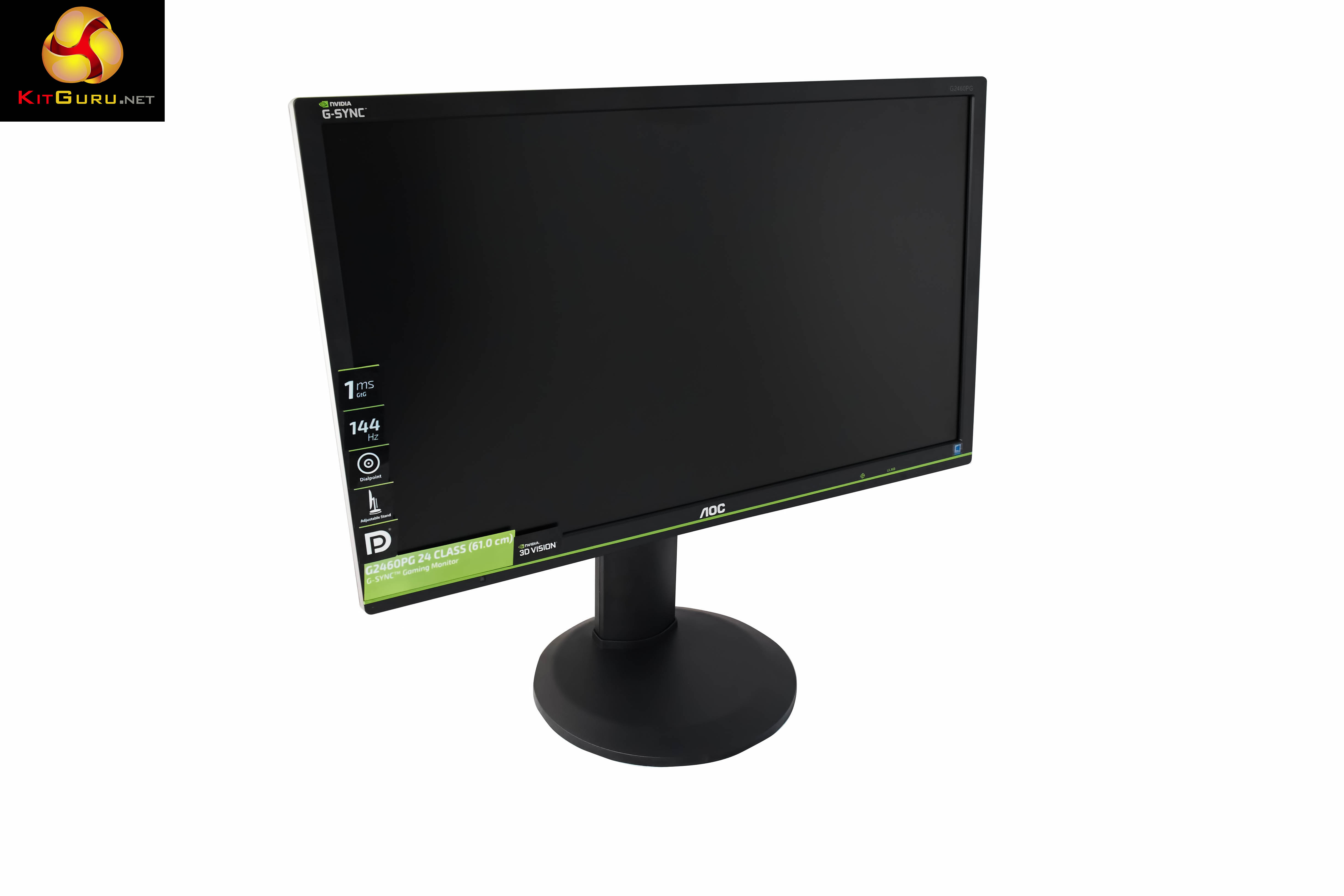
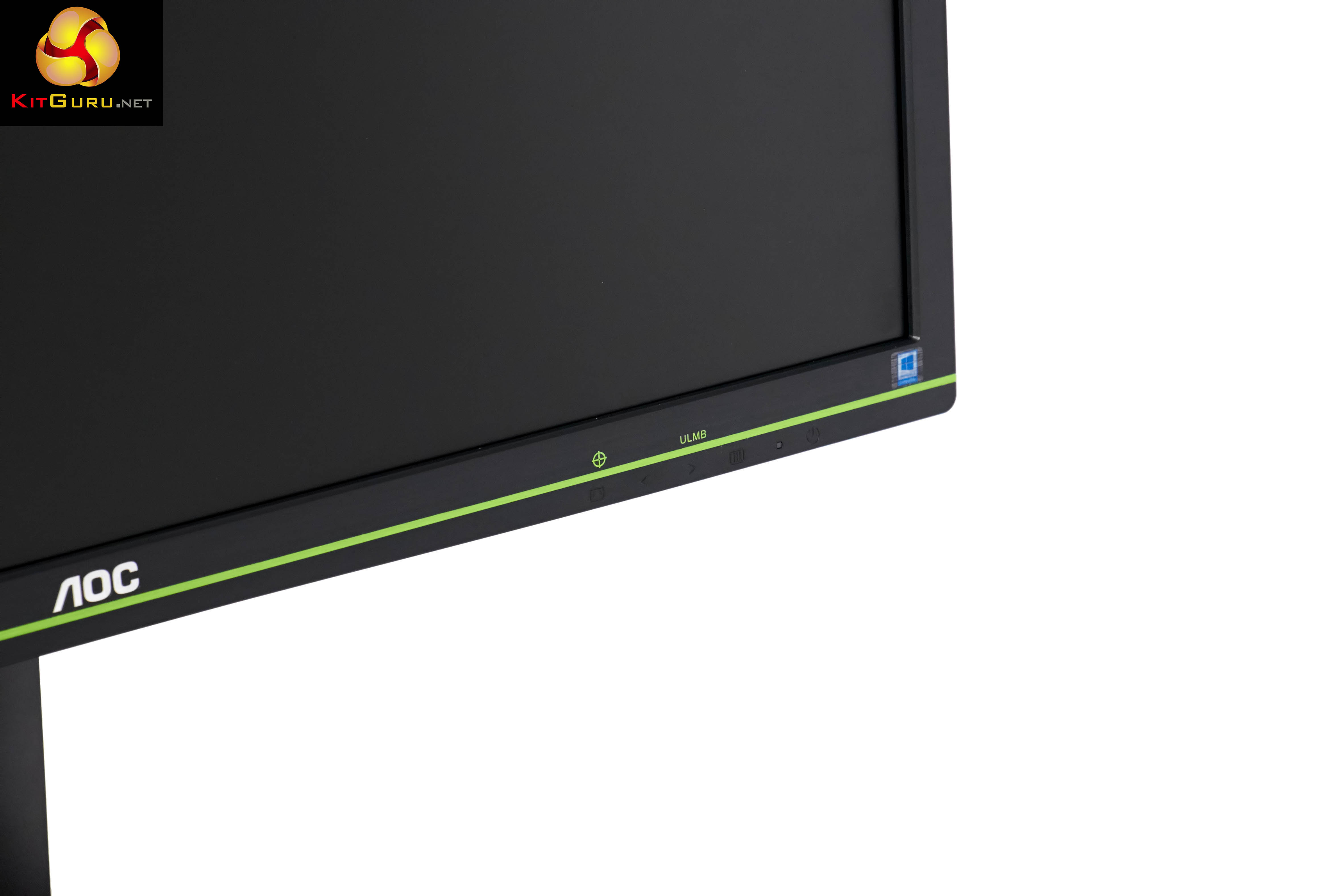
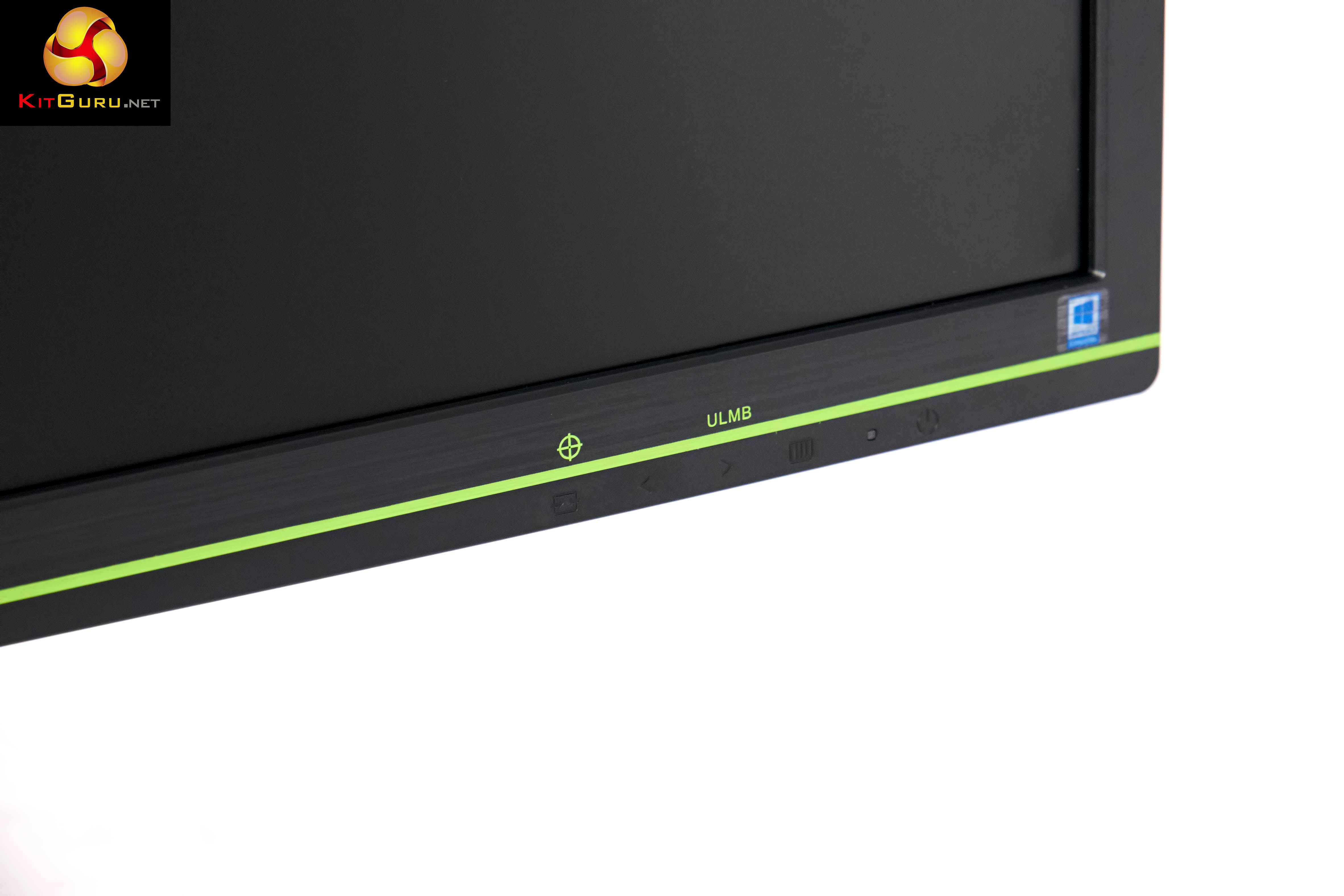
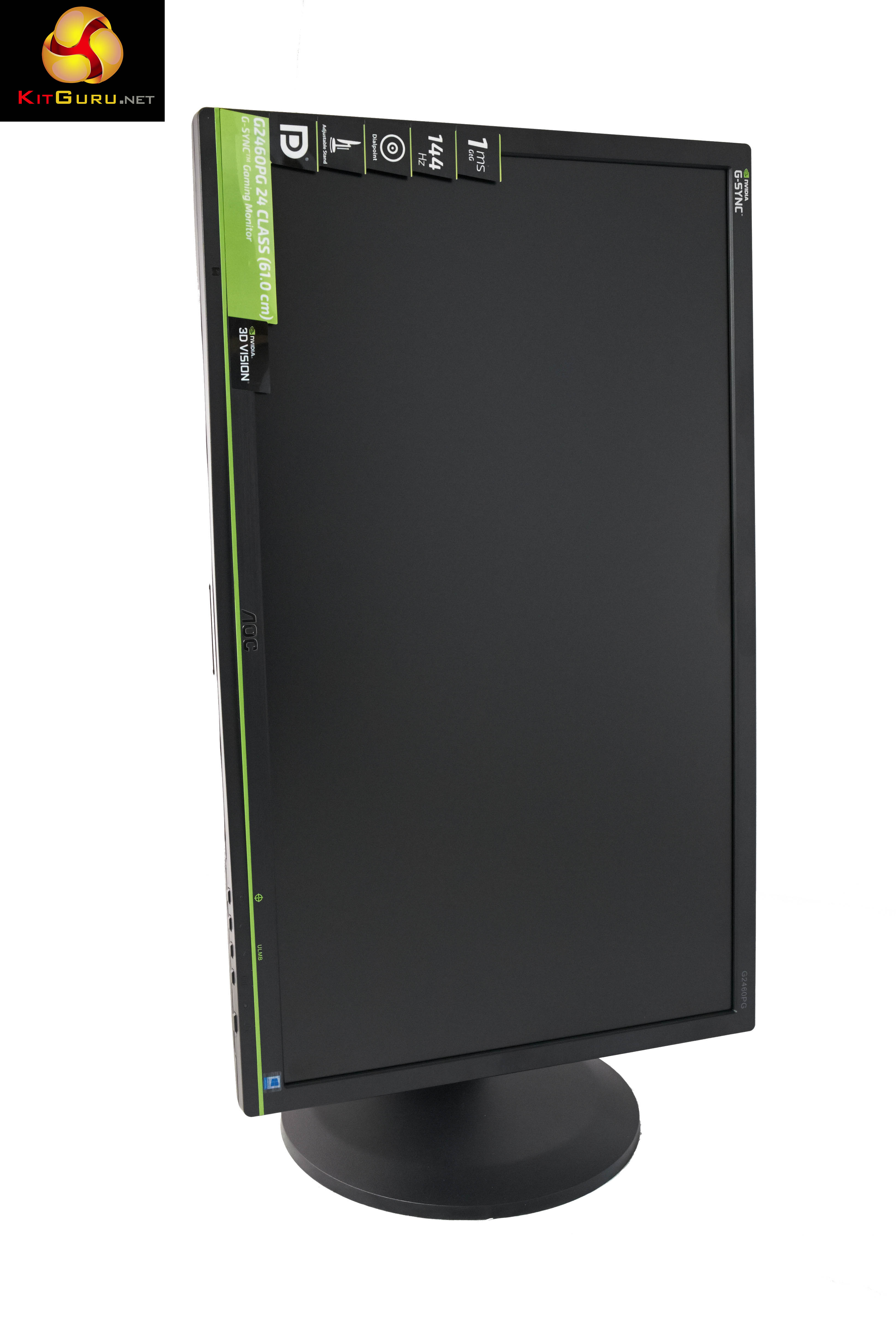
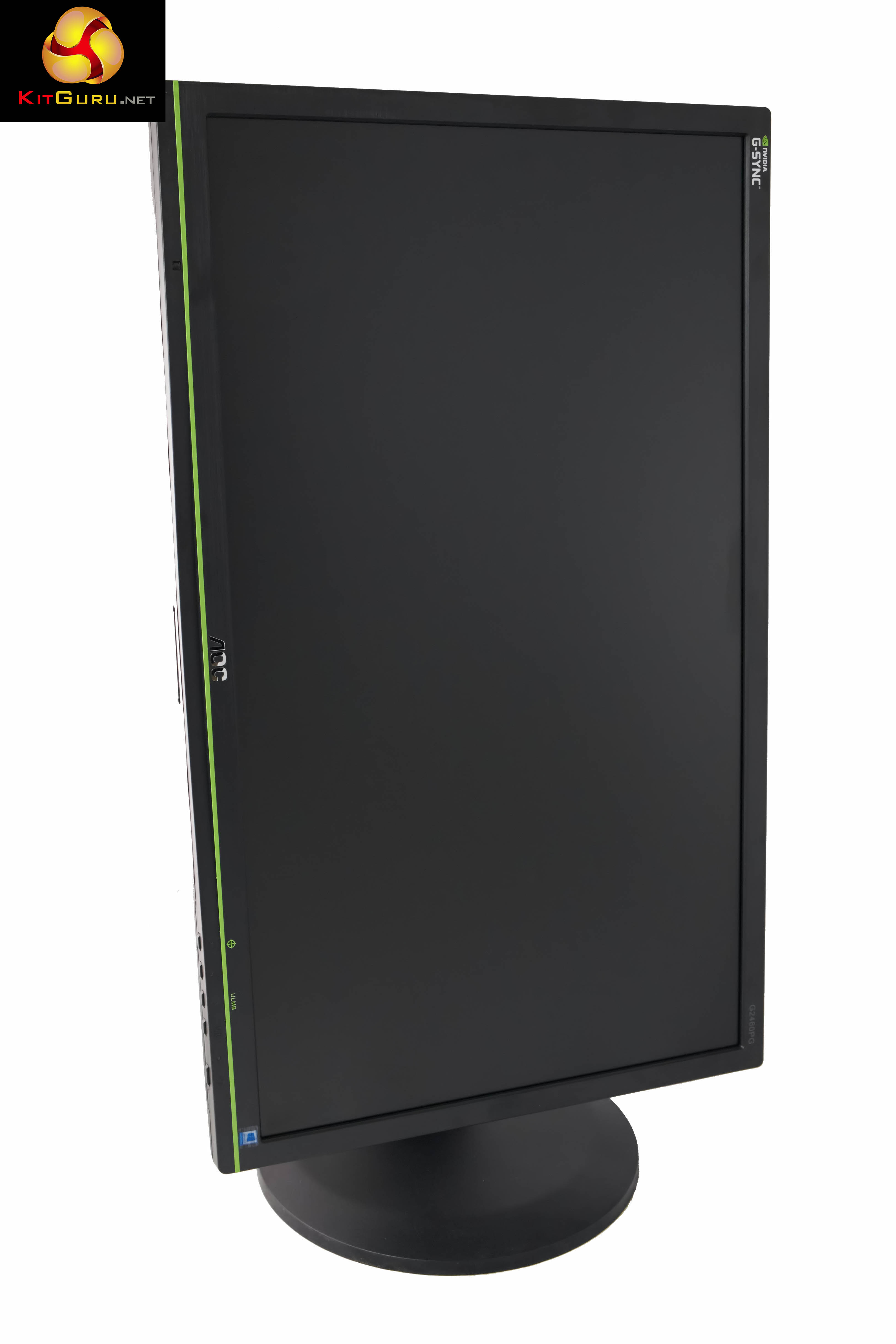
As this is an Nvidia G-SYNC panel AOC have opted to decorate the panel with a green stripe, along the bottom bezel. The monitor weighs 6.5kg and measures 565.4 x 393.6 x 244.6 mm (WxHxD).
The surface of the plastic panels is finely textured and it looks great under some lighting conditions.
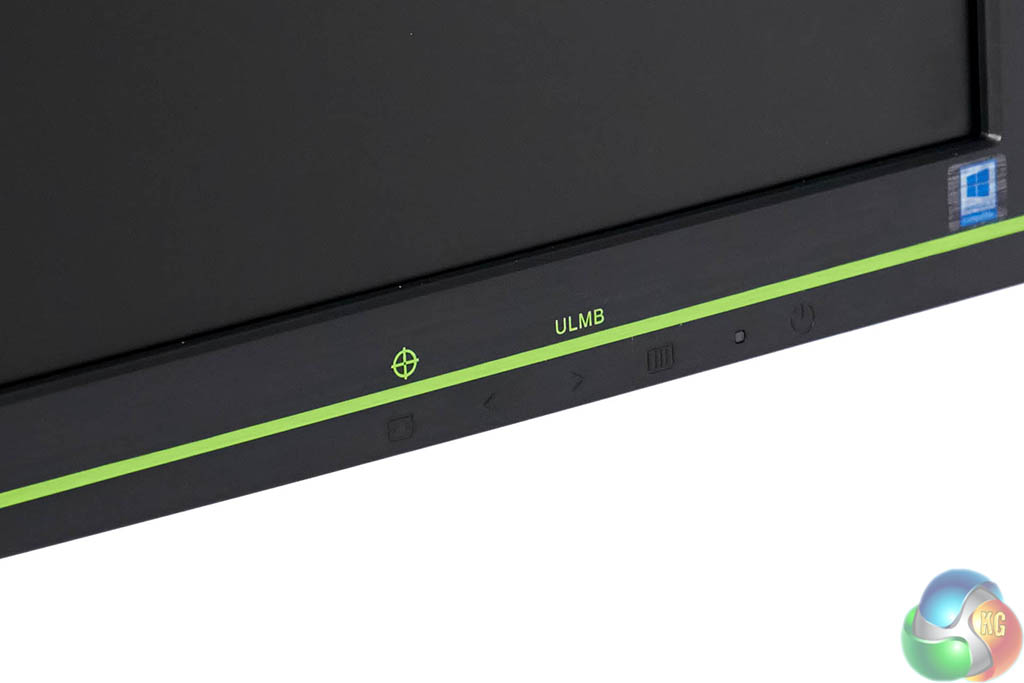
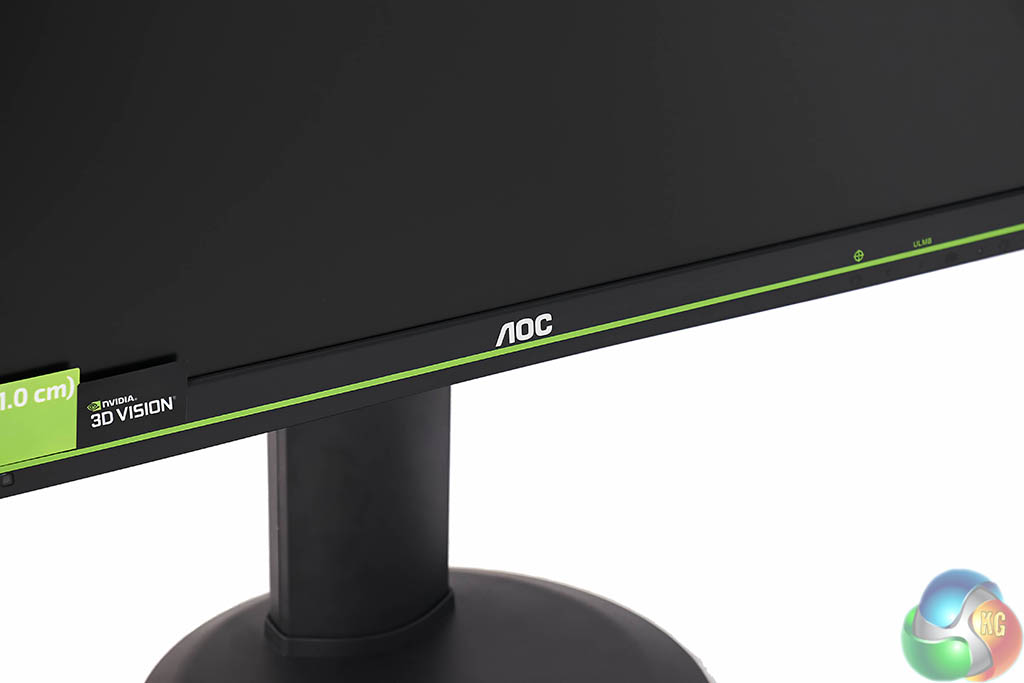
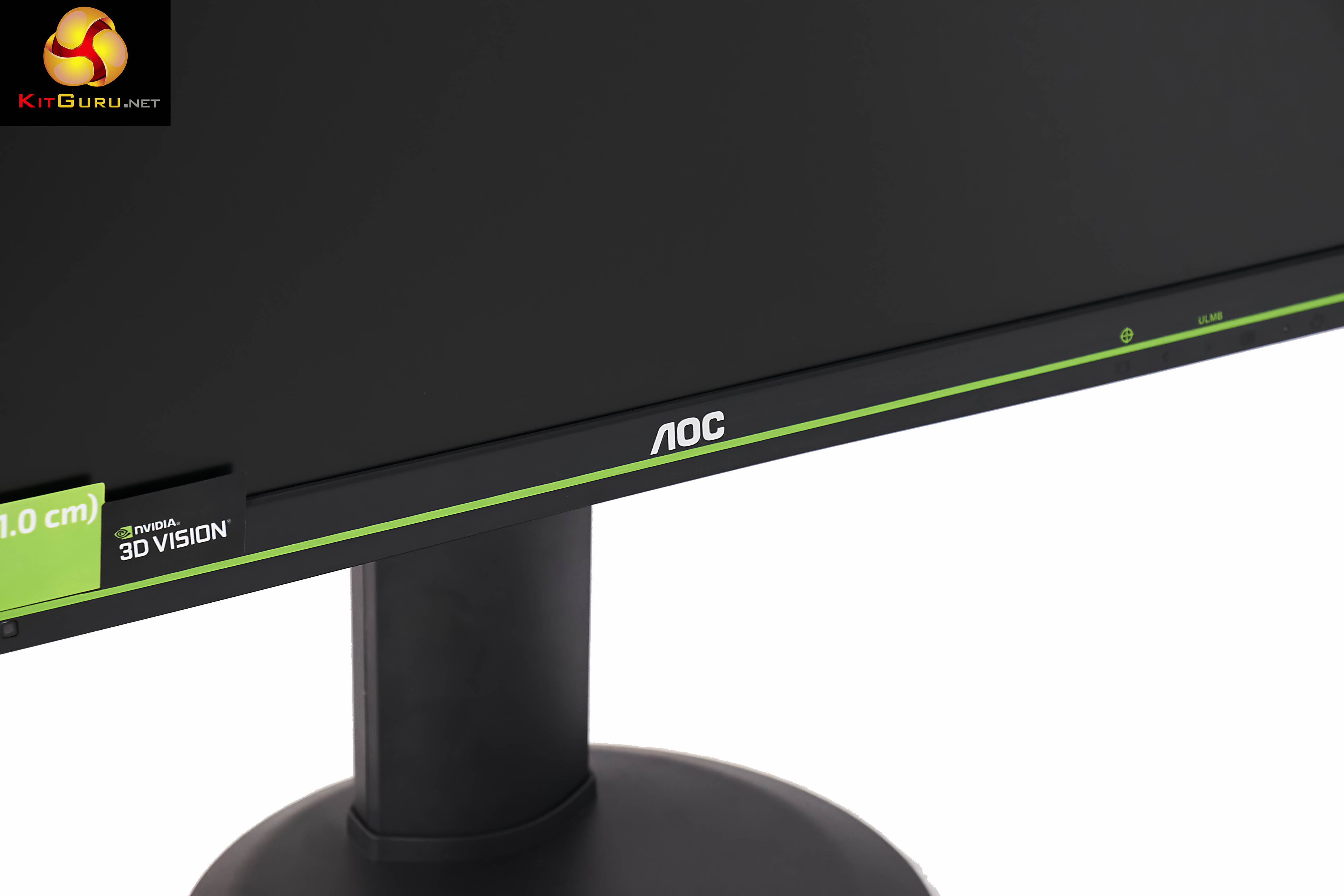
Along the right side of the screen is the interface panel, alongside the wording ‘ULMB' and a cursor icon.
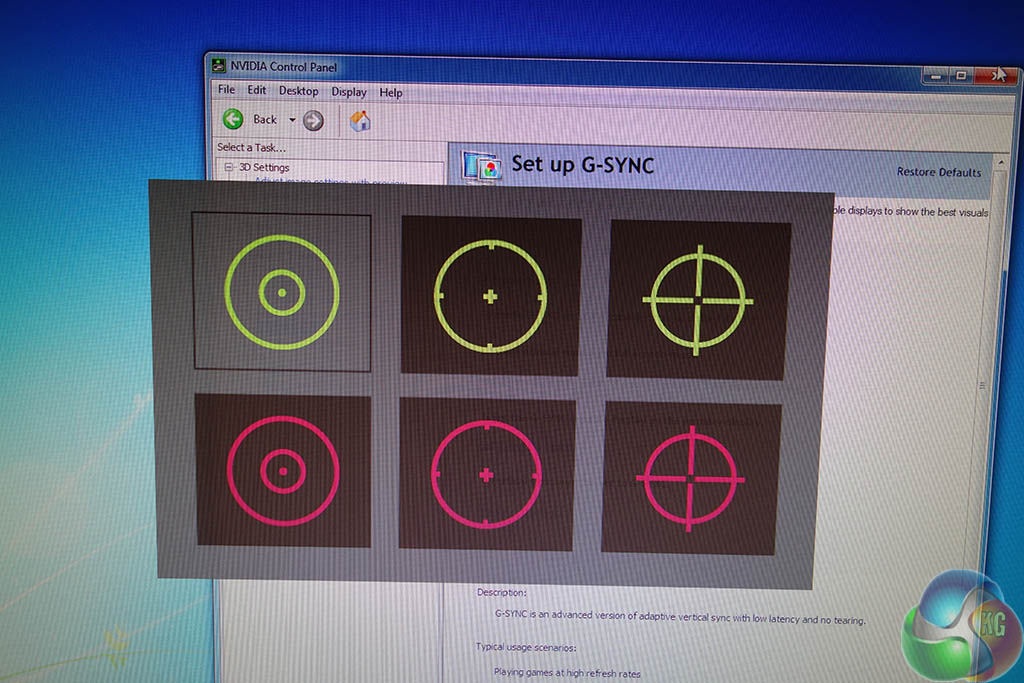
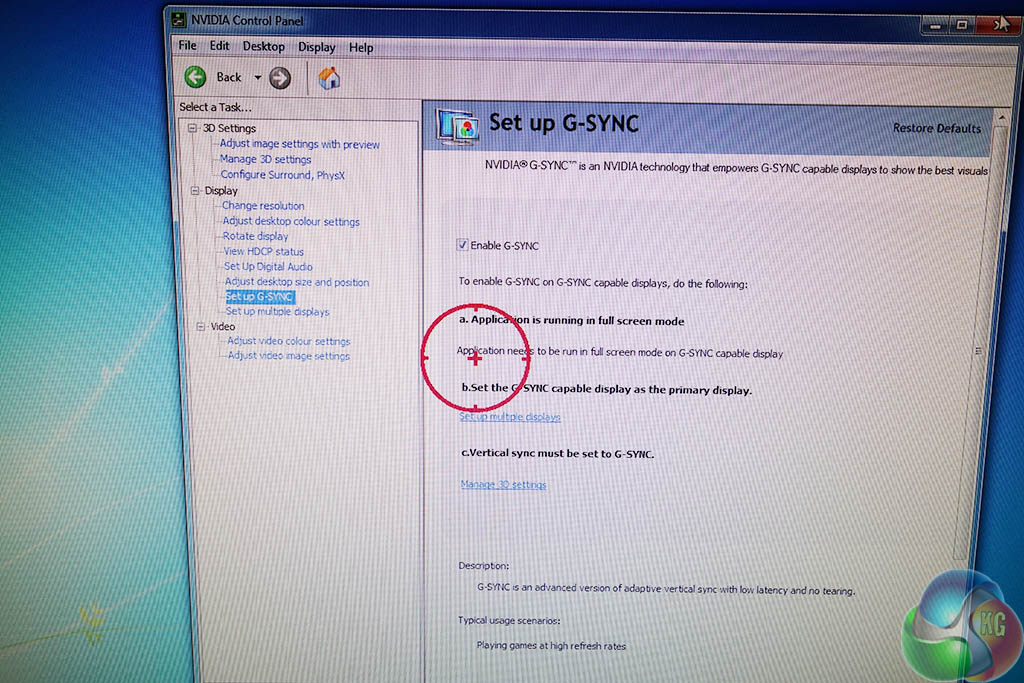
The Cursor icon is self explanatory. If you press the button, you get to choose between six pre-configured options, in two different colours – yellow or red. When you select one it will appear dead center in the middle of the screen as shown in the image above right.
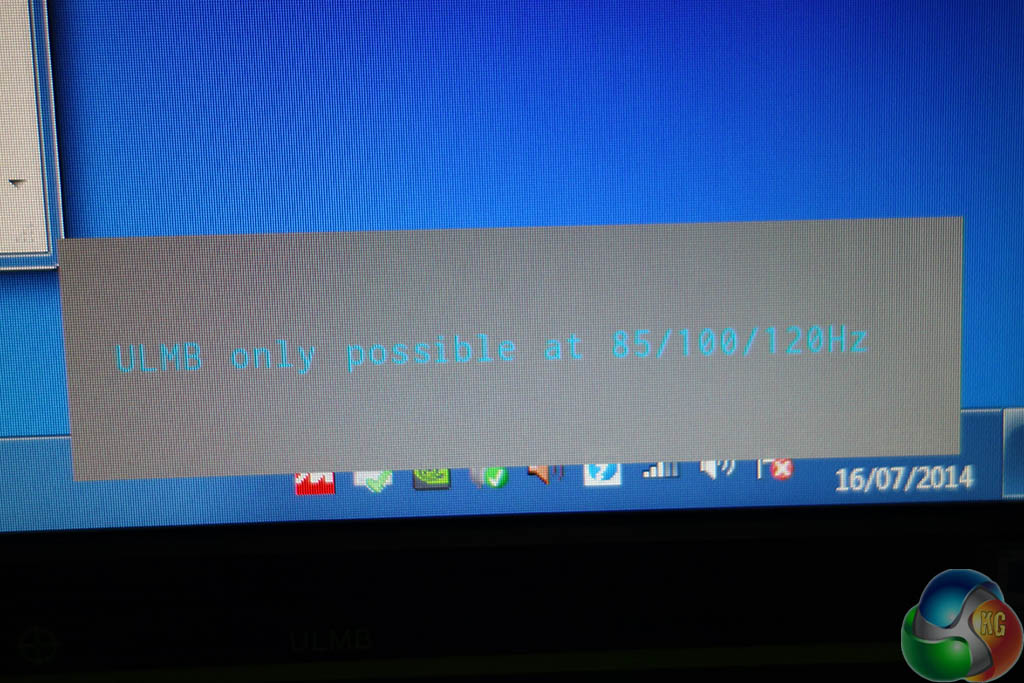
The ‘ULMB' text on the front panel was not mentioned in ANY of the AOC literature, and it is even missing from the product page on their website. We worked out that it stands for ‘Ultra Low Motion Blur'. When we first pressed it, a message appeared ‘ULMB only possible at 85/100/120hz.'. So we changed the panel refresh to 120hz.
When the button was pressed again the brightness and contrast of the screen dropped significantly. It almost reminded me of the ‘Clear Plus' mode on my 55 inch Sony 1080p television set. We didn't really notice any motion blur in the first place at 120hz or 144hz, so we just left this feature off.
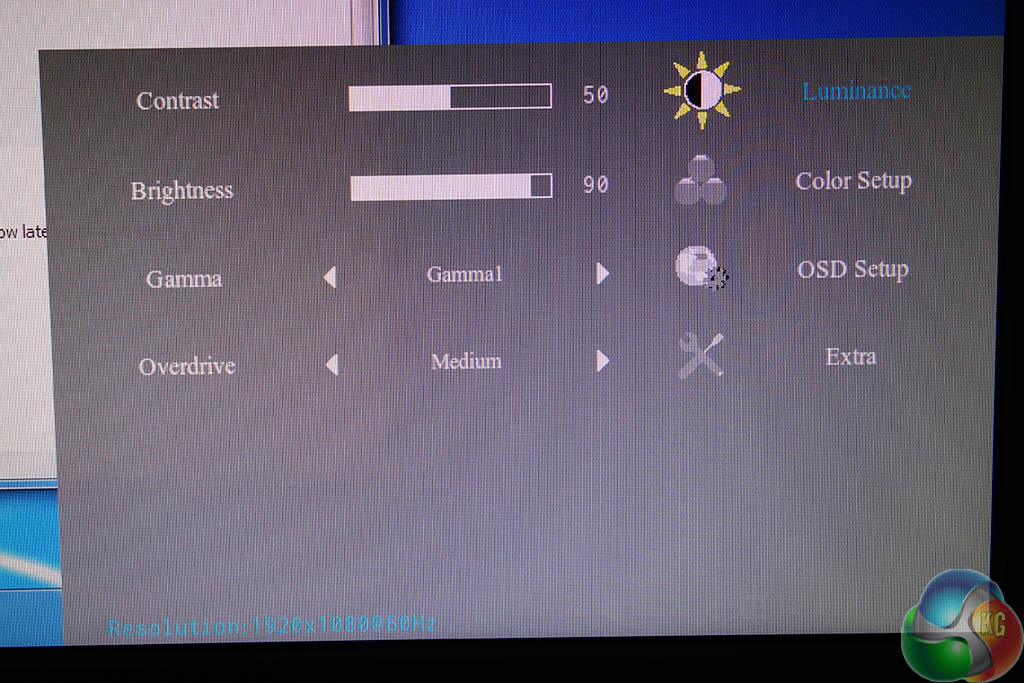
The onscreen menus are not the most attractively designed, but they are functional and offer control over brightness, contrast, colour balance etc. Enough to keep a gamer satisfied.
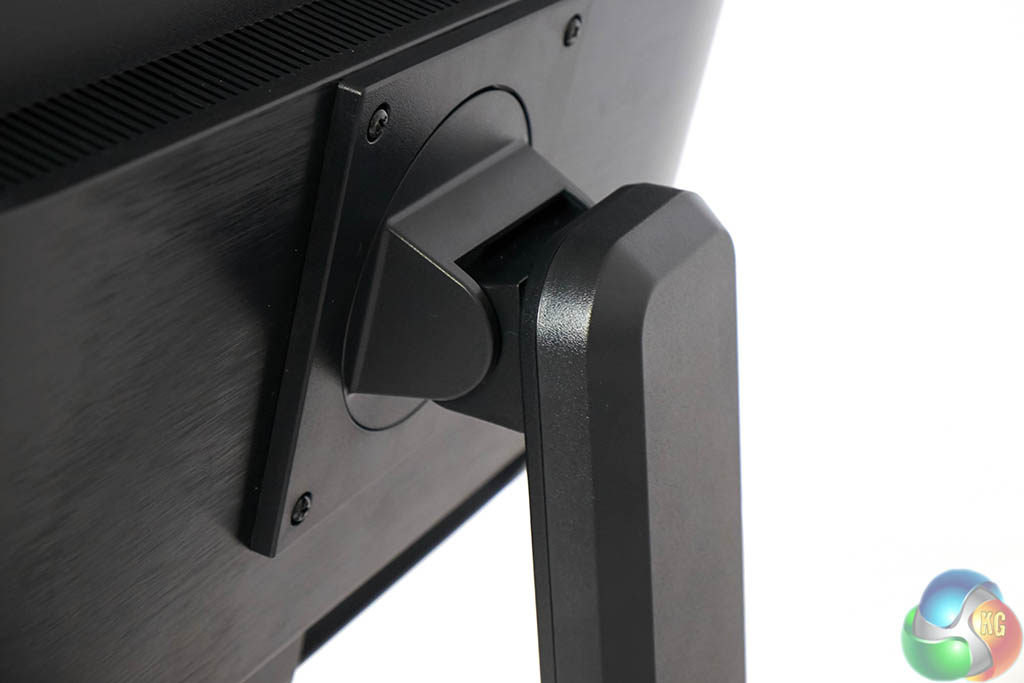
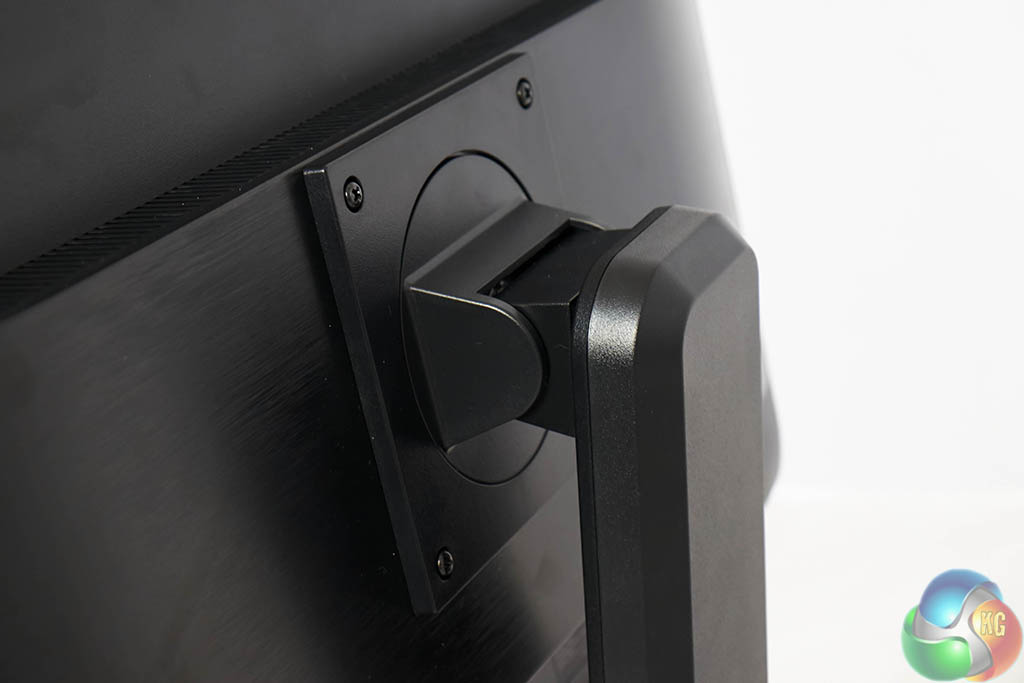
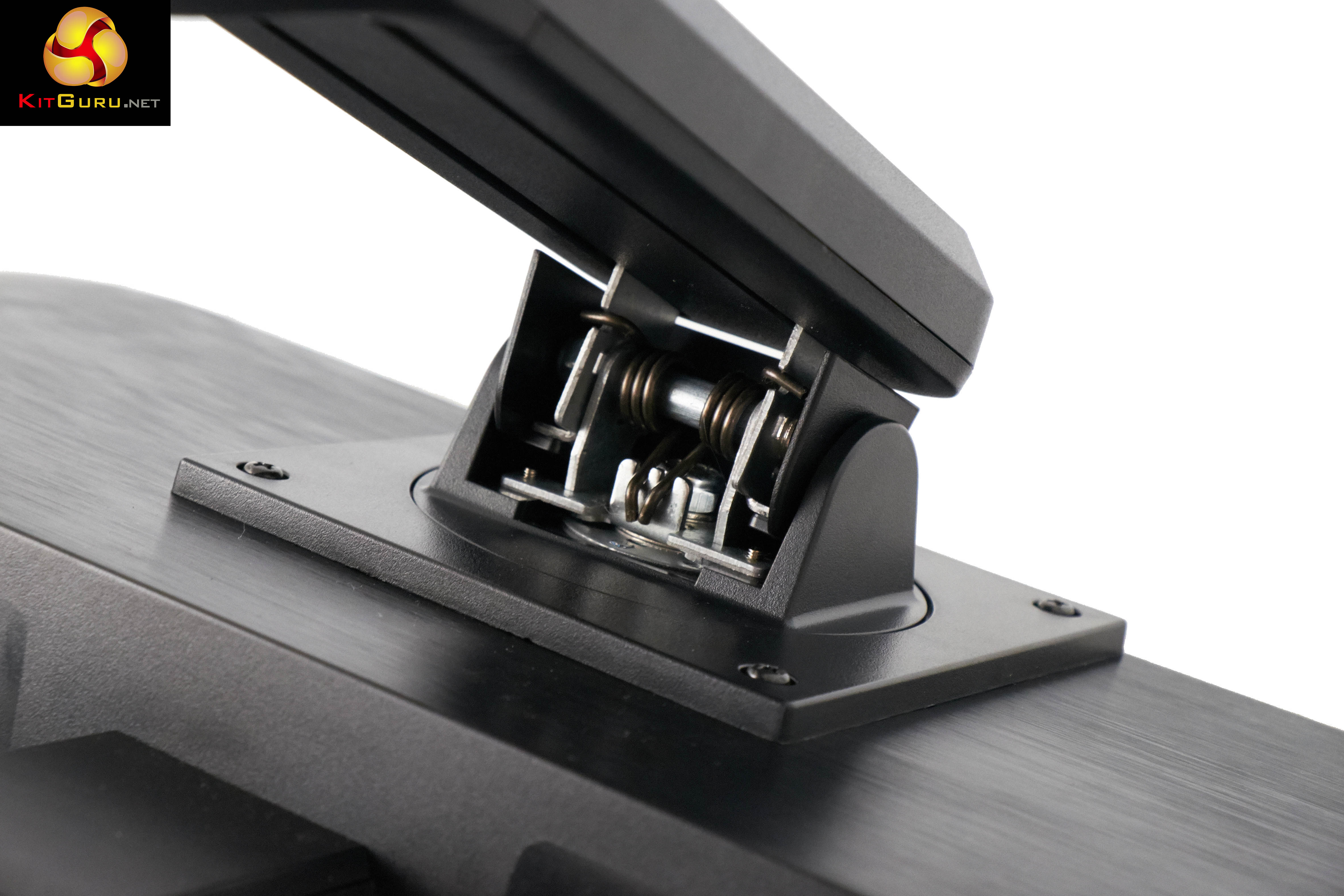
The panel can be tiled between -5/22 degrees to suit a variety of seating positions.
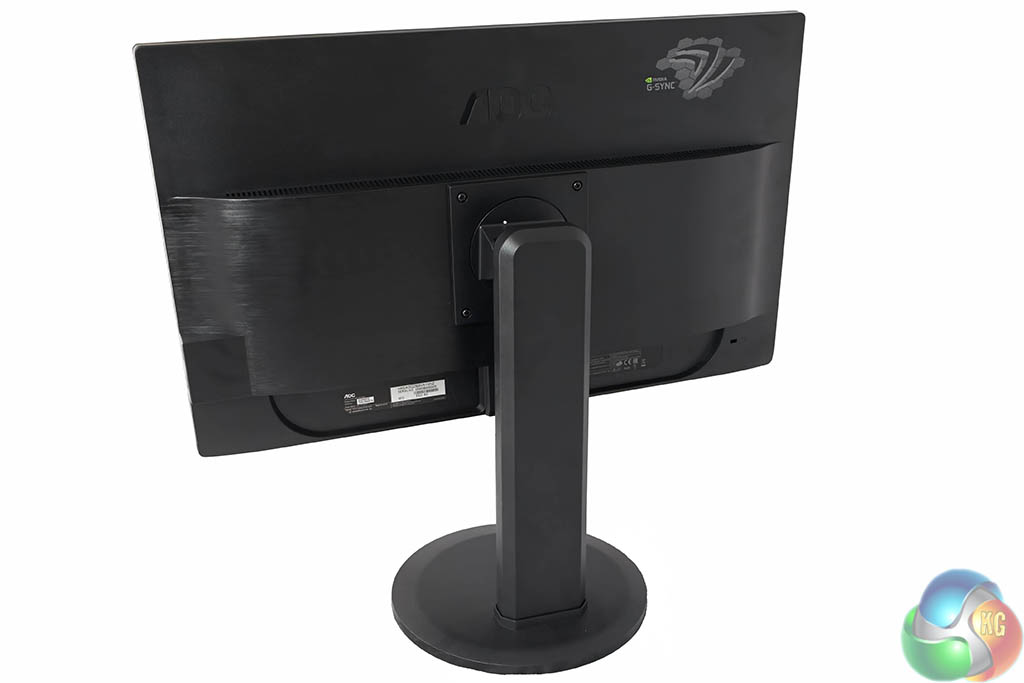
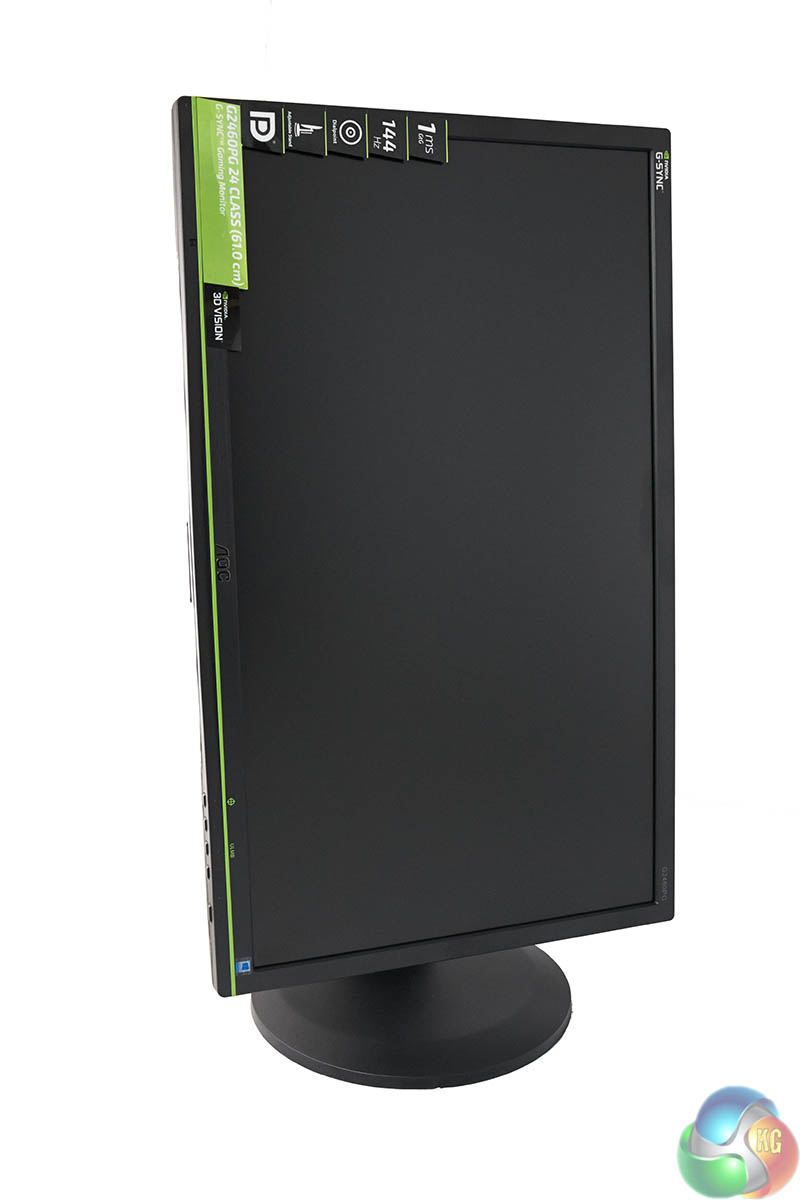
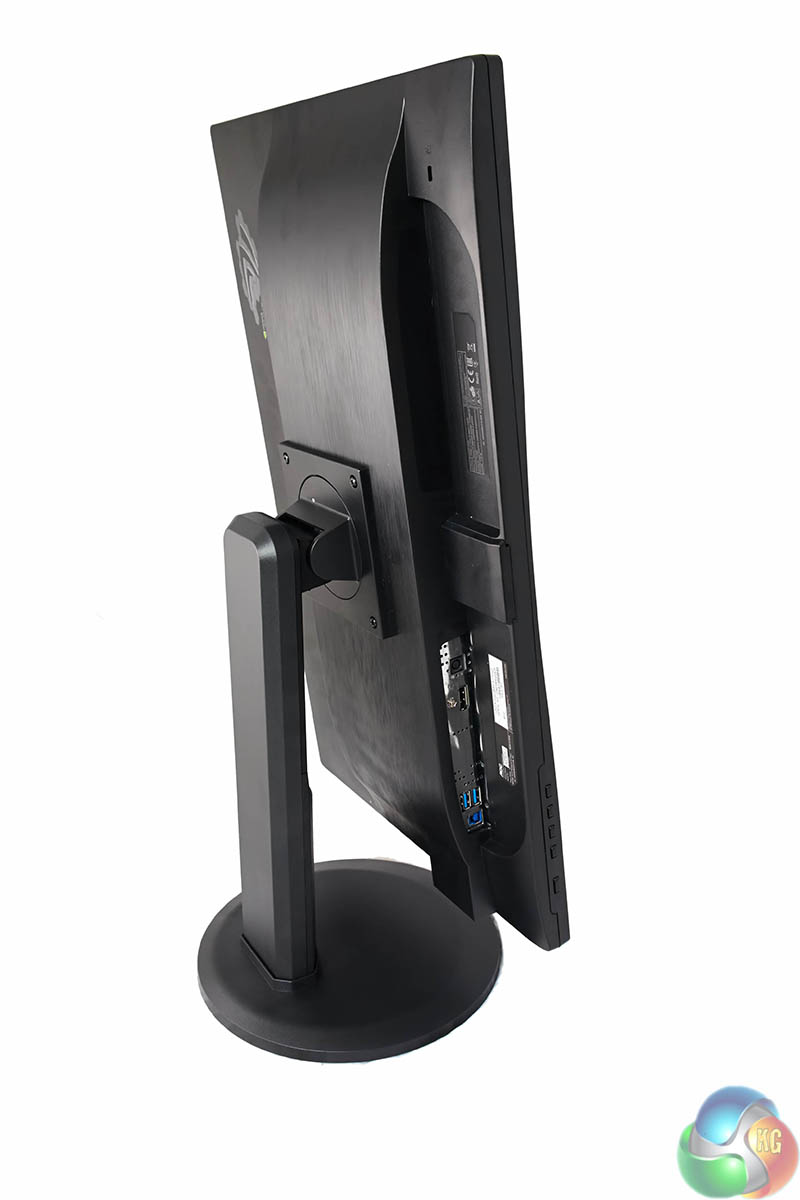
The AOC G2460PG offers full portrait mode, without the need for any tools. Pull the screen up to full height and push down on one side and it will rotate into position.
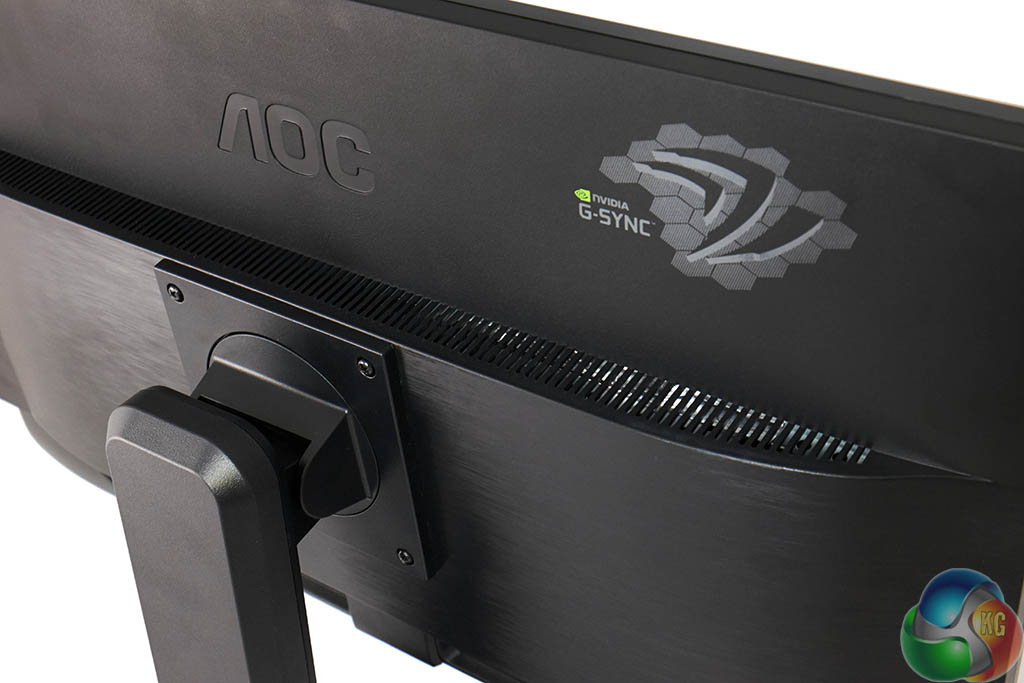
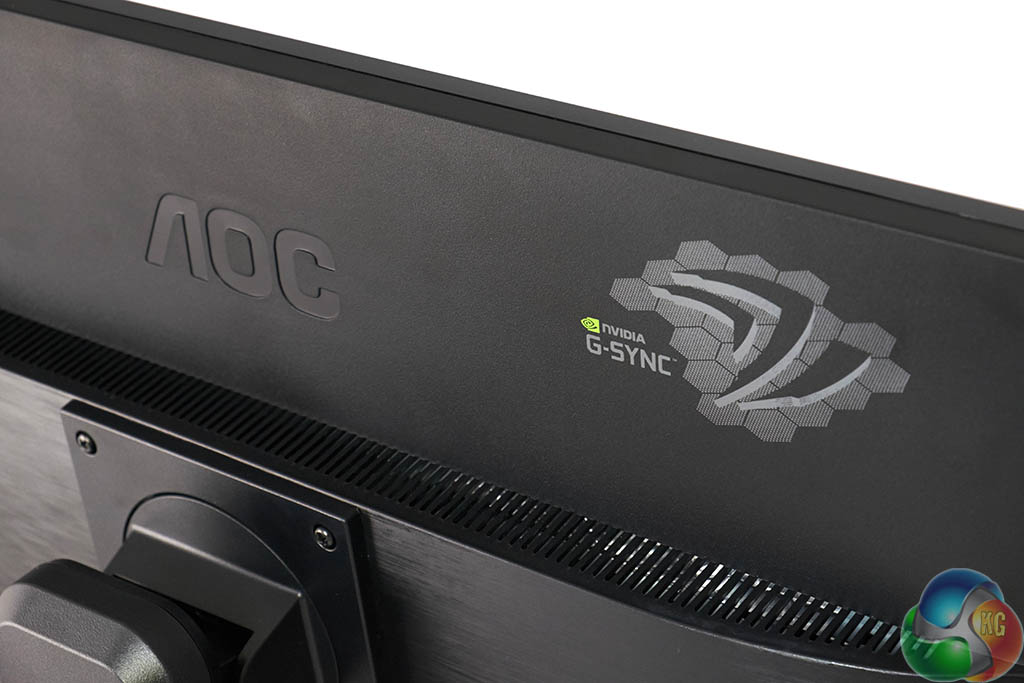
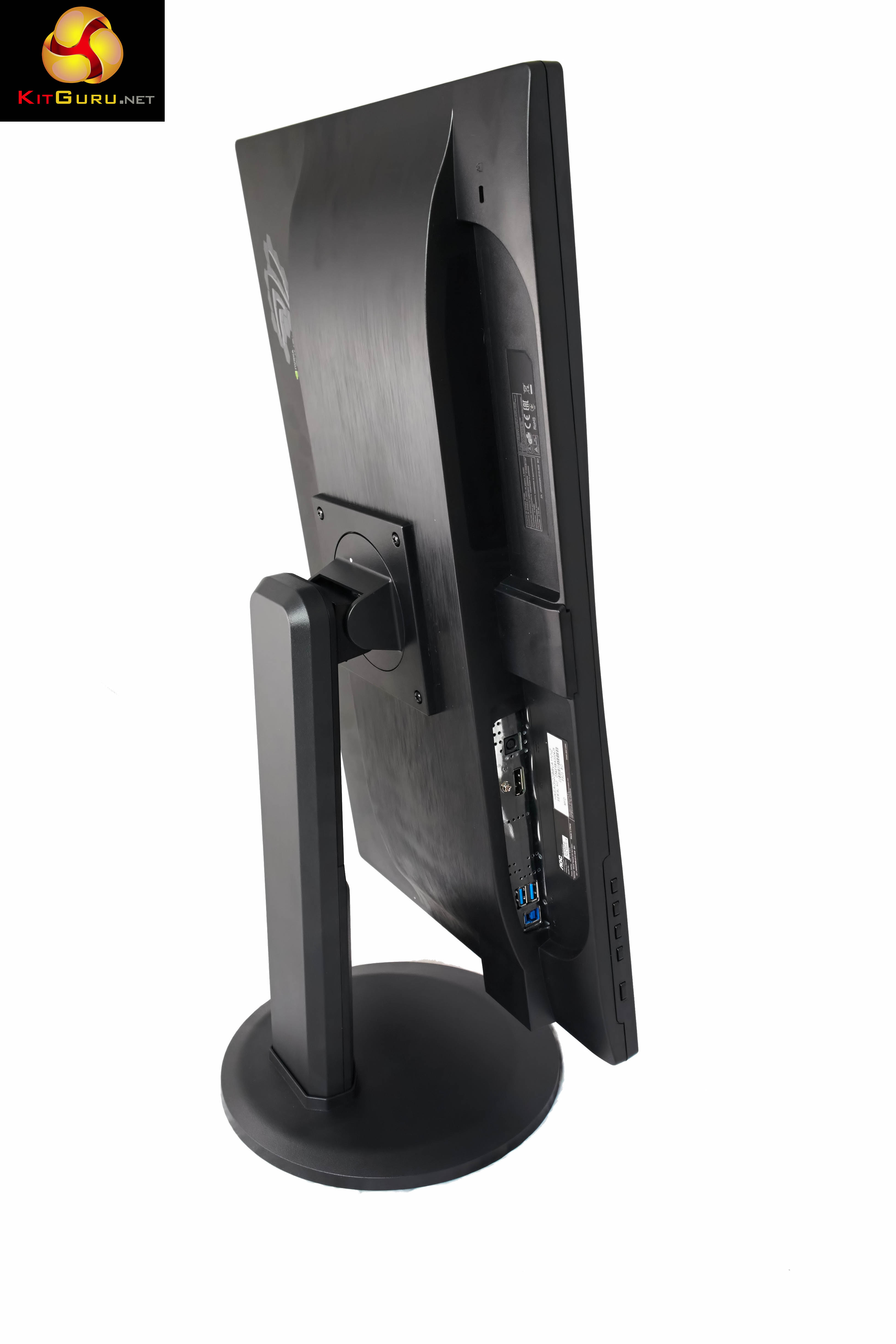
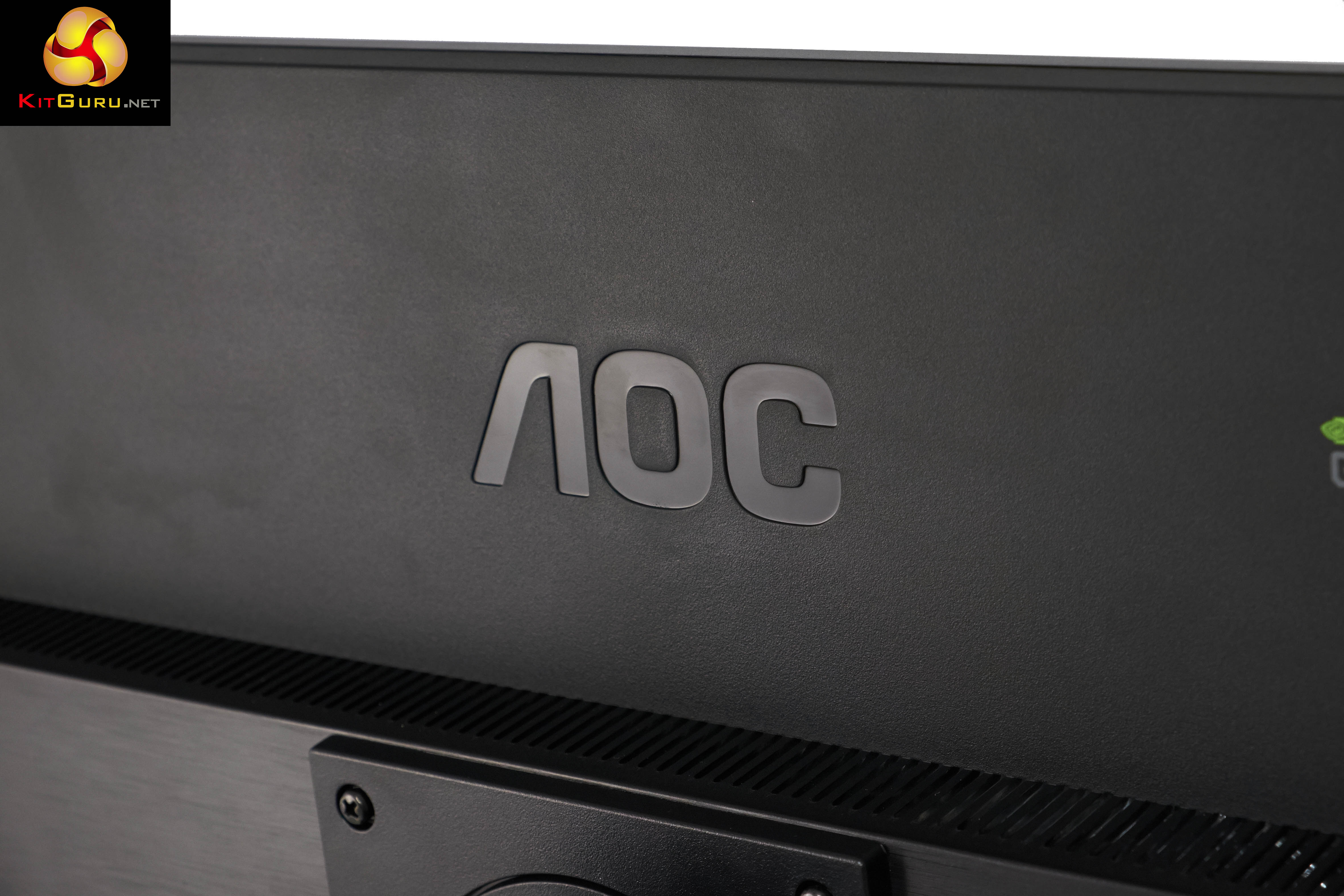
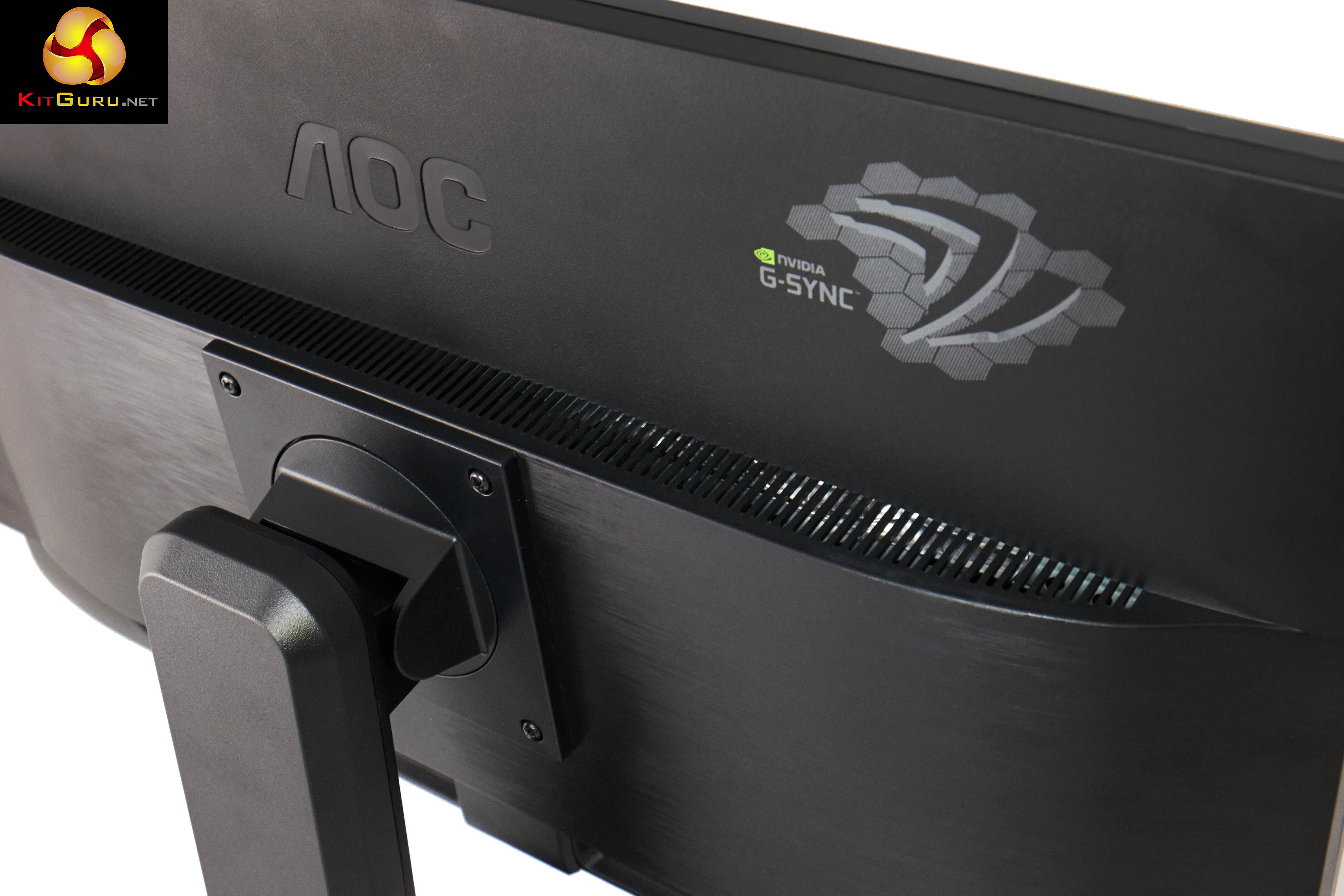
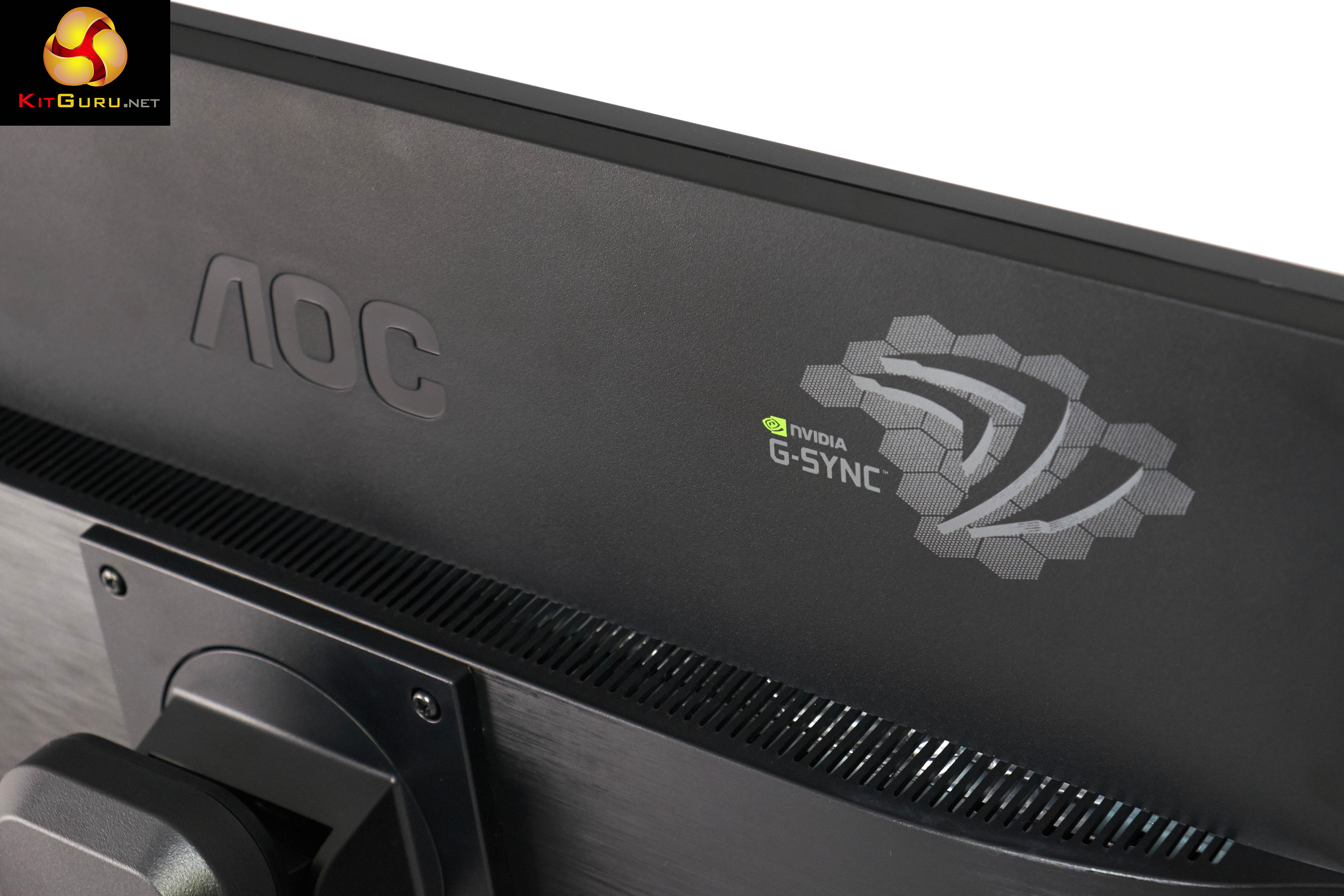
AOC have highlighted Nvidia G-SYNC support on the rear of the screen, as shown above. We can't imagine too many people will be paying attention to this after first setup, but it is a nice looking touch.
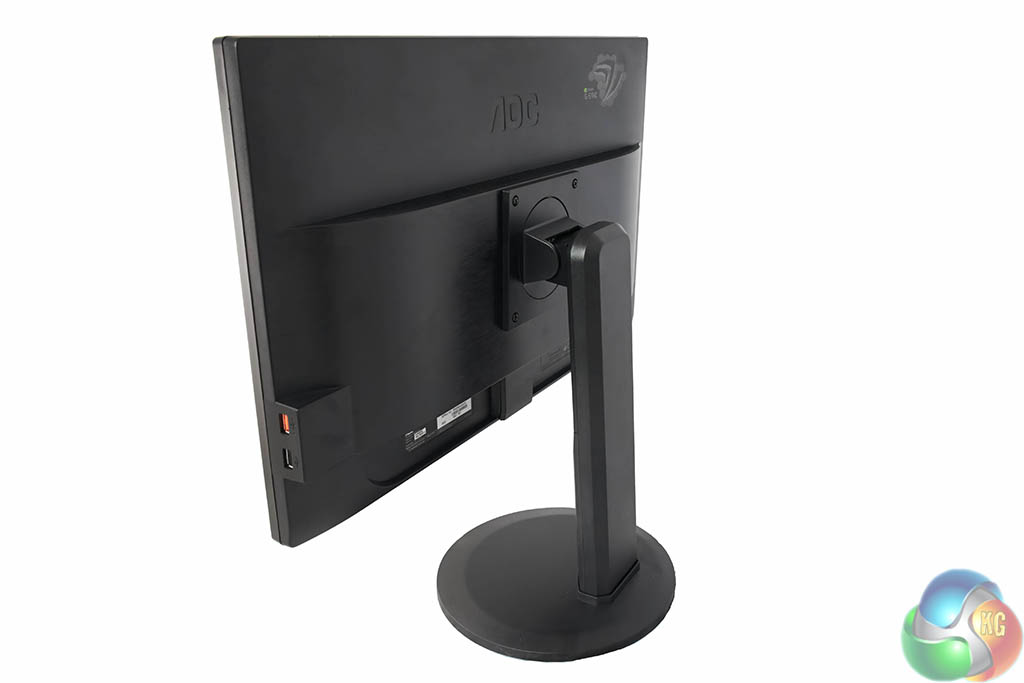
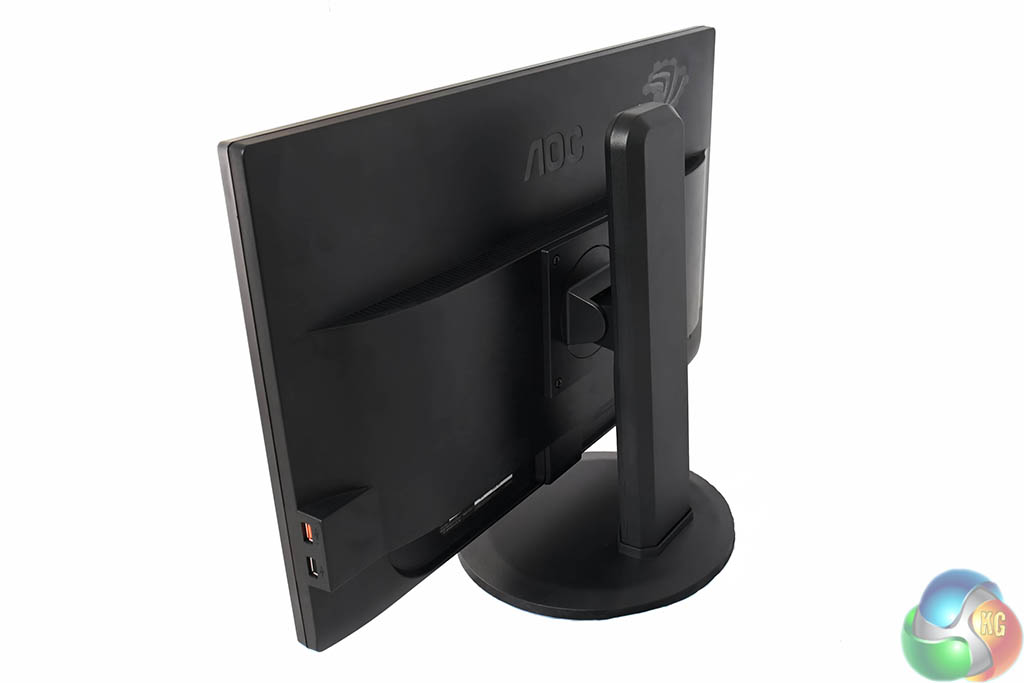
Height can be adjusted between a full 130mm of play, as shown above.
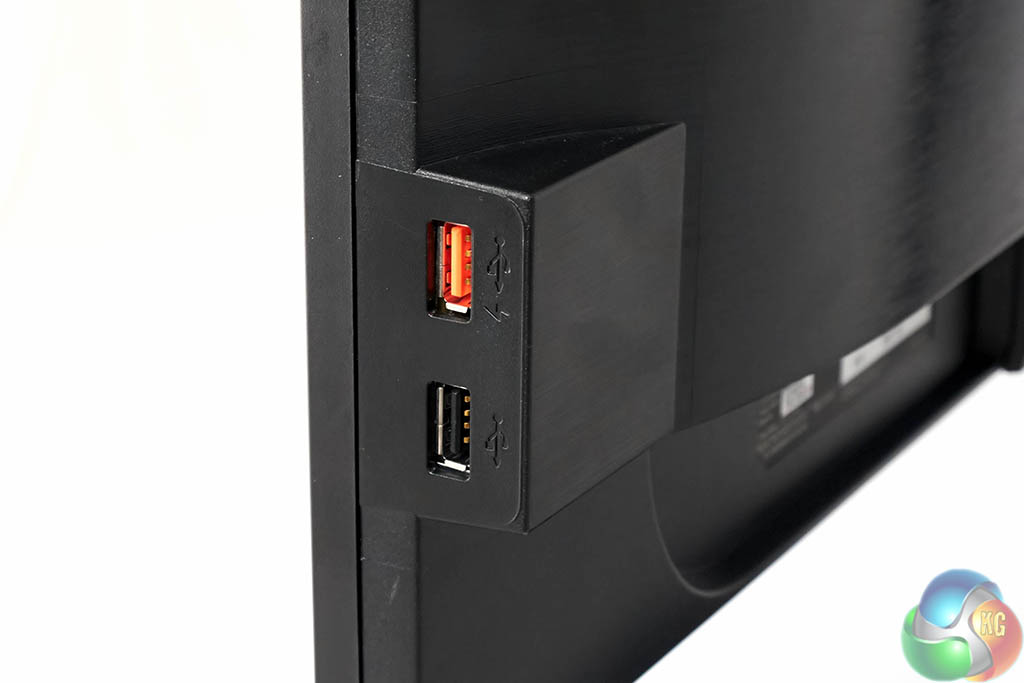
One side of the panel has two connectors for USB devices, including a fast charge port, which is marked in red.
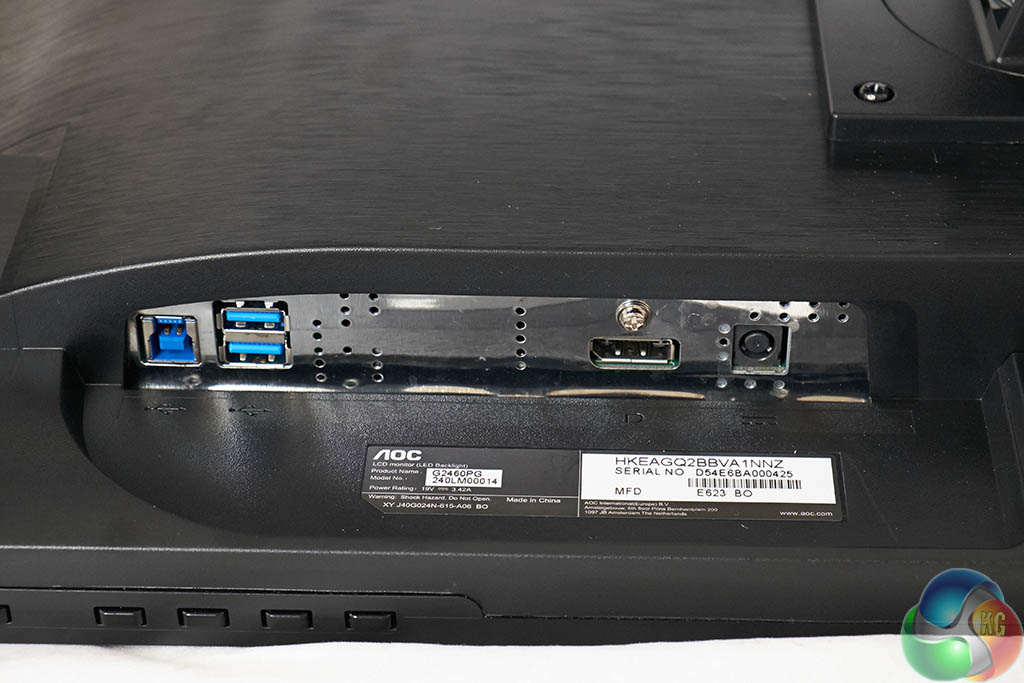
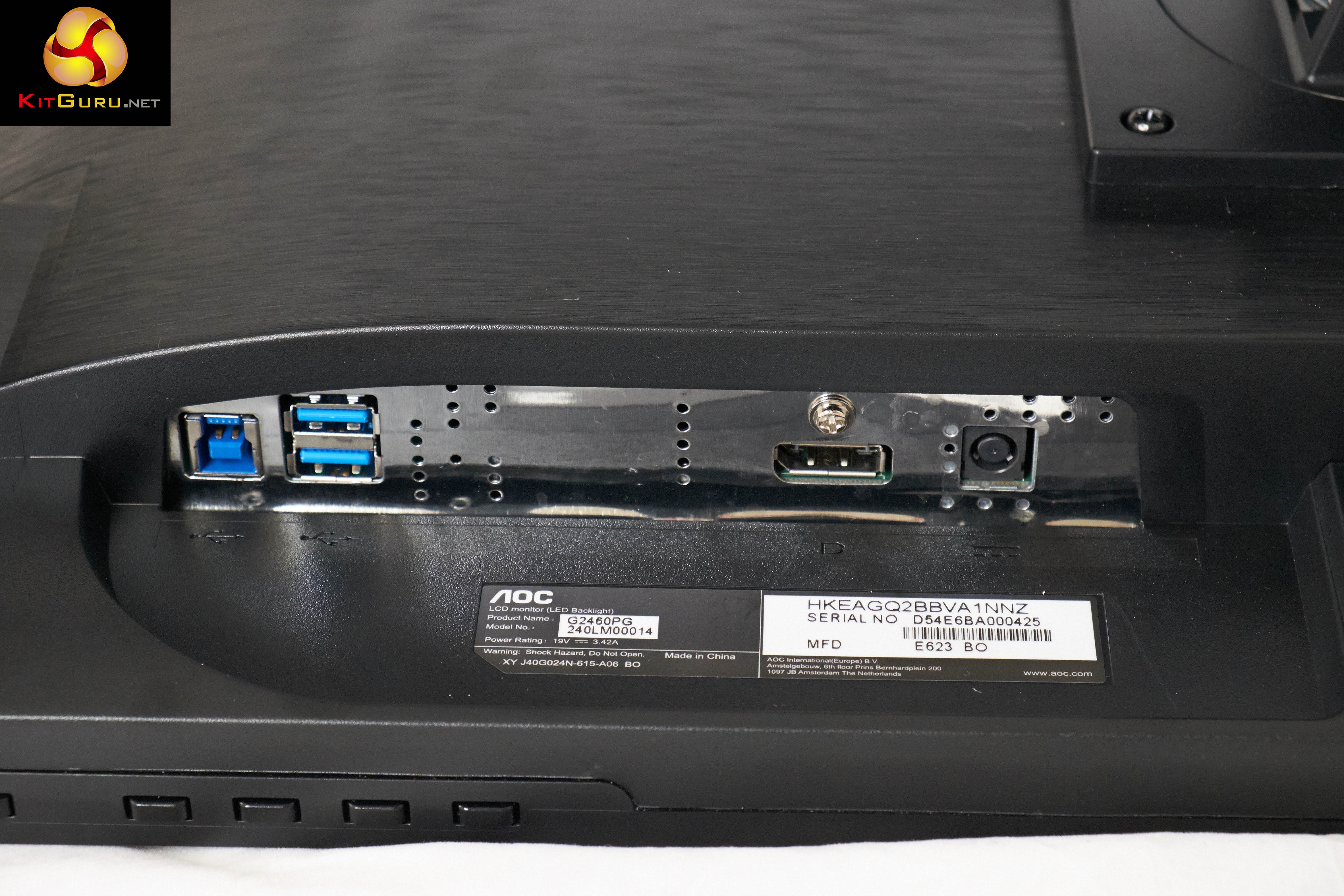
At the back of the screen are a USB hub port cable connector, two USB 3.0 ports, a DisplayPort connector and the power adapter connector.
On this page we present some high resolution images of the product taken with a Fuji XT1 and a Sigma SD1 camera. These will take much longer to open due to the dimensions, especially on slower connections. If you use these pictures on another site or publication, please credit Kitguru.net as the owner/source.
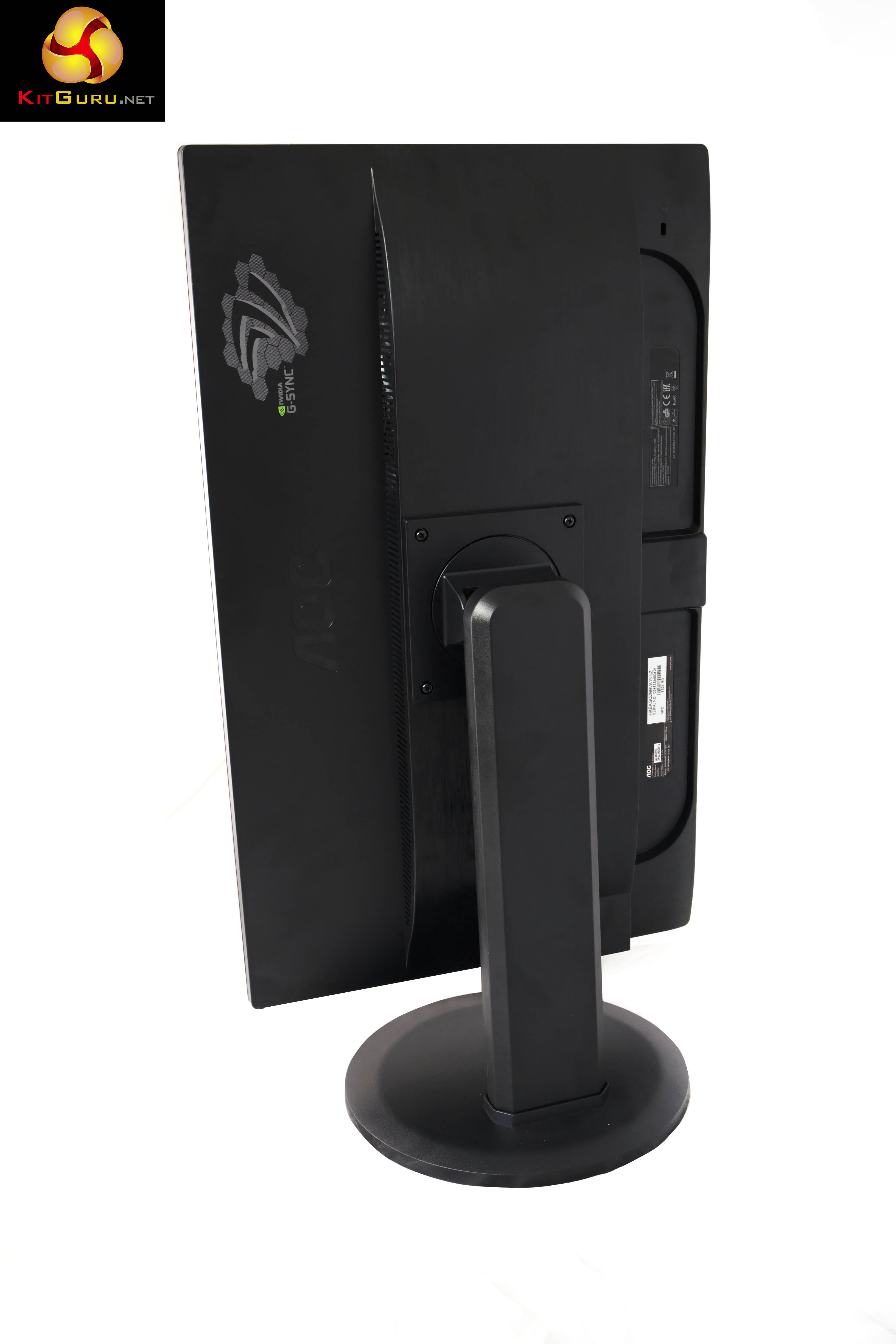
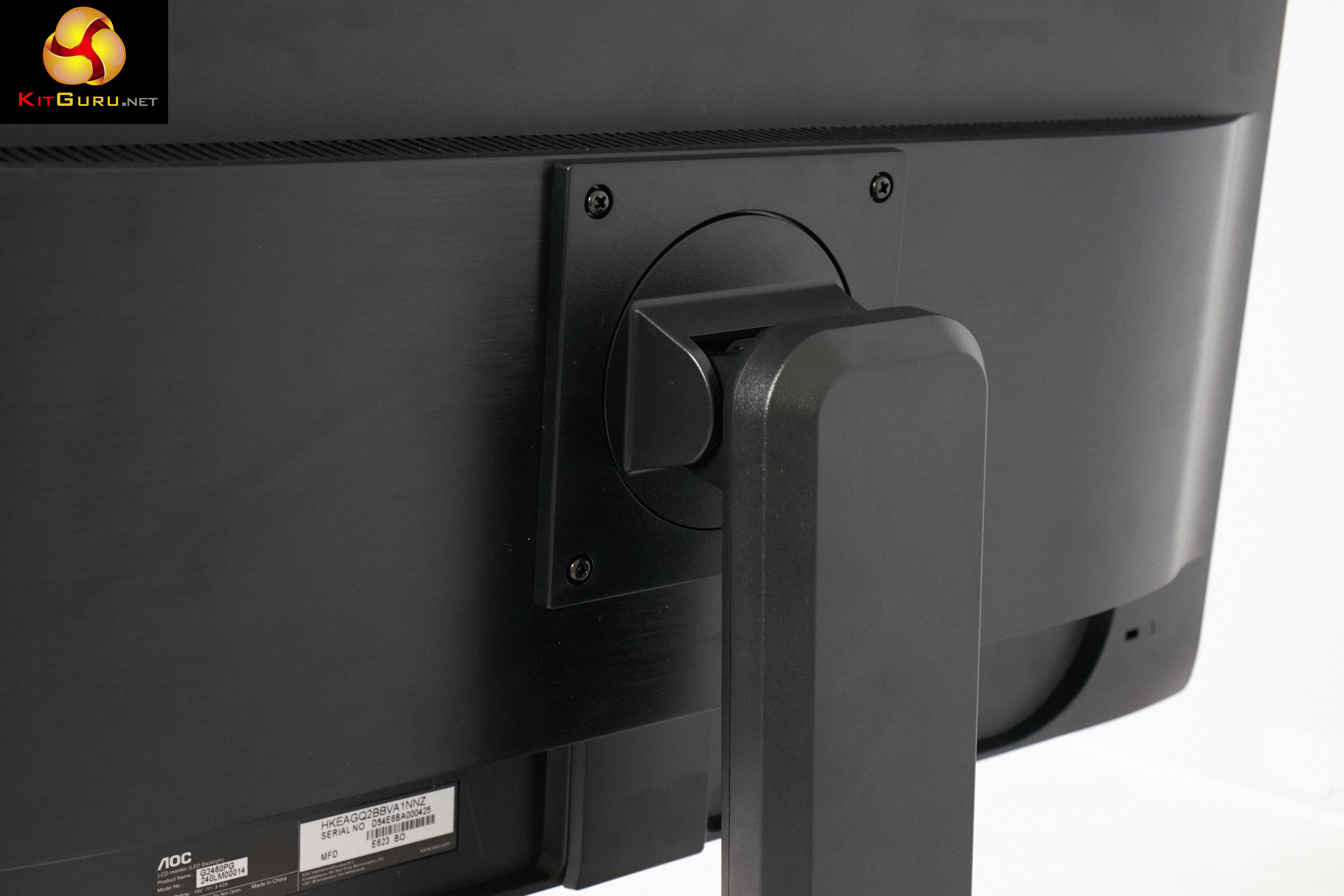
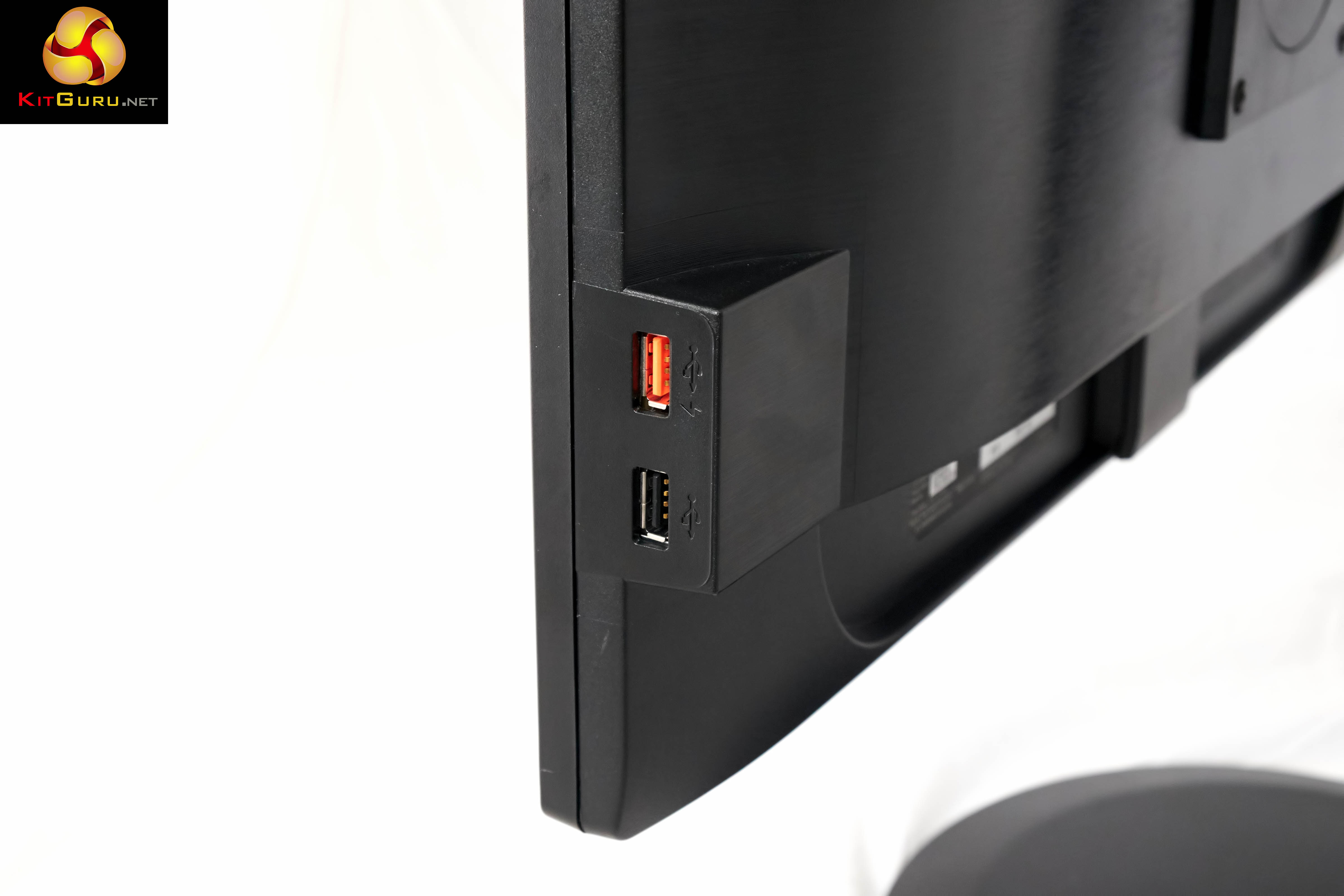
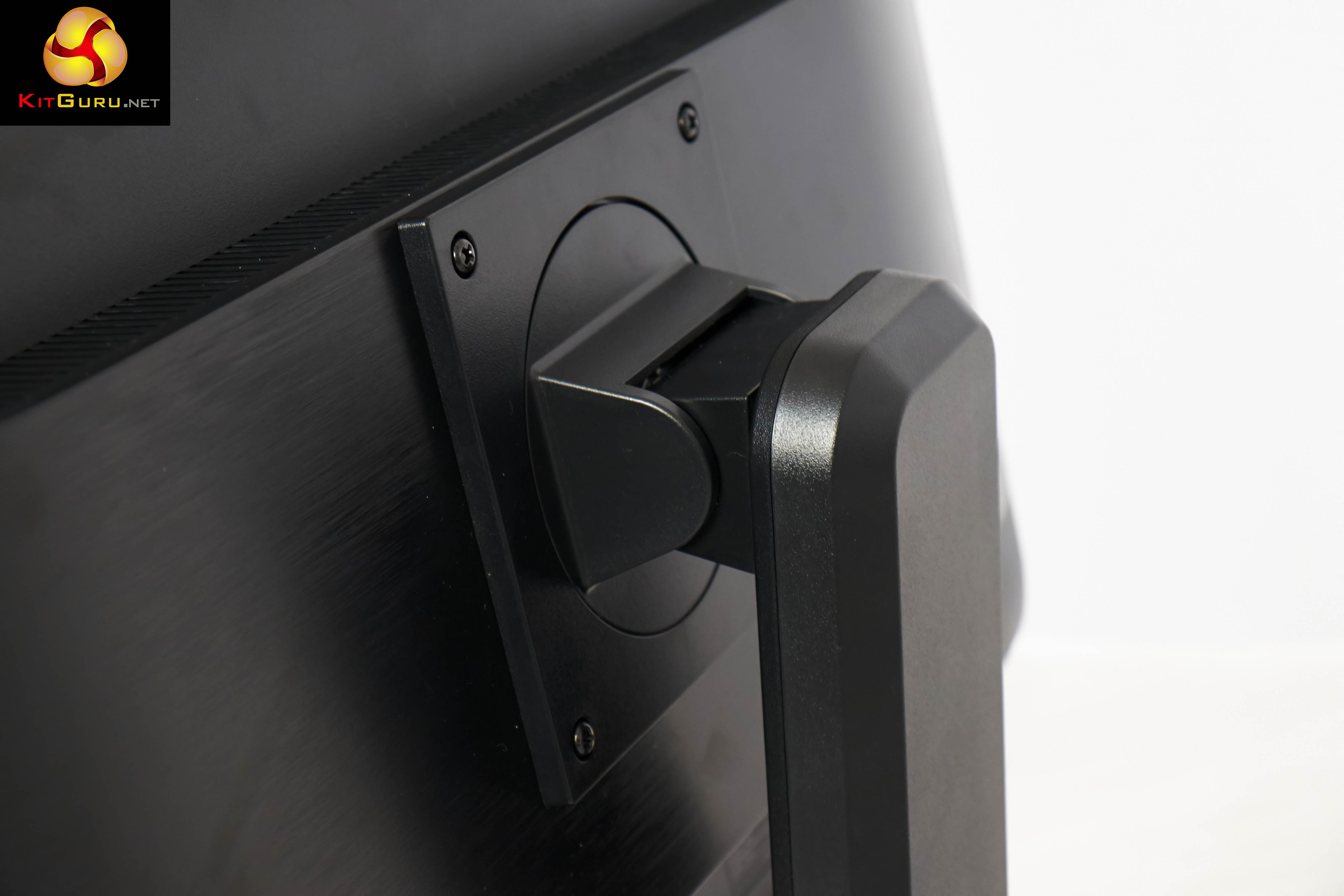
We are using the latest 340.43 drivers in our review today, paired up with the ASUS GTX780 Ti ROG Matrix graphics card which we reviewed a short while ago, over here.
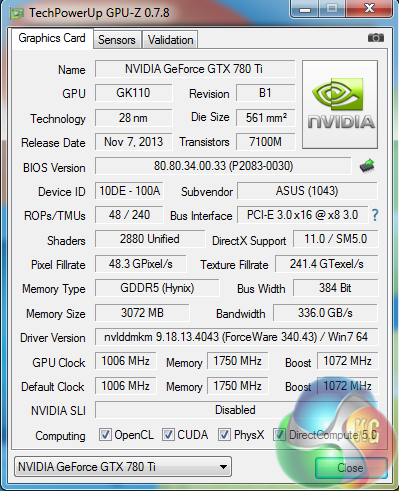
A GPUz overview of the Asus GTX780Ti ROG Matrix. The GK110 core is built on the 28nm process and has 48 ROPs, 240 Texture units and 2880 Cuda Cores. The core is overclocked to 1,006mhz and the 3GB of GDDR5 memory runs at 1,750mhz (7Gbps effective).
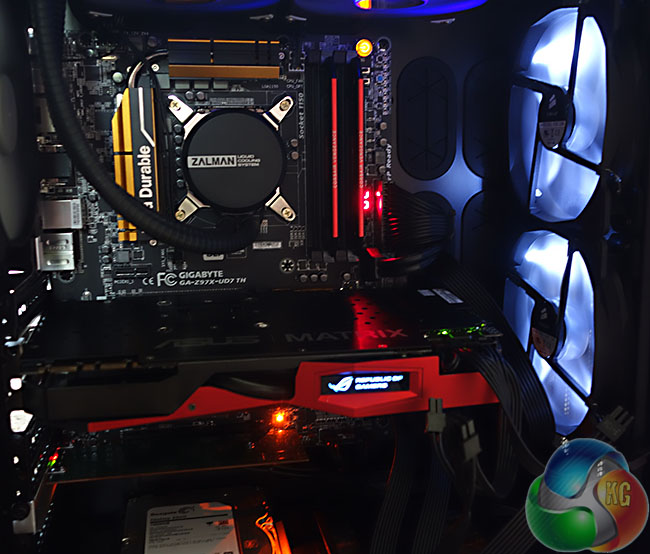
We are using our new KitGuru Test rig, built to our specifications by DINOPC. You can see the hardware breakdown of this system over HERE. When partnered up with the ASUS graphics card, the system scores 10,326 points in the latest version of 3DMark. The card itself scores 11,738 points in the graphics test – which gives a good indication of the power on tap.
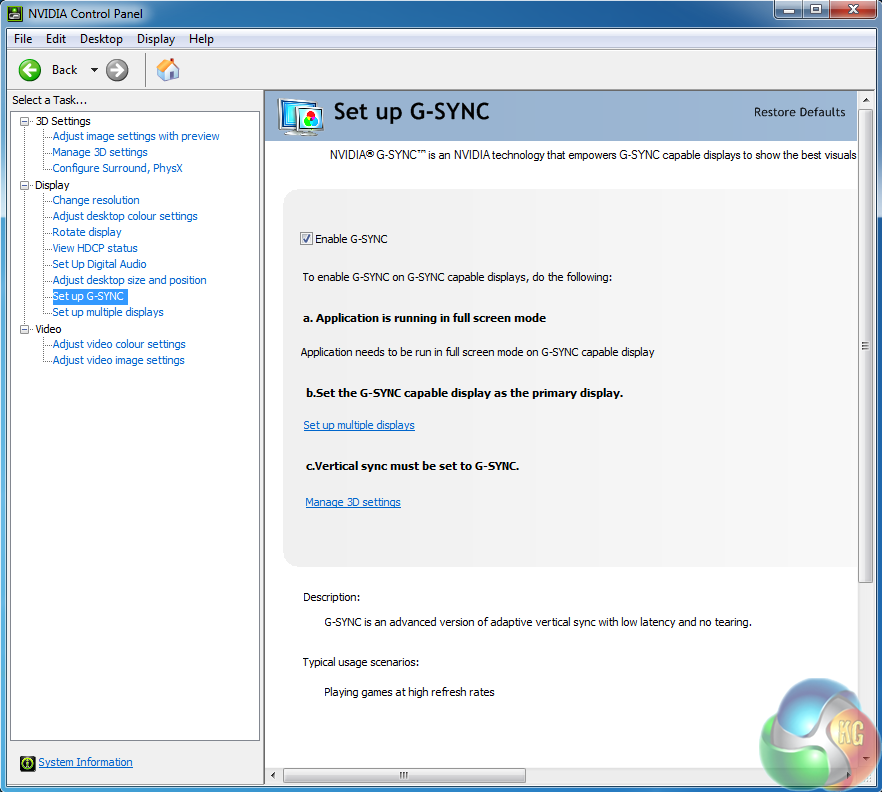
After the drivers were installed we went to set up G-SYNC. It was already enabled. We went into Manage 3D Settings and checked in the Vertical Sync options that G-SYNC was enabled.
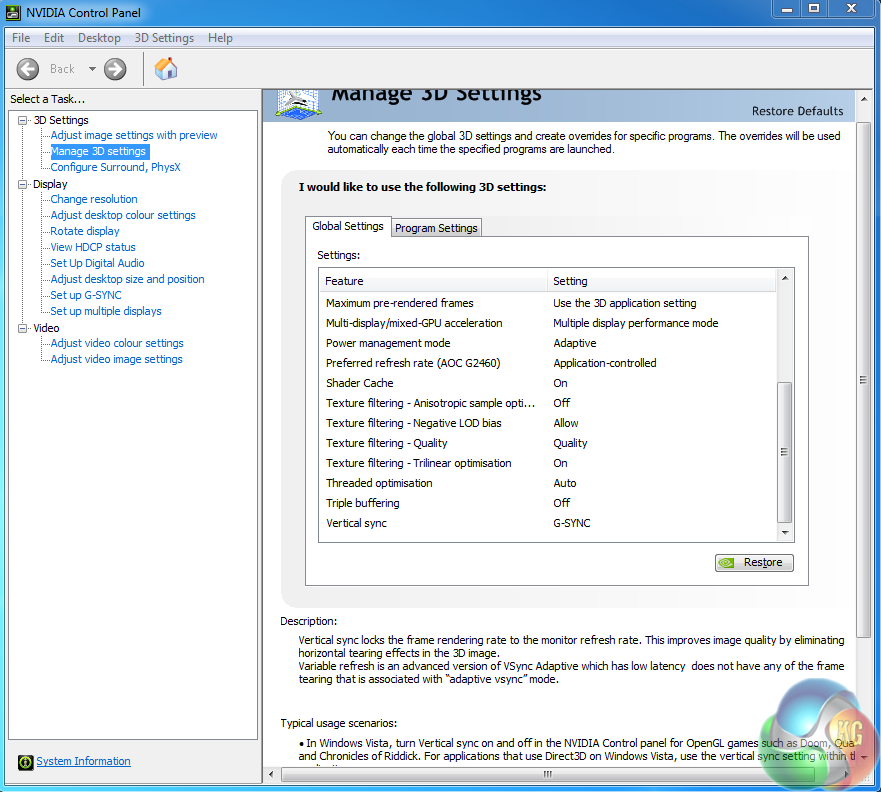
A double check of the Windows display options, highlighted that 144hertz was enabled by default. We only tested today at the 144hz setting in 2D.
The first game we decided to test with was the latest version of Tomb Raider – a great game both to play and look at. For the purposes of this specific article we used the built in game benchmark.
Remember we want to try and get a constant frame rate of 144 fps to match the maximum 144hz of the screen.
It is worth pointing out that thanks to Nvidia G-SYNC – there is no stuttering evident when the frame rate drops. We did test with some games that fluctuated between 120 frames per second and 60 frames per second. There was no indication of visible and distracting ‘tearing’.
Incidentally you can still use the AOC G2460PG G-Sync with AMD video cards, but Nvidia G-SYNC is not supported.
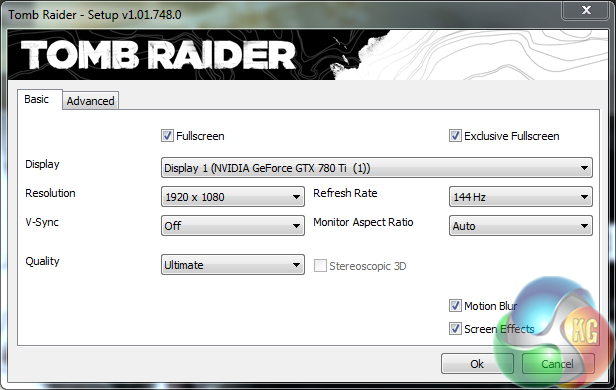
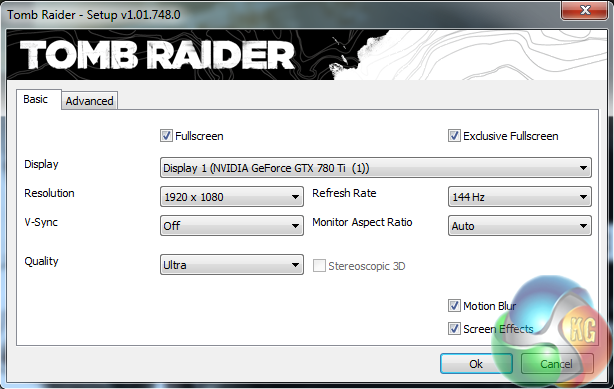
We first tested with the ‘ULTIMATE’ quality preset, and then the ‘ULTRA’ quality preset.
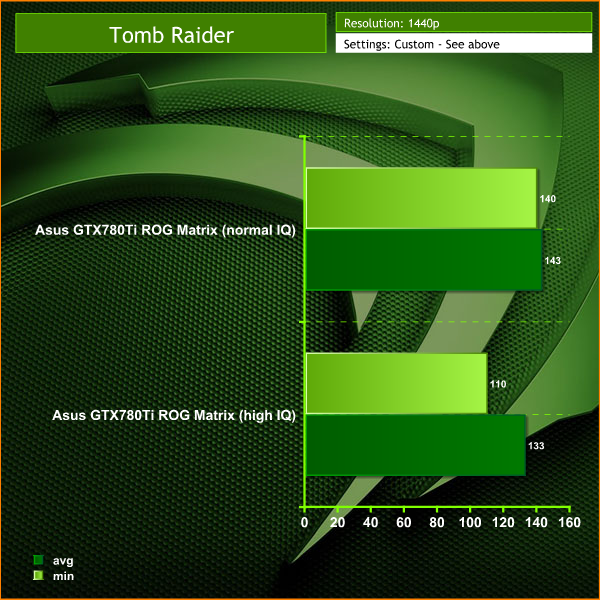
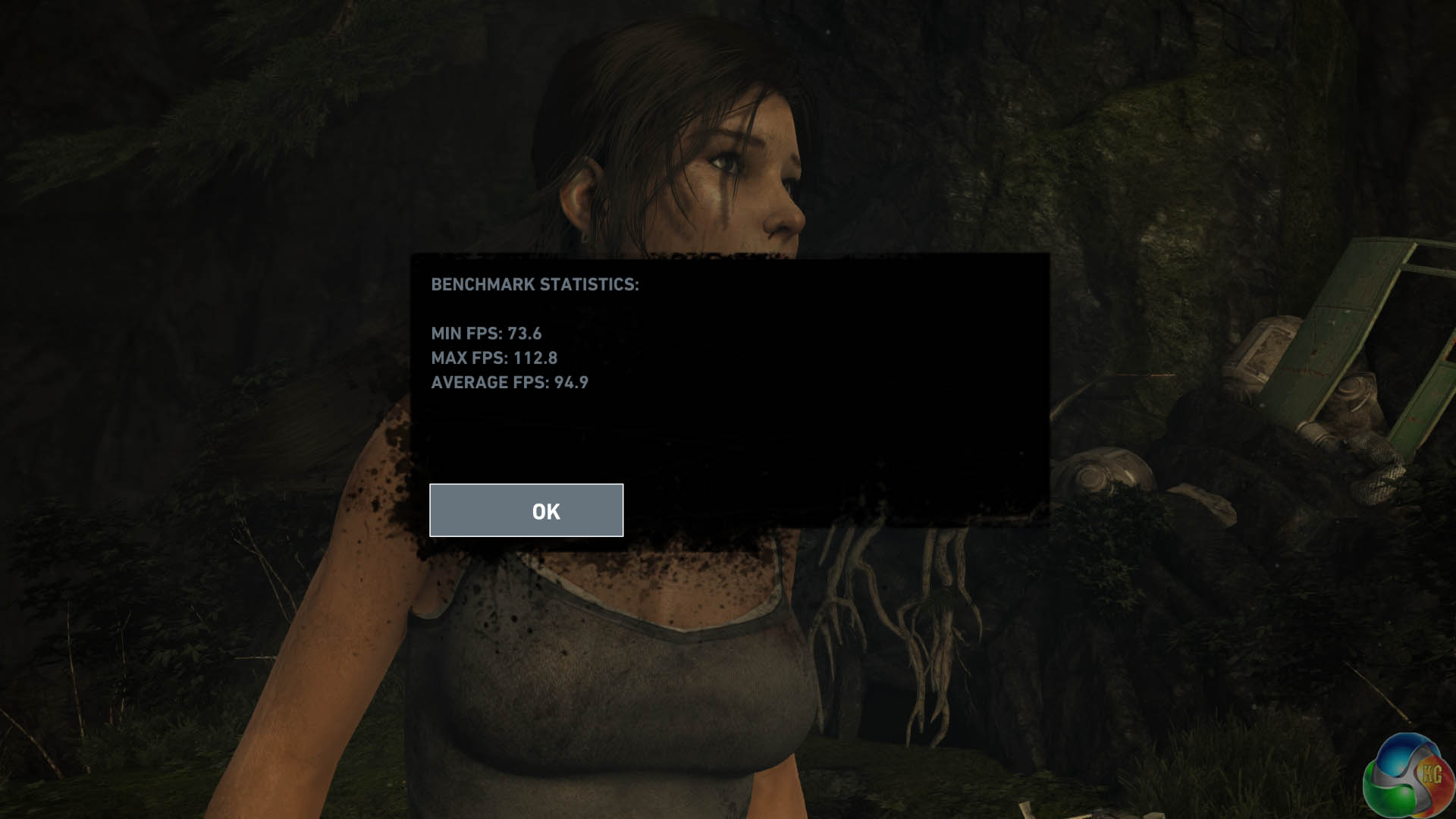
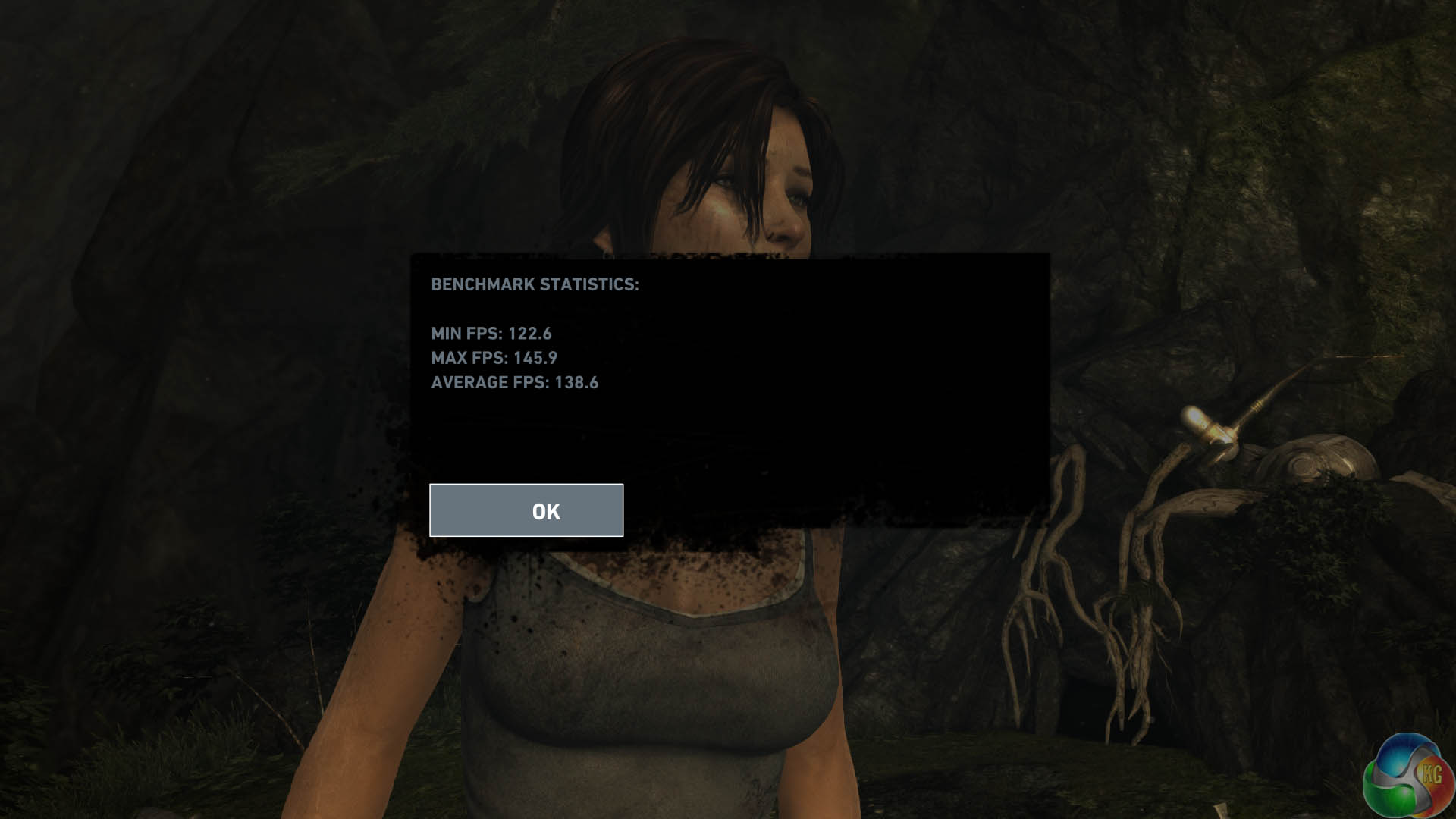
At the ULTIMATE Image Quality preset, the engine runs between 74 and 95 frames per second. When we drop image quality settings to the ULTRA preset the frame rate increases, with the engine running between 123 and 139 frames per second. We showed several gamers the panel at both settings and it was agreed that the overall smoothness appeared nearly identical between the settings.
Next game to test was the latest version of GRID – entitled GRID Autosport. This was released a short while ago. We use the built in benchmark today.
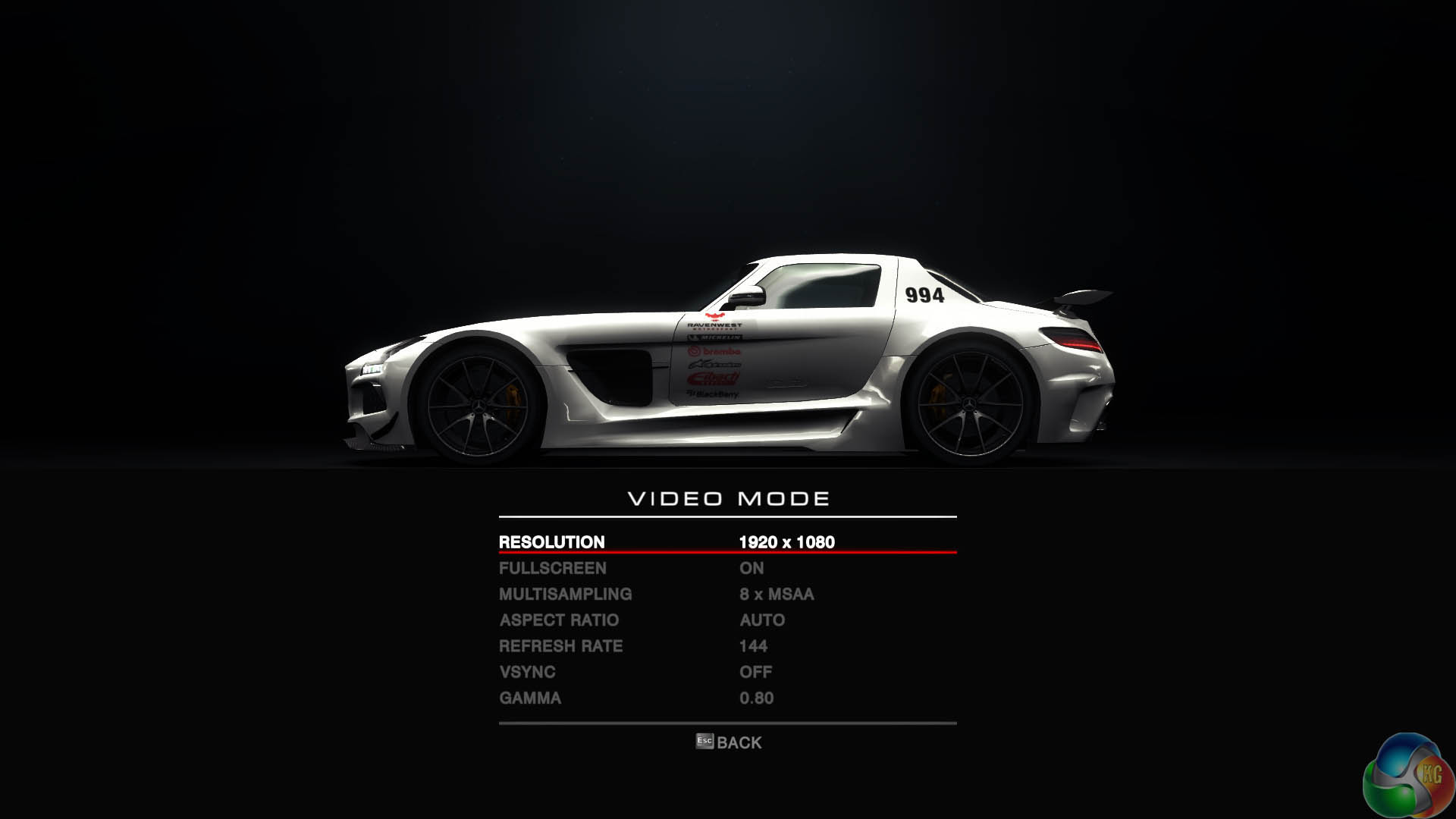
The game defaulted to a refresh of 144hz, matching the driver panel. We wanted the game to look as good as possible, so we cranked the image quality to 8X MSAA.
We tested at the built in ‘HIGH' and ‘ULTRA' presets at 1920×1080 @ 144hz.
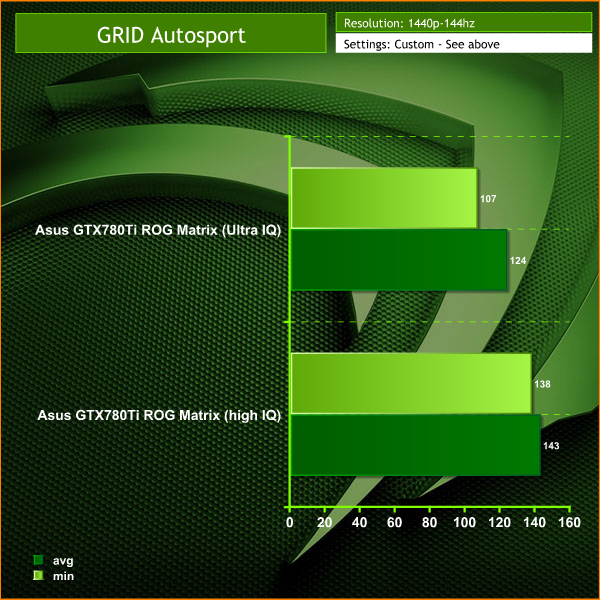
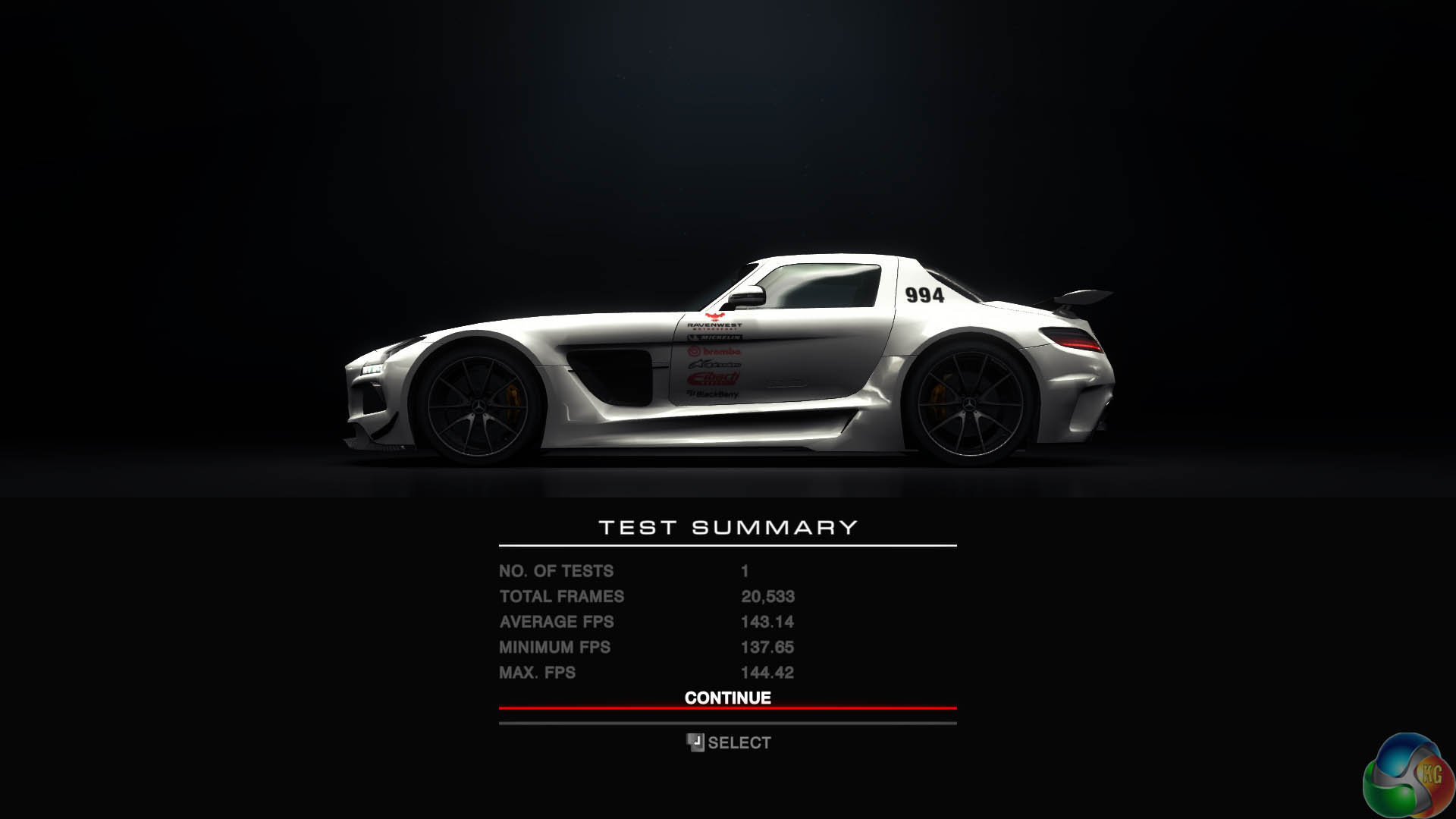
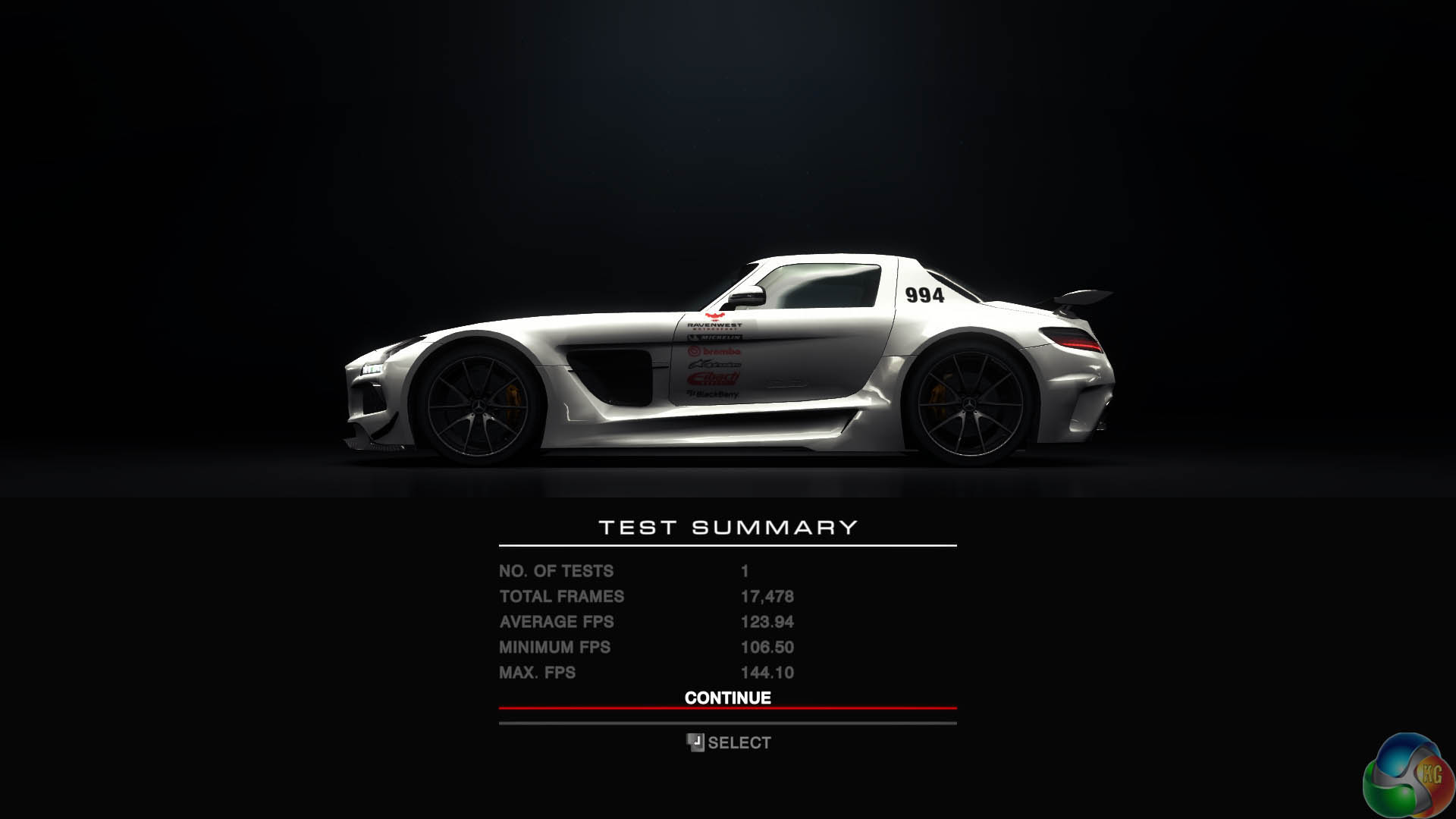
At both ‘HIGH' and ‘ULTRA' presets, the engine runs very smoothly. Many people complain when a racing engine drops below 60 frames per second however there is no such concern with an overclocked GTX780Ti running at 1080p. Frame rates held above 100 at all times, at both image quality settings. There is no doubt at the high image quality setting, the frame rate held closer to the maximum 144hz, but to the naked eye it would be difficult to notice a difference.
To test today we are using a LaCie Calibration gun along with specific software to accurately measure the readings.
We measured Gamut out of the box and the G2460PG returned a reading of 2.17 which is reasonably good. We manually adjusted Gamma to 1.8 and the panel returned a 1.78 result.
The AOC G2460PG G-Sync is a TN panel (WLED) and the screen coating is a matte non gloss finish. Viewing angles are reasonable for a TN panel, close to 170 degrees horizontal and 160 degrees vertical. Obviously not in the same class as a quality IPS panel, but we would expect that.
The DisplayMate 64 step Grayscale test returned a good result, with two missing steps indicated.
The AOC G2460PG needed a bit of adjustment out of the box, we found the image to be a little bright, so we adjusted accordingly. Colour balance was a little on the cold side but we were able to remove it adequately. The colours from the screen looked a little flat and we couldn't adjust the screen to completely compensate for a lack of vibrancy. Red in particular looked a little muted. To be fair, if you are obsessed with accurate colour reproduction you would need to spend more money on an IPS panel. Images produced were sharp and free from noise. 1080p content rendered very well and BluRay movies were enjoyable to watch.
Panel linearity rated as above average with some deviation at the edges, more prominent on the right side with our sample. Its not a huge issue as most people wouldn't notice it under normal circumstances. Gradients rated as above average with some banding noticeable across the full range.
The panel is rated with a 1ms refresh rate to target the hardcore gaming audience. I played a series of games such as Tomb Raider, Battlefield 4 and Grid Autosport and didn't notice any problems. As always for a second opinion, I asked a local clan member to spend an afternoon with the screen and he said it didn't exhibit any ghosting issues.
If you want to continually run at 144hz then you will need a good graphics card. The previous page in this review shows performance with a GTX780Ti, but the joys of using a G-SYNC monitor mean that even when the frame rates are lower that any tearing will be minimised. In this regard we cannot fault the AOC G2460PG. If you class yourself as a gamer who enjoys high frame rates, then we do recommend you pair this screen up with a capable graphics card, such as a GTX770, or greater. I have never been a gamer who needs games to run at a constant 60 frames per second, but it is difficult to find fault when playing a racing game which is running at 100 frames per second or greater at all times. It is extremely smooth, even to my eyes.
If you want to run a triple screen GSYNC setup then be aware you will need three Nvidia graphics cards for the surround setup.
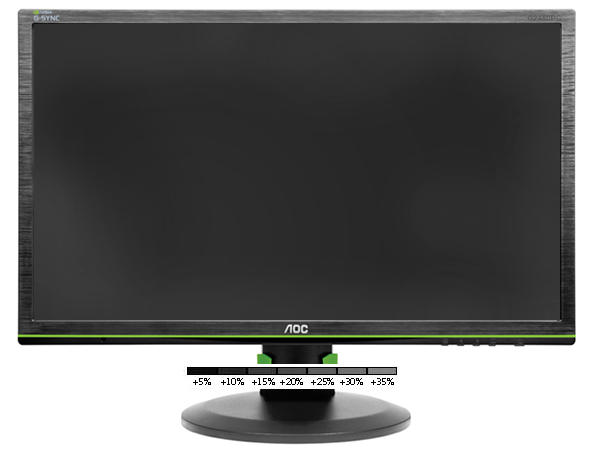
Black Definition rates above average and we recorded a certain level of light leakage across the full width of the panel – rising to close to 25% in the bottom corners. Under real world conditions, I did notice that the black areas could do with a depth boost at times, rendering as a very dark grey rather than a pure, rich black. If you have a tendency to notice this more than others then it could be a minor issue for you – more so when viewing 1080p high definition bluray content, rather than when gaming.
Contrast levels are decent. We didn't need to push this higher than 50-60 percent, so no problems here.
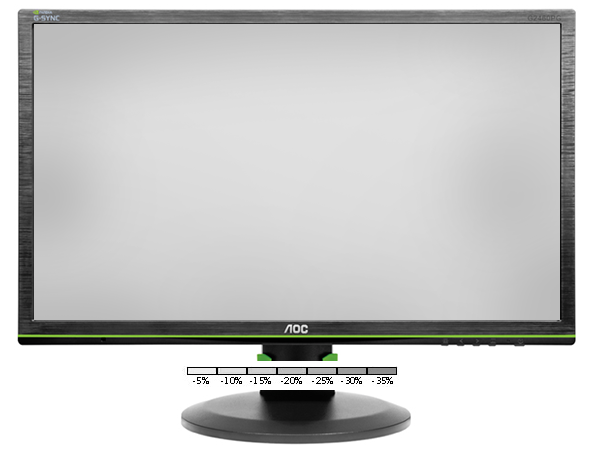
White purity rates as average with the corners of the screen showing a reading around -15%, which rises to around -22% in the extreme corners. This can vary a little between panels, even in the same production batch. In real world terms pure whites lack a little impact, but for a gaming panel we see no problem with these results. As mentioned earlier there is a little blue bias to the images initially, although this can be adjusted and almost completely removed.
We do not recommend this panel for colour critical designers or photographers. You really do need to aim higher up the food chain at a quality IPS panel if this is a prerequisite.
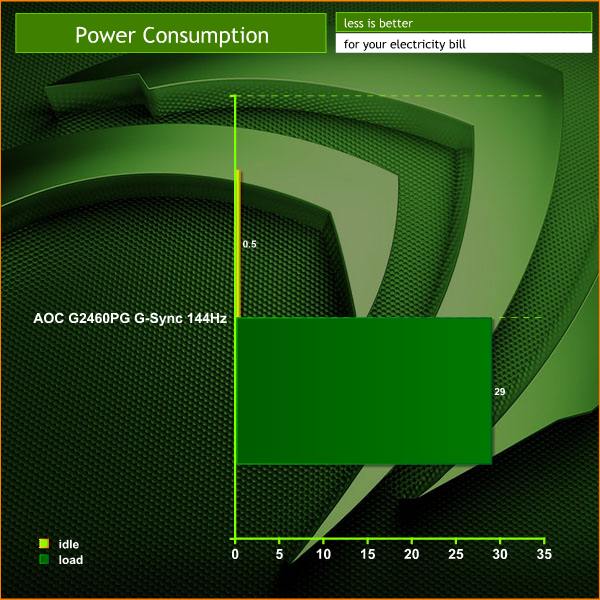
The AOC G2460PG G-Sync 144Hz demands around 30 watts under load. This drops to 0.5 watts when in an idle state.
The AOC G2460PG G-Sync 144Hz 1ms Gaming Monitor will make a tempting upgrade for many enthusiast gamers, especially when factoring in the modest sub £350 asking price. AOC have earned a solid reputation in the last year for producing some quality panels at very competitive price points.
The G2460PG has been designed from the ground up for the gaming audience who want a high refresh display without breaking the bank balance. There is no doubt that the Asus ROG Swift PG278Q which we reviewed earlier this month is a superior panel, although it is more than twice the price.
AOC have succeeded in bringing a cost effective 1080p 144hz panel to market. The Asus ROG Swift PG278Q runs at a higher 1440p 144hz resolution, however the demands placed on the partnering graphics hardware are also increased.
The PG278Q will need a GTX780Ti to get high frame rates at 1440p, but the G2460PG panel reviewed today will work well with a more cost effective GTX770 solution. Granted you probably wouldn't be running at a solid 144 frames per second at 1080p in the newest Direct X 11 titles, but Nvidia G-SYNC is designed to remove any signs of tearing when the frame rate fluctuates dramatically.
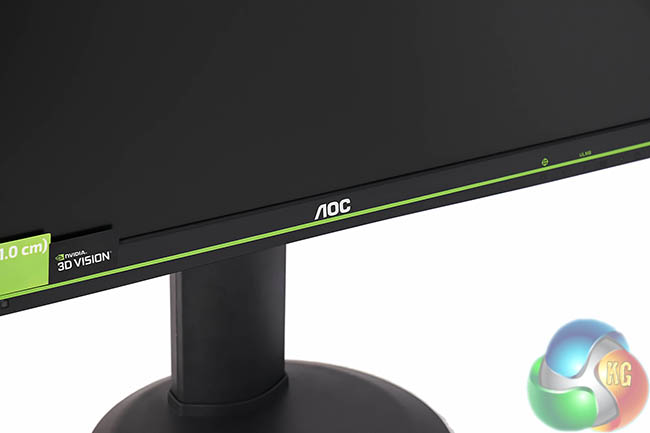
The AOC G2460PG image quality is reasonably good, and the viewing angles for a TN panel are commendable. The stand system works well, offering tilt, pivot and portrait mode orientation without any hassles. We also love the appearance of the screen itself, the green sports stripe is attractive, and a good immediate indication it was designed to partner with Nvidia hardware.
We rate Nvidia's G-SYNC highly. It does cope well with rapidly fluctuating frame rates and while we know everyone will perceive motion differently we have no complaints with the smooth, lag free image quality when gaming. Depending on the system you have available and the frame rates you want to achieve, some experimentation with image quality settings will be required.
We are awarding the AOC G2460PG G-Sync with our WORTH BUYING award today. The image quality is good enough to satisfy the gaming audience who are more interested in super smooth frame rates and the new G-SYNC support. Colour critical designers and photographers should look elsewhere, possibly at a more expensive IPS panel.
You can order the AOC G2460PG G-Sync 144Hz 1ms Gaming Monitor now from Overclockers UK, for £347.99 inc vat. It will be released around the 11th August 2014.
Discuss on our Facebook page, over HERE.
Pros:
- Excellent price point.
- G-SYNC is great.
- 1080p resolution won't be so taxing of the graphics hardware.
- looks fantastic.
Cons:
- On screen menu system is quite ugly.
- Overall image quality isn't remarkable.
Kitguru says: A great package for the price, with G-SYNC support and 144hz refresh rate.


I want it. Please some one buy it for me
“Please some one buy it for me”
It was worth a try wasn’t it 😉
its a 24inch 1080p vs 27inch 1440p. can’t really compare it on price. Asus has a 24inch if you get it on sale and buy DIY kit comes out to about same price as AOC. 340eur to usd puts it at around 460$ usd but with vat its a bit more.
Would it be possible to get a list of the calibrated settings? I’m pretty much clueless when it comes to calibrating a monitor, so having some numbers to go on would be really helpful. 🙂
I have and love, lost £50 already with pricing though 🙁
It’s useless giving out monitor settings as your calibration within windows will be different.
Is this available at any US retailers?
I dont believe you guys have skipped the whole ULMB feature which is a very important part