KitGuru KitGuru.net – Tech News | Hardware News | Hardware Reviews | IOS | Mobile | Gaming | Graphics Cards


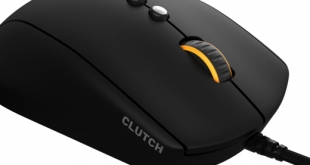
Towards the end of 2016 we saw a lot of ‘all-singing, all-dancing' mice, packed with features and multiple RGB lighting zones. However, such a design is not for everyone – which is where the Fnatic Gear Clutch G1 comes in. The Clutch G1 is designed to be a simple mouse that ‘just works', offering top performance first-and-foremost. With its price of £59.99 it looks to offer reasonable value as well.
Given the Clutch G1 is designed by Fnatic Gear, the peripheral brand behind the popular eSports team, we would expect a good design suitable for professional gamers. With the Clutch G1 utilising the PMW 3310 optical sensor as well, things look good on paper so let's dive right into the review.
Specification
- Dimensions: W – 68mm, L – 130 mm, H – 43mm
- Weight: 116g
- MCU/Processor: Holtek HT68FB560
- Main Switches: Omron D2FC-F-7N
- Sensor: PMW 3310
- Memory: 256kB
- Resolution: 5000 CPI
- Tracking speed: 130 IPS
- Max Acceleration: 30G
- Report Rate: Adjustable, up to 1000Hz
- Connection: Gold plated USB
- Package Content: CLUTCH G1 Optical Gaming Mouse, Quick Start Guide
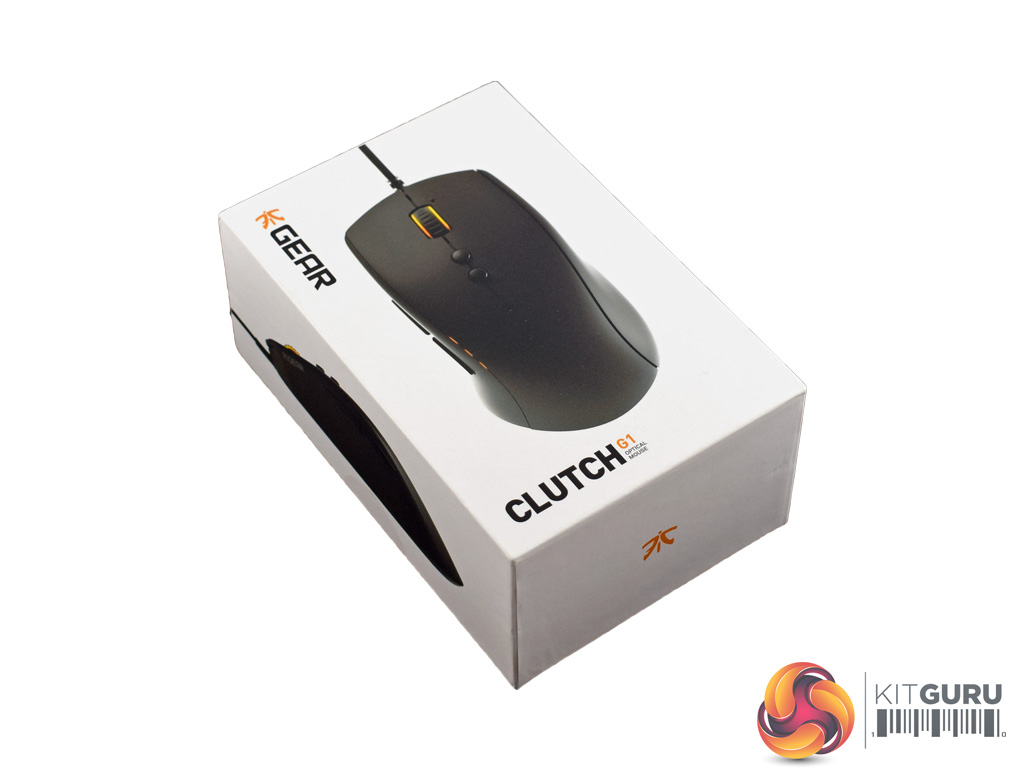
The Fnatic Gear Clutch G1 ships in an iPhone-esque white box with a large product photo on the top.
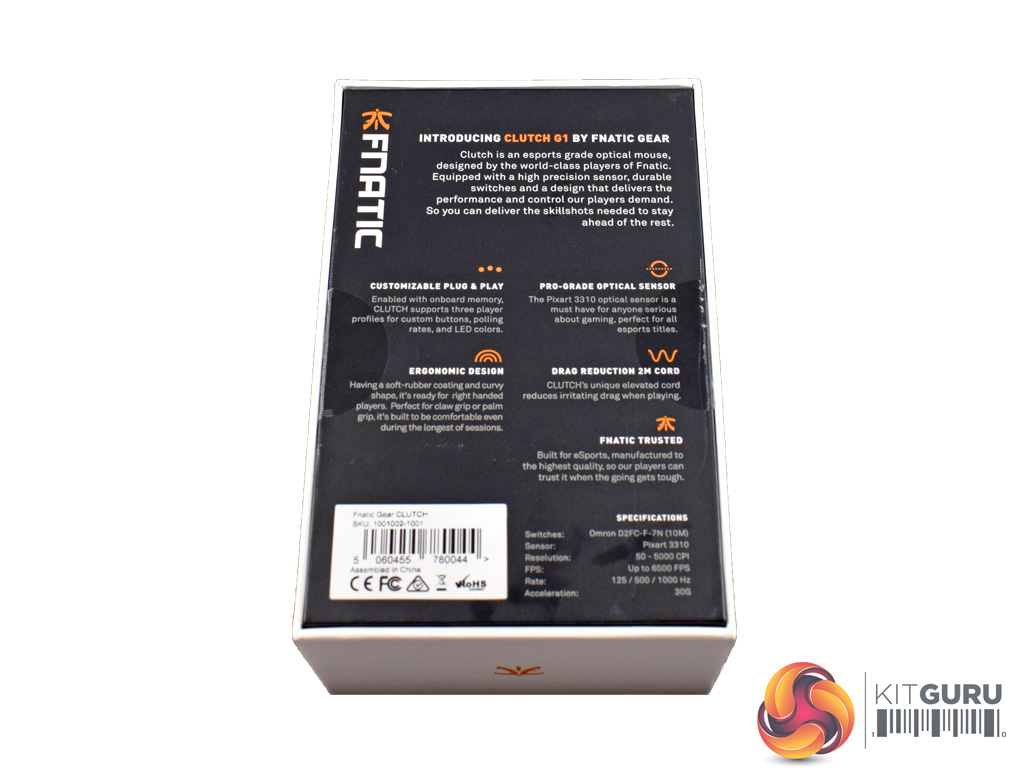
On the back we find some key features of the mouse, as well as some technical specifications.
Inside, the only included extra is a small quick-start guide which is not overly detailed.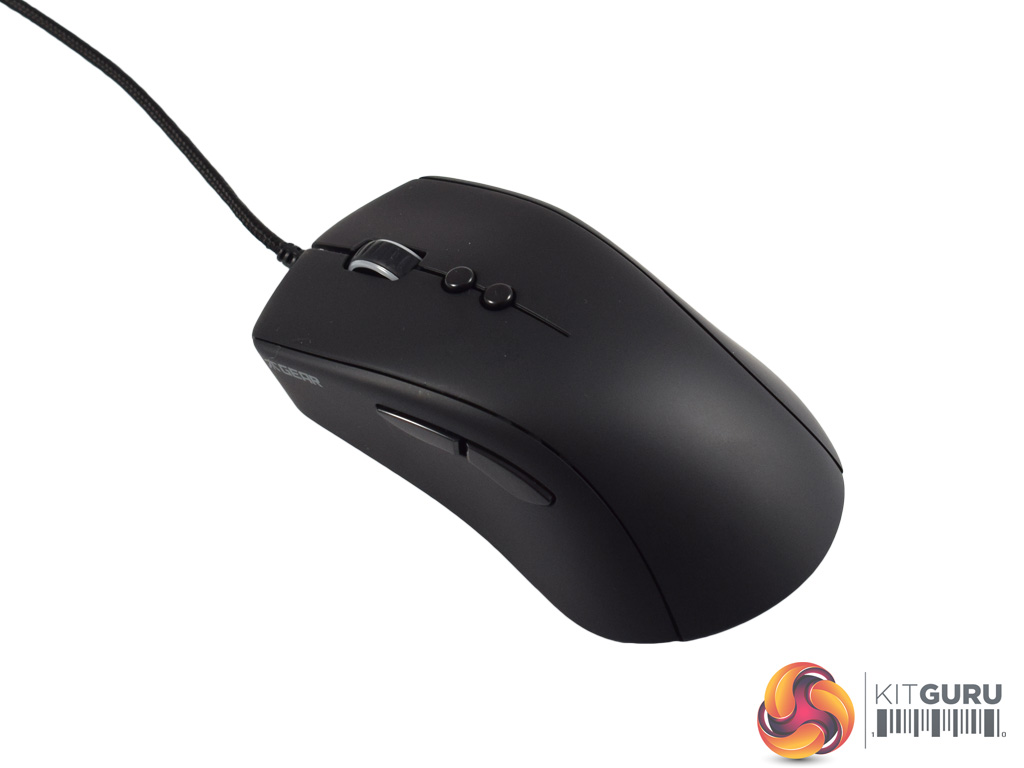
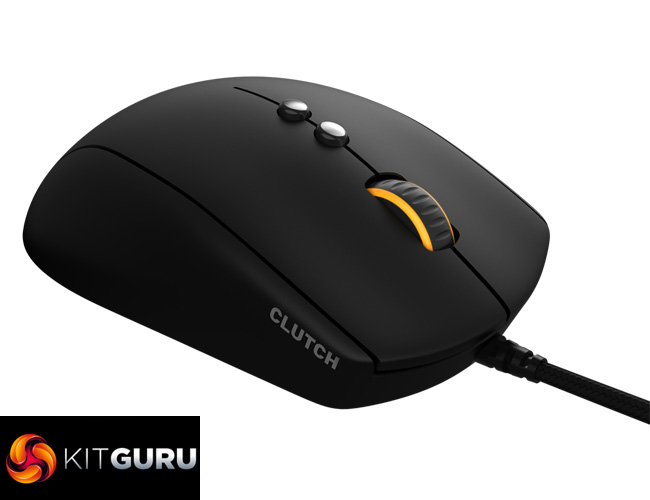
Above we get our first look at the Fnatic Gear Clutch G1 Mouse. It is certainly a simple design, devoid of huge logos or vast numbers of extra buttons. That being said, it is still attractive thanks to its matte, rubberised finish which looks very smart and should help grip as well.
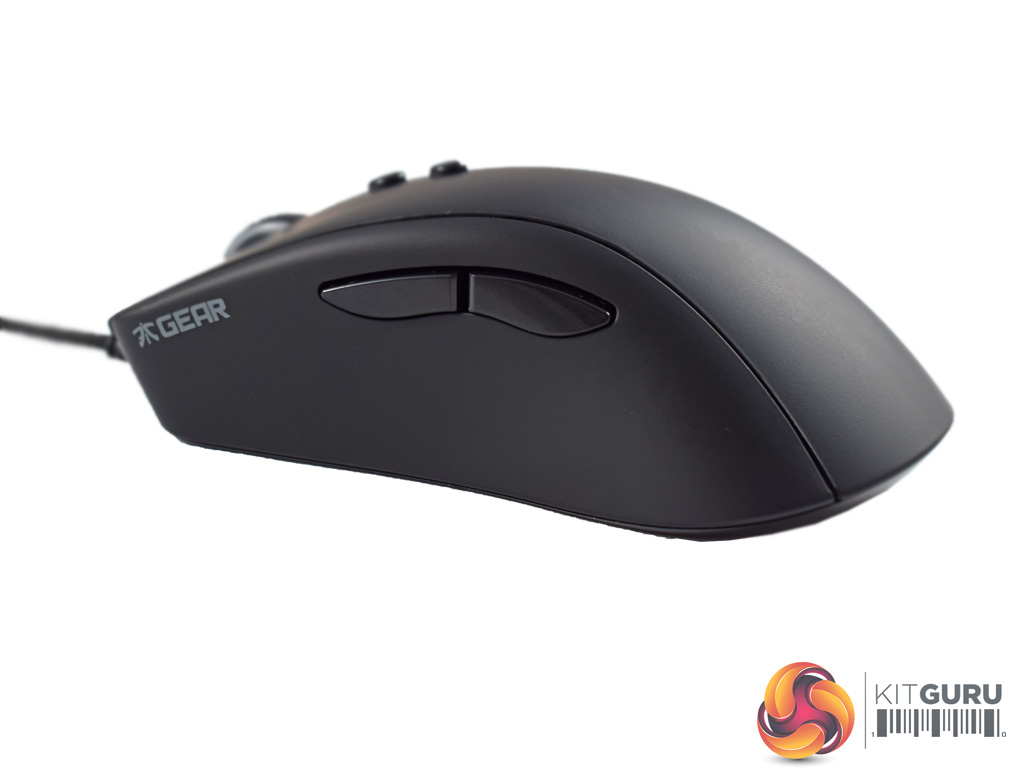
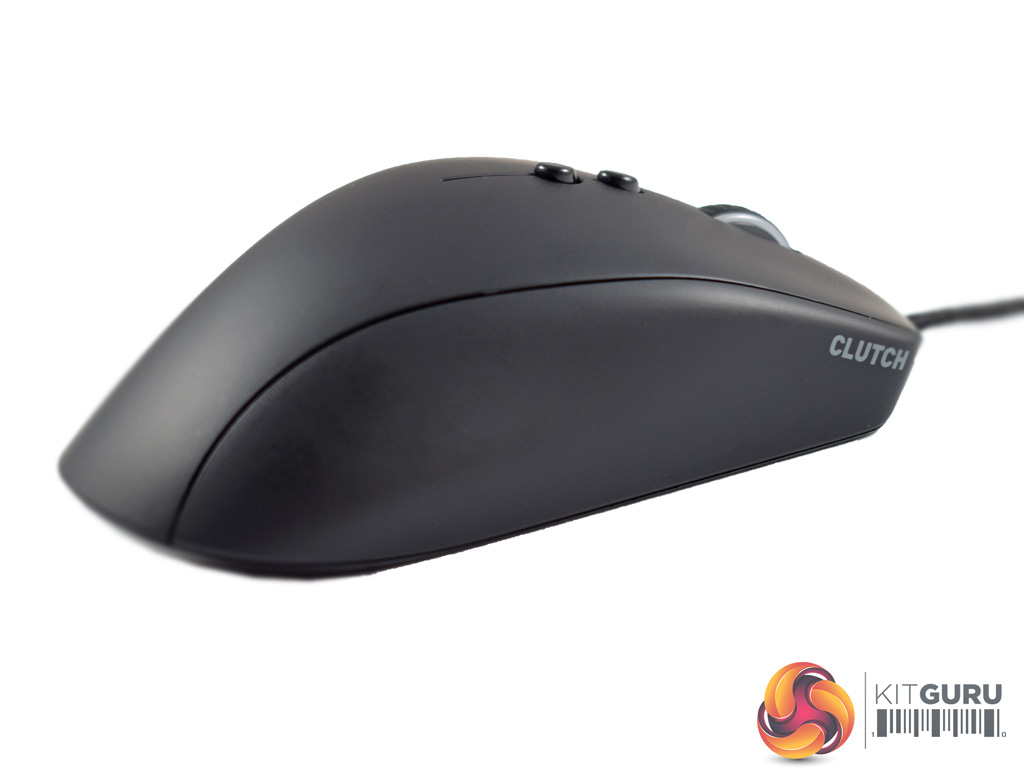
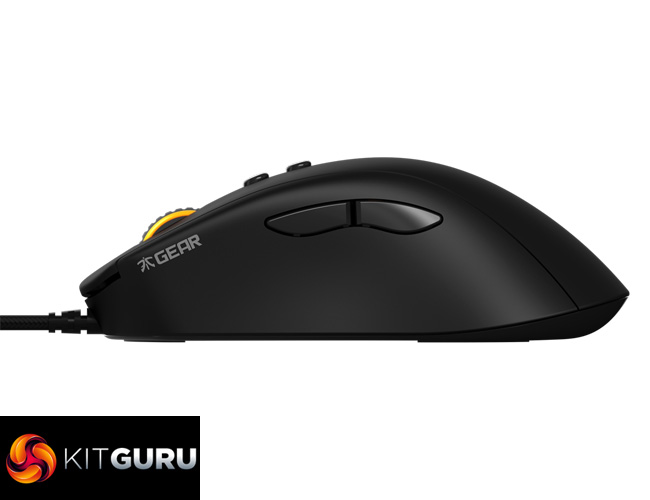
While at first glance the Clutch G1 may looks ambidextrous, it is subtly shaped for right-handers.
The first indication of this is the positioning of two buttons on the left side of mouse, within easy reach of your thumb. These buttons can be configured in the accompanying software (which we explore on the next page), but by default they are set to function as in-browser navigation tools.
The right side of the Clutch G1 is bare, but it is ever-so-slightly contoured to ensure optimal comfort for a right-hander.
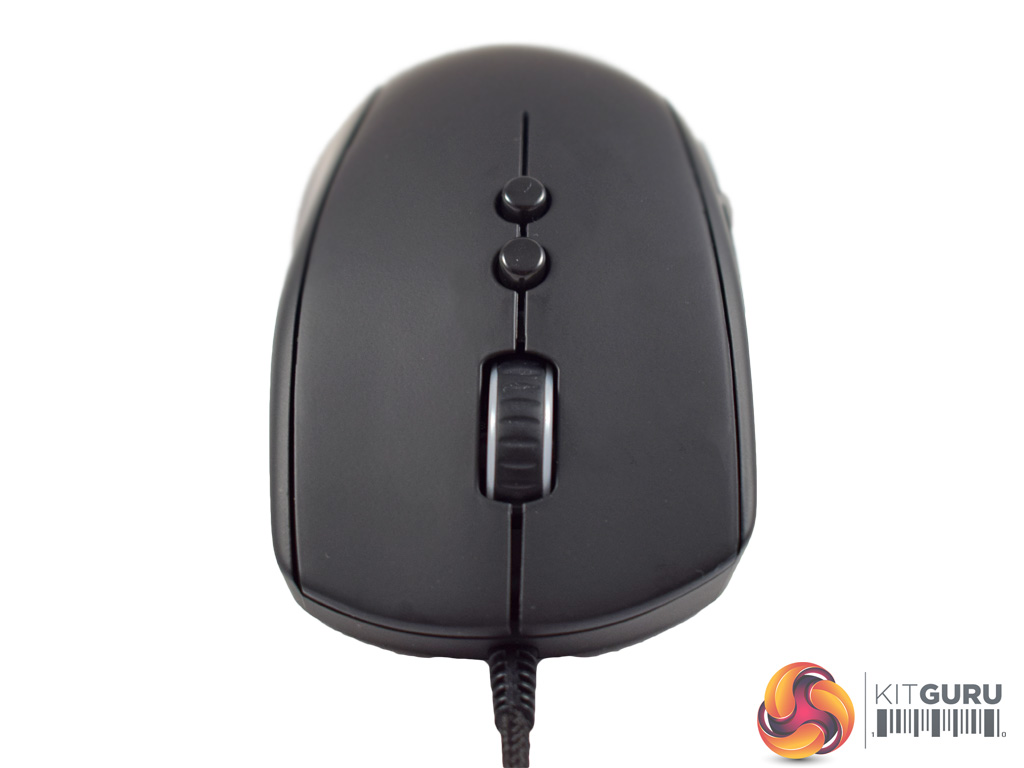
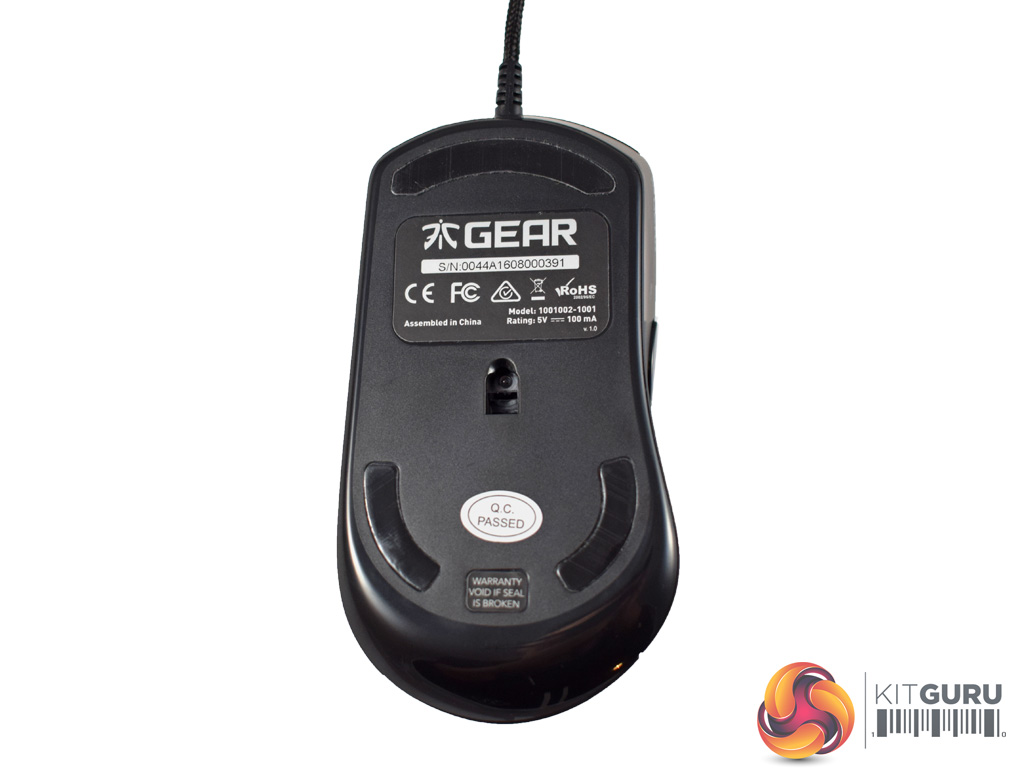
At the front of the mouse we find the scroll wheel, as well as another two user-configurable buttons just below it. The scroll wheel is also the only RGB zone on the mouse.
On the underside of the Clutch G1 we get a look at the PMW 3310 sensor – a high-grade offering from Pixart, it has a maximum DPI of 5000. There are also three mouse feet positioned here – two at the bottom, one at the top.
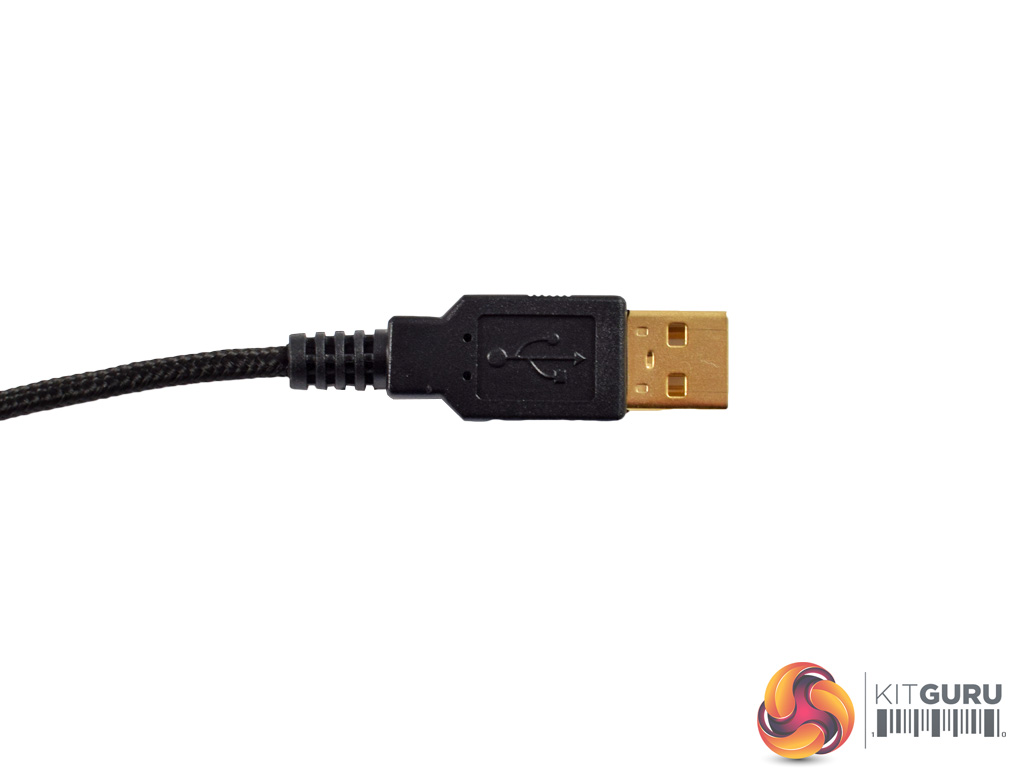
Lastly, the USB cable is 2m long, braided and gold-plated.
To test the Clutch G1 mouse I used it as my daily driver – playing games, editing photos and for general office work.
First, let's assess the software that comes with the Clutch G1 – which can be found HERE.
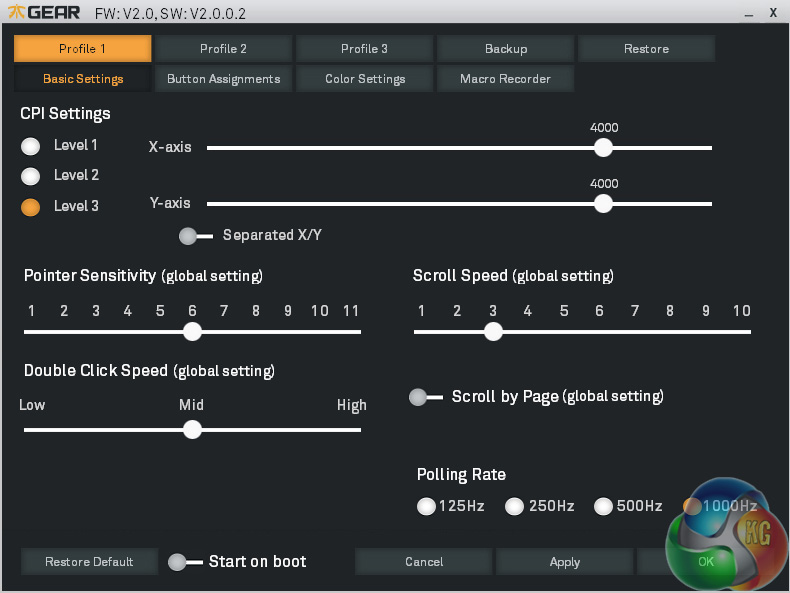
Above is the first page that greets you as the software is first opened. The Clutch G1 allows users to configure up to 3 profiles – choosing between them via the tabs at the top of the page. Once the desired profile has been selected, the ‘basic settings' page allows configuration of, well, the basic settings.
Things like DPI stages, polling rate and scroll speed can all be fine-tuned here.
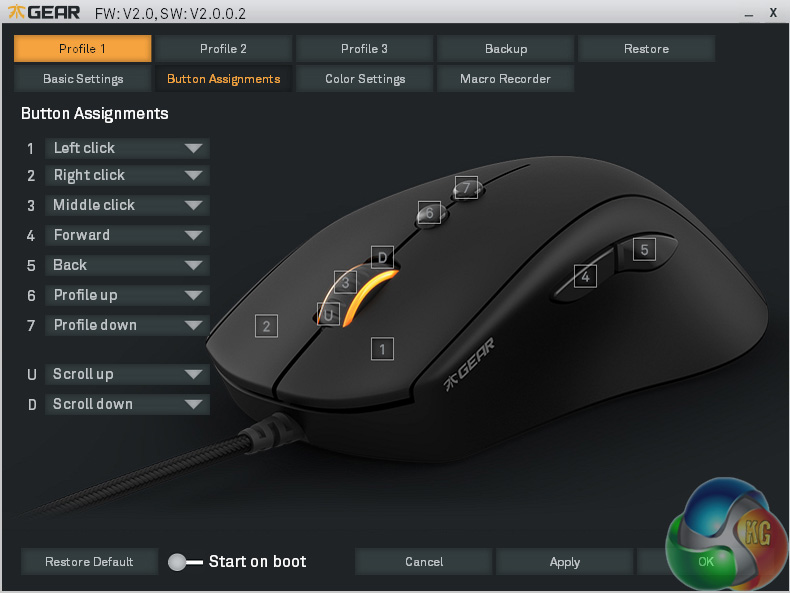
After the basic settings have been tweaked, the next page allows you to re-map the mouse buttons. There are 9 user-configurable settings here – 7 buttons, plus both scroll directions.
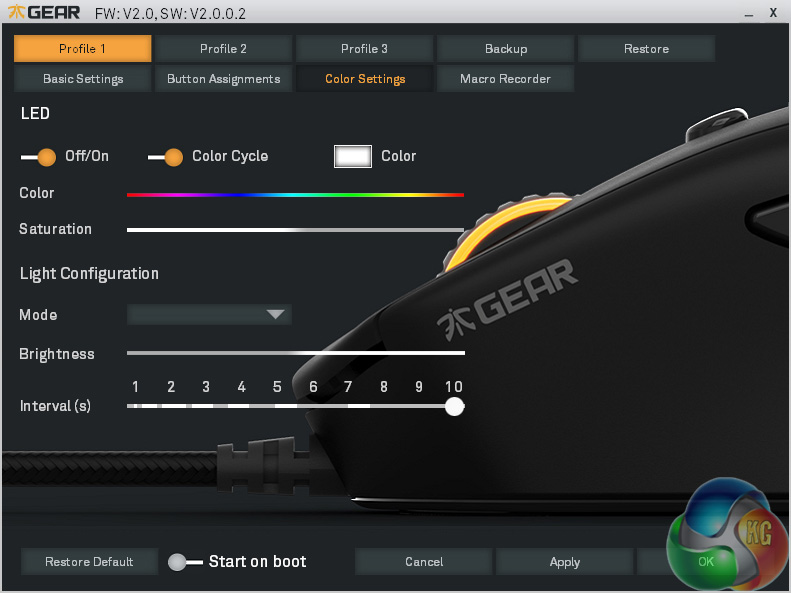
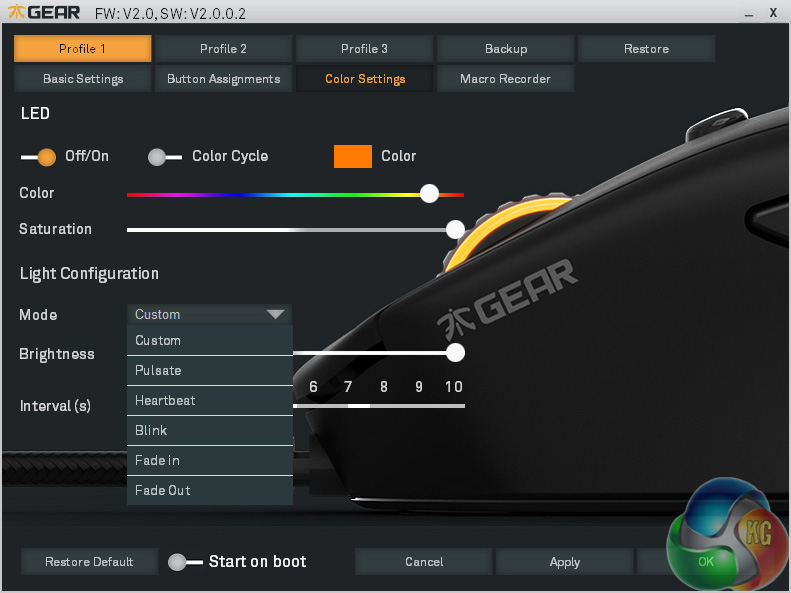
Next, the bit everyone loves – RGB lighting. The first choice is whether you want the LED in the scroll wheel on at all – it can be turned off if you choose. The LED colour can be chosen via a slider or you can let the mouse cycle through the entire RGB spectrum.
If you do choose a single colour, though, you also have a few lighting effects available – including pulsate, heartbeat, blink, fade in, and fade out. Lastly, the colour brightness and LED effect interval can also be tweaked.
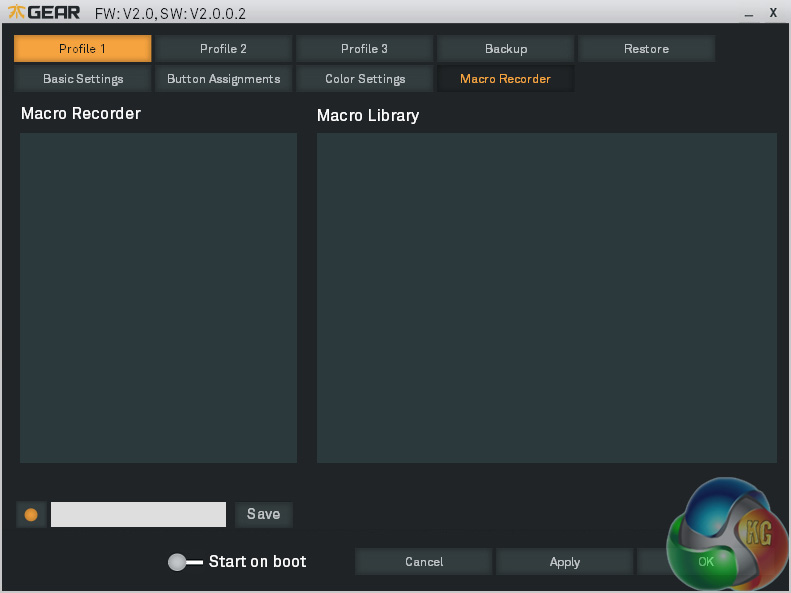
On the final page, users can set and record macros. This is not something I do personally, but the process is very simple – hit the record button and enter the macro. You can then press record a second time to enter the desired name for the macro.
All-in-all, the Clutch G1's software is pretty decent. It is reasonably simple, but given the mouse does not have a whole lot of extra features, this is to be expected. Everything is clearly laid-out, though, and the lighting control is very easy to use. I also like the fact that the three user profiles are stored to the mouse's inbuilt memory, meaning you do not have to configure the software every time you switch systems – which is obviously a necessity for a competitive eSports gamer.
Moving on to physical testing of the mouse, then. First off, it is worth mentioning the style of grips best suited to using the Clutch G1. As it is relatively large for a mouse – measuring 130mm long, for example – a palm grip is very comfortable as there is physically a lot of space to rest your hand.
I prefer a claw grip, though – but that is just as comfortable. This is because there is a nice arch to the Clutch G1 which allows you to grip firmly at the base of the mouse, while still being able to reach the front buttons.
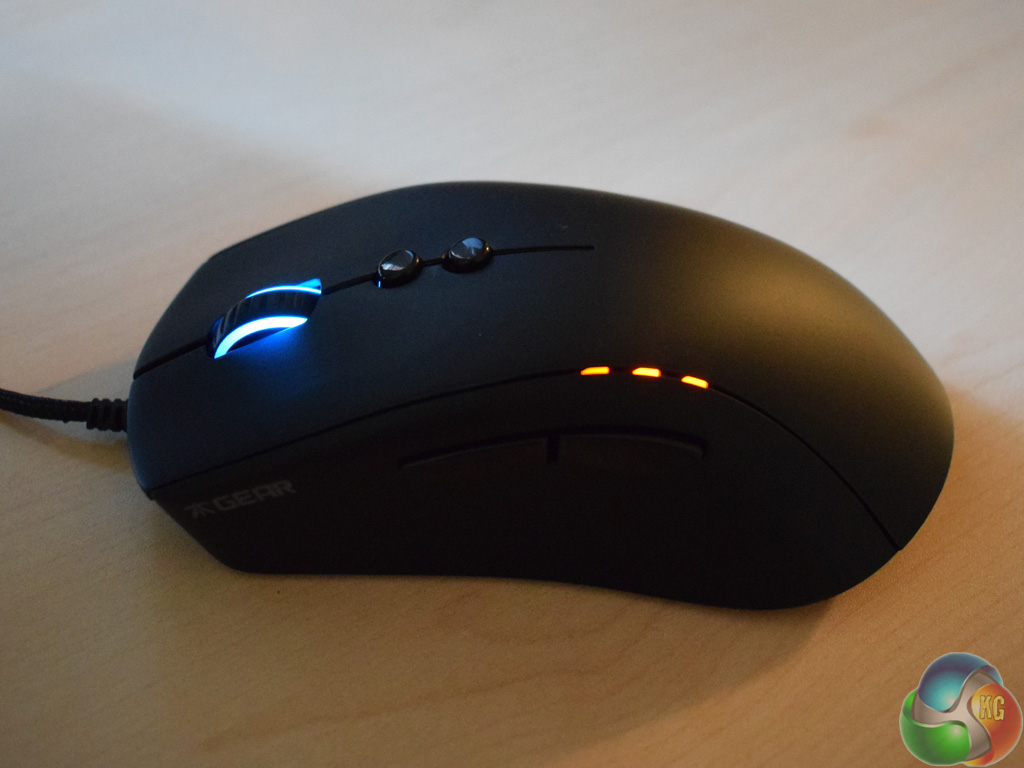
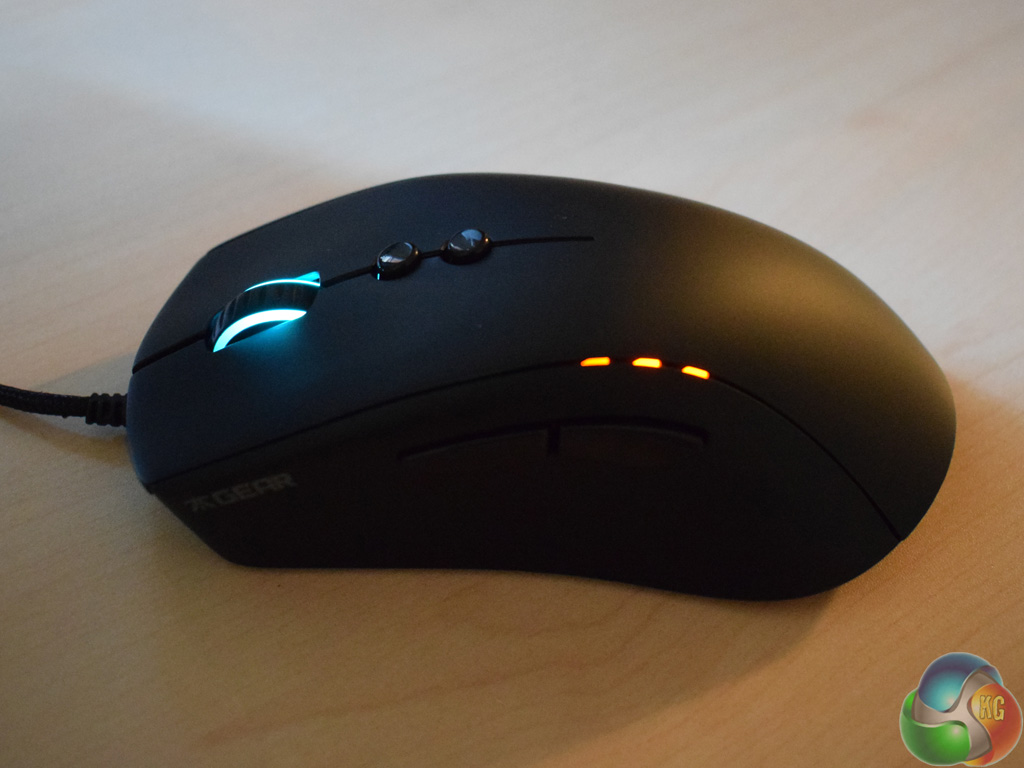
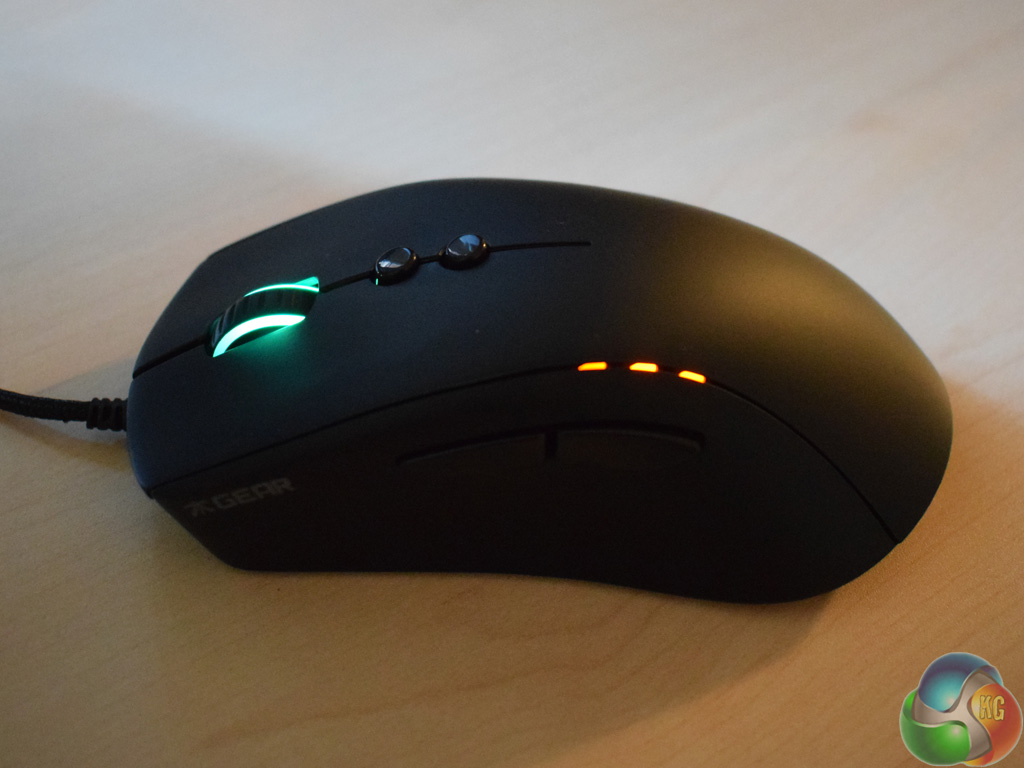
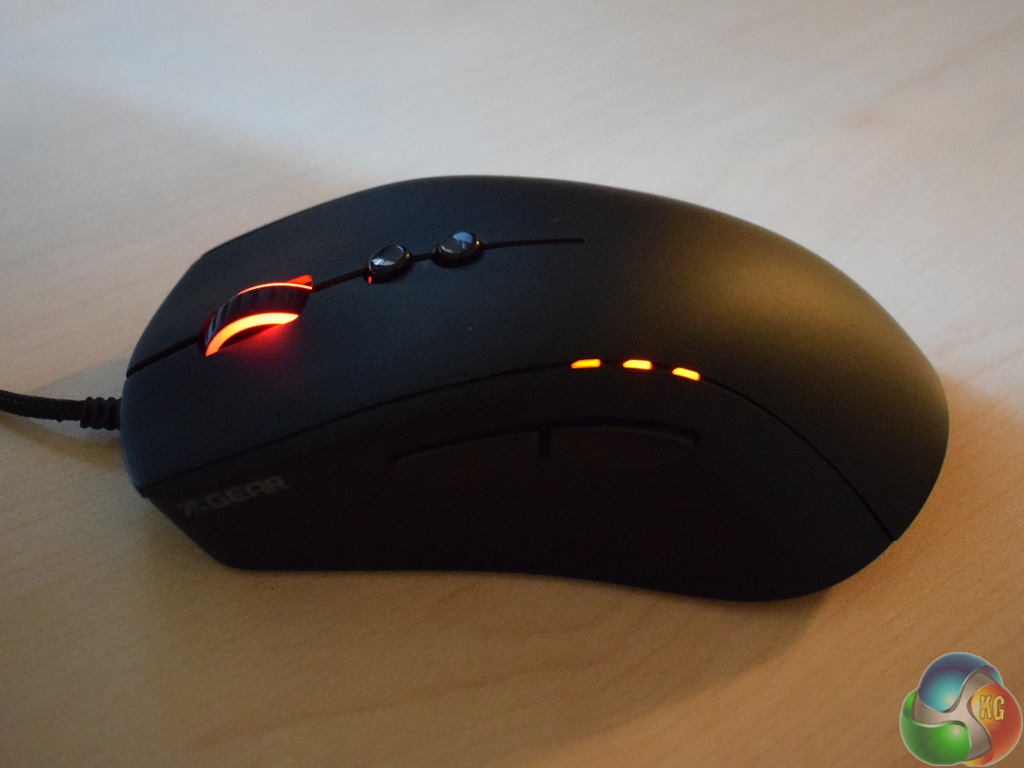
The LED scroll wheel also looks great, with accurate colours and uniform brightness across the wheel.
There are another 3 LEDs positioned just above the two side buttons as well, as pictured above. When glowing white, they indicate which profile you are using. When orange, they indicate the DPI stage that is in use. This is a good feature as it simply provides a visual indicator of the profile or DPI stage that is in use – something that can be vital in the heat of battle as you frantically search for your lowest DPI stage to snipe, for example.
However, I am less keen on the default button assignment. Out-of-the-box, the two buttons just below the scroll wheel change the profile in use, while the two side buttons are for navigation purposes. That means there is no way to change DPI out-of-the-box. Of course, you can change each button's function via the software, but I would have preferred it if the two middle buttons were set to change the DPI stages by default, as that is something I find myself changing far more frequently than the user profile.
Still, once that is changed, the Clutch G1 is an excellent mouse for simply getting the job done. It glides very smoothly and I had no issues with tracking – everything was accurate down to the last pixel when gaming or photo editing. In terms of DPI, the Clutch G1 has a maximum level of 5000. This should be enough for the majority of consumers – I never go higher than 4000 DPI, and that is using a 4K monitor. Still, if you absolutely must have an 8000+ DPI sensor, you will have to look elsewhere.
The rubberised finish is a good choice as well, as it grips very well, even after a few tiring gaming sessions. In fact, this is true almost to a fault as it can hard to actually let go of the mouse as the grip is so tight. You can see the eSports inspiration behind this feature as a professional gamer needs complete grip on his/her mouse at all times, which is why the rubberised finish is included here.
The only real issue I had was when scrolling – the scroll wheel just feels a touch loose, and it has some wobble in it. That being said, it did not cause me any actual problems as I could still scroll accurately – it just does not feel overly satisfying to have a bit of wobble as you scroll. The wheel does have clearly-defined grooves, though, which is useful for making small adjustments (such as selecting your secondary weapon in an FPS game for example) so that is good to see.
Other than that, the Clutch G1 simply works. There are no flashy features other than the RGB scroll wheel, nor are there ridiculous numbers of extra buttons. The last point would suggest to me that the Clutch G1 is probably best for FPS or RPG gamers, rather than MOBA players, but all-round, it is a very solid offering.
Update: Two weeks after finishing this review, I noticed that the right-click button had also become very loose and wobbly. It was clearly a manufacturing issue, so I got in touch with Fnatic and they sent over a replacement Glutch G1. I am happy to report that the new mouse does not exhibit the same issue. However, the scroll wheel is still slightly too loose for my liking, but it is not a manufacturing issue like the loose right-click button was.
All-in-all, the Fnatic Gear Clutch G1 is a very solid mouse.
As I mentioned on the first page, it is not an ‘all-singing, all-dancing' mouse – rather, it has a simple design which just works while offering great performance.
Part of this good design is due to the shape of the mouse. It is quite long, making it great for palm grip users, while the deep arch makes life easy for claw grip users as well.
Speaking of grip, the rubberised finish ensures your hand is not slipping, even after several tense gaming sessions. Tracking is also very accurate and I had no issues with any undetected movements during my testing.
The only real issue I encountered came from the scroll wheel, as I found it to be just slightly loose, meaning there was some wobble while scrolling at speed. I could still scroll accurately, though, so it was not a big concern for me – it just does not feel very good.
Other than that, I am happy to recommend the Fnatic Gear Clutch G1 gaming mouse. It has great RGB functionality and a simple design, ensuring great performance with minimal fuss.
You can pick one up directly from Amazon for £59.99 HERE.
Pros
- Simple design.
- Suitable for palm and claw grip users.
- RGB lighting works well and looks great.
- Inbuilt memory stores your profiles, removing any reliance on software.
Cons
- Out-of-the-box button allocation could be smarter.
- Some slight wobble to the scroll wheel.
KitGuru says: If you are looking for a simple but high-quality mouse, the Fnatic Gear Clutch G1 is a good choice worthy of making any final shortlist.