 KitGuru KitGuru.net – Tech News | Hardware News | Hardware Reviews | IOS | Mobile | Gaming | Graphics Cards



Back in December, Cooler Master announced the CM Storm Sentinel III, its latest gaming mouse bringing new features including an improved tracking sensor, a customizable OLED display and new RGB lighting. Today, we are finally going to put it through its paces and see just how well it performs.
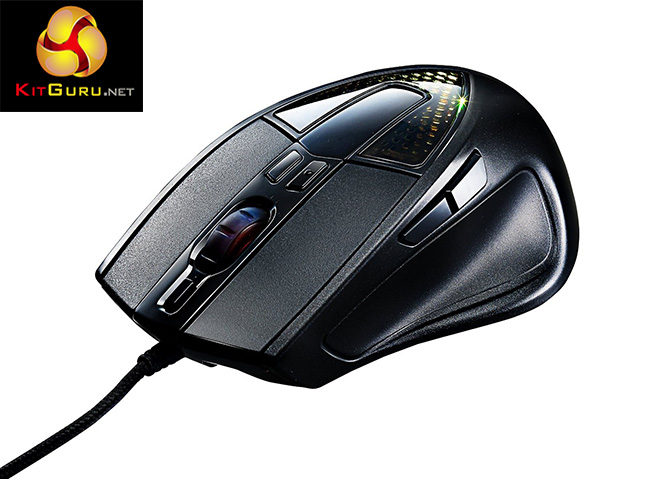
The CM Storm Sentinel III comes with several re programmable buttons, weight adjustment and an Advanced Avago 3988 sensor.
Features and Specifications:
- Advanced Avago 3988 sensor.
- OLED Display.
- Weight adjustment system.
- Full RGB Color Illumination.

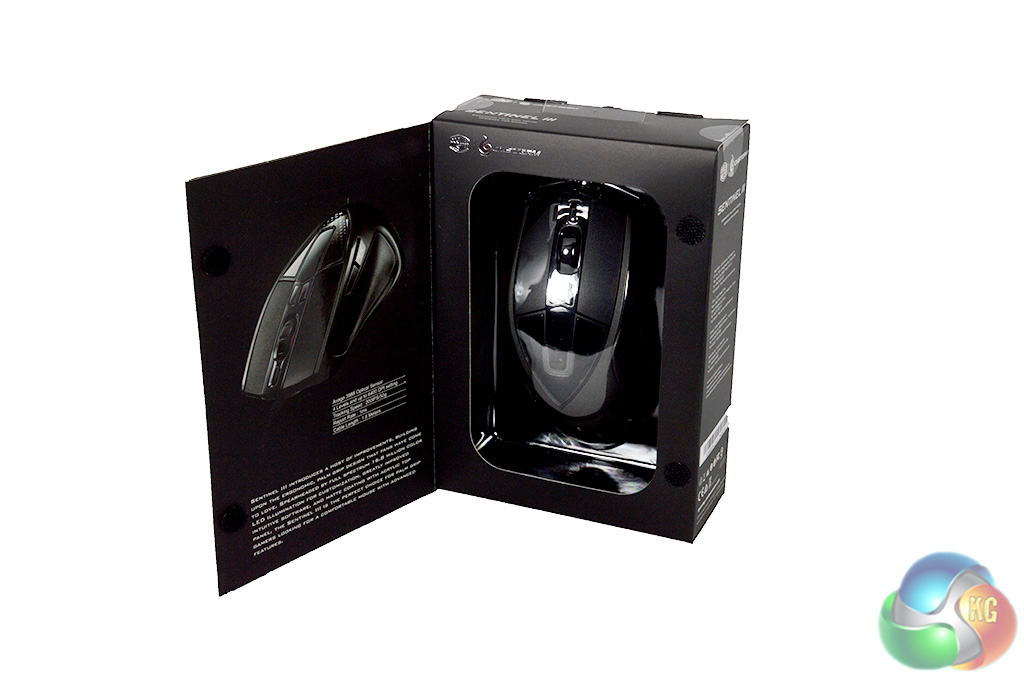
The Cooler Master CM Storm Sentinel III comes in an appropriately sized box with a magnetic flap on the front, revealing the mouse inside. The back of the box, on the other hand, boasts key features, such as the palm grip design, weight adjustment system and re-programmable buttons.
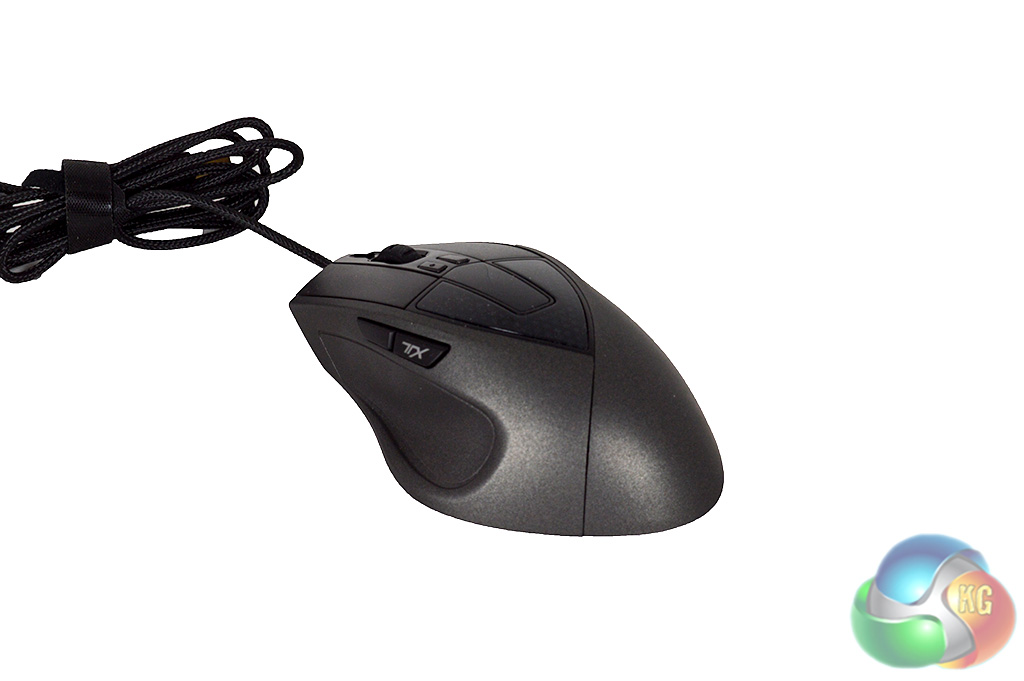

As you can see, the mouse offers an ergonomic shape for right handed users. There is also a nice long braided USB cable which is a welcome addition, along with the extra buttons and OLED display.
In addition to the two buttons on the side, there are three more buttons on top, two at the base of the scroll wheel and one just in front of it. These can be used as DPI toggles or programmed to whatever function you find useful.
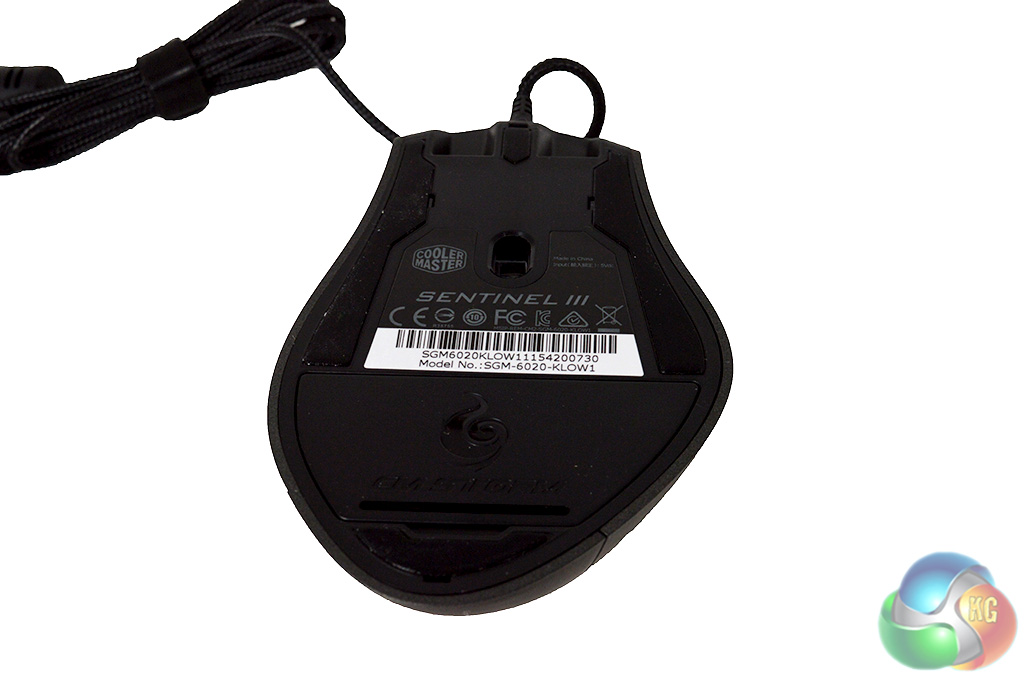
The weight tuning system can be accessed via the flap the bottom of the mouse. There are five separate little 4.5g weights inside, allowing you to adjust things to your liking. This level of customization is always a highly appreciated feature.
For my testing, I chose to use the CM Storm Sentinel III as my main mouse over an extended period of time, replacing my Roccat Tyon. Real world testing scenarios are particularly important when it comes to peripherals as there is no straightforward way to assess them.
First we will take a look at Cooler Master's Mouse software, which will let us delve into all of the additional customization options.
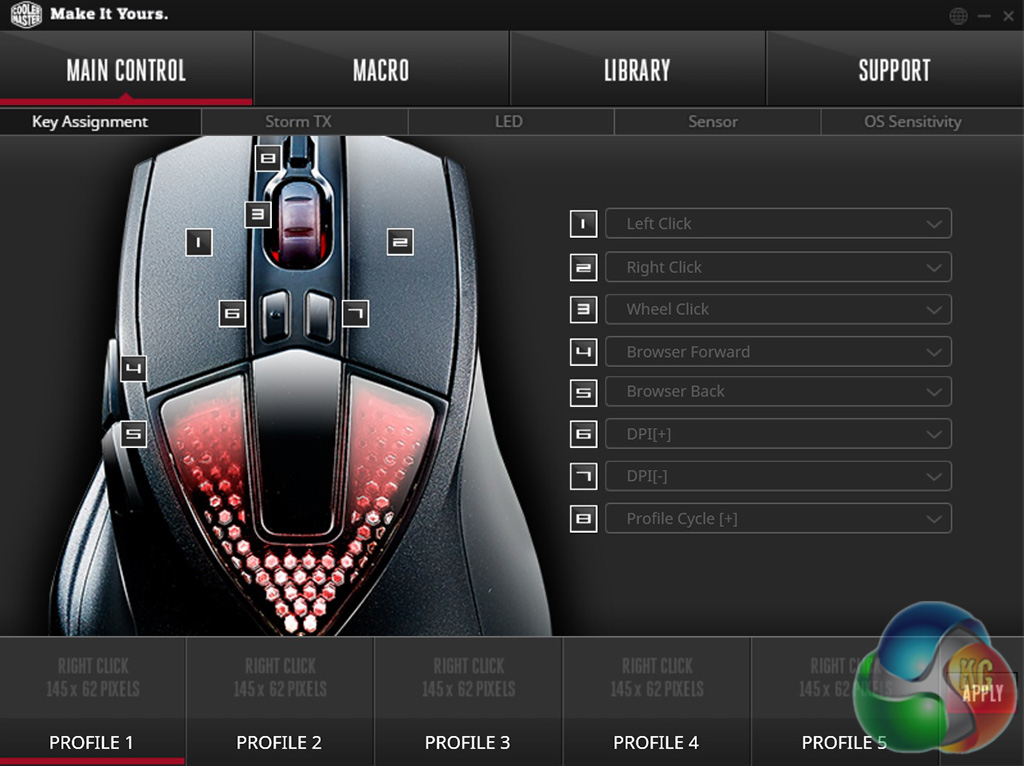
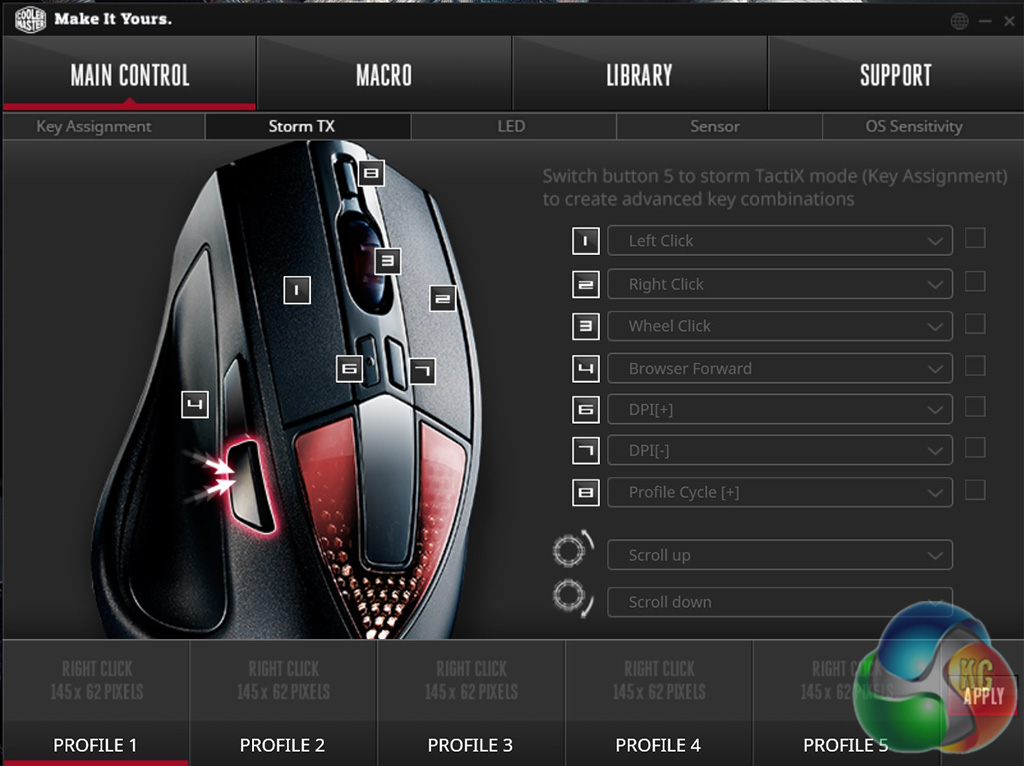
Upon opening up Cooler Master's mouse software, you will be greeted with the key assignment window, where you can make quick adjustments to different functions. The next screen allows you to set up the Sentinel III's ‘TX' key which will allow you to bind multiple functions to one button.
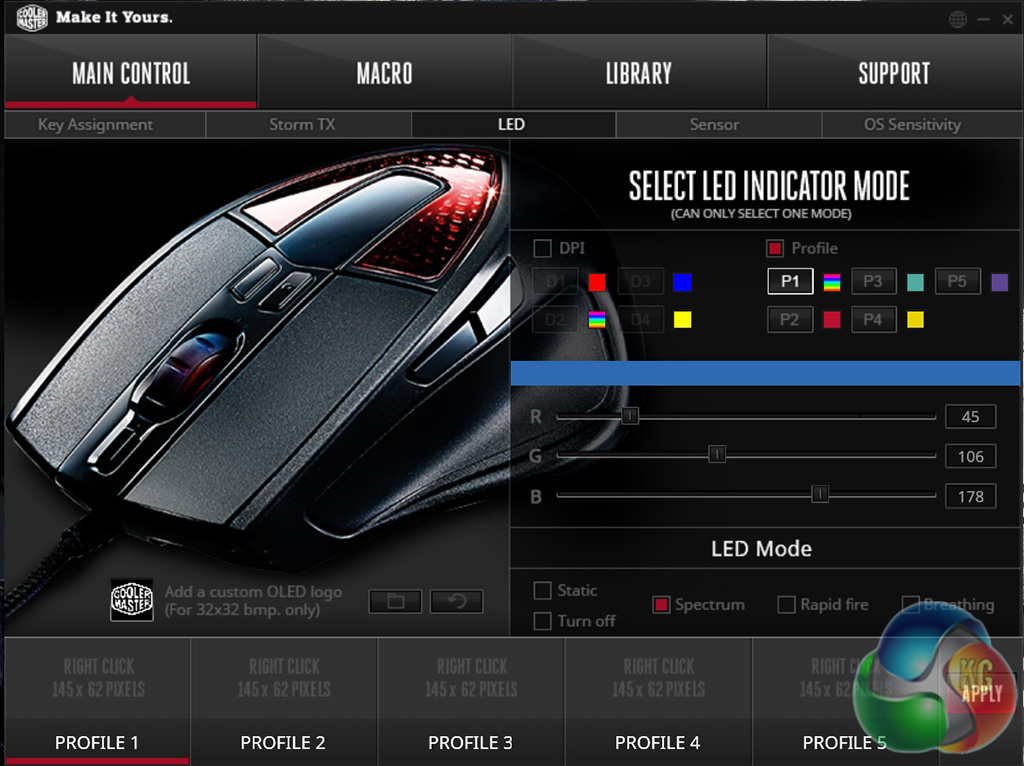
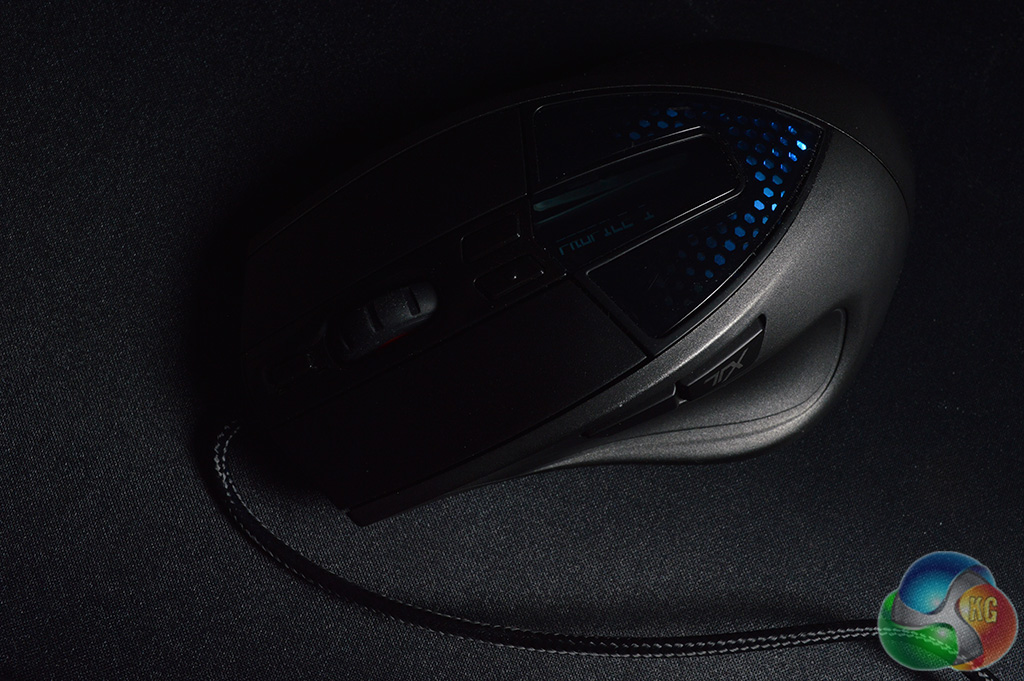
The next tab lets you set up the lighting on the mouse. Since the LED is RGB, you can select almost any colour you want and pick from a few effects. Unfortunately, I didn't find the Sentinel III's lighting to be as impressive as other mice I've reviewed as there is only one lit zone. However, not everyone gets excited about fancy lighting so this will come down to personal preference.
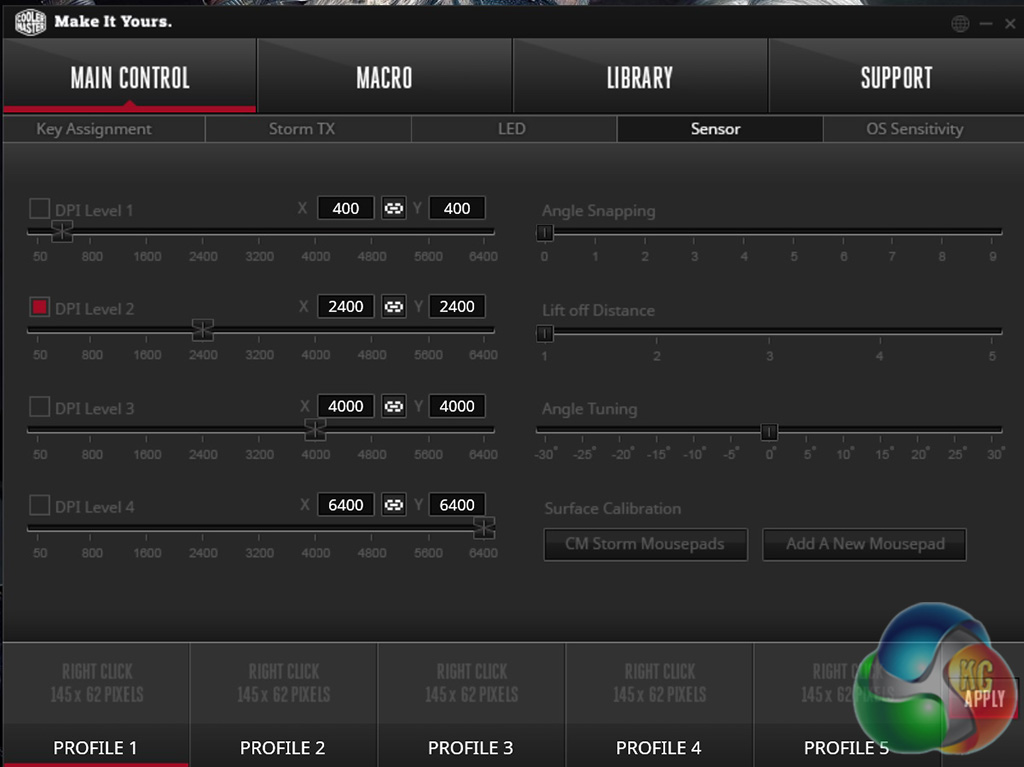
The next tab will let you adjust your DPI settings for different profiles. Your exact DPI will also show up on the OLED screen on the mouse, this screen can also display your profile so you always know exactly what your mouse is set to without opening up the software.
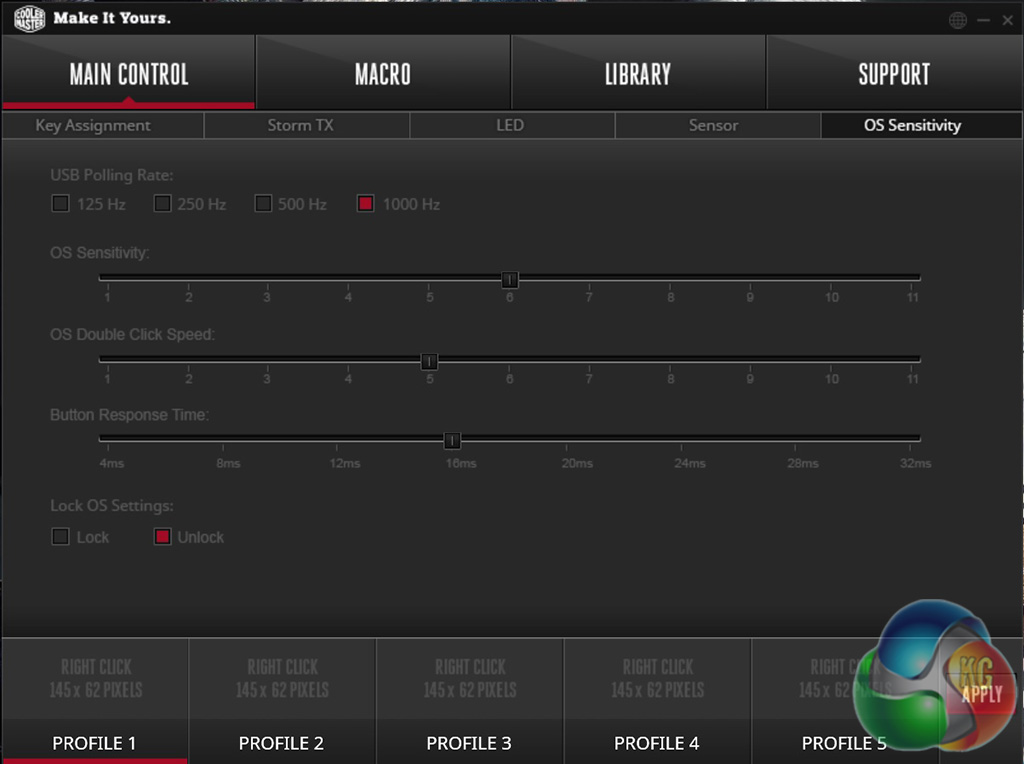
The next window controls OS functions like polling rate, sensitivity, button response time and double click speed. These options will be locked by default and controlled by Windows but you can change this if you want.
Overall, Cooler Master has developed a nice little software package here, I found it to be responsive and options didn't take too long to change after hitting the ‘Apply' button- which can be an issue with some mice.
Now let's talk a bit about comfort and usability. This mouse is designed with palm grip users in mind as you can tell by the shape. While this is great for right-handed users, it does leave left-handed users out entirely, which is worth noting.
As a palm-grip user myself, I found the mouse to be shaped perfectly, fitting in my hand well with all of the buttons easily accessible. Speaking of which, the side buttons, as well as the left and right mouse clicks all have a nice tactile feel to them once pressed- the switches don't feel mushy at all.
Not everyone makes use of additional mouse buttons while gaming but I find them to be particularly useful for quick weapon switching in shooters like Counter-Strike. I also like to use the back side button as my dodge in The Witcher 3: The Wild Hunt. The two buttons on the side of the Sentinel III were placed well, allowing my thumb to reach both with ease.
Aside from being extremely comfortable to use, Cooler Master's CM Storm Sentinel III also has an excellent sensor. I had no issues with tracking on both cloth and granular mouse pads, as well as the wooden surface of my desk, which is all thanks to the new and improved Avago 3988 sensor.
Overall, I am impressed with the CM Storm Sentinel III Gaming Mouse. Its ergonomic palm grip-friendly shape gives it a natural fit in the hand and I found it to be a joy to use during both games and regular tasks.
Build quality is decent enough, the mouse is primarily made of plastic but it feels built to last. Button placement on the side was spot on, my thumb was able to reach both buttons quickly and easily while playing games- the switches also had a nice tactile feel to them which made all the difference when comparing to other mice.

Cooler Master's mouse software is among the best I have tried personally. It was quick, responsive and applying new settings didn't take long. However, I was a little let down by the RGB lighting and while I can see how the OLED screen could be useful, I didn't find myself looking at it often.
The Cooler Master CM Storm Sentinel III is an excellent mouse with some little tweaks that really help it stand out. You can buy the CM Storm Sentinel III for £39.99 at Box.co.uk. At this price, it is worth recommending.
Discuss on our Facebook page, over HERE.
Pros:
- High level of customization.
- Weight tuning system.
- Long braided cable.
- Decent tracking performance.
Cons:
- RGB lighting was a little underwhelming.
KitGuru Says: The CM Storm Sentinel III is a good mouse with a lot of little tweaks that help it stand out from the crowd.


Like the weight distribution system for fine tuning mass and balance, there are 5 disks which can be removed or added until you find the right balance.
http://www.tech2cool.com