 KitGuru KitGuru.net – Tech News | Hardware News | Hardware Reviews | IOS | Mobile | Gaming | Graphics Cards


While working on the final video for our huge AMD Frame custom build, I came across a problem that temporarily brought the project to a halt. Just a couple of days after filling the cooling system up with some new fluid, a very odd issue became apparent, one that I had not encountered before – at least not as quickly as it developed this time anyway. So this video is reaching out to our readers and viewers to decipher if this is a common issue or not.
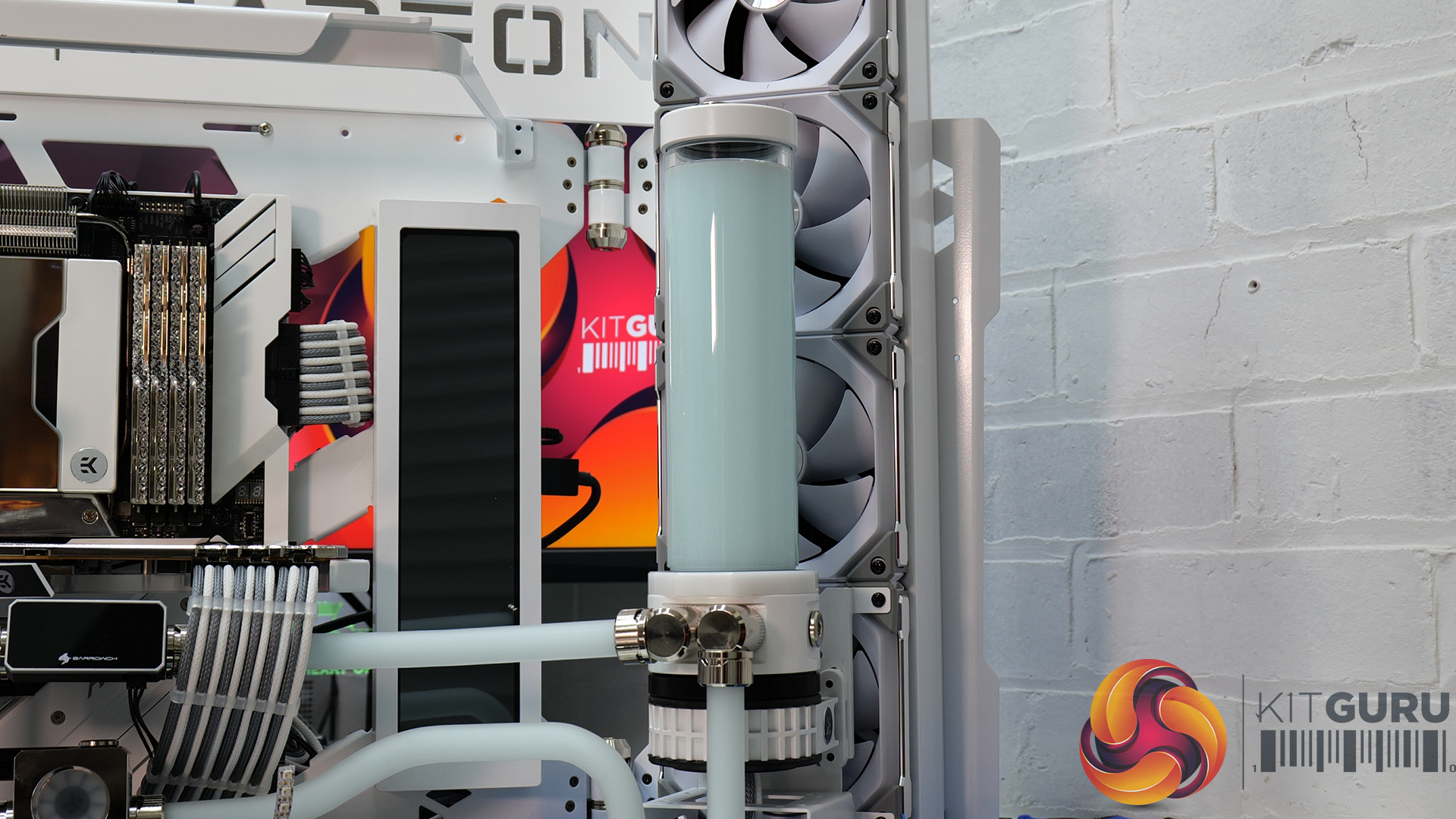
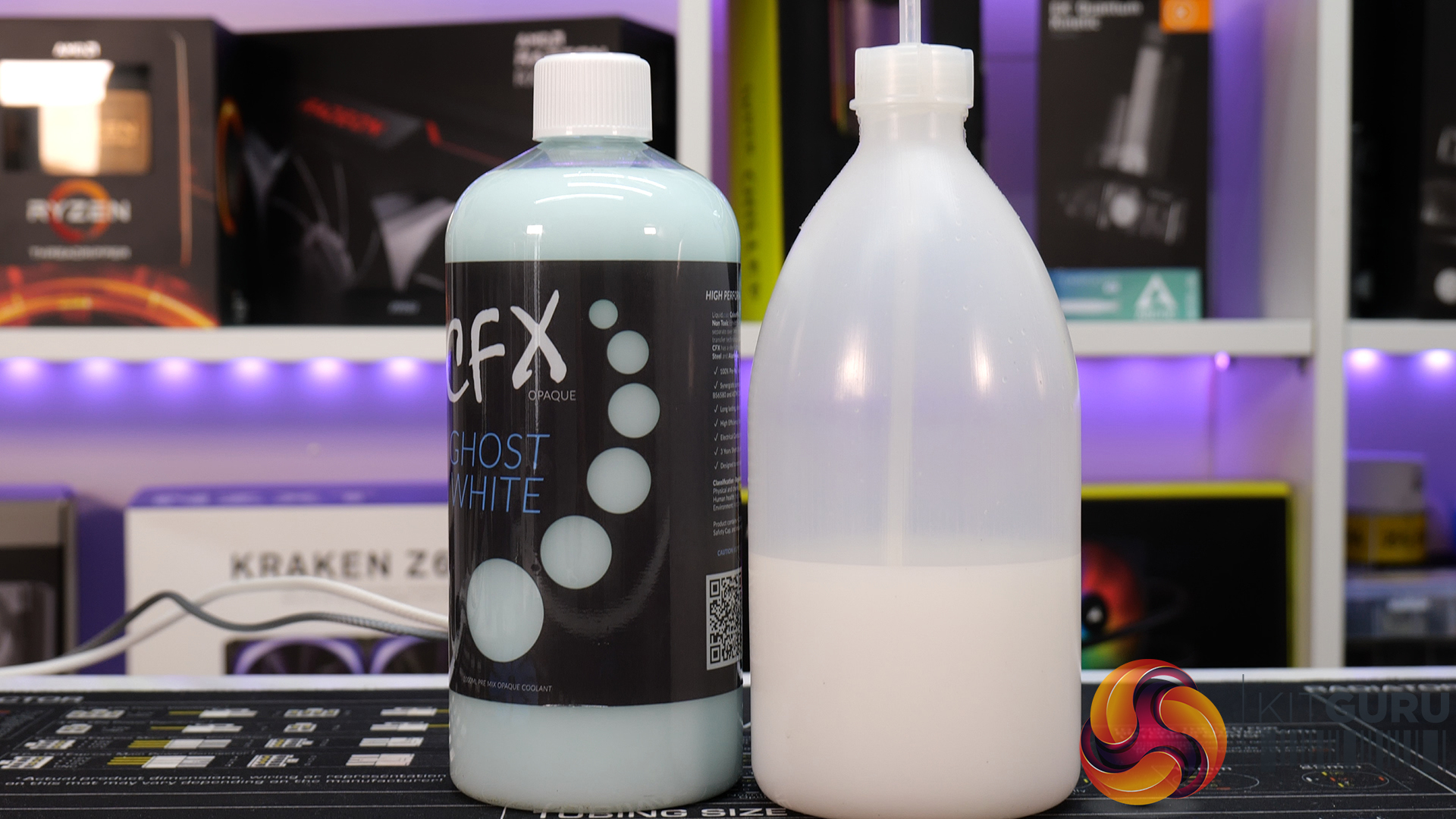
I was working on the system without any problems yesterday but when I went into my studio this morning to boot up the system to take some B-roll shots for the series final video, I noticed that the coolant had changed colour from bright white to a light blue colour. Initially, I didn’t think too much of it, maybe the coolant had settled and it just needed a mixing up again, but I was wrong.
When powering on the system I noticed that the flow meters were not moving but power was still being supplied to the pumps from the PSU. I proceeded to drain the CPU loop to investigate the issue and found that when disassembling the pump, the impeller was seized in position. The build features a dual loop cooling system, the failure affected the pump in both loops.
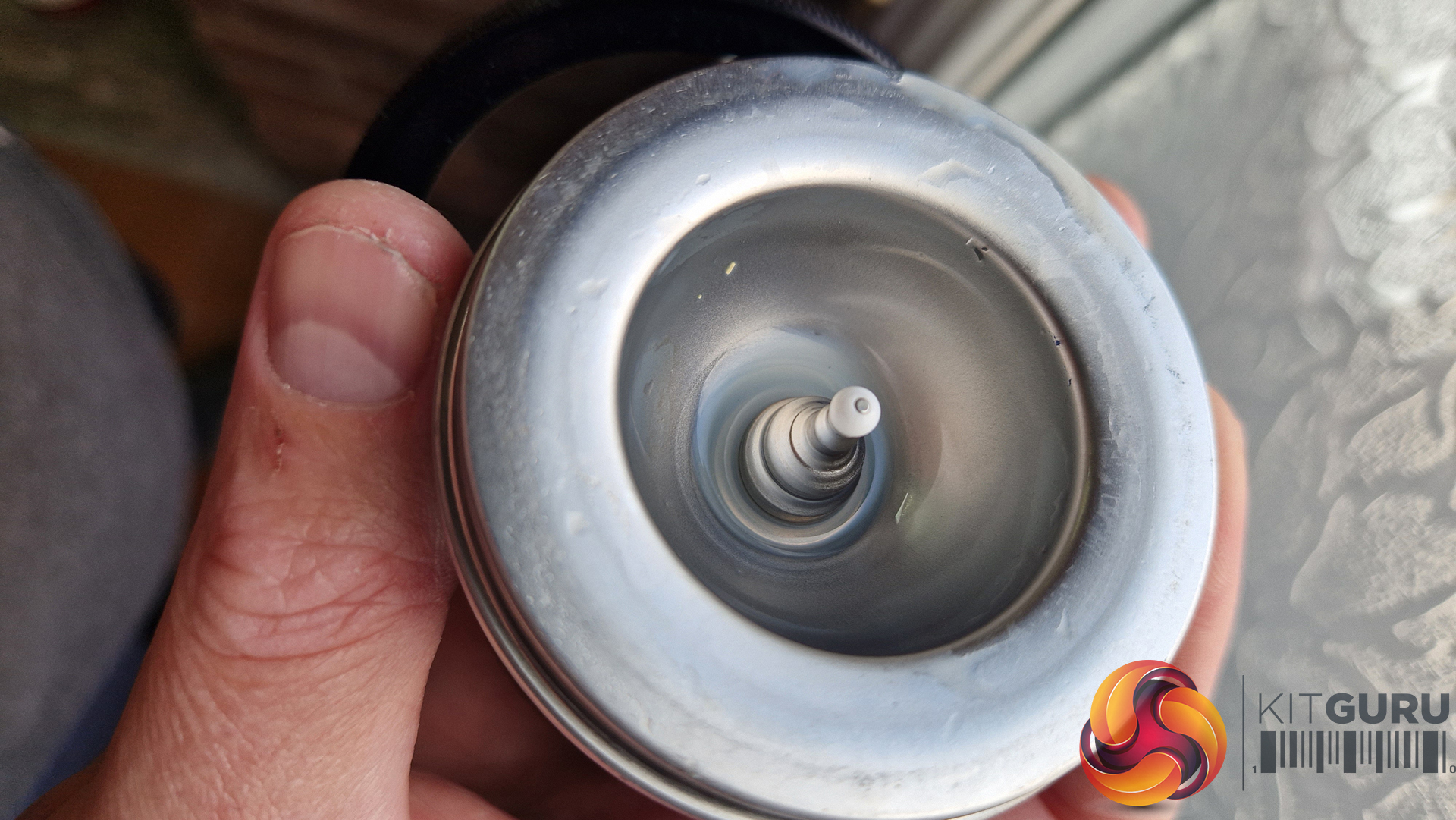


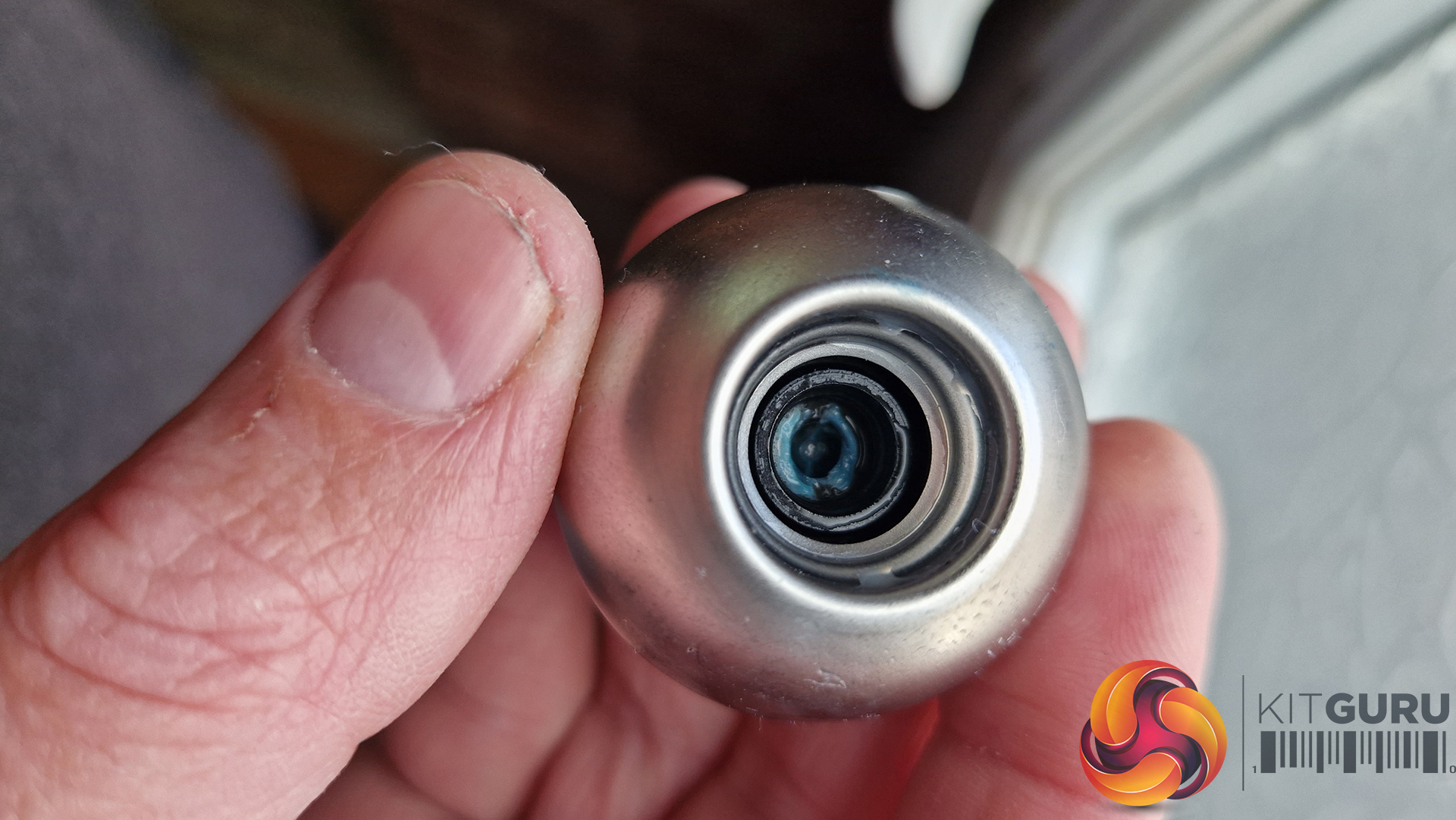
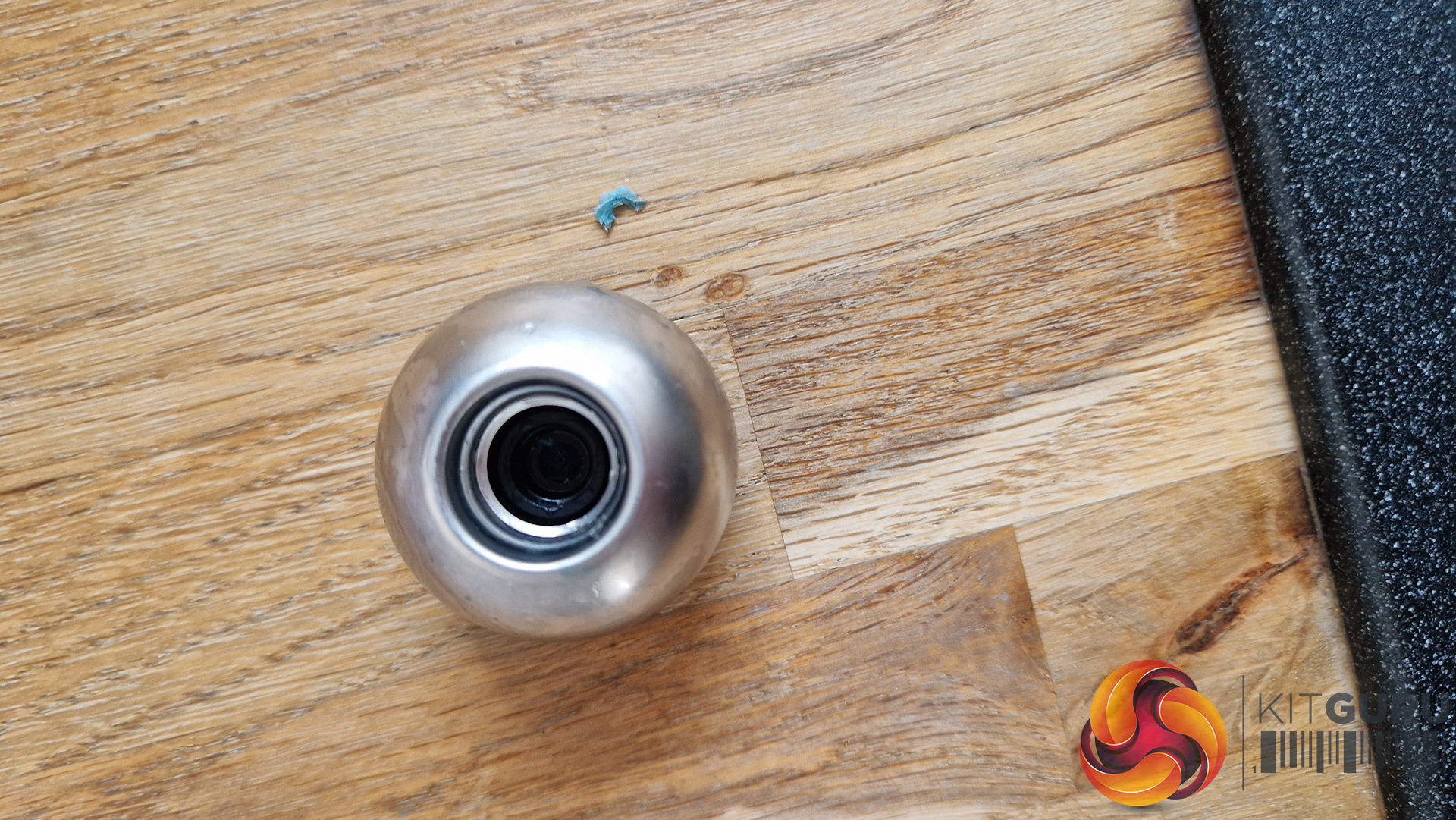
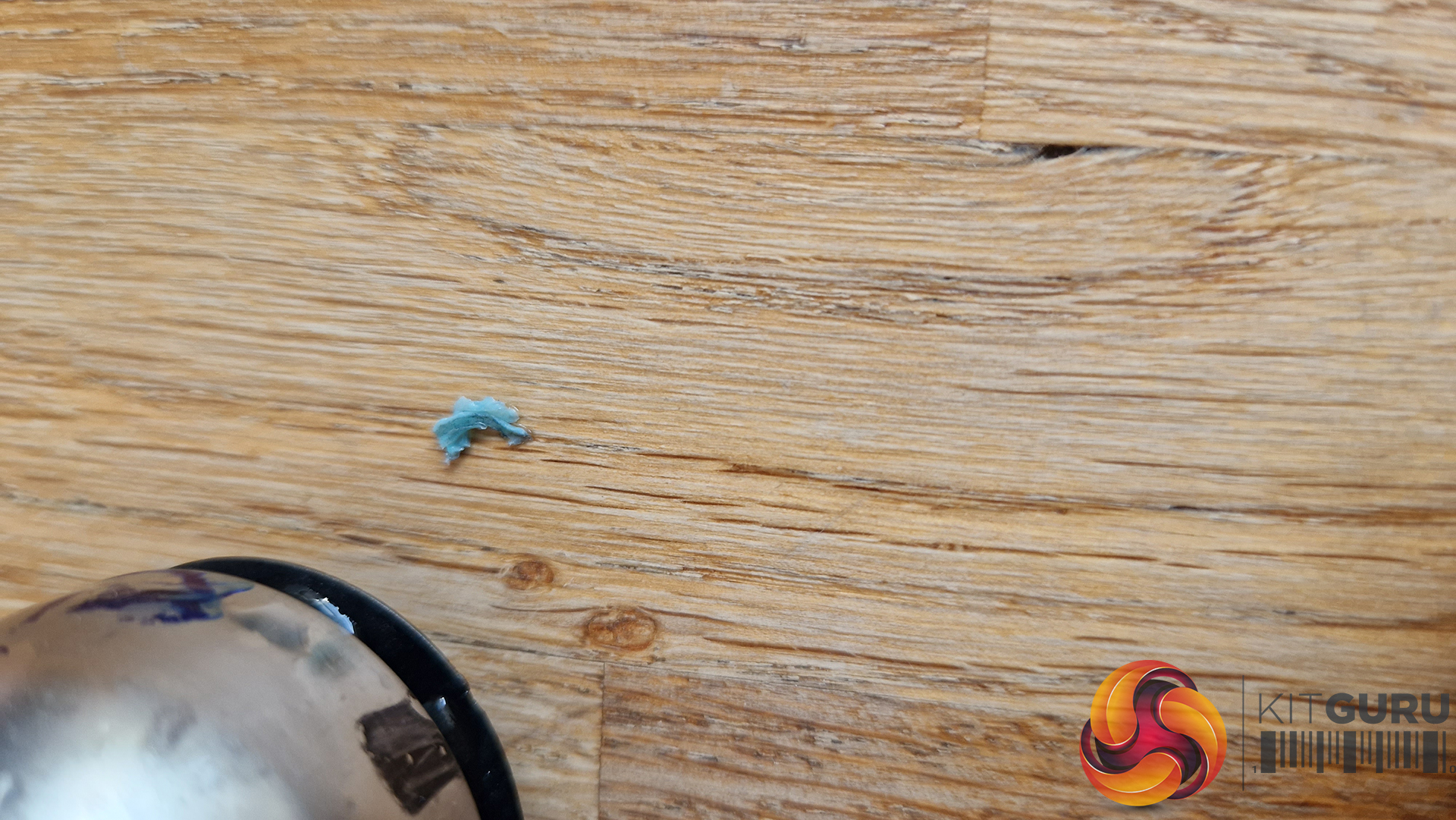
On closer inspection, I managed to free up the impeller manually using a lever and when the pump was completely disassembled it was clear that a blue build-up or substance on the bearing had seized the pump impeller enough to stop it from spinning up when power was supplied from the PSU, cleaning the debris from the bearing surface, and flushing the loop resolved the issue.
Whether this is due to the coolant alone or the debris in the radiators creating a reaction with the coolant I am not sure, however, I did flush the radiators completely before building the system originally so they were as clean as can be. This is the first time I have used this brand of coolant so I can’t comment on its long-term performance or reliability. It seems that the issue can be fixed by cleaning up the pump, flushing the system through and replacing the coolant.
KitGuru says: We would love to hear the reader’s and viewers’ opinions and thoughts on this issue, has this happened to you before in such a short time after building a new system?
