KitGuru KitGuru.net – Tech News | Hardware News | Hardware Reviews | IOS | Mobile | Gaming | Graphics Cards


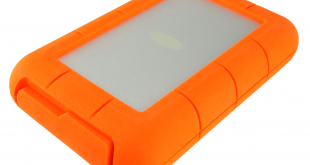
The latest edition to LaCie's wide range of rugged external drives is the twin drive Rugged RAID PRO which uses a pair of 2.5in HDDs to offer RAID 0 for performance or RAID1 for added data protection. The drive also comes with a built-in UHS-II SD card reader.
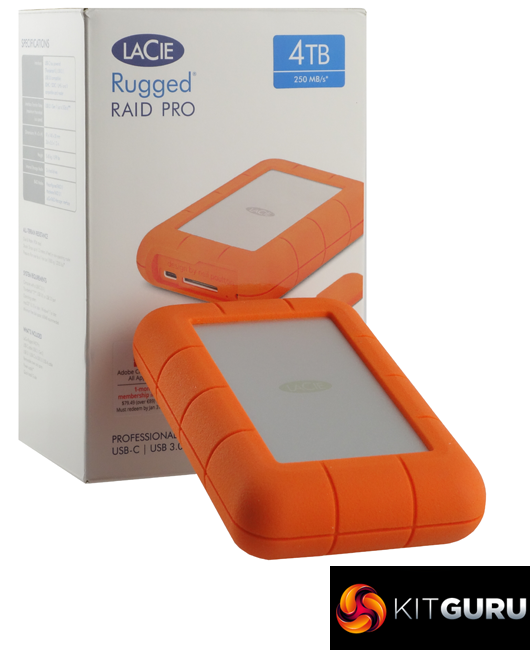
LaCie’s Rugged external hard drives are ones you’re are not likely to lose in a hurry as they all come in a bright orange rubber enclosure designed by multi design award winner, Neil Poulton.
The Rugged RAID PRO uses a pair of Seagate ST2000LM007-1R8174 2TB 2.5in mechanical hard drives together with a USB-C interface. The Seagate ST2000LM007-1R8174 uses shingled magnetic recording (SMR) technology and uses two 1TB platters (4 heads) with a spindle speed of 5,400rpm and 128MB of cache.
The official line on the protection afforded by the drive’s rugged enclosure is protection from dust and water getting into it, a drop of up to 1.2 meters and being run over by 1-ton vehicle.
LaCie cover the drive with a three year warranty and a 3-year Rescue Data Recovery Services is included.
Physical Specifications:
Usable Capacities: 4TB
Hard drive (s): 2 x Seagate ST2000LM007-1R8174
Interface: USB-C
Additional Slots: UHS-II SD
Form Factor: External
Dimensions: 91 x 30 x 140mm
Drive Weight: 0.48g
Firmware Version: SBK2
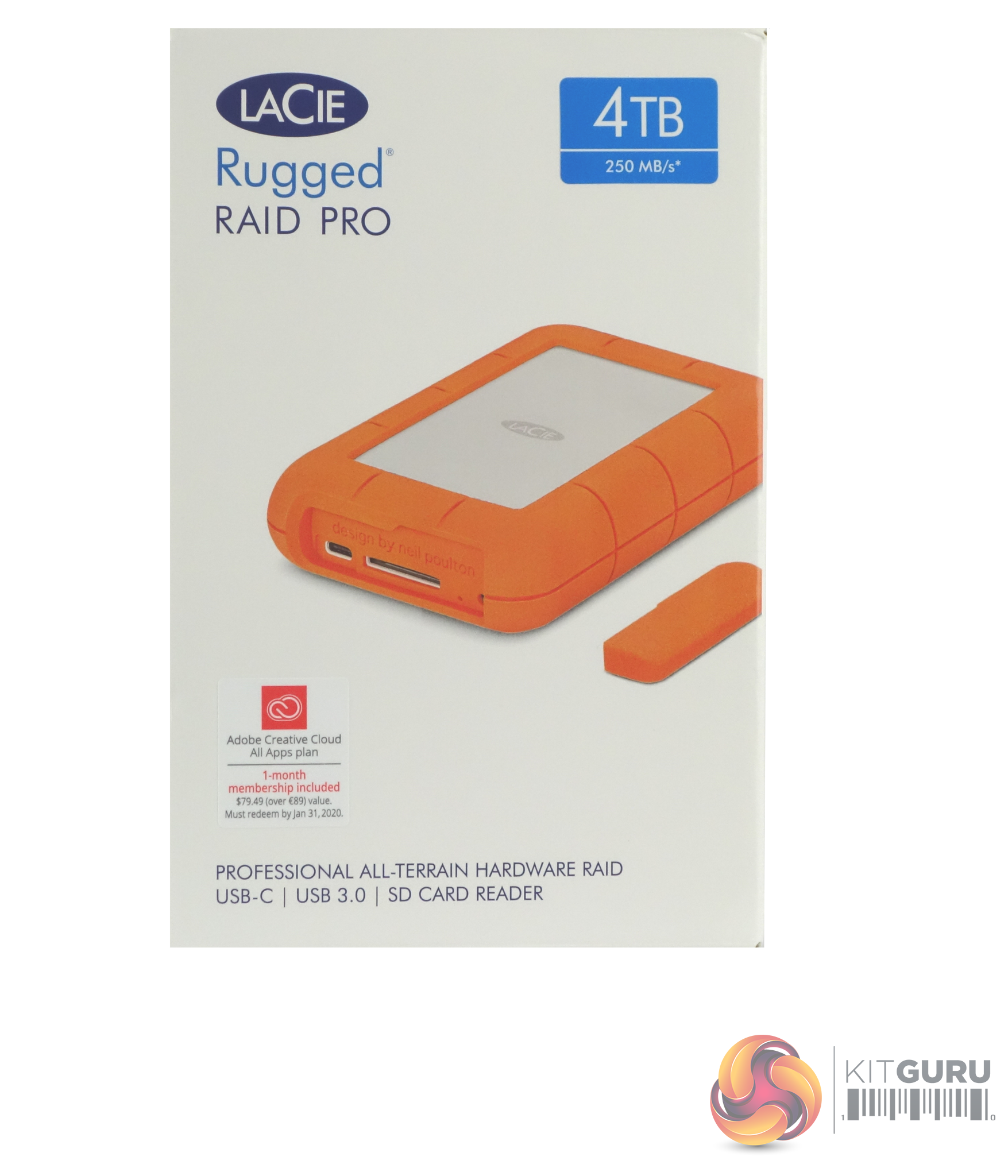
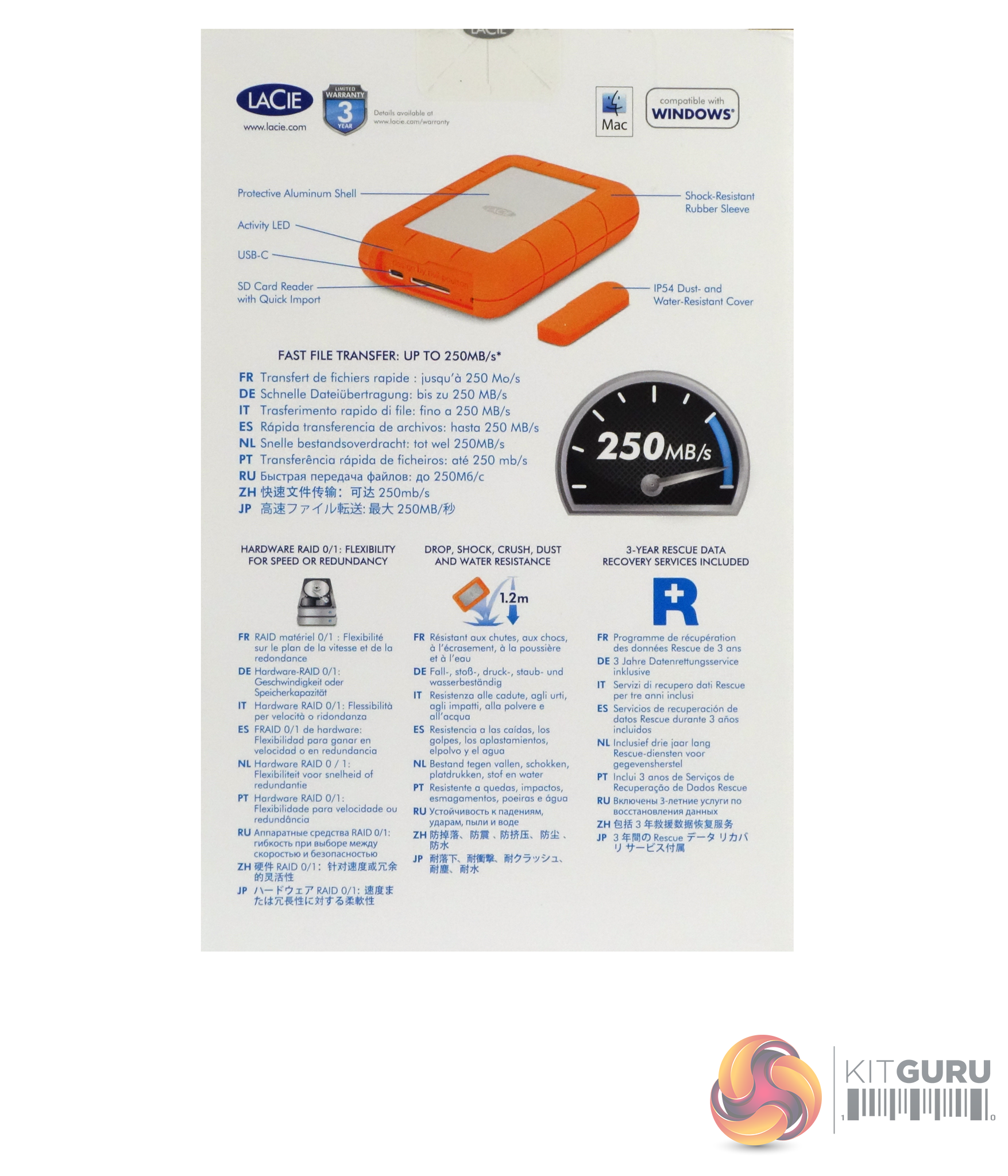
The box the Rugged RAID PRO comes in has a good clear image of the drive showing the USB-C connection and the UHS-II SD card reader. A label on the top right of the box displays the drive’s capacity. The rear of the box has another view of the drive pointing out its features and multilingual notes about performance and its RAID 0/1 support.
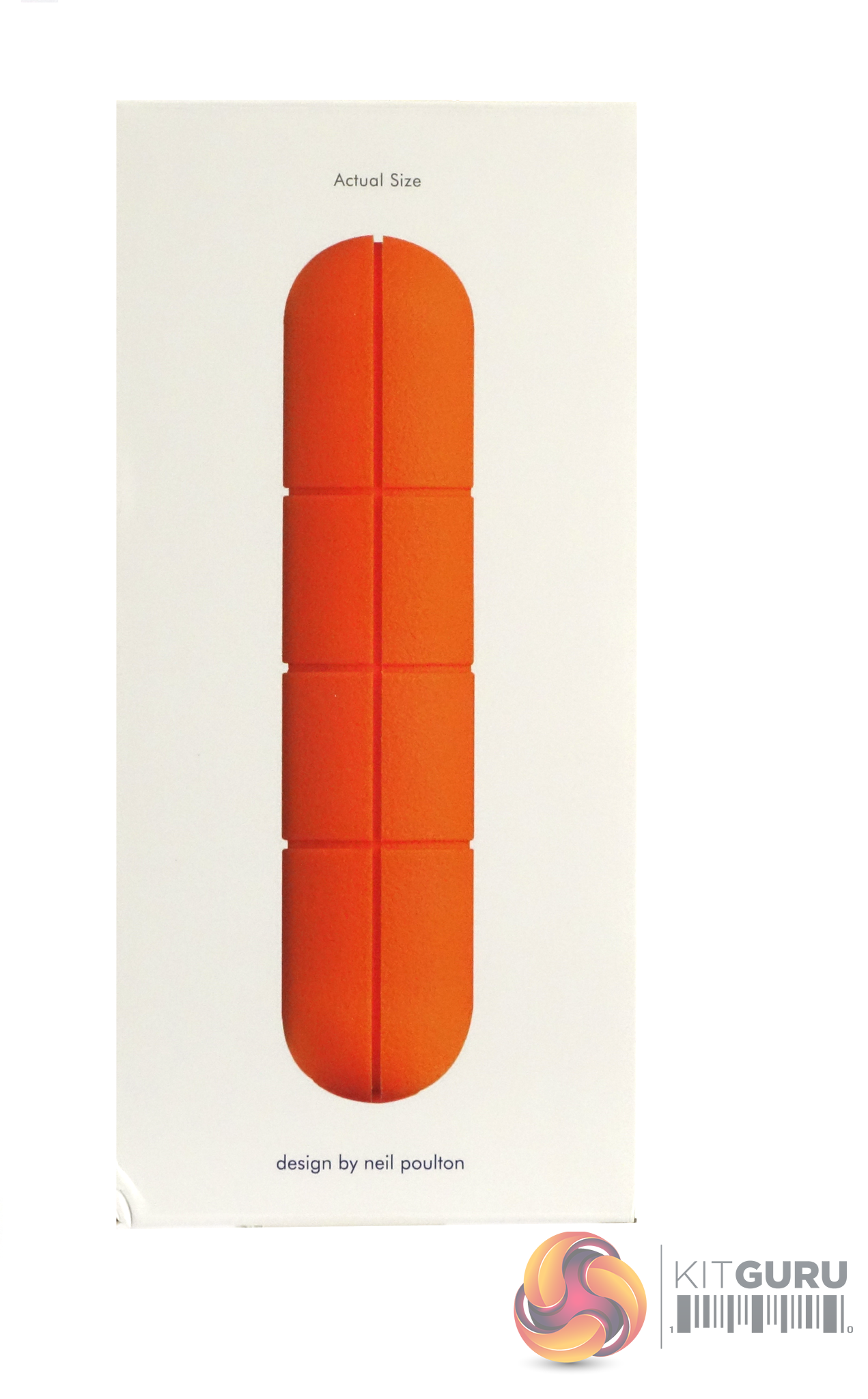
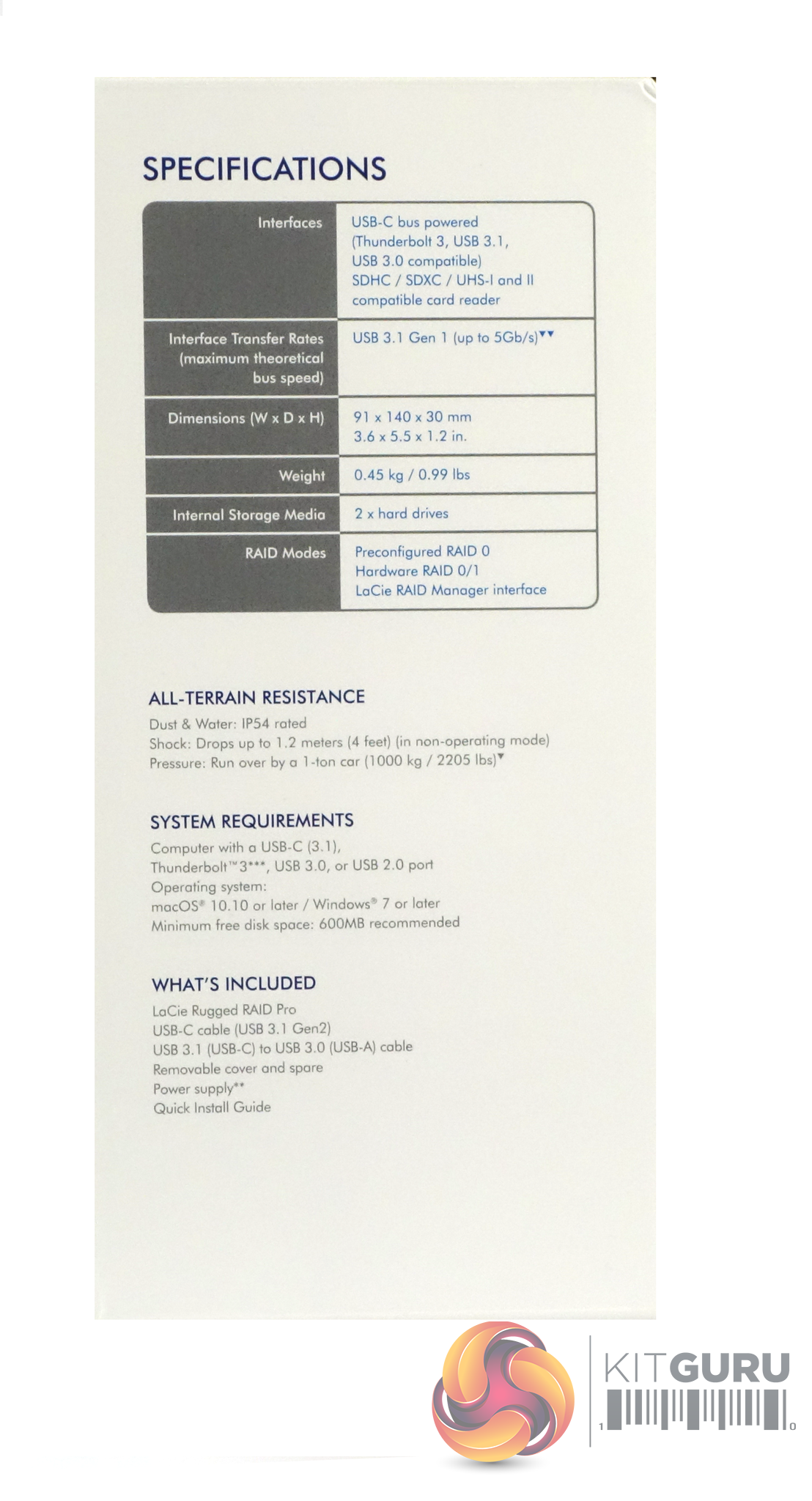
One side of the box has a list of the drives specifications, its protection features, system requirements and finally what's included in the box. The other side of the box has a full-size side profile of the drive on it.
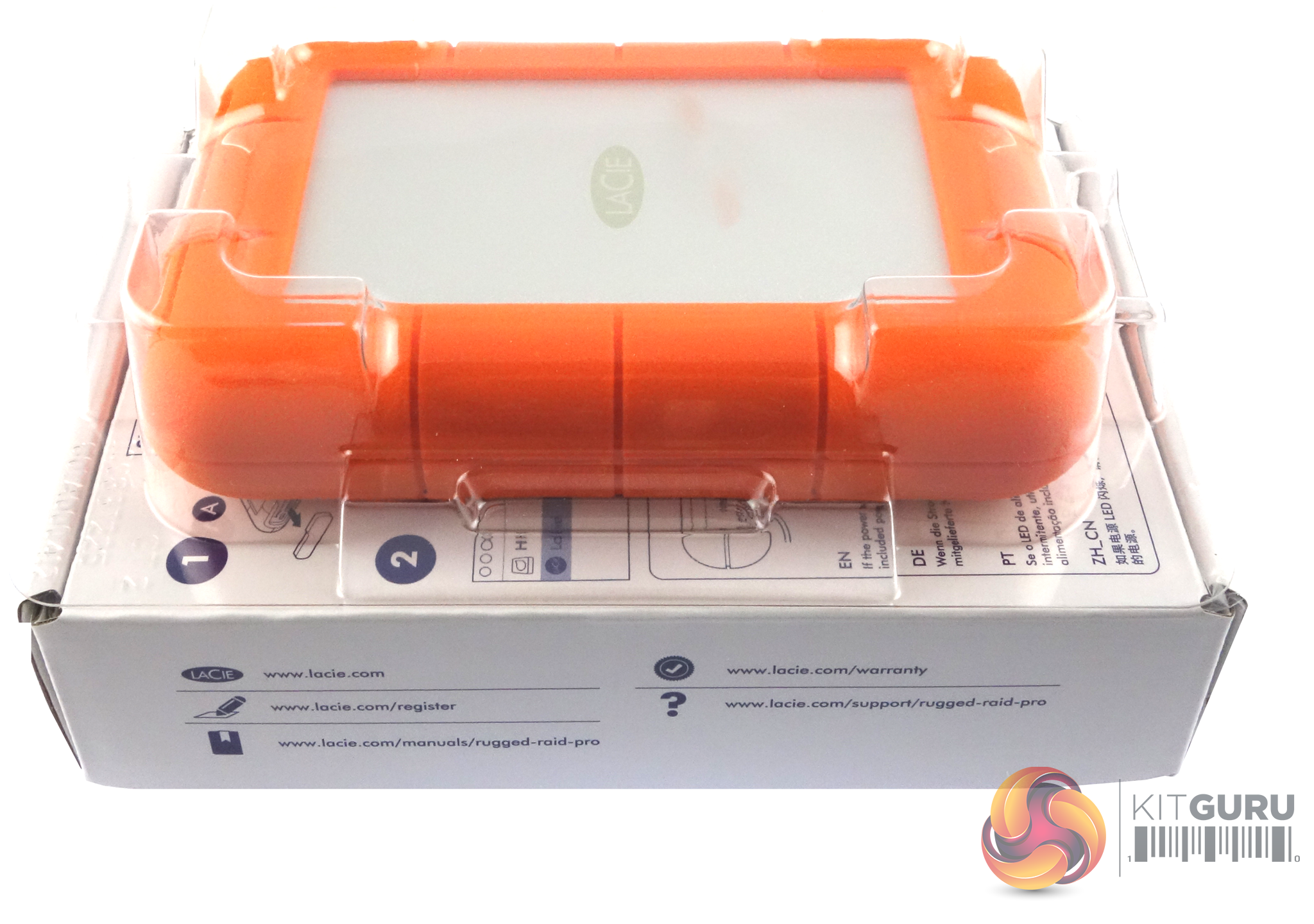
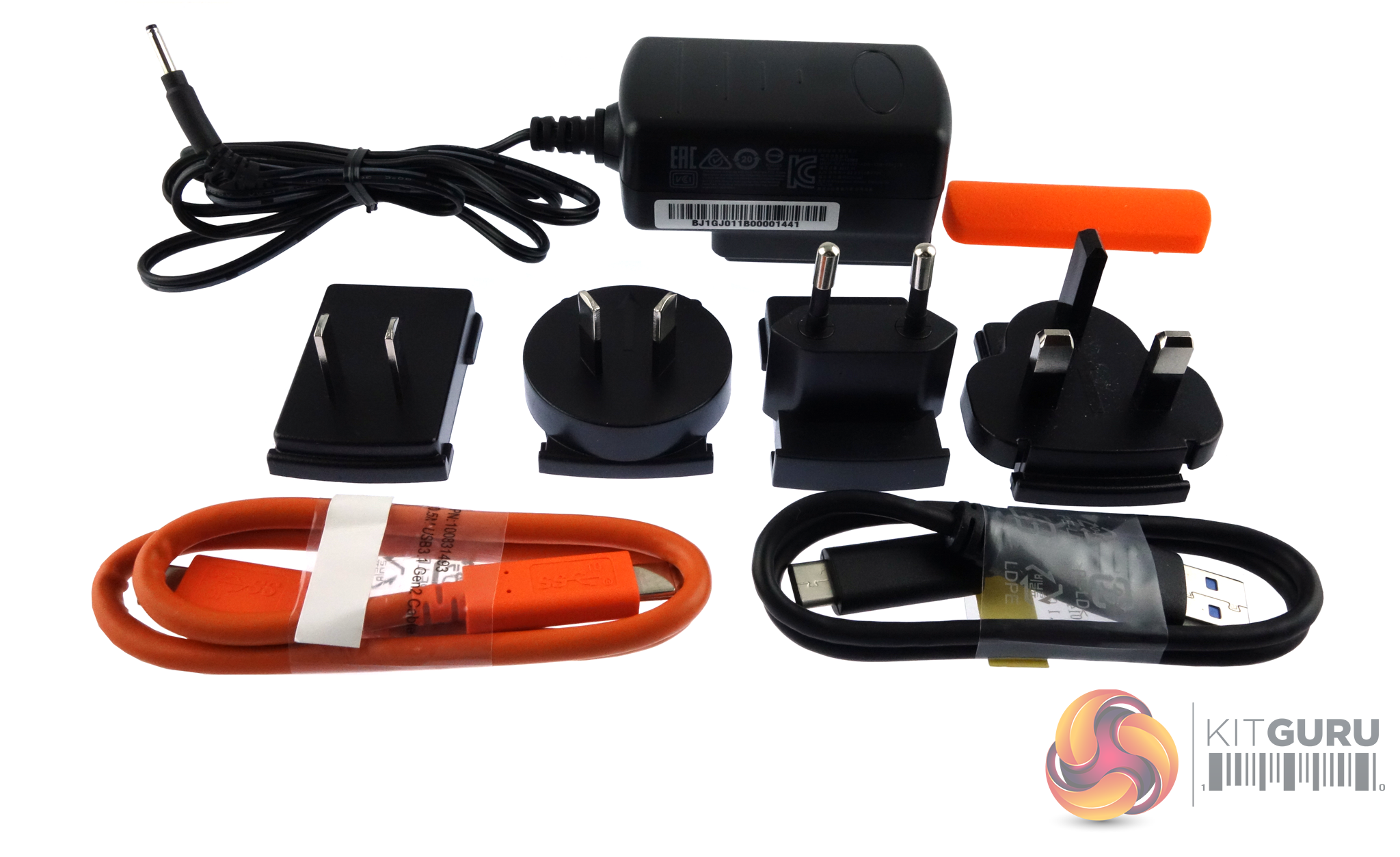
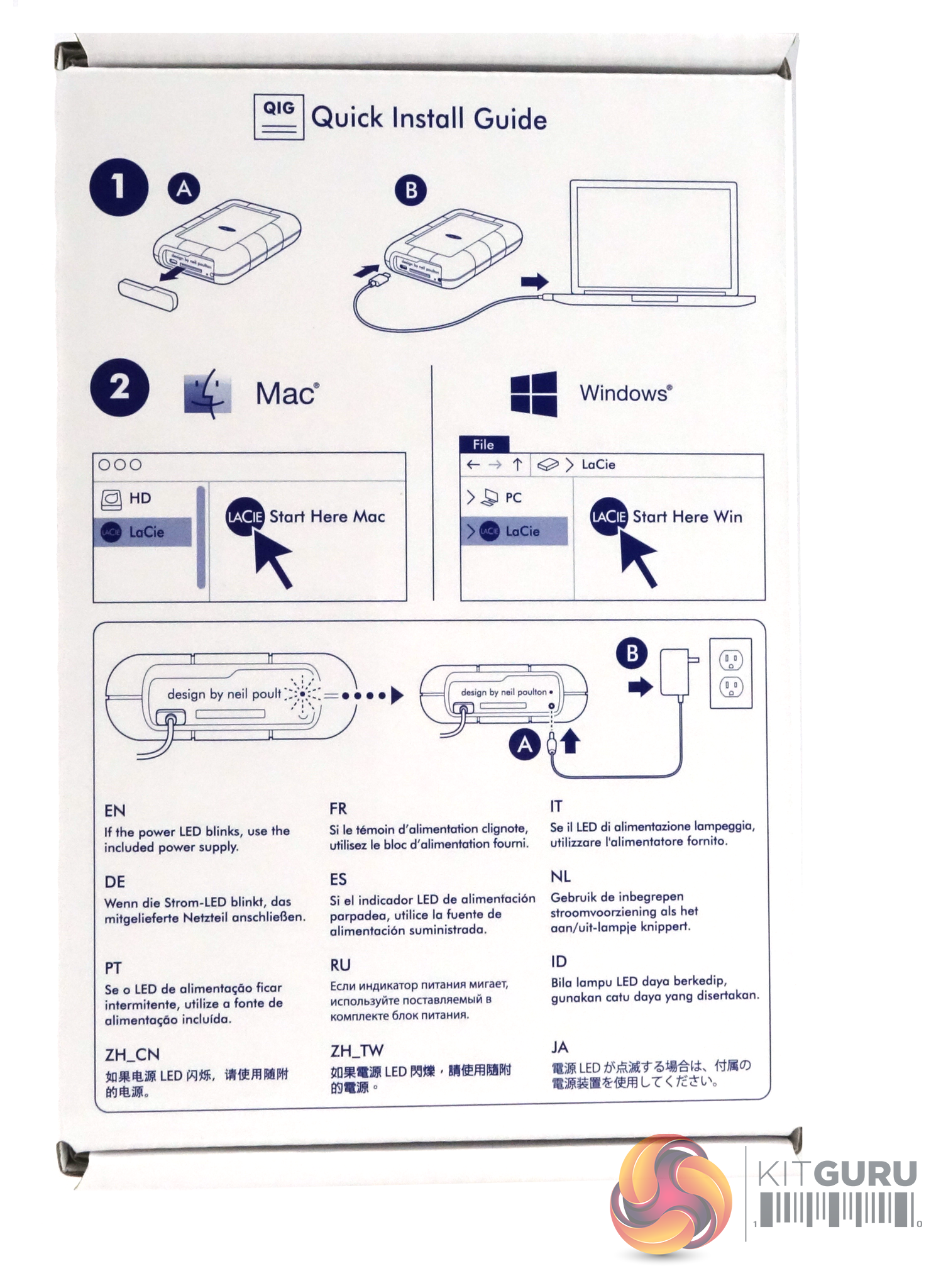
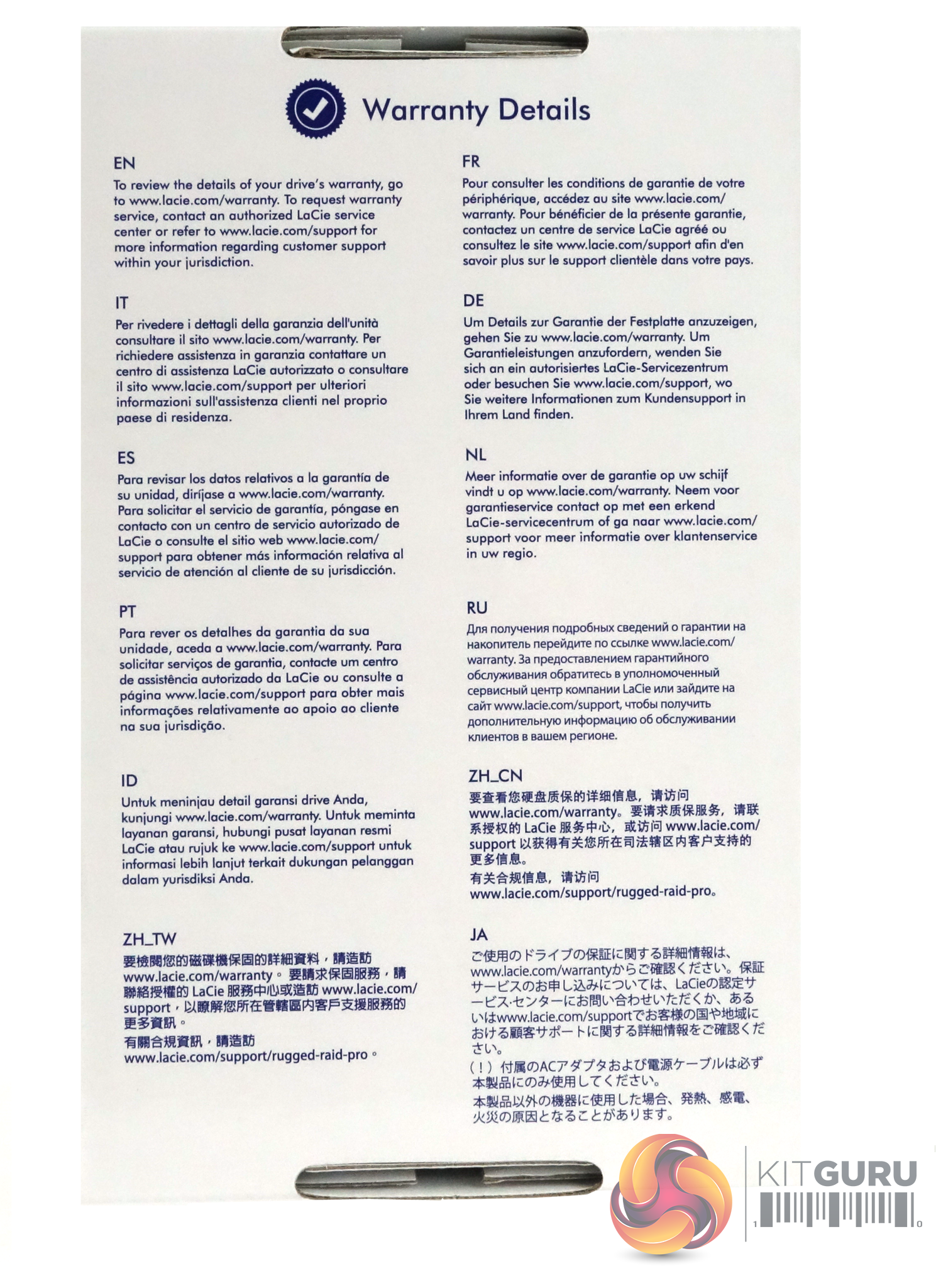
The drive is protected in transit by a clear plastic shell which sits on top of a cardboard inner box that not only holds all the accessories for the drive; power adapter, four plug heads (UK, US/Canada, EU and AU), USB-C and USB-C to USB 3.0 Type-A cables and a spare port cover, but also but also has useful diagrams on the front to show how to hook the drive up. The back of the box is covered by multilingual warranty information on the back.
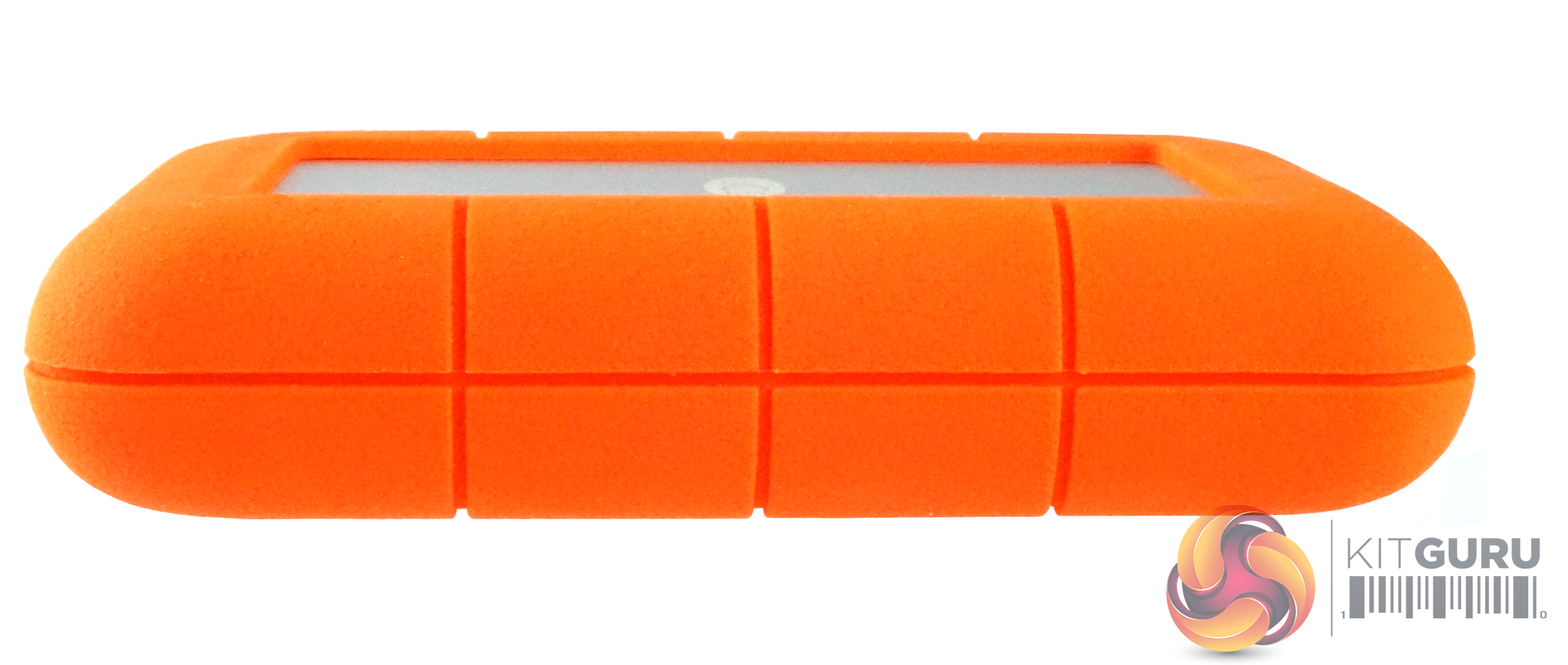
Unlike other Rugged drives, the RAID PRO doesn't have an integrated data cable so there is no need for the deep channel that normal runs around the middle of the drive but on the other hand it does mean you have to remember to take the USB-C cable with you.
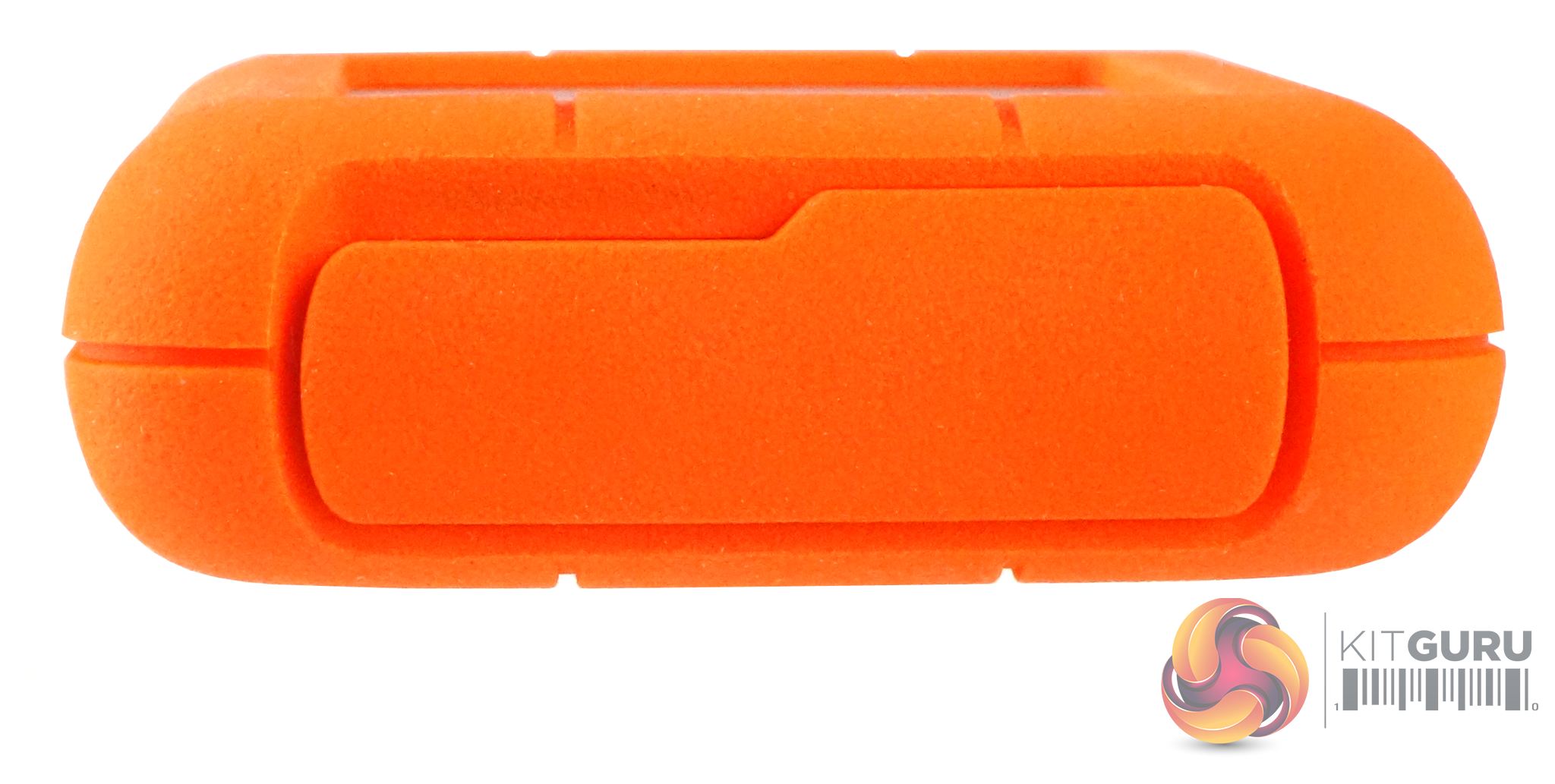
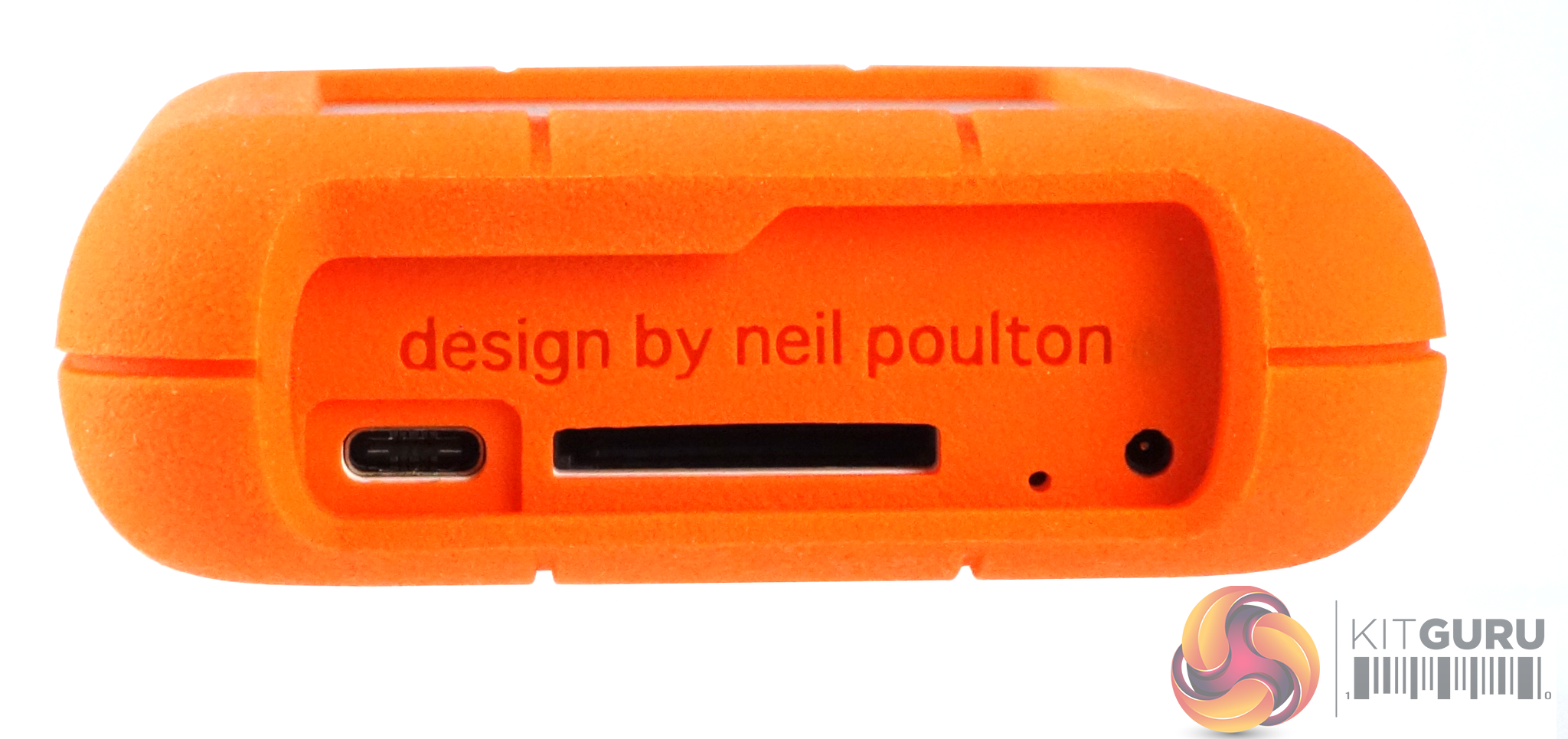
The USB-C port, UHS-II SD card reader and power connection are hidden behind a removable cover at one end of the drive. Although the drive is bus powered, should you need extra power from the adapter, a light will flash on the unit to let you it needs the additional input.
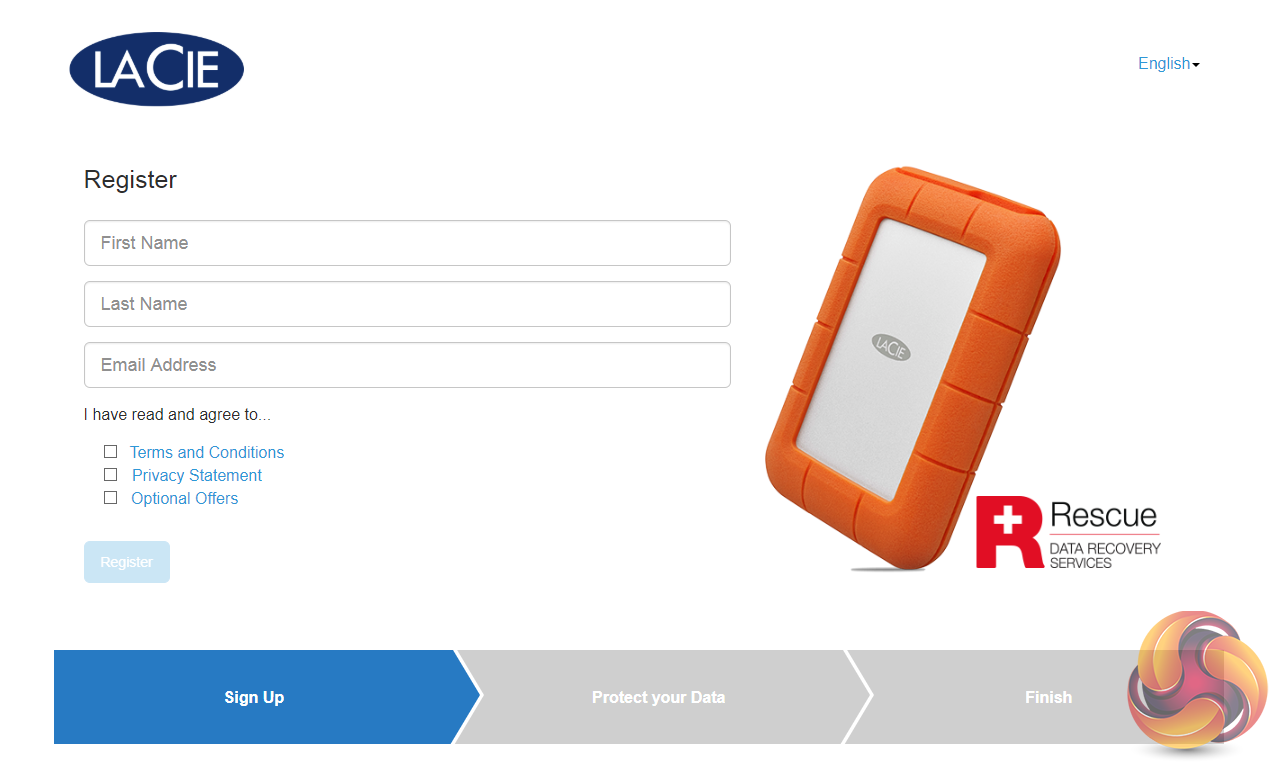
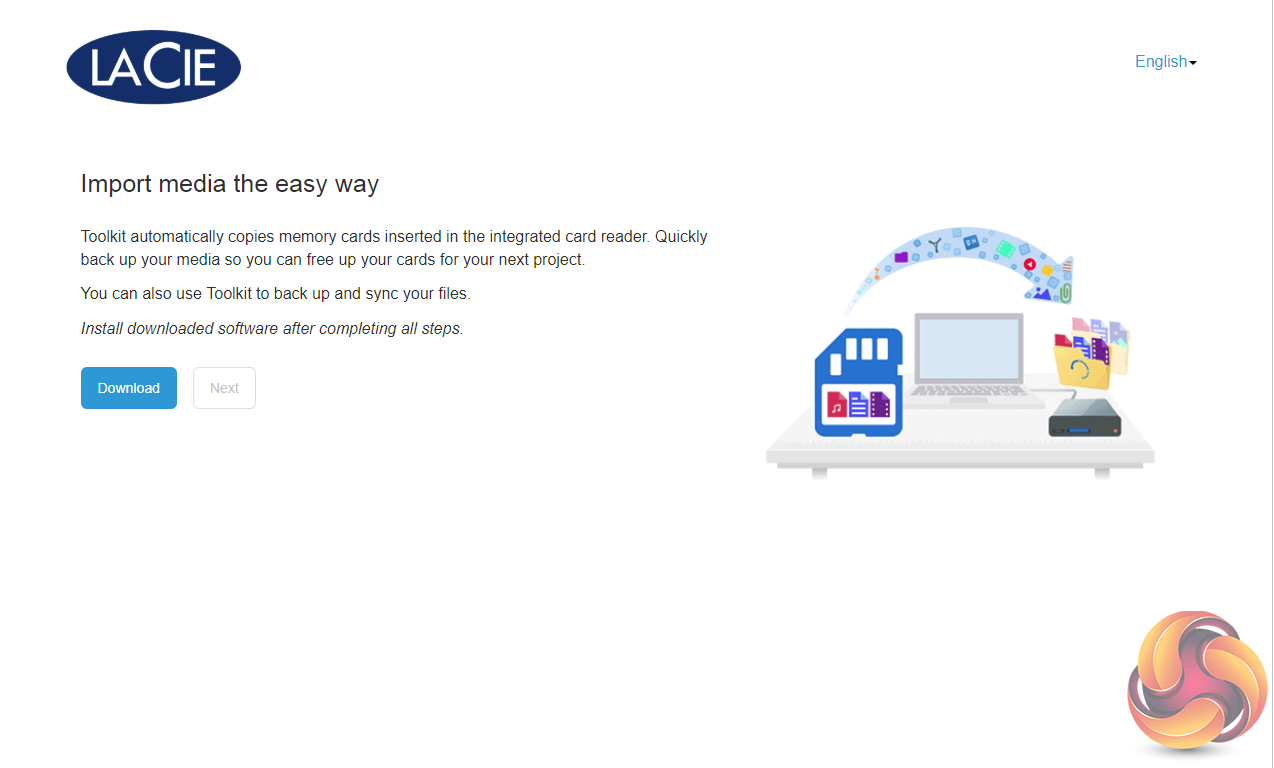
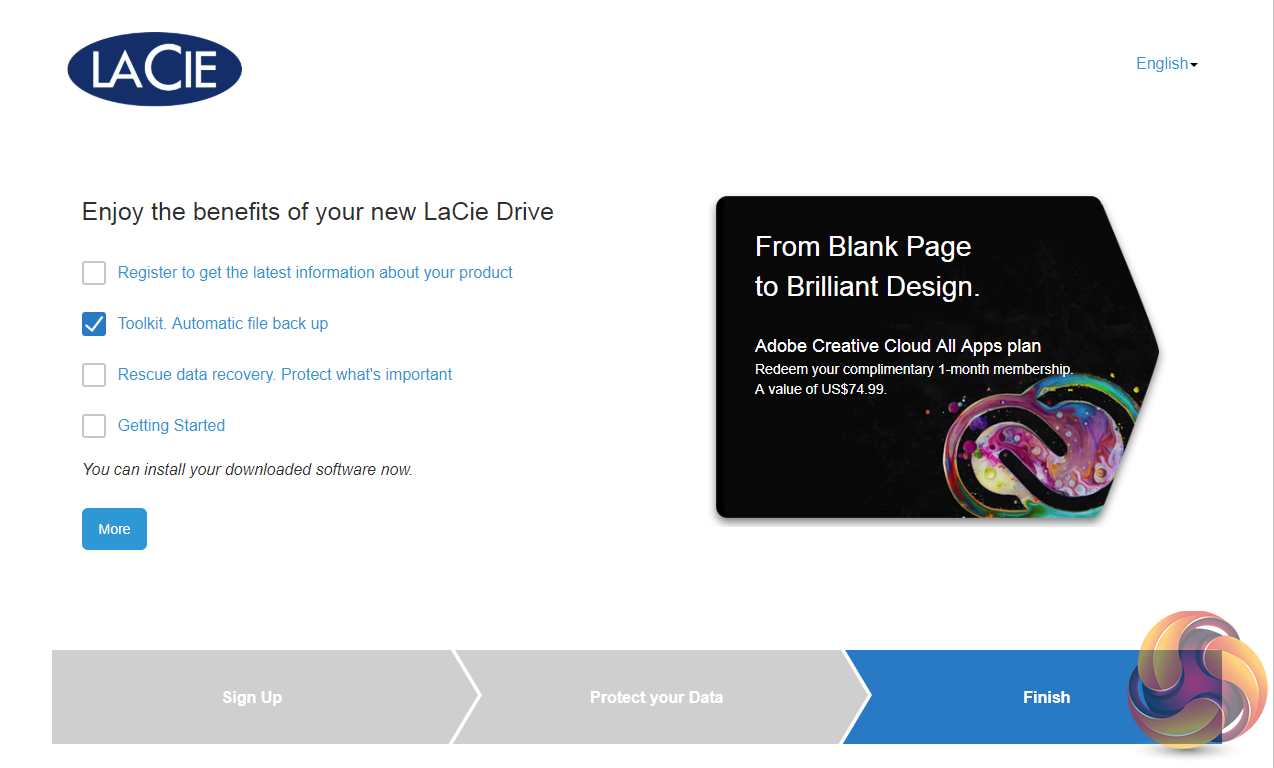
When you plug the drive in for the first time a registration page pops up which also allow you to load the LaCie Toolkit app.
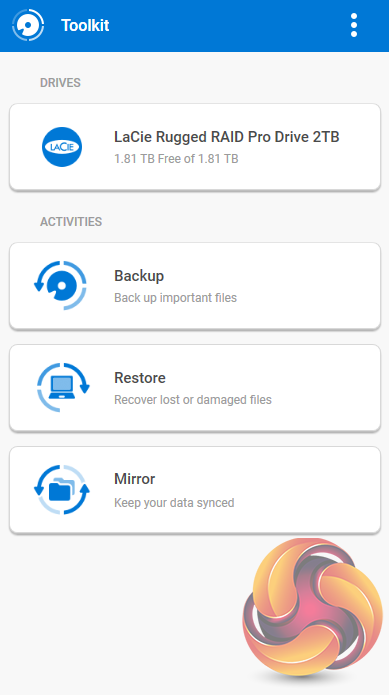
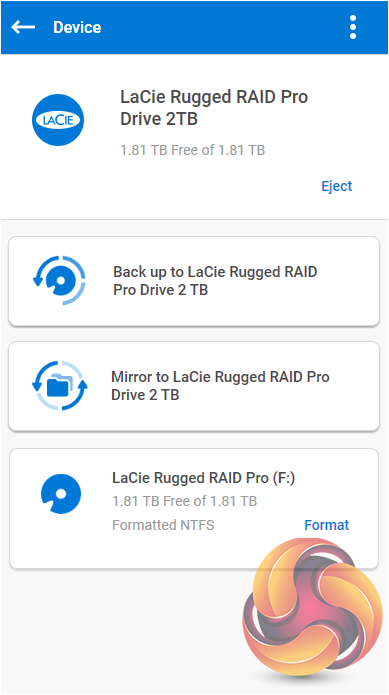
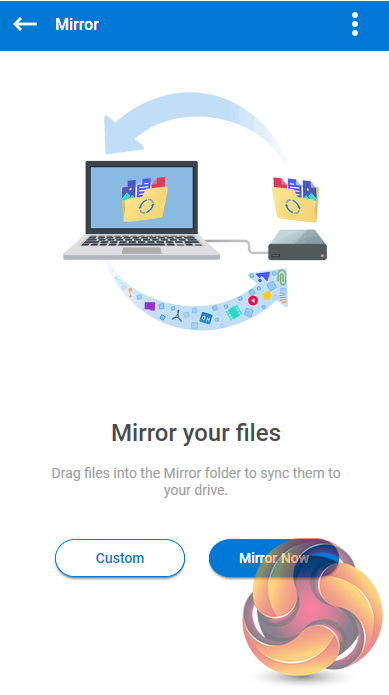
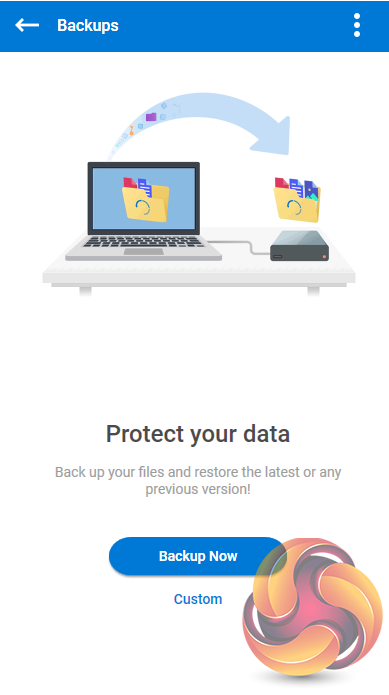
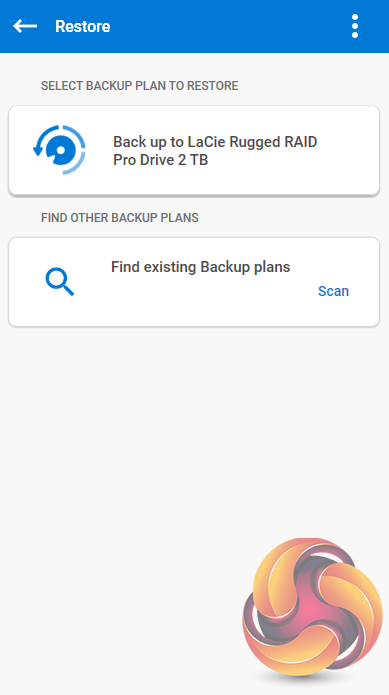
LaCie's Tookit allows you to simply set up the drives in a Mirror (RAID1) and create backups or restore data. This can be done with a single click or if you want to choose another folder other than the default one for the backup/restore data you have a custom option. It also automatically copies the content from an SD Card.
However for better RAID management by far the best thing to do is to go to the LaCie website and download their excellent and easy to use RAID Manager software.
Out of the box the drive comes factory formatted as exFAT so for testing purposes we re-formatted the drive as NTFS and tested in both RAID 0 and RAID 1 modes.
Crystalmark is a useful benchmark to measure theoretical performance levels of hard drives and SSD’s. We are using V3.0.3.
The ATTO Disk Benchmark performance measurement tool is compatible with Microsoft Windows. Measure your storage systems performance with various transfer sizes and test lengths for reads and writes. Several options are available to customize your performance measurement including queue depth, overlapped I/O and even a comparison mode with the option to run continuously.
Use ATTO Disk Benchmark to test any manufacturers RAID controllers, storage controllers, host adapters, hard drives and SSD drives and notice that ATTO products will consistently provide the highest level of performance to your storage.
AS SSD is a great free tool designed just for benching Solid State Drives. It performs an array of sequential read and write tests, as well as random read and write tests with sequential access times over a portion of the drive. AS SSD includes a sub suite of benchmarks with various file pattern algorithms but this is difficult in trying to judge accurate performance figures.
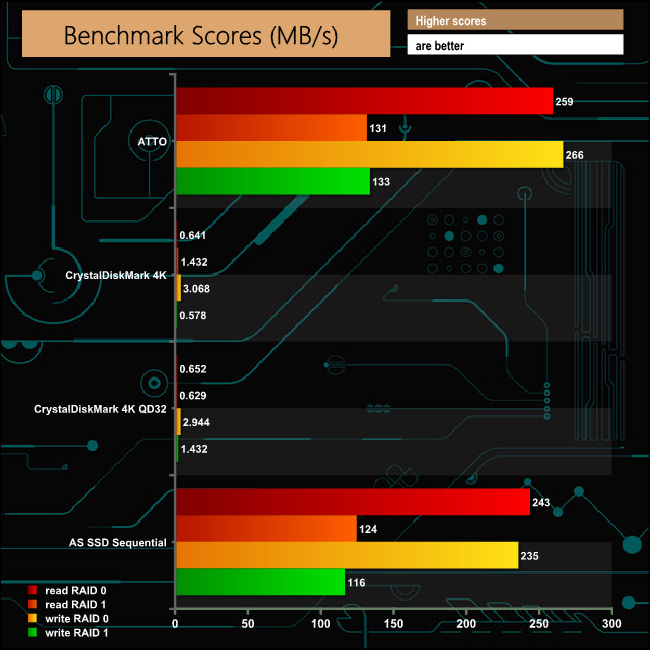
The official transfer rate for the pair of Seagate 2TB drives in the Rugged RAID PRO is 140MB/s each. In RAID 0 the drives in our review unit produced 259MB/s for reads (129.5MB/s per drive) and 266MB/s (133MB/s per drive) for writes when tested with the ATTO benchmark.
IOMeter is another open source synthetic benchmarking tool which is able to simulate the various loads placed on hard drive and solid state drive technology.
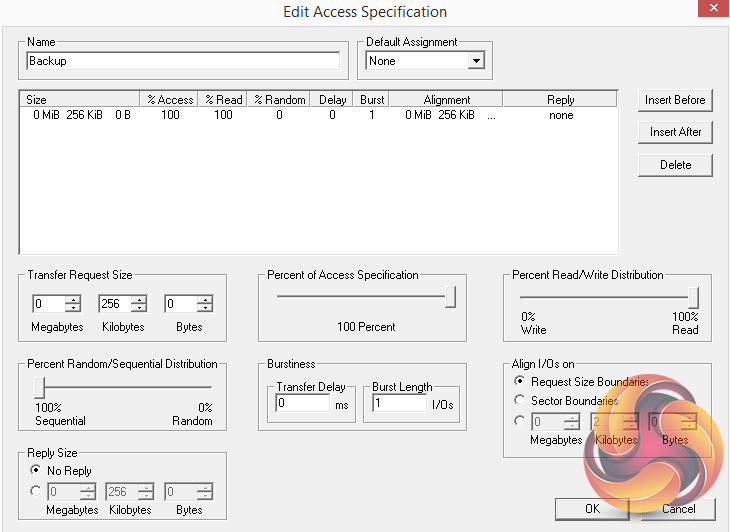
We set IOmeter up (as shown above) to test both backup and restore performance on a 100GB file.
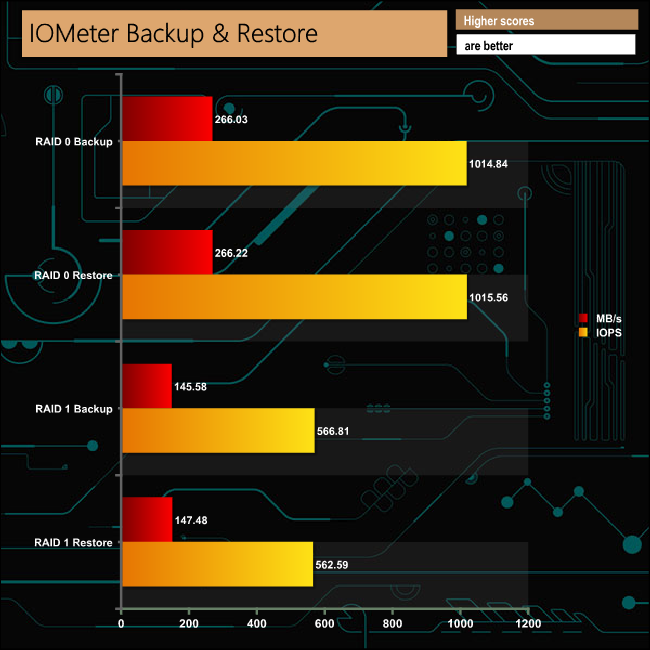
The drive dealt with our backup/restore tests reasonably well. The 145.45MB/s and 147MB/s for backup and restore respectively in RAID 1 is a little faster than the official transfer rate of the hard drives installed in the Rugged RAID PRO.
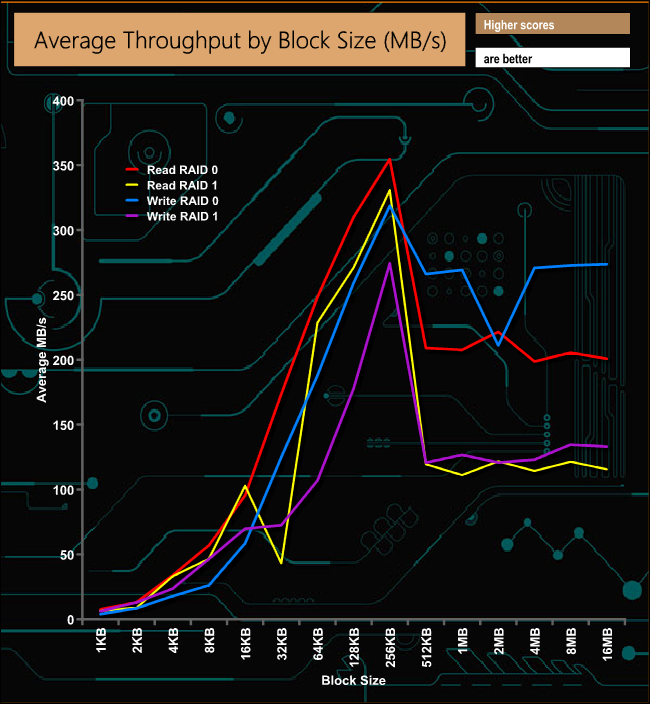
In our throughput test, the peak read performance came when the drives in the Rugged RAID PRO were built in a RAID 0 array at 354MB/s at the 256KB block size before dropping back to finish the test at 200MB/s. Peak write performance in RAID 0 also occurred at the 256KB block at 318MB/s before dropping back to 273MB/s at the end of the test. Peak speeds for reads and writes while in a RAID 1 mode were 330MB/s and 274MB/s respectively.
To test real life performance of a drive we use a mix of folder/file types and by using the FastCopy utility (which gives a time as well as MB/s result) we record the performance of drive reading from & writing to a 256GB Samsung SSD850 PRO.
100GB data file.
60GB iso image.
60GB Steam folder – 29,521 files.
50GB File folder – 28,523 files.
12GB Movie folder – 24 files (mix of Blu-ray and 4K files).
10GB Photo folder – 621 files (mix of .png, raw and .jpeg images).
10GB Audio folder – 1,483 files (mix of mp3 and .flac files).
5GB (1.5bn pixel) photo.
BluRay movie.
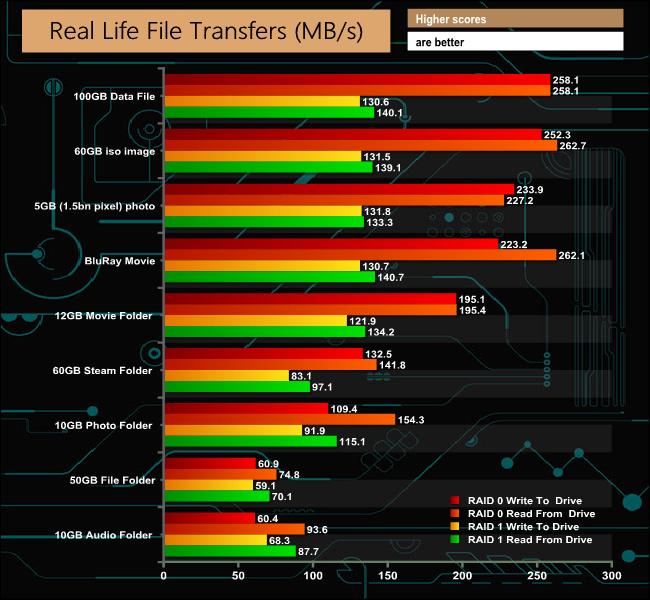
The Rugged RAID PRO dealt with our real life transfer tests without any real problems across the arrays.
LaCie are Seagate’s premium brand and the Rugged range of external drives sit under the company’s Professional banner. Instantly recognisable by their bright orange Neil Poulton designed protective enclosures, the Rugged series has been around for over a decade.
The range is constantly changing and updating to reflect advances in drive technology, i.e. SSD versions and interfaces, i.e Thunderbolt and USB-C connections, the latter is the one that the Rugged RAID PRO drive uses.
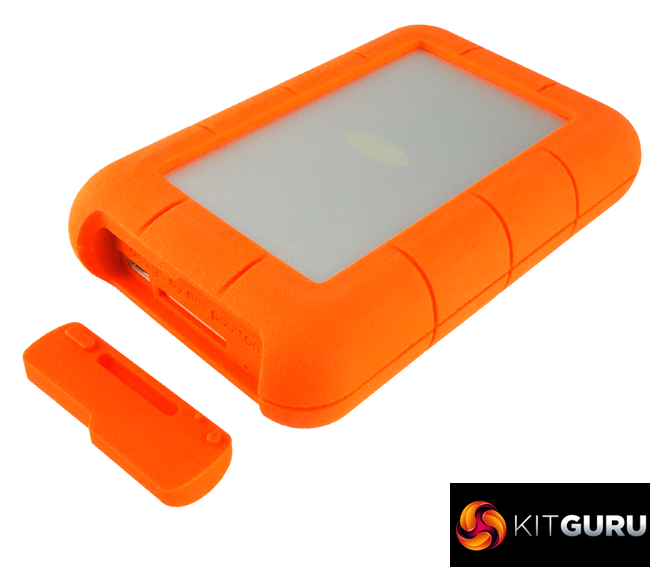
There has been a small but significant design change with the Rugged RAID PRO in that the USB-C cable isn't integrated with the drive so there is no need for the deep channel in the rubber case as with other Rugged drives. But on the flip side it does mean you have to remember to take the USB cable(s) with you if you use the drive on the move.
The drive is IP54 rated. The IP (Ingress Protection or International Protection Rating) rating is an international standard to define the sealing levels of electrical enclosures against dirt and water. The first digit indicates the level of protection against solids while the second indicates the protection against water. The first digit ranges from 0 (no protection) up to 6 for something that is dust tight. The second digit ranges from 0 (no protection) up to 8 – full protection from total immersion in water beyond 1m.
An IP54 rating means that the Rugged is protected from limited dust ingress and protected from water spray from any direction with limited ingress protection.
LaCie quote a file transfer rate of up to 250MB/s for the Rugged RAID PRO. In the ATTO benchmark when the drives were in a RAID 0 array, we confirmed those figures with scores of 259MB/s for reads and 266MB/s for writes. However with the disks built into a RAID 1 array, the read figure dropped to 131MB/s while writes came in at 133MB/s.
In our throughput tests when the drives were in a RAID 0 array the drive peaked at 354MB/s for reads and 318MB/s for writes. However for the whole test it averaged just 169MB/s for reads and 171MB/s for writes.
To make the most of the performance the USB-C connection offers, you really need to be using SSD's but unfortunately at the time of writing there is no SSD version of the Rugged RAID PRO available.
We found the LaCie Rugged RAID PRO on Span.com for £302.40 (inc VAT) HERE
Pros
- Psychical data protection.
- RAID 1 data protection.
- SD card reader.
Cons
- Disk's don't make the most of the interface.
Kitguru says: LaCie's Rugged products have always been popular with professional photographers and video makers who are constantly on the move and the Rugged RAID PRO does bring RAID data protection and a useful SD card slot to the table, but the choice of mechanical hard drives doesn't make the most of the USB-C interface.