KitGuru KitGuru.net – Tech News | Hardware News | Hardware Reviews | IOS | Mobile | Gaming | Graphics Cards


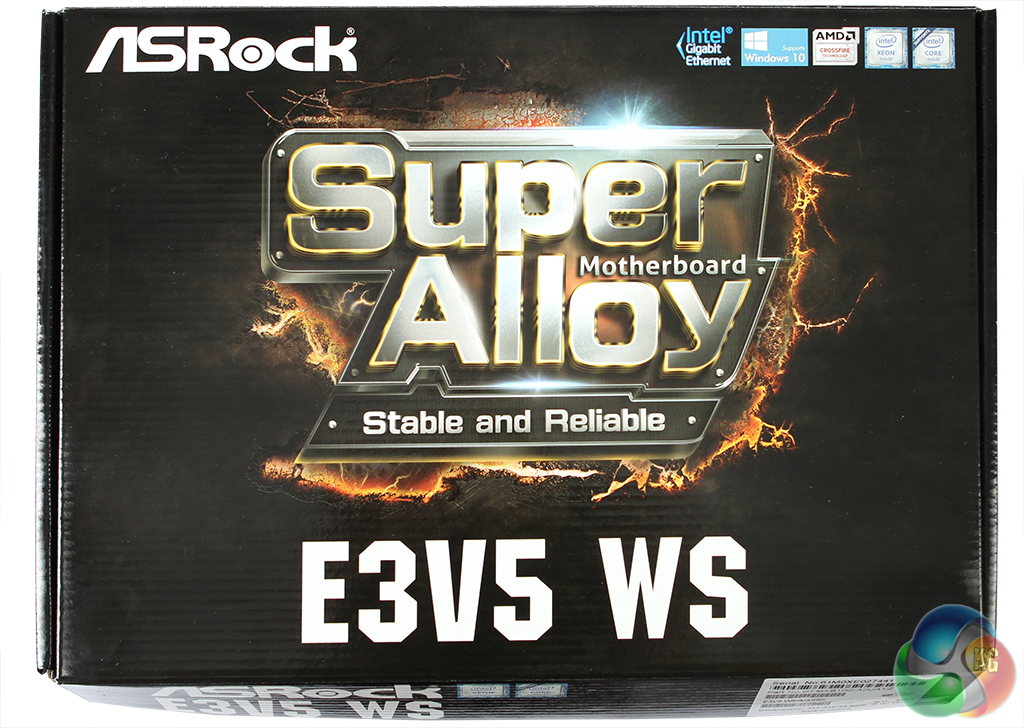
ASRock has really upped its game over the last few years. A decade ago, the company was most successful at the budget end of the market. But that image has long gone. Recently, we looked at a decidedly high-end X99 chipset board in the shape of the ASRock X99 WS-E/10G. This time, we are putting a more modest Intel C232 board, the E3V5 WS, through its paces. This is still aimed at workstations, but smaller, less powerful units.
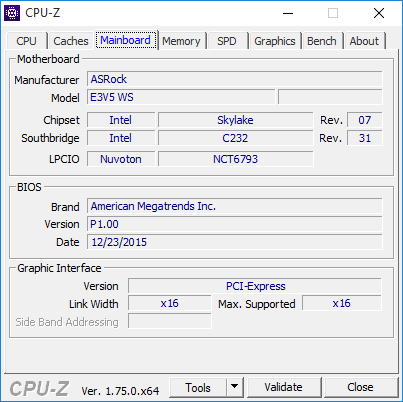
The socket used is LGA 1151, so this will accommodate processors up to quad-core. It supports the latest Intel Xeon E3-1200 v5 series, and sixth generation consumer-grade Intel processors.
Up to 64GB of DDR4 SDRAM can be fitted, and this can be the ECC variety with a compatible processor. So this motherboard may be small, but it’s possible to build a pretty powerful PC with it. Let’s take a closer look.
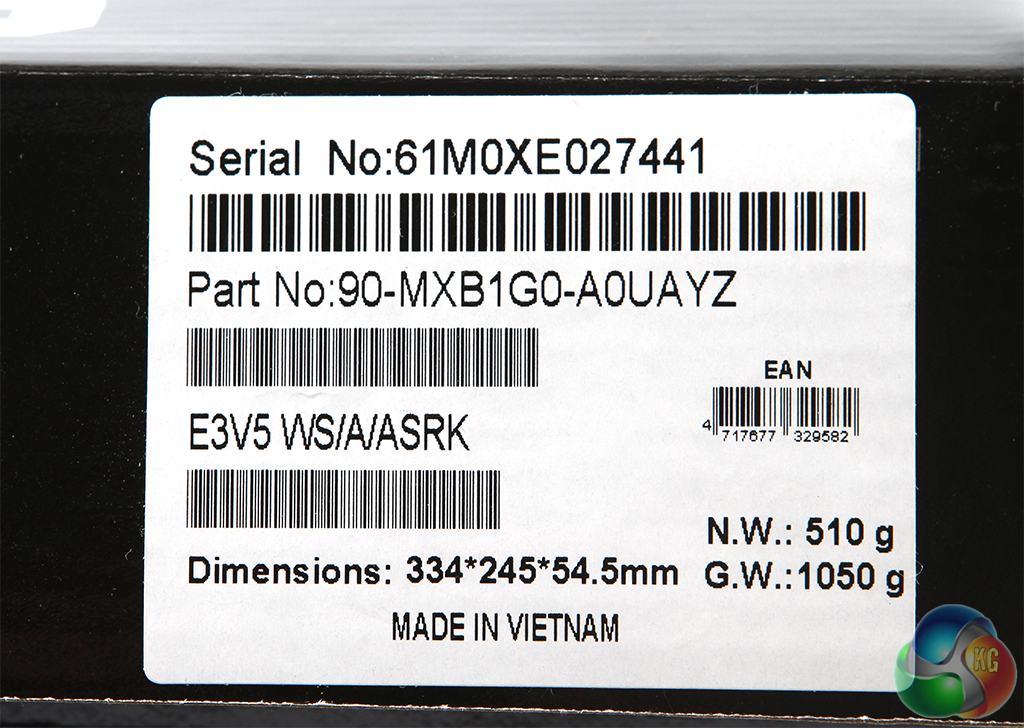

Features:
- 6th-generation Intel Core i7, i5, i3, Pentium Celeron and Xeon E3-1200 v5 processors for LGA1151
- Dual-channel memory up to DDR4 2133MHz
- Up to 64GB memory
- ECC memory (Xeon only)
- 2 x PCI Express x16 slots (1 runs at x16, 1 runs at x4)
- AMD Quad CrossFireX and CrossFireX
- 7.1-channel Realtek ALC1150 HD audio
- 1 x Gbit LAN
- 6 x SATA 3
- 6 x USB 3.0 (4 rear, 2 via header), 6 x USB 2.0 (2 rear, 4 via header)
- Supports Microsoft Windows 7, 8.1, 10, Server 2012 R2 64-bit, Server 2012 64-bit, Server 2008 R2 64-bit
Price for this motherboard (at the time of writing): £99.56 (inc. VAT)
The ASRock E3V5 WS doesn't come with a lot in the box, but at under £100 you wouldn't expect it to be packed with extras.
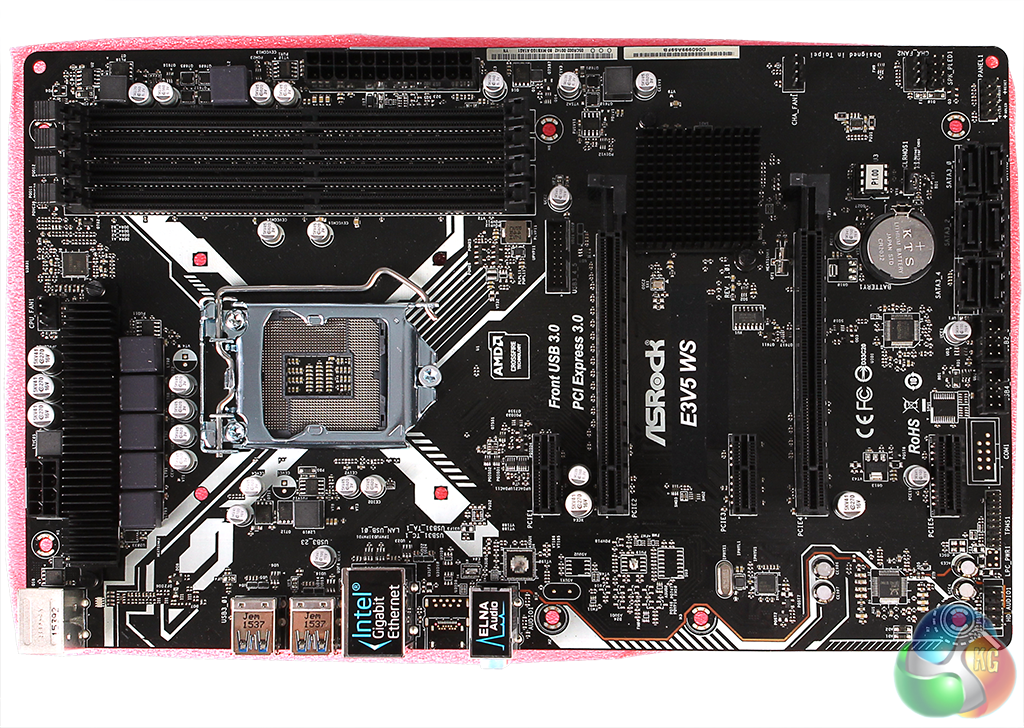
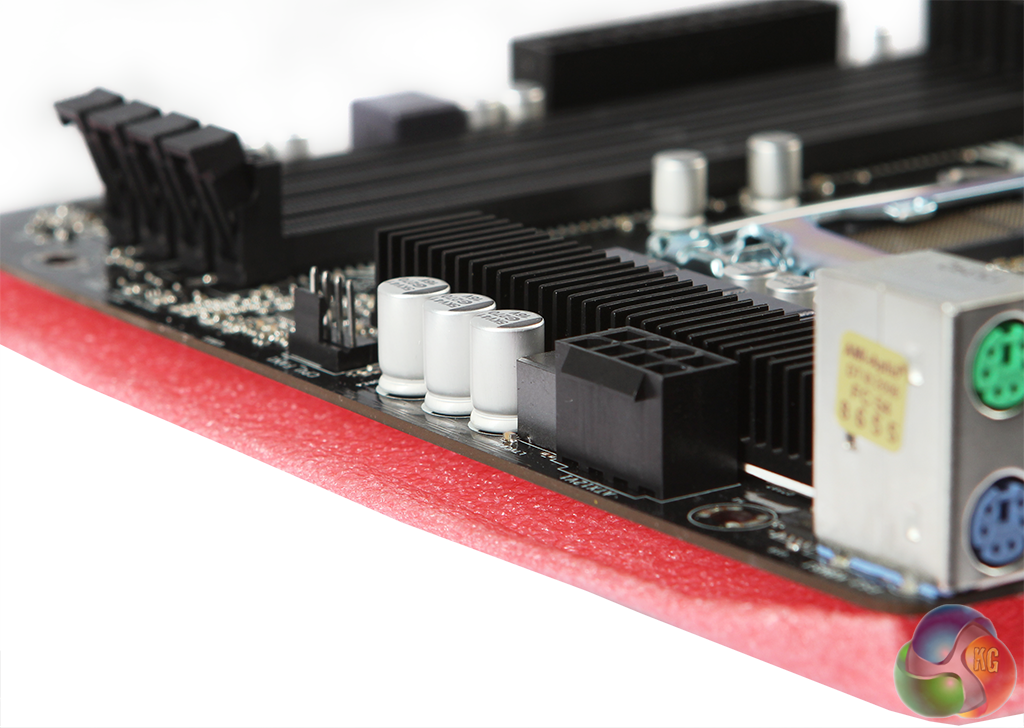
The motherboard is delivered on a foam backing to protect the circuit soldering underneath.
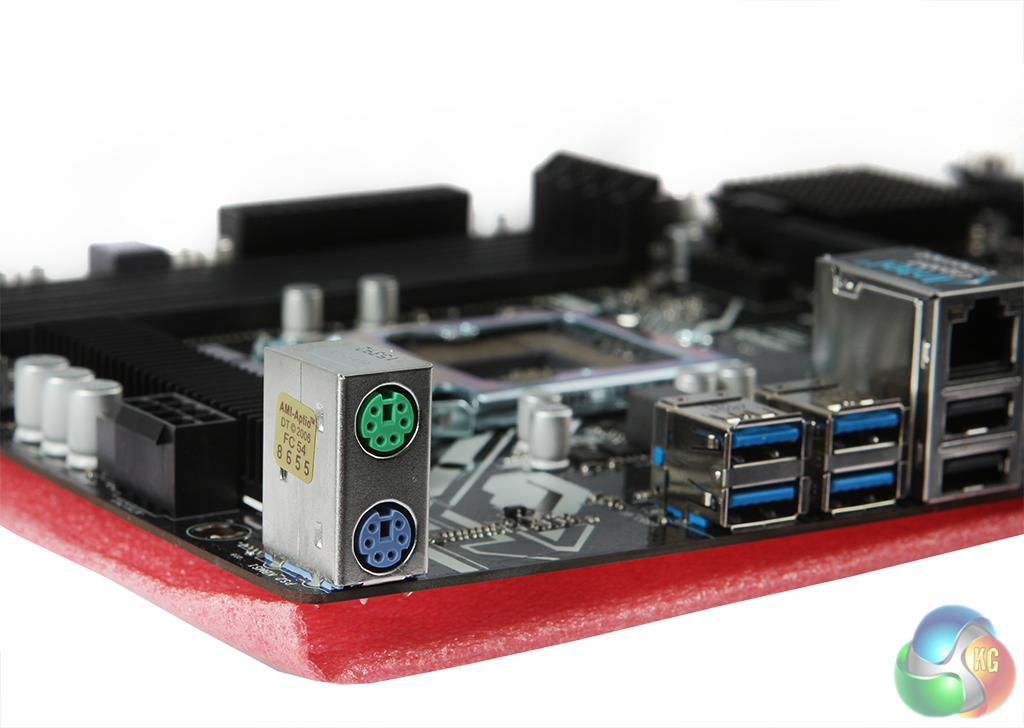
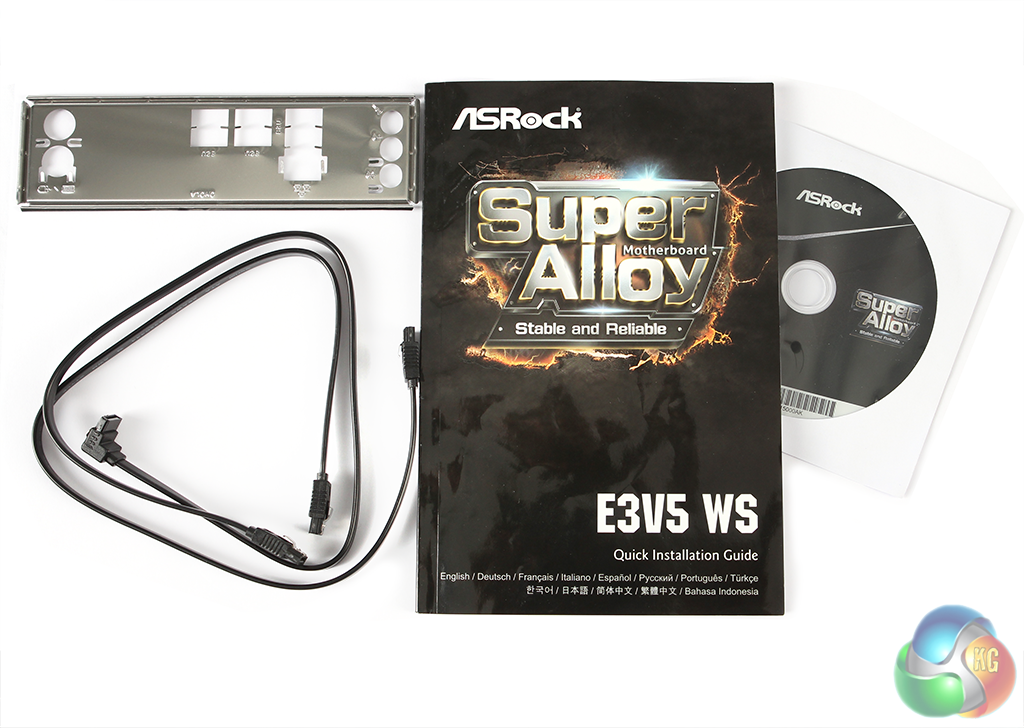
The bundle only inclues a couple of SATA cables, the backplate cutout, a driver CD, and a fairly modest manual that only covers the hardware, not the BIOS.
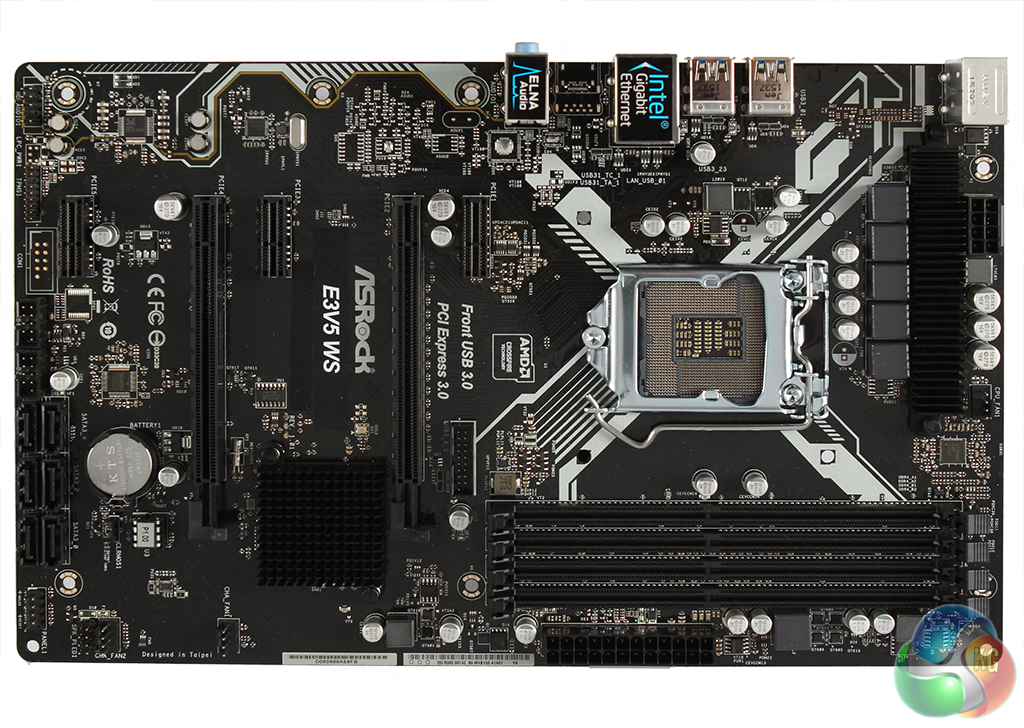
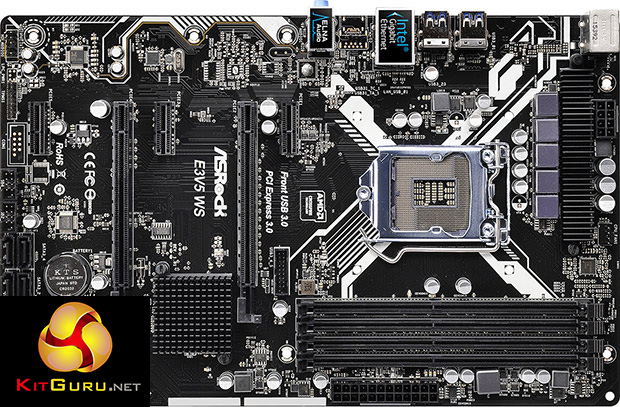
This is a pretty standard ATX motherboard, albeit a thin one that will fit into smaller midi-tower workstations.
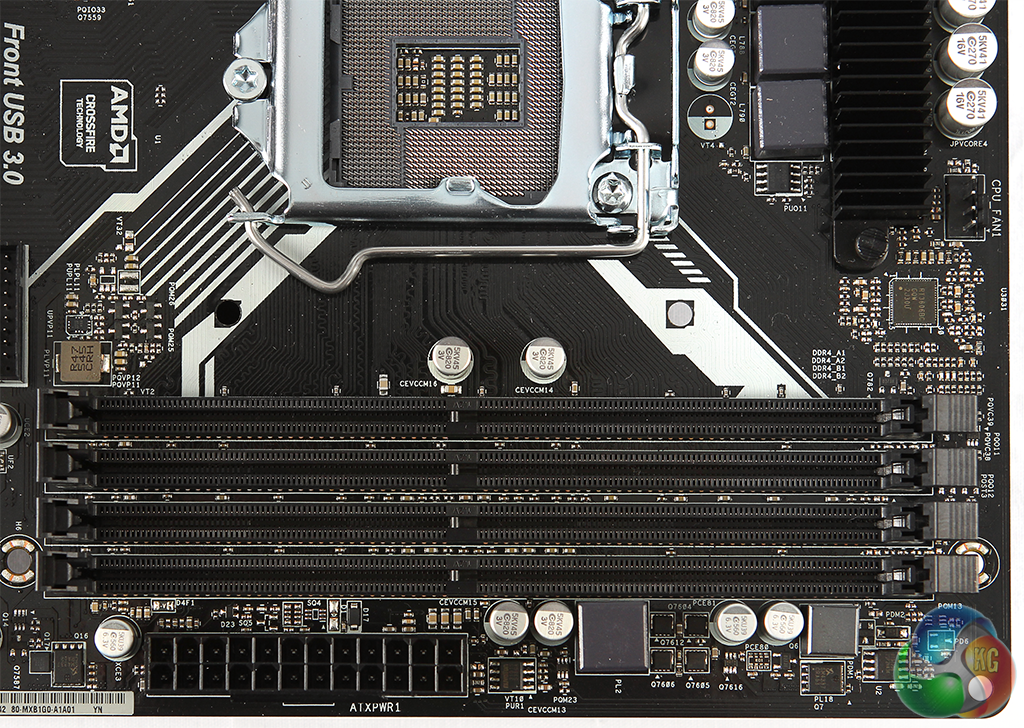
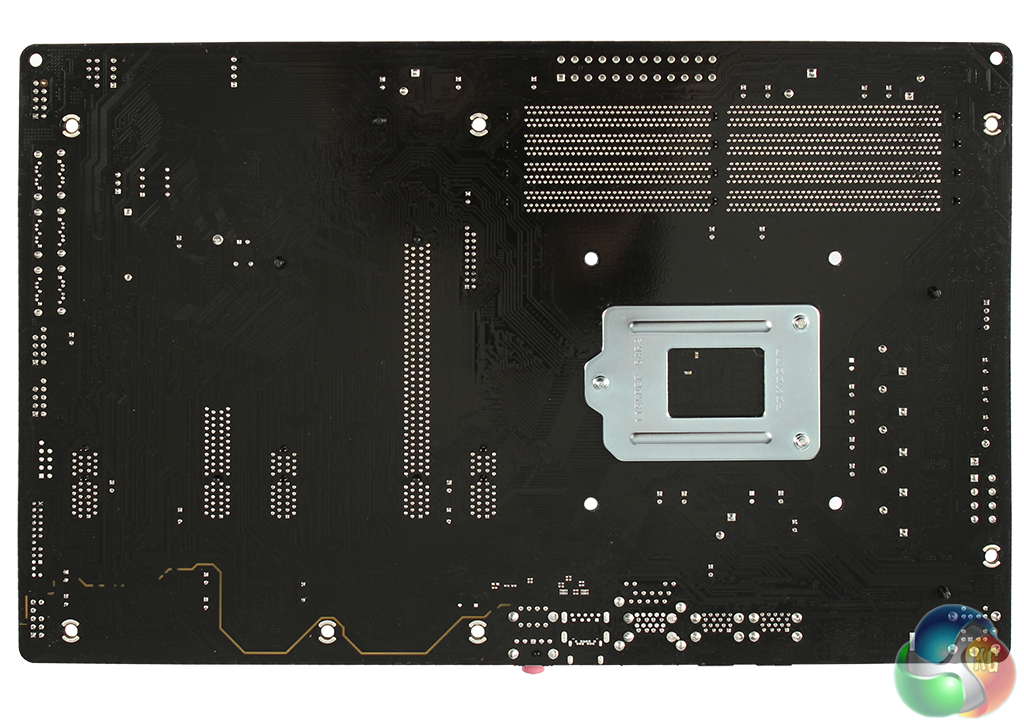
The LGA1151 socket has four DIMM slots to one side, which collectively support up to 64GB of DDR4 SDRAM. You can populate these two at a time, as the processors supported by this motherboard will only offer a dual-channel memory controller.
ECC memory is supported with all but Core i5 and i7 processors. The socket itself is aimed at CPUs from Intel's Skylake microarchitecture, which includes the sixth-generation Core i7, i5, i3, Pentium and Celeron, as well as the Xeon E3-1200 v5 series. This means your top options are quad-core only, but with nominal clock speeds up to 4GHz.
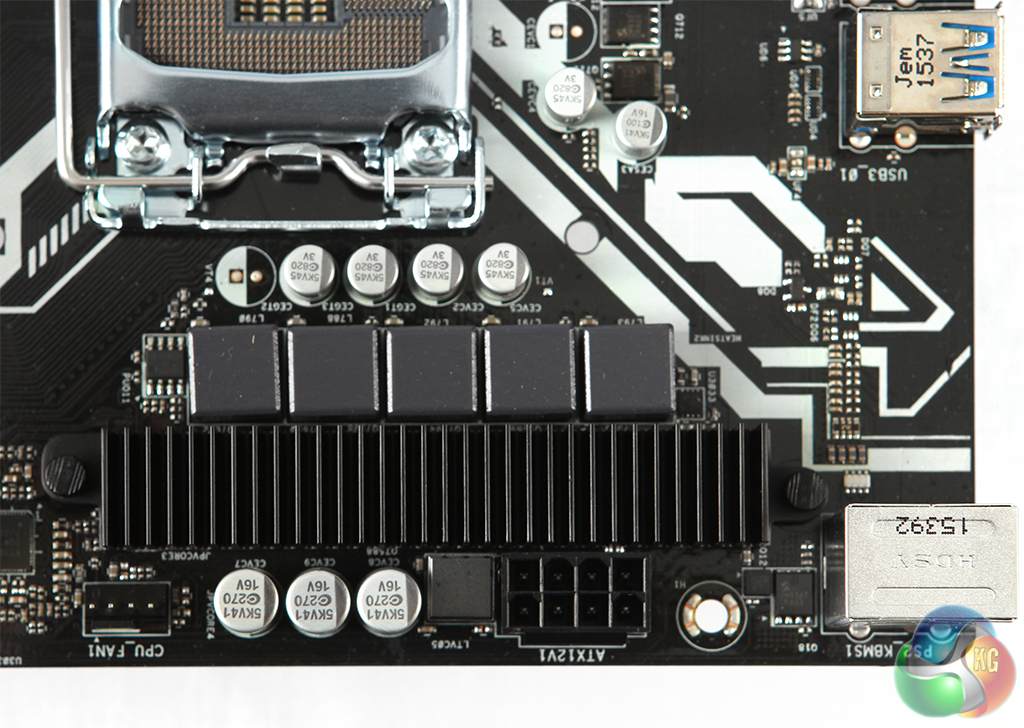
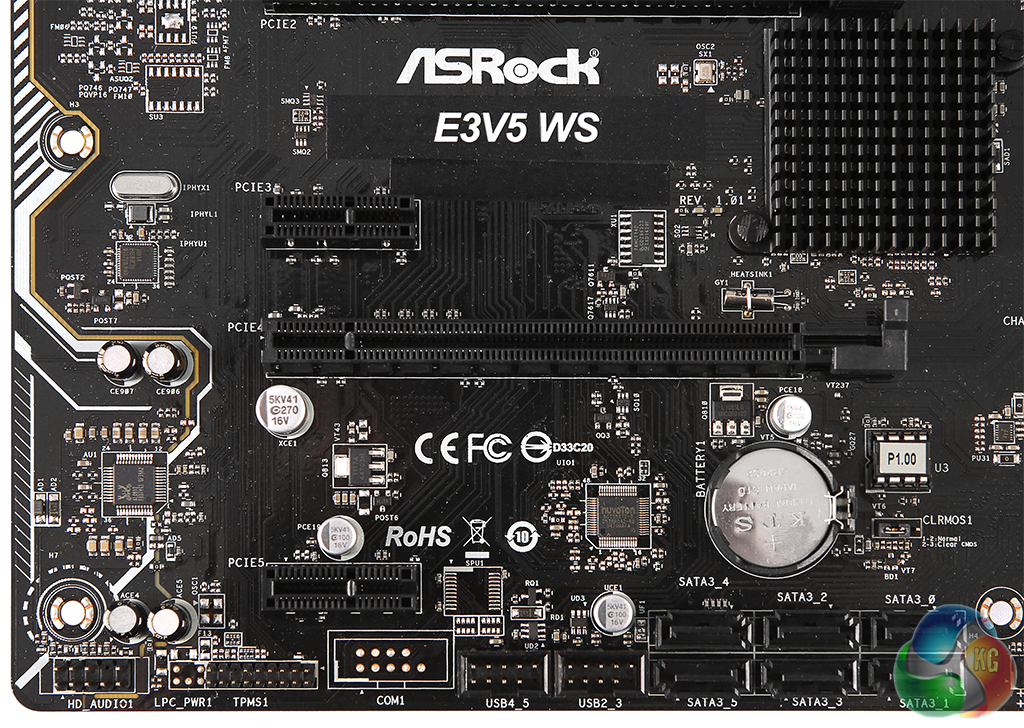
The small motherboard doesn’t provide a large amount of space for add-ons, but there are still five PCI Express slots. Two are 16x-sized, and three 1x-sized. Only one of the 16x slots is 16-lane, however, with the other only offering four lanes. These will support AMD CrossFireX, but NVIDIA SLI is not listed.
Probably more significant for workstations users, though, will be the ability to use the four-lane x16 slot for a PCI Express NVMe solid state disk, because one important feature lacking from the E3V5 WS is a M.2 slot, so a full PCI Express-based unit will be your only option if you want the fastest main storage currently available.
If you don’t have a PCI Express SSD, there are six SATA3 6Gbits/sec ports available, which the Intel chipset can combine into various RAID arrays, including level 0, 1, 5 and 10. However, there’s no SATA Express option.
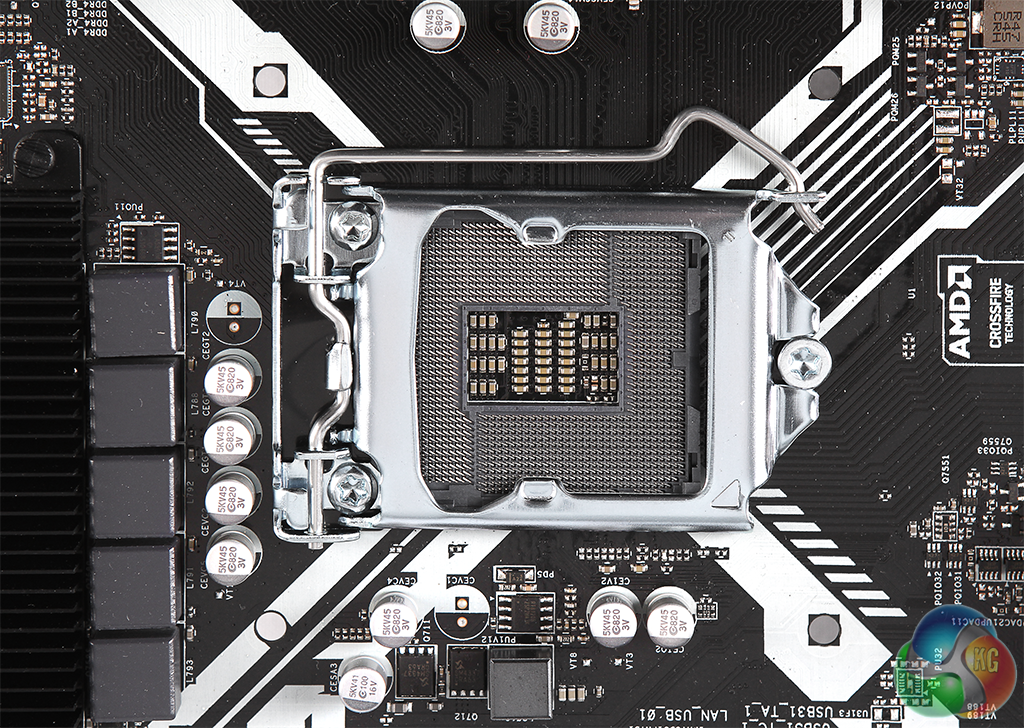
There's a header for another pair of USB 3.0 ports just beneath the processor socket. At the bottom, there are a couple more headers for two pairs of USB 2.0 ports.
At the bottom left corner is the front panel audio connector, plus a Trusted Platform Module connector, as a TPM chip isn't built in.
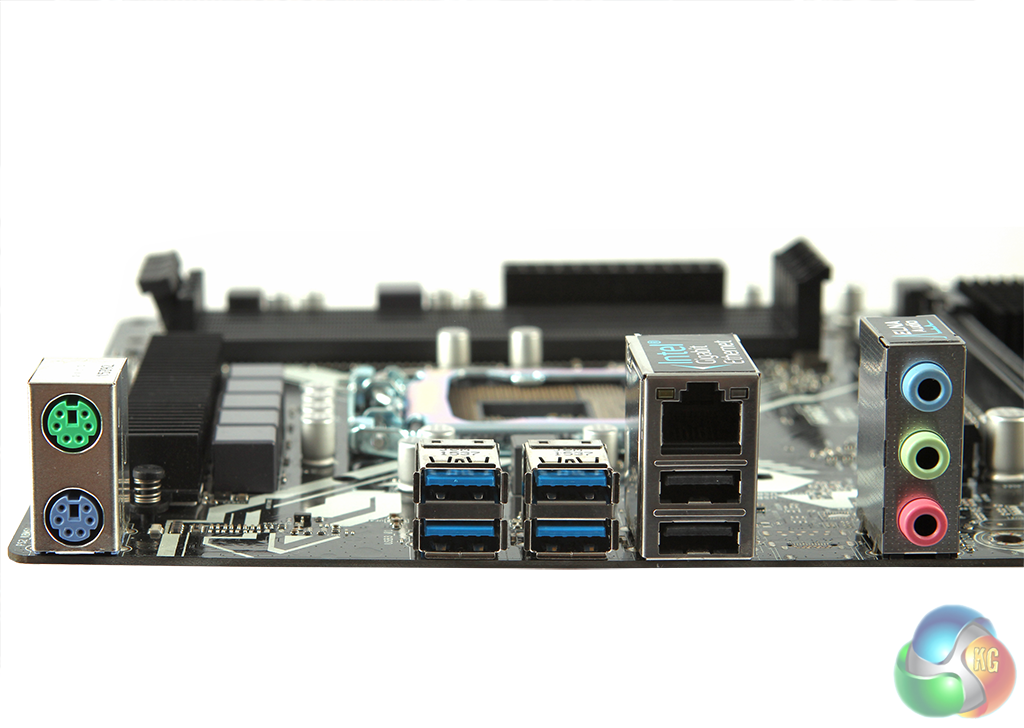
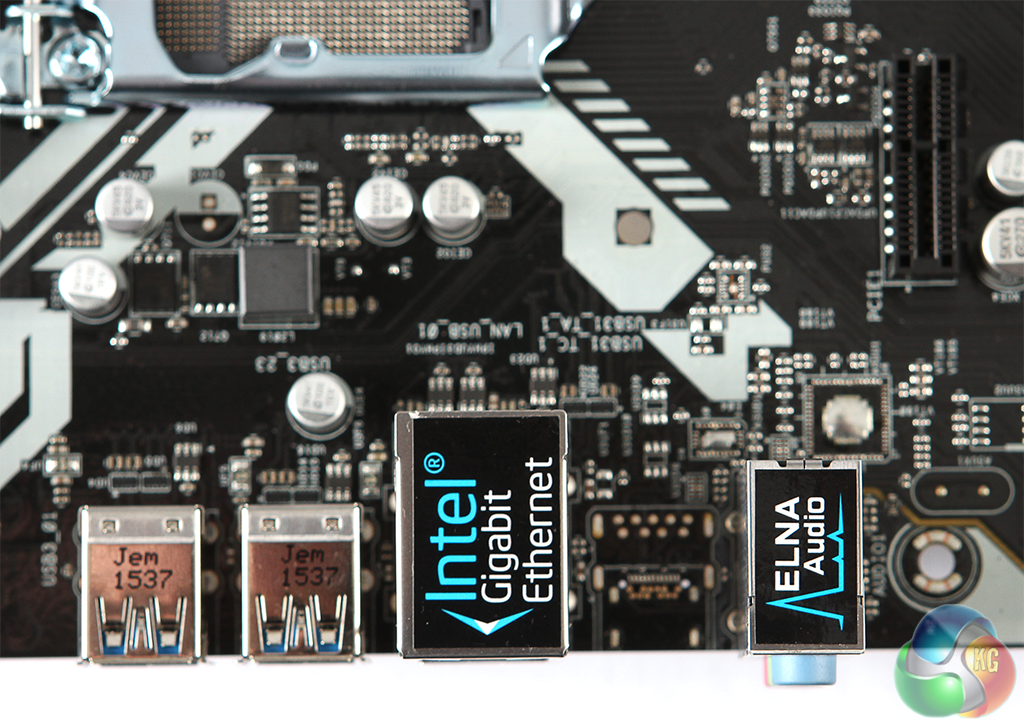
The backplane sports two PS/2 ports for legacy keyboard and mouse, four USB 3.0 ports, and two USB 2.0 with a Gigabit Ethernet port above them. The latter uses Intel's I219LM chipset, which ASRock claims is server grade.
However, there are only three audio minijacks, so if you want a full 5.1 setup you will need to use the headers and front audio ports to supply the necessary outputs, and there's no S/PDIF available at all.
Also missing is USB 3.1 in any form, and graphics output, so you won't be able to use a CPU's integrated GPU even if it's available.
The UEFI BIOS had no problems working with either of the generic USB mice or keyboards we used.
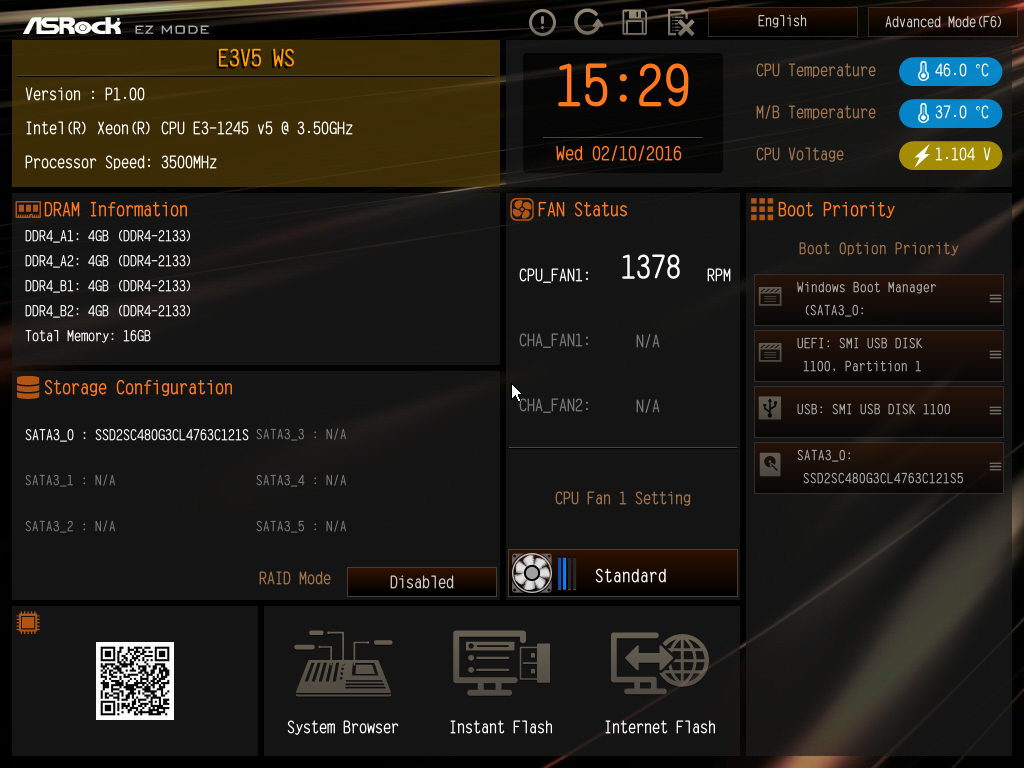
There are two modes, EZ and Advanced, with the EZ Mode giving you a single-page readout of all the most important settings, plus a few options you can change, such as dragging and dropping the drive boot order or setting the CPU fan speed.
Scanning the QR code takes you straight to the full manual online, which has much more information than the one included in the box.
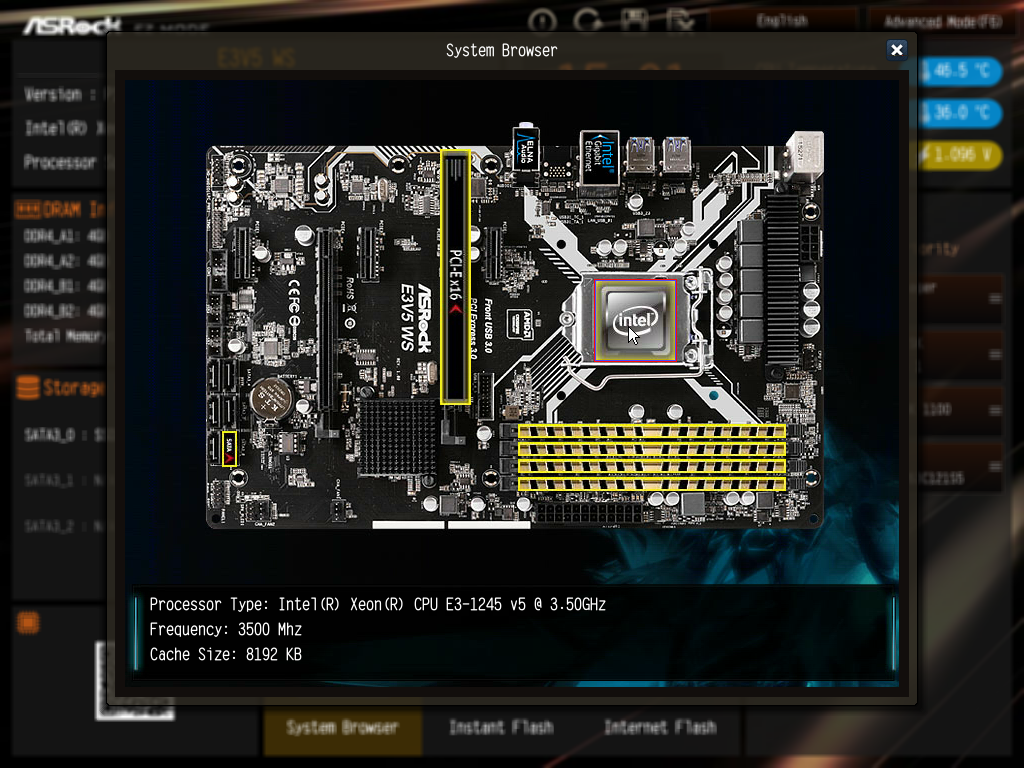
A really nice feature is the System Browser, where you can see which components are installed pictorially on an interactive photo of the motherboard itself, which could be handy if you need to work out which stick of RAM isn't being detected properly.
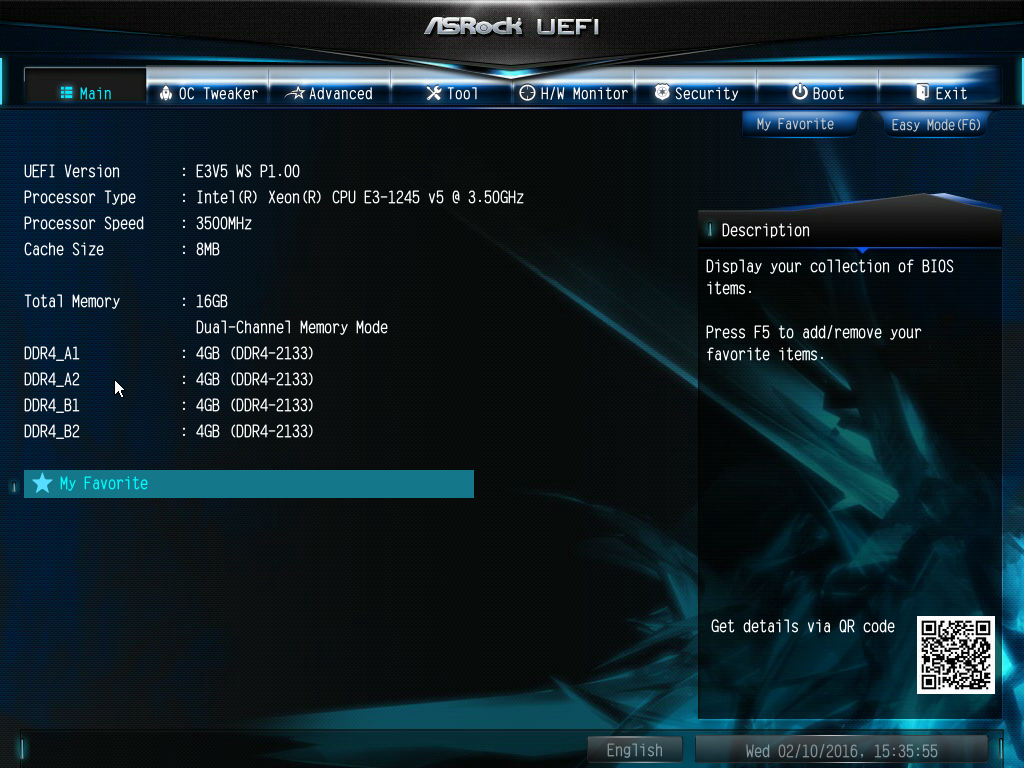
The main Advanced screen just gives you a readout of the processor and memory you have installed.
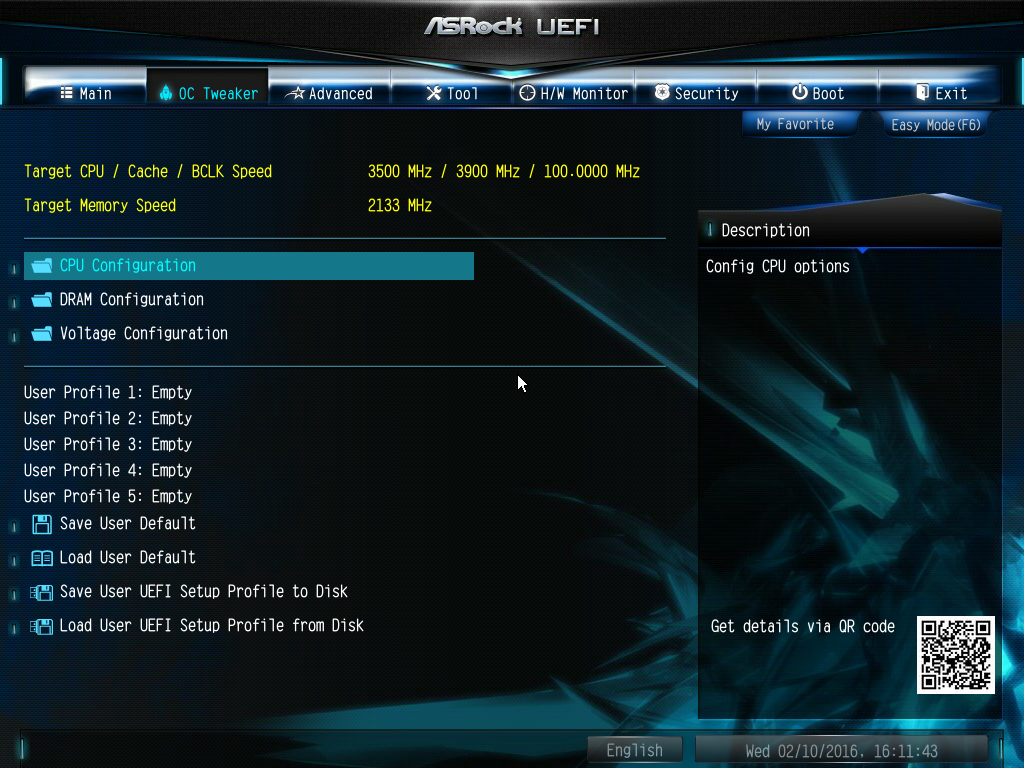
The OC Tweaker page provides overclocking options, although this will depend on the hardware you have installed. You can configure the CPU, DRAM and voltages here.
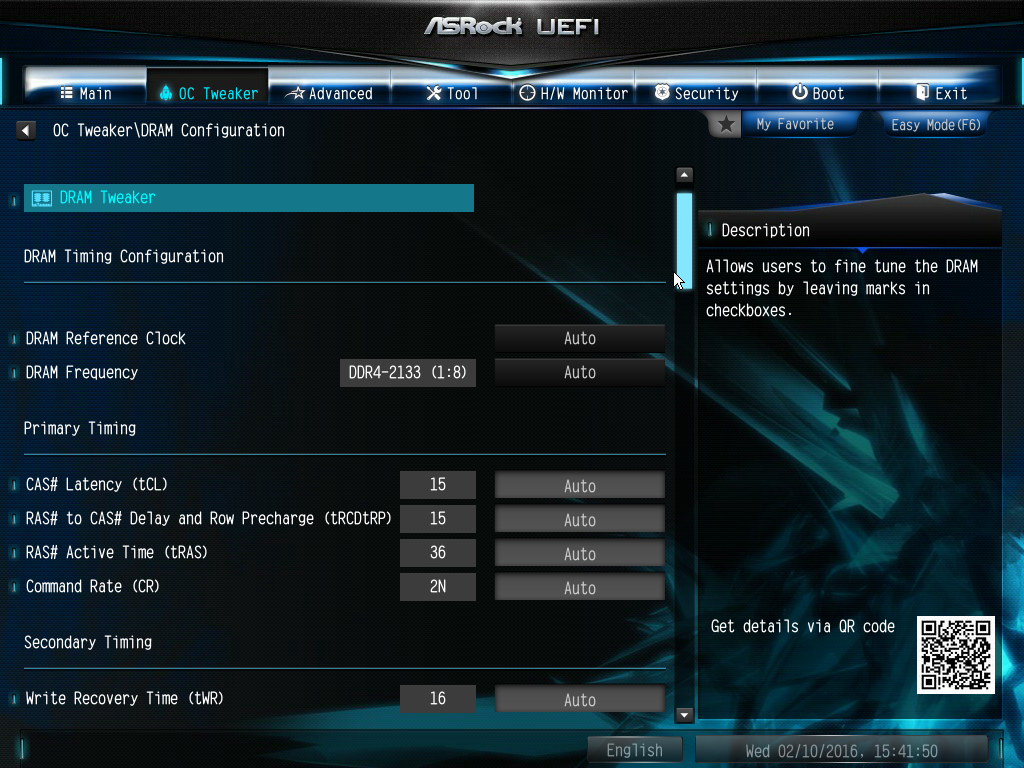
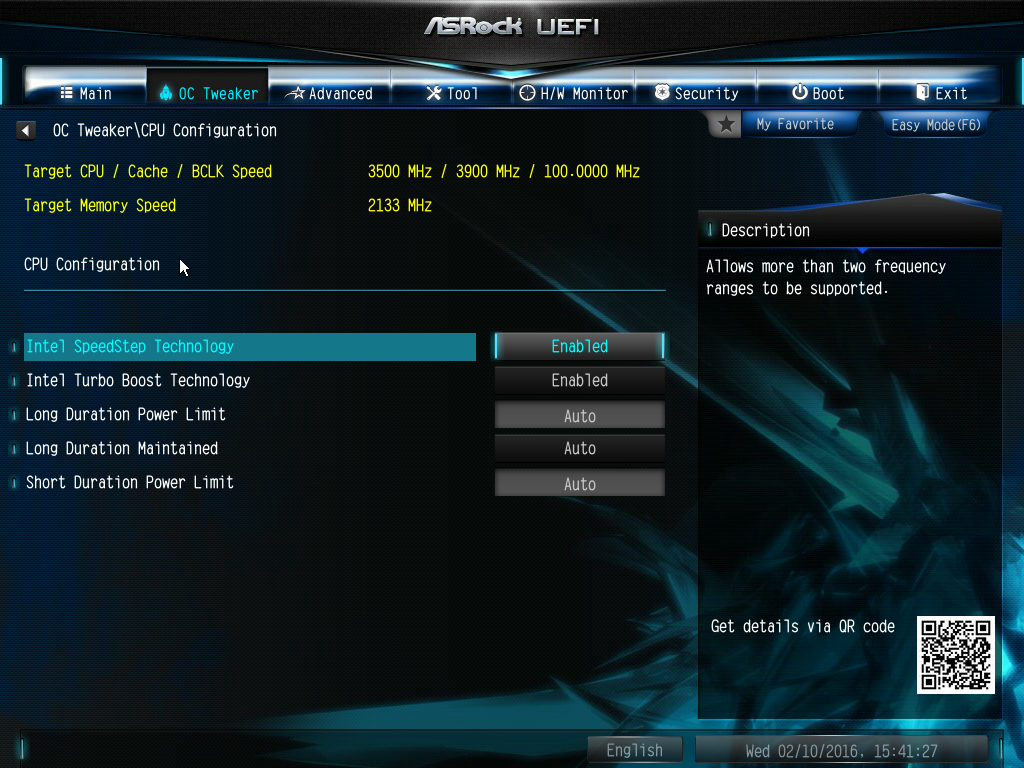
There are loads of DRAM options, but the CPU options were limited to turning processor features off and on with the Xeon we were using. From experience with ASRock's UEFI OC Tweaker in the past, there should be plenty of CPU features to play with here if you have, for example, an Intel Core i7-6700K installed.
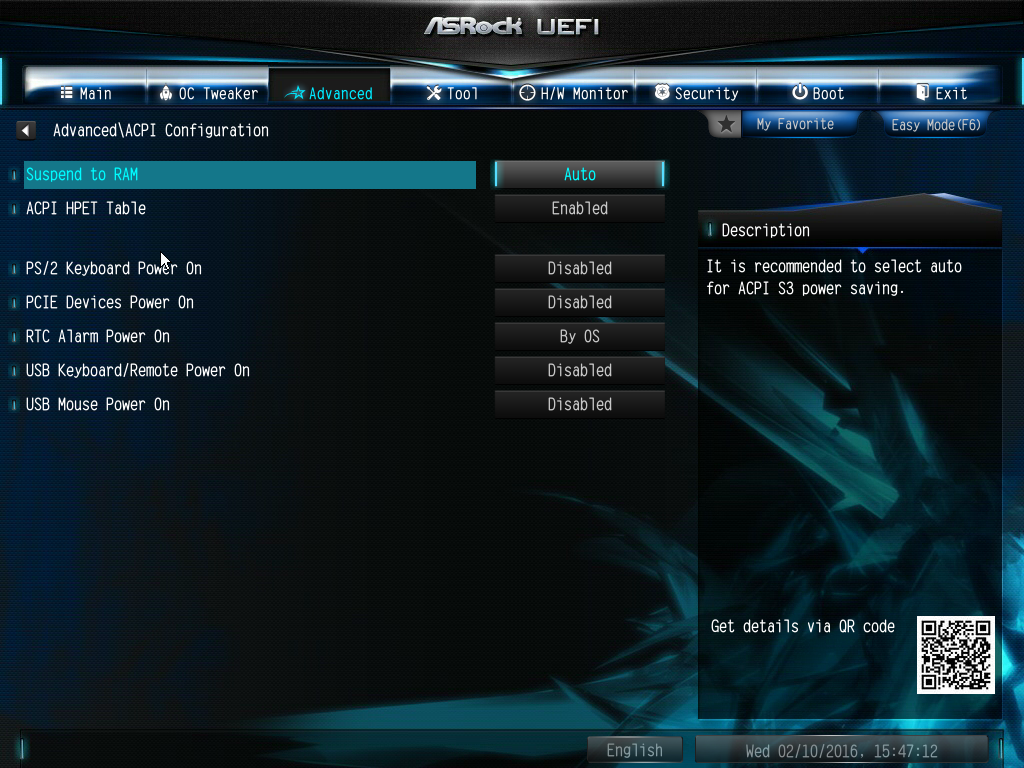
The Advanced screen is where you find the majority of everyday settings, including for the CPU, chipset, storage, Super IO, ACPI and USB.
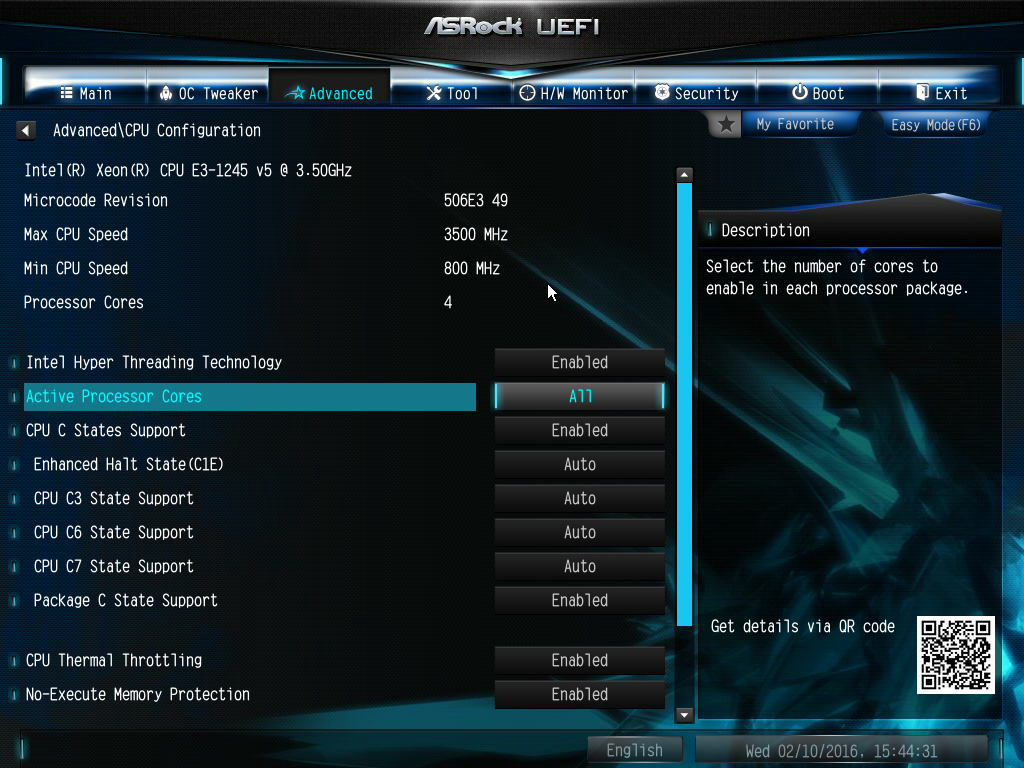
The extra CPU settings in the Advanced section include turning Hyper-Threading off or on, selecting the number of cores to enable, and a variety of other processor-related options.
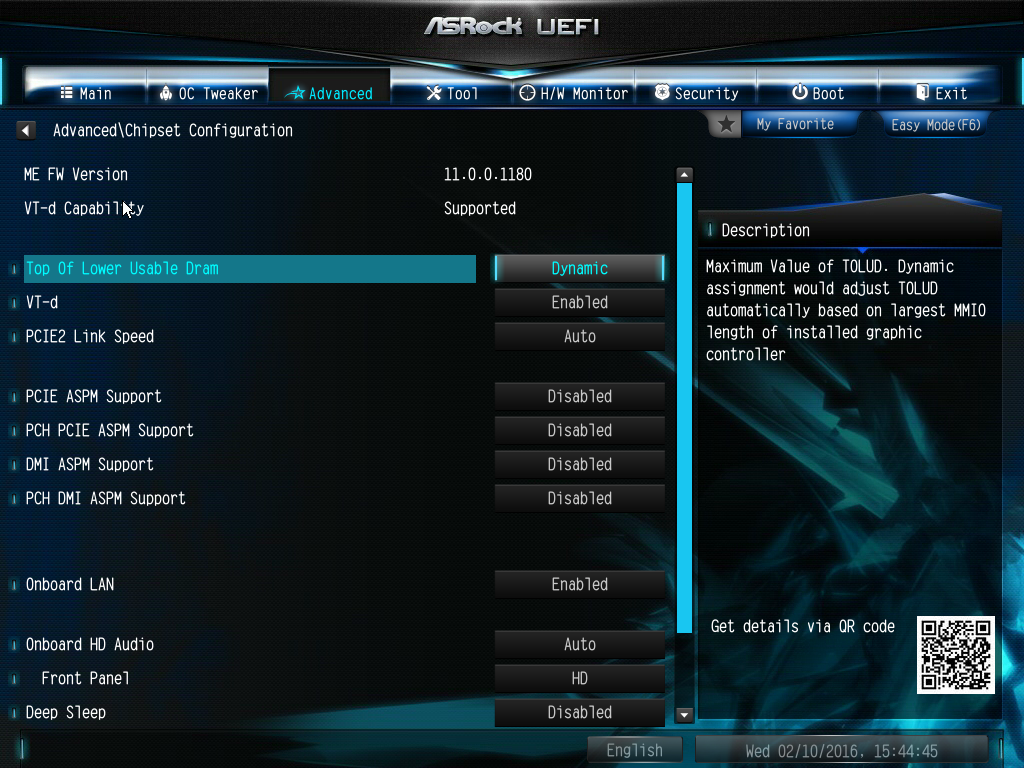
The chipset configuration provides PCI Express configuration options, and the ability to enable the LAN connections as well as the audio chipset. You can also choose whether the front panel audio behaves as HD or AC97.
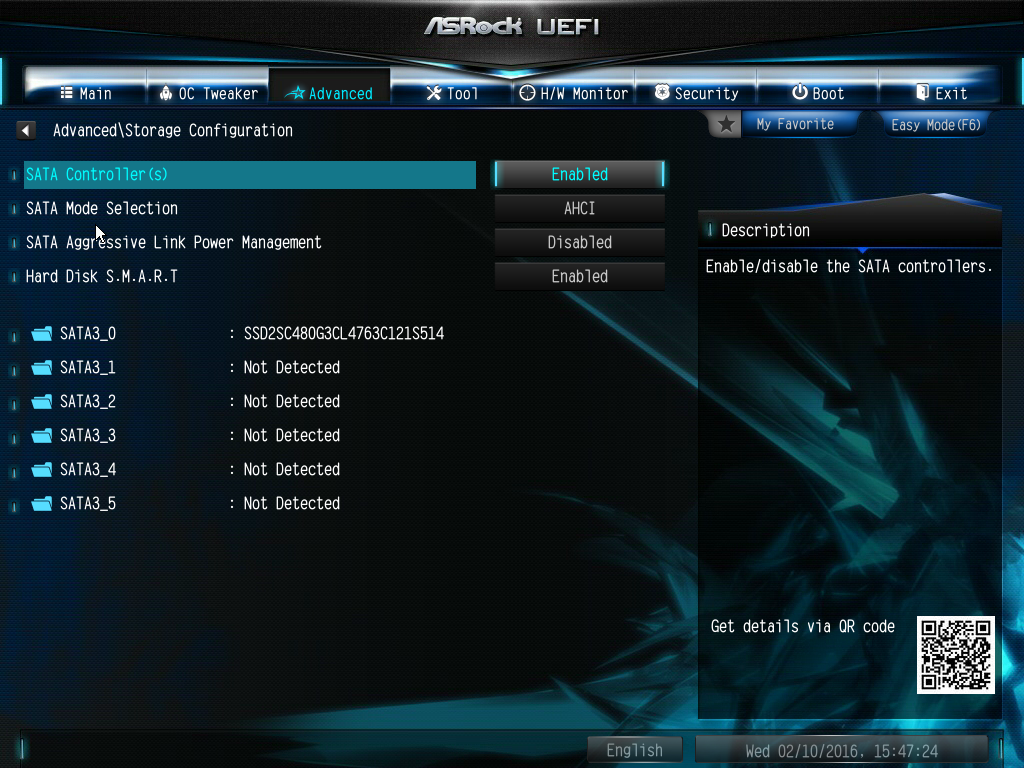
The Storage section lets you configure the Intel SATA chipset, and also which mode each detected storage device will operate in.
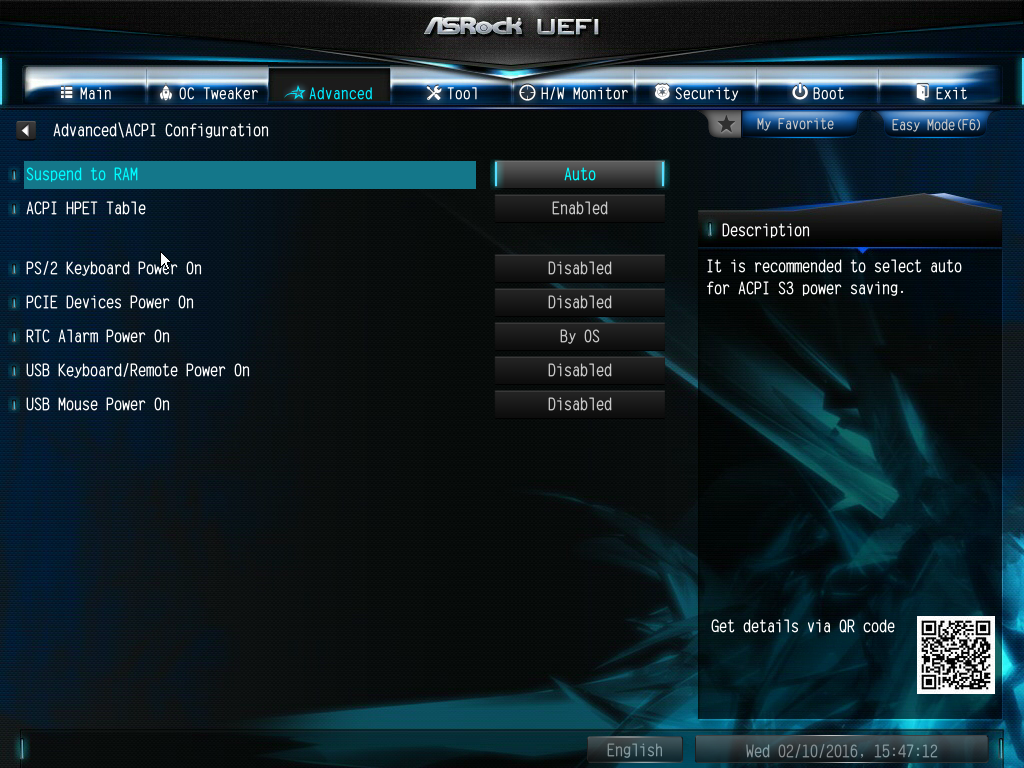
The ACPI section controls how the system responds to sleep modes, USB lets you switch between various USB modes. If you have a TPM chip installed, there will be an entry here for this as well. We didn't, so there wasn't.
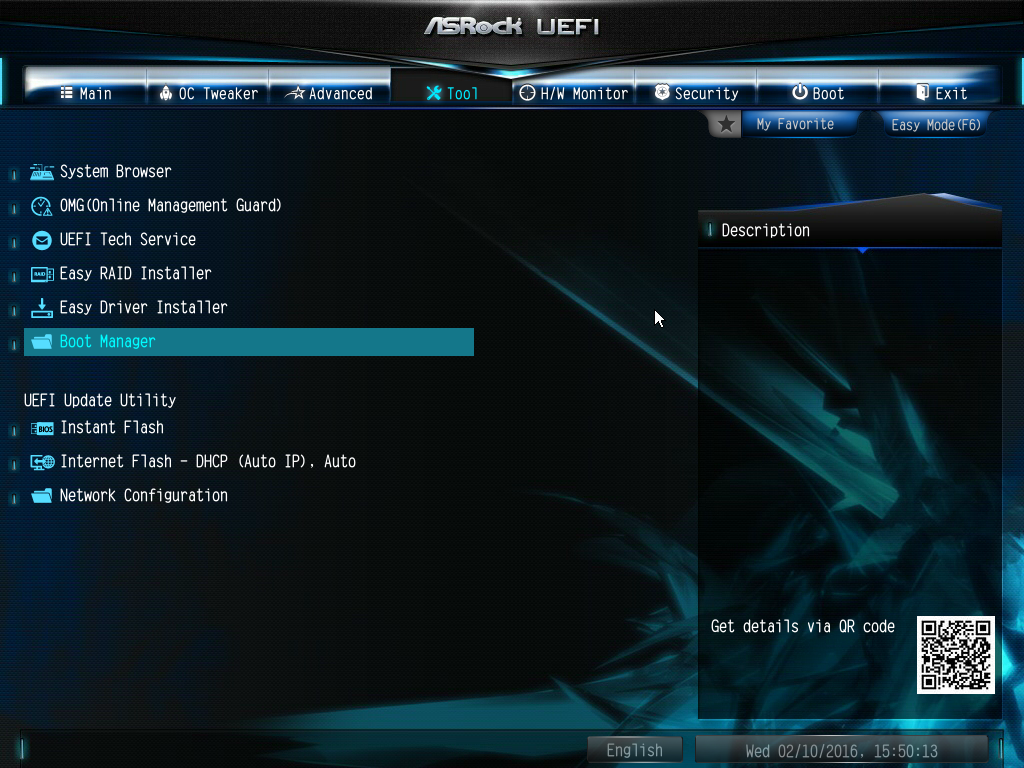
There are lots of sundry extras to be found in the Tools section, including the aforementioned System Browser, and facilities to flash the BIOS, including over the Internet.
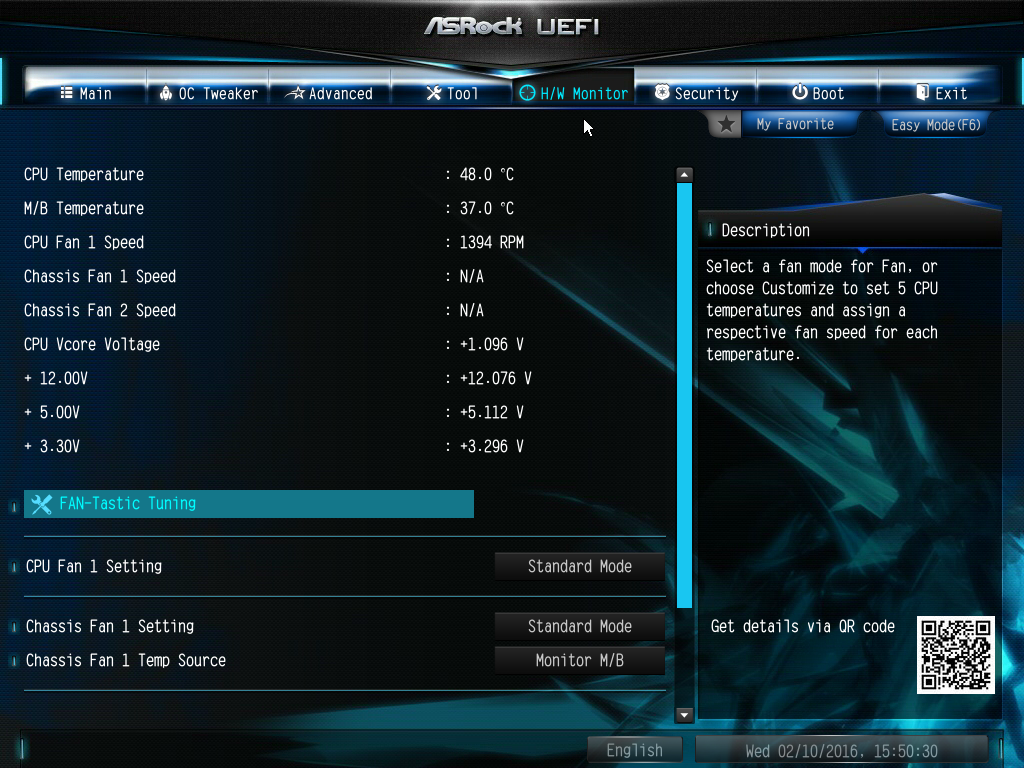
The usual array of hardware health readings can be found in the H/W Monitor section.
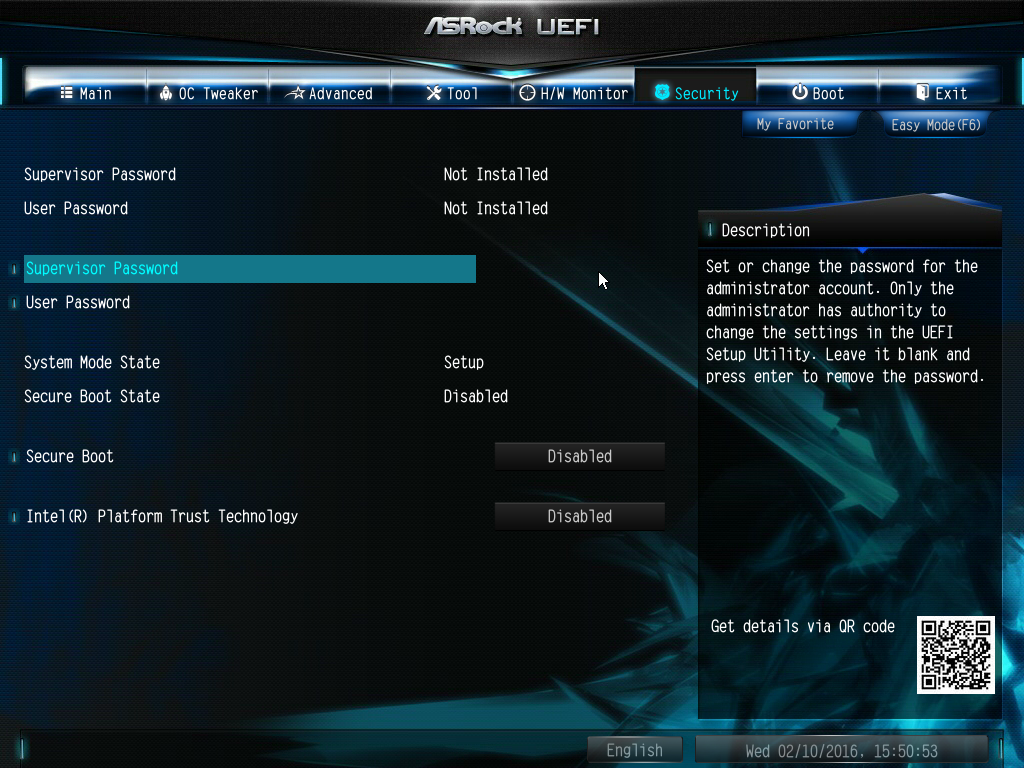
Configure passwords and secure boot options under Security.
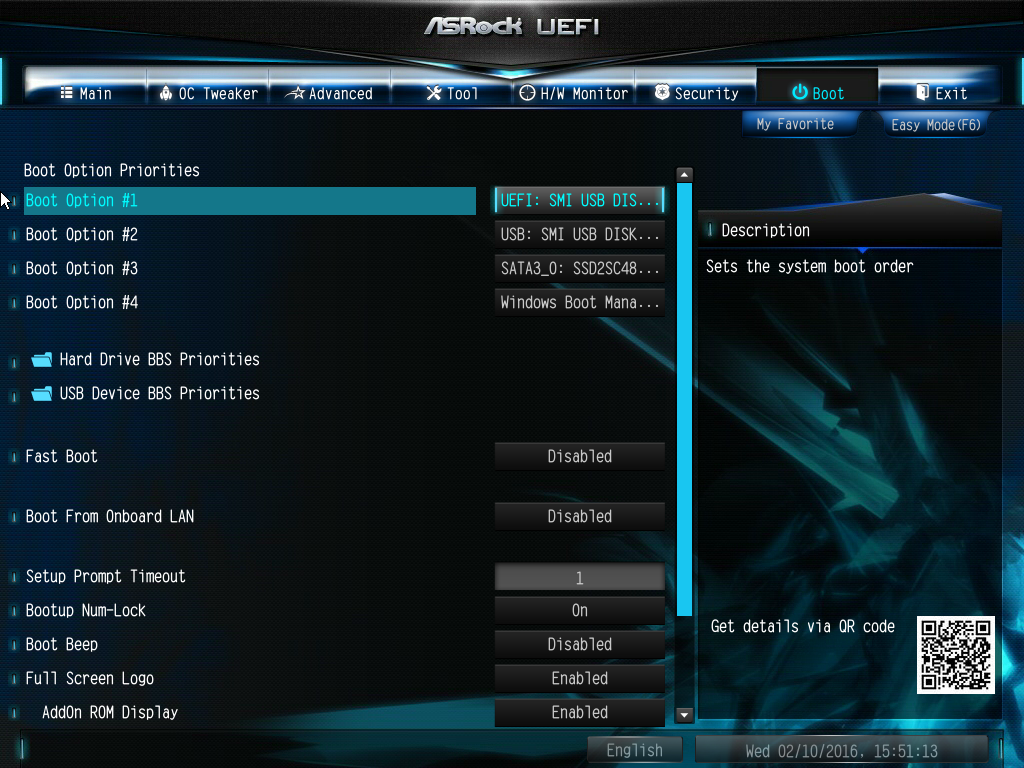
Lots of startup options can be found under Boot, including the extremely handy booting from USB, which can make OS installation exceedingly rapid.
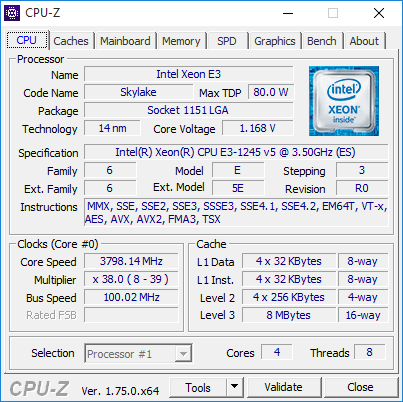
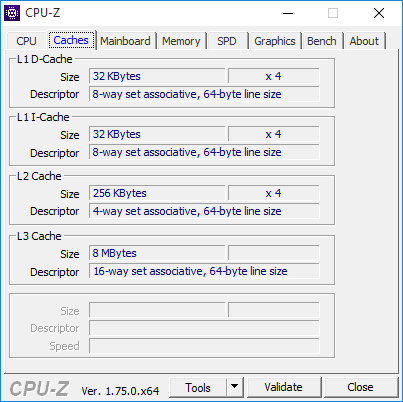
We were supplied with an Intel Xeon E3-1245v5 CPU for testing this motherboard, since it is aimed at professional applications. This is from Intel's most recent Skylake generation, and sits slightly above the middle of the E3 range. The processor has a base clock of 3.5GHz, with a 3.9GHz Turbo Boost mode.
It's an 80W part, so not particularly miserly. However, considering the top 1280v5 is only 200MHz faster for more than twice the price, it's a sensible option for a system based around this motherboard. However, being a Xeon, this processor is not multiplier unlocked and has no overclocking capabilities.
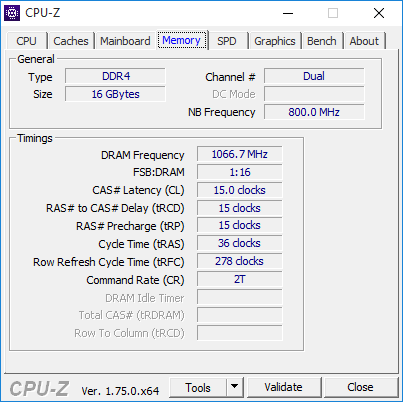
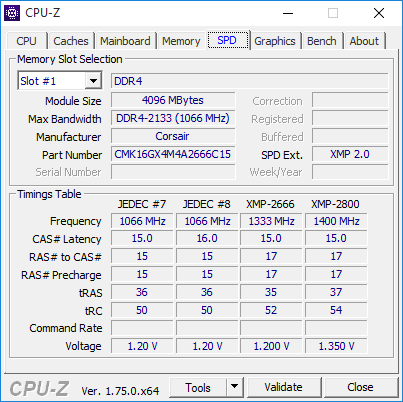
We equipped the motherboards with 16GB of Corsair Vengeance LPX 2,133MHz DDR4 SDRAM, in four 4GB modules. This allowed the dual-channel memory configuration to be enabled, but there is no support for quad channel. It's also the kind of memory allocation we would expect to see in a system built around this motherboard.
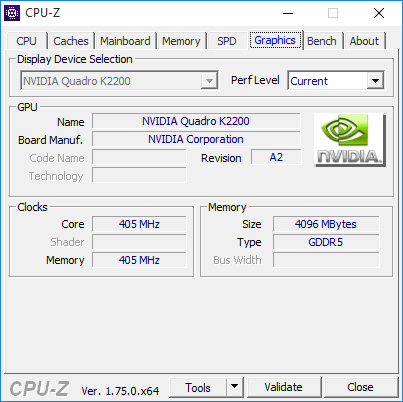
For graphics, we used the PNY NVIDIA Quadro K2200. This is not an ultra-high-end card, but again suits the specification of processor and RAM. It sports 640 CUDA cores and 4GB of GDDR5 memory, so is quite capable, but doesn't overbalance the system budget. Finally, we used a SATA-based 480GB PNY Client CL4111 SSD for the operating system. This is a MLC NAND SSD using a Seagate SandForce SF2281 controller, and offers reading and writing in excess of 500MB/sec.
We ran three tests. First, Maxon Cinebench R15's rendering and OpenGL tests, to assess the base performance with the installed processor and graphics. We ran FutureMark PC Mark 8 to test general system performance, and SPECviewperf 12.02 for professional graphics performance. Finally, we ran Crystal DiskMark 5.0.2 on the SSD.
For some of these tests, we compared results with those from a PC Specialist Entry-Level Workstation based around a six-core Intel Core i7-5820K running at 4.4GHz.
Motherboard test specification:
- OS: Windows 10 64-bit
- CPU: Intel Xeon E3-1245v5
- Cooler: Noctua NH-D15S
- Memory: 16GB (4 x 4GB) 2,133MHz Corsair Vengeance LPX DDR4 SDRAM
- Graphics: 4GB GDDR5 NVIDIA Quadro K2200
- Storage: 480GB PNY Client CL4111 SSD
PC Specialist Entry-Level Workstation Specifications:
- Intel Core i7-5820K @ 4.4GHz
- 16GB ECC DDR4 SDRAM @ 2,133MHz
- 4GB GDDR5 NVIDIA Quadro K2200
- ASUS X99-E WS Motherboard
- 240GB Kingston HyperX 3K SATA III 6Gb/s SSD
- 2TB Western Digital Caviar Black WD2003FZEX SATA III 6Gb/s HDD
- CoolerMaster Hyper 212 EVO (120mm) Fan CPU cooling
- Corsair 750W CS Series Modular 80 Plus Gold PSU
- Corsair Carbide Series 200R Compact chassis
- Windows 8.1 Pro 64bit
Tests:
Maxon Cinebench R15 – all-core CPU benchmark and OpenGL graphics performance
PCMark 8 – general system performance
SPECviewperf 12.02 – professional graphics performance
Crystal DiskMark 5.0.2 – storage transfer rates
Maxon Cinebench R15
CINEBENCH R15 is a cross-platform testing suite that measures hardware performance and is the de facto standard benchmarking tool for leading companies and trade journals for conducting real-world hardware performance tests. With the new Release 15, systems with up to 256 threads can be tested.
CINEBENCH is available for both Windows and OS X and is used by almost all hardware manufacturers and trade journals for comparing CPUs and graphics cards.
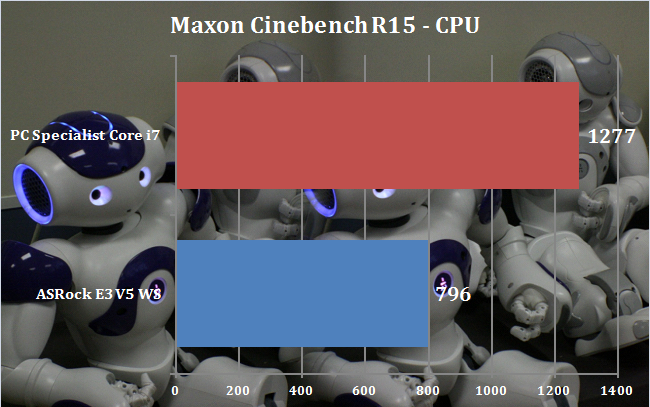
Unsurprisingly, the six cores running at 4.4GHz in the PC Specialist system provide considerably more rendering performance than the four cores running at 3.5GHz in our ASRock's Xeon E3 processor.
A frequency-enhanced Skylake Core i7 could improve on this, but the six- and eight-core Haswell-E Core i7 processors will always have the upper hand here, because cores are king for rendering.
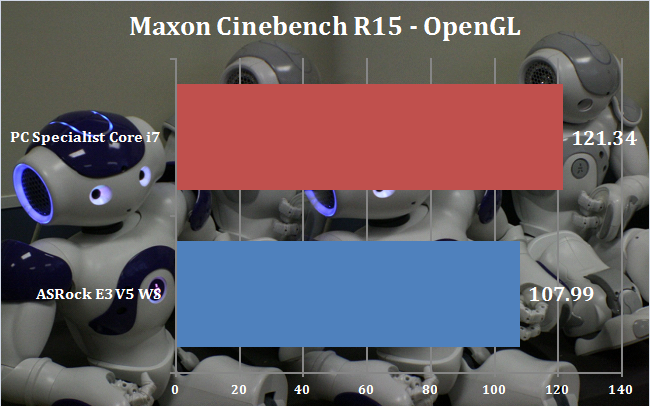
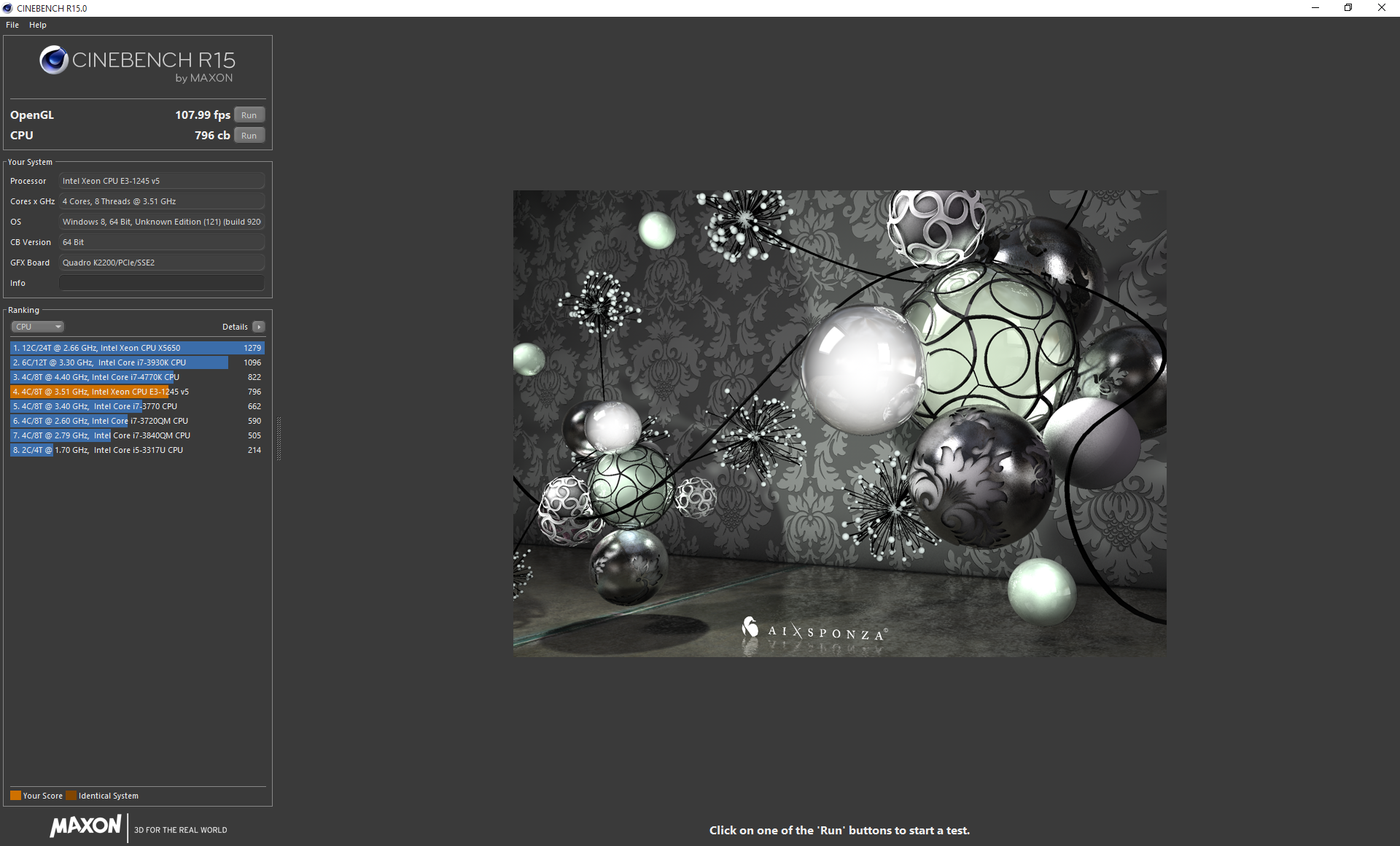
The Maxon Cinebench R15 OpenGL test is a little sensitive to CPU clock speed than most professional graphics tests, so our ASRock setup has fallen a little behind here.
But a frequency-enhanced Skylake Core i7 could go further, as these have a little more headroom than the Haswell E Core i7s, and can hit as much as 4.8GHz very stably.
Futuremark PC Mark 8
PCMark 8 is the latest version in our series of popular PC benchmarking tools. It is designed to test the performance of all types of PC, from tablets to desktops. With five separate benchmark tests plus battery life testing, PCMark 8 helps you find the devices that offer the perfect combination of efficiency and performance. PCMark 8 is the complete PC benchmark for home and business.
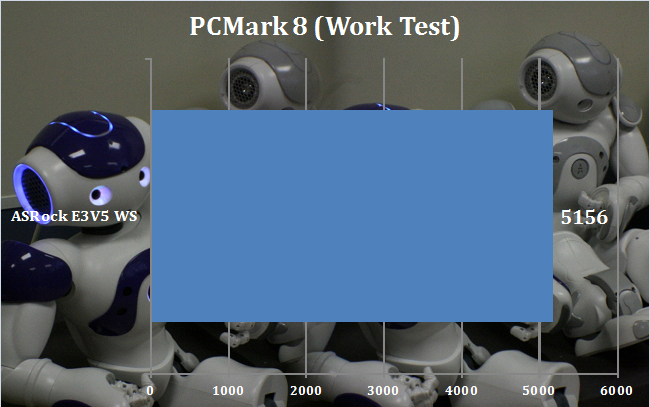
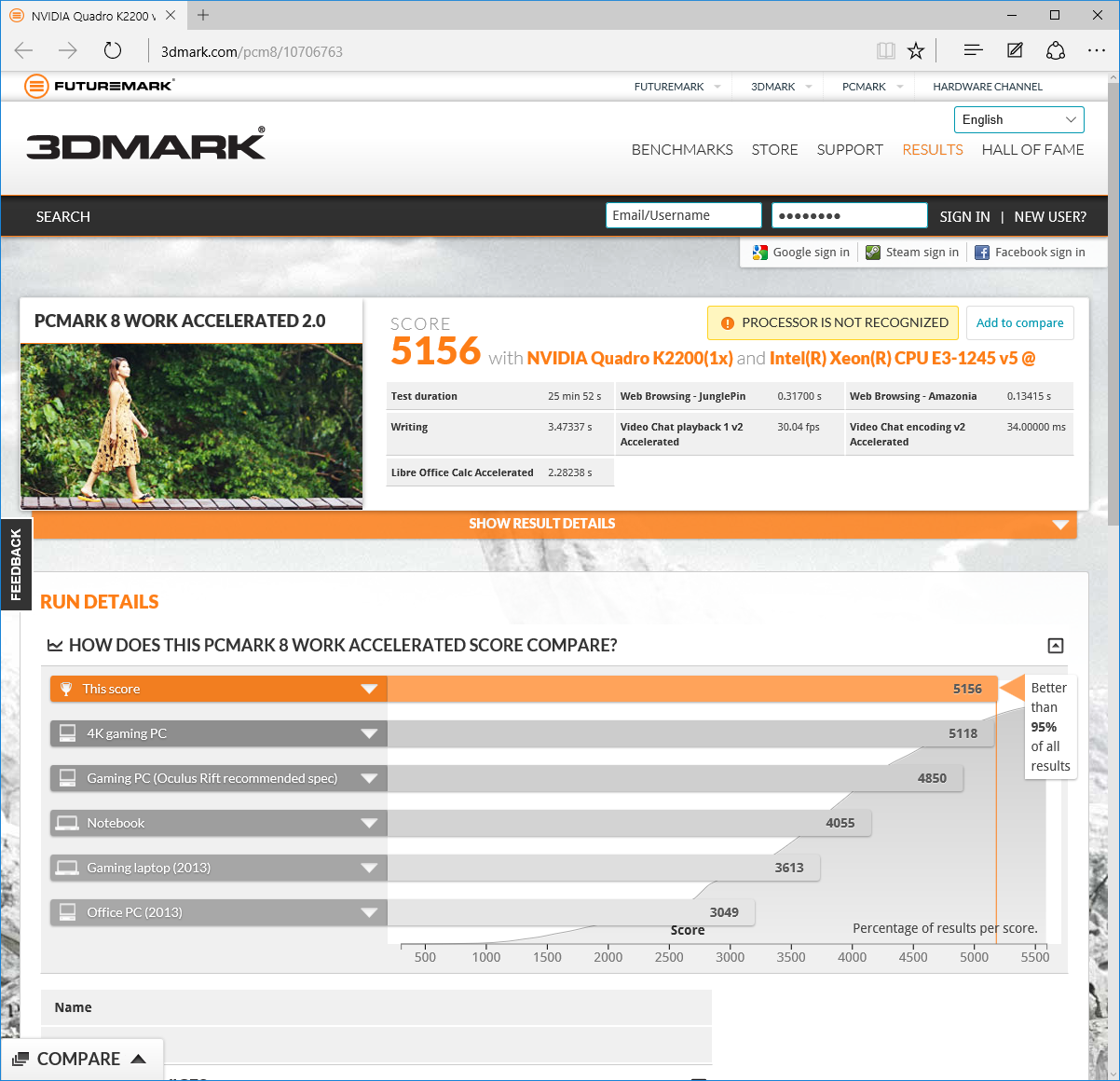
There are clearly no problems with everyday business applications. This is a very decent score.
SPECviewperf 12
SPECviewperf 12 is the worldwide standard for measuring graphics performance based on professional applications. The latest version is SPECviewperf 12.0.2, which extends performance measurement from physical to virtualized workstations. SPECgpc members at the time of V12.0.2 release include AMD, Dell, Fujitsu, HP, Intel, Lenovo, Micron and NVIDIA. SPECviewperf 12 measures the 3D graphics performance of systems running under the OpenGL and Direct X application programming interfaces. The benchmark’s workloads, called viewsets, represent graphics content and behavior from actual applications.


Most of the SPECviewperf 12 tests are not processor-sensitive, so the ASRock E3V5 WS's NVIDIA Quadro K2200 performs almost the same as the one in the PC Specialist comparison system.
The one difference is the SolidWorks-based sw-03, where the 4.4GHz frequency of the Intel Core i7 is showing the Xeon E3's 3.9GHz Turbo mode a clean set of heals. But this is nothing to worry about where the motherboard is concerned; it's clearly capable of delivering all the performance the graphics has to offer.
SSD Performance
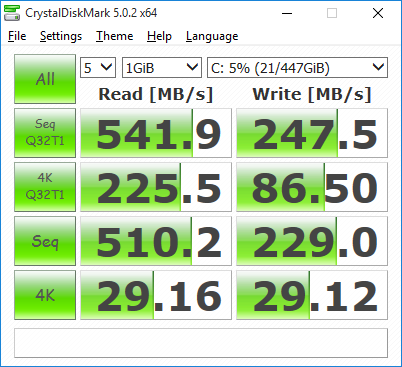
The PNY SSD lives up to its billing for read performance, and exhibits the reduced write performance we usually see with CrystalDiskMark.
The ASRock E3V5 WS is not quite in the same league as the last ASRock workstation motherboard we looked at, the ASRock X99 WS-E/10G. But at less than a sixth of the price, we wouldn't expect it to be. It's still possible to put together a more modest performance workstation based around this motherboard.
There are a few features lacking if you're looking to create a compact performance workstation. We would have liked to have seen a M.2 slot, so you could have both NVMe storage and dual graphics. We would also have liked to have seen USB 3.1 and / or Type C connectivity.
The lack of ability to use a processor's integrated graphics will count this board out as a budget option for servers and non-graphics oriented workstations.
Overall, though, considering the price, this is a very tempting motherboard. More feature-rich Socket 1151 workstation motherboards can cost two or three times the price. So if you can live without the omissions just described, and we reckon most people will be able to, the ASRock E3V5 WS is a budget workstation option that will allow you to put together a system that still packs plenty of punch.
Buy from Scan UK for £99.56 inc vat HERE.
Discuss on our Facebook page, over HERE.
Pros:
- Keen price.
- Comprehensive, easy-to-use UEFI BIOS.
- Supports AMD CrossFireX.
- ECC Memory support.
- Decent performance setting options (depending on processor).
Cons:
- No M.2 storage slot.
- No USB 3.1.
- No NVIDIA SLI support.
KitGuru says: The ASRock E3V5 WS is a keenly priced but capable workstation board for Intel Skylake processors.