KitGuru KitGuru.net – Tech News | Hardware News | Hardware Reviews | IOS | Mobile | Gaming | Graphics Cards


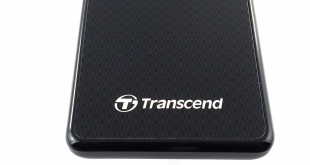
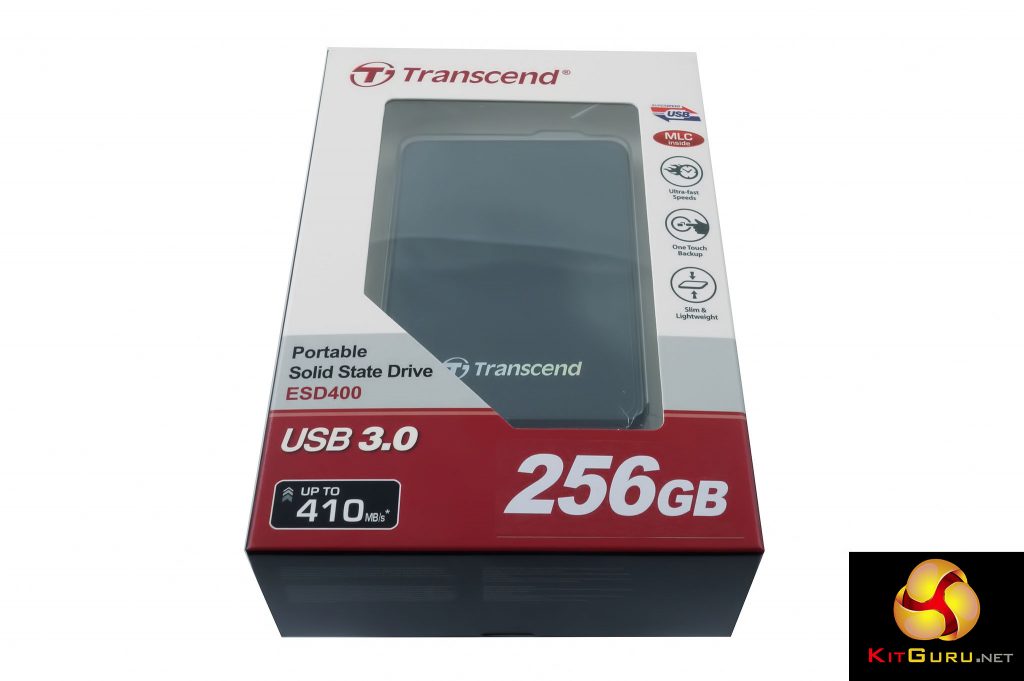
Transcend produce two portable pocket-sized SSD drive ranges, the TLC NAND equipped ESD220C and the MLC powered ESD400 that we are analysing today. The ESD400 is available in four capacities; 128GB, 256GB, 512GB and the flagship 1TB drive and uses a USB3.0 interface which supports UASP technology to get the most out of the interface. Transcend quote performance figures for the drive of up to 410MB/s for reads and up to 380MB/s for writes.

Physical Specifications:
Usable Capacities: 128GB, 256GB, 512GB, 1TB
NAND Components: MLC NAND
Interface: USB3.0
NAND Controller: TS6500
Dimensions: 92 x 62 x 10.5mm
Weight: 56g
Firmware Version O1229A
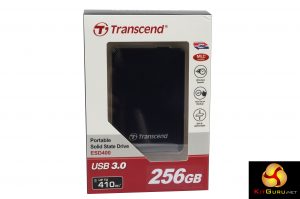
The ESD400 comes in a windowed box allowing the drive to be displayed. The front of the box has the drive's capacity, drive speed and interface clearly marked under the window section while to the right of the window is a vertically stacked row of icons that describe the drive's main features.
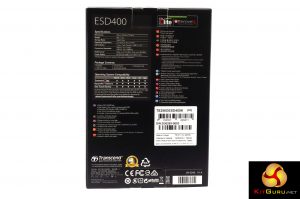
The rear of the box has a small specification table, a listing of the box contents and a table of OS compatibility along with some multilingual marketing text.
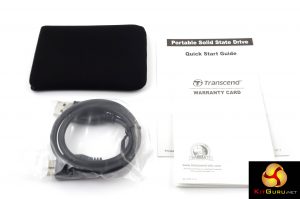
Bundled with the drive is a USB 3.0 cable and a small slip-on protective cover which is an extremely snug fit but maybe it should be made a bit larger so the USB cable could be carried around in it with the drive. There's also a quick start guide and a warranty card in the box.
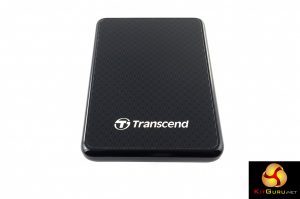
Its a wee thing measuring just 92mm x 62mm x 10.5mm and weighing 56g thanks to the plastic enclosure. It's also an attractive looking drive with a diamond patterned top. One of the diamonds is very neatly used as home for the activity light which is a nice touch.
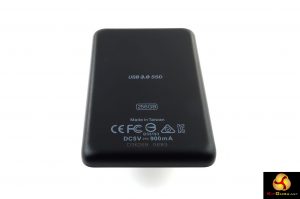
The rear of the case is just left plain with text telling you that it is a USB 3.0 SSD and how big the capacity is.
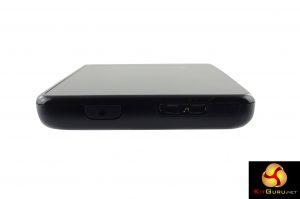
The top edge of the drive is home to the USB 3.0 connection and the one-touch backup button which works in conjunction with Transcend's Elite Data Management software utility. Strangely the software isn't pre-loaded on the drive so you have to download it from Transcend's website.
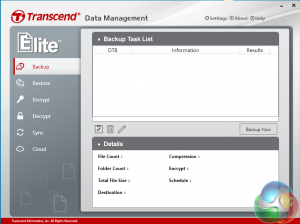
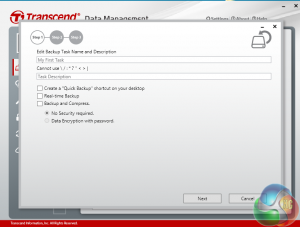
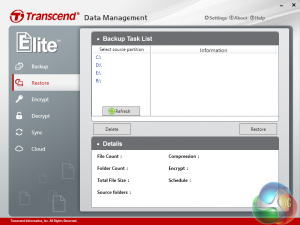
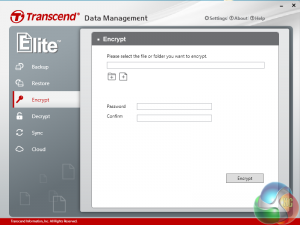
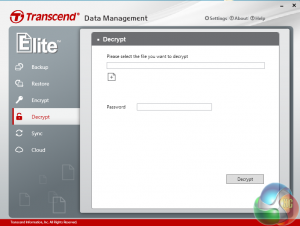
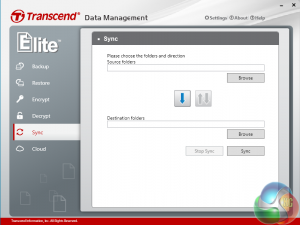
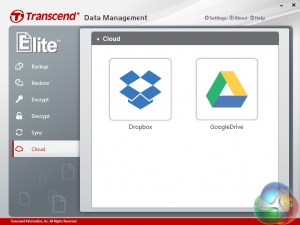
The Elite Data Management software utility not only looks after backups, it also allows for the password encryption of files and/or folders, sync folders and supports backups with DropBox and GoogleDrive.
We tested the drive as it comes out of the box, factory formatted as a FAT32 drive.
Crystalmark is a useful benchmark to measure theoretical performance levels of hard drives and SSD’s. We are using V3.0.3.
The ATTO Disk Benchmark performance measurement tool is compatible with Microsoft Windows. Measure your storage systems performance with various transfer sizes and test lengths for reads and writes. Several options are available to customize your performance measurement including queue depth, overlapped I/O and even a comparison mode with the option to run continuously.
Use ATTO Disk Benchmark to test any manufacturers RAID controllers, storage controllers, host adapters, hard drives and SSD drives and notice that ATTO products will consistently provide the highest level of performance to your storage.
AS SSD is a great free tool designed just for benching Solid State Drives. It performs an array of sequential read and write tests, as well as random read and write tests with sequential access times over a portion of the drive. AS SSD includes a sub suite of benchmarks with various file pattern algorithms but this is difficult in trying to judge accurate performance figures.
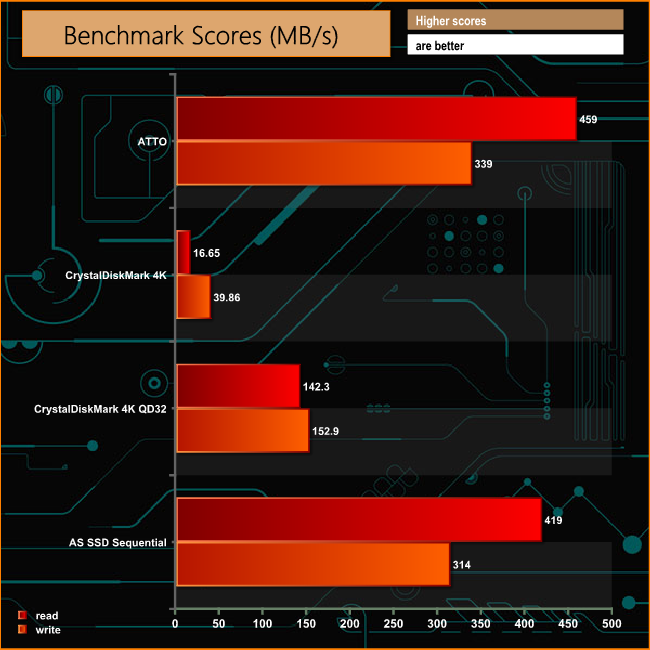
Transcend quote read/write performance for the drive at up to 410MB/s and 380MB/s respectively. Under test conditions that read figure seems a little conservative especially under the ATTO benchmark with the drive producing a read performance of 459MB/s. However, under the more stringent ASSSD benchmark, the read figure was much closer to the official figure. The write performance under both benchmarks fell somewhat short of the maximum official figure producing 339MB/s under ATTO and 314MB/s with ASSSD.
The drives 4K performance at a queue depth of one is disappointing, producing a 16.65MB/s read figure with writes coming in at 39.86MB/s. Both read and write performance pick up at deeper queue depths, however.
To test real life performance of a drive we use a mix of folder/file types and by using the FastCopy utility (which gives a time as well as MB/s result) we record the performance of drive reading from & writing to a 256GB Samsung SSD850 PRO.
60GB Steam folder – 29,521 files.
50GB File folder – 28,523 files.
12GB Movie folder – 24 files (mix of Blu-ray and 4K files).
10GB Photo folder – 621 files (mix of .png, raw and .jpeg images).
10GB Audio folder – 1,483 files (mix of mp3 and .flac files).
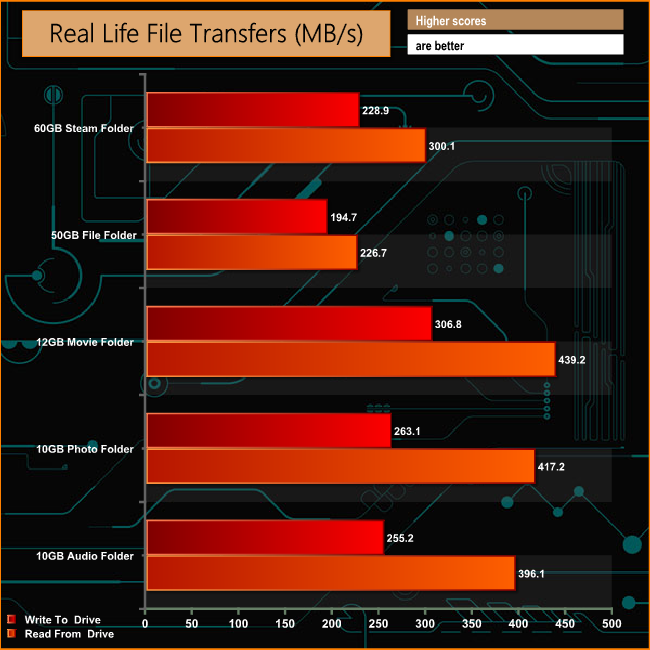
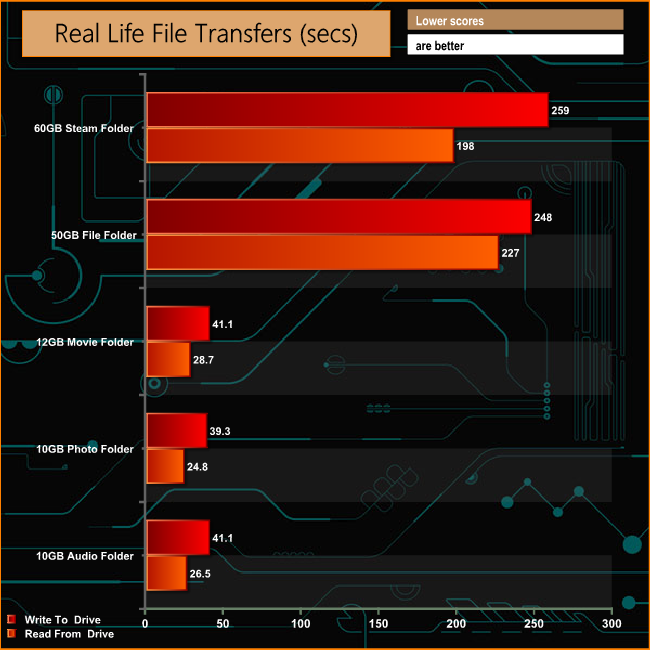
Transferring our test folders of real life data to and from the drive was performed without any problems, the drive managing over 200MB/s for all the transfers with the exception of the reading back the data from the 60GB Steam folder which was a shade under 200MB/s. Copying the contents of the same folder to the ESD400 took a mere 4 minutes 30 seconds and just over 3 minutes to go the opposite way.
Transcend's ESD400 may be small in statue but it does pack quite a punch. It is a classy looking drive with the diamond patterned front and it is a perfect size and weight to place in your pocket to carry around – it is actually so small that if you have particularly large pockets you may end up feeling like you've lost it.
The Elite Data Management utility is a very useful download to have but it is a bit odd that it doesn't come pre-installed on the drive, but it's a free download so it's just a minor nitpick.
As you might expect with an SSD, the ESD400 is a very fast external drive, well it is when its handling large file sizes, when it comes to handling small bity files the performance does drop off quite a bit. We bettered the official 410MB/s read figure for the drive in both ATTO (459MB/s) and ASSSD (419MB/s) although under test conditions the drive couldn't get to the official maximum write figure of 380MB/s, producing 339MB/s in ATTO and 314MB/s in ASSSD.
The 4K read/write performance at queue depth one was disappointing producing just 16.65MB/s for reads and 39.86MB/s for writes. Using real life data it took just 4 minutes to transfer a 50GB of small files to the ESD400 and just under 4 minutes to copy the folder back. The larger file size contents of the 12GB Movie folder took just 41.1 seconds to write to the drive and 28.7 seconds to copy back.
We found the 256GB ESD400 on sale at LambaTek for £108.59 (inc VAT) HERE
Discuss on our Facebook page, over HERE.
Pros
- Small size.
- Performance.
Cons
- 4K performance was disappointing.
- Not cheap.
Kitguru says: Yes it's a bit on the pricey side but its very fast and its small size makes it ideal to carry around without noticing it.