KitGuru KitGuru.net – Tech News | Hardware News | Hardware Reviews | IOS | Mobile | Gaming | Graphics Cards


AVM always likes to do things a little differently from other router manufacturers. Throughout the years, we've been impressed by the company's unusual features. The AVM FRITZ!Box 5690 Pro is the second WiFi 7 router we have seen from the company, adding a tri-band radio and direct connectivity for optical fibre broadband. But it still includes some of AVM's unique telephony abilities and, on paper at least, ups the bandwidth considerably over the 7690 router we looked at a few months ago.
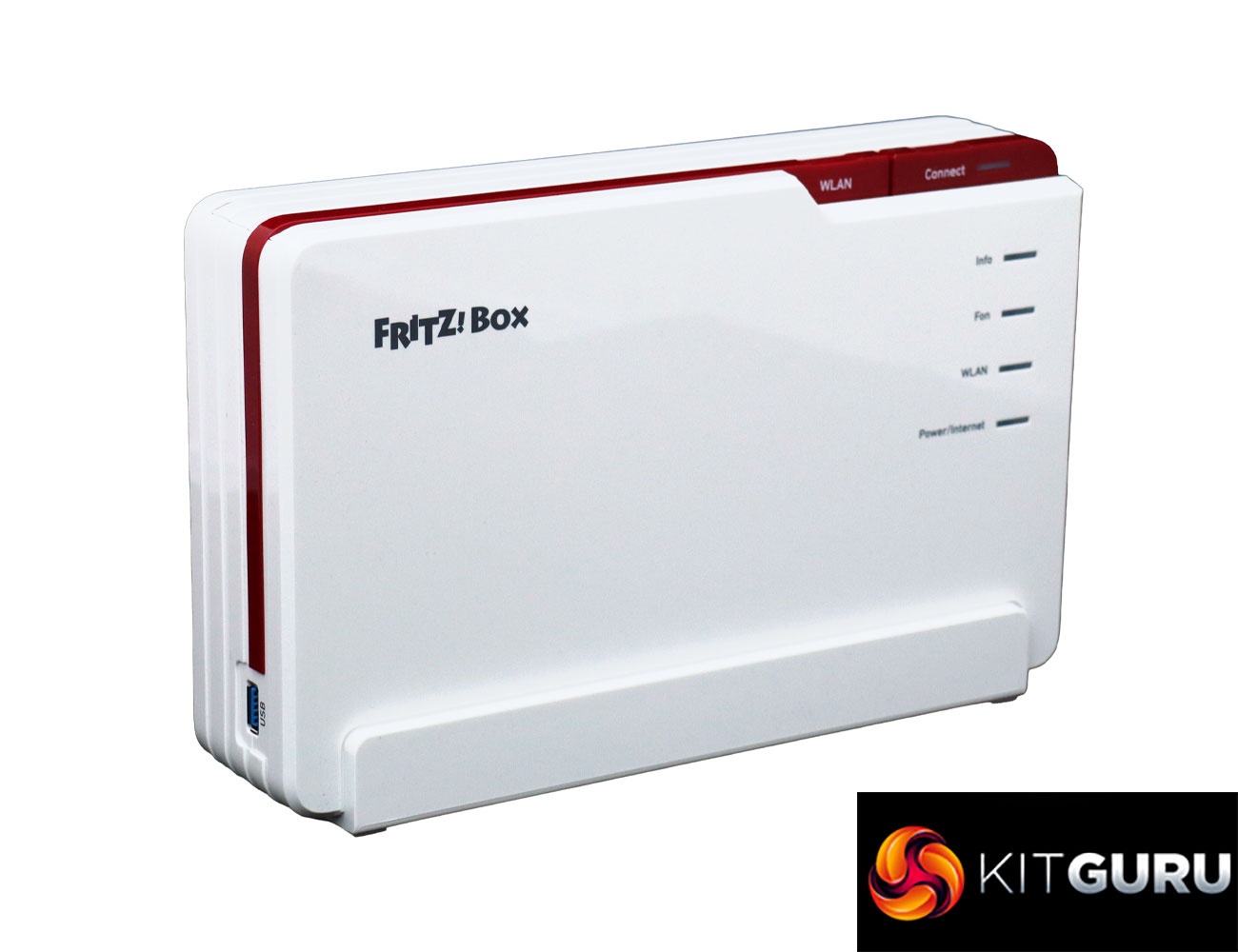
The AVM FRITZ!Box 5690 Pro has a more angular design aesthetic than the AVM FRITZ!Box 7690 we looked at in January. The Pro nomenclature would imply this is more directly aimed at small businesses than homes, and indeed it does still offer DECT cordless telephony for up to six handsets. But there are still smart home features, primarily via support for Zigbee, a wireless standard for controlling smart home devices such as lightbulbs, roller blinds, temperature and motion sensors, smart plugs, and switches.
The headline features are the upgraded networking capabilities of the 5690 Pro. You're spoiled for choice for broadband connectivity. Not only is there a port for DSL and another for 2.5Gbit WAN/LAN, but also a third one for an SFP (small form-factor pluggable) module. In the box, you get AON and GPON optical options, depending on the kind of fibre home connection you might have. The tri-band WiFi has an aggregate bandwidth of 18,490Mbits/sec, divided into 11,530Mbits/sec at 6GHz, 5,760Mbits/sec at 5GHz, and 1,200Mbits/sec at 2.4GHz. The 7690 did not offer the 6GHz waveband. As well as WiFi 7, the 5690 also supports WiFi 6E, which more devices support already than 7. There are optional extras to create a mesh network, too.
There are wired RJ11 and German TAE analog phone ports on the back plus a four-port Gigabit Ethernet switch (albeit no faster LAN connections unless you don't use the WAN port for broadband). You also get a single USB 3.1 connection for media server storage or NAS options. All this comes in at well under £400, which is pricey for a router but not one with this range of features available. Read on to see how the promising specifications shape up in reality.
The AVM is available from Amazon UK for £356.32 inc VAT.
Specification:
- Wireless protocols: MU-MIMO with 802.11b/g/n/be 2.4GHz, 802.11a/n/ac/ax/be 5GHz and 6GHz
- Performance: BE18490 (11,530 + 5,760 + 1,200 Mbits/sec)
- Antenna Configuration: 4×4 internal antennas
- Ports: 4 x Gigabit Ethernet, 1 x 2.5Gigabit Ethernet WAN/LAN, 1 x ADSL, 1 x SFP AON or GPON fibre optic, 1 x USB 3.1, 1 x RJ11 phone, 1 x TAE phone
- Modem Support: Fibre, VDSL/ADSL 2+ or cable
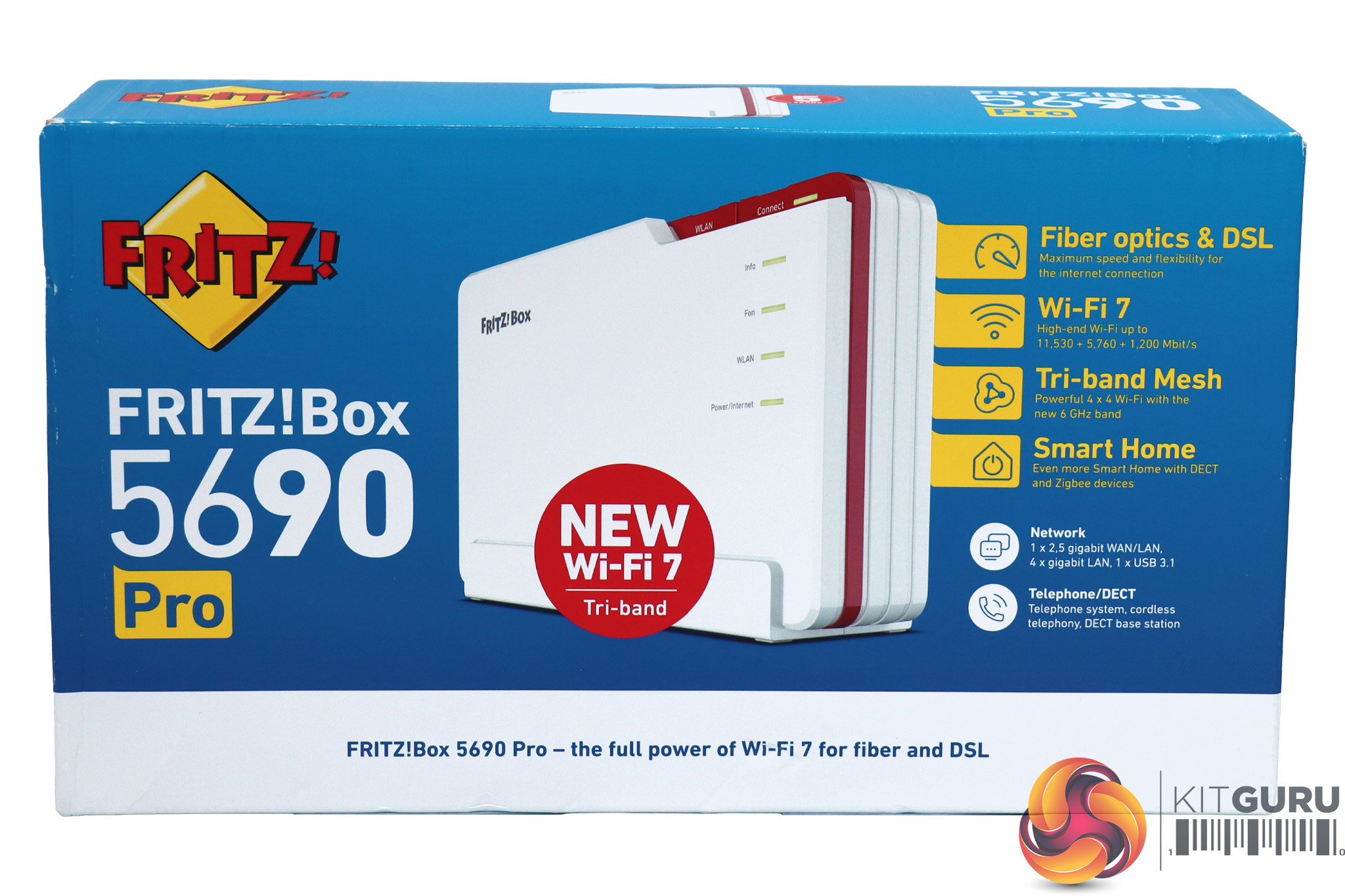
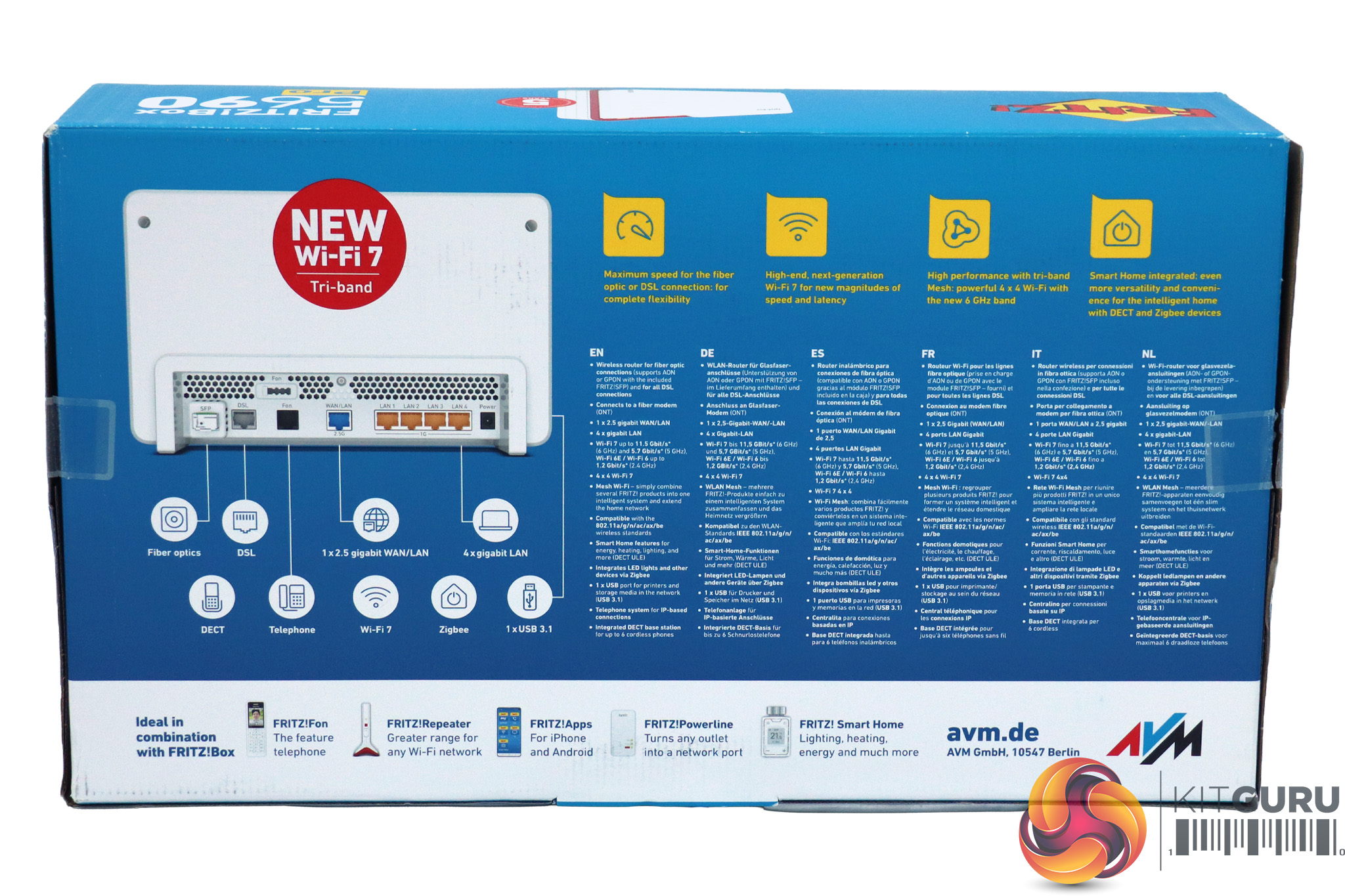
AVM's boxes are always colourful, possibly even quite cheerful. There's also lots of useful information about the capabilities of the router inside.
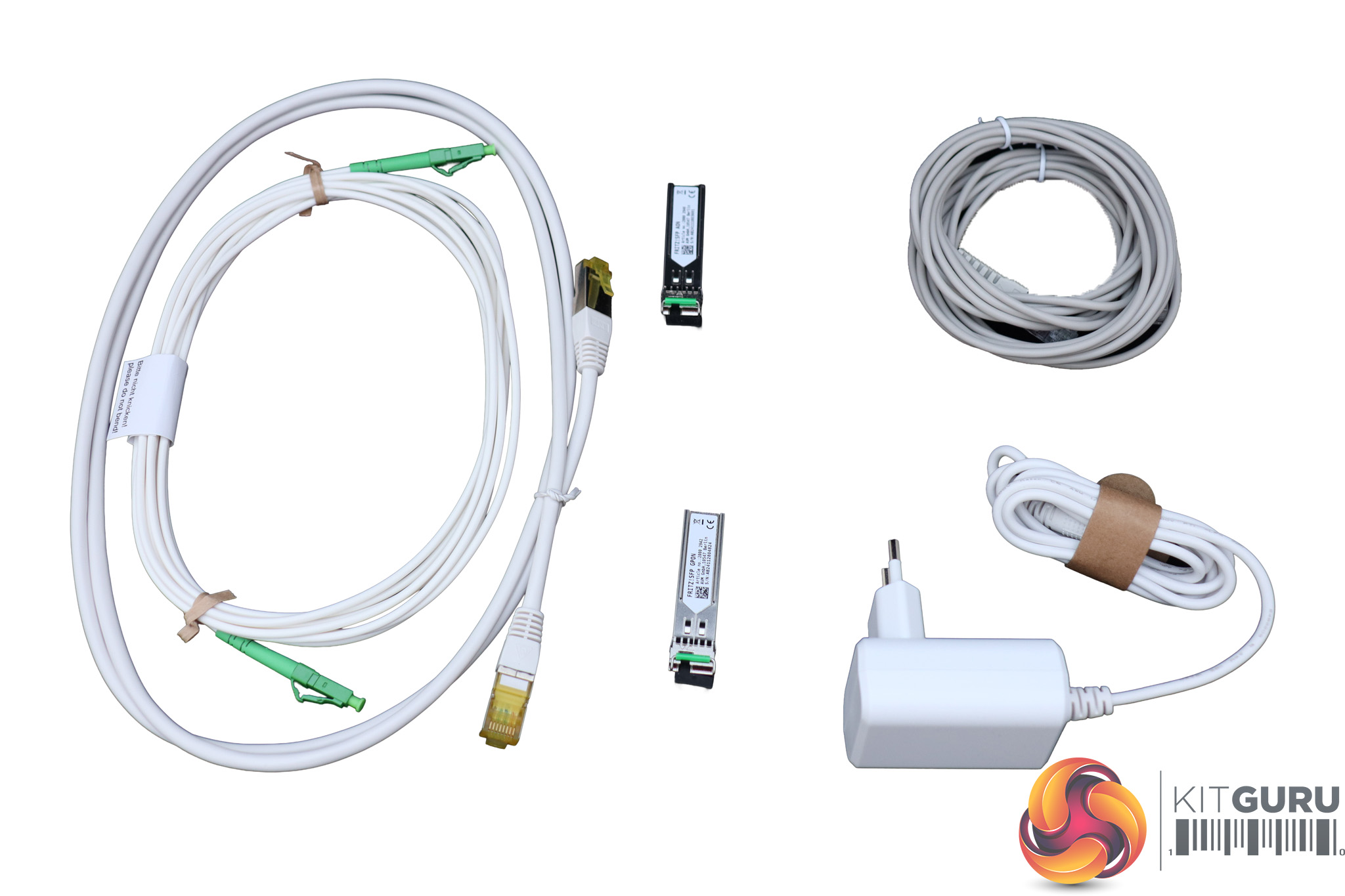
You get quite a lot in the box with the AVM FRITZ!Box 5690 Pro. Aside from the requisite power supply (ours was European, because our unit was sent from Germany), there is a full suite of cables included. You get SFPs for AON and GPON fibre optics, plus a 4m optical cable. Then there's a 4m DSL cable and a 1.5m LAN cable. In other words, you've got everything you need out of the box.
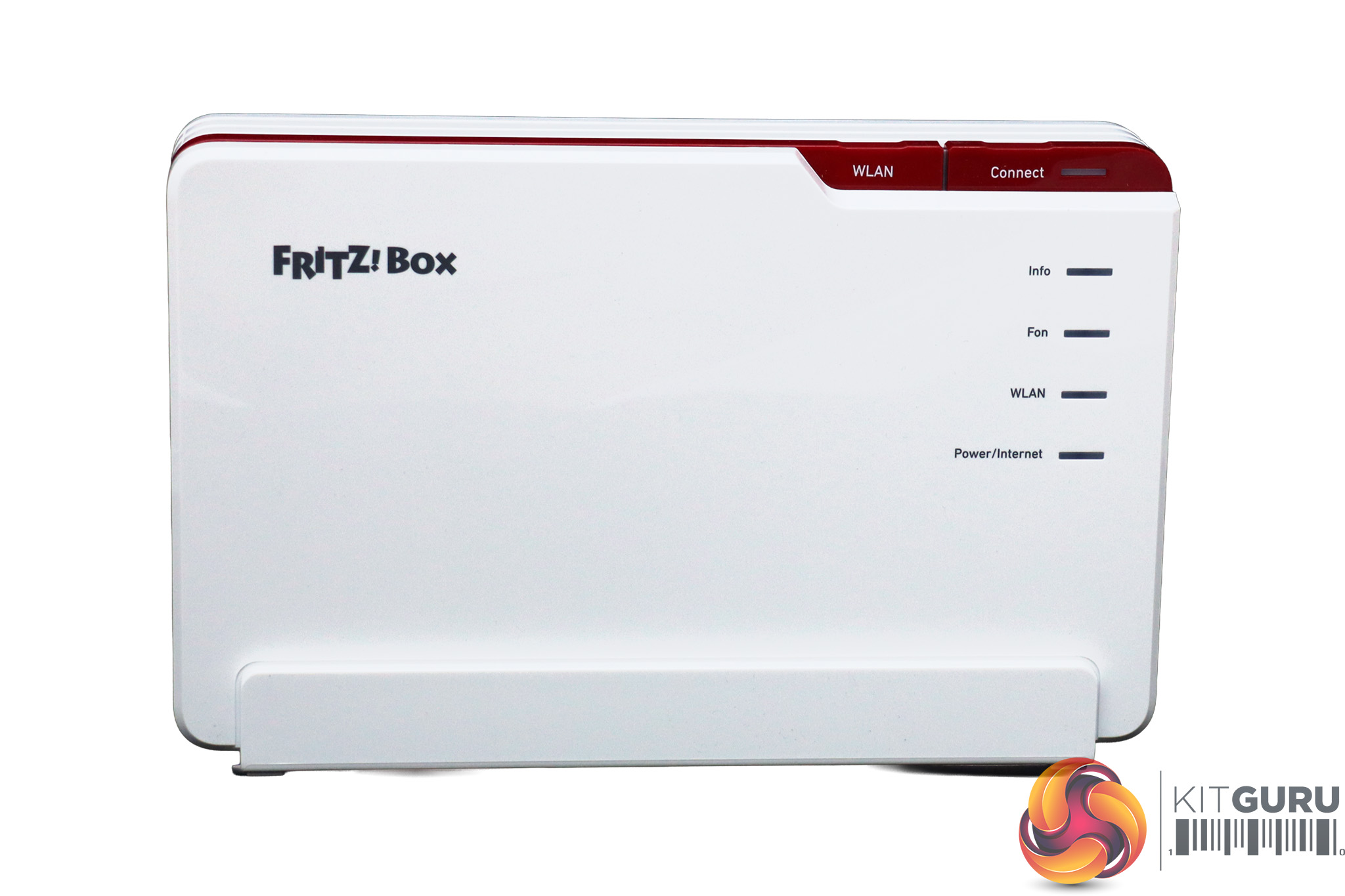
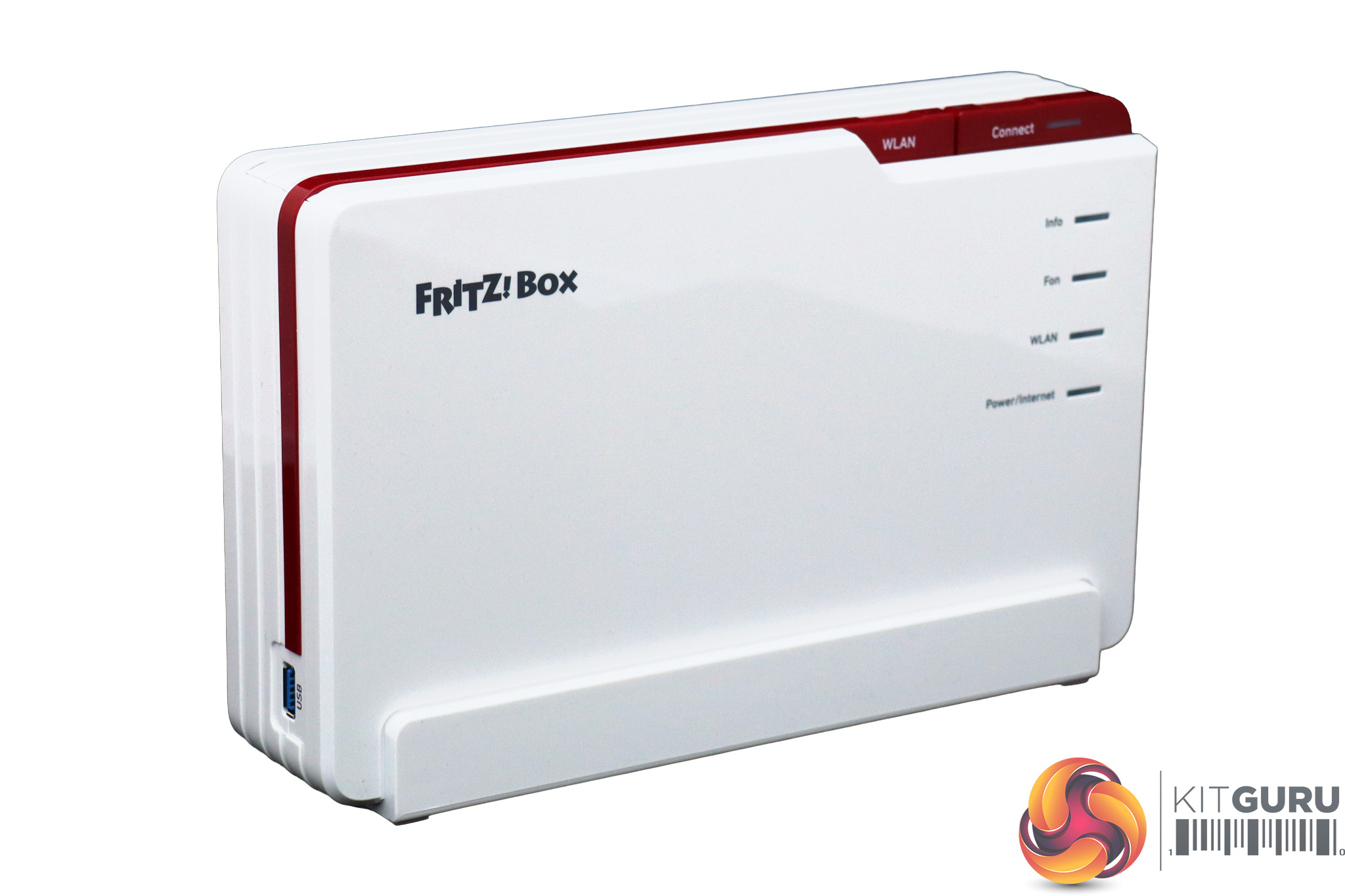
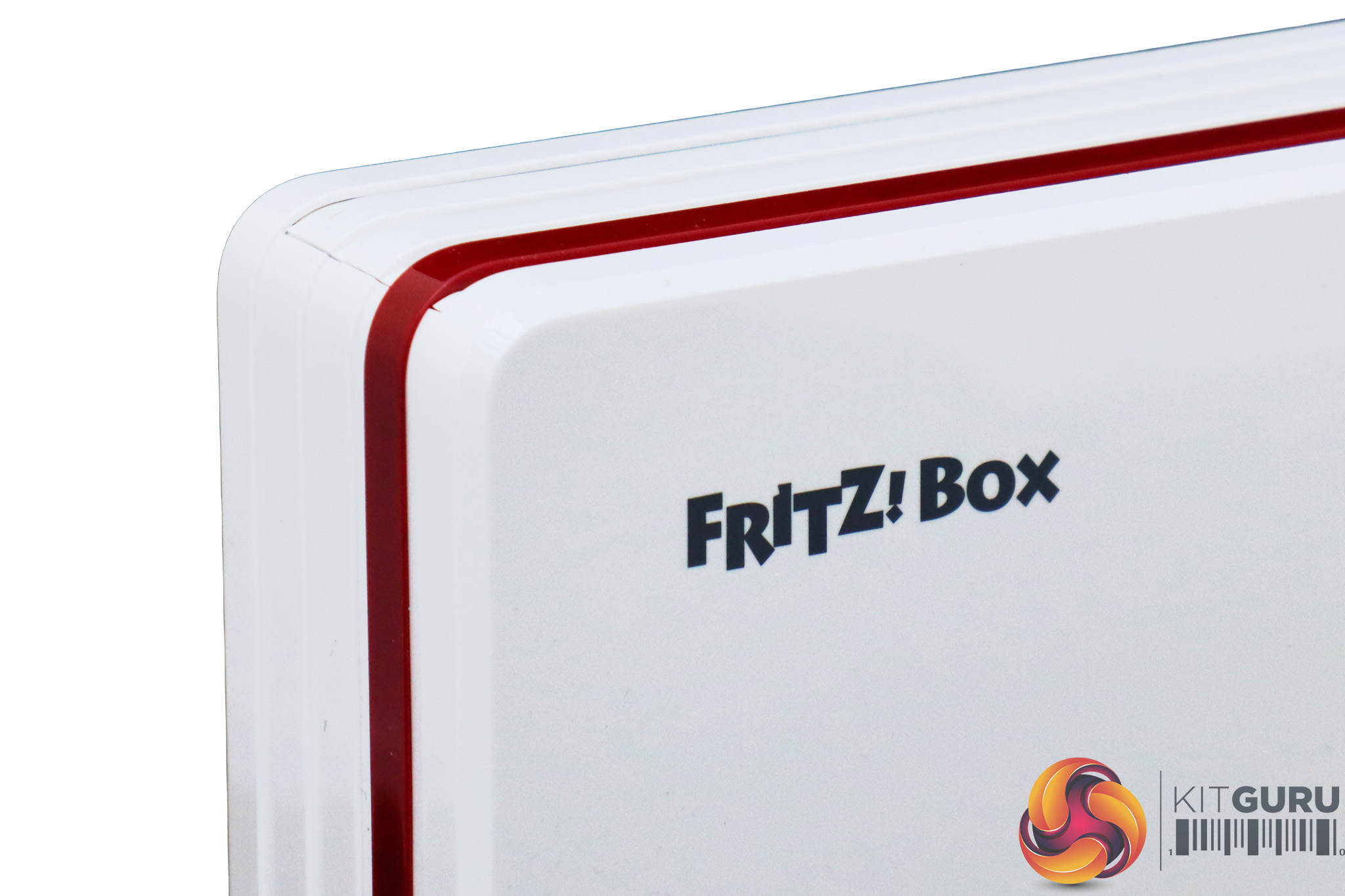
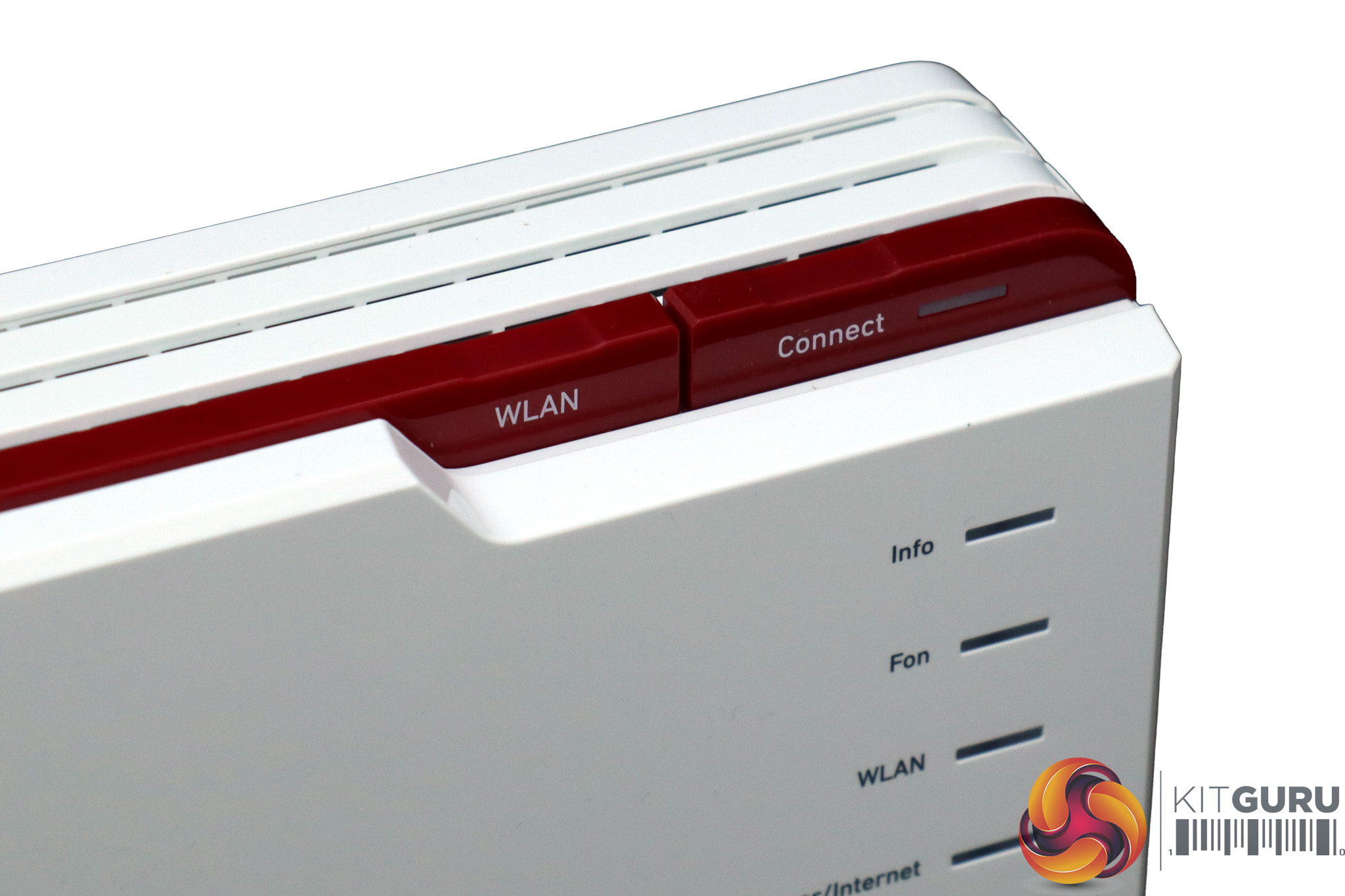
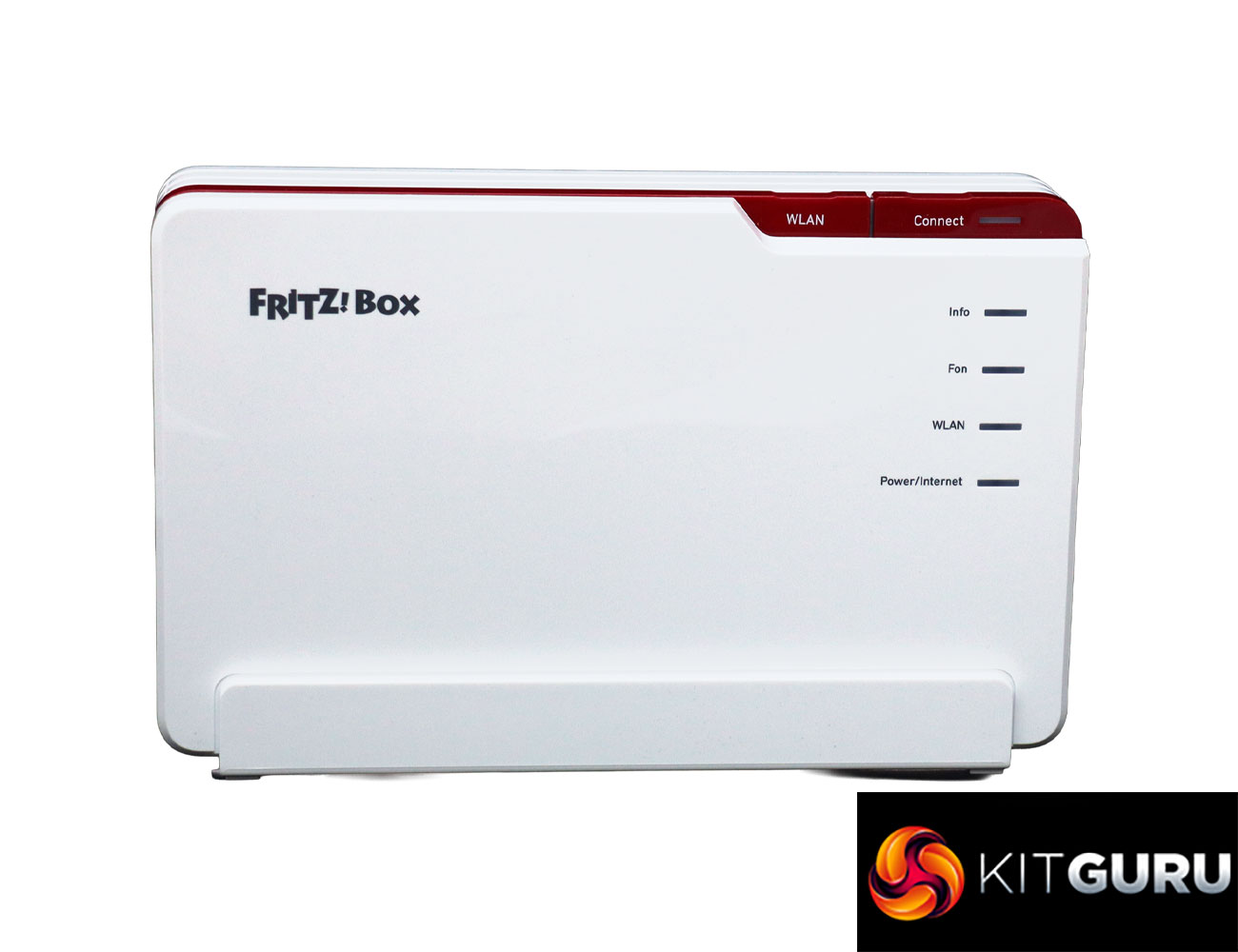
Whereas the 7690 has a wave-like roundedness, the 5690 Pro is more brick-like, although it still has the characteristic AVM FRITZ!Box flashes of red around the edges. There are status lights on one corner and at the top buttons for WPS device connection and turning the WLAN off and on.
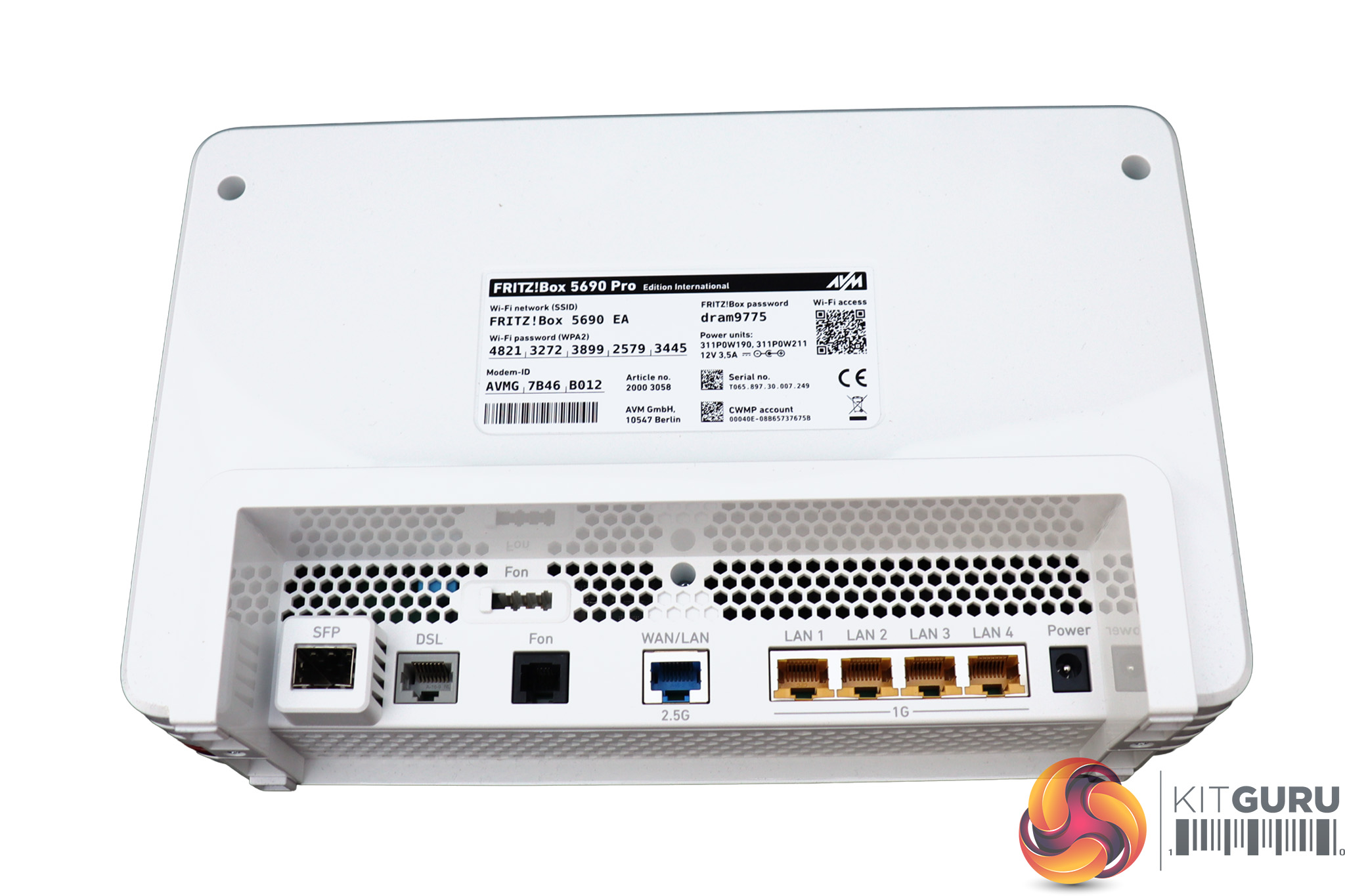
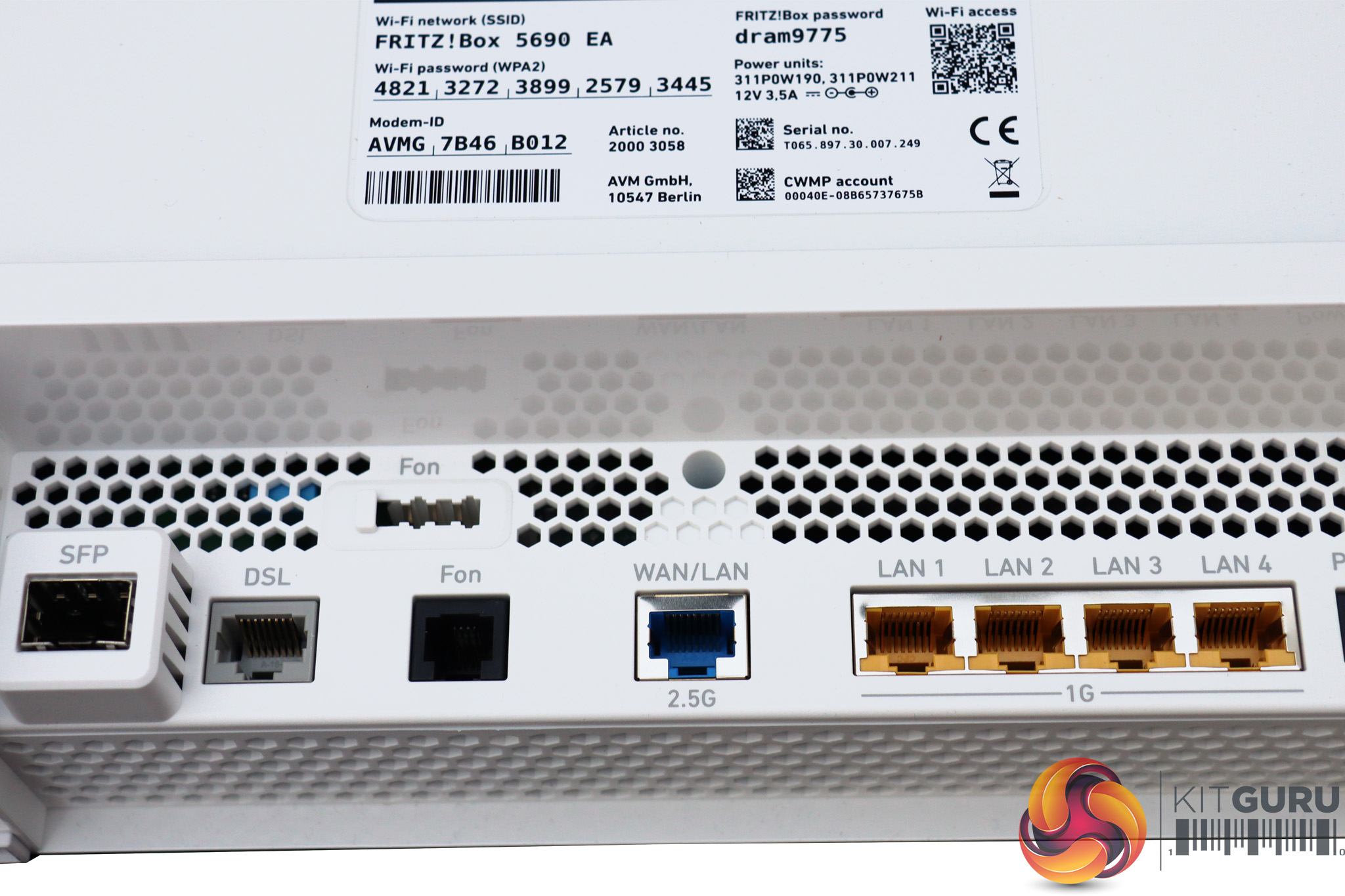
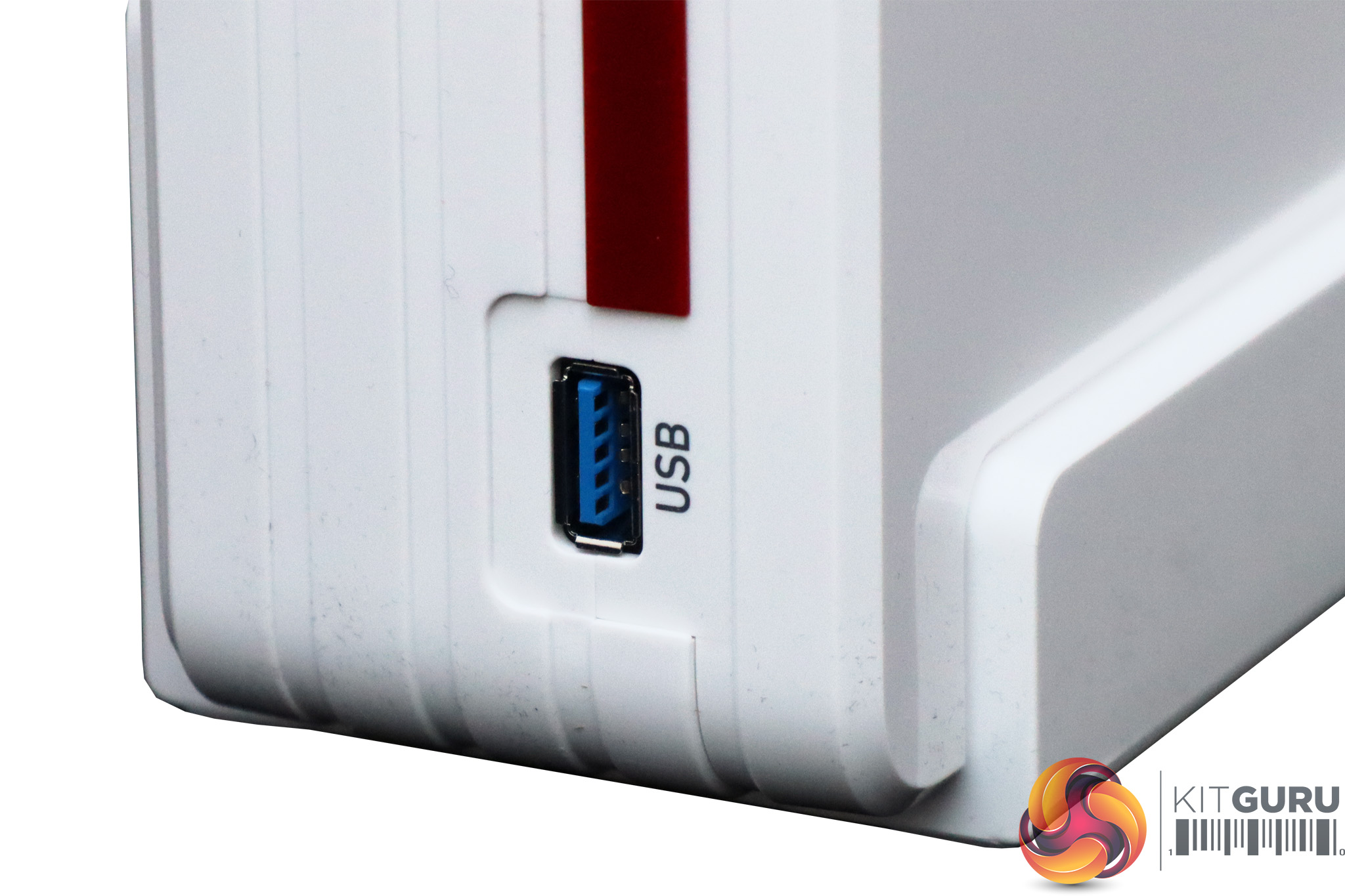
Apart from the single USB 3.1 port on the side, all the ports are deeply recessed at the bottom. Starting from the left, there's the SFP port for using one of the two fibre optic adapters. Next along is a connector for copper wire DSL, and then an RJ11 analog telephony port. Above that is the German TAE telephony port, which probably won't be much use in the UK.
Then there's a 2.5Gbit Ethernet port that could be used for a cable modem. If you don't need it for a WAN, it can be used as a high-bandwidth LAN connection. Otherwise, there's a four-port Gigabit Ethernet switch next door, so you get plenty of options for connecting wired networking devices.
Acer Swift 14 AI WiFi 7 Laptop
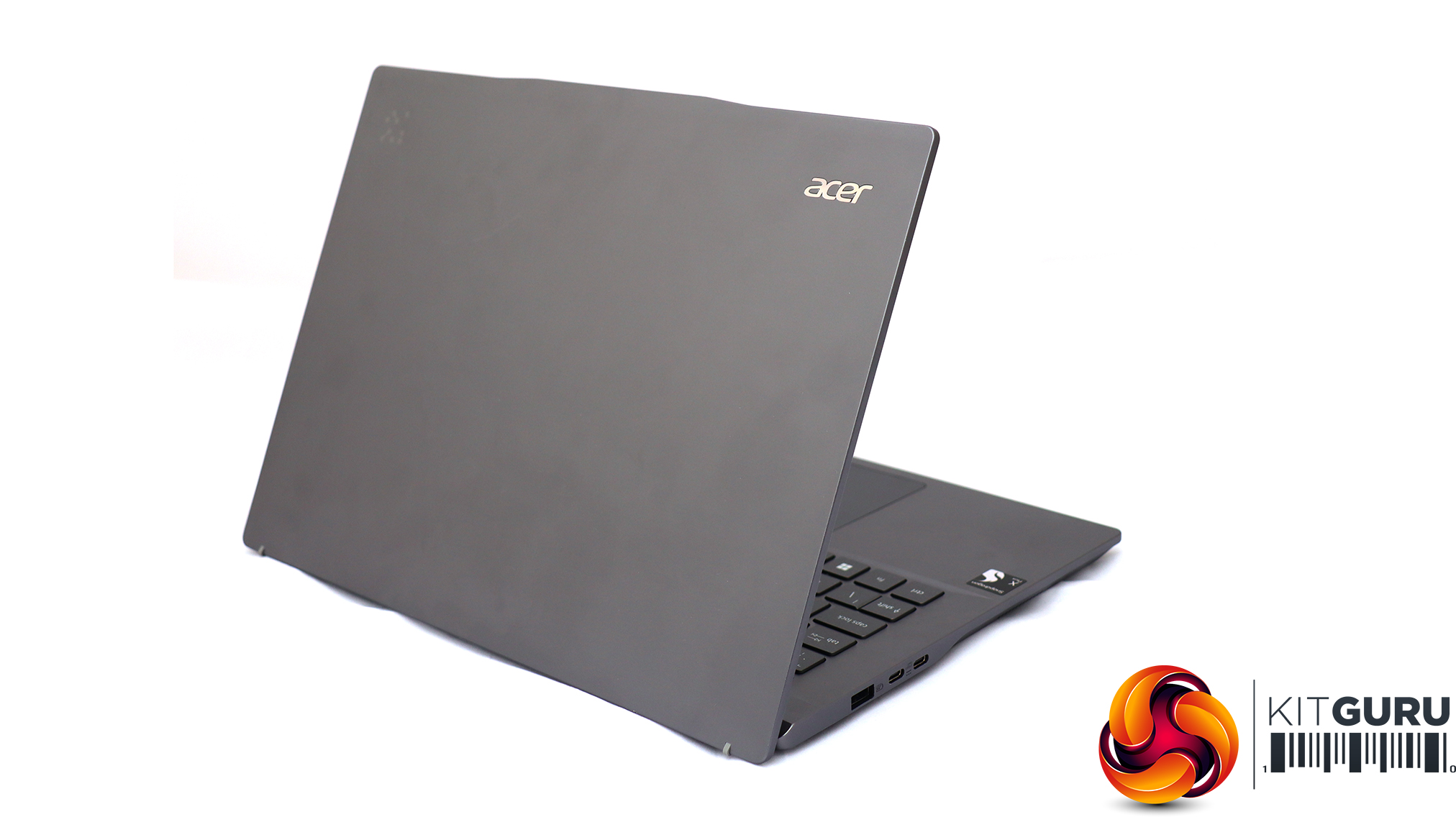
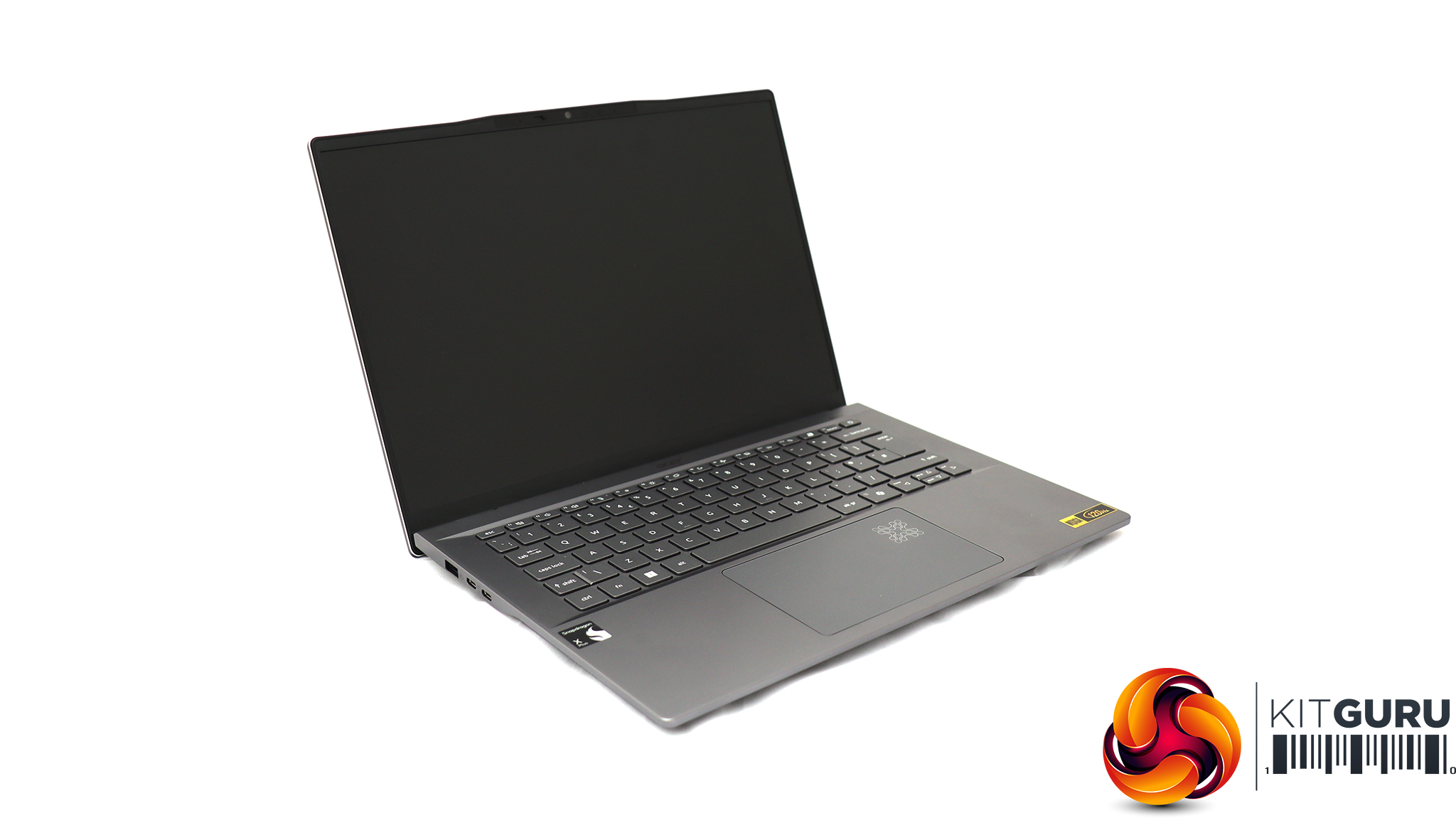
For testing the latest WiFi 7 wireless networking, Acer sent us its Swift 14 AI notebook, based around a Qualcomm Snapdragon X Plus Oryon X1P-64-100 CPU. This is a ten-core processor running at up to 3.4GHz across all cores, although without a single-core boost frequency (you need the X1P-66-100 for that). Our sample was supplied with 16GB of LPDDR5x memory and a 1TB SSD. Although this is an ARM-based laptop, it can still run Windows 11 and our standard WiFi testing software, iPerf3. It's a solid choice for road warriors who need to spend days away from a reliable power source, thanks to a 26-hour battery life.
AVM opts for the more traditional Web interface rather than a smartphone app for configuration.
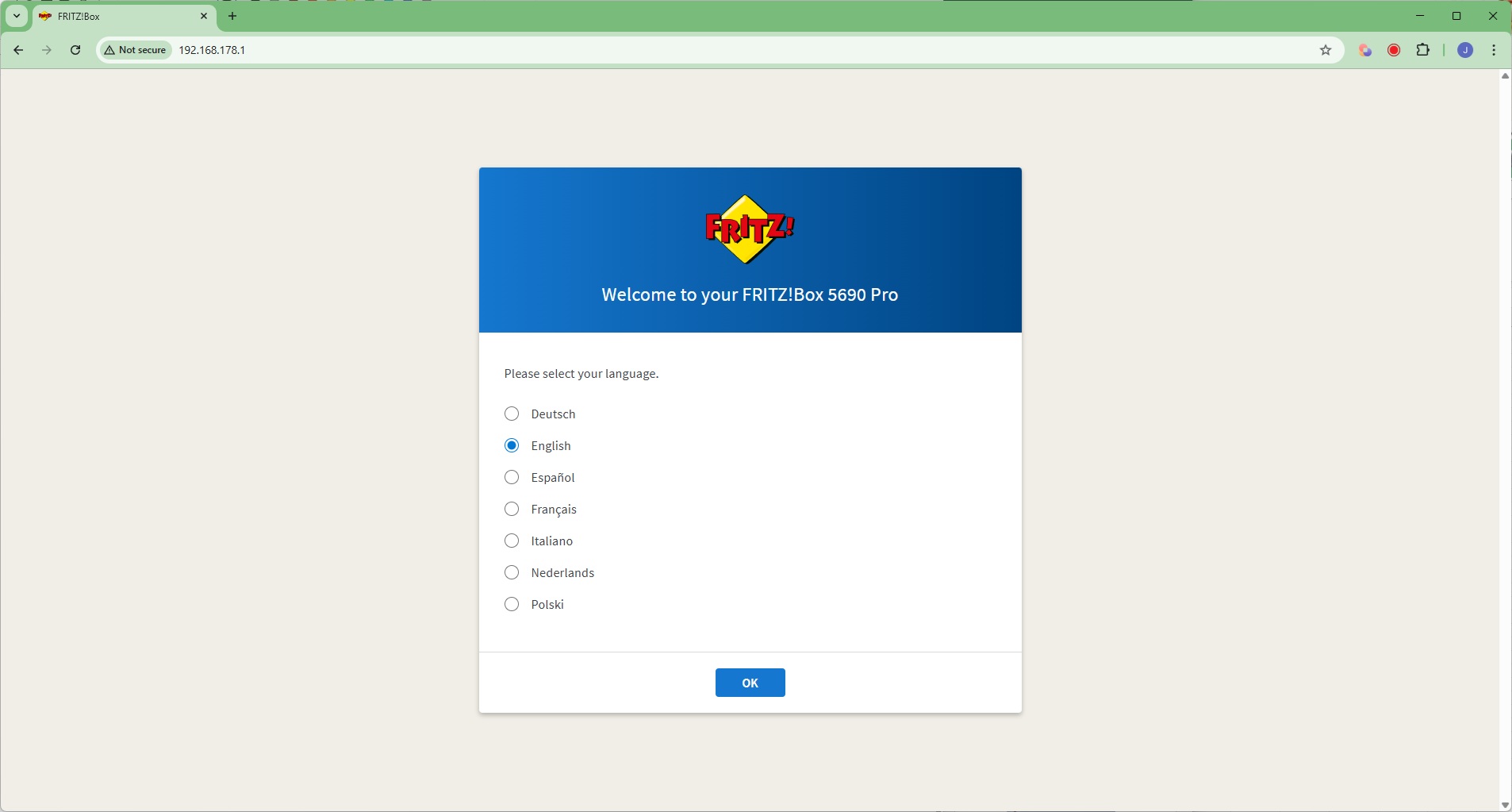
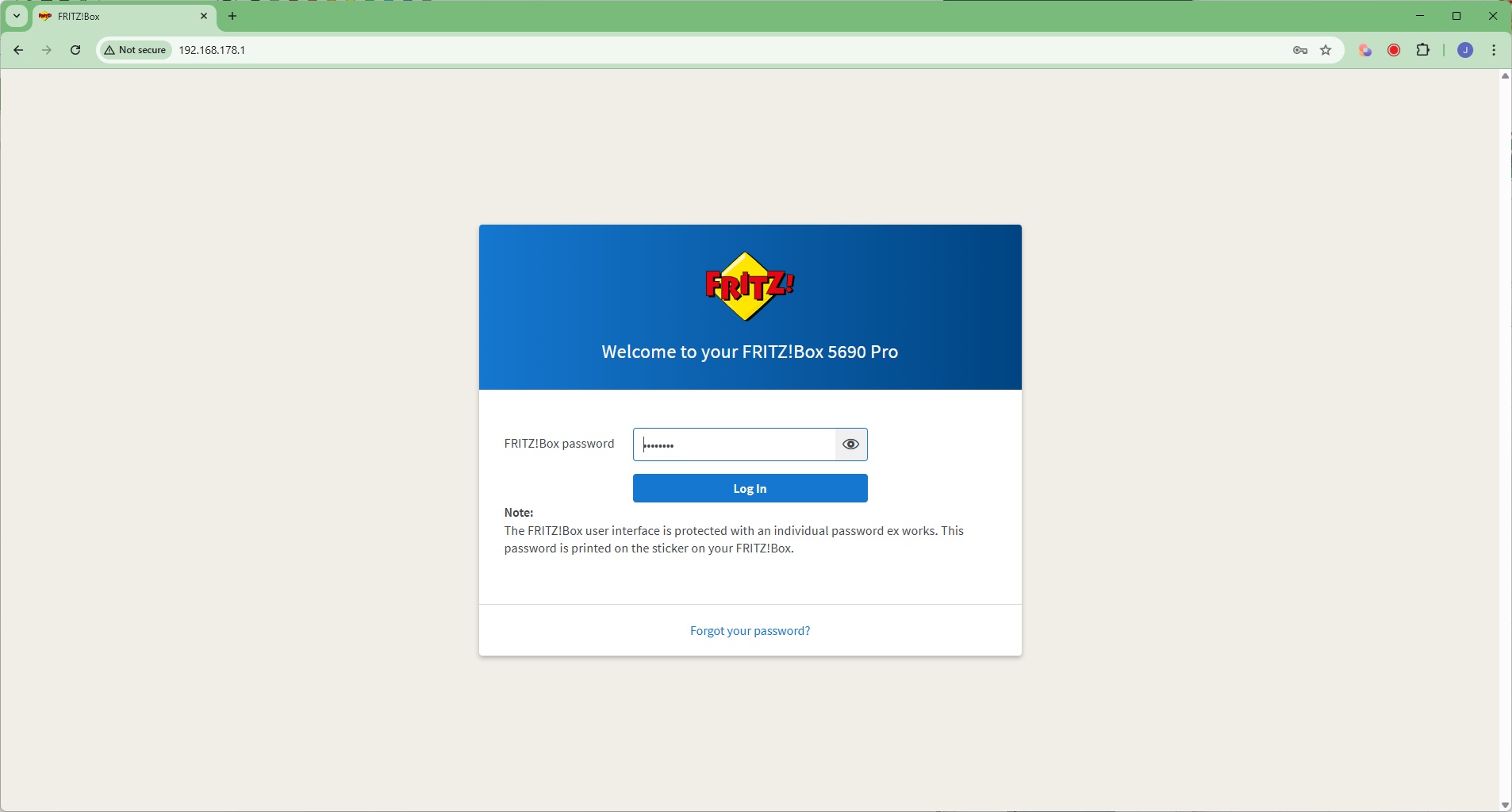
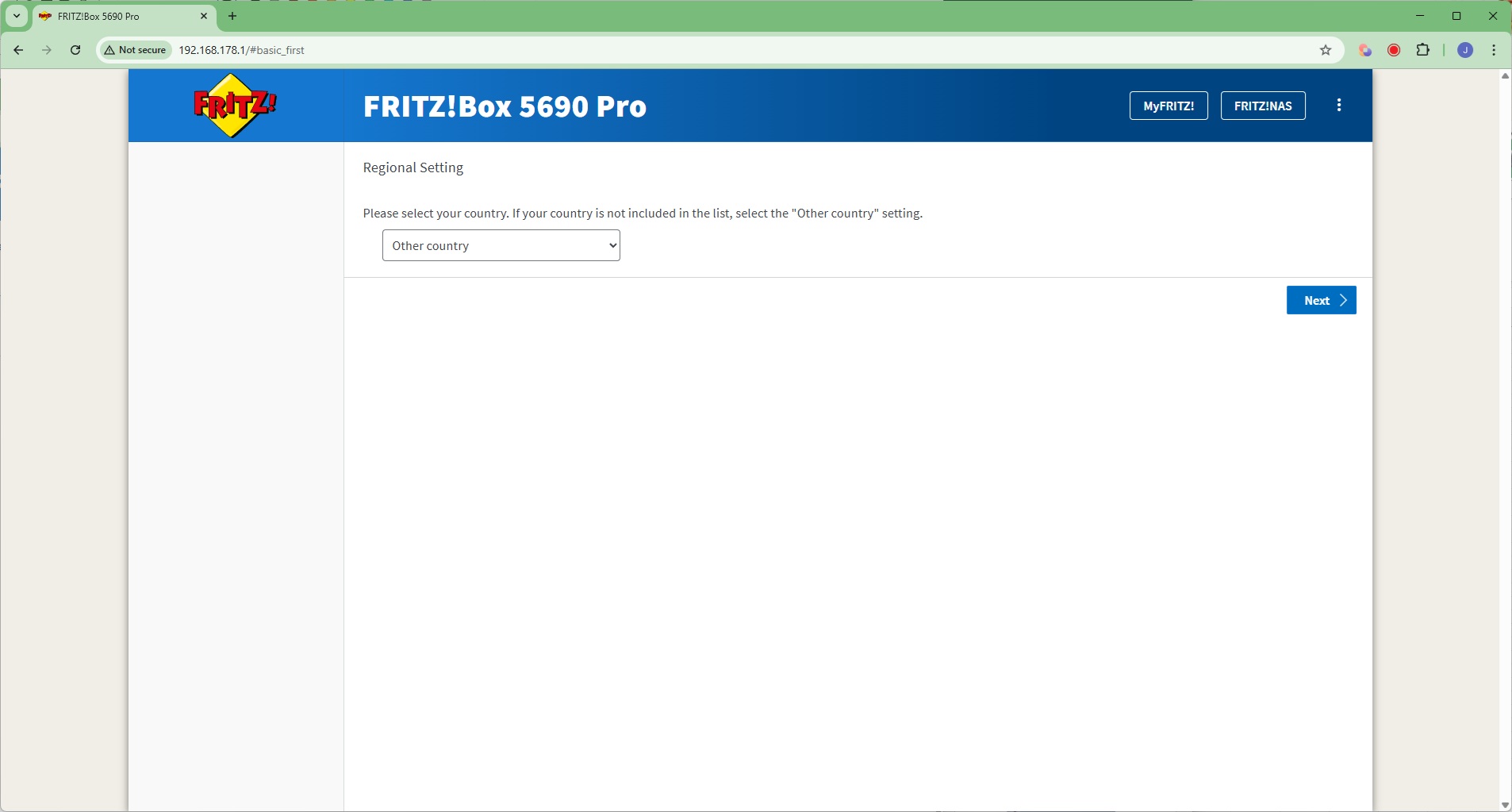
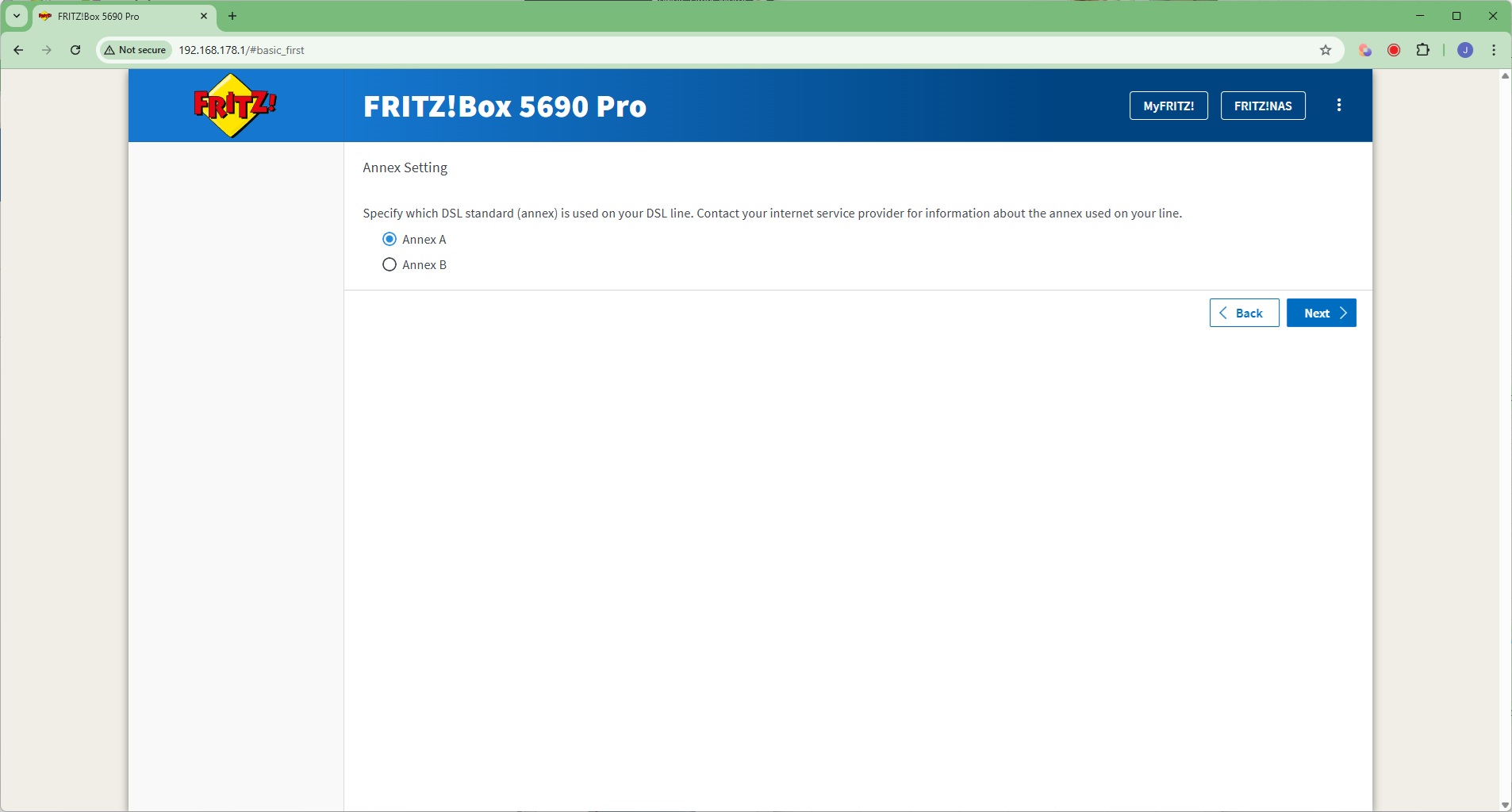
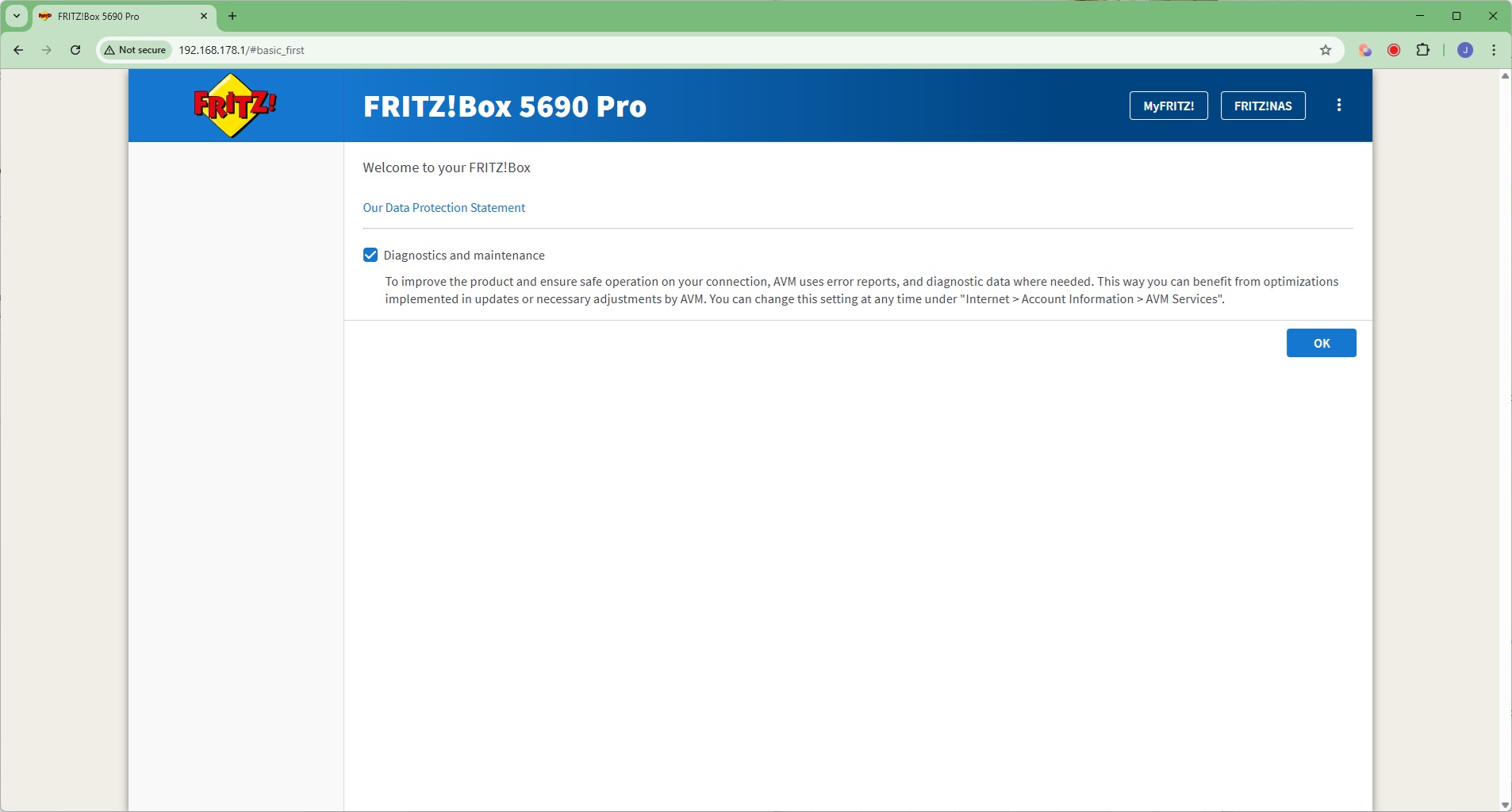
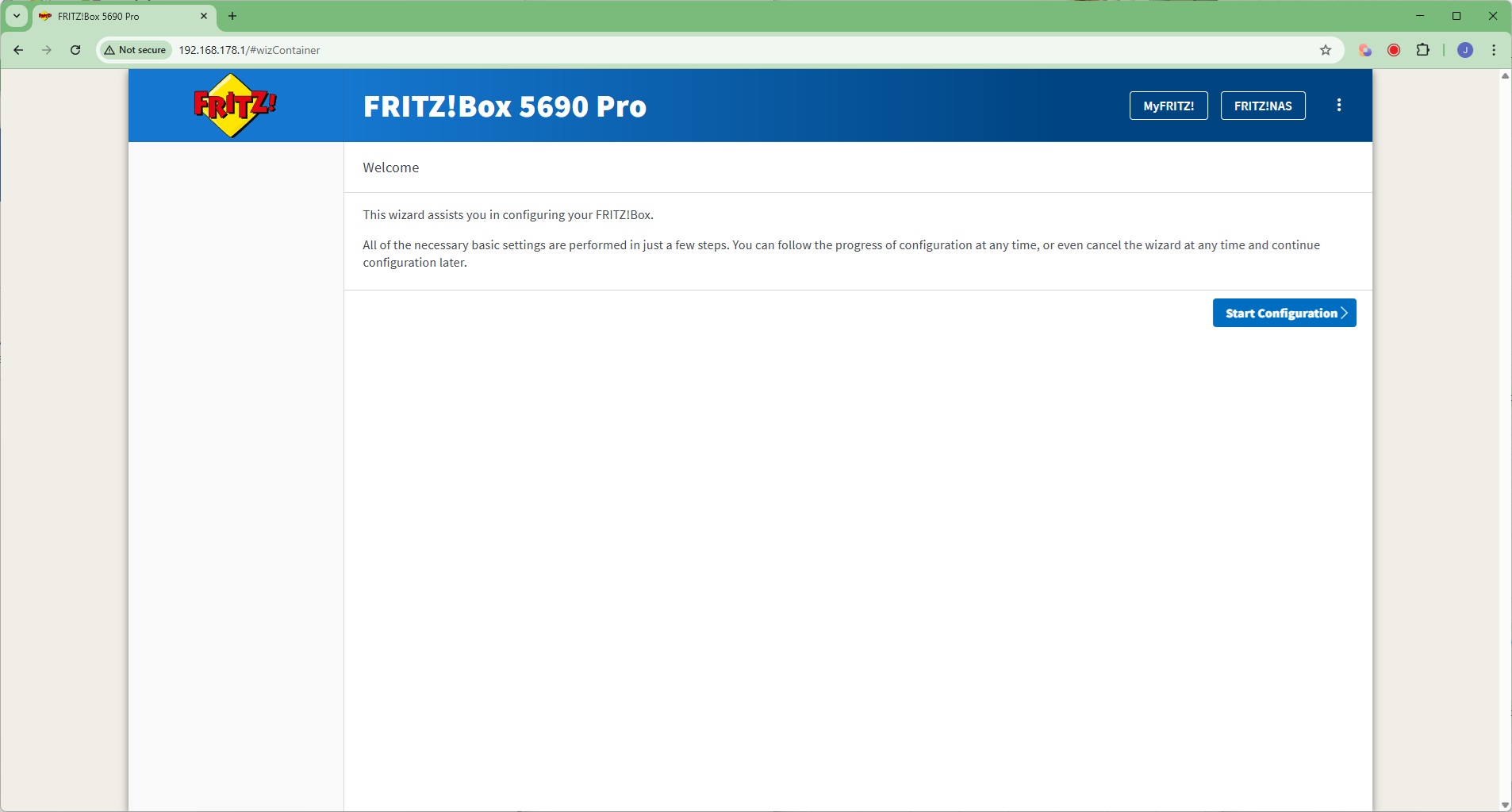
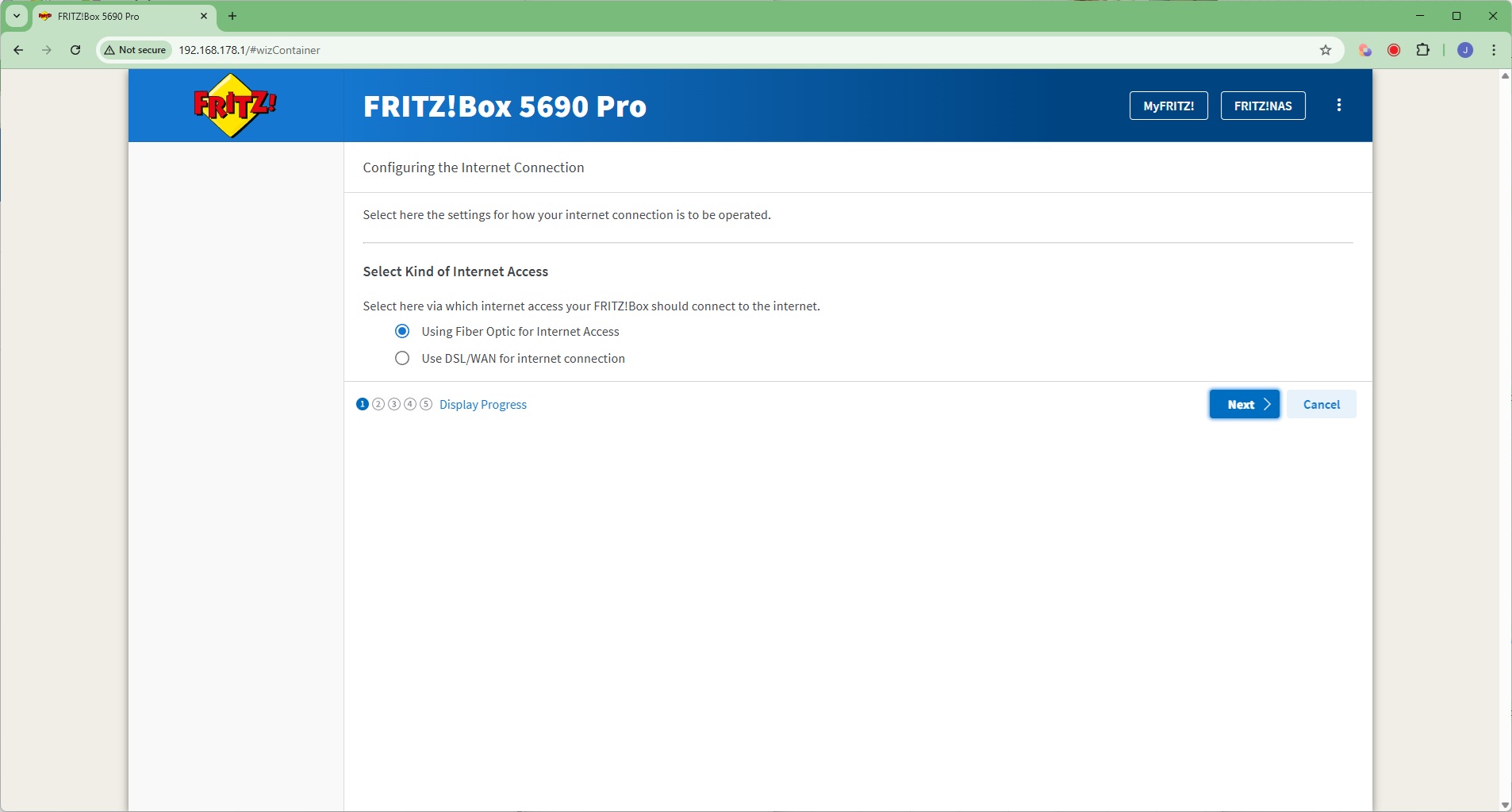
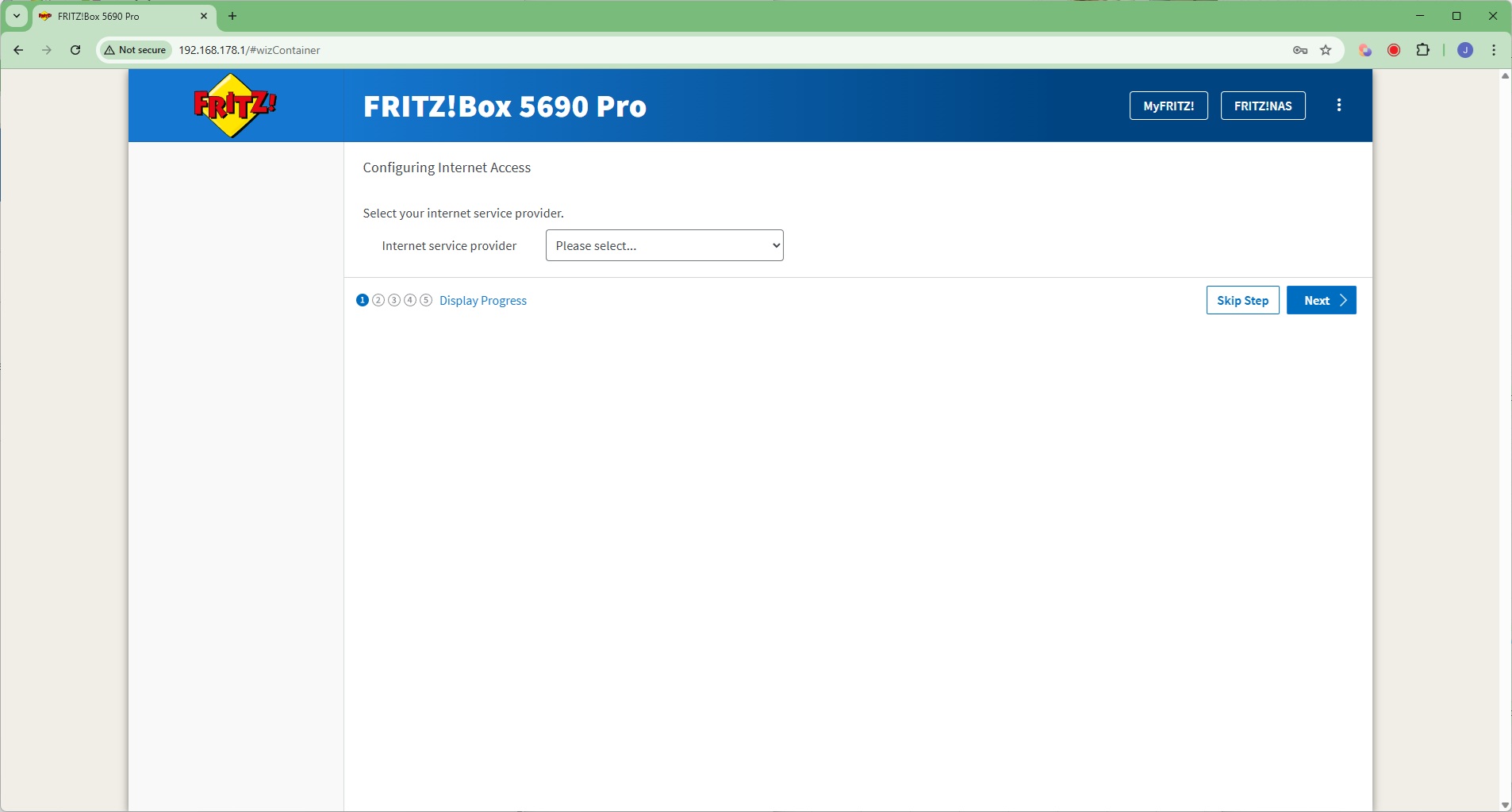
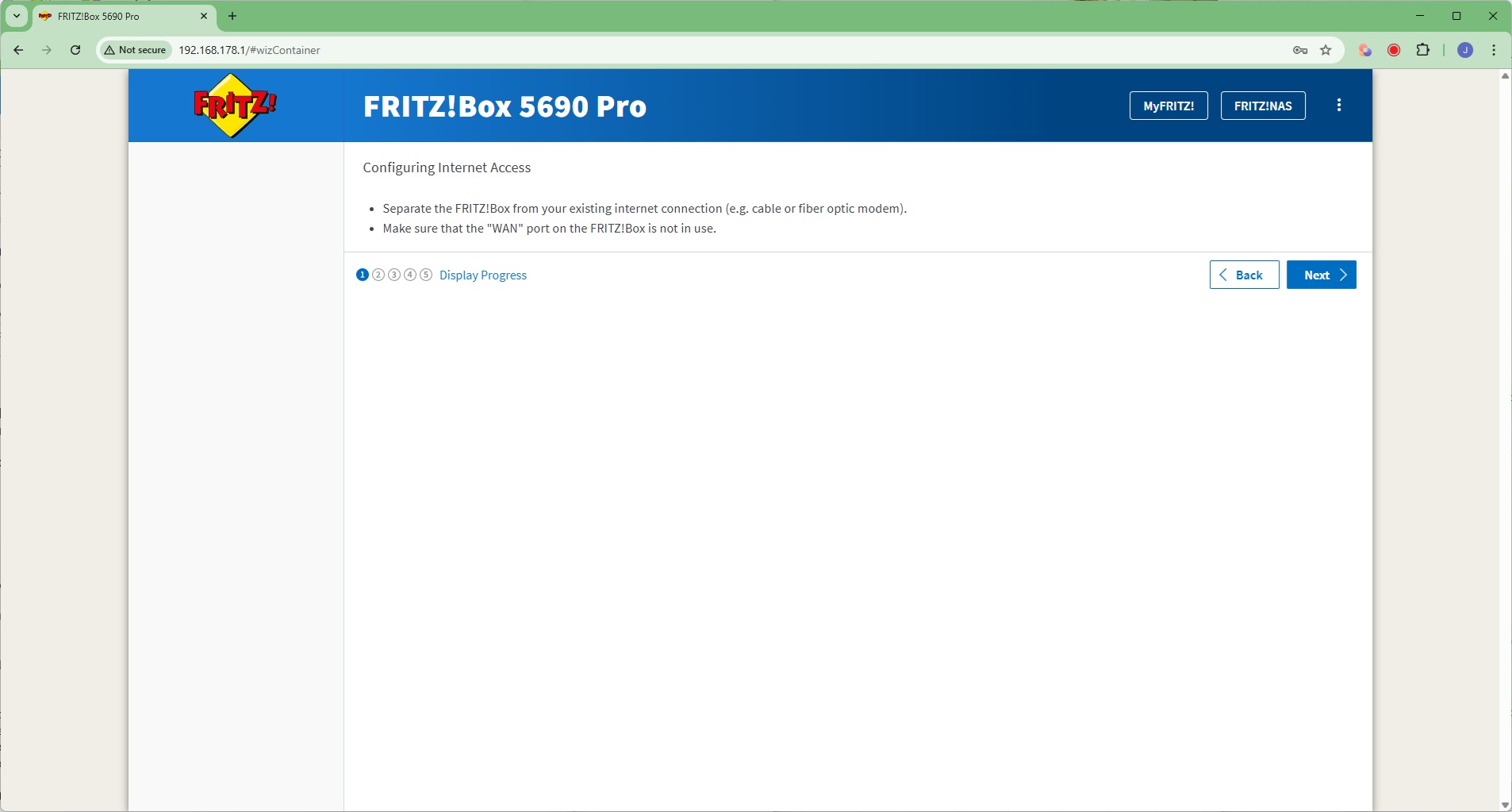
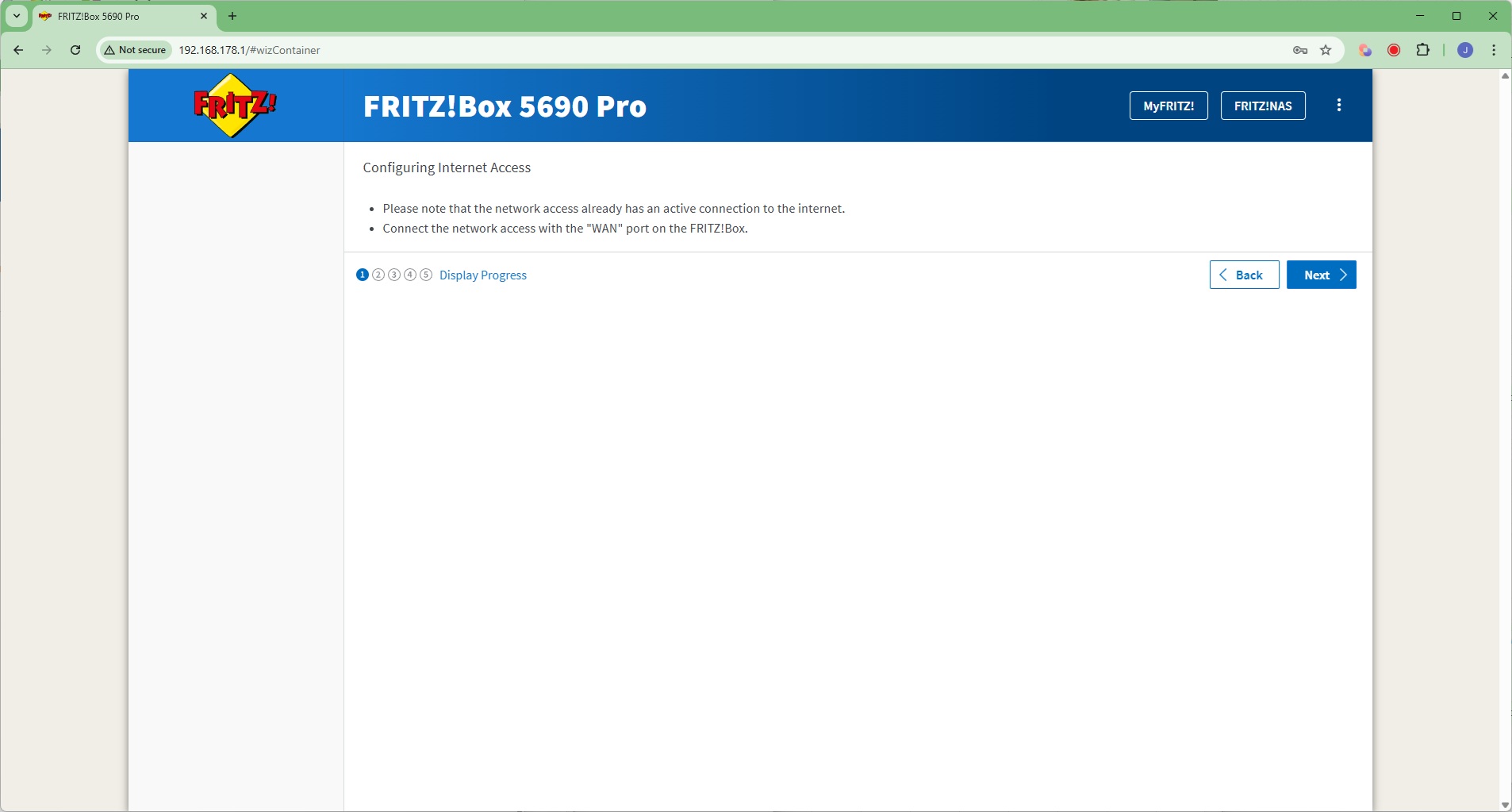
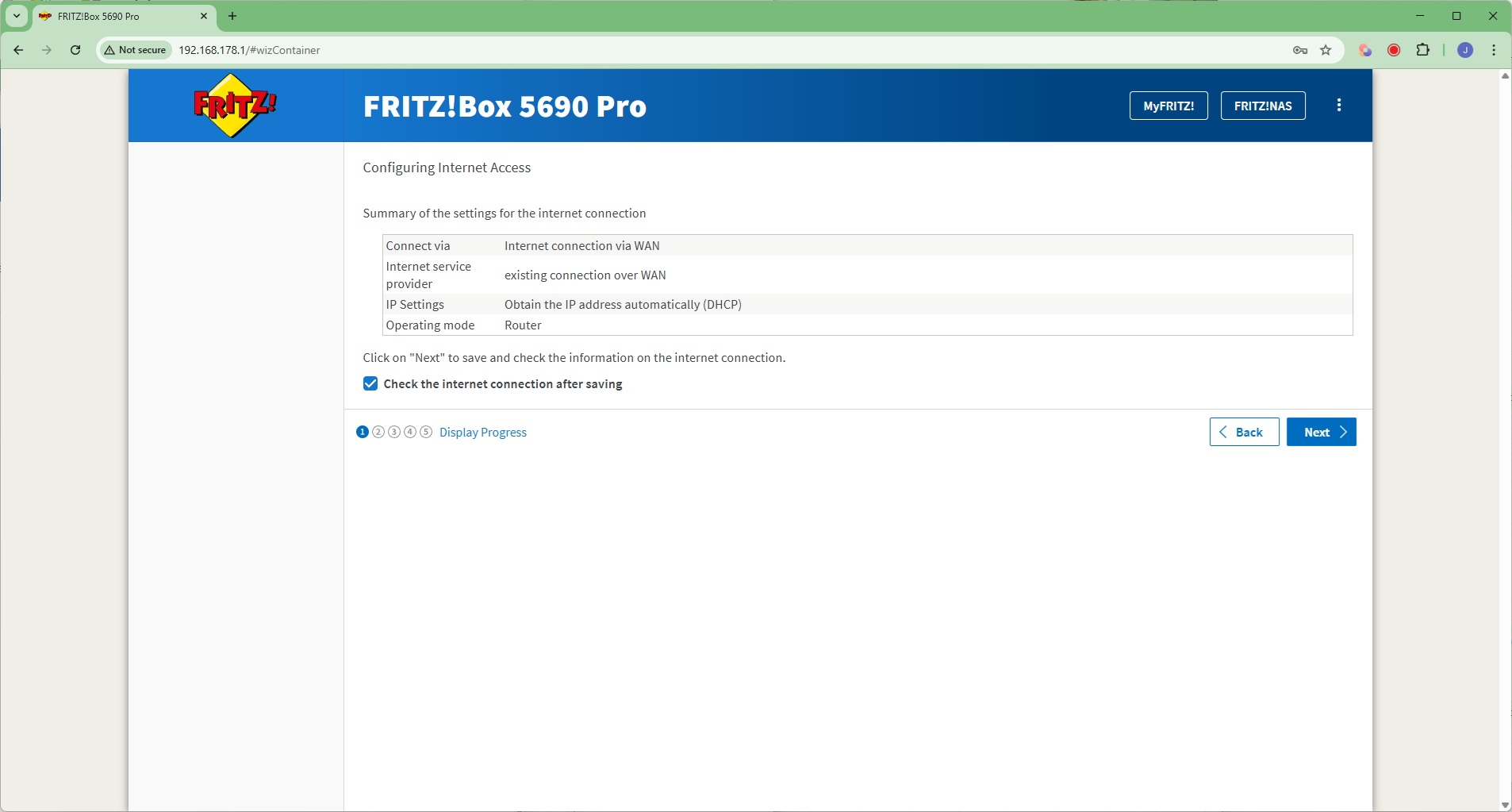
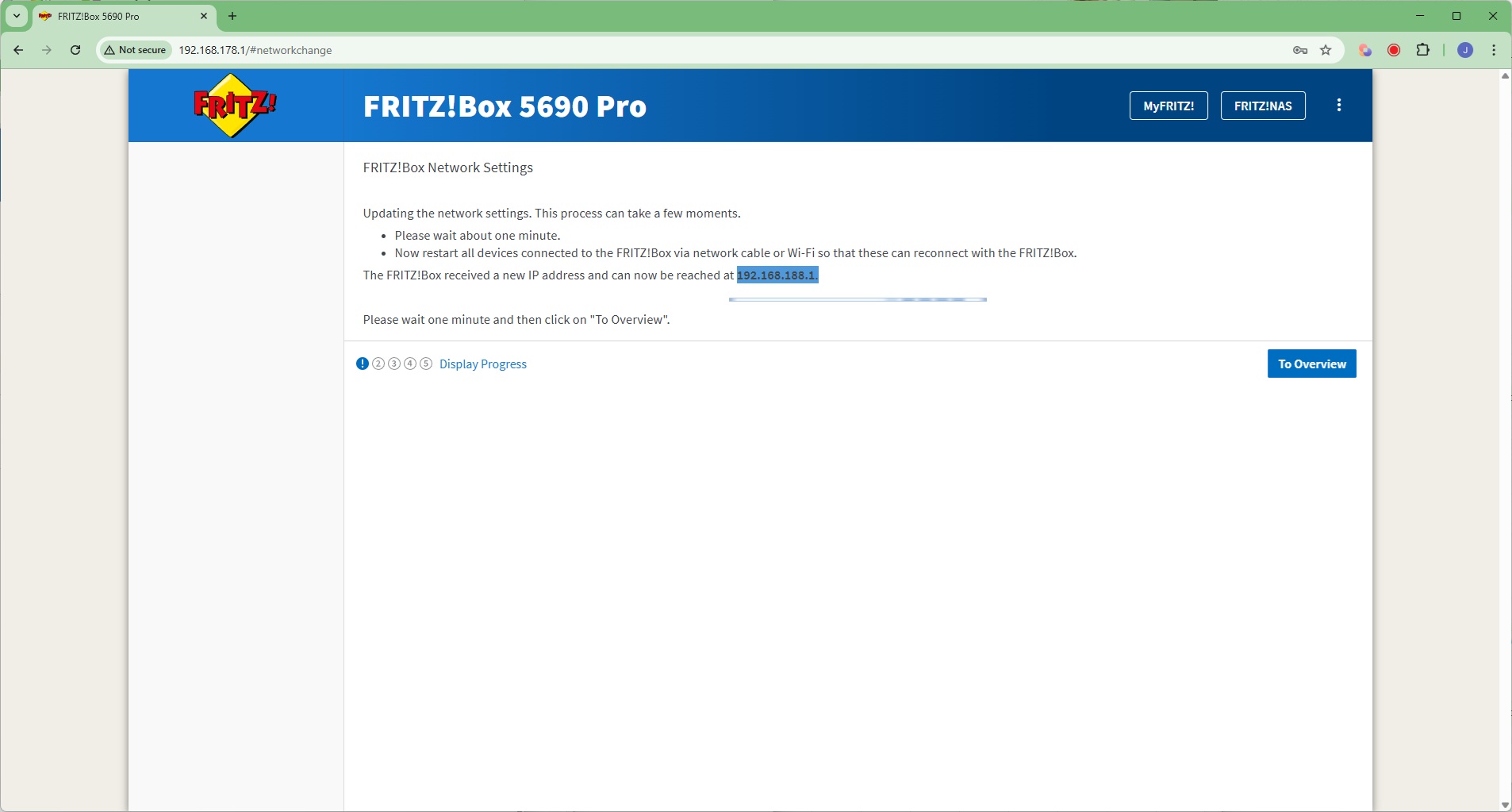
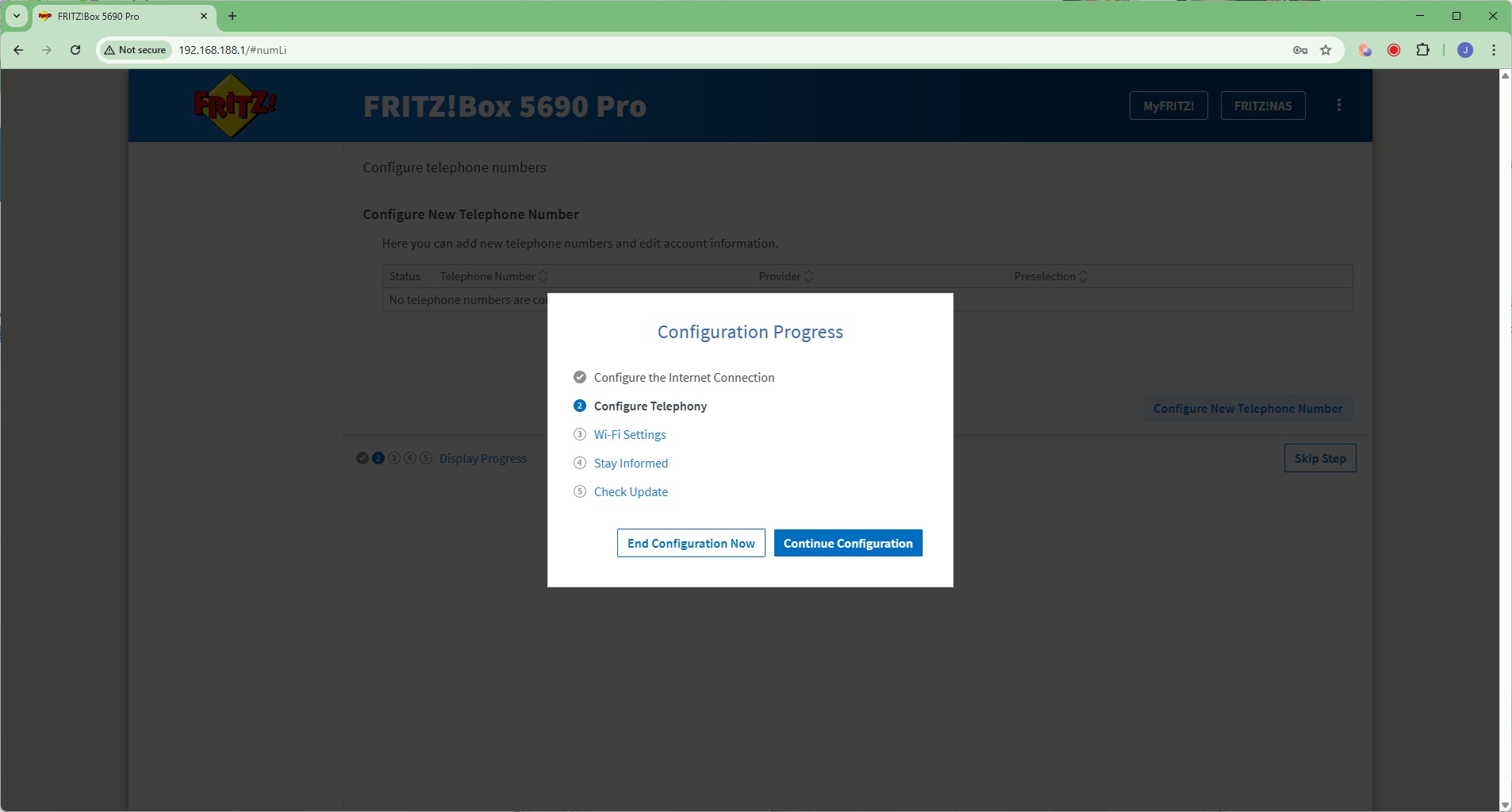
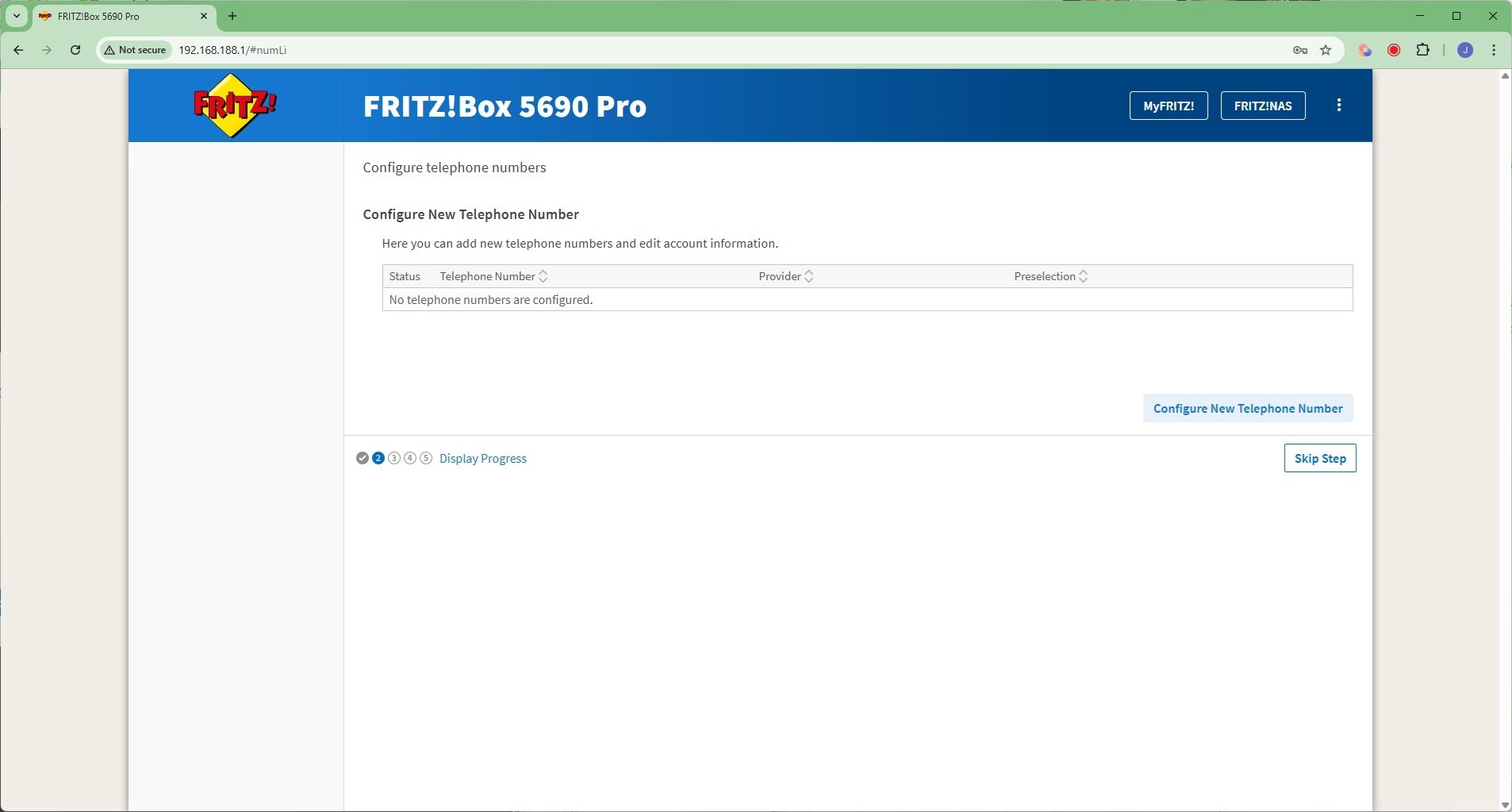
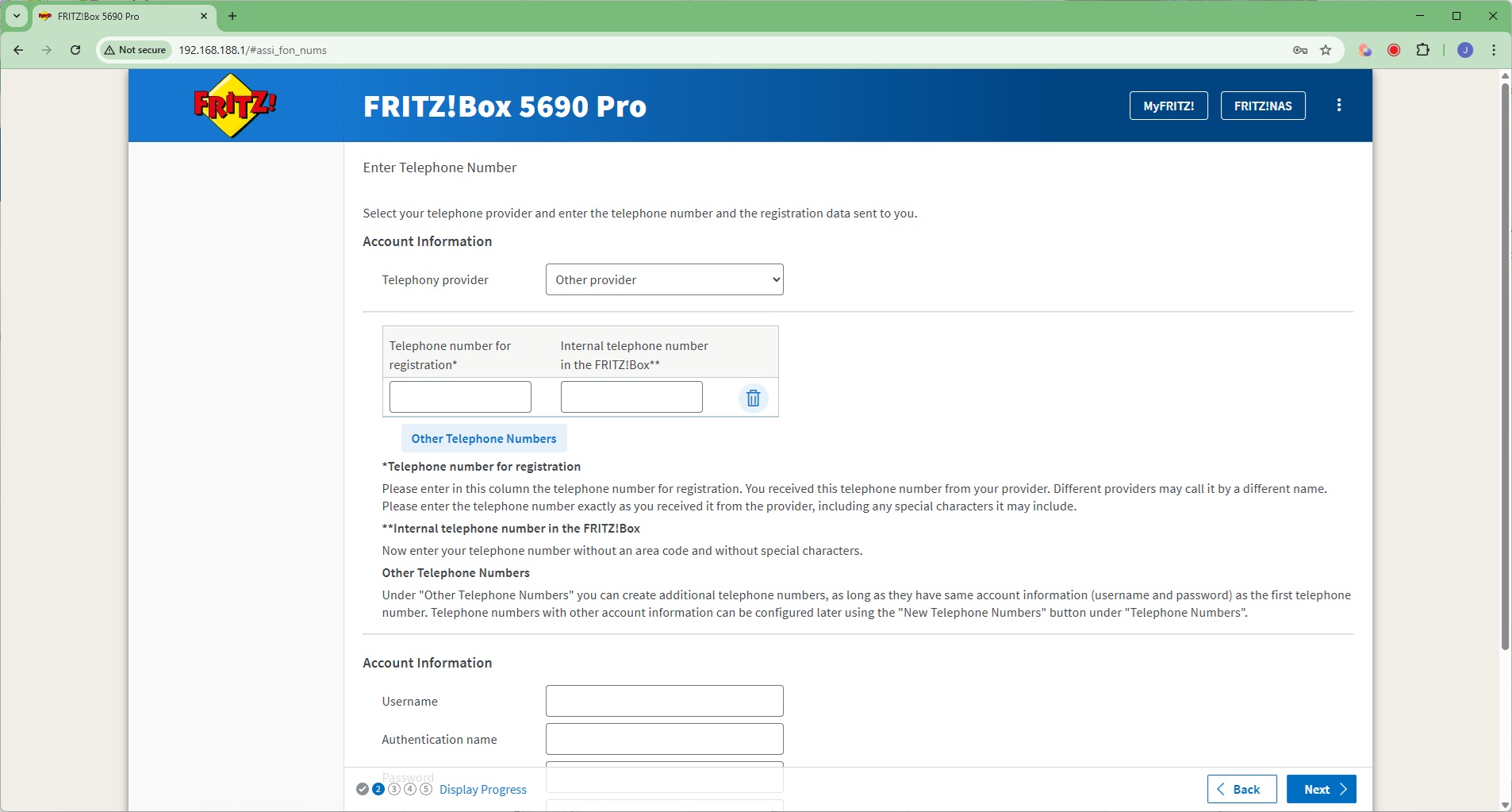
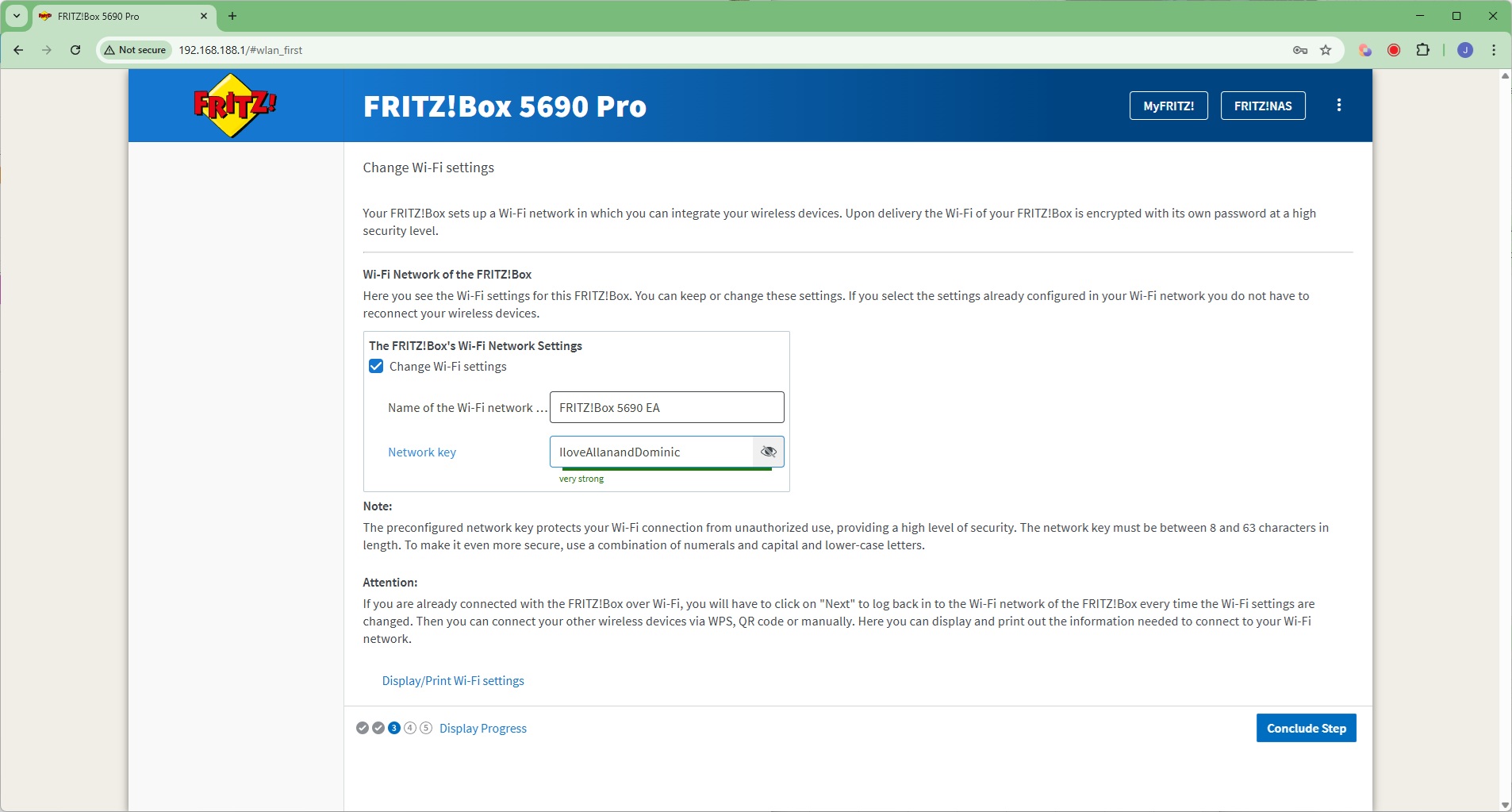
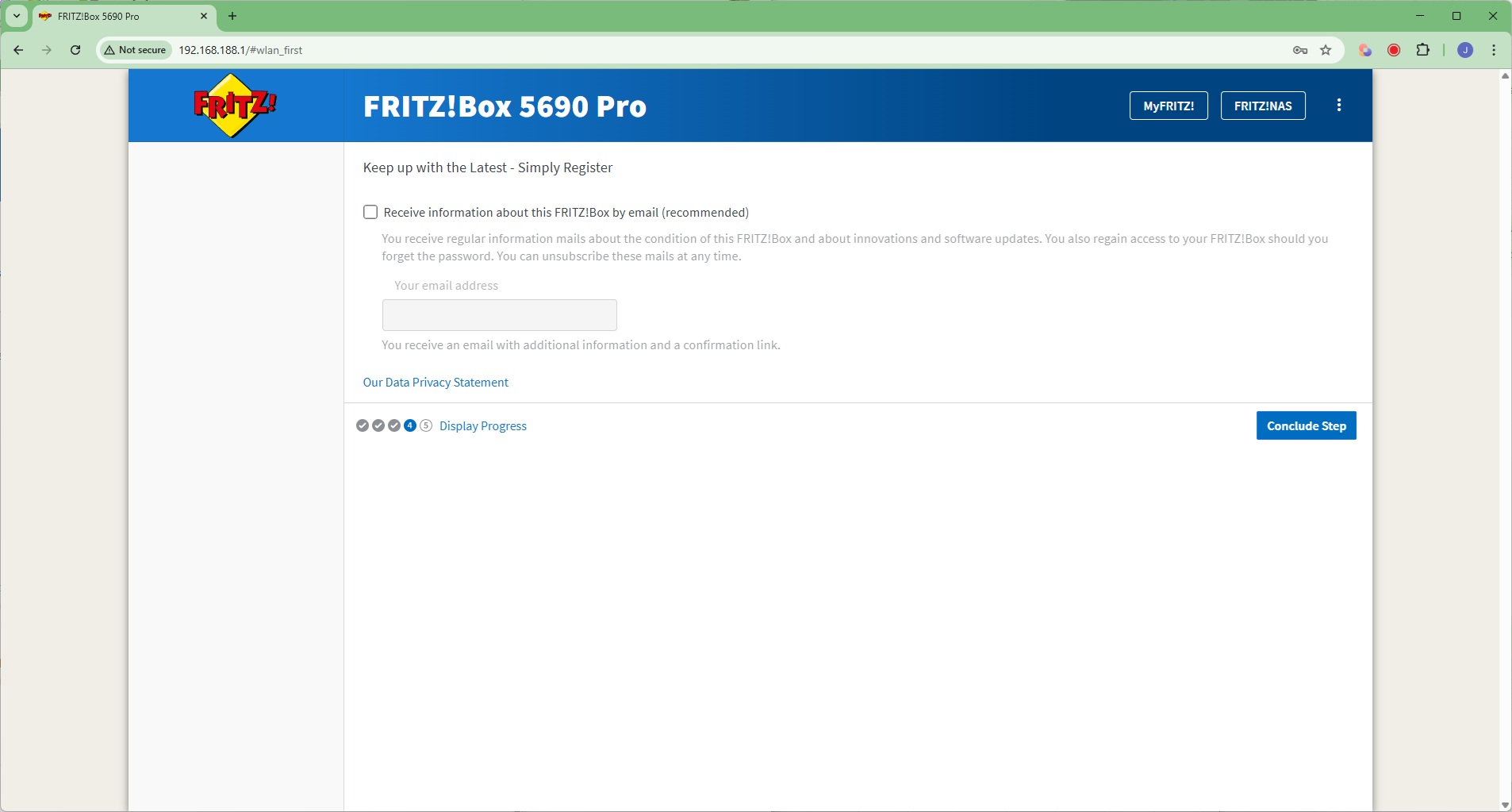
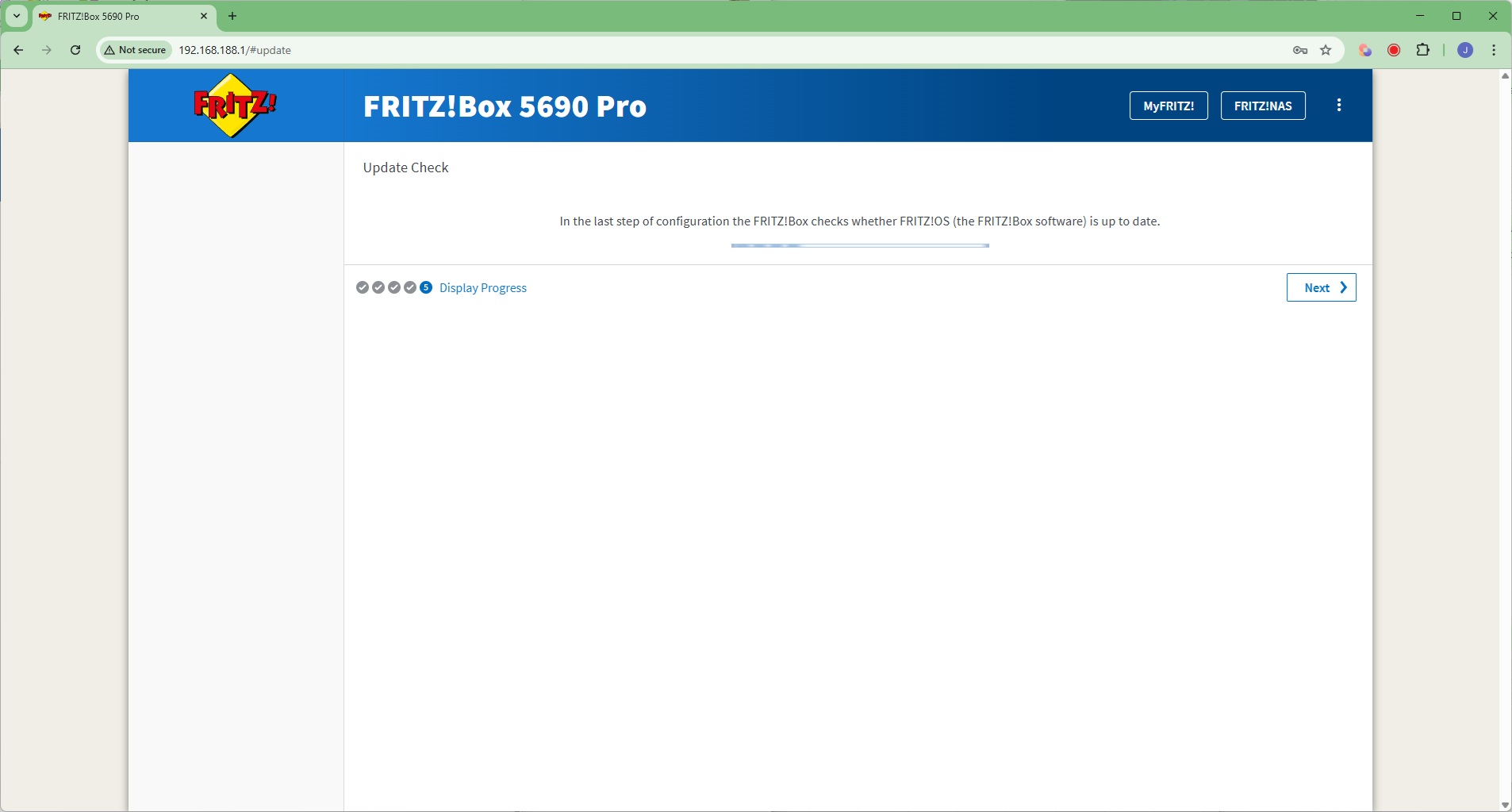
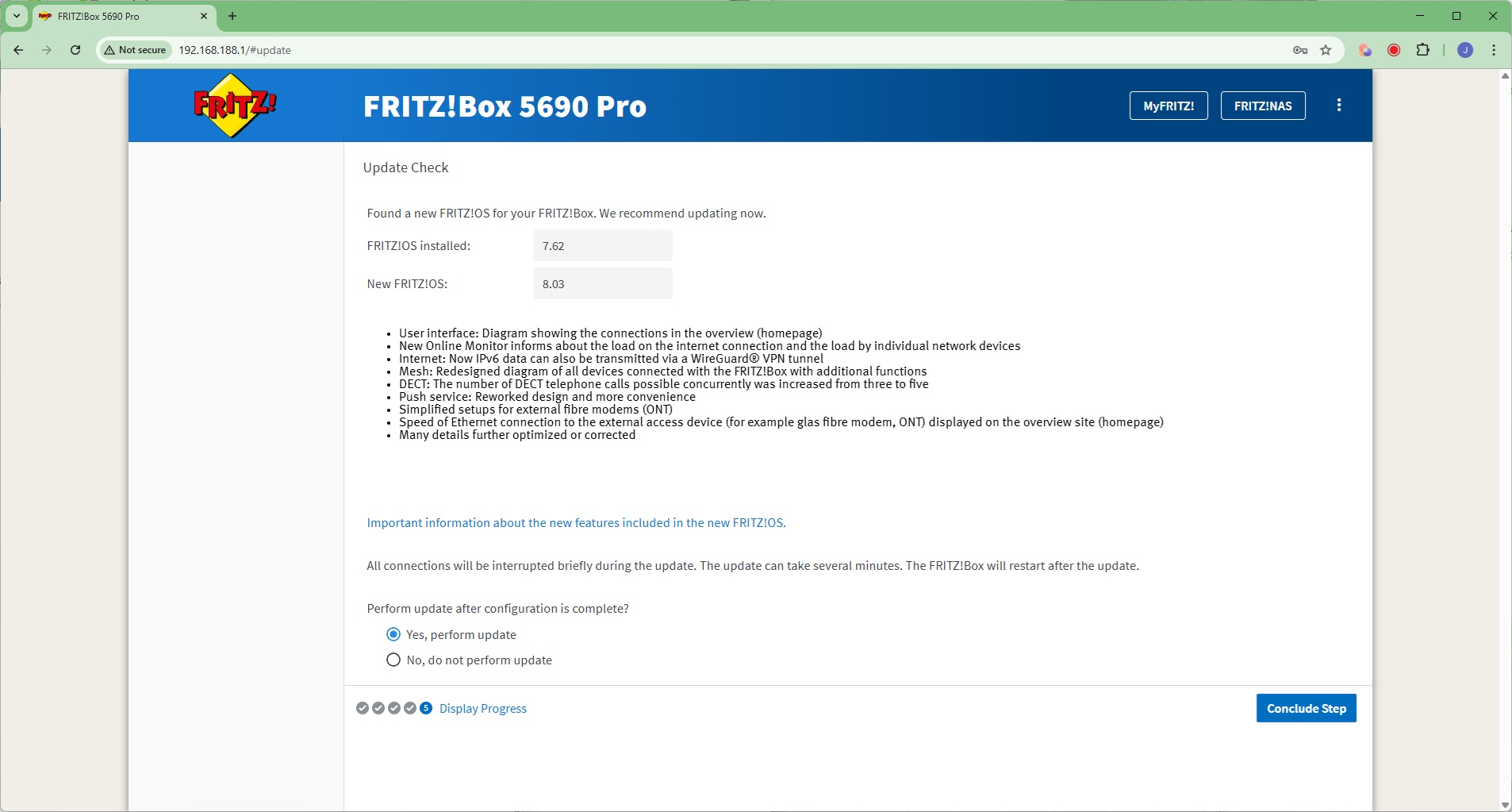
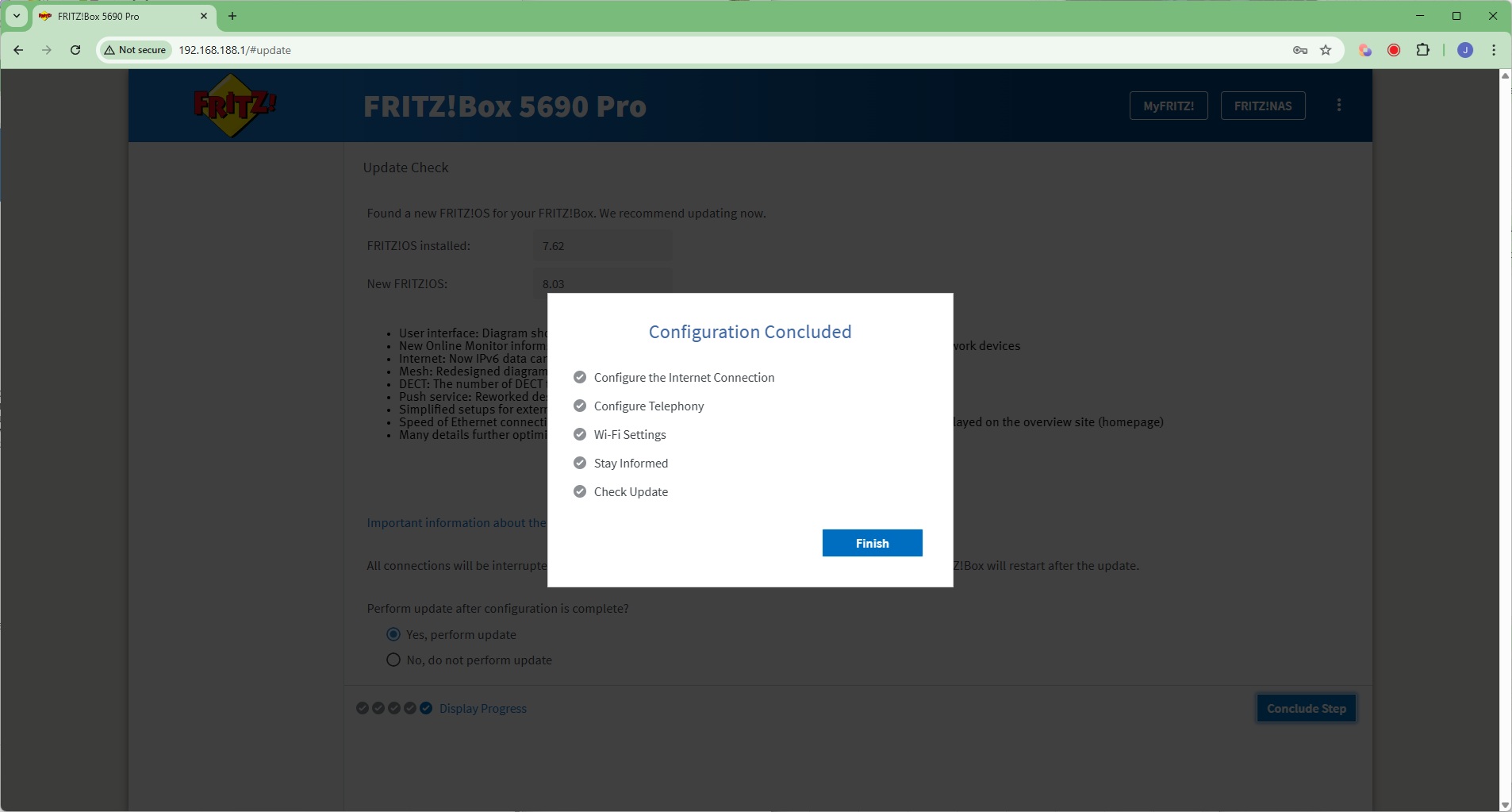
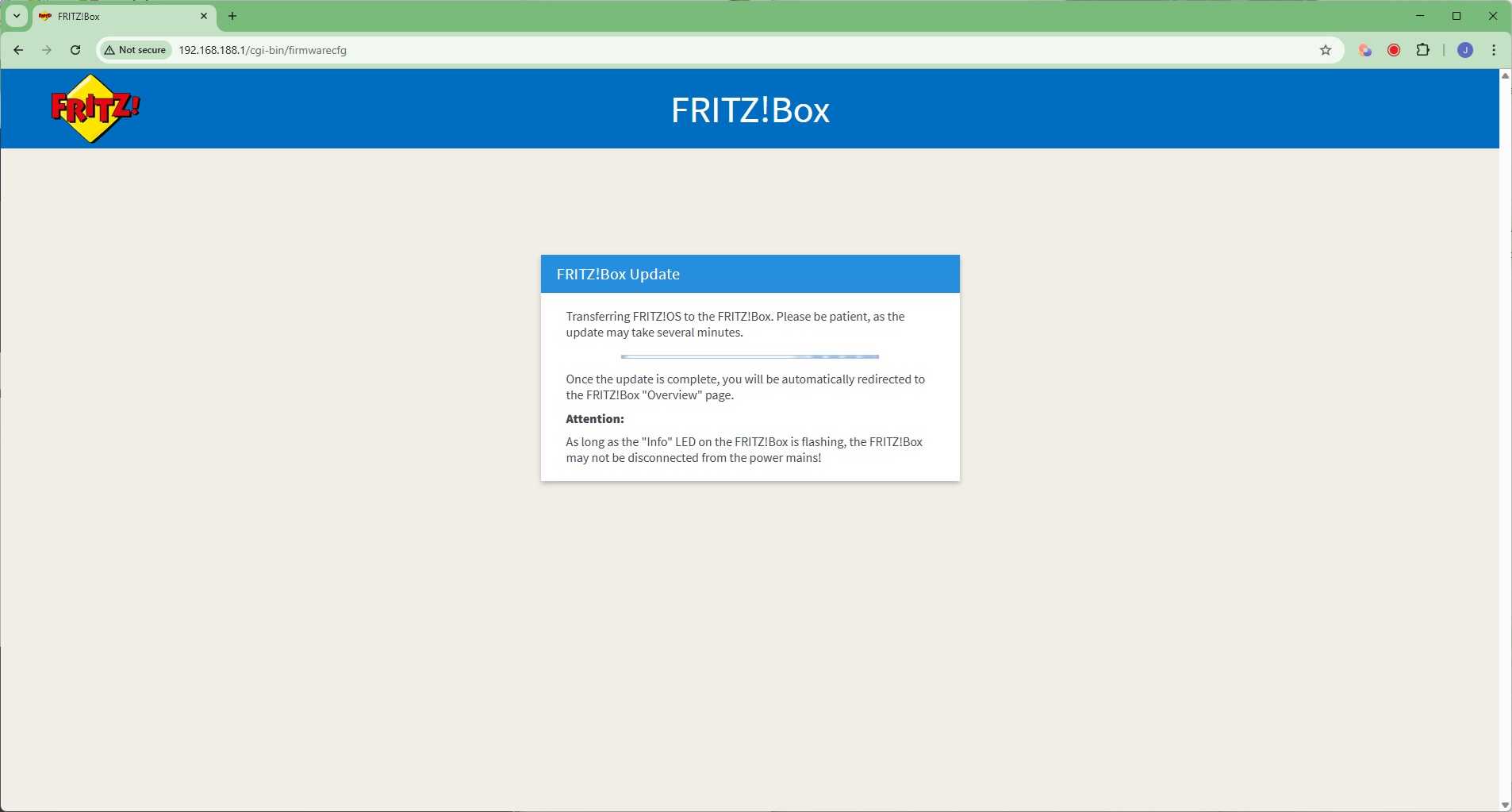
As you can see from the number of screenshots, the setup wizard is rather lengthy. After some initial settings such as region, you're led through connecting your broadband – fibre, DSL or WAN. Then there are screens for the telephony and WiFi. The 5690 Pro will then check for a firmware update, after which you are led to the main Web interface screen.
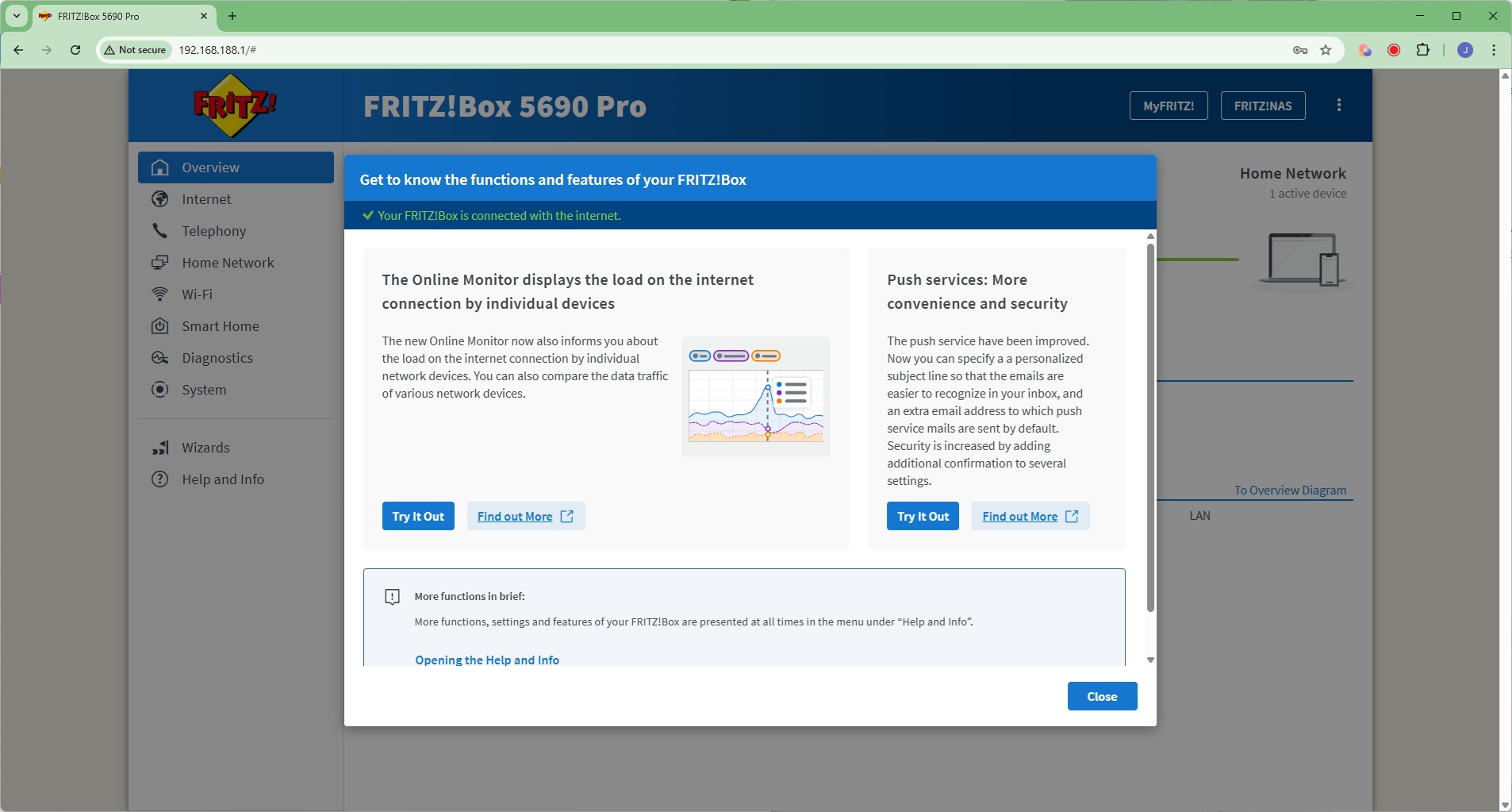
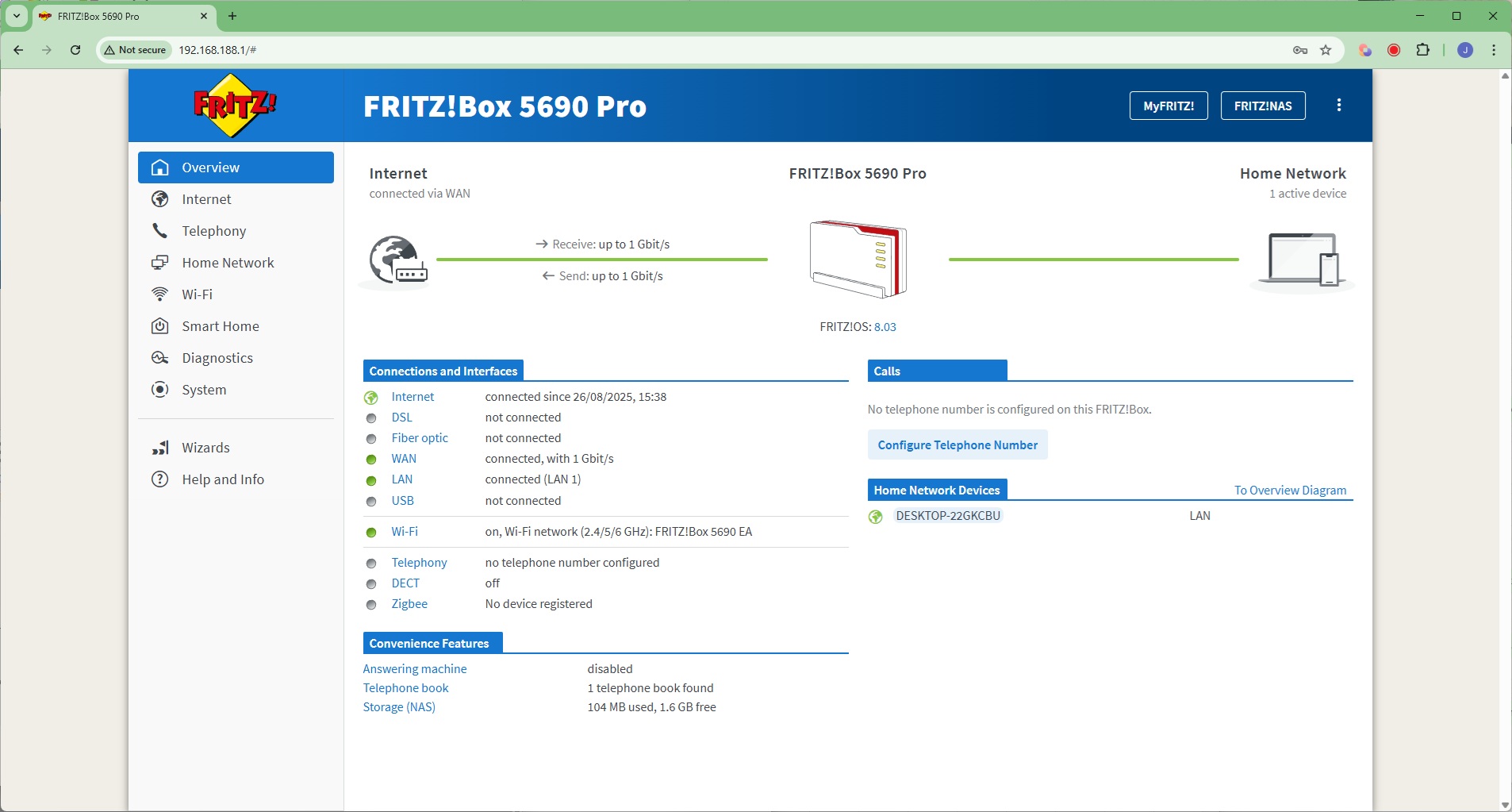
The first time you open the main screen you can take a tour of its features, after which you get a general Overview page.
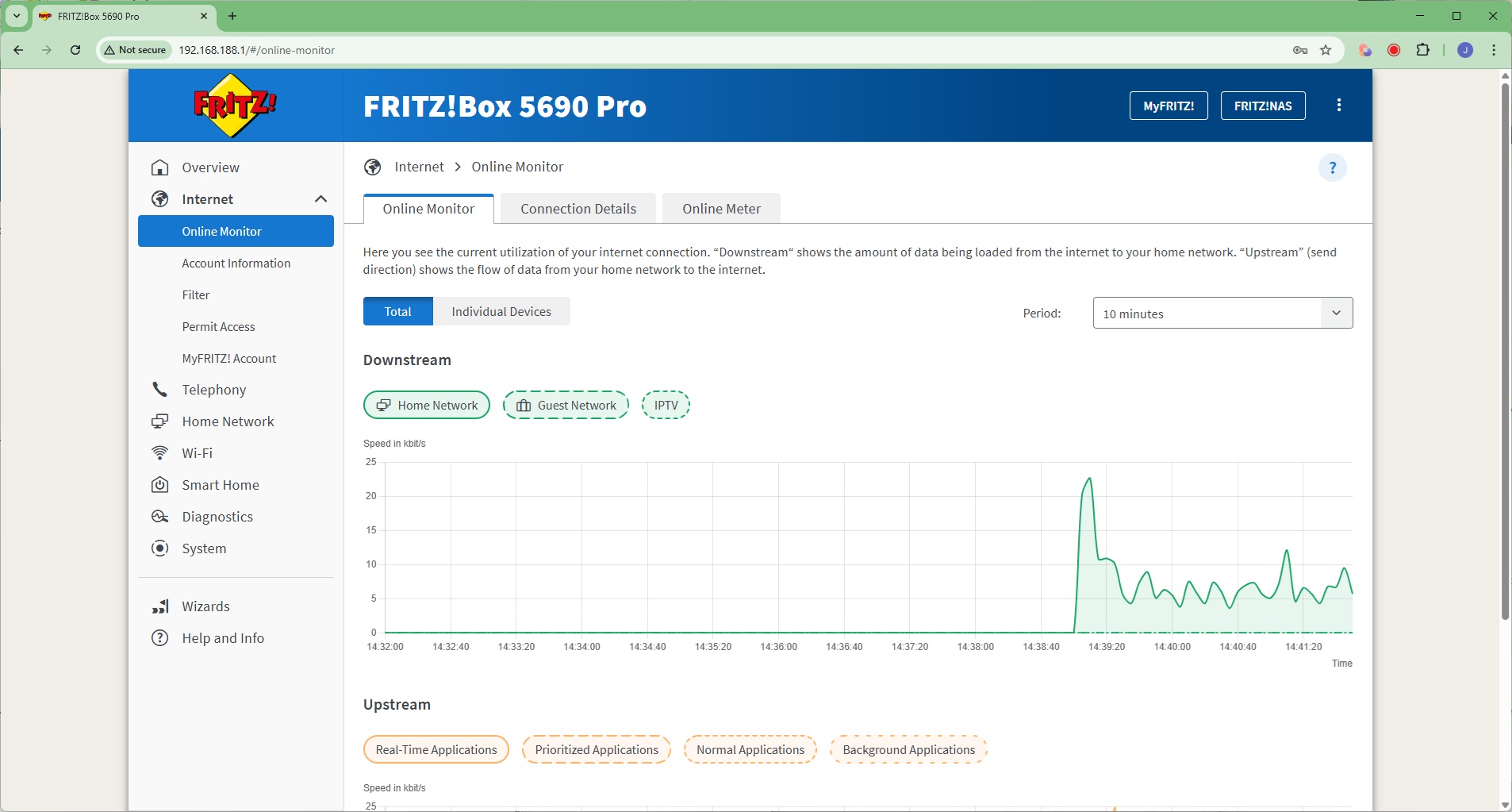
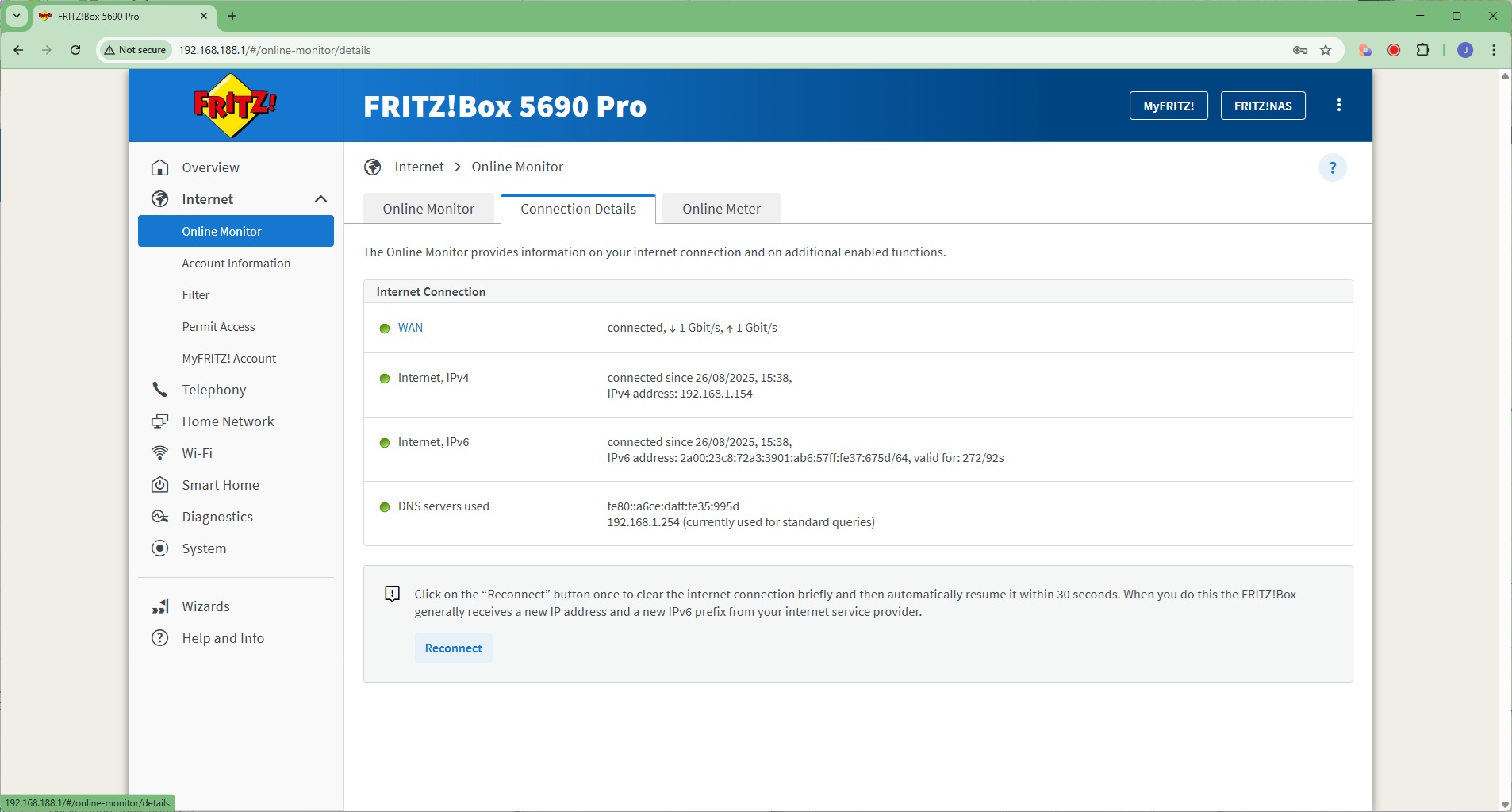
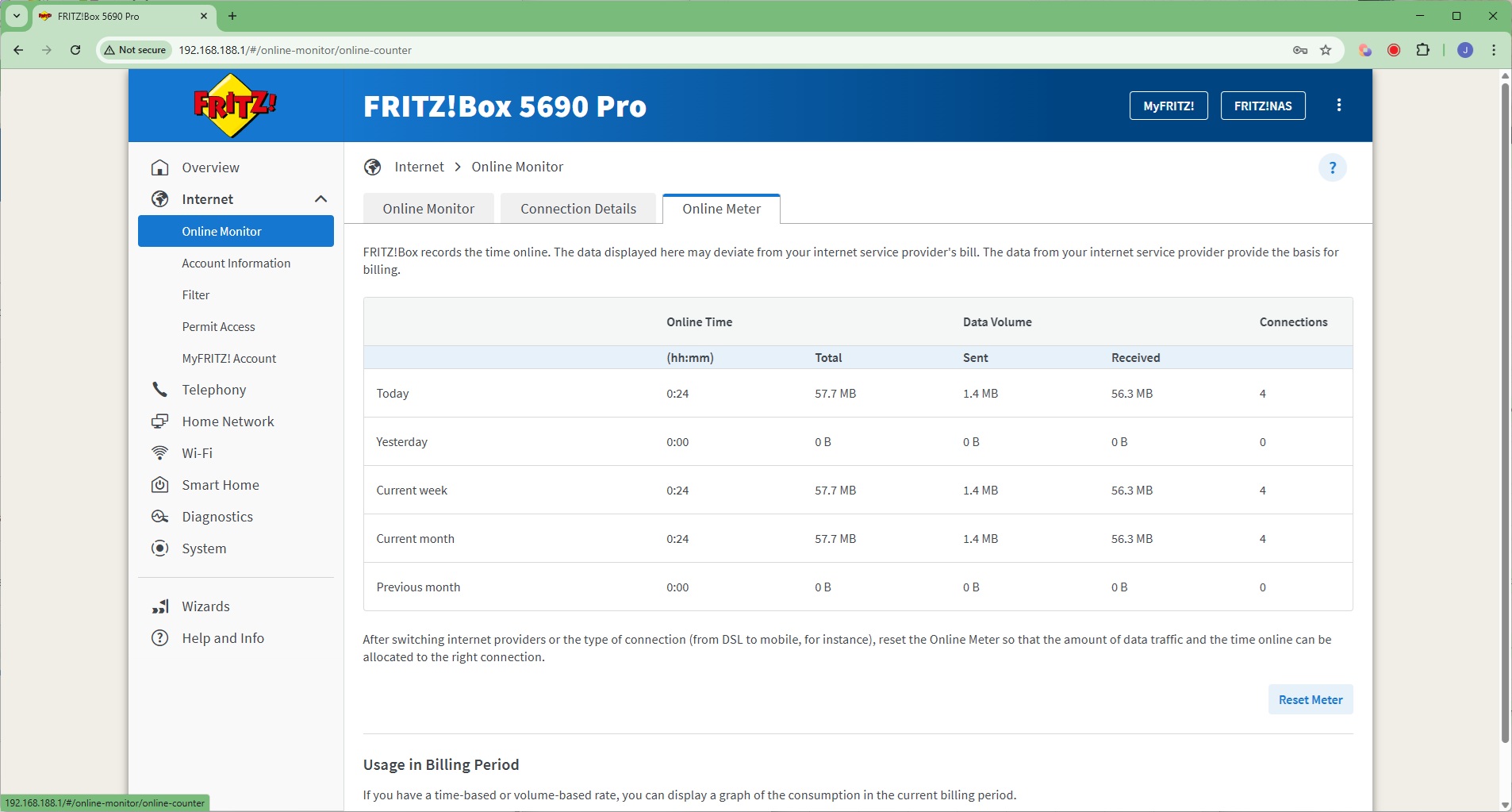
Starting with the Internet section, here you can monitor your broadband connection, check connection details, and see how much data you've used across different time slices.
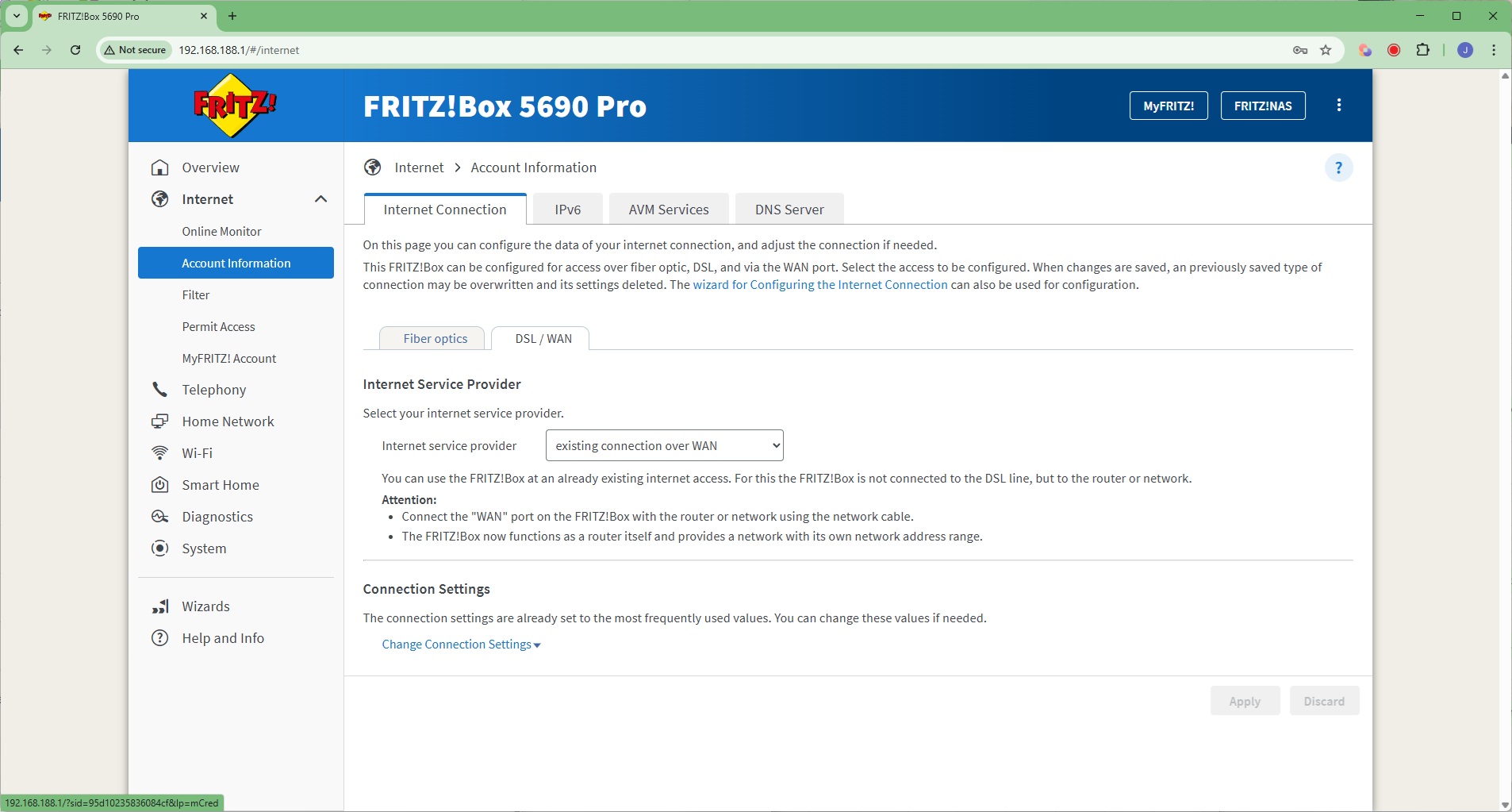
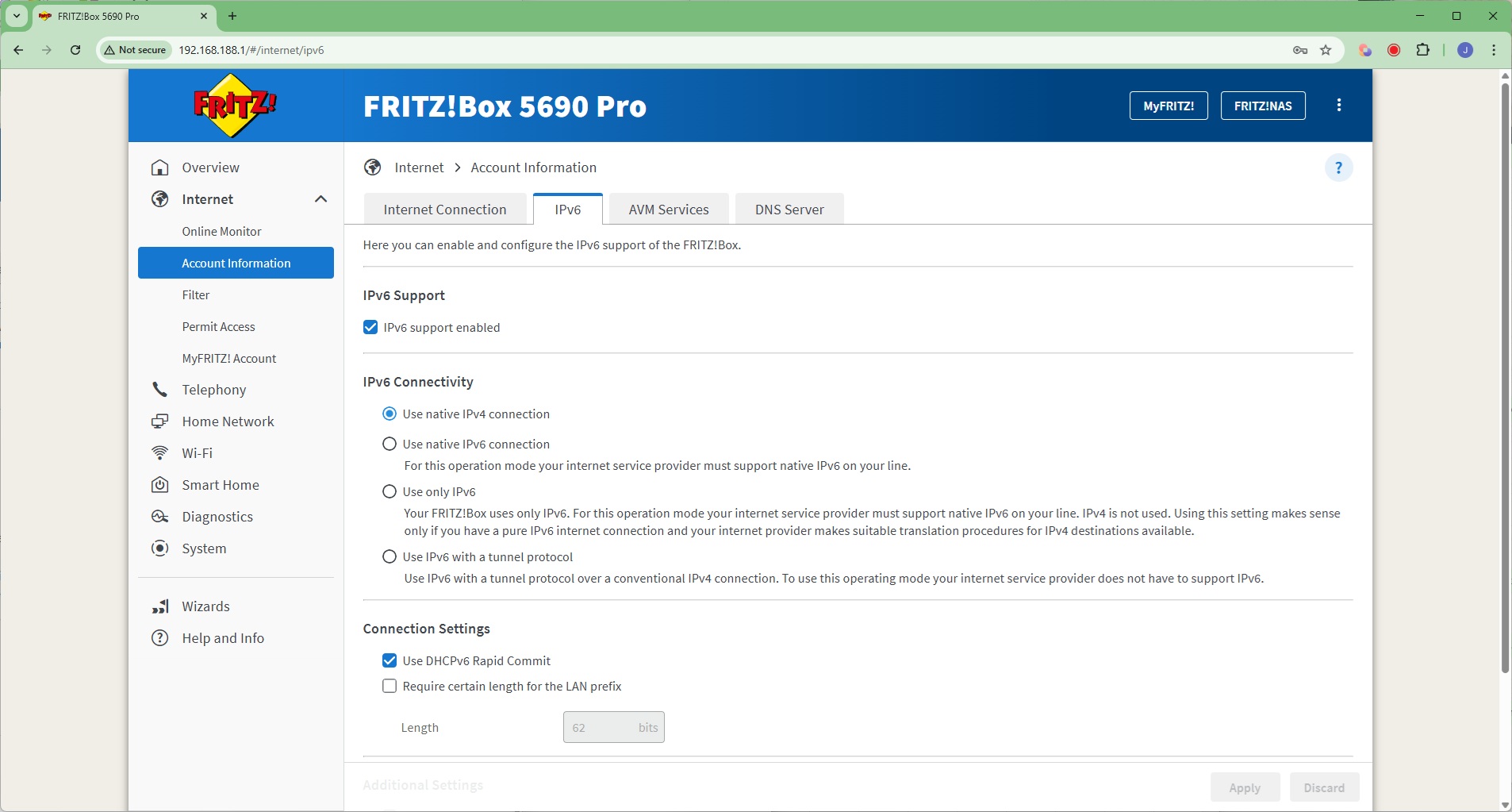
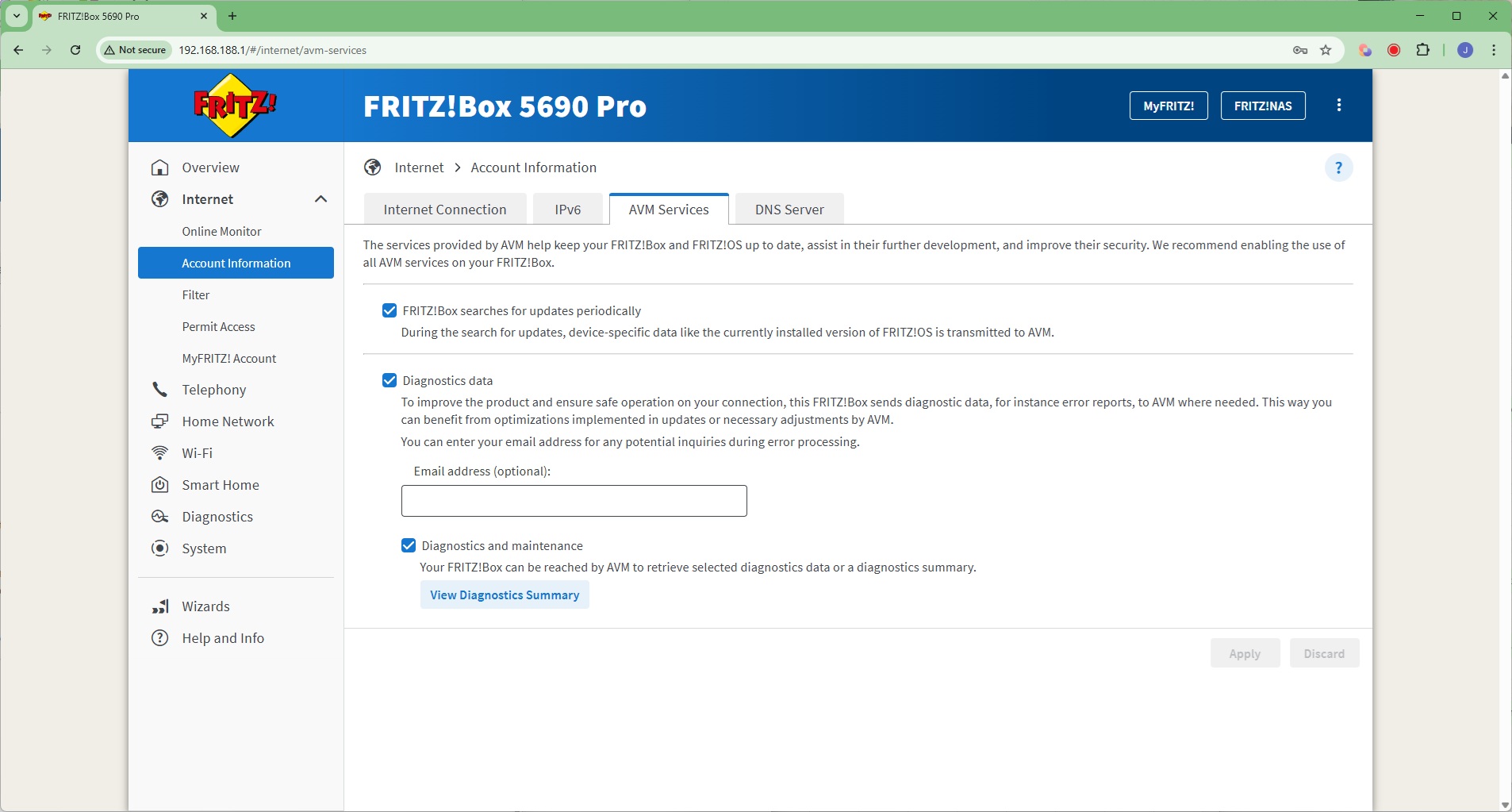
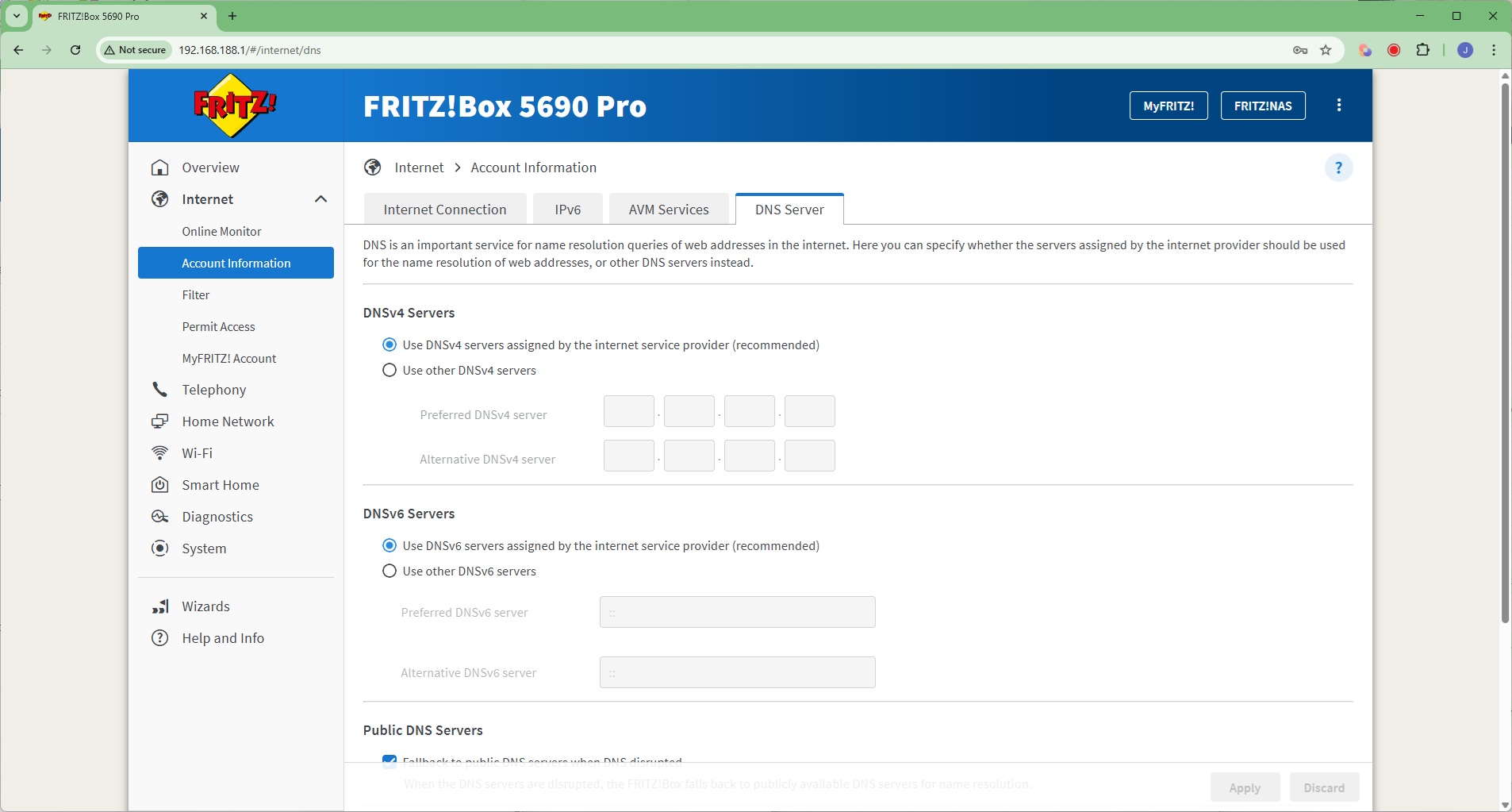
Next along under Account Information is where you can reconfigure your Internet Connection, change your IPv6 support, alter whether the router checks for updates and sends diagnostics to AVM, and enter a static DNS server rather than the dynamically provided one.
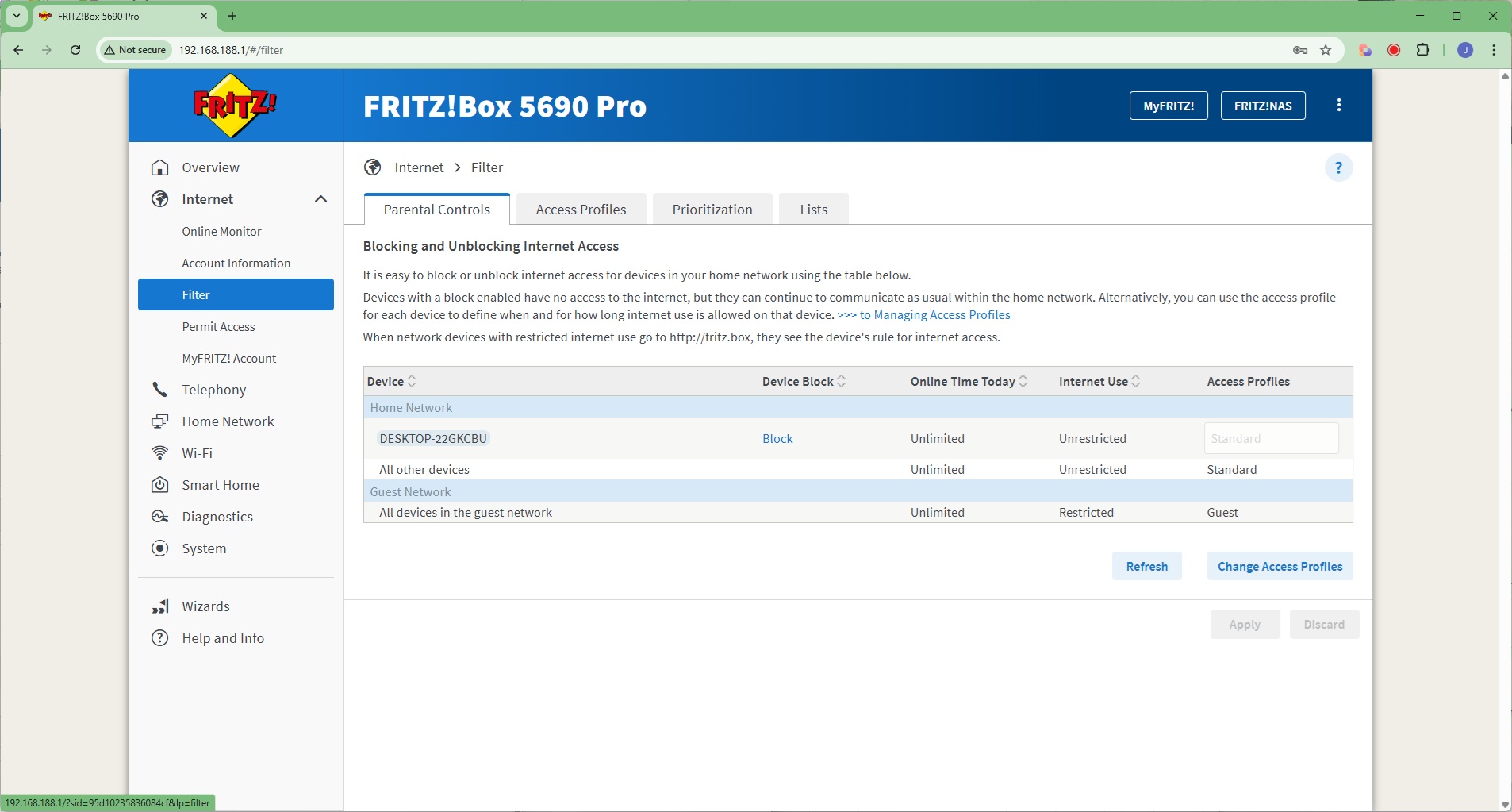
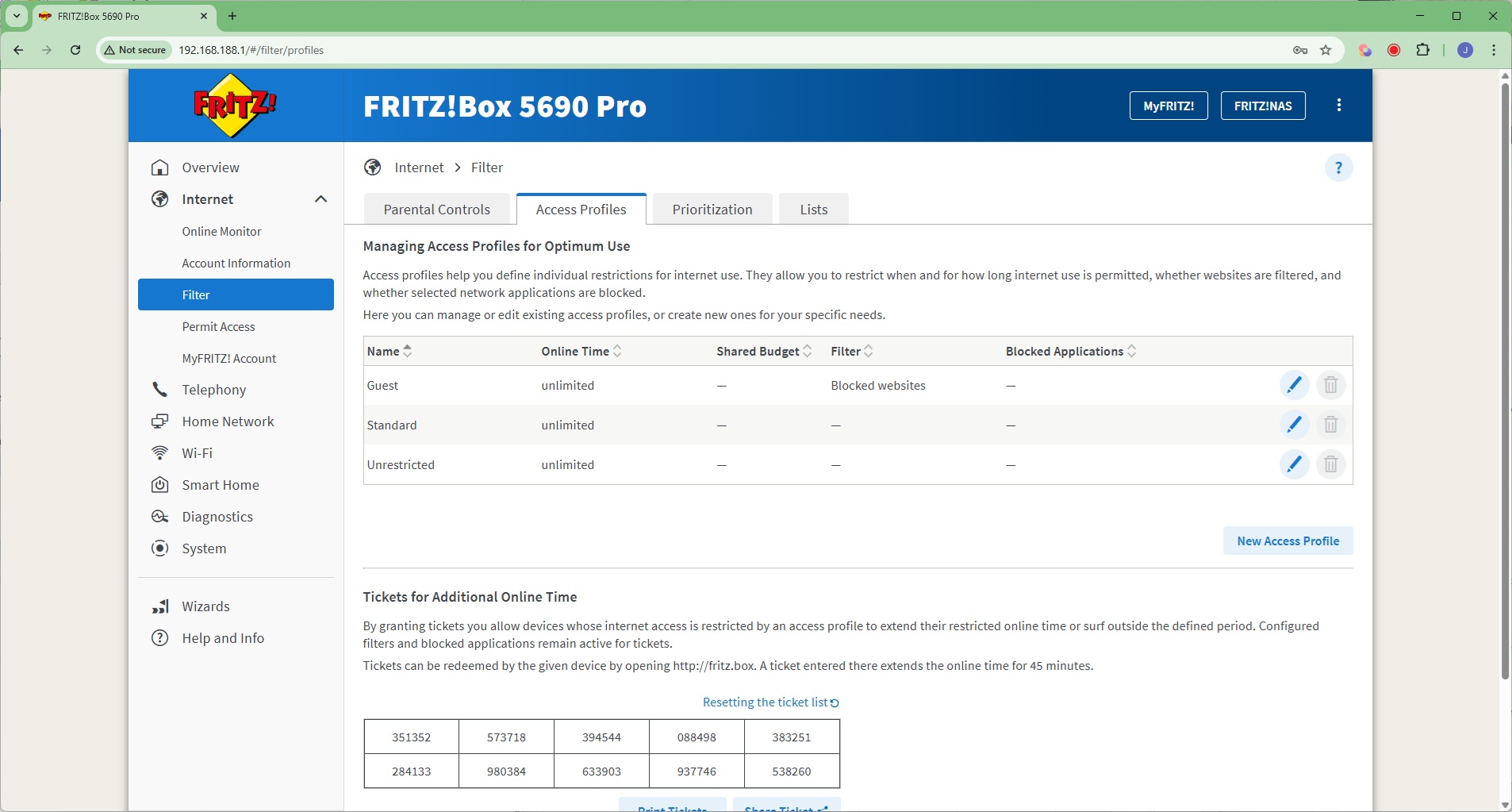
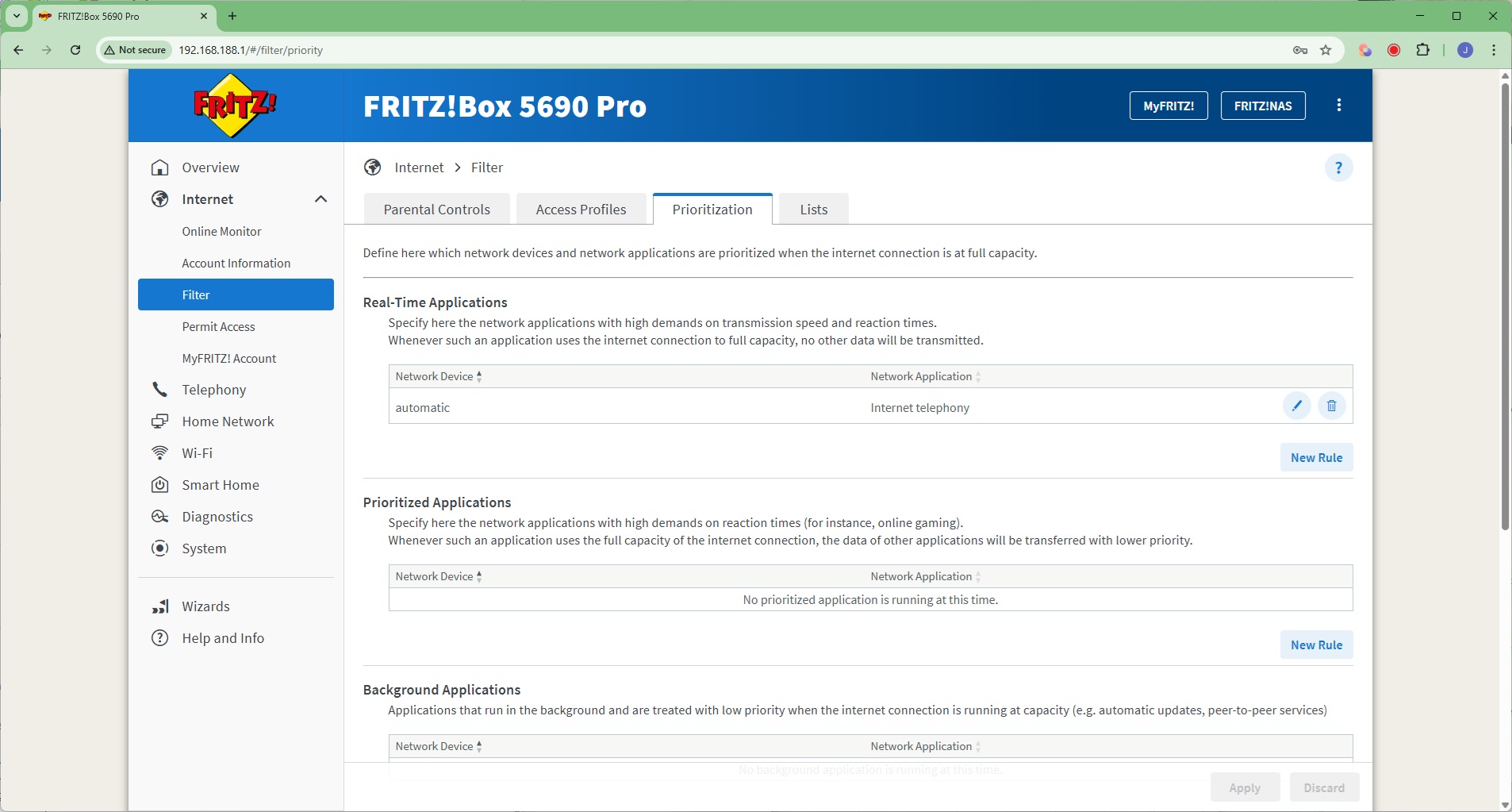
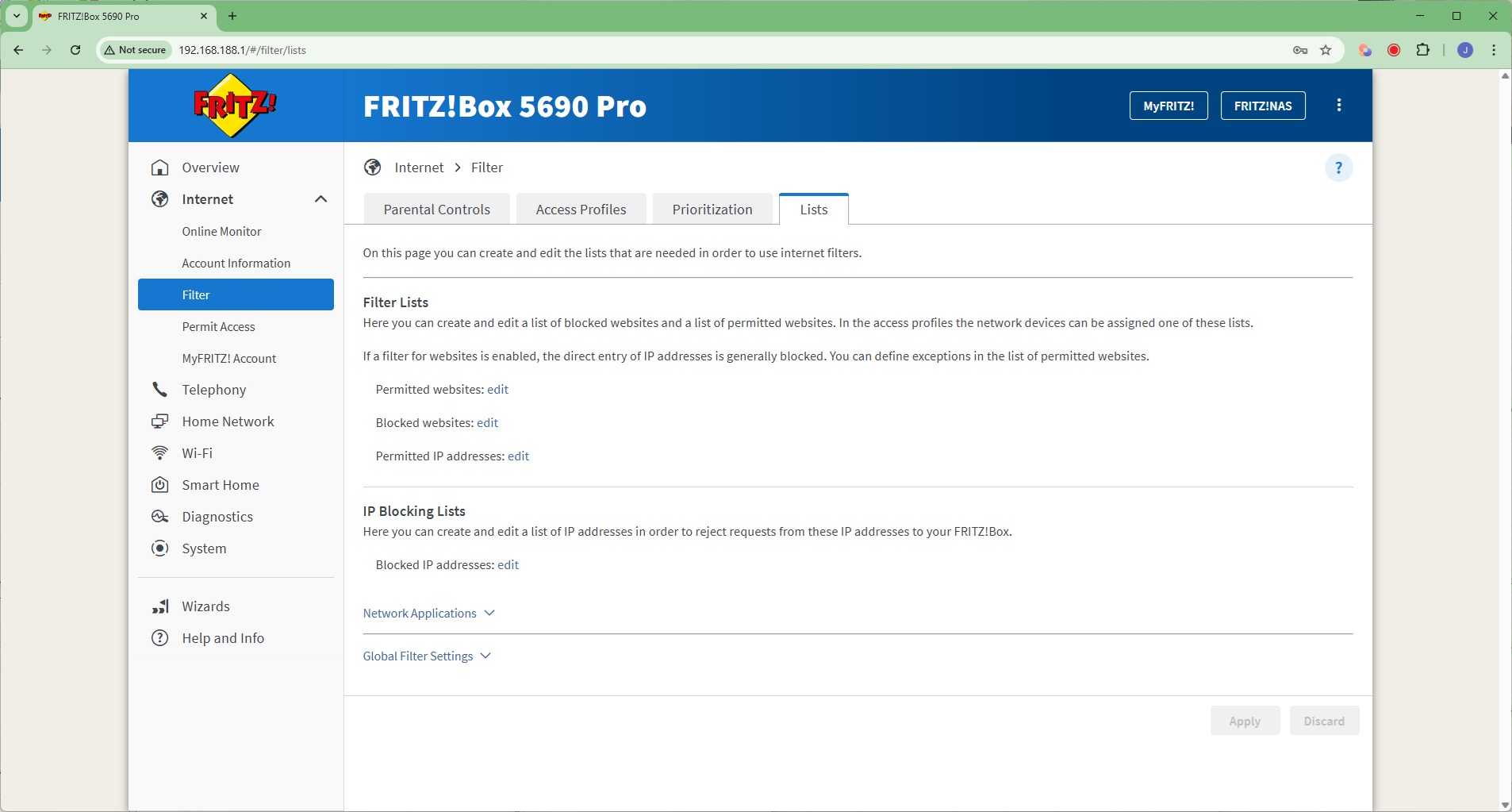
The Filter section is where you can control the behaviour of individual clients on the network, including parental controls, blocking clients or restricting them to use at certain times. You can create general profiles for this and even give tickets for extra online time – a great way to incentivise your kids!
You can set up quality of service prioritisation for different applications, tagged to specific devices. You can also create lists of blocked websites and IP addresses.
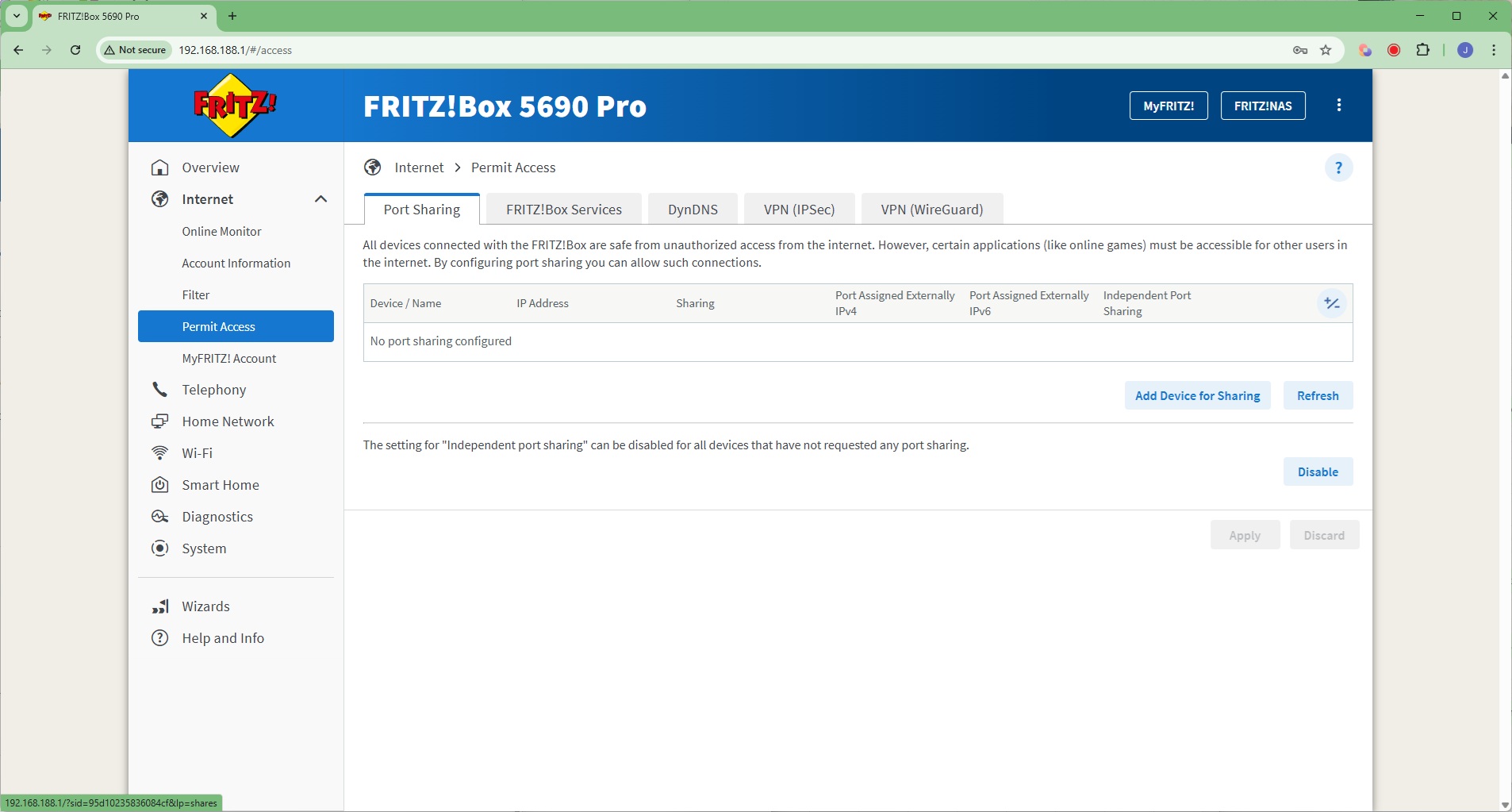
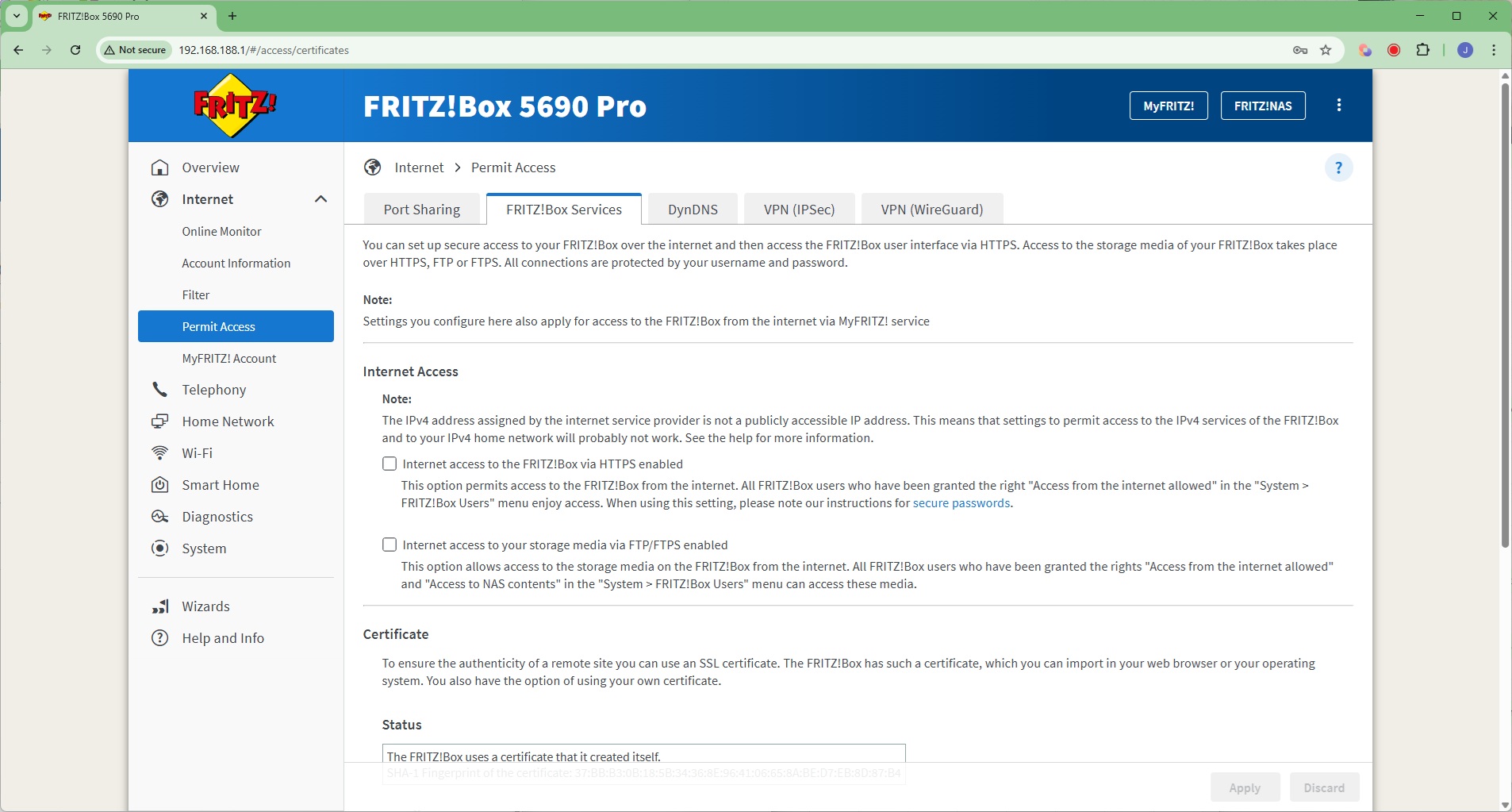
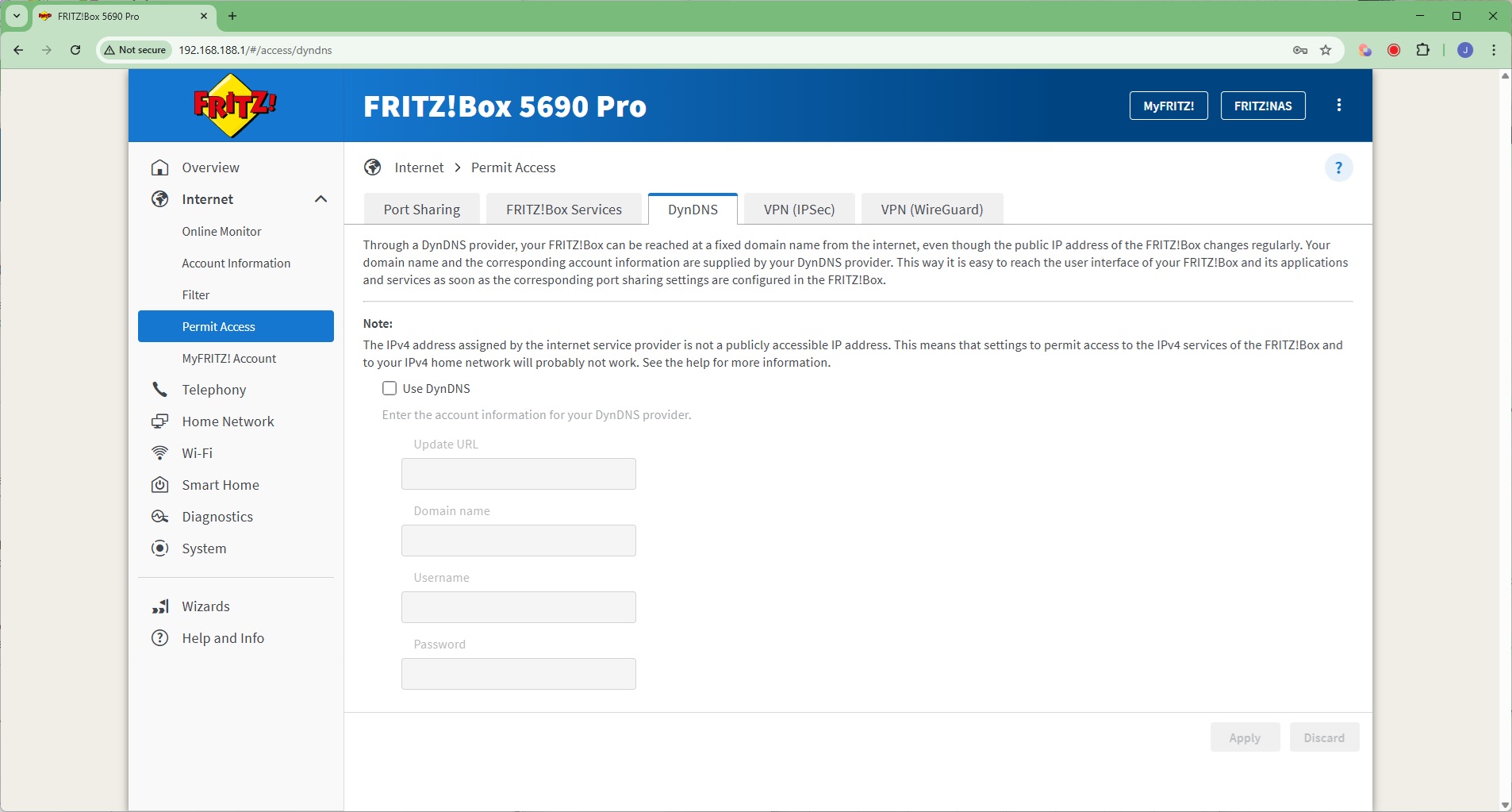
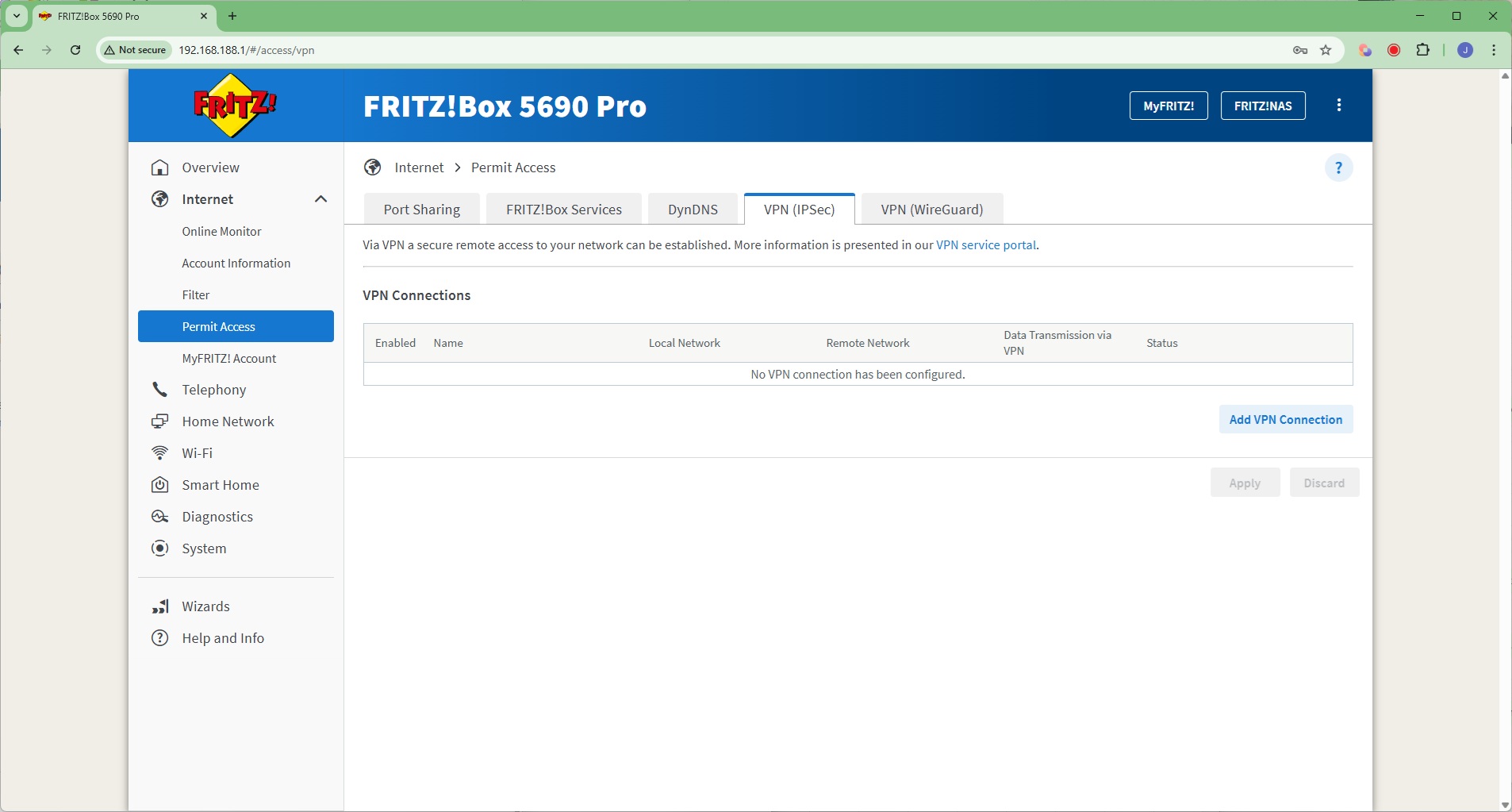
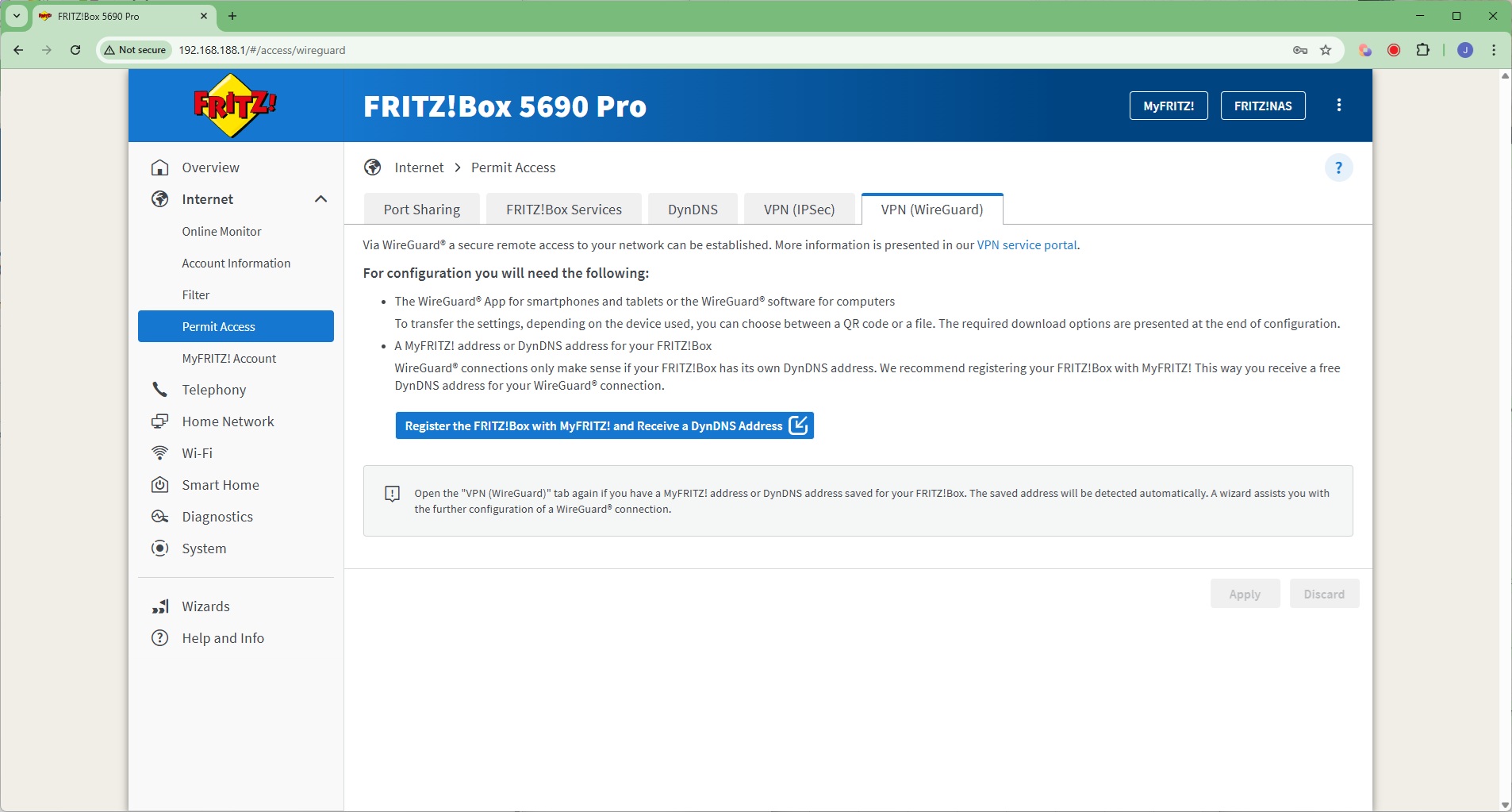
Under Permit Access, you can port share to the Internet, and enable the ability to access the router or its storage remotely. This uses a certificate which is generated automatically and can be downloaded and installed to certify your browser or operating system. Dynamic DNS naming is available, but only via the DynDNS service. There is also support for VPN connections via IPSec or the WireGuard service (which also requires DynDNS to be set up).
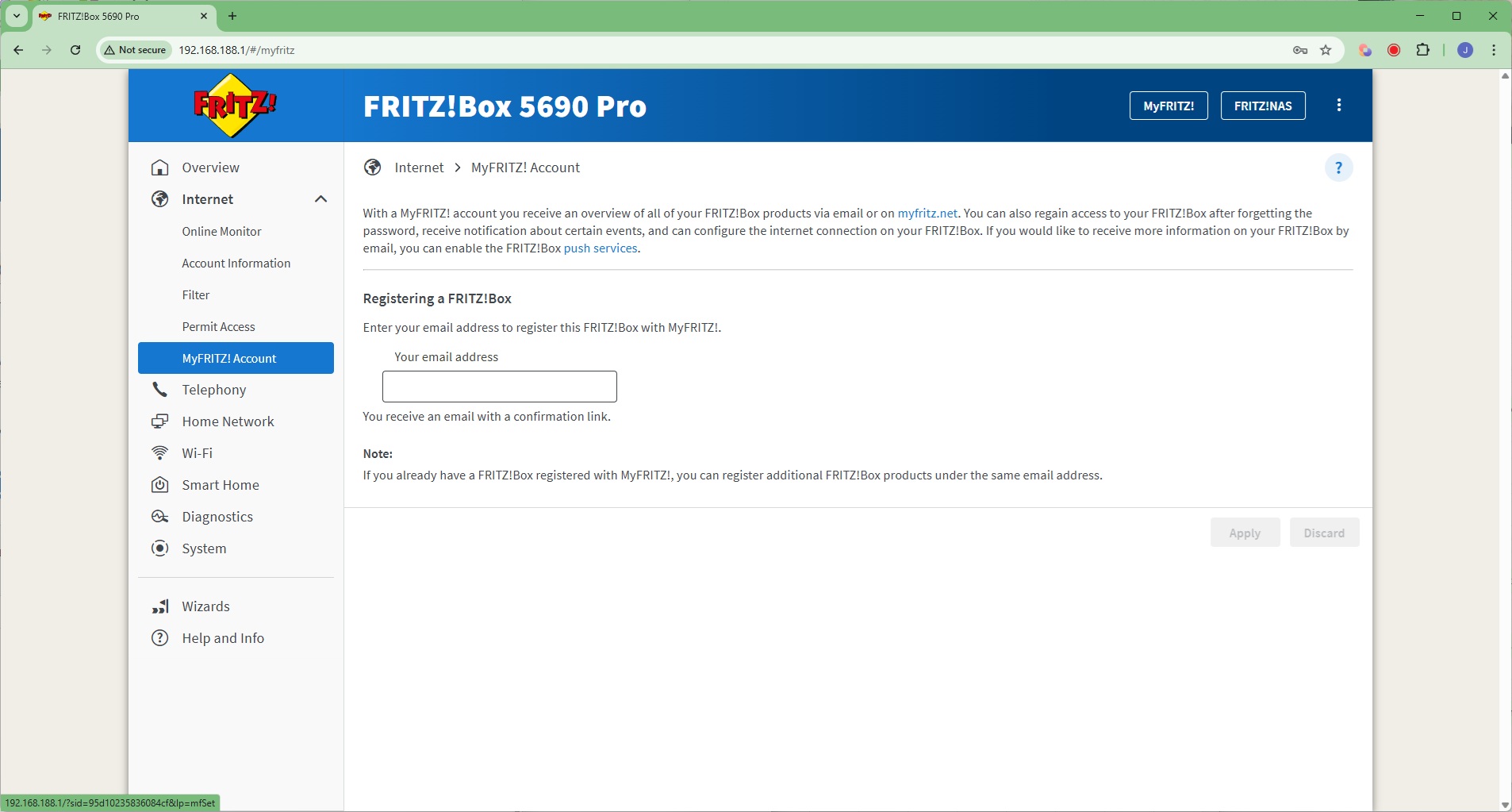
Finally, you can configure your MyFRITZ! account details, which enables you to recover access to the device if you forget the admin password, among other things.
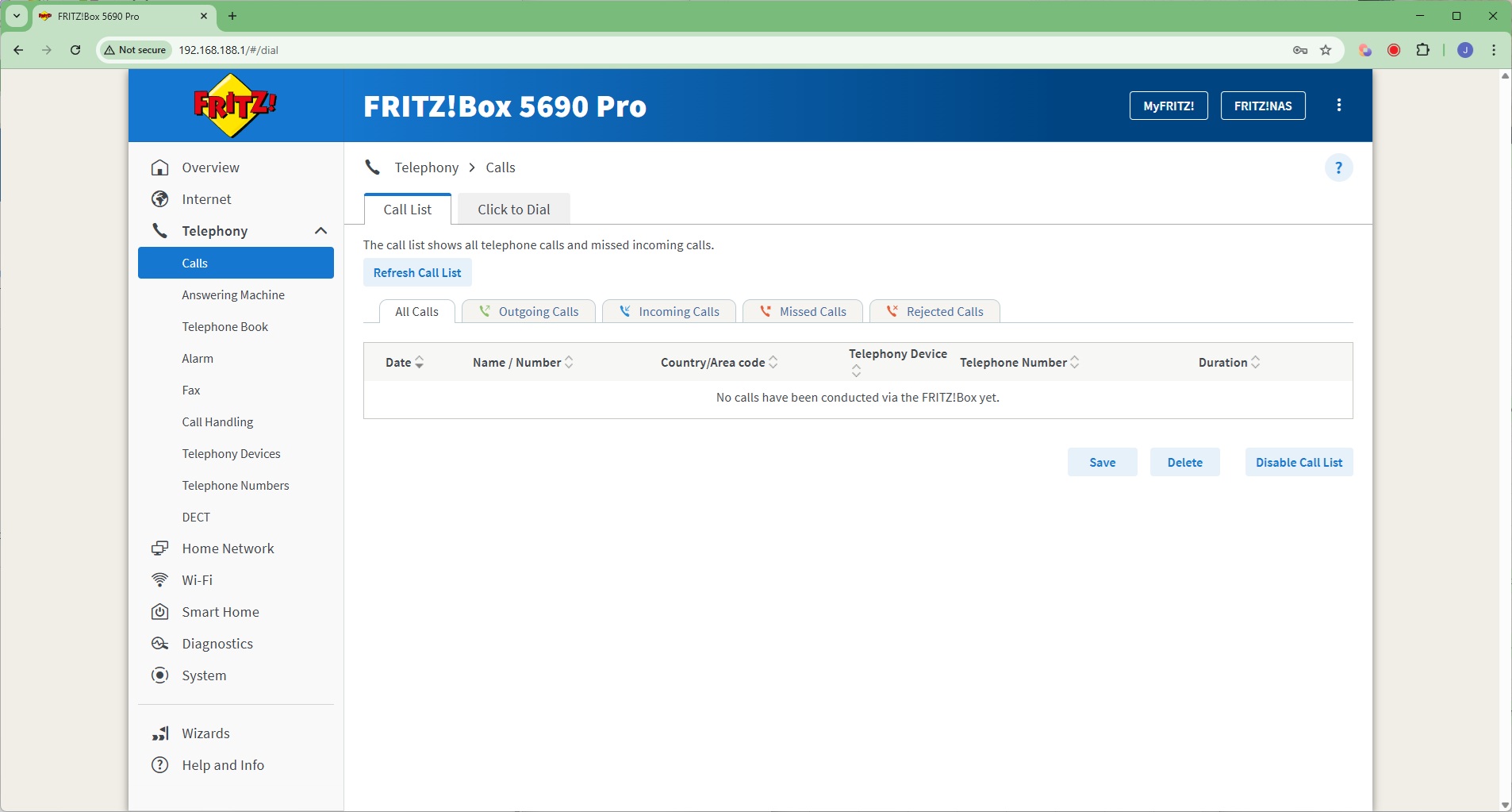
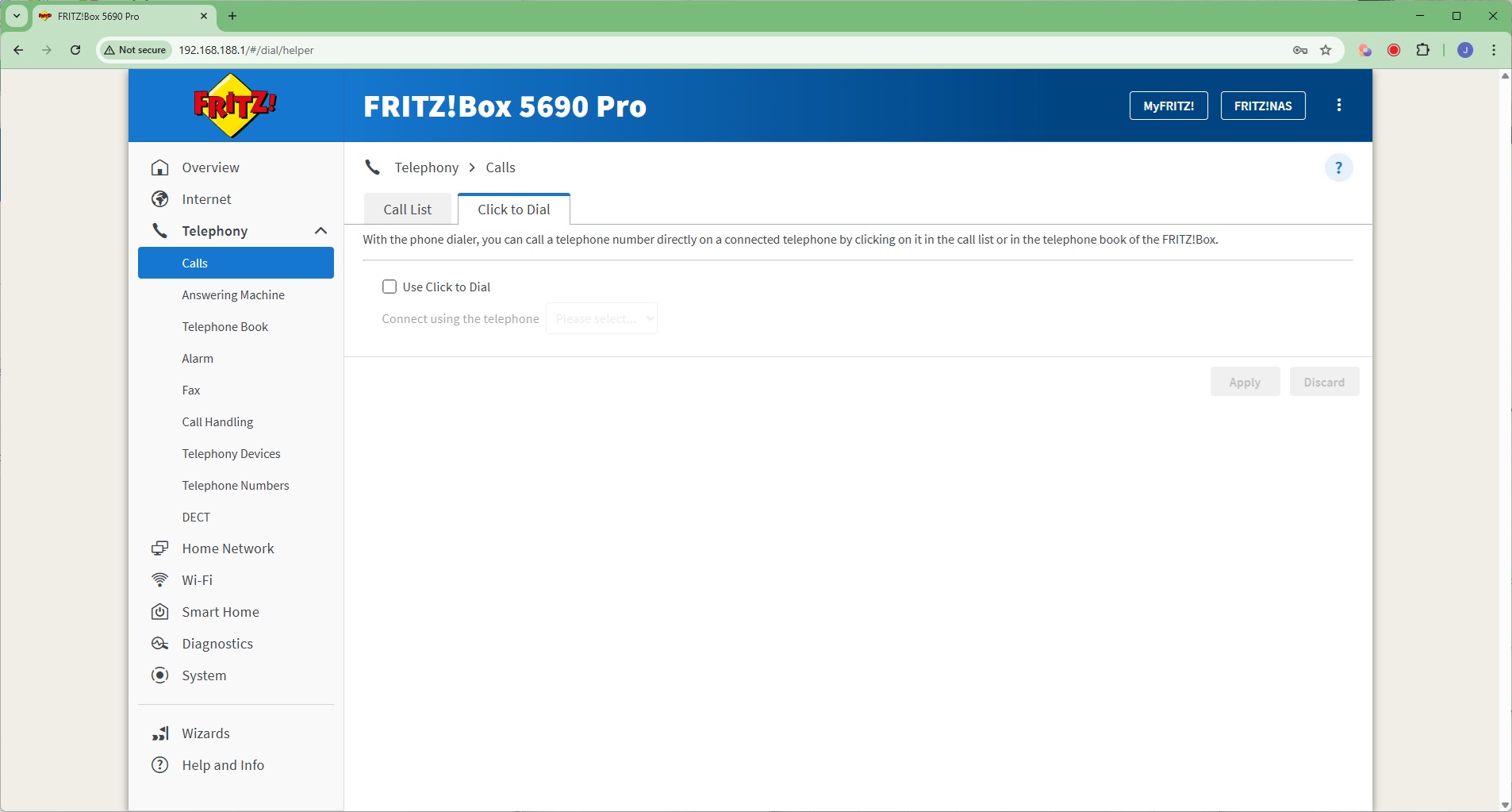
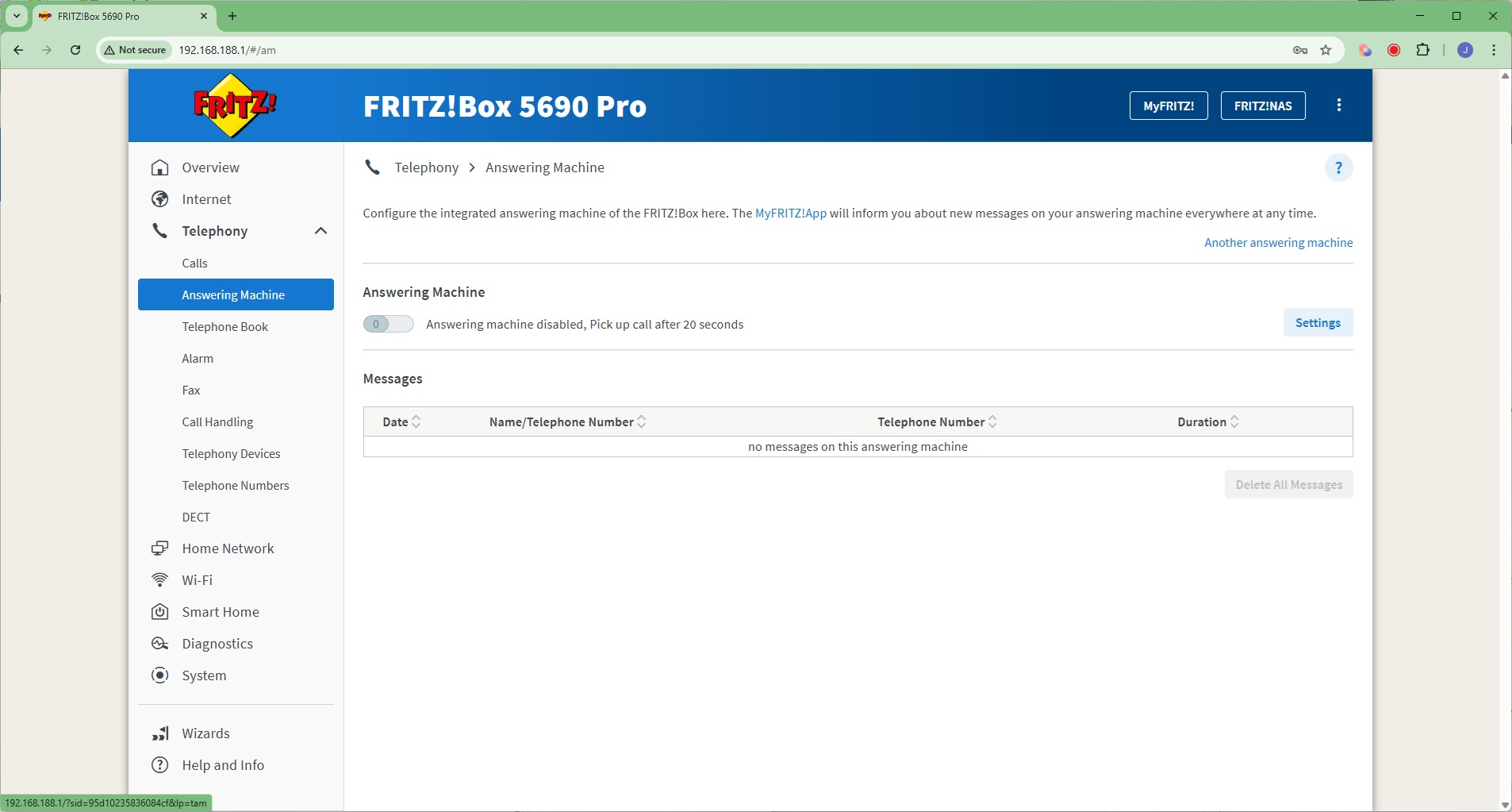
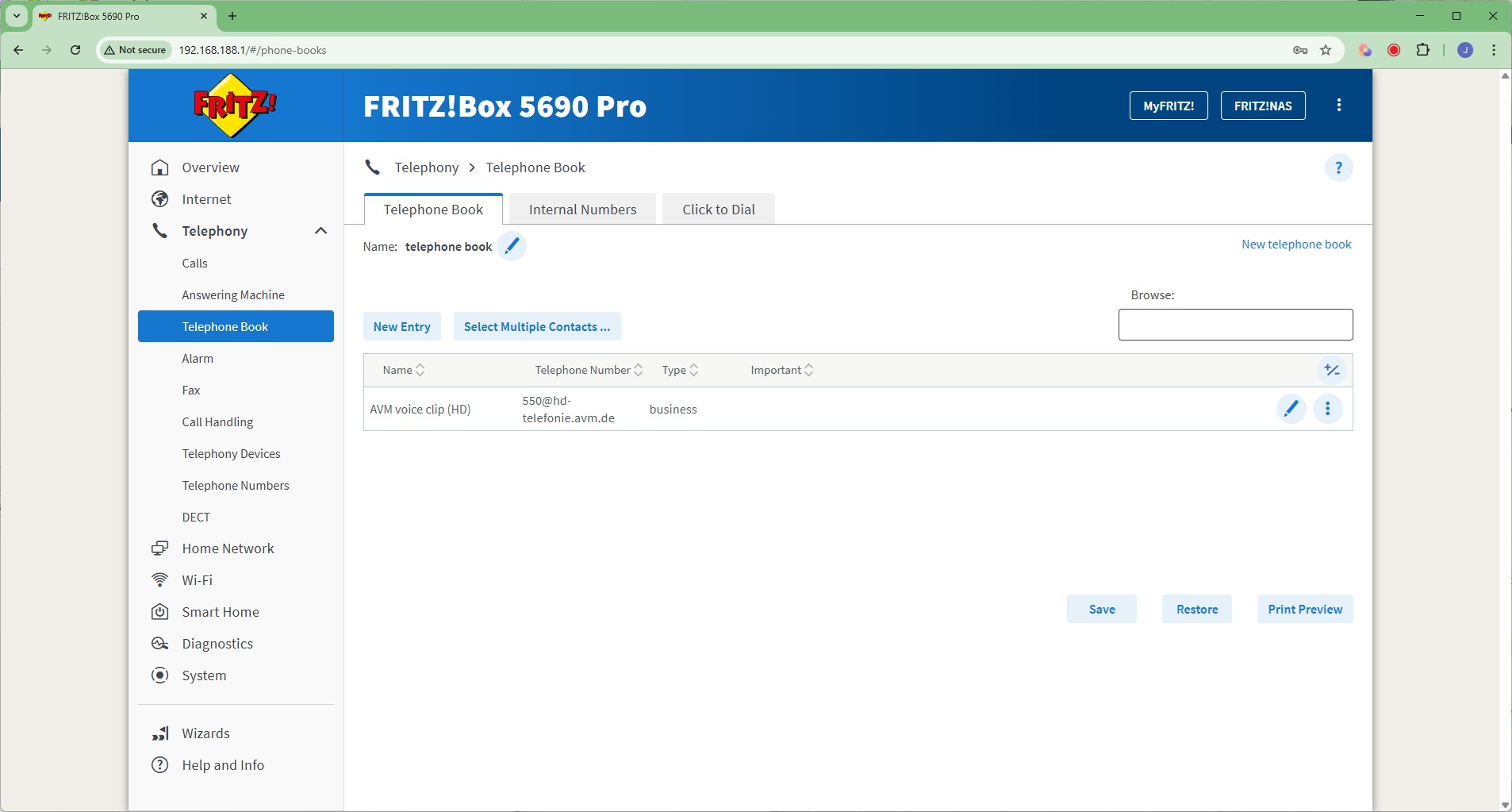
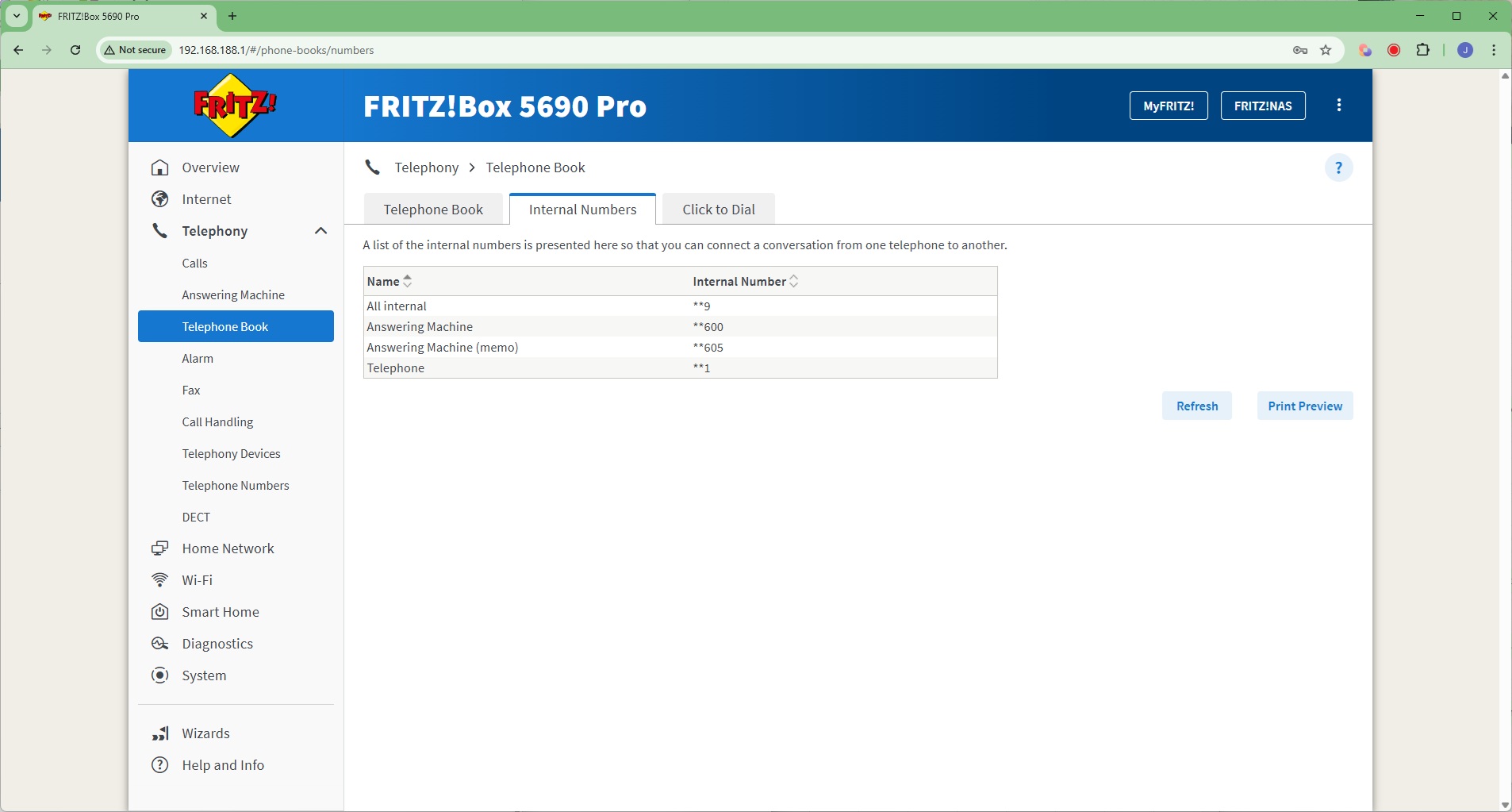
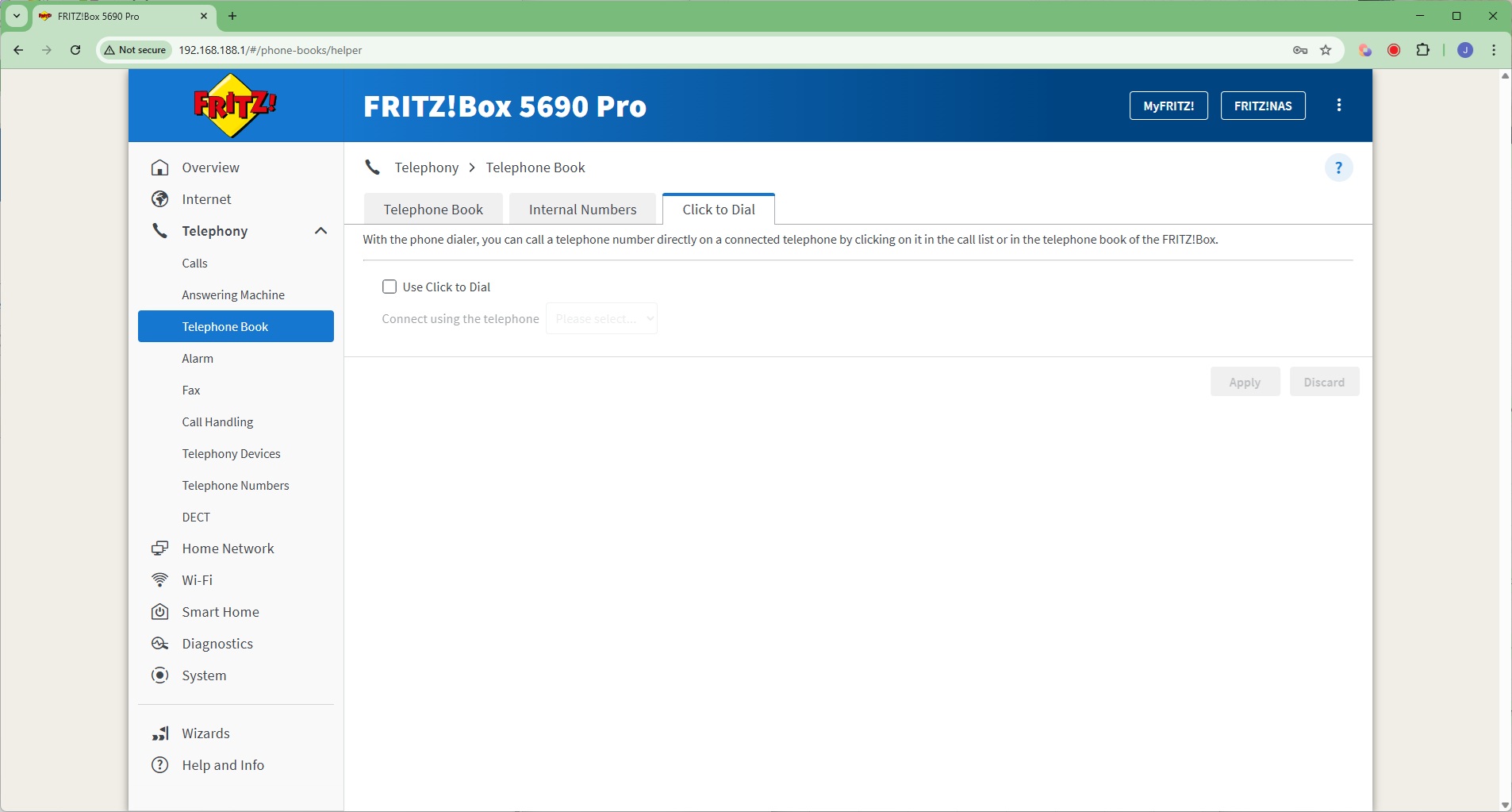
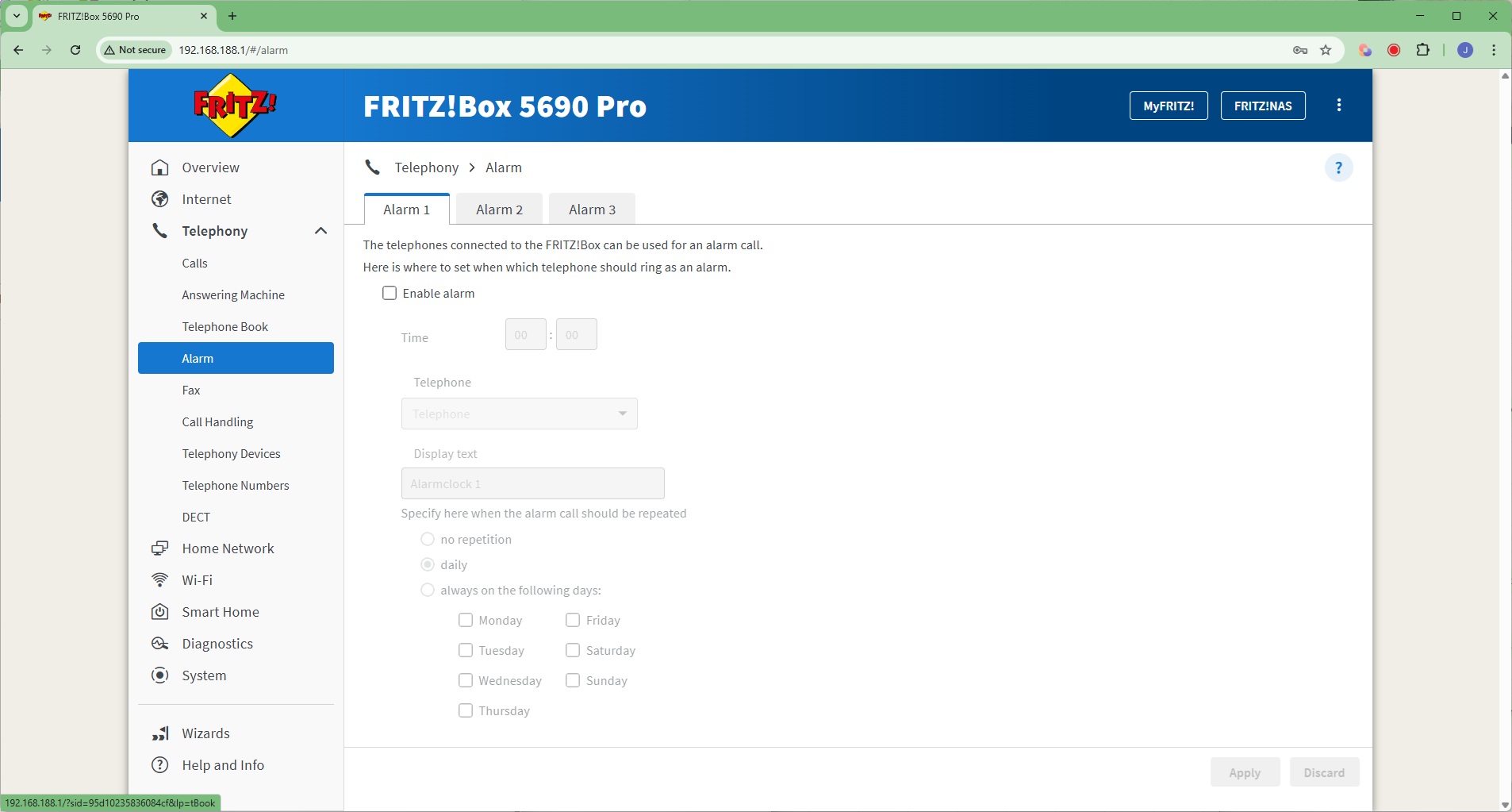
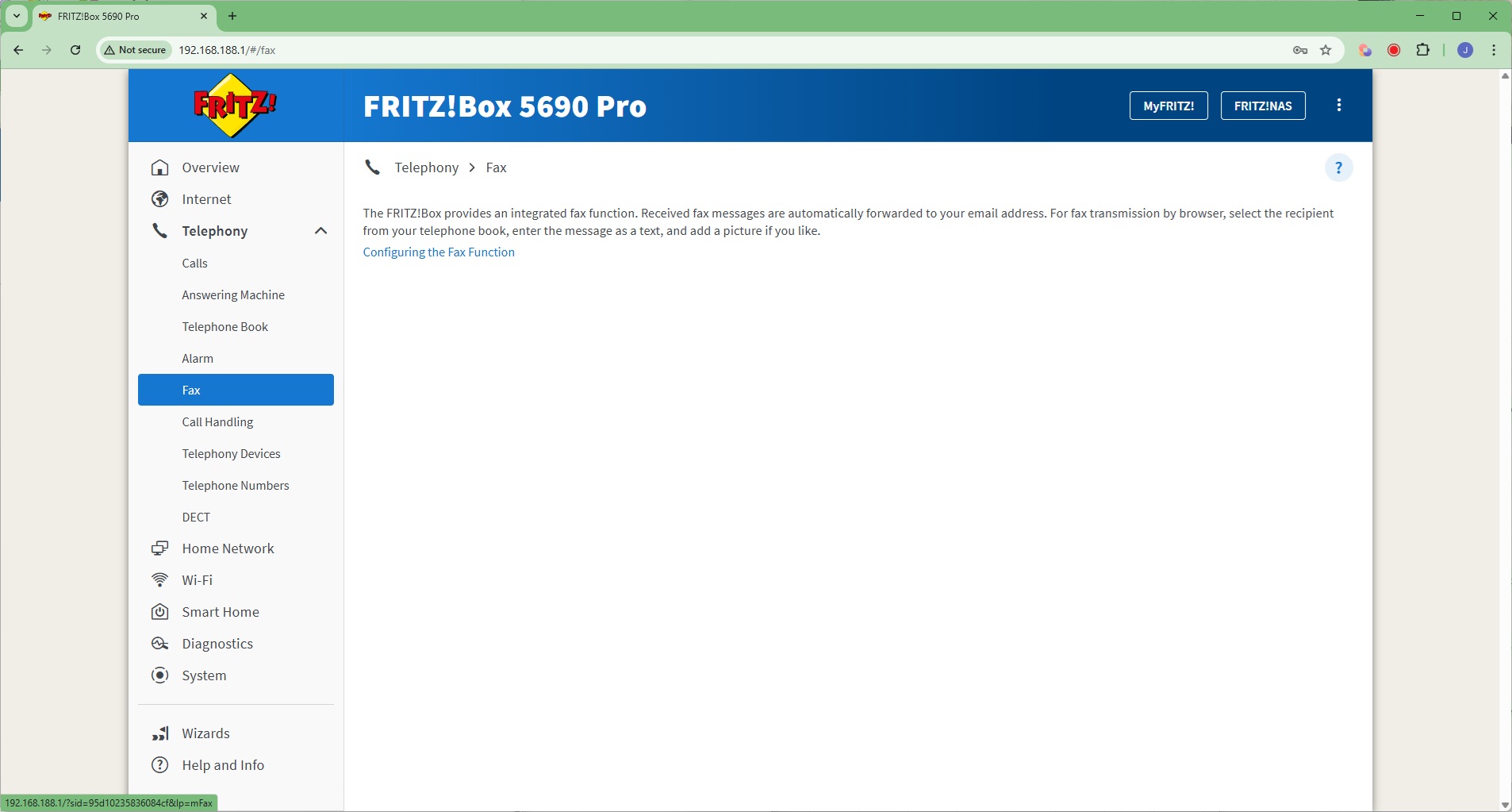
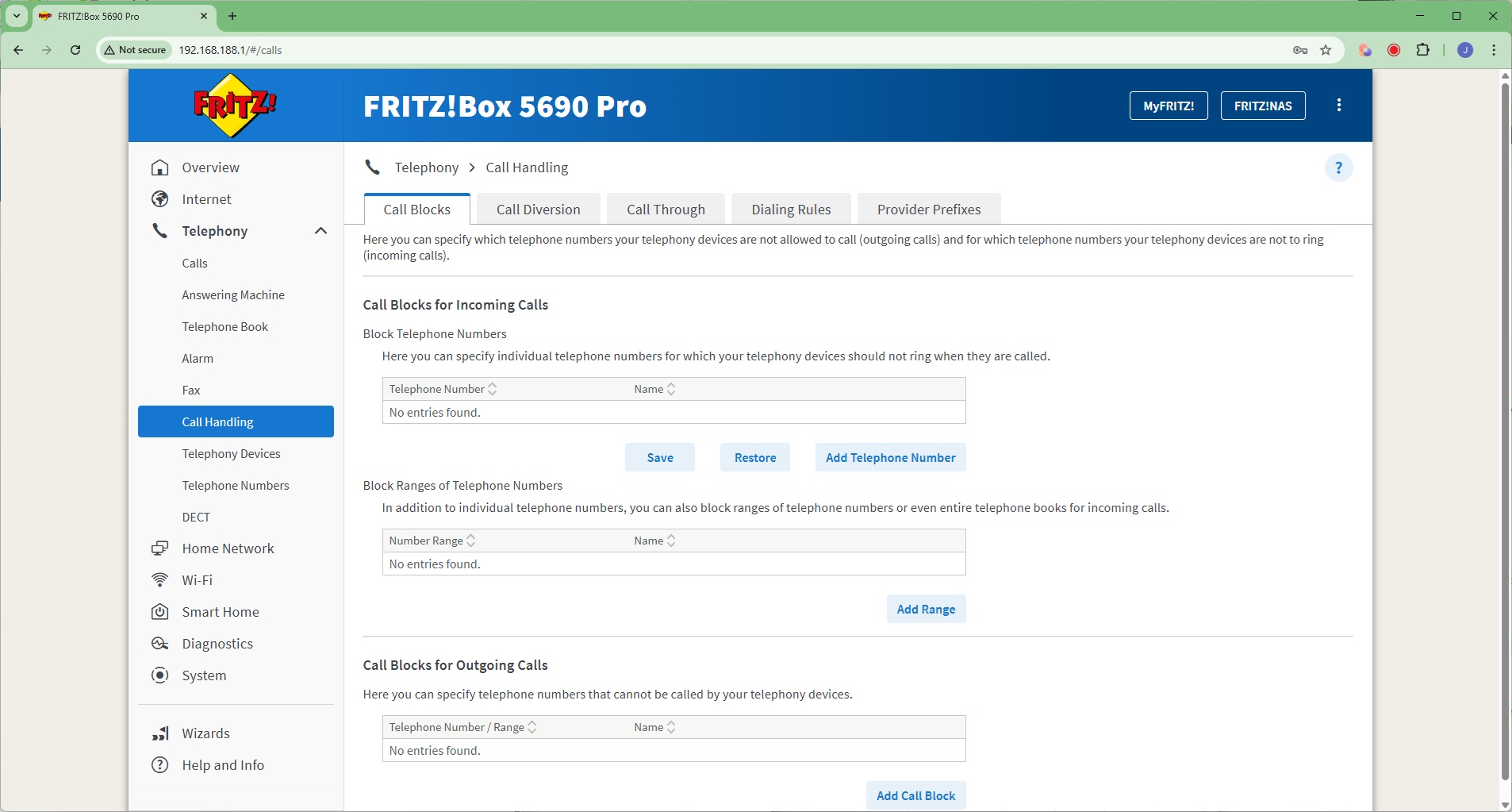
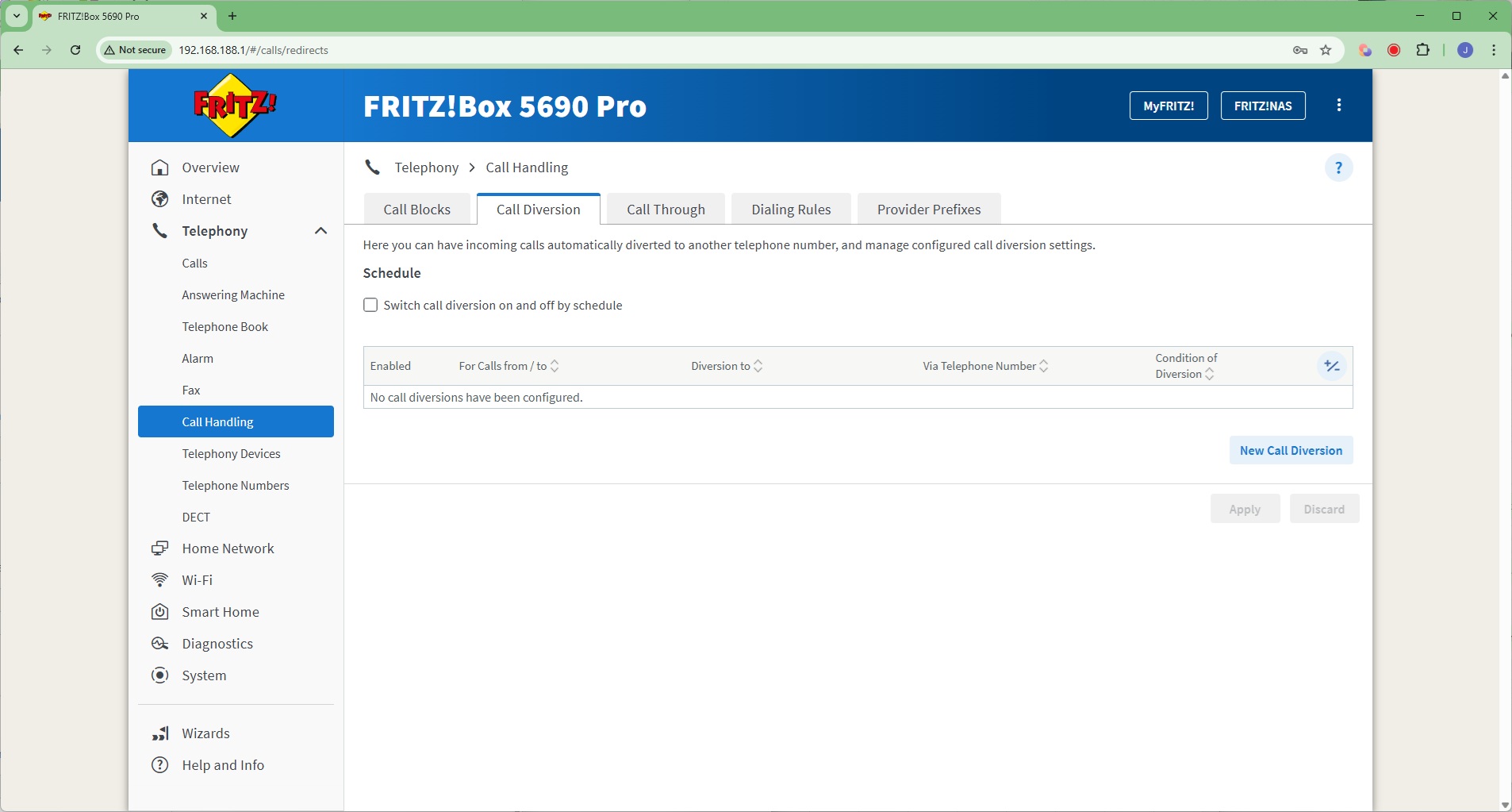
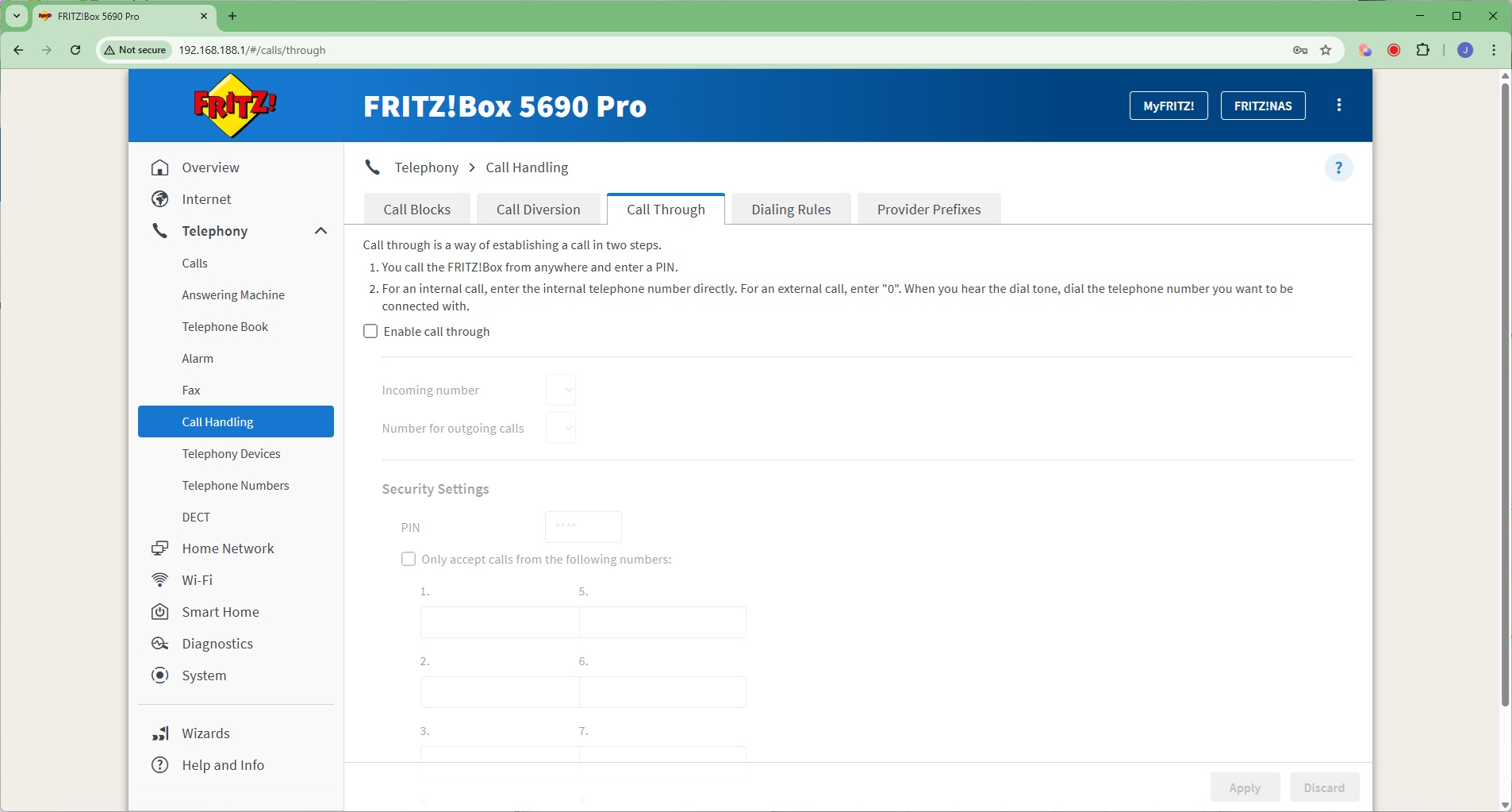
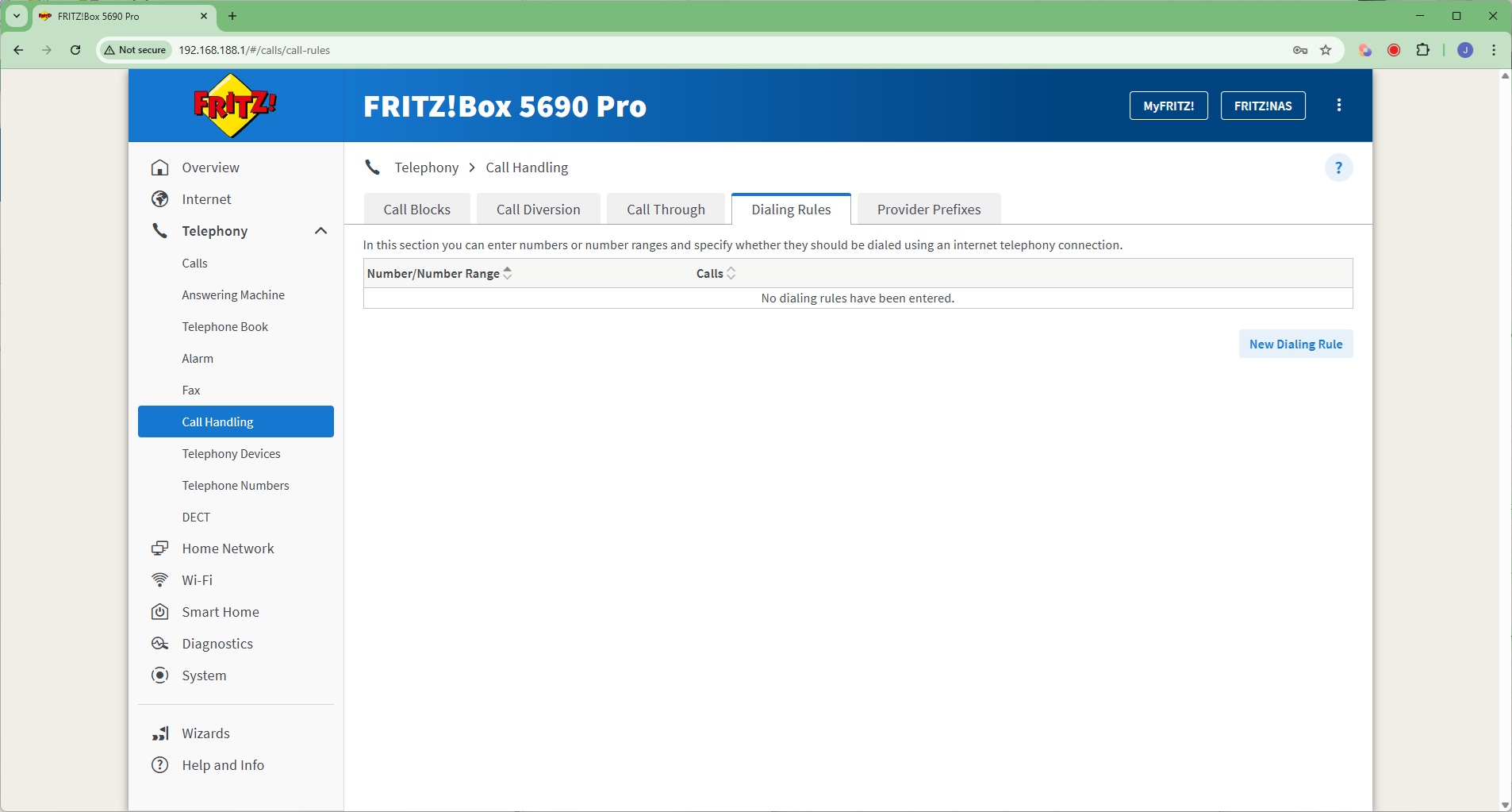
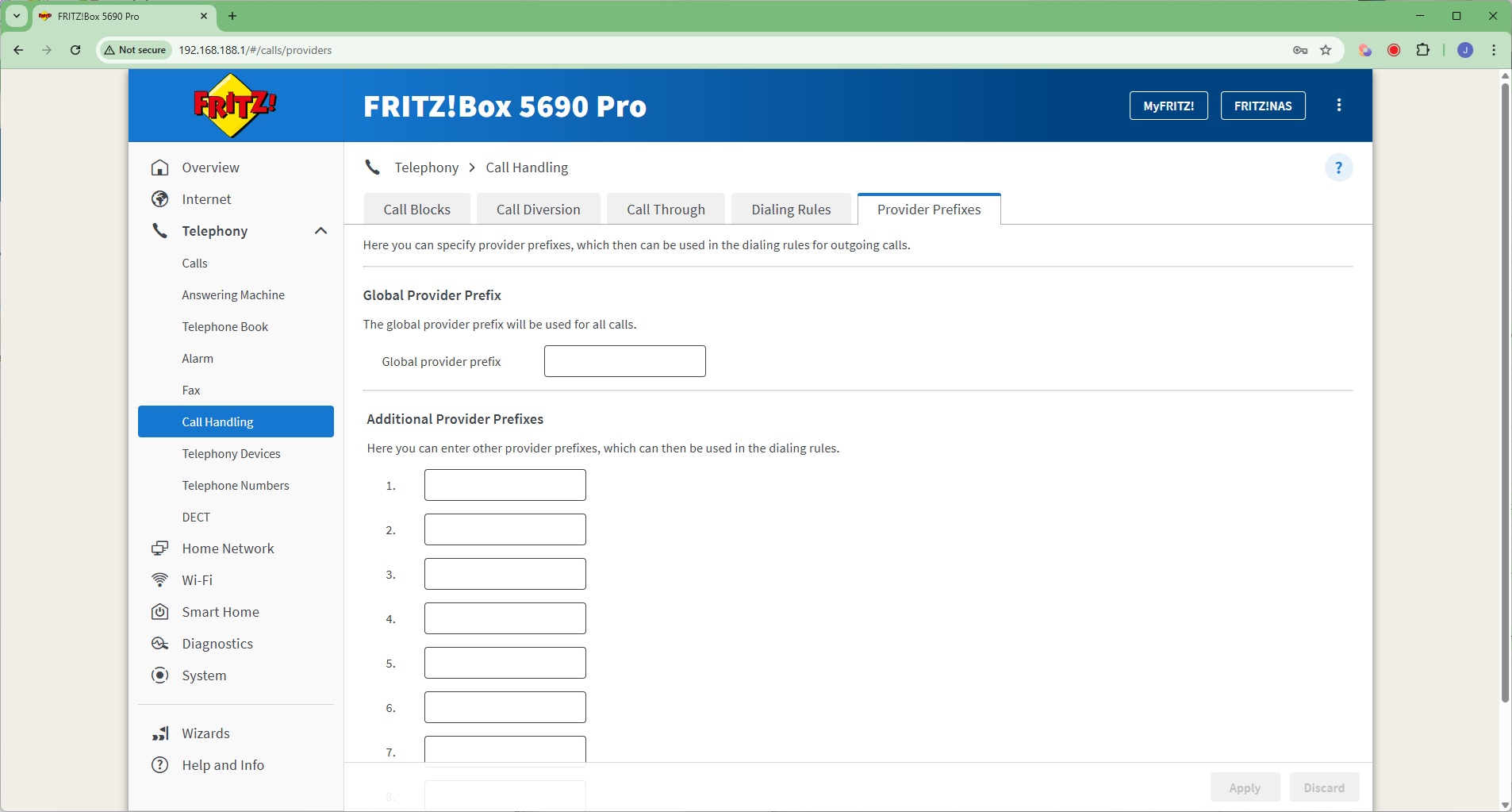
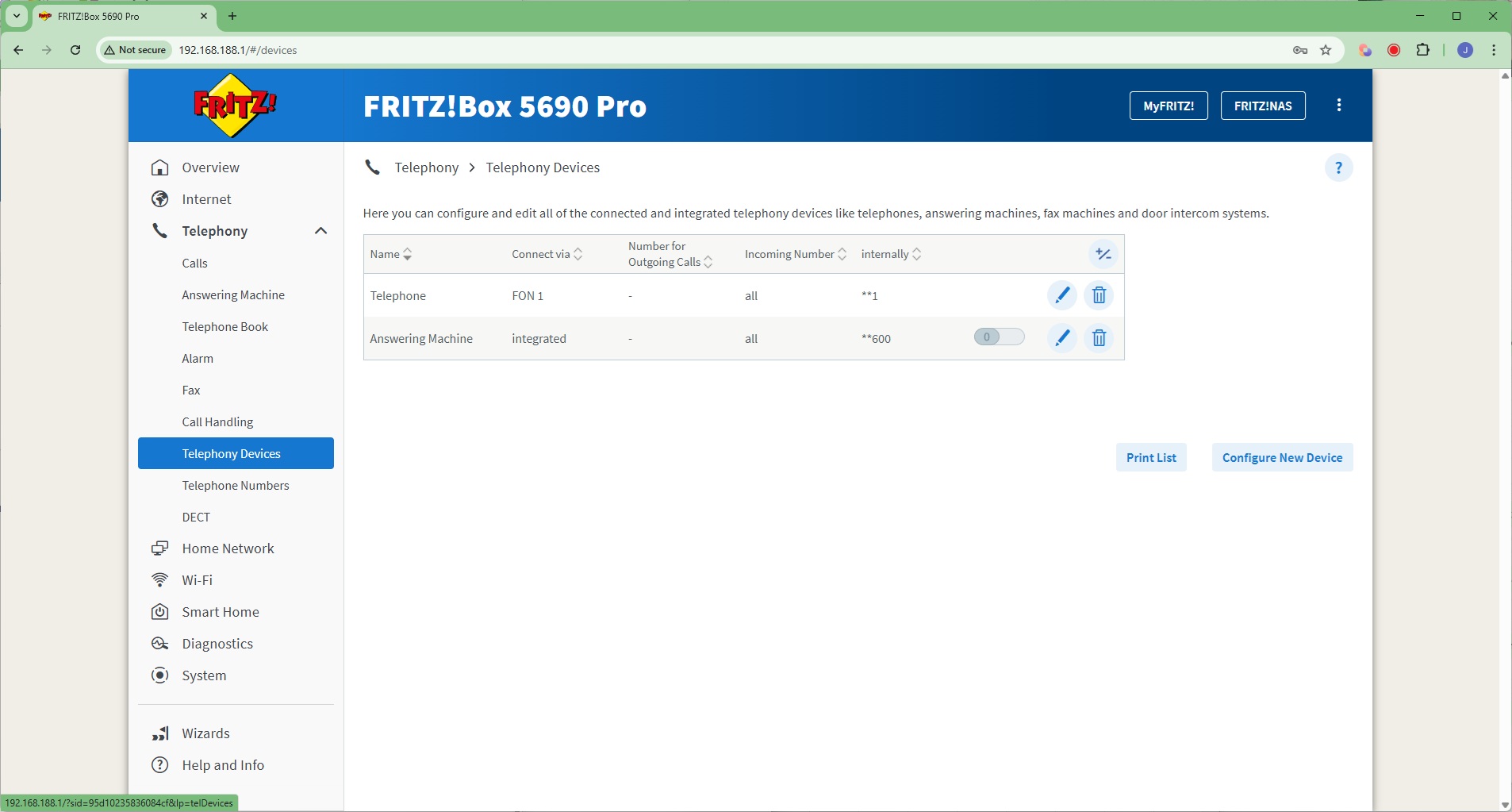
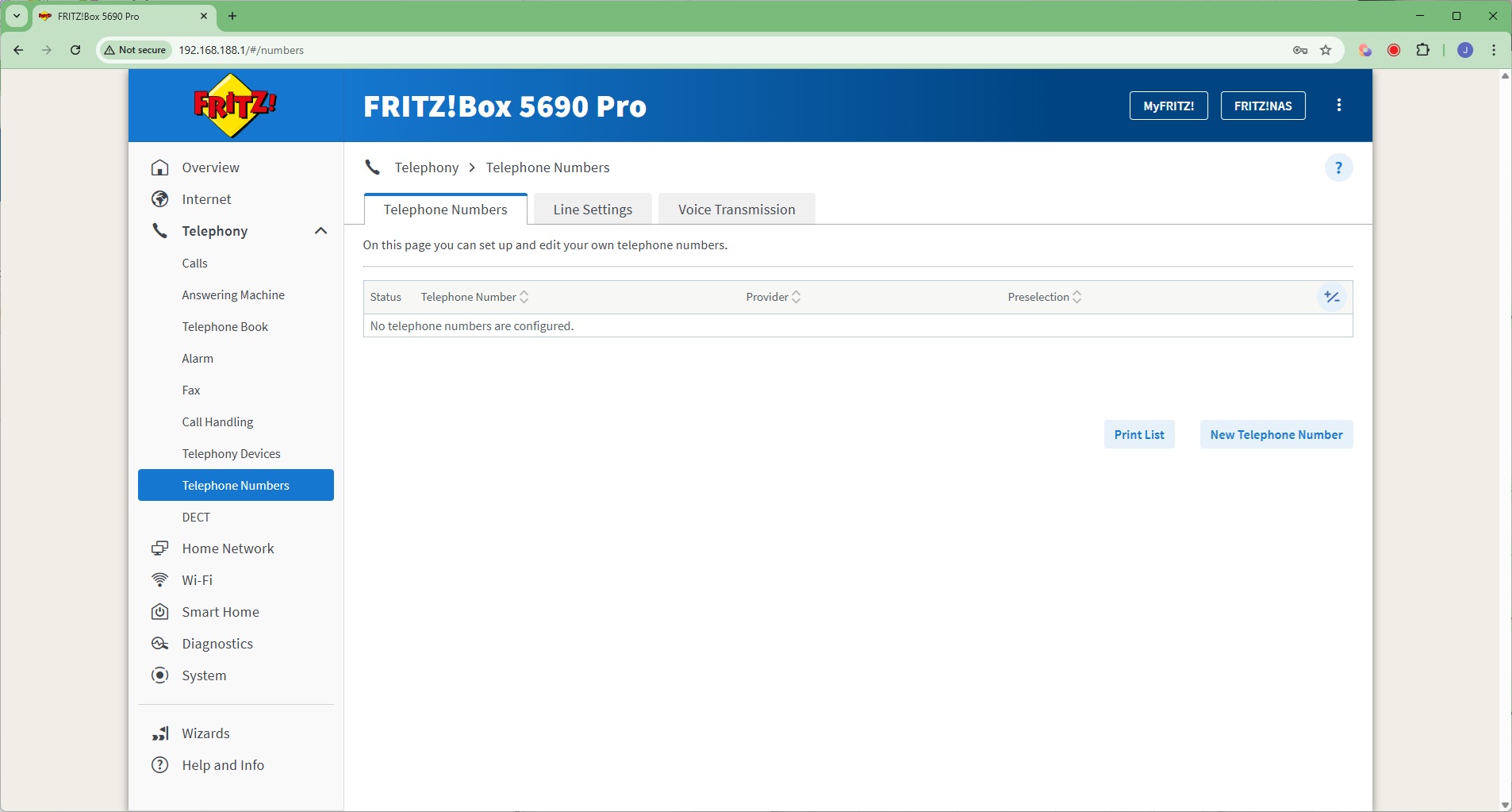
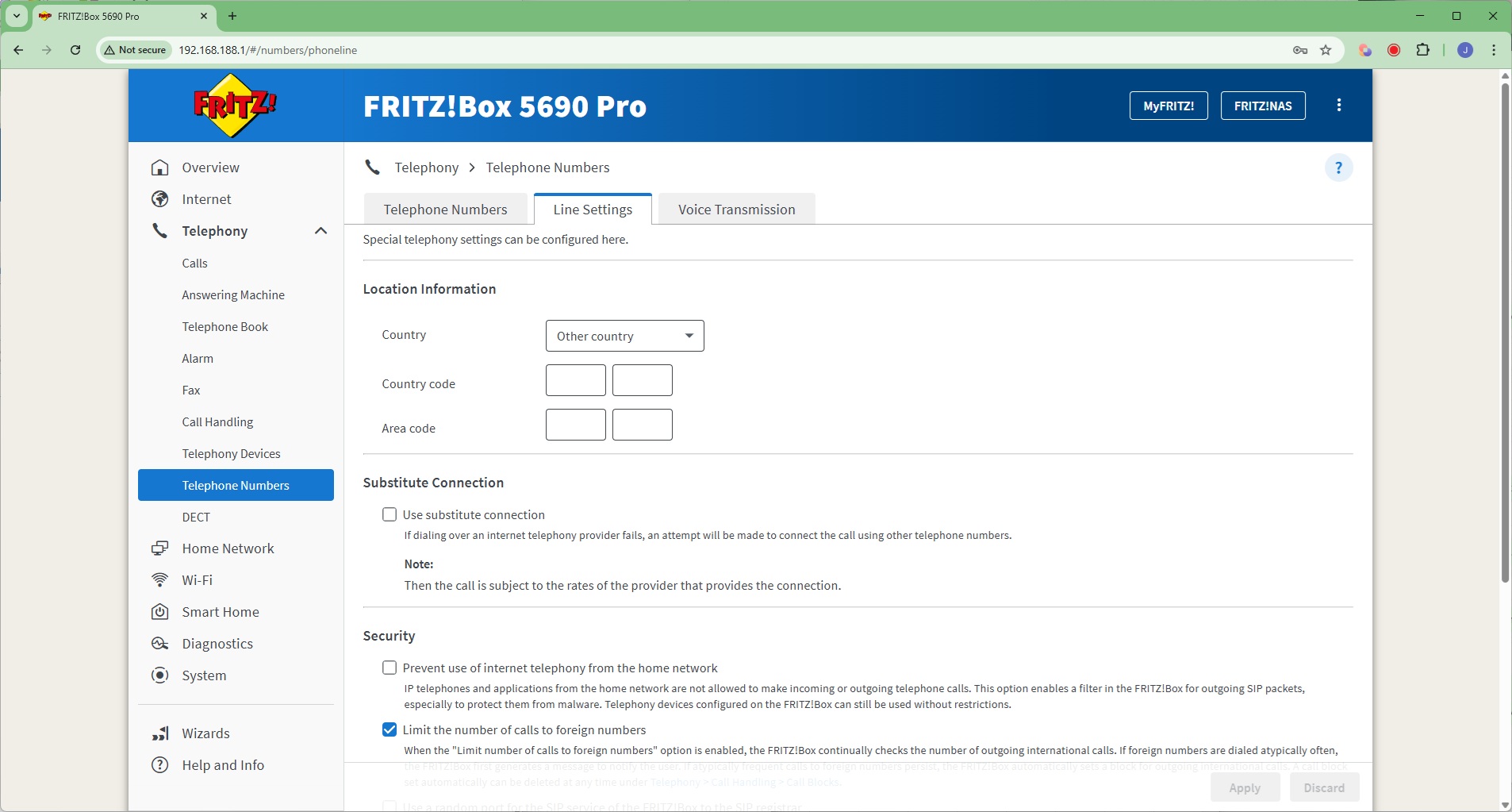
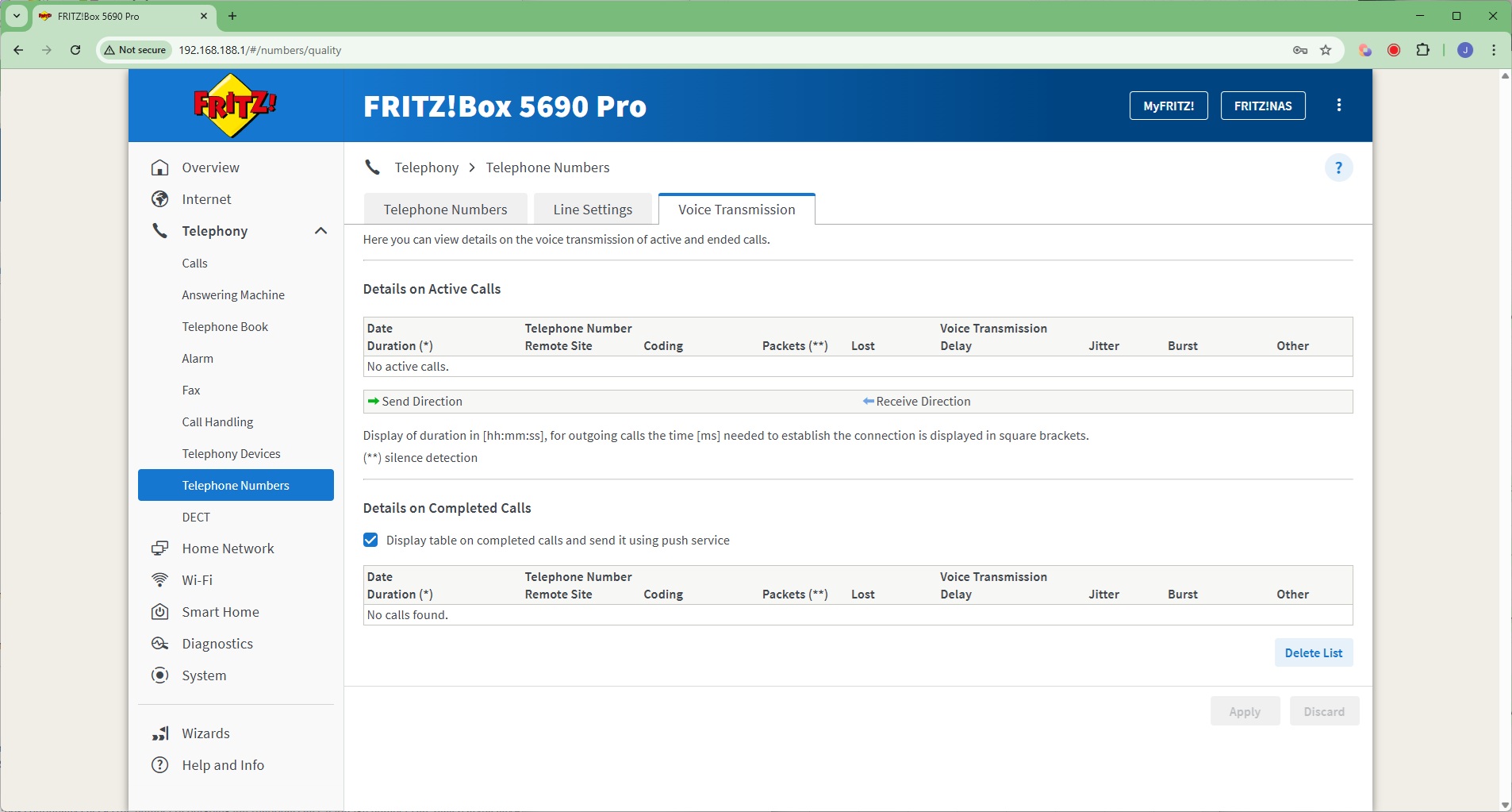
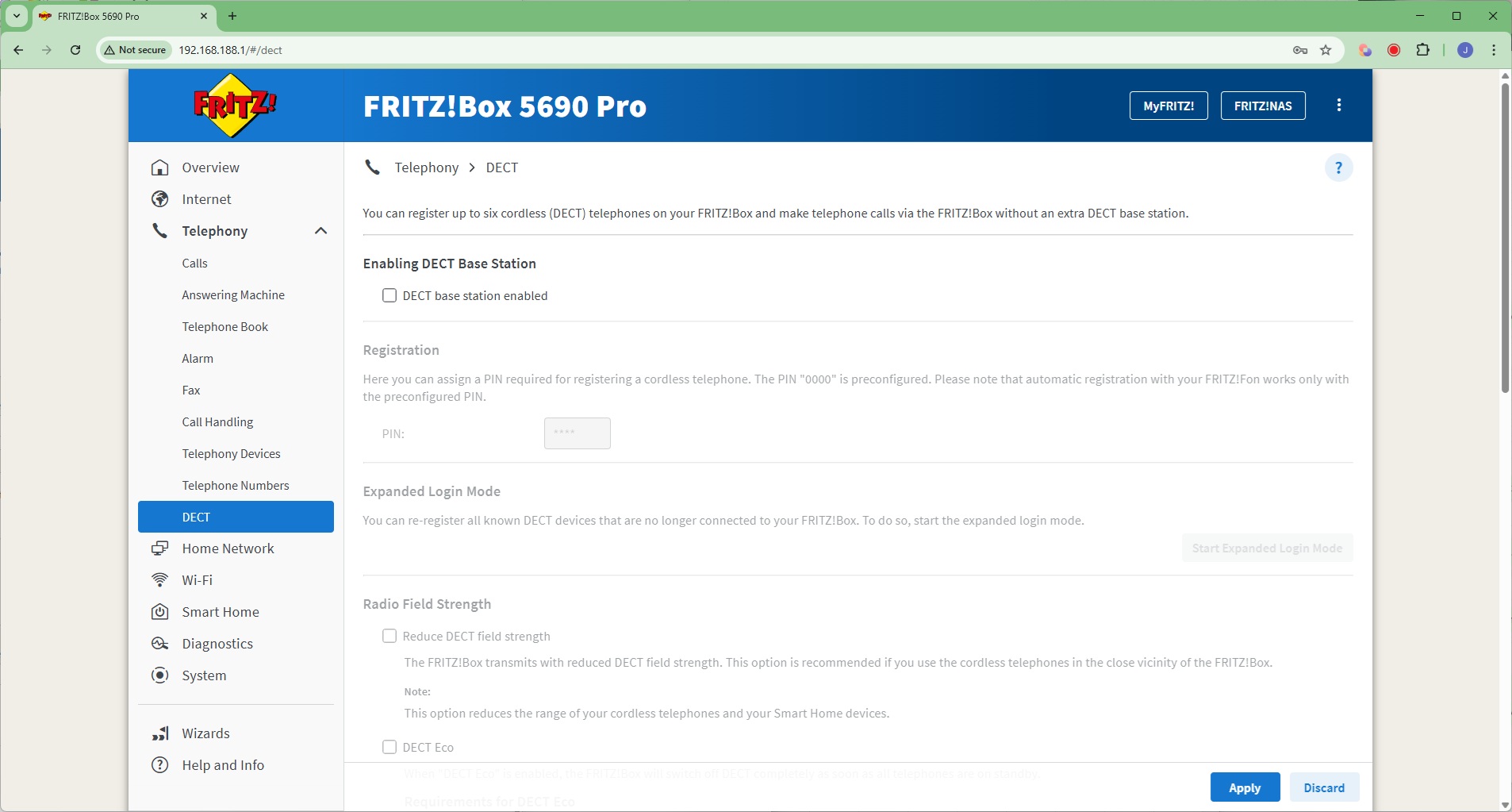
The Telephony section provides an absolutely huge range of options for IP-based home landline calling. You can pair up to six DECT handsets with the system, and add two analog handsets (one RJ-11, one TAE). There's a built-in answering machine, you can create a phone book, and even set up three alarms to ring specific handsets. The FRITZ!Box can receive faxes and email them automatically, as well as divert calls. You can use this router for all your home phone needs or, with DECT, as a small office switchboard.
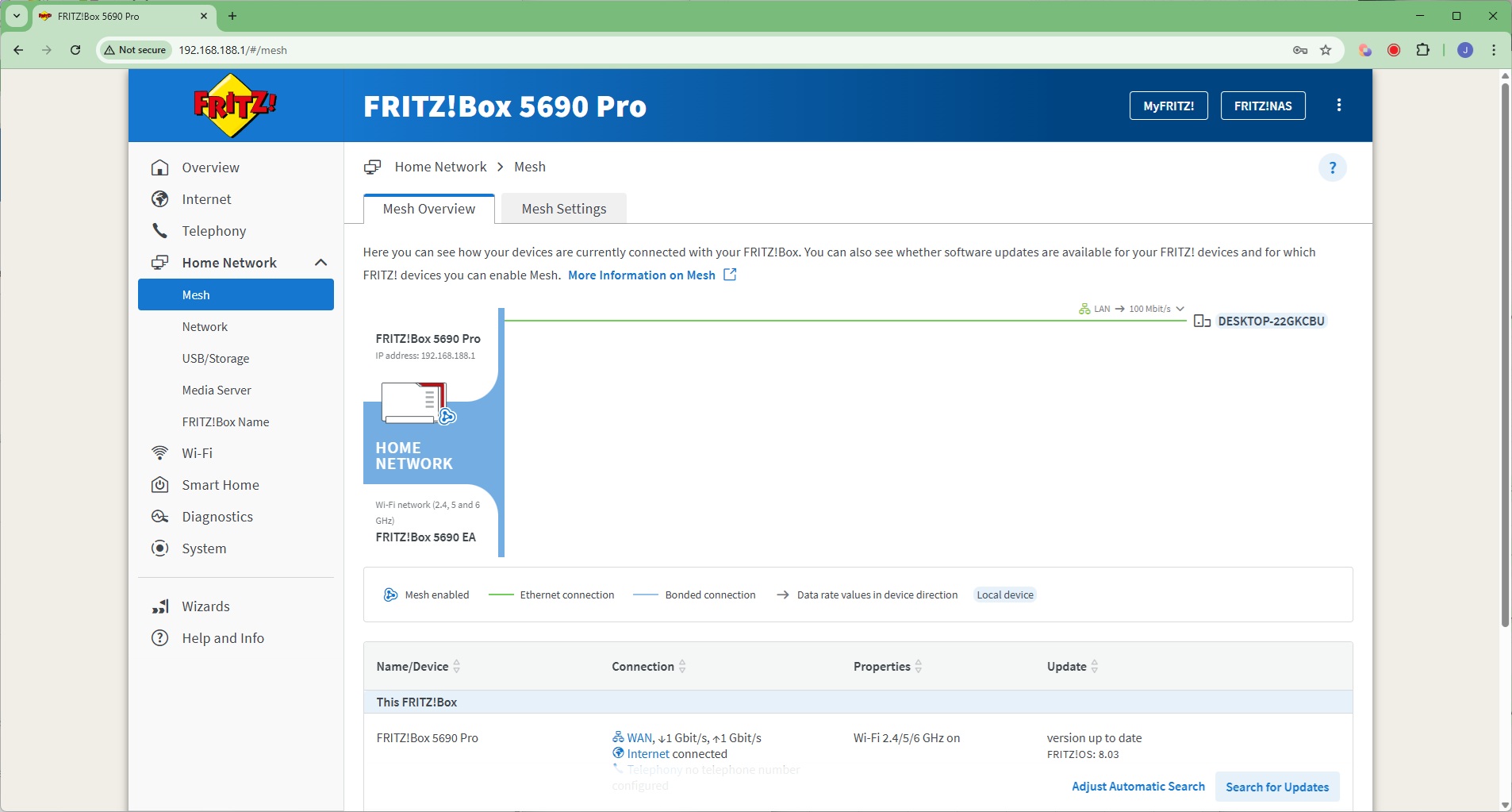
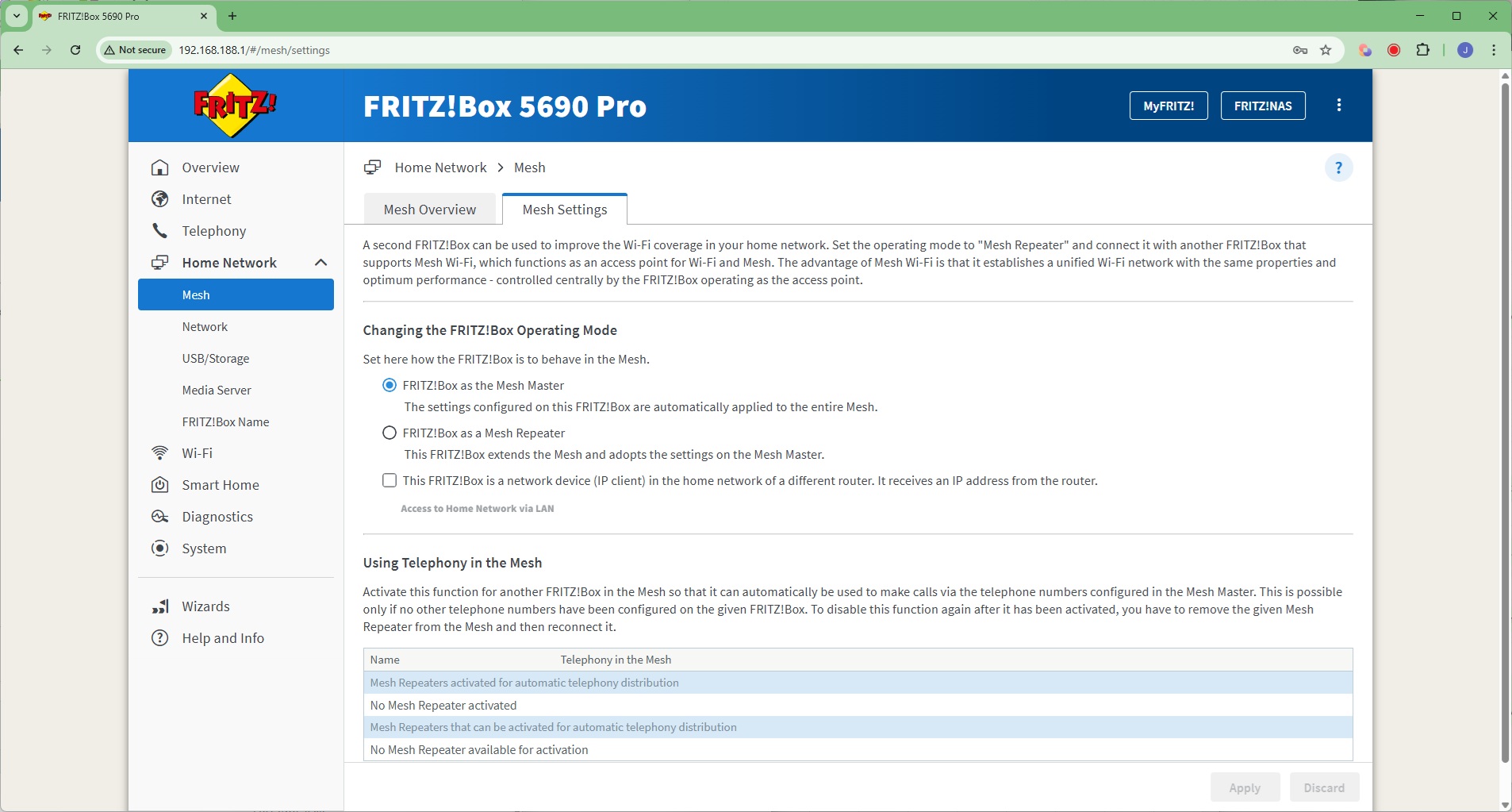
Next, we get to the Home Network section, where you can create a Mesh with multiple FRITZ! devices, connected either wirelessly as repeaters or over wired LAN (including via powerline networking).
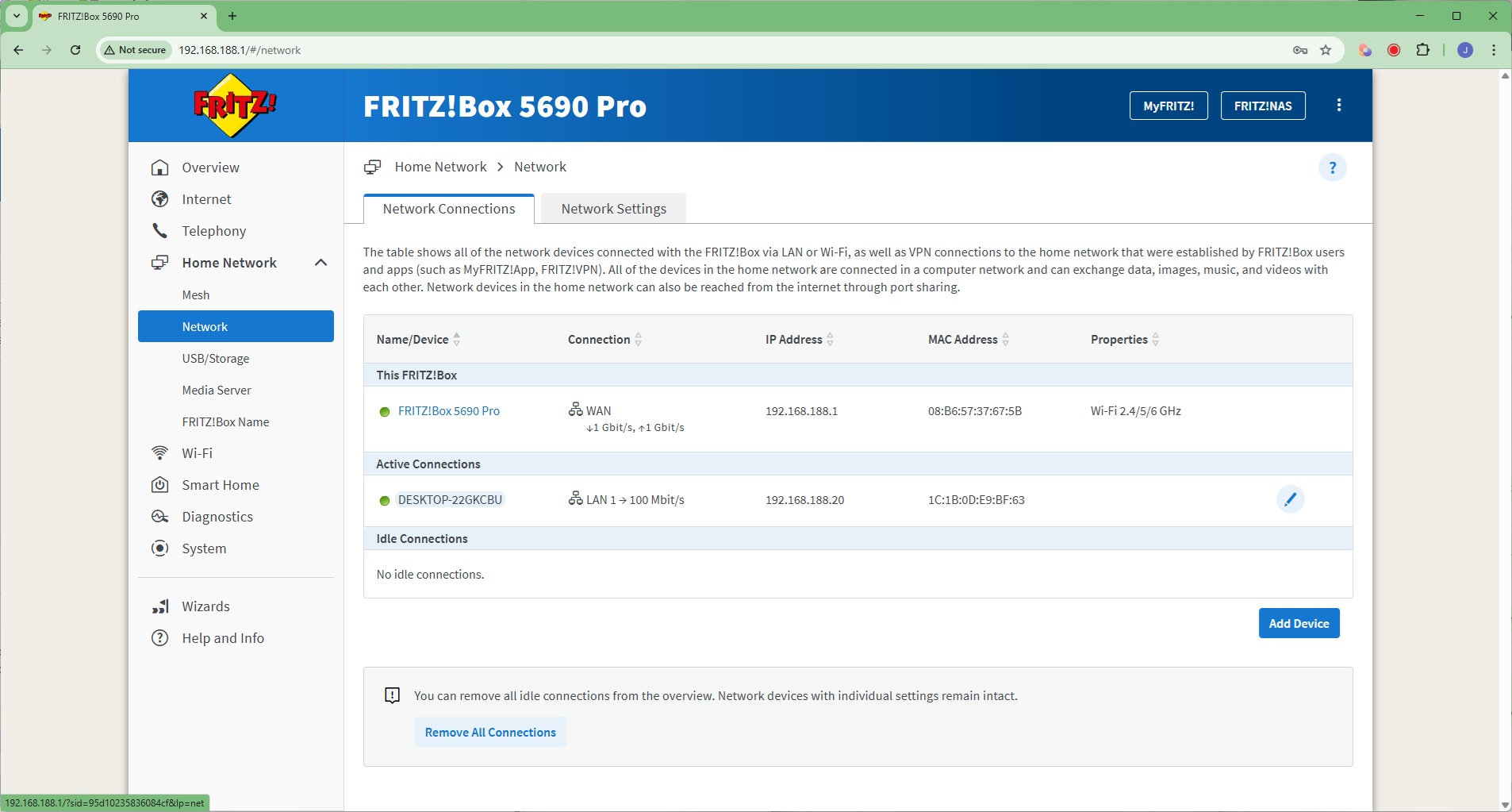
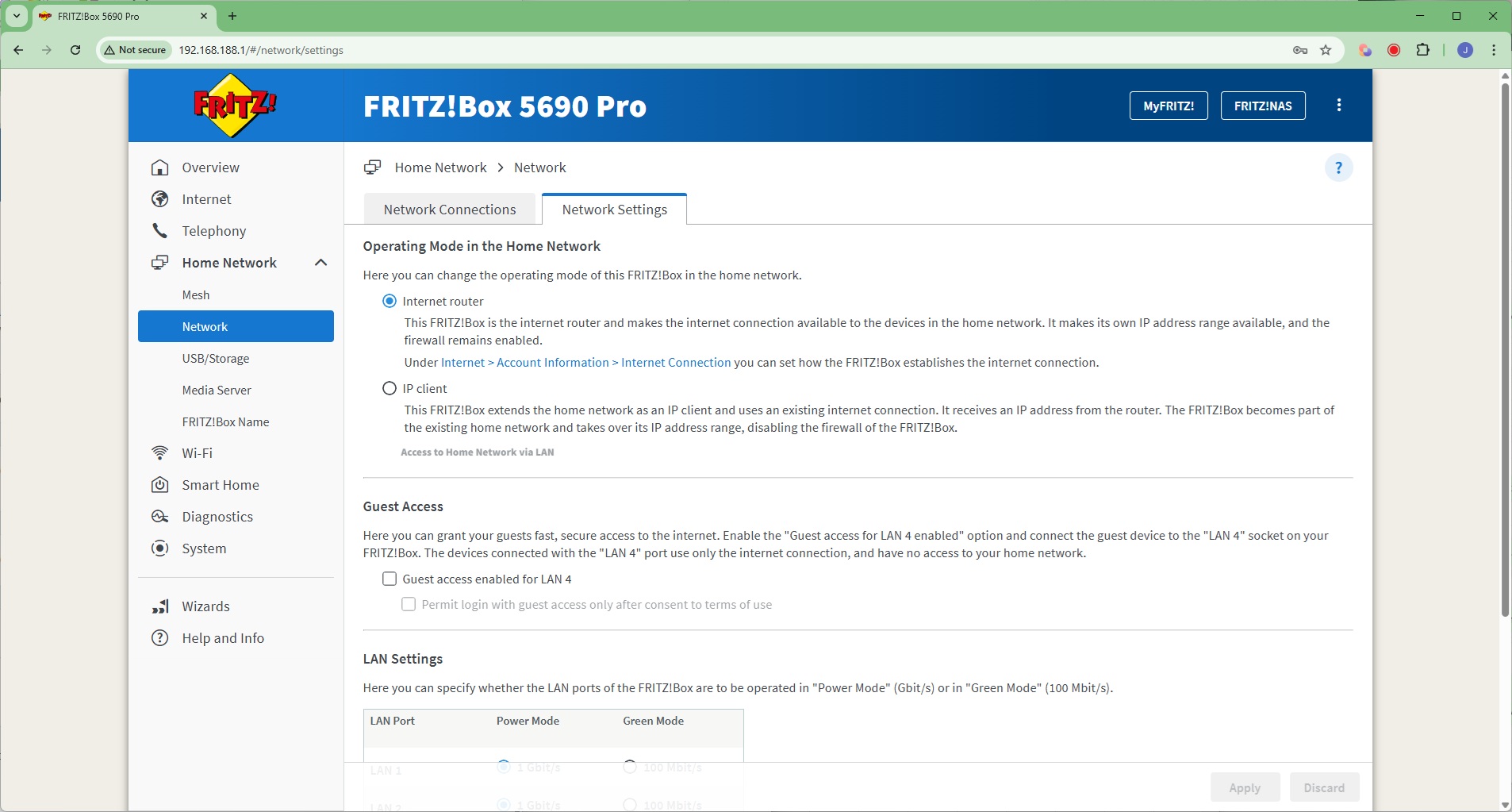
The Network section lets you browse which devices are on the network, and configure the speed of the various LAN ports. You can also choose whether the 5690 Pro acts as a router (which supplies its own IP addresses) or an access point (which doesn't).
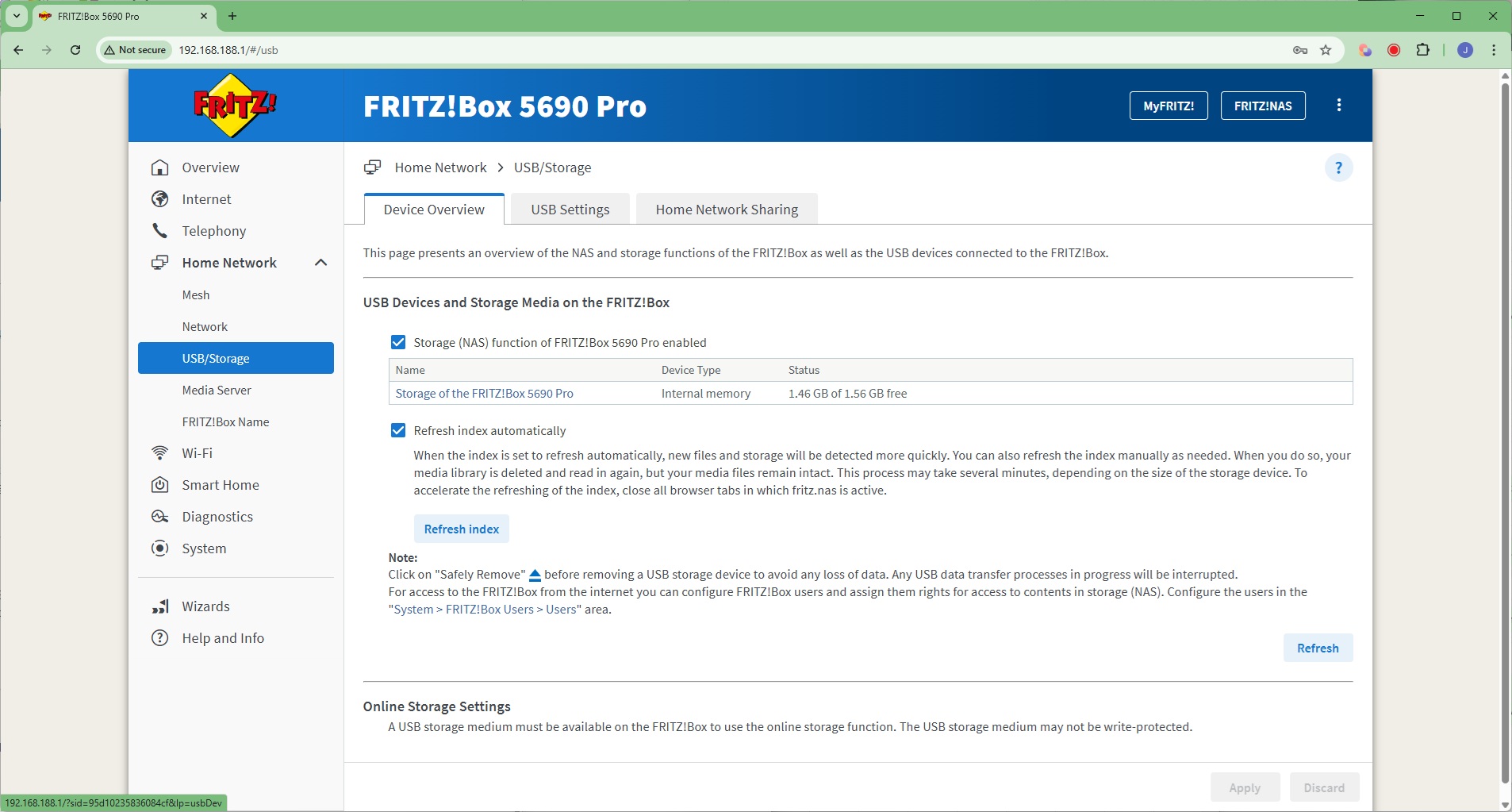
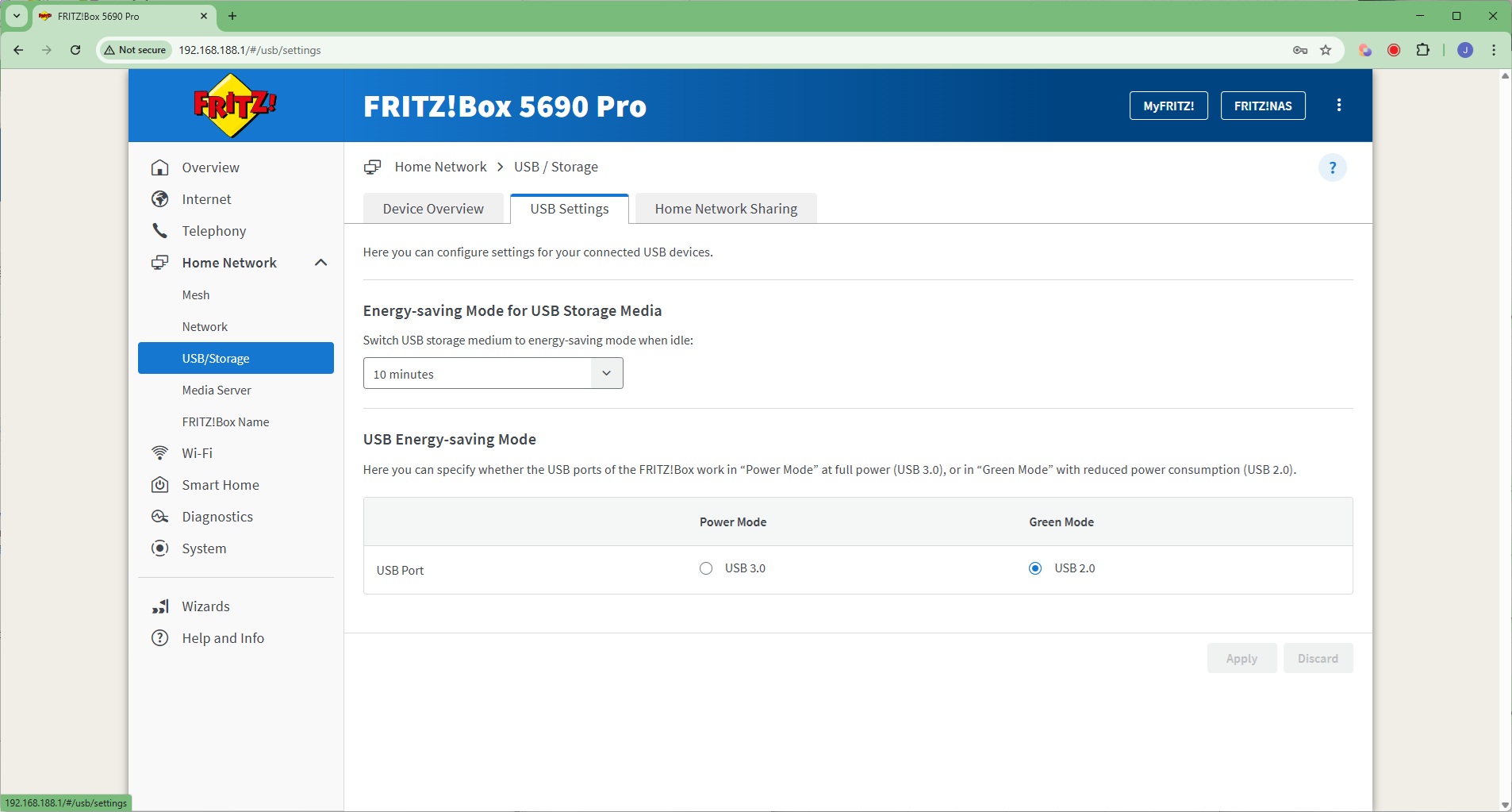
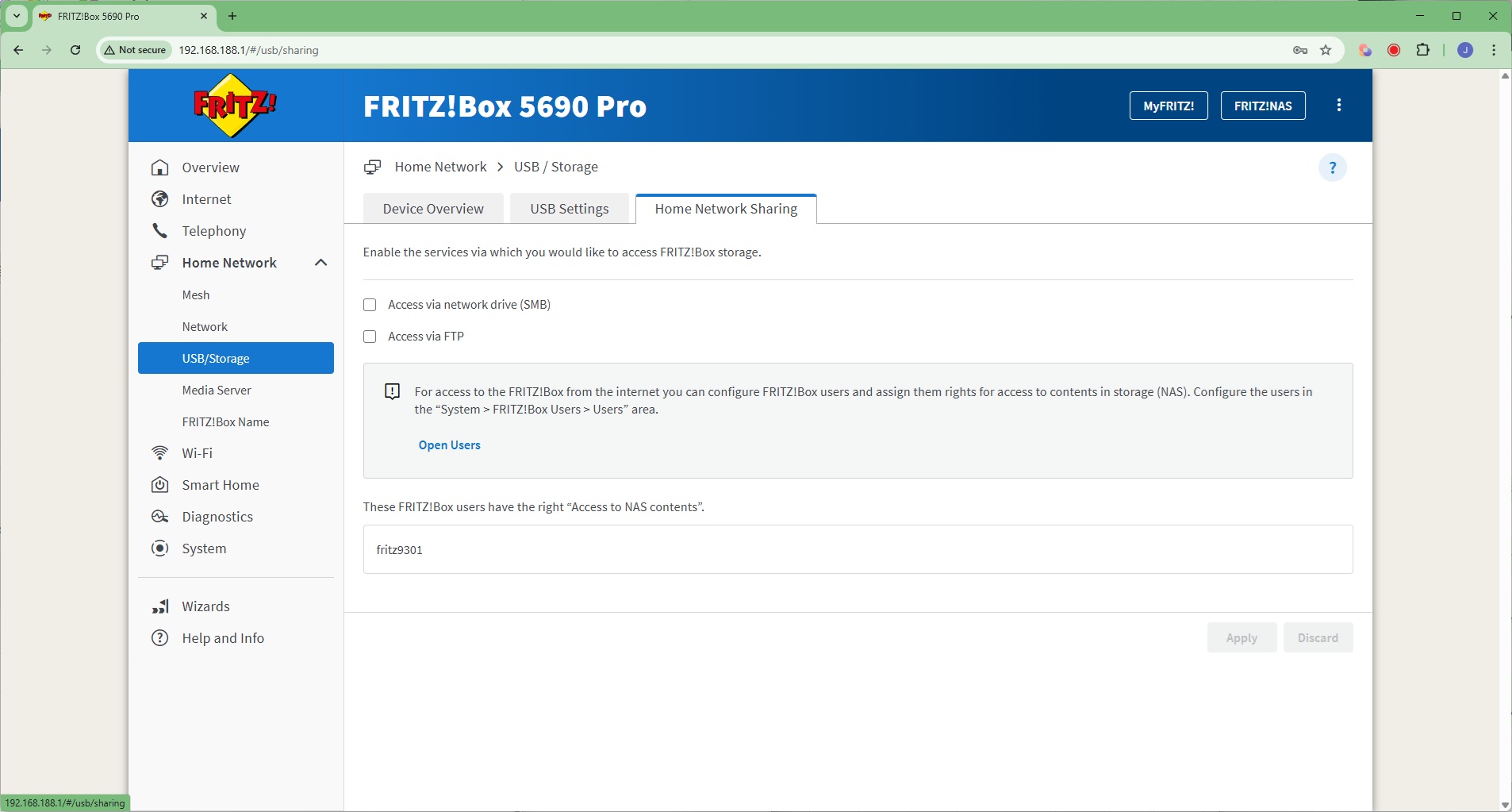
The 5690 Pro has some of its own internal memory (but just 1.56GB) and you can also attach USB storage to share across the network. This can be via SMB or FTP.
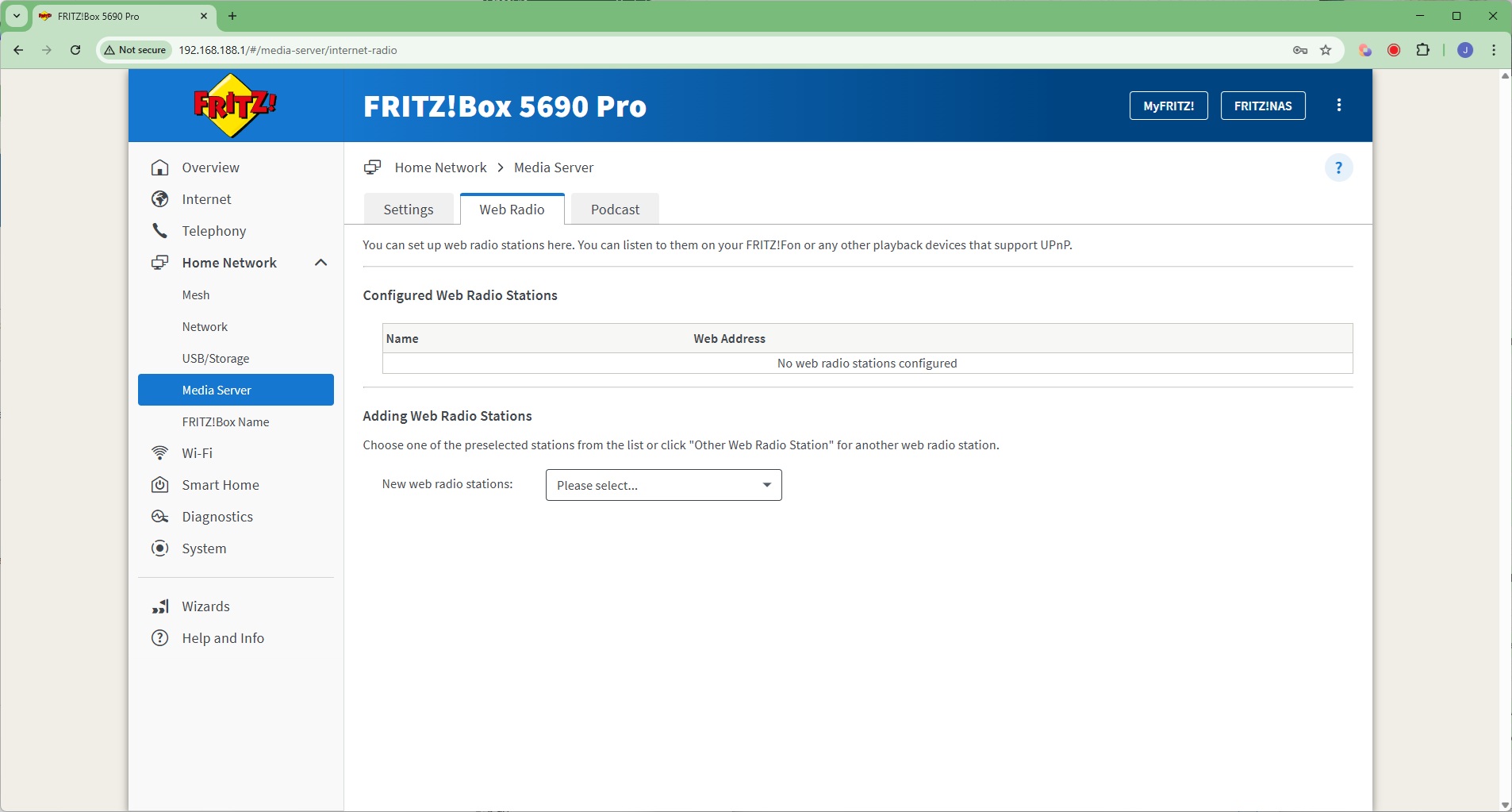
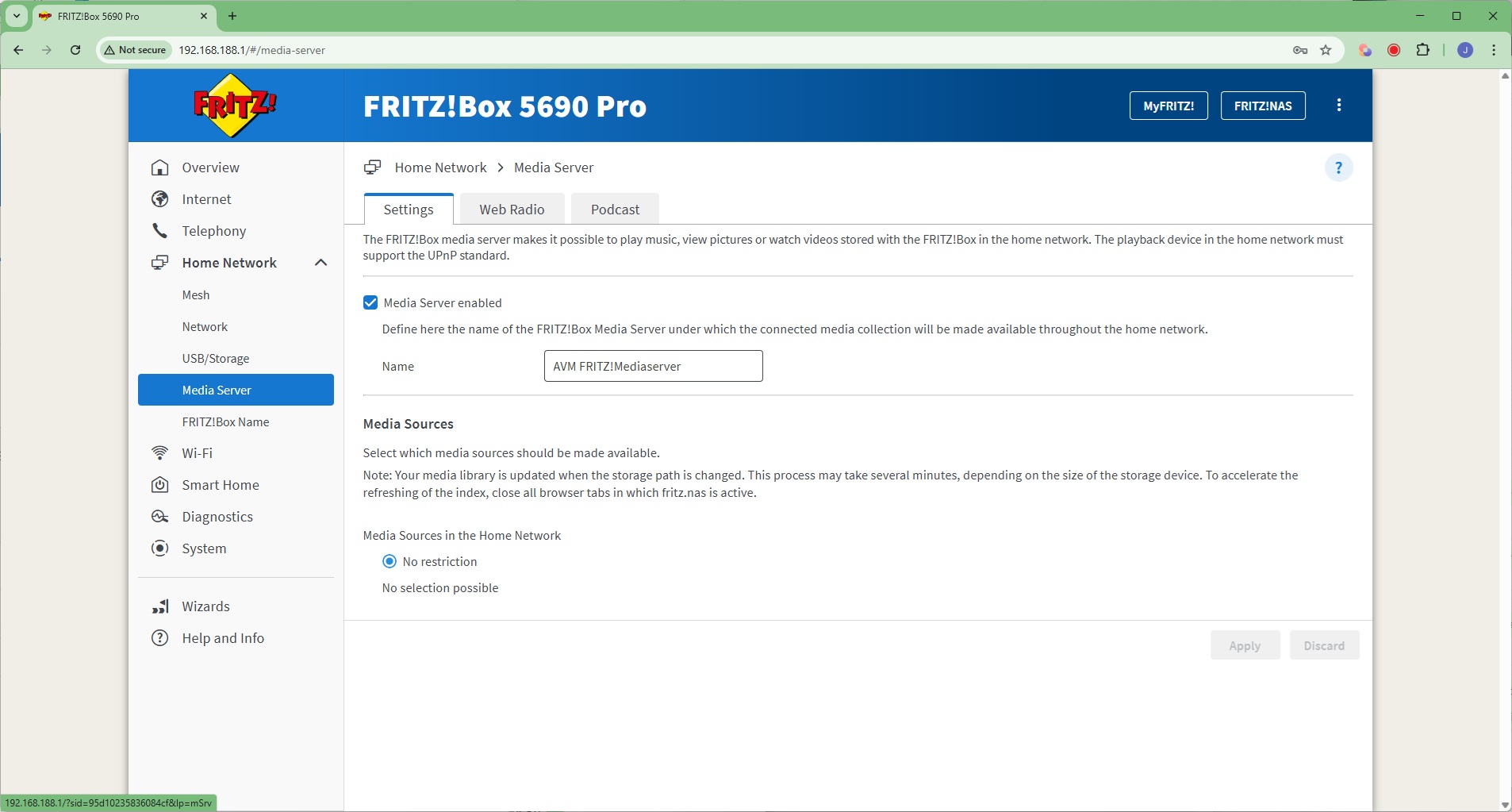
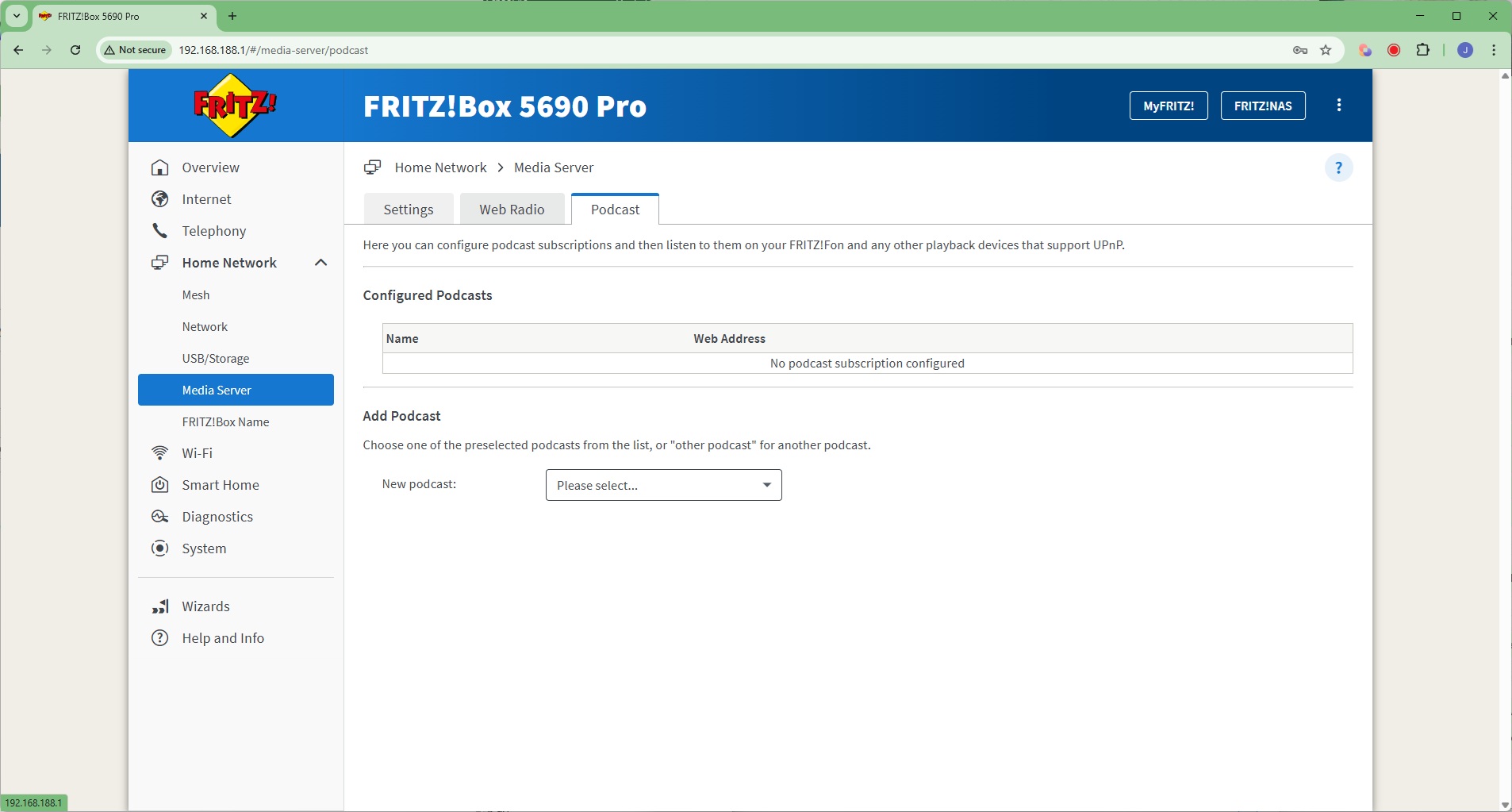
The USB storage drive can also act as a Media Server to the network. This UPnP server can even distribute Web Radio and Podcasts to the local network via UPnP, including to telephony devices.
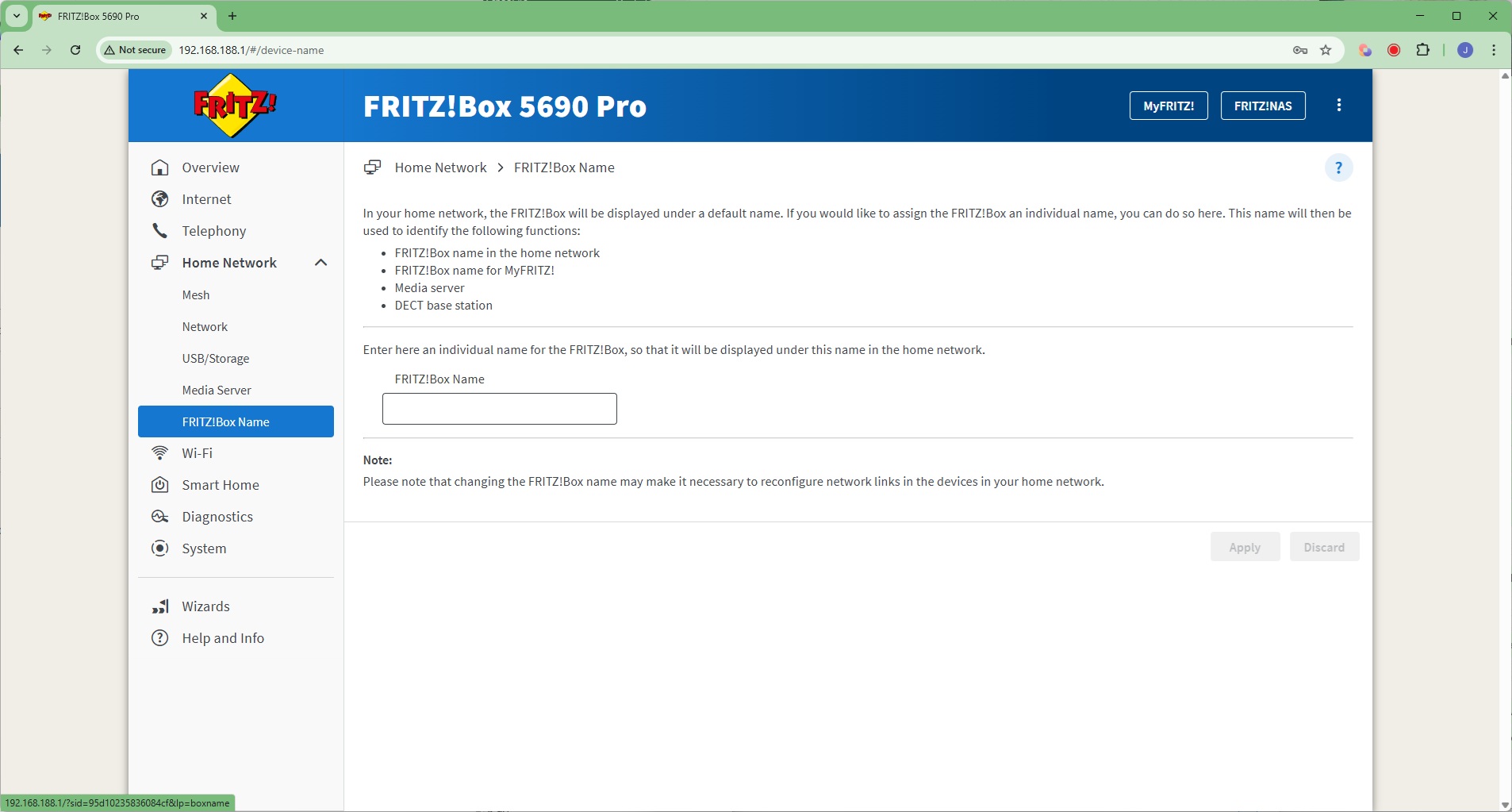
If you have multiple FRITZ!Box devices, you can give them unique titles via the Name section.
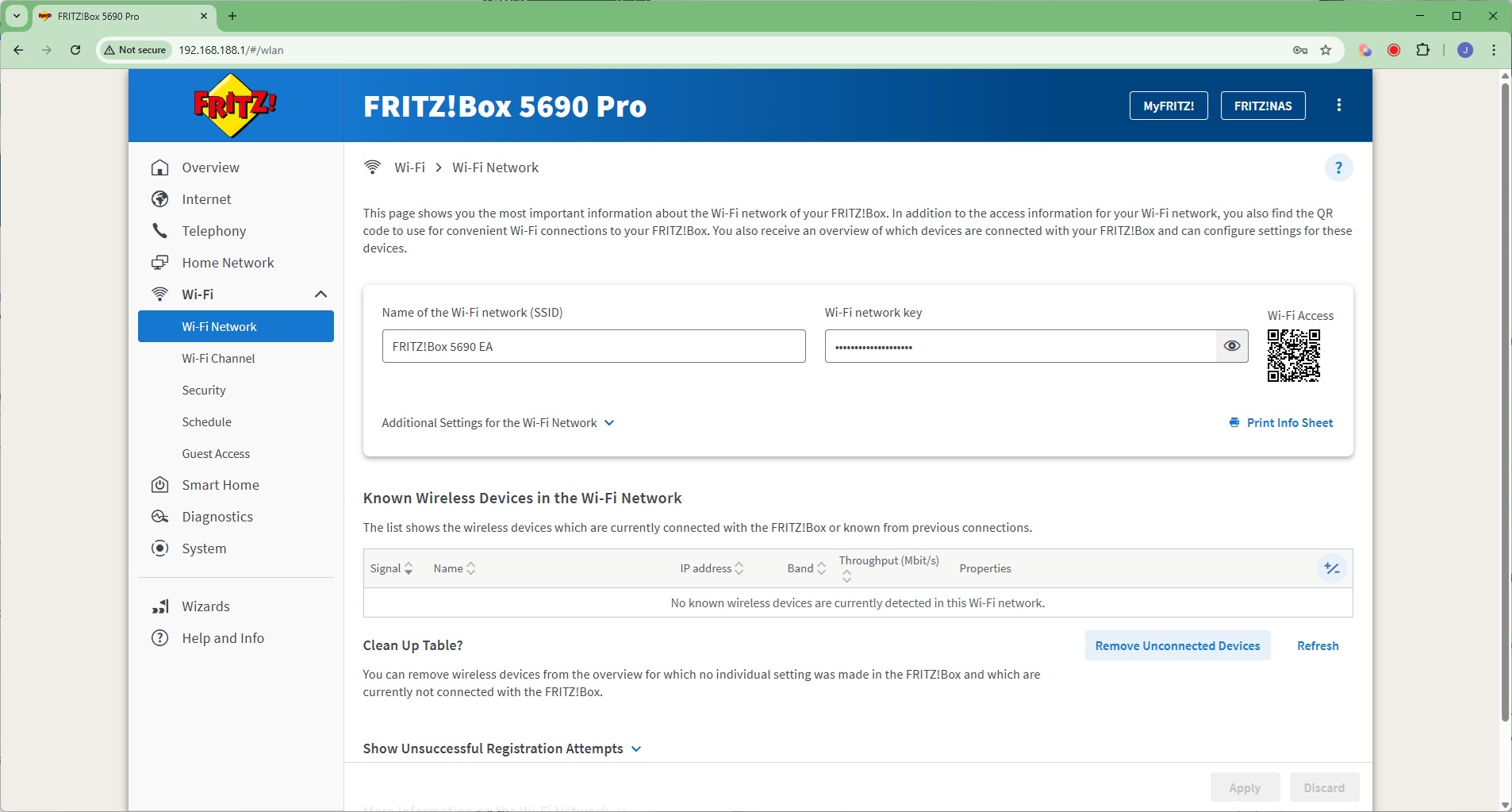
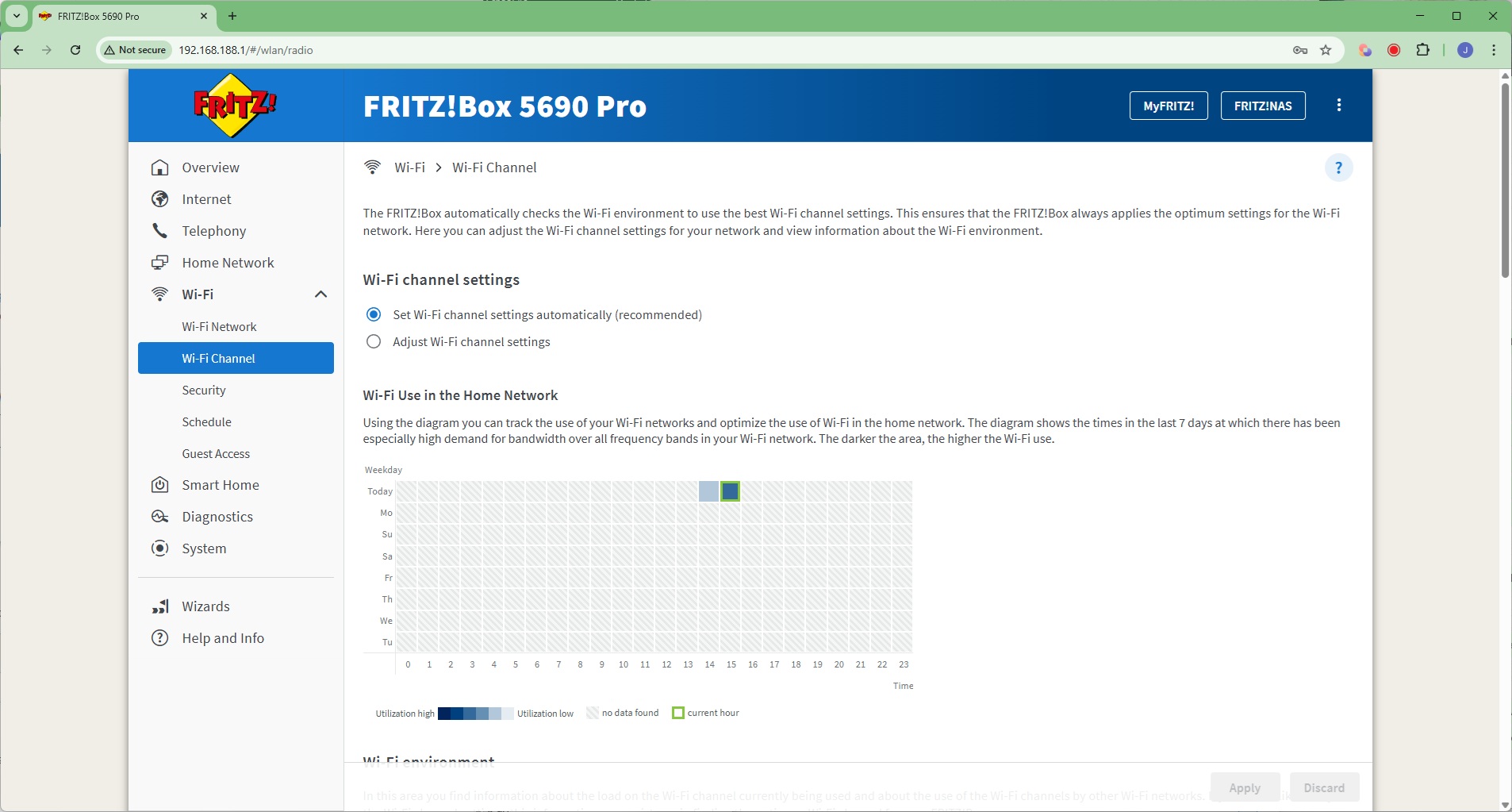
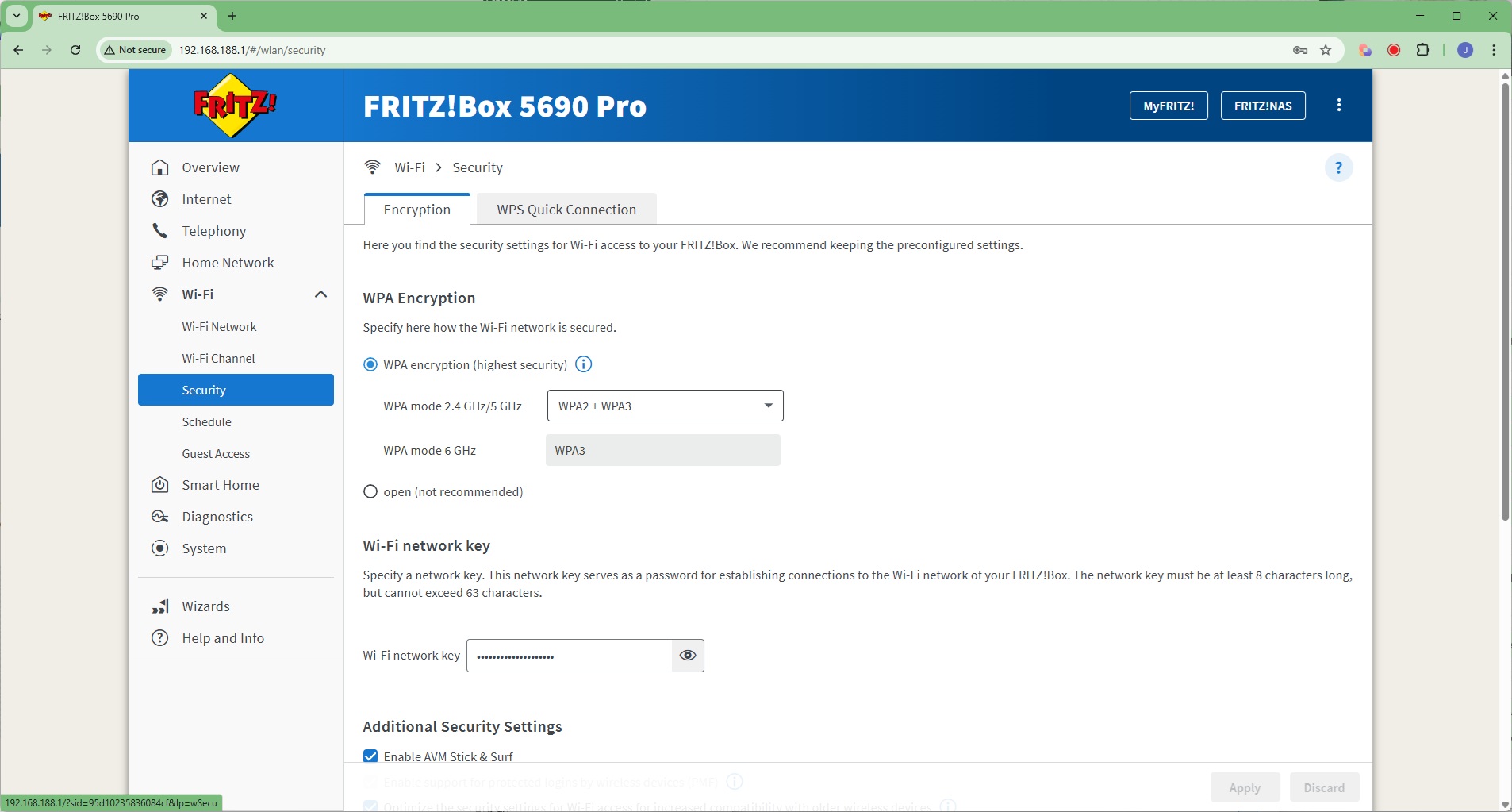
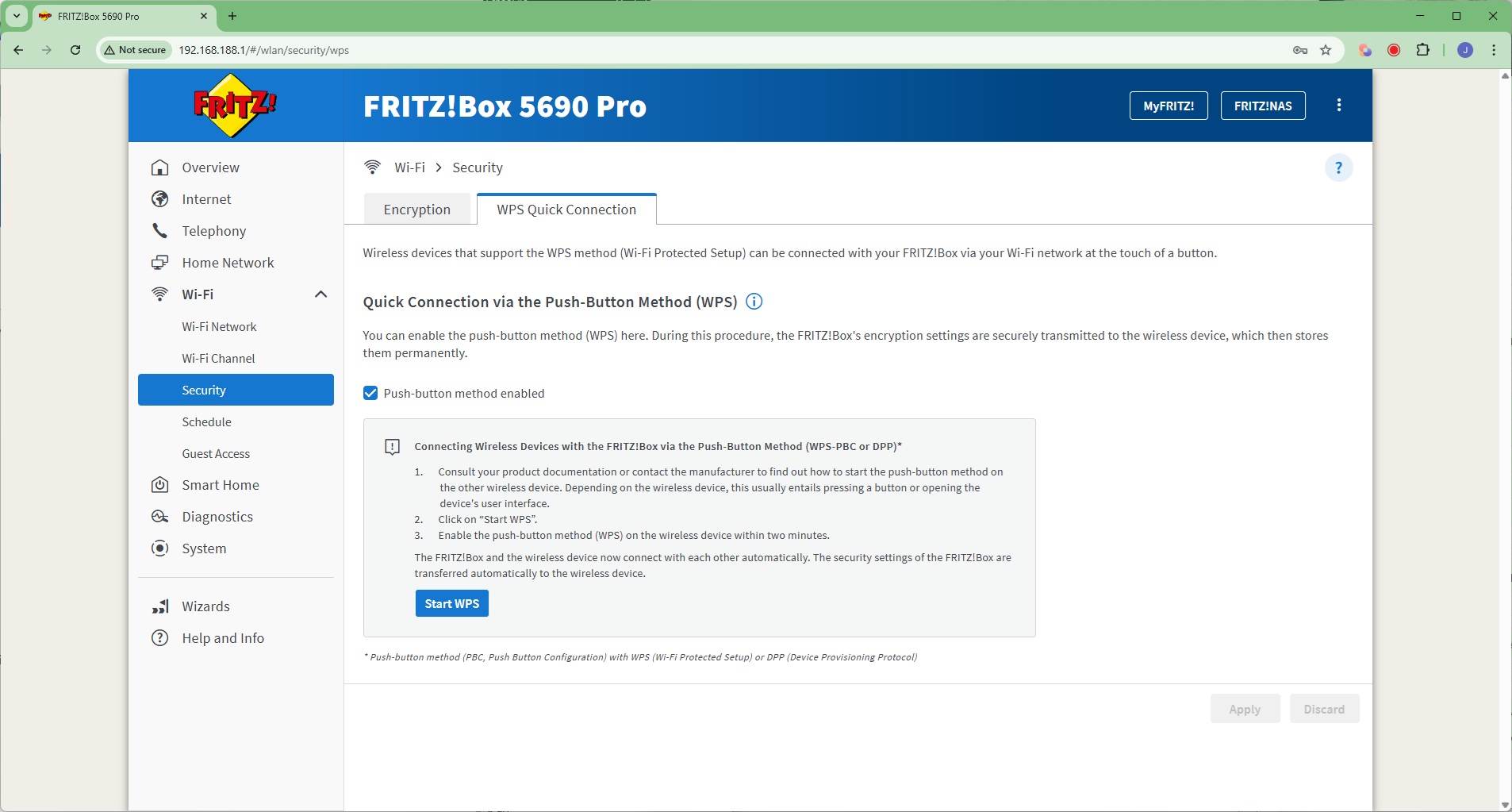
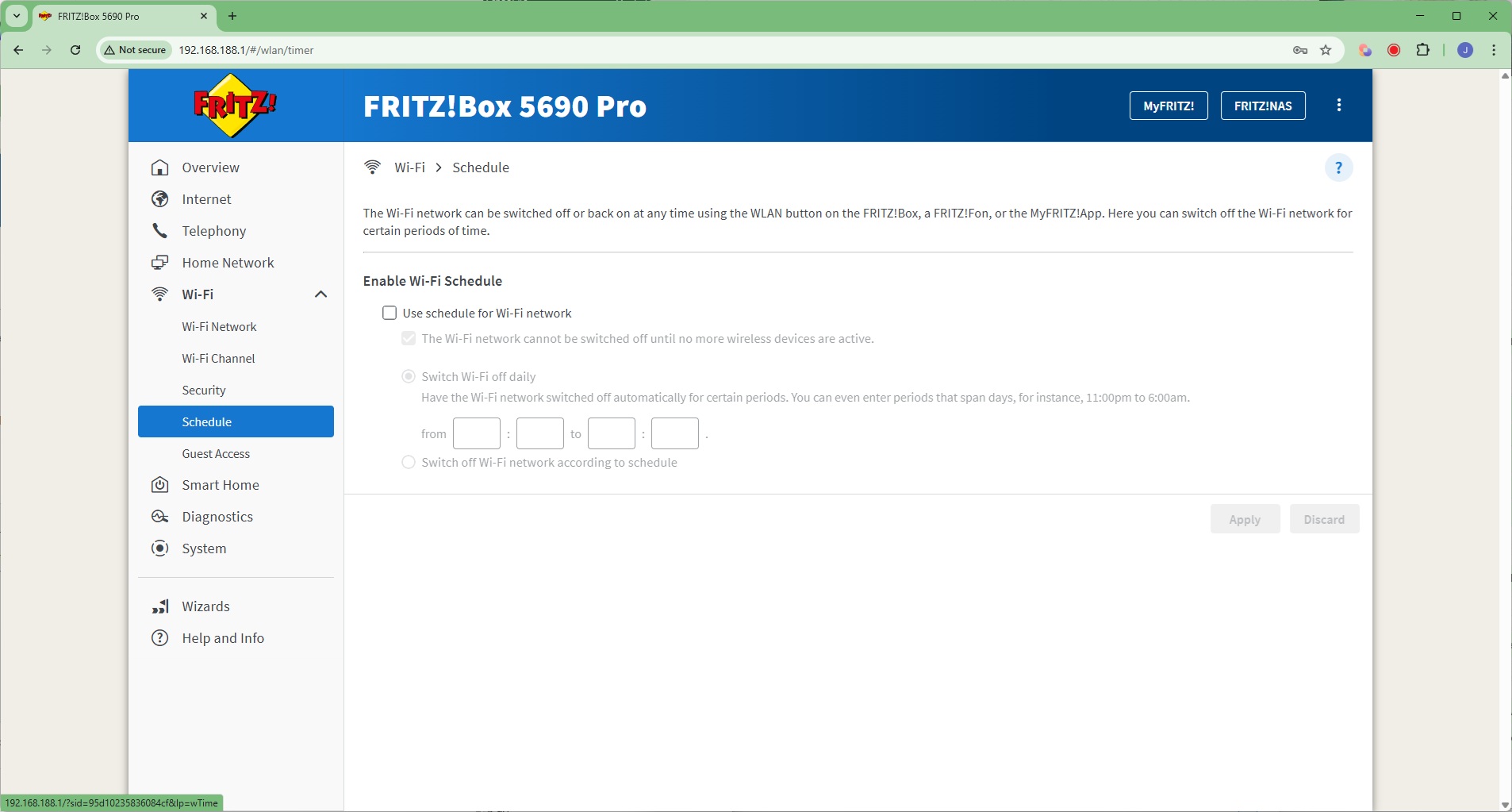
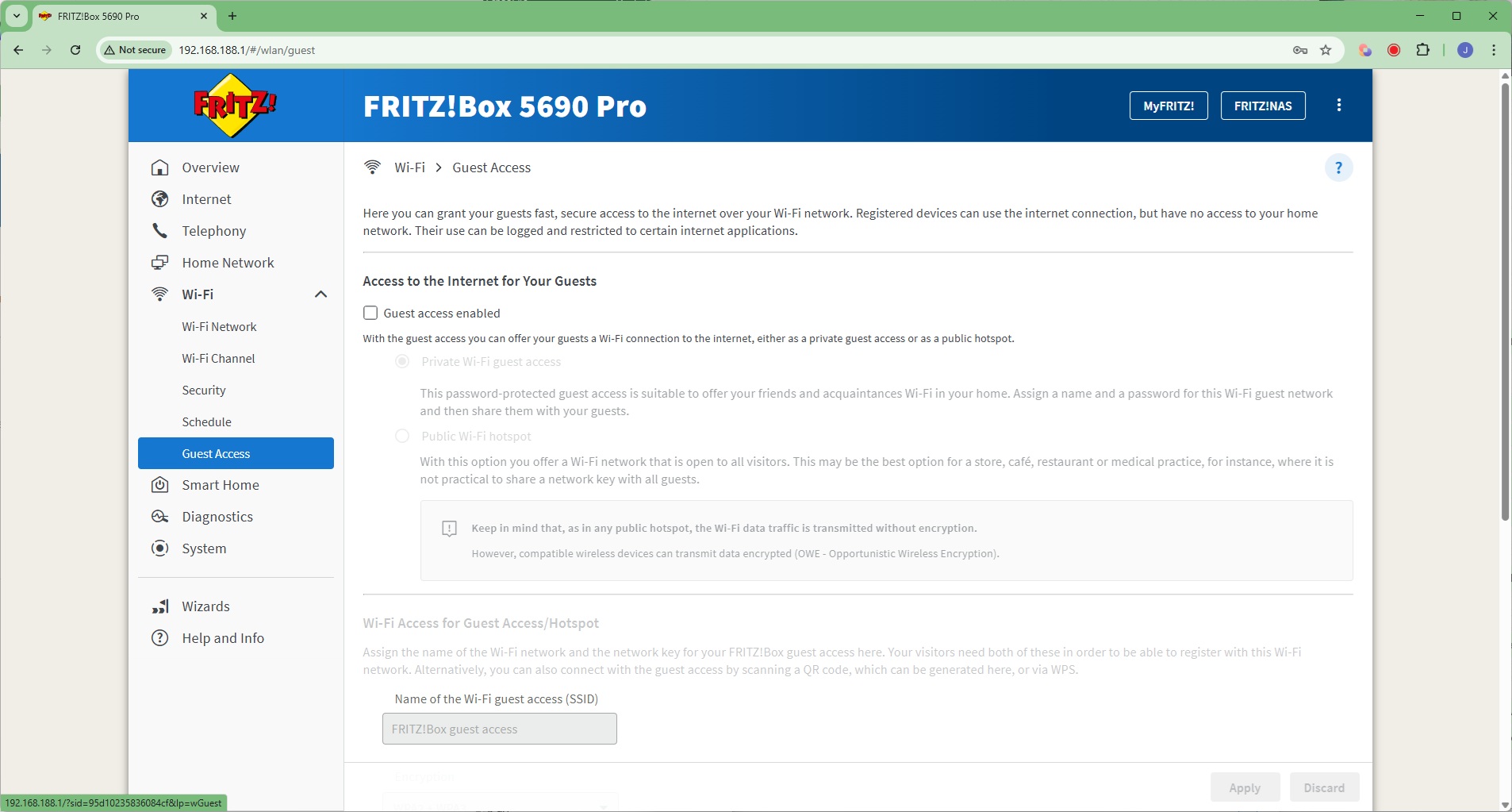
Under the WiFi section can be found sections for changing the WiFi SSID and password, waveband channel allocation at 2.4GHz, 5GHz and 6GHz, encryption type used, and define a schedule for turning the WiFi signal off and on. You can also create a guest WiFi network.
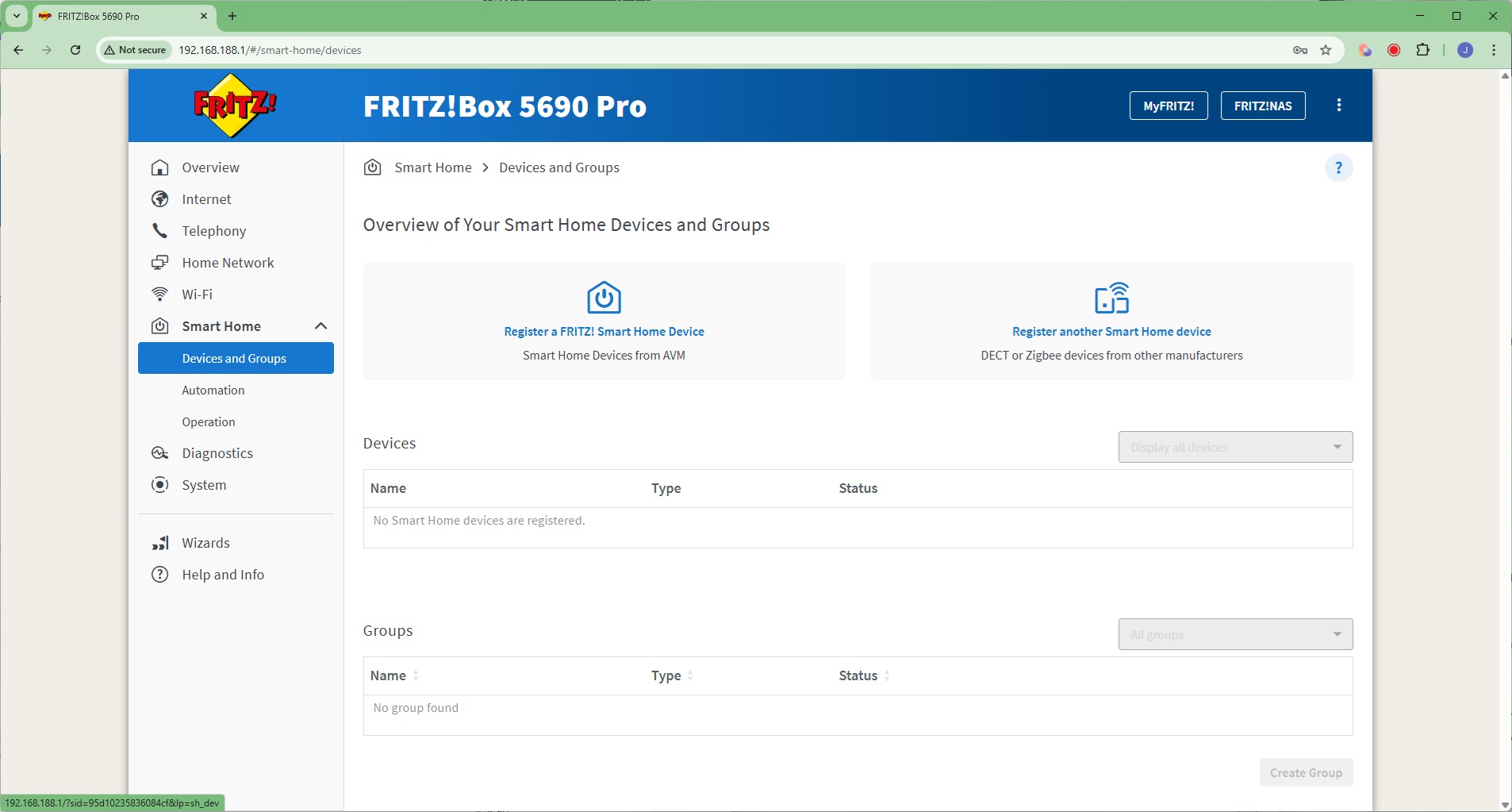
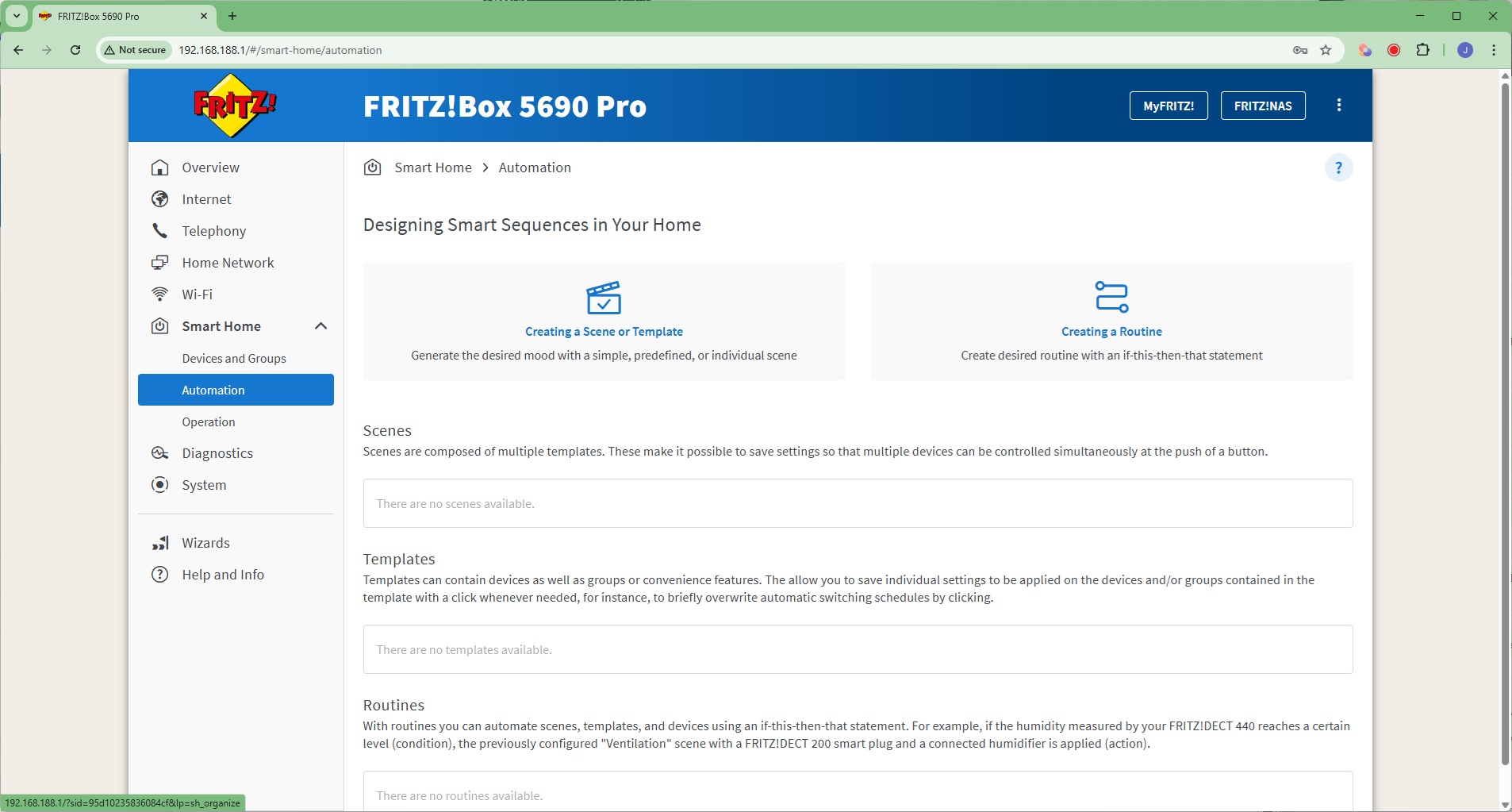
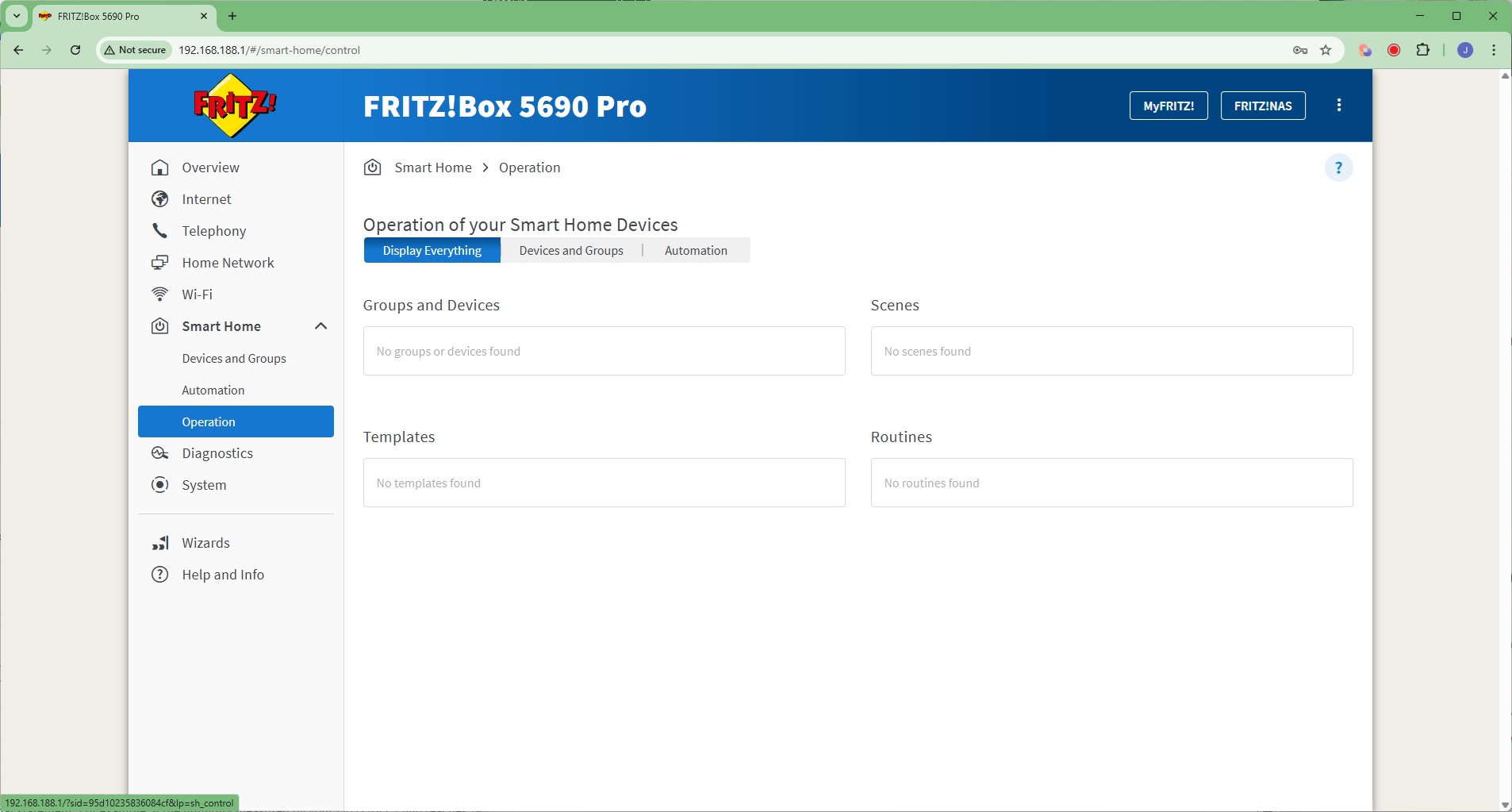
Like the AVM FRITZ!Box 7690, the 5690 Pro supports smart home devices. You can register devices, and once they are registered, create scenes, templates and routines to automate their behaviour, such as turning a set of lights off and on at coordinated times. With a very large range of Zigbee compatible devices, there's a host of possibilities here.
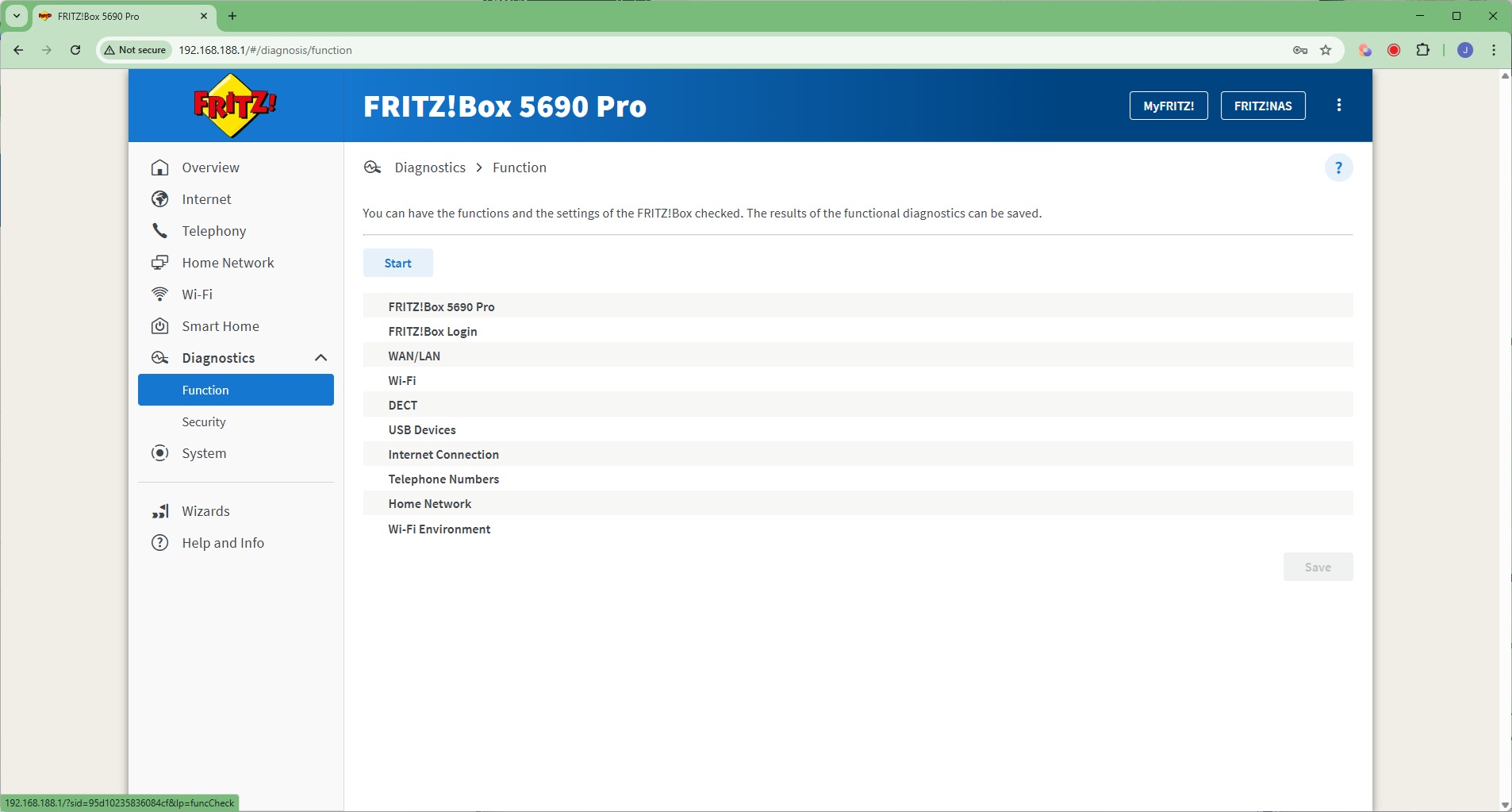
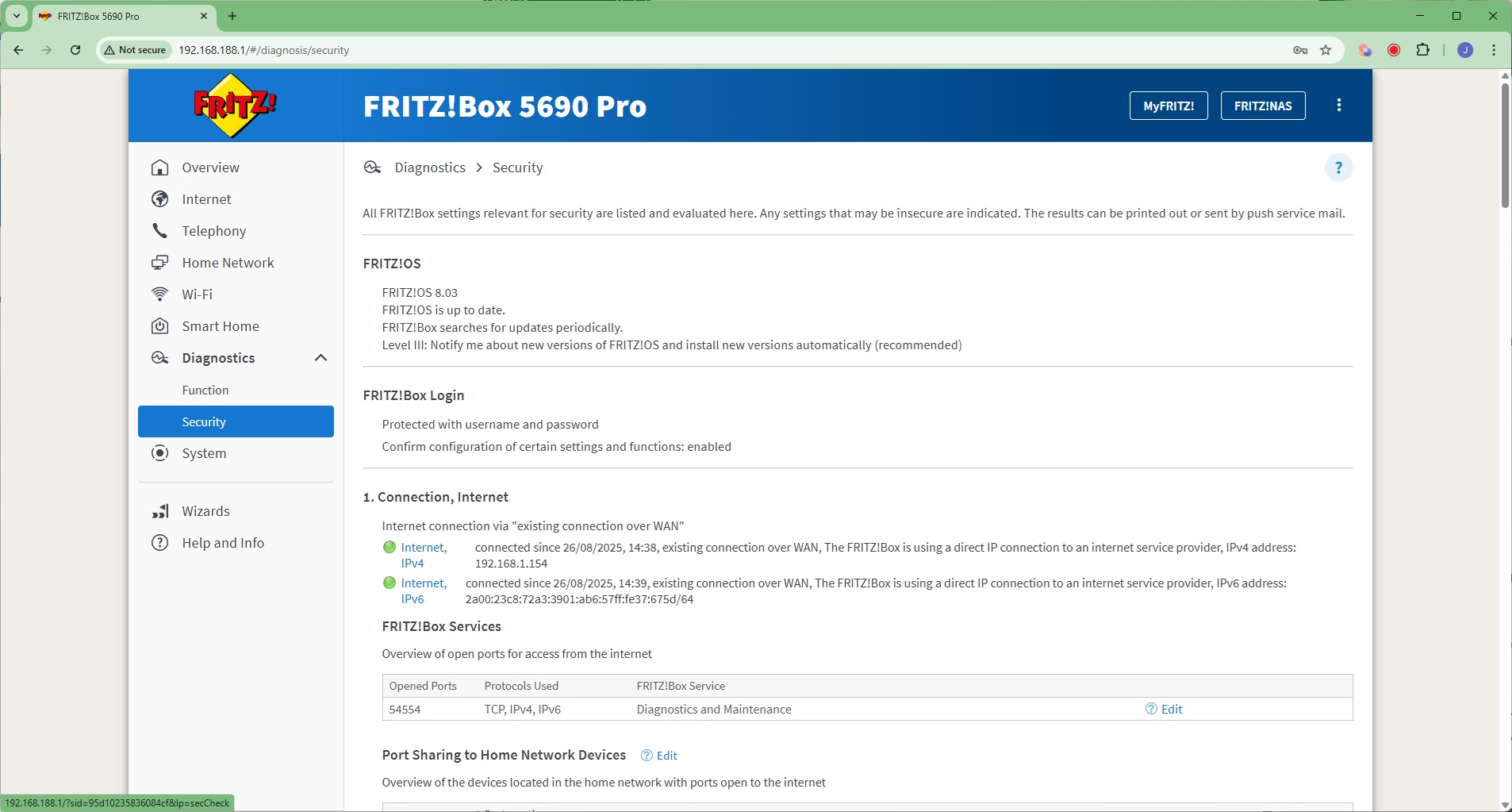
An array of diagnostic functions can be performed and security alerts perused in the Diagnostics section.
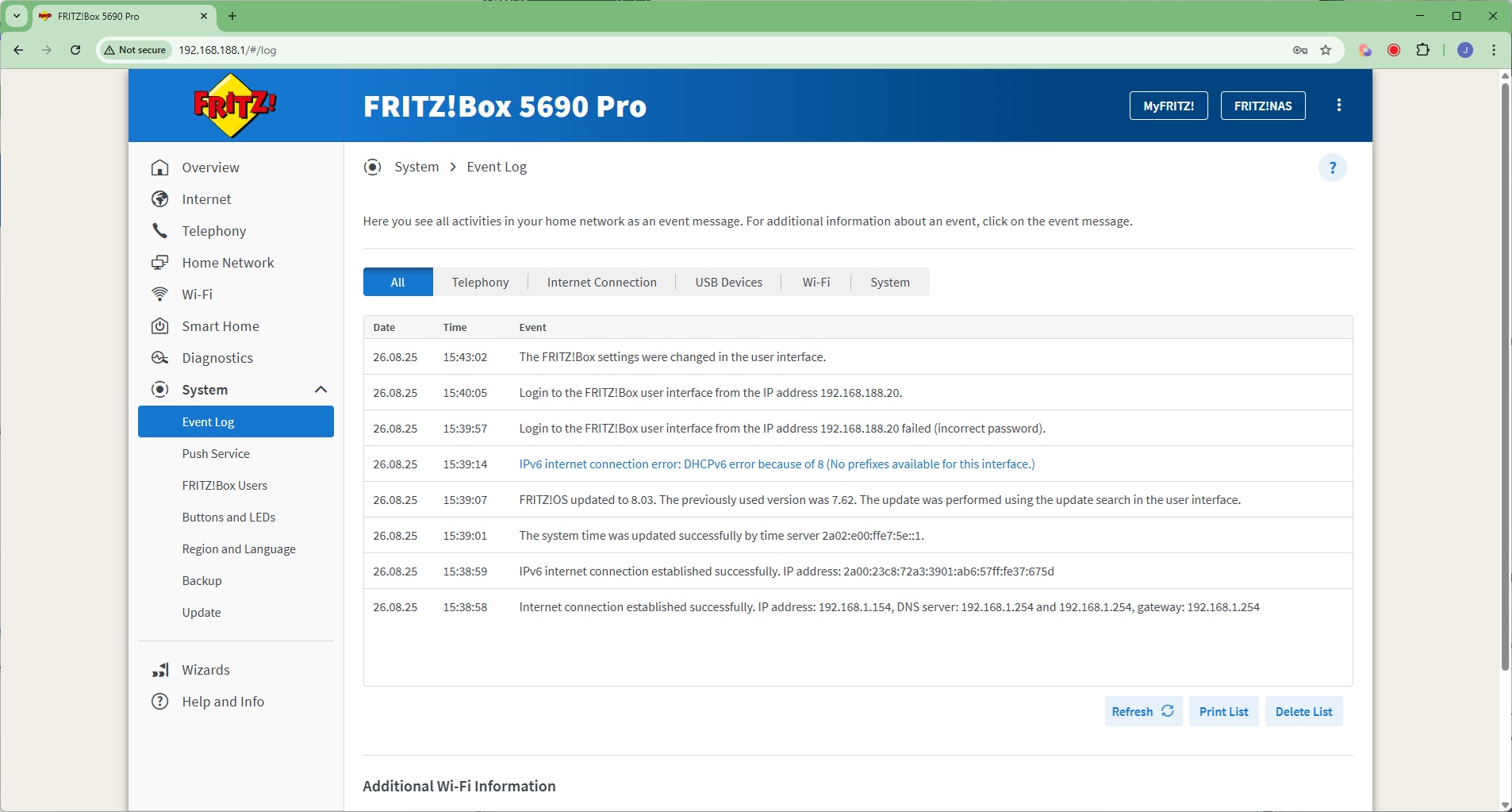
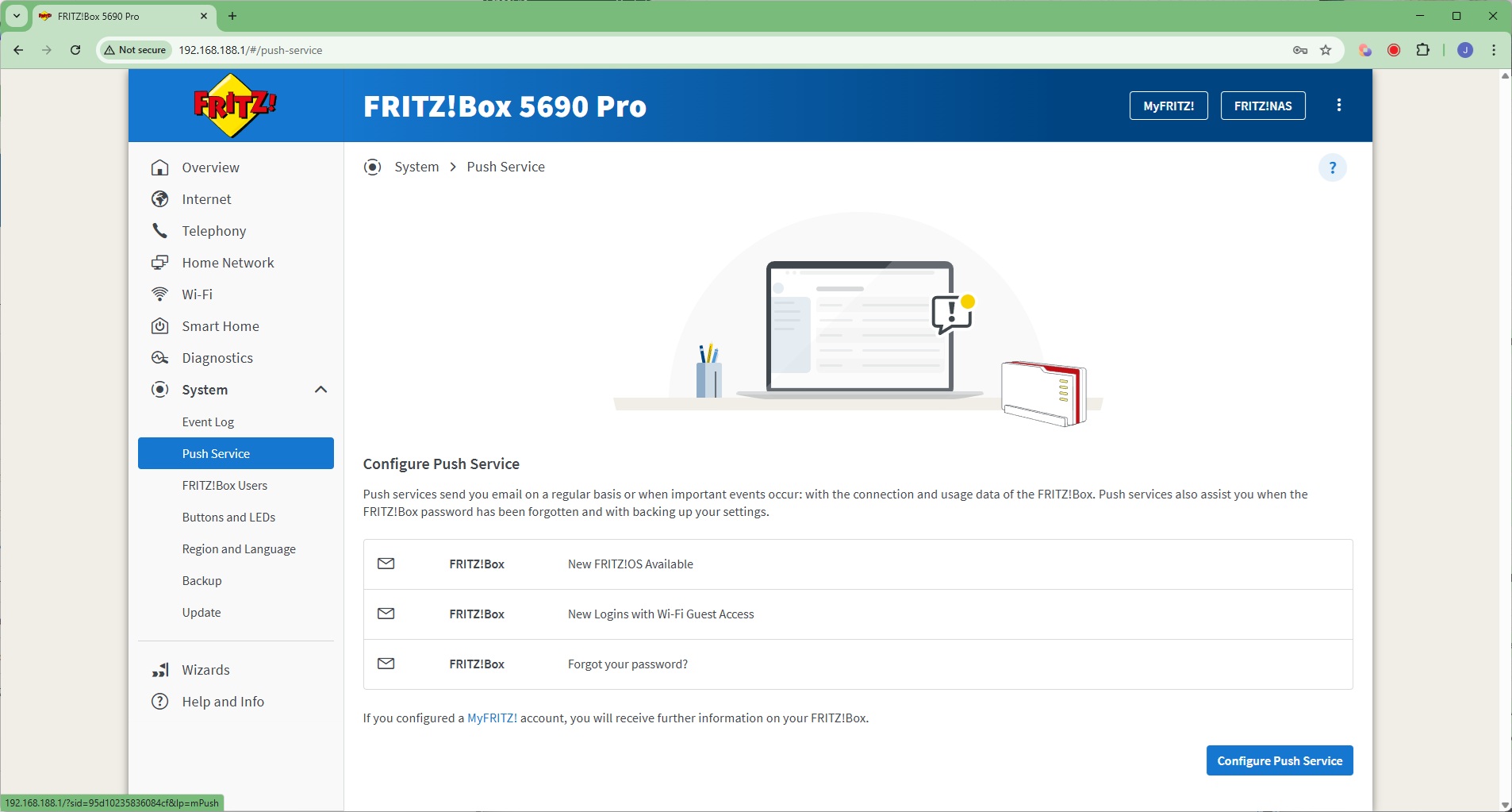
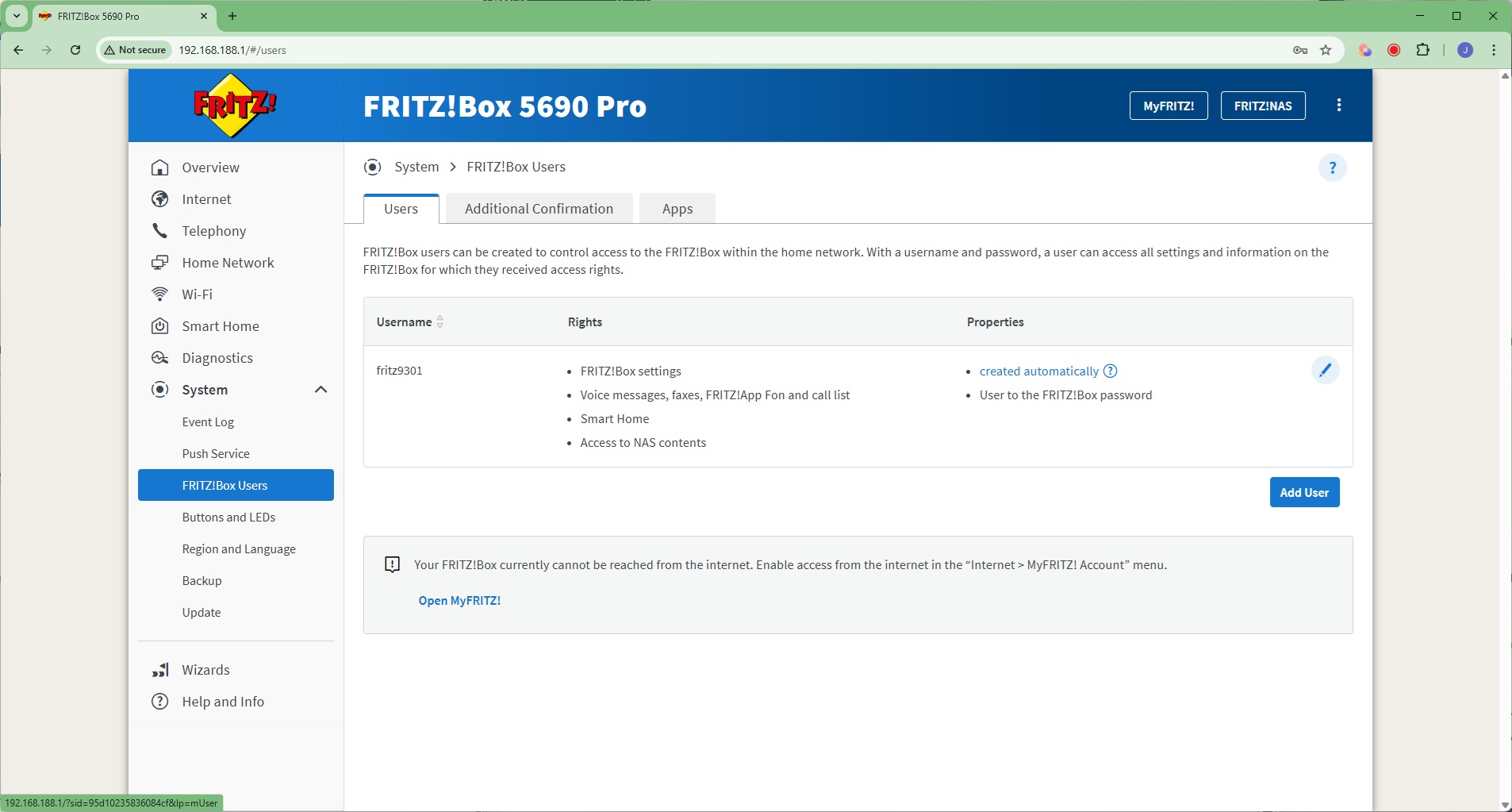
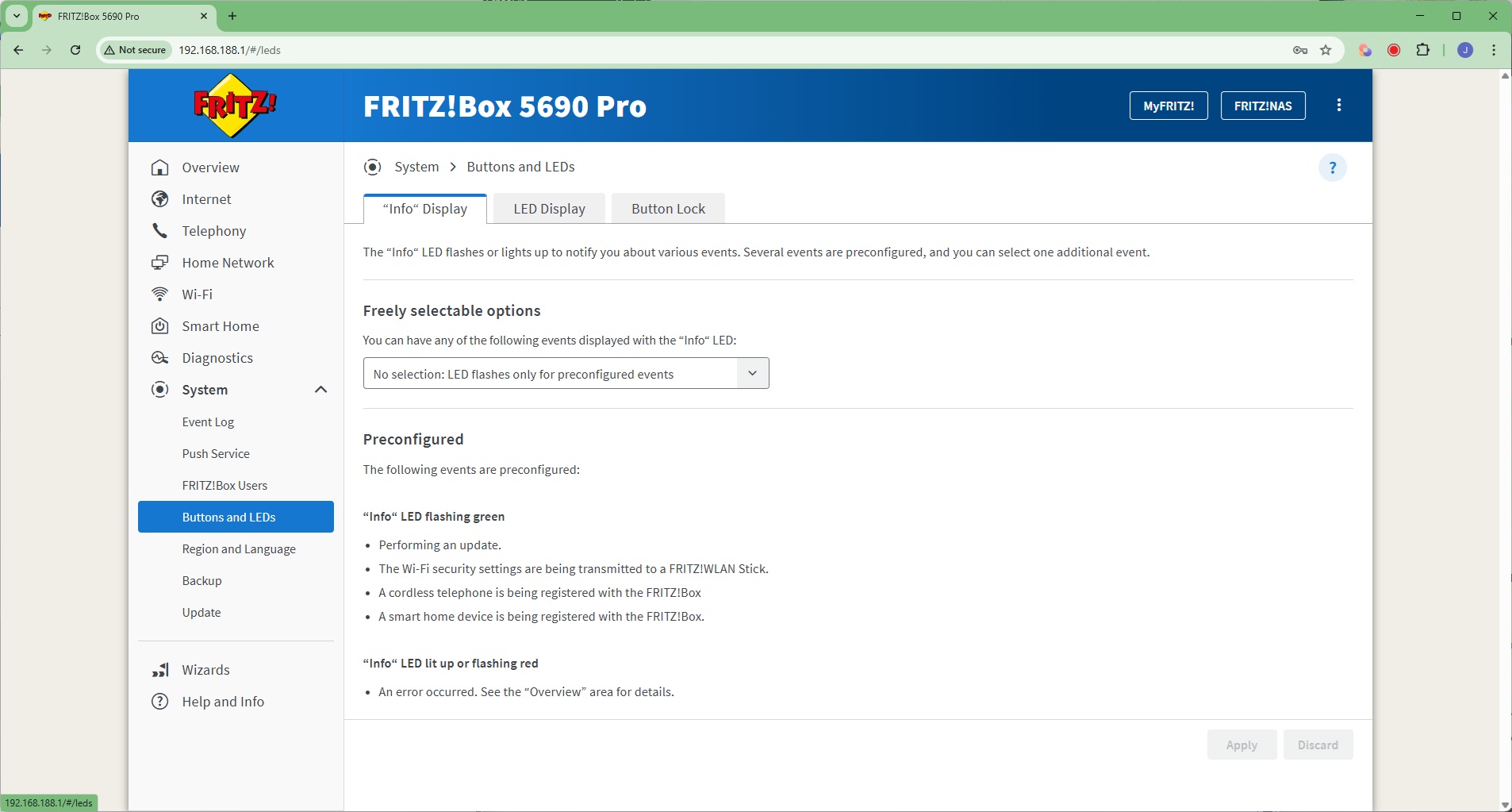
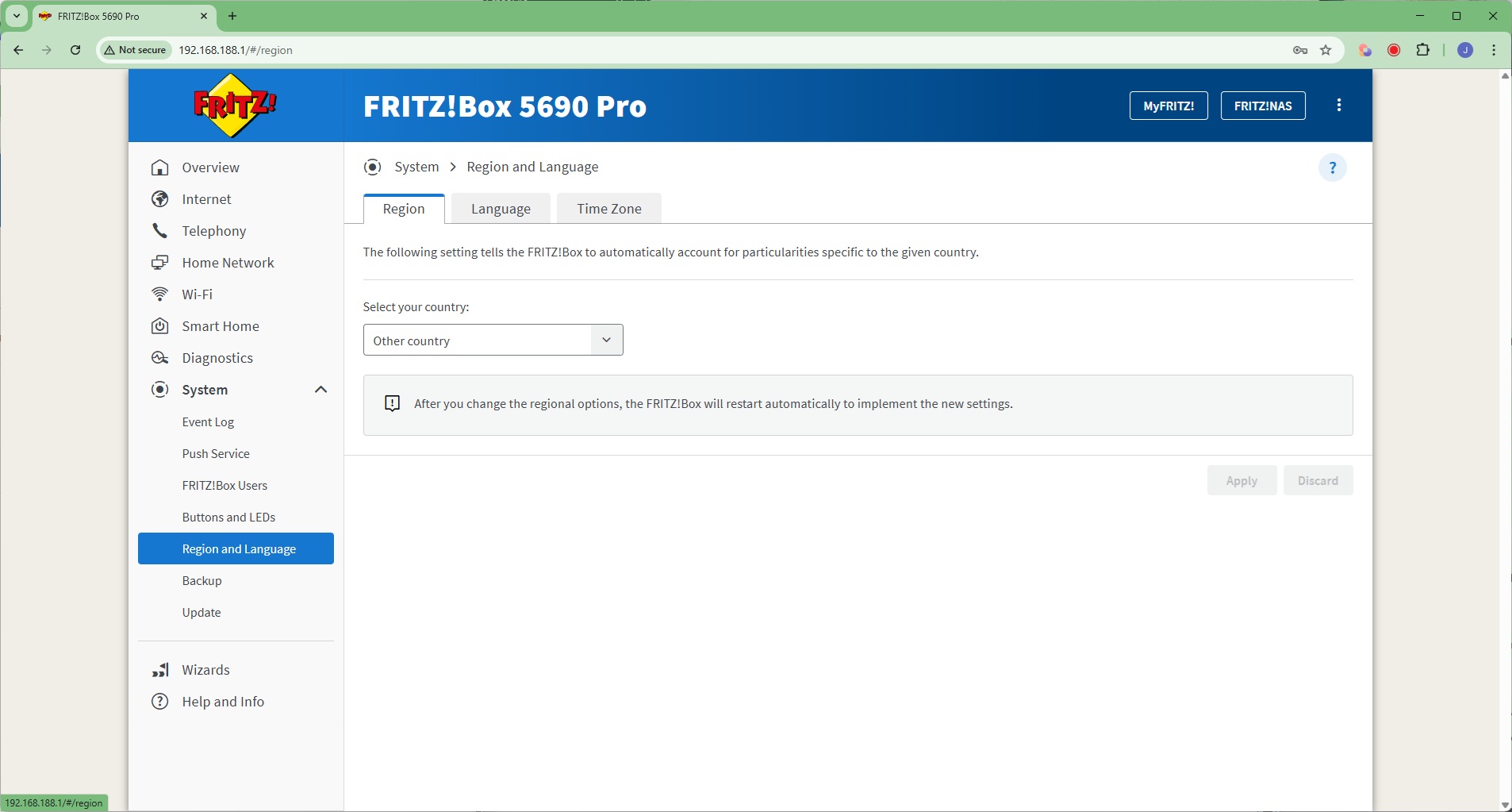
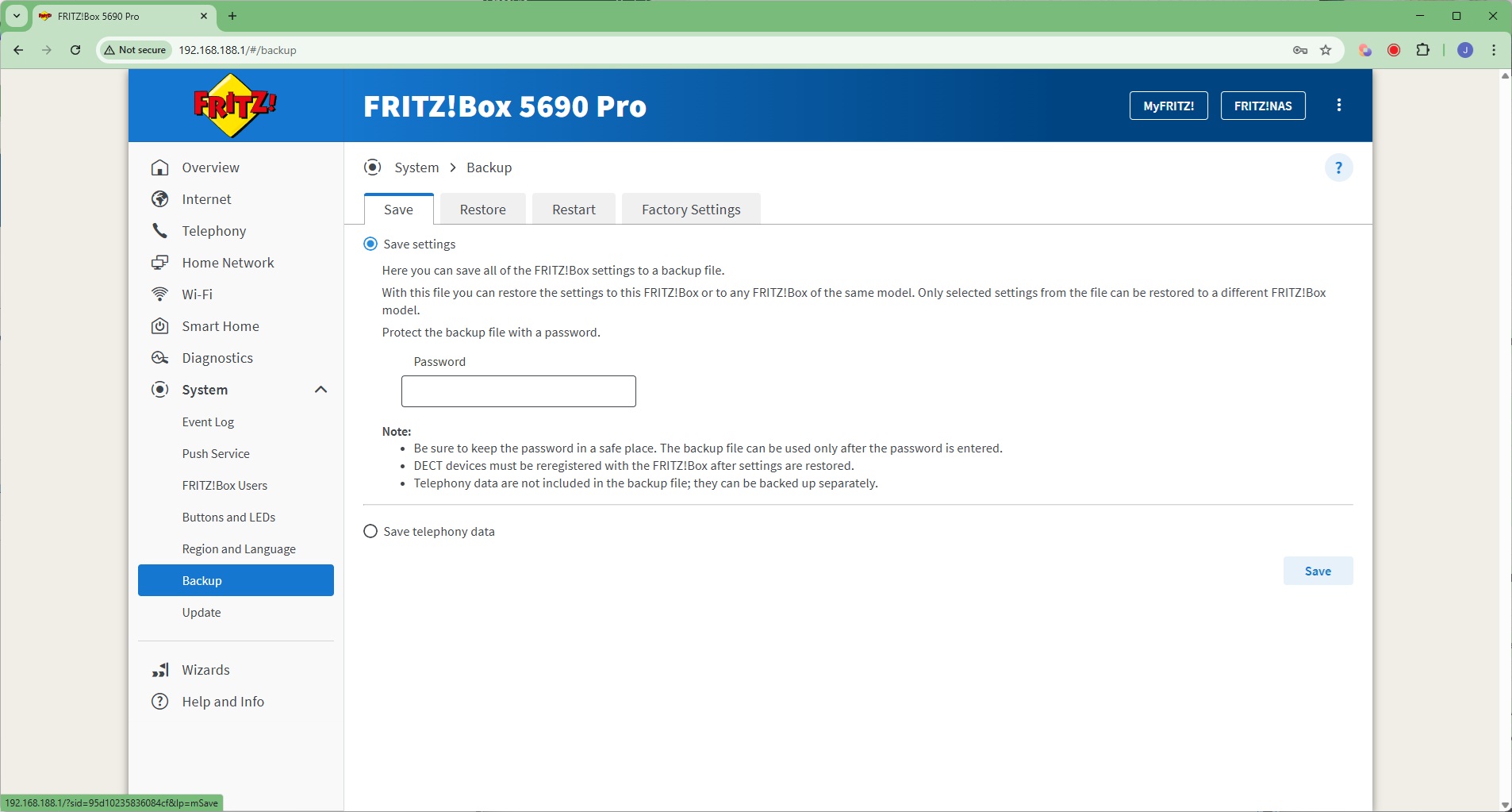
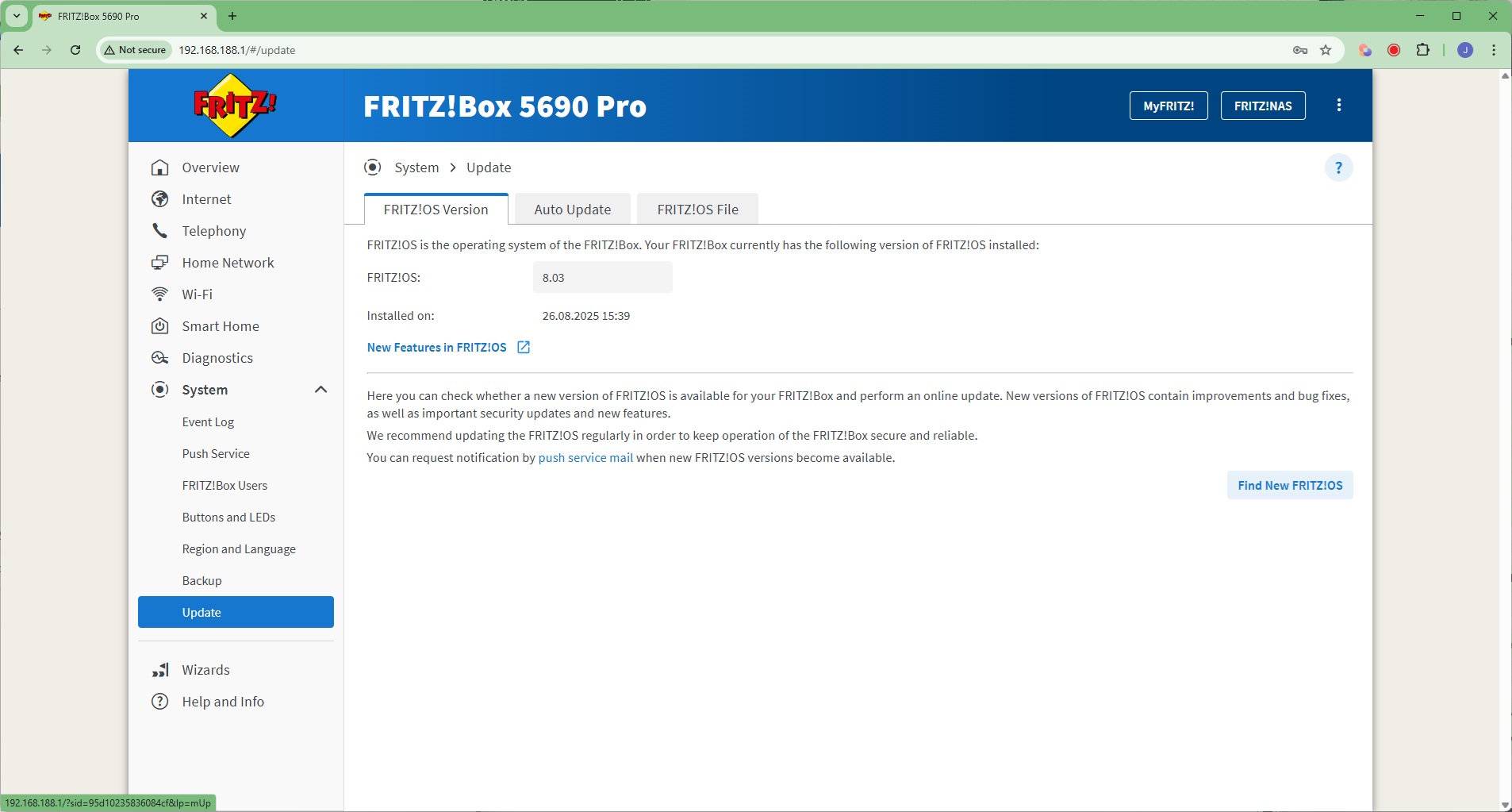
The System section is packed with sundry capabilities, including an Event Log, plus a Push Service to send email notifications about specific events. You can create multiple users, and the associated apps they use to access the FRITZ!Box. You can configure how the buttons and LEDs work, change the region and language, backup or restore settings, and return the router to default configuration. Finally, this is the area where you can automatically update the router's operating system.
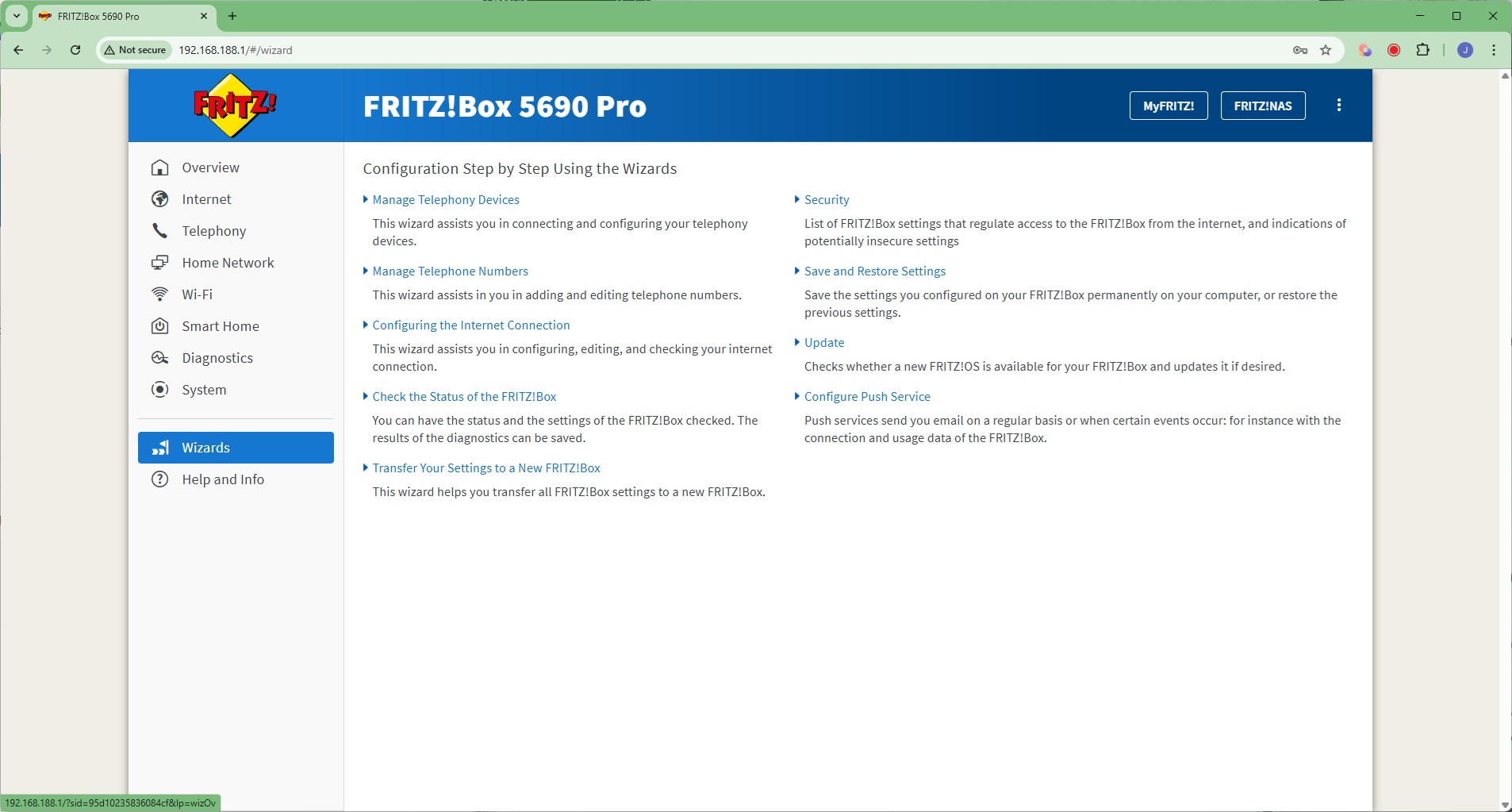
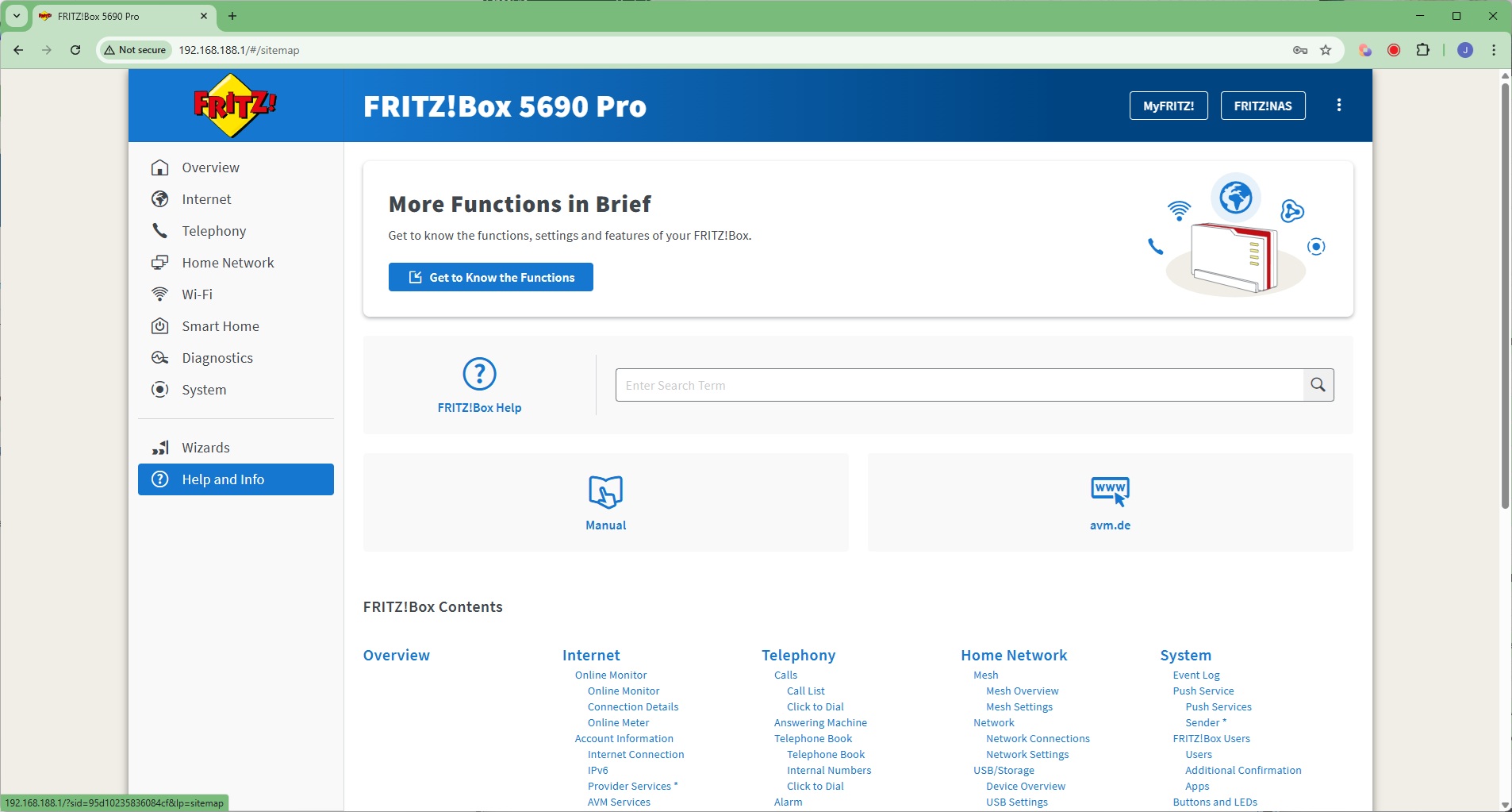
If you need help with any of the FRITZ!Box's settings, there are plenty of wizards available to assist you. There's also an online help system.
Overall, the FRITZ!Box 5690 Pro is absolutely packed with features. The telephony and smartphone features are almost unique (apart from other AVM routers…), and if you're after these capabilities in a router with the latest WiFi built in, these could be enough to tempt you on their own. But you still want good performance, so let's see how this router fares in that regard next.
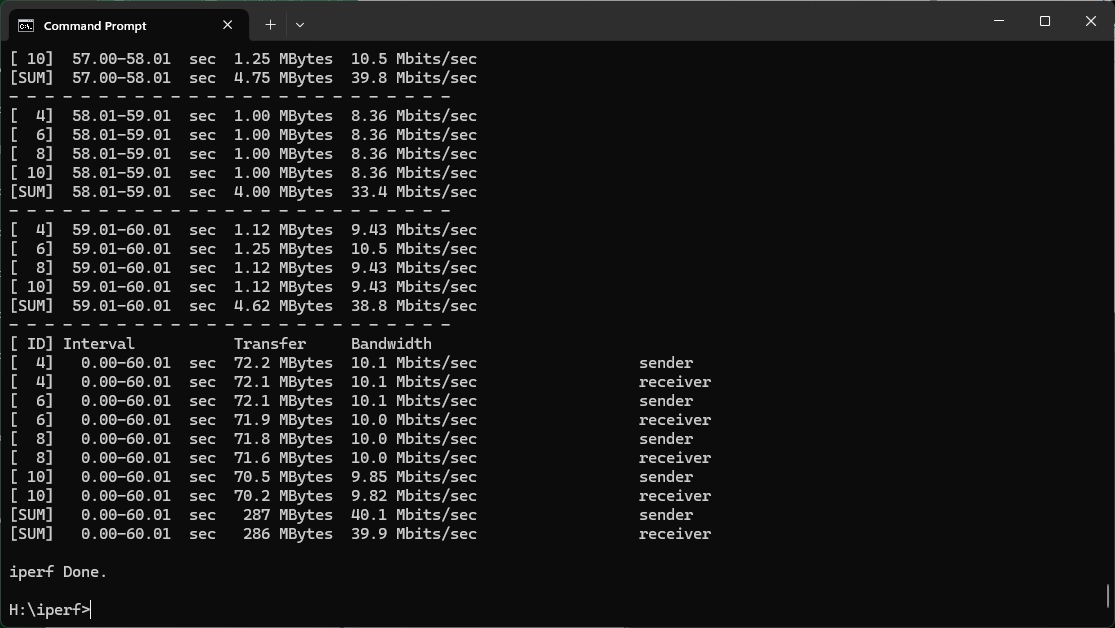
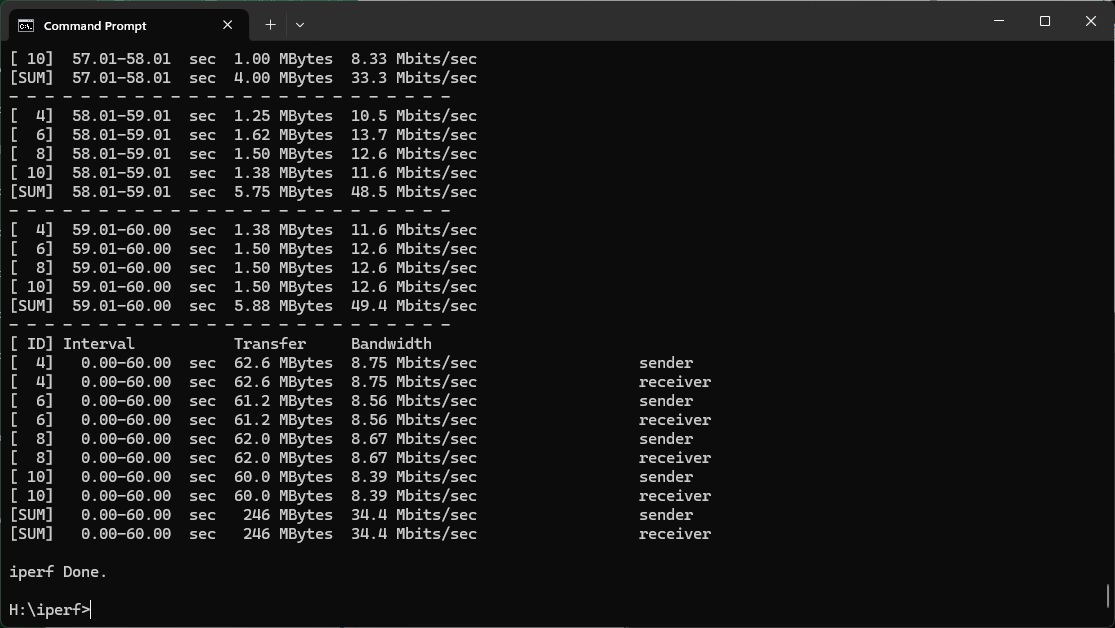
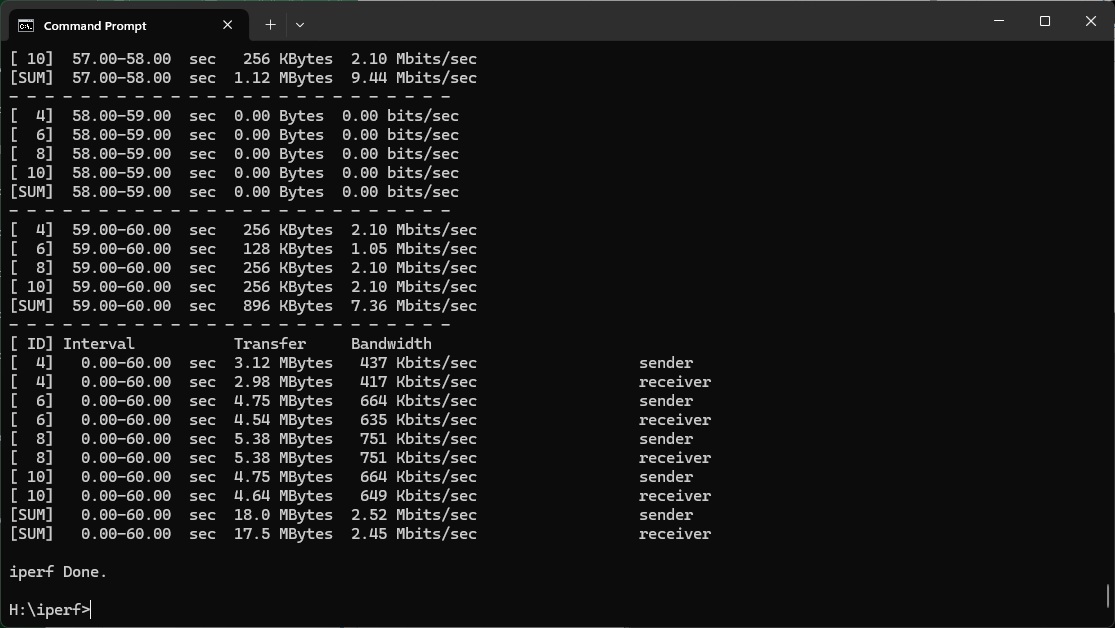
We tested the raw throughput of the AVM FRITZ!Box 5690 Pro across the four different WiFi standards it supports – 802.11be, 802.11ax, 802.11ac and 802.11n.
We used the open-source iPerf 3.1.3 software for testing, which can simulate multiple clients streaming at once. Five Windows systems were employed. Our desktop base was an Armari 32-core AMD Ryzen Threadripper workstation running Windows 11. For WiFi 7 testing, we used an Acer Swift 14 AI notebook, then a Dell XPS 17 notebook (for WiFi 6), a fourth was an MSI WS63-7RK (802.11ac) notebook, and finally an HP Folio 3 notebook (802.11n only – to show performance with legacy devices). The Acer and Dell notebooks and Armari workstation were running Windows 11 but the other two notebooks were Windows 10-powered.
For all tests, the notebooks were tested using their various WiFi connections (802.11be / WiFi 7 for the Acer, 802.11ax for the Dell, 802.11ac for the MSI, 802.11n for the HP). The notebooks were then placed in four different locations – within 1m of the router, approximately 5m away with a wall in between, 10m away and on a lower floor (with multiple walls and a floor in between), and then 15m away on the same lower floor. We tested all four distances with the four WiFi standards.
With each WiFi standard and distance, we took 60 readings of throughput at one second intervals and calculated the average (iPerf does this automatically). We tested the FRITZ!Box against the MSI Radix AXE6600, NETGEAR Nighthawk X10 R9000, Synology RT2600ac, NETGEAR Nighthawk XR500, NETGEAR Nighthawk XR700, Synology RT6600ax, NETGEAR Nighthawk AX12, NETGEAR Nighthawk RS300, Acer Predator Connect X7 5G CPE, and AVM FRITZ!Box 7690.
802.11be (WiFi 7)
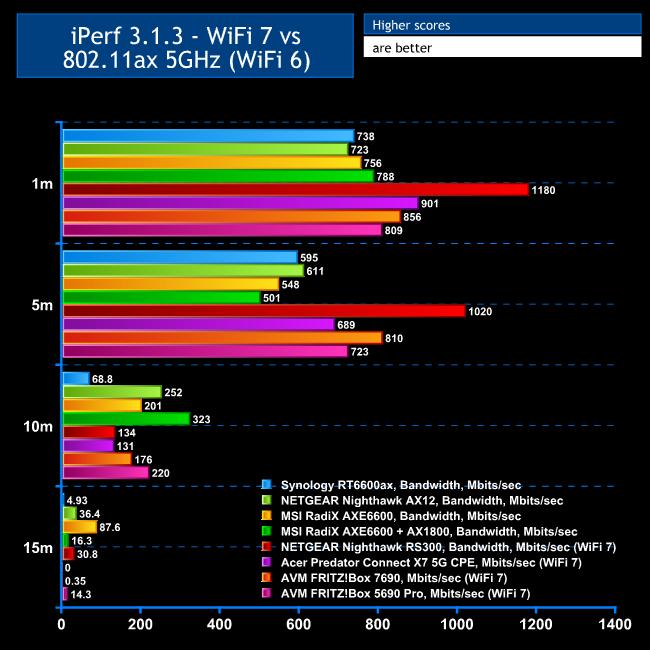
In theory, the bandwidth of WiFi 7 can exceed that of wired Gigabit Ethernet, and as the LAN switch on the 5690 Pro is Gigabit only, it could be being held back by this.
Before analysing the results, we should also point out that an initial WiFi 7 test produced surprisingly poor results, because the much-vaunted 6GHz radio didn't appear to be on. After much retesting and Internet searching, on a hunch we checked the regional settings, which hadn't been configured despite being one of the first things in the setup wizard. Setting this to the UK finally fixed the problem.
We had seen just 512Mbits/sec at 1m, with just the 5GHz waveband being used. But once 6GHz was active this leapt to 809Mbits/sec, well above WiFi 6 but behind AVM Fritz!Box 7690 and Acer Predator Connect X7 5G CPE. It's also a lot behind NETGEAR's Nighthawk RS300.
However, things improved at 5m. The FRITZ!Box 5690 Pro's 723Mbits/sec is ahead of the Acer Predator X7 5G CSE, but still behind the 7690 and the NETGEAR Nighthawk RS300 is cruising way out in front.
At 10m, the 5690 Pro does extremely well with 220Mbits/sec, which is ahead of all other WiFi 7 routers we've tested so far, although some WiFi 6 alternatives do better at this range, notably the MSI RadiX AXE6600 and NETGEAR Nighthawk AX12.
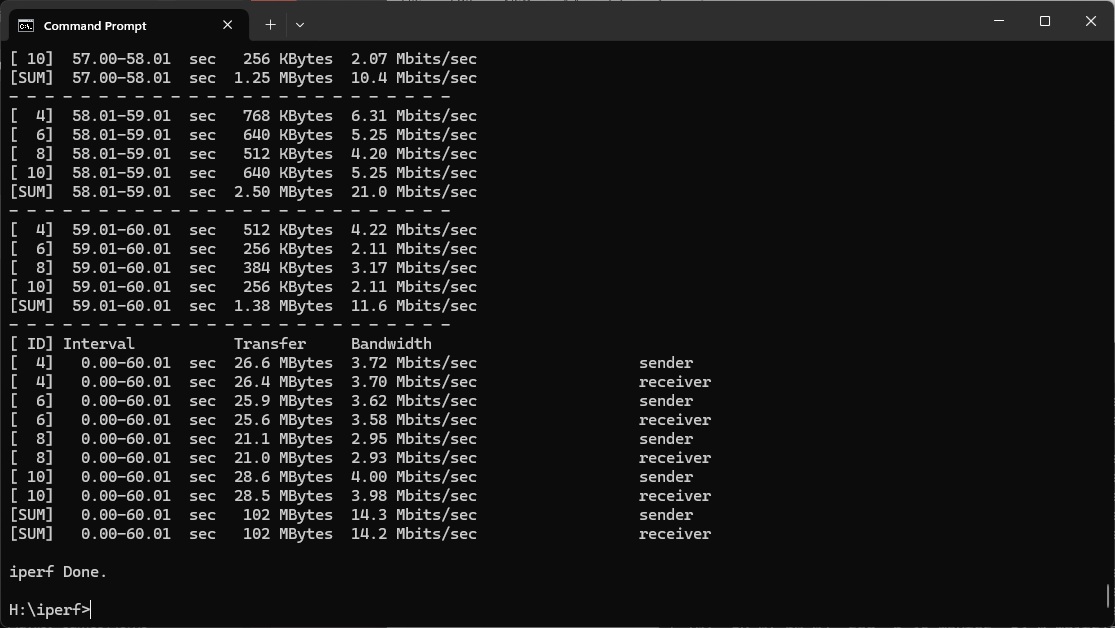
At 15m, the 5690 Pro's signal drops to a reasonable 14.3Mbits/sec, again beating the 7690 but with NETGEAR WiFi 6 and 7 routers ahead and the MSI Radix AXE6600 cruising.
Overall, these aren't the earth-shattering WiFi 7 results we had hoped for but they're still very good, showing usable coverage up to 15m and Gigabit Ethernet-like speed at up to 5m.
802.11ax 5GHz (WiFi 6)
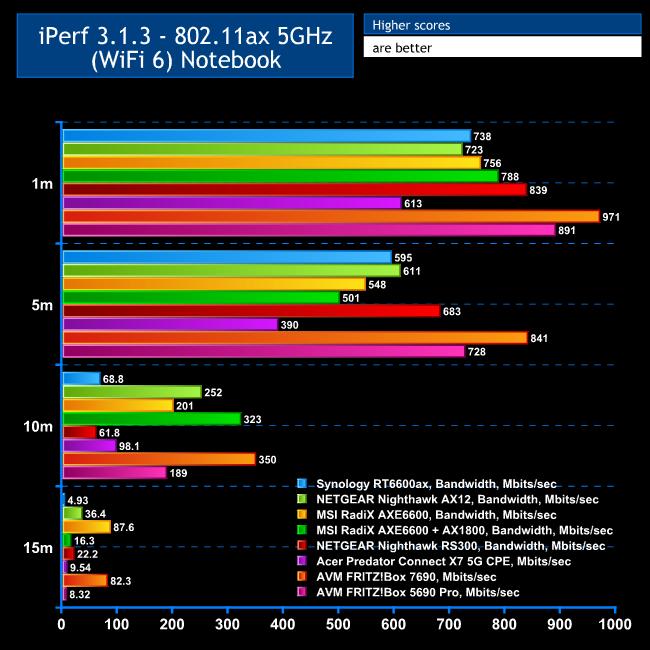
Considering how few and far between WiFi 7 clients still are, most of your devices will be using WiFi 6, so good performance here is essential.
The FRITZ!Box 5690 Pro is unfortunately not as rapid with WiFi 6 as its 7690 stablemate, but it is still fast.
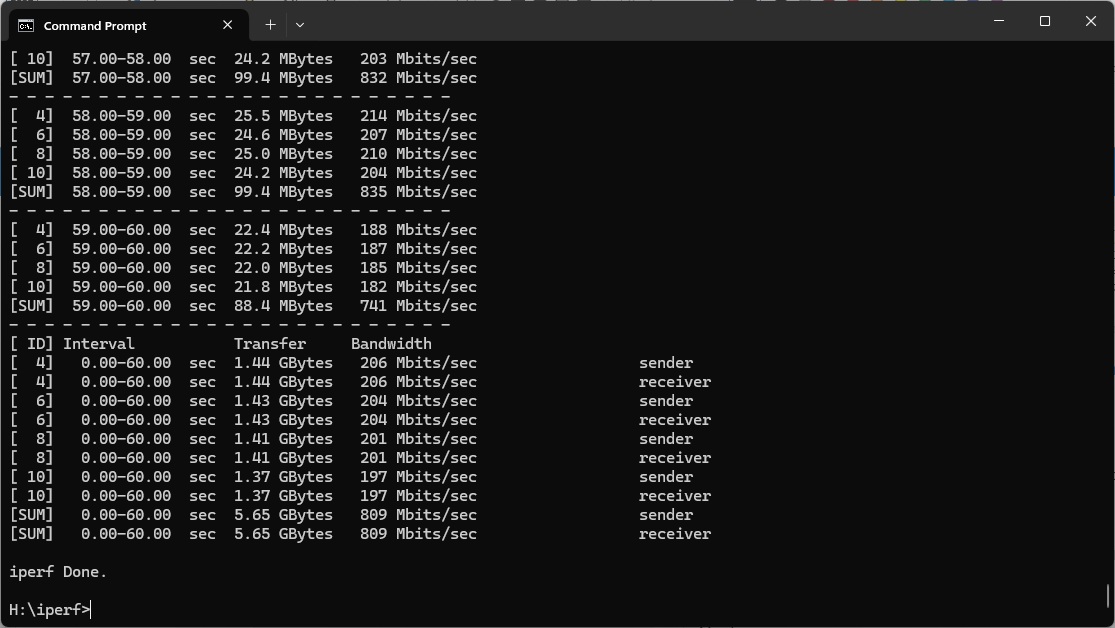
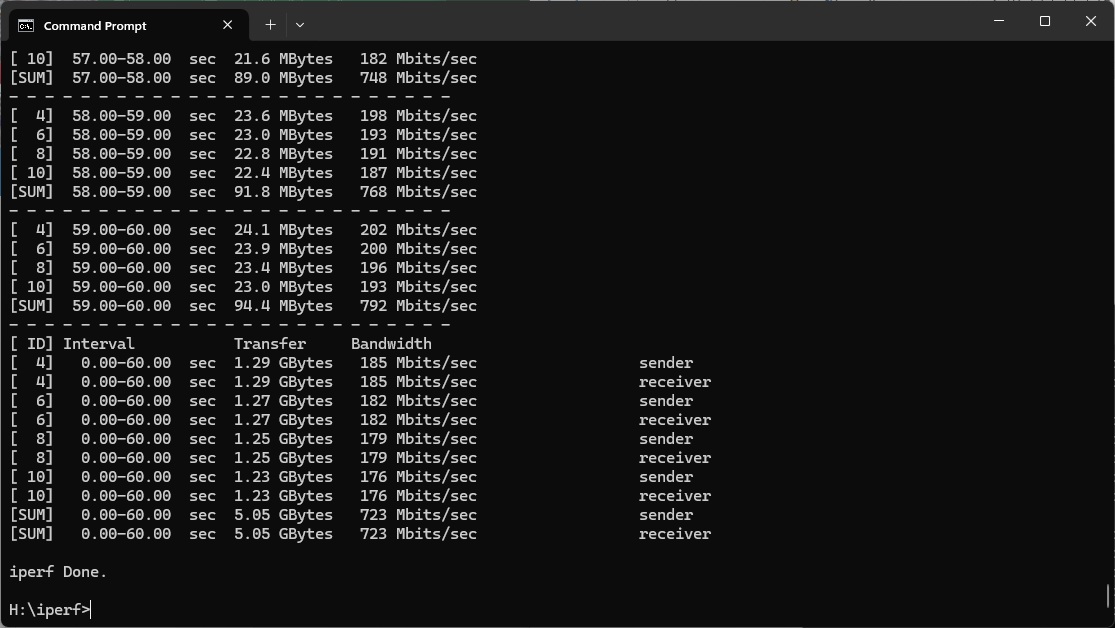
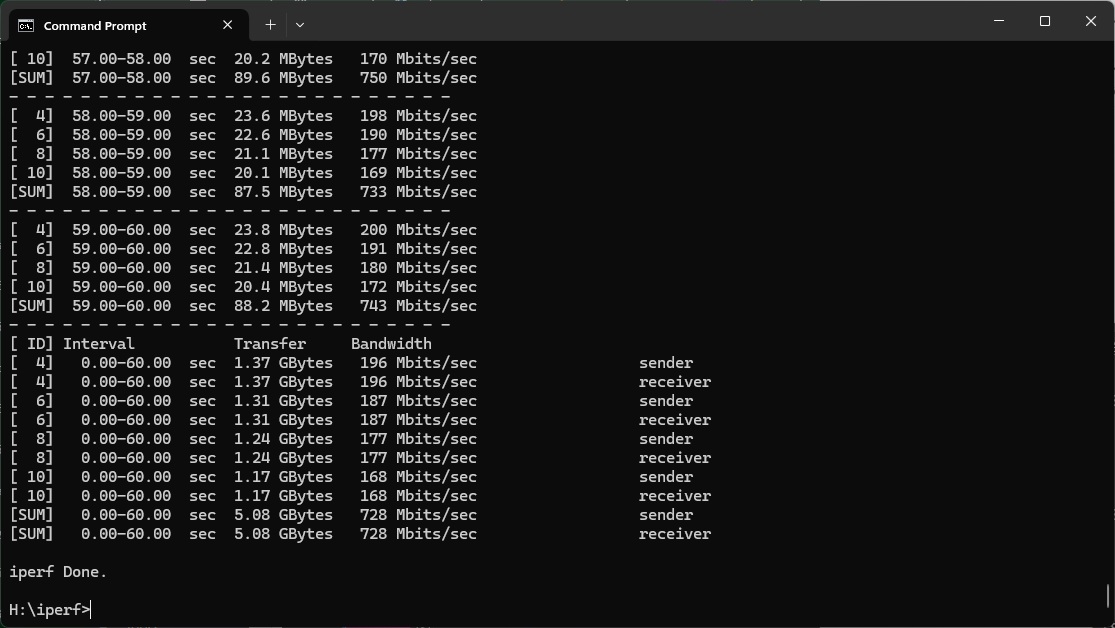
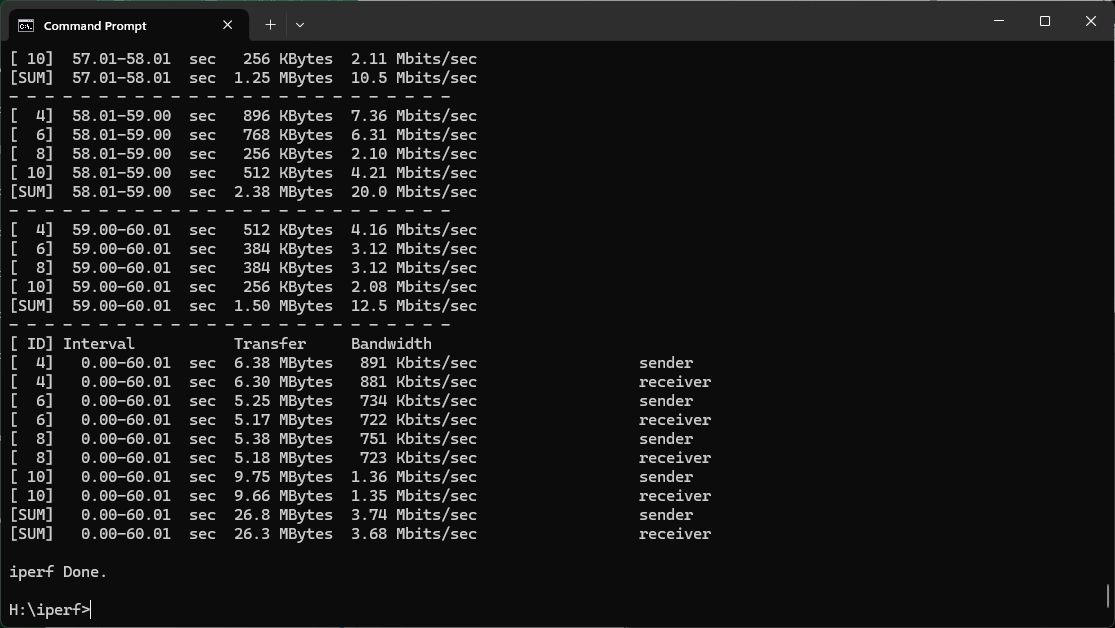
At 1m, the throughput is an excellent 891Mbits/sec – faster than it was with WiFi 7 and faster than any WiFi 6 router we've tested before.
The performance is equally incredible at 5m, hitting 728Mbits/sec and way ahead of all competitors, bar the 7690.
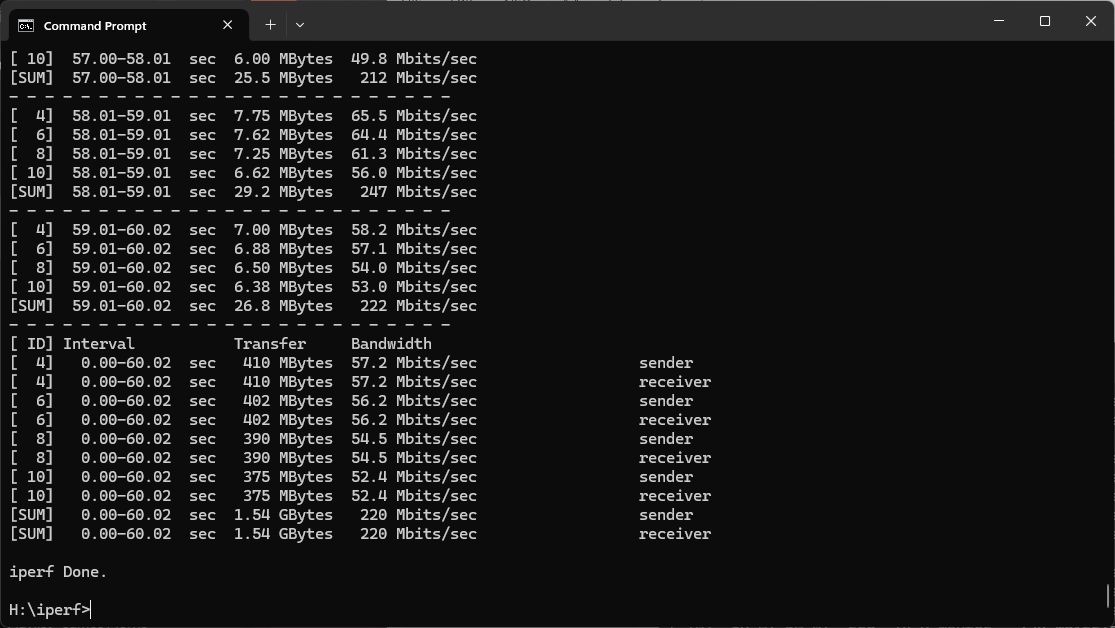
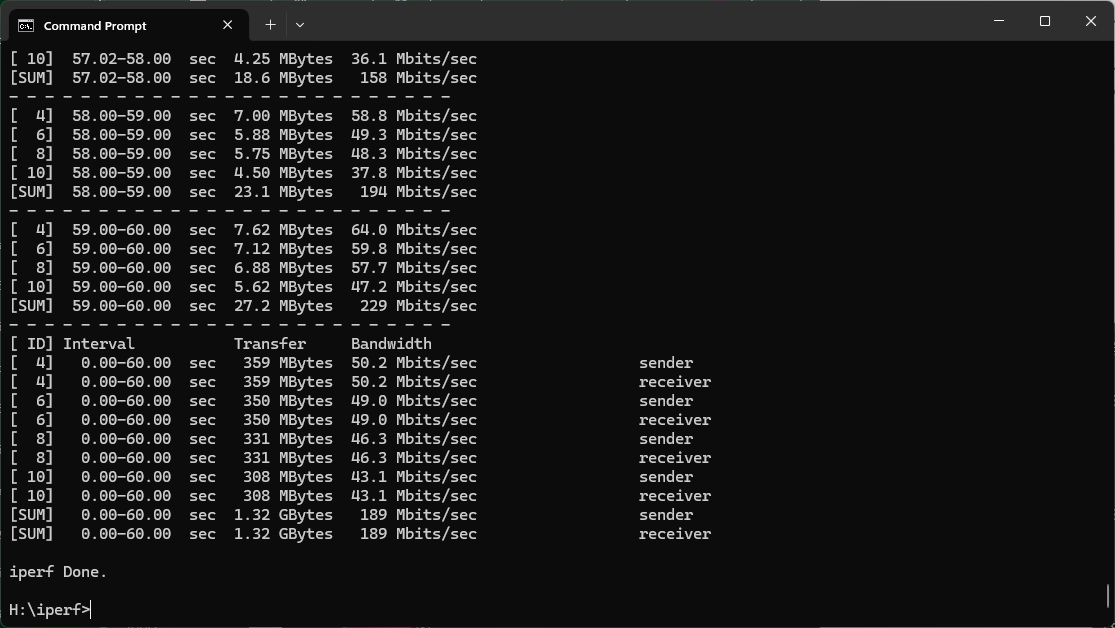
The 10m result is still decent at 189Mbits/sec, although a number of WiFi 6 routers and the 7690 are ahead.
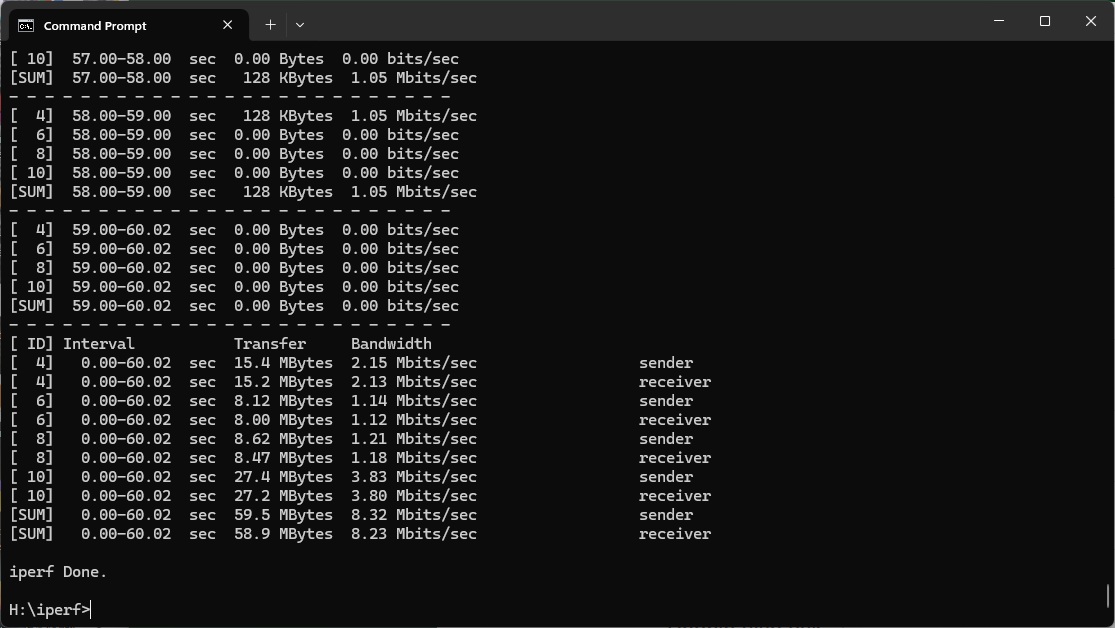
At 15m the 5690 Pro manages a just about usable 8.32Mbits/sec, but most other competitors are ahead.
Overall, while the range isn't as good as the 7690, the 5690 Pro is an excellent WiFi 6 router below 10m.

802.11ac 5GHz (WiFi 5)
The solid WiFi 6 performance gives way to mediocre abilities with WiFi 5.
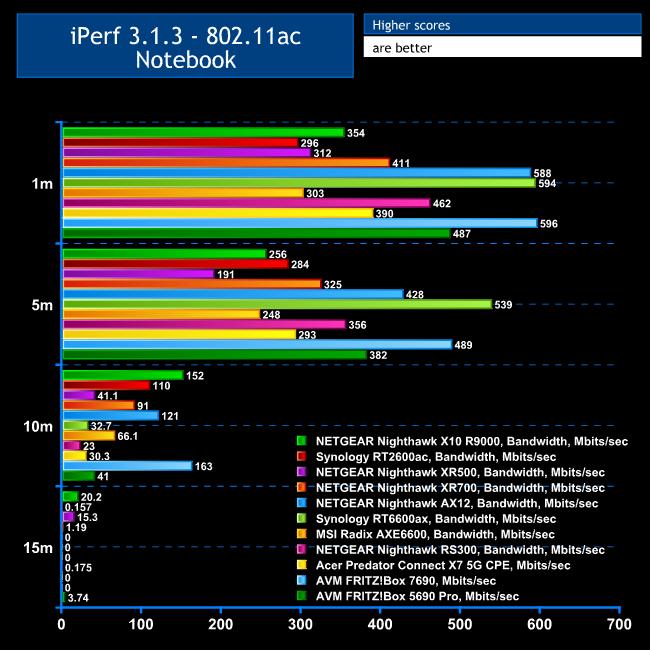
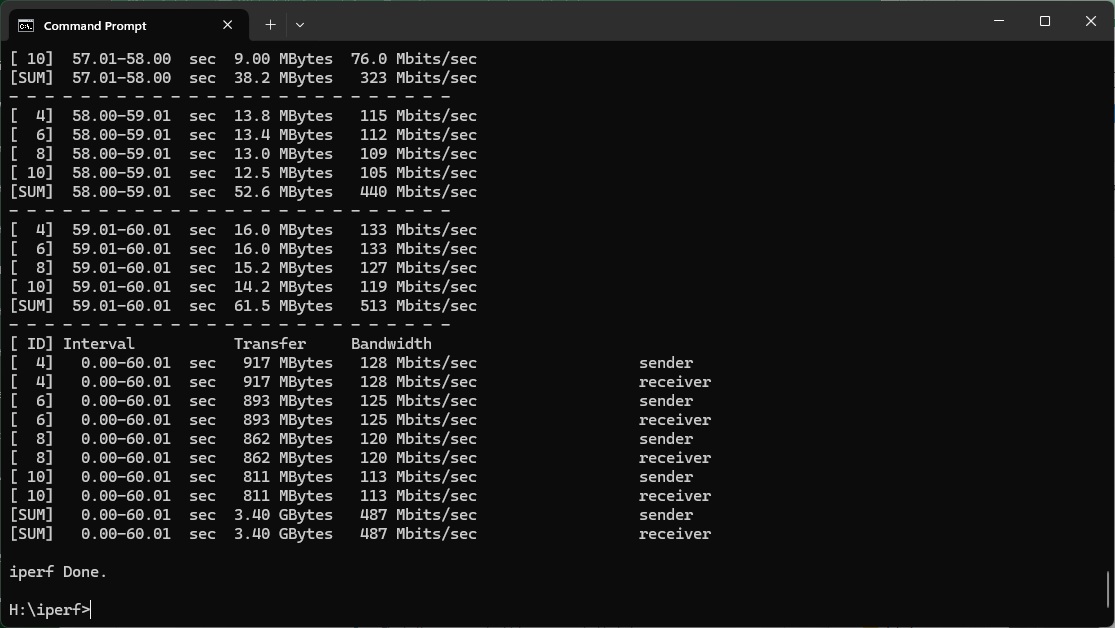
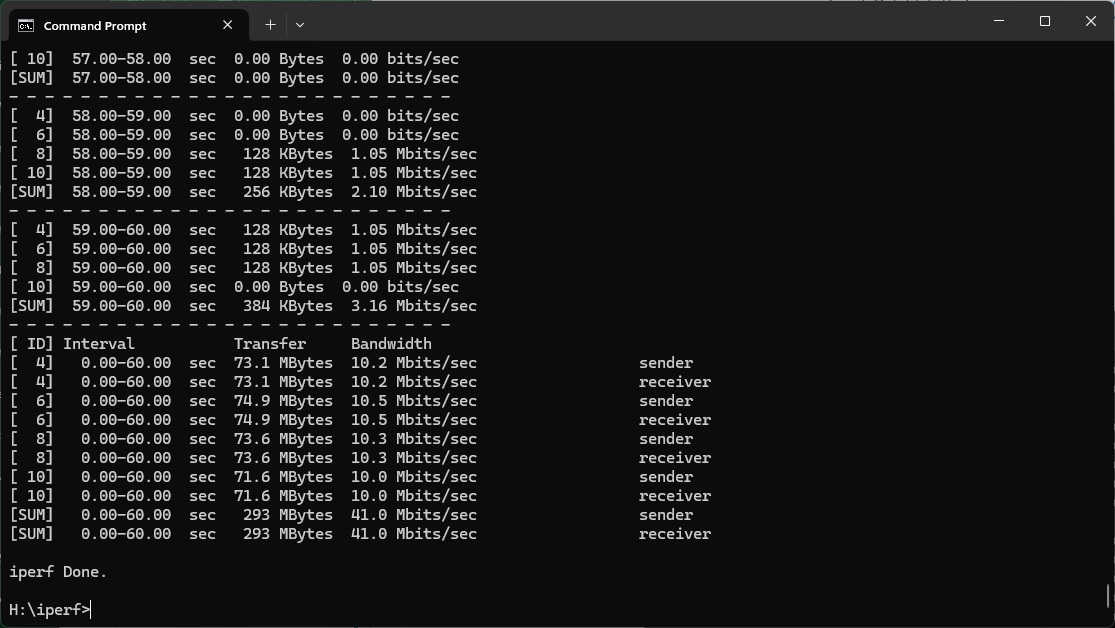
At 1m, the throughput of 487Mbits/sec is very good but behind several other routers we've tested, including AVM's own Fritz!Box 7690.
It's similarly in fourth place at 5m, with 382Mbits/sec bandwidth.
At 10m, however, the 5690 Pro drops back to 41Mbits/sec, and at 15m the 3.7Mbits/sec result is borderline unusable.
Again, this is a decent router at up to and including 5m, but not great at 10m and beyond.
802.11n 2.4GHz – Legacy
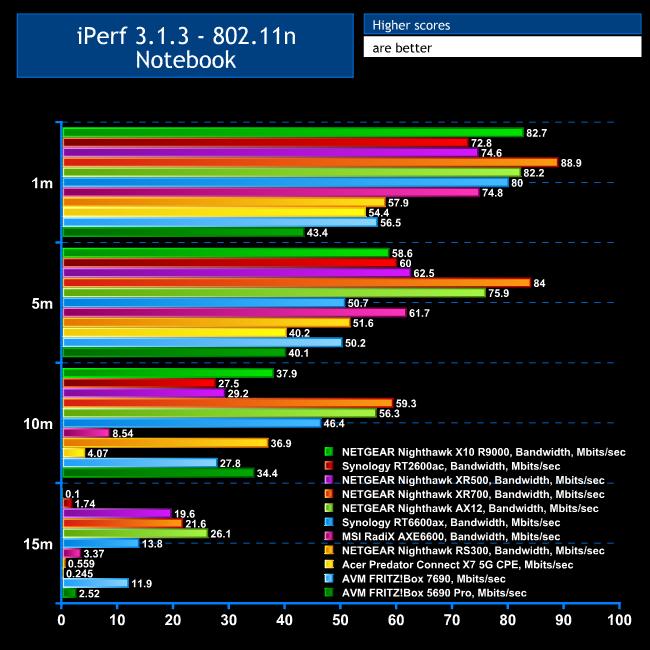
Although 802.11n clients are getting few and far between – the one we use for testing is over ten years old now – you might still have something that operates with this standard, such as an Internet-of-Things device.
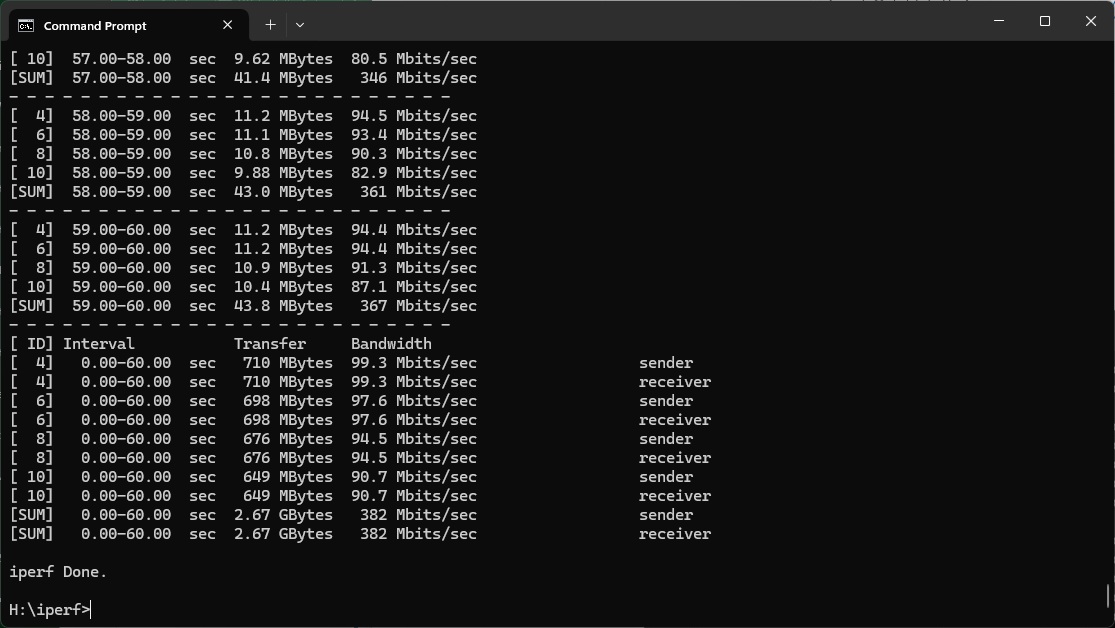
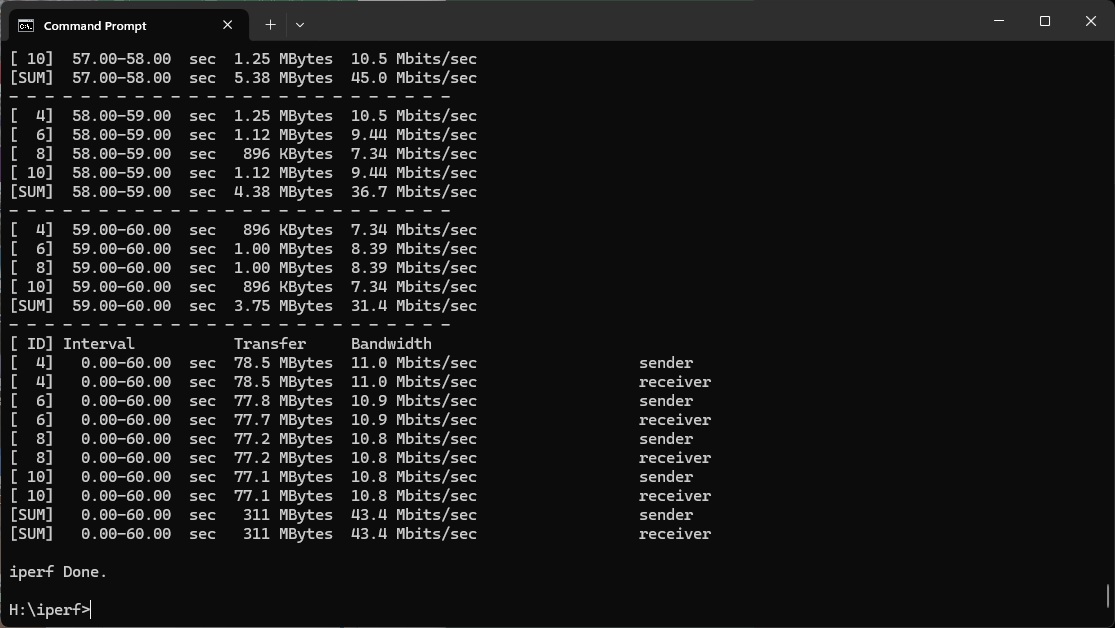
Even at 1m, the 5690 Pro's 43.4Mbits/sec is very slow.
It does manage to maintain 40.1Mbits/sec at 5m and then a more competitive 34.4Mbits/sec at 10m.
The performance of 2.52Mbits/sec at 15m is even less barely usable as this router's performance with WiFi 5.
Overall, while the AVM FRITZ!Box 5690 Pro isn't the leading WiFi 7 router we've tested, and falls behind its 7690 sibling, you are clearly getting some benefit from the 6GHz signal. The WiFi 6 and 5 results are solid if you're not too far away as well. The 802.11n performance is below par, but you probably won't use that very often anyway.
The AVM FRITZ!Box 5690 Pro is another solid router from the company. With the addition of the 6GHz waveband offering so much performance potentially available, we were expecting it to be a little quicker, but you are still benefiting from WiFi 7. This will come into its own as more supporting devices emerge – they are still quite few and far between at the time of writing. Then there is the comprehensive and almost unique telephony and smart home capabilities as well. We suspect that fast 6GHz band will be particularly handy if you add further AVM devices to make a mesh, too.
Of course, the other headline act is the built-in support for fibre broadband. If you buy fibre to the home from BT, you will get a modem as standard but will have to use that with BT's own router. The 5690 Pro surpasses that greatly in capabilities, and has solid standard features including the four-port Gigabit Ethernet switch and USB 3 for storage sharing. If you don't have fibre, there's a built-in ADSL modem and 2.5Gbits/sec WAN for cable as well.
The 5690 Pro is a little more expensive than the 7690 we tested at the beginning of the year, but if you do have fibre broadband it could be worth the extra. While the NETGEAR Nighthawk RS300 still holds our WiFi 7 performance crown, the AVM FRITZ!Box 5690 Pro provides lots of features for small businesses and smart homes on top of a solid set of capabilities for your everyday networking needs, making it well worth considering.
The AVM is available from Amazon UK for £356.32 inc VAT.
Pros:
- Decent WiFi 7 performance.
- Built in DECT and analog telephony.
- Zigbee Smart home device support.
- 2.5Gbit Ethernet WAN (or LAN).
- Four-port Gigabit Ethernet LAN switch.
- Mesh WiFi capability with additional units.
- USB 3 connection for storage and media server sharing.
- Solid WiFi 6 and 5 performance at 5m or less.
- Feature-rich management interface.
Cons:
- Not as quick as we'd hoped with the 6GHz waveband.
- WiFi 5 and 6 performance drops noticeably at range.
- Mediocre WiFi 4 throughput.
KitGuru says: The AVM FRITZ!Box 5690 Pro offers the company's commendable rich feature set, including telephony and smart home control, with fibre broadband support and solid, if not exceptional WiFi 7 performance, making it an attractive future-proofed router for home and small office users.