 KitGuru KitGuru.net – Tech News | Hardware News | Hardware Reviews | IOS | Mobile | Gaming | Graphics Cards


The Gigabyte AORUS AD27QD, being from Gigabyte's premium gaming brand, uses the same design cues as its motherboards, notebooks and peripherals in the range.
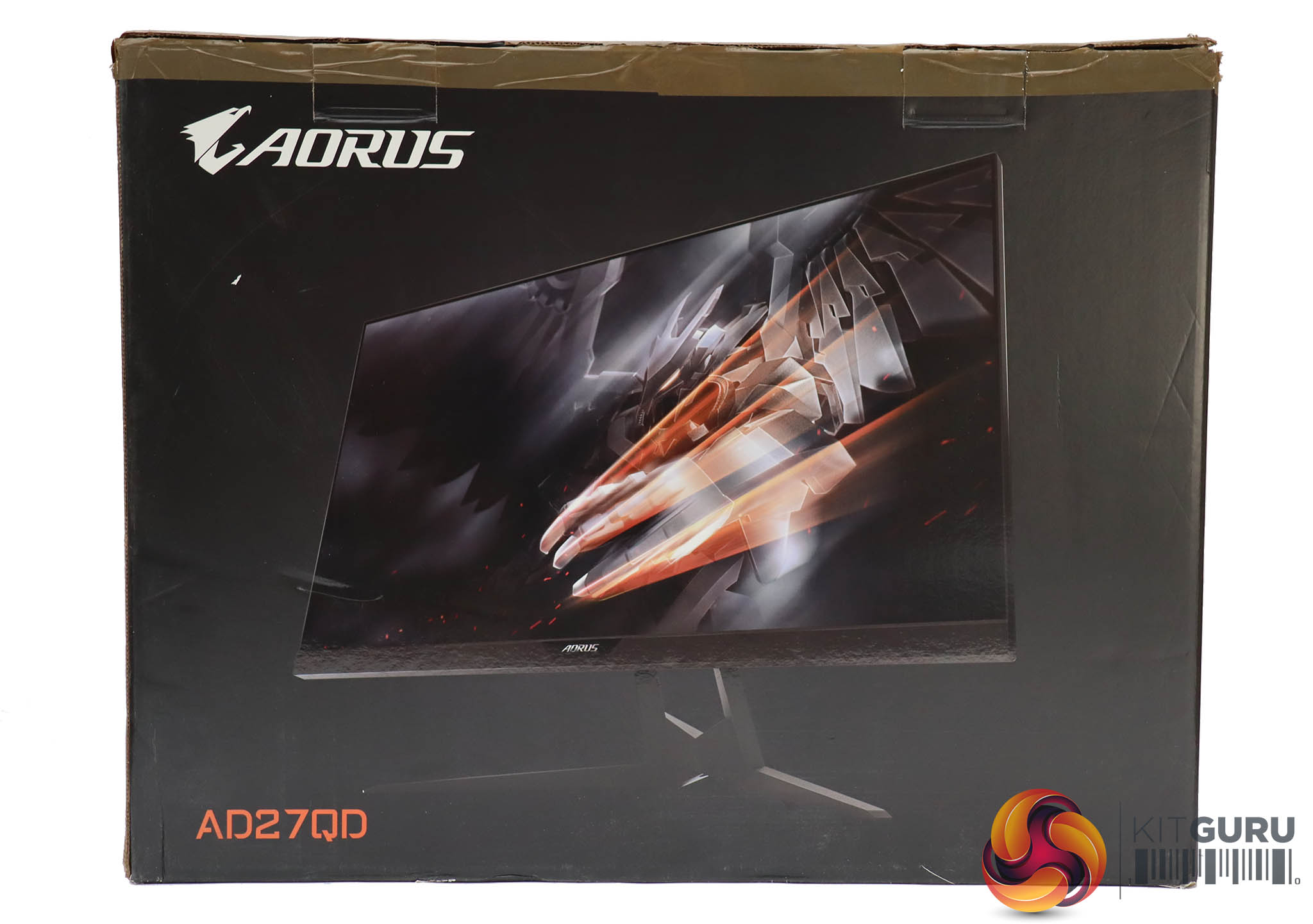
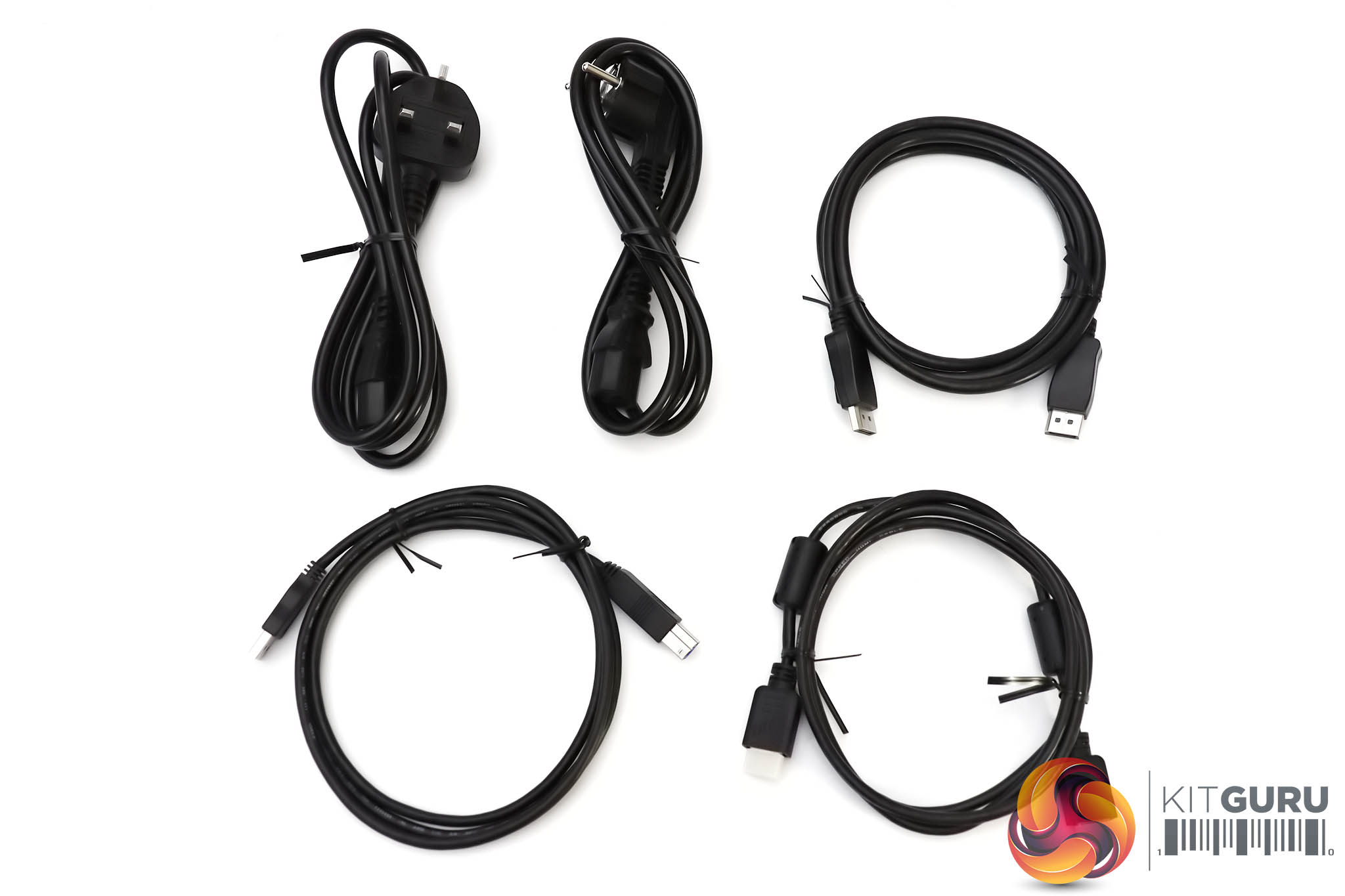
The box is black and stylish, evoking the contents. Inside you get HDMI, DisplayPort and USB upstream cables, plus power cords for the UK and Europe.
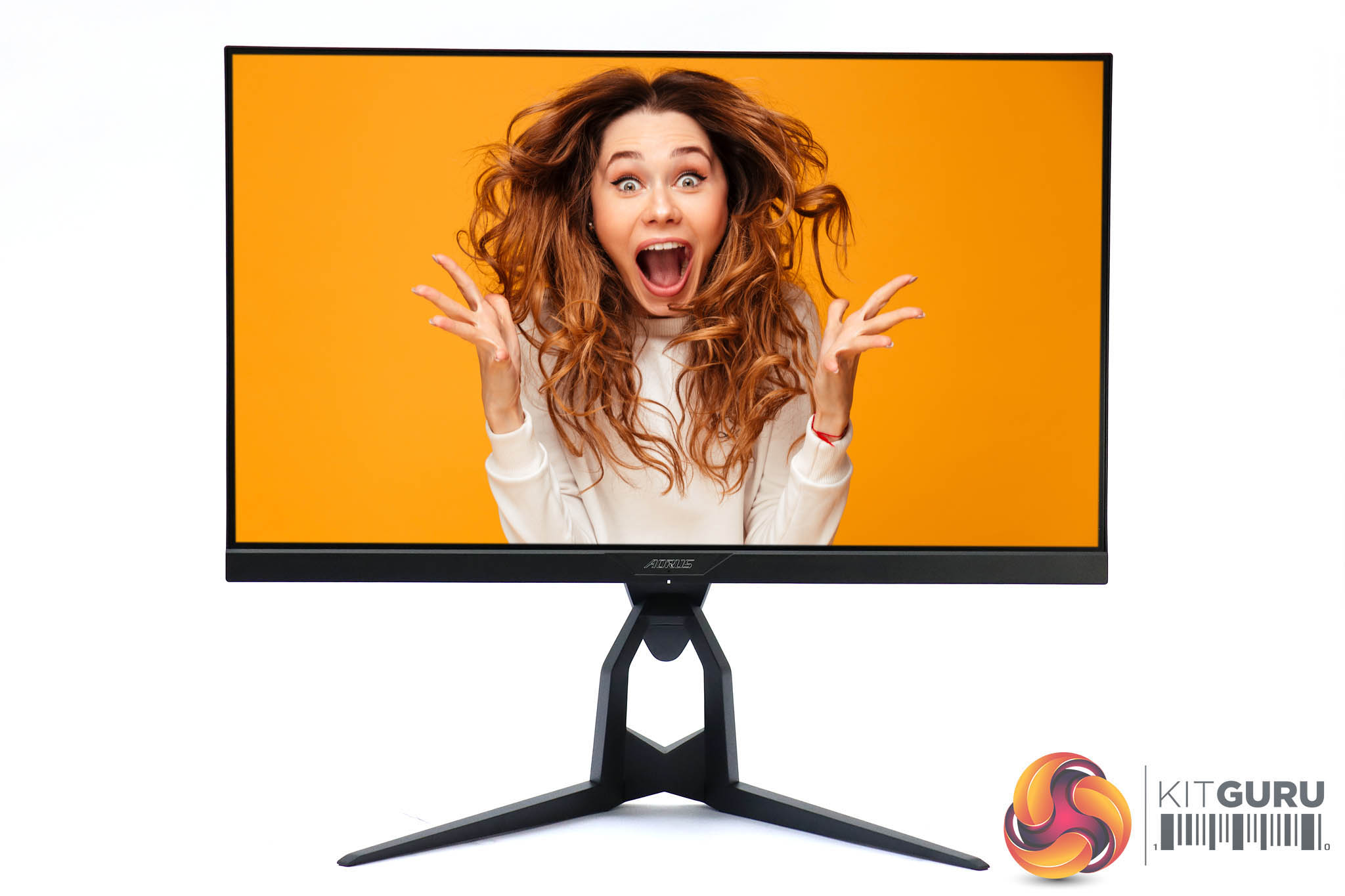
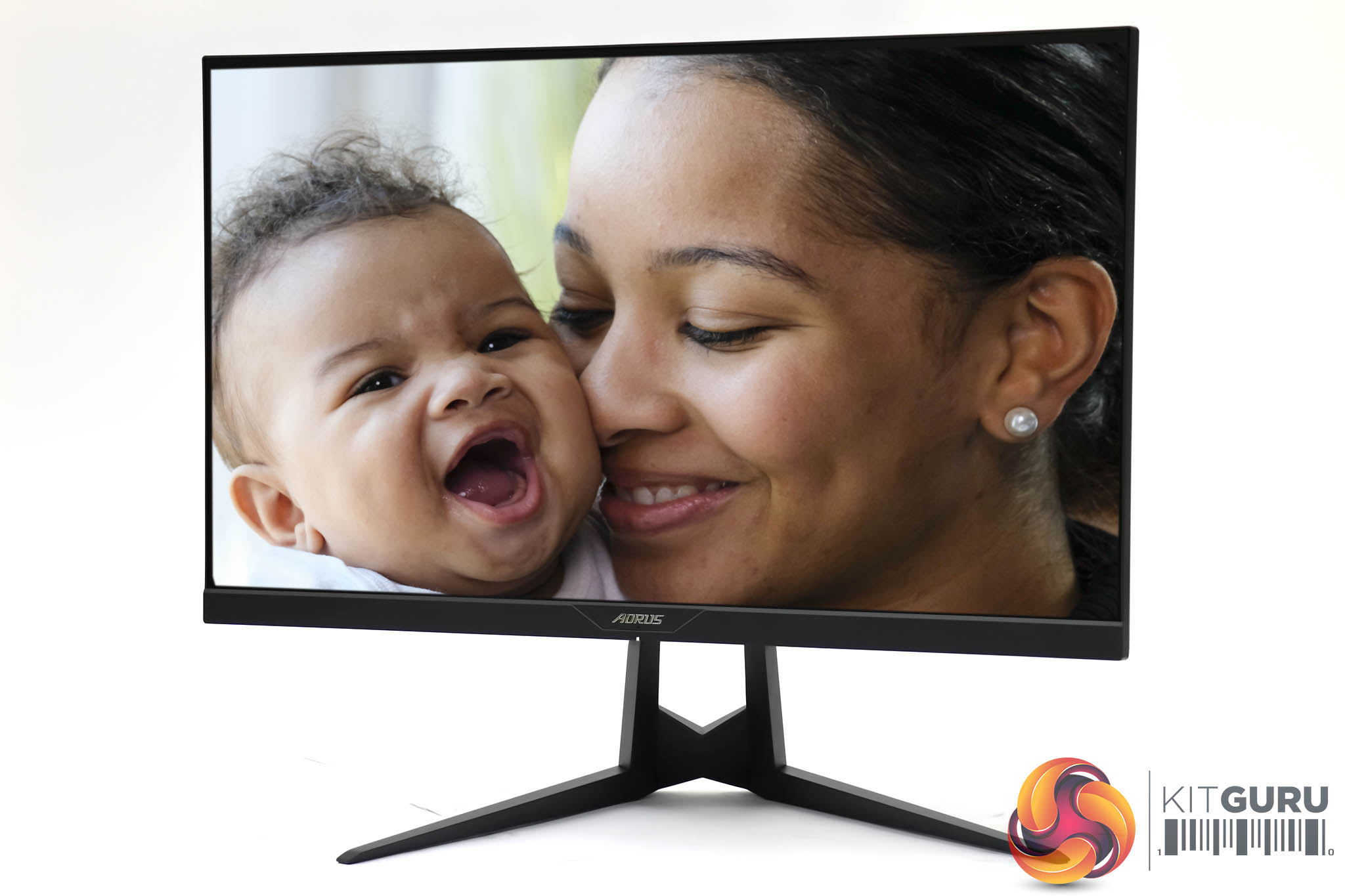

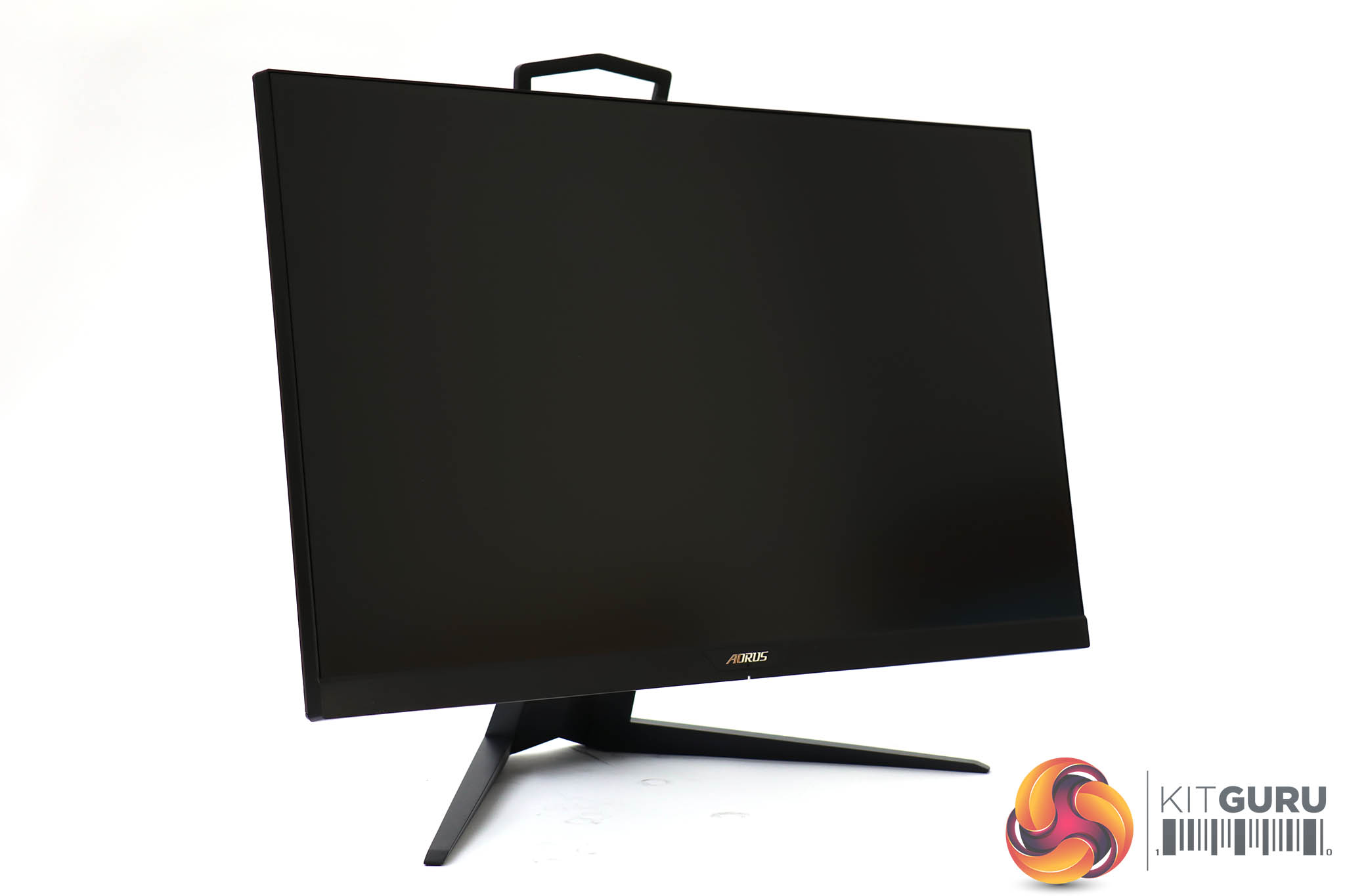
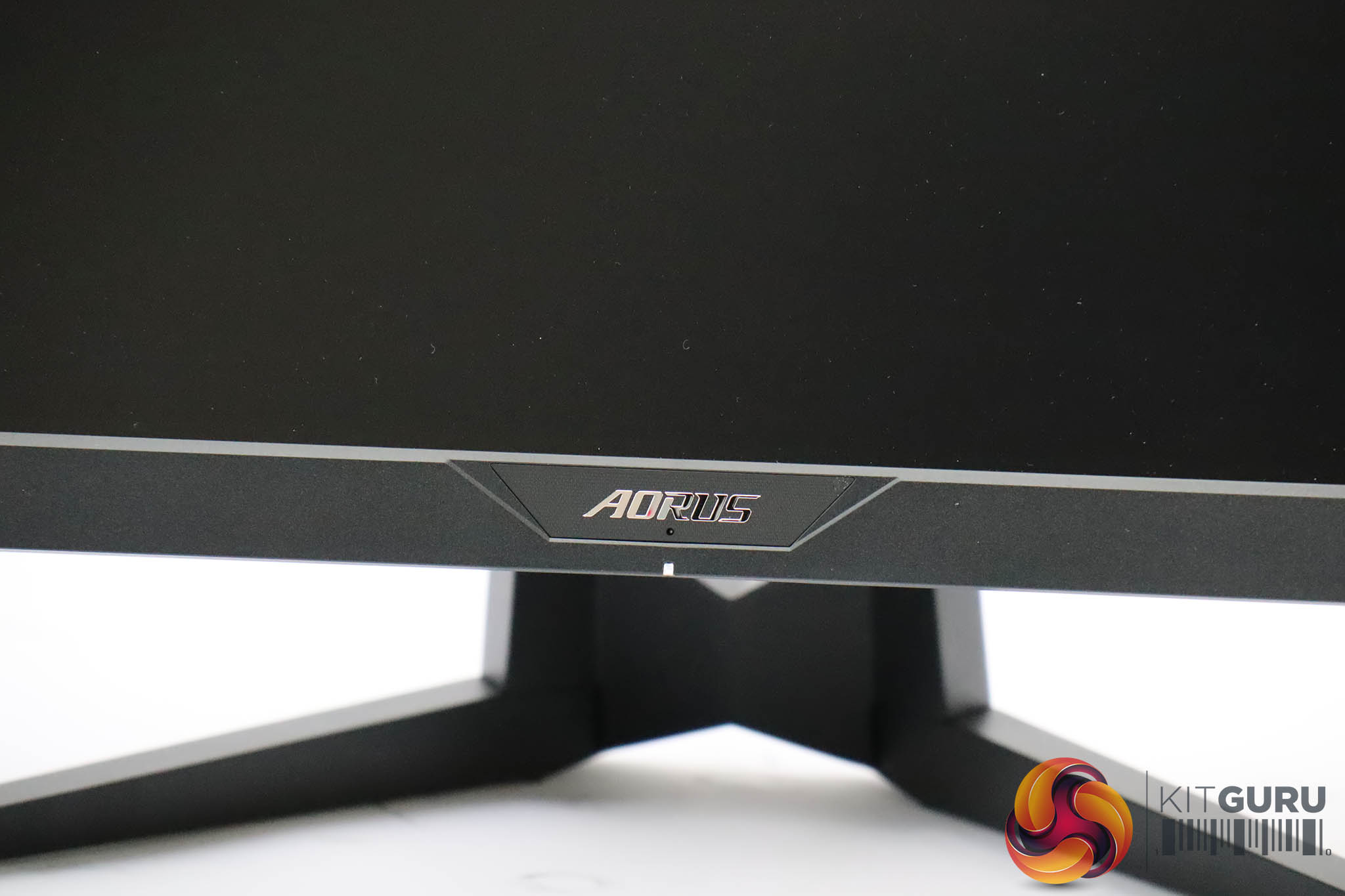
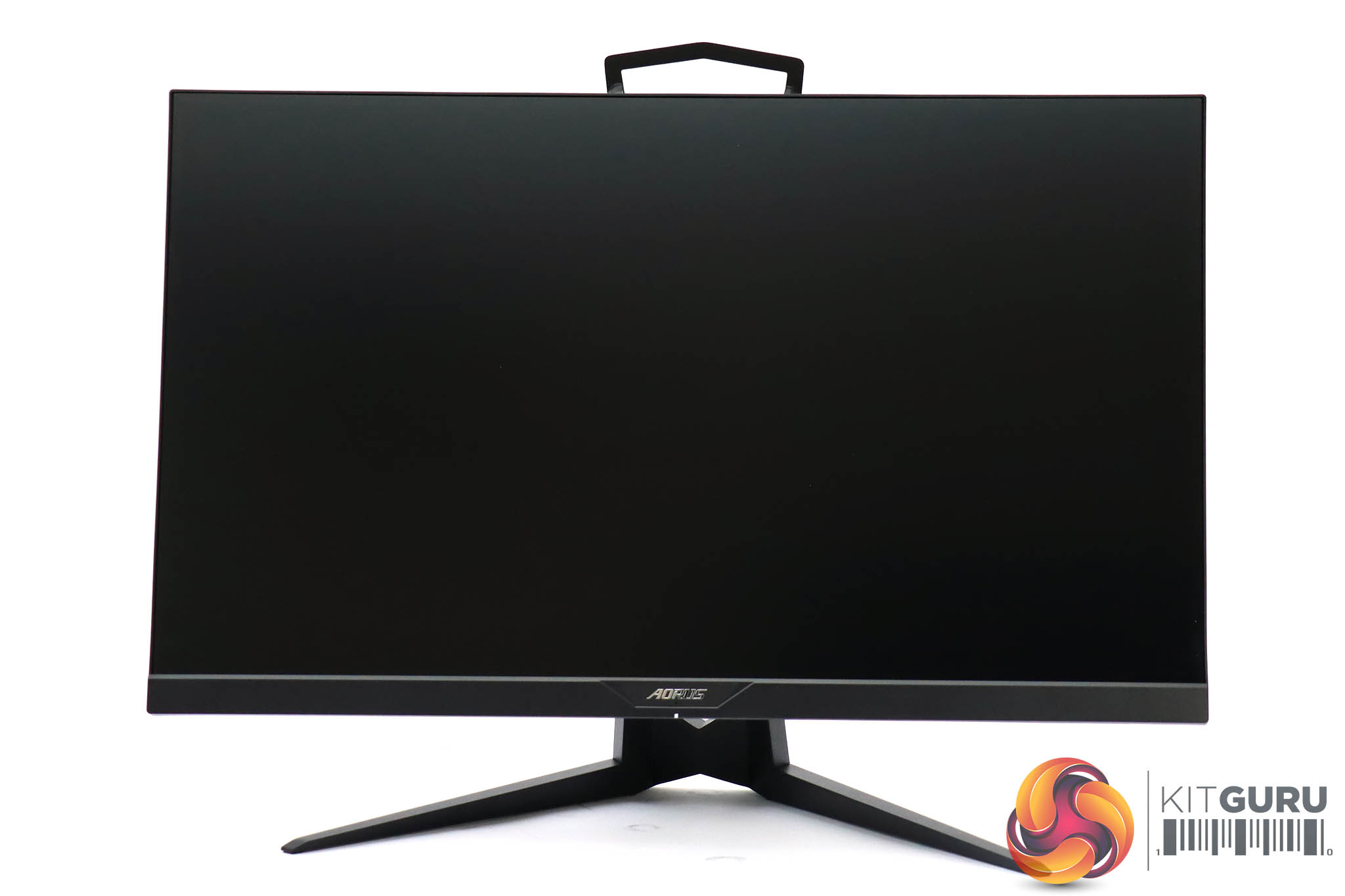
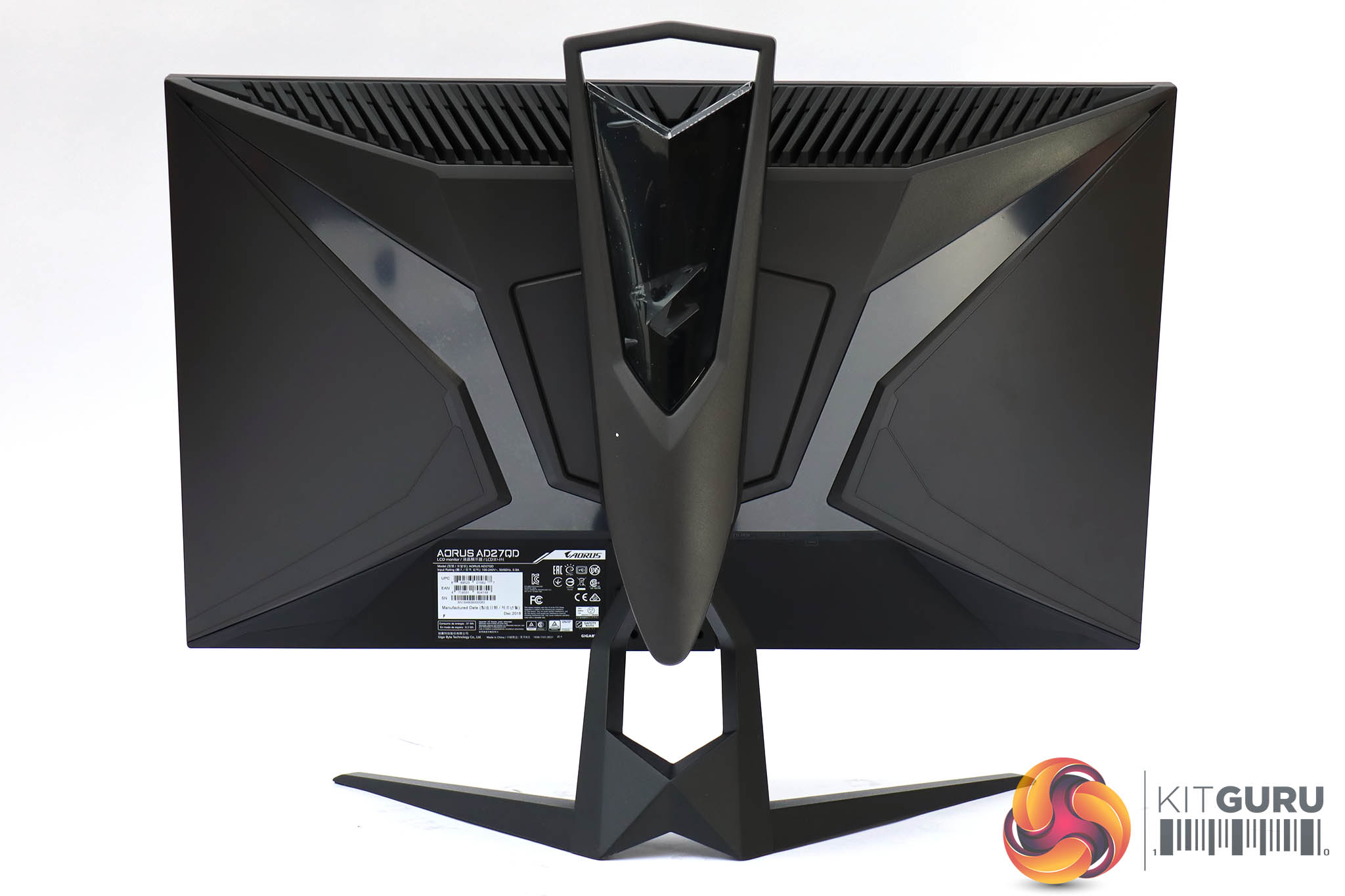
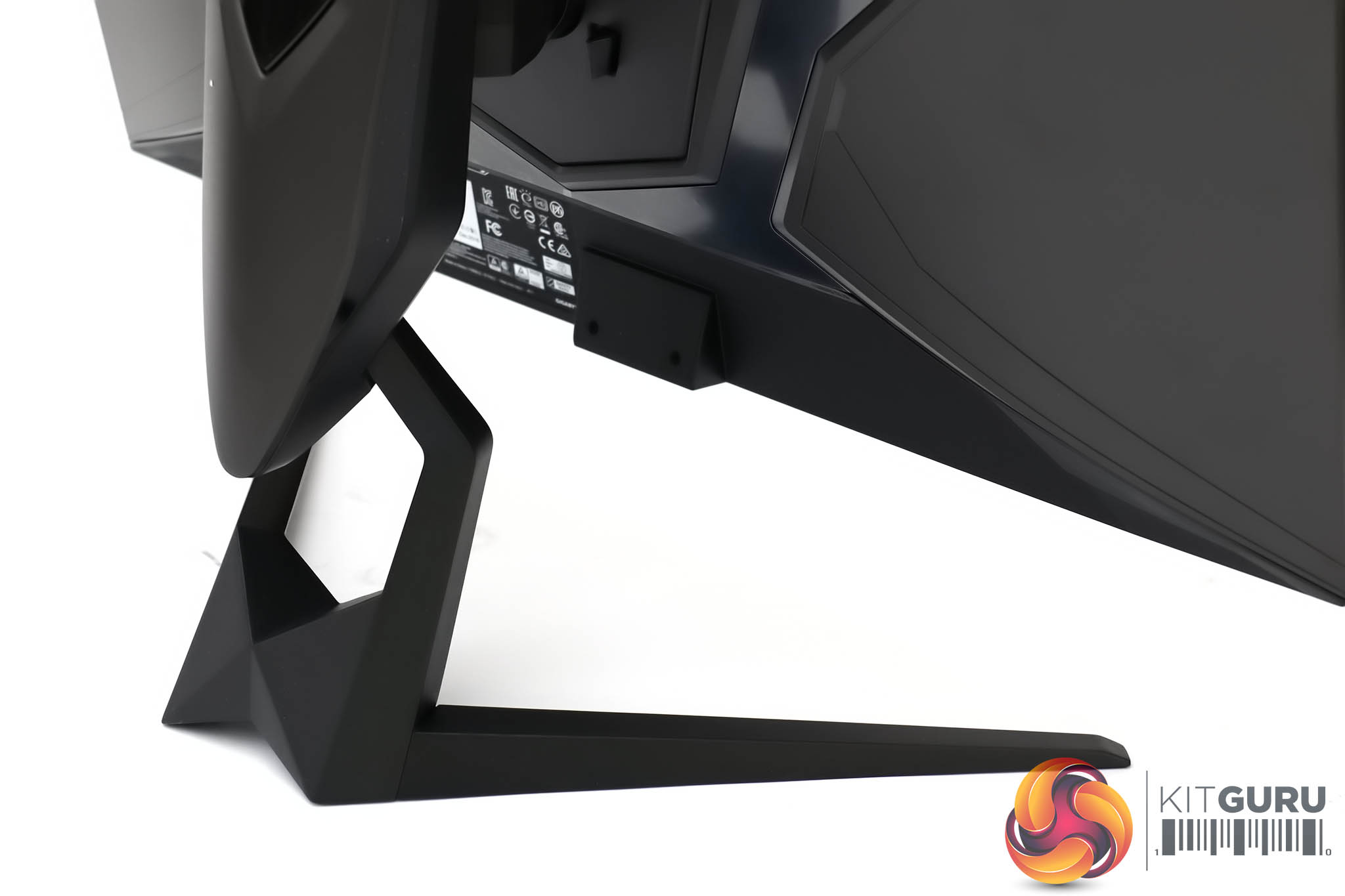
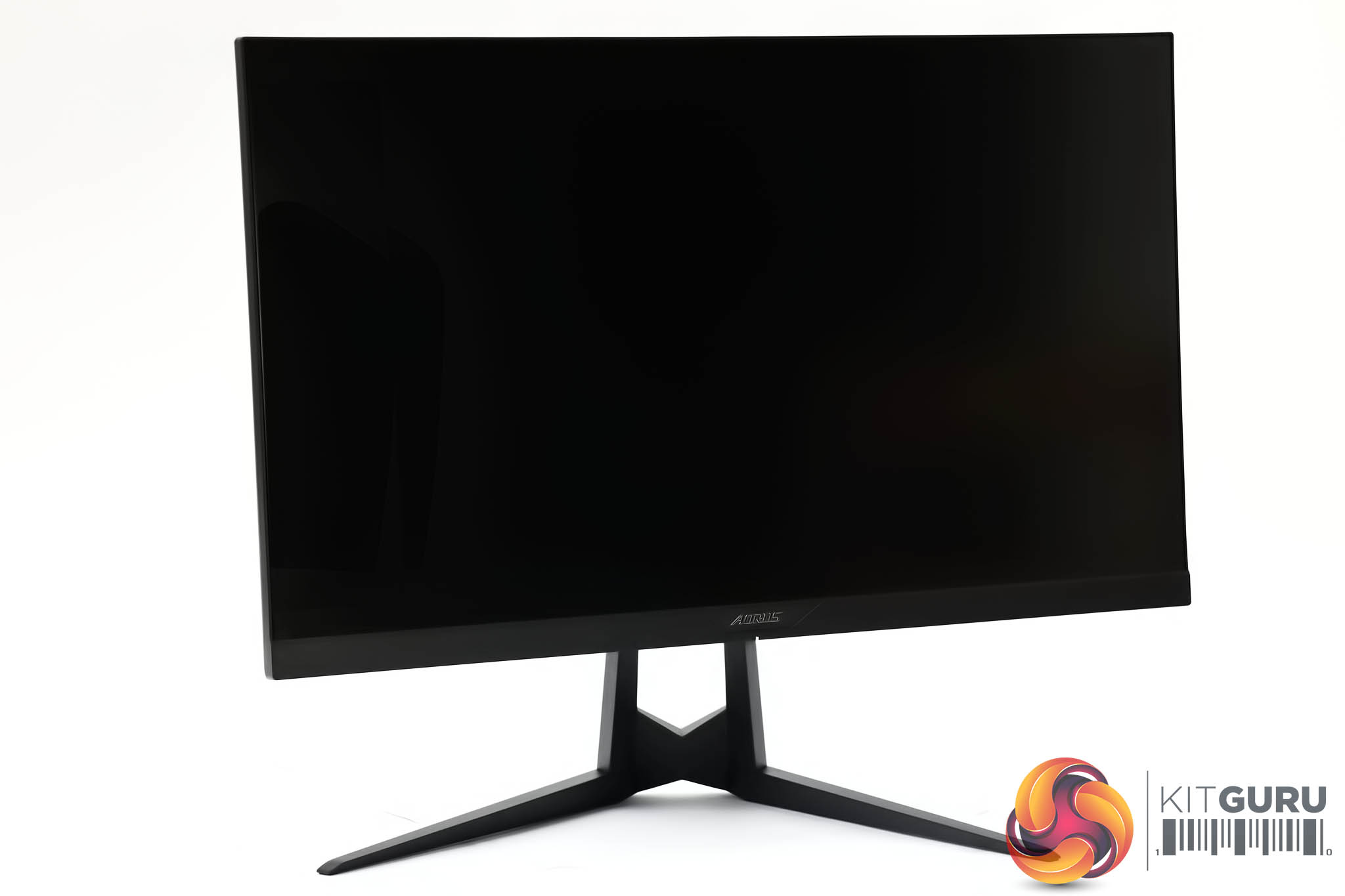
Apart from the AORUS-branded bottom edge, this screen has a very slim bezel, which adds to the style factor. From the front, only black is visible, and the rear looks decidedly dark as well. But when the screen is on, there are plenty of LED lighting options to brighten things up. The AORUS eagle logo is illuminated, as are diagonal flashes towards the top right and left corners.

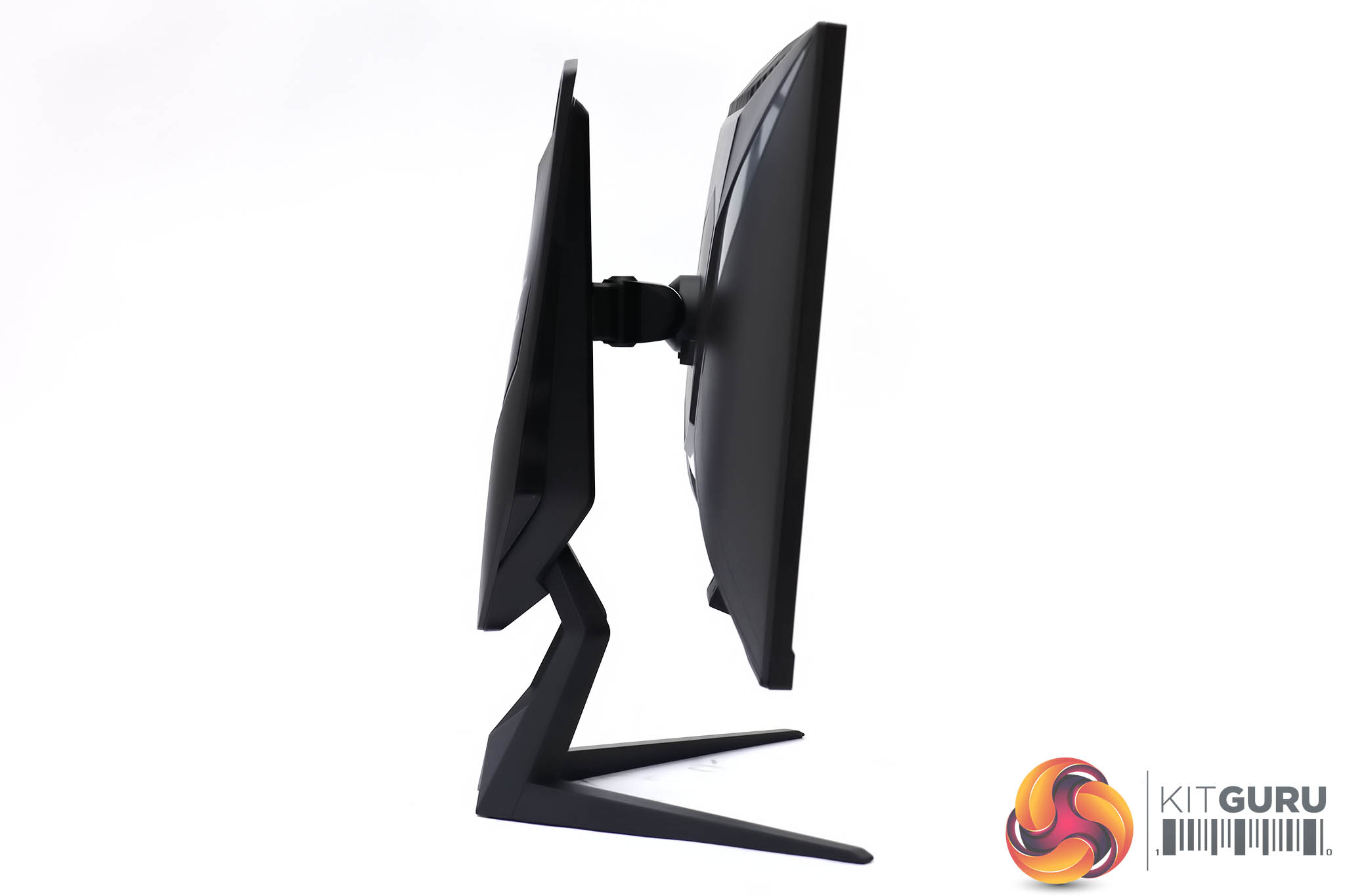

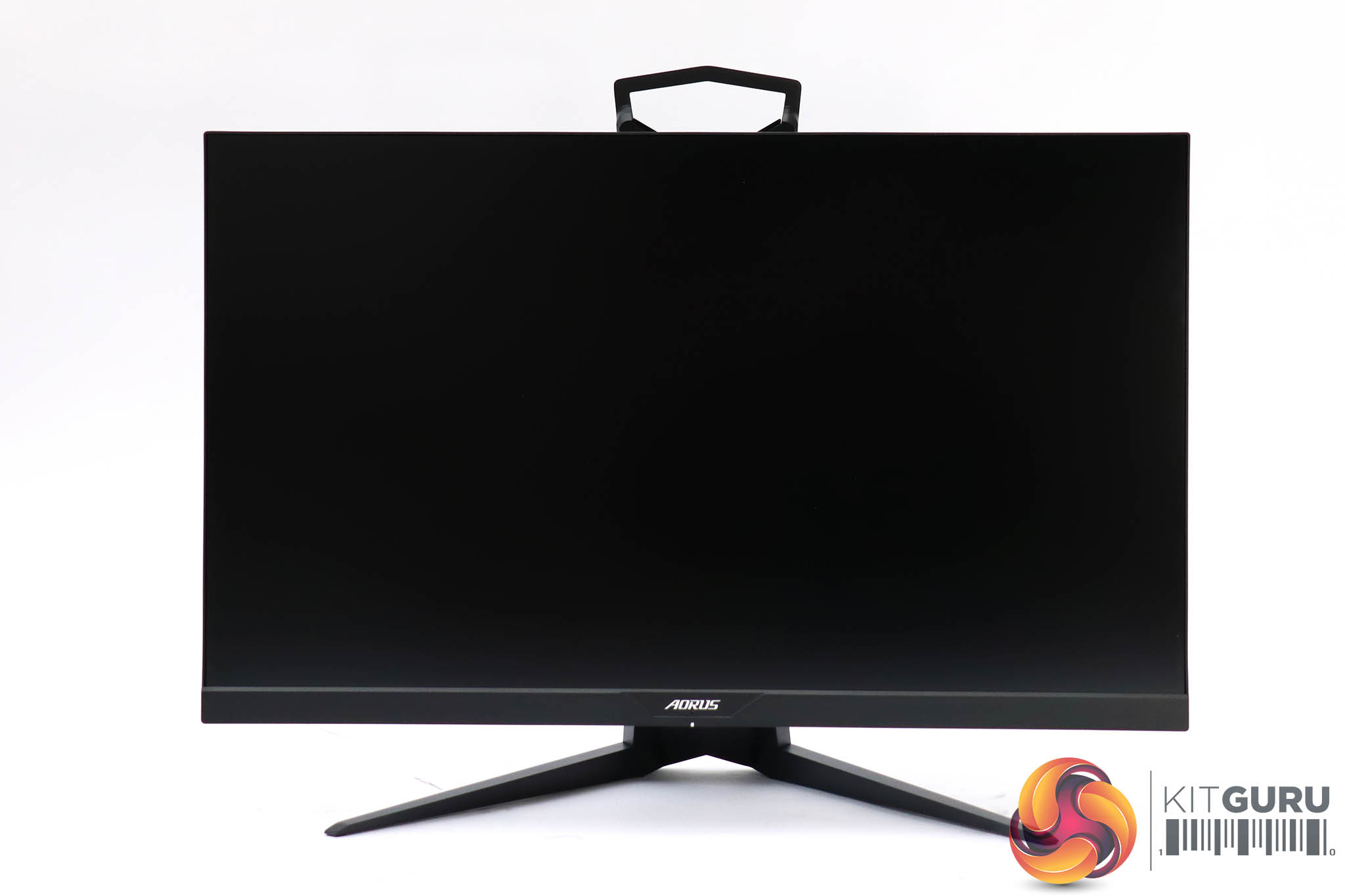
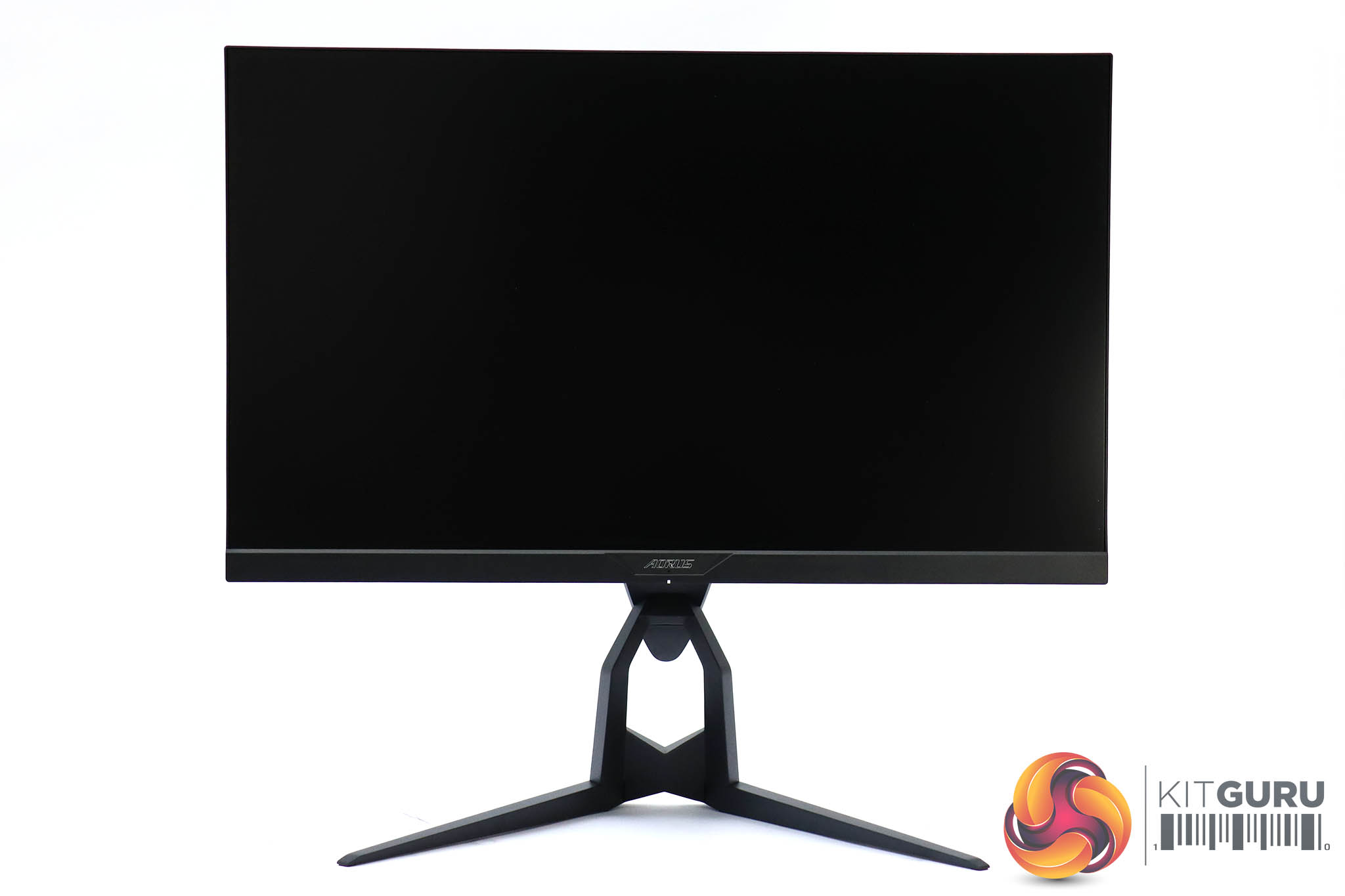
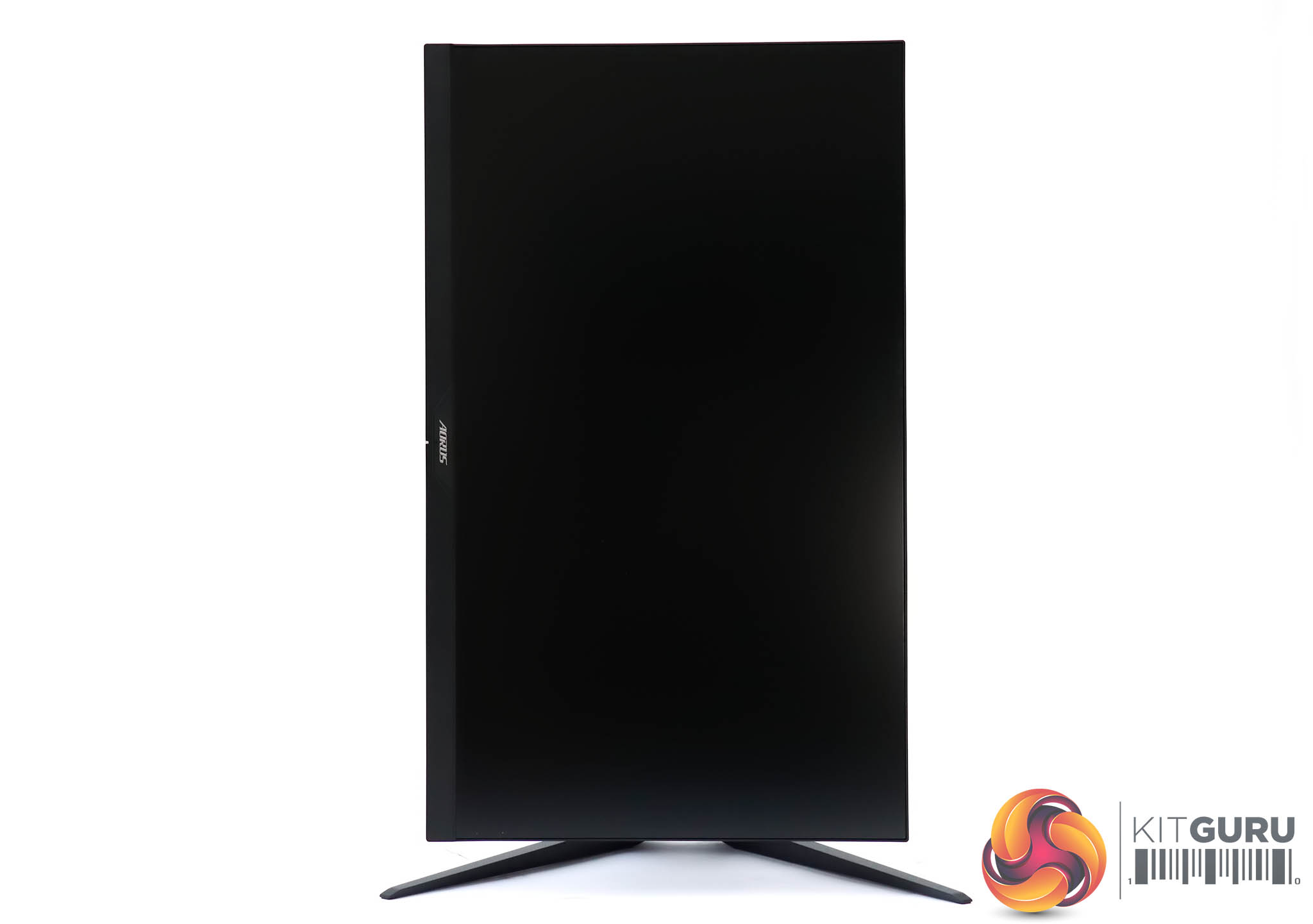
The AD27QD is reasonably ergonomically adjustable. It can be raised and lowered through 130mm, and tilted 21 degrees backward or five degrees forward. Rotating 90 degrees into portrait mode is also possible. You can swivel the screen left and right, too, although only by 20 degrees in either direction, which is a bit minimal.
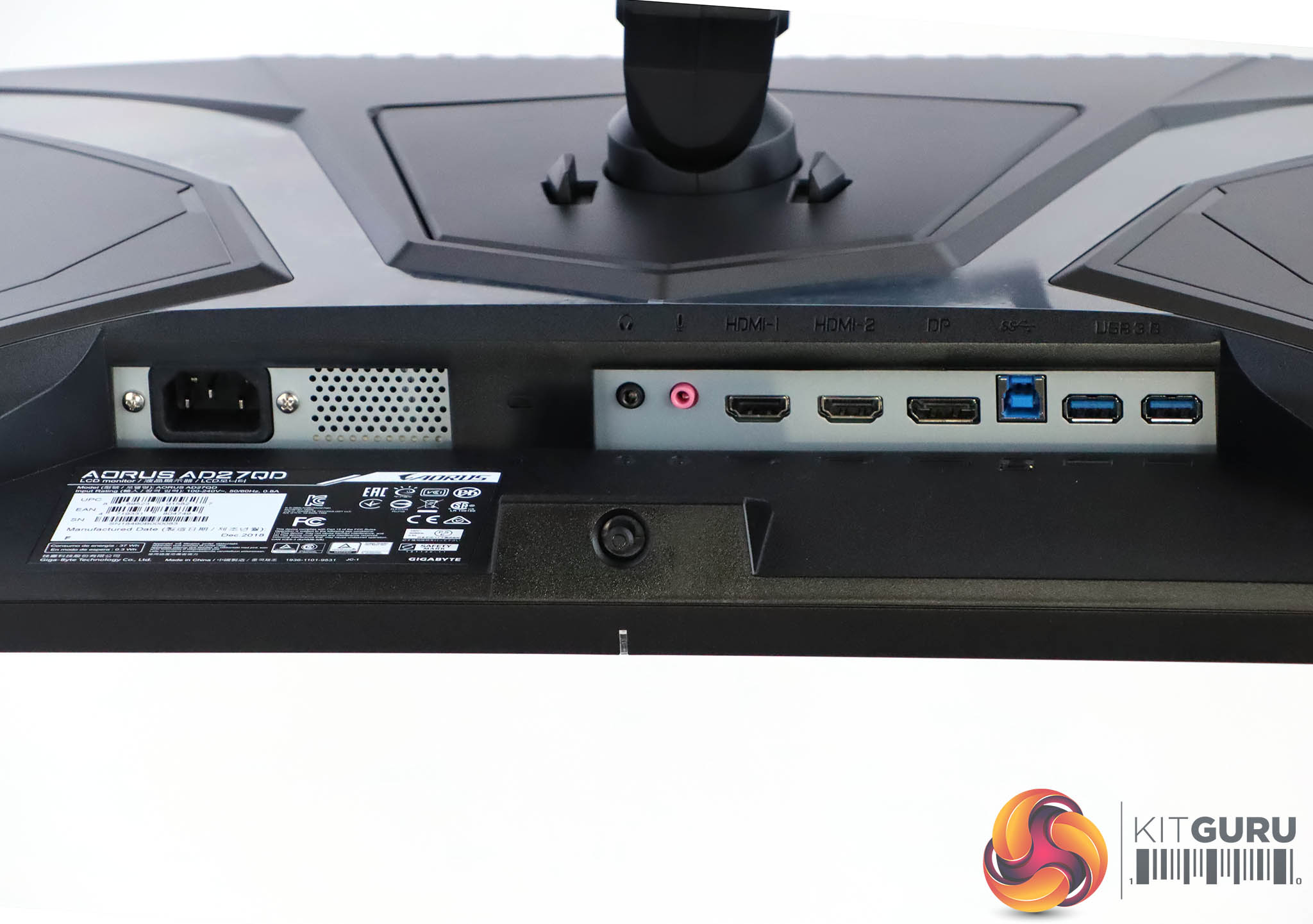
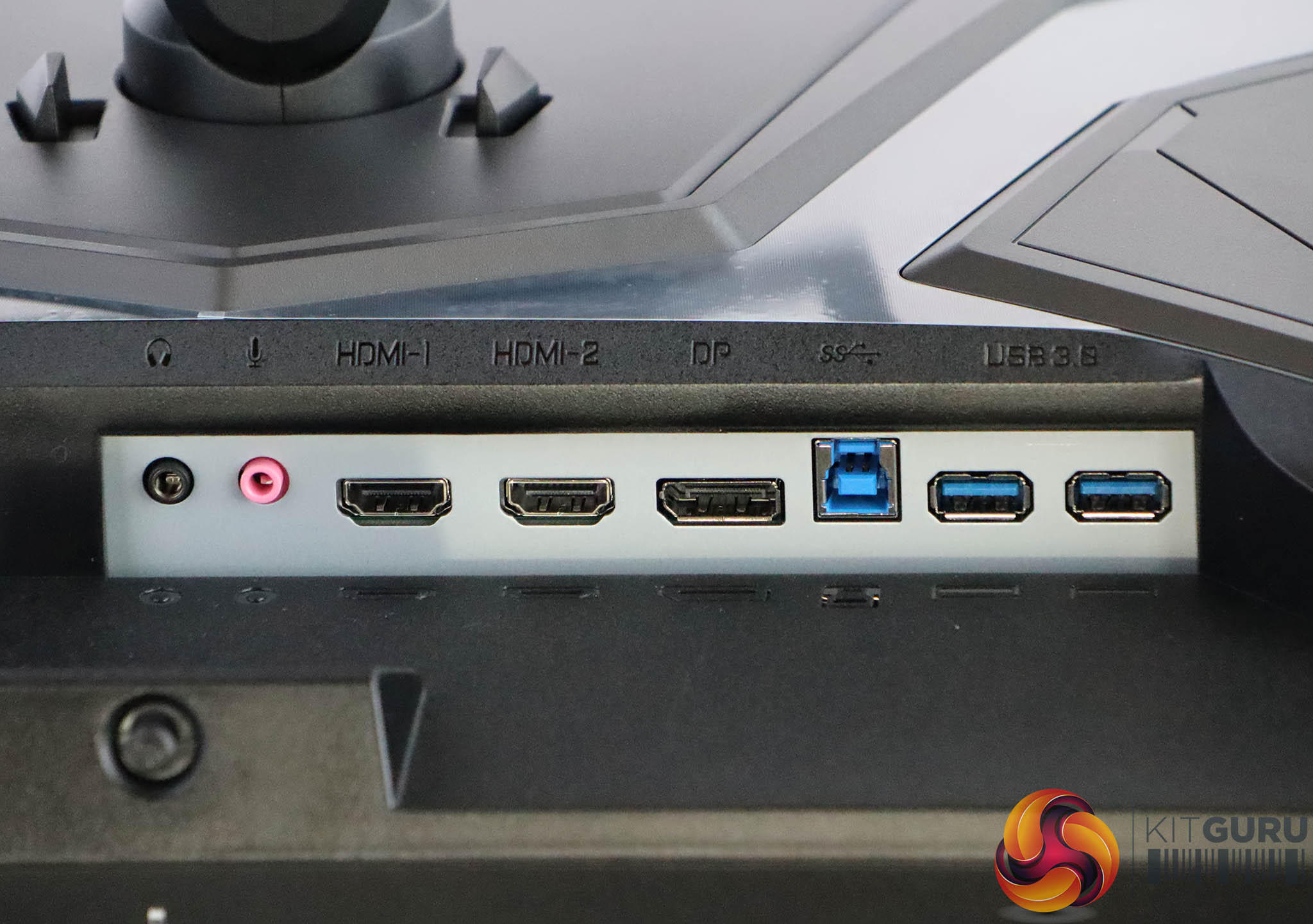
There's a decent array of connectivity available. You get two HDMI 2.0 video inputs, plus a single DisplayPort 1.2. There's a USB 3.0 hub with single upstream and two downstream ports. The latter may seem miserly, but we're guessing you lose a couple because the screen actually uses USB for audio, which is why it can offer a microphone input jack as well as headphone output.
This is essential for the noise cancellation abilities. You can feed audio to the screen via this or via the video port's digital signal. Another USB connection is also presumably taken by the OSD Sidekick software (of which more later). But at least the USB ports support fast charging of your mobile phone.

Operating the OSD directly on the monitor involves a joystick that is very conveniently placed on the bottom directly in line with the LED power light.
