 KitGuru KitGuru.net – Tech News | Hardware News | Hardware Reviews | IOS | Mobile | Gaming | Graphics Cards


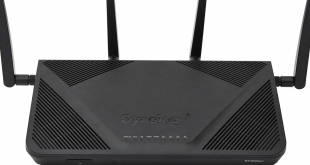
Synology has a solid reputation for making high-quality, feature-rich network-attached storage (NAS) devices. But the company also started making wireless routers about two years ago. It has taken a while for these to arrive in the UK, but our first look is finally here, and begins with the flagship of the two-product range – the RT2600ac.
This isn't a balls-out high-end router, but it does have the kind of solid feature set we have come to expect from Synology's other product ranges. The WiFi is quad-stream and dual-band, and it offers 800Mbit/sec across the 2.4GHz waveband alongside 1.73Gbits/sec at 5GHz, giving it the 2600 AC rating from which its model name is derived.
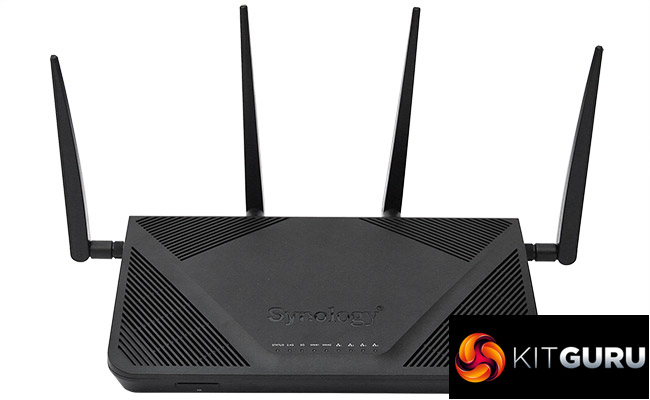
The port allocation is standard but nothing is missing. There's a four-port Gigabit Ethernet hub and extra dedicated Gigabit Ethernet port for the broadband WAN connection. Both USB 2.0 and 3.0 ports are included for attaching peripherals such as storage. A more unusual inclusion is the SD card slot on the front, which will be handy for things like sharing photos across the network.
With a reasonable price a little north of £200, the Synology RT2600ac sits somewhere in the middle between more budget-conscious routers such as the Linksys WRT3200ACM and NETGEAR Nighthawk X10 R9000.
Let's find out how it fares in comparison.
Price: £223.98
Specification:
Wireless protocols: MU-MIMO with 802.11b/g/n 2.4GHz, 802.11a/n/ac 5GHz
Performance: AC2600 (1733 + 800 Mbits/sec)
Antenna Configuration: 4×4 External Antennas for 2.4/5GHz
Ports: 4 x Gigabit Ethernet, 1 x Gigabit Ethernet WAN, 1 x USB 2.0, 1 x USB 3.0, SDXC card slot
Modem Support: VDSL/ADSL 2+ or cable
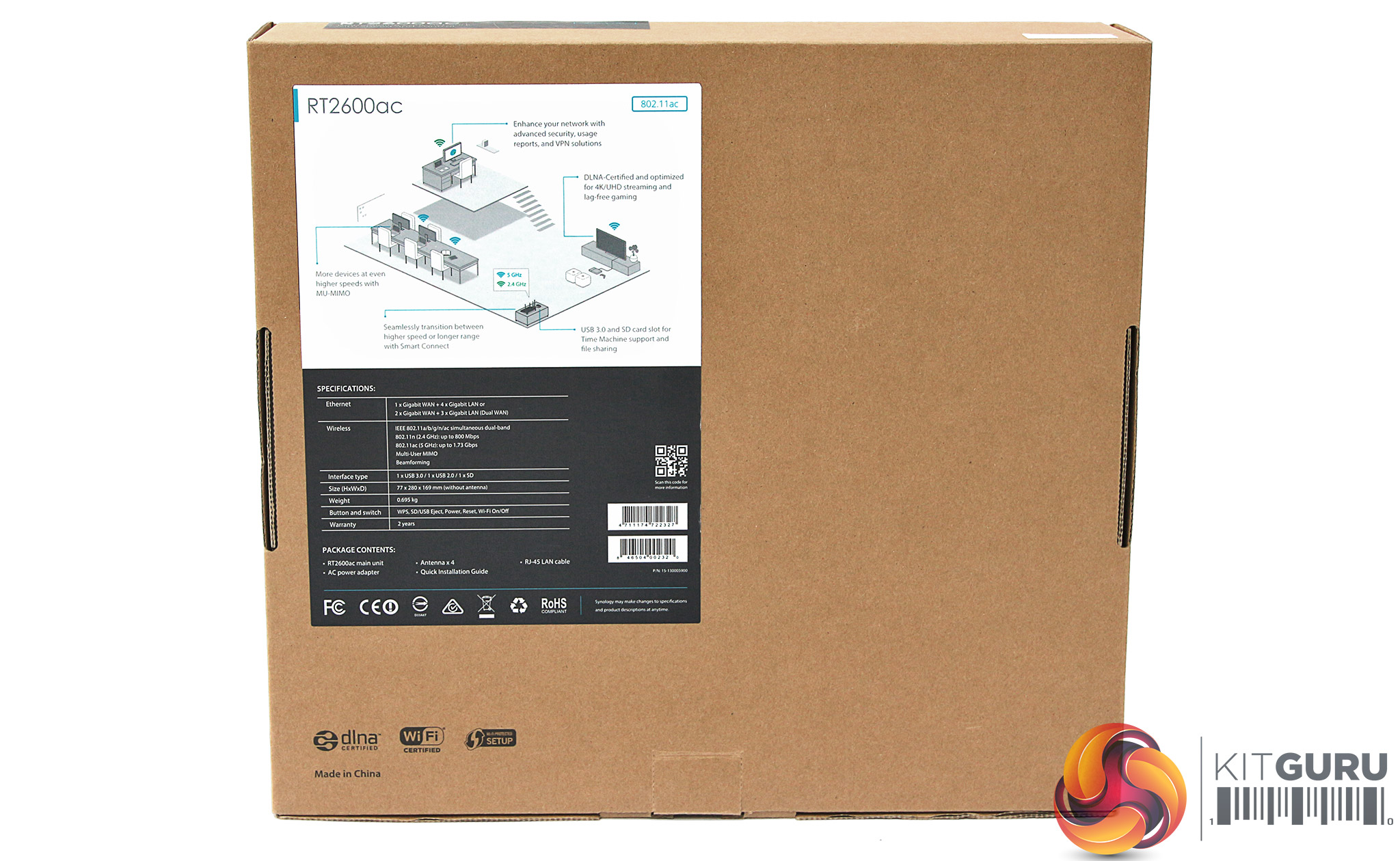
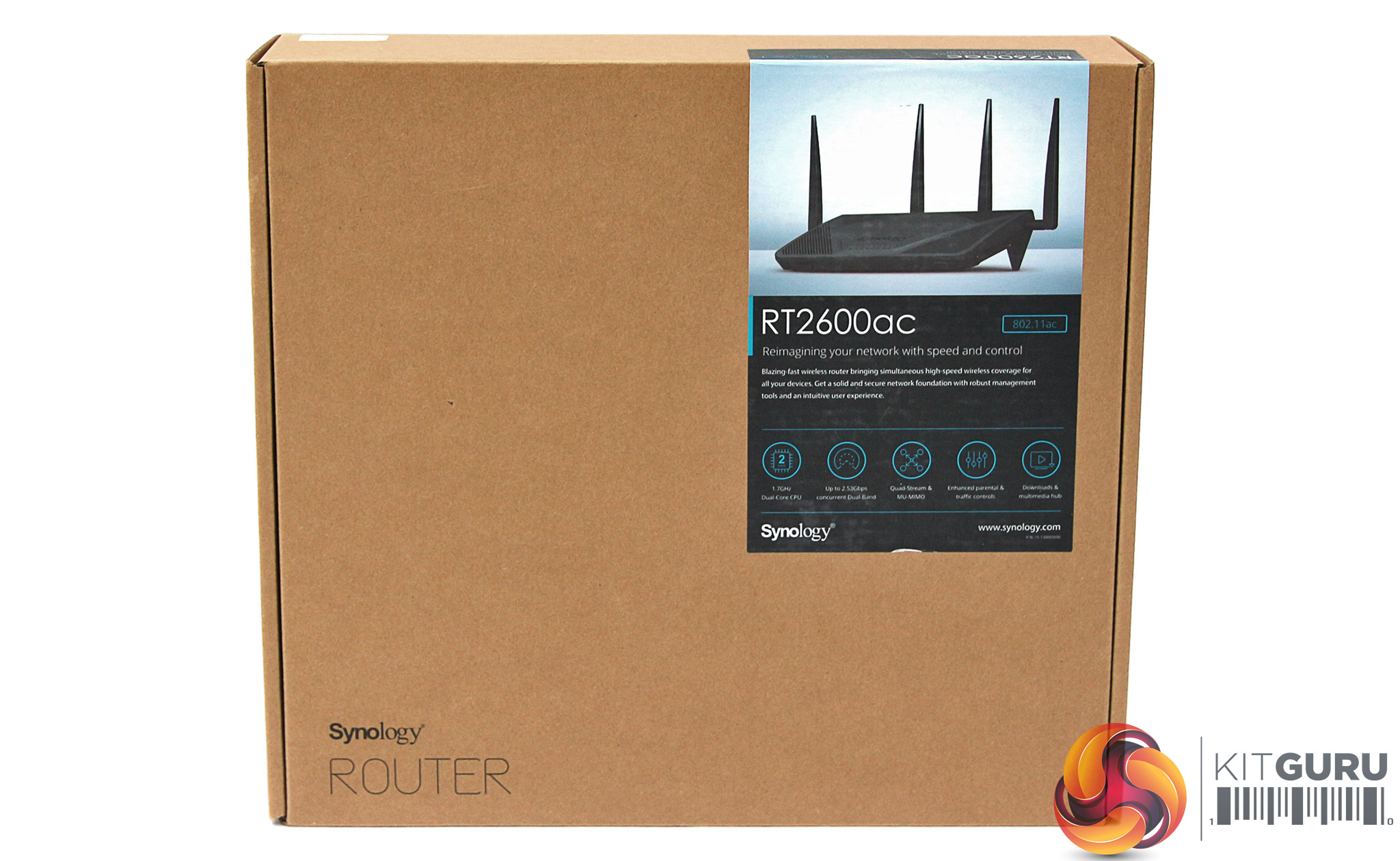
Synology's boxes are never the most exciting to look at. But that goes with the “no nonsense” image the company likes to portray.
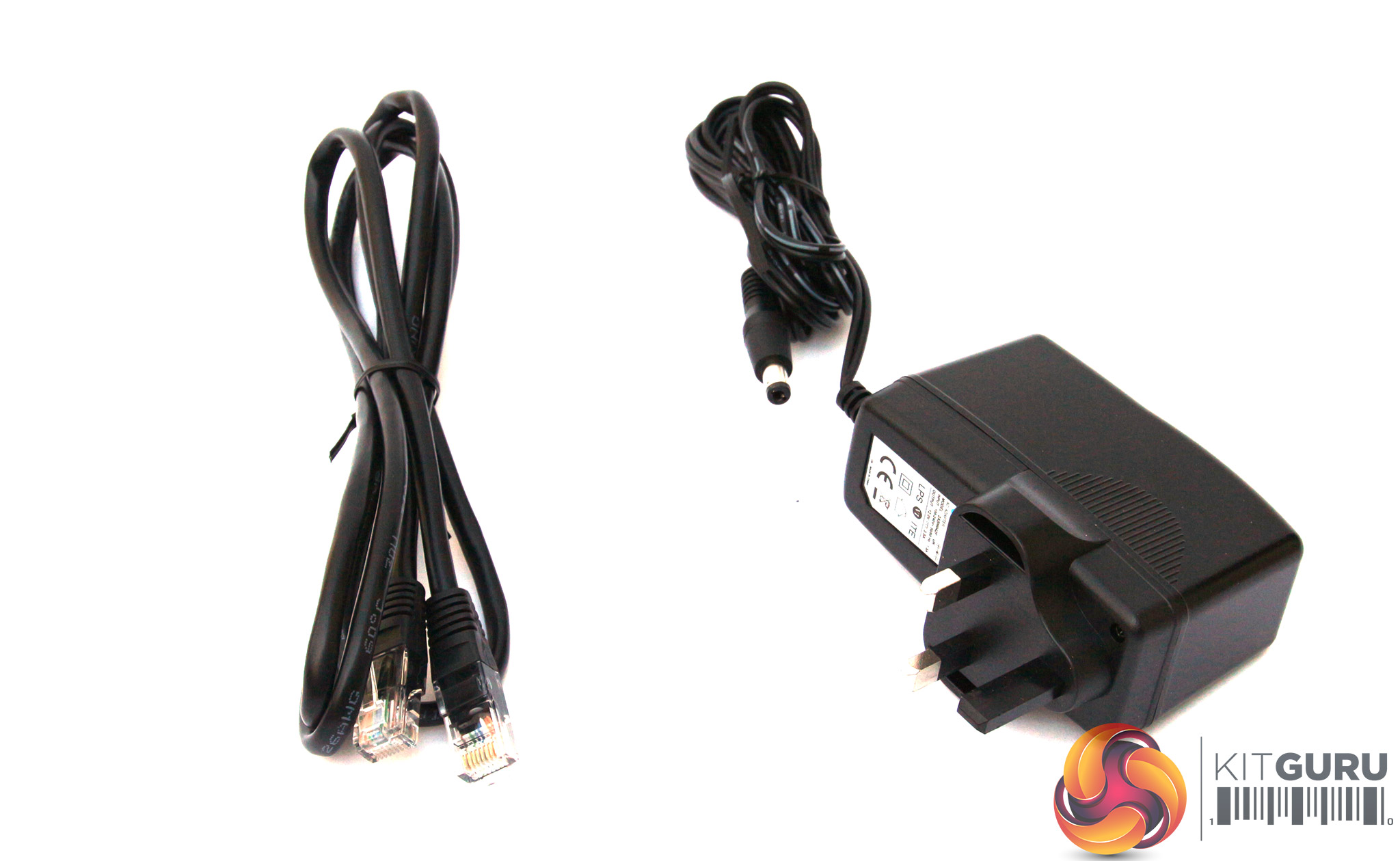
Not a lot inside the box, aside from the router itself – just an Ethernet cable and power supply.
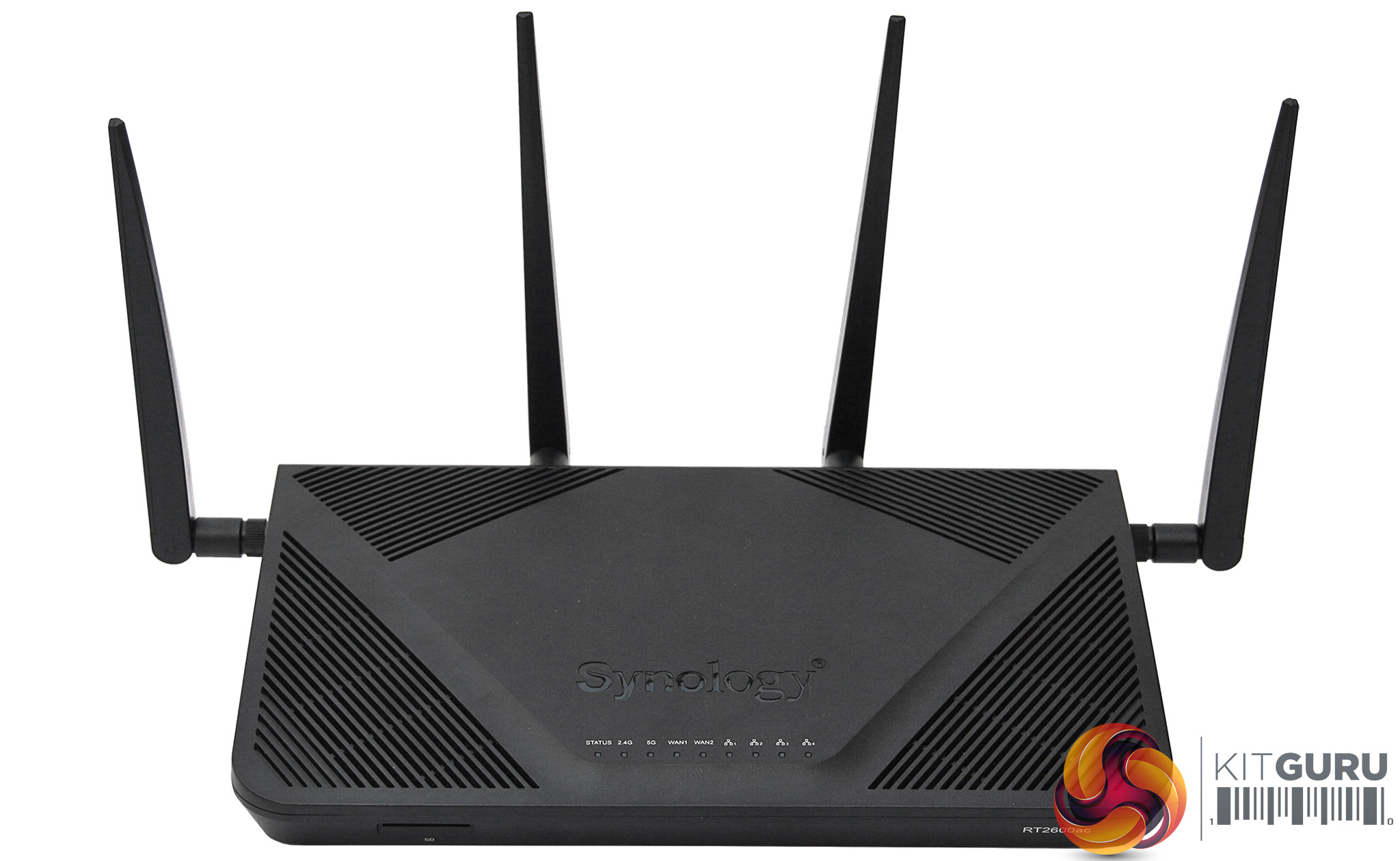
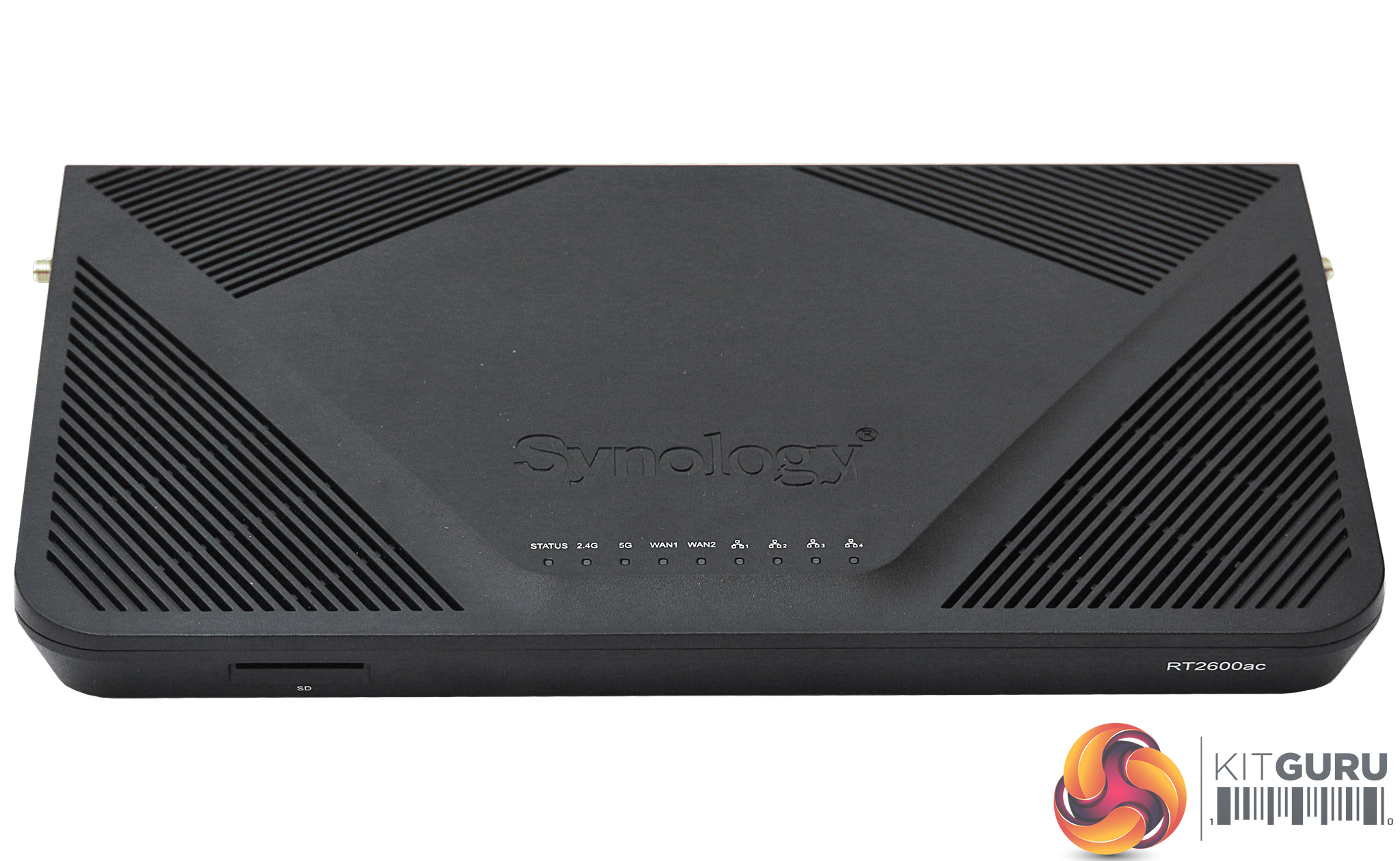
The RT2600ac is a rather nondescript black box, with four detachable aerials on the back and sides. It's not exactly a design masterpiece, but like the box, that goes with the Synology image.
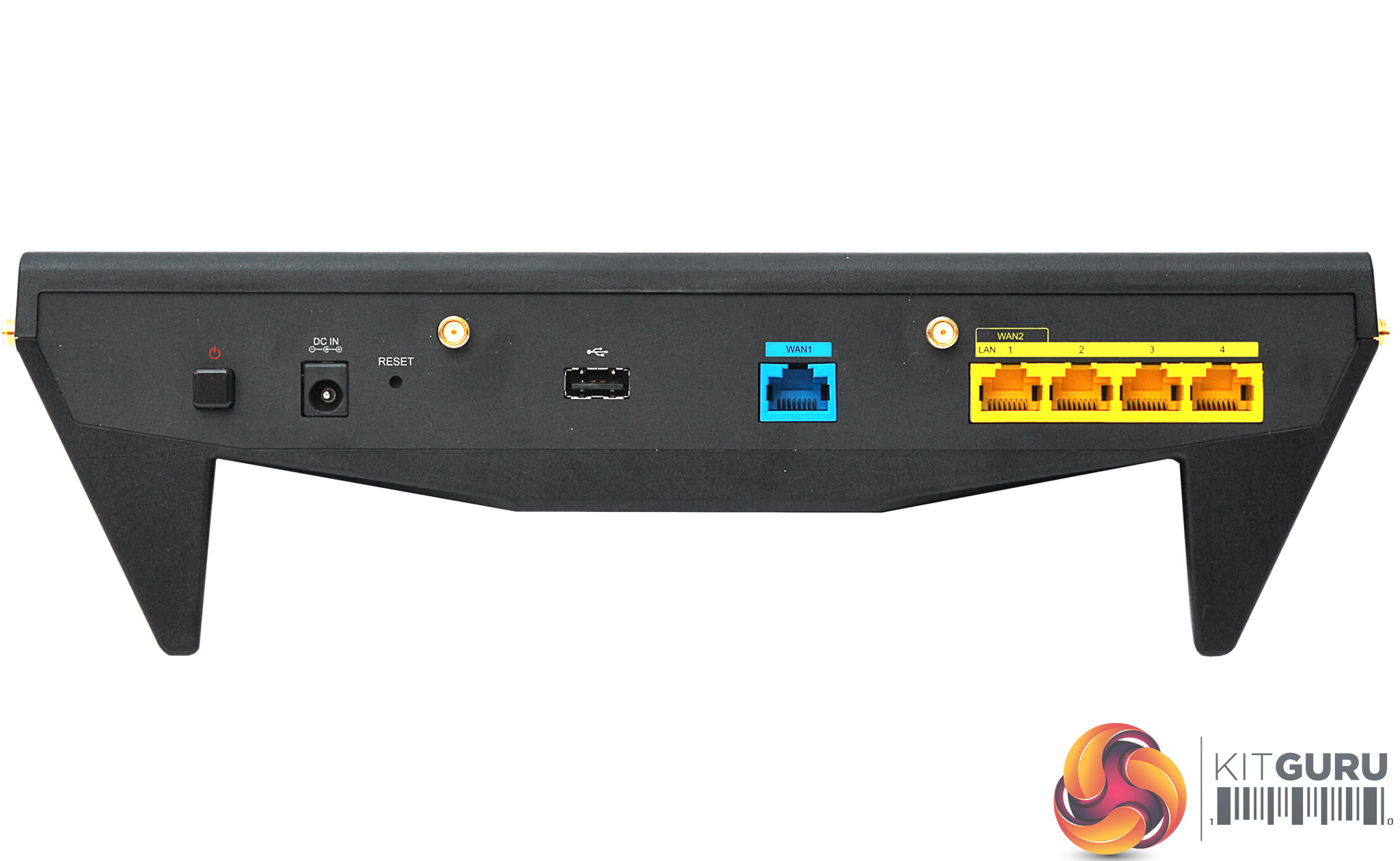
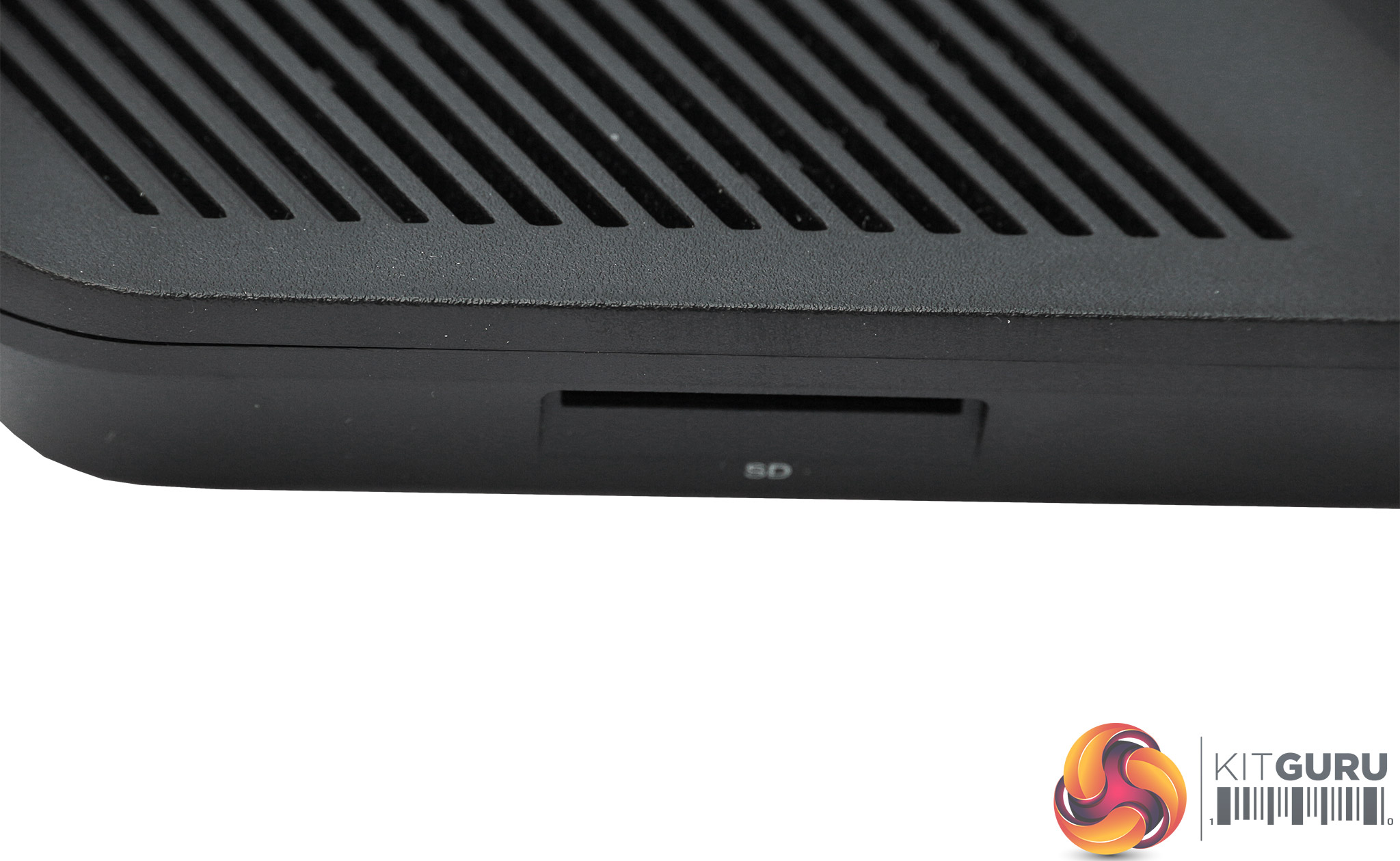
The rear houses a very standard allocation of four Gigabit Ethernet ports for client systems, another one for the broadband WAN connections, and USB 2.0. The front left sports a SDXC card slot. Note that LAN port 1 can also be used as a second WAN port, should you want to connect two broadband services as a fail-safe.
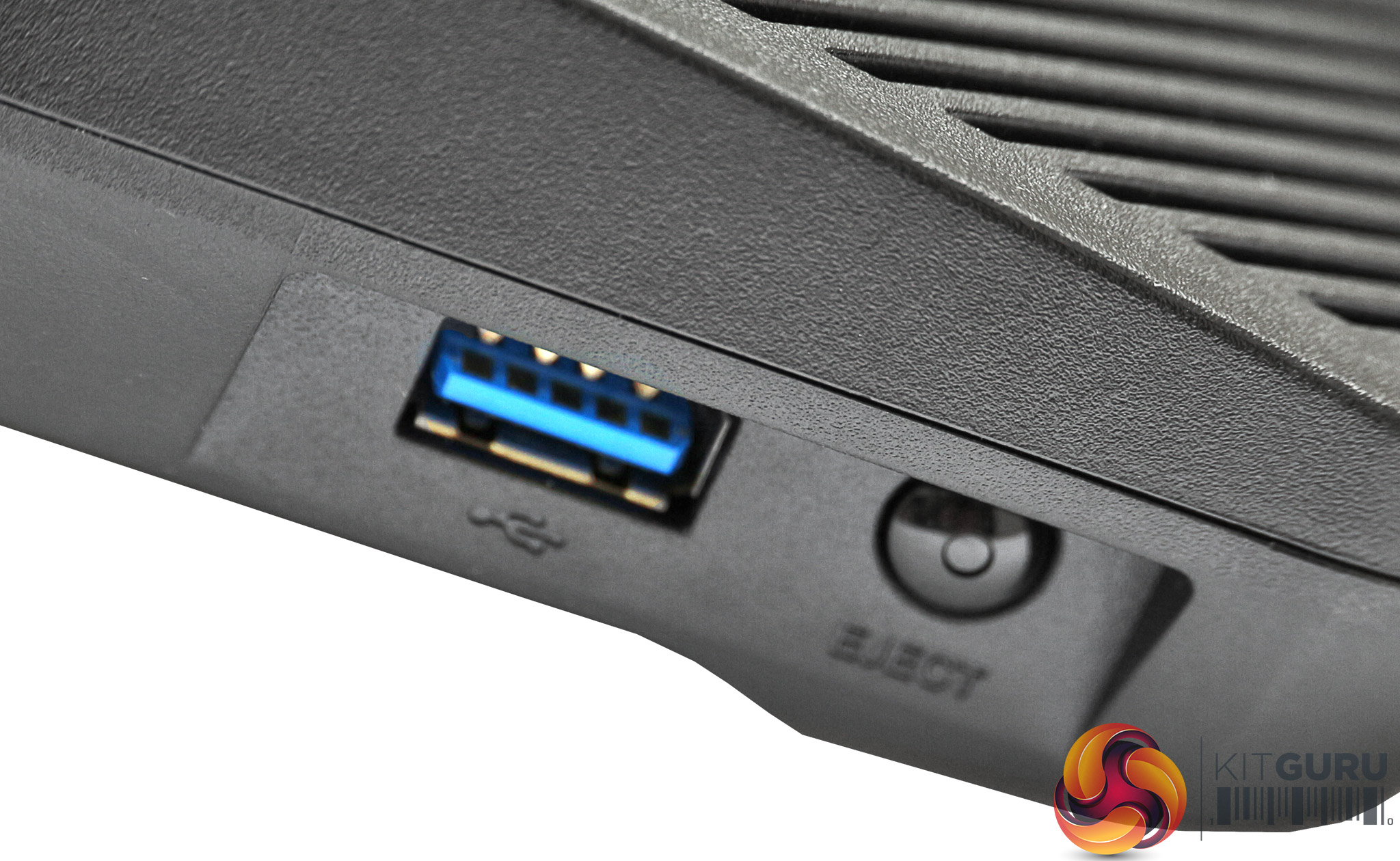
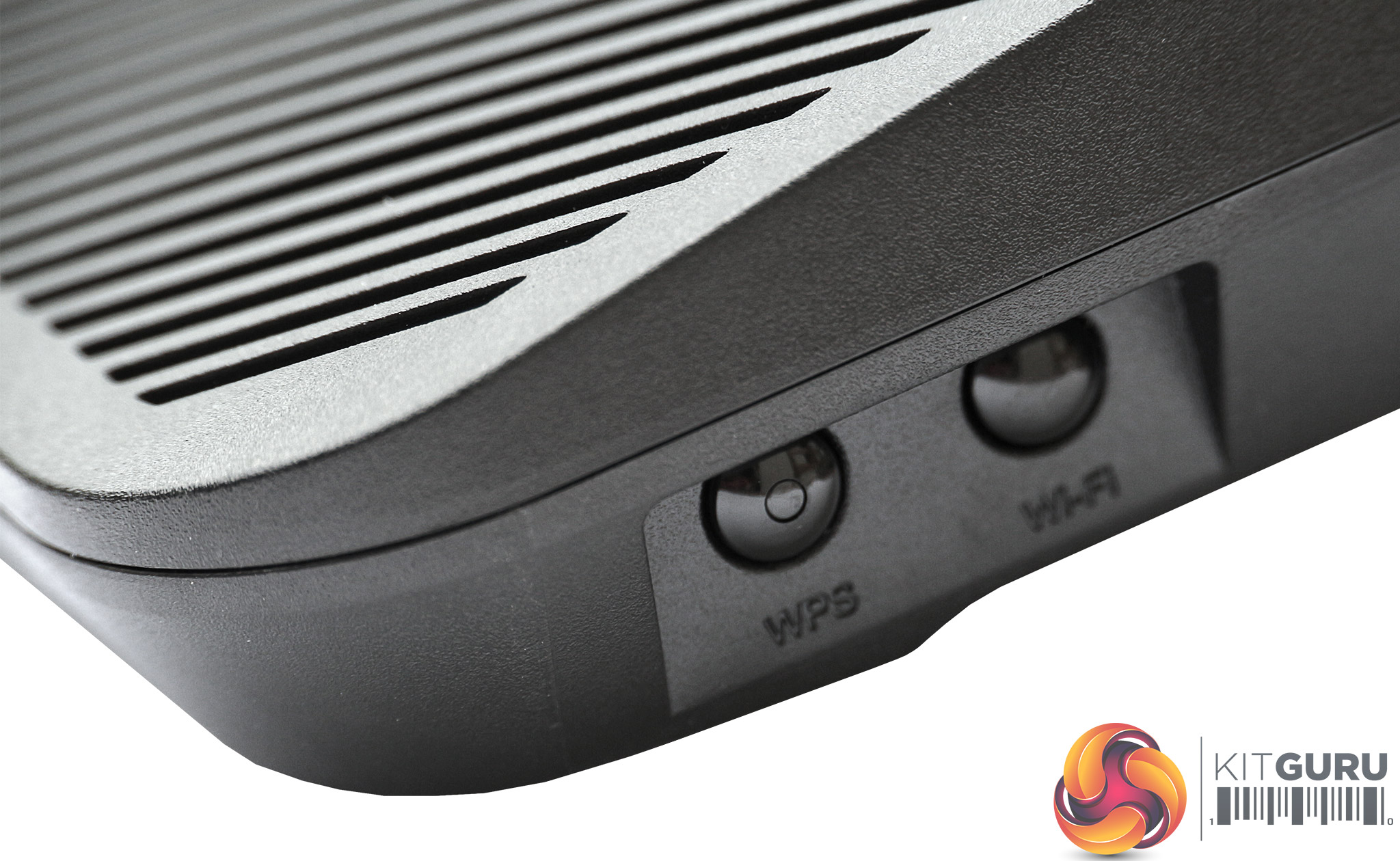
On the left-hand corner near the front is a USB 3.0 port with an eject button for unmounting a storage device that has been plugged in. The right-hand corner houses buttons for toggling WiFi and WPS connection.
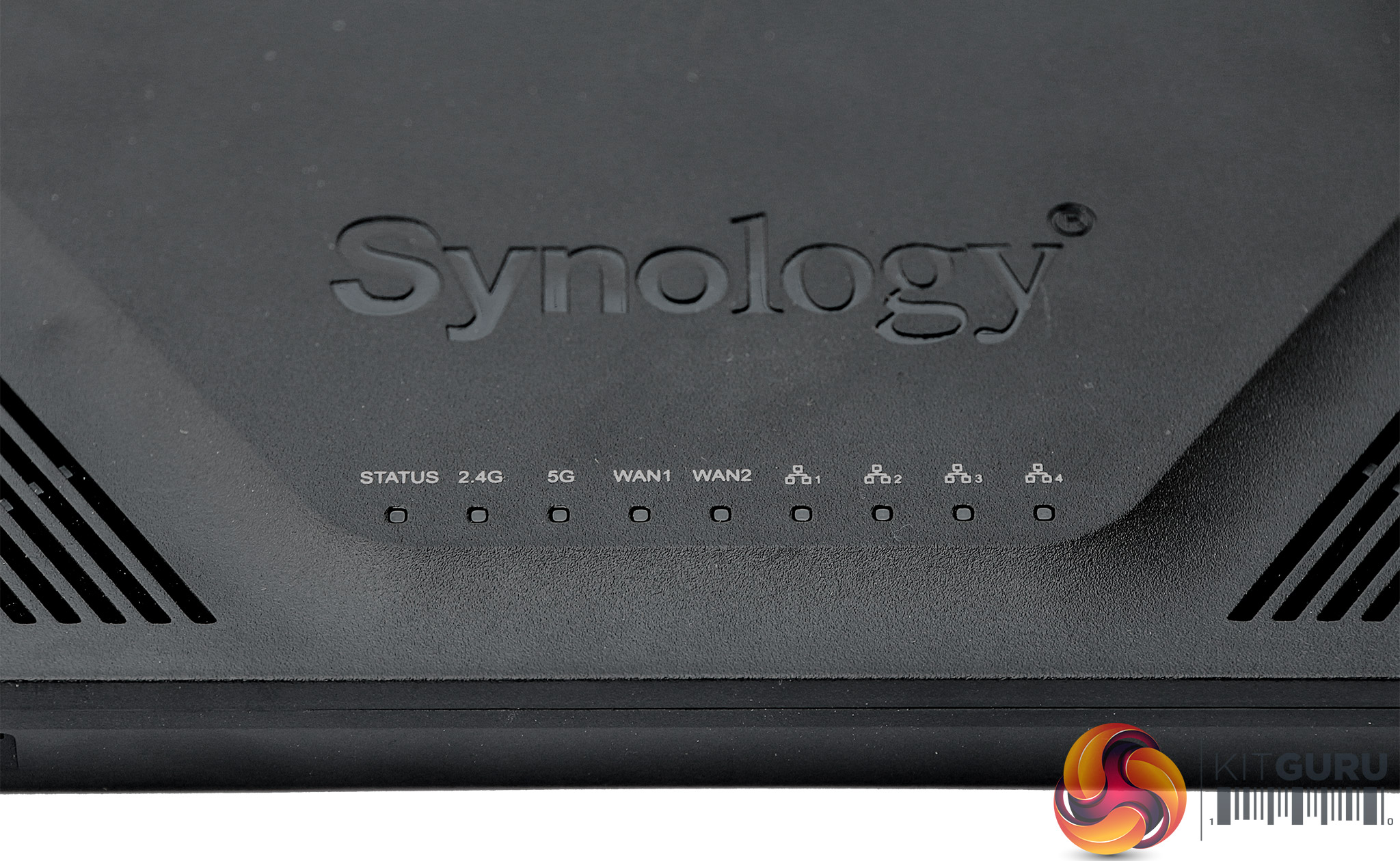
A tightly bunched array of lights on the front provide status information for the various connections. Note that there are two WAN lights as well as four LAN lights, so you're given information separately if you're using two broadband connections.
Overall, the specification is competent if unexciting. There's a 1.7GHz dual-core CPU inside with 512MB of RAM, very similar to other routers around the £200 price mark.
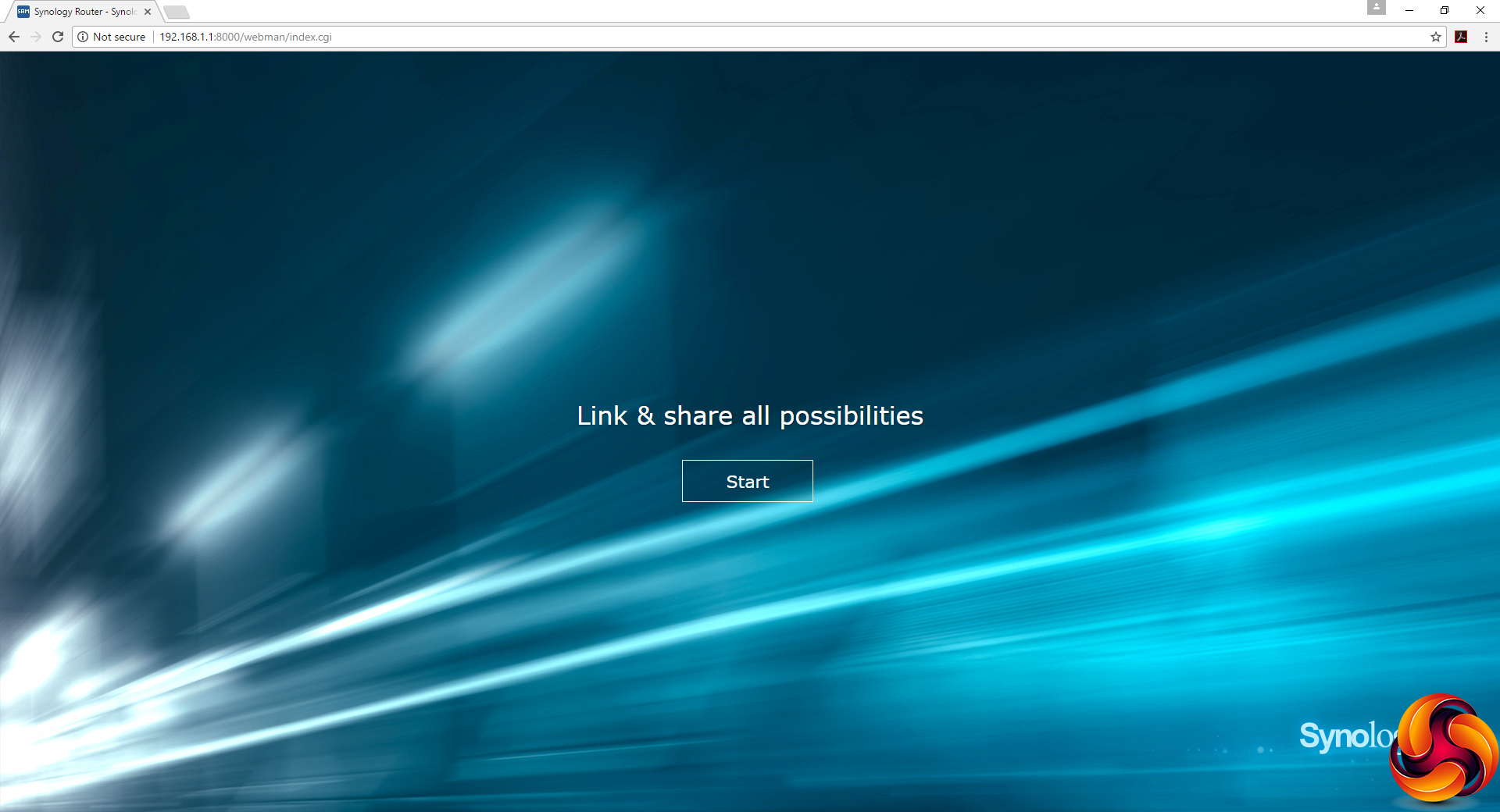
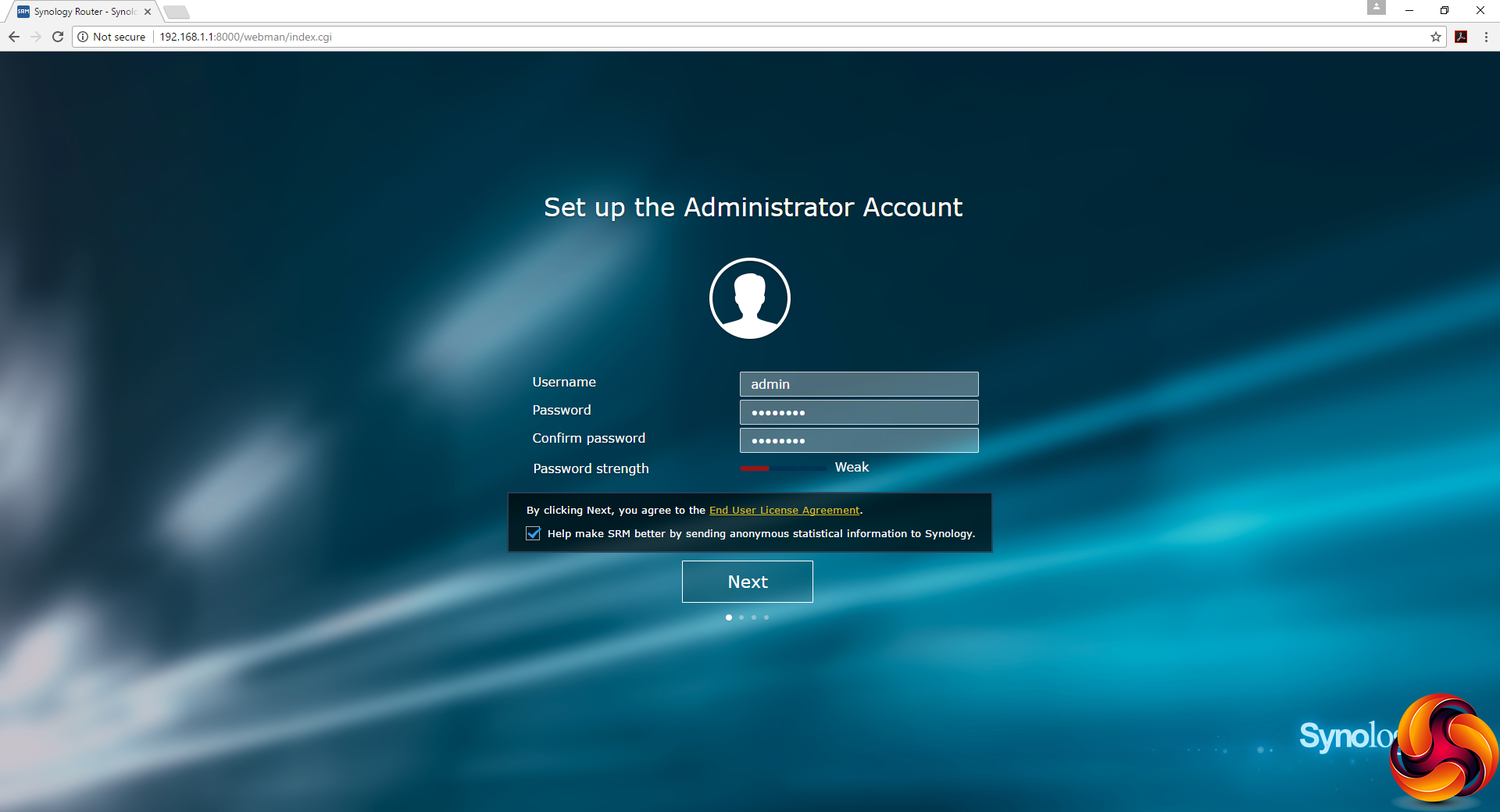
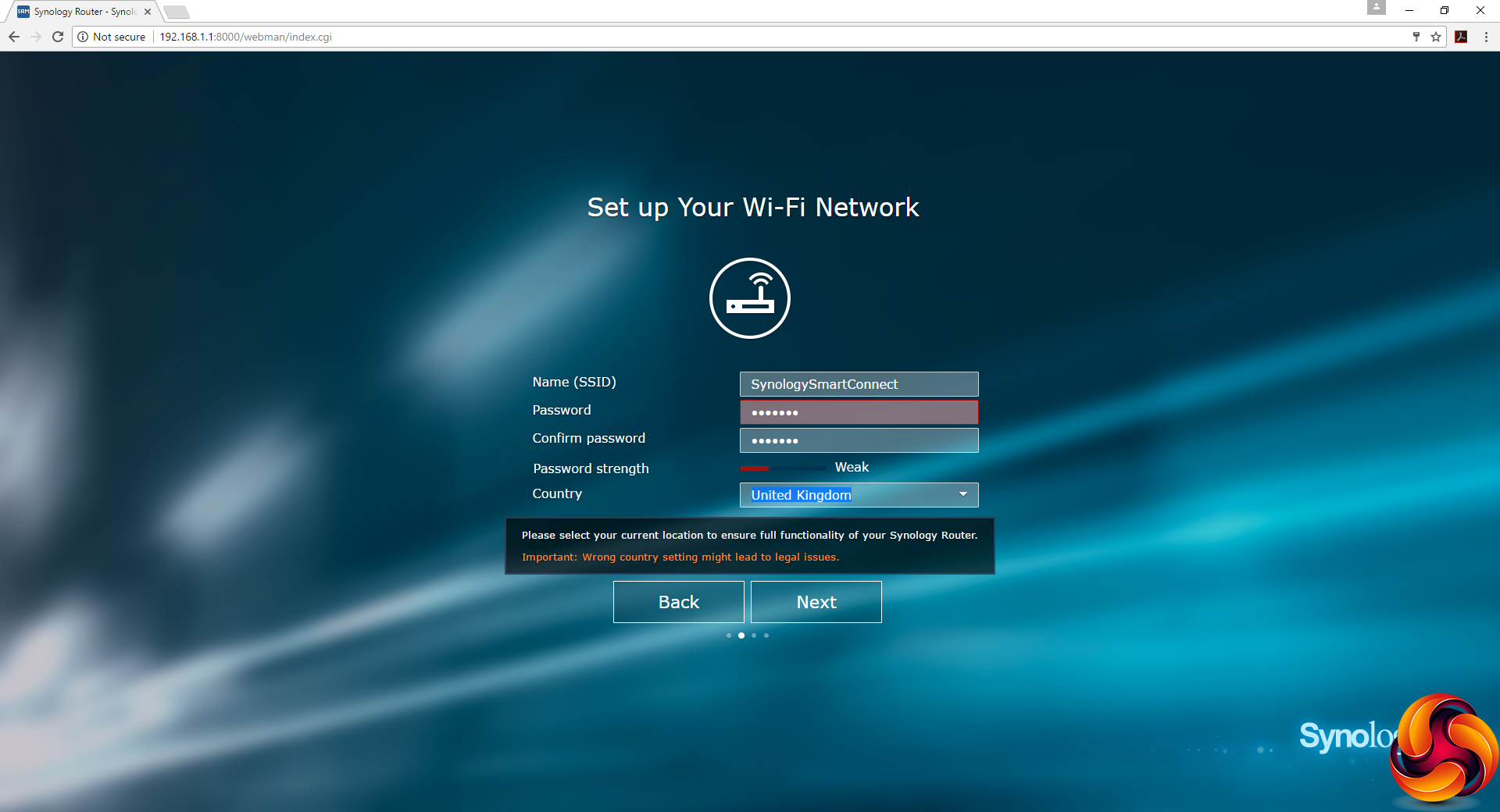
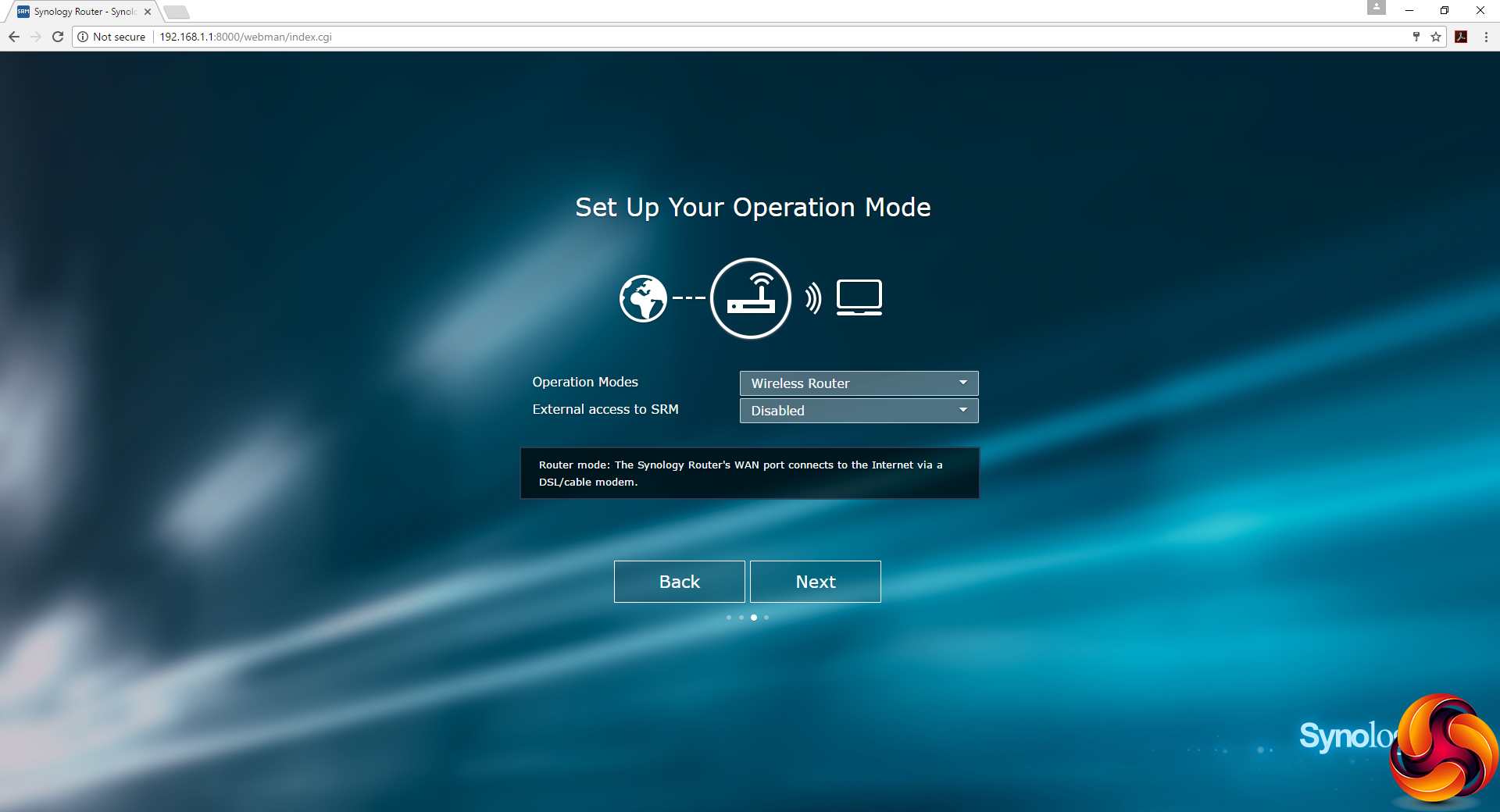
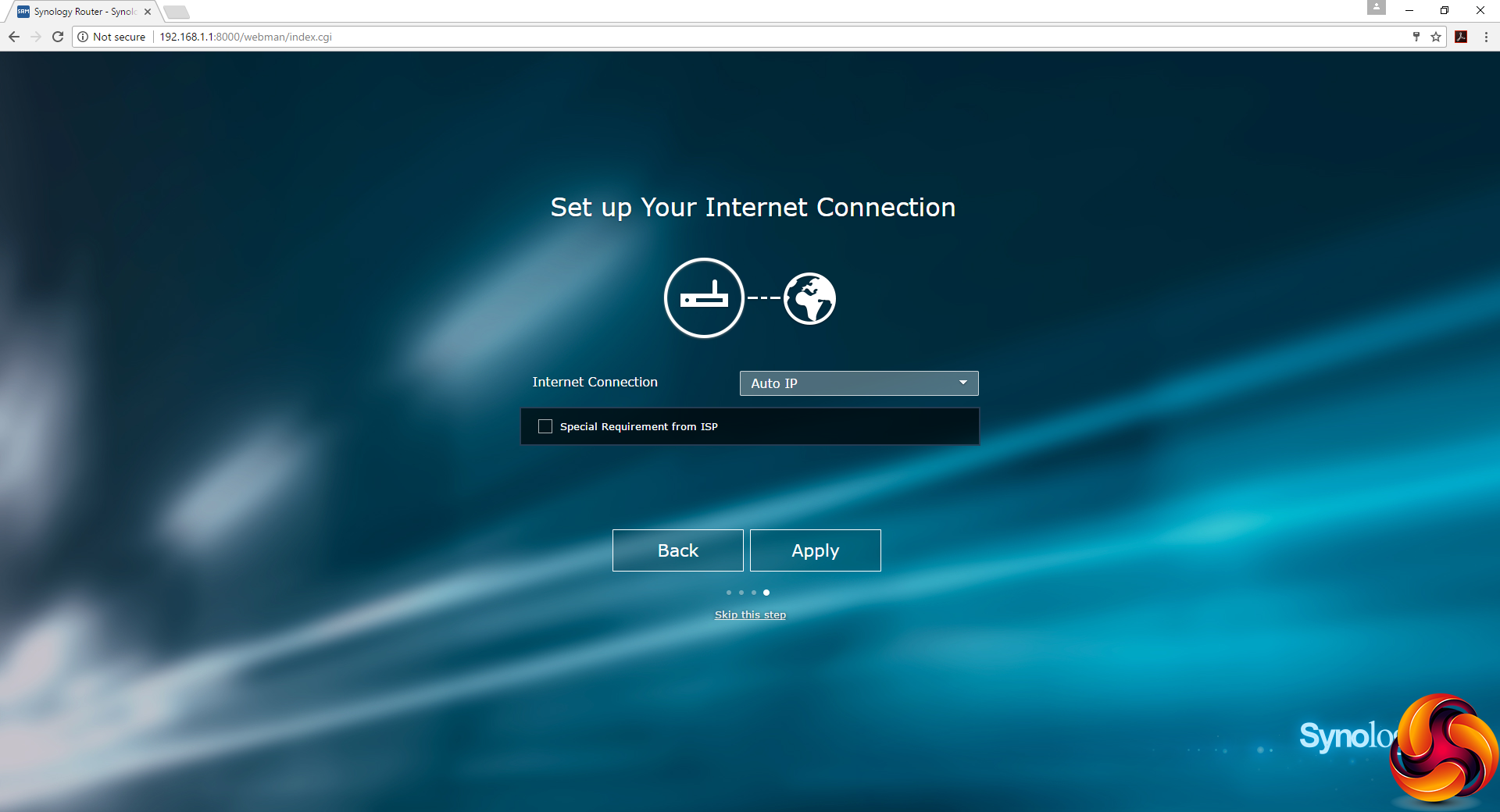
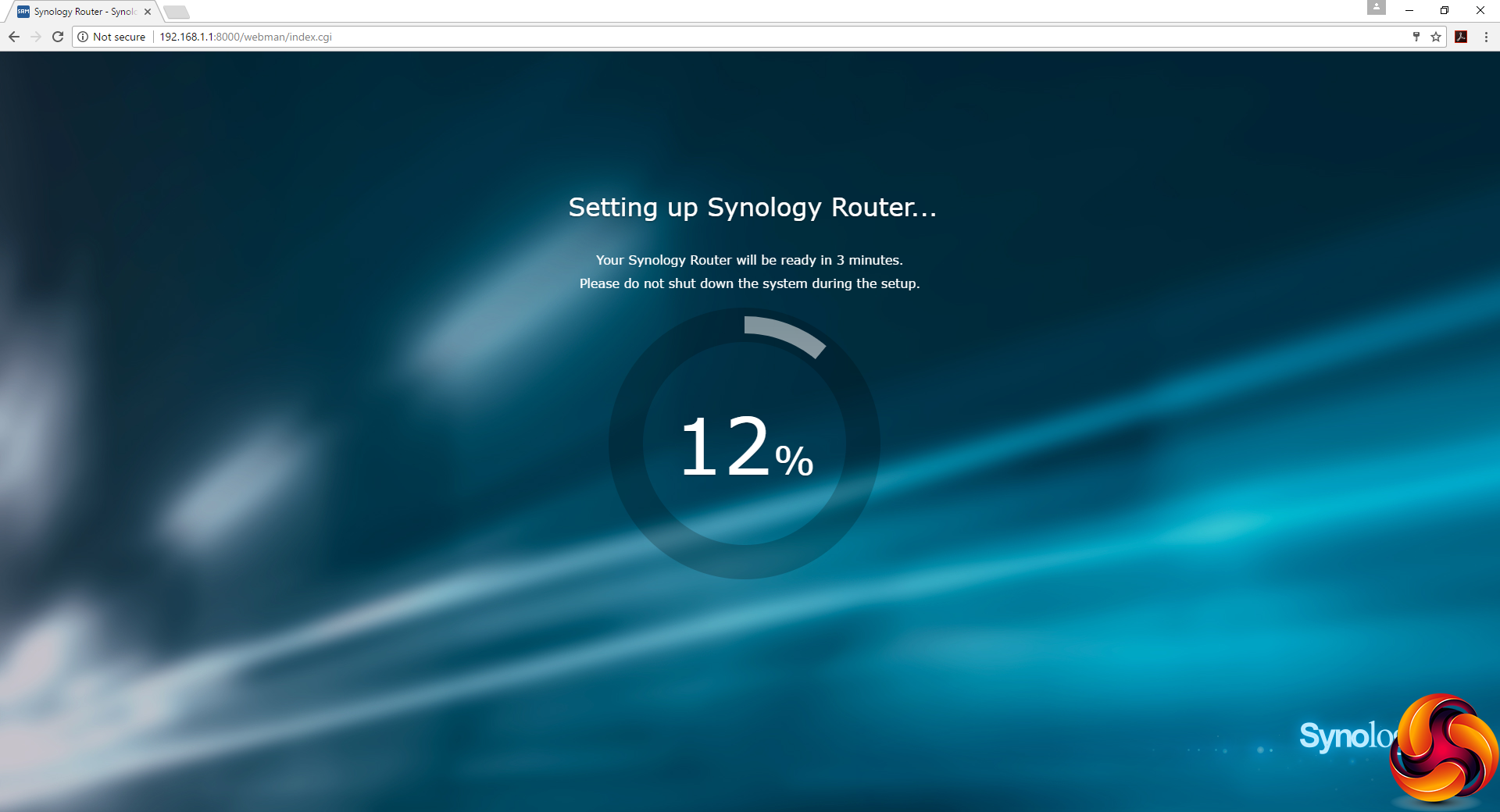
Once the RT2600ac has finished booting – which takes a little while – you're led through a wizard setup process where you set up admin login and password plus the SSID and passphrase for the WiFi. You can also define special requirements from a list of ISPs. Then the router will configure everything for you and reboot.
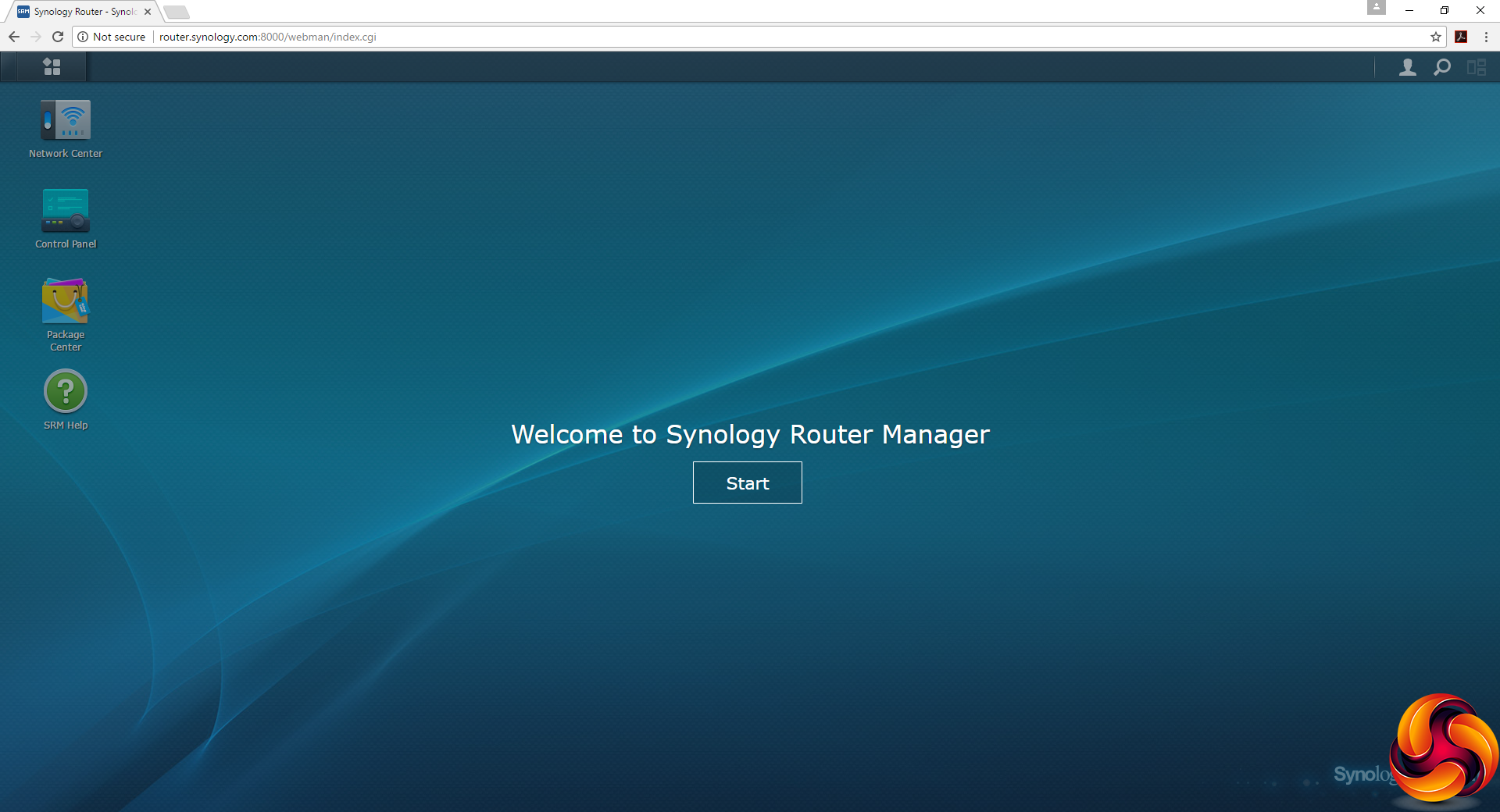
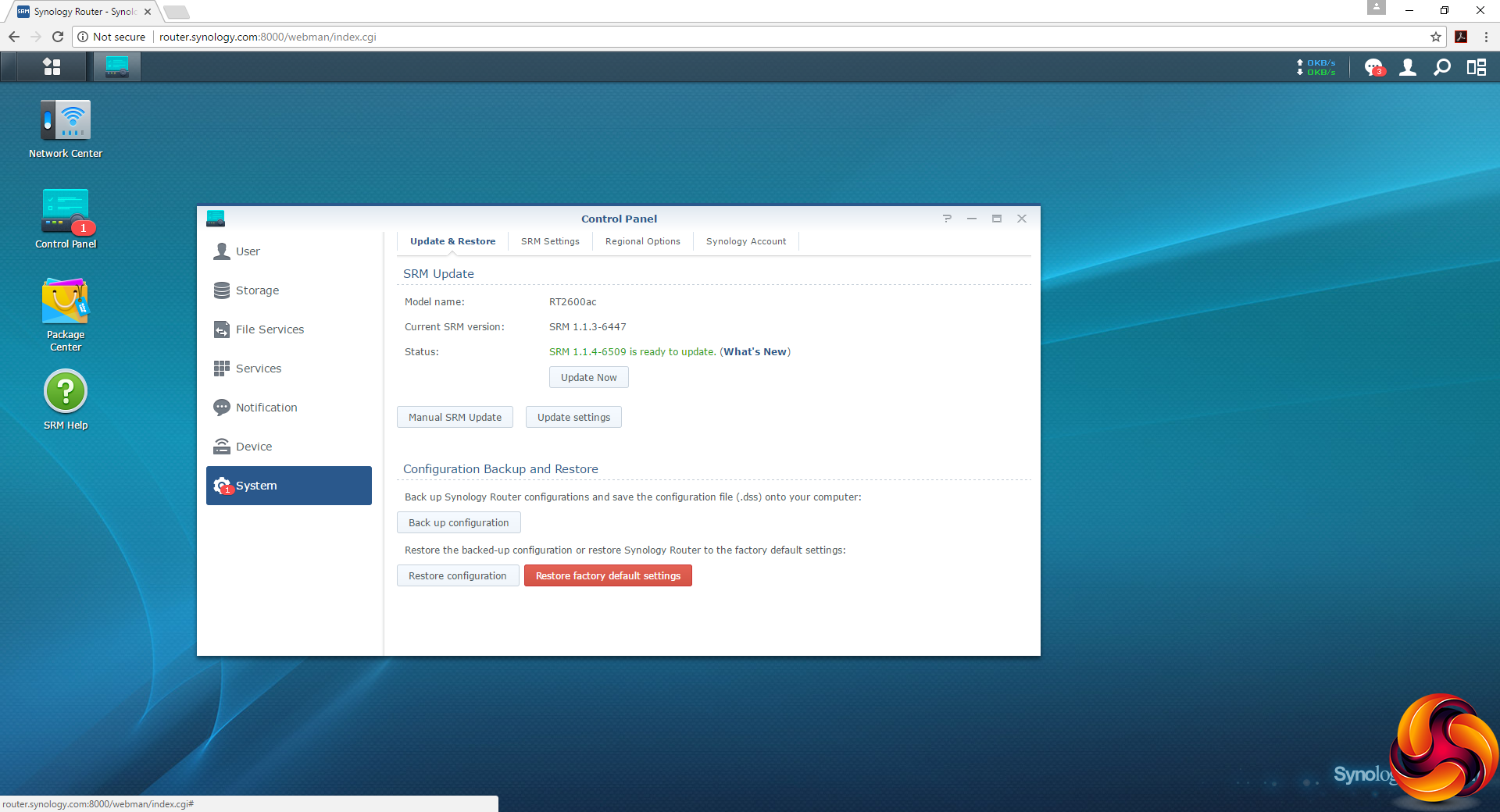
Once you're into the admin interface, a good first port of call is the Control Panel message that leads you to the System section, which prompts you to update the firmware to the latest version. Owners of Synology NAS devices will find this interface very familiar, as it shares its design with them.
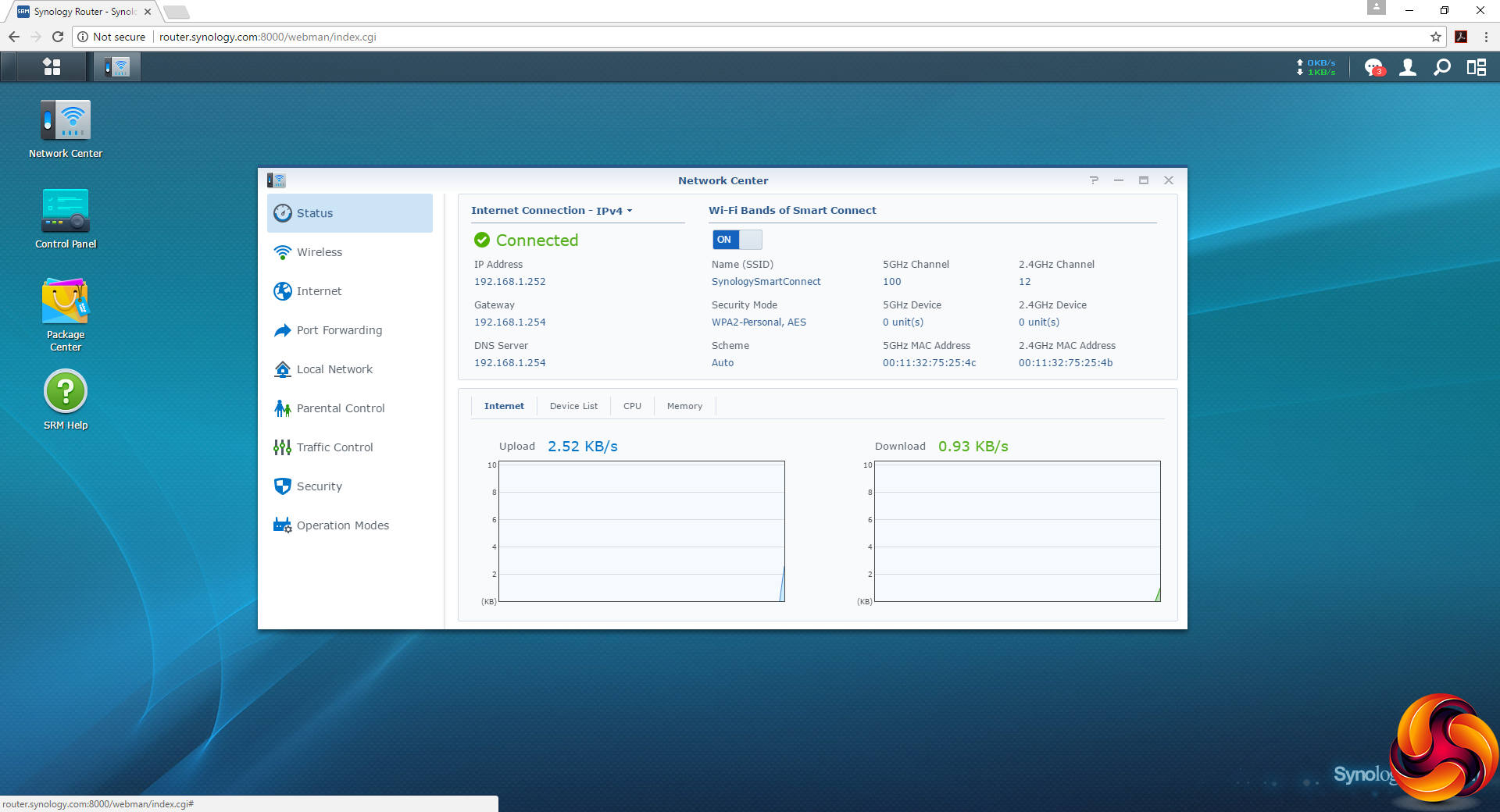
The Network Center provides a detailed view of the device's status. You can also configure the WiFi and Internet connections, as well as configure Port Forwarding to devices on the network.
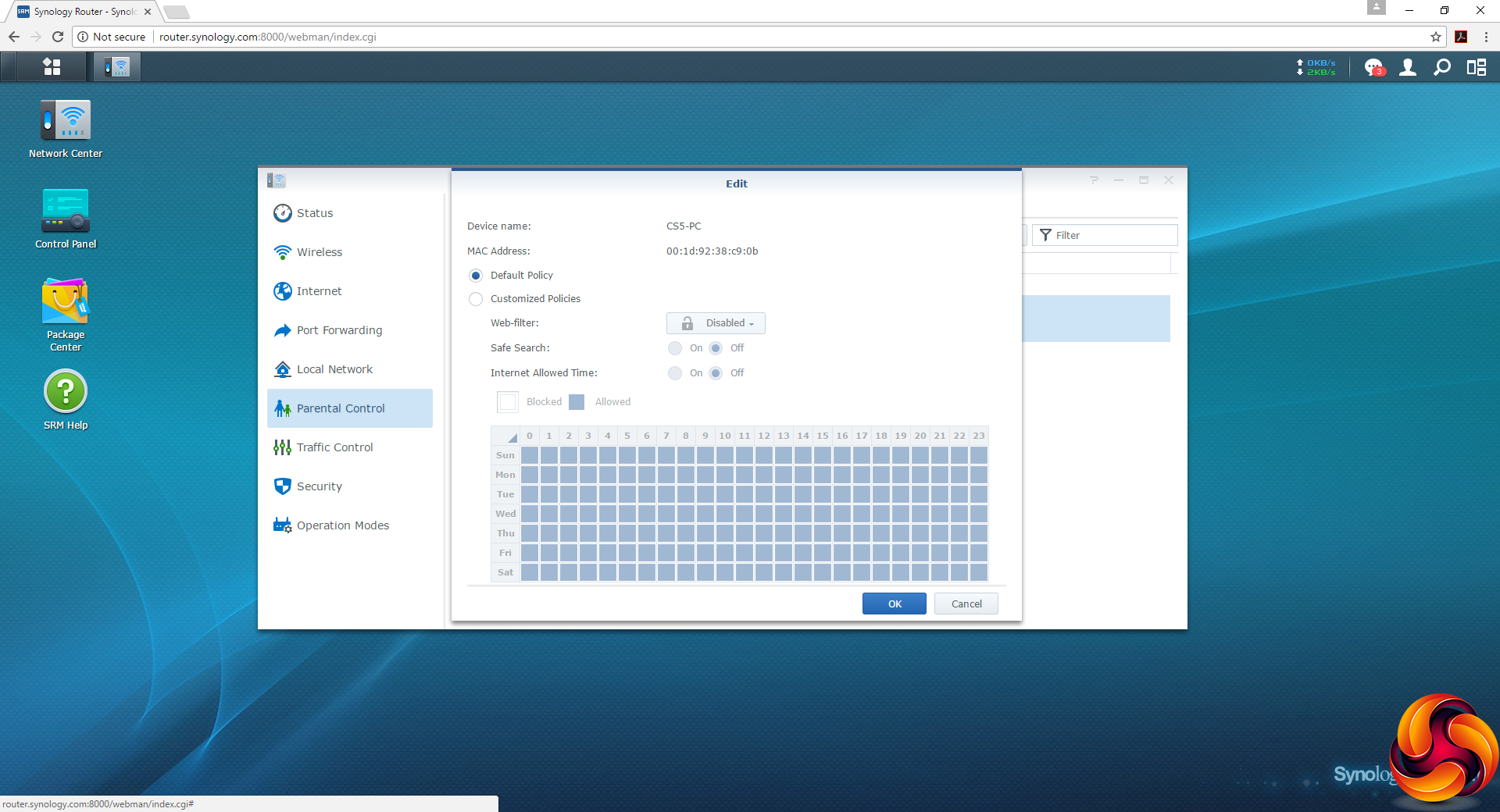
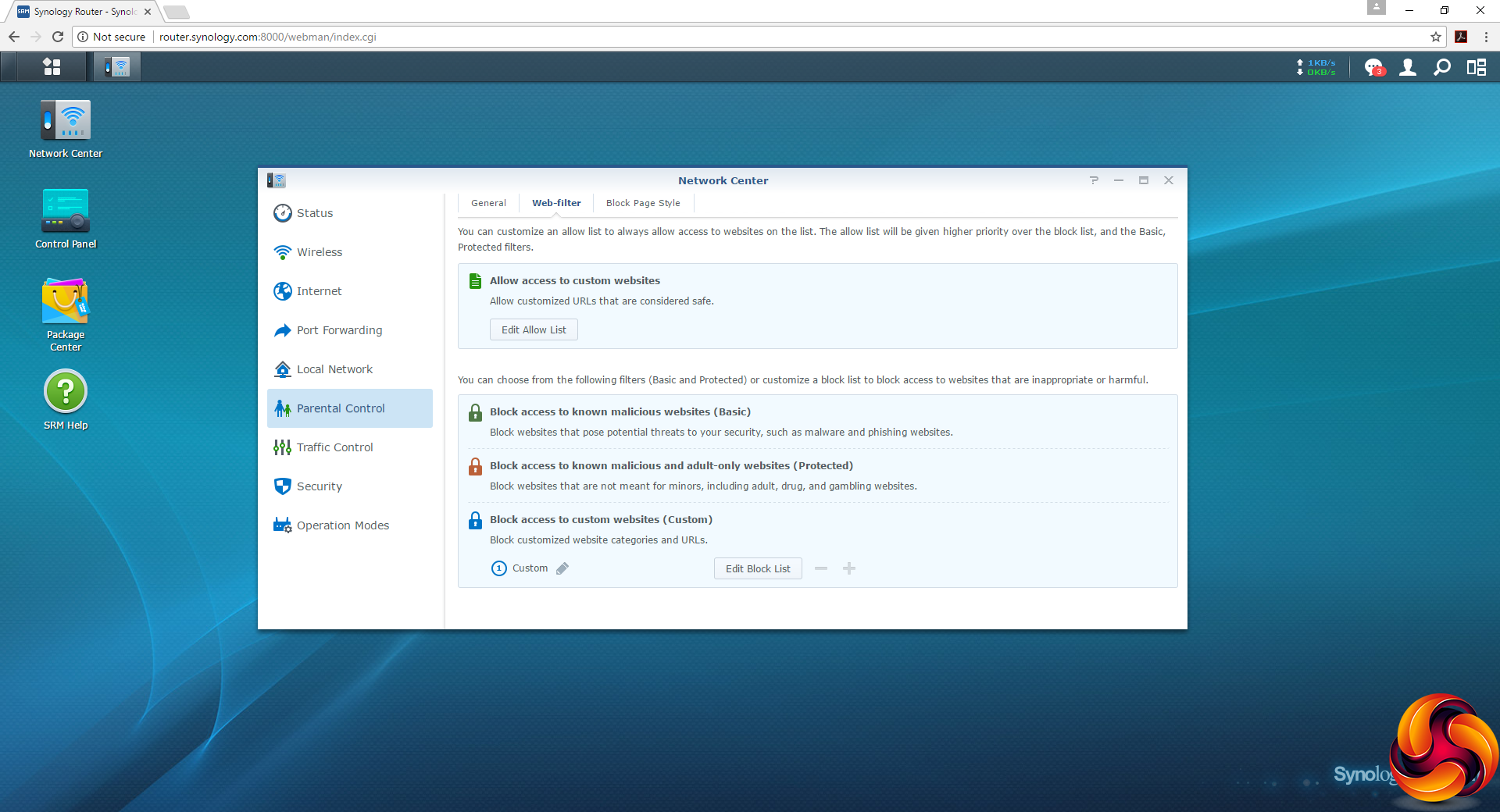
The Parental Controls are very detailed and comprehensive, with custom policies for blocking client systems by time of day and day of week. There are three preset levels of protection against dangerous sites, or you set up your own custom block lists.
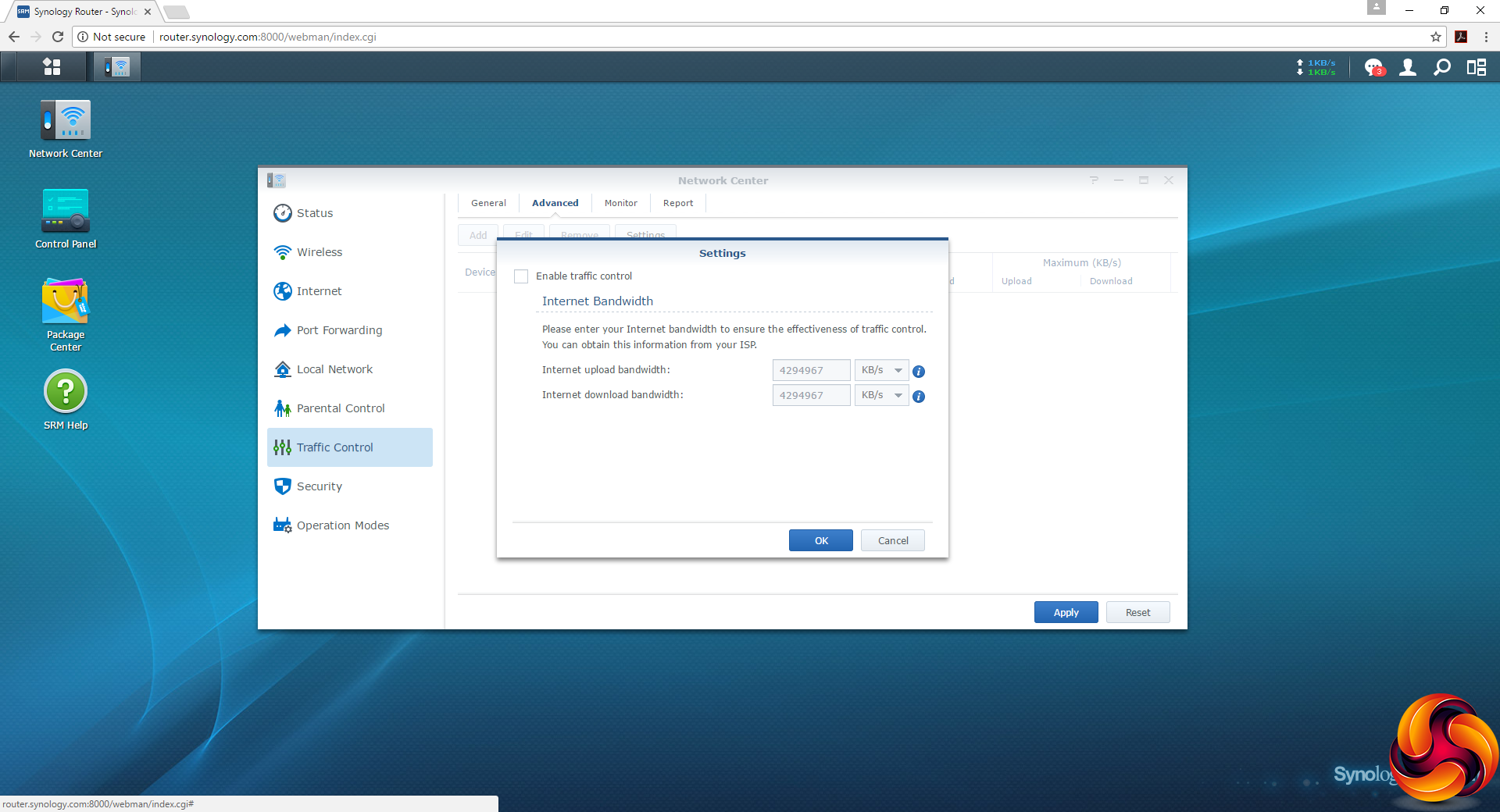
Detailed controls over Internet upload and download bandwidth are available via the Traffic Control menu.
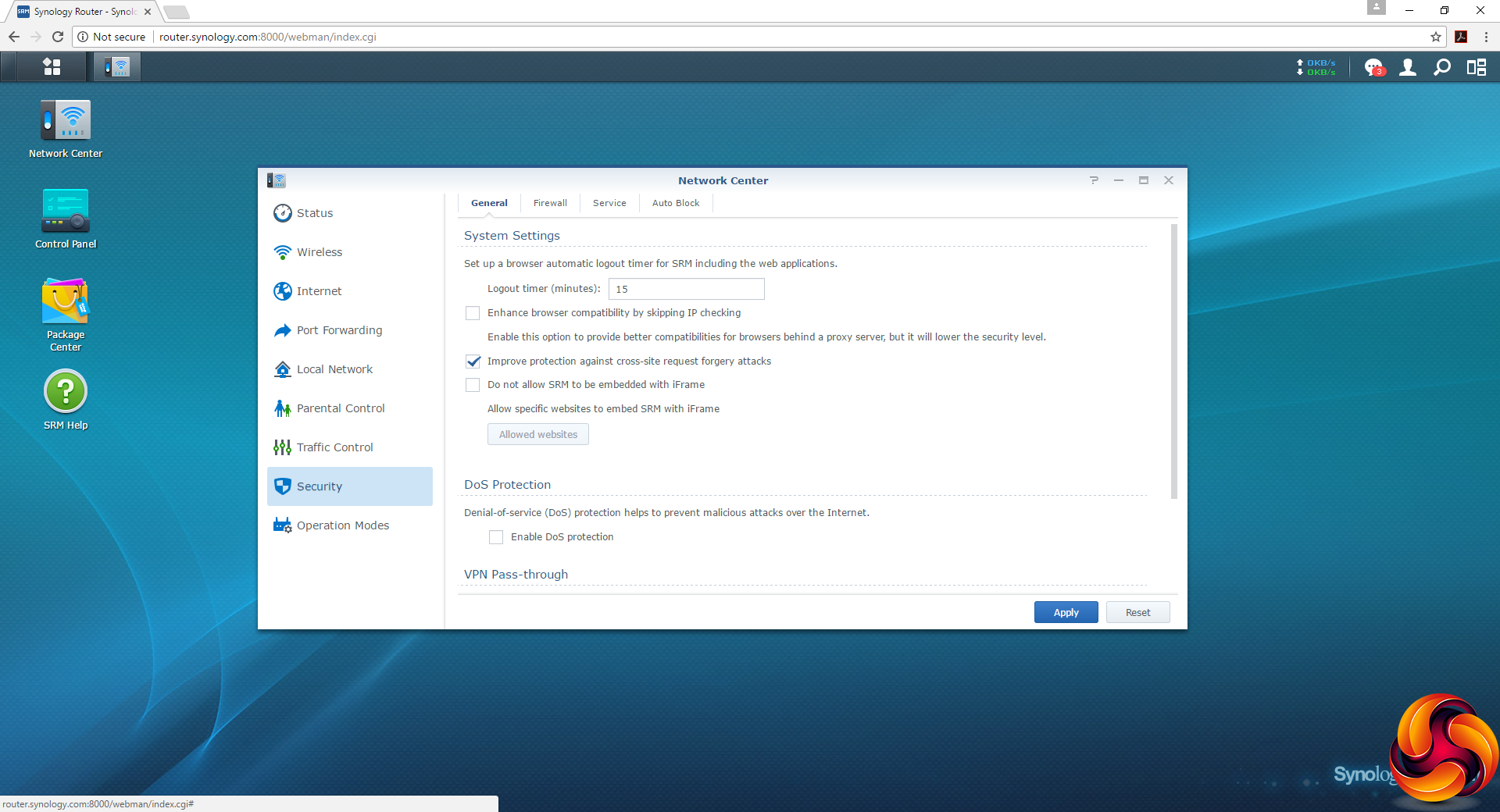
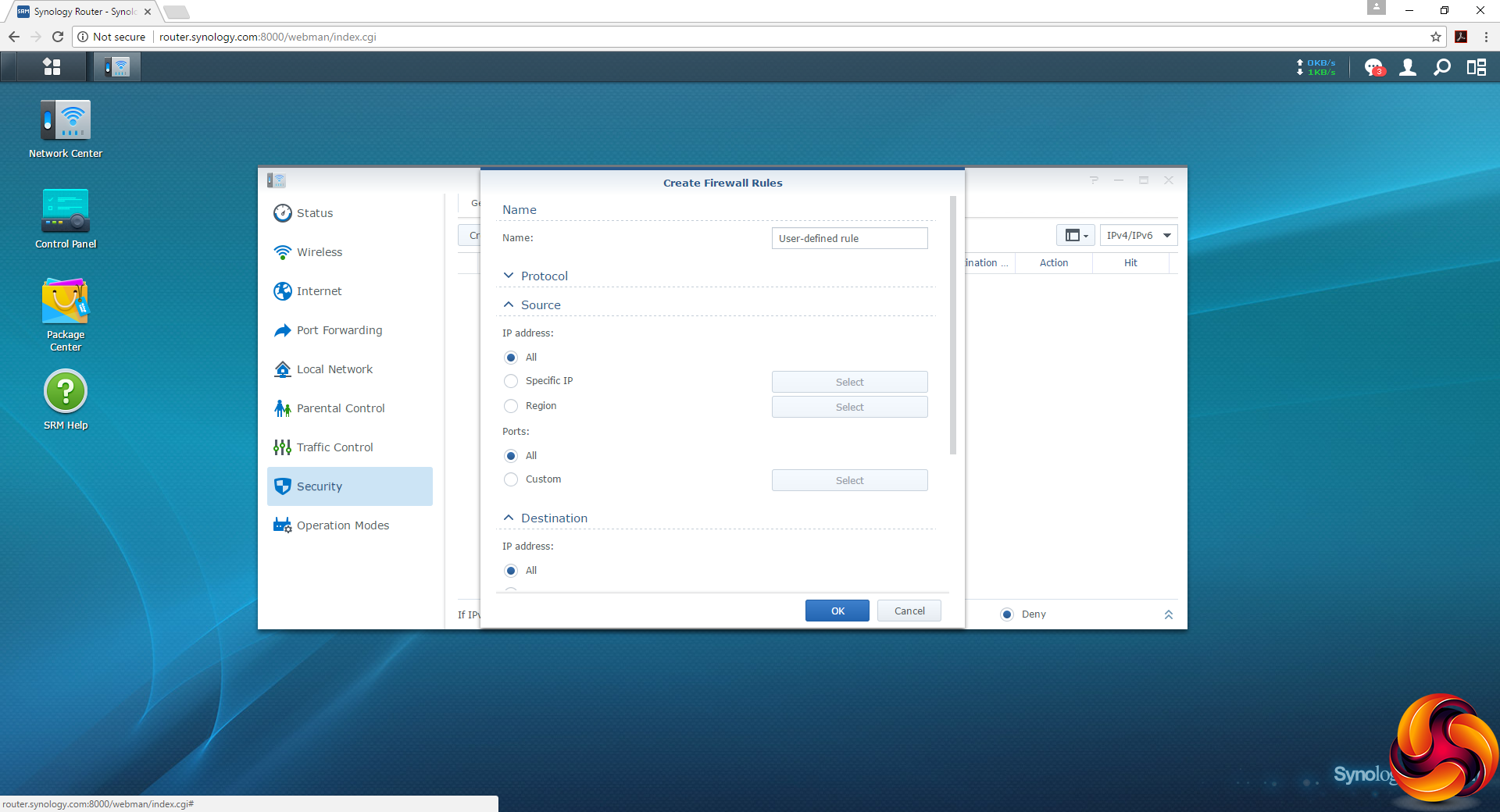
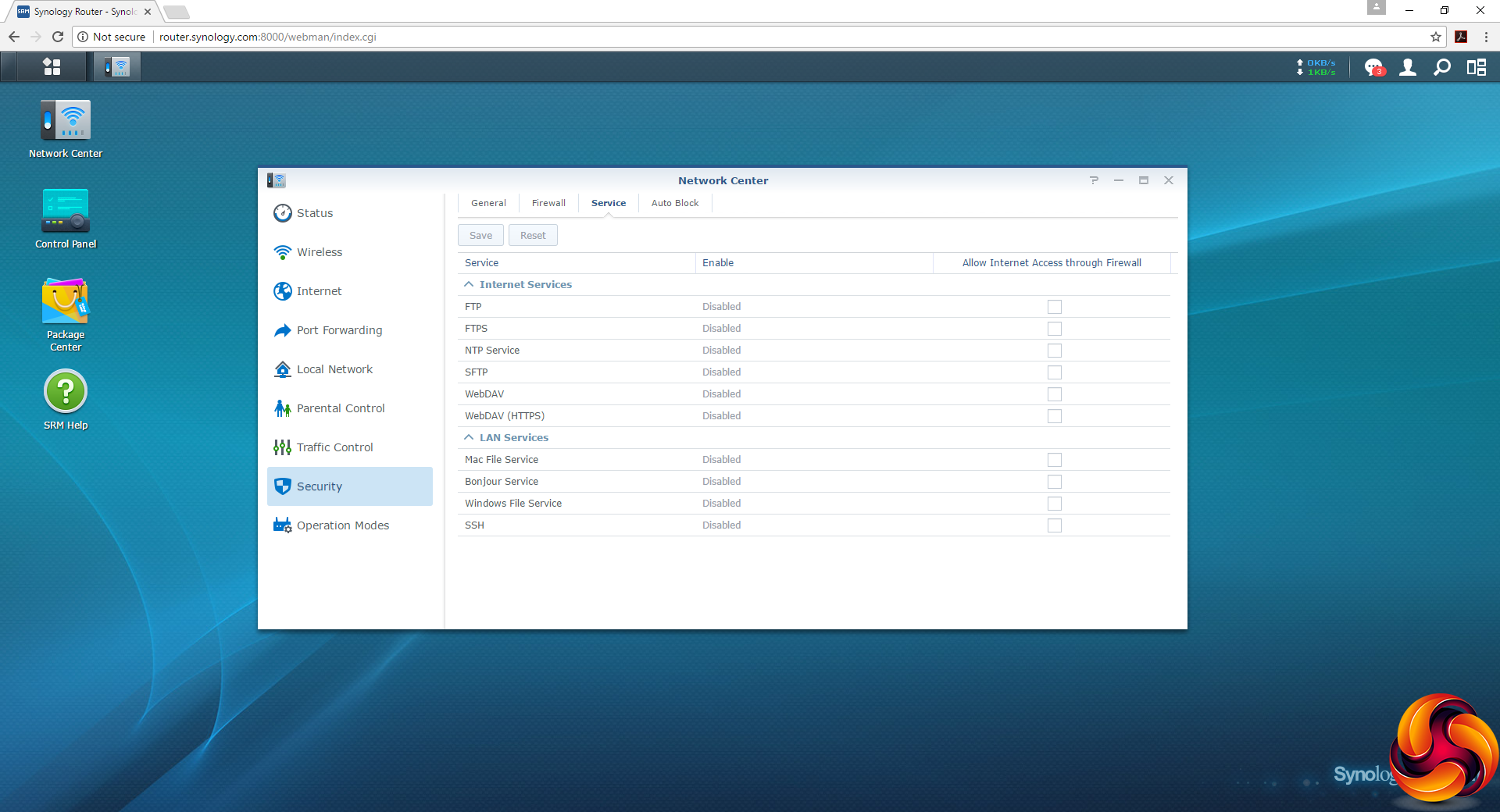
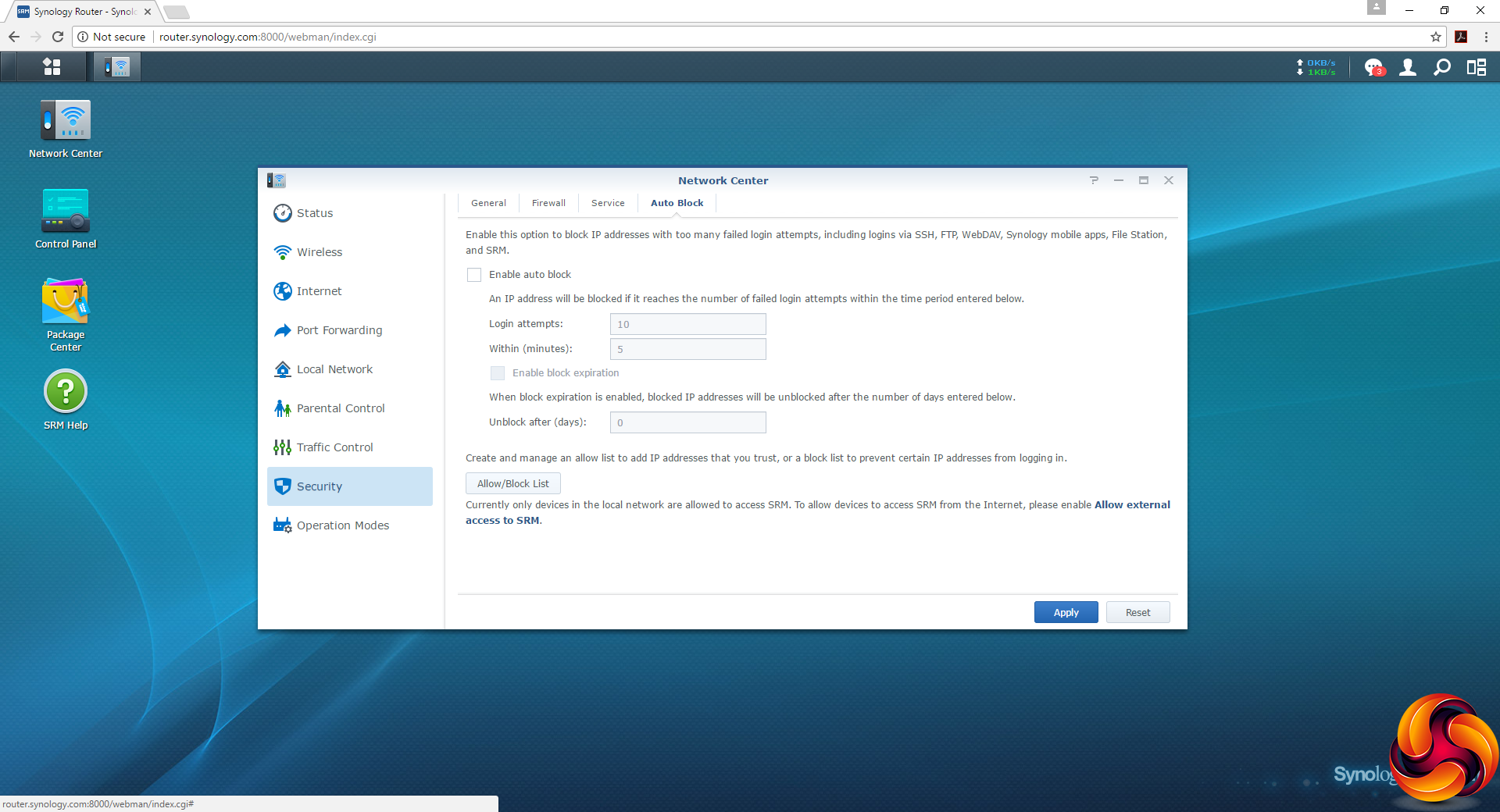
Security options are comprehensive too. There are a lot of detailed settings available for the paranoid as well as the merely careful. These go from blocking iframe embedding and DoS protection to automatically blocking IP addresses that fail to log in properly a certain number of times.
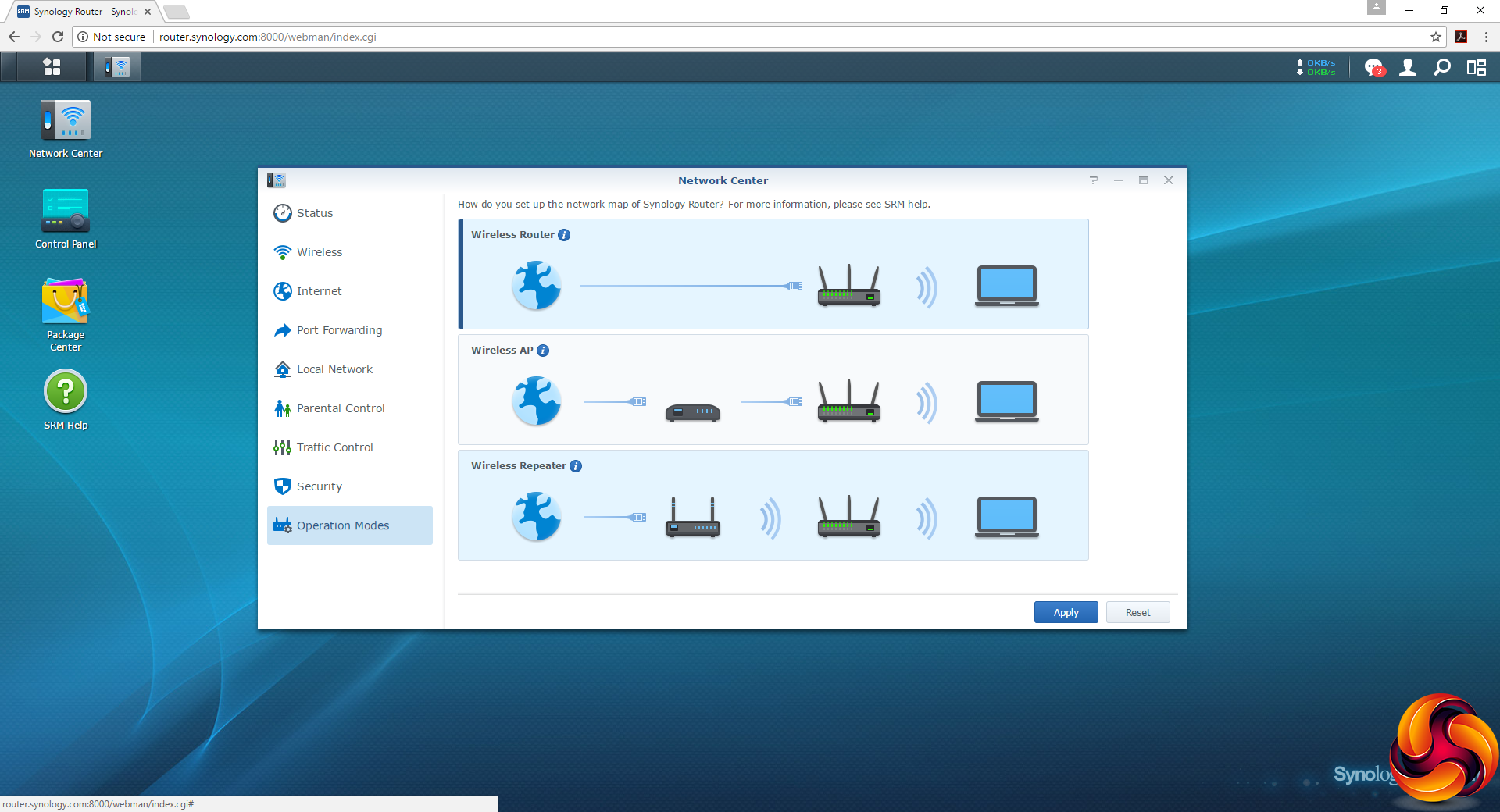
Three Operation Modes are available – the default being Router. But you can also turn the RT2600ac into a Wireless AP or Repeater.
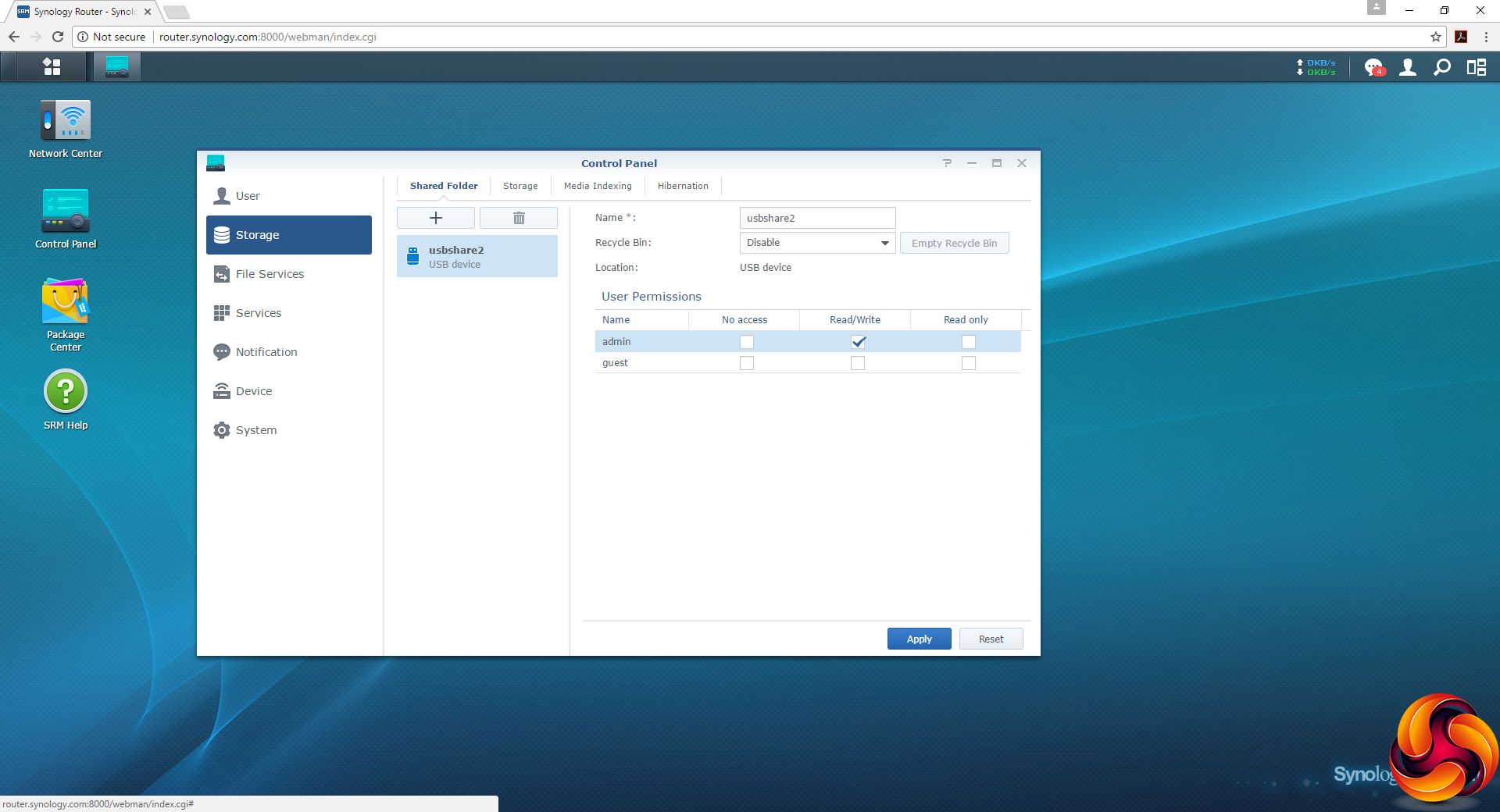
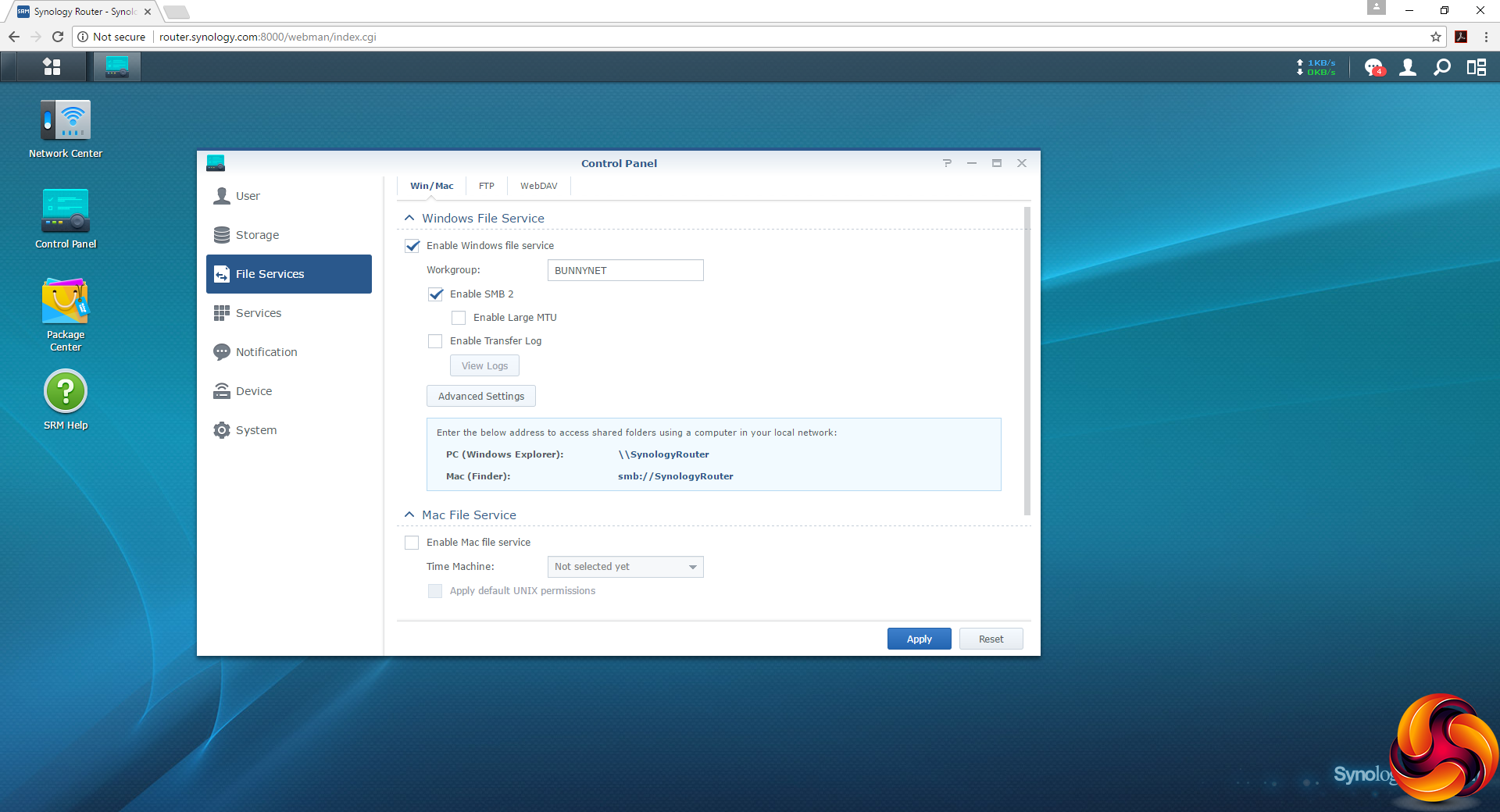
When you plug in a storage device, it shows up in the Storage section of the Control Panel. It can then be shared over a network as a Windows or Mac folder.
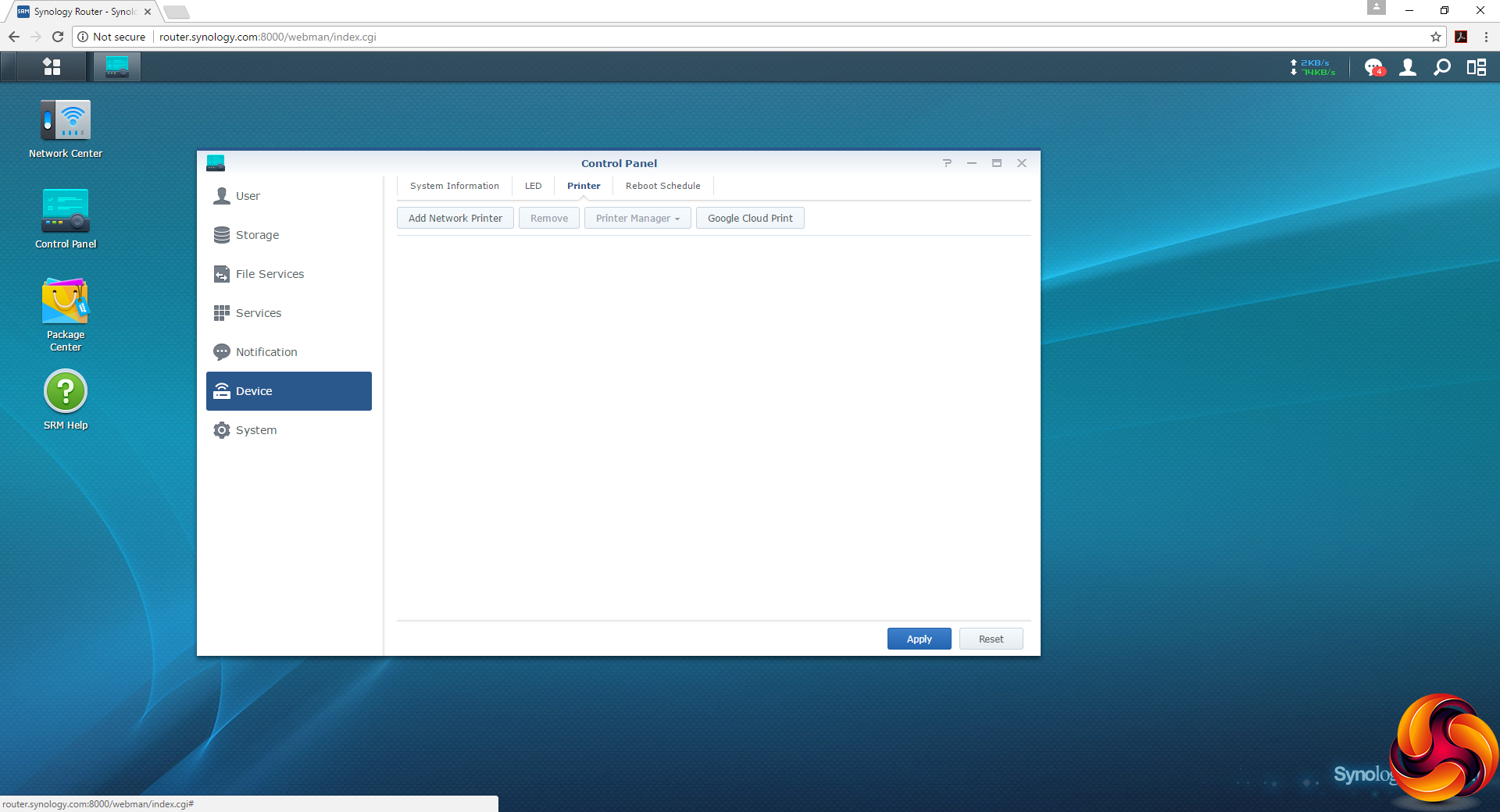
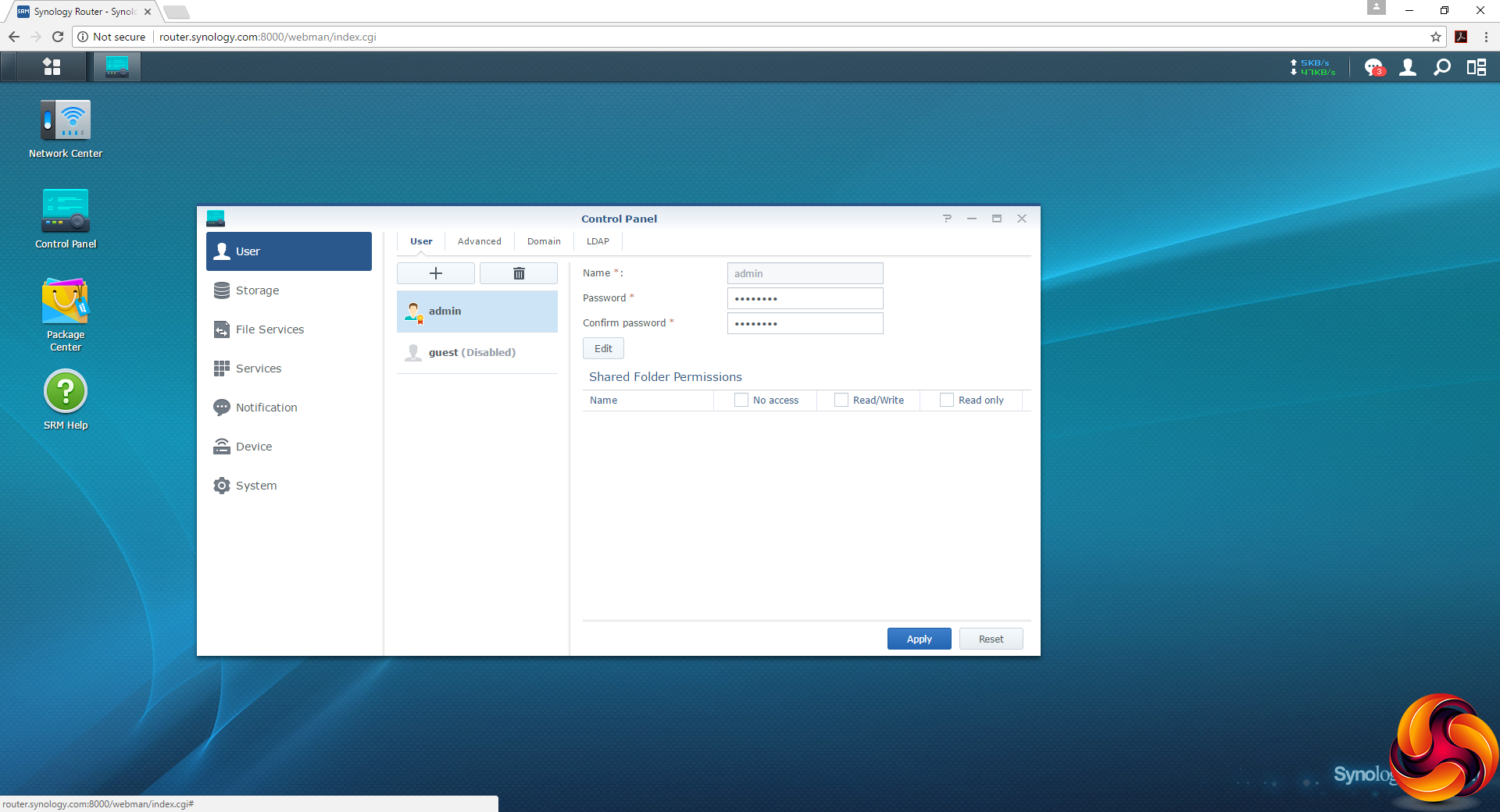
The Control Panel also provides facilities for adding user accounts and setting up a network printer share, although the latter seems to be for printers that already have network adapters, rather than printers attached to one of the USB ports.
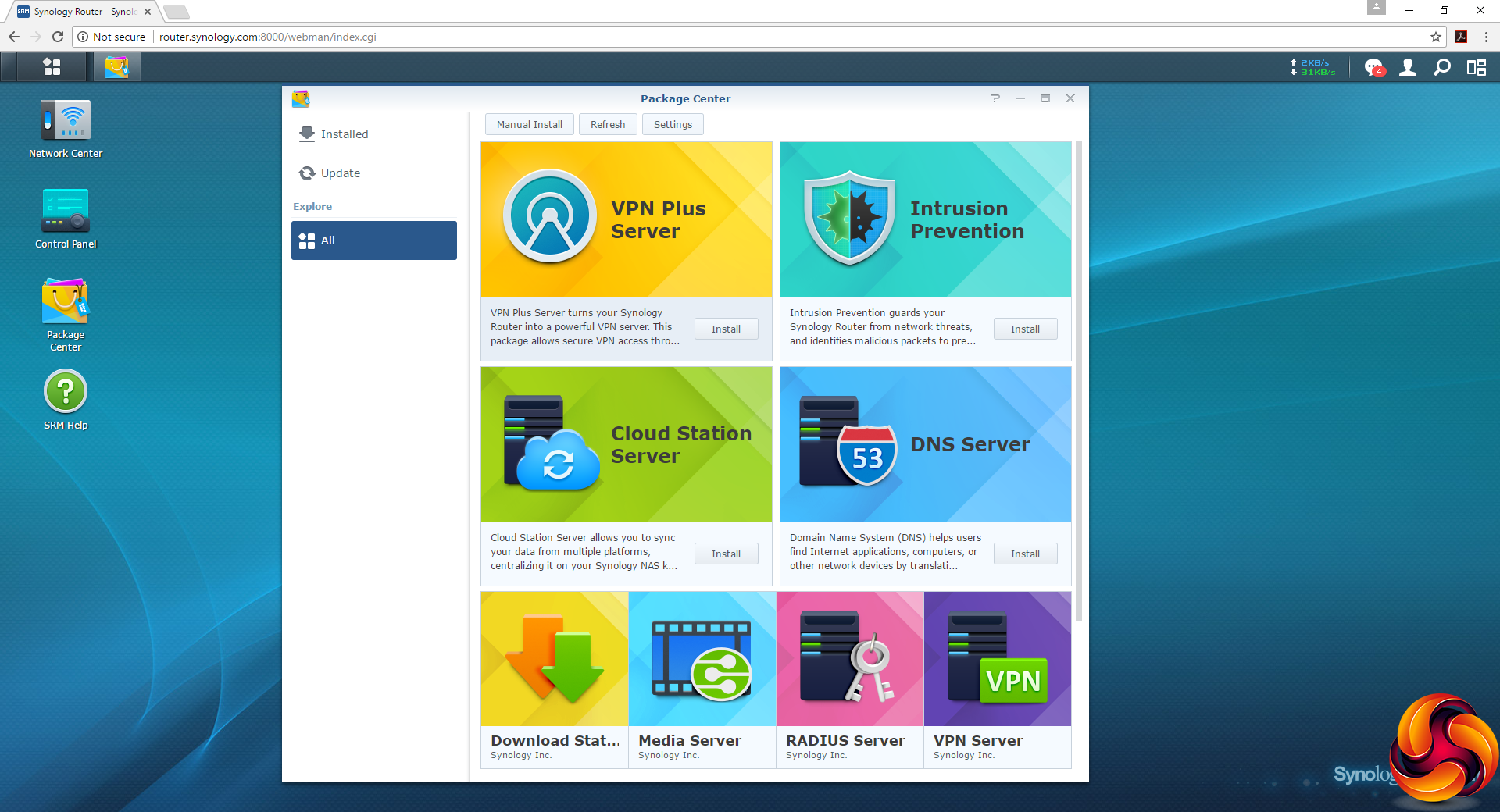
One of the most popular features of Synology NAS devices also finds a parallel with the RT2600ac. The Package Center lets you install additional features to the device. These include more powerful VPN tools, a more potent Firewall, a cloud synchronisation app, DNS, client-free downloading, a media server, and a RADIUS server for more sophisticated corporate wireless security.
Overall, as with Synology NAS devices, the wealth of administration features and their extensibility via Packages make the RT2600ac very attractive for users who want more than just a bog-standard wireless router. This is definitely a big plus for this device. So next let's find out if there is solid performance to match the extensive configuration options.
We tested the Synology RT2600ac in two ways. First, we wanted to assess the raw throughput across the two different WiFi standards it supports – 802.11ac and 802.11n. We also tested the speed of the USB 3.0 port via the Gigabit Ethernet ports and 802.11ac.
For the first test we used the open-source iPerf 3.1.3 software, and for the second test we used a 3.7GB file collection (actually the Windows 10 installer). Three Windows systems were used. One was a self-built Intel Core i7 workstation running Windows 10, another an Acer TravelMate P648 N15C5 notebook, and a third a HP Folio 3 notebook. The Acer was running Windows 7 and the HP Windows 10.
For all tests, the workstation was connected to one of the RT2600ac's Gigabit Ethernet ports, and the notebooks via various WiFi connections (802.11ac for the Acer, 802.11n for the HP). The notebooks were then placed in four different locations – within 1m of the router, approximately 5m away with a wall in between, 10m away and on a lower floor (with multiple walls and a floor in between), and then 15m away on the same lower floor. We tested all four distances with the two WiFi standards.
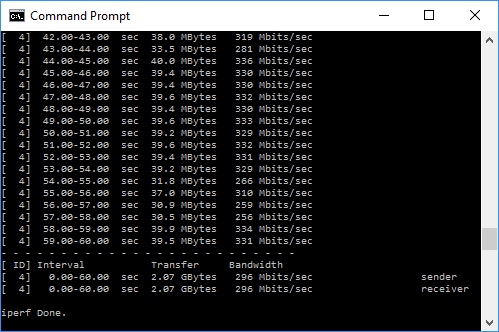
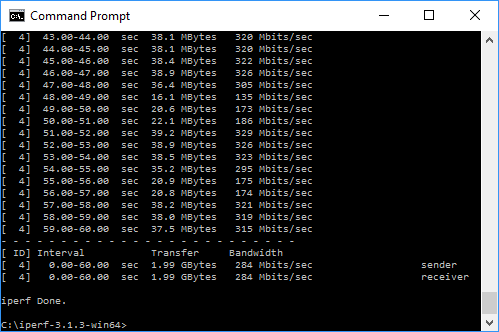
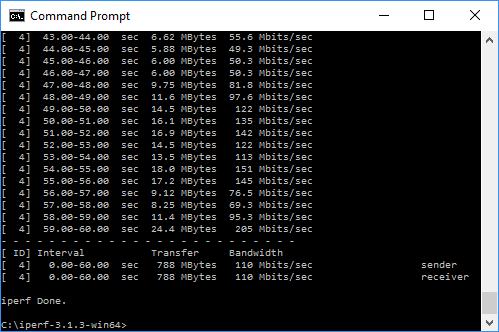
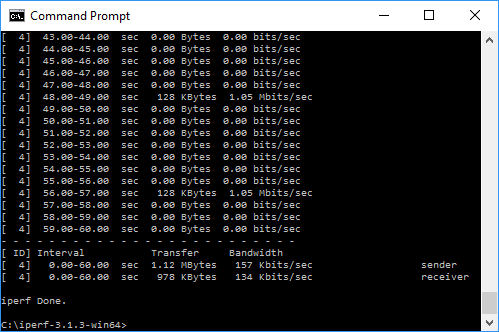
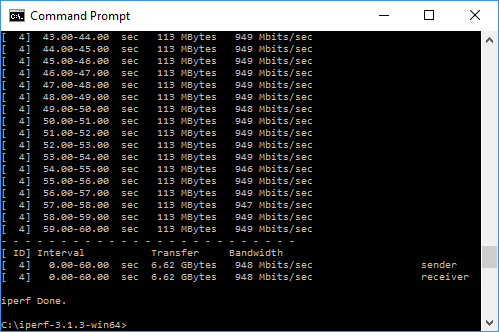
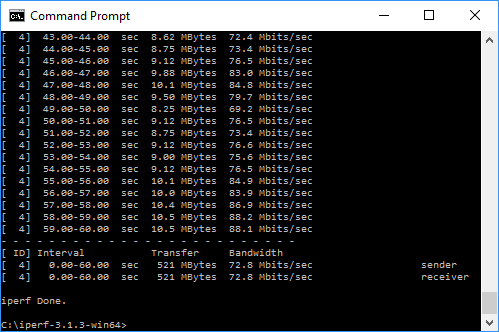
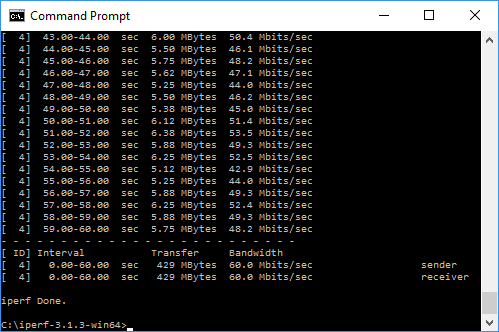
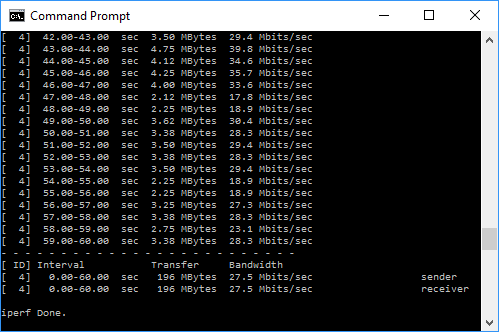
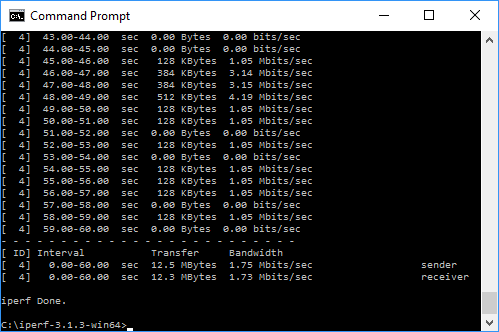
With each WiFi standard and distance, we took 60 readings of throughput at one second intervals and calculated the average (iPerf does this automatically). We tested the RT2600ac against the Linksys WRT3200ACM and NETGEAR's Nighthawk X10 R9000.
802.11ac 5GHz

These are quite impressive results for 802.11ac with the RT2600ac. At 5m it actually beat the super-fast NETGEAR Nighthawk X10 R9000, although this faded a little with greater distance, and at 15m the signal was clearly unusable. But for a smaller flat or house, the RT2600ac should have no trouble providing decent 802.11ac performance.
802.11n 2.4GHz

Performance with 802.11n is also reasonably impressive, with similarly capable performance up to 5m and usable speed beyond that. In fact, beyond 10m the RT2600ac is a bit more credible than other routers we have tested.
USB 3.0 File Copy

For this test, we hooked up a 32GB SanDisk Ultra USB 3.0 Flash Memory key to the RT2600ac's USB 3.0 port and configured it as network storage. We then copied the 3.7GB Windows 10 installer ISO (unpacked into individual files) to the Acer notebook via 802.11ac.
Performance wasn't that impressive, unfortunately. This is one area where the RT2600ac falls behind the competition.
Overall, though, the Synology RT2600ac provides solid performance that matches its mid-range price well. This is no speed demon, but it is more than capable of covering a flat or smaller house with 802.11ac or 802.11n.
The Synology RT2600ac pretty much delivered what we expected. There's nothing particularly groundbreaking about it as routers go, but it's packed with software features and performance is perfectly acceptable for the price.
The key selling point is that this router comes with extensive configuration options as standard in its administration interface, but its capabilities can also be extended even further and customised for more specialised uses via package download, just like Synology's NAS products.

If you're not after the bleeding edge capabilities – and price – of the NETGEAR Nighthawk X10 R9000, but want something that is versatile and does the core WiFi routing job with dependability, then the Synology RT2600ac should definitely be on your shortlist.
Discuss on our Facebook page, over HERE.
You can buy from Amazon for £223.98 HERE.
Pros:
- Reasonable price.
- Four-port Gigabit Ethernet switch.
- USB 3.0 and SDXC for attaching storage.
- Extensible features via package download.
- Comprehensive configuration via Web interface.
- Reasonable performance and wireless coverage for price.
Cons:
- 802.11ac performance drops off beyond 10m.
- Disappointing USB 3.0 storage performance.
Kitguru Says: The Synology RT2600ac combines workmanlike WiFi performance with lots of router configuration options and extension via packages, making it a great mid-range all rounder.


way to expensive; only 4 LAN ports