 KitGuru KitGuru.net – Tech News | Hardware News | Hardware Reviews | IOS | Mobile | Gaming | Graphics Cards


Logitech instruct us to download the software for the keyboard from their website, which lets us set up the multi-touch gestures for the touchpad.
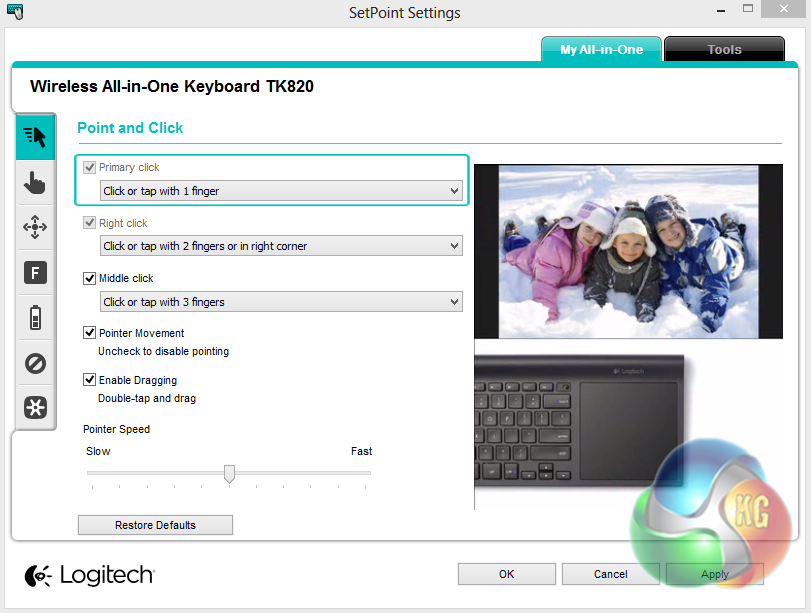
The first page of the software handles the standard mouse functions of the touchpad including clicking, drag and drop and pointer speed.
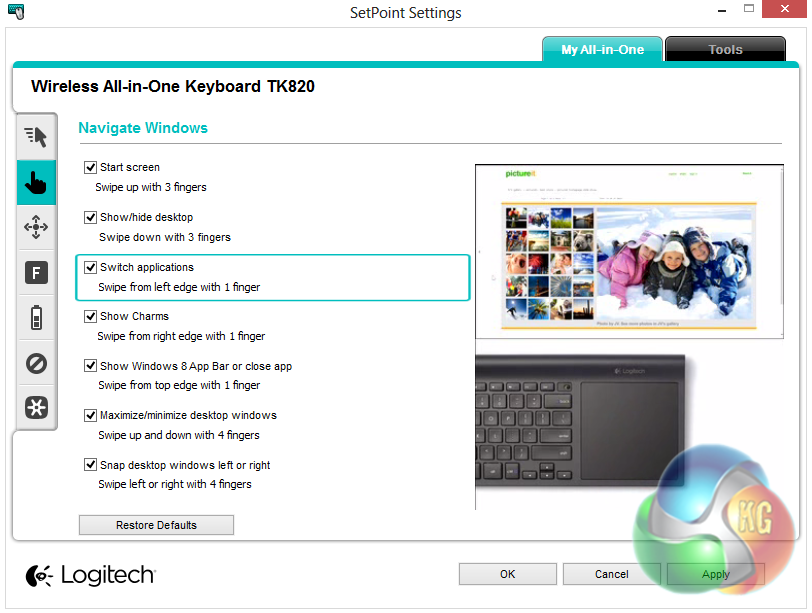
Moving down to the next tab, we find the Windows 8 function controls. These are a set of gestures which let you perform various functions as you might on a touchscreen Windows 8 computer. These include gestures for showing the start screen, the desktop, charms bar, closing applications and switching applications.
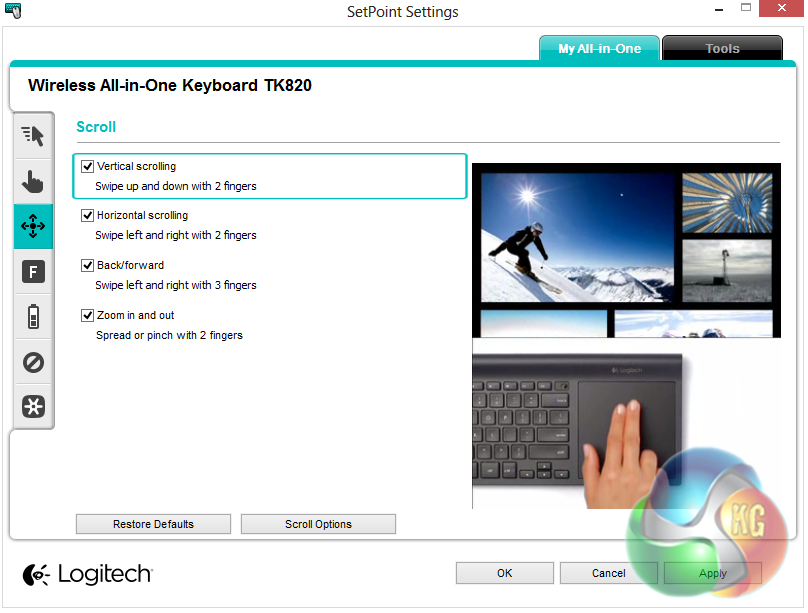
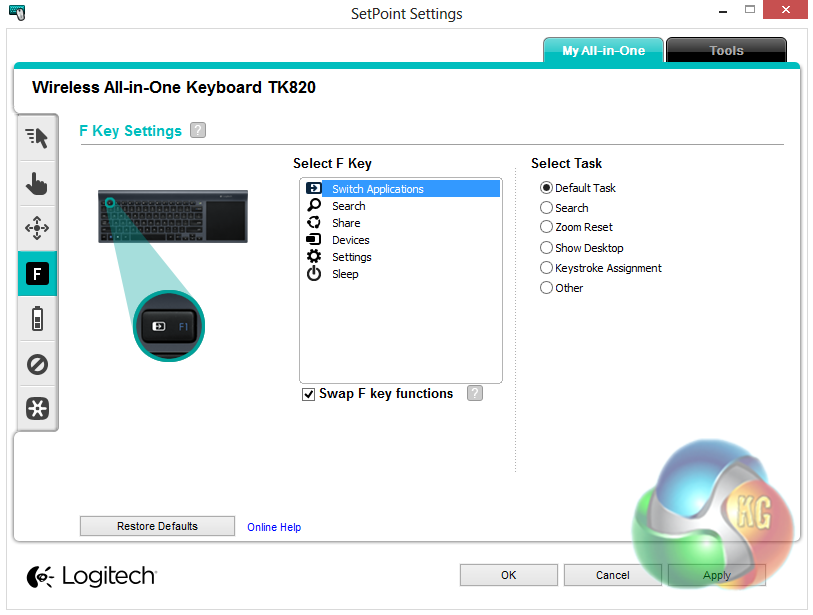
The next two tabs let us configure the scrolling and zooming functions, and the function key functions respectively.

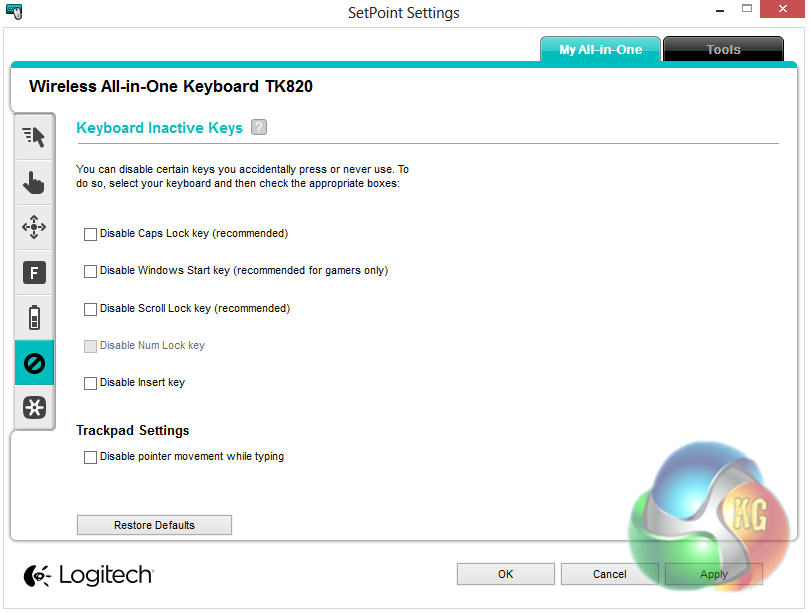
The final two tabs let us check the battery level of the keyboard and disable keys that we don’t want to activate accidentally, such as the Windows key and scroll lot.

Lovely looking bit of kit, ordered one for my media center